
Ultra-Wide Vending Machine Portrait
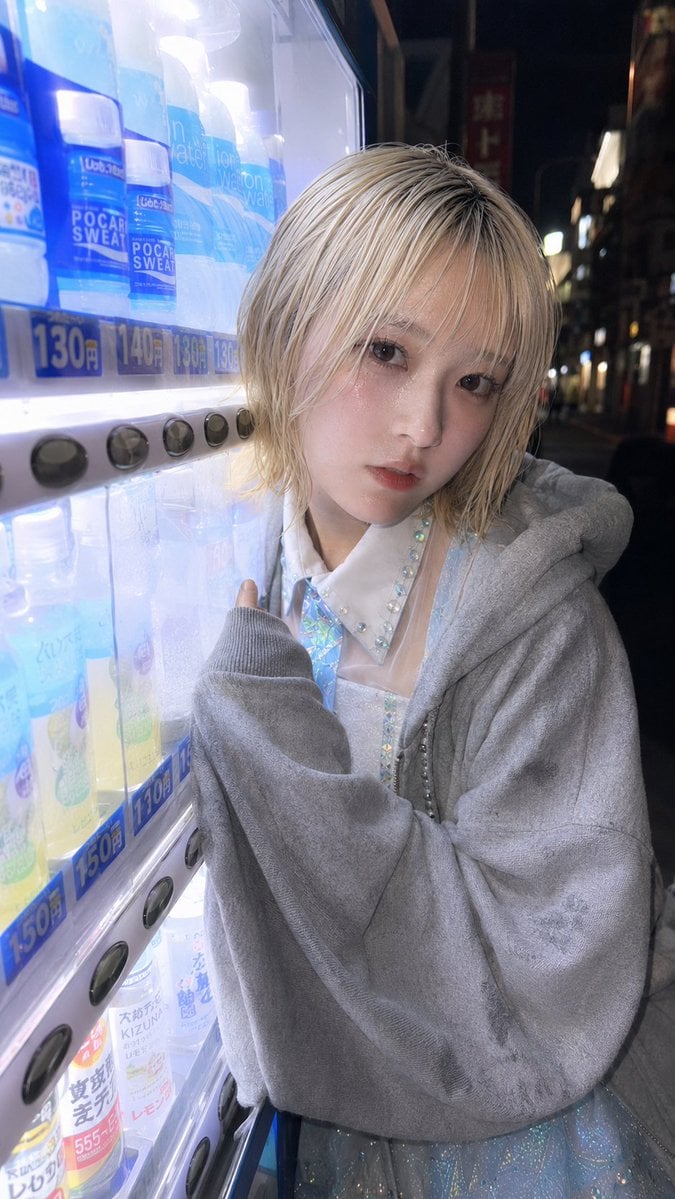
A realistic close-up night smartphone portrait beside a glowing Japanese vending machine, useful for recreating candid street-fashion photography with specified focal length.
- Prompt included
- Model and format preset
- Free template
The prompt behind this image
Copy the exact prompt behind Ultra-Wide Vending Machine Portrait, or open it in the studio and make it yours.
Create a realistic vertical smartphone night street photo shot with an ultra-wide 3.8 mm focal length, close-up framing. The subject is {argument name="character description" default="a young androgynous person with short platinum-blond layered bob hair"} standing very close beside a brightly lit Japanese vending machine on the left side of the frame. The camera is held close at chest-to-face height with a wide-angle perspective, making the vending machine feel large and near while the dark city street recedes into blur on the right. The subject’s face is intentionally covered by a plain opaque square privacy block in muted beige-gray, centered over the face. They wear {argument name="outerwear" default="an oversized soft gray hoodie with long sleeves"} over {argument name="outfit details" default="a white iridescent, sparkly idol-style blouse and dress with rhinestone trim"}; one hand is raised near the vending machine buttons with the sleeve covering most of the hand. The vending machine contains visible rows of bottled drinks, especially Pocari Sweat bottles, glowing cold blue-white from internal lighting; show blue price labels including 130 yen, 140 yen, and 150 yen and a vertical row of round black selection buttons. Background: a narrow nighttime urban Japanese street with dark building silhouettes, scattered neon and shop lights, shallow depth of field, realistic reflections on the vending machine glass. Style: candid documentary phone snapshot, natural skin-and-fabric texture, cool vending-machine light on the subject, high ISO night realism, slight lens distortion from the ultra-wide lens, no beauty retouching, no watermark. Use a {argument name="aspect ratio" default="vertical 9:16"} composition.
How to use Ultra-Wide Vending Machine Portrait in 3 steps
- 1Upload ImagePNG, JPG or paste
Add your photo
Upload the photo the template builds on. The prompt, model and format are already set.
- 2…a portrait of your subject in softgolden-hour light, 85mm…
Personalize
Edit the subject and creative details for your destination.
- 3Generate
Generate
Press Generate — your image is created in PicX Studio, so you can compare it with the original and refine one variable at a time.
More like this
Templates with the same subject, style or setup. Open one to see its prompt.
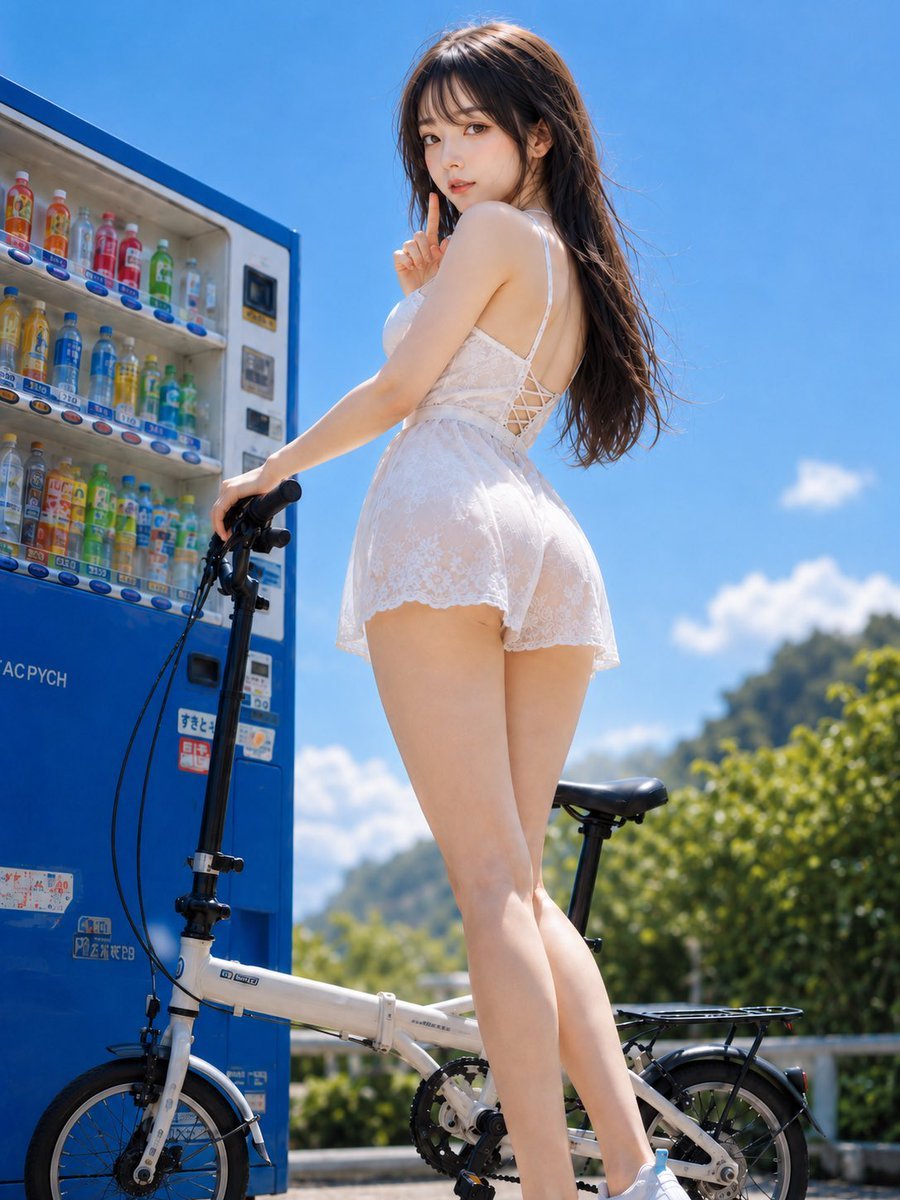
Summer Vending Machine Side Portrait
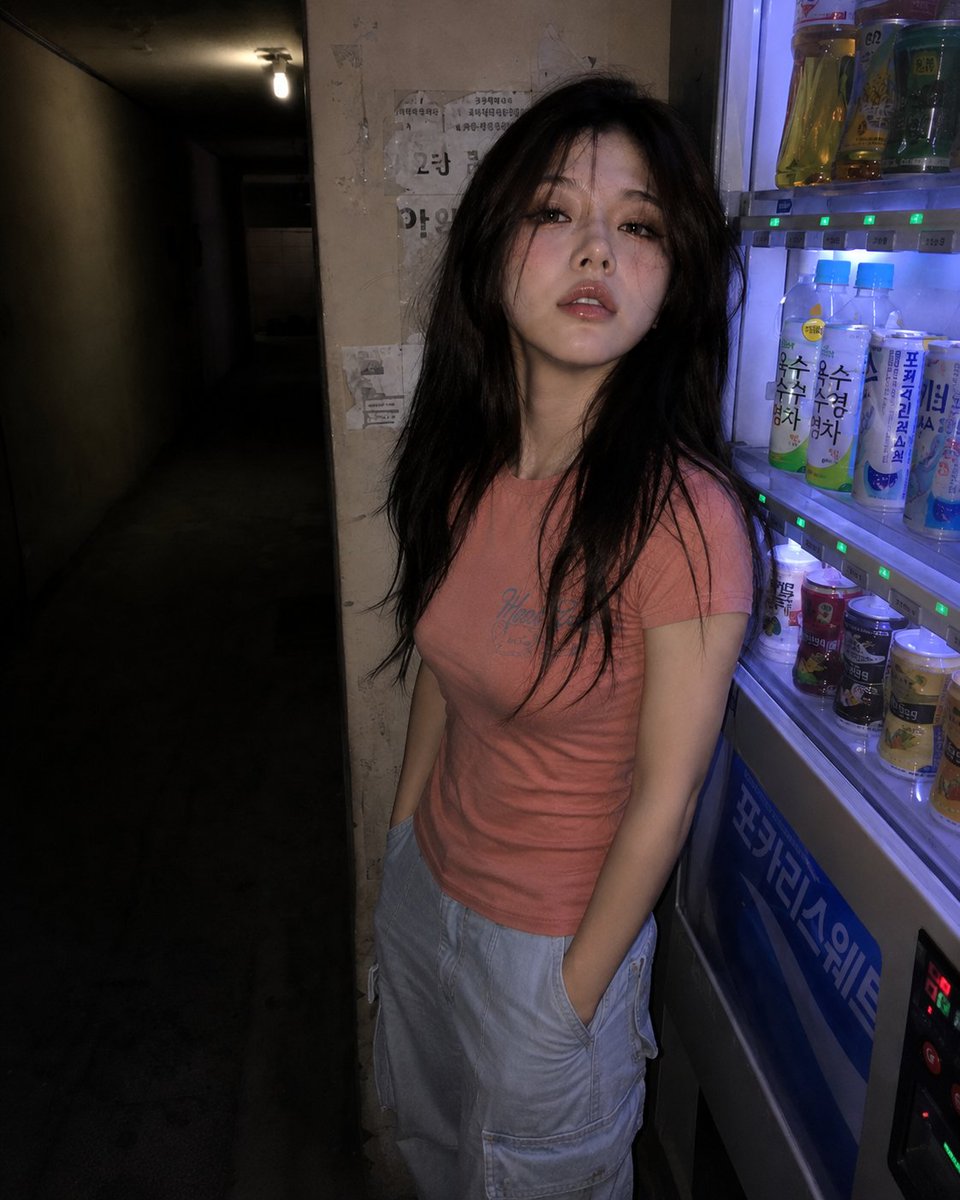
Nighttime Hallway Vending Machine Portrait

Found Photograph: Us, 1970

80s Couple Studio Portrait

80s Bollywood Star

80s Golden Hour Cinema

Me in 1985

1985 Studio Portrait
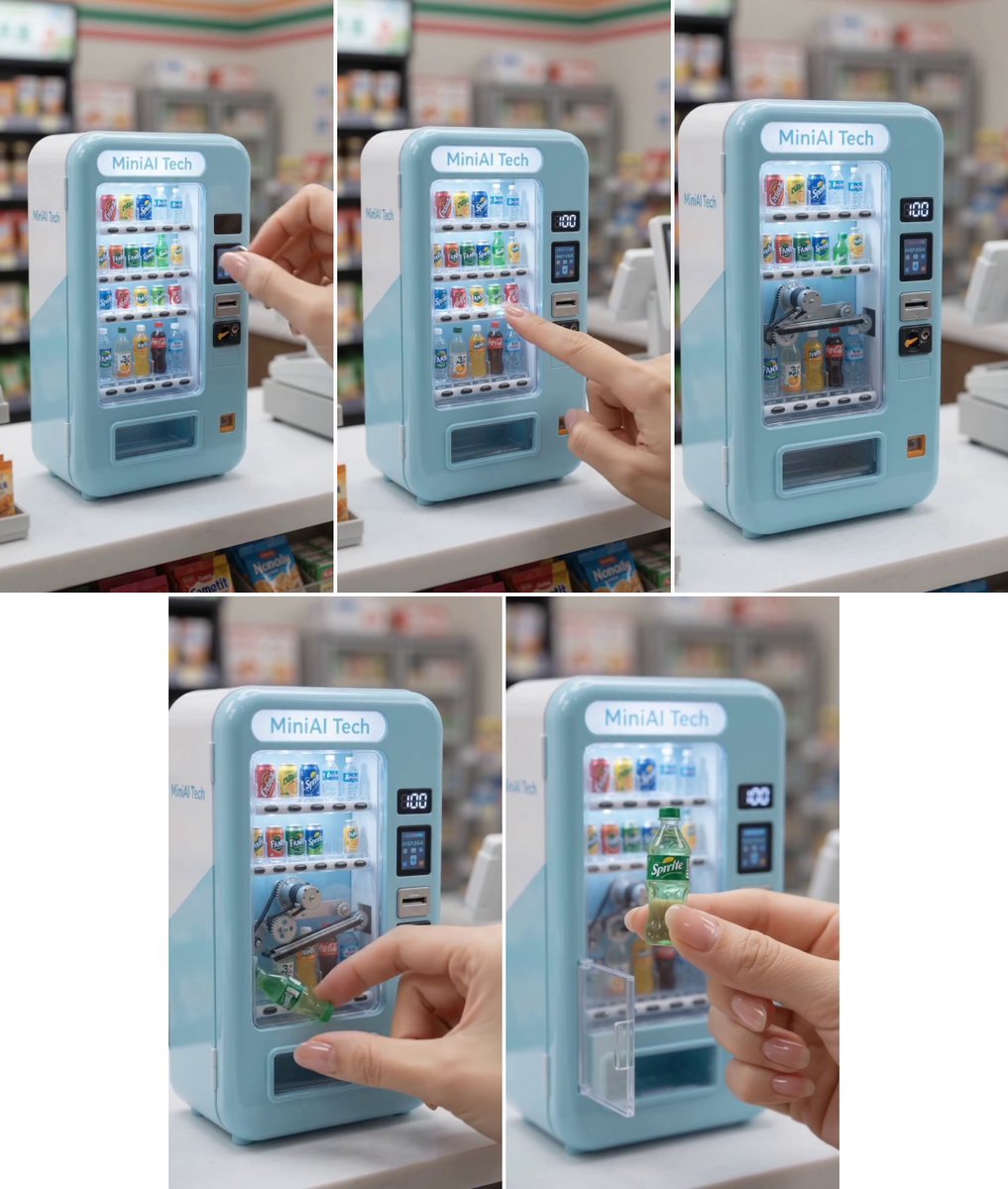
MiniAI Tech Vending Machine Collage
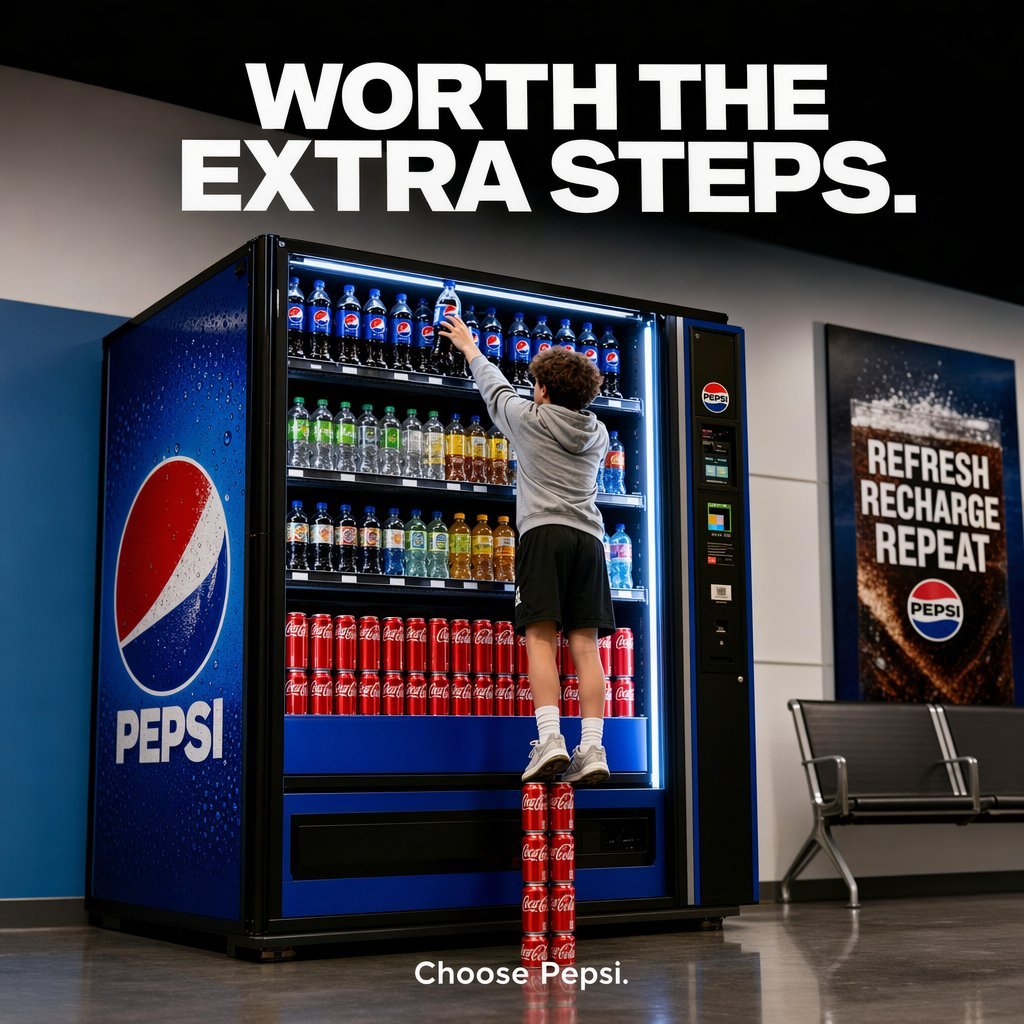
Pepsi Vending Machine Ad
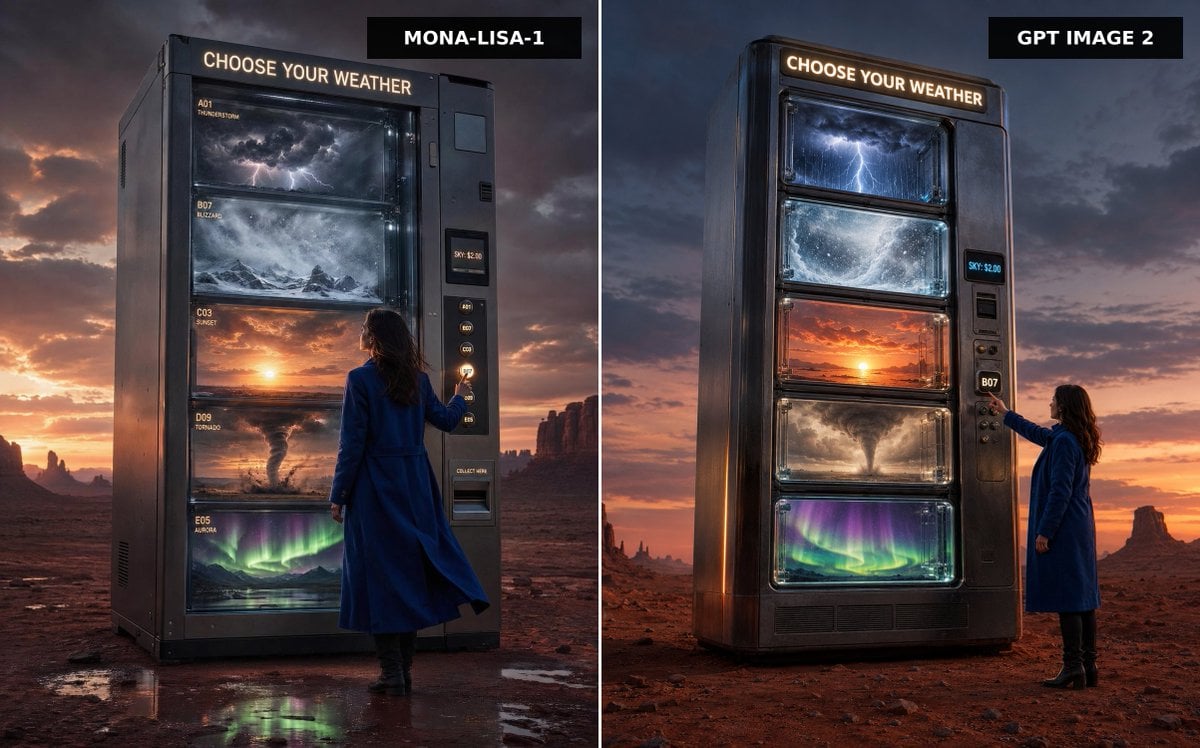
Weather Vending Machine Comparison

Hyper-Realistic Minecraft POV Portrait
Make it yours
Ultra-Wide Vending Machine Portrait works as-is. These are the safest ways to change it without losing the look.
Change one field
Copy a single group, rewrite it, and generate again so you can see what that field is doing.
Keep the frame, change the subject
Hold the composition and light of Ultra-Wide Vending Machine Portrait, then swap wardrobe, props or the person for a new take.
| If the result… | Why | Fix |
|---|---|---|
| The result drifts from the preview | Too many fields changed at once. | Reuse Ultra-Wide Vending Machine Portrait as-is first, then change one group — subject, light, or setting. |
| The model over-stylizes the scene | The prose prompt leaves finish and camera underspecified. | Add one camera or lighting sentence and stay on GPT Image 2. |
More GPT Image 2 templates
Other prompts made for GPT Image 2.

Six VTuber Japanese Logo Sheet

Realistic Portrait of Woman and Deer

The Vista Modular Condo Poster

AI Model Routing Comparison Infographic

2.5D Anime Art Board

Isometric Productivity Desk Scene

New York Double Exposure Poster

Four-Panel AI Landscape Comparison

Japanese Tatami Lifestyle Magazine Cover

NESCAFÉ Coffee Map Poster
More image prompts
Fresh picks from across the catalog.
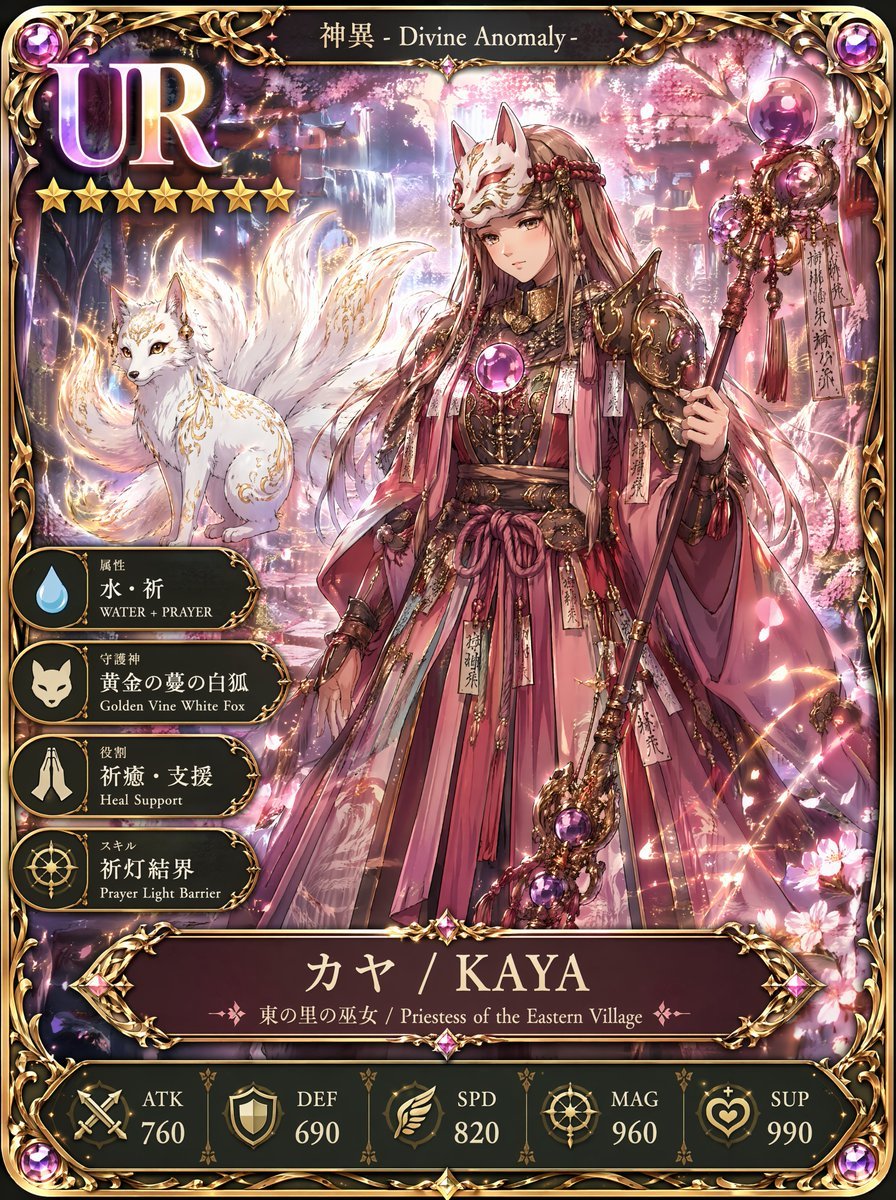
UR Fox Priestess Fantasy Card
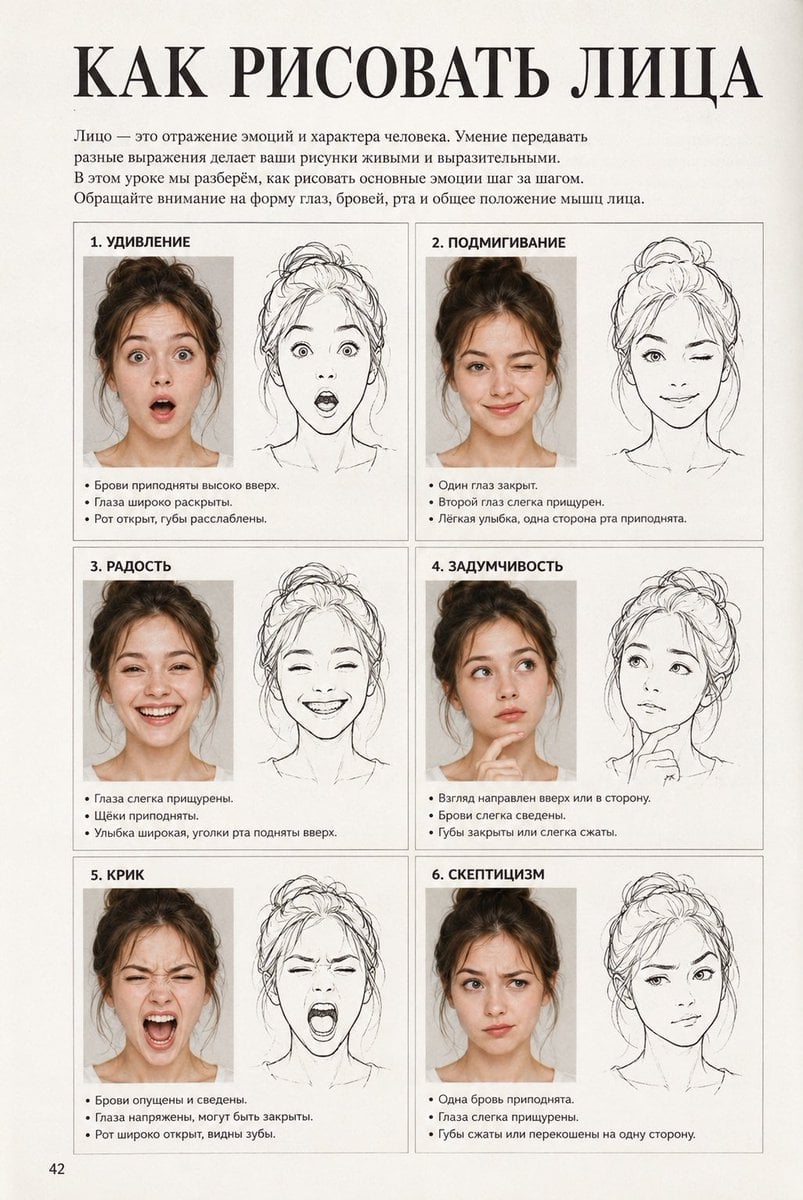
Vintage Russian Face Drawing Lesson
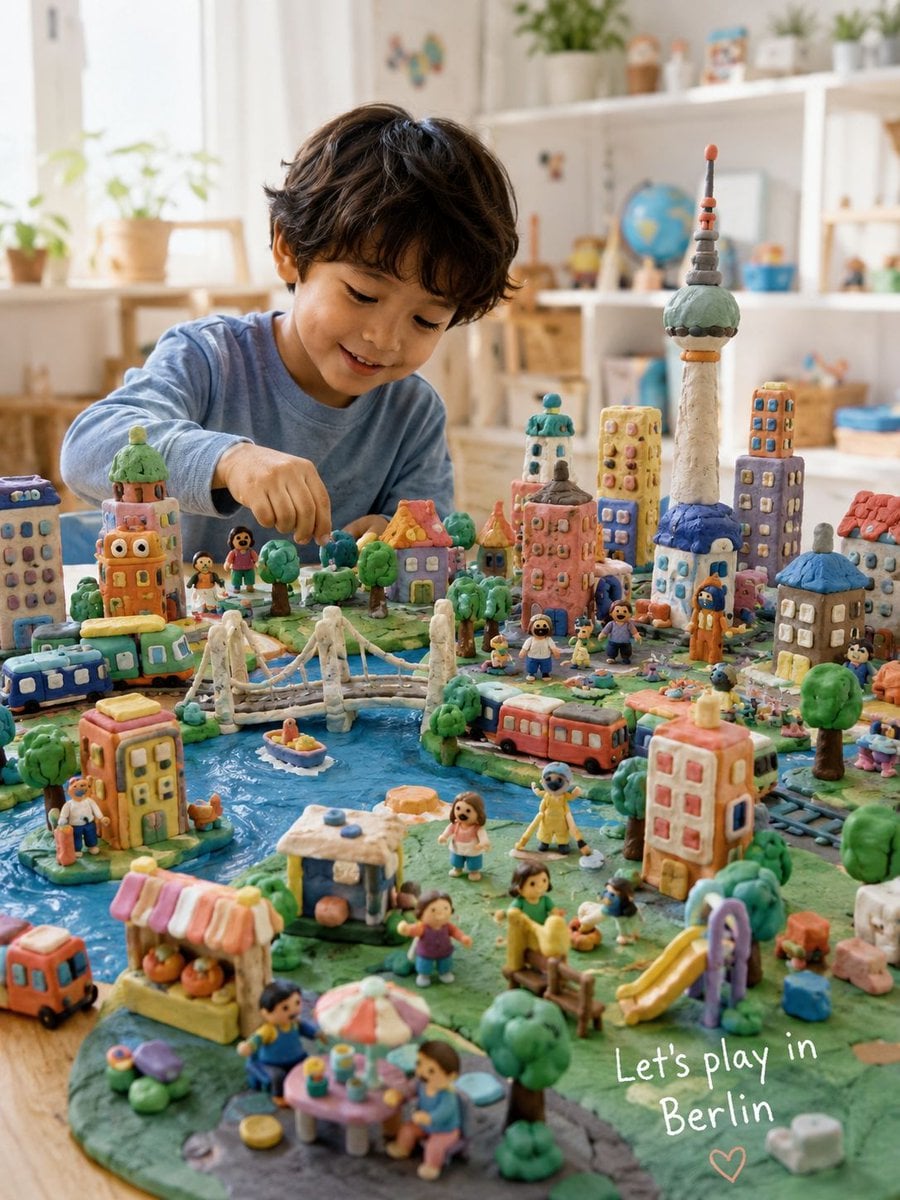
Handmade Play-Doh City Scene
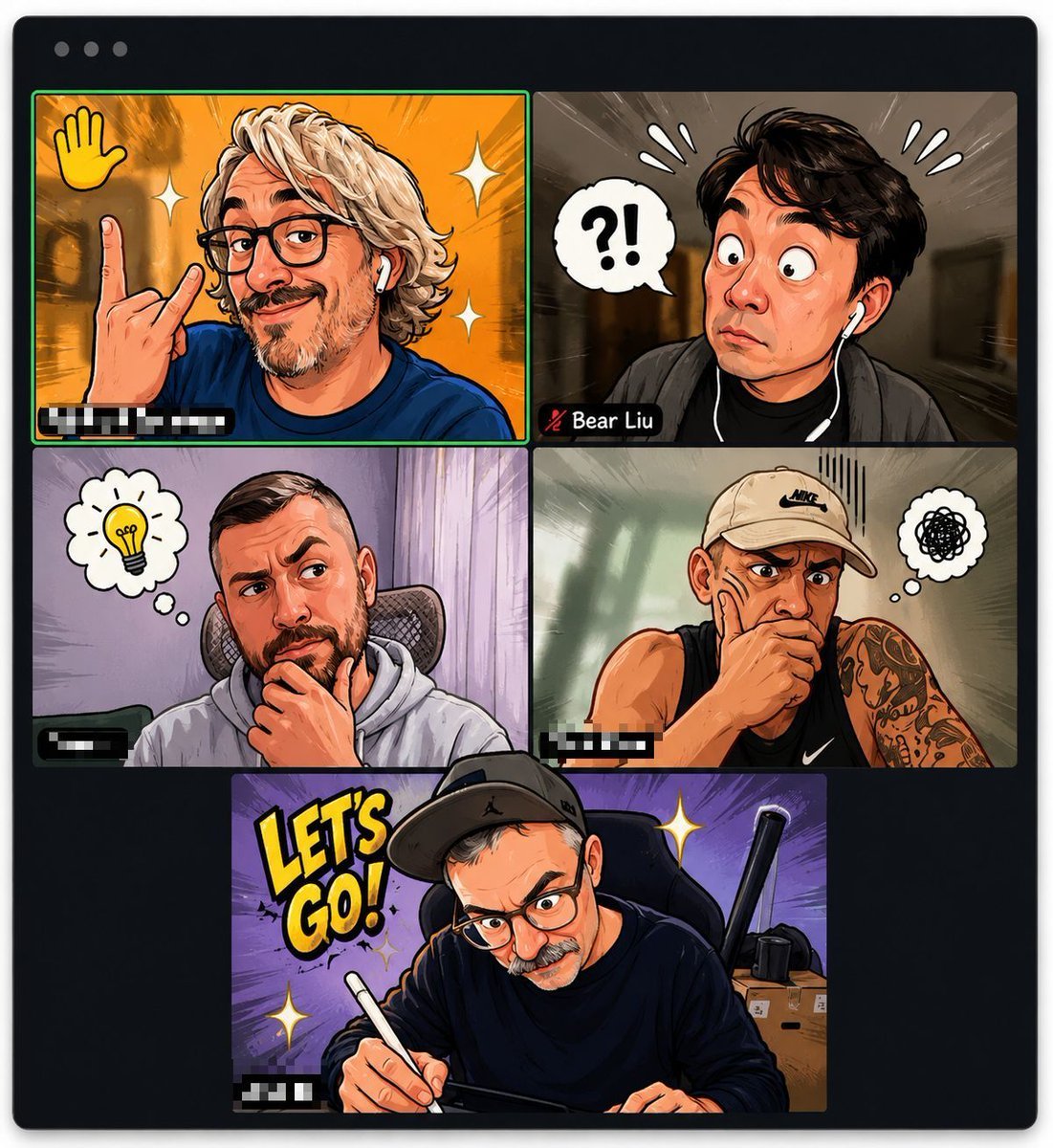
Comic Cartoon Video Call
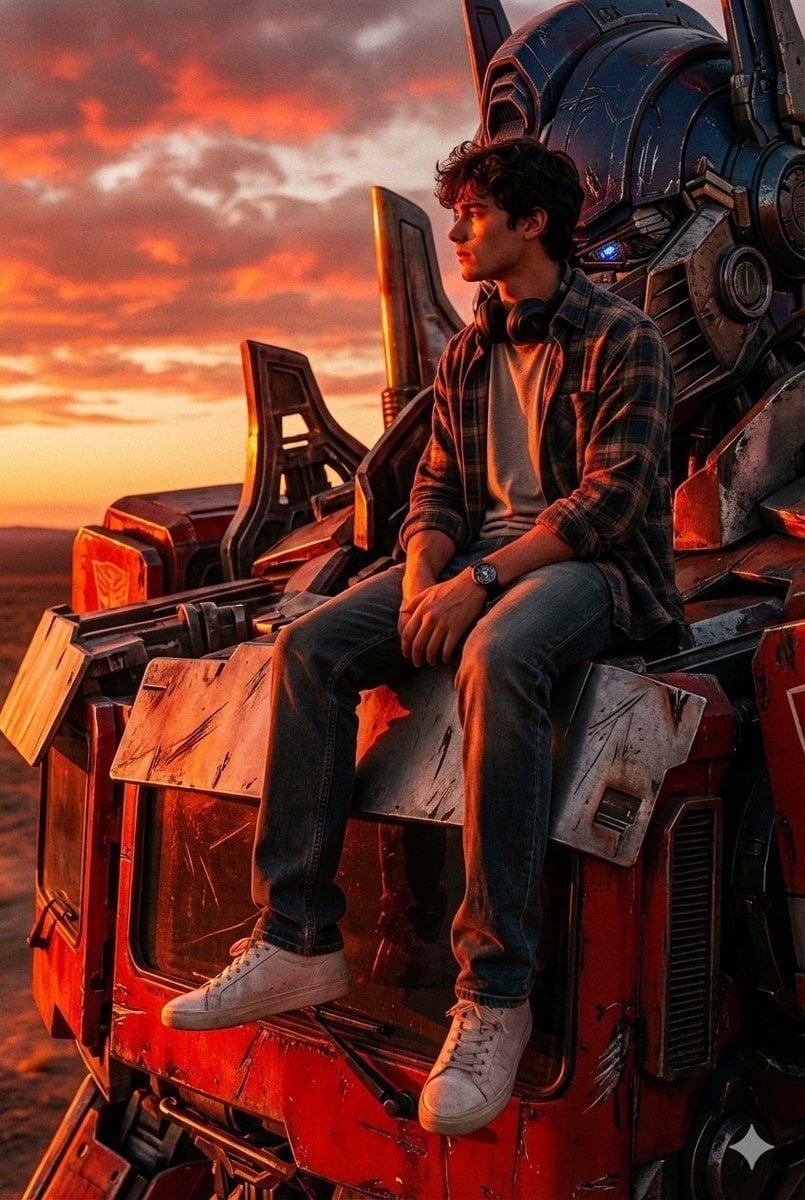
Colossal Optimus Prime and Human Cinematic Photo Prompt

Cute Bird Emerald Mine Adventure
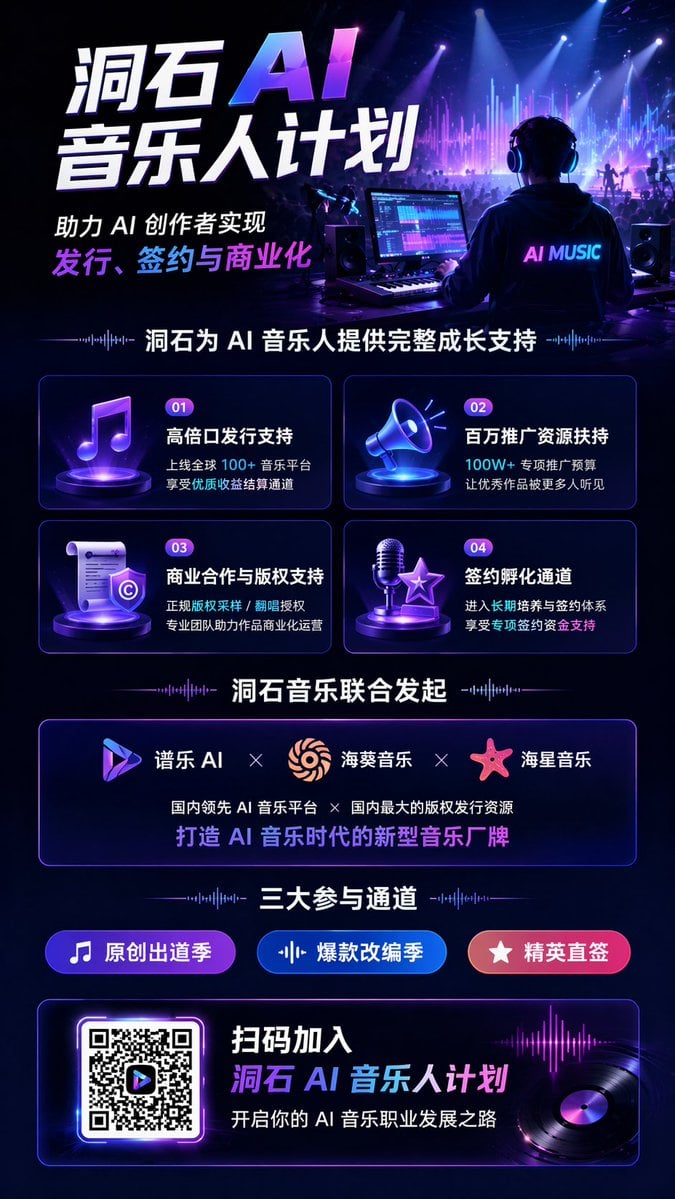
AI Music Program Promotional Infographic

Fantasy Christmas Sleigh Pulled by Wolves
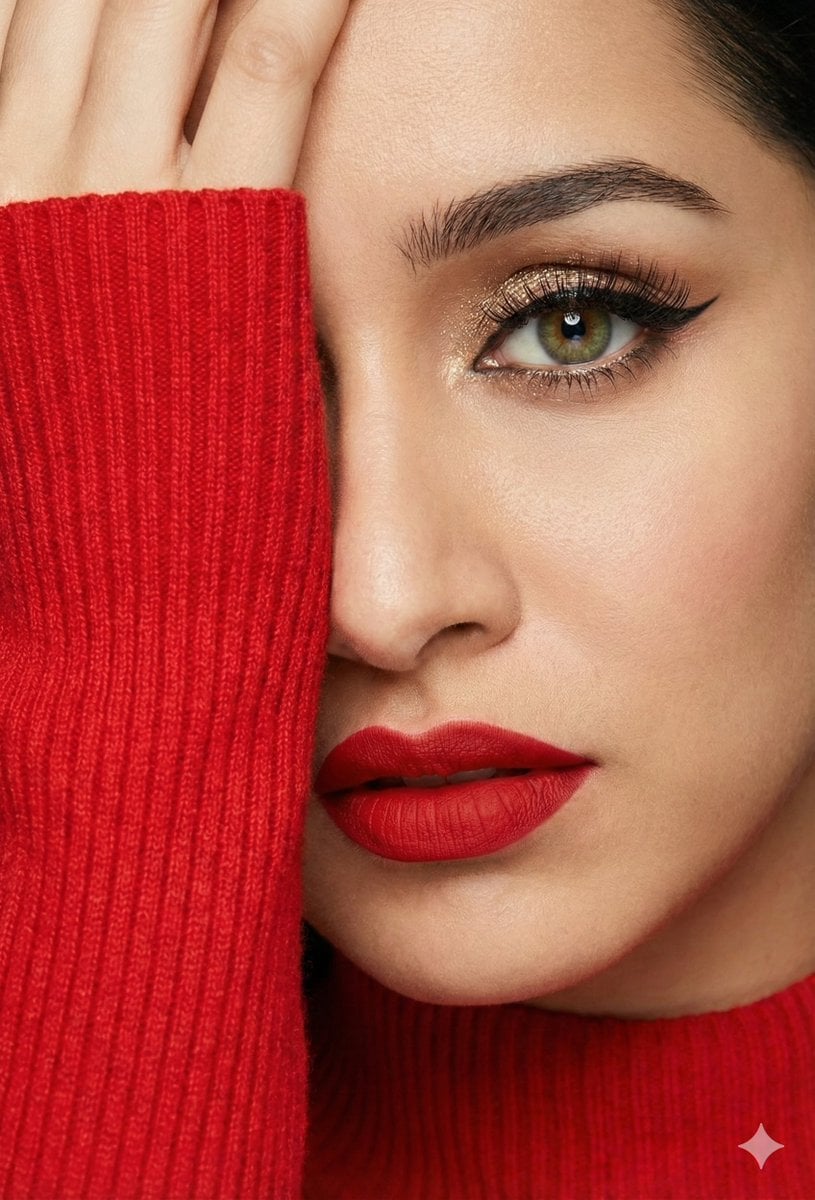
Three Identity-Locked Photorealistic Portraits
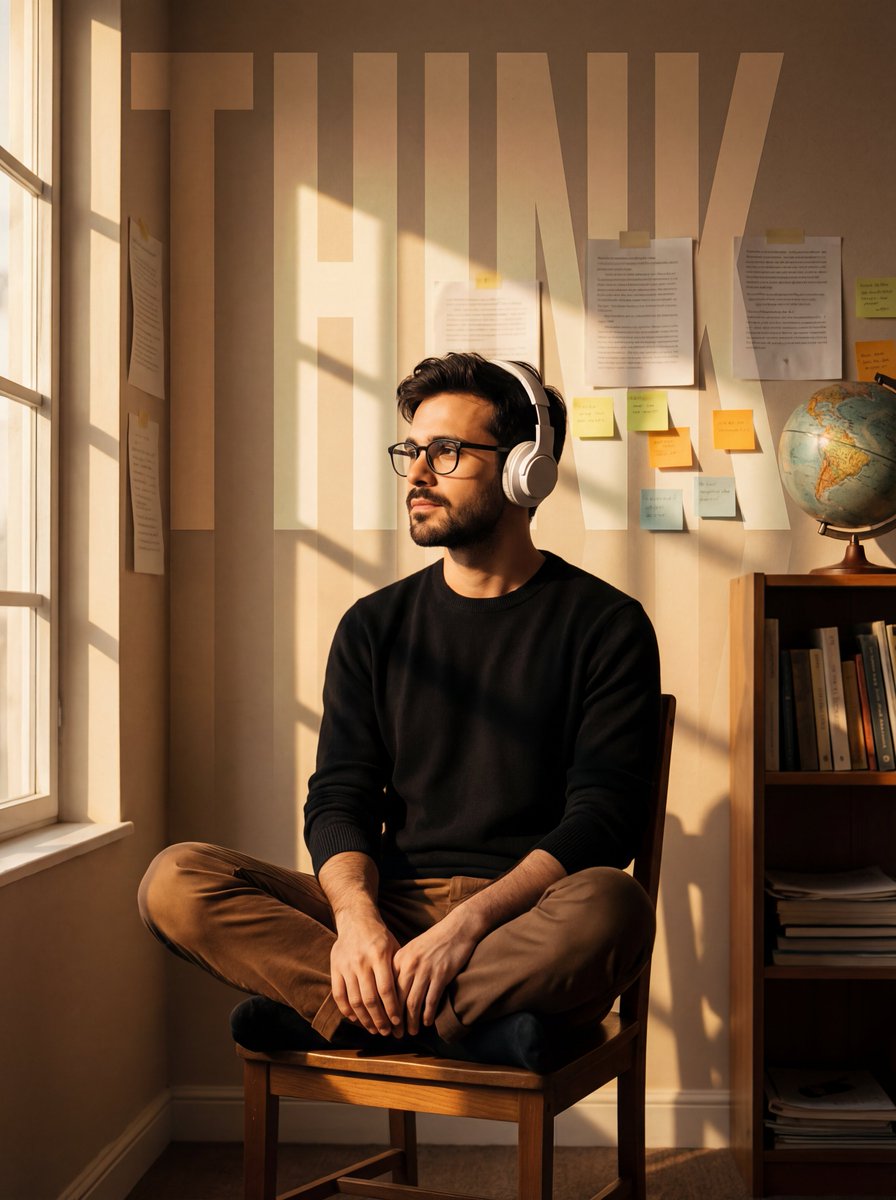
Cinematic Portrait with Window Shadows and Typography Overlay
Browse template categories
Ultra-Wide Vending Machine Portrait questions
How do I use the Ultra-Wide Vending Machine Portrait template?
Add your photo if the template asks for one, edit the prompt if you like — the template's model and format are already selected — and press Generate. Your version opens in PicX Studio.
Can I customize the Ultra-Wide Vending Machine Portrait template?
Yes. You can change the subject, setting, lighting, mood, format, and available model controls before creating your image.
Is the Ultra-Wide Vending Machine Portrait template free?
Opening and editing this template is free. Generating uses credits, shown on the Generate button when you are signed in.
Which AI model should I use?
Start with GPT Image 2, which is the model associated with this template. You can compare another compatible model for a different finish.
Looking for something else? Browse all templates.

Your photo, any look
Thousands of ready templates for every top image and video model, from one credit balance.