
Pepsi Vending Machine Ad
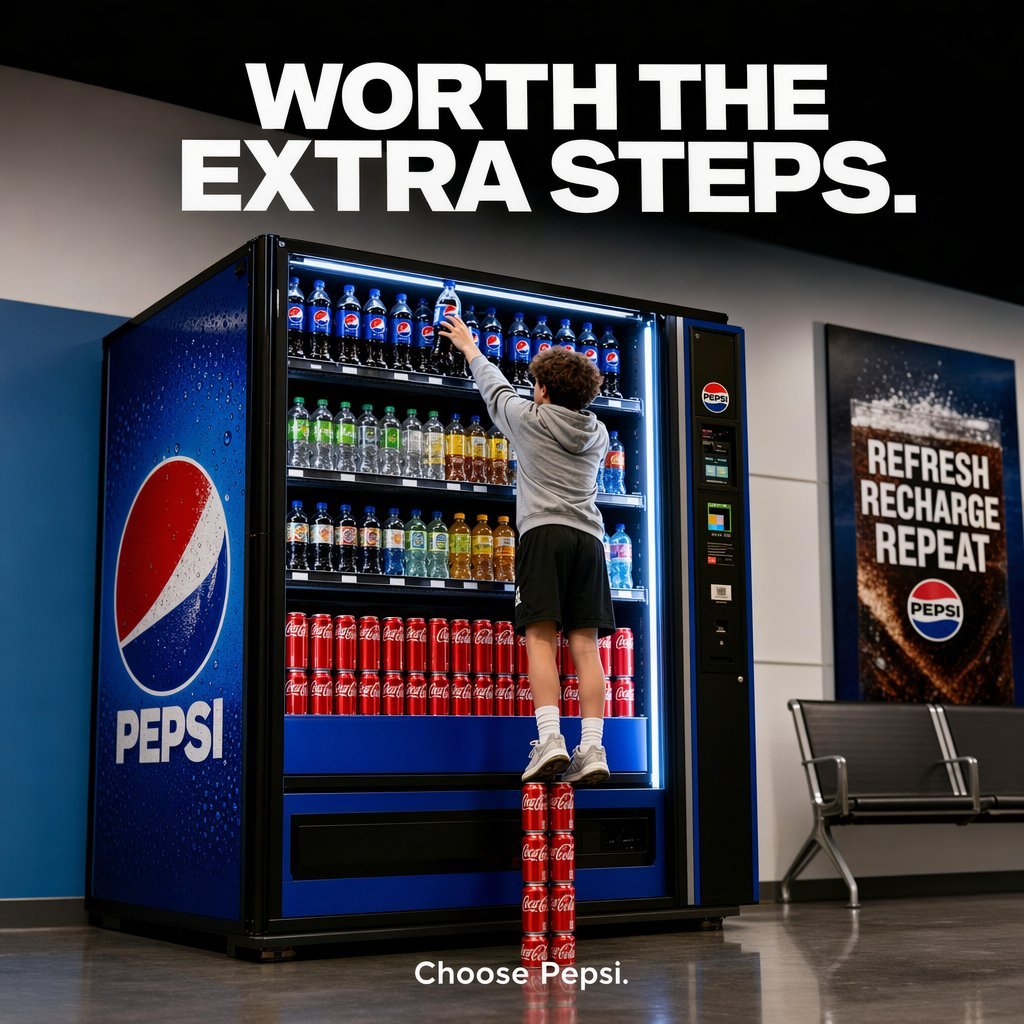
A clean, production-ready beverage ad showing a person standing on four Coke cans to reach a Pepsi, ideal for bold comparative brand marketing.
- Prompt included
- Model and format preset
- Free template
The prompt behind this image
Copy the exact prompt behind Pepsi Vending Machine Ad, or open it in the studio and make it yours.
A polished commercial advertising photo inside a modern transit-station or public waiting area, shot straight-on with a slightly low eye level, featuring a large illuminated Pepsi vending machine on the left and center of the frame. A young man is seen from behind, wearing a light gray hoodie, black athletic shorts, white crew socks, and white sneakers, stretching upward to grab a Pepsi bottle from the very top shelf. He is standing precariously on a vertical stack of exactly 4 red Coca-Cola cans arranged one on top of another on the floor, making the visual joke that getting Pepsi is literally worth the extra steps. The vending machine is fully stocked and brightly lit with cool white interior lighting: the top shelf contains multiple Pepsi bottles, the middle shelves contain assorted clear, green, yellow, and amber bottled drinks, and the lower shelf displays rows of red Coca-Cola cans. The machine exterior is Pepsi blue with a large Pepsi globe logo and the word PEPSI on the left side panel, plus a payment/control panel on the right side of the machine. Across the top of the image, place a huge bold white all-caps sans-serif headline reading {argument name="headline text" default="WORTH THE EXTRA STEPS."} centered against a dark upper wall. At the bottom center, add small clean white sans-serif brand copy reading {argument name="tagline text" default="Choose Pepsi."}. On the right wall, include a framed Pepsi poster with bold stacked text reading “REFRESH RECHARGE REPEAT” above a Pepsi logo. Add a simple metal bench beneath the poster. Use glossy floor reflections, crisp focus, premium ad photography, realistic proportions, high dynamic range, and a clean brand-safe composition with strong contrast between Pepsi blue, Coca-Cola red, and neutral gray surroundings.
How to use Pepsi Vending Machine Ad in 3 steps
- 1Upload ImagePNG, JPG or paste
Add your photo
Upload the photo the template builds on. The prompt, model and format are already set.
- 2…a portrait of your subject in softgolden-hour light, 85mm…
Personalize
Edit the subject and creative details for your destination.
- 3Generate
Generate
Press Generate — your image is created in PicX Studio, so you can compare it with the original and refine one variable at a time.
More like this
Templates with the same subject, style or setup. Open one to see its prompt.
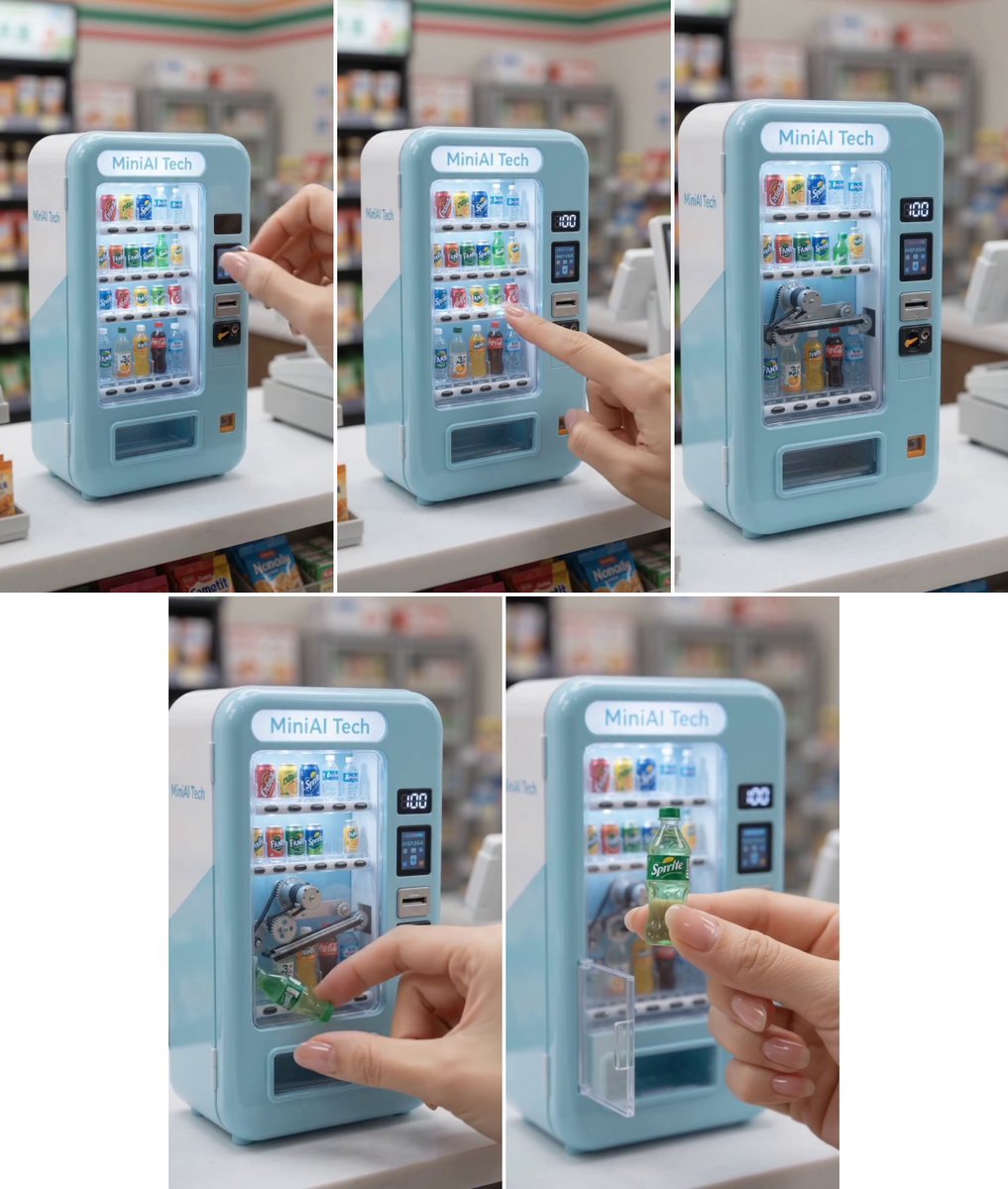
MiniAI Tech Vending Machine Collage
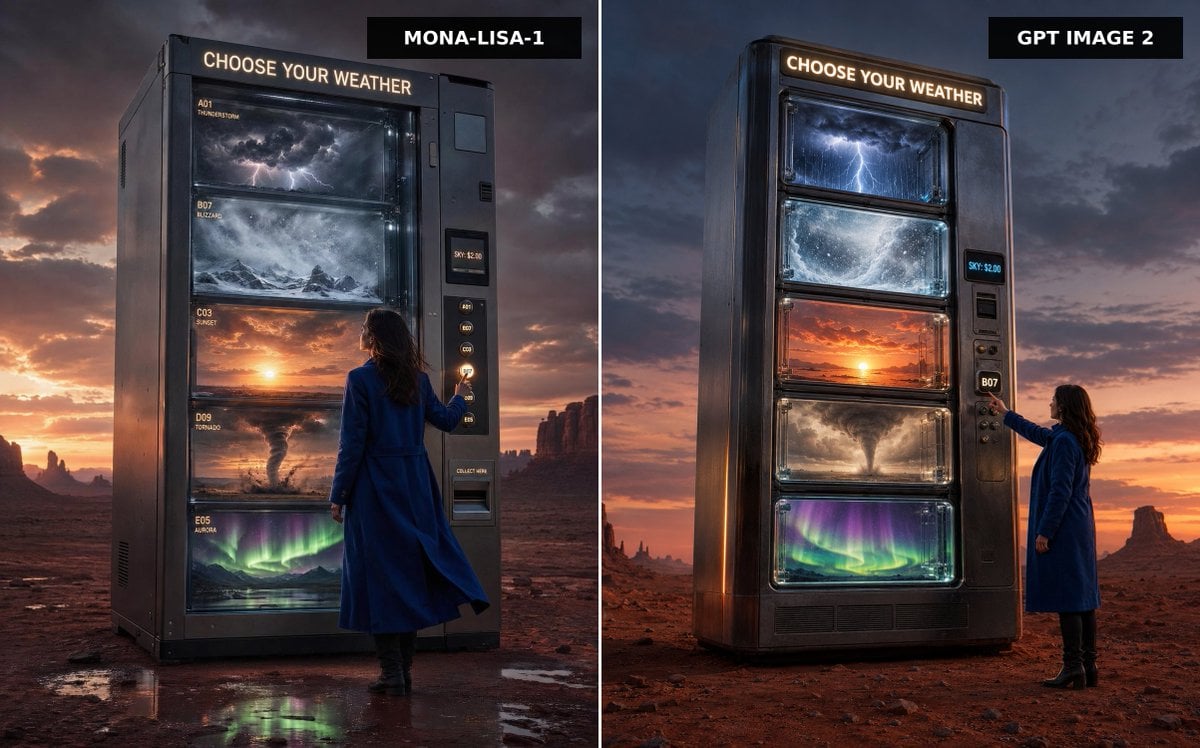
Weather Vending Machine Comparison
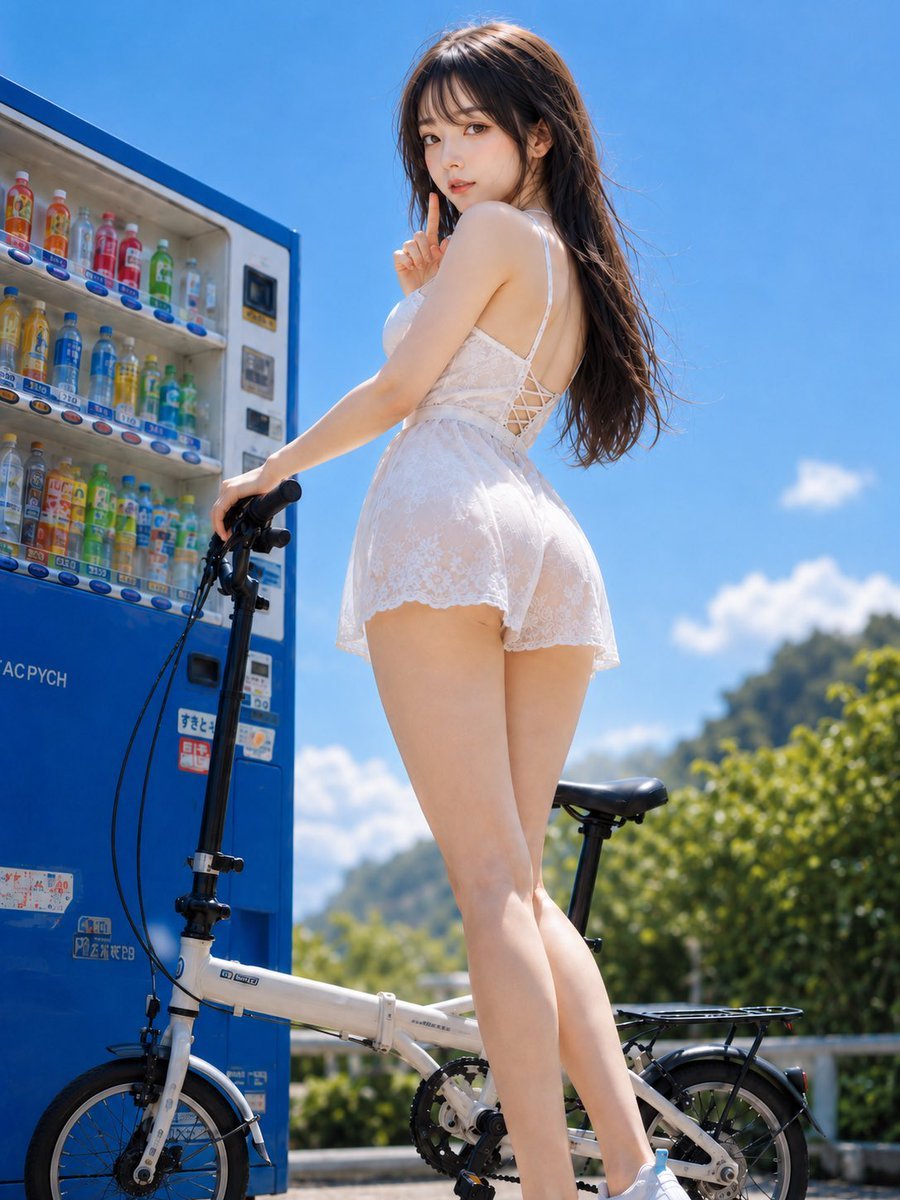
Summer Vending Machine Side Portrait
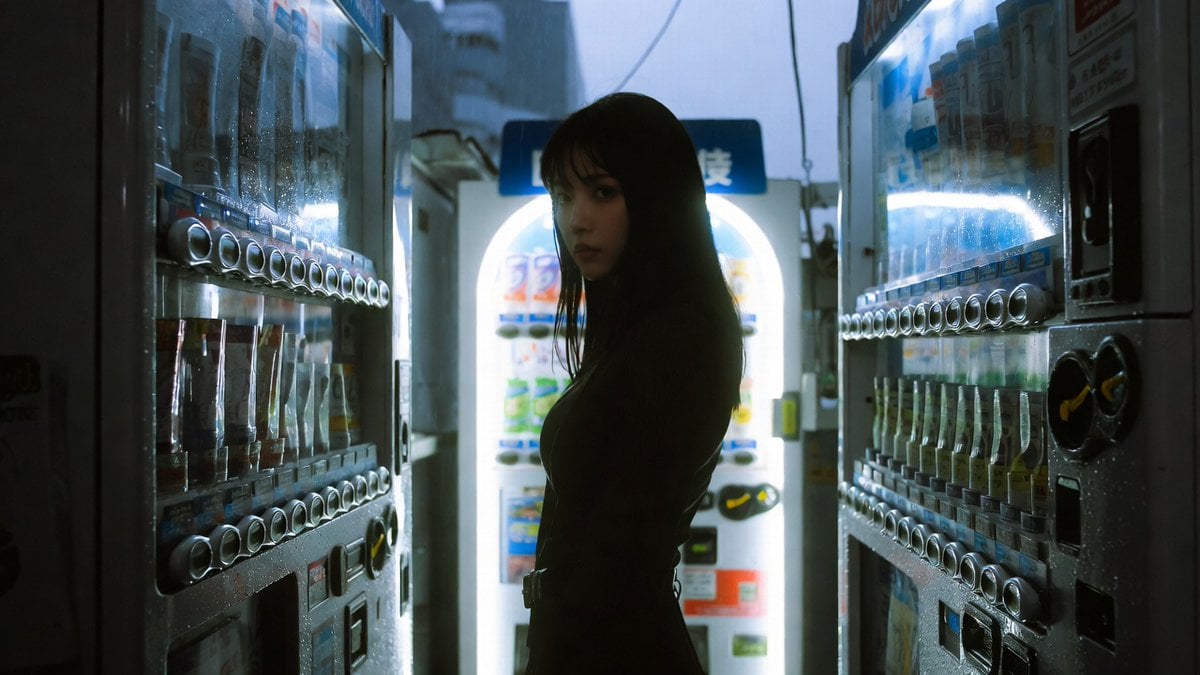
Cinematic Shinjuku Vending Machine Editorial
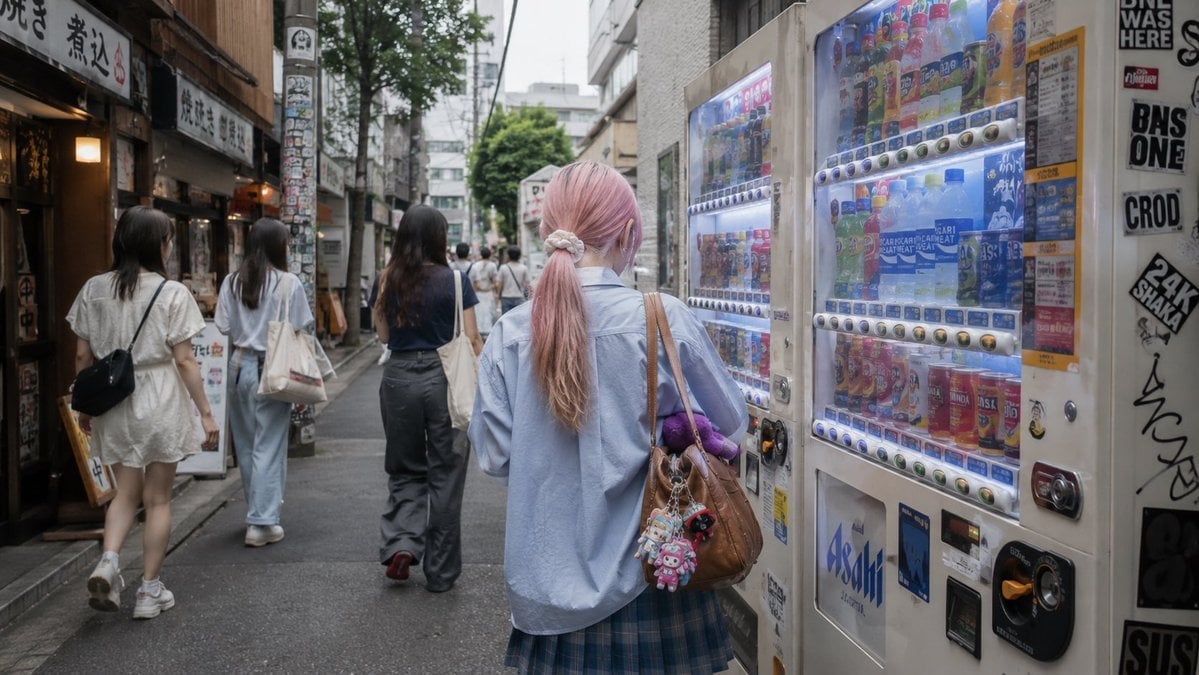
Tokyo Alley Vending Machine Snapshot
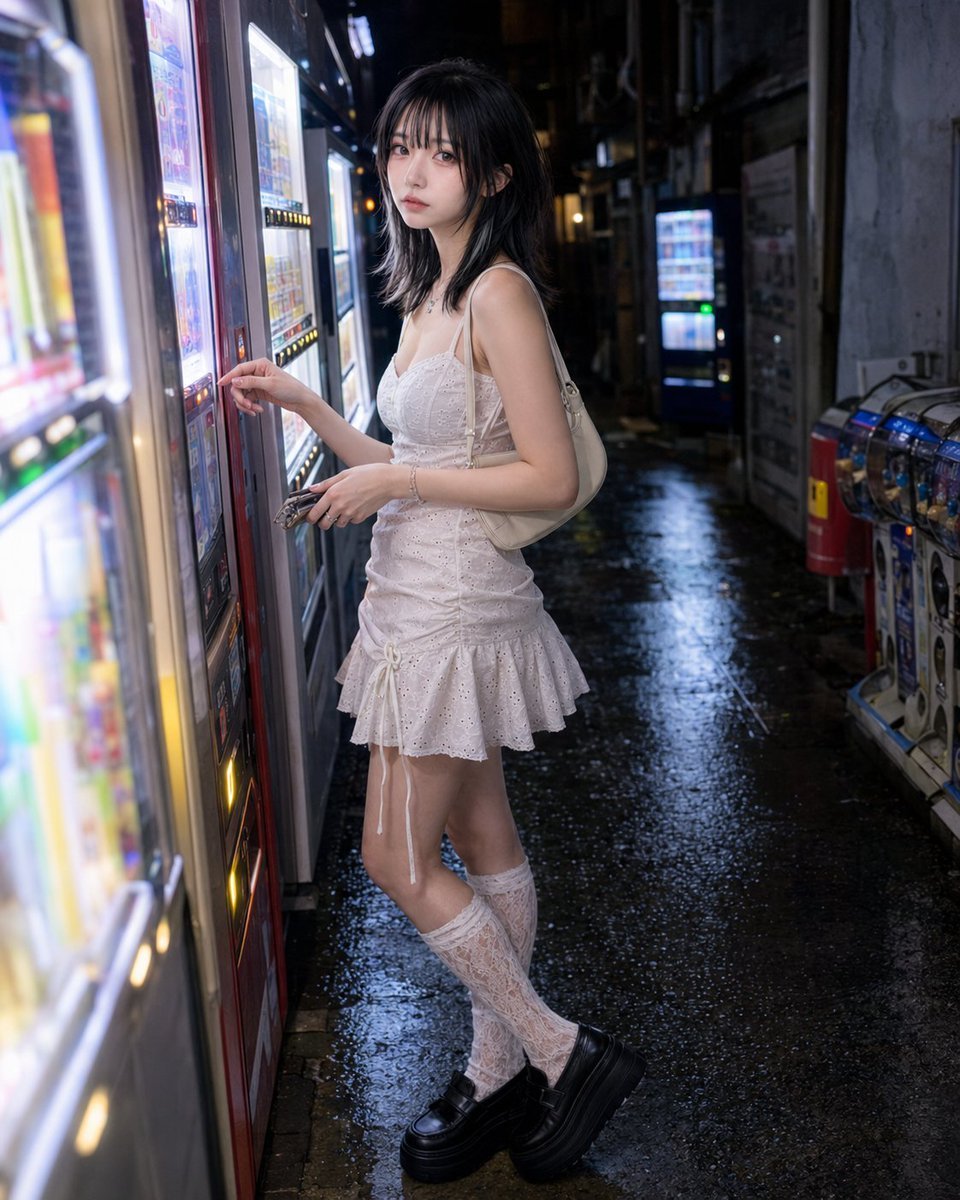
Vending Machine Alley at Night
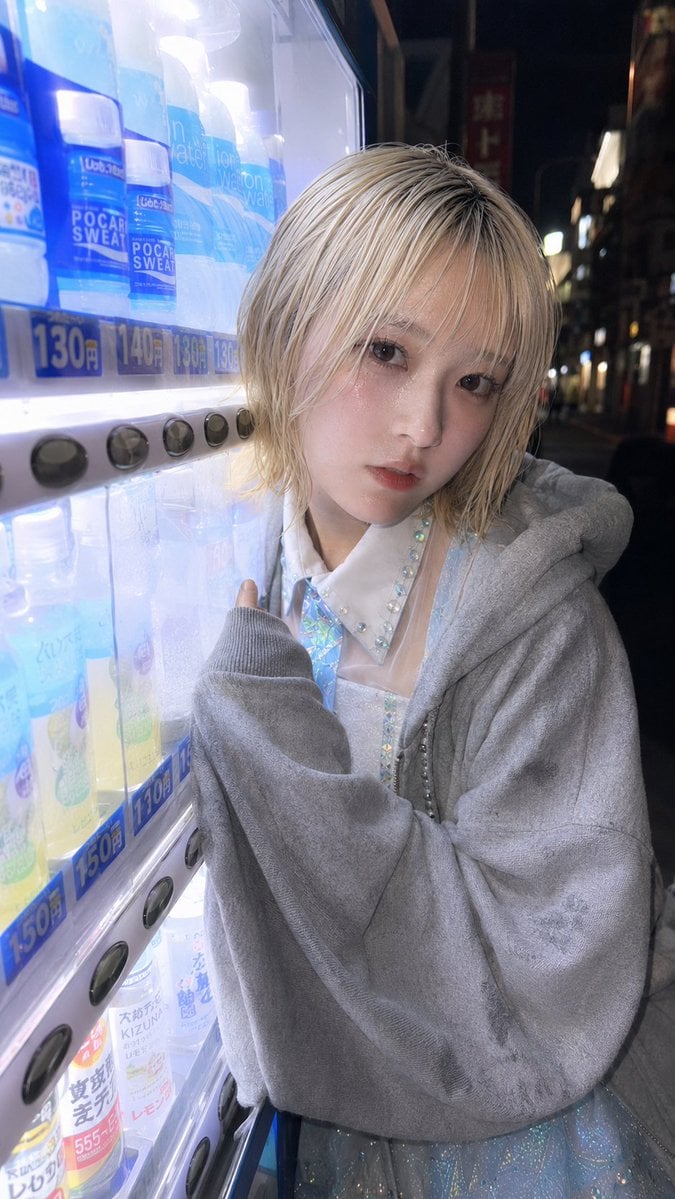
Ultra-Wide Vending Machine Portrait
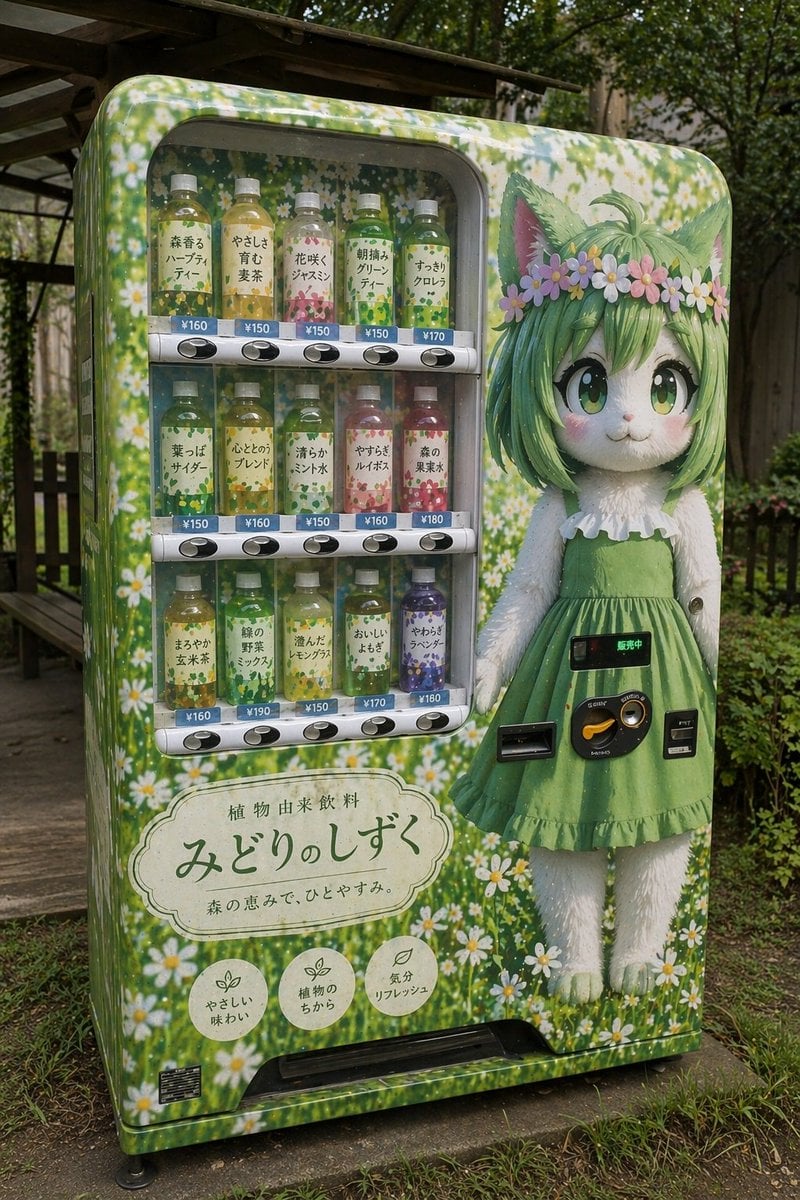
Custom Anime Vending Machine Design
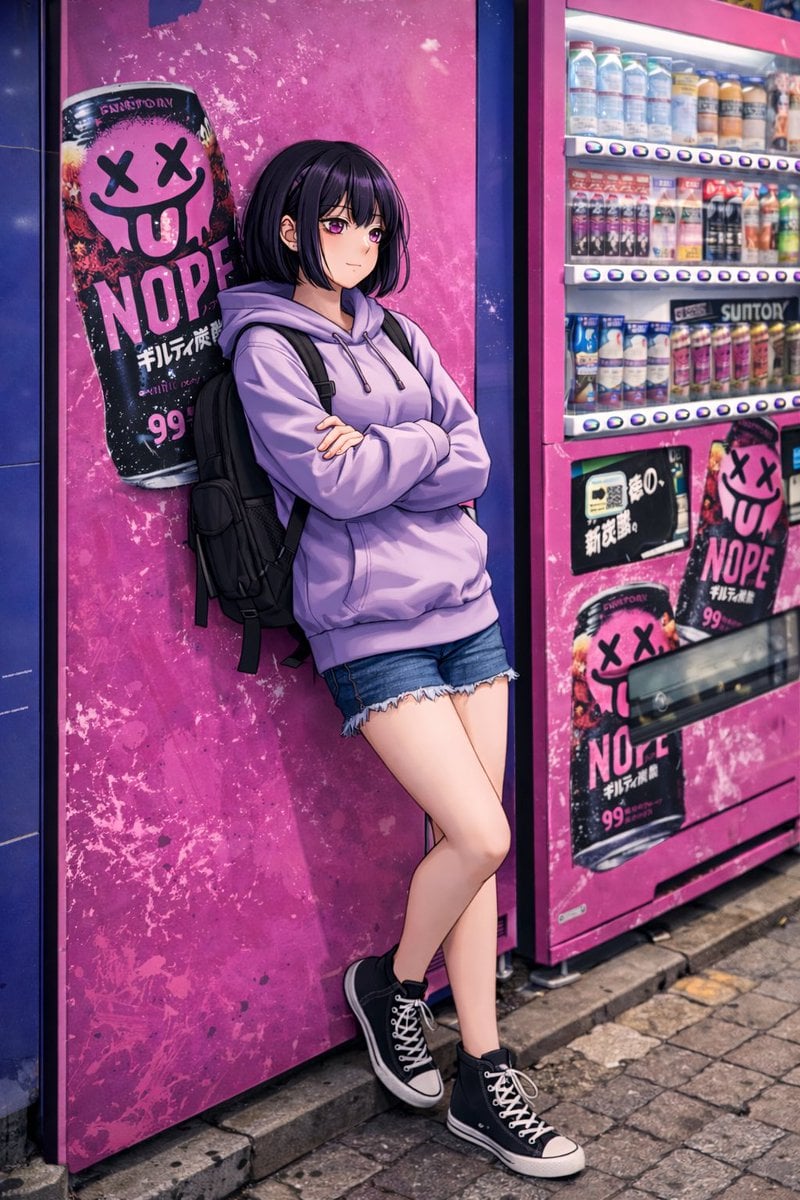
Anime Girl Leaning on Vending Machine
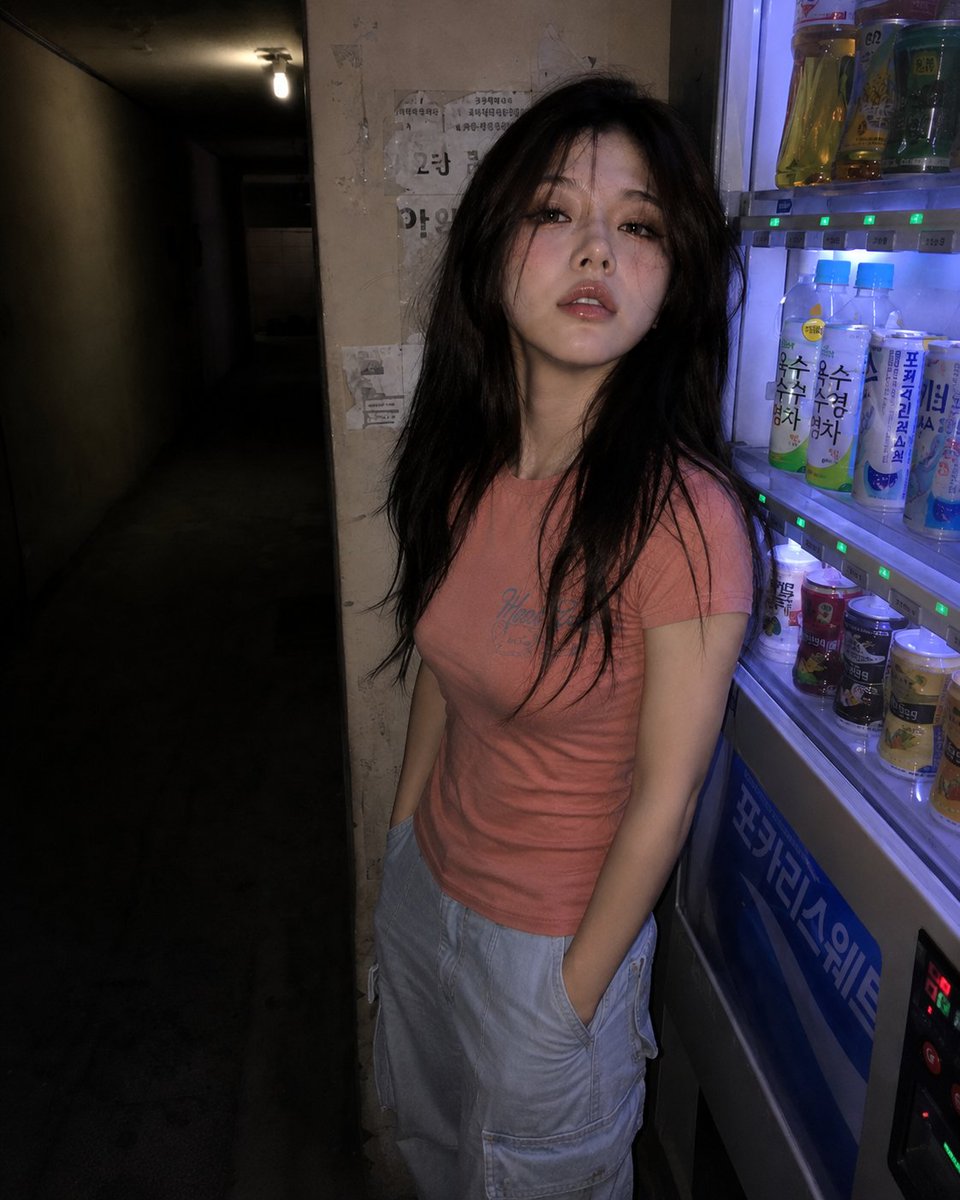
Nighttime Hallway Vending Machine Portrait

Idol flyer stuck on a steamed bun vending machine
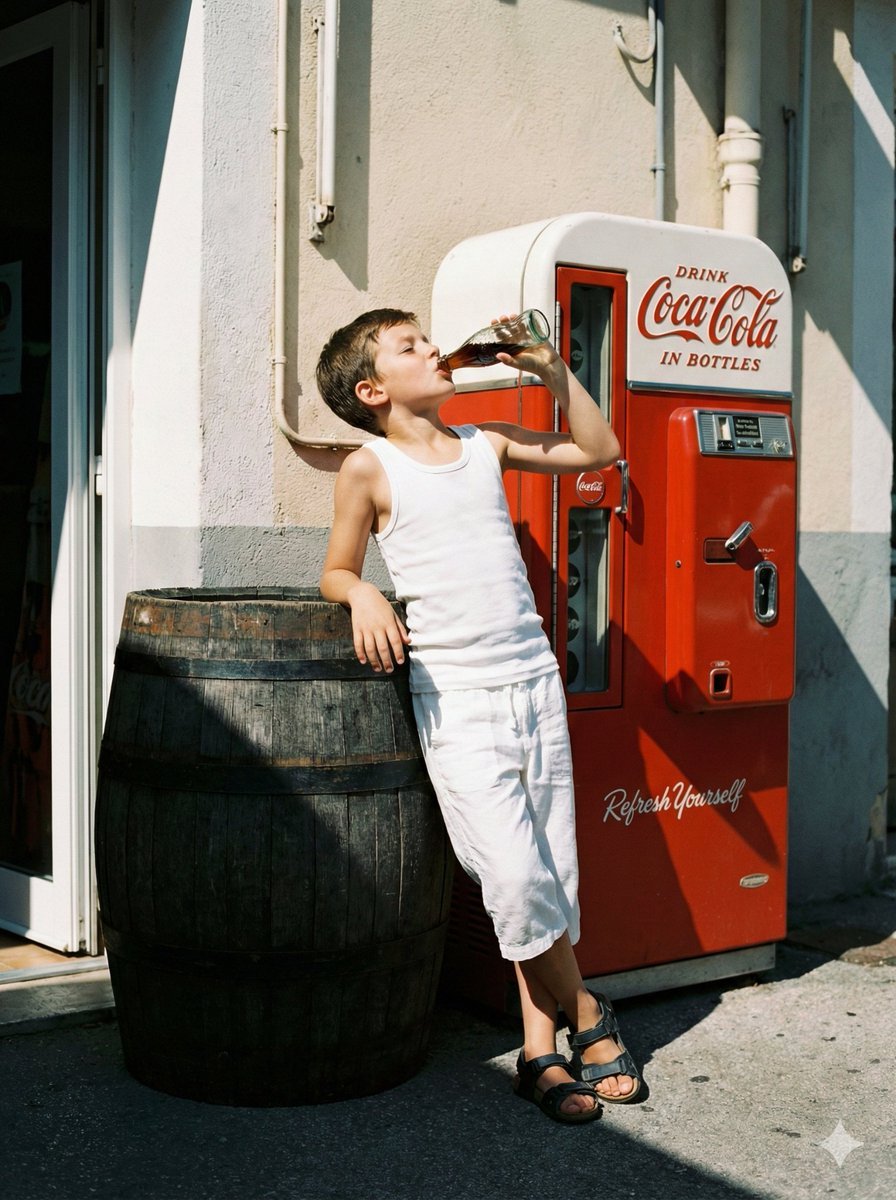
Nostalgic Film Photo of Boy by Coca-Cola Vending Machine
Make it yours
Pepsi Vending Machine Ad works as-is. These are the safest ways to change it without losing the look.
Change one field
Copy a single group, rewrite it, and generate again so you can see what that field is doing.
Keep the frame, change the subject
Hold the composition and light of Pepsi Vending Machine Ad, then swap wardrobe, props or the person for a new take.
| If the result… | Why | Fix |
|---|---|---|
| The result drifts from the preview | Too many fields changed at once. | Reuse Pepsi Vending Machine Ad as-is first, then change one group — subject, light, or setting. |
| The model over-stylizes the scene | The prose prompt leaves finish and camera underspecified. | Add one camera or lighting sentence and stay on GPT Image 2. |
More GPT Image 2 templates
Other prompts made for GPT Image 2.

Six VTuber Japanese Logo Sheet

Realistic Portrait of Woman and Deer

The Vista Modular Condo Poster

AI Model Routing Comparison Infographic

2.5D Anime Art Board

Isometric Productivity Desk Scene

New York Double Exposure Poster

Four-Panel AI Landscape Comparison

Japanese Tatami Lifestyle Magazine Cover

NESCAFÉ Coffee Map Poster
More image prompts
Fresh picks from across the catalog.

Michael Saylor Shonen Jump Manga Style
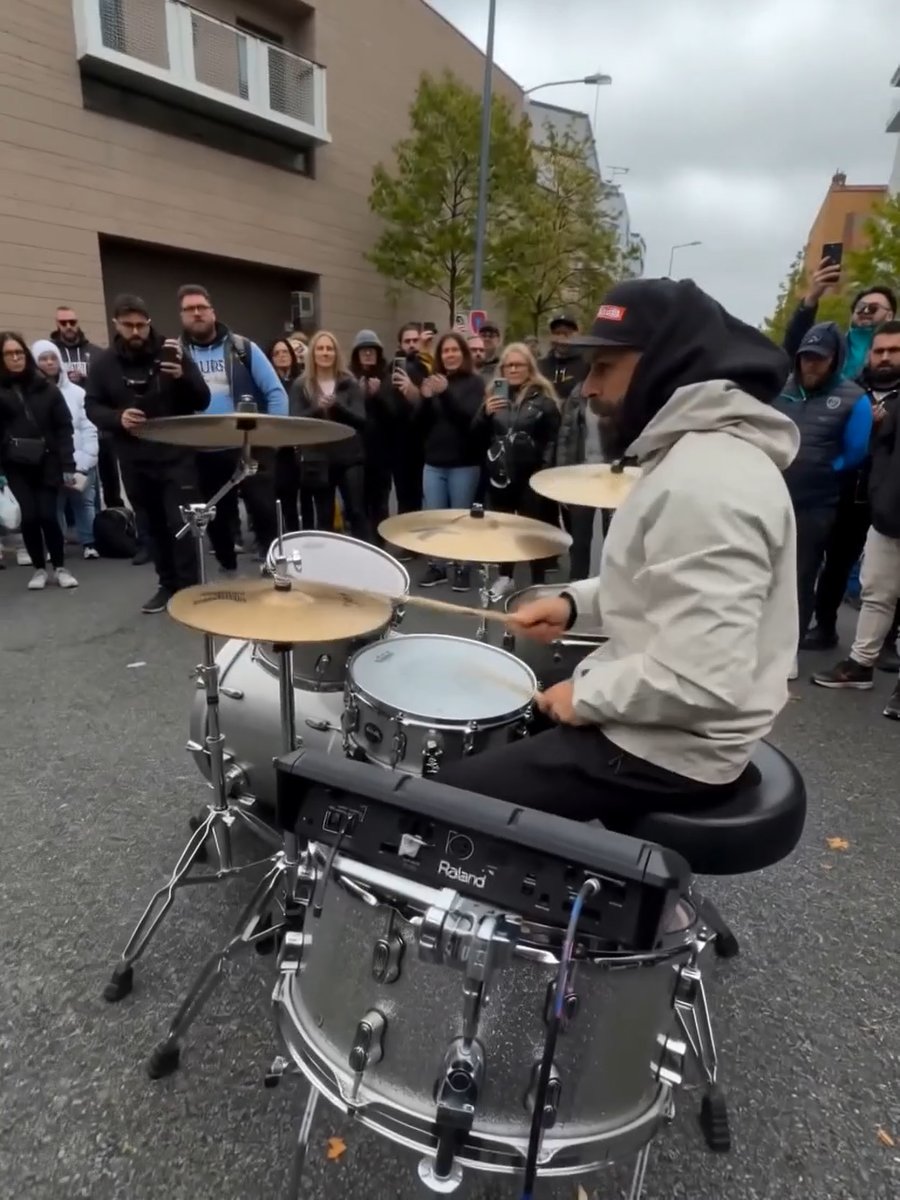
Image Editing Prompt for Nano Banana 2
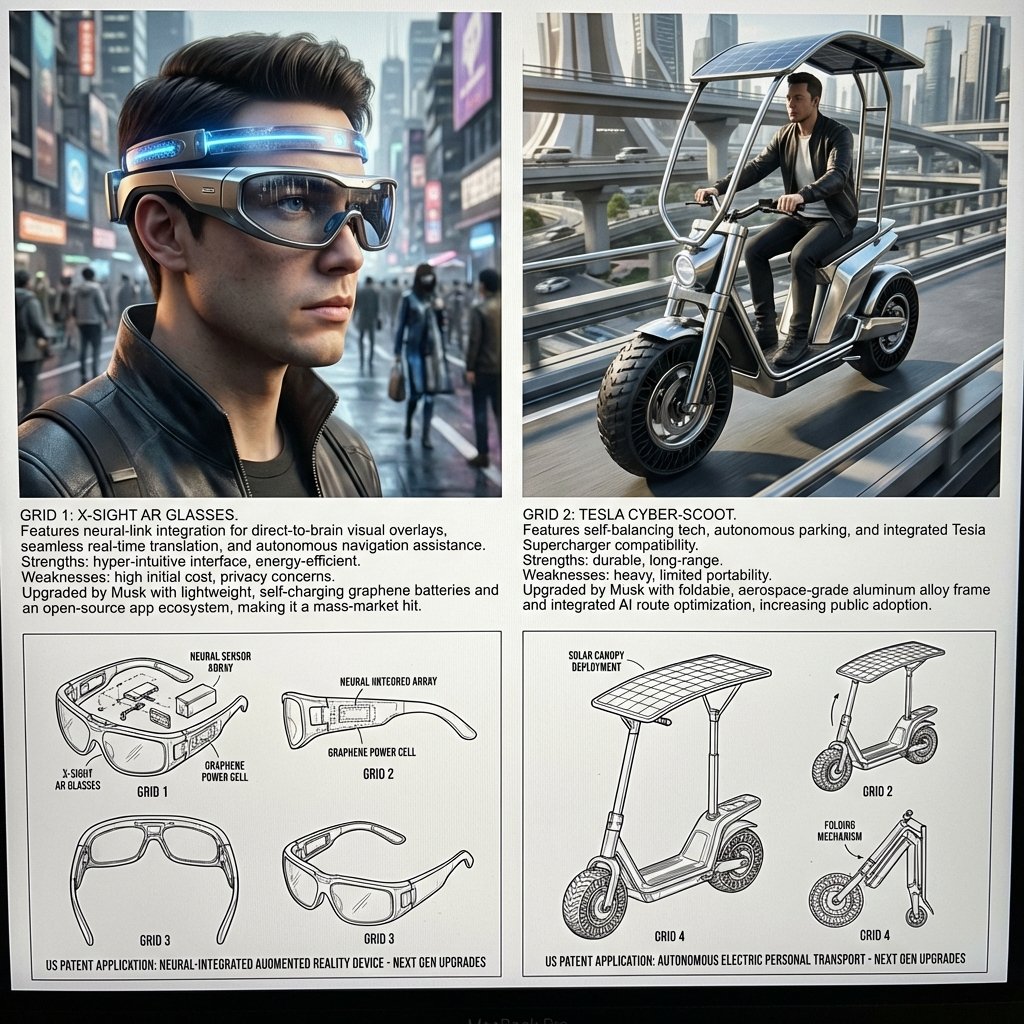
Inventor's Future Product Prediction Prompt
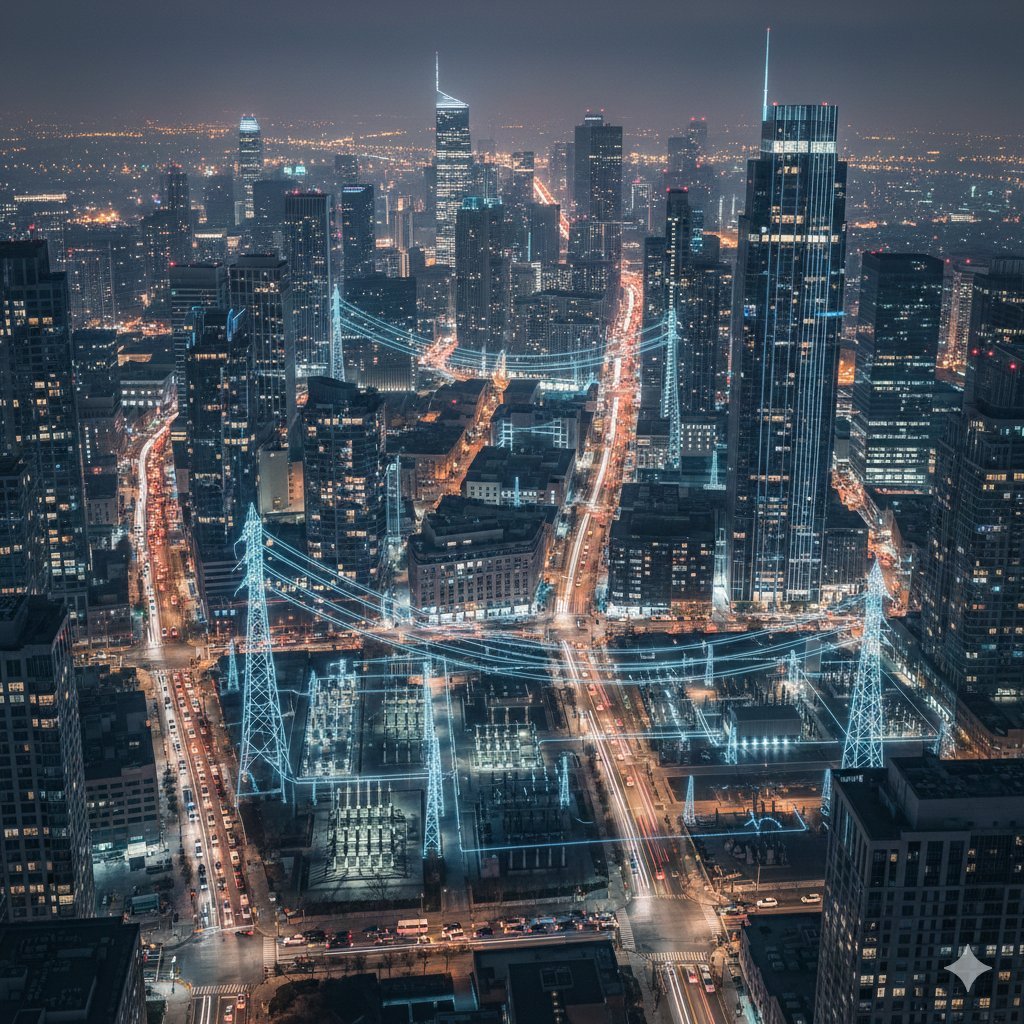
Cinematic Night City with Visible Power Grid
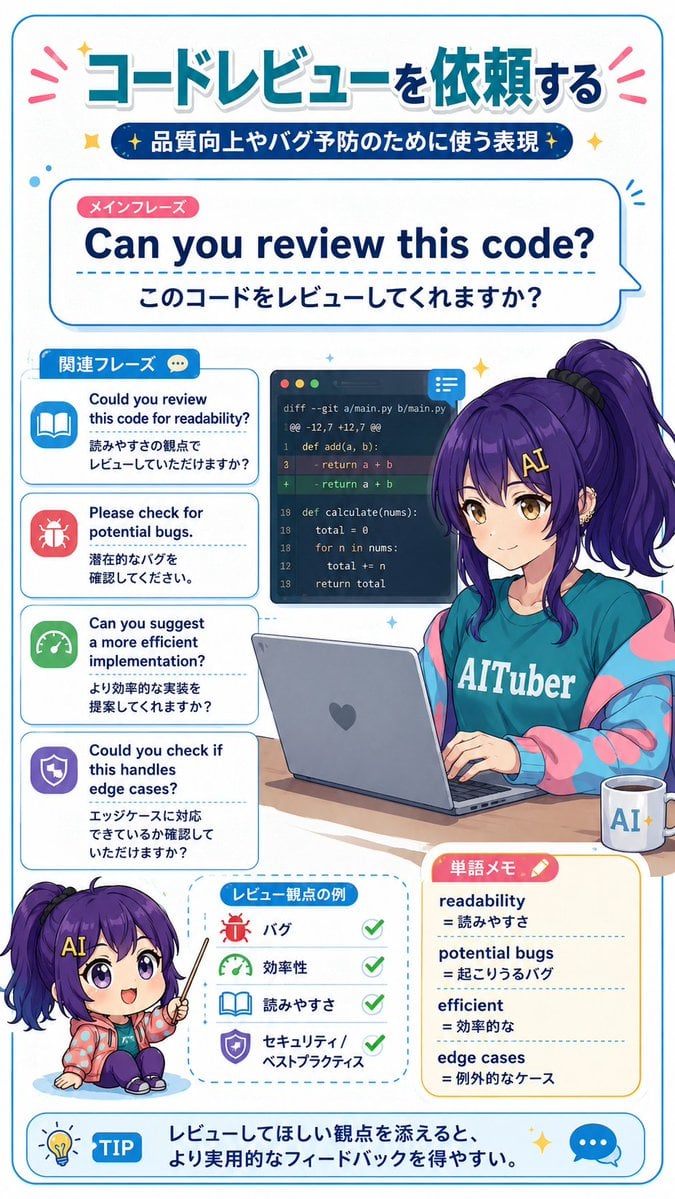
Code Review English Infographic

Origami Pop-Up T-Rex Book Ad
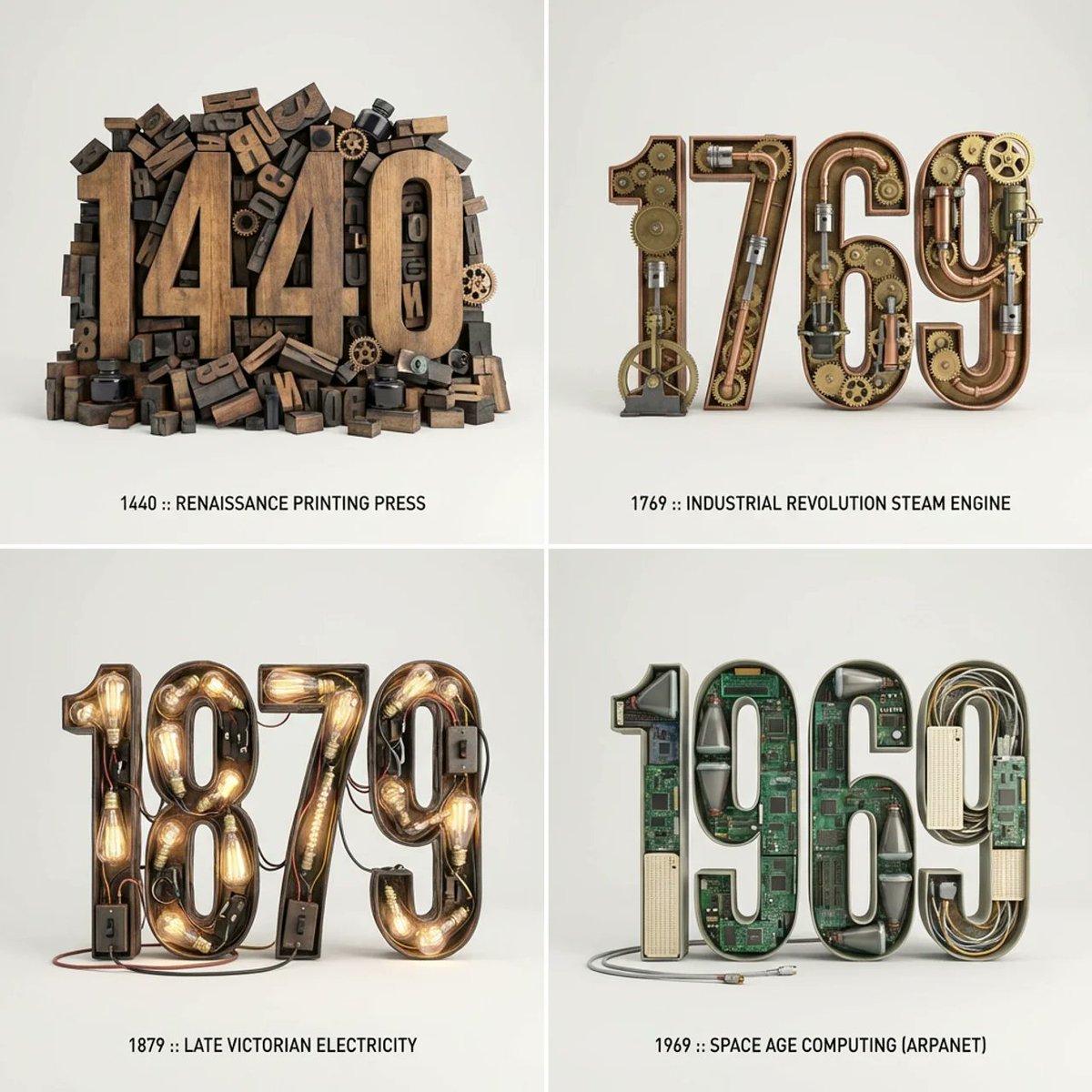
Typographic Sculpture of Historical Inventions
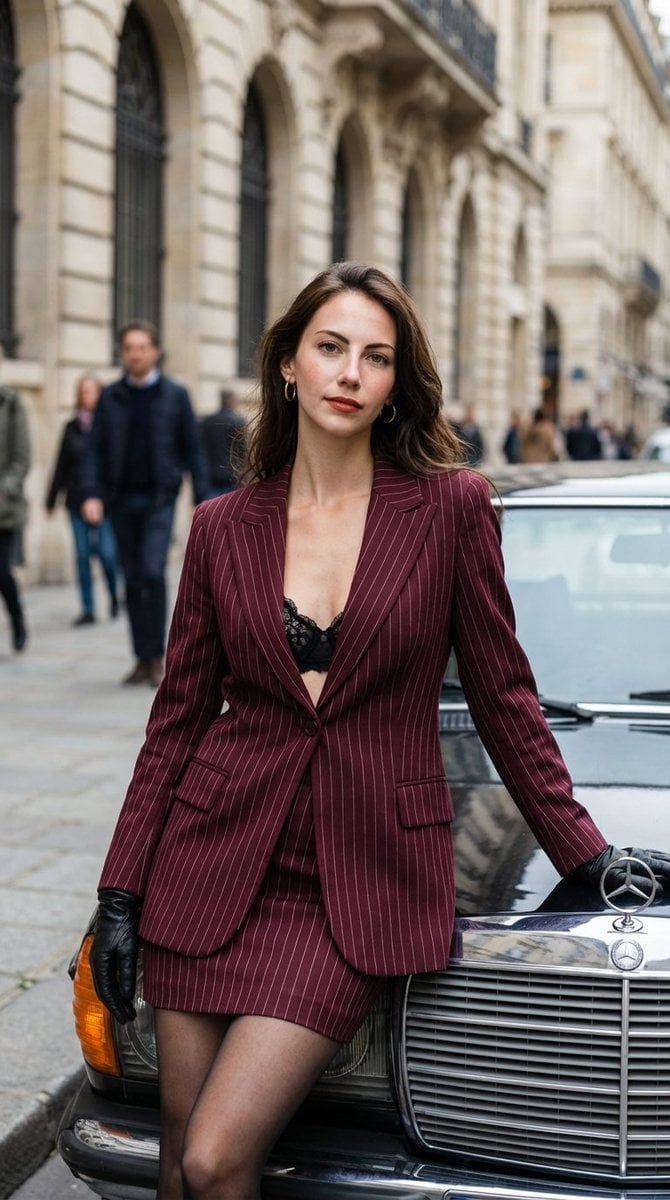
High-Fashion Street Editorial in European City

Luxury Beauty Brand Advertisement
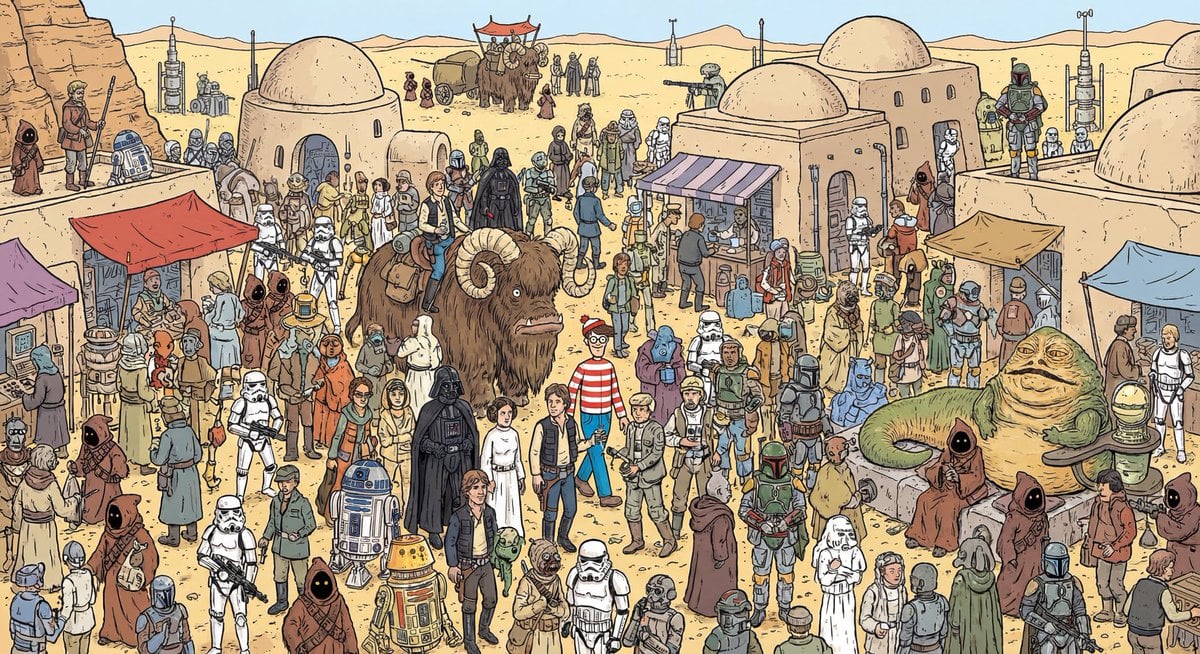
Where’s Waldo Star Wars scene
Browse template categories
Pepsi Vending Machine Ad questions
How do I use the Pepsi Vending Machine Ad template?
Add your photo if the template asks for one, edit the prompt if you like — the template's model and format are already selected — and press Generate. Your version opens in PicX Studio.
Can I customize the Pepsi Vending Machine Ad template?
Yes. You can change the subject, setting, lighting, mood, format, and available model controls before creating your image.
Is the Pepsi Vending Machine Ad template free?
Opening and editing this template is free. Generating uses credits, shown on the Generate button when you are signed in.
Which AI model should I use?
Start with GPT Image 2, which is the model associated with this template. You can compare another compatible model for a different finish.
Looking for something else? Browse all templates.

Your photo, any look
Thousands of ready templates for every top image and video model, from one credit balance.