
Weather Vending Machine Comparison
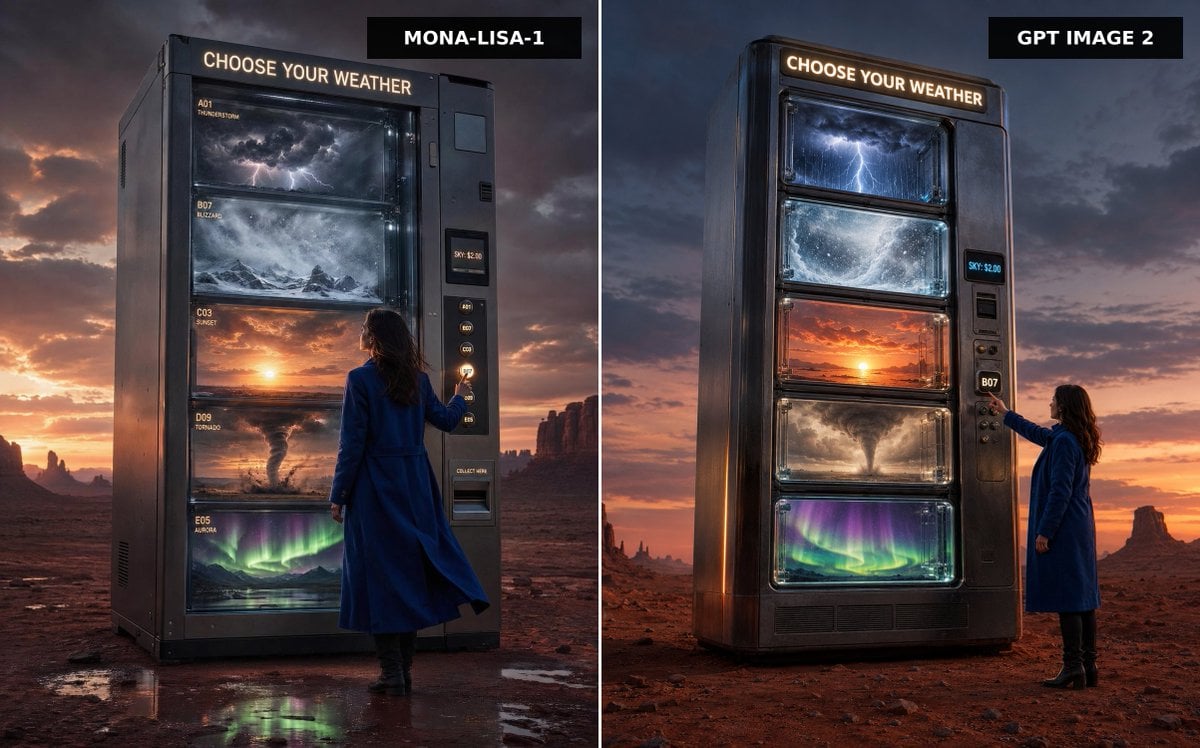
A cinematic split-screen desert advertisement comparing two versions of a colossal vending machine that dispenses different kinds of weather.
- Prompt included
- Model and format preset
- Free template
The prompt behind this image
Copy the exact prompt behind Weather Vending Machine Comparison, or open it in the studio and make it yours.
Create a split-screen comparison image showing two premium cinematic advertising photographs side by side, separated by a thin vertical white divider. The scene is a vast red desert at dusk with dramatic storm clouds, orange sunset glow on the horizon, distant mesas and rock spires, and wet reflective patches on the desert floor. In both panels, place a colossal dark metallic vending machine standing alone, labeled at the top with glowing warm-white text: “CHOOSE YOUR WEATHER”. The machine sells weather instead of snacks, with exactly five large glass display shelves containing: 1) a miniature thunderstorm with dark clouds and lightning, 2) a swirling blizzard over snowy mountains, 3) a glowing sunset sky, 4) a tornado over dusty plains, and 5) green-purple aurora lights over a night landscape. Include a woman in a long cobalt-blue coat and black boots standing beside the vending machine, seen from behind or side-back, reaching toward the selection buttons. The vending machine has a side payment/control panel with small glowing code buttons, a digital price display reading “SKY: $2.00”, and a collection slot. Add black rectangular title tags at the top of each panel: left tag reads {argument name="left model label" default="MONA-LISA-1"}, right tag reads {argument name="right model label" default="GPT IMAGE 2"}. Make the left panel slightly closer and more imposing, with readable small shelf labels such as A01 THUNDERSTORM, B07 BLIZZARD, C03 SUNSET, D09 TORNADO, and E05 AURORA; make the right panel a cleaner vertical machine design with the same five weather windows. Use ultra-realistic photography, cinematic lighting, high contrast, glossy glass reflections, moody atmosphere, premium sci-fi advertising style, sharp detail, 16:9 landscape composition, no extra text beyond the vending machine signage, shelf labels, price display, and model tags.
How to use Weather Vending Machine Comparison in 3 steps
- 1Upload ImagePNG, JPG or paste
Add your photo
Upload the photo the template builds on. The prompt, model and format are already set.
- 2…a portrait of your subject in softgolden-hour light, 85mm…
Personalize
Edit the subject and creative details for your destination.
- 3Generate
Generate
Press Generate — your image is created in PicX Studio, so you can compare it with the original and refine one variable at a time.
More like this
Templates with the same subject, style or setup. Open one to see its prompt.
MiniAI Tech Vending Machine Collage
Pepsi Vending Machine Ad
Summer Vending Machine Side Portrait
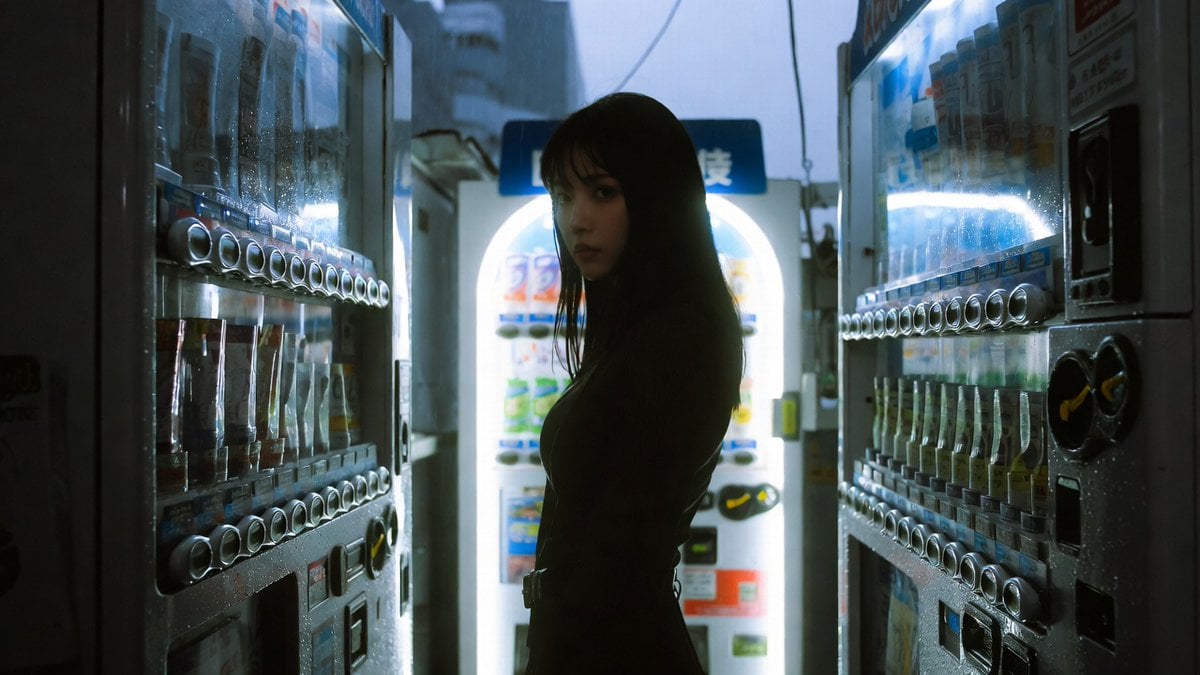
Cinematic Shinjuku Vending Machine Editorial
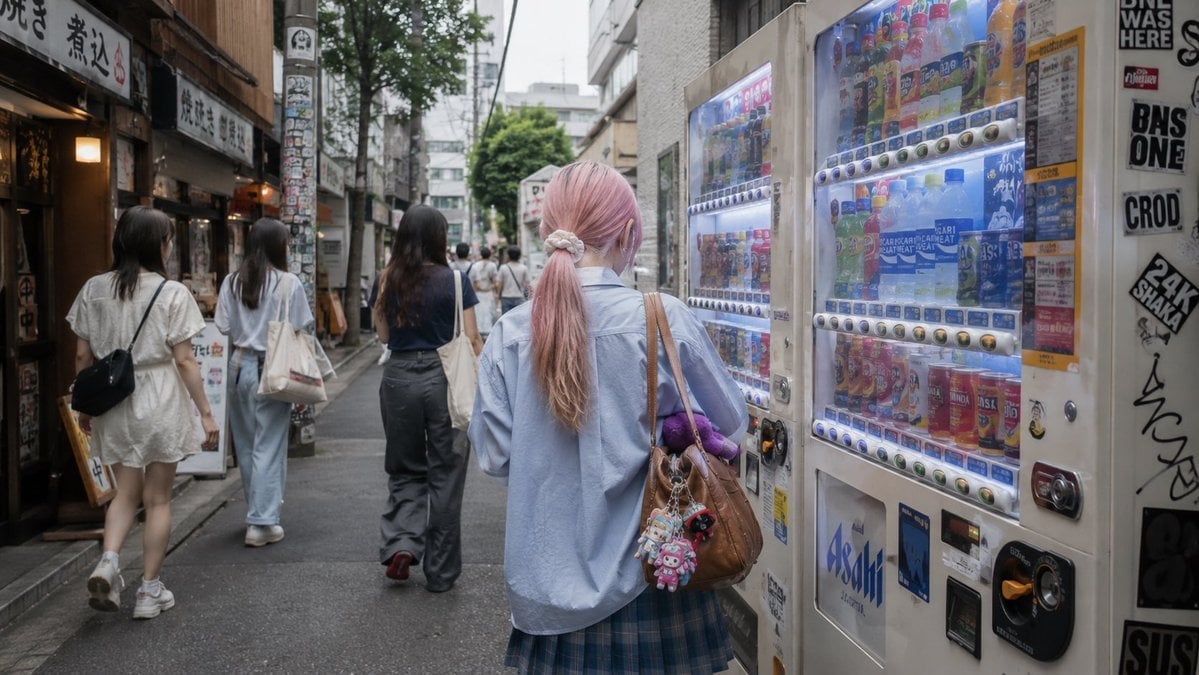
Tokyo Alley Vending Machine Snapshot
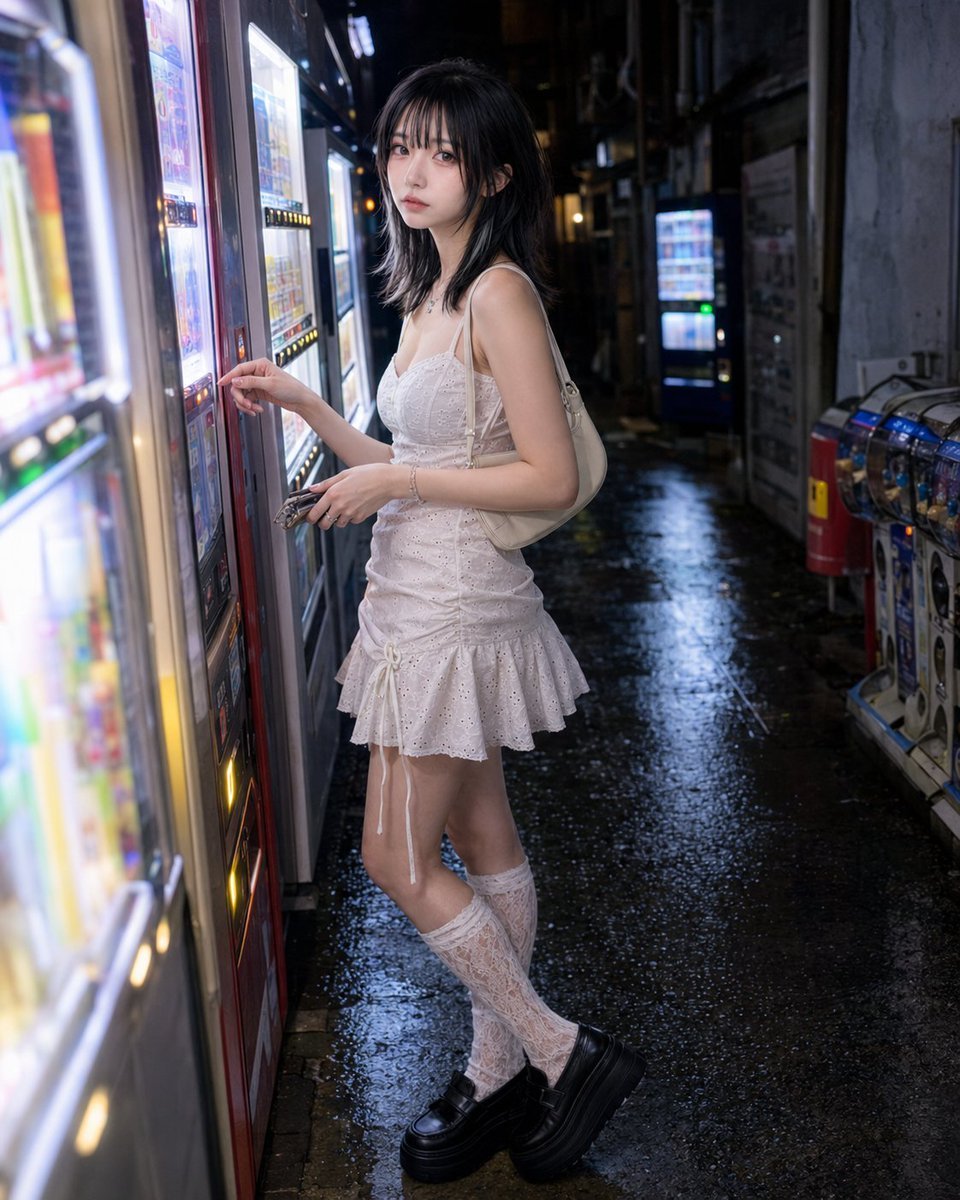
Vending Machine Alley at Night
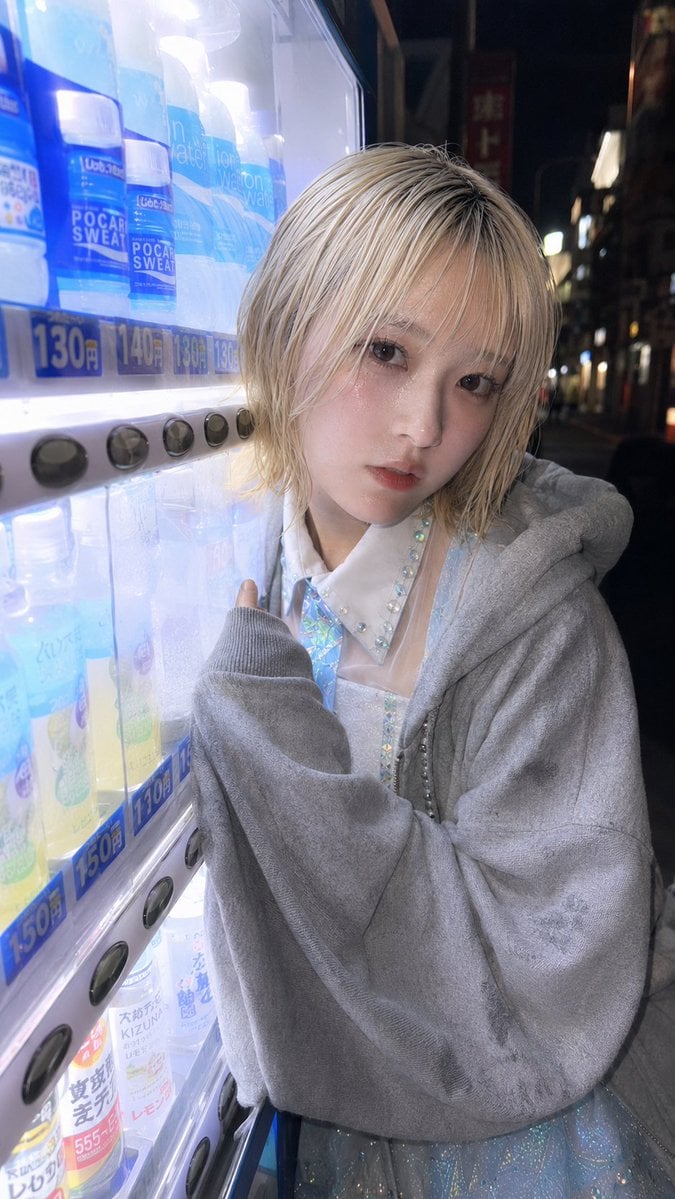
Ultra-Wide Vending Machine Portrait
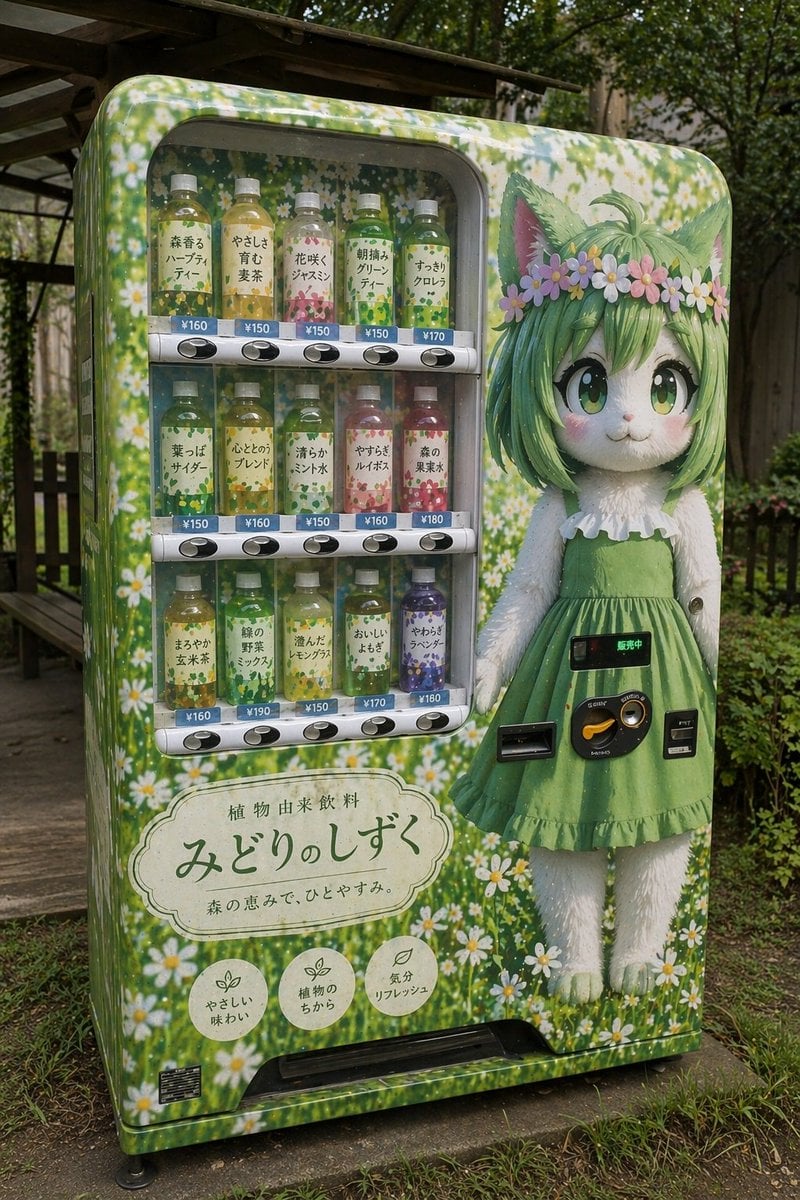
Custom Anime Vending Machine Design
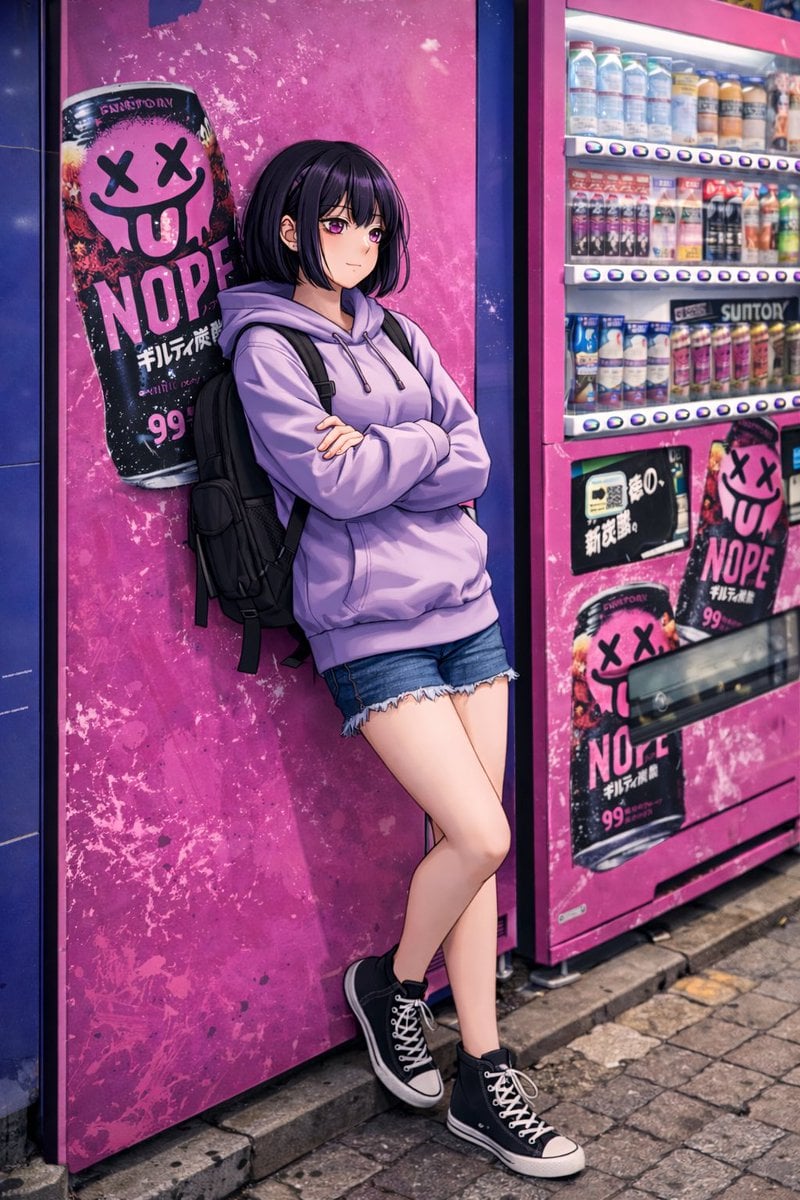
Anime Girl Leaning on Vending Machine
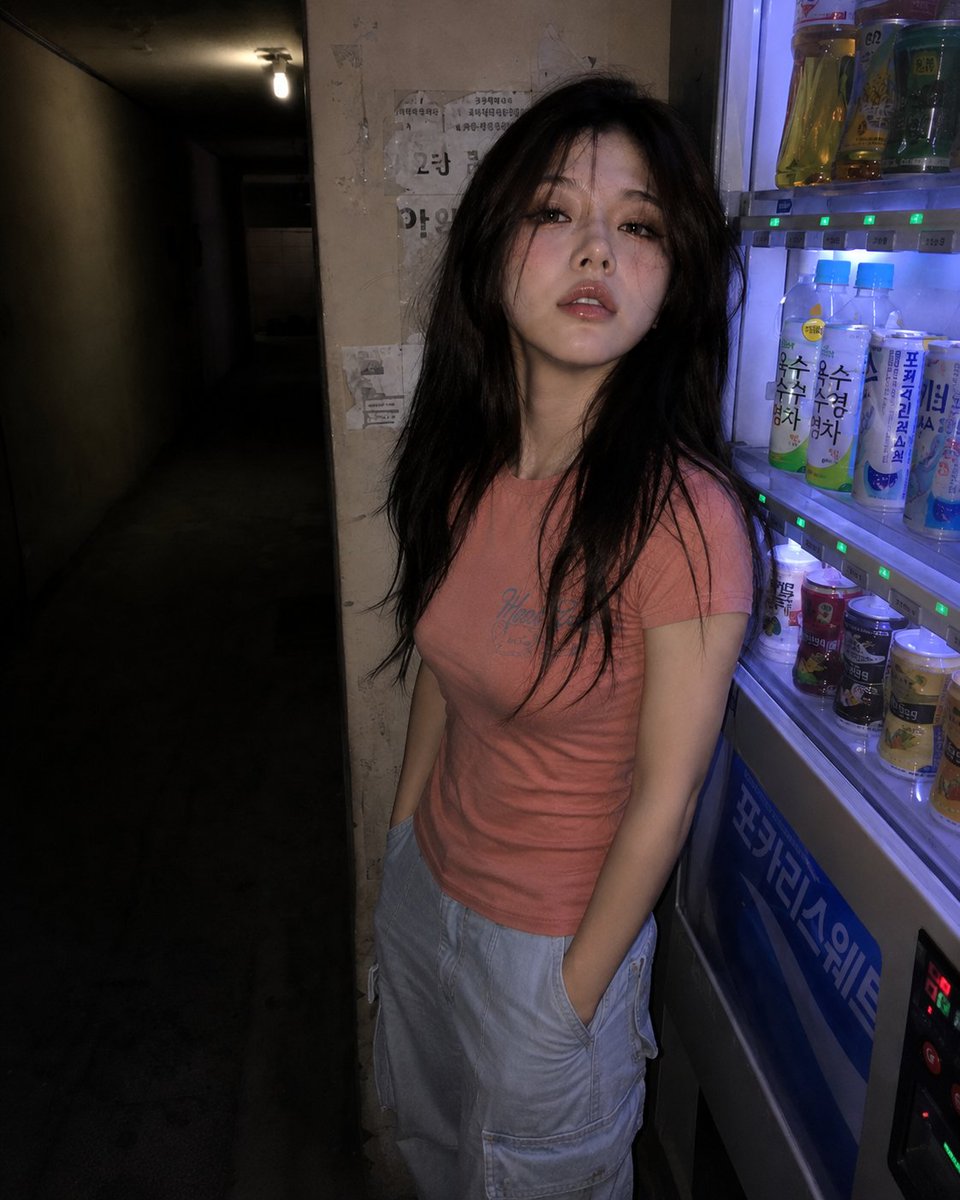
Nighttime Hallway Vending Machine Portrait

Idol flyer stuck on a steamed bun vending machine
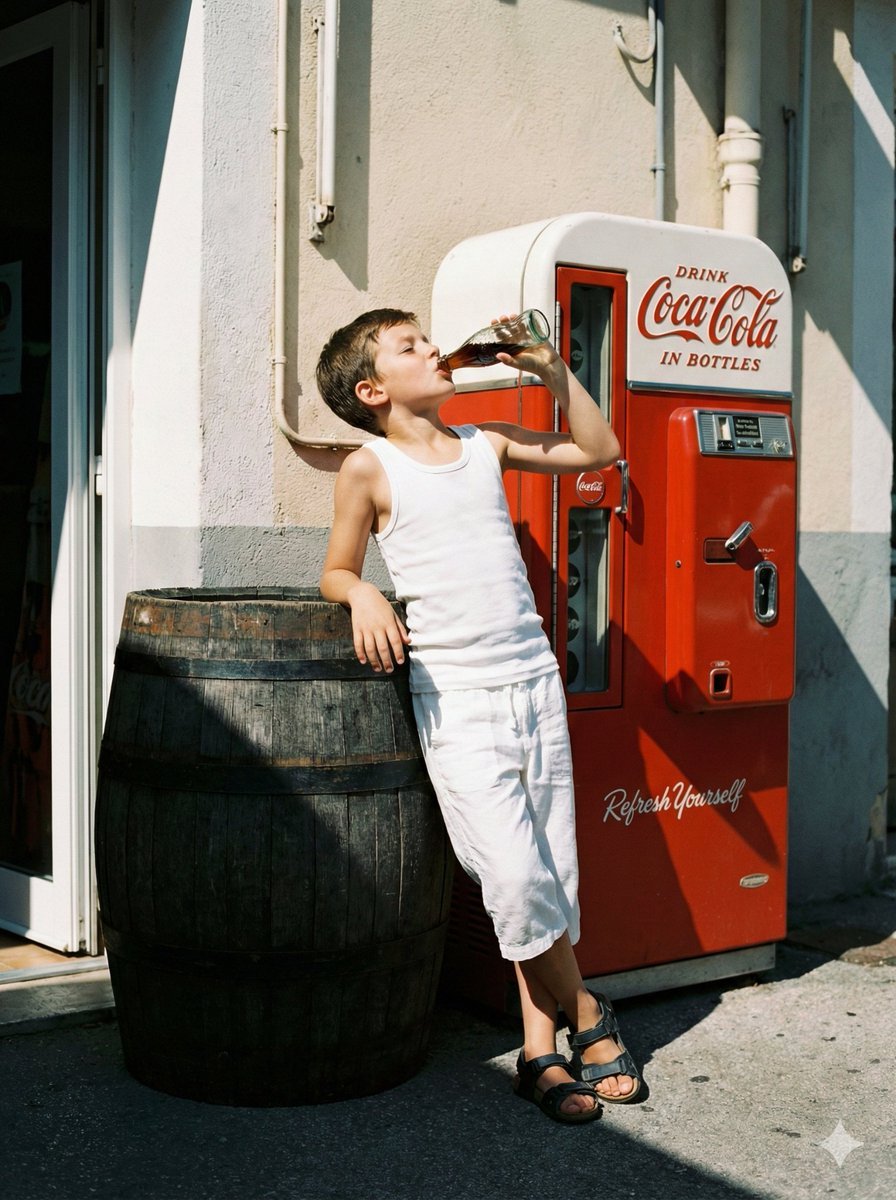
Nostalgic Film Photo of Boy by Coca-Cola Vending Machine
Make it yours
Weather Vending Machine Comparison works as-is. These are the safest ways to change it without losing the look.
Change one field
Copy a single group, rewrite it, and generate again so you can see what that field is doing.
Keep the frame, change the subject
Hold the composition and light of Weather Vending Machine Comparison, then swap wardrobe, props or the person for a new take.
| If the result… | Why | Fix |
|---|---|---|
| The result drifts from the preview | Too many fields changed at once. | Reuse Weather Vending Machine Comparison as-is first, then change one group — subject, light, or setting. |
| The model over-stylizes the scene | The prose prompt leaves finish and camera underspecified. | Add one camera or lighting sentence and stay on GPT Image 2. |
More GPT Image 2 templates
Other prompts made for GPT Image 2.

Six VTuber Japanese Logo Sheet

Realistic Portrait of Woman and Deer

The Vista Modular Condo Poster

AI Model Routing Comparison Infographic

2.5D Anime Art Board

Isometric Productivity Desk Scene

New York Double Exposure Poster

Four-Panel AI Landscape Comparison

Japanese Tatami Lifestyle Magazine Cover

NESCAFÉ Coffee Map Poster
More image prompts
Fresh picks from across the catalog.

Pose transfer for fitness shots
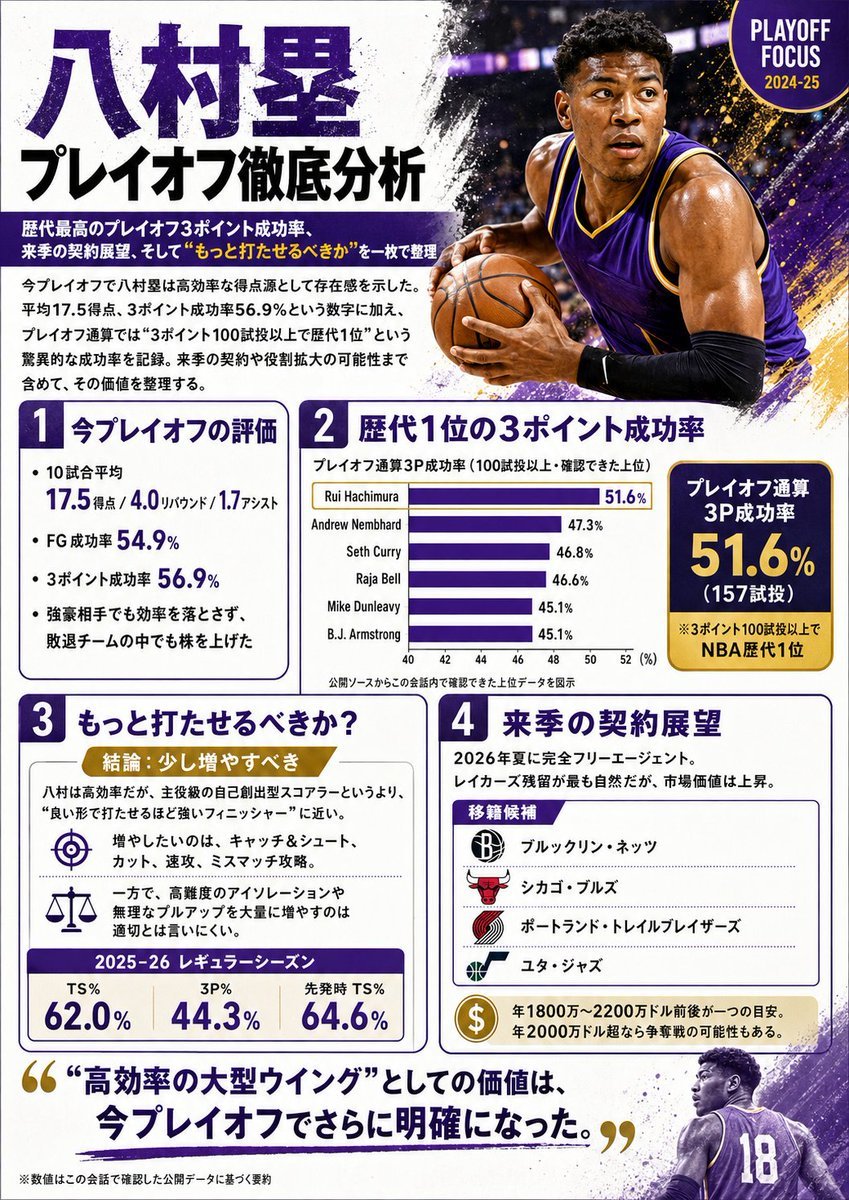
Japanese NBA Playoff Analysis Infographic
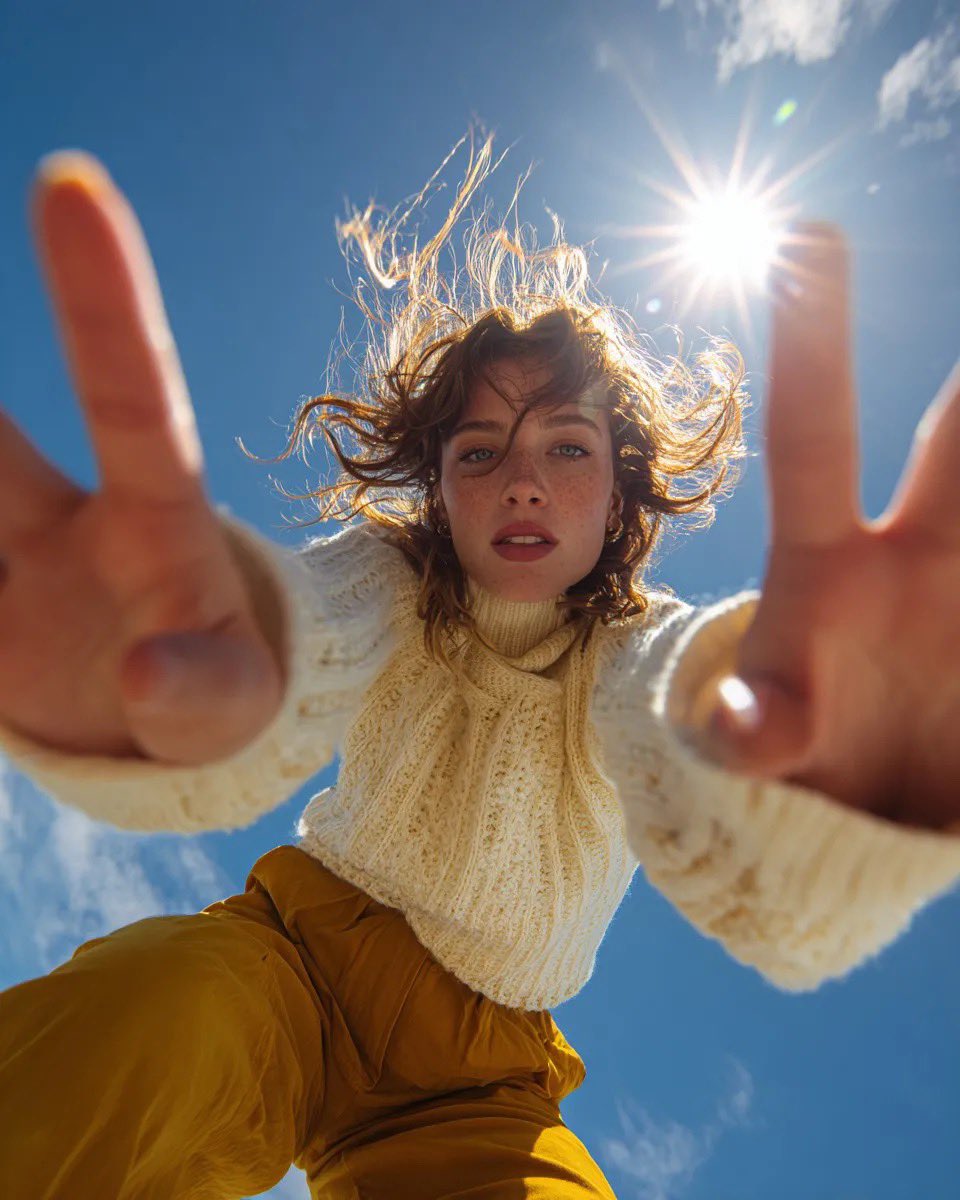
Ultra Wide Low-Angle Portrait — Sairah (Nano Banana)
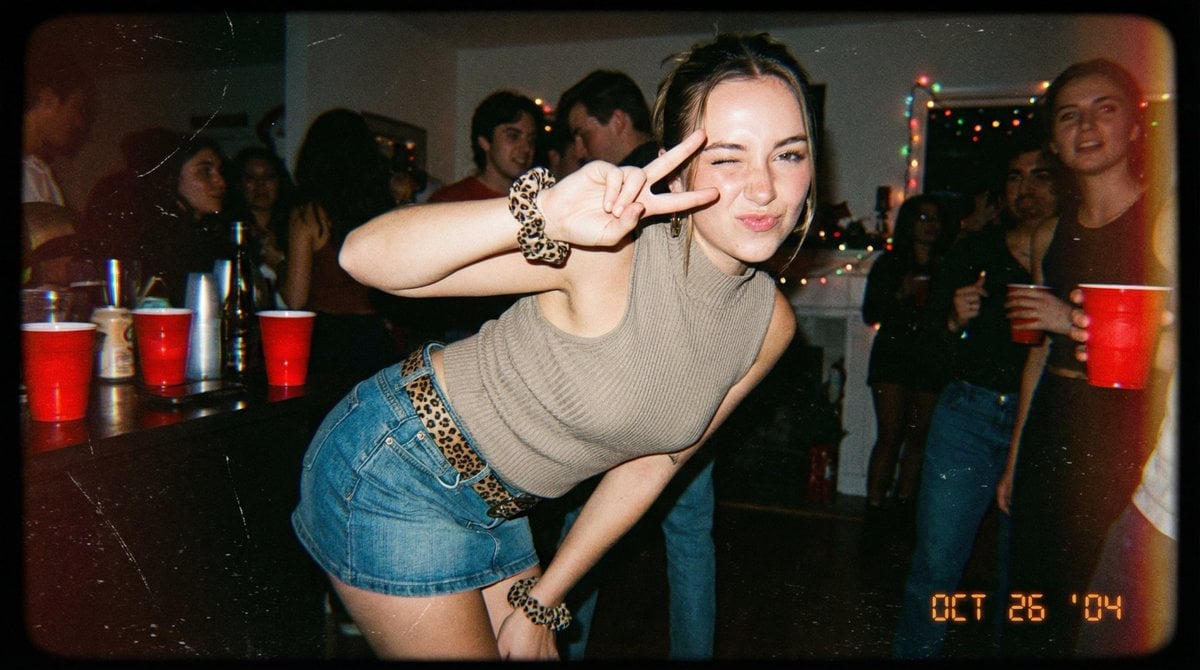
Vintage 2000s Disposable Camera Style Template
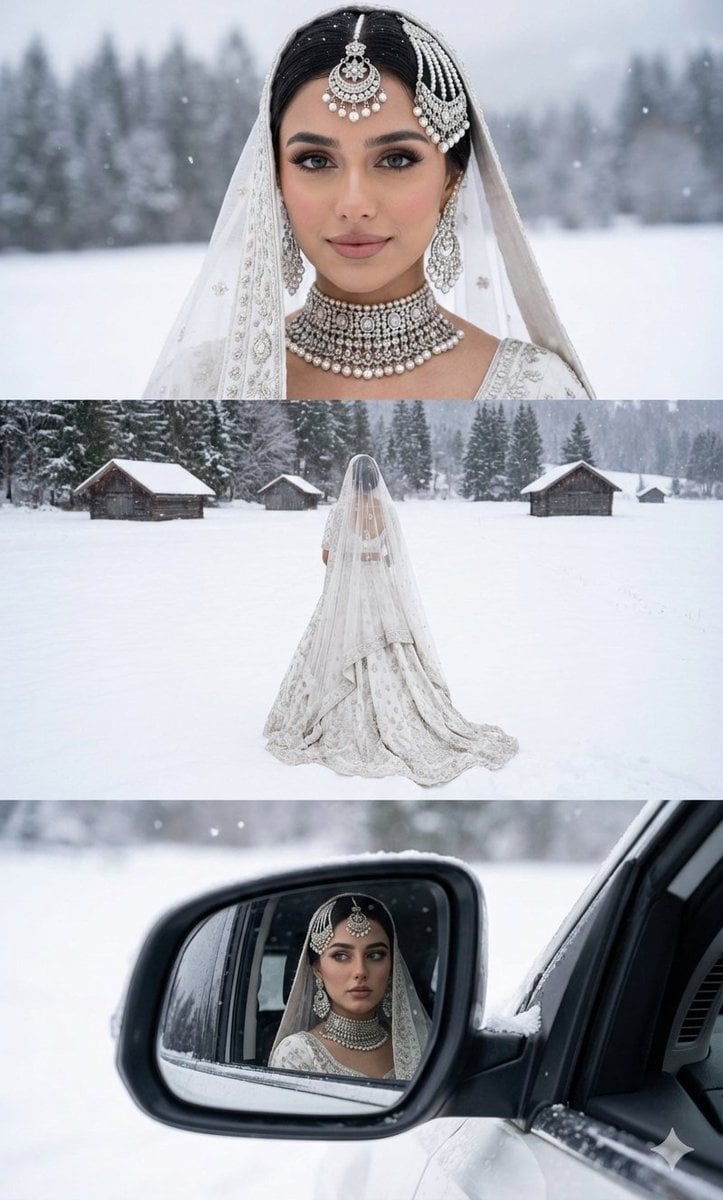
Three-Panel South Asian Bride in Snowy Landscape

Anime Spring Travel Film Poster
Transformative Style Prompt for Dramatic Cinematic Characters
Harley Quinn Archetype Image Generation Prompt

untitled
Commercial Ad Storyboard Prompt for Luxury Luggage
Browse template categories
Weather Vending Machine Comparison questions
How do I use the Weather Vending Machine Comparison template?
Add your photo if the template asks for one, edit the prompt if you like — the template's model and format are already selected — and press Generate. Your version opens in PicX Studio.
Can I customize the Weather Vending Machine Comparison template?
Yes. You can change the subject, setting, lighting, mood, format, and available model controls before creating your image.
Is the Weather Vending Machine Comparison template free?
Opening and editing this template is free. Generating uses credits, shown on the Generate button when you are signed in.
Which AI model should I use?
Start with GPT Image 2, which is the model associated with this template. You can compare another compatible model for a different finish.
Looking for something else? Browse all templates.

Your photo, any look
Thousands of ready templates for every top image and video model, from one credit balance.