
Harley Quinn Archetype Image Generation Prompt
A highly constrained and detailed JSON prompt designed to generate an image resembling the character Harley Quinn without explicitly naming her.
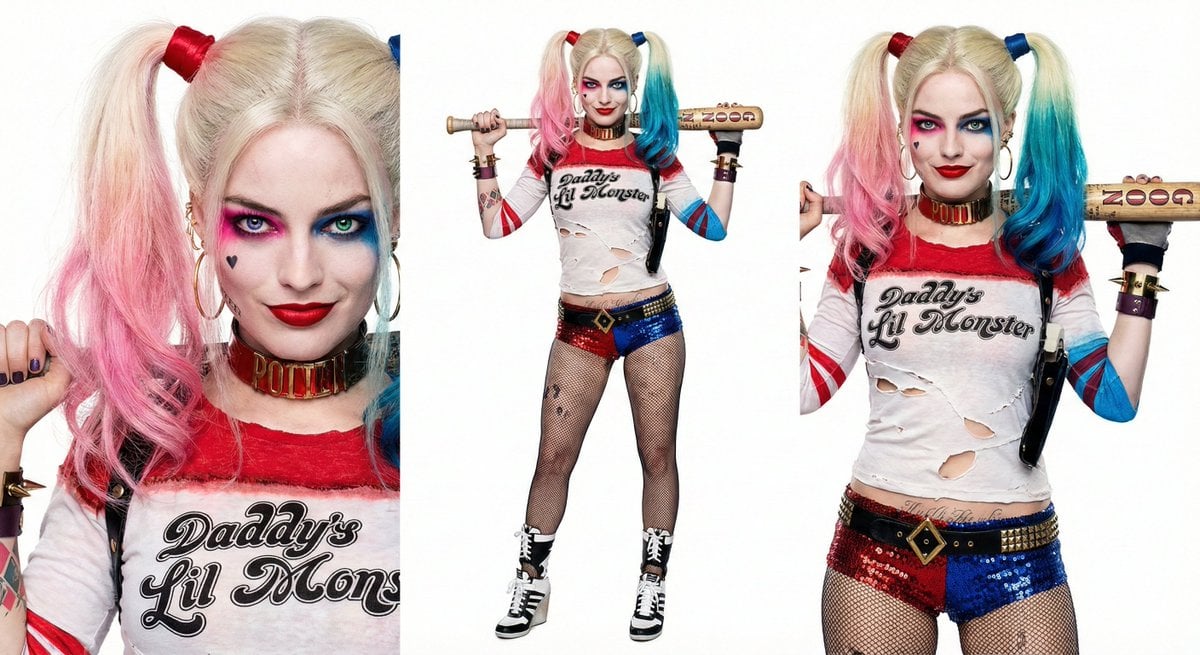
- Prompt included
- Model and format preset
- Premium template
The prompt behind this image
Copy the exact prompt behind Harley Quinn Archetype Image Generation Prompt, or open it in the studio and make it yours.
- Meta › Priority
- High Fidelity
- Meta › Strict Mode
- true
- Subject Core › Visual Concept
- (Young woman with chaotic punk-glamour aesthetic:1.3)
- Subject Core › Archetype
- Villainess, Anti-hero, (Manic expression:1.2)
- Appearance Strict › Hair
- High pigtails, (platinum blonde roots:1.1), (dip-dyed bright pink left tip:1.4), (dip-dyed bright blue right tip:1.4), messy texture
- Appearance Strict › Eyes
- ((Heterochromia:1.5)), left eye electric blue, right eye emerald green, (heavy smudged eyeshadow:1.2)
- Appearance Strict › Face Marks
- Pale porcelain skin, ((small black heart tattoo on cheekbone:1.5)), (('ROTTEN' text tattoo on jawline:1.4))
- Appearance Strict › Expression
- Sly knowing smirk, wide smile, slightly manic energy
- Attire Strict › Torso
- Torn white long-sleeve raglan shirt, text on chest reads (('Daddy's Lil Monster':1.5)), red neckline, visible black bra straps
- Attire Strict › Legs
- ((Sequined hot pants:1.3)), split color design (left leg blue, right leg red), fishnet stockings
- Attire Strict › Feet
- High-top wedge sneakers, black and white, lace-up
- Props Strict › Primary Weapon
- Wooden baseball bat held behind neck, large handwritten text on bat reads (('GOOD NIGHT':1.4))
- Props Strict › Jewelry
- Thick gold spiked cuffs, (studded choker necklace:1.2)
- Environment › Background
- Solid white studio background
- Environment › Lighting
- High-key studio lighting, sharp focus, commercially lit
- Negative Constraints
- generic cosplay, low quality, blurred text, misspelled text, wrong hair colors, symmetrical eye color, modest clothing, dark background, 3d render, cartoon style
Raw JSON
{
  "meta": {
    "priority": "High Fidelity",
    "strict_mode": true
  },
  "subject_core": {
    "visual_concept": "(Young woman with chaotic punk-glamour aesthetic:1.3)",
    "archetype": "Villainess, Anti-hero, (Manic expression:1.2)"
  },
  "appearance_strict": {
    "hair": "High pigtails, (platinum blonde roots:1.1), (dip-dyed bright pink left tip:1.4), (dip-dyed bright blue right tip:1.4), messy texture",
    "eyes": "((Heterochromia:1.5)), left eye electric blue, right eye emerald green, (heavy smudged eyeshadow:1.2)",
    "face_marks": "Pale porcelain skin, ((small black heart tattoo on cheekbone:1.5)), (('ROTTEN' text tattoo on jawline:1.4))",
    "expression": "Sly knowing smirk, wide smile, slightly manic energy"
  },
  "attire_strict": {
    "torso": "Torn white long-sleeve raglan shirt, text on chest reads (('Daddy's Lil Monster':1.5)), red neckline, visible black bra straps",
    "legs": "((Sequined hot pants:1.3)), split color design (left leg blue, right leg red), fishnet stockings",
    "feet": "High-top wedge sneakers, black and white, lace-up"
  },
  "props_strict": {
    "primary_weapon": "Wooden baseball bat held behind neck, large handwritten text on bat reads (('GOOD NIGHT':1.4))",
    "jewelry": "Thick gold spiked cuffs, (studded choker necklace:1.2)"
  },
  "environment": {
    "background": "Solid white studio background",
    "lighting": "High-key studio lighting, sharp focus, commercially lit"
  },
  "negative_constraints": [
    "generic cosplay",
    "low quality",
    "blurred text",
    "misspelled text",
    "wrong hair colors",
    "symmetrical eye color",
    "modest clothing",
    "dark background",
    "3d render",
    "cartoon style"
  ]
}How to use Harley Quinn Archetype Image Generation Prompt in 3 steps
- 1
Open
The prompt is already in the box next to the preview, with the template's model and format selected.
- 2…a portrait of your subject in softgolden-hour light, 85mm…
Personalize
Edit the subject and creative details for your destination.
- 3Generate
Generate
Press Generate — your image is created in PicX Studio, so you can compare it with the original and refine one variable at a time.
More like this
Templates with the same subject, style or setup. Open one to see its prompt.
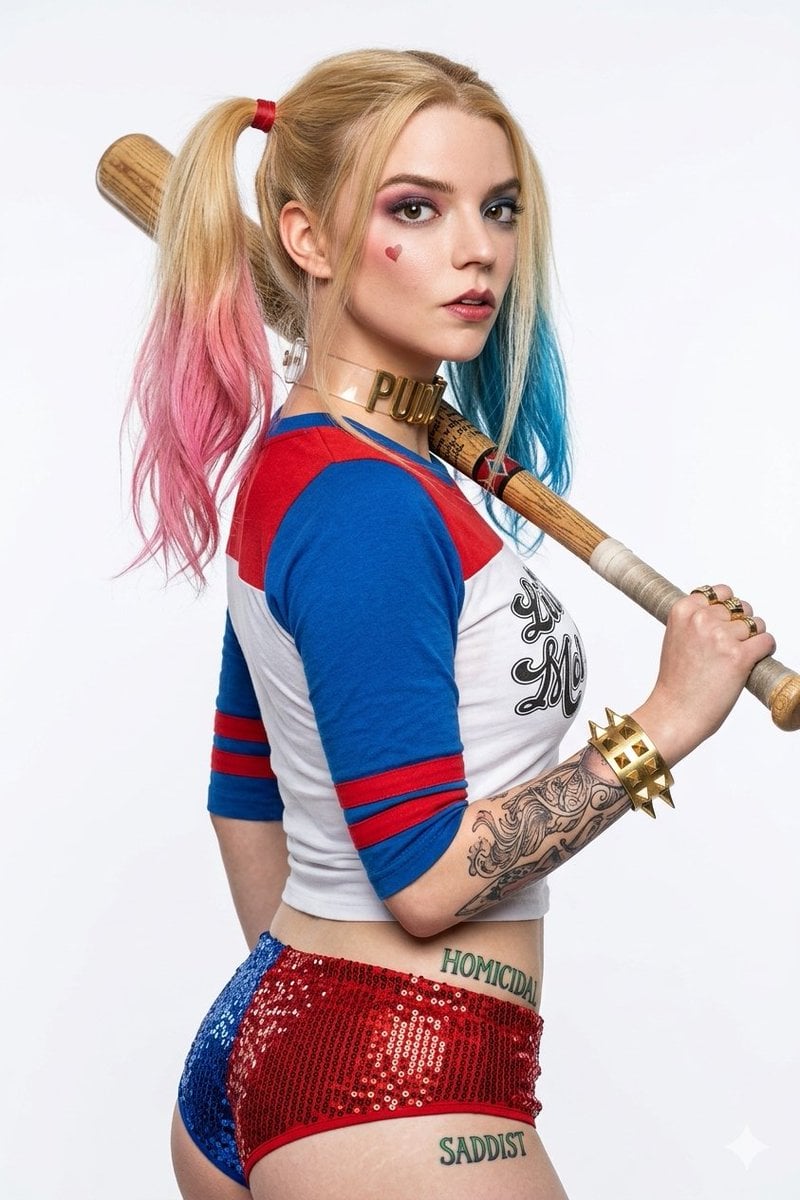
Harley Quinn Cosplay Enhancer
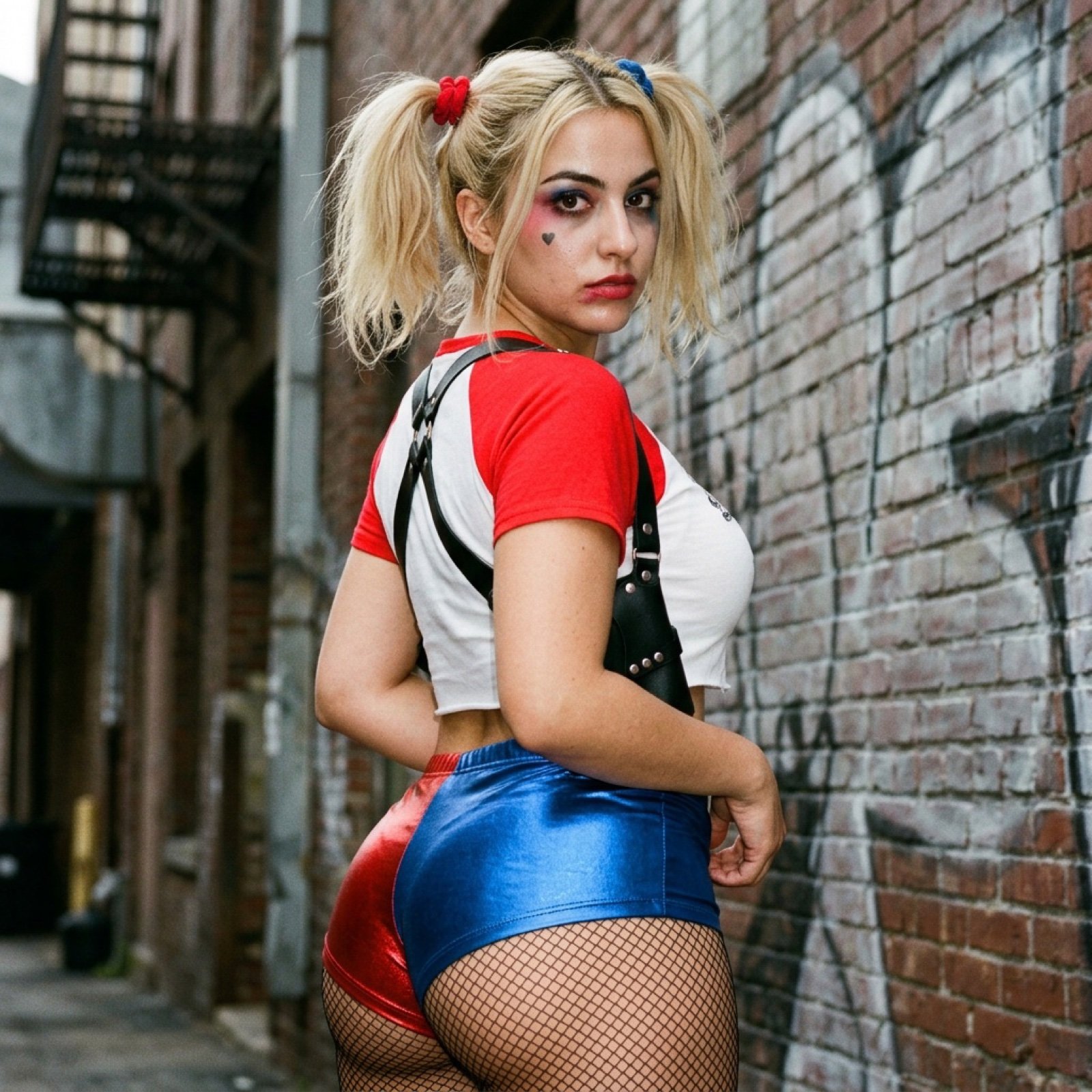
Harley Quinn Cosplay Side-Profile Snapshot
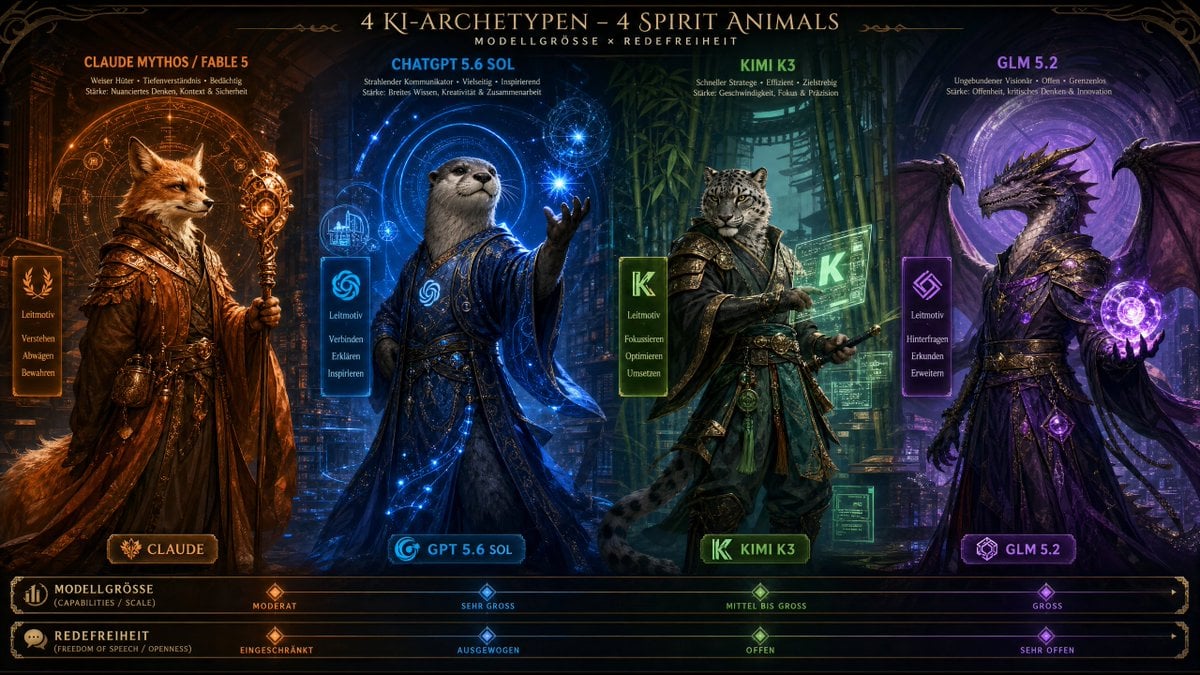
AI Model Spirit Animal Archetypes

Blueprint Split Reality Archetype Prompt
Blueprint Split Reality Archetype Prompt
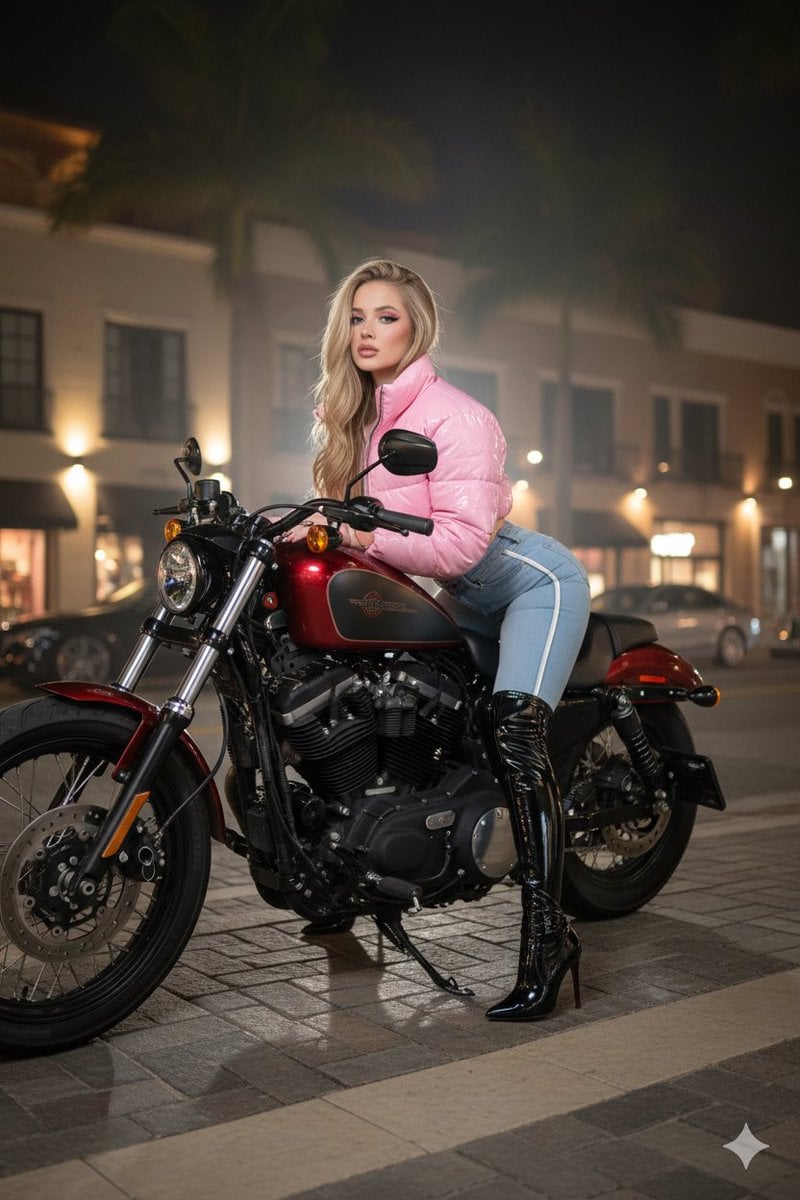
Glamorous Woman on Harley-Davidson at Night

AI Chat Image Generation Screenshot

Anime Girl Generation Grid
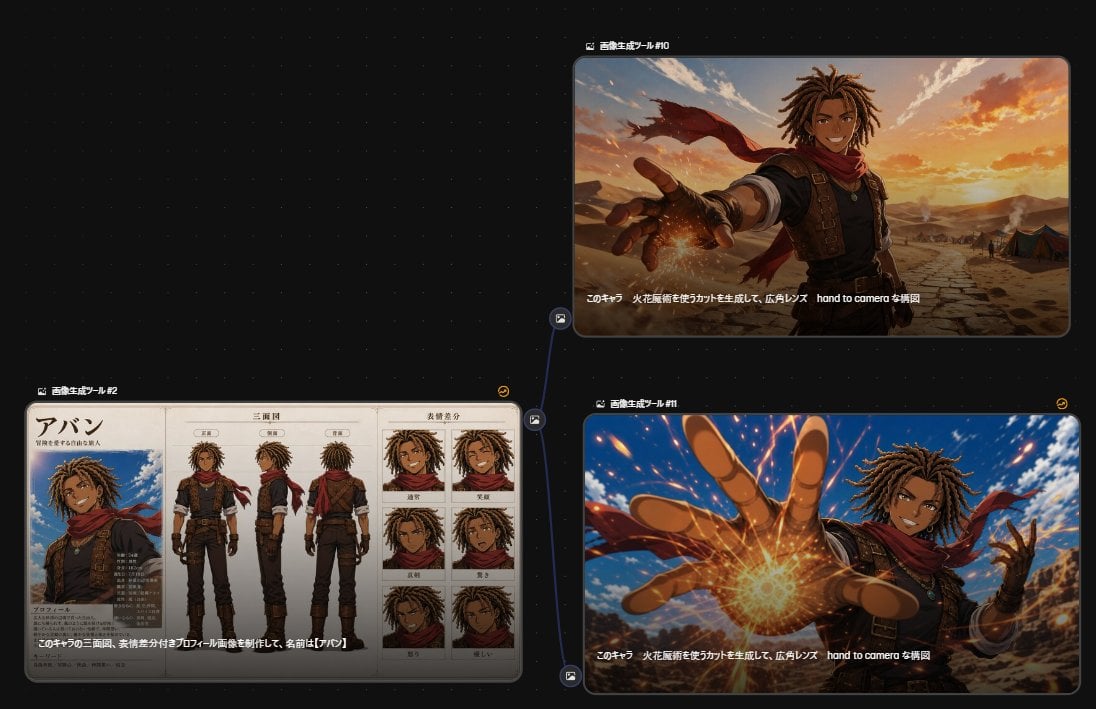
Anime Character Generation Workflow
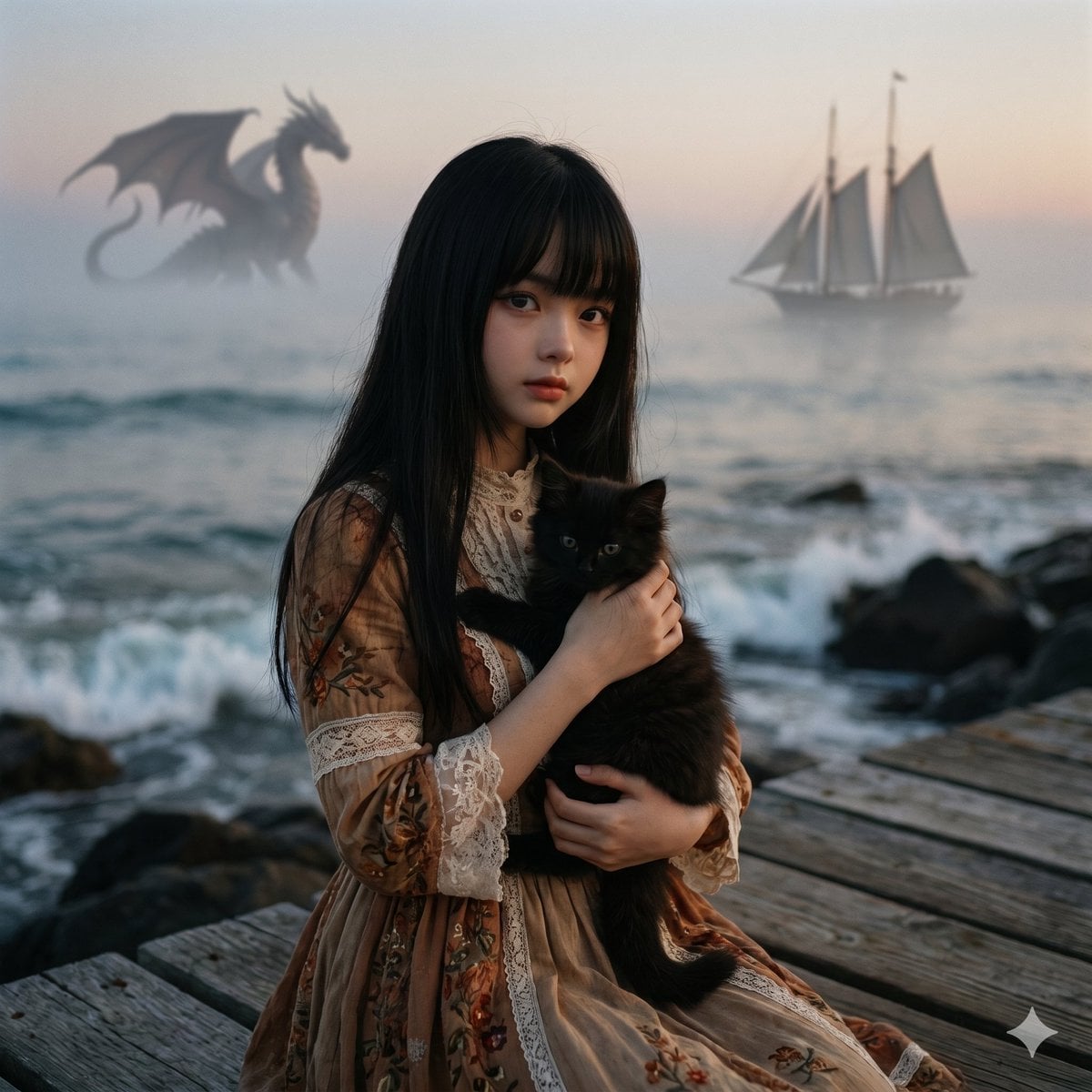
Music-to-Image Generation Prompt
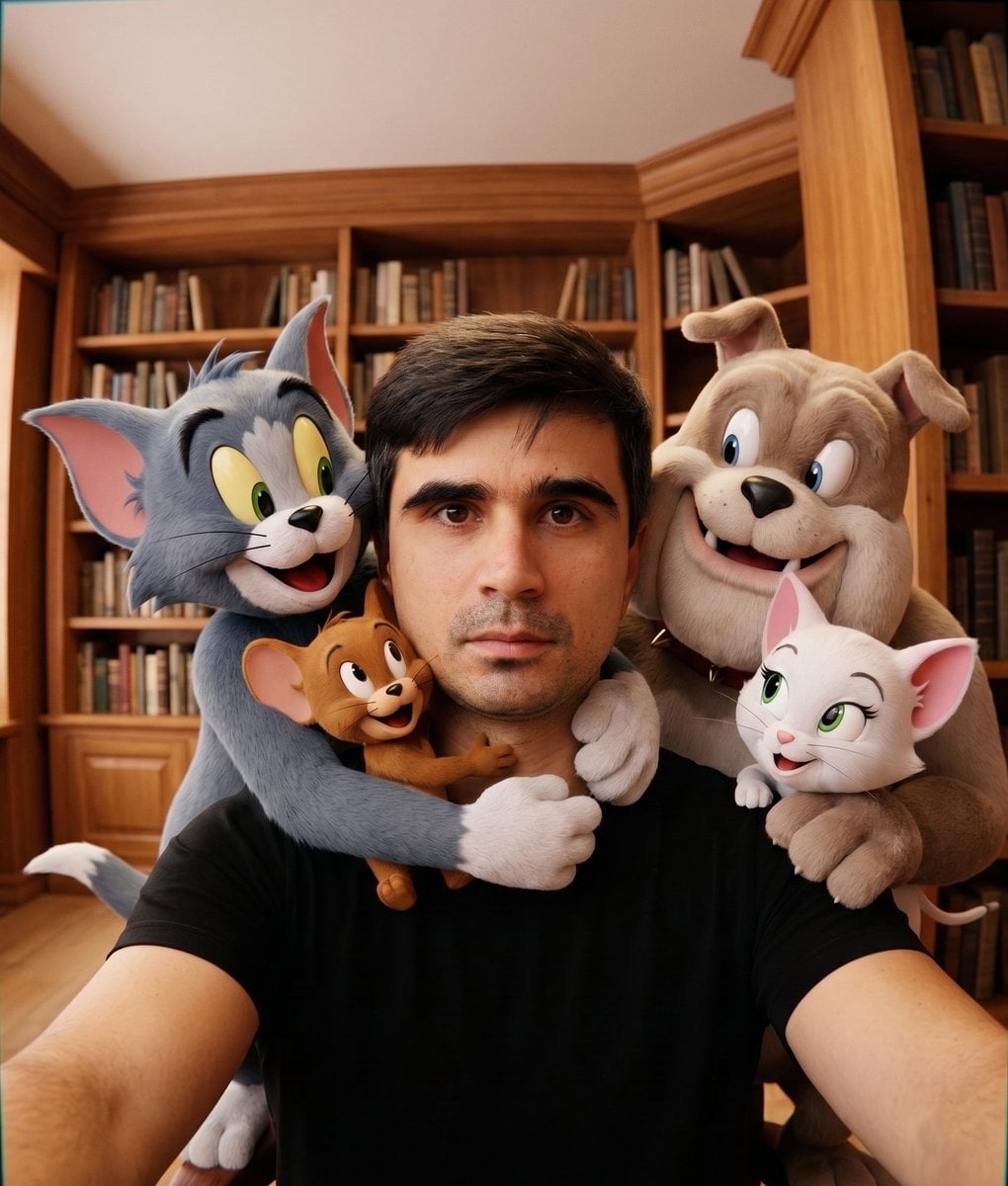
Character Selfie Generation Prompts
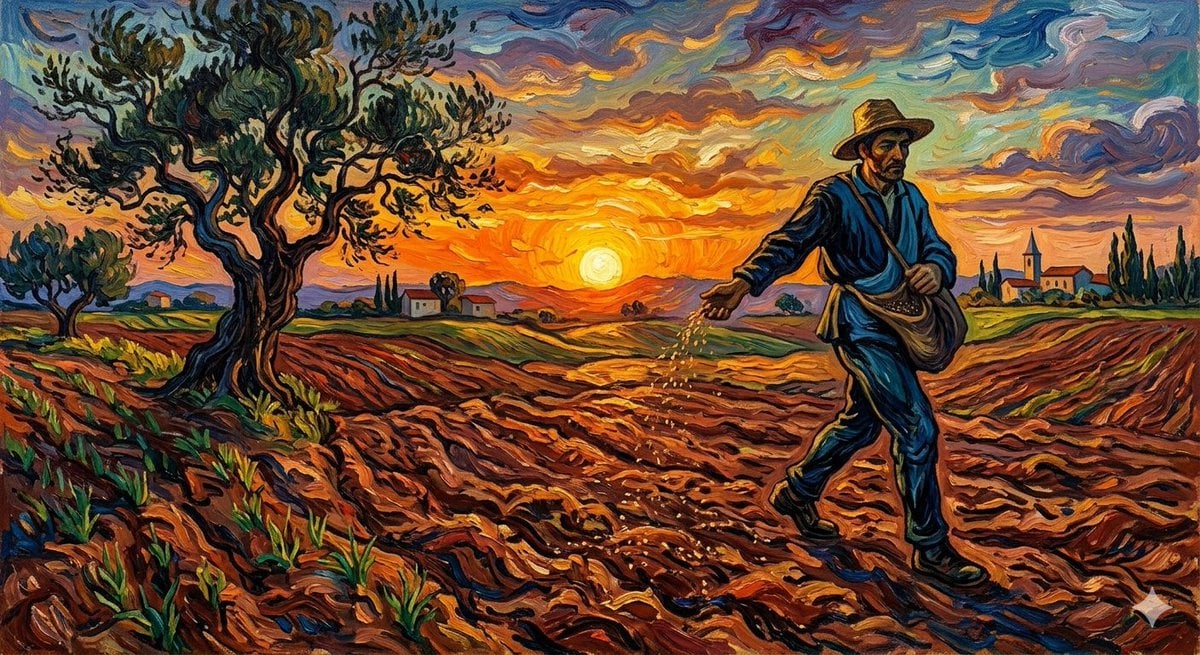
Van Gogh Sower Style Generation
Make it yours
Harley Quinn Archetype Image Generation Prompt works as-is. These are the safest ways to change it without losing the look.
Swap the setting
Keep the rest of the prompt and replace the location block. The current setting is “Solid white studio background”.
Swap the light
One lighting change is enough to compare takes. Current light: “High-key studio lighting, sharp focus, commercially lit”.
Change one field
Copy a single group, rewrite it, and generate again so you can see what that field is doing.
| If the result… | Why | Fix |
|---|---|---|
| The result drifts from the preview | Too many fields changed at once. | Reuse Harley Quinn Archetype Image Generation Prompt as-is first, then change one group — subject, light, or setting. |
| Nano Banana 2 ignores part of the JSON | Some models flatten or skip nested keys. | Keep the same values and paste them as a short paragraph instead. |
More Nano Banana 2 templates
Other prompts made for Nano Banana 2.

Photorealistic Leaf Shaped Like a Dragon

K-Pop Idol Portrait Grid for Rapid Selection

Poetic Rain Forest Portrait During Golden Hour

Urban Street Portrait with Cartoon Inner Self Duo

Candid Nighttime Photo with Cat Prompt

Cinematic Futuristic Studio Portrait Template

Skincare Editorial Photography Collage Prompt

Hyper-Realistic Commercial Product Photography (Splash Effect)

Hyper-Realistic Nightclub Portrait Prompt

Cinematic Urban Rain Scene Prompt (Neo-Noir)
More image prompts
Fresh picks from across the catalog.
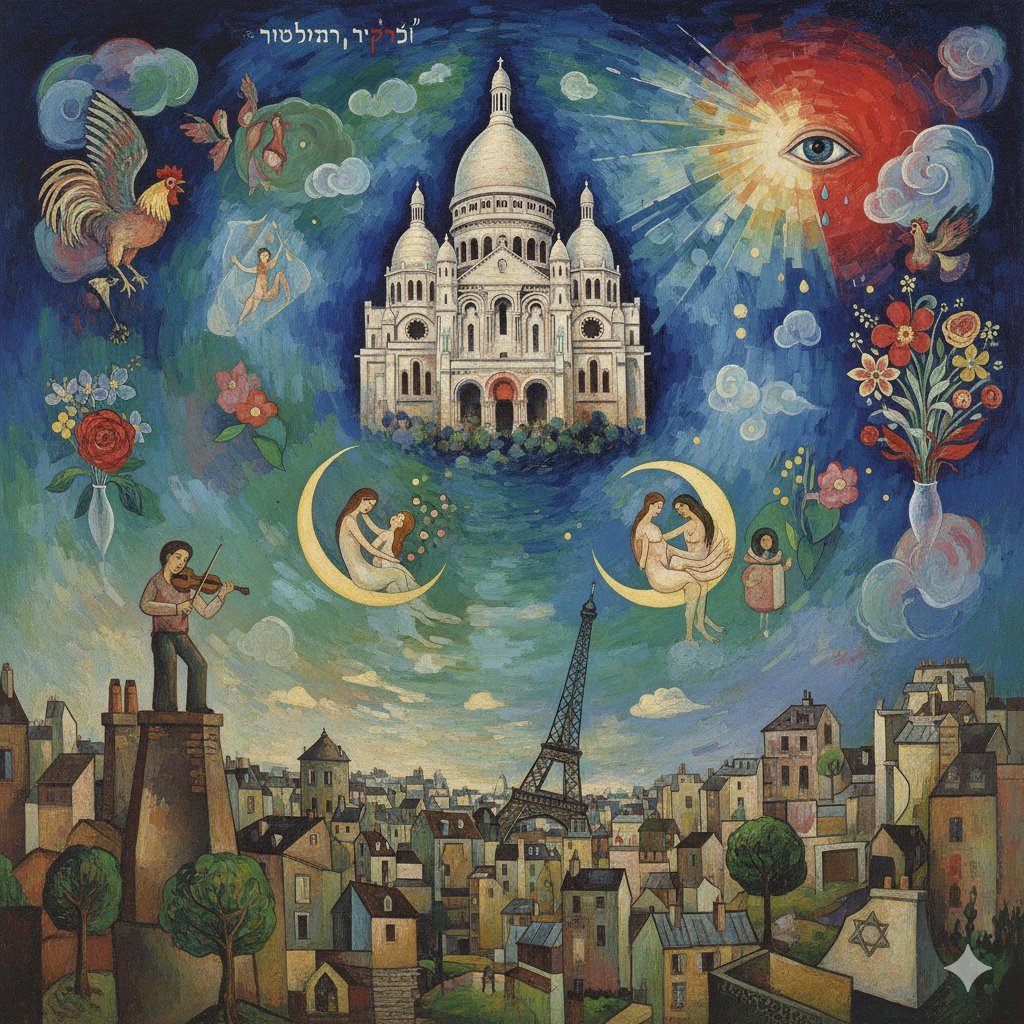
Chagall-style painting of Sacré-Cœur Basilica
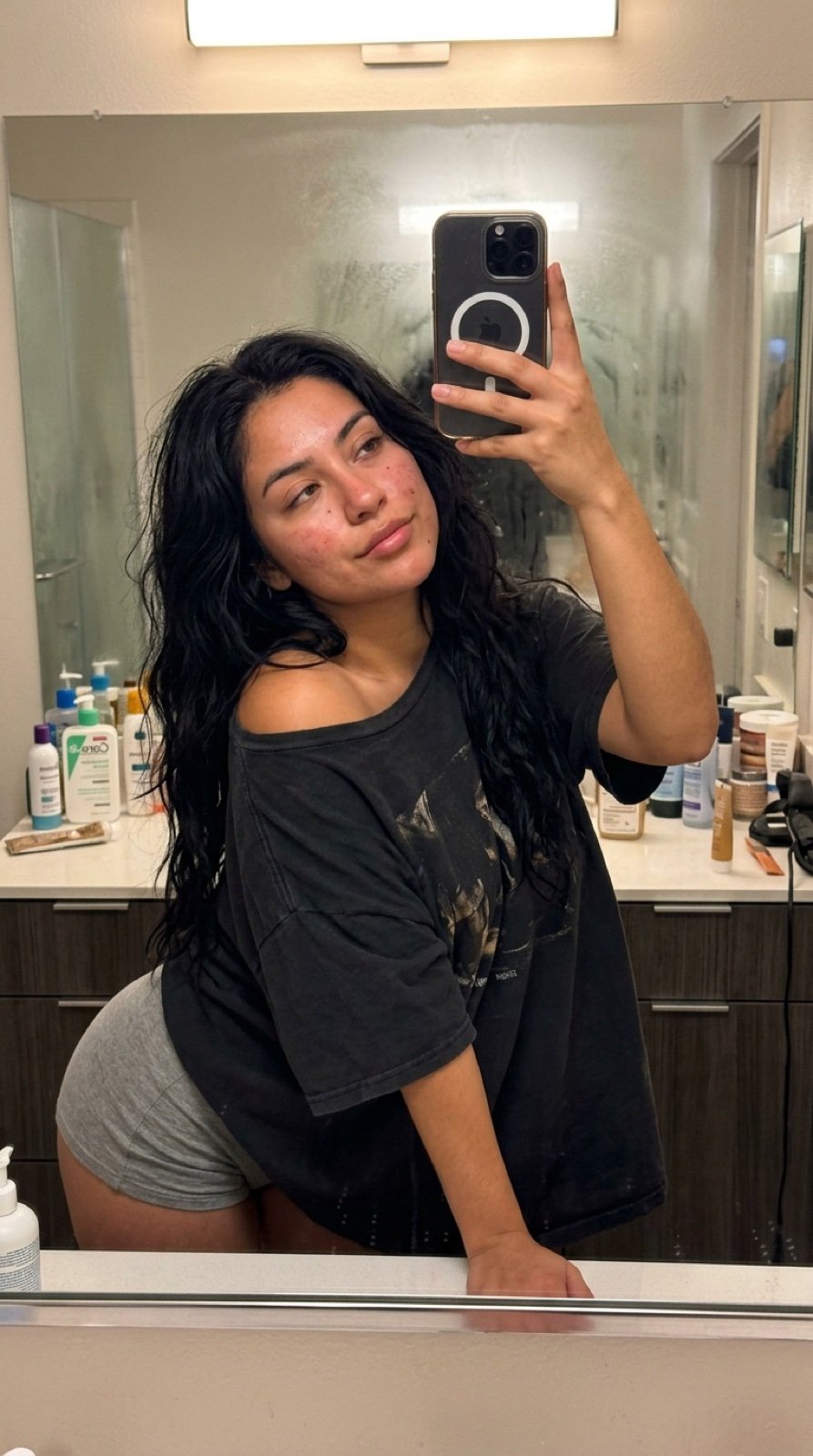
Intimate Late Night Bathroom Selfie
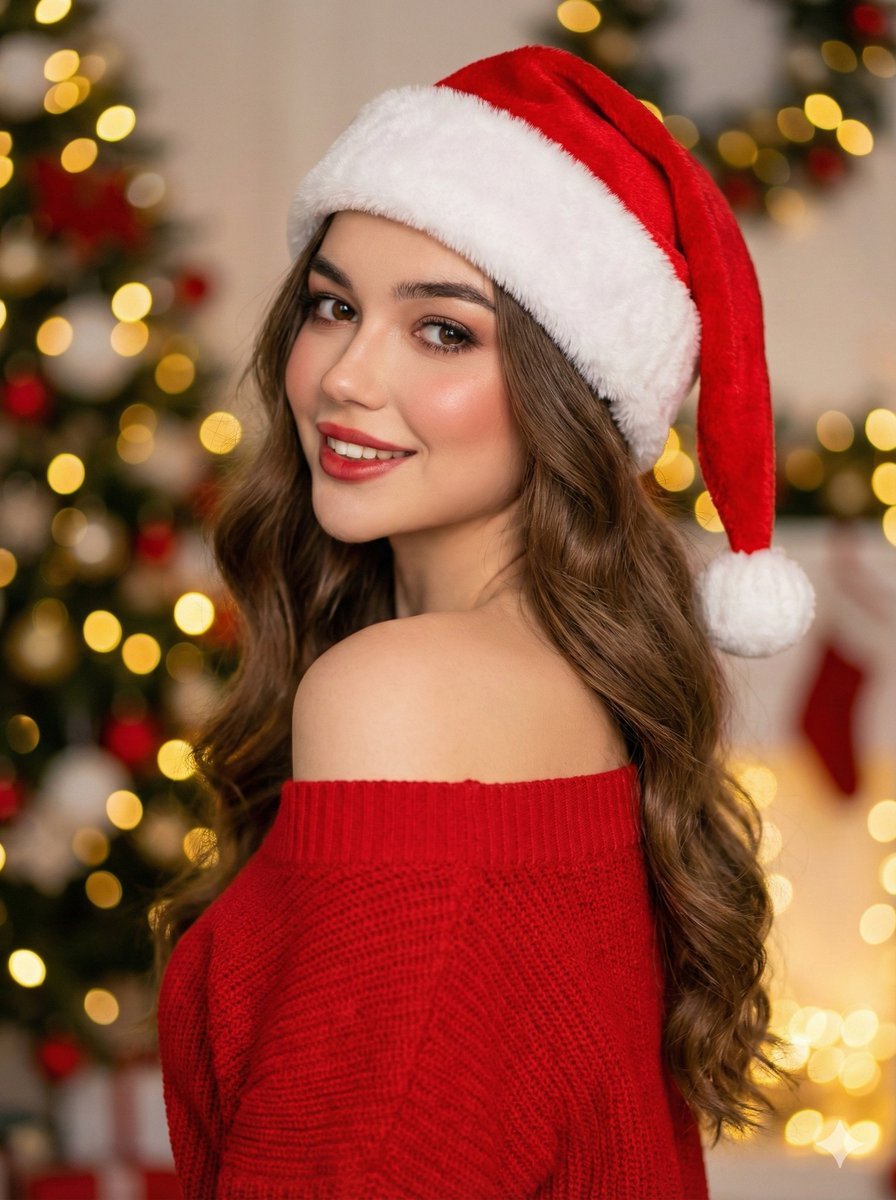
High-Fashion Christmas Portrait with Holiday Sophistication
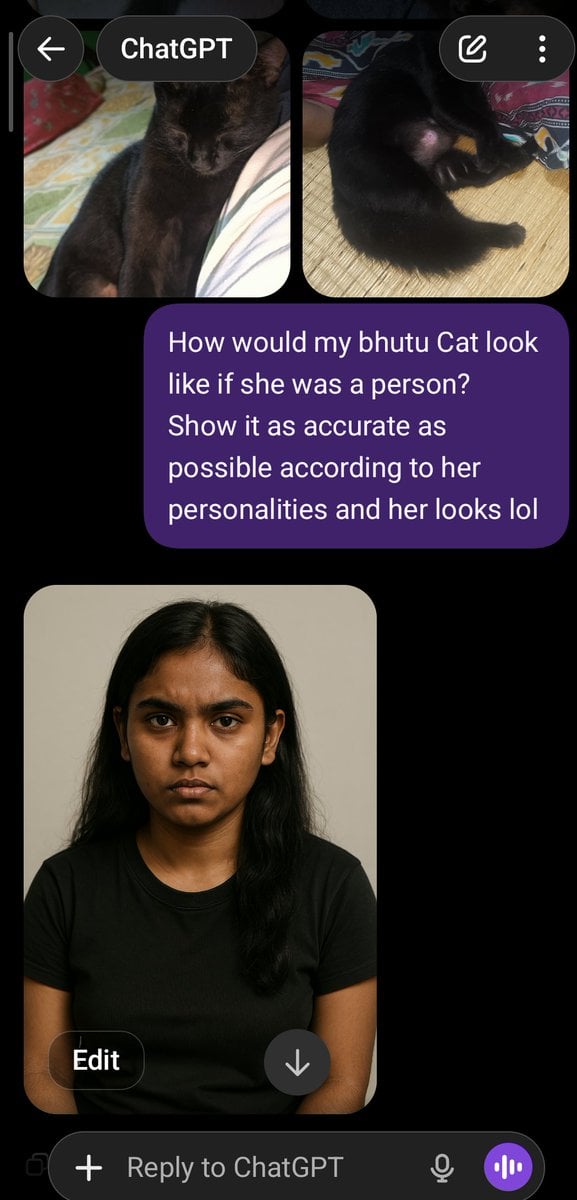
Cat to Person Character Visualization
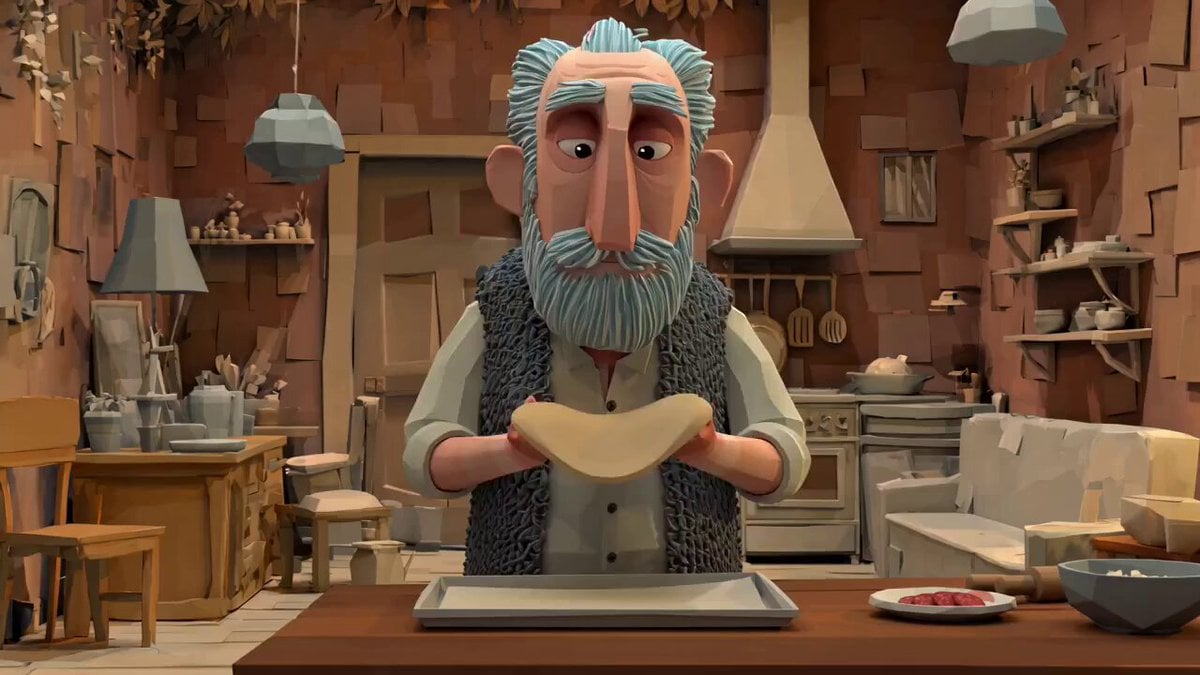
Animation Style - Framer Motion v2
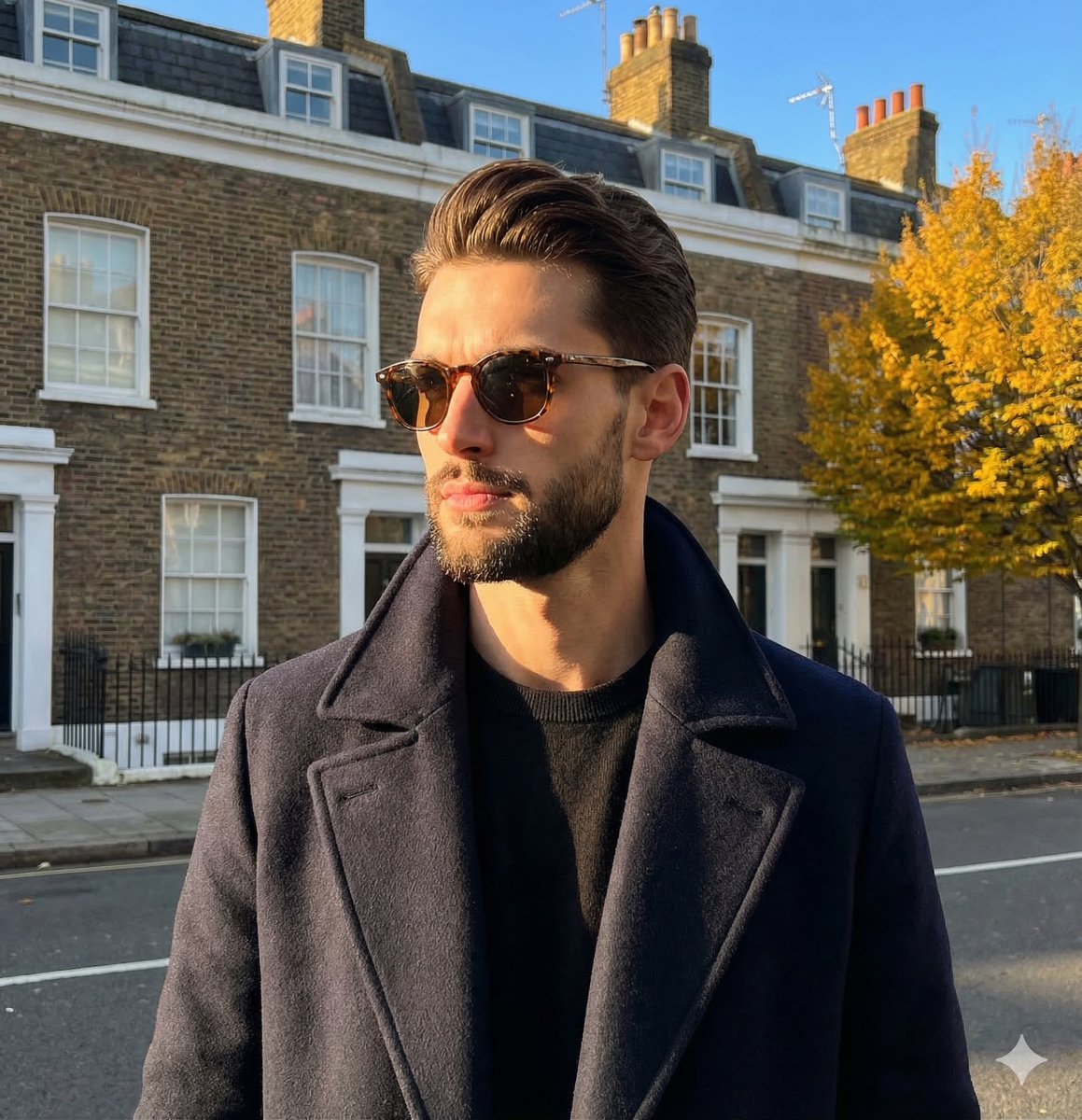
Dramatic High-Contrast Portrait with Window Lighting
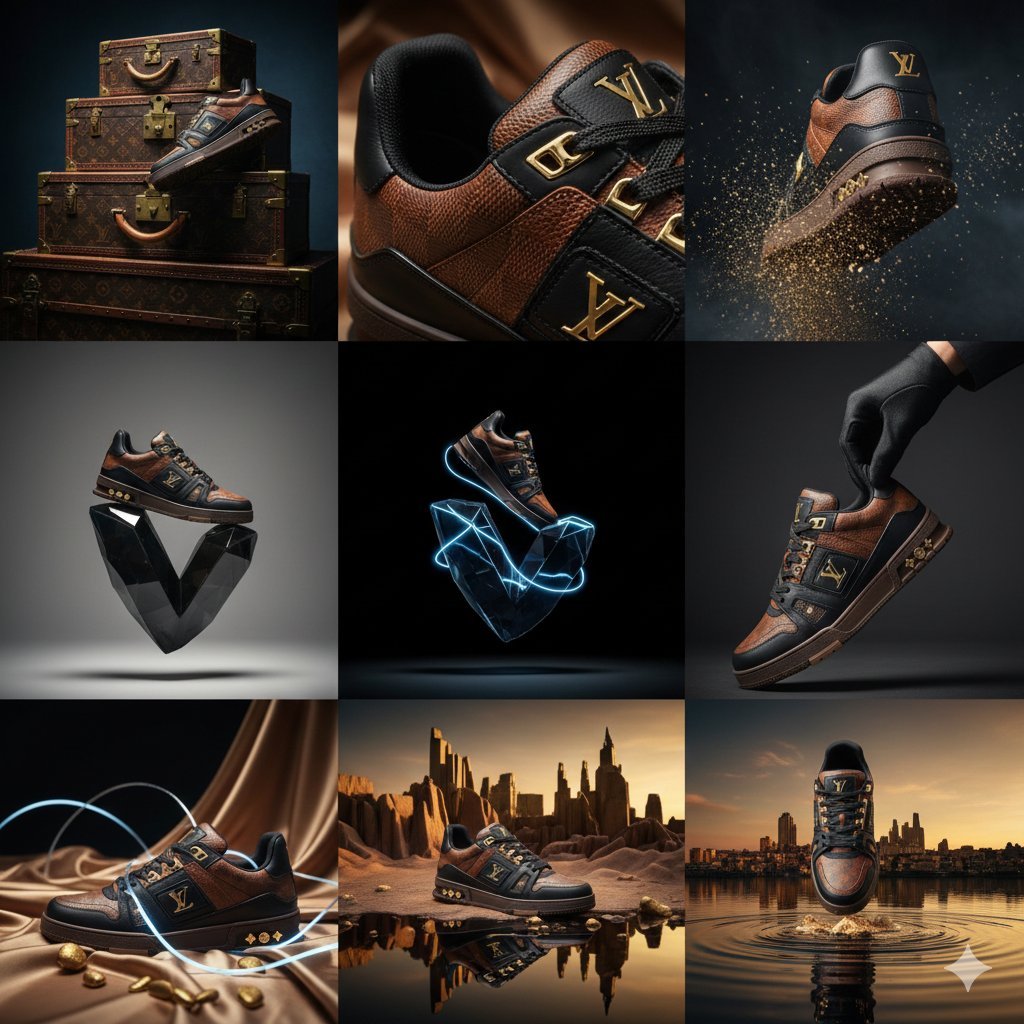
Louis Vuitton Sneaker Editorial Grid Prompt
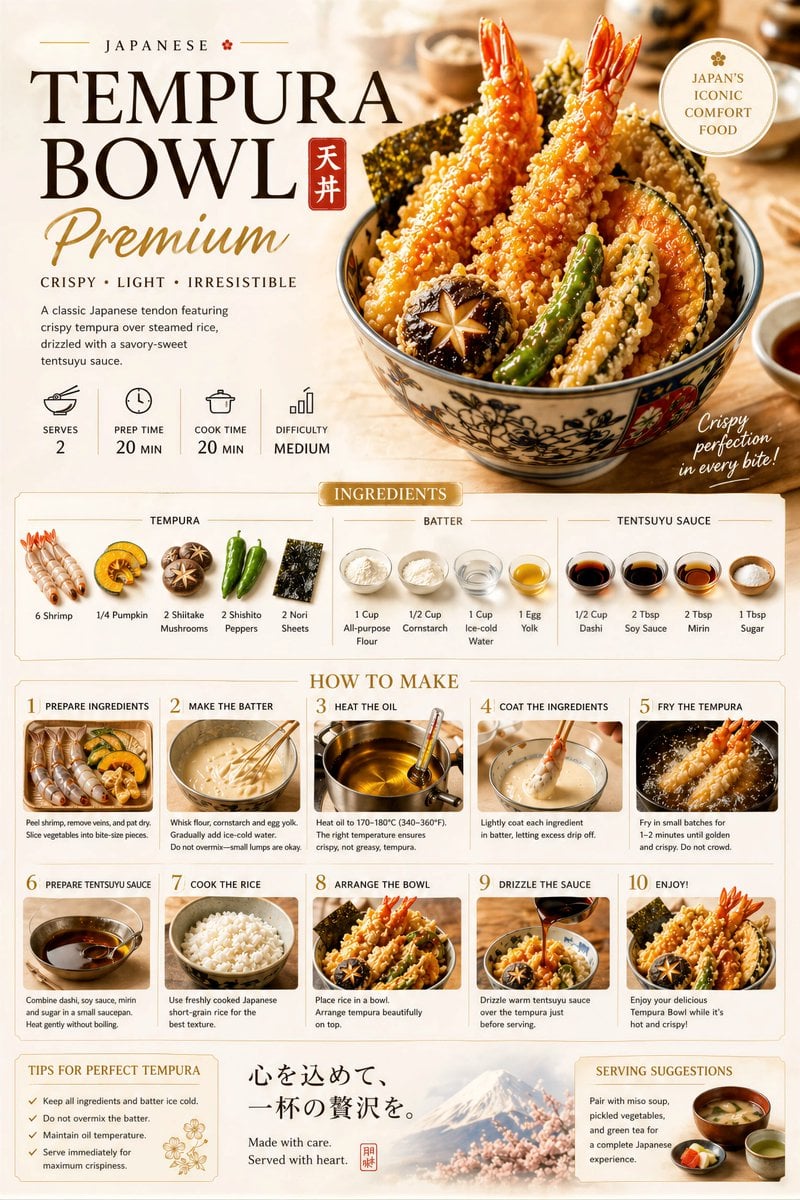
Premium Recipe Poster Template
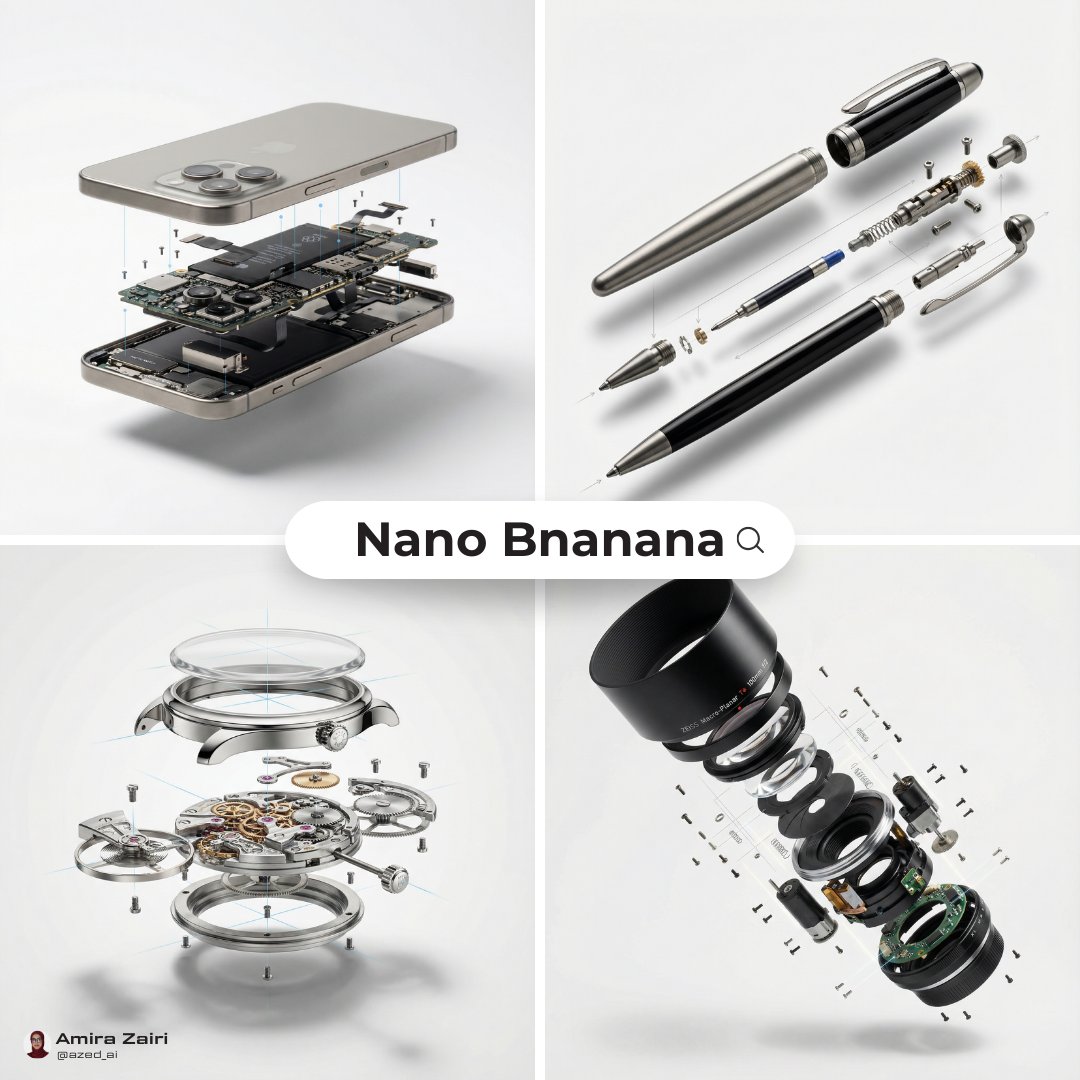
Exploded View Diagram Showing Internal Mechanical Structure
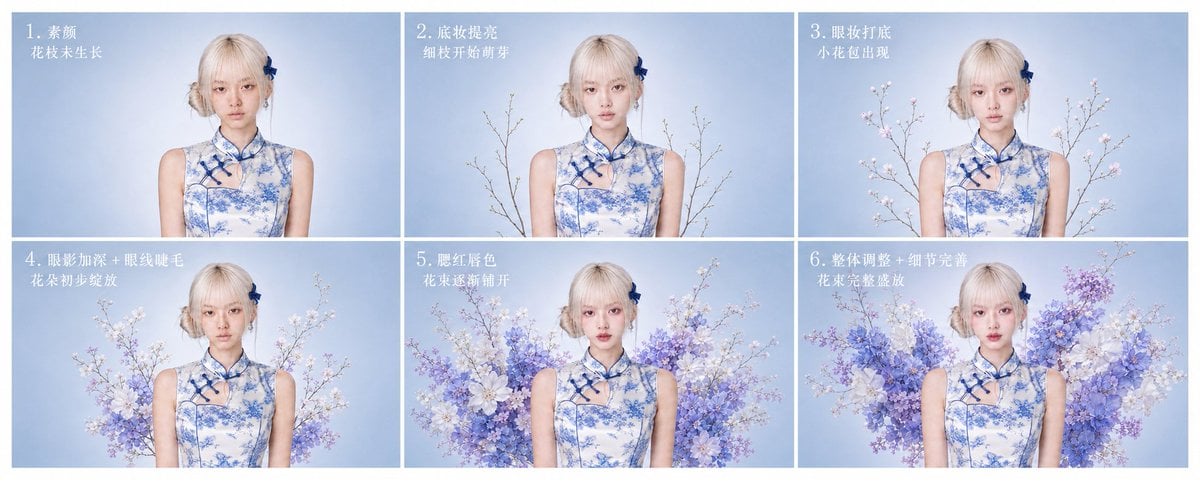
提示词:👇 生成一张 6 步流程图,主题为「旗袍花卉妆造生成过程」。每个小图保持 16:9,排版干
Browse template categories
Harley Quinn Archetype Image Generation Prompt questions
How do I use the Harley Quinn Archetype Image Generation Prompt template?
Add your photo if the template asks for one, edit the prompt if you like — the template's model and format are already selected — and press Generate. Your version opens in PicX Studio.
Can I customize the Harley Quinn Archetype Image Generation Prompt template?
Yes. You can change the subject, setting, lighting, mood, format, and available model controls before creating your image.
Is the Harley Quinn Archetype Image Generation Prompt template free?
Opening and editing this template is free. Generating uses credits, shown on the Generate button when you are signed in.
Which AI model should I use?
Start with Nano Banana 2, which is the model associated with this template. You can compare another compatible model for a different finish.
Looking for something else? Browse all templates.

Your photo, any look
Thousands of ready templates for every top image and video model, from one credit balance.