
Vending Machine Alley at Night
A cinematic and photorealistic prompt for generating a detailed scene of a woman interacting with a Japanese vending machine in a late-night urban alley.
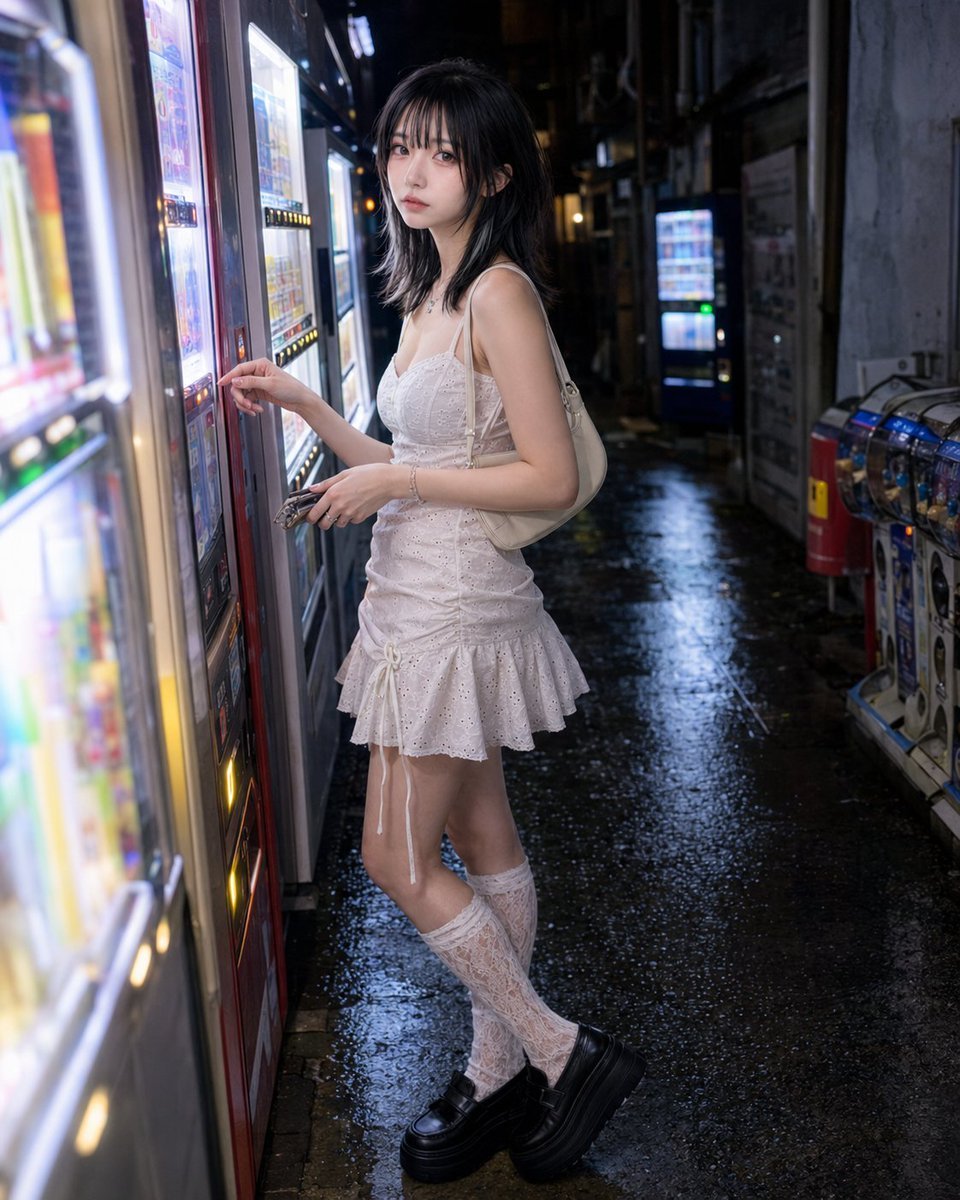
- Prompt included
- Model and format preset
- Premium template
The prompt behind this image
Copy the exact prompt behind Vending Machine Alley at Night, or open it in the studio and make it yours.
Photorealistic everyday background-and-pose set featuring an adult {argument name="subject" default="woman"} at night. Background identity: a dense {argument name="location" default="Japanese vending-machine alley"} at night, with multiple glowing drink machines, cool white and blue light boxes, colorful product-window glow, glossy side panels, narrow concrete passage walls, exposed pipes, a few capsule machines, wet pavement reflections, and layered alley depth disappearing into darkness. The setting should feel unmistakably urban, atmospheric, and driven by artificial night lighting. Use fictional non-readable product visuals only, with no real logos and no readable text. Depth lock: build strong foreground, middle-ground, and background planes. In the foreground, a softly blurred machine edge, illuminated button panel, or wet pavement reflection enters close to the lens. In the middle ground, the subject stands close to one vending machine. In the background, additional glowing machines, pipework, and receding alley lights create depth. Use the machine edges and reflections to pull the eye backward. Composition lock: vertical 4:5 lifestyle crop from around machine-button height, framed from mid-thigh or waist to head. The subject fills about 65–75% of the frame. Keep the selected machine panel, neighboring machine glow, narrow alley depth, and wet ground reflections visible. The image should feel like a real late-night city moment, not a posed promo shot. Action and pose lock: the subject stands naturally close to the machine with both feet grounded. One hand is raised toward the vending-machine selection buttons, either pressing a button or hovering just before pressing it. The other hand holds {argument name="item" default="coins, a phone"}, or rests naturally near the body. Her body angles toward the machine, with a slight forward lean caused by checking the selection. Shoulders stay relaxed, elbows natural, and the pose should remain grounded in the real action of choosing a drink. Camera and gaze lock: her head remains directed toward the machine and selection area. The camera is positioned slightly beside the machine window, near the natural line between her eyes and the product display. Without turning her face fully toward the camera, only her eyes shift briefly toward the lens, preserving the side-facing three-quarter angle and the ongoing selecting action. Avoid: standing away from the machine, hands leaving the selection area, full face turn toward the camera, dramatic body twist, raised knee, hard stare, wide alley overview, real brand logos, readable product labels.
How to use Vending Machine Alley at Night in 3 steps
- 1
Open
The prompt is already in the box next to the preview, with the template's model and format selected.
- 2…a portrait of your subject in softgolden-hour light, 85mm…
Personalize
Edit the subject and creative details for your destination.
- 3Generate
Generate
Press Generate — your image is created in PicX Studio, so you can compare it with the original and refine one variable at a time.
More like this
Templates with the same subject, style or setup. Open one to see its prompt.
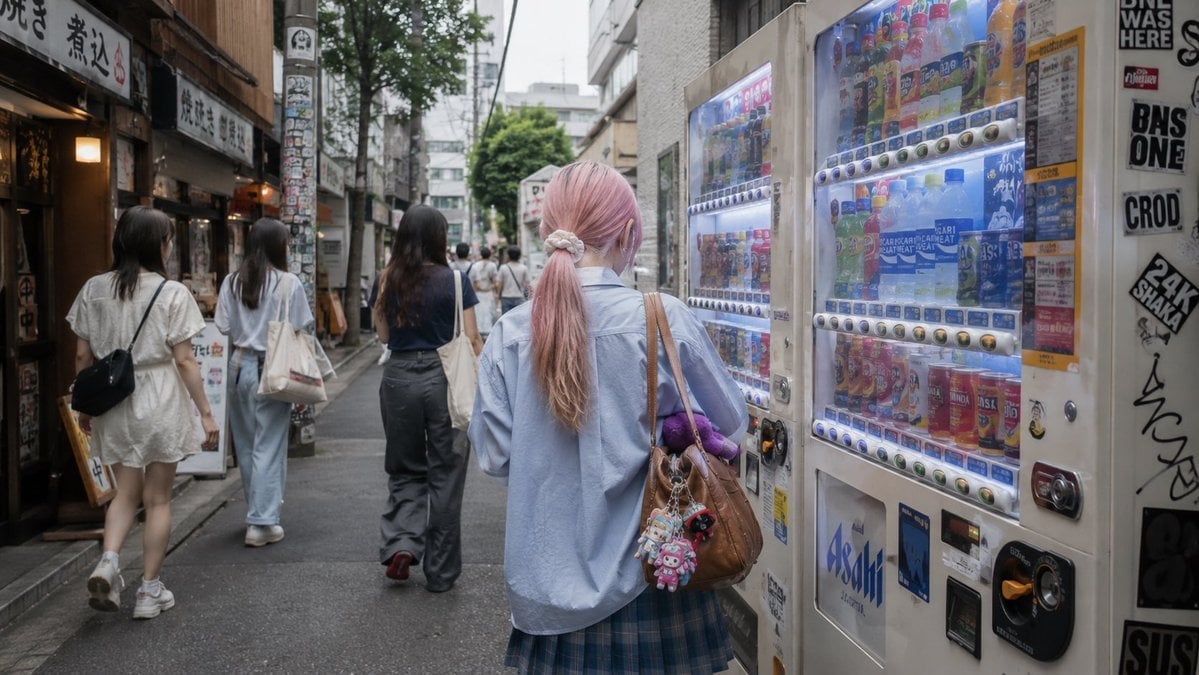
Tokyo Alley Vending Machine Snapshot
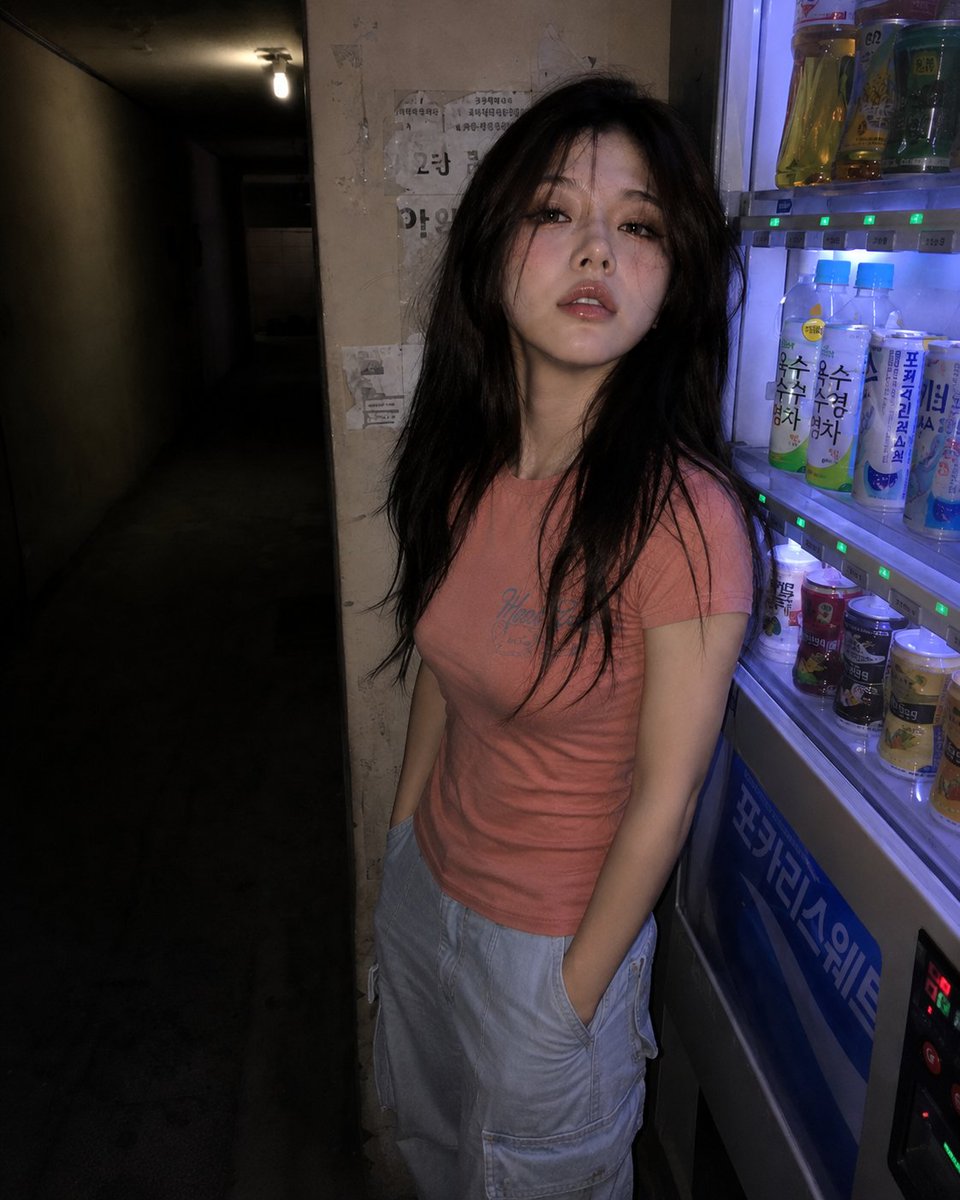
Nighttime Hallway Vending Machine Portrait
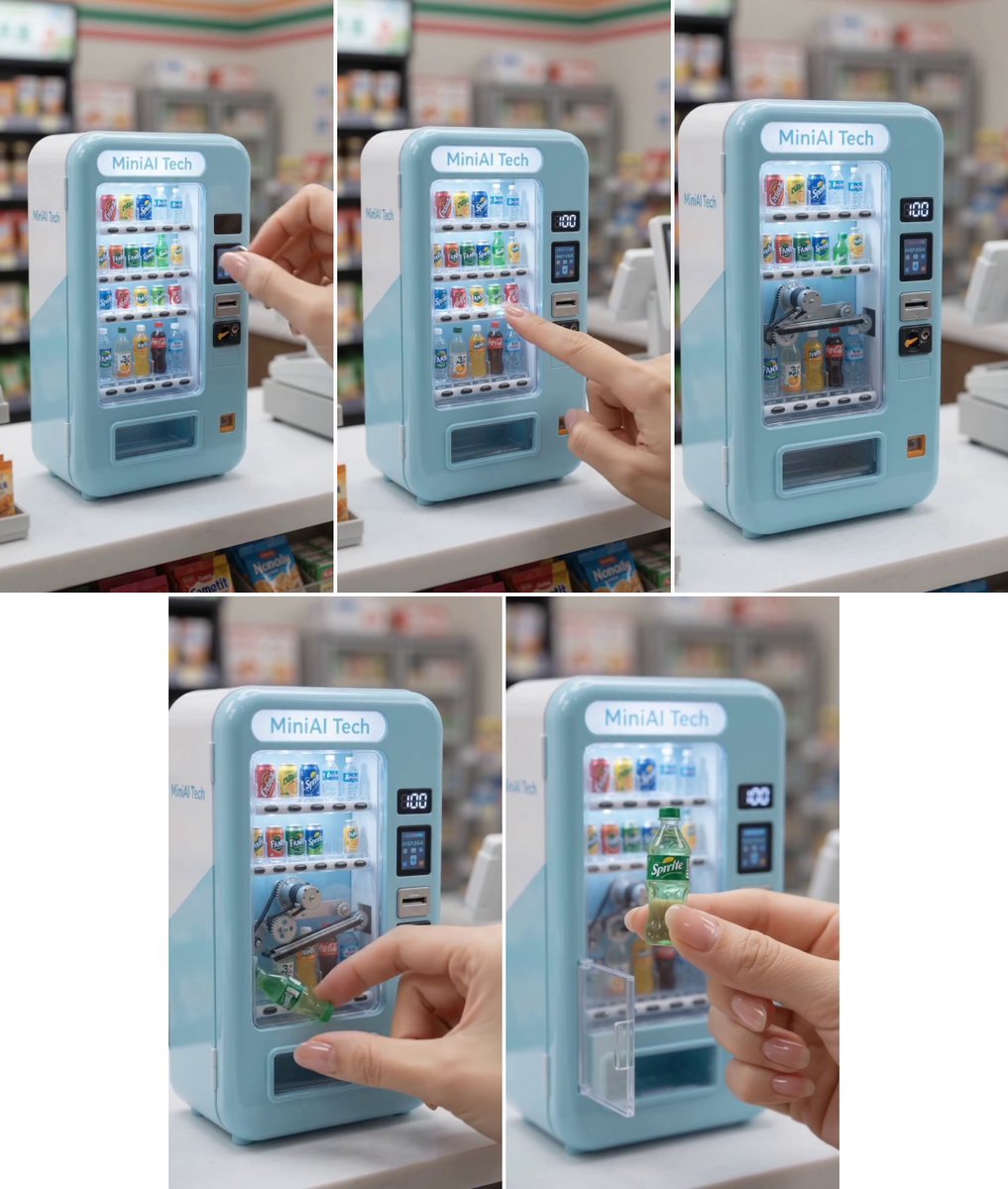
MiniAI Tech Vending Machine Collage
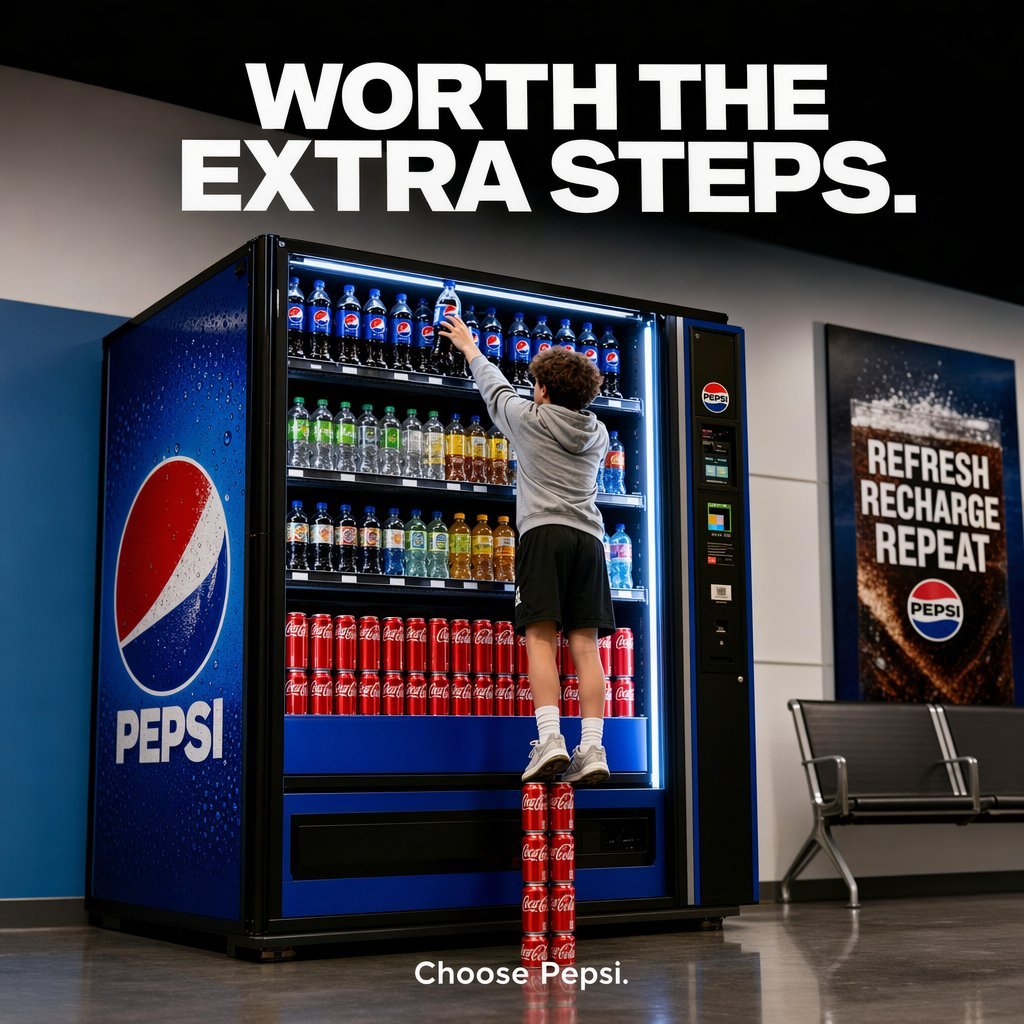
Pepsi Vending Machine Ad
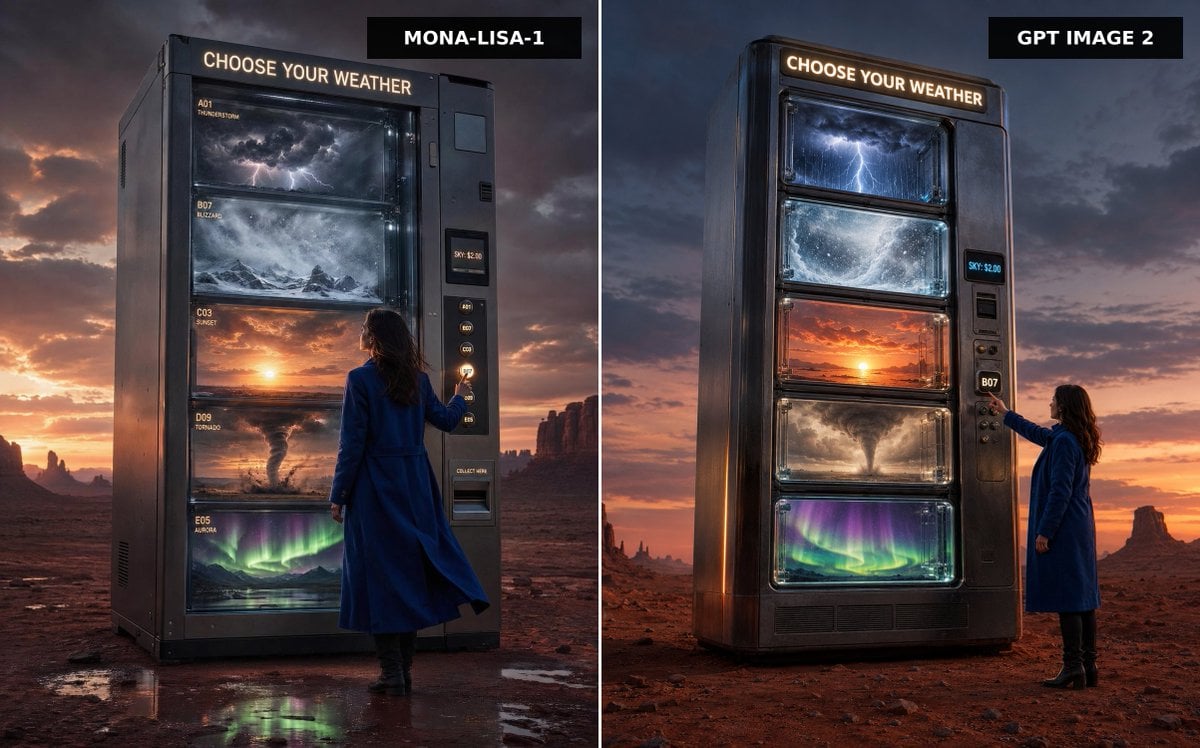
Weather Vending Machine Comparison
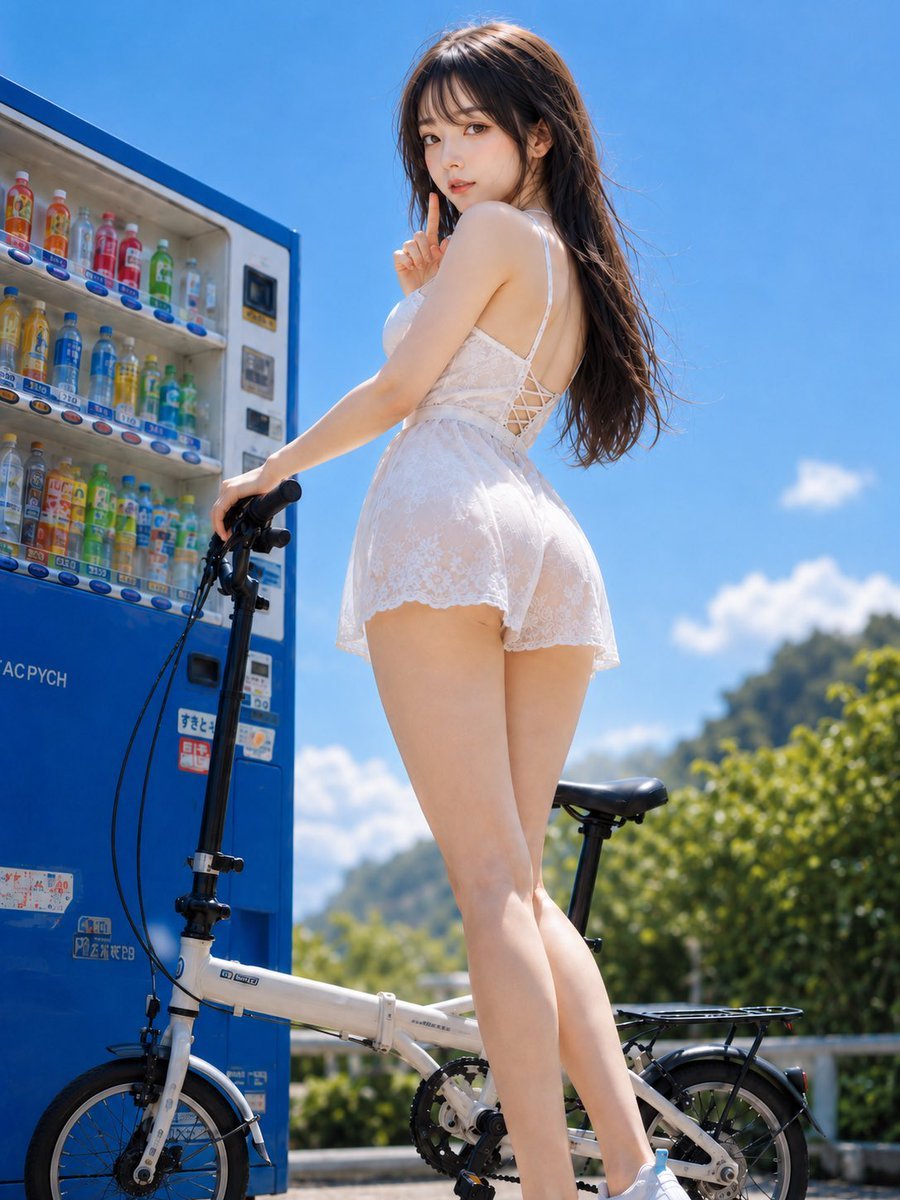
Summer Vending Machine Side Portrait
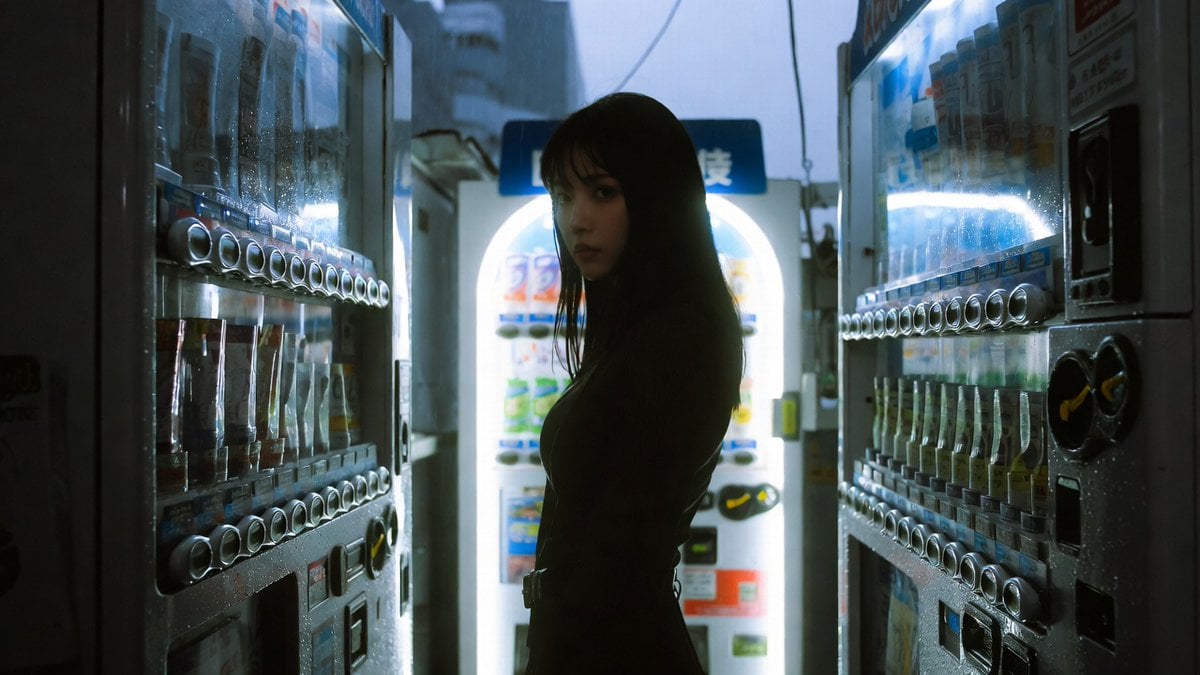
Cinematic Shinjuku Vending Machine Editorial

Subway Platform Quiet Introspective Portrait
Subway Platform Quiet Introspective Portrait

Spider-Man Night Swing New York Cinematic
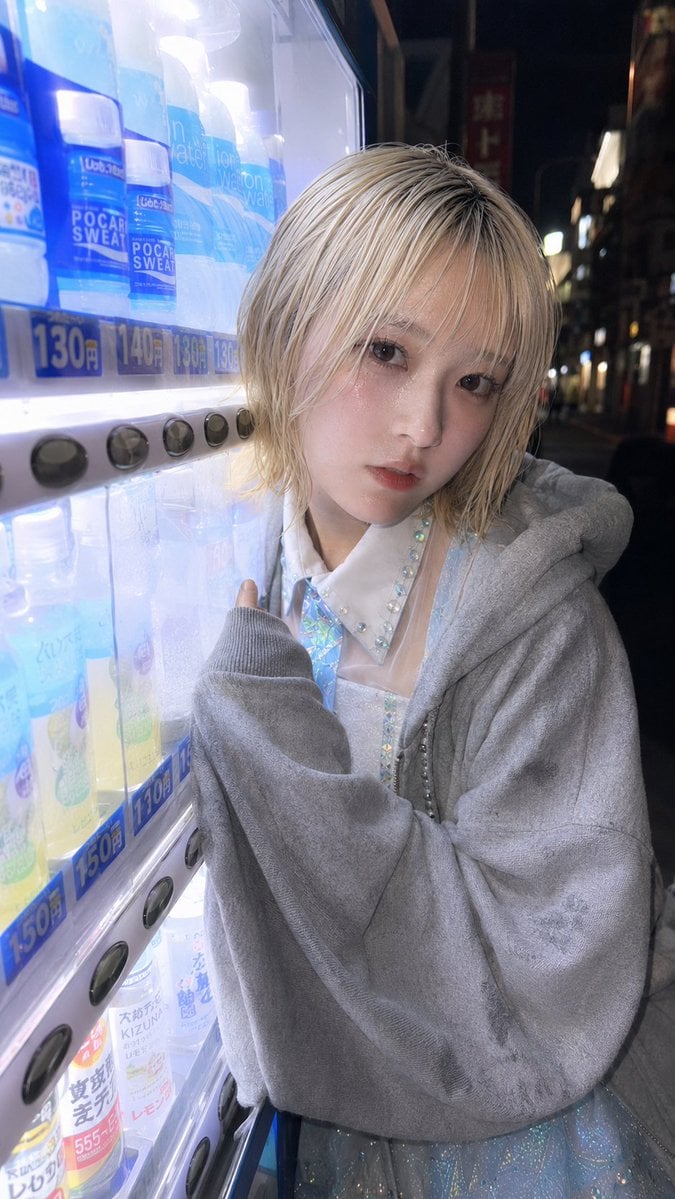
Ultra-Wide Vending Machine Portrait
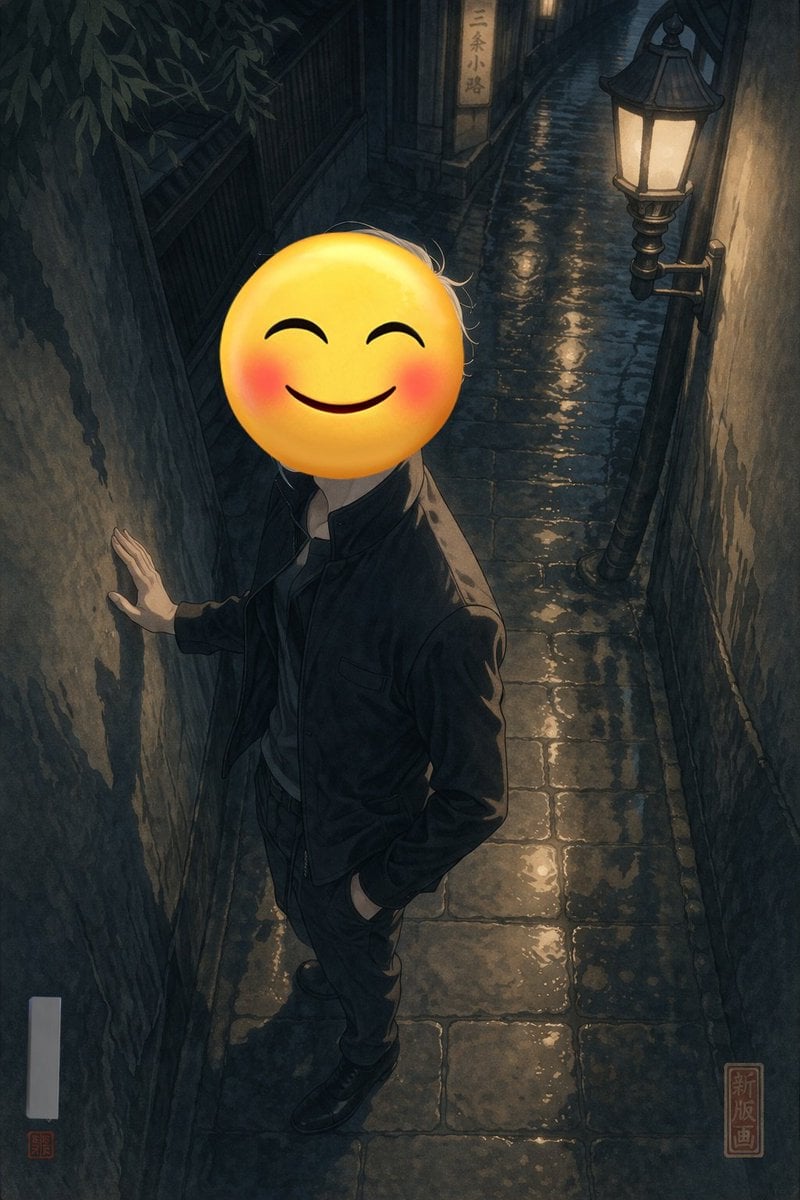
Emoji-Faced Figure in Wet Night Alley
Make it yours
Vending Machine Alley at Night works as-is. These are the safest ways to change it without losing the look.
Change one field
Copy a single group, rewrite it, and generate again so you can see what that field is doing.
Keep the frame, change the subject
Hold the composition and light of Vending Machine Alley at Night, then swap wardrobe, props or the person for a new take.
| If the result… | Why | Fix |
|---|---|---|
| The result drifts from the preview | Too many fields changed at once. | Reuse Vending Machine Alley at Night as-is first, then change one group — subject, light, or setting. |
| The model over-stylizes the scene | The prose prompt leaves finish and camera underspecified. | Add one camera or lighting sentence and stay on GPT Image 2. |
More GPT Image 2 templates
Other prompts made for GPT Image 2.

Six VTuber Japanese Logo Sheet

Realistic Portrait of Woman and Deer

The Vista Modular Condo Poster

AI Model Routing Comparison Infographic

2.5D Anime Art Board

Isometric Productivity Desk Scene

New York Double Exposure Poster

Four-Panel AI Landscape Comparison

Japanese Tatami Lifestyle Magazine Cover

NESCAFÉ Coffee Map Poster
More image prompts
Fresh picks from across the catalog.
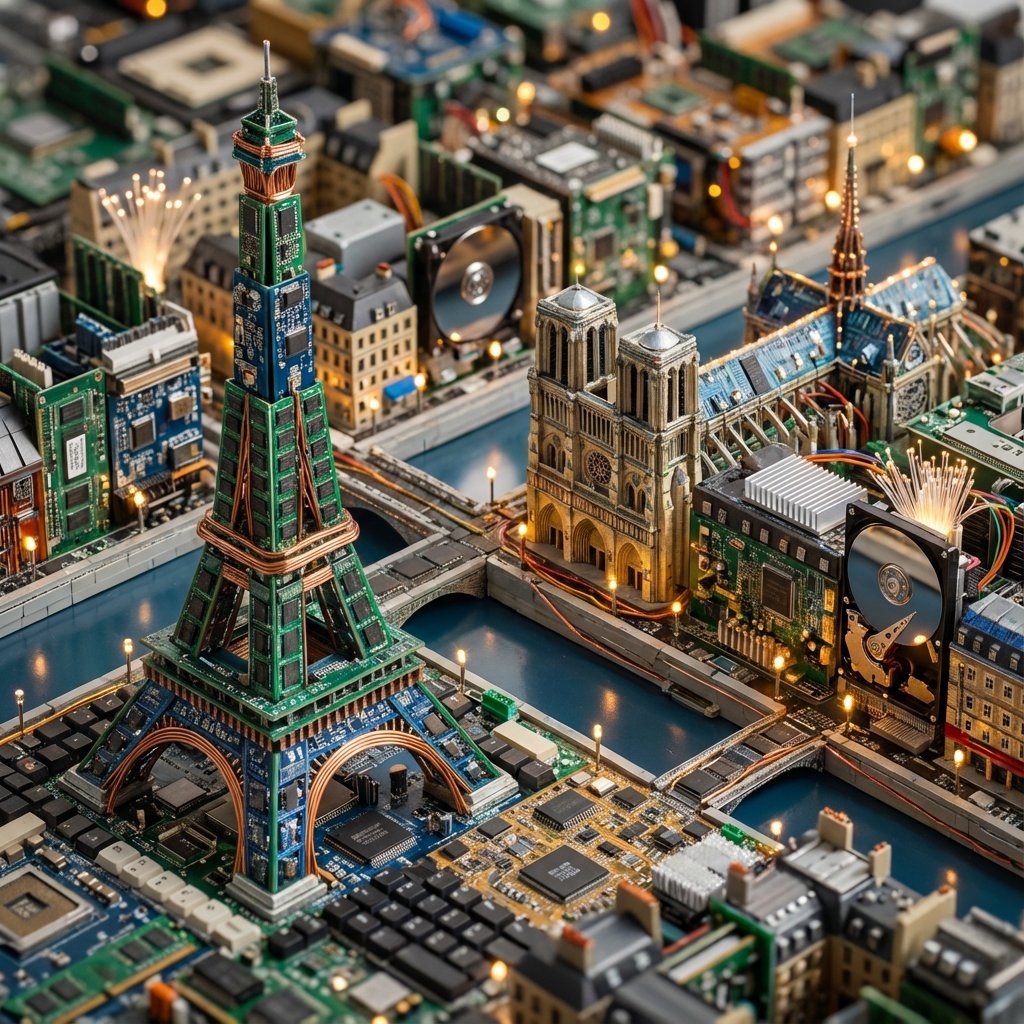
Cityscape Morphology from Material Concepts
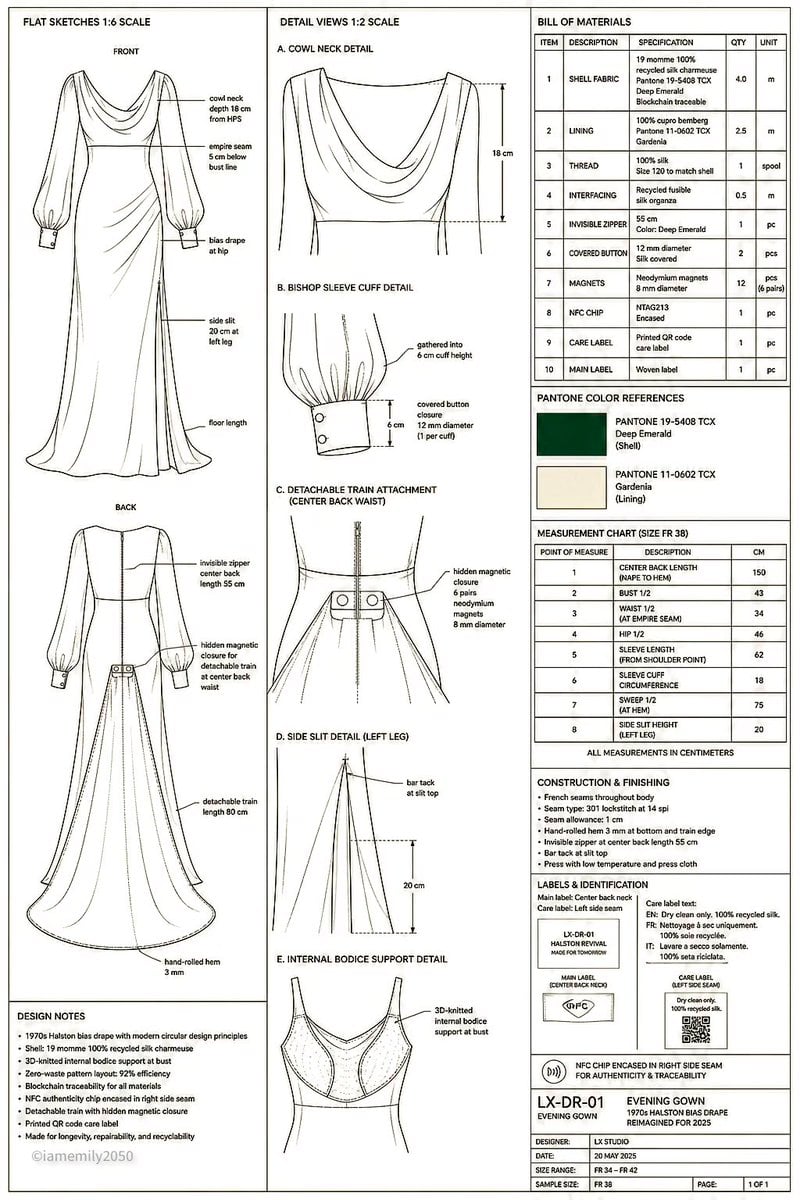
Technical Fashion Specification Sheet
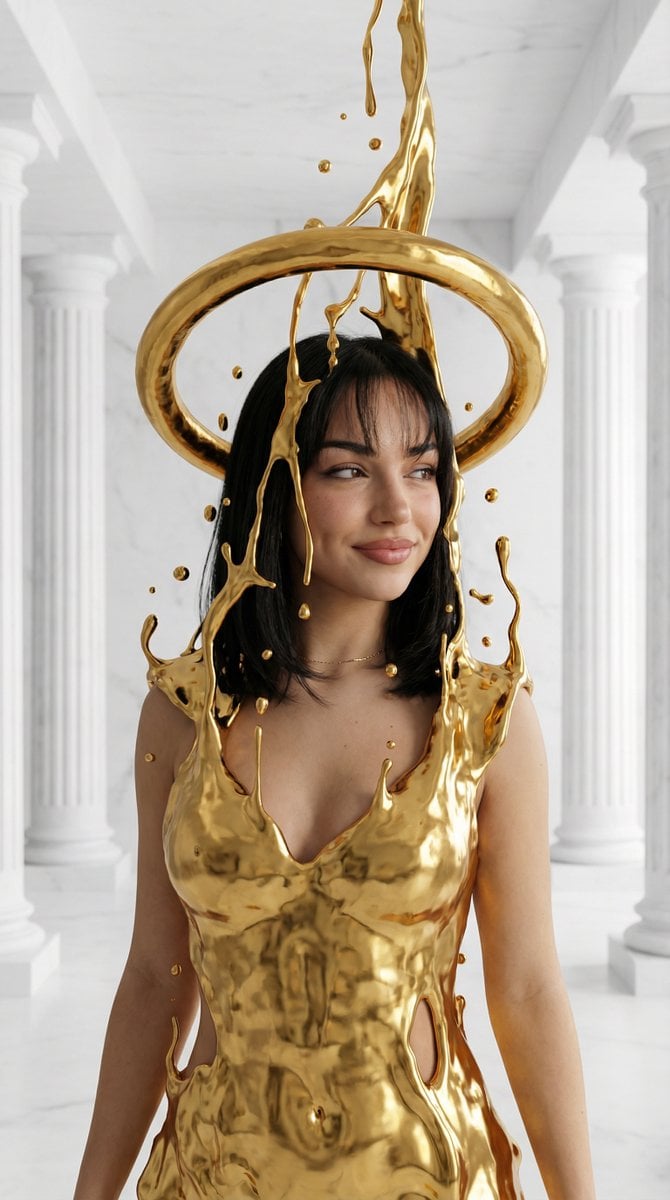
Surreal High-Fashion Portrait with Liquid Gold and Classical Architecture
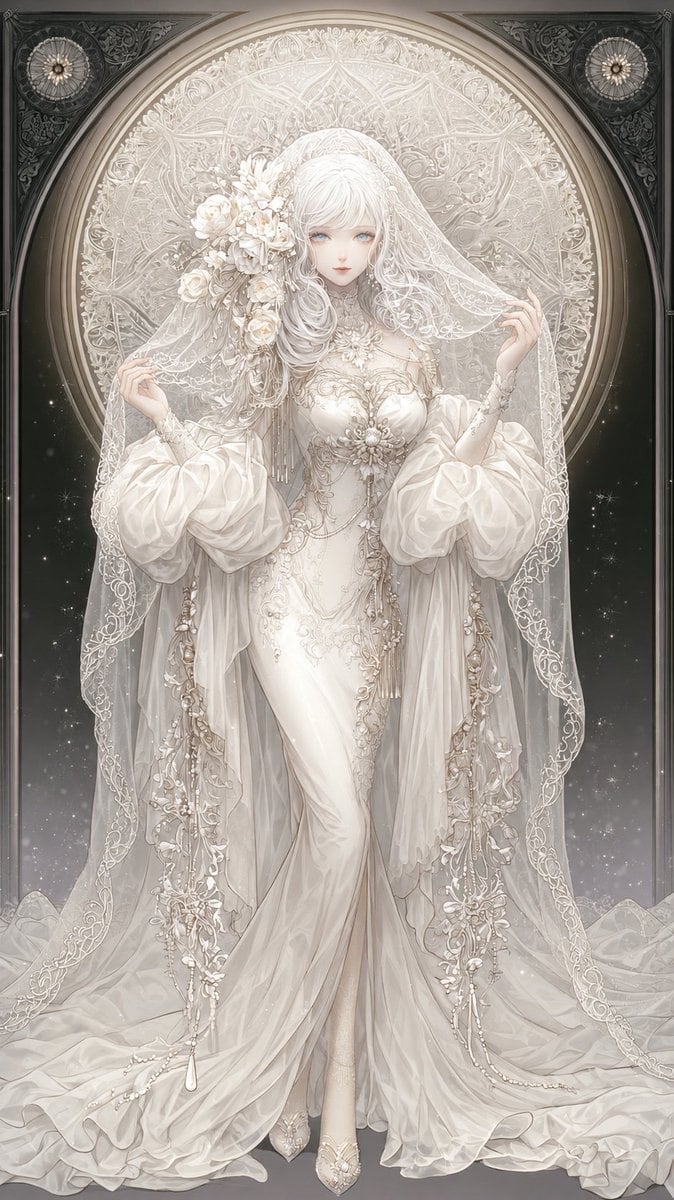
Ivory Garment Goddess
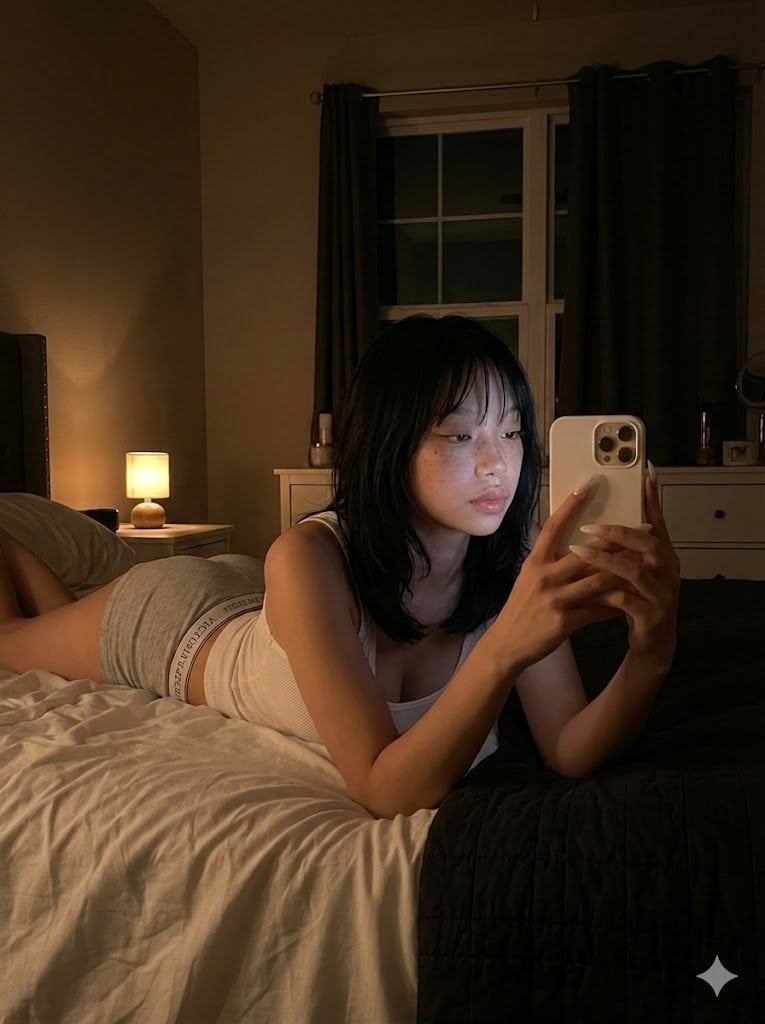
Ultra Realistic Dim Bedroom Scene Prompt
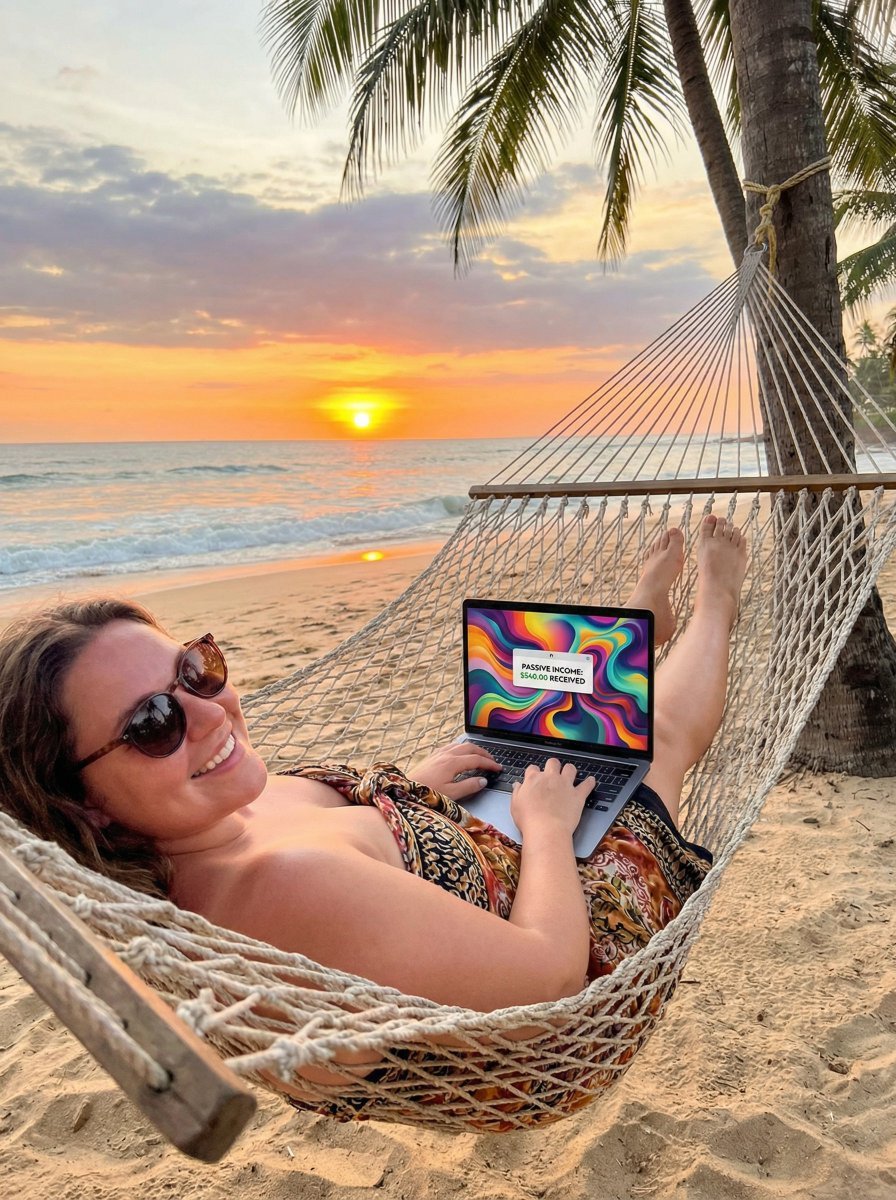
JSON Prompt for Digital Nomad Generating AI Art on a Beach Hammock

Cute Subscription Celebration Illustration
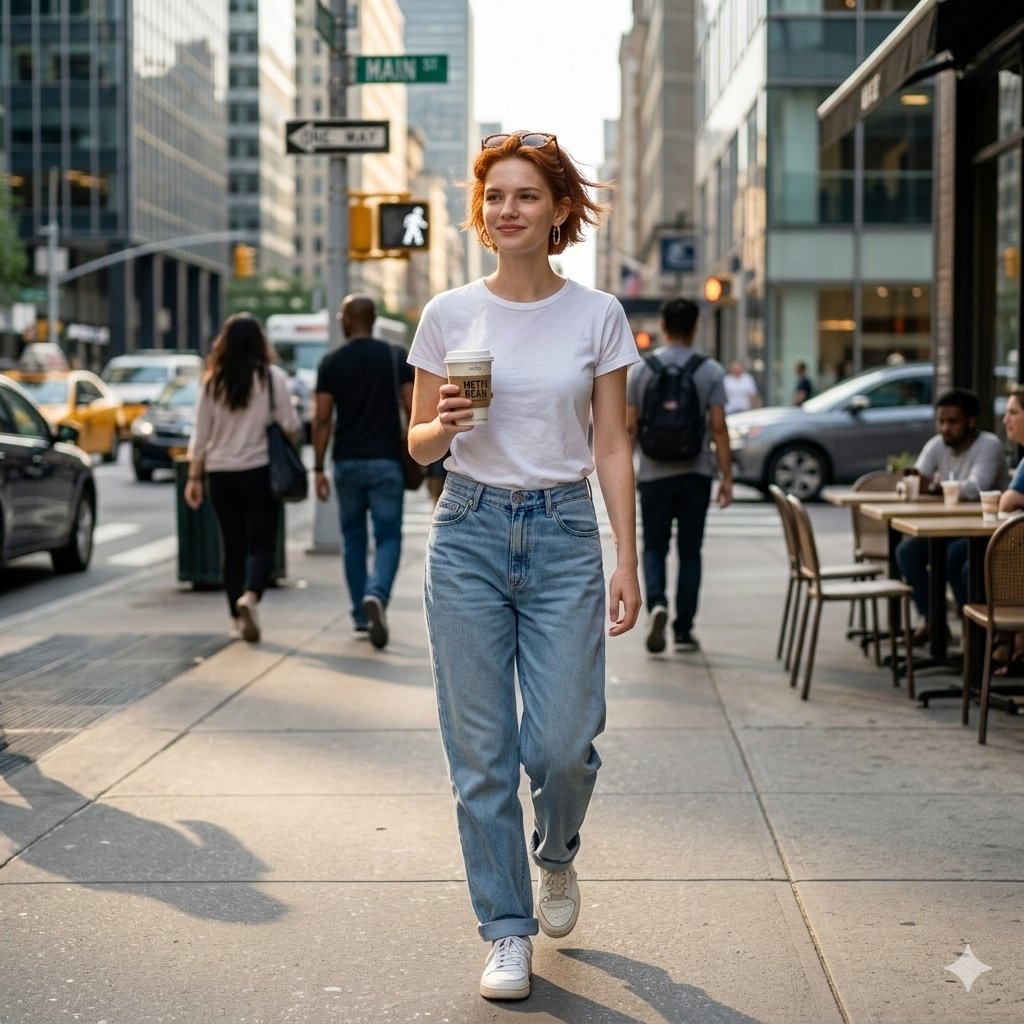
Candid Street Photo of Woman Walking in City
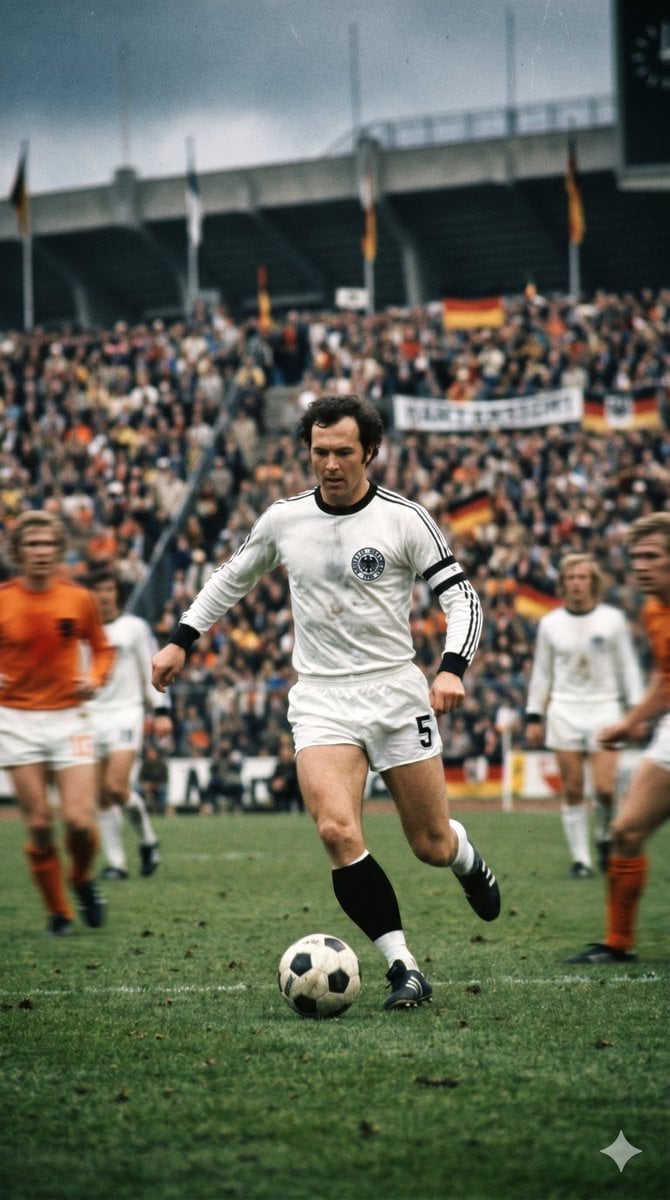
Vintage Football Action Portrait
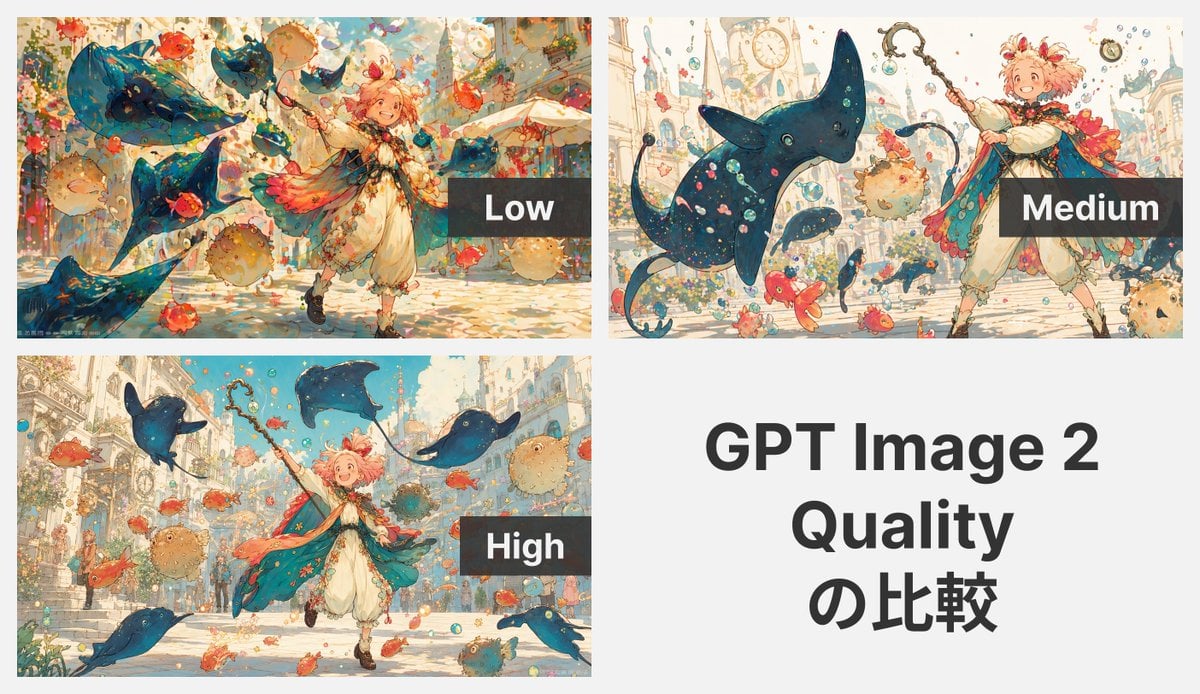
GPT Image 2 Quality Comparison Grid
Browse template categories
Vending Machine Alley at Night questions
How do I use the Vending Machine Alley at Night template?
Add your photo if the template asks for one, edit the prompt if you like — the template's model and format are already selected — and press Generate. Your version opens in PicX Studio.
Can I customize the Vending Machine Alley at Night template?
Yes. You can change the subject, setting, lighting, mood, format, and available model controls before creating your image.
Is the Vending Machine Alley at Night template free?
Opening and editing this template is free. Generating uses credits, shown on the Generate button when you are signed in.
Which AI model should I use?
Start with GPT Image 2, which is the model associated with this template. You can compare another compatible model for a different finish.
Looking for something else? Browse all templates.

Your photo, any look
Thousands of ready templates for every top image and video model, from one credit balance.