
GPT Image 2 Quality Comparison Grid
A four-panel comparison graphic showing the same whimsical fantasy anime scene at Low, Medium, and High quality, commonly used to demonstrate image-generation quality differences.
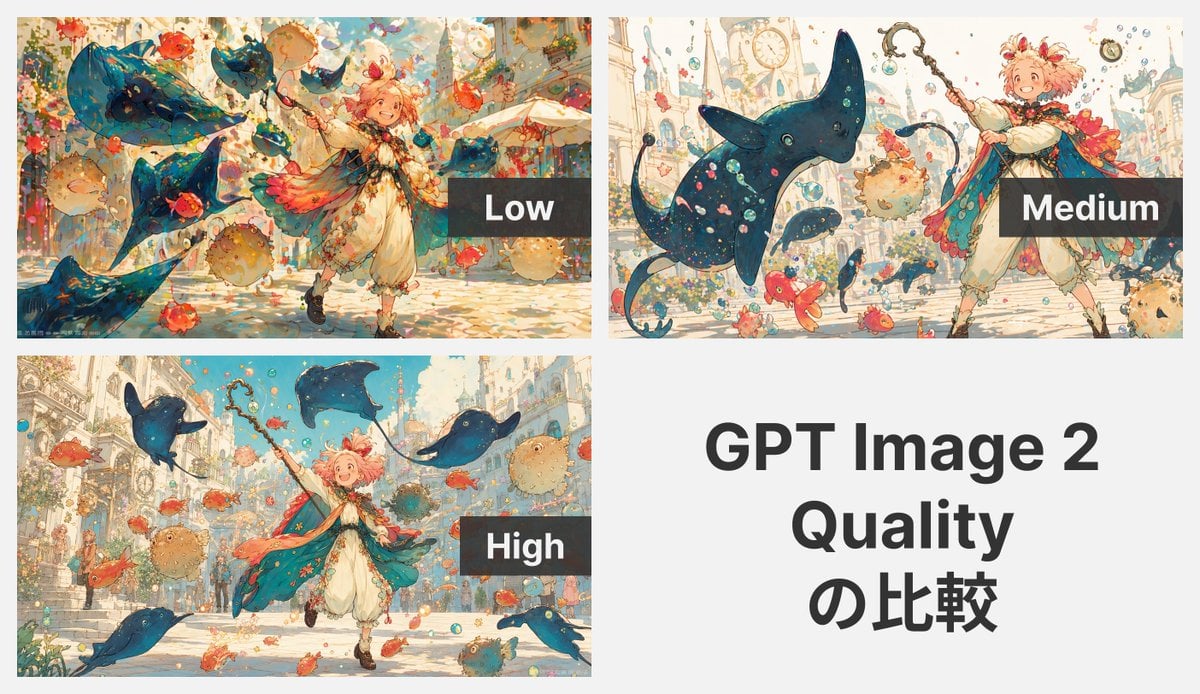
- Prompt included
- Model and format preset
- Free template
The prompt behind this image
Copy the exact prompt behind GPT Image 2 Quality Comparison Grid, or open it in the studio and make it yours.
- Type
- quality comparison collage
- Subject
- whimsical fantasy anime illustration generated at three quality settings
- Style
- airy watercolor-and-ink storybook anime, soft pastel palette, detailed linework, painterly textures, bright magical atmosphere
- Canvas › Background
- light gray overall background
- Canvas › Aspect Ratio
- 16:9 presentation slide
- Layout › Sections › 0 › Title
- Low
- Layout › Sections › 0 › Position
- top-left
- Layout › Sections › 0 › Count
- 1
- Layout › Sections › 0 › Labels
- Low
- Layout › Sections › 0 › Image
- a lively fantasy street scene with 1 youthful androgynous child mage in motion, smiling and raising a wand, surrounded by 4 large blue manta ray–like flying creatures, multiple orange-red goldfish, several round pufferfish, floating bubbles and confetti, with ornate European-style buildings in the background; the composition is busy and colorful but slightly less refined
- Layout › Sections › 0 › Overlay
- dark translucent rectangle near the right side with large white sans-serif text 'Low'
- Layout › Sections › 1 › Title
- Medium
- Layout › Sections › 1 › Position
- top-right
- Layout › Sections › 1 › Count
- 1
- Layout › Sections › 1 › Labels
- Medium
- Layout › Sections › 1 › Image
- the same prompt rendered again with 1 child mage positioned on the right side, face obscured by a peach square censor block, holding a staff upward, with 1 dominant large blue manta ray creature in the foreground, smaller blue fish-like creatures, orange-red fish, pufferfish, bubbles, and a pale fantasy city with towers and clock details in the background; cleaner spacing and more readable forms than the low version
- Layout › Sections › 1 › Overlay
- dark translucent rectangle near the lower-right with large white sans-serif text 'Medium'
- Layout › Sections › 2 › Title
- High
- Layout › Sections › 2 › Position
- bottom-left
- Layout › Sections › 2 › Count
- 1
- Layout › Sections › 2 › Labels
- High
- Layout › Sections › 2 › Image
- the same fantasy scene rendered with the highest polish: 1 cheerful child mage running forward with wand raised, wearing a flowing teal cape with warm pink-orange featherlike accents, cream tunic and bloomers, brown boots, and short fluffy pink hair; surrounded by 4 blue manta ray–like flying creatures, many orange-red fish, several tan pufferfish, bubbles and sparkles, in a sunlit ornate city street with stairs and elegant architecture; the image is crisp, balanced, richly detailed, and luminous
- Layout › Sections › 2 › Overlay
- dark translucent rectangle near the right-center with large white sans-serif text 'High'
- Layout › Sections › 3 › Title
- GPT Image 2 Quality の比較
Raw JSON
{"type":"quality comparison collage","subject":"whimsical fantasy anime illustration generated at three quality settings","style":"airy watercolor-and-ink storybook anime, soft pastel palette, detailed linework, painterly textures, bright magical atmosphere","canvas":{"background":"light gray overall background","aspect_ratio":"16:9 presentation slide"},"layout":{"sections":[{"title":"Low","position":"top-left","count":1,"labels":["Low"],"image":"a lively fantasy street scene with 1 youthful androgynous child mage in motion, smiling and raising a wand, surrounded by 4 large blue manta ray–like flying creatures, multiple orange-red goldfish, several round pufferfish, floating bubbles and confetti, with ornate European-style buildings in the background; the composition is busy and colorful but slightly less refined","overlay":"dark translucent rectangle near the right side with large white sans-serif text 'Low'"},{"title":"Medium","position":"top-right","count":1,"labels":["Medium"],"image":"the same prompt rendered again with 1 child mage positioned on the right side, face obscured by a peach square censor block, holding a staff upward, with 1 dominant large blue manta ray creature in the foreground, smaller blue fish-like creatures, orange-red fish, pufferfish, bubbles, and a pale fantasy city with towers and clock details in the background; cleaner spacing and more readable forms than the low version","overlay":"dark translucent rectangle near the lower-right with large white sans-serif text 'Medium'"},{"title":"High","position":"bottom-left","count":1,"labels":["High"],"image":"the same fantasy scene rendered with the highest polish: 1 cheerful child mage running forward with wand raised, wearing a flowing teal cape with warm pink-orange featherlike accents, cream tunic and bloomers, brown boots, and short fluffy pink hair; surrounded by 4 blue manta ray–like flying creatures, many orange-red fish, several tan pufferfish, bubbles and sparkles, in a sunlit ornate city street with stairs and elegant architecture; the image is crisp, balanced, richly detailed, and luminous","overlay":"dark translucent rectangle near the right-center with large white sans-serif text 'High'"},{"title":"GPT Image 2 Quality の比較","position":"bottom-right","count":1,"labels":["GPT Image 2","Quality","の比較"],"image":"text-only panel on a plain light gray background","typography":"large bold black sans-serif centered text over 3 lines reading '{argument name=\"headline text\" default=\"GPT Image 2 Quality の比較\"}'"}],"grid":"2 by 2 collage with 3 image panels and 1 text panel","margins":"thin gutters between panels"},"character":{"count":1,"description":"young fantasy child mage or adventurer, cheerful, dynamic pose, short fluffy {argument name=\"hair color\" default=\"pink\"} hair, ornate wand or staff, flowing teal-blue cape with coral and gold accents, cream outfit with puffed pants, whimsical storybook design"},"environment":{"setting":"sunlit fantastical European-inspired city street or plaza","floating_elements_count":"4 large manta ray creatures plus numerous small fish, several pufferfish, and many bubbles","mood":"playful, magical, celebratory"},"rendering_notes":{"comparison_purpose":"show visual differences among 3 quality levels using the same prompt","quality_labels_count":3,"text_panels_count":1}}How to use GPT Image 2 Quality Comparison Grid in 3 steps
- 1Upload ImagePNG, JPG or paste
Add your photo
Upload the photo the template builds on. The prompt, model and format are already set.
- 2…a portrait of your subject in softgolden-hour light, 85mm…
Personalize
Edit the subject and creative details for your destination.
- 3Generate
Generate
Press Generate — your image is created in PicX Studio, so you can compare it with the original and refine one variable at a time.
More like this
Templates with the same subject, style or setup. Open one to see its prompt.

Fantasy Model Comparison Grid

Korean Luxury Fashion Editorial 2x2 Grid Series

Minimalist Fashion Editorial Split Layout

Ultra-Realistic Vogue-Style Editorial Fashion Grid

Headphones Lifestyle Nine Panel Grid
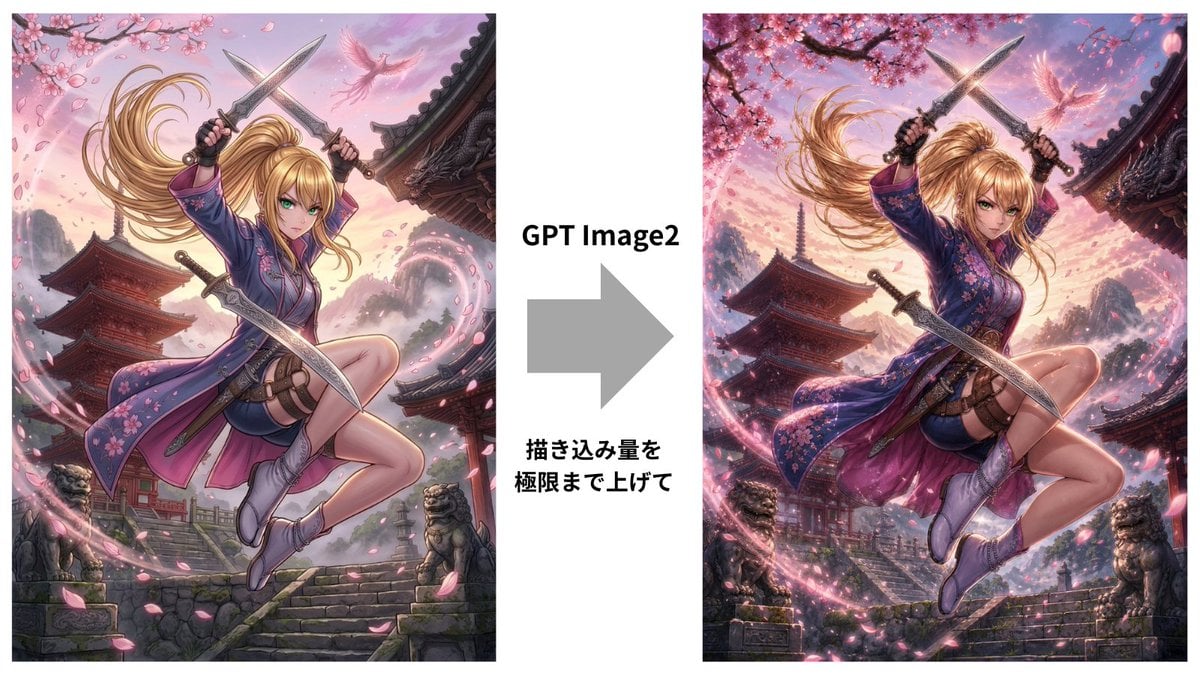
GPT Image 2 Kunoichi Comparison
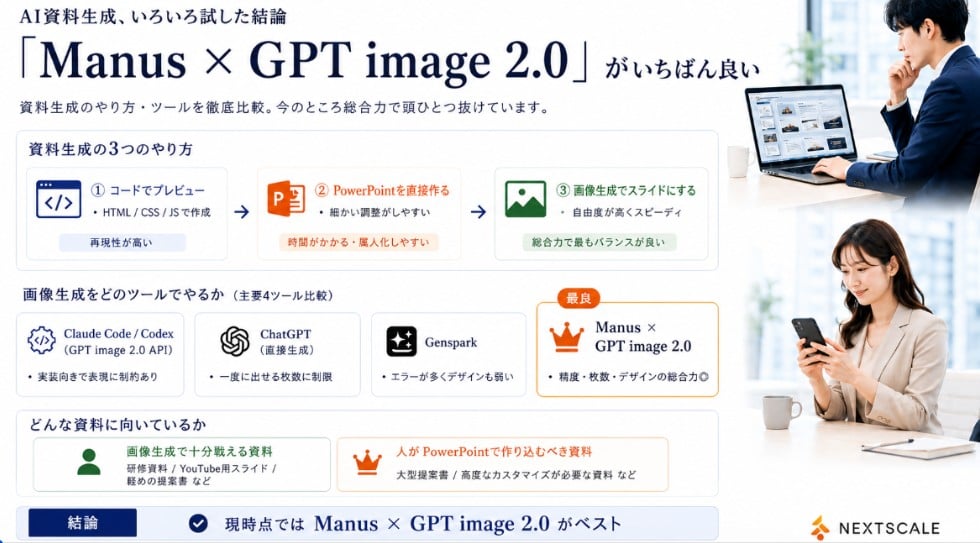
Manus GPT Image 2.0 Comparison Slide

GPT Image 2 Comparison Poster

4x4 Grid - Candid Nostalgic Vacation Selfies

Movement Sheet - Dance Reference (Seedance 2.0)

Gpt2 Social Media Post Nostalgic 16 Photo Couple Grid

Gpt2 Social Media Post 4 Panel Japanese Digital Ad Banner Grid
Make it yours
GPT Image 2 Quality Comparison Grid works as-is. These are the safest ways to change it without losing the look.
Swap the setting
Keep the rest of the prompt and replace the location block. The current setting is “light gray overall background”.
Change one field
Copy a single group, rewrite it, and generate again so you can see what that field is doing.
Keep the frame, change the subject
Hold the composition and light of GPT Image 2 Quality Comparison Grid, then swap wardrobe, props or the person for a new take.
| If the result… | Why | Fix |
|---|---|---|
| The result drifts from the preview | Too many fields changed at once. | Reuse GPT Image 2 Quality Comparison Grid as-is first, then change one group — subject, light, or setting. |
| GPT Image 2 ignores part of the JSON | Some models flatten or skip nested keys. | Keep the same values and paste them as a short paragraph instead. |
More GPT Image 2 templates
Other prompts made for GPT Image 2.

Six VTuber Japanese Logo Sheet

Realistic Portrait of Woman and Deer

The Vista Modular Condo Poster

2.5D Anime Art Board

Isometric Productivity Desk Scene

New York Double Exposure Poster

Japanese Tatami Lifestyle Magazine Cover

NESCAFÉ Coffee Map Poster

Brutalist Cogito Chinese Typography Poster

Cinematic Luxury Terrace Portrait
More image prompts
Fresh picks from across the catalog.
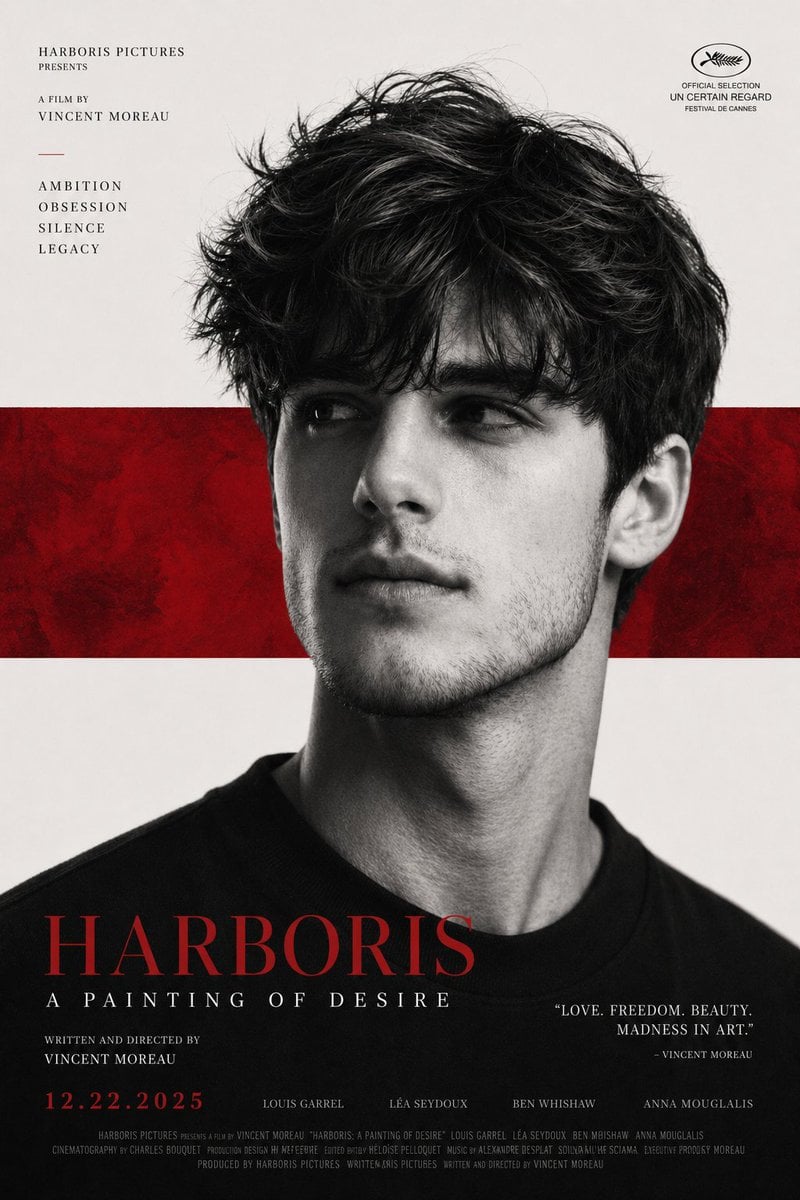
X Harboriis Use the Uploaded X Account
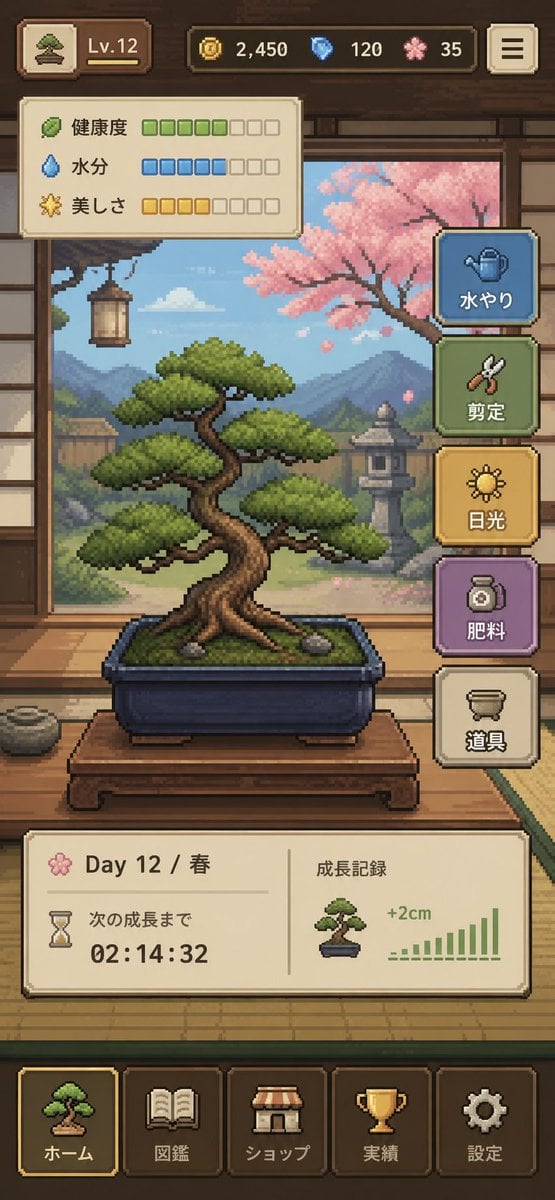
Pixel Art Bonsai Game UI
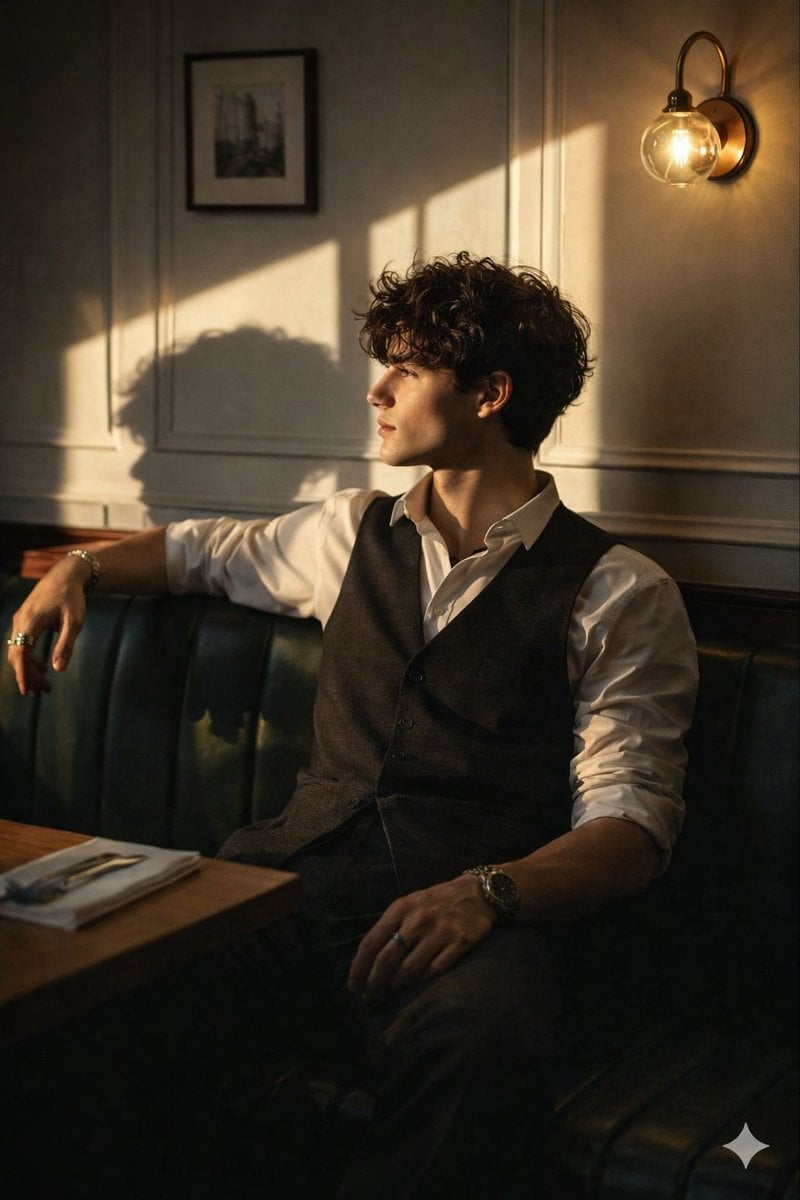
Cinematic Golden Hour Portrait Prompt

Luxury Paparazzi Street Photography Prompt
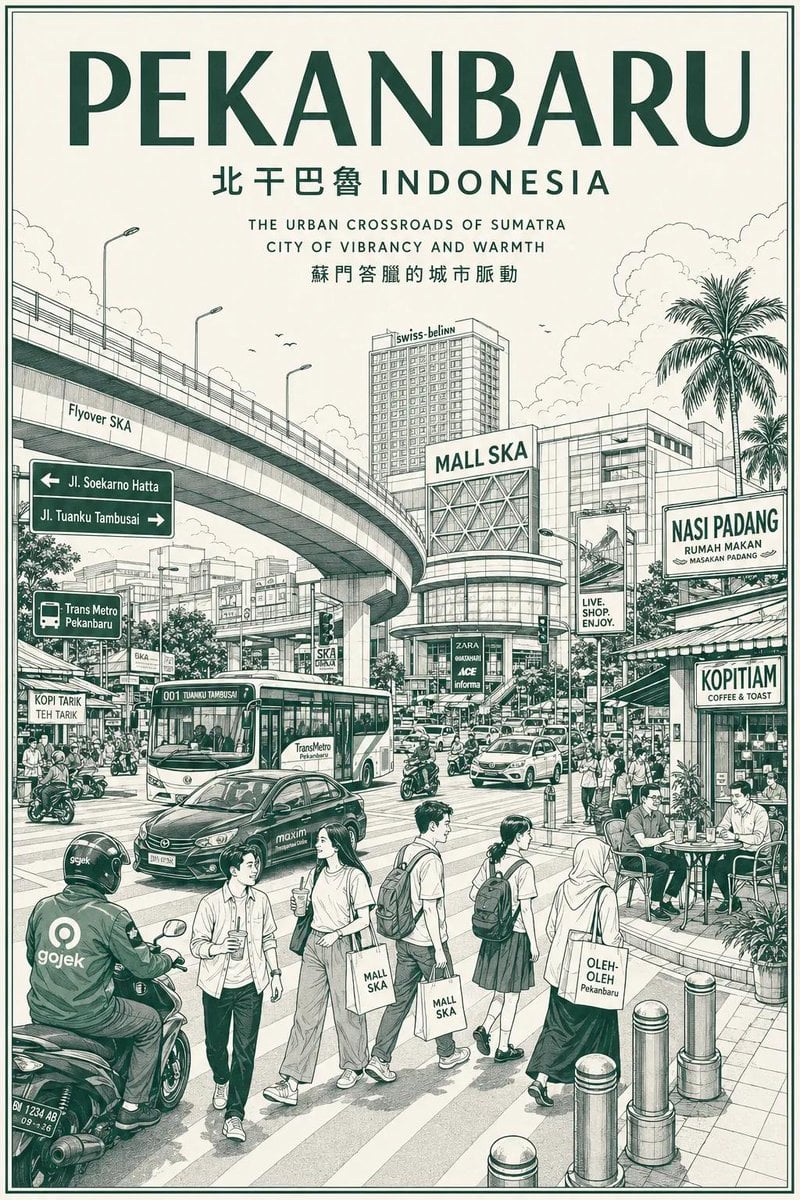
Vintage Monochrome City Travel Poster
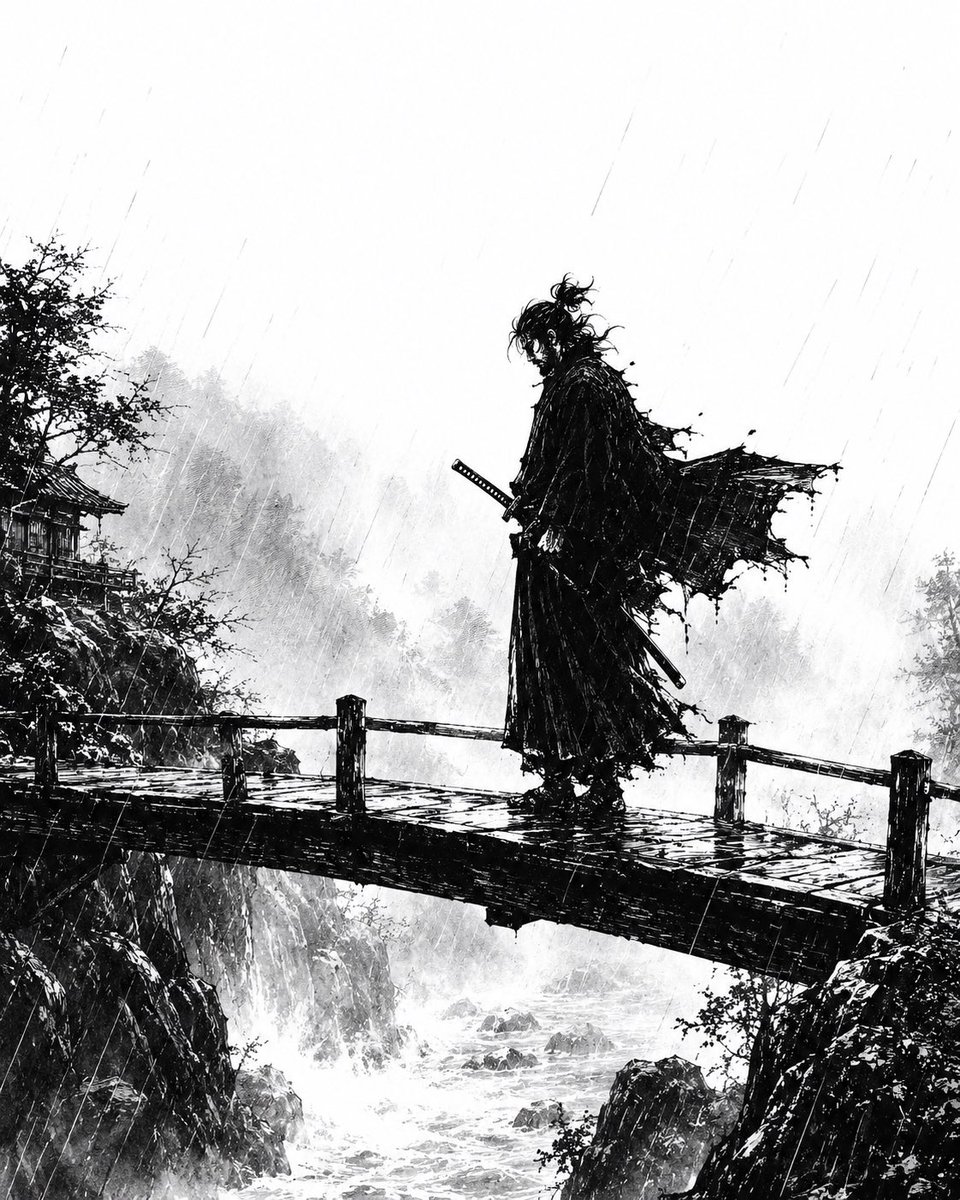
Rainstorm Ronin Bridge Scene
Vintage Little Prince Space Postcard
Nano Banana Pro Comic Prompt: Eiji Kotoge as Harry Potter
Clockrunner Steampunk Storyboard Sheet
Hyper-realistic anime warrior portrait with tactical gear
Browse template categories
GPT Image 2 Quality Comparison Grid questions
How do I use the GPT Image 2 Quality Comparison Grid template?
Add your photo if the template asks for one, edit the prompt if you like — the template's model and format are already selected — and press Generate. Your version opens in PicX Studio.
Can I customize the GPT Image 2 Quality Comparison Grid template?
Yes. You can change the subject, setting, lighting, mood, format, and available model controls before creating your image.
Is the GPT Image 2 Quality Comparison Grid template free?
Opening and editing this template is free. Generating uses credits, shown on the Generate button when you are signed in.
Which AI model should I use?
Start with GPT Image 2, which is the model associated with this template. You can compare another compatible model for a different finish.
Looking for something else? Browse all templates.

Your photo, any look
Thousands of ready templates for every top image and video model, from one credit balance.