
Rainstorm Ronin Bridge Scene
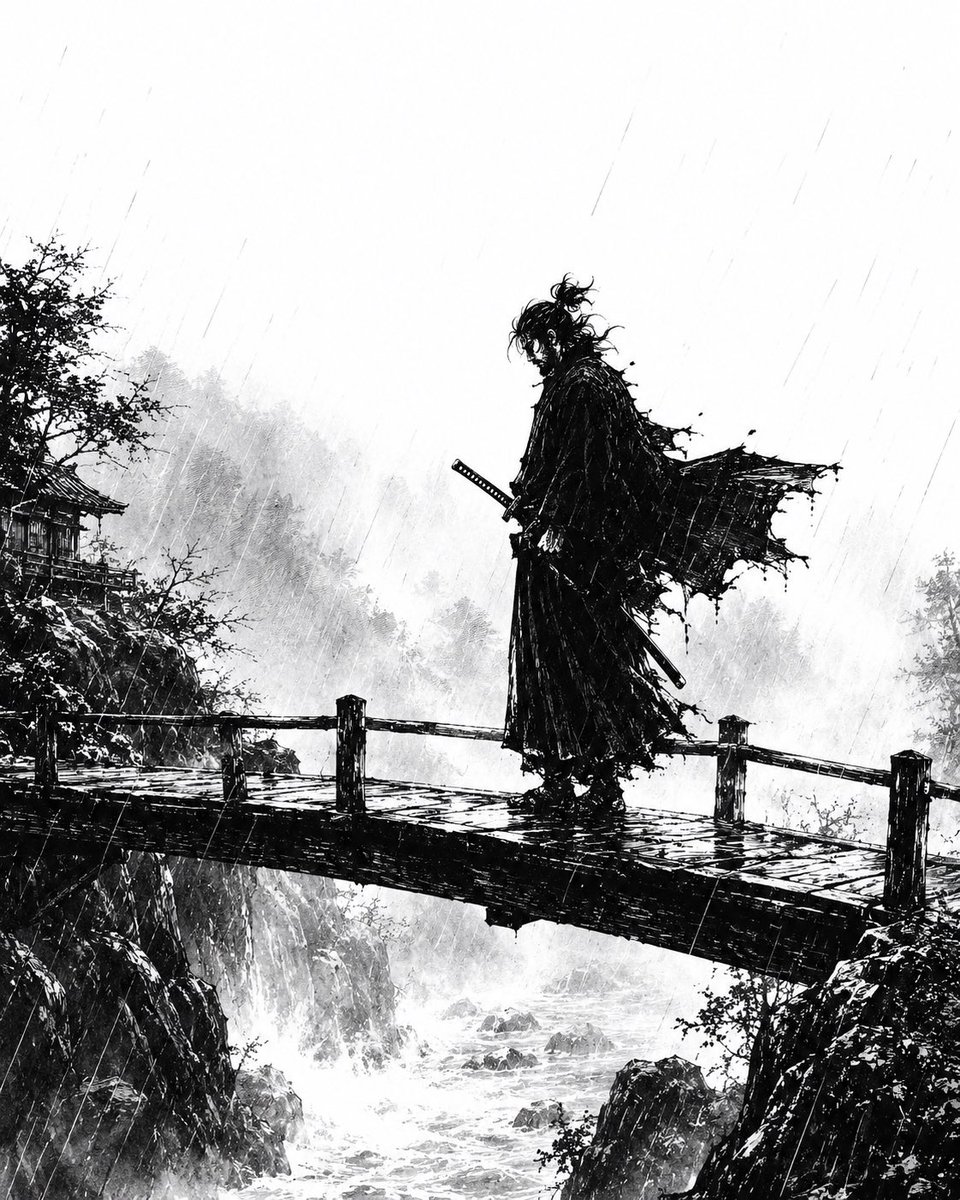
A cinematic black-and-white ink prompt for generating a lone samurai standing on a rain-lashed bridge over a misty mountain gorge.
- Prompt included
- Model and format preset
- Free template
The prompt behind this image
Copy the exact prompt behind Rainstorm Ronin Bridge Scene, or open it in the studio and make it yours.
Create a dramatic monochrome ink illustration in the style of a gritty Japanese samurai manga: a lone {argument name="character type" default="ronin samurai"} stands in profile on a narrow wooden bridge spanning a rocky mountain gorge during heavy rain. The figure is a tall black silhouette with messy tied-up hair, a long tattered cloak whipping violently to the right, layered ragged robes, and two swords at the waist, one hand near the katana hilt. Use extreme black-and-white contrast, scratchy brushwork, splattered ink, and fine diagonal rain streaks across the entire scene. The bridge has wet planks, rough rail posts, and dark reflective puddles; below it, whitewater rapids churn between jagged cliffs. In the background, misty forested mountains fade into pale gray wash, with a small traditional Japanese temple or pavilion partly hidden among trees on the left cliff. Composition is vertical and cinematic, with the samurai slightly right of center, lots of pale empty rainy sky above, atmospheric fog, stormy motion, and no color except black, white, and gray. Mood: {argument name="mood" default="melancholic, lethal, and solitary"}.
How to use Rainstorm Ronin Bridge Scene in 3 steps
- 1Upload ImagePNG, JPG or paste
Add your photo
Upload the photo the template builds on. The prompt, model and format are already set.
- 2…a portrait of your subject in softgolden-hour light, 85mm…
Personalize
Edit the subject and creative details for your destination.
- 3Generate
Generate
Press Generate — your image is created in PicX Studio, so you can compare it with the original and refine one variable at a time.
More like this
Templates with the same subject, style or setup. Open one to see its prompt.

Night City Bridge Triptych Portrait Session
Night City Bridge Triptych Portrait Session
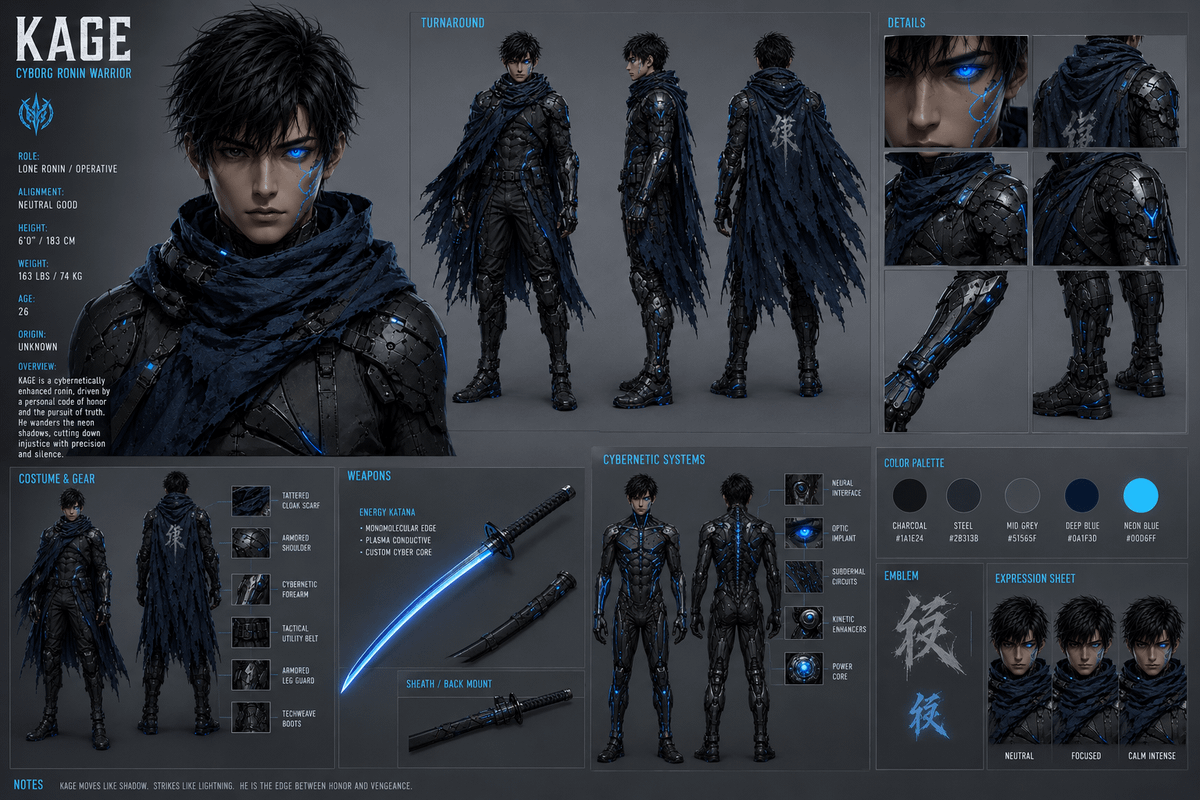
Cyborg Ronin Character Sheet
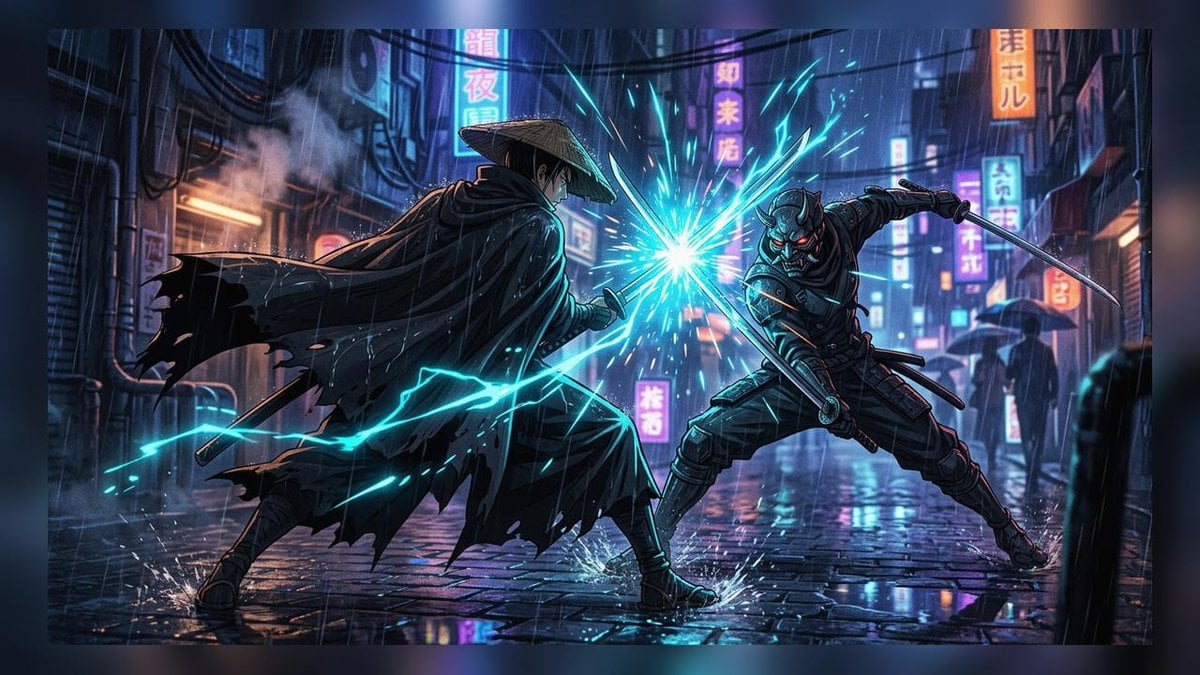
Cyberpunk Ronin Duel
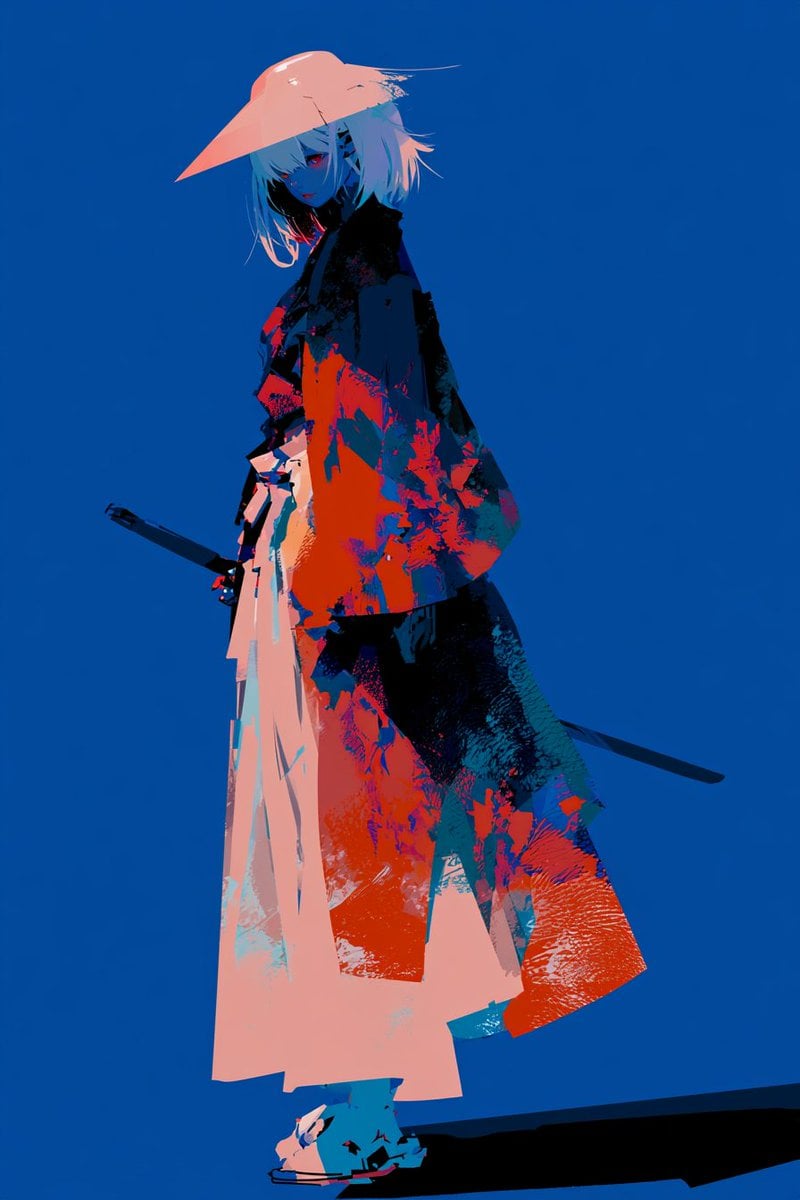
Female Mechanical Ronin Character Art
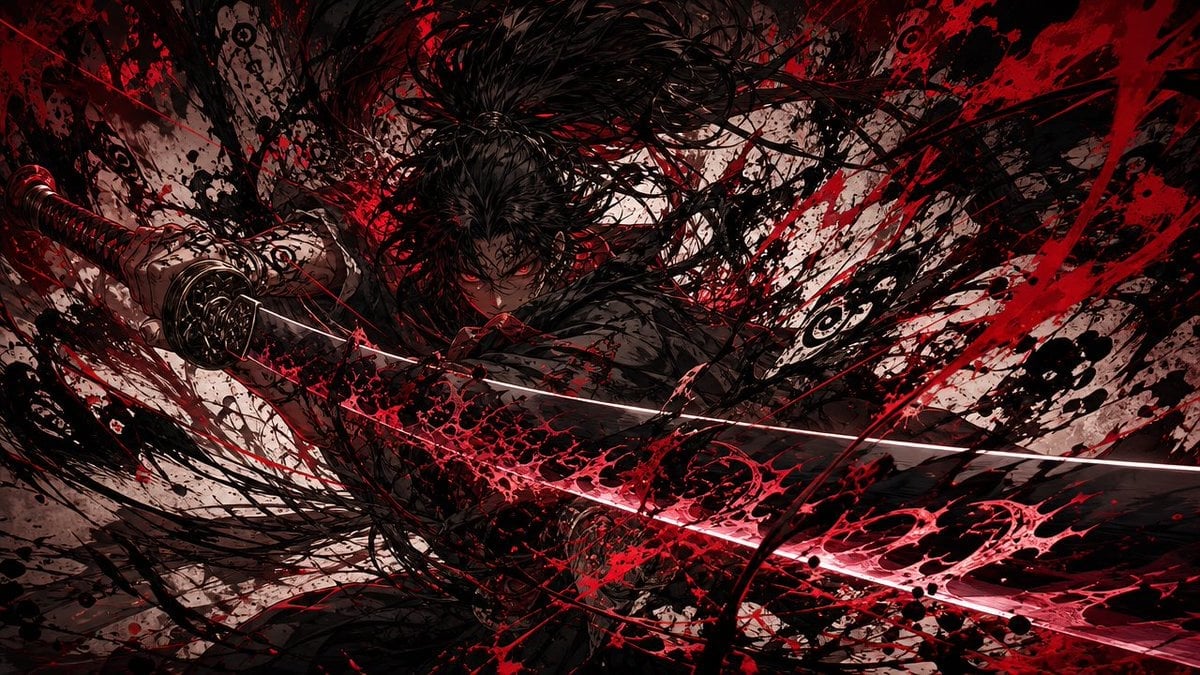
Dark Ronin Katana Splash Art
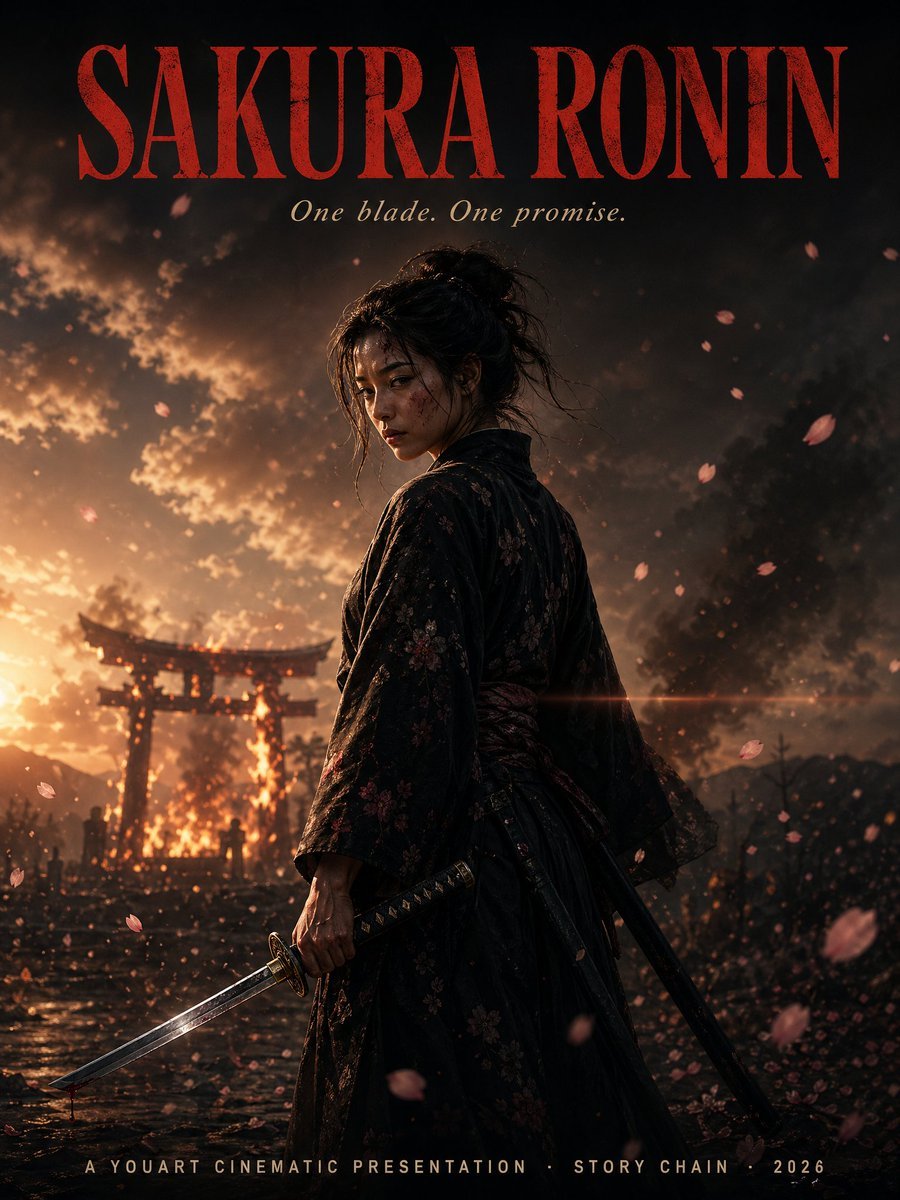
Cinematic Sakura Ronin Poster
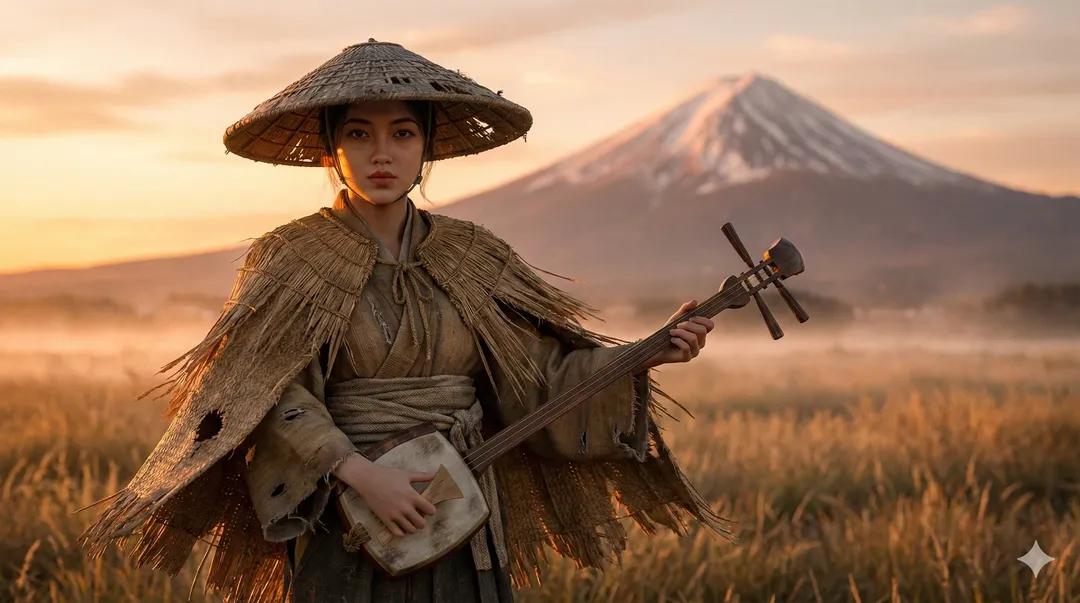
Ultra-Realistic Ronin Musician Portrait at Sunset
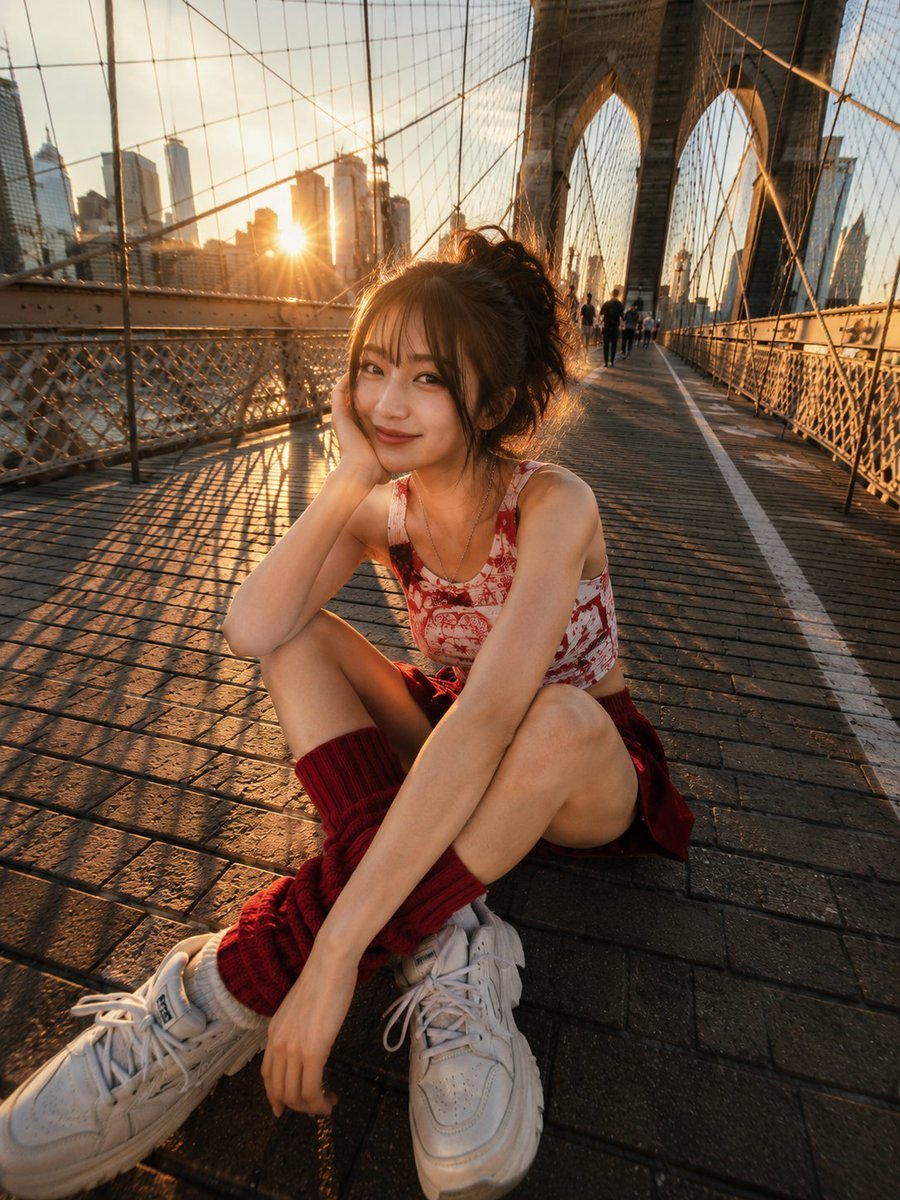
Brooklyn Bridge Street Portrait

Water-level Bridge Modification

Tropical Beach Palm Bridge
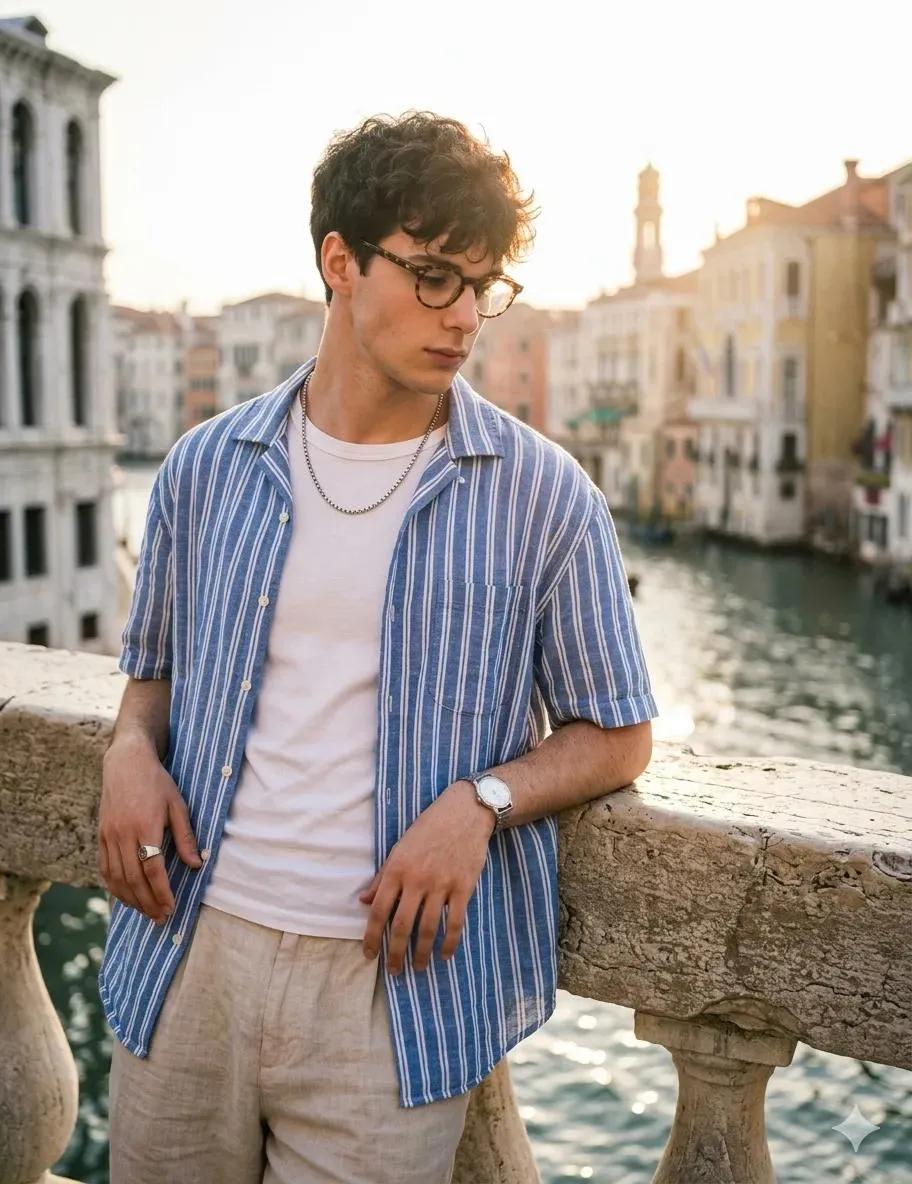
Candid Portrait at Venice Rialto Bridge
Make it yours
Rainstorm Ronin Bridge Scene works as-is. These are the safest ways to change it without losing the look.
Change one field
Copy a single group, rewrite it, and generate again so you can see what that field is doing.
Keep the frame, change the subject
Hold the composition and light of Rainstorm Ronin Bridge Scene, then swap wardrobe, props or the person for a new take.
| If the result… | Why | Fix |
|---|---|---|
| The result drifts from the preview | Too many fields changed at once. | Reuse Rainstorm Ronin Bridge Scene as-is first, then change one group — subject, light, or setting. |
| The model over-stylizes the scene | The prose prompt leaves finish and camera underspecified. | Add one camera or lighting sentence and stay on GPT Image 2. |
More GPT Image 2 templates
Other prompts made for GPT Image 2.

Six VTuber Japanese Logo Sheet

Realistic Portrait of Woman and Deer

The Vista Modular Condo Poster

AI Model Routing Comparison Infographic

2.5D Anime Art Board

Isometric Productivity Desk Scene

New York Double Exposure Poster

Four-Panel AI Landscape Comparison

Japanese Tatami Lifestyle Magazine Cover

NESCAFÉ Coffee Map Poster
More image prompts
Fresh picks from across the catalog.
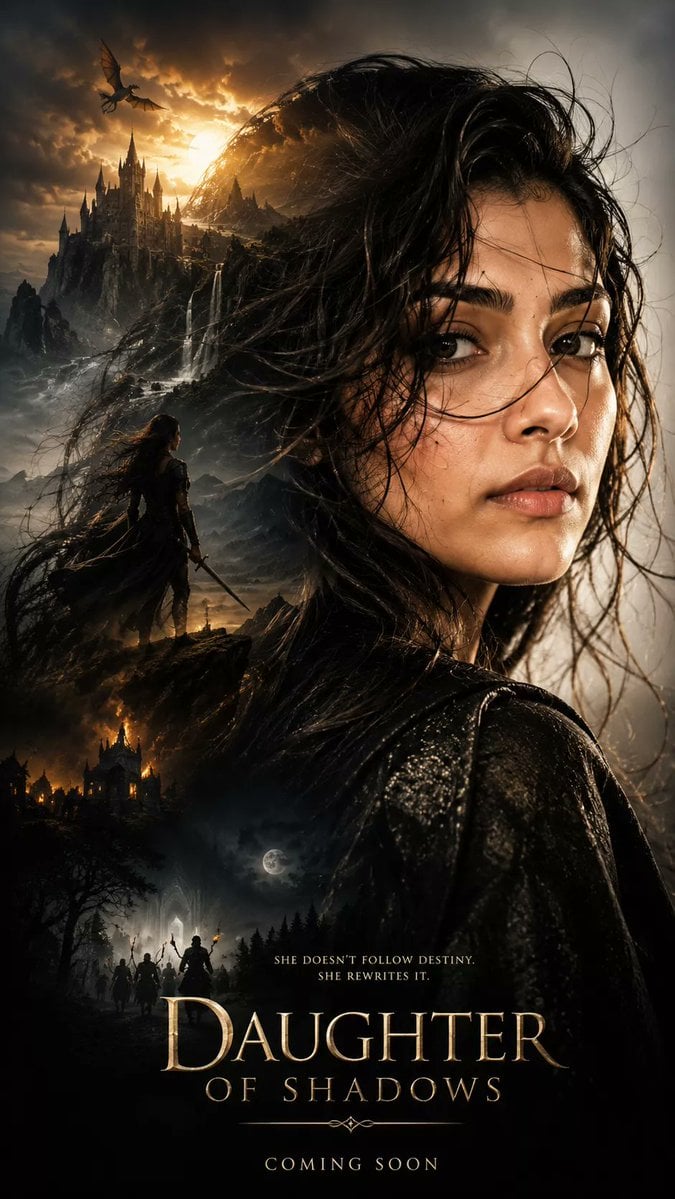
Dark Fantasy Double Exposure Poster

Summer Drink Food Photography Prompt
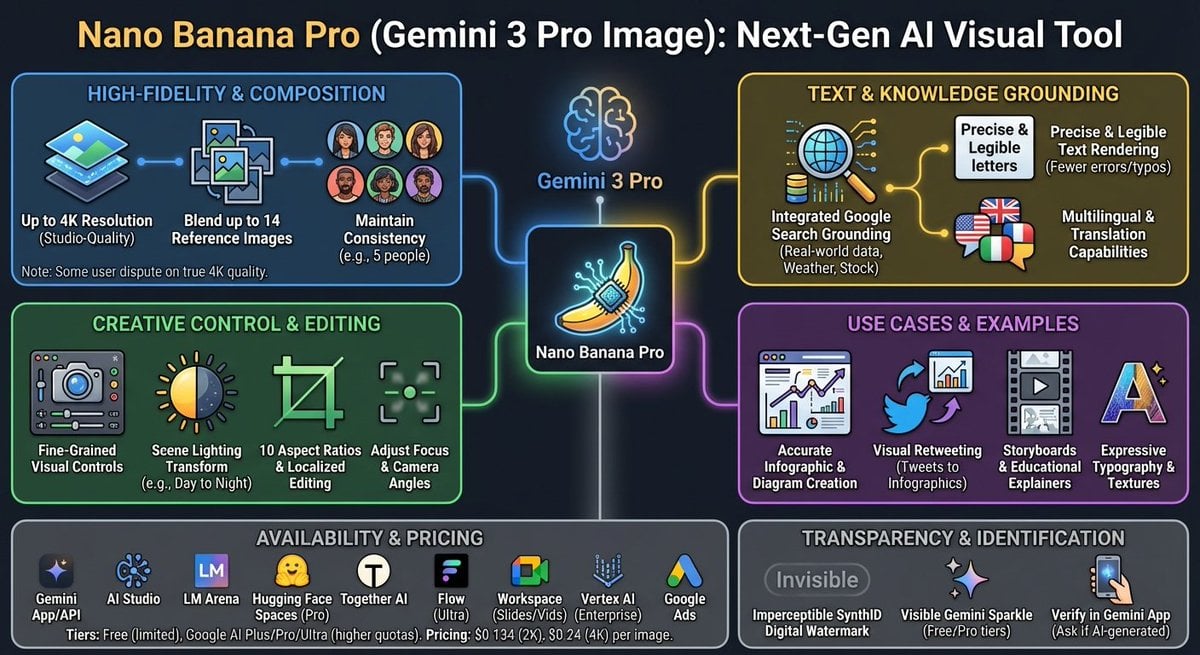
Nano Banana Pro Tesla FSD infographic
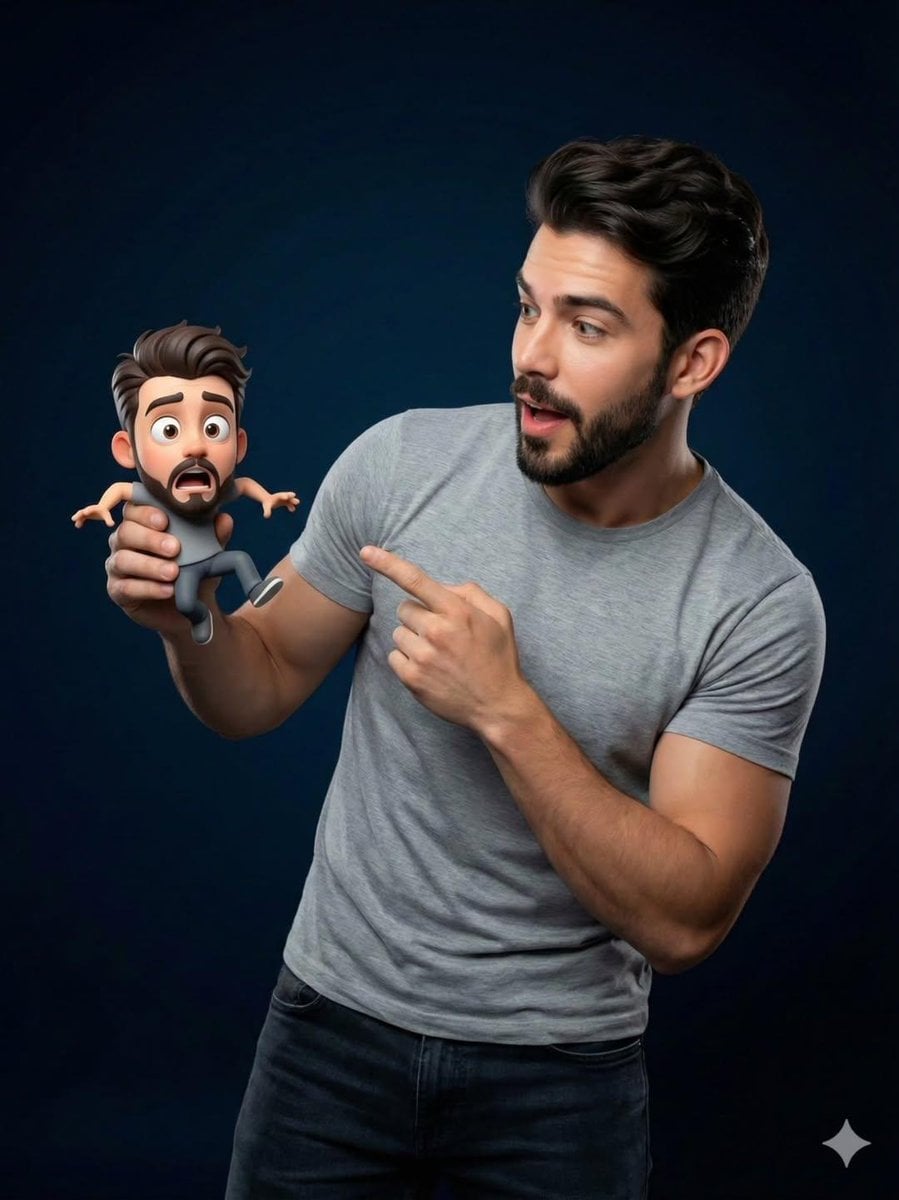
Pixar-Style Miniature Interaction Portrait

Minimalist Tech Advertisement Poster
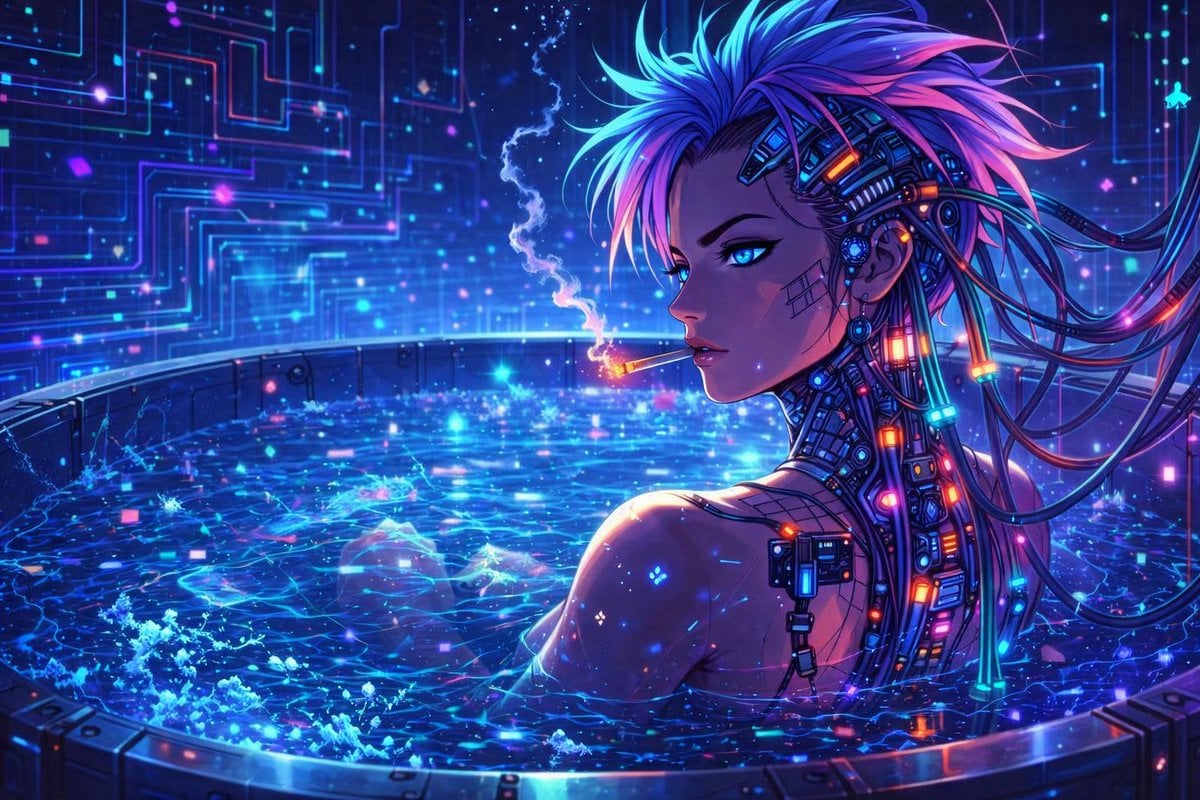
Cyberpunk Anime Character in Neon Tub
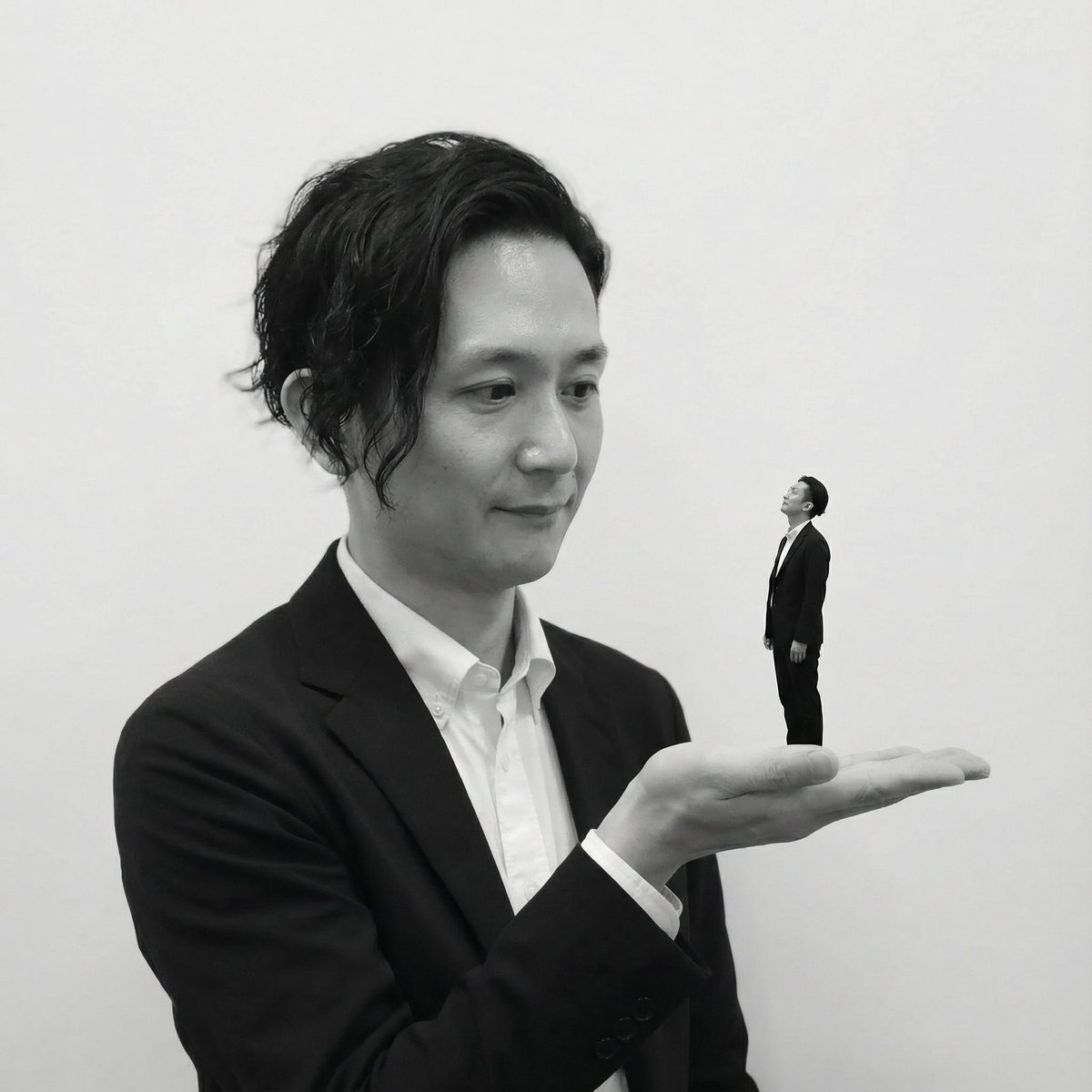
Miniature Self on Palm Concept
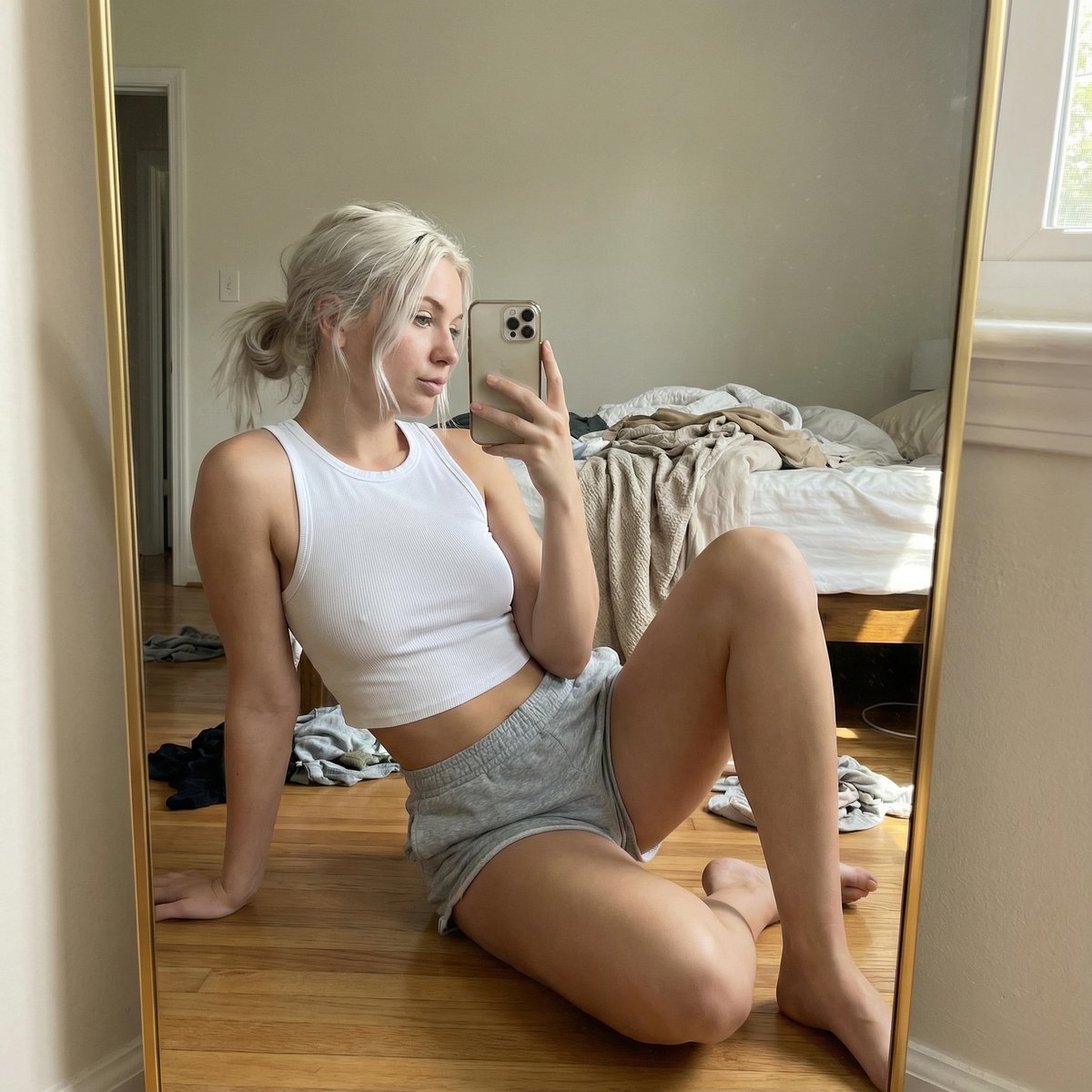
Hyper-realistic Mirror Selfie Portrait
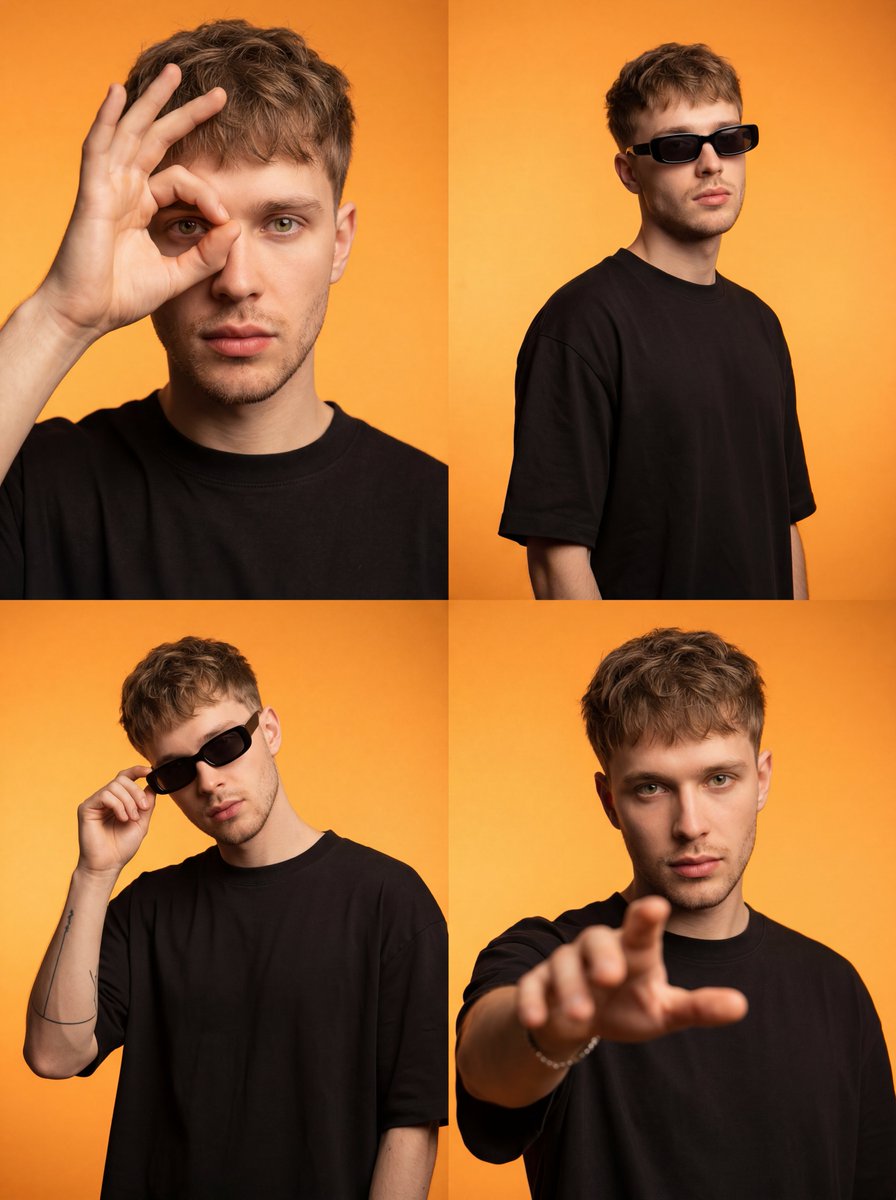
Streetwear Influencer Grid Layout
Cinematic Night Rooftop Scene with Hologram
Browse template categories
Rainstorm Ronin Bridge Scene questions
How do I use the Rainstorm Ronin Bridge Scene template?
Add your photo if the template asks for one, edit the prompt if you like — the template's model and format are already selected — and press Generate. Your version opens in PicX Studio.
Can I customize the Rainstorm Ronin Bridge Scene template?
Yes. You can change the subject, setting, lighting, mood, format, and available model controls before creating your image.
Is the Rainstorm Ronin Bridge Scene template free?
Opening and editing this template is free. Generating uses credits, shown on the Generate button when you are signed in.
Which AI model should I use?
Start with GPT Image 2, which is the model associated with this template. You can compare another compatible model for a different finish.
Looking for something else? Browse all templates.

Your photo, any look
Thousands of ready templates for every top image and video model, from one credit balance.