
Streetwear Influencer Grid Layout
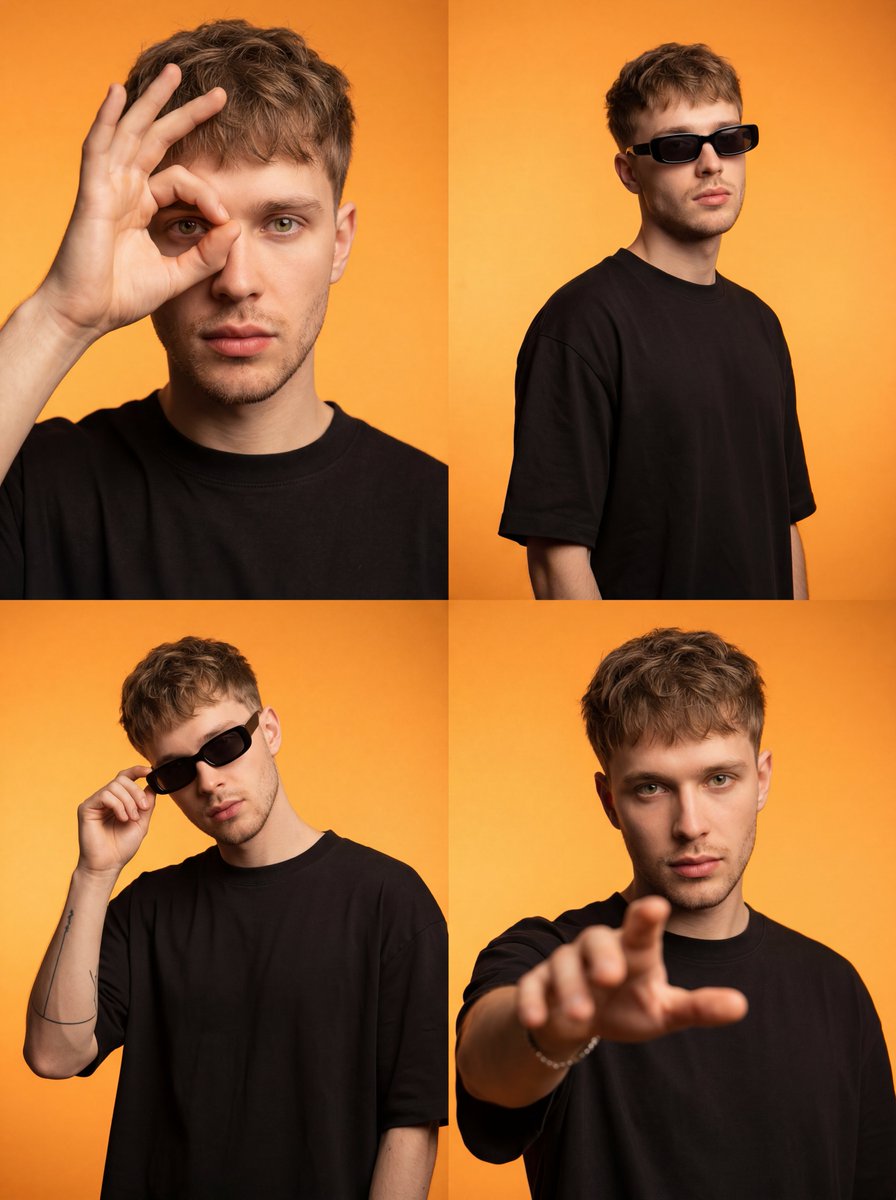
A four-panel grid layout prompt for a stylish influencer-style portrait with high-contrast studio lighting and minimalist fashion.
- Prompt included
- Model and format preset
- Free template
The prompt behind this image
Copy the exact prompt behind Streetwear Influencer Grid Layout, or open it in the studio and make it yours.
A photorealistic four-panel 2x2 grid layout presents a {argument name="subject" default="young adult European-appearance male"} with fair skin and light brown textured crop hair, styled naturally matte. His slim build is dressed in an {argument name="outfit" default="oversized solid black matte cotton T-shirt"}, contrasted strikingly against a {argument name="background" default="smooth bright orange seamless background"} with subtle tonal gradient. Studio lighting casts soft yet directional warm light, creating smooth cinematic shadows that accentuate his warm skin tones and defined facial features, including light stubble and medium fullness lips. Each panel varies in pose and gesture: top left shows his hand raised, fingers forming a circle framing one intense light green/hazel eye; top right captures a three-quarter relaxed, confident stance with black rectangular slim sunglasses fully worn; bottom left depicts a slight lean as he casually adjusts the sunglasses; bottom right faces forward with a direct gaze, hand reaching out blurred in shallow depth of field. Sharp focus centers on his face and eyes, with foreground hands artfully blurred where appropriate, evoking an urban, stylish influencer vibe with editorial streetwear flair. The composition emphasizes crisp textures—natural hair strands, cotton fabric weave, delicate metallic bracelet, and minimal black line tattoo on inner forearm—luminescent and ultra high resolution, with clean high-contrast color grading and no distractions, text, or artifacts.
How to use Streetwear Influencer Grid Layout in 3 steps
- 1
Open
The prompt is already in the box next to the preview, with the template's model and format selected.
- 2…a portrait of your subject in softgolden-hour light, 85mm…
Personalize
Edit the subject and creative details for your destination.
- 3Generate
Generate
Press Generate — your image is created in PicX Studio, so you can compare it with the original and refine one variable at a time.
More like this
Templates with the same subject, style or setup. Open one to see its prompt.

Minimalist Fashion Editorial Split Layout

1988 Mall Style
Cyber-Kawaii Influencer Portrait Grid

Retro Pop-Art K-Fashion Ultraluxury Campaign Poster

Urban Fashion Editorial Collage Streetwear Poster

Monochrome Hypebeast Street Fashion Editorial Motion

Open Magazine Luxury Fashion Editorial Layout

Premium Fashion Editorial Cover Layout System

Korean Luxury Fashion Editorial 2x2 Grid Series
Monochrome Hypebeast Street Fashion Editorial Motion

Korean Streetwear Minimalist Campaign Portrait

Cinematic Korean Streetwear Street Portrait
Make it yours
Streetwear Influencer Grid Layout works as-is. These are the safest ways to change it without losing the look.
Change one field
Copy a single group, rewrite it, and generate again so you can see what that field is doing.
Keep the frame, change the subject
Hold the composition and light of Streetwear Influencer Grid Layout, then swap wardrobe, props or the person for a new take.
| If the result… | Why | Fix |
|---|---|---|
| The result drifts from the preview | Too many fields changed at once. | Reuse Streetwear Influencer Grid Layout as-is first, then change one group — subject, light, or setting. |
| The model over-stylizes the scene | The prose prompt leaves finish and camera underspecified. | Add one camera or lighting sentence and stay on GPT Image 2. |
More GPT Image 2 templates
Other prompts made for GPT Image 2.

Six VTuber Japanese Logo Sheet

Realistic Portrait of Woman and Deer

The Vista Modular Condo Poster

AI Model Routing Comparison Infographic

2.5D Anime Art Board

Isometric Productivity Desk Scene

New York Double Exposure Poster

Four-Panel AI Landscape Comparison

Japanese Tatami Lifestyle Magazine Cover

NESCAFÉ Coffee Map Poster
More image prompts
Fresh picks from across the catalog.
Cinematic Shawarma Rotisserie Shot
Retro Orange Outfit Analysis Poster
Luxury Bonbon Drop Stamp Seal
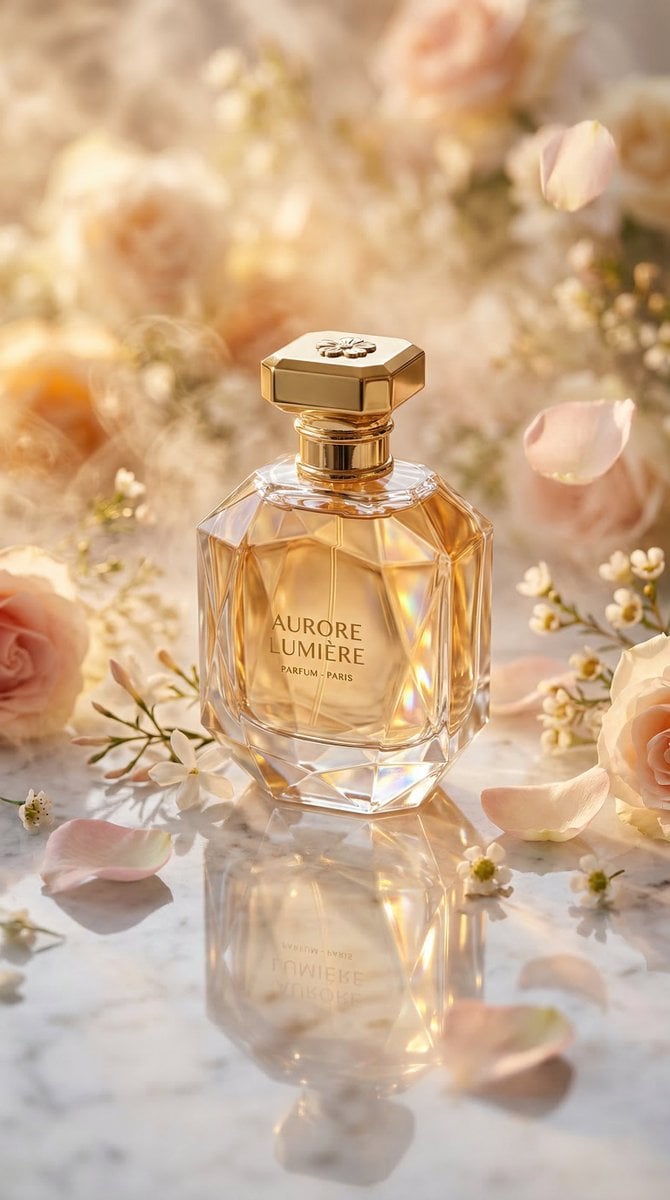
Luxury Perfume Bottle Editorial Image Prompt
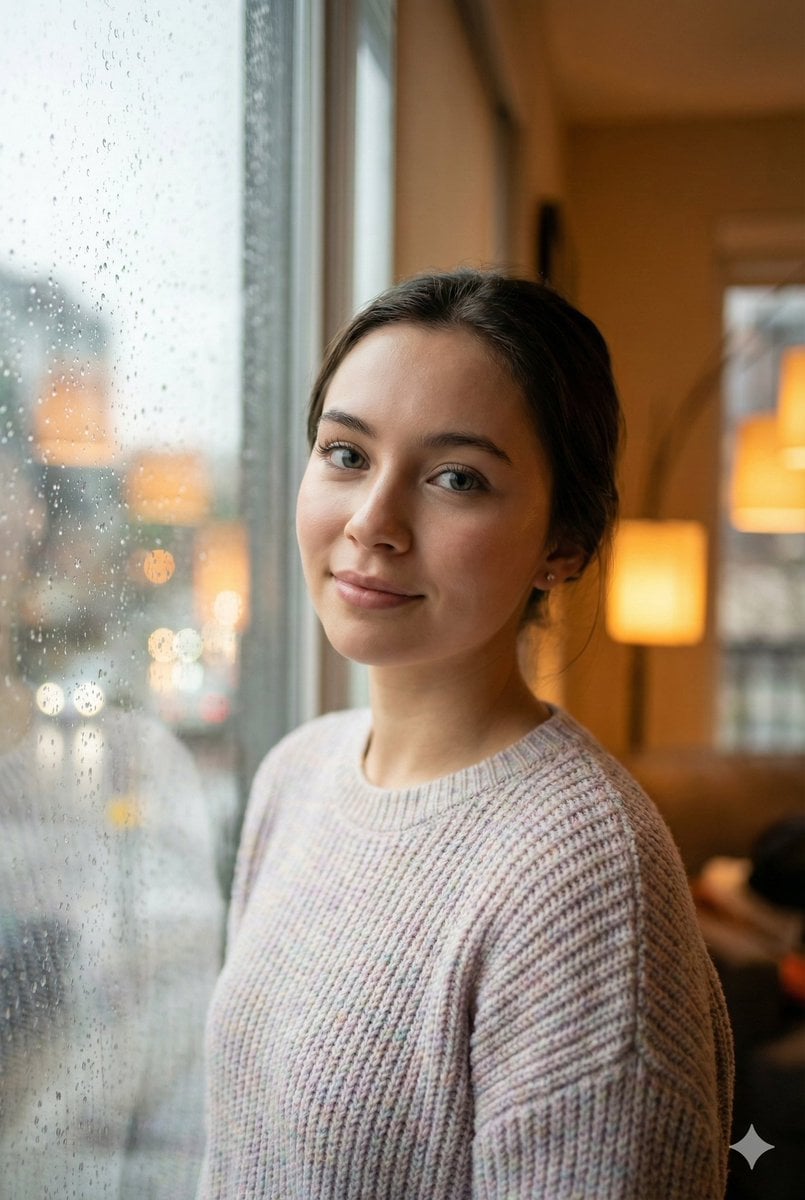
Cozy Realism Rainy Day Portrait Prompt
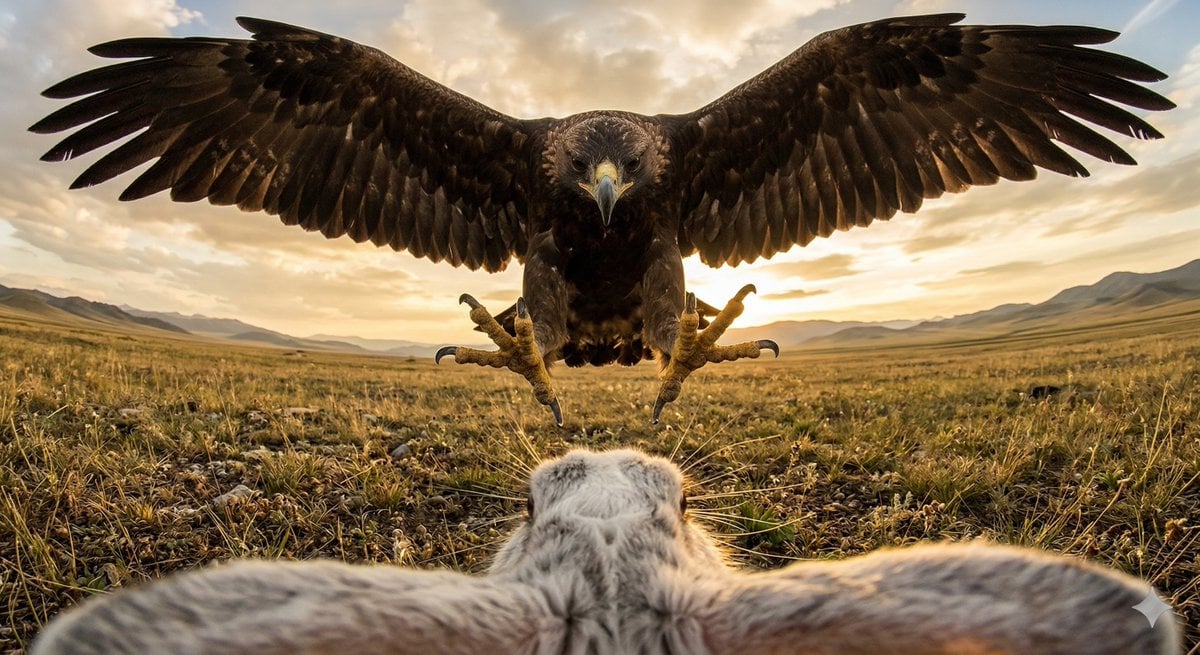
Ultra wide-angle cinematic photo of a rabbit and eagle
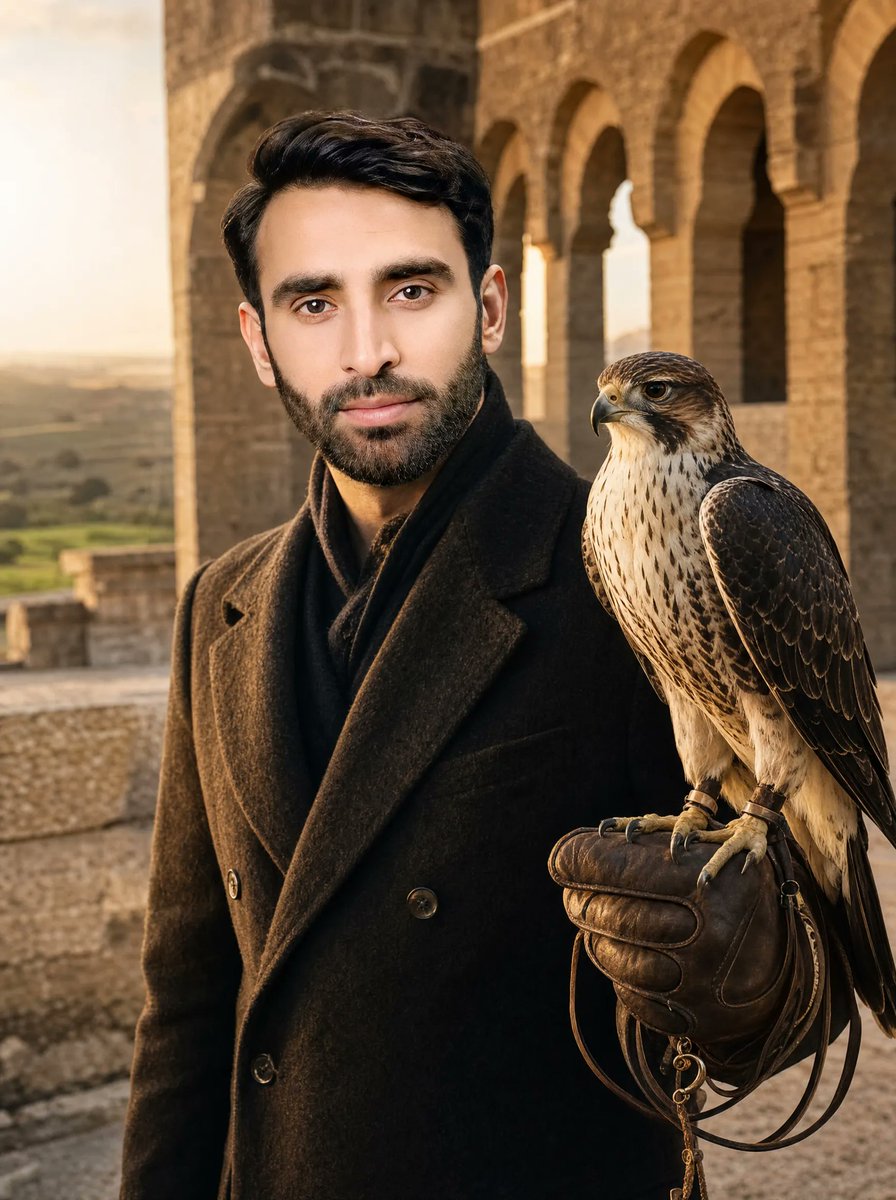
Cinematic Falconer Portrait
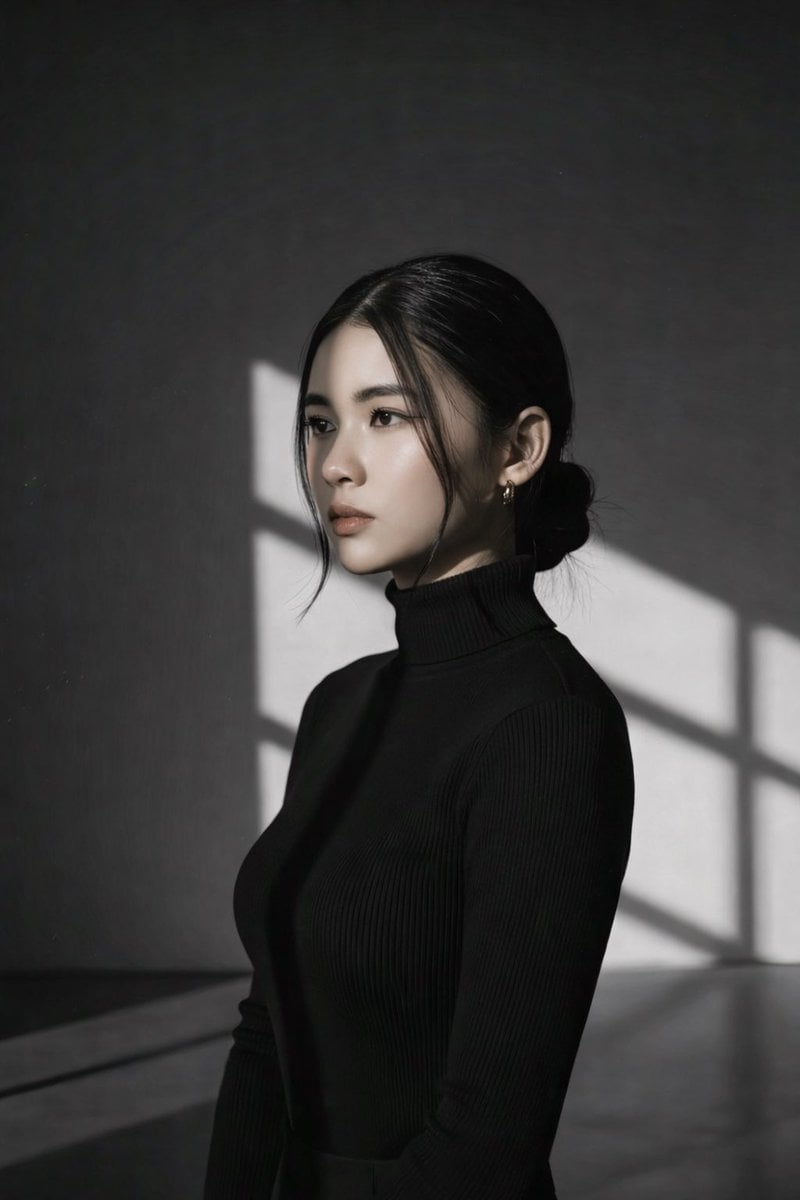
High Contrast Black and White Studio Portrait Prompt
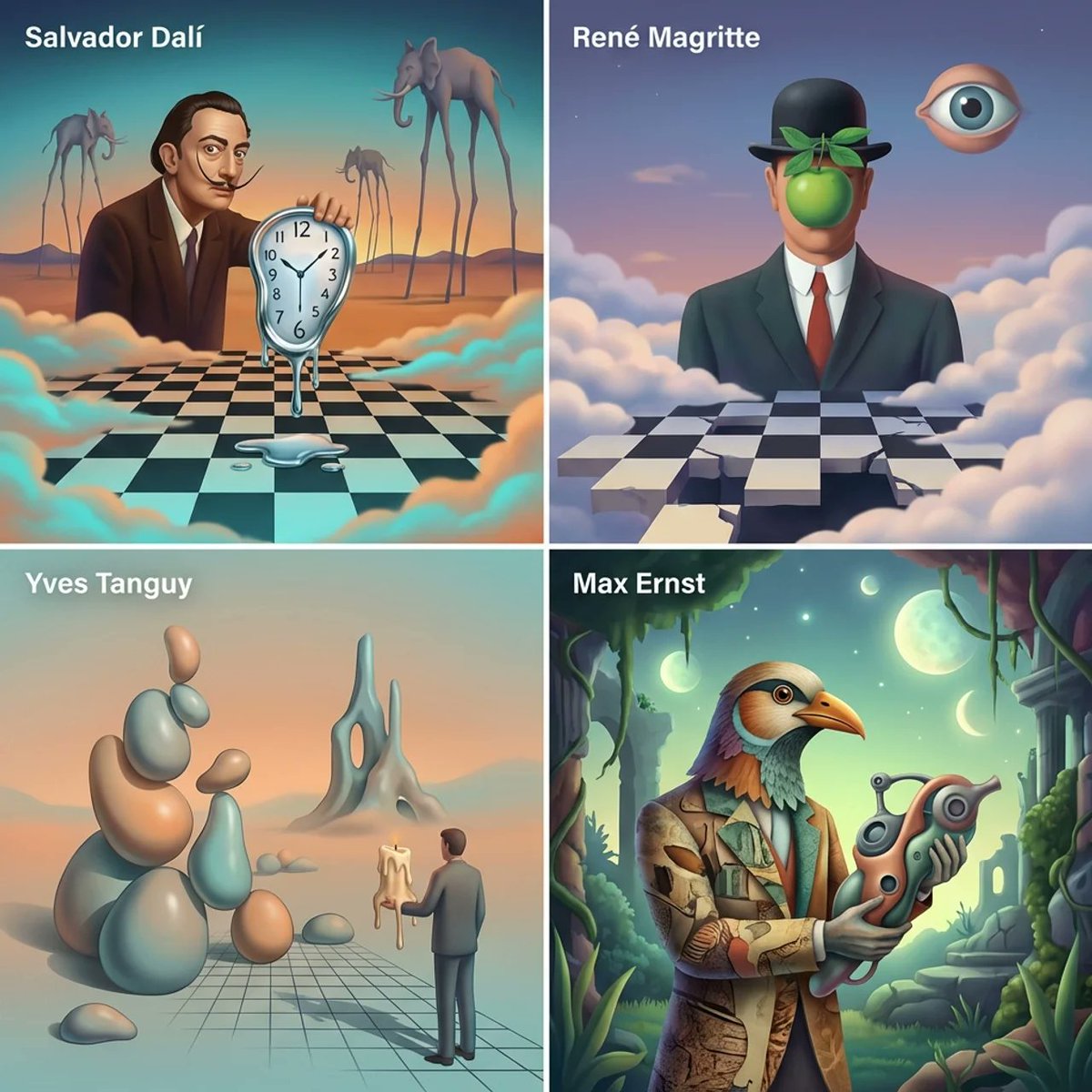
Surrealist Painter Dreamscape Diorama Prompt Template
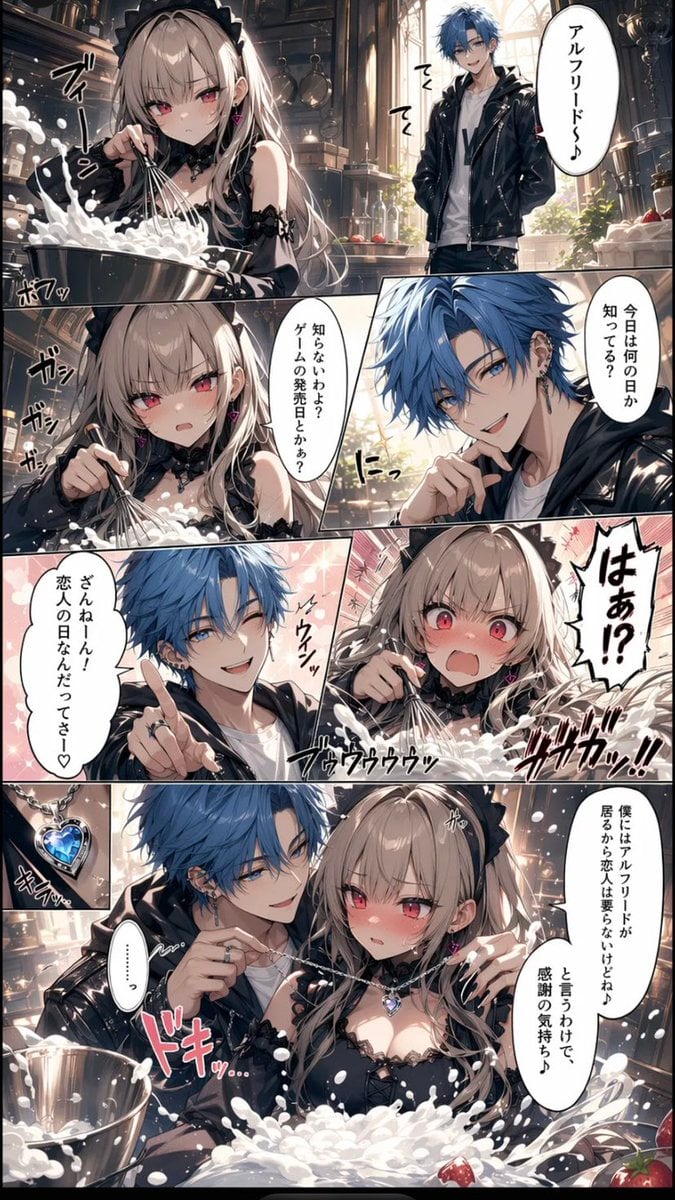
Romance Manga Kitchen Pendant Scene
Browse template categories
Streetwear Influencer Grid Layout questions
How do I use the Streetwear Influencer Grid Layout template?
Add your photo if the template asks for one, edit the prompt if you like — the template's model and format are already selected — and press Generate. Your version opens in PicX Studio.
Can I customize the Streetwear Influencer Grid Layout template?
Yes. You can change the subject, setting, lighting, mood, format, and available model controls before creating your image.
Is the Streetwear Influencer Grid Layout template free?
Opening and editing this template is free. Generating uses credits, shown on the Generate button when you are signed in.
Which AI model should I use?
Start with GPT Image 2, which is the model associated with this template. You can compare another compatible model for a different finish.
Looking for something else? Browse all templates.

Your photo, any look
Thousands of ready templates for every top image and video model, from one credit balance.