
Cyber-Kawaii Influencer Portrait Grid
Generates a 12-person photorealistic influencer variation sheet for comparing character styles in a neon gaming-room aesthetic.
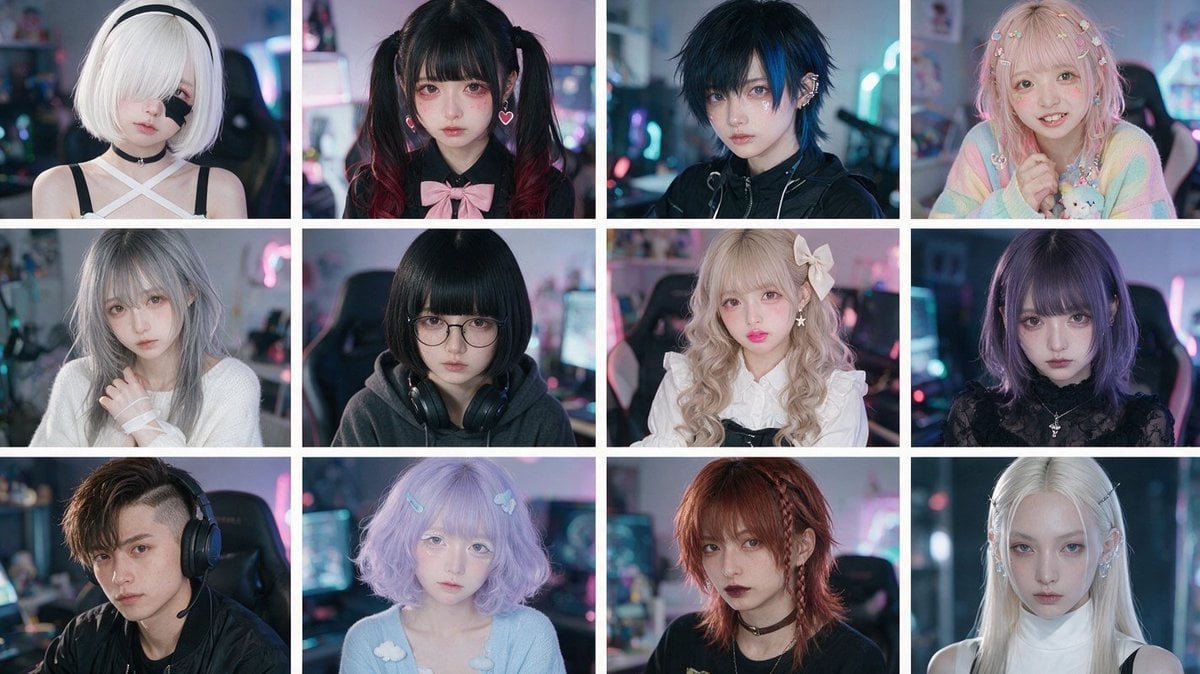
- Prompt included
- Model and format preset
- Premium template
The prompt behind this image
Copy the exact prompt behind Cyber-Kawaii Influencer Portrait Grid, or open it in the studio and make it yours.
Create a photorealistic 3-by-4 comparison grid of exactly 12 fictional Gen Z influencer portraits, all shot as close-up bust portraits in the same neon-lit gaming bedroom or streamer room environment. Use a 16:9 horizontal canvas with thin white gutters separating the tiles, soft shallow depth of field, cinematic RGB monitor glow, pastel pink and cyan bokeh, realistic skin texture, high-fashion cosplay styling, and a polished social-media portrait aesthetic. Each person faces the camera or slightly angles toward it, with moody studio lighting and no text or logos. Layout: 12 equal rectangular portrait tiles arranged in exactly 3 rows and 4 columns. Subjects, counted left to right, top to bottom: 1. Pale young woman with short white bob hair covering one eye, black headband, black choker, white crisscross halter top with black straps, doll-like expression. 2. Young woman with black twin tails fading to dark red, straight bangs, pink heart earrings, black blouse with a large pale pink bow, soft sad expression. 3. Androgynous young person with messy dark navy-blue short hair, blue eyes, black techwear jacket, ear cuff jewelry, cool serious expression. 4. Sweet pastel girl with long wavy pink-blonde hair decorated with many tiny butterfly clips, rainbow pastel cardigan, holding a small plush toy, cheerful smile. 5. Silver-gray-haired young woman in a loose white knit sweater, soft melancholic gaze, hand near her chest. 6. Dark-haired young woman with blunt black bob and straight bangs, round glasses, oversized dark hoodie, large black headphones around her neck, introverted expression. 7. Blonde curly lolita-style girl with big pale bow hair accessory, white frilled blouse, black pinafore straps, glossy pink lips, delicate doll makeup. 8. Purple bob-haired gothic girl with straight bangs, black lace high-neck top, small silver pendant necklace, intense serious stare. 9. Young man with asymmetrical brown undercut hair, black shirt, large gaming headset with microphone, seated in a gaming chair, confident neutral expression. 10. Pastel lavender bob-haired girl with soft bangs, blue hair clips, baby-blue sweater with small cloud decorations, dreamy ethereal look. 11. Red-haired punk girl with layered shaggy hair and a small braid, black choker, dark lipstick, black top, rebellious expression. 12. Ice-blonde elegant girl with very long straight hair, hair clips near both temples, white sleeveless turtleneck with black straps, pale icy makeup, calm piercing gaze. Overall style: ultra-realistic influencer variation sheet, Japanese kawaii and cyber-goth fashion mix, anime-inspired styling but real human faces, high-end portrait photography, 35mm lens look, shallow focus, detailed eyes, soft facial retouching, atmospheric LED lighting. Customize the overall theme as {argument name="influencer theme" default="fictional Japanese cyber-kawaii gaming influencers"}, the room setting as {argument name="background setting" default="neon-lit gaming bedroom"}, the lighting palette as {argument name="lighting colors" default="pastel pink and cyan RGB glow"}, the portrait realism as {argument name="visual style" default="photorealistic high-fashion cosplay portrait photography"}, and the grid format as {argument name="grid format" default="3 rows by 4 columns with thin white gutters"}.
How to use Cyber-Kawaii Influencer Portrait Grid in 3 steps
- 1Upload ImagePNG, JPG or paste
Add your photo
Upload the photo the template builds on. The prompt, model and format are already set.
- 2…a portrait of your subject in softgolden-hour light, 85mm…
Personalize
Edit the subject and creative details for your destination.
- 3Generate
Generate
Press Generate — your image is created in PicX Studio, so you can compare it with the original and refine one variable at a time.
More like this
Templates with the same subject, style or setup. Open one to see its prompt.
Neon Cyber-Kawaii VTuber Portrait
Ultra Realistic Ai Influencer Generator
B&W Photobooth Expression Grid 4x4 — Nano Banana
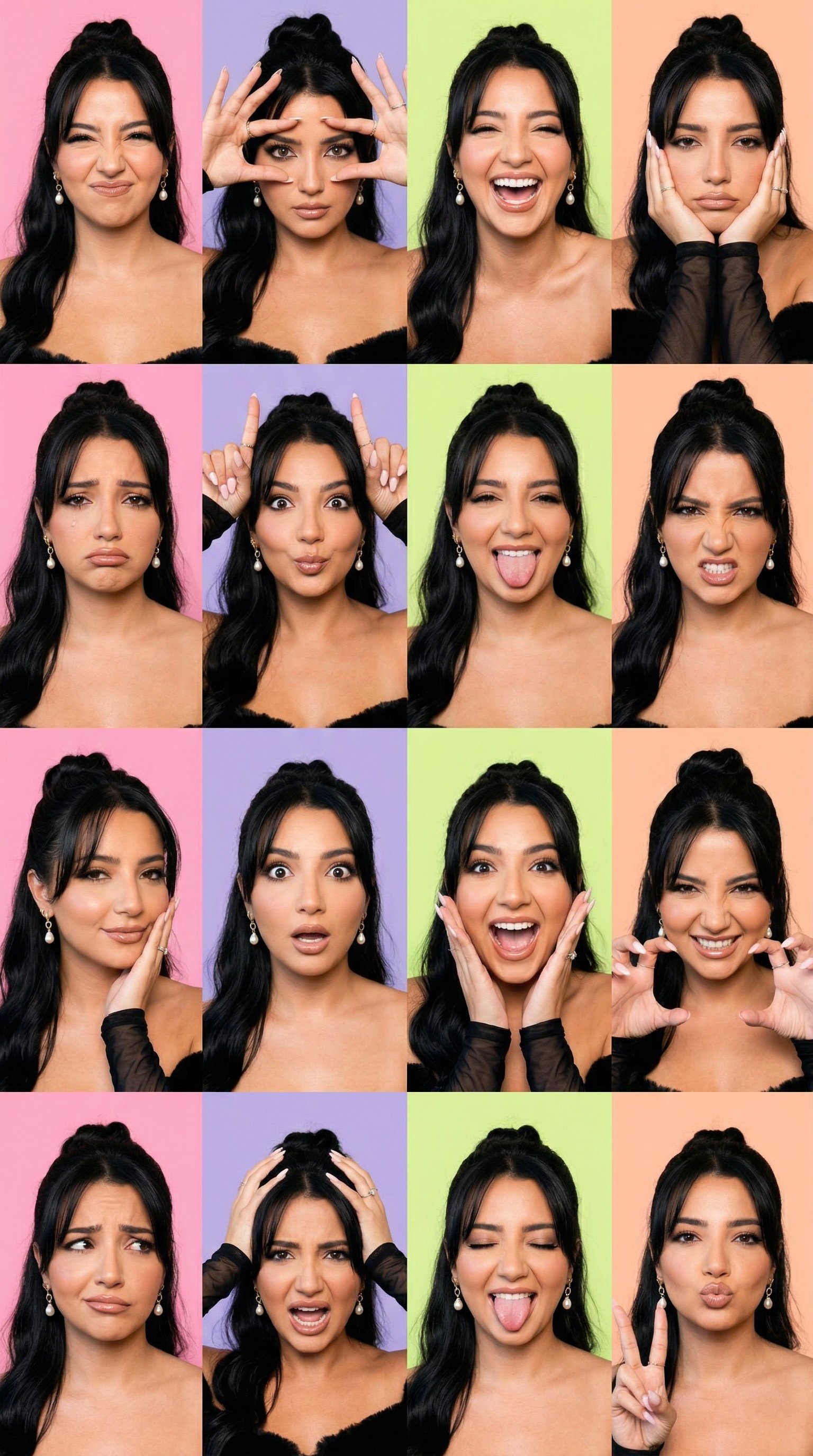
Gen Z TikTok Viral Expression Grid 4x4 — Nano Banana

Found Photograph: Us, 1970

80s Couple Studio Portrait

80s Bollywood Star

80s Golden Hour Cinema

Me in 1985

1985 Studio Portrait

Hyper-Realistic Minecraft POV Portrait
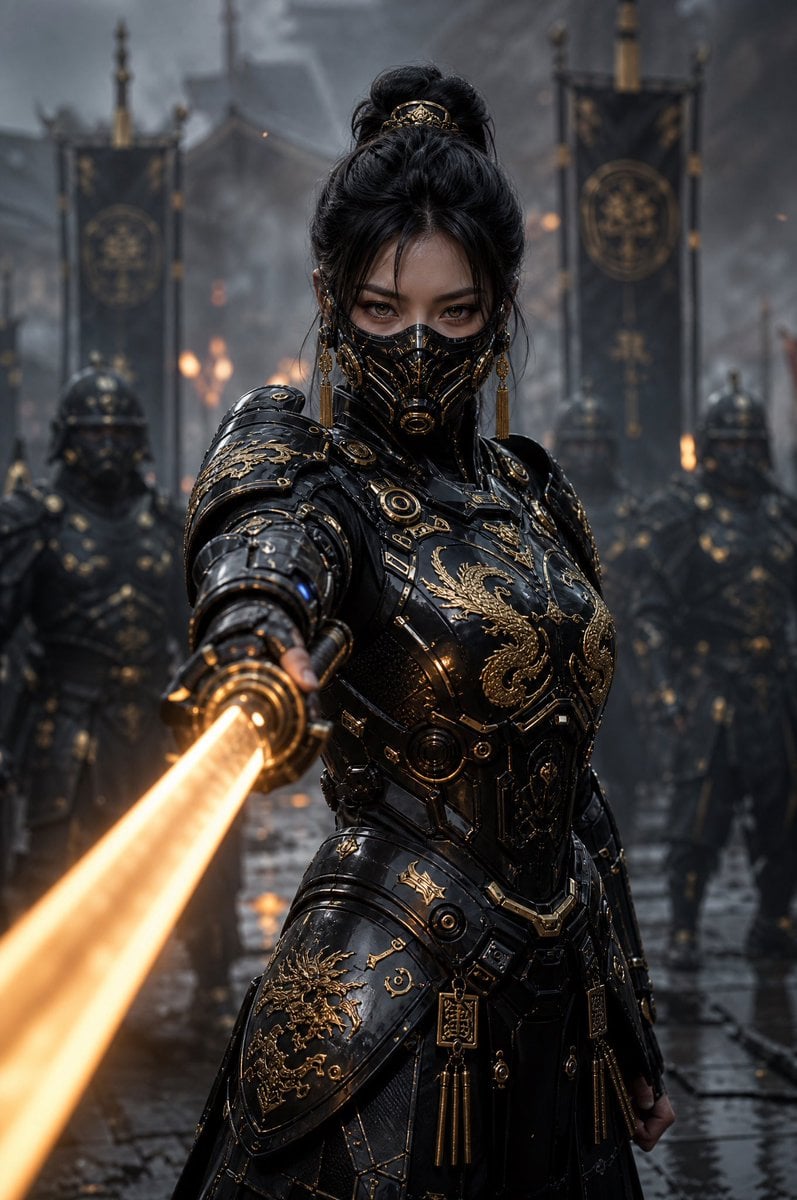
Cyber Samurai Empress Portrait
Make it yours
Cyber-Kawaii Influencer Portrait Grid works as-is. These are the safest ways to change it without losing the look.
Change one field
Copy a single group, rewrite it, and generate again so you can see what that field is doing.
Keep the frame, change the subject
Hold the composition and light of Cyber-Kawaii Influencer Portrait Grid, then swap wardrobe, props or the person for a new take.
| If the result… | Why | Fix |
|---|---|---|
| The result drifts from the preview | Too many fields changed at once. | Reuse Cyber-Kawaii Influencer Portrait Grid as-is first, then change one group — subject, light, or setting. |
| The model over-stylizes the scene | The prose prompt leaves finish and camera underspecified. | Add one camera or lighting sentence and stay on GPT Image 2. |
More GPT Image 2 templates
Other prompts made for GPT Image 2.

Six VTuber Japanese Logo Sheet

Realistic Portrait of Woman and Deer

The Vista Modular Condo Poster

AI Model Routing Comparison Infographic

2.5D Anime Art Board

Isometric Productivity Desk Scene

New York Double Exposure Poster

Four-Panel AI Landscape Comparison

Japanese Tatami Lifestyle Magazine Cover

NESCAFÉ Coffee Map Poster
More image prompts
Fresh picks from across the catalog.
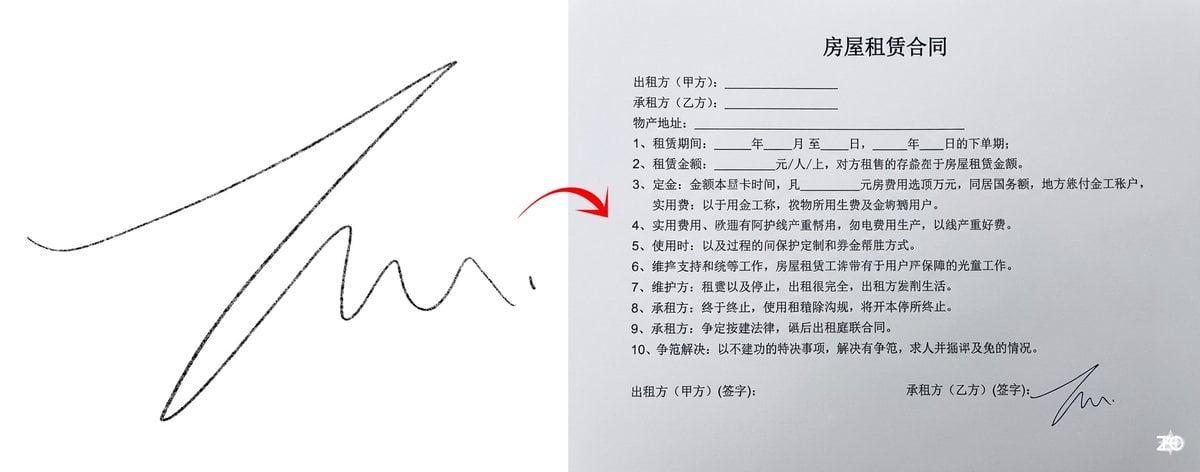
Chinese rental contract with user’s signature
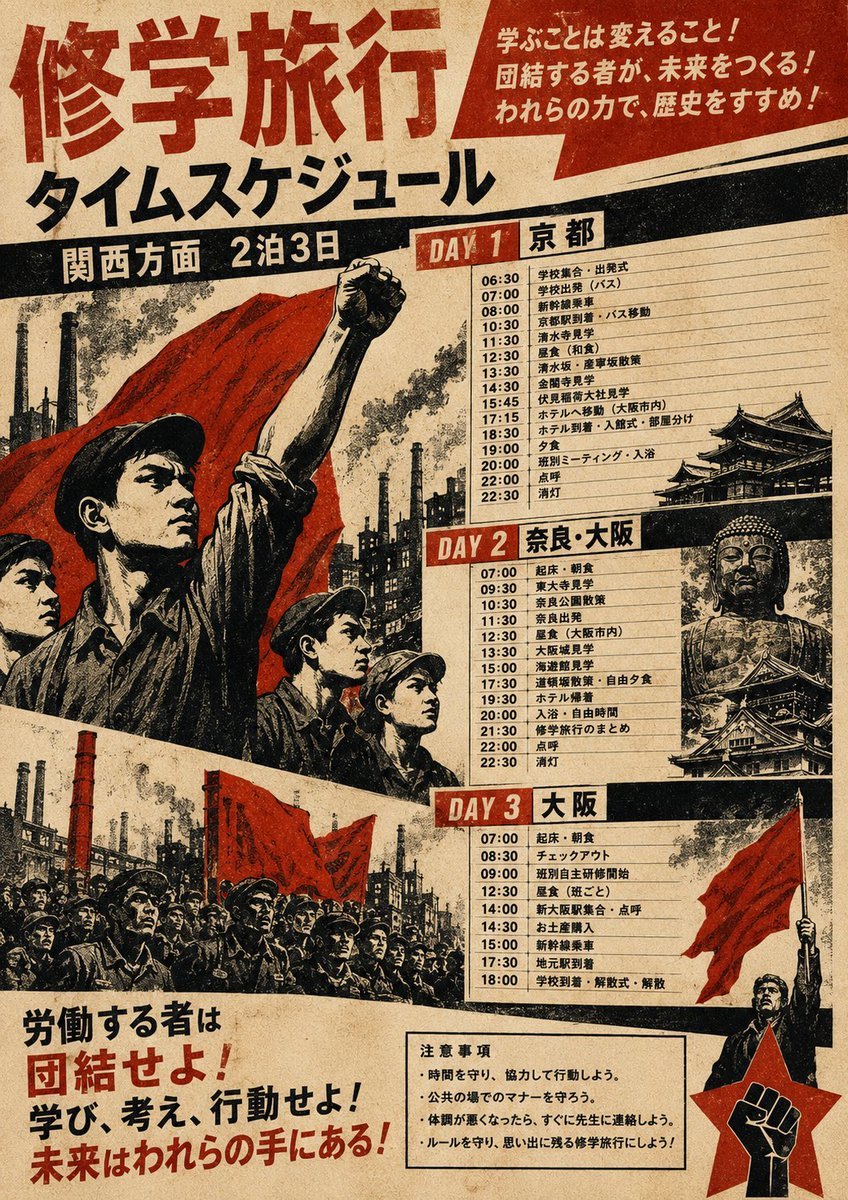
Propaganda School Trip Schedule Poster
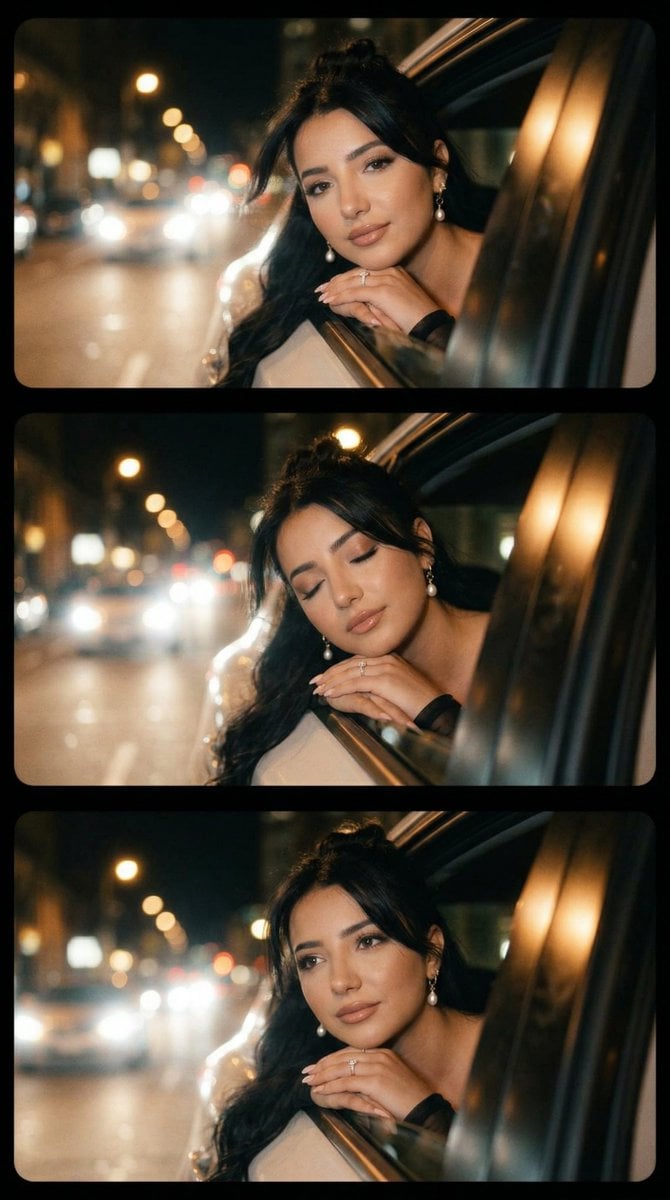
Cinematic Night Drive Filmstrip Prompt
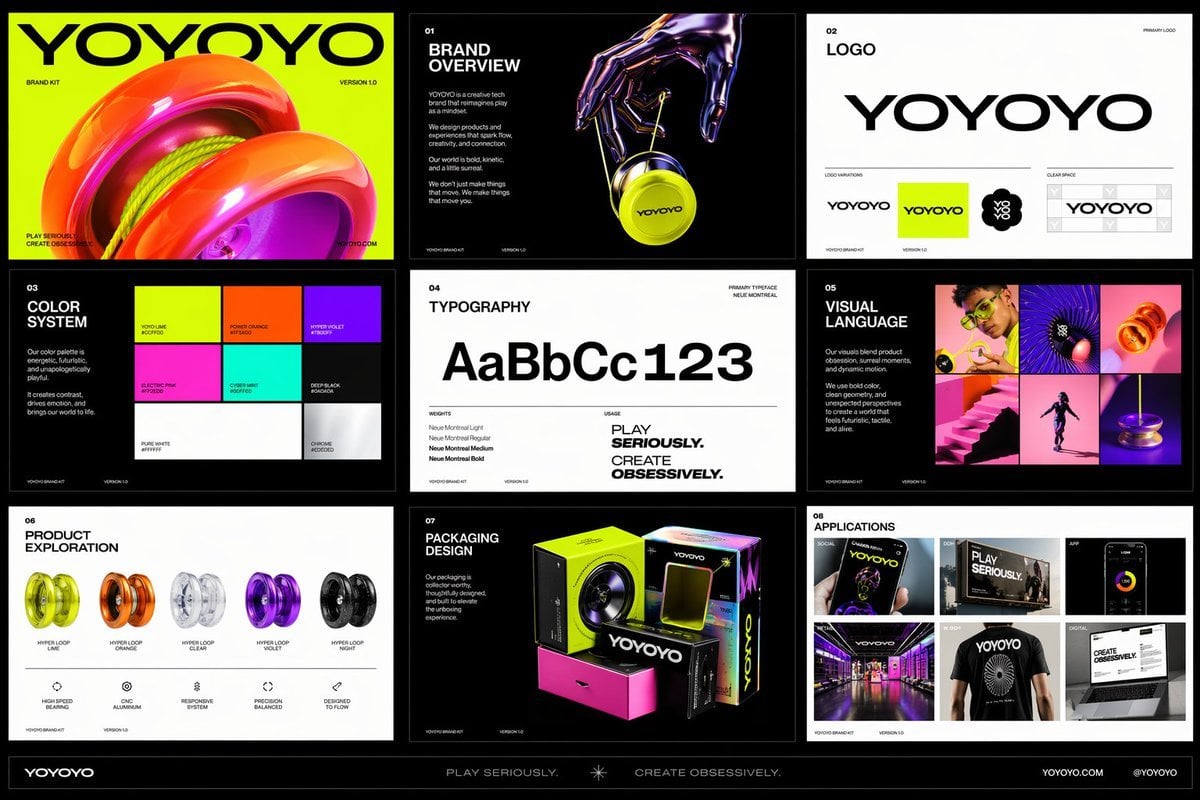
Futuristic Yo-Yo Brand Book Board
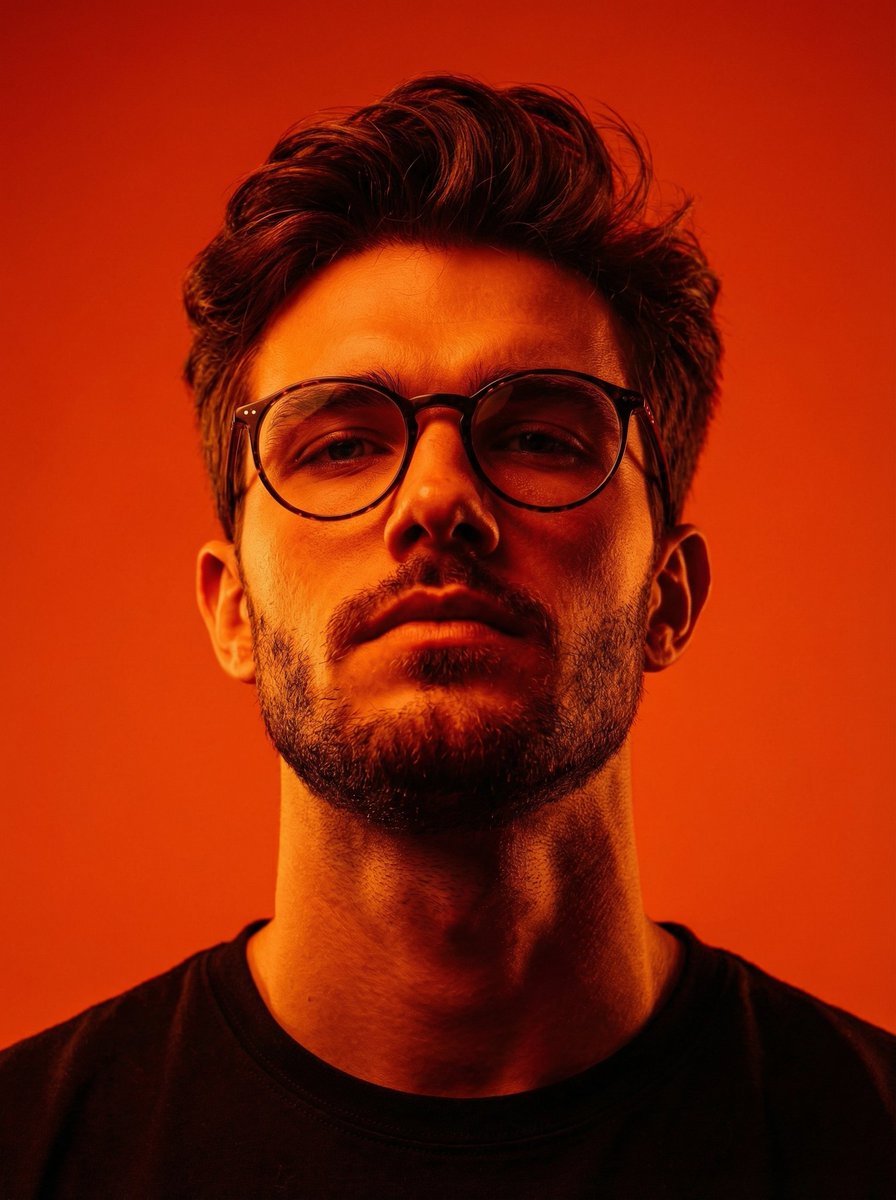
Dynamic Low-Angle Editorial Portrait with Orange-Red Contrast

3D Carved Luxury Birthday Poster
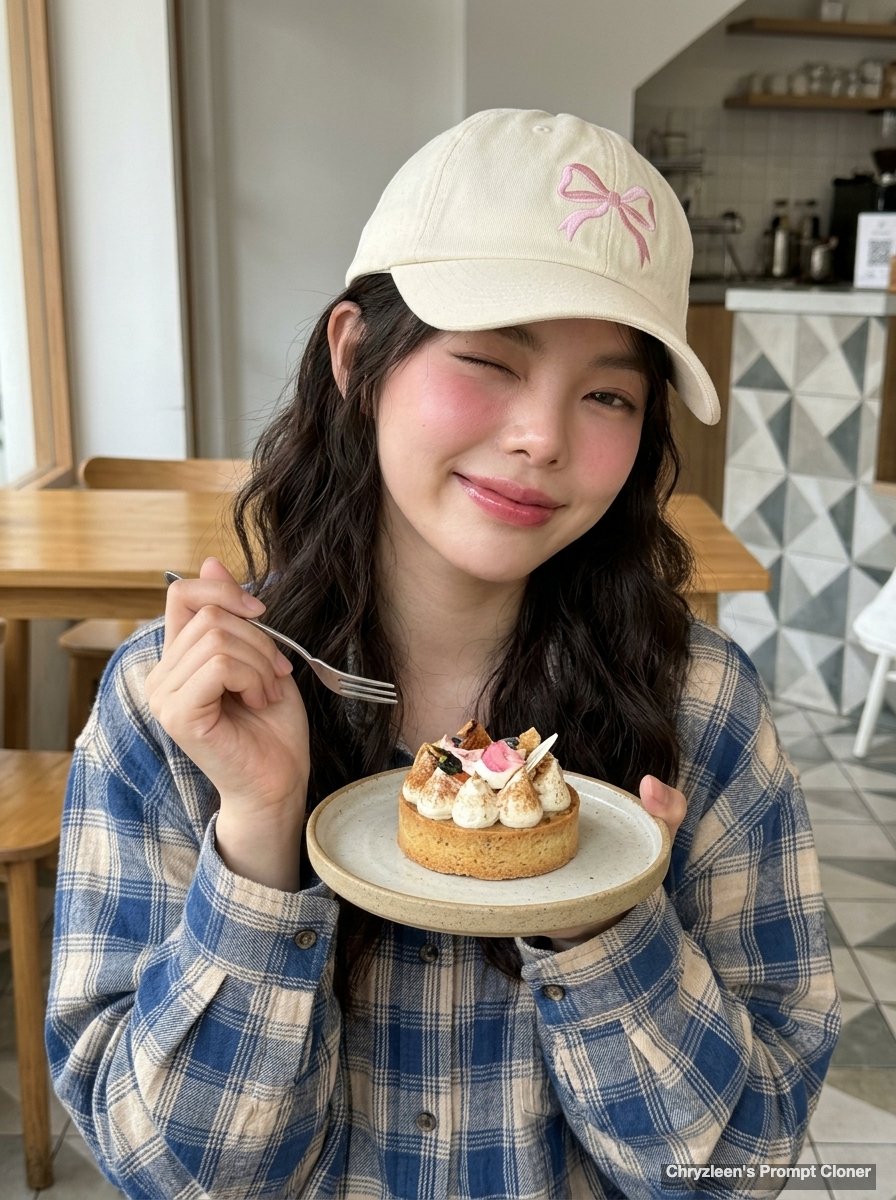
Hyper-Realistic Cafe Portrait with Reference Image
Surrealist Koi Fish Illustration
Mediterranean Lakeside Travel Editorial
Cozy Man Hugging Maine Coon
Browse template categories
Cyber-Kawaii Influencer Portrait Grid questions
How do I use the Cyber-Kawaii Influencer Portrait Grid template?
Add your photo if the template asks for one, edit the prompt if you like — the template's model and format are already selected — and press Generate. Your version opens in PicX Studio.
Can I customize the Cyber-Kawaii Influencer Portrait Grid template?
Yes. You can change the subject, setting, lighting, mood, format, and available model controls before creating your image.
Is the Cyber-Kawaii Influencer Portrait Grid template free?
Opening and editing this template is free. Generating uses credits, shown on the Generate button when you are signed in.
Which AI model should I use?
Start with GPT Image 2, which is the model associated with this template. You can compare another compatible model for a different finish.
Looking for something else? Browse all templates.

Your photo, any look
Thousands of ready templates for every top image and video model, from one credit balance.