
Hyper-Realistic Cafe Portrait with Reference Image
A highly detailed prompt for Gemini Nano Banana generating a hyper-realistic, ultra-sharp photograph of a young woman in a candid pose at a cafe, requiring a strong resemblance to an attached reference image.
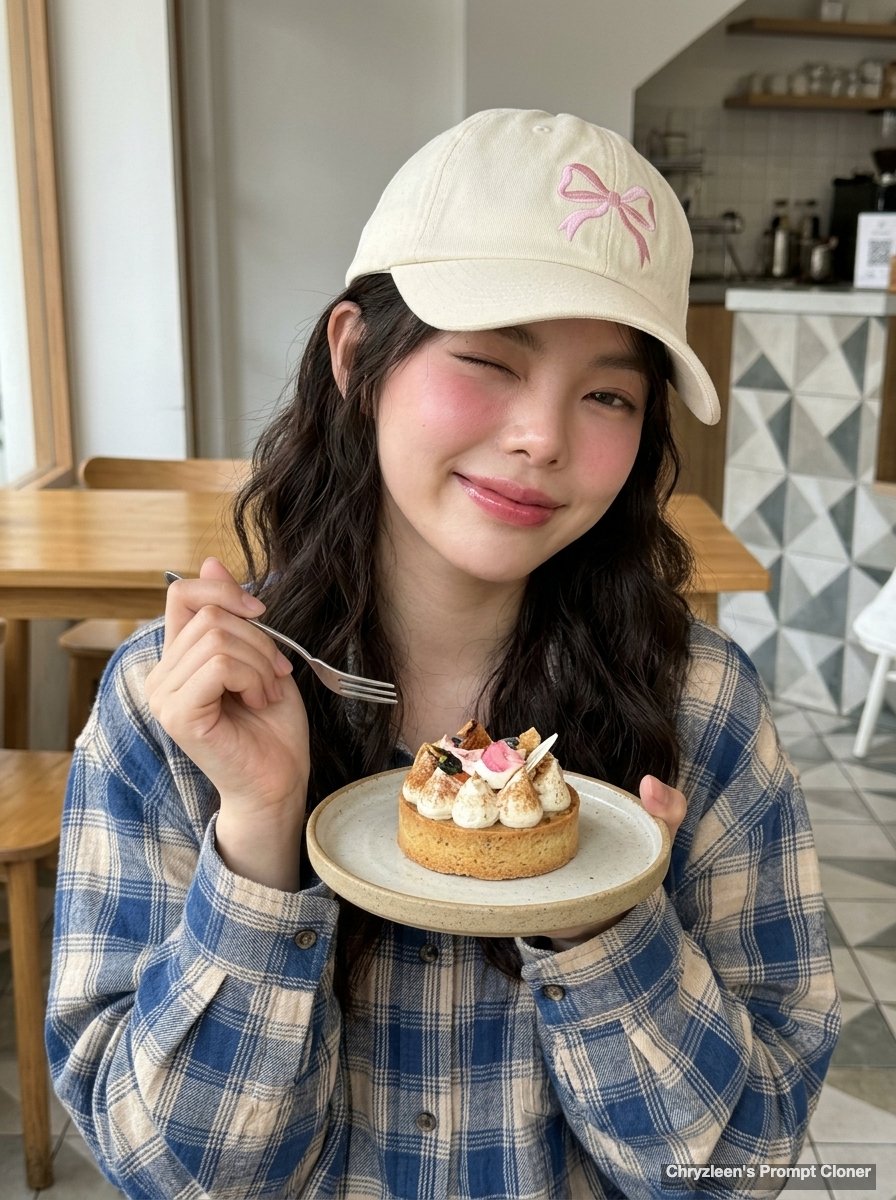
- Prompt included
- Model and format preset
- Premium template
The prompt behind this image
Copy the exact prompt behind Hyper-Realistic Cafe Portrait with Reference Image, or open it in the studio and make it yours.
Create image: Use the attached reference image as a visual guide for the character’s appearance, maintaining strong resemblance to the person in the reference. Preserve key visual traits such as facial structure and overall proportions, while allowing small natural variations typical of real photography. The generated subject should clearly resemble the reference while remaining a natural photographic interpretation. Aspect Ratio: 3:4. A hyper-realistic, ultra-sharp photograph taken on a modern smartphone, specifically an iPhone 15 Pro, characterized by its digital clarity and shot on a wide-angle lens at ISO 50 and f/1.8. The subject is a young woman in her early 20s, captured in a candid, mid-moment pose at a cafe, her torso angled 20 degrees to the left while her head is playfully tilted 15 degrees to the right. Following a natural weight shift, her right shoulder is slightly elevated as she holds a small dessert fork with a silver-tined tip mid-air in her right hand, while her left hand supports a white ceramic plate from beneath, showcasing one hand active and the other in a relaxed grip. Her long dark hair is styled in soft mermaid waves that drape over her right shoulder, partially covered by a cream-colored cotton canvas baseball cap featuring a delicate, hand-embroidered pink ribbon bow on the crown. Her expression is radiant yet playful, winking her right eye shut while her left eye remains wide and sparkling with a glimmering inner corner shine; a subtle micro-smirk forms on her glossy, natural pinkish-mauve lips. Her left eyebrow is naturally relaxed while the right is subtly engaged in the wink, creating a realistic facial asymmetry. The subject’s skin exhibits a healthy radiance with a rosy warmth, featuring visible pores and a clear texture with soft highlights along the bridge and tip of her nose. A subtle pink blush is applied with high placement on the cheekbones, blending into the pinkish-rosy undertones of her complexion. She wears an oversized, soft-brushed cotton plaid shirt in a grid of cerulean blue and muted beige, the fabric showing microscopic weave textures and realistic folds around the dropped shoulders. A single strand of small, luminous freshwater pearls sits delicately around her neck, and a simple gold ring is visible on her finger. In the foreground, a square artisanal cake is decorated with intricate blue and pink piped buttercream ruffles and topped with a small, round character face. The scene is set in a sunlit cafe with a warm wooden floor transitioning into a section of green and white geometric patterned tiles, with large wooden-framed windows allowing soft, diffused daylight to illuminate the scene from the front-side, creating gentle shadows under the jawline. The entire scene is rendered in incredibly sharp focus, from the intricate frosting on the cake to the wood grain in the background, without any background blur or bokeh. Digital texture is paramount, revealing crisp fab
How to use Hyper-Realistic Cafe Portrait with Reference Image in 3 steps
- 1Upload ImagePNG, JPG or paste
Add your photo
Upload the photo the template builds on. The prompt, model and format are already set.
- 2…a portrait of your subject in softgolden-hour light, 85mm…
Personalize
Edit the subject and creative details for your destination.
- 3Generate
Generate
Press Generate — your image is created in PicX Studio, so you can compare it with the original and refine one variable at a time.
More like this
Templates with the same subject, style or setup. Open one to see its prompt.

Found Photograph: Us, 1970

80s Couple Studio Portrait

80s Bollywood Star

80s Golden Hour Cinema

Me in 1985

1985 Studio Portrait

Hyper-Realistic Minecraft POV Portrait

Rooftop Fisheye — Cat-Ear Balaclava at Golden Hour

Rainy Café Window Moody Portrait

untitled

2025 Aesthetic Photography

Nano Banana Is So Addictive
Make it yours
Hyper-Realistic Cafe Portrait with Reference Image works as-is. These are the safest ways to change it without losing the look.
Change one field
Copy a single group, rewrite it, and generate again so you can see what that field is doing.
Keep the frame, change the subject
Hold the composition and light of Hyper-Realistic Cafe Portrait with Reference Image, then swap wardrobe, props or the person for a new take.
| If the result… | Why | Fix |
|---|---|---|
| The result drifts from the preview | Too many fields changed at once. | Reuse Hyper-Realistic Cafe Portrait with Reference Image as-is first, then change one group — subject, light, or setting. |
| The model over-stylizes the scene | The prose prompt leaves finish and camera underspecified. | Add one camera or lighting sentence and stay on Nano Banana 2. |
More Nano Banana 2 templates
Other prompts made for Nano Banana 2.

Photorealistic Leaf Shaped Like a Dragon

K-Pop Idol Portrait Grid for Rapid Selection

Poetic Rain Forest Portrait During Golden Hour

Urban Street Portrait with Cartoon Inner Self Duo

Candid Nighttime Photo with Cat Prompt

High-Concept 3D Diorama Generation Prompt

Cinematic Futuristic Studio Portrait Template

Skincare Editorial Photography Collage Prompt

Hyper-Realistic Commercial Product Photography (Splash Effect)

Hyper-Realistic Nightclub Portrait Prompt
More image prompts
Fresh picks from across the catalog.

Generate diagrams from programming explanations
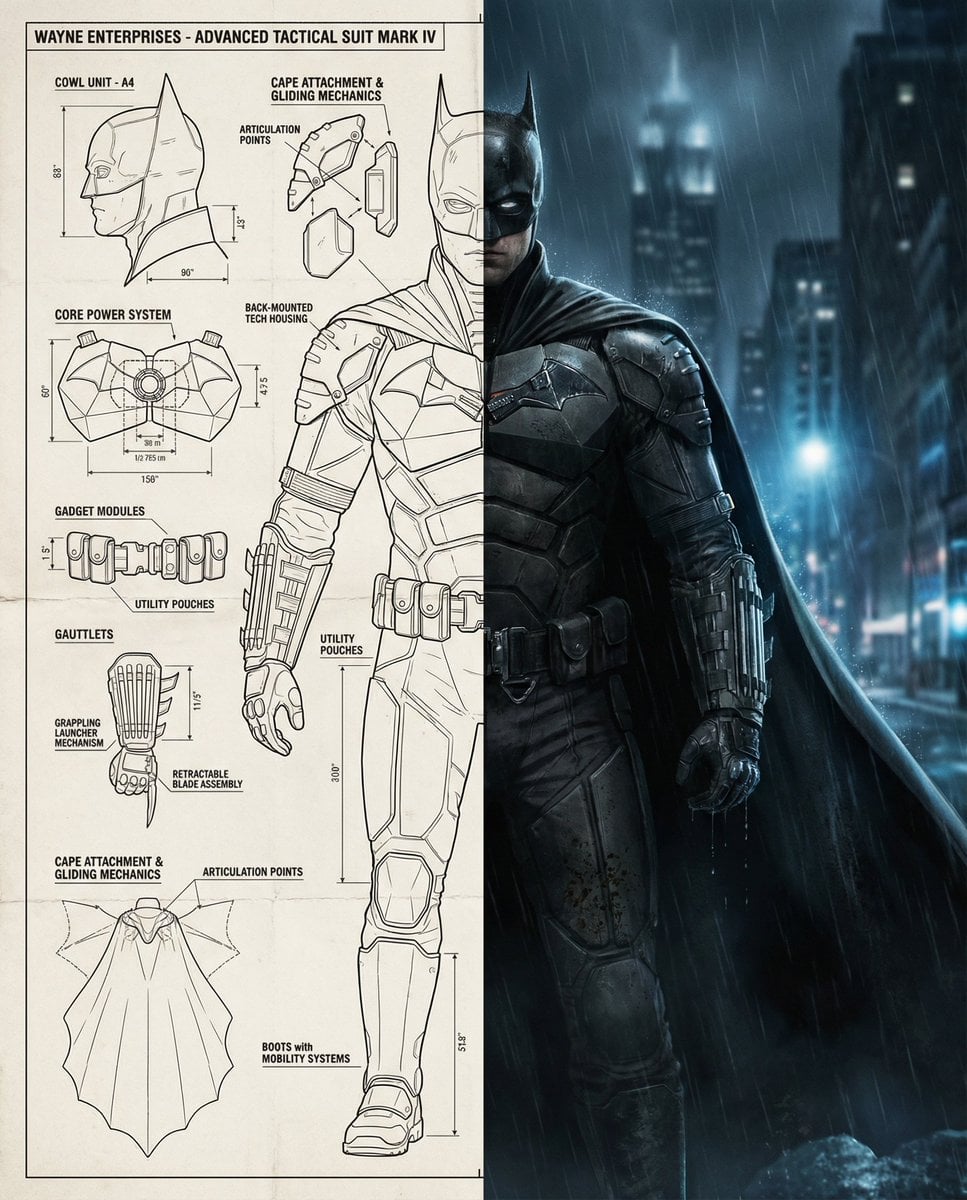
Split-Screen Cinematic Batman Blueprint
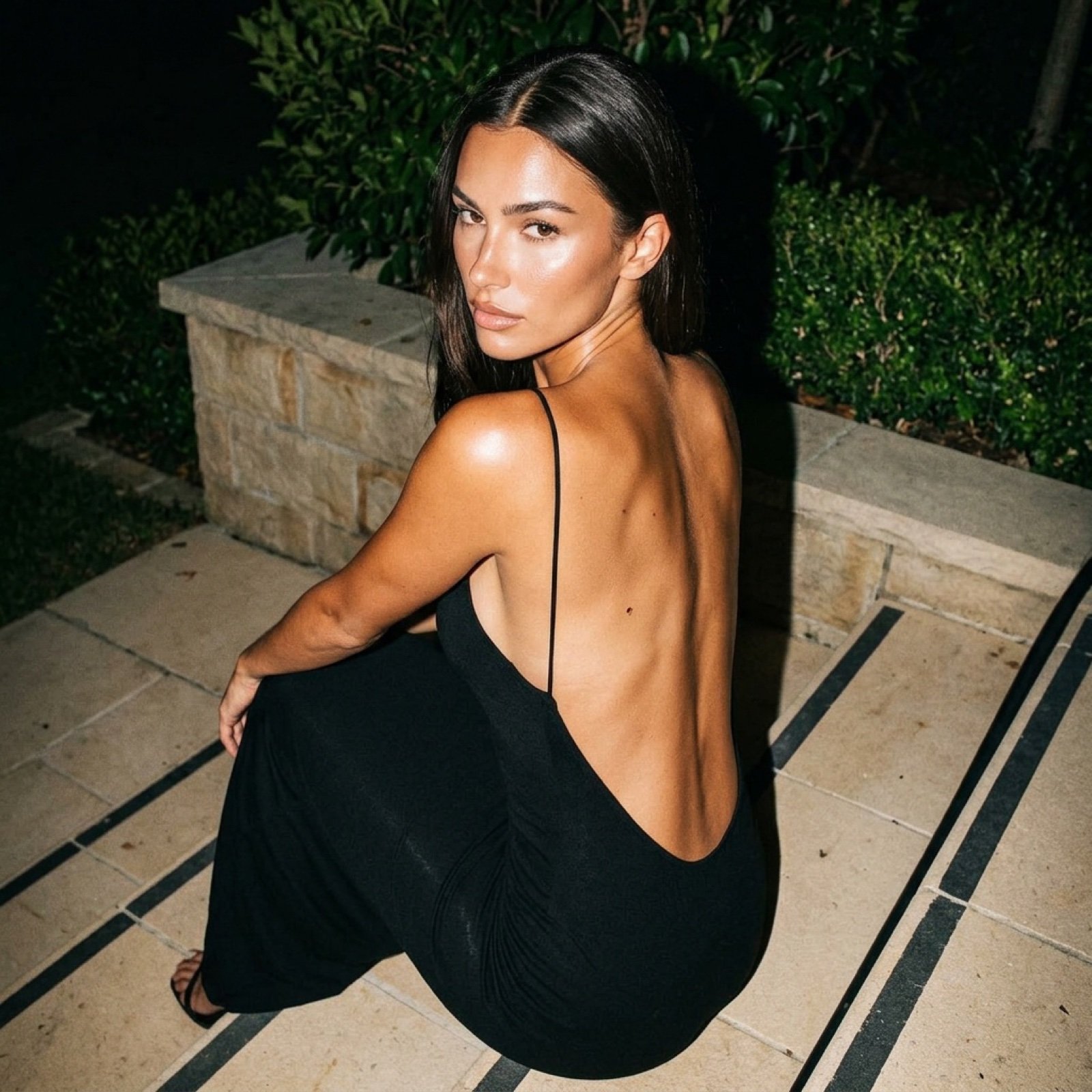
Hard Flash Backless Dress Night Photo Prompt
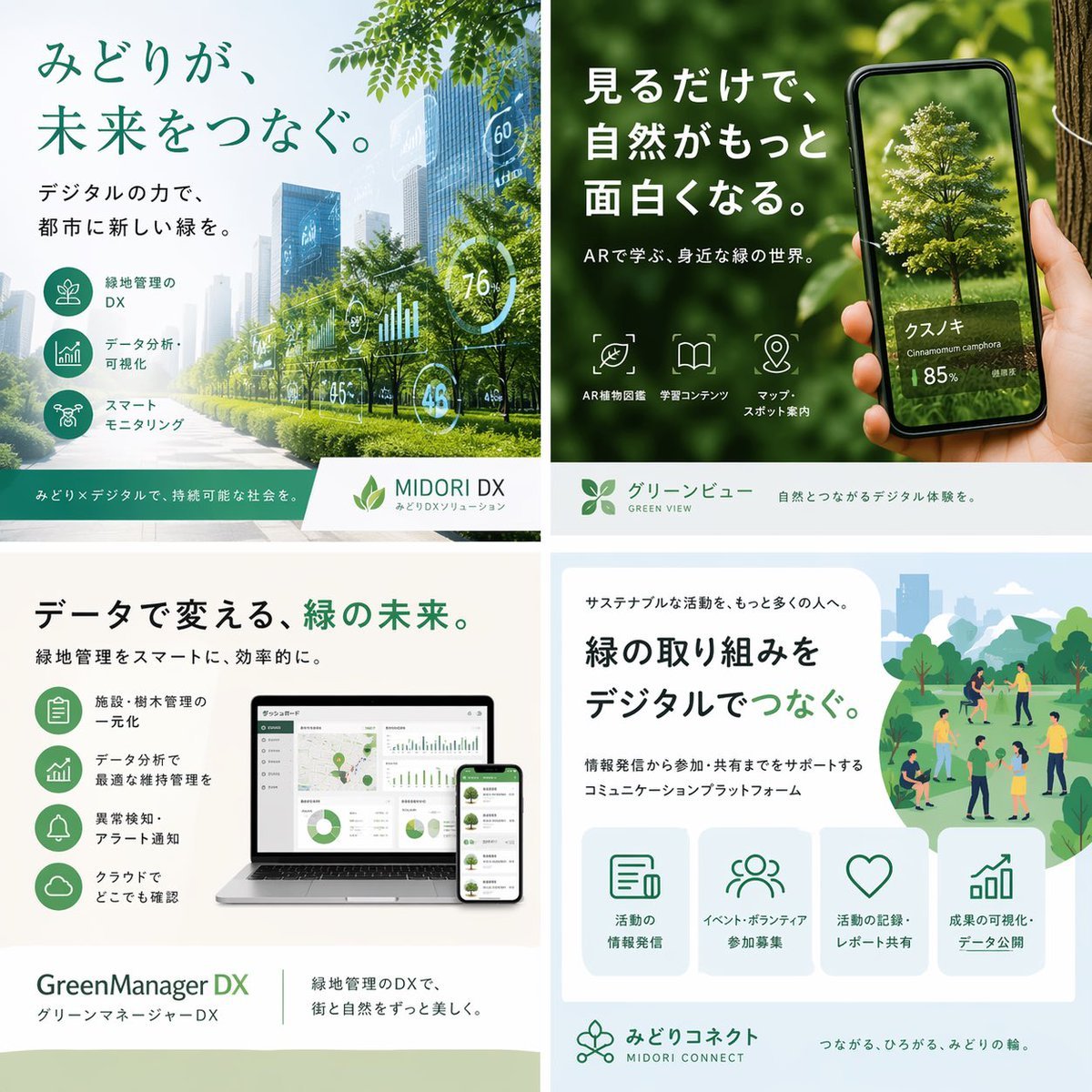
Japanese Green-Tech Promo Collage
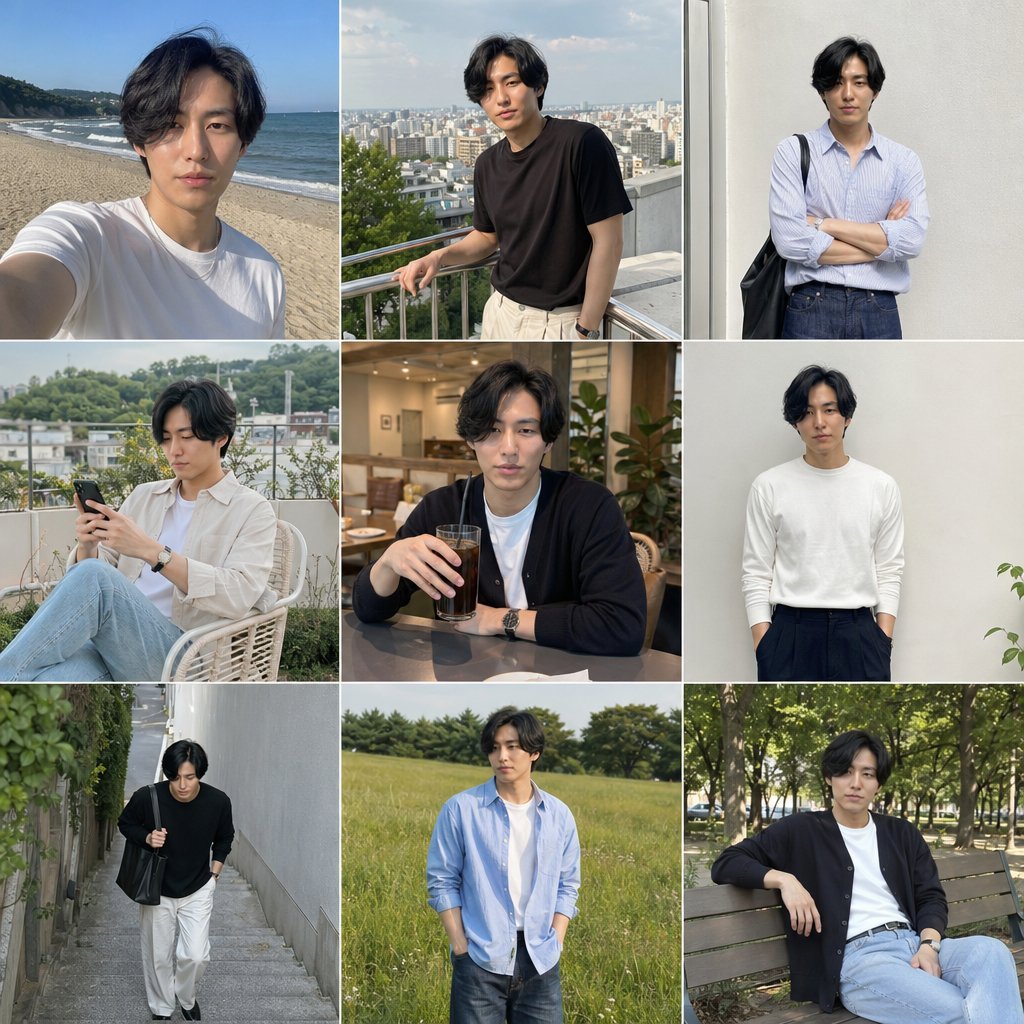
Photo Men's Fashion Collage
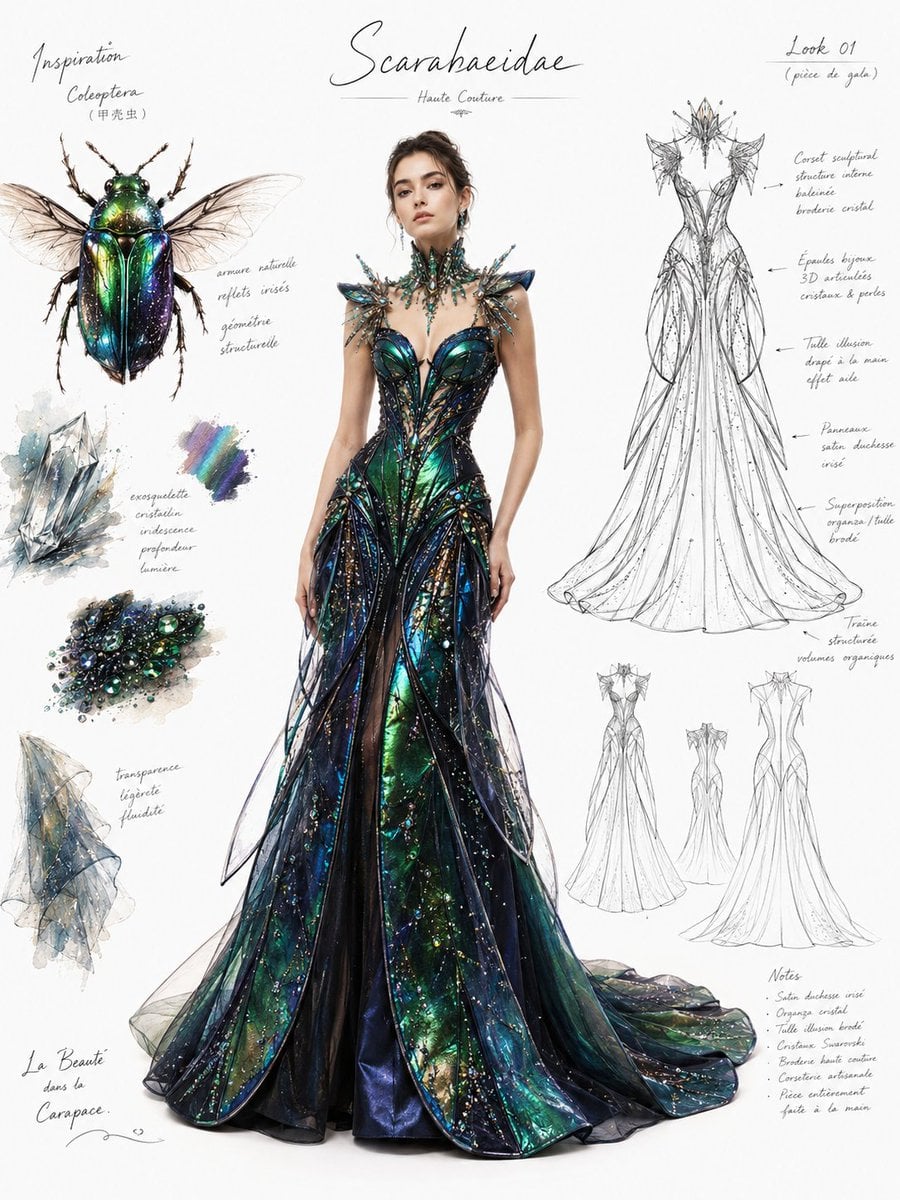
Couture Fashion Design Concept Board
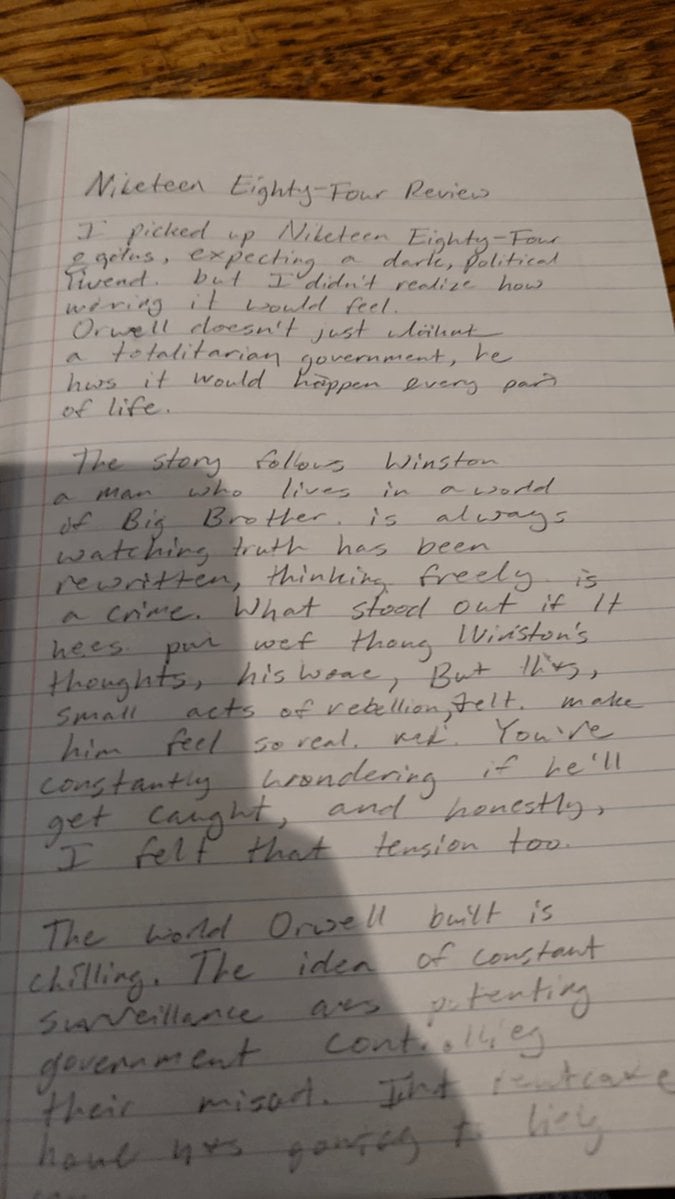
Messy Handwritten Notebook Photo
T-Shirt Text Customization Prompt
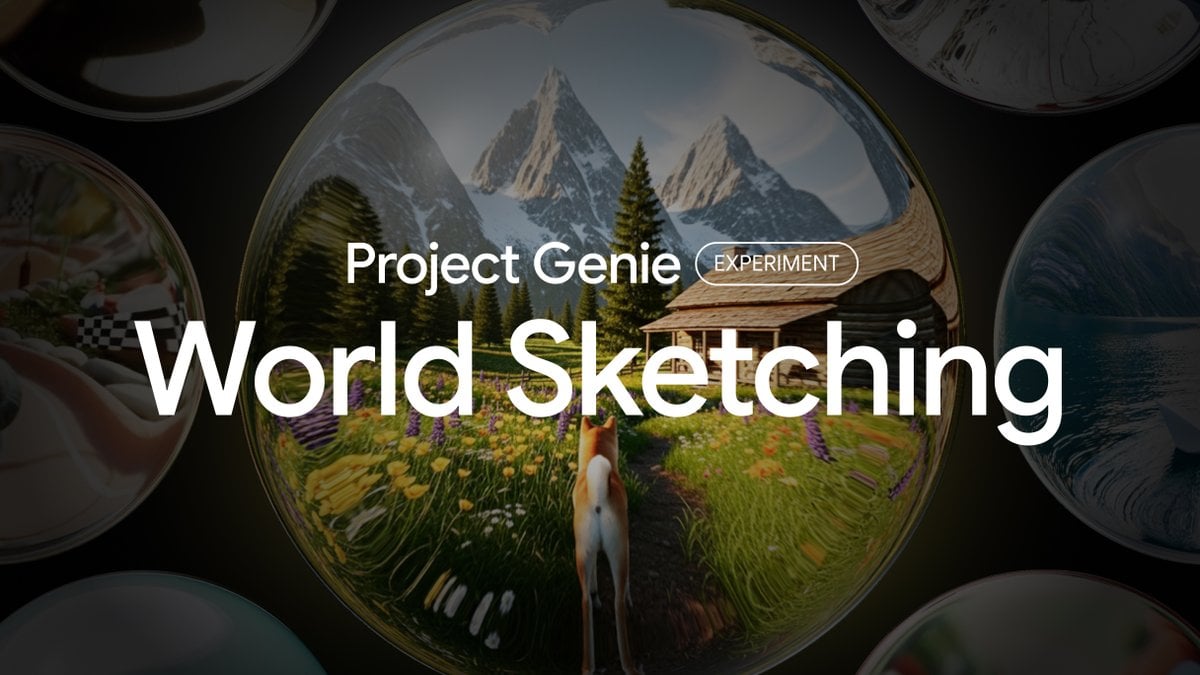
Project Genie World Design Prompt
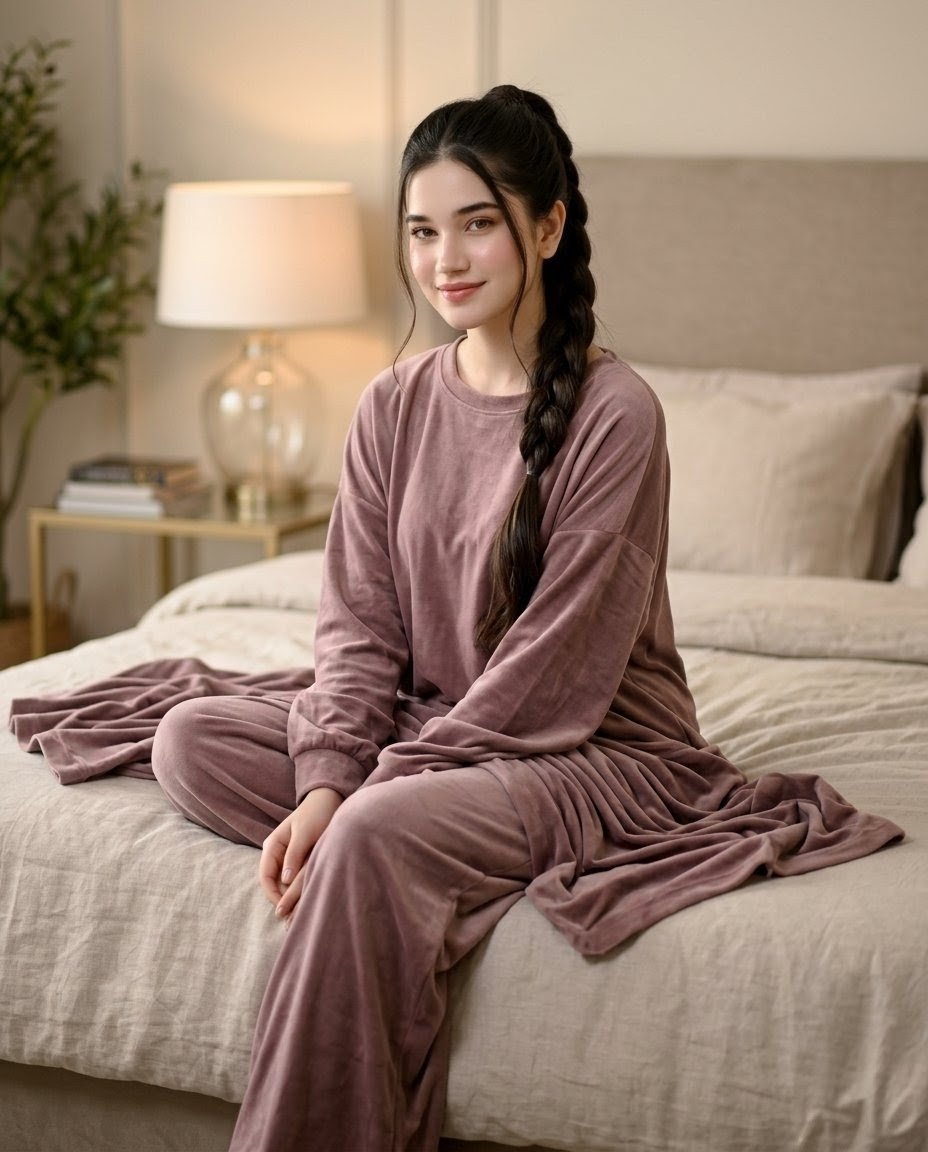
Mauve Loungewear Bedroom Portrait
Browse template categories
Hyper-Realistic Cafe Portrait with Reference Image questions
How do I use the Hyper-Realistic Cafe Portrait with Reference Image template?
Add your photo if the template asks for one, edit the prompt if you like — the template's model and format are already selected — and press Generate. Your version opens in PicX Studio.
Can I customize the Hyper-Realistic Cafe Portrait with Reference Image template?
Yes. You can change the subject, setting, lighting, mood, format, and available model controls before creating your image.
Is the Hyper-Realistic Cafe Portrait with Reference Image template free?
Opening and editing this template is free. Generating uses credits, shown on the Generate button when you are signed in.
Which AI model should I use?
Start with Nano Banana 2, which is the model associated with this template. You can compare another compatible model for a different finish.
Looking for something else? Browse all templates.

Your photo, any look
Thousands of ready templates for every top image and video model, from one credit balance.