
Japanese Green-Tech Promo Collage
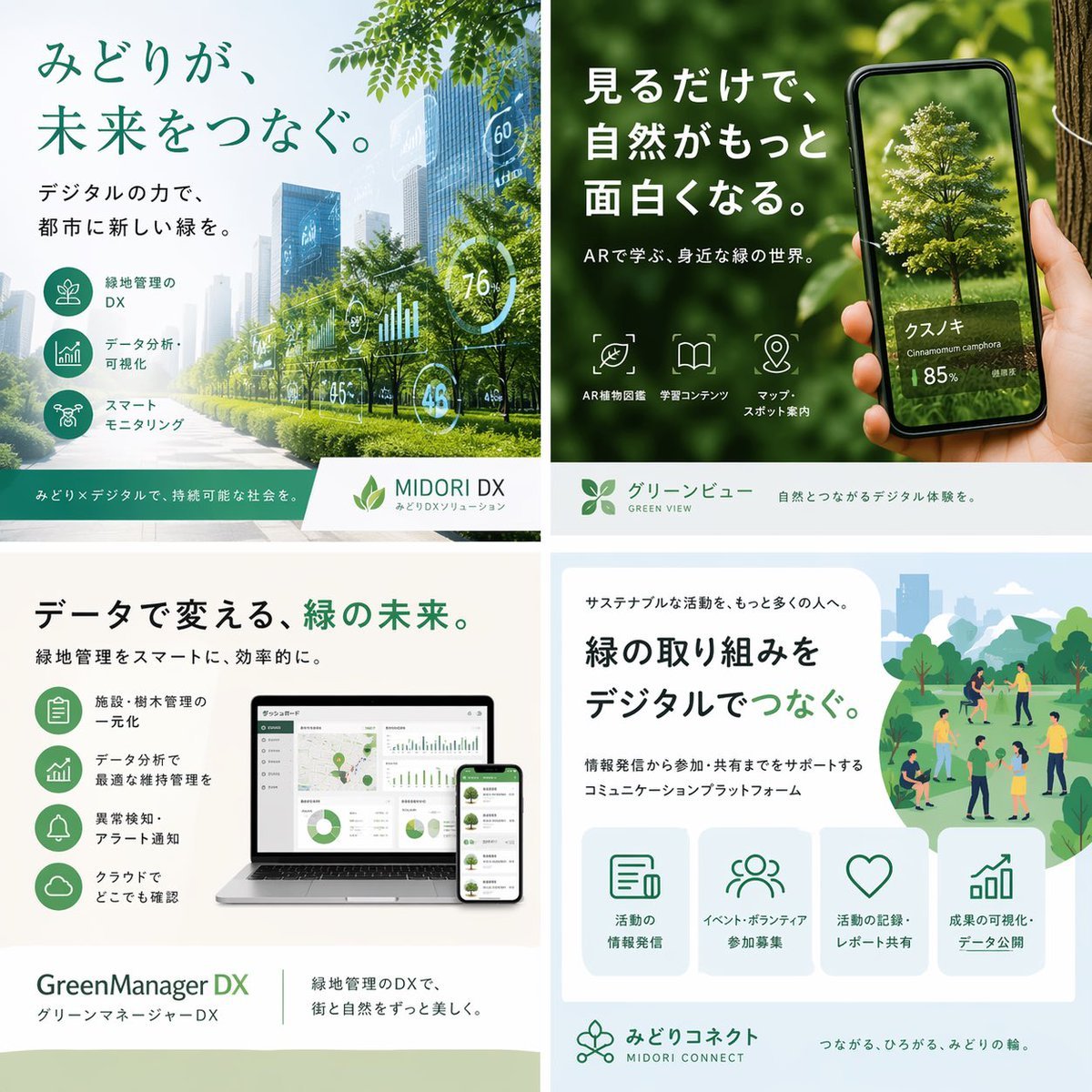
A polished square Japanese marketing collage showcasing four eco-digital services, ideal for recreating a corporate brochure, social post, or presentation visual for sustainability technology.
- Prompt included
- Model and format preset
- Free template
The prompt behind this image
Copy the exact prompt behind Japanese Green-Tech Promo Collage, or open it in the studio and make it yours.
- Type
- Japanese promotional 2x2 brochure collage for green-tech digital services
- Style
- clean corporate advertising, modern eco-friendly branding, soft natural lighting, realistic photocomposite with minimal AI artifacts, white and green color palette, polished Japanese typography, square layout
- Canvas › Aspect Ratio
- 1:1
- Canvas › Size
- 1536x1536
- Layout › Grid
- 2x2
- Layout › Count
- 4
- Layout › Sections › 0 › Position
- top-left
- Layout › Sections › 0 › Title
- みどりが、未来をつなぐ。
- Layout › Sections › 0 › Subtitle
- デジタルの力で、都市に新しい緑を。
- Layout › Sections › 0 › Scene
- a bright futuristic city boulevard lined with healthy green trees and landscaped medians, glass skyscrapers fading into light haze, semi-transparent dashboard overlays floating over the street with circular and bar-chart analytics such as 60, 76, 45, and 48
- Layout › Sections › 0 › Features › Count
- 3
- Layout › Sections › 0 › Features › Labels
- 緑地管理のDX, データ分析・可視化, スマートモニタリング
- Layout › Sections › 0 › Brand Bar › Product Name
- MIDORI DX
- Layout › Sections › 0 › Brand Bar › Tagline
- みどりメディカルで、持続可能な社会を。
- Layout › Sections › 0 › Brand Bar › Sublabel
- みどりDXソリューション
- Layout › Sections › 1 › Position
- top-right
- Layout › Sections › 1 › Title
- 見るだけで、自然がもっと面白くなる。
- Layout › Sections › 1 › Subtitle
- ARで学ぶ、身近な緑の世界。
- Layout › Sections › 1 › Scene
- close-up of a hand holding a smartphone in front of lush green foliage and a tree trunk, the phone screen showing an AR-style identified tree with a realistic isolated tree model
- Layout › Sections › 1 › Screen Text › Main Name
- クスノキ
- Layout › Sections › 1 › Screen Text › Latin Name
- Cinnamomum camphora
- Layout › Sections › 1 › Screen Text › Confidence
- 85%
- Layout › Sections › 1 › Features › Count
- 3
- Layout › Sections › 1 › Features › Labels
- AR植物図鑑, 学習コンテンツ, マップ・スポット案内
Raw JSON
{"type":"Japanese promotional 2x2 brochure collage for green-tech digital services","style":"clean corporate advertising, modern eco-friendly branding, soft natural lighting, realistic photocomposite with minimal AI artifacts, white and green color palette, polished Japanese typography, square layout","canvas":{"aspect_ratio":"1:1","size":"1536x1536"},"layout":{"grid":"2x2","count":4,"sections":[{"position":"top-left","title":"みどりが、未来をつなぐ。","subtitle":"デジタルの力で、都市に新しい緑を。","scene":"a bright futuristic city boulevard lined with healthy green trees and landscaped medians, glass skyscrapers fading into light haze, semi-transparent dashboard overlays floating over the street with circular and bar-chart analytics such as 60, 76, 45, and 48","features":{"count":3,"labels":["緑地管理のDX","データ分析・可視化","スマートモニタリング"]},"brand_bar":{"product_name":"MIDORI DX","tagline":"みどりメディカルで、持続可能な社会を。","sublabel":"みどりDXソリューション"}},{"position":"top-right","title":"見るだけで、自然がもっと面白くなる。","subtitle":"ARで学ぶ、身近な緑の世界。","scene":"close-up of a hand holding a smartphone in front of lush green foliage and a tree trunk, the phone screen showing an AR-style identified tree with a realistic isolated tree model","screen_text":{"main_name":"クスノキ","latin_name":"Cinnamomum camphora","confidence":"85%"},"features":{"count":3,"labels":["AR植物図鑑","学習コンテンツ","マップ・スポット案内"]},"brand_bar":{"product_name":"グリーンビュー","english_name":"GREEN VIEW","tagline":"自然とつながるデジタル体験を。"}},{"position":"bottom-left","title":"データで変える、緑の未来。","subtitle":"緑地管理をスマートに、効率的に。","scene":"a laptop and smartphone mockup on a clean desk, both displaying green-themed analytics dashboards with maps, pie charts, line graphs, and management panels","features":{"count":4,"labels":["施設・樹木管理の一元化","データ分析で最適な維持管理を","異常検知・アラート通知","クラウドでどこでも確認"]},"brand_bar":{"product_name":"GreenManager DX","japanese_name":"グリーンマネージャーDX","tagline":"緑地管理のDXで、街と自然をずっと美しく。"}},{"position":"bottom-right","title":"緑の取り組みをデジタルでつなぐ。","subtitle":"サステナブルな活動を、もっと多くの人へ。","description":"情報発信から参加・共有までをサポートするコミュニケーションプラットフォーム","scene":"flat illustrated park scene in soft greens and blues with small groups of people walking, talking, volunteering, and gathering among trees, paths, shrubs, and distant city buildings","features":{"count":4,"labels":["活動の情報発信","イベント・ボランティア参加募集","活動の記録・レポート共有","成果の可視化・データ公開"]},"brand_bar":{"product_name":"みどりコネクト","english_name":"MIDORI CONNECT","tagline":"つながる、ひろがる、みどりの輪。"}}]},"design_notes":{"typography":"large bold Japanese sans-serif headlines, smaller clean sans-serif body text, green emphasis on key words","iconography":"simple line icons inside rounded green circles or outlined tiles","branding":"consistent leaf motifs and eco-tech visual language","mood":"optimistic, innovative, sustainable, approachable corporate marketing"}}How to use Japanese Green-Tech Promo Collage in 3 steps
- 1Upload ImagePNG, JPG or paste
Add your photo
Upload the photo the template builds on. The prompt, model and format are already set.
- 2…a portrait of your subject in softgolden-hour light, 85mm…
Personalize
Edit the subject and creative details for your destination.
- 3Generate
Generate
Press Generate — your image is created in PicX Studio, so you can compare it with the original and refine one variable at a time.
More like this
Templates with the same subject, style or setup. Open one to see its prompt.

Minecraft Japanese Research Lab Exploration

Six-Panel Retro Japanese Poster Collage

Paper Cut Finale Fireworks

Paper Cut Garden Maze

Paper Cut Rooftop Concert

Paper Cut Bicycle Coast

Paper Cut Castle Gate

Paper Cut Kitchen Chaos

Paper Cut Carnival Ride

Paper Cut Rainy Bus Stop

Paper Cut Space Dock

Paper Cut Cafe Morning
Make it yours
Japanese Green-Tech Promo Collage works as-is. These are the safest ways to change it without losing the look.
Change one field
Copy a single group, rewrite it, and generate again so you can see what that field is doing.
Keep the frame, change the subject
Hold the composition and light of Japanese Green-Tech Promo Collage, then swap wardrobe, props or the person for a new take.
| If the result… | Why | Fix |
|---|---|---|
| The result drifts from the preview | Too many fields changed at once. | Reuse Japanese Green-Tech Promo Collage as-is first, then change one group — subject, light, or setting. |
| GPT Image 2 ignores part of the JSON | Some models flatten or skip nested keys. | Keep the same values and paste them as a short paragraph instead. |
More GPT Image 2 templates
Other prompts made for GPT Image 2.

Six VTuber Japanese Logo Sheet

Realistic Portrait of Woman and Deer

The Vista Modular Condo Poster

AI Model Routing Comparison Infographic

2.5D Anime Art Board

Isometric Productivity Desk Scene

New York Double Exposure Poster

Four-Panel AI Landscape Comparison

Japanese Tatami Lifestyle Magazine Cover

NESCAFÉ Coffee Map Poster
More image prompts
Fresh picks from across the catalog.
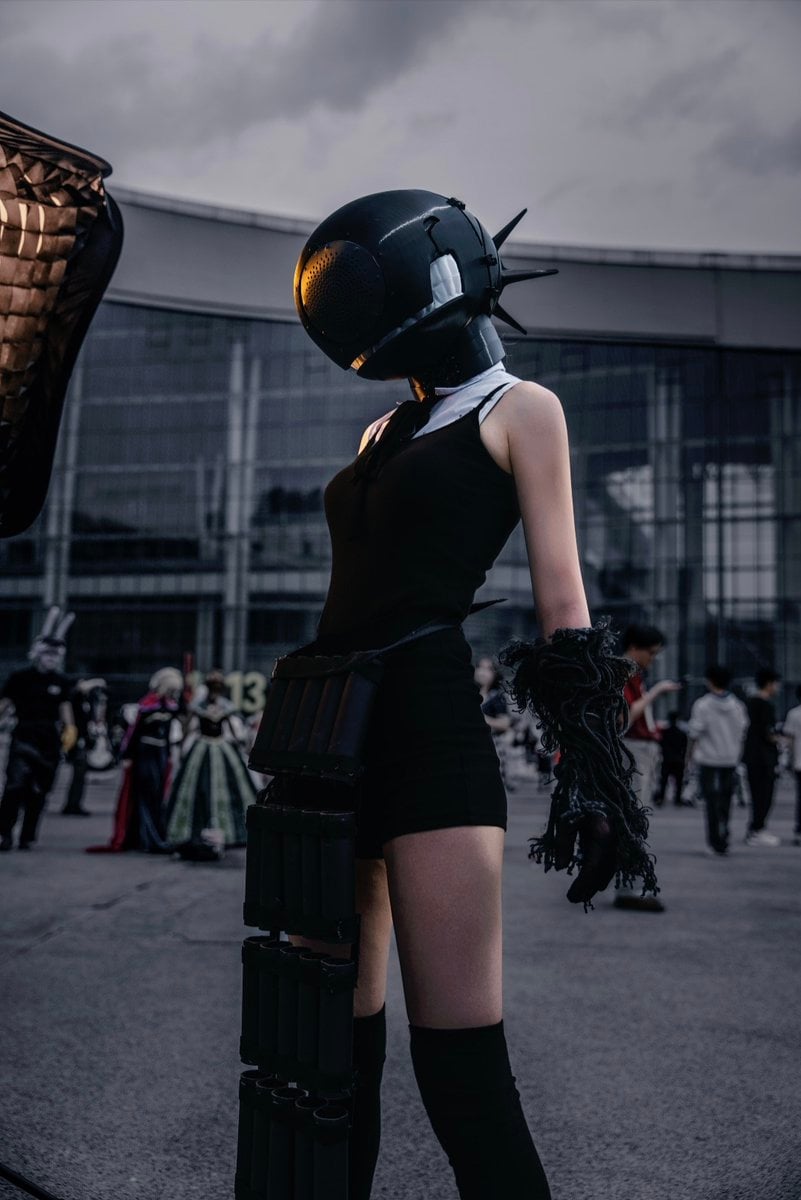
Cyberpunk Cinematic Photo Edit

Figure with Emoji Head in Sunlit Alley
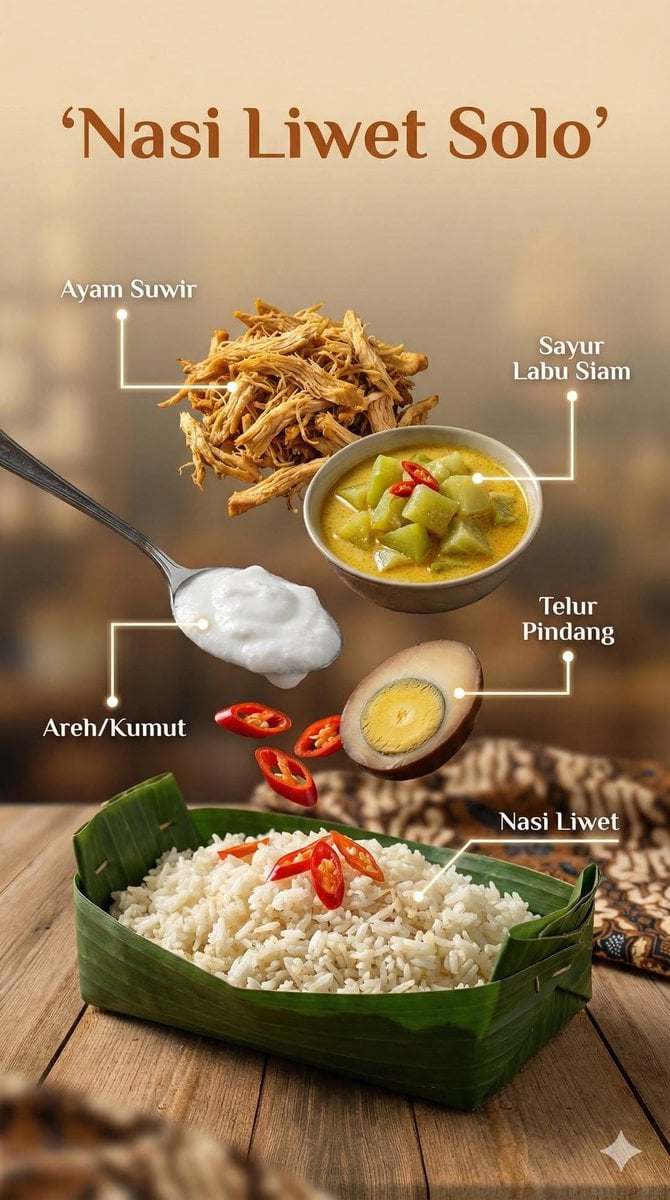
Ultra-realistic cinematic food photography of Indonesian dish

Cyberpunk AI Creative Workspace

Akashi Typographic Travel Poster

X Aiwithlariab Image on Nano Banana 2
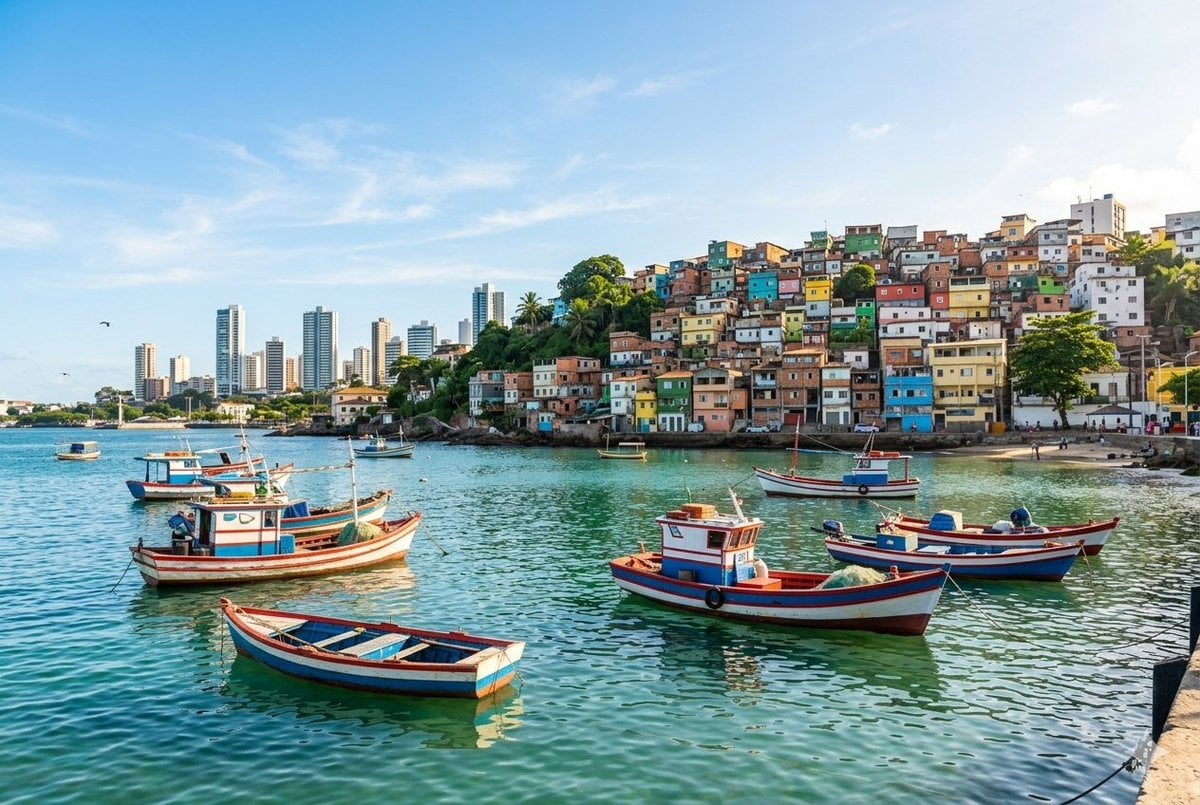
Realistic port scene in Salvador, Bahia

Cinematic Travel Storytelling Aesthetic Prompt

Fantasy Sports Legend Poster

Japanese X Monetization Thumbnail
Browse template categories
Japanese Green-Tech Promo Collage questions
How do I use the Japanese Green-Tech Promo Collage template?
Add your photo if the template asks for one, edit the prompt if you like — the template's model and format are already selected — and press Generate. Your version opens in PicX Studio.
Can I customize the Japanese Green-Tech Promo Collage template?
Yes. You can change the subject, setting, lighting, mood, format, and available model controls before creating your image.
Is the Japanese Green-Tech Promo Collage template free?
Opening and editing this template is free. Generating uses credits, shown on the Generate button when you are signed in.
Which AI model should I use?
Start with GPT Image 2, which is the model associated with this template. You can compare another compatible model for a different finish.
Looking for something else? Browse all templates.

Your photo, any look
Thousands of ready templates for every top image and video model, from one credit balance.