
Akashi Typographic Travel Poster
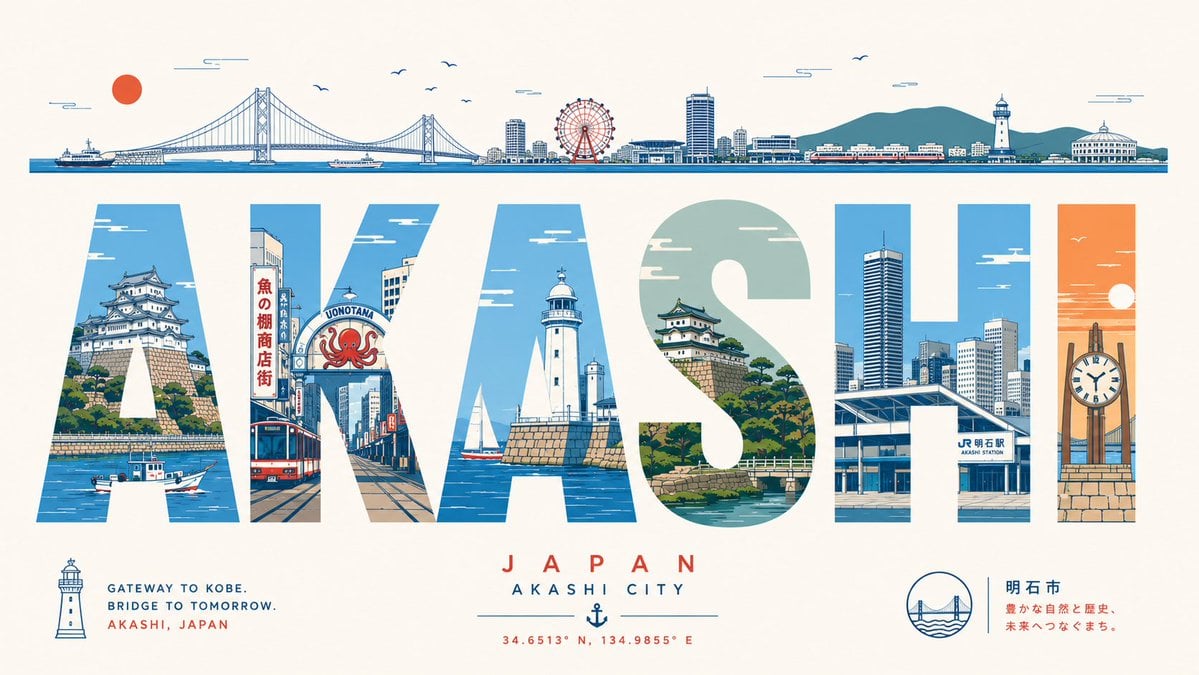
A wide vintage-style Japanese city travel poster with giant illustrated letters, landmarks, slogans, and coordinates for recreating an Akashi tourism design.
- Prompt included
- Model and format preset
- Free template
The prompt behind this image
Copy the exact prompt behind Akashi Typographic Travel Poster, or open it in the studio and make it yours.
Goal: Create a stylish illustrated travel poster for {argument name="city name" default="Akashi"}, Japan, using the city name as giant typographic window letters filled with local scenery. Canvas: Wide horizontal poster, 16:9 aspect ratio, warm off-white paper background, clean mid-century Japanese travel-poster aesthetic with crisp vector line art, limited palette of ocean blue, teal, cream, brick red, coral orange, and dark navy outlines. Layout: A thin panoramic skyline strip runs across the top edge, showing exactly 9 recognizable elements from left to right: a red sun, a ferry on the water, the Akashi Kaikyo Bridge, small birds in the sky, a waterfront city skyline, a red Ferris wheel, a train along the shore, green hills behind the city, and a lighthouse/harbor building cluster. The center is dominated by huge block letters spelling {argument name="main title text" default="AKASHI"}, each letter acting as a cutout containing illustrated city scenes. The bottom has small destination typography, icons, coordinates, and a short Japanese text block. Letter interiors: Use exactly 6 giant letters. Letter A contains Akashi Castle on a hill above blue water with a small fishing boat. Letter K contains a shopping street with vertical Japanese signs, a red tram or bus, and an octopus shop sign reading “UONOTANA”. Letter A contains a white lighthouse on a stone pier with sailboats and sea. Letter S contains Akashi Castle, green pine trees, stone walls, and a small bridge over water. Letter H contains a modern station and high-rise city buildings, including a sign reading “JR Akashi Station”. Letter I contains an orange sunset sky, the bridge in the background, and a large clock monument on a brick base. Text content: Large central word: {argument name="main title text" default="AKASHI"}. Beneath it, centered red spaced letters: “JAPAN”. Beneath that: “AKASHI CITY”. Add an anchor icon and coordinates: “34.6513° N, 134.9855° E”. Bottom left small lighthouse icon with English slogan: {argument name="slogan" default="GATEWAY TO KOBE. BRIDGE TO TOMORROW. AKASHI, JAPAN"}. Bottom right circular bridge-and-waves icon plus Japanese city label and tagline: {argument name="Japanese tagline" default="明石市 豊かな自然と歴史、未来へつなぐまち。"}. Visual style: Flat vector illustration, precise architectural details, subtle paper grain, nostalgic travel-advertising composition, strong geometric typography, no photorealism, no 3D rendering, no people in close-up, clean margins, balanced negative space, sharp readable lettering.
How to use Akashi Typographic Travel Poster in 3 steps
- 1Upload ImagePNG, JPG or paste
Add your photo
Upload the photo the template builds on. The prompt, model and format are already set.
- 2…a portrait of your subject in softgolden-hour light, 85mm…
Personalize
Edit the subject and creative details for your destination.
- 3Generate
Generate
Press Generate — your image is created in PicX Studio, so you can compare it with the original and refine one variable at a time.
More like this
Templates with the same subject, style or setup. Open one to see its prompt.

Japan Travel Brochure Poster

Clay Miniature Landmark Travel Diorama
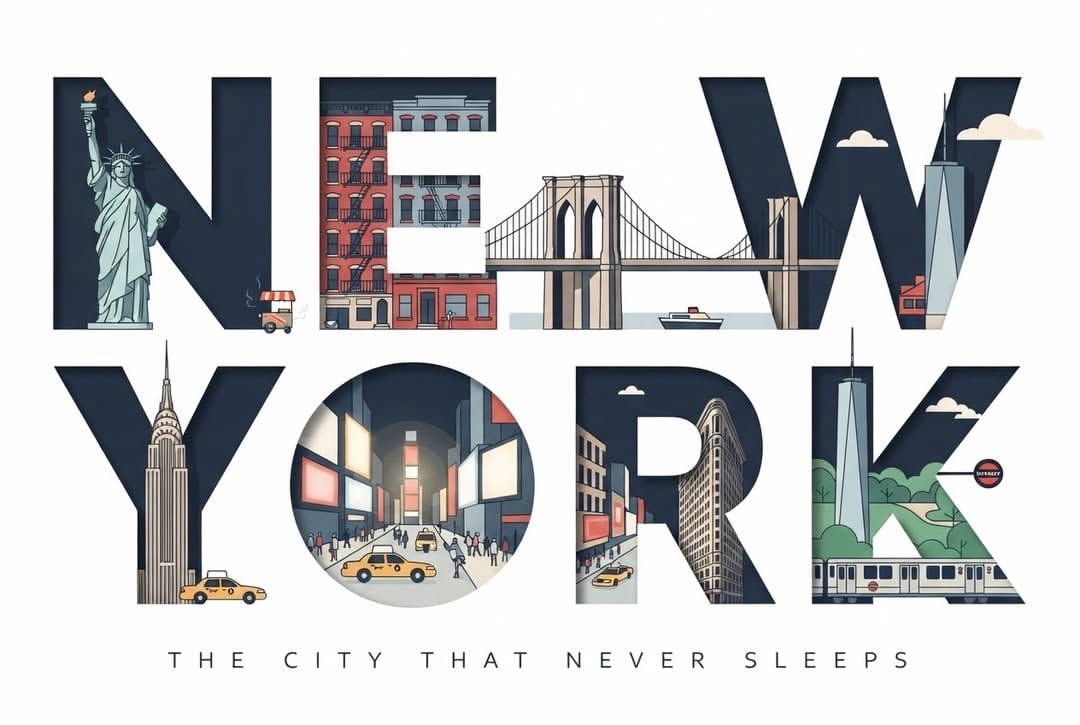
Typographic Travel Poster with Inner Scenes
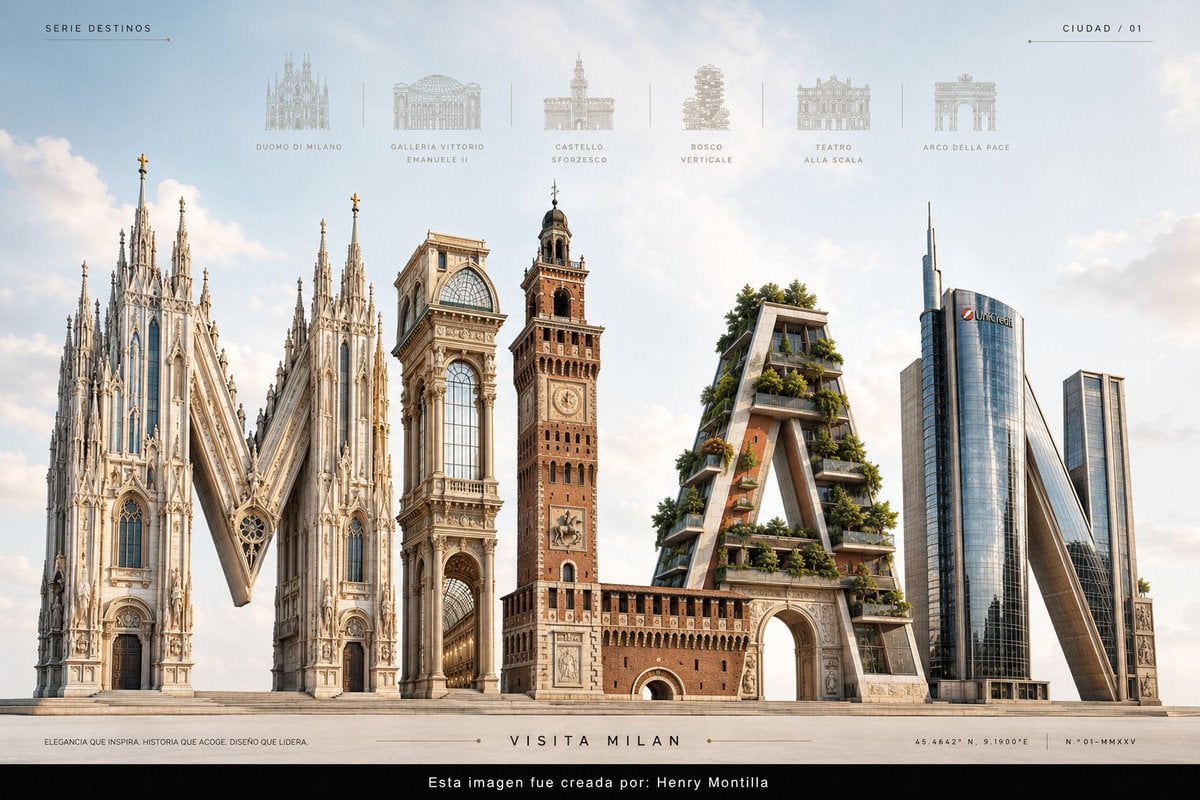
Luxury Milan Typographic Travel Poster
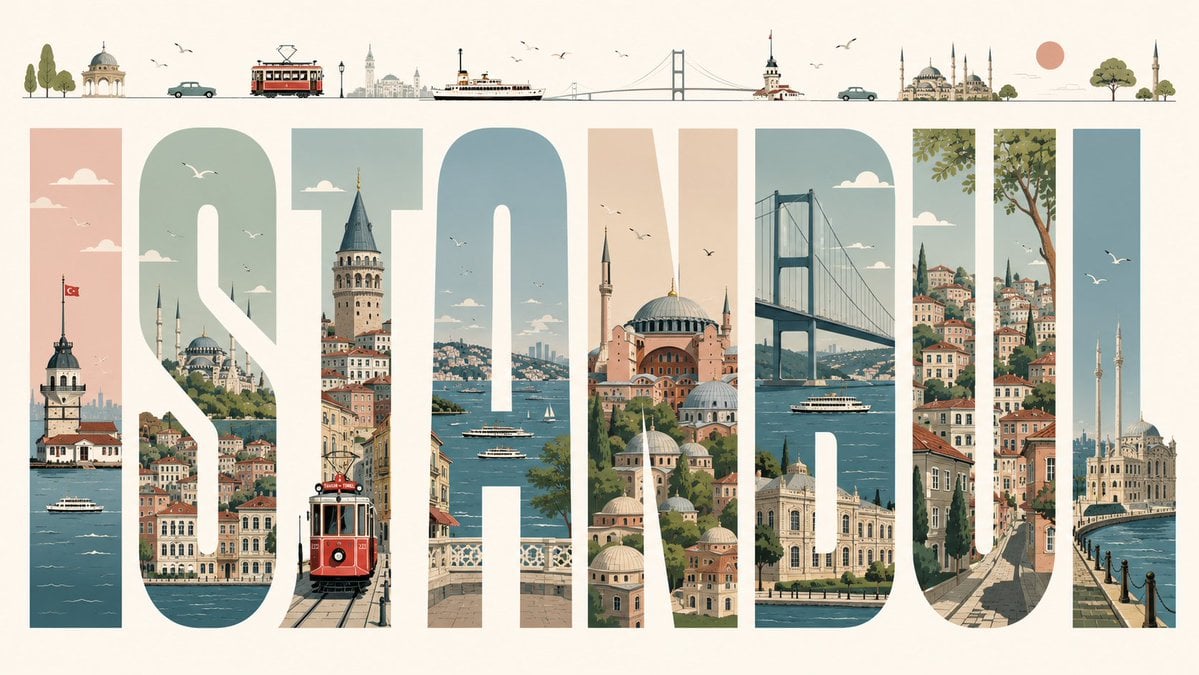
Istanbul Typographic Travel Poster

City Posters by Nano Banana Pro

Cartoon TV Show Poster Pack

Trendy Cafe Drink Promo Poster

Urban Fashion Editorial Collage Streetwear Poster

Premium Fashion Editorial Cover Layout System

Polo Ralph Lauren Luxury American Heritage Fashion Campaign

Monochrome Halftone Editorial Fashion Poster
Make it yours
Akashi Typographic Travel Poster works as-is. These are the safest ways to change it without losing the look.
Change one field
Copy a single group, rewrite it, and generate again so you can see what that field is doing.
Keep the frame, change the subject
Hold the composition and light of Akashi Typographic Travel Poster, then swap wardrobe, props or the person for a new take.
| If the result… | Why | Fix |
|---|---|---|
| The result drifts from the preview | Too many fields changed at once. | Reuse Akashi Typographic Travel Poster as-is first, then change one group — subject, light, or setting. |
| The model over-stylizes the scene | The prose prompt leaves finish and camera underspecified. | Add one camera or lighting sentence and stay on GPT Image 2. |
More GPT Image 2 templates
Other prompts made for GPT Image 2.

Six VTuber Japanese Logo Sheet

Realistic Portrait of Woman and Deer

The Vista Modular Condo Poster

AI Model Routing Comparison Infographic

2.5D Anime Art Board

Isometric Productivity Desk Scene

New York Double Exposure Poster

Four-Panel AI Landscape Comparison

Japanese Tatami Lifestyle Magazine Cover

NESCAFÉ Coffee Map Poster
More image prompts
Fresh picks from across the catalog.

High-End Fashion Campaign with Strict Garment Preservation

Neon-girl manga page 1 setup

Cinematic Image of Keynes Writing
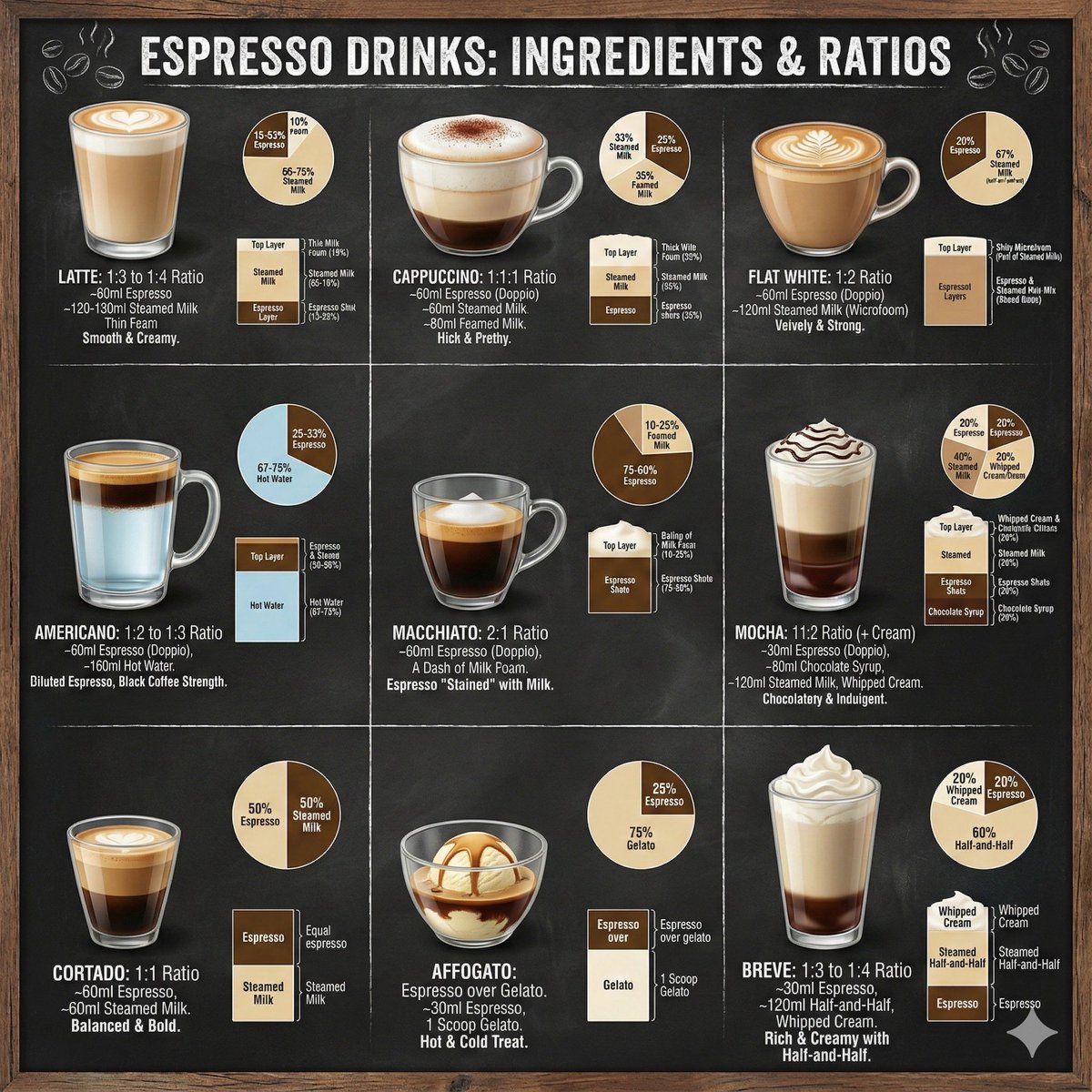
Coffee drinks infographic

Emotional Burden Surrealist Portrait
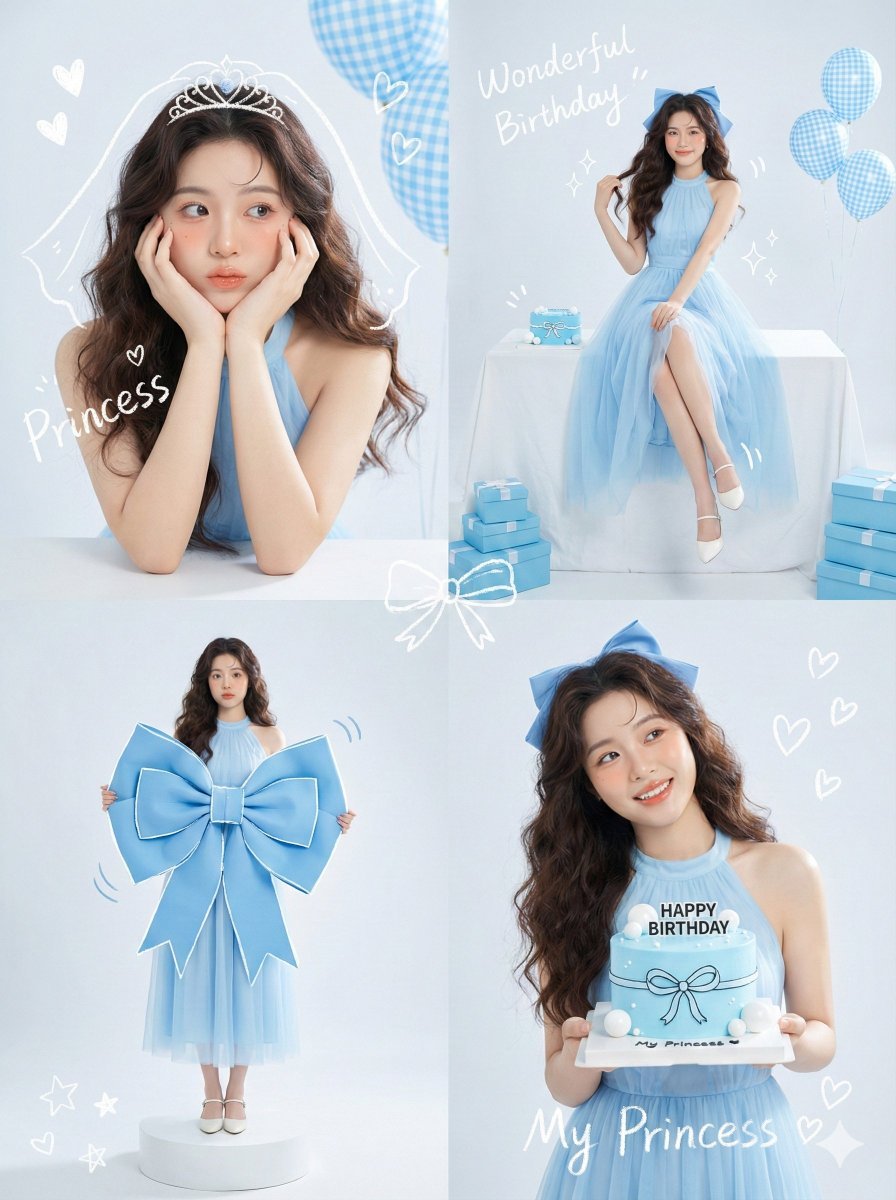
Korean Idol Birthday Collage with Doodles

3D Polished Character Portrait (Pastel Anime Style)

Cute Blonde Girl Mirror Selfie in Argyle Vest

Spanish Sports Newspaper Front Page

Japanese Film Reflection Idol
Browse template categories
Akashi Typographic Travel Poster questions
How do I use the Akashi Typographic Travel Poster template?
Add your photo if the template asks for one, edit the prompt if you like — the template's model and format are already selected — and press Generate. Your version opens in PicX Studio.
Can I customize the Akashi Typographic Travel Poster template?
Yes. You can change the subject, setting, lighting, mood, format, and available model controls before creating your image.
Is the Akashi Typographic Travel Poster template free?
Opening and editing this template is free. Generating uses credits, shown on the Generate button when you are signed in.
Which AI model should I use?
Start with GPT Image 2, which is the model associated with this template. You can compare another compatible model for a different finish.
Looking for something else? Browse all templates.

Your photo, any look
Thousands of ready templates for every top image and video model, from one credit balance.