Luxury Spirit Brand Poster Design
Create a Cannes-level flagship product advertising poster for an original luxury spirit brand named EMBER CREST, using the same core poster skeleton: one tall premium bottle placed slightly left of center as the absolute visual hero, a large clean typography field on the right, and a designed fluid-material interaction field on the lower foreground. Rebuild the visual language into a Transit x Port direction: cleaner, more controlled, more premium, more systemized, with reduced visual noise, stronger brand-template discipline, and a more architectural expression of motion and material. Core composition: Keep a bright ivory-to-warm-white studio background with abundant negative space. The bottle stands upright, front-facing, slightly left of center, commanding the composition. The right side remains a highly disciplined editorial typography zone with elegant vertical spacing and luxury campaign hierarchy. The bottom foreground contains a refined material platform formed by layered amber lacquer, metallic copper traces, and restrained liquid diffusion, anchoring the product physically and visually. Preserve the original left-product / right-type / bottom-material structure exactly, but elevate it into a more premium and deliberate global campaign layout. Product design: Design an original collectible whisky-style bottle with a refined rectangular silhouette, softly rounded shoulders, a heavy glass base, luminous amber liquid, and a deep oxblood or ember-red label with subtle gold foil detailing. The bottle must feel expensive, tactile, real, and photographically believable, with precise glass thickness, refracted highlights, elegant internal glow, realistic cap material, subtle embossing, and premium manufacturing detail. The bottle remains the dominant subject at all times. Transit visual logic: Replace the highly expressive paint-ribbon energy with a more controlled and flagship-grade material motion system. Instead of chaotic flourish, use sculpted amber vapor trails, translucent resin-like sweeps, thin copper-metallic arcs, and warm liquid-glass flow lines that wrap around the bottle in a quieter but more sophisticated orbit. The movement must feel intentional, restrained, and luxurious, as if the bottle radiates distilled heat, aroma, and craft through premium materialized motion. Keep the atmosphere clean, avoid clutter, and reduce unnecessary splash aggression. Port visual logic: Turn the poster into a reusable luxury brand master layout. The structure should feel like a standardized campaign template for a world-class product line: product hero on the left, official brand block on the right, controlled annotation zones, micro-copy, crest mark, and subtle technical descriptors arranged with perfect spacing. Typography must feel elegant, premium, and internationally published, using refined serif for the main title and a restrained sans-serif or small editorial serif for supporting copy. No crude bold fonts, no messy text, no copied wording. Branding and typography: Do not use any real brand names or copied source text. Use original English-only typography. Main title: EMBER CREST. Secondary line: RESERVE No. 01. Supporting copy can include: Distilled Atmosphere, Limited Signature Batch, Crafted for Slow Fire, and a small technical notation system such as Barrel Tone / Copper Finish / Amber Depth. Add a minimal crest-like symbol above the title if appropriate. Typography should be smaller, more elegant, and more luxurious than typical commercial posters, with precise spacing and editorial confidence. Lower material field: Construct a clean, art-directed material base beneath and around the bottle using amber resin, thin lacquer membranes, faint metallic copper runoff, and subtle reflective fluid pooling. The interaction must feel premium and physically coherent, never messy. Include realistic wet-edge tension, thin translucent gradients, reflective viscosity, and delicate surface ripples, as if the product sits in a controlled field of distilled essence and molten design language. The lower area should connect visually with the arcs surrounding the bottle, forming a complete and elegant motion loop. Lighting: Use extremely refined studio lighting with soft frontal illumination, warm internal bottle glow, crisp edge highlights, and delicate shadow transitions. The bottle should feel luminous from within, while the surrounding material arcs catch soft gold and copper reflections. The overall light structure must feel expensive, silky, controlled, and physically believable. Avoid flat lighting, muddy contrast, and dead black areas. Material realism: Push exceptional realism in glass, liquid, embossed label stock, metallic foil, translucent resin motion, copper traces, and reflective wet surfaces. Every material must have clear physical identity. Preserve extreme sharpness on the bottle edges, cap, label, glass highlights, and key foreground reflections, while allowing the surrounding motion elements to feel softer and more atmospheric. The result should look like elite product photography fused with master-level material installation art. Color direction: Use a restrained premium palette: amber gold, deep ember red, oxblood, warm copper, pale ivory, soft champagne highlights, and controlled shadow neutrals. Keep the image warm, noble, elegant, and unmistakably high-end. The background must stay clean so the product remains visually dominant. Mood: flagship, refined, collectible, editorial, architectural, restrained, luxurious, sculptural, atmospheric, premium, globally award-worthy Rendering style: ultra-realistic luxury product poster, flagship campaign key visual, premium studio photography fused with restrained material sculpture, Transit minimal atmosphere, Port brand-template discipline, elegant editorial typography, master-level glass realism, sophisticated copper-amber motion system, 8k, world-class advertising image quality Negative prompt: real brand names, copied original text, aggressive chaotic paint splash, dirty background, heavy black blocks, cheap CGI, plastic-looking bottle, messy layout, oversized typography, random extra props, low-detail liquid, muddy whites, dead blacks, cluttered annotations, human characters


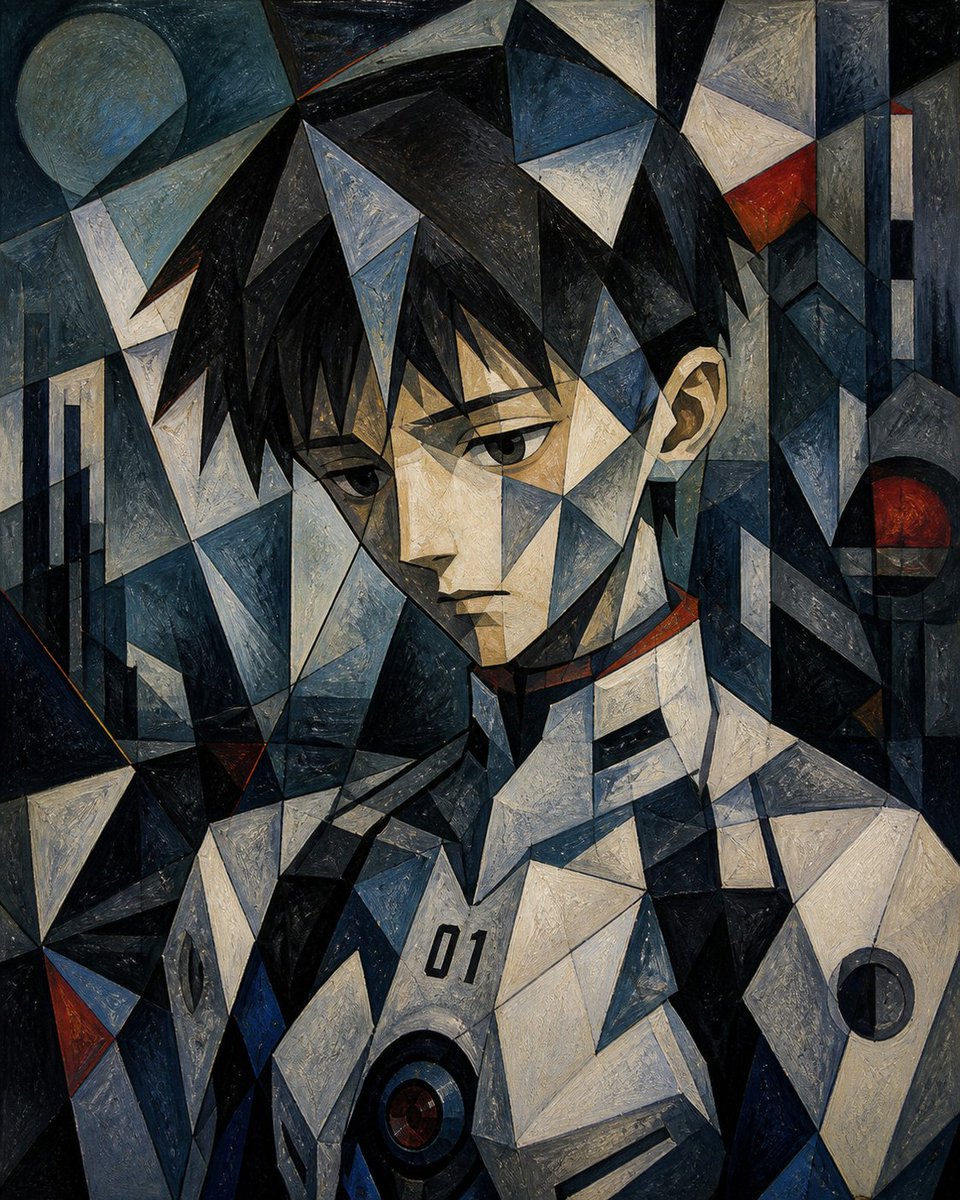










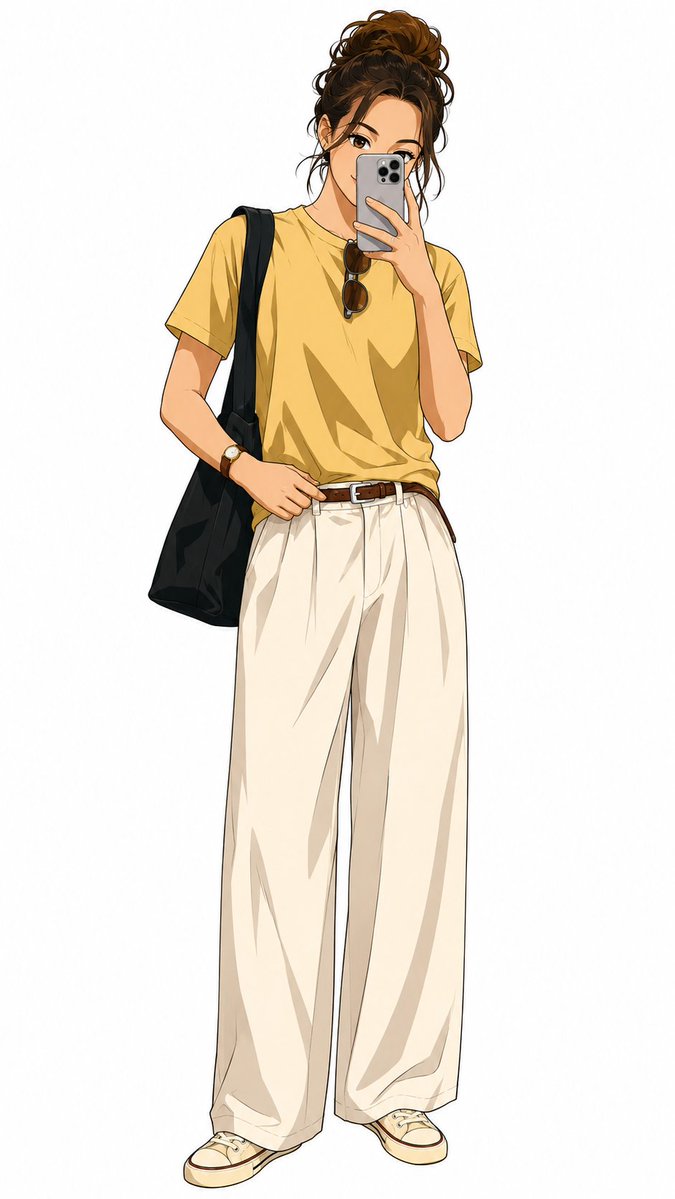
![Naive doodle-style subject illustration — A doodle-style {argument name="subject" default="[subject]"}, naive lines, humorous shape exaggeration](https://pbs.twimg.com/media/G6Wl2YxbsAARB2b.jpg)