
Circuit Board City Landmark Poster
Generates a gritty experimental cyberpunk city poster where a landmark transforms into a towering circuit-board megastructure.
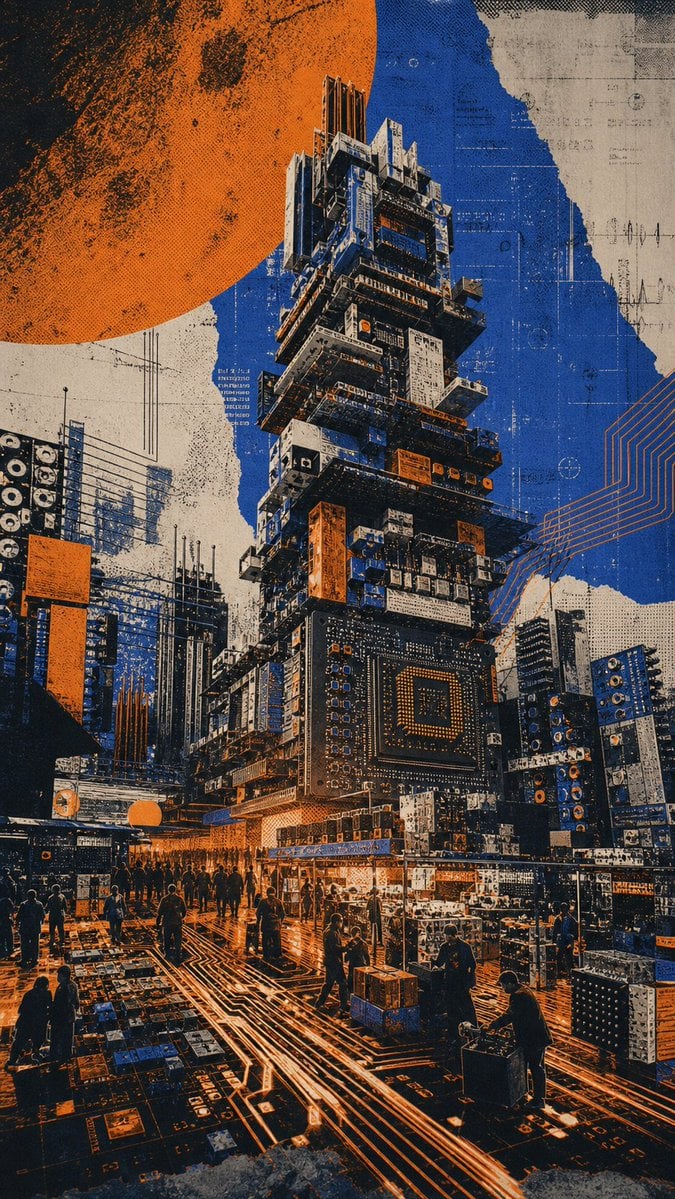
- Prompt included
- Model and format preset
- Free template
The prompt behind this image
Copy the exact prompt behind Circuit Board City Landmark Poster, or open it in the studio and make it yours.
Create a vertical experimental city poster showing {argument name="city landmark" default="a recognizable dense urban landmark tower"} fused with an impossible transformation: the entire landmark has become a monumental stacked circuit-board superstructure made of microchips, server racks, electronic modules, panels, heat sinks, ports, wires, and motherboard details, while still preserving the original street-level perspective, surrounding high-rises, landmark silhouette, depth layers, and upward-looking urban canyon composition. Use a dramatic low-angle view from a crowded plaza or street market, with tiny silhouetted pedestrians in the foreground and midground, glowing orange circuit traces running across the ground like roads, and dense electronics stalls or modular tech blocks at street level. The central tower should dominate the frame, rising vertically with many irregular stacked tiers and intricate mechanical/electronic surfaces, including one large square microprocessor-like panel on the lower front. Surround it with smaller buildings also partially converted into circuit boards and speaker-like electronic grids. Add a huge partially cropped orange planet or sun in the upper left corner and a rough torn-paper collage sky split into deep cobalt blue and aged off-white areas. Style the image as a gritty screen-printed urban design poster with halftone dots, distressed ink texture, visible grain, rough paper edges, high contrast shadows, blueprint markings, faint circuit diagrams, technical line art, and orange conductive lines. Color palette: {argument name="accent color" default="burnt orange"}, {argument name="main blue" default="deep cobalt blue"}, black, cream, and worn beige, with selective metallic gray highlights. Mood should be futuristic, surreal, architectural, cyberpunk, and graphic-design focused, not photorealistic. No readable large title text, no logo, no watermark; any tiny markings should look like abstract technical annotations only.
How to use Circuit Board City Landmark Poster in 3 steps
- 1Upload ImagePNG, JPG or paste
Add your photo
Upload the photo the template builds on. The prompt, model and format are already set.
- 2…a portrait of your subject in softgolden-hour light, 85mm…
Personalize
Edit the subject and creative details for your destination.
- 3Generate
Generate
Press Generate — your image is created in PicX Studio, so you can compare it with the original and refine one variable at a time.
More like this
Templates with the same subject, style or setup. Open one to see its prompt.

Clay Miniature Landmark Travel Diorama

Japan Neon Speed City Racing Poster
Geometric Landmark City Poster

Japan Travel Brochure Poster
Rainy City Manga Storyboard

Cartoon TV Show Poster Pack

Trendy Cafe Drink Promo Poster

Urban Fashion Editorial Collage Streetwear Poster

Premium Fashion Editorial Cover Layout System

Polo Ralph Lauren Luxury American Heritage Fashion Campaign

Monochrome Halftone Editorial Fashion Poster

Retro Mirror Luxury Fashion Campaign Poster
Make it yours
Circuit Board City Landmark Poster works as-is. These are the safest ways to change it without losing the look.
Change one field
Copy a single group, rewrite it, and generate again so you can see what that field is doing.
Keep the frame, change the subject
Hold the composition and light of Circuit Board City Landmark Poster, then swap wardrobe, props or the person for a new take.
| If the result… | Why | Fix |
|---|---|---|
| The result drifts from the preview | Too many fields changed at once. | Reuse Circuit Board City Landmark Poster as-is first, then change one group — subject, light, or setting. |
| The model over-stylizes the scene | The prose prompt leaves finish and camera underspecified. | Add one camera or lighting sentence and stay on GPT Image 2. |
More GPT Image 2 templates
Other prompts made for GPT Image 2.

Six VTuber Japanese Logo Sheet

Realistic Portrait of Woman and Deer

The Vista Modular Condo Poster

AI Model Routing Comparison Infographic

2.5D Anime Art Board

Isometric Productivity Desk Scene

New York Double Exposure Poster

Four-Panel AI Landscape Comparison

Japanese Tatami Lifestyle Magazine Cover

NESCAFÉ Coffee Map Poster
More image prompts
Fresh picks from across the catalog.
Exploded Technical Diagram Poster

Urban Lifestyle Portrait with Dog Prompt
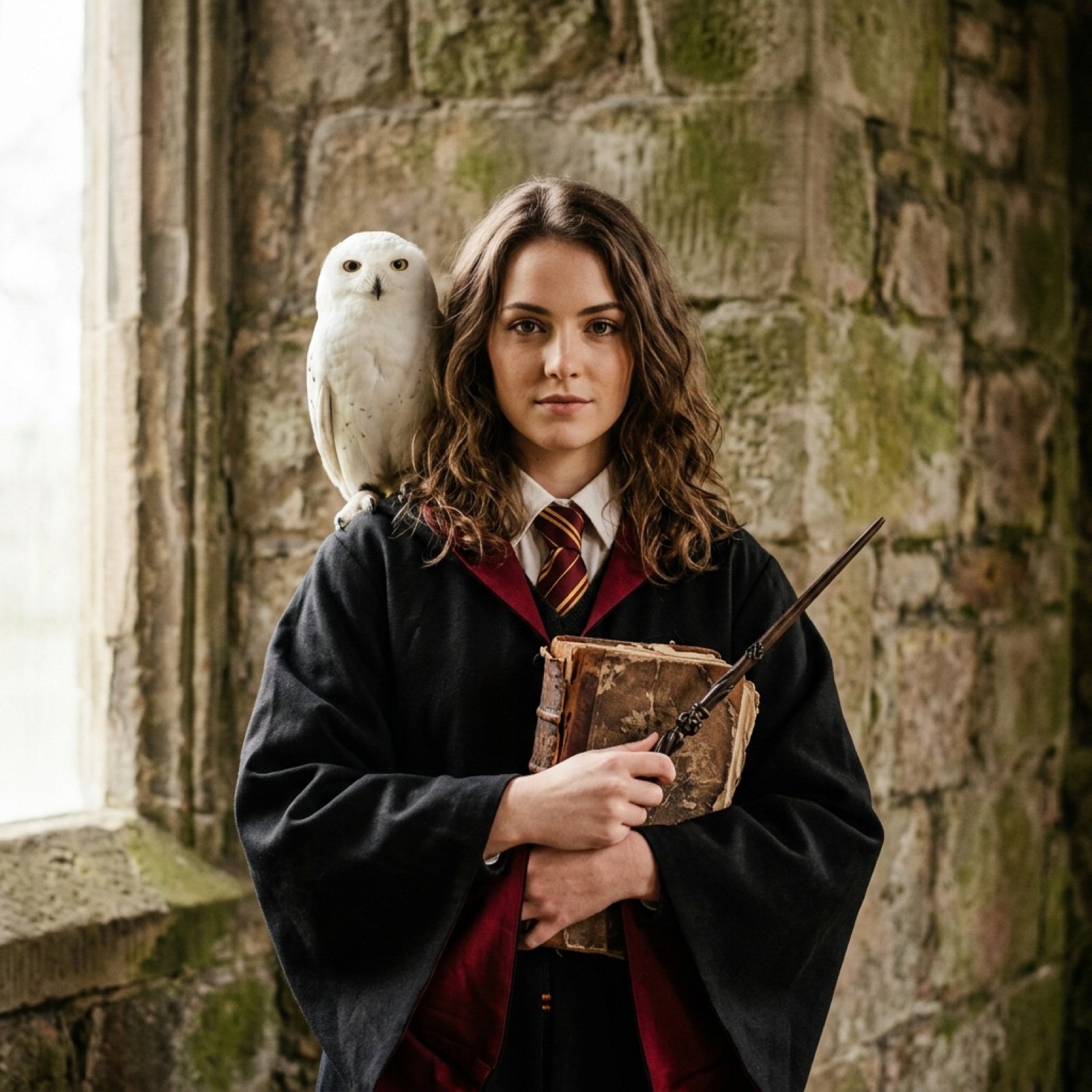
Hogwarts-Style Photoshoot Portrait with Magic Wand and Owl
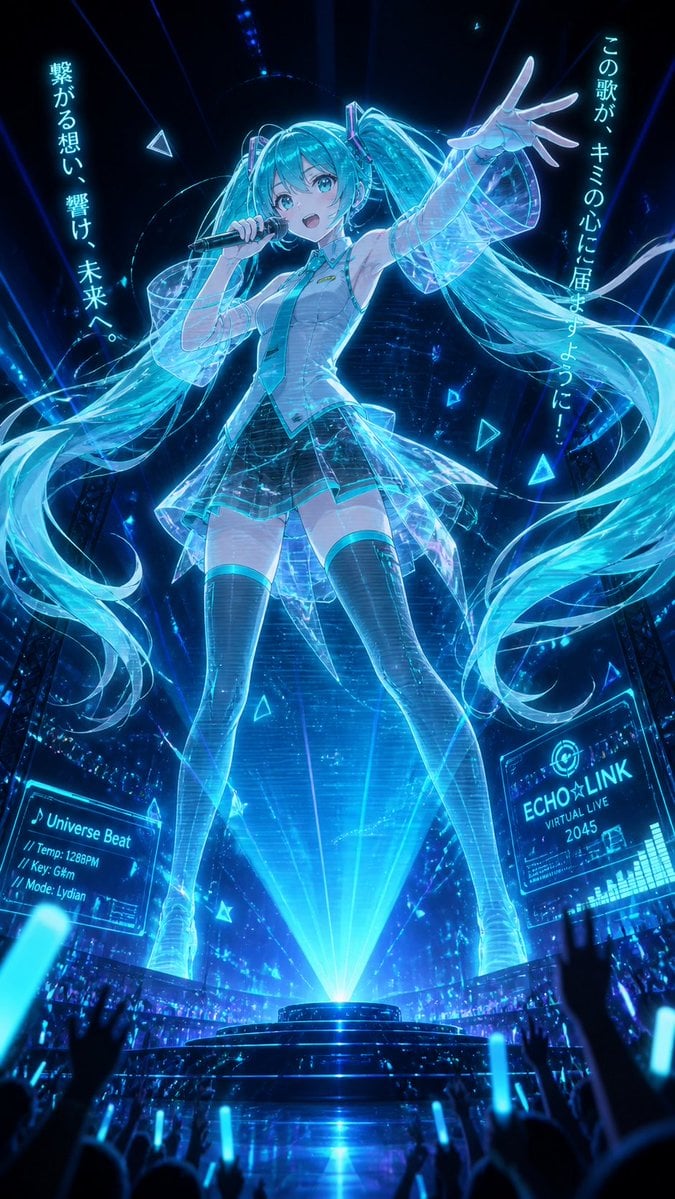
Holographic Miku Cyber Concert
Seedance - Dragon vs Python Battle

Miniature Workers Sculpt Giant McDonald's Drumstick

Ultra-Realistic Studio Portrait of Man in Mustard Hoodie
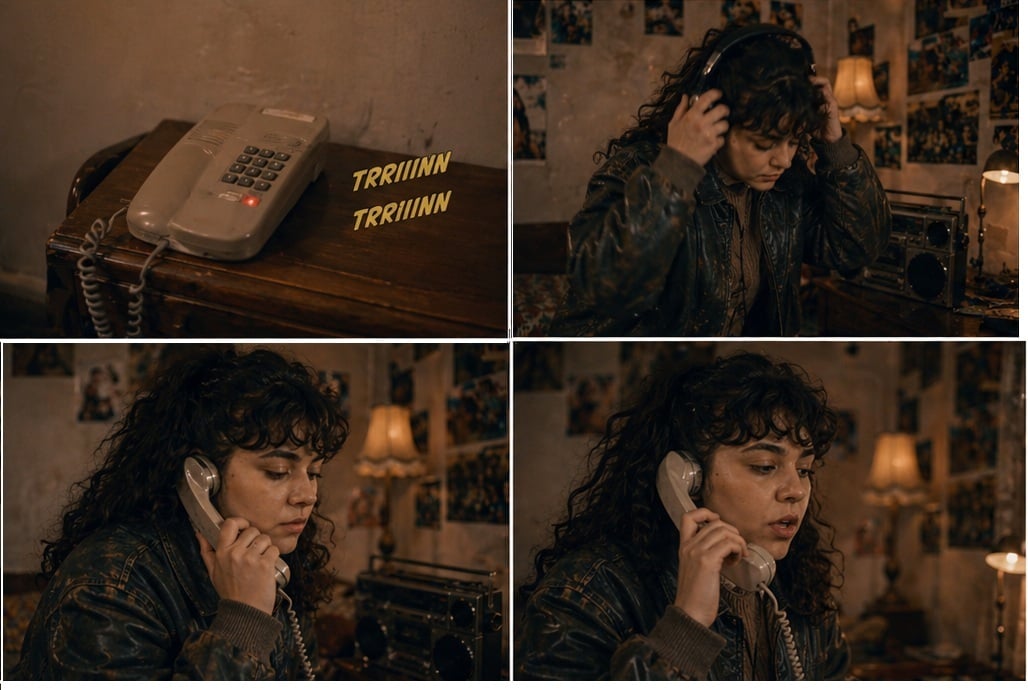
1
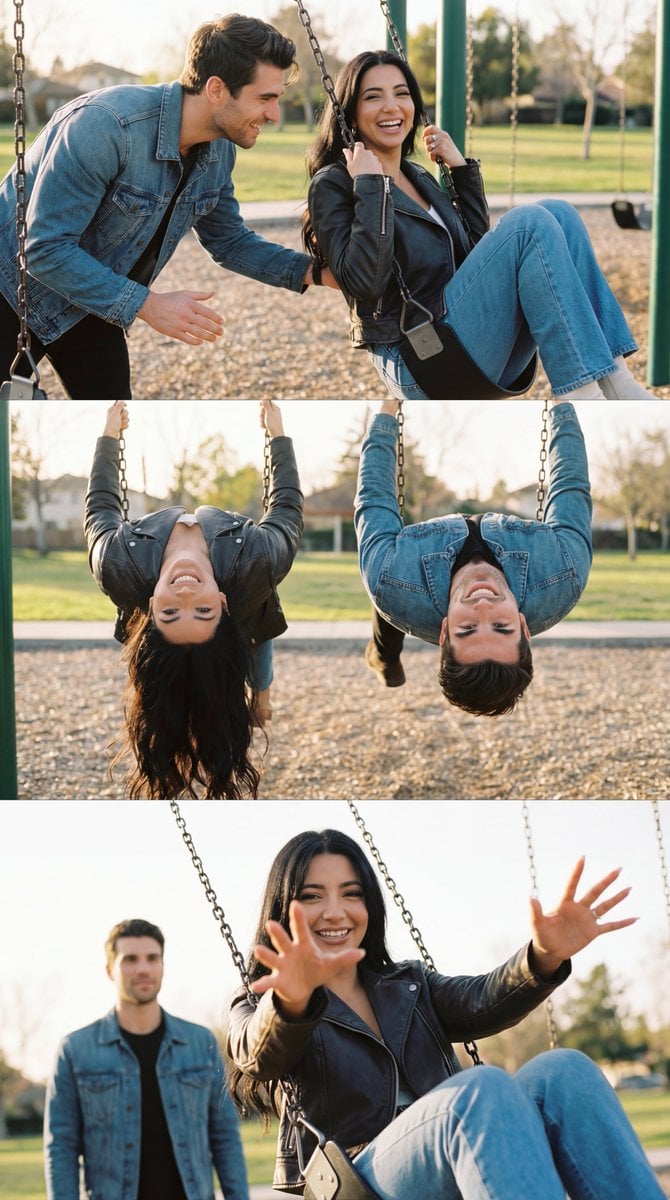
Ultra-Photorealistic Cinematic Couple Triptych Storyboard

Chinese Ink Animation Poster Style
Browse template categories
Circuit Board City Landmark Poster questions
How do I use the Circuit Board City Landmark Poster template?
Add your photo if the template asks for one, edit the prompt if you like — the template's model and format are already selected — and press Generate. Your version opens in PicX Studio.
Can I customize the Circuit Board City Landmark Poster template?
Yes. You can change the subject, setting, lighting, mood, format, and available model controls before creating your image.
Is the Circuit Board City Landmark Poster template free?
Opening and editing this template is free. Generating uses credits, shown on the Generate button when you are signed in.
Which AI model should I use?
Start with GPT Image 2, which is the model associated with this template. You can compare another compatible model for a different finish.
Looking for something else? Browse all templates.

Your photo, any look
Thousands of ready templates for every top image and video model, from one credit balance.