
Geometric Landmark City Poster
A mixed-media illustration prompt for GPT Image 2 creating emotional city posters with charcoal and oil pastel textures.
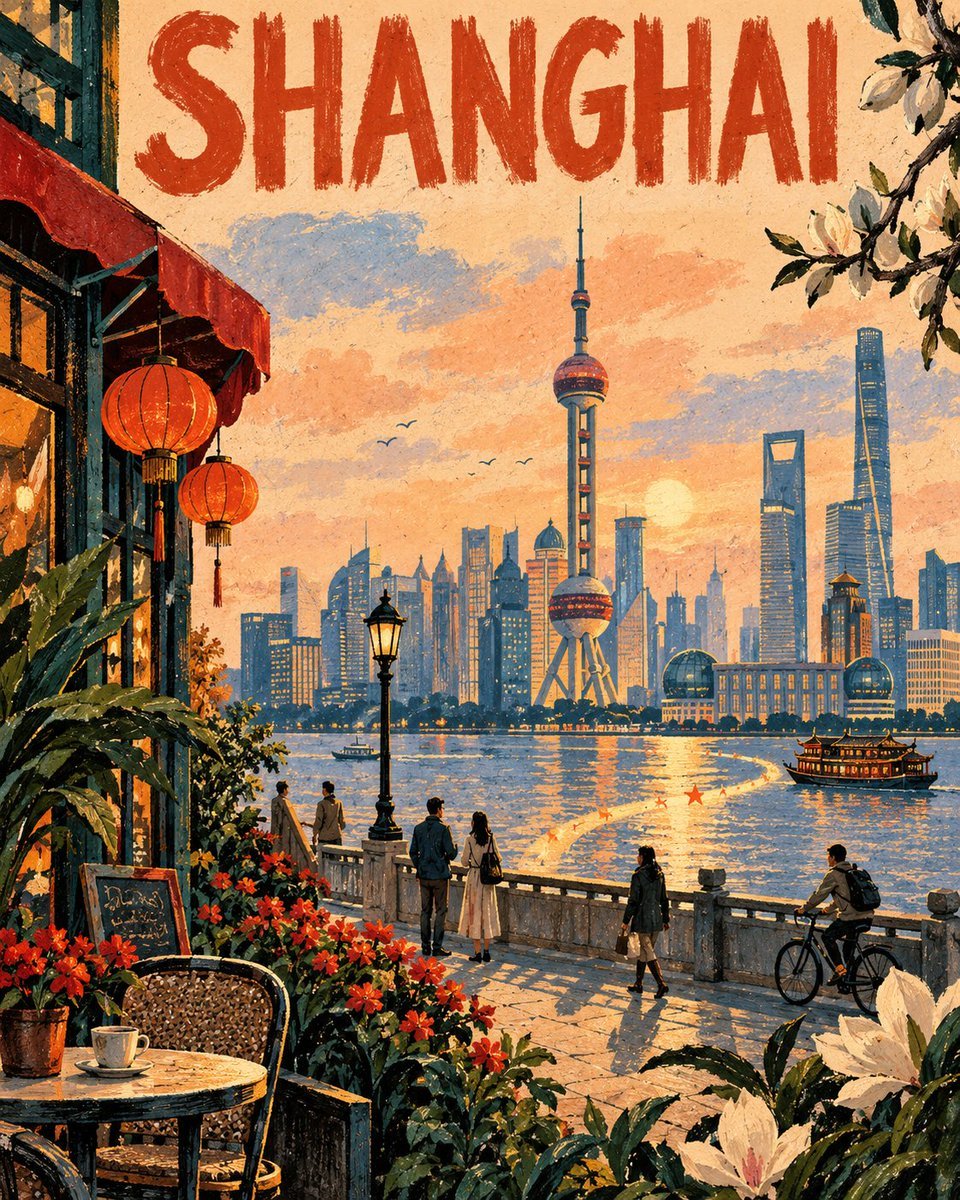
- Prompt included
- Model and format preset
- Free template
The prompt behind this image
Copy the exact prompt behind Geometric Landmark City Poster, or open it in the studio and make it yours.
CITY: [ENTER CITY NAME IN ENGLISH] LANDMARK: [ENTER ONE MAIN LANDMARK] Create an original vertical emotional city poster featuring the specified CITY and LANDMARK. The LANDMARK should be the recognizable visual anchor in the middle distance, simplified into elegant geometric forms rather than rendered with photographic precision. Reimagine the surrounding area as a poetic memory of the city—not an exact copy of any photograph or existing artwork. COMPOSITION Build the scene in three distinct layers: FOREGROUND — Oversized local plants, seasonal flowers, architectural fragments, café furniture, street objects, or foliage associated with the city, partially entering from the bottom and sides. MIDDLE GROUND — A few small, naturally posed people enjoying an ordinary city moment: walking, reading, cycling, talking, resting, or looking toward the landmark. Keep them secondary and avoid staged tourist poses. BACKGROUND — The LANDMARK within a selectively simplified cityscape, framed by sky, trees, water, hills, or buildings appropriate to the location. Add a distinctive Memory Ribbon: an irregular flowing band beginning near a lower corner and naturally transforming into a road, river, shadow, flower bed, or beam of light as it leads toward the landmark. Add several tiny star-shaped color marks along its path. VISUAL LANGUAGE Use an original mixed-media illustration style combining broad oil-pastel color blocks, dry powdery charcoal outlines, handmade pressure variations, broken edges, imperfect overlaps, scraped-back highlights, warm uncoated paper grain, selective double contour lines, tactile pigment, uneven opacity, visible hand movement, and intentional negative space. Avoid smooth digital gradients, glossy 3D rendering, and photorealism. COLOR PALETTE Automatically derive the palette from the CITY’s emotional character, climate, season, and cultural atmosphere. Use one dominant background color, 2–3 supporting colors, and one bold contrasting accent repeated sparingly. TYPOGRAPHY At the top, display the exact CITY name in ENGLISH UPPERCASE LETTERS. Make it large, spacious, clearly readable, and manually drawn with charcoal or thick oil pastel. Display ONLY the CITY name. No slogans, captions, dates, logos, signatures, watermarks, borders, frames, or additional typography. Create an asymmetrical editorial composition with calm rhythm, strong framing, generous breathing space, and one surprising local detail. Make the final image feel like a rediscovered travel poster from an imagined city archive—intimate, contemporary, nostalgic, tactile, and unmistakably original. NEGATIVE: Photorealistic photography, exact imitation of reference artwork, copied composition, copied brushwork, artist signature, watermark, generic tourism advertisement, crowded skyline, excessive landmarks, distorted architecture, duplicated people, oversized people, smooth vector illustration, glossy 3D rendering, plastic texture, neon overload, muddy colors, excessive saturation, digital airbrush gradients, comic-book inking, anime style, childish clip art, illegible or misspelled city name, additional text, slogan, date, logo, border, frame.
How to use Geometric Landmark City Poster in 3 steps
- 1
Open
The prompt is already in the box next to the preview, with the template's model and format selected.
- 2…a portrait of your subject in softgolden-hour light, 85mm…
Personalize
Edit the subject and creative details for your destination.
- 3Generate
Generate
Press Generate — your image is created in PicX Studio, so you can compare it with the original and refine one variable at a time.
More like this
Templates with the same subject, style or setup. Open one to see its prompt.

Clay Miniature Landmark Travel Diorama

Japan Neon Speed City Racing Poster
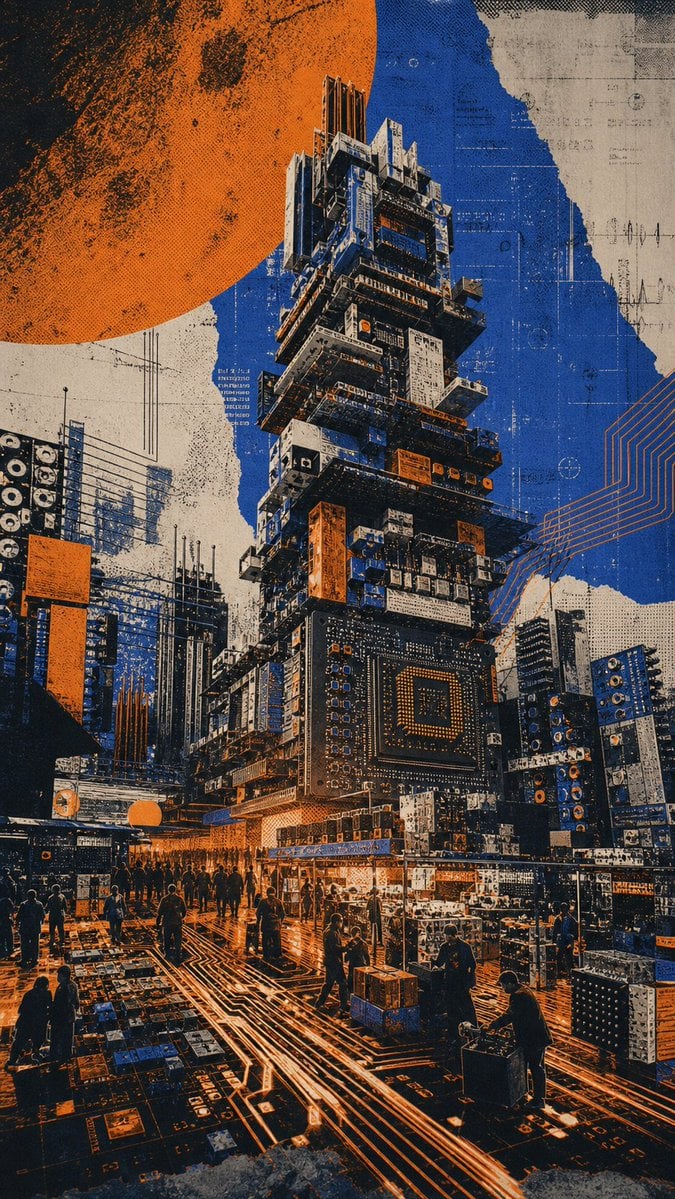
Circuit Board City Landmark Poster

Japan Travel Brochure Poster

Cartoon TV Show Poster Pack

Trendy Cafe Drink Promo Poster

Urban Fashion Editorial Collage Streetwear Poster

Premium Fashion Editorial Cover Layout System

Polo Ralph Lauren Luxury American Heritage Fashion Campaign

Monochrome Halftone Editorial Fashion Poster

Retro Mirror Luxury Fashion Campaign Poster

Luxury Fashion Campaign Typography Poster System
Make it yours
Geometric Landmark City Poster works as-is. These are the safest ways to change it without losing the look.
Change one field
Copy a single group, rewrite it, and generate again so you can see what that field is doing.
Keep the frame, change the subject
Hold the composition and light of Geometric Landmark City Poster, then swap wardrobe, props or the person for a new take.
| If the result… | Why | Fix |
|---|---|---|
| The result drifts from the preview | Too many fields changed at once. | Reuse Geometric Landmark City Poster as-is first, then change one group — subject, light, or setting. |
| The model over-stylizes the scene | The prose prompt leaves finish and camera underspecified. | Add one camera or lighting sentence and stay on GPT Image 2. |
More GPT Image 2 templates
Other prompts made for GPT Image 2.

Six VTuber Japanese Logo Sheet

Realistic Portrait of Woman and Deer

The Vista Modular Condo Poster

AI Model Routing Comparison Infographic

2.5D Anime Art Board

Isometric Productivity Desk Scene

New York Double Exposure Poster

Four-Panel AI Landscape Comparison

Japanese Tatami Lifestyle Magazine Cover

NESCAFÉ Coffee Map Poster
More image prompts
Fresh picks from across the catalog.
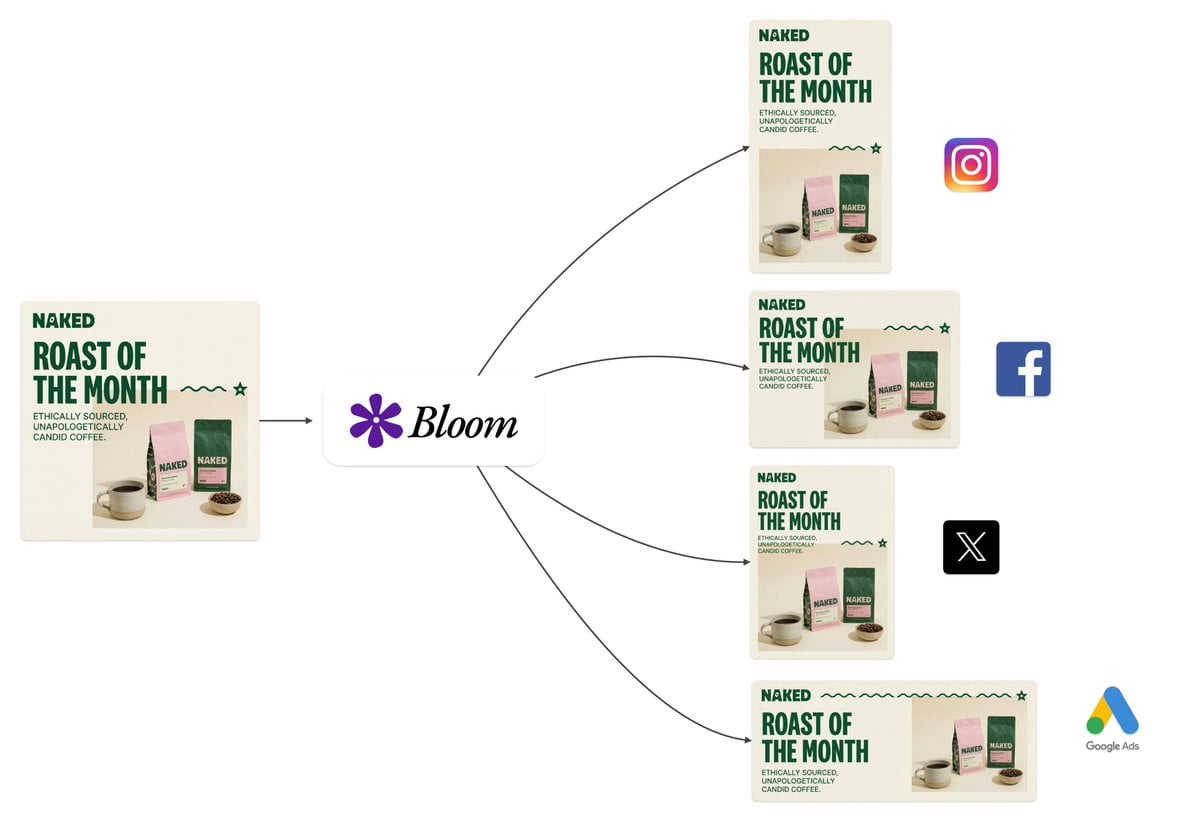
Intelligent Aspect Ratio Transformation and Compositional Awareness
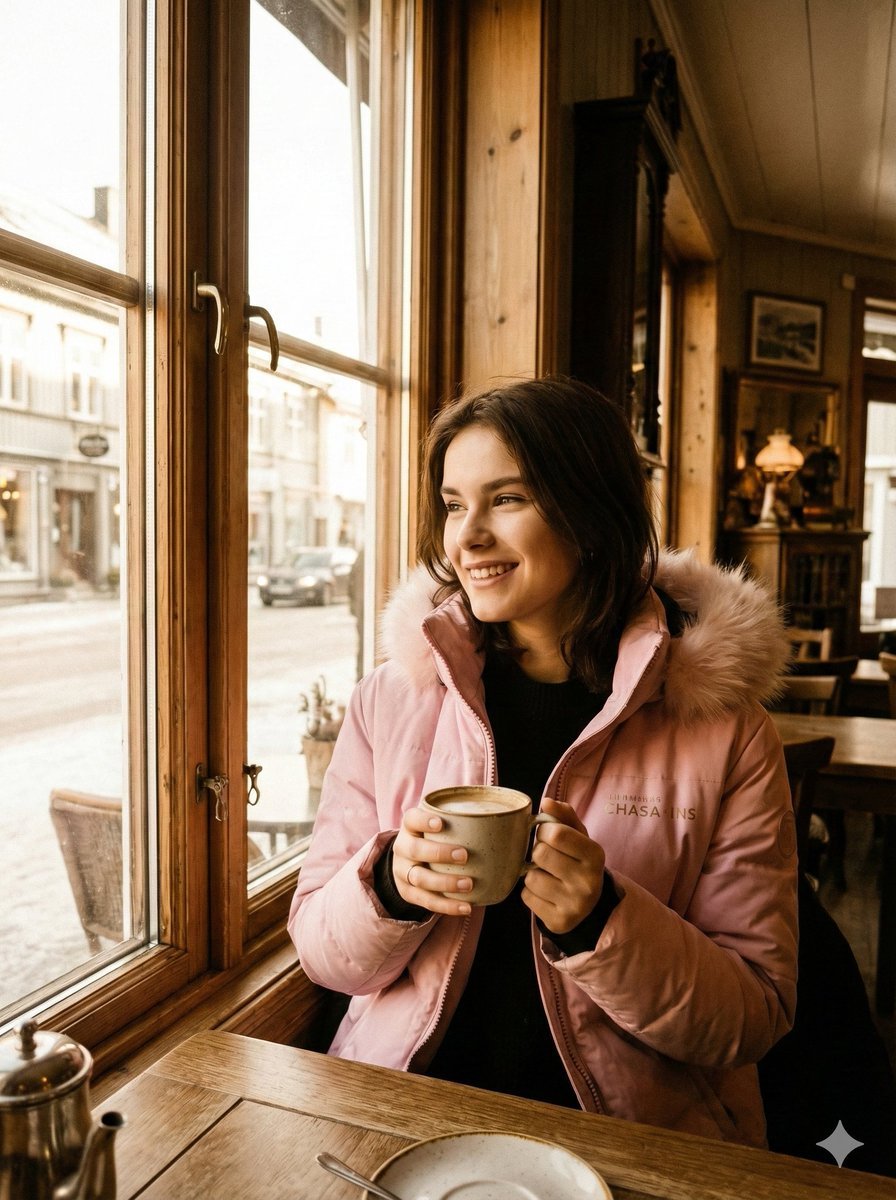
Sepia-Toned Film Photography Aesthetic Prompt
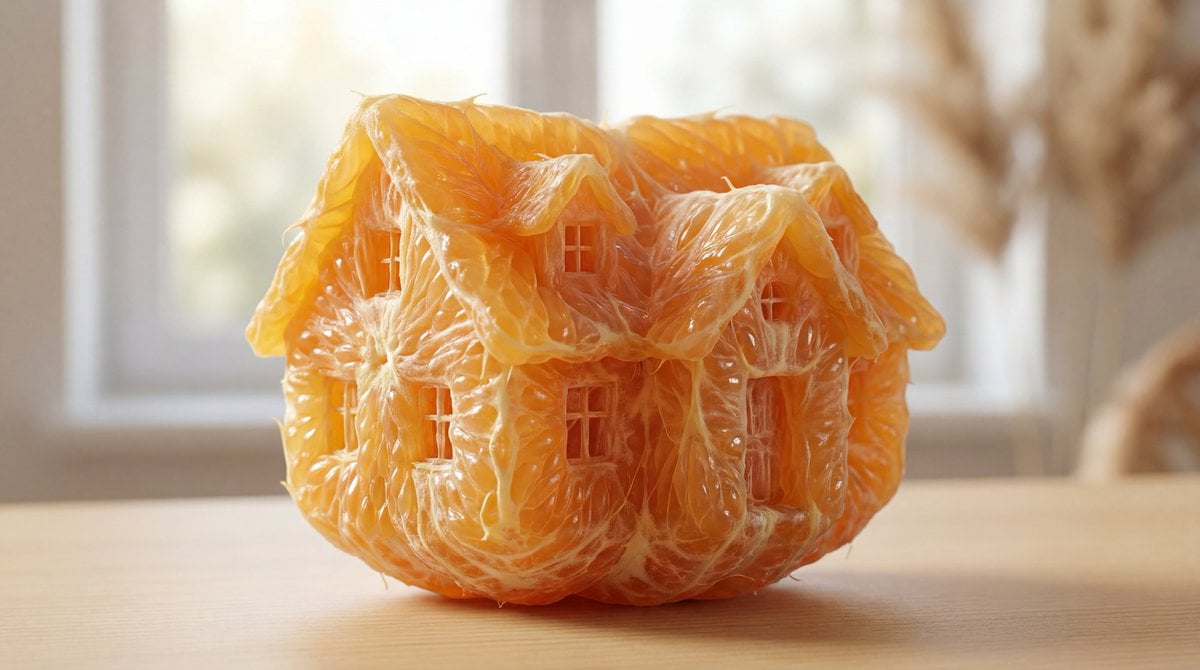
Orange Pulp Sculpture Prompt

Nano Banana Pro Image Generation Prompt for Sunecat

Gpt2 Youtube Thumbnail Cyberpunk Ai Tools Comparison Poster
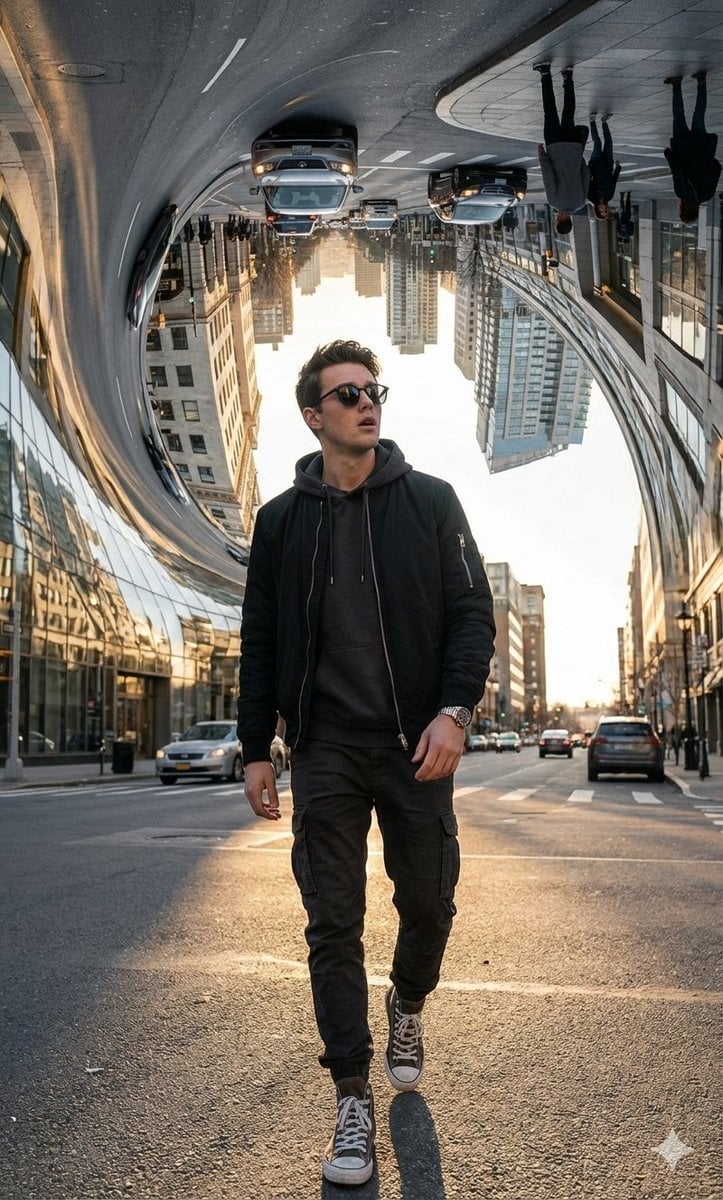
Surreal Bending City Streetwear Portrait

Image-to-Image Transformation: Arm Wrestling with Popeye
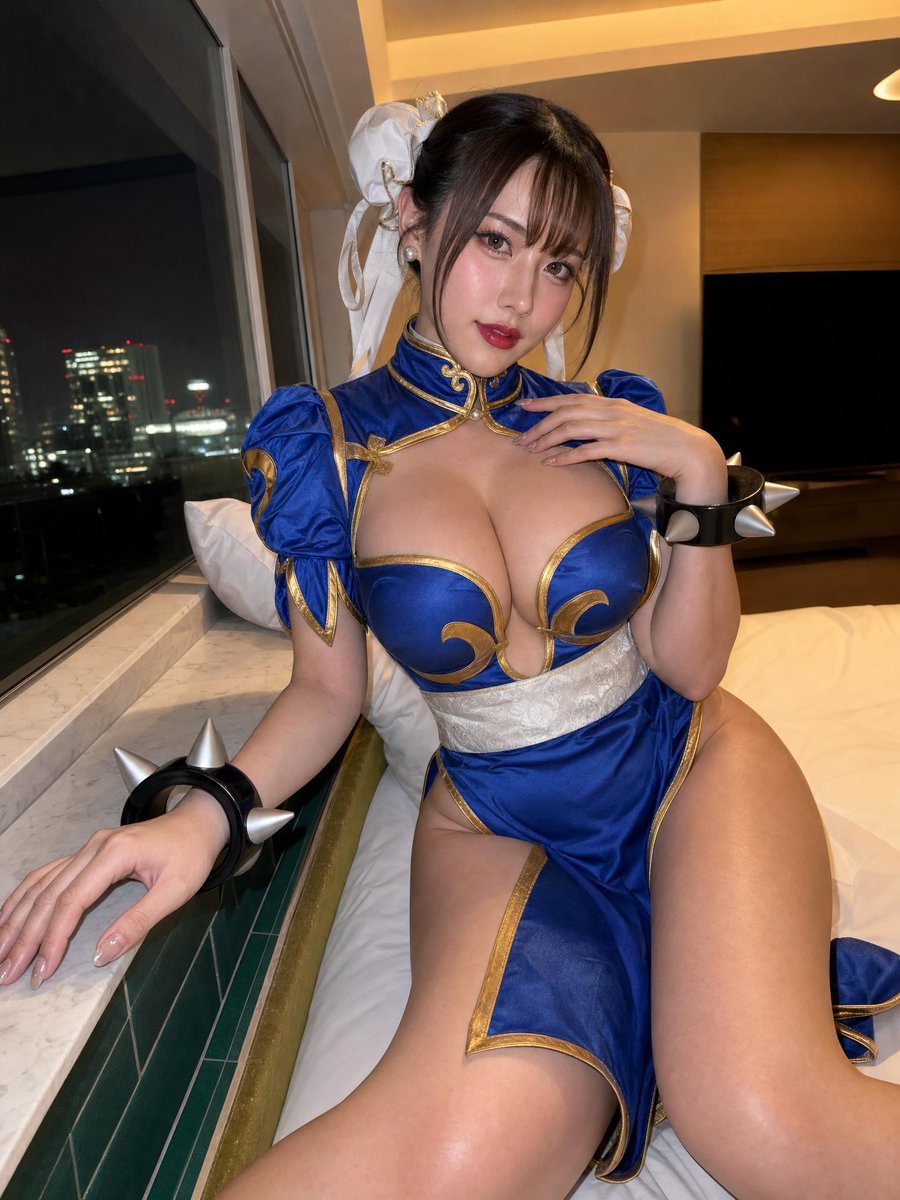
Idol-Style Cosplay Hotel Portrait
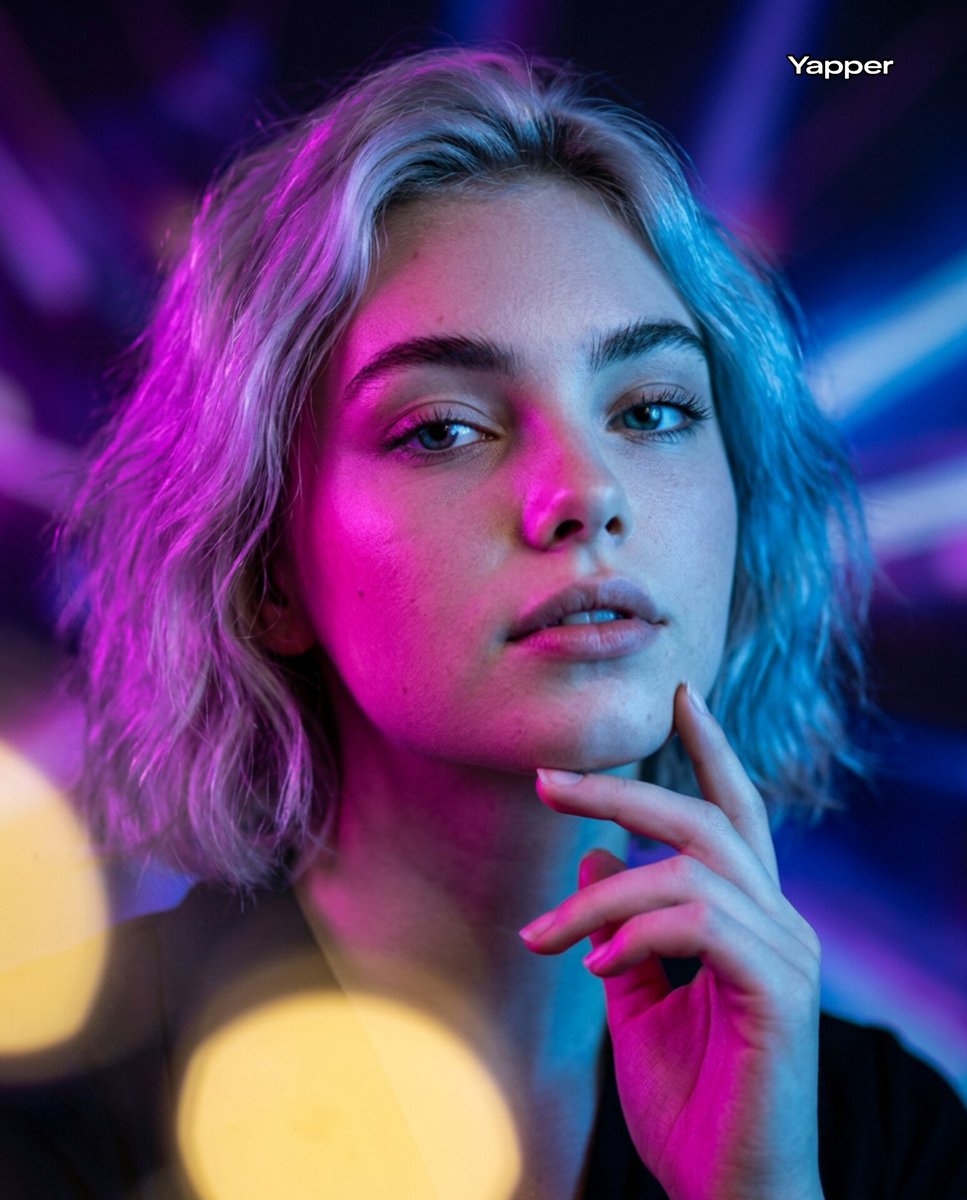
Neon Bi-Color Cinematic Portrait
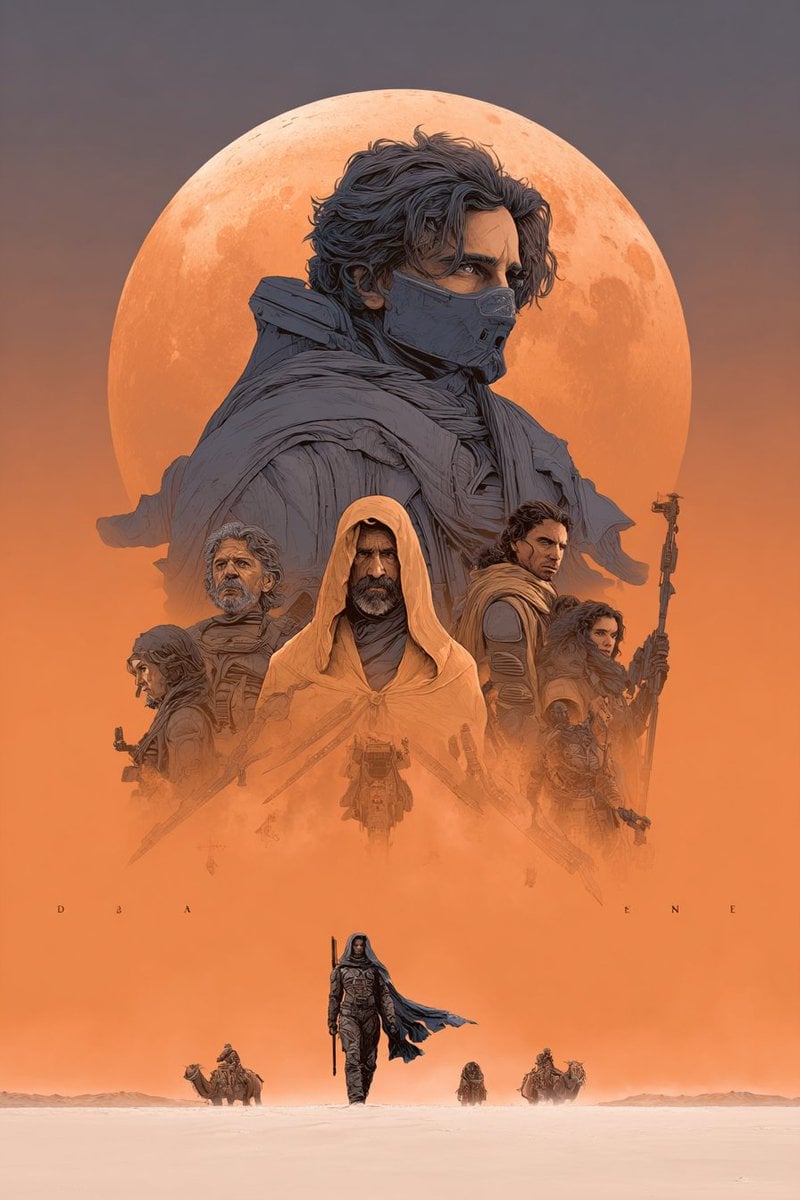
Dune Poster in Moebius Style (Multi-Model Test)
Browse template categories
Geometric Landmark City Poster questions
How do I use the Geometric Landmark City Poster template?
Add your photo if the template asks for one, edit the prompt if you like — the template's model and format are already selected — and press Generate. Your version opens in PicX Studio.
Can I customize the Geometric Landmark City Poster template?
Yes. You can change the subject, setting, lighting, mood, format, and available model controls before creating your image.
Is the Geometric Landmark City Poster template free?
Opening and editing this template is free. Generating uses credits, shown on the Generate button when you are signed in.
Which AI model should I use?
Start with GPT Image 2, which is the model associated with this template. You can compare another compatible model for a different finish.
Looking for something else? Browse all templates.

Your photo, any look
Thousands of ready templates for every top image and video model, from one credit balance.