
Intelligent Aspect Ratio Transformation and Compositional Awareness
A detailed system prompt designed for an image manipulation task: intelligently transforming an image's aspect ratio while preserving semantic integrity and visual coherence.
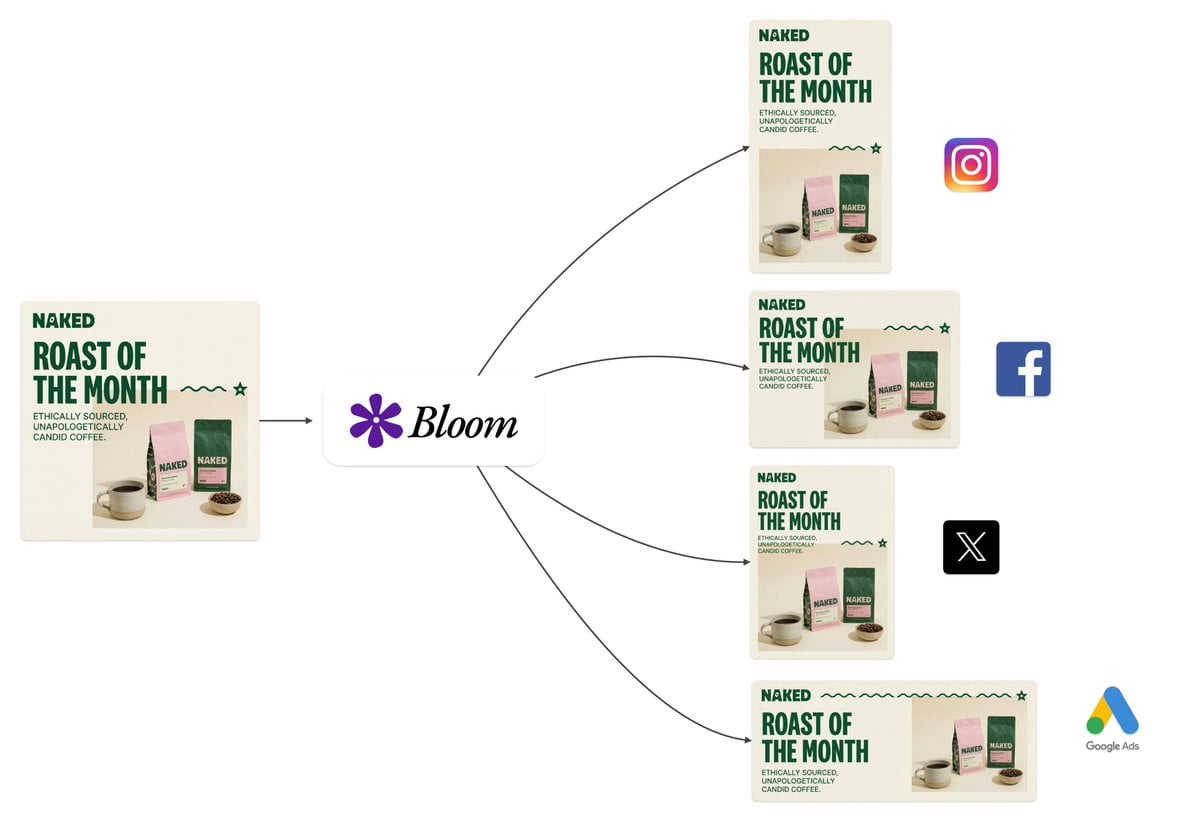
- Prompt included
- Model and format preset
- Free template
The prompt behind this image
Copy the exact prompt behind Intelligent Aspect Ratio Transformation and Compositional Awareness, or open it in the studio and make it yours.
You are performing intelligent aspect ratio transformation with compositional awareness. CONTEXT: The source image exists within a specific dimensional space. Your task is to translate it into a new aspect ratio while preserving semantic integrity and visual coherence. ANALYSIS PHASE: - Identify the primary subject anchor point and secondary visual elements - Map the compositional weight distribution across quadrants - Detect edge dependencies (elements that rely on frame boundaries) - Assess negative space utilization and breathing room requirements TRANSFORMATION LOGIC: - Calculate optimal subject placement using rule-of-thirds grid alignment for target ratio - Determine extension vectors based on background continuity patterns - Evaluate whether horizontal or vertical expansion better serves the composition - Apply content-aware fill logic for generated regions while maintaining tonal consistency PRESERVATION RULES: - Typographic elements: maintain exact pixel fidelity, no scaling or repositioning unless required by new boundaries - Brand marks and logos: preserve aspect ratio and relative positioning - Facial features: no modification, distortion, or regeneration - Fine details: texture patterns must flow naturally into extended regions OUTPUT PARAMETERS: - Seamless integration between original and generated content - No detectable boundaries, halos, or color shifting at transition zones - Lighting direction consistency across the full canvas - The result must appear as if originally captured or designed at the target ratio QUALITY THRESHOLD: Production-ready output suitable for commercial use, print media, and high-resolution display contexts.
How to use Intelligent Aspect Ratio Transformation and Compositional Awareness in 3 steps
- 1
Open
The prompt is already in the box next to the preview, with the template's model and format selected.
- 2…a portrait of your subject in softgolden-hour light, 85mm…
Personalize
Edit the subject and creative details for your destination.
- 3Generate
Generate
Press Generate — your image is created in PicX Studio, so you can compare it with the original and refine one variable at a time.
More like this
Templates with the same subject, style or setup. Open one to see its prompt.
Seedance - Character Transition
Resolution: Aspect Ratio: 9:16 Total Duration: 15
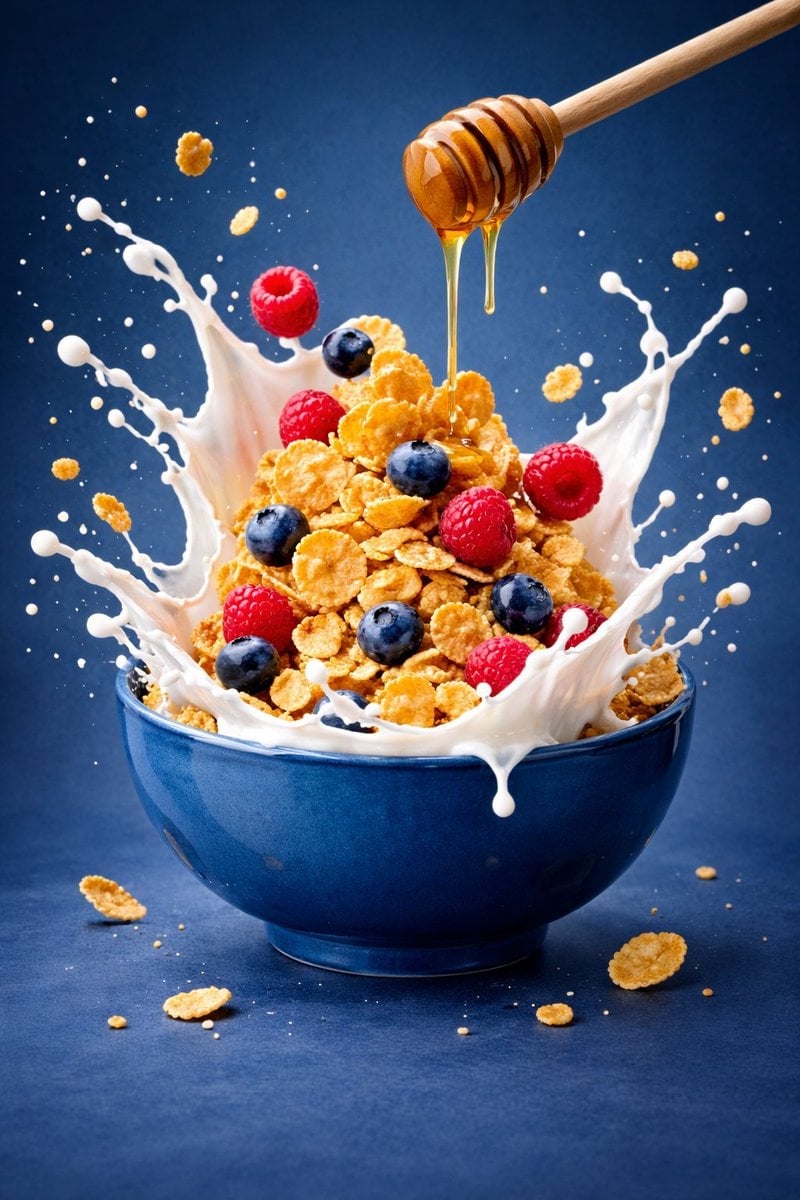
Ultra-premium cinematic food photography, 8K UHD, 3 4 aspect ratio
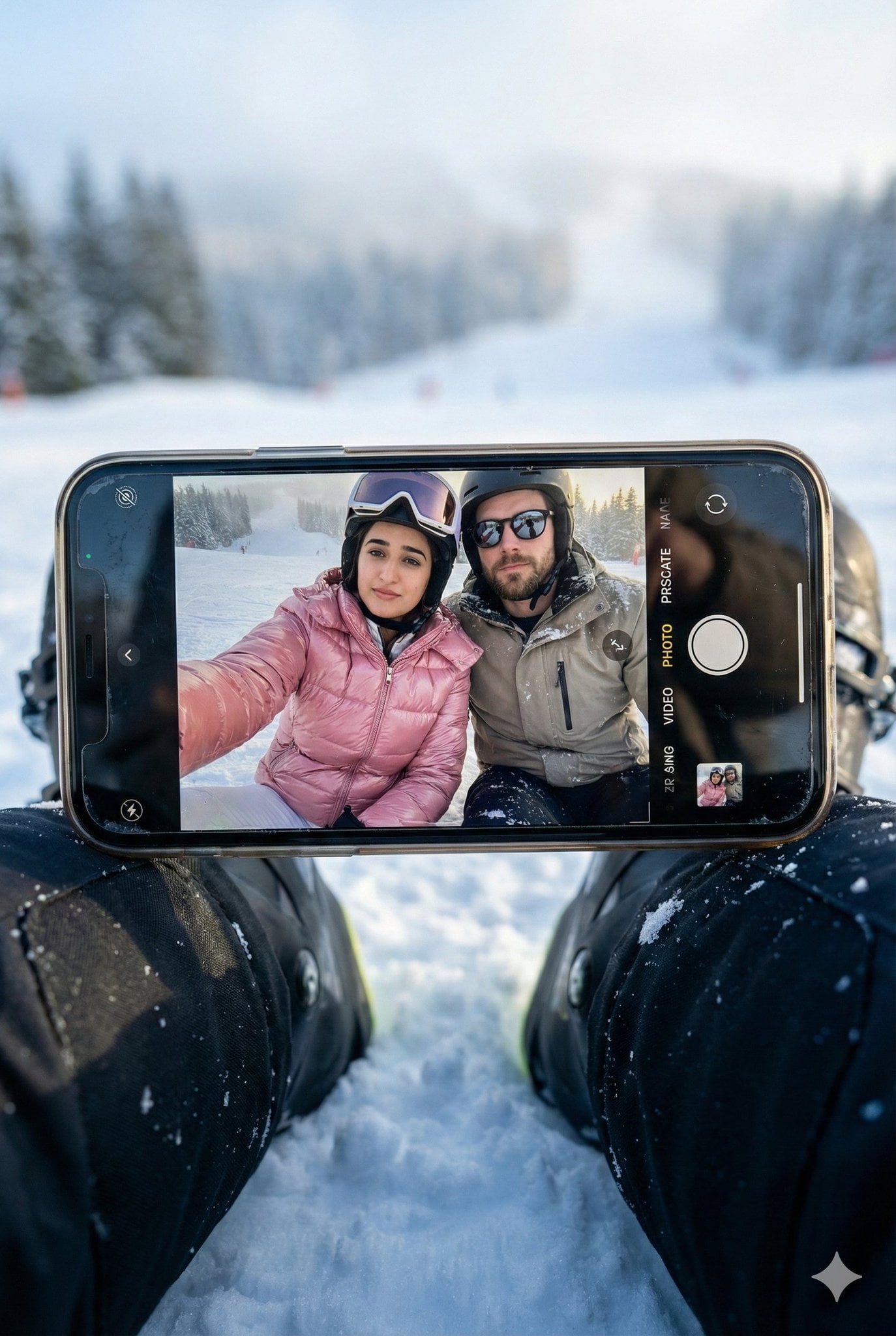
Hyper-realistic winter scene in a vertical 3 4 aspect ratio
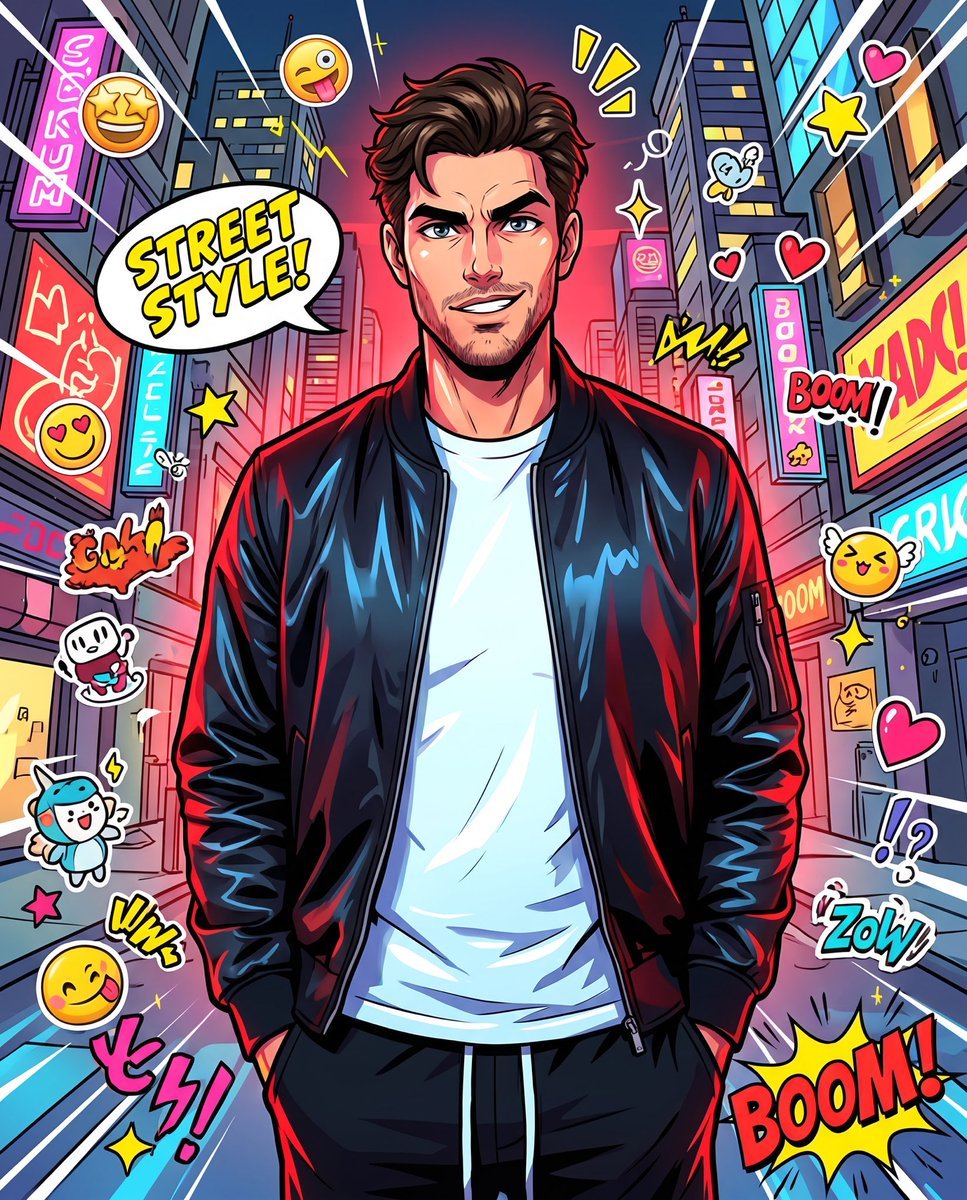
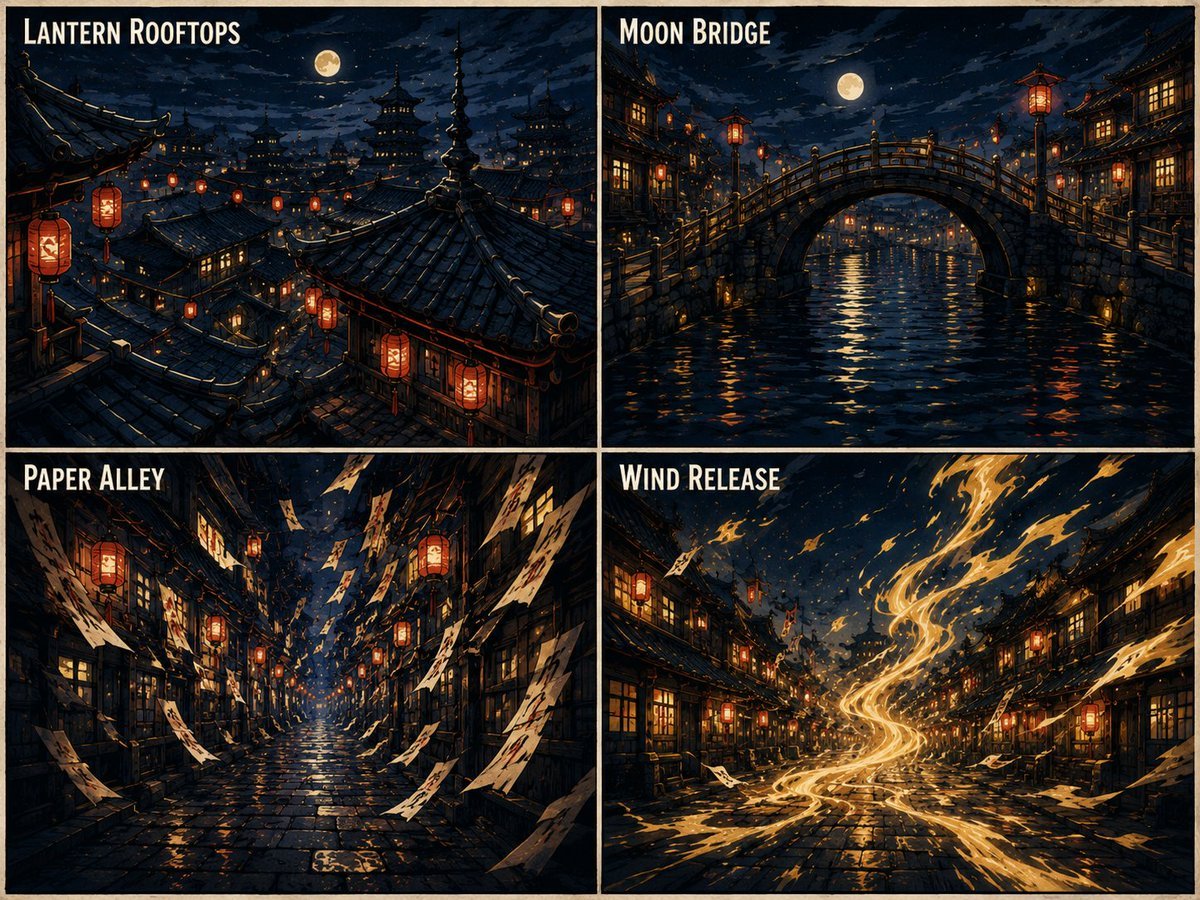
Anime Street Illustration Transformation
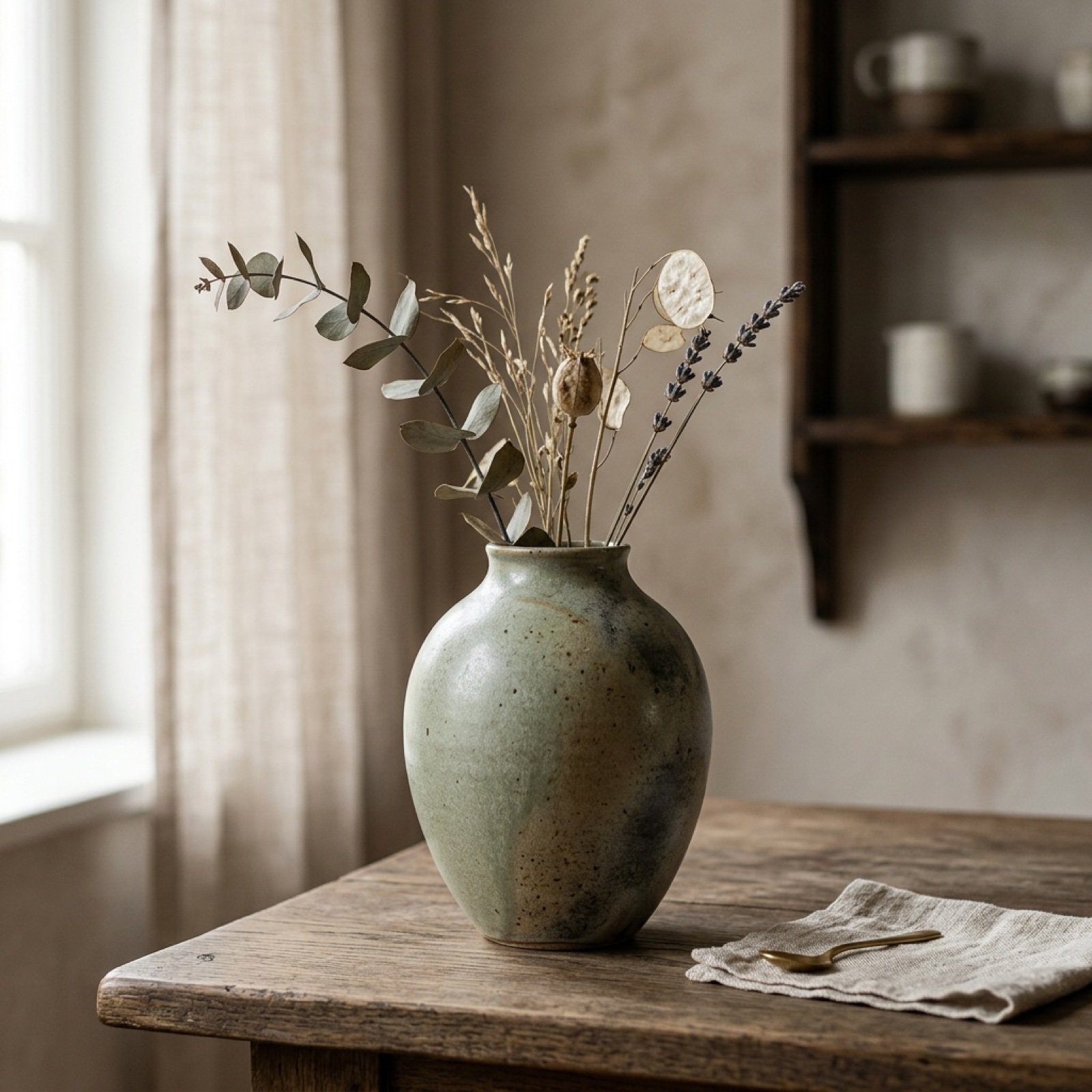
Aspect Ratio Change Utility Prompt
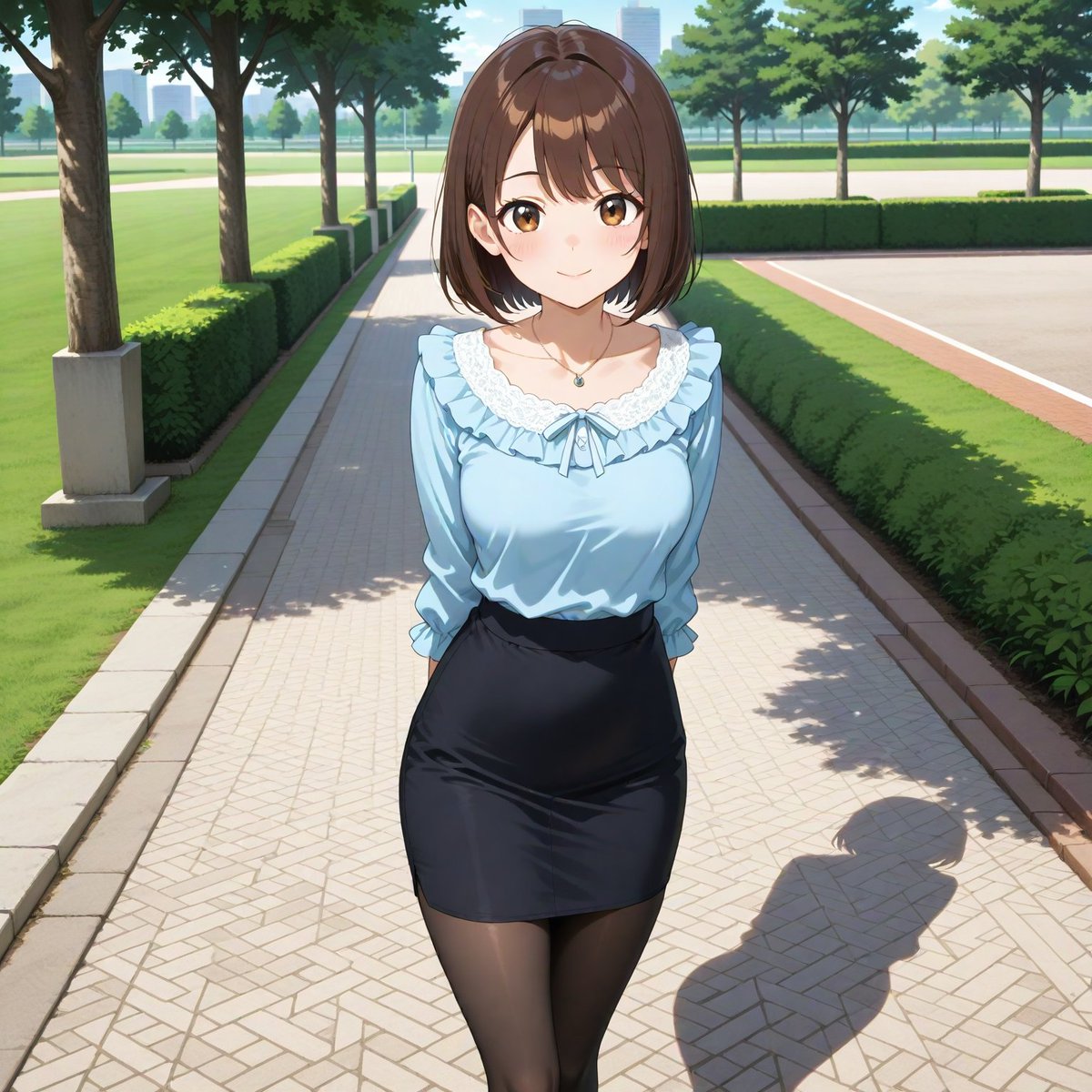
Aspect Ratio Change and Outpainting Prompt

Higgsfield Nano Banana Pro Aspect Ratio Prompt
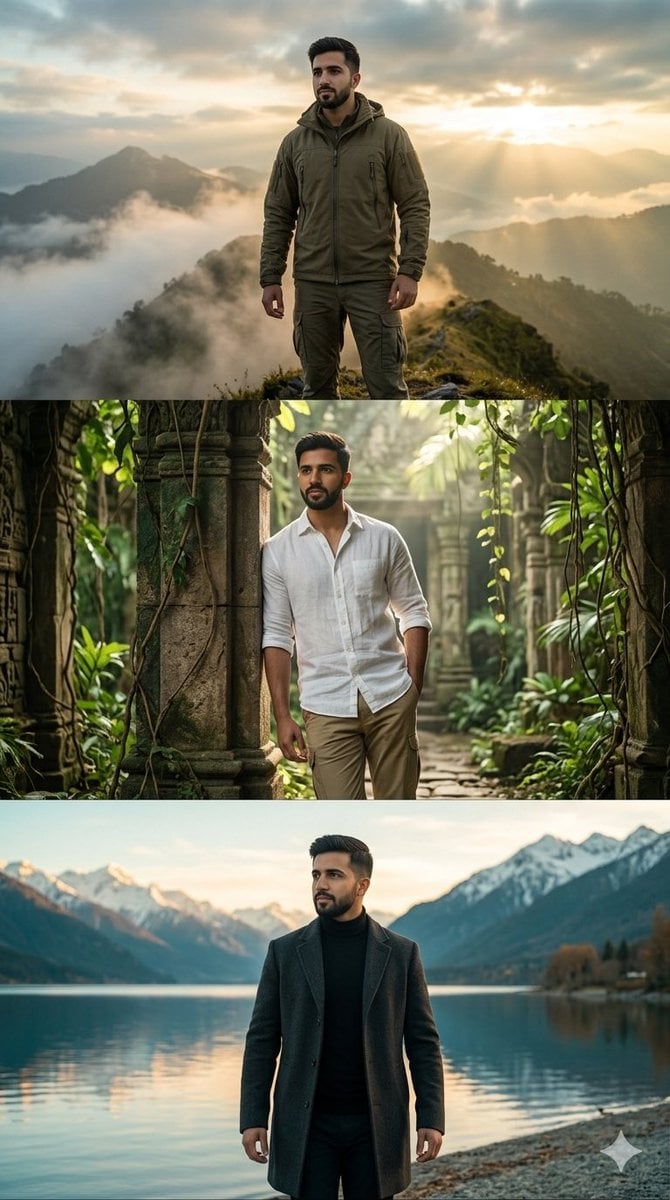
Hyper-realistic three-panel vertical cinematic collage in 9 16 aspect
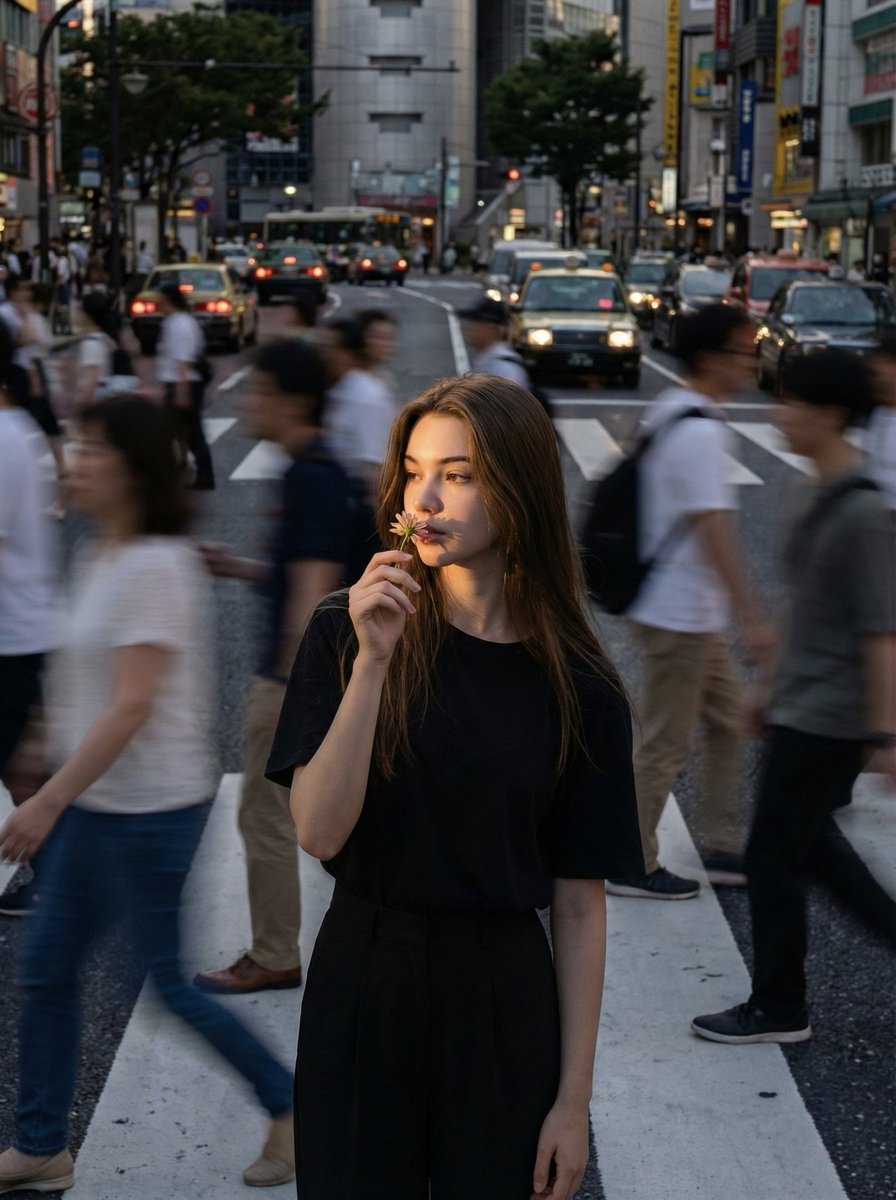
Use the uploaded reference image as the compositional base

Anime Alley Kick Transformation
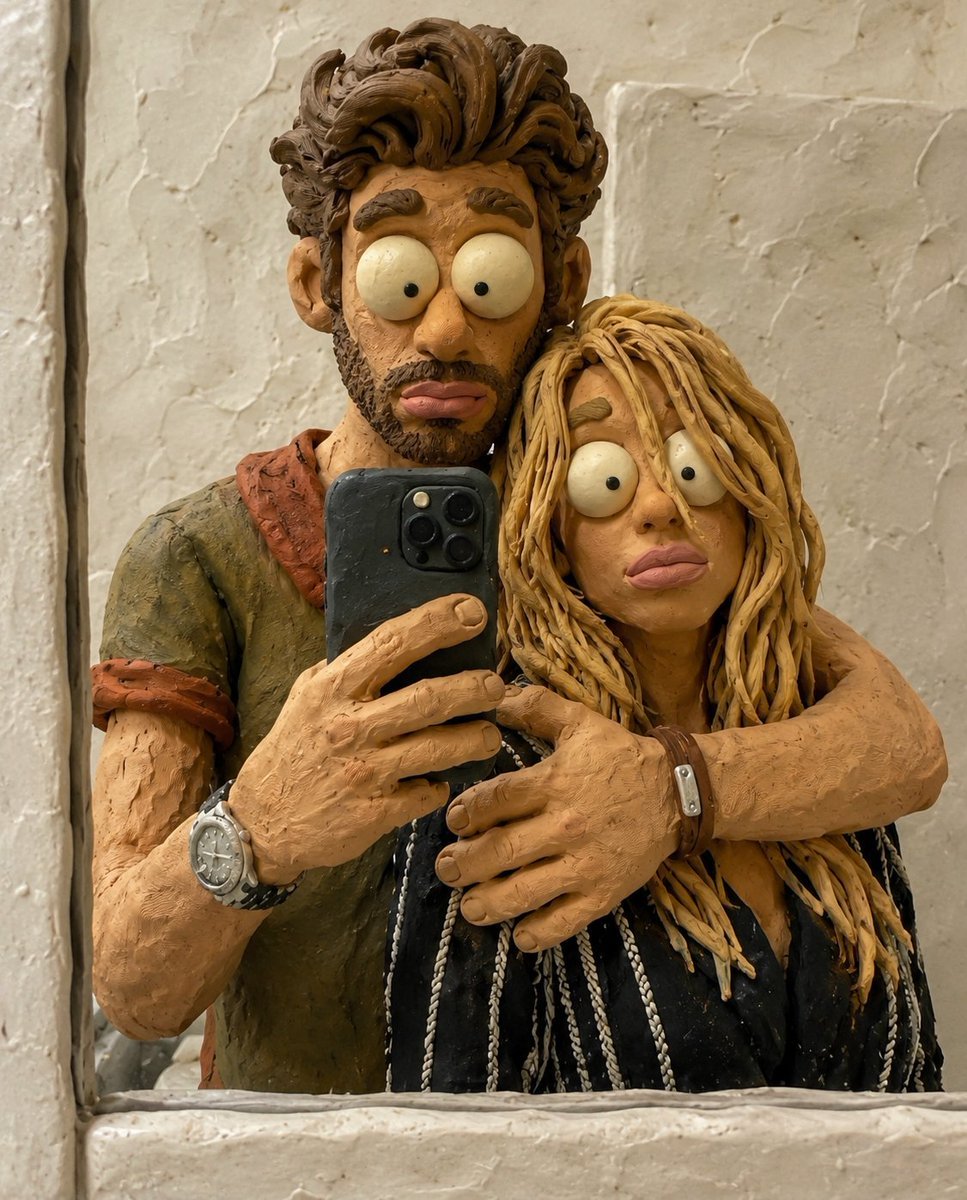
Chaotic Claymation Photo Transformation
Make it yours
Intelligent Aspect Ratio Transformation and Compositional Awareness works as-is. These are the safest ways to change it without losing the look.
Change one field
Copy a single group, rewrite it, and generate again so you can see what that field is doing.
Keep the frame, change the subject
Hold the composition and light of Intelligent Aspect Ratio Transformation and Compositional Awareness, then swap wardrobe, props or the person for a new take.
| If the result… | Why | Fix |
|---|---|---|
| The result drifts from the preview | Too many fields changed at once. | Reuse Intelligent Aspect Ratio Transformation and Compositional Awareness as-is first, then change one group — subject, light, or setting. |
| The model over-stylizes the scene | The prose prompt leaves finish and camera underspecified. | Add one camera or lighting sentence and stay on Nano Banana 2. |
More Nano Banana 2 templates
Other prompts made for Nano Banana 2.

Photorealistic Leaf Shaped Like a Dragon

K-Pop Idol Portrait Grid for Rapid Selection

Poetic Rain Forest Portrait During Golden Hour

Urban Street Portrait with Cartoon Inner Self Duo

Candid Nighttime Photo with Cat Prompt

High-Concept 3D Diorama Generation Prompt

Cinematic Futuristic Studio Portrait Template

Skincare Editorial Photography Collage Prompt

Hyper-Realistic Commercial Product Photography (Splash Effect)

Hyper-Realistic Nightclub Portrait Prompt
More image prompts
Fresh picks from across the catalog.
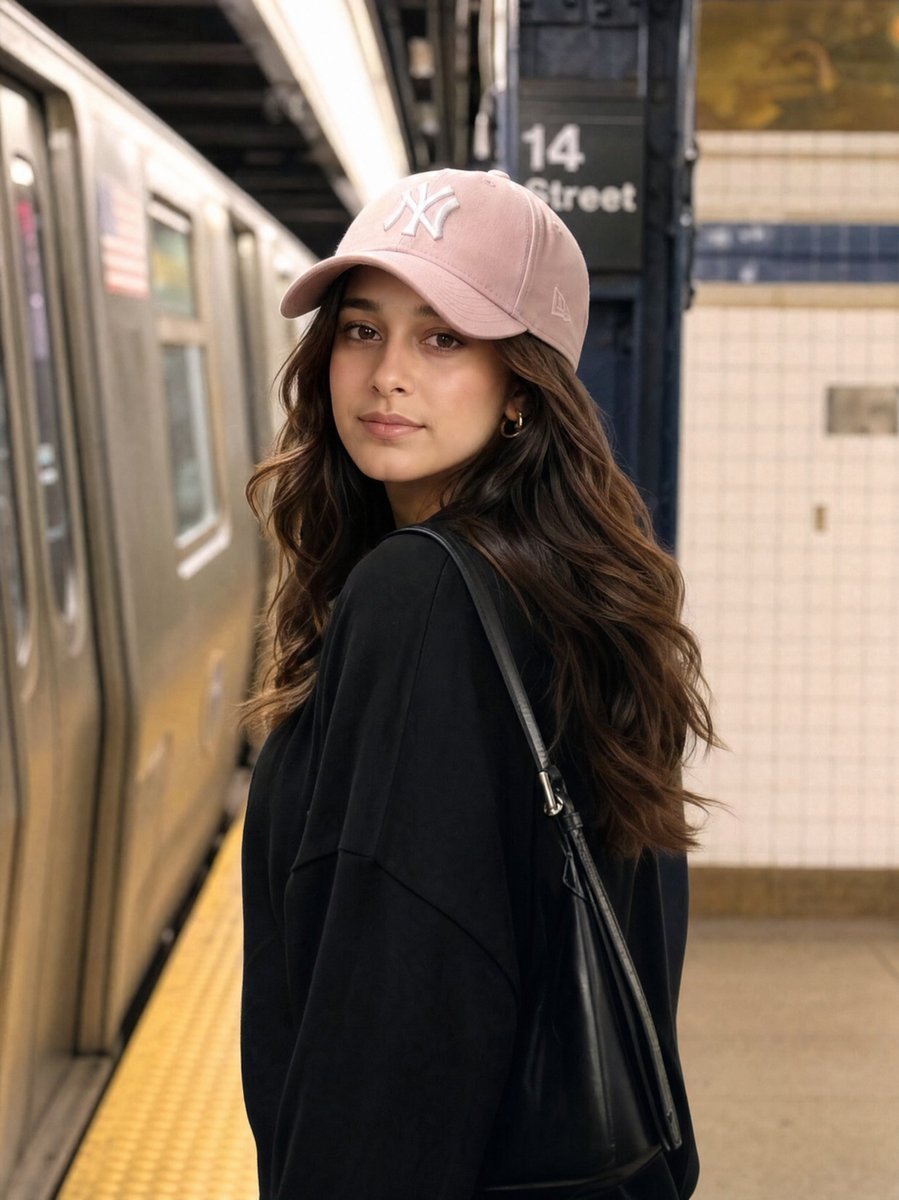
Identity Preservation Subway Portrait
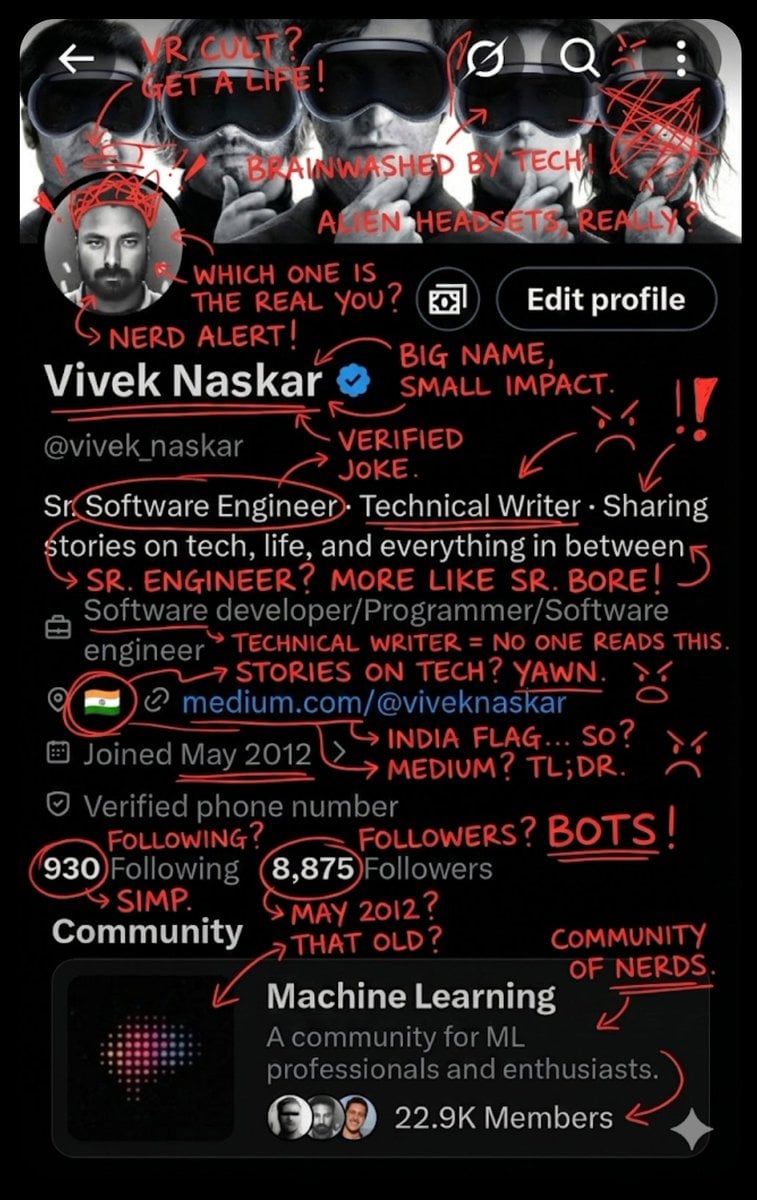
Image Overlay for 'Roast Scribble' Effect (Short)
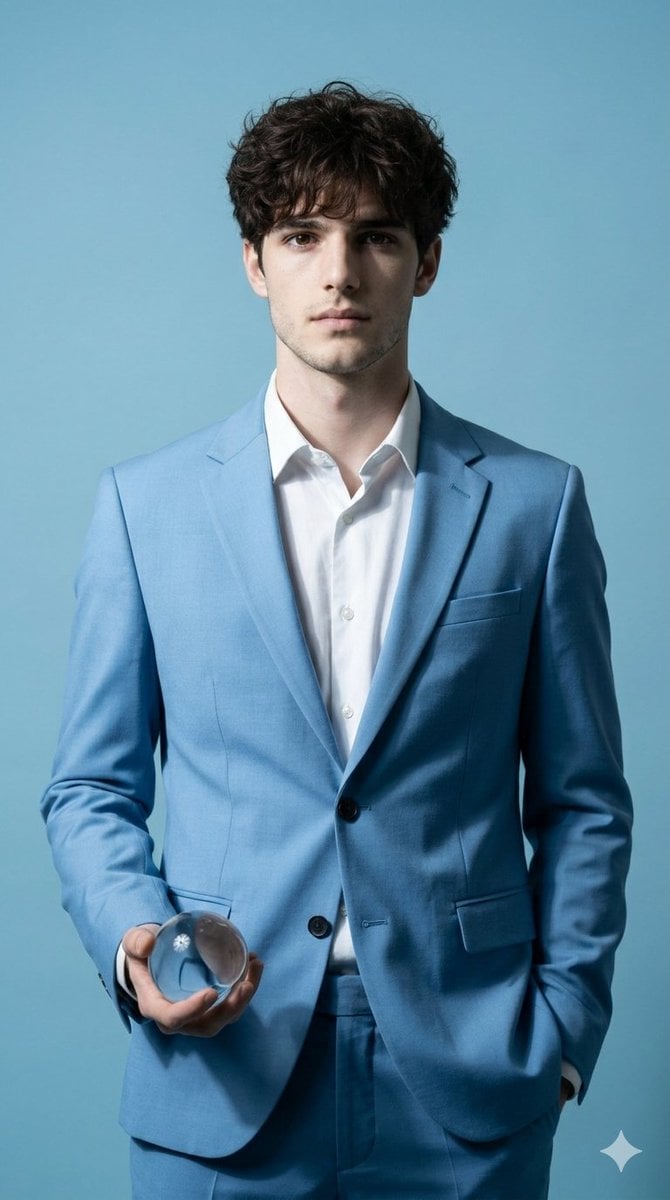
Hyper-Realistic Fine Art Fashion Portrait Prompt

Editorial Portrait of Man in Turtleneck
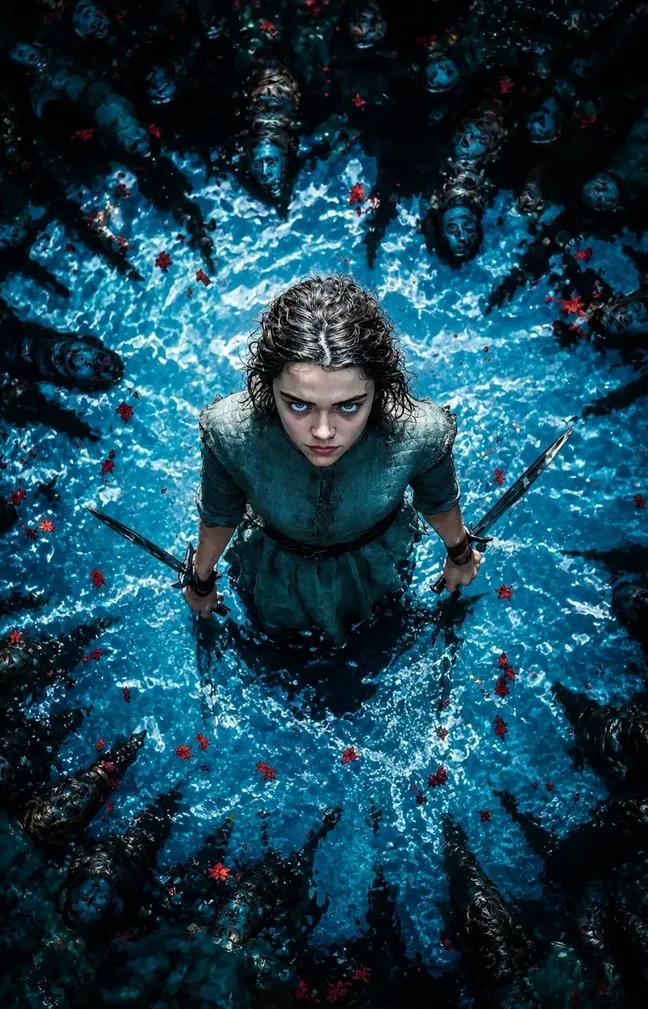
Dark Fantasy Warrior Woman Portrait
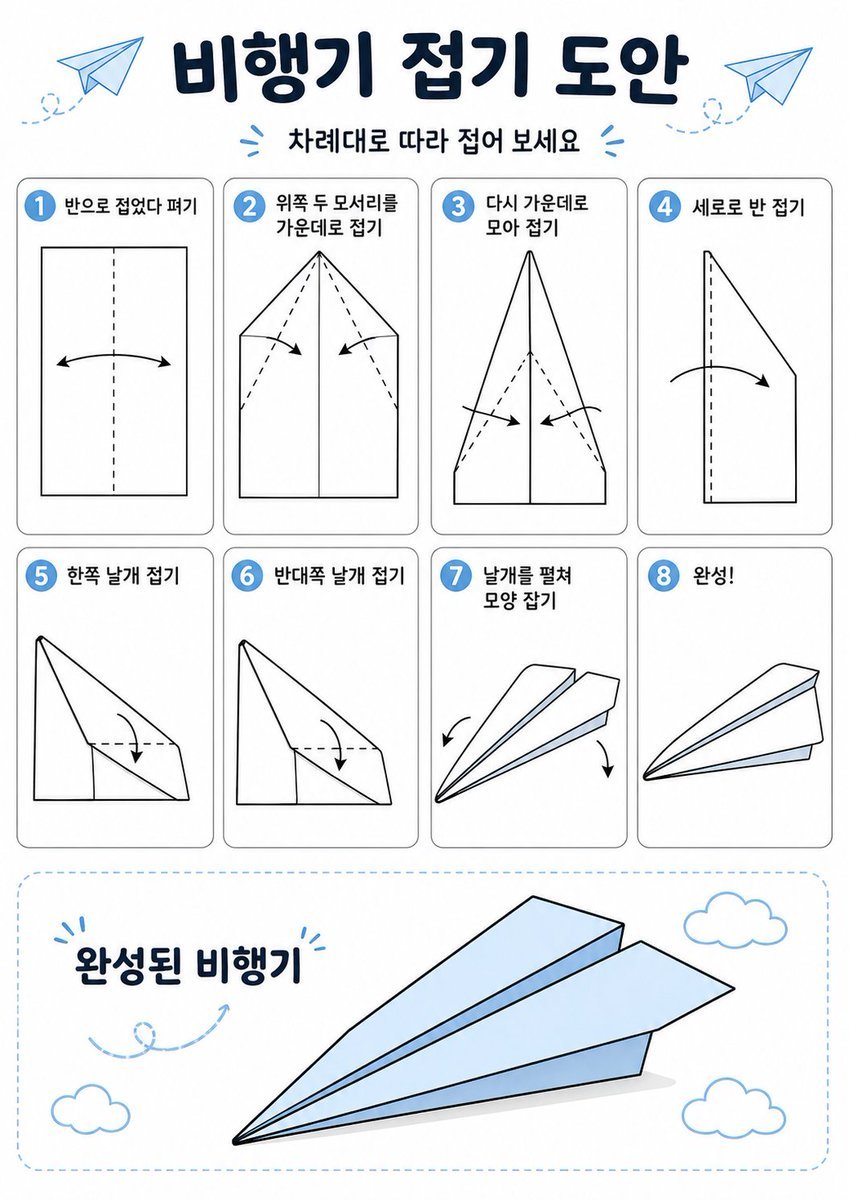
Korean Paper Airplane Folding Poster
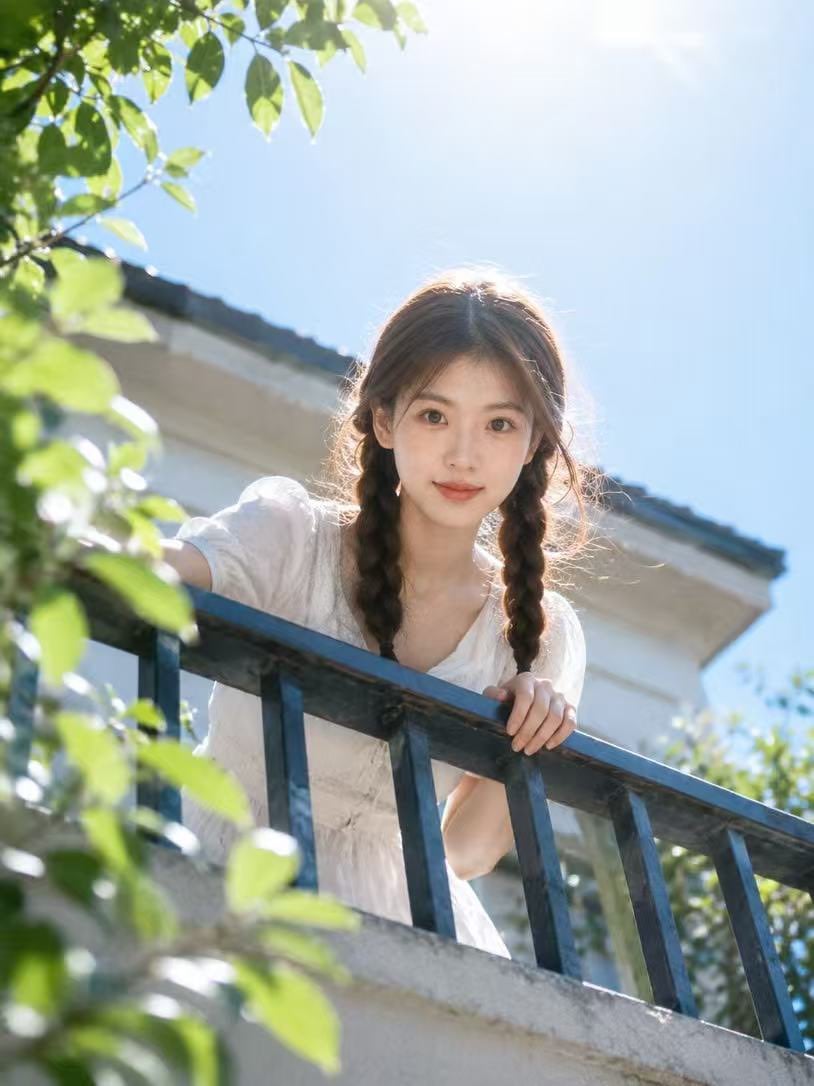
Summer Balcony Film Portrait
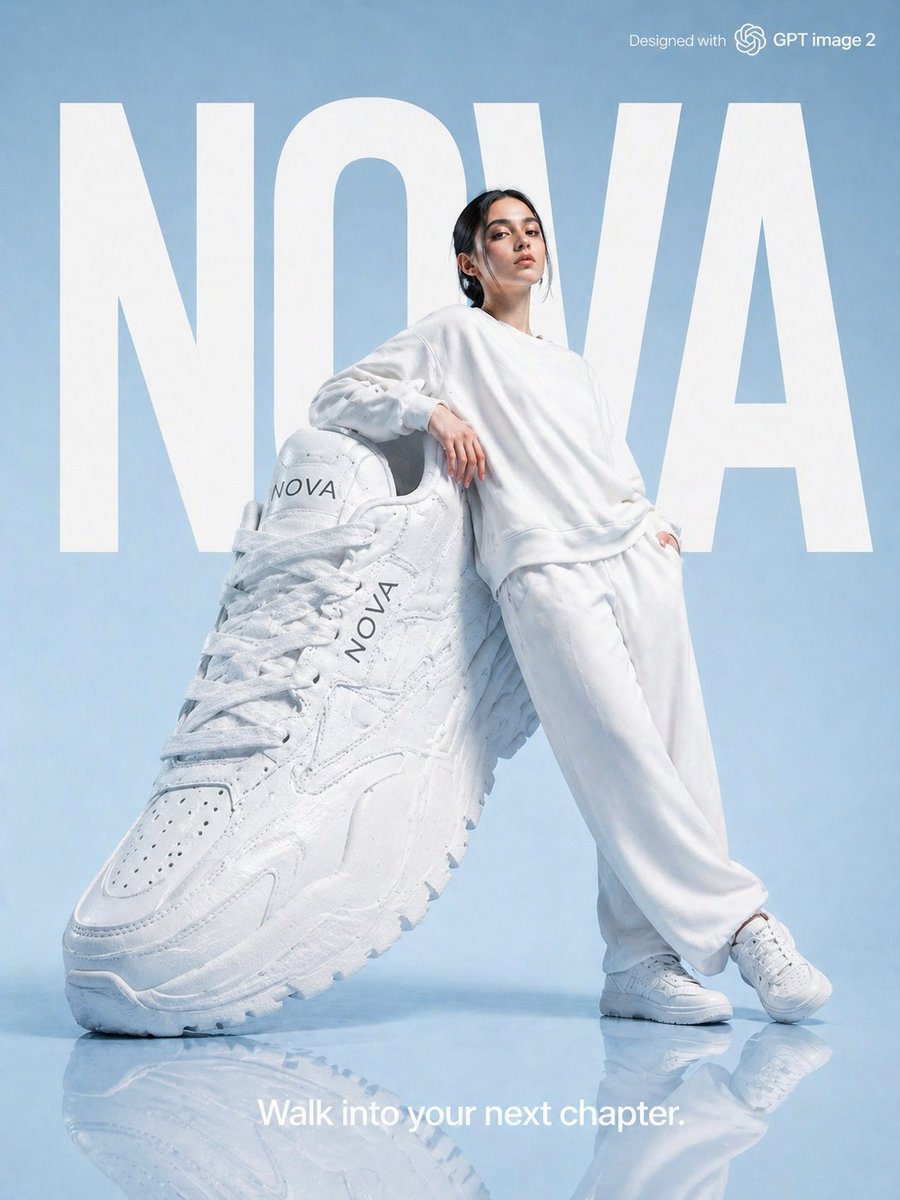
High-Fashion Brand Advertising Layout
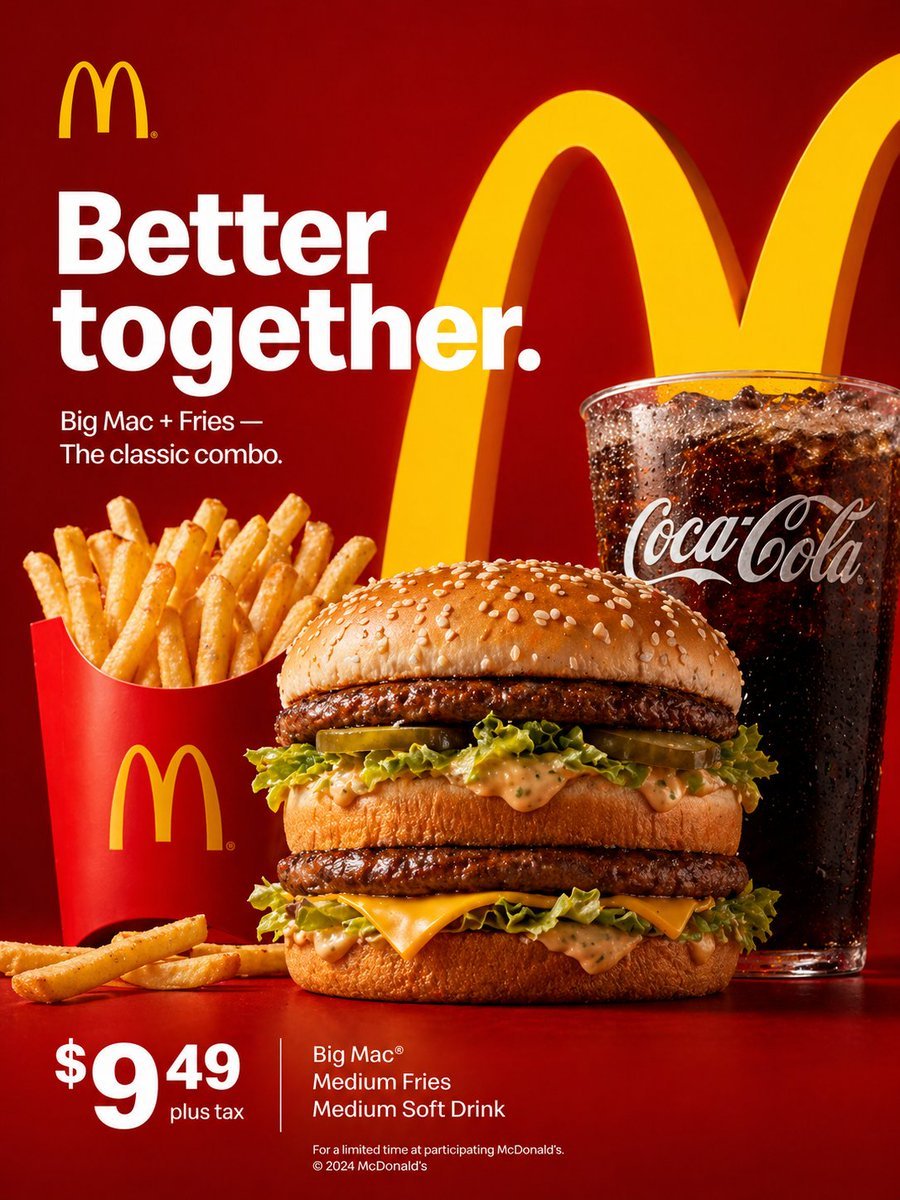
McDonald's Advertisement Prompt
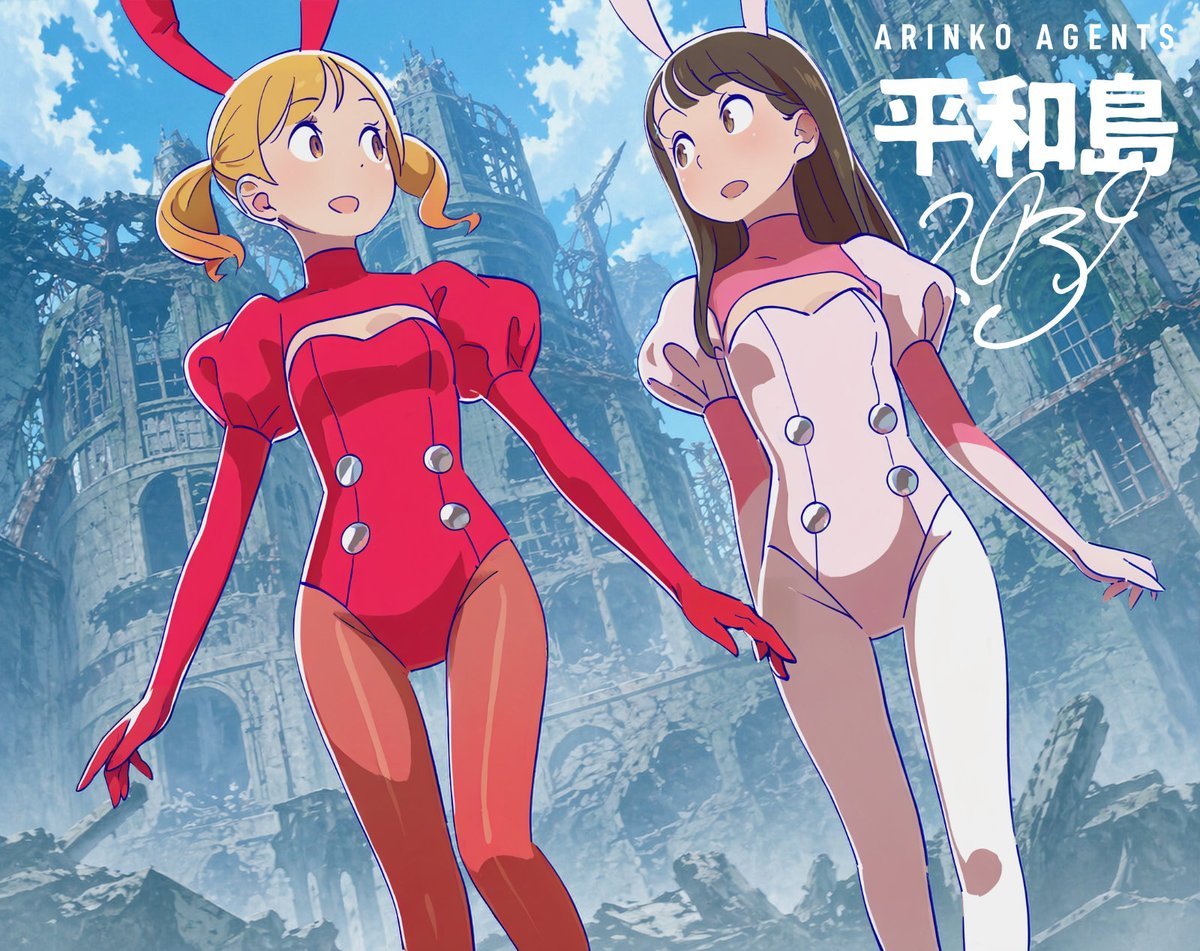
Low-Angle Anime Bunny Girls in Ruins
Browse template categories
Intelligent Aspect Ratio Transformation and Compositional Awareness questions
How do I use the Intelligent Aspect Ratio Transformation and Compositional Awareness template?
Add your photo if the template asks for one, edit the prompt if you like — the template's model and format are already selected — and press Generate. Your version opens in PicX Studio.
Can I customize the Intelligent Aspect Ratio Transformation and Compositional Awareness template?
Yes. You can change the subject, setting, lighting, mood, format, and available model controls before creating your image.
Is the Intelligent Aspect Ratio Transformation and Compositional Awareness template free?
Opening and editing this template is free. Generating uses credits, shown on the Generate button when you are signed in.
Which AI model should I use?
Start with Nano Banana 2, which is the model associated with this template. You can compare another compatible model for a different finish.
Looking for something else? Browse all templates.

Your photo, any look
Thousands of ready templates for every top image and video model, from one credit balance.