
Korean Paper Airplane Folding Poster
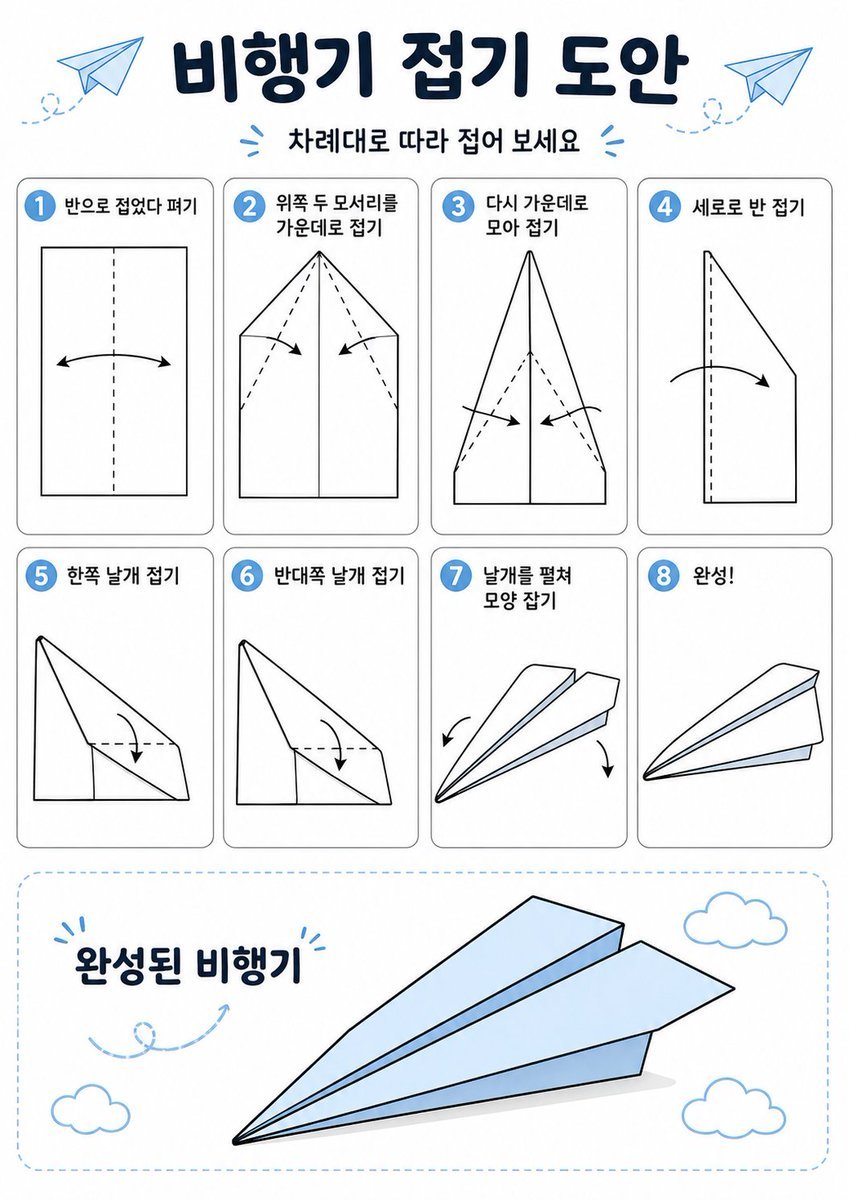
This prompt generates a clean Korean-language origami instruction infographic for teaching how to fold a paper airplane in 8 labeled steps.
- Prompt included
- Model and format preset
- Free template
The prompt behind this image
Copy the exact prompt behind Korean Paper Airplane Folding Poster, or open it in the studio and make it yours.
- Type
- origami instruction poster
- Topic
- paper airplane folding guide
- Language
- Korean
- Style › Overall
- clean educational infographic, simple vector line art, friendly classroom worksheet aesthetic
- Style › Palette › Background
- white
- Style › Palette › Primary
- dark navy
- Style › Palette › Accent
- light sky blue
- Style › Palette › Line
- black
- Style › Palette › Shadow
- soft light gray
- Style › Rendering
- flat 2D layout with crisp outlines and minimal shading
- Canvas › Orientation
- portrait
- Canvas › Margin
- generous white margins
- Header › Title
- {argument name="headline text" default="비행기 접기 도안"}
- Header › Subtitle
- {argument name="subtitle text" default="차례대로 따라 접어 보세요"}
- Header › Decorations › Paper Airplanes
- 2
- Header › Decorations › Dashed Flight Paths
- 2
- Header › Decorations › Blue Accent Marks
- 2
- Layout › Grid › Columns
- 4
- Layout › Grid › Rows
- 2
- Layout › Grid › Step Cards
- 8
- Layout › Sections › 0 › Title
- steps row 1
- Layout › Sections › 0 › Position
- upper middle
- Layout › Sections › 0 › Count
- 4
- Layout › Sections › 0 › Labels
- 1 반으로 접었다 펴기, 2 위쪽 두 모서리를 가운데로 접기, 3 다시 가운데로 모아 접기, 4 세로로 반 접기
Raw JSON
{"type":"origami instruction poster","topic":"paper airplane folding guide","language":"Korean","style":{"overall":"clean educational infographic, simple vector line art, friendly classroom worksheet aesthetic","palette":{"background":"white","primary":"dark navy","accent":"light sky blue","line":"black","shadow":"soft light gray"},"rendering":"flat 2D layout with crisp outlines and minimal shading"},"canvas":{"orientation":"portrait","margin":"generous white margins"},"header":{"title":"{argument name=\"headline text\" default=\"비행기 접기 도안\"}","subtitle":"{argument name=\"subtitle text\" default=\"차례대로 따라 접어 보세요\"}","decorations":{"paper_airplanes":2,"dashed_flight_paths":2,"blue_accent_marks":2}},"layout":{"grid":{"columns":4,"rows":2,"step_cards":8},"sections":[{"title":"steps row 1","position":"upper middle","count":4,"labels":["1 반으로 접었다 펴기","2 위쪽 두 모서리를 가운데로 접기","3 다시 가운데로 모아 접기","4 세로로 반 접기"]},{"title":"steps row 2","position":"middle","count":4,"labels":["5 한쪽 날개 접기","6 반대쪽 날개 접기","7 날개를 펼쳐 모양 잡기","8 완성!"]},{"title":"finished airplane display","position":"bottom","count":1,"labels":["완성된 비행기"]}]},"step_cards":[{"step":1,"badge":"1","text":"반으로 접었다 펴기","diagram":"vertical rectangle sheet with a centered vertical dashed fold line and a curved double-headed arrow indicating folding inward and reopening"},{"step":2,"badge":"2","text":"위쪽 두 모서리를 가운데로 접기","diagram":"paper with pointed top, both upper corners folded to the center line, dashed diagonal guide lines, two inward arrows"},{"step":3,"badge":"3","text":"다시 가운데로 모아 접기","diagram":"narrower pointed shape, side edges folded again toward the center line, dashed diagonal guides, two inward arrows near the lower middle"},{"step":4,"badge":"4","text":"세로로 반 접기","diagram":"side-view folded shape with a vertical dashed center line and one large curved arrow showing the model folded in half lengthwise"},{"step":5,"badge":"5","text":"한쪽 날개 접기","diagram":"triangular side-view airplane body with one wing folded downward, dashed horizontal guide near the top edge and a curved arrow"},{"step":6,"badge":"6","text":"반대쪽 날개 접기","diagram":"same side-view as step 5, folding the opposite wing downward with matching dashed guide and curved arrow"},{"step":7,"badge":"7","text":"날개를 펼쳐 모양 잡기","diagram":"3D paper airplane opening into shape, two curved arrows pointing downward and outward on each side"},{"step":8,"badge":"8","text":"완성!","diagram":"completed paper airplane in simple perspective, light blue top faces, black outline, no arrows"}],"bottom_panel":{"container":"large rounded rectangle with light blue dashed border","label":"완성된 비행기","main_object":"large completed paper airplane angled from lower left to upper right, pale blue surfaces with black outline and subtle gray shadow beneath","decorations":{"clouds":3,"swirl_arrow":1}},"text_style":{"title":"bold rounded Korean display font in dark navy","subtitle":"smaller bold Korean text","step_labels":"bold black Korean text","number_badges":"white numbers inside blue circles"}}How to use Korean Paper Airplane Folding Poster in 3 steps
- 1Upload ImagePNG, JPG or paste
Add your photo
Upload the photo the template builds on. The prompt, model and format are already set.
- 2…a portrait of your subject in softgolden-hour light, 85mm…
Personalize
Edit the subject and creative details for your destination.
- 3Generate
Generate
Press Generate — your image is created in PicX Studio, so you can compare it with the original and refine one variable at a time.
More like this
Templates with the same subject, style or setup. Open one to see its prompt.

Trendy Cafe Drink Promo Poster

Urban Fashion Editorial Collage Streetwear Poster
Beijing Airplane Window Morning Poster

Japan Travel Brochure Poster

Korean Thriller Watermelon Poster
Vintage Family Road Trip Newspaper Poster

Budapest Paper-Cut Travel Poster

Paper Cut Vintage Travel Poster
Master Origami Food Art — Hyper-Detailed Paper Folding Cuisine
Master Origami Food Art — Hyper-Detailed Paper Folding Cuisine

Cartoon TV Show Poster Pack

Premium Fashion Editorial Cover Layout System
Make it yours
Korean Paper Airplane Folding Poster works as-is. These are the safest ways to change it without losing the look.
Swap the setting
Keep the rest of the prompt and replace the location block. The current setting is “white”.
Swap the light
One lighting change is enough to compare takes. Current light: “2”.
Change one field
Copy a single group, rewrite it, and generate again so you can see what that field is doing.
| If the result… | Why | Fix |
|---|---|---|
| The result drifts from the preview | Too many fields changed at once. | Reuse Korean Paper Airplane Folding Poster as-is first, then change one group — subject, light, or setting. |
| GPT Image 2 ignores part of the JSON | Some models flatten or skip nested keys. | Keep the same values and paste them as a short paragraph instead. |
More GPT Image 2 templates
Other prompts made for GPT Image 2.

Six VTuber Japanese Logo Sheet

Realistic Portrait of Woman and Deer

The Vista Modular Condo Poster

AI Model Routing Comparison Infographic

2.5D Anime Art Board

Isometric Productivity Desk Scene

New York Double Exposure Poster

Four-Panel AI Landscape Comparison

Japanese Tatami Lifestyle Magazine Cover

NESCAFÉ Coffee Map Poster
More image prompts
Fresh picks from across the catalog.

Editorial Perfume Bottle in Golden Fur

Cultural Fusion Overhead Portrait with Masks
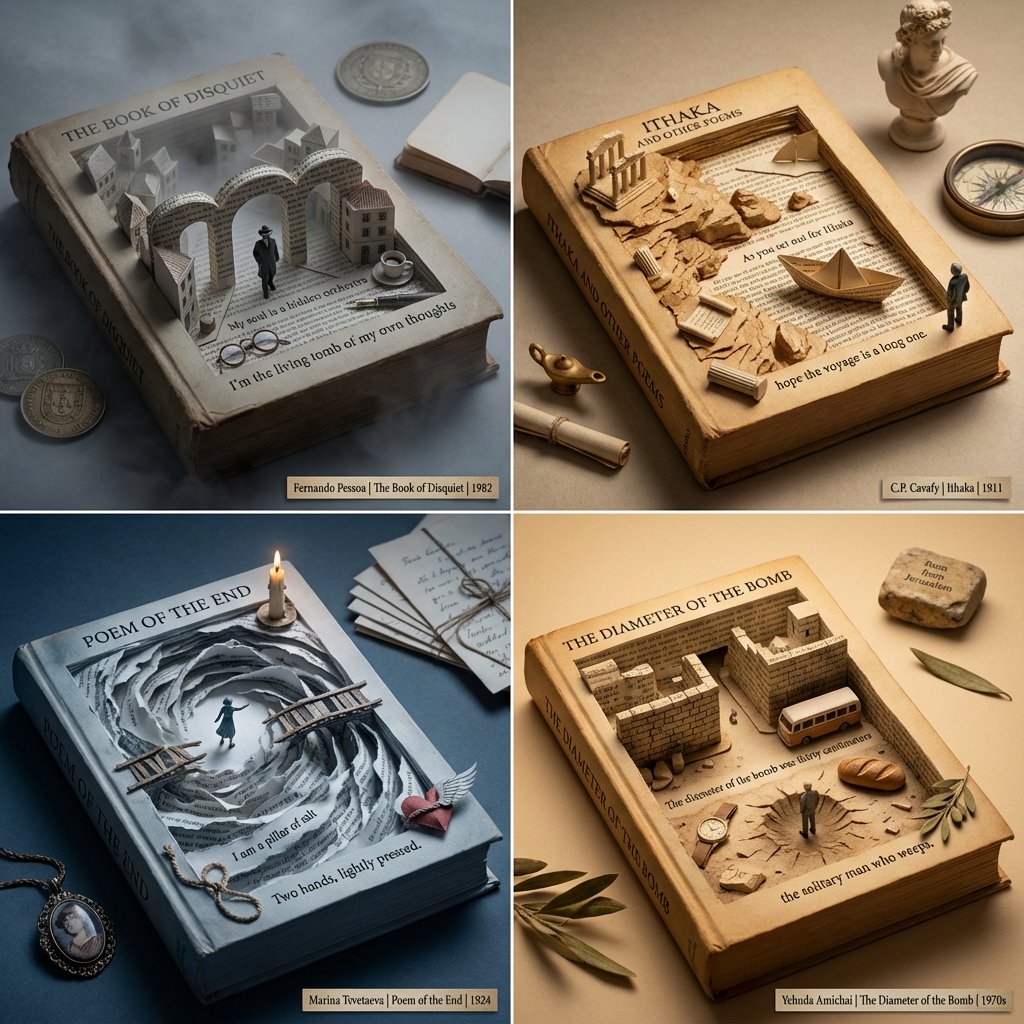
Poetry Recommendation System Prompt (Carved Book Sculpture Aesthetic)

High-Contrast Sports Editorial Portrait with Grillz and Oakley
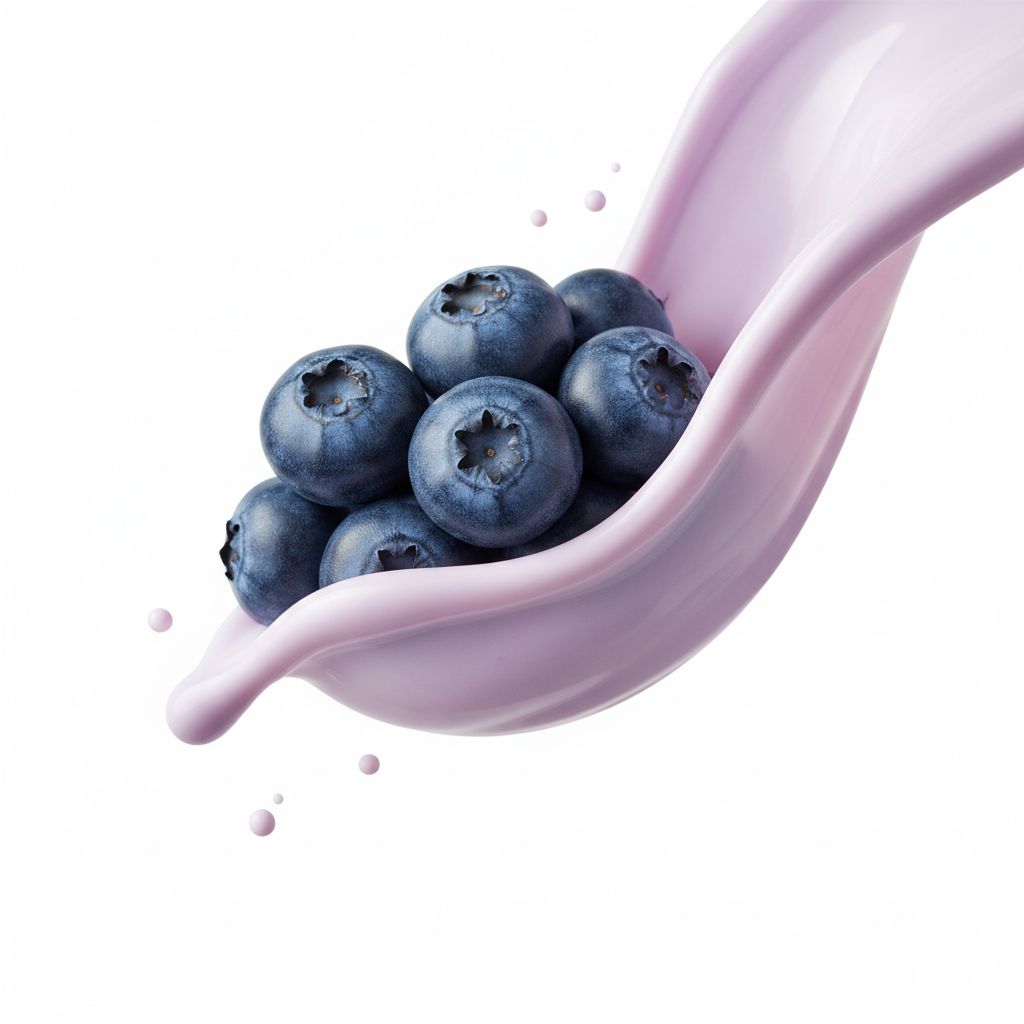
Macro Food Photography of Blueberries and Yogurt
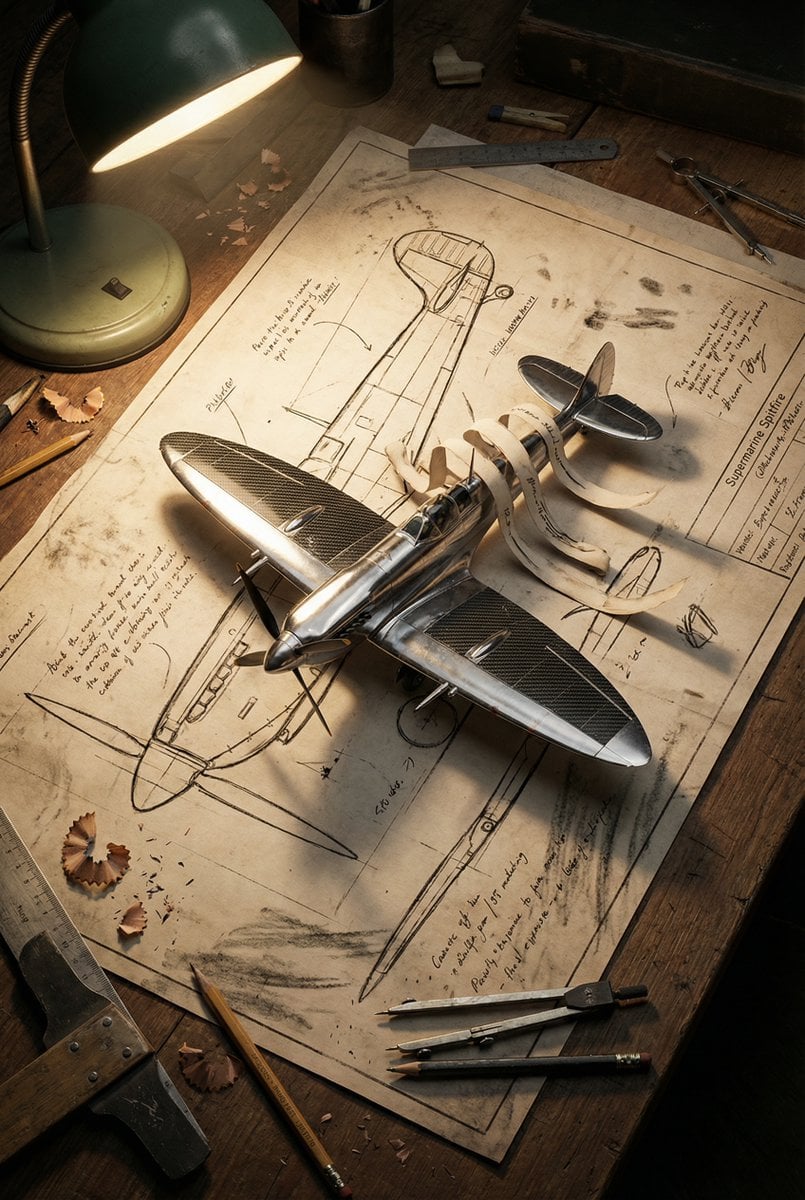
Blueprint to 3D Chrome Manifestation Prompt

Boxed Figure to Anime Key Visual

X Iamrealsnow Cinematic Motion Blur Photography Editorial

Ultra-Luxurious Skincare Product Photography in Alpine Setting

Dark, Moody, Photorealistic Portrait Prompt
Browse template categories
Korean Paper Airplane Folding Poster questions
How do I use the Korean Paper Airplane Folding Poster template?
Add your photo if the template asks for one, edit the prompt if you like — the template's model and format are already selected — and press Generate. Your version opens in PicX Studio.
Can I customize the Korean Paper Airplane Folding Poster template?
Yes. You can change the subject, setting, lighting, mood, format, and available model controls before creating your image.
Is the Korean Paper Airplane Folding Poster template free?
Opening and editing this template is free. Generating uses credits, shown on the Generate button when you are signed in.
Which AI model should I use?
Start with GPT Image 2, which is the model associated with this template. You can compare another compatible model for a different finish.
Looking for something else? Browse all templates.

Your photo, any look
Thousands of ready templates for every top image and video model, from one credit balance.