
Beijing Airplane Window Morning Poster
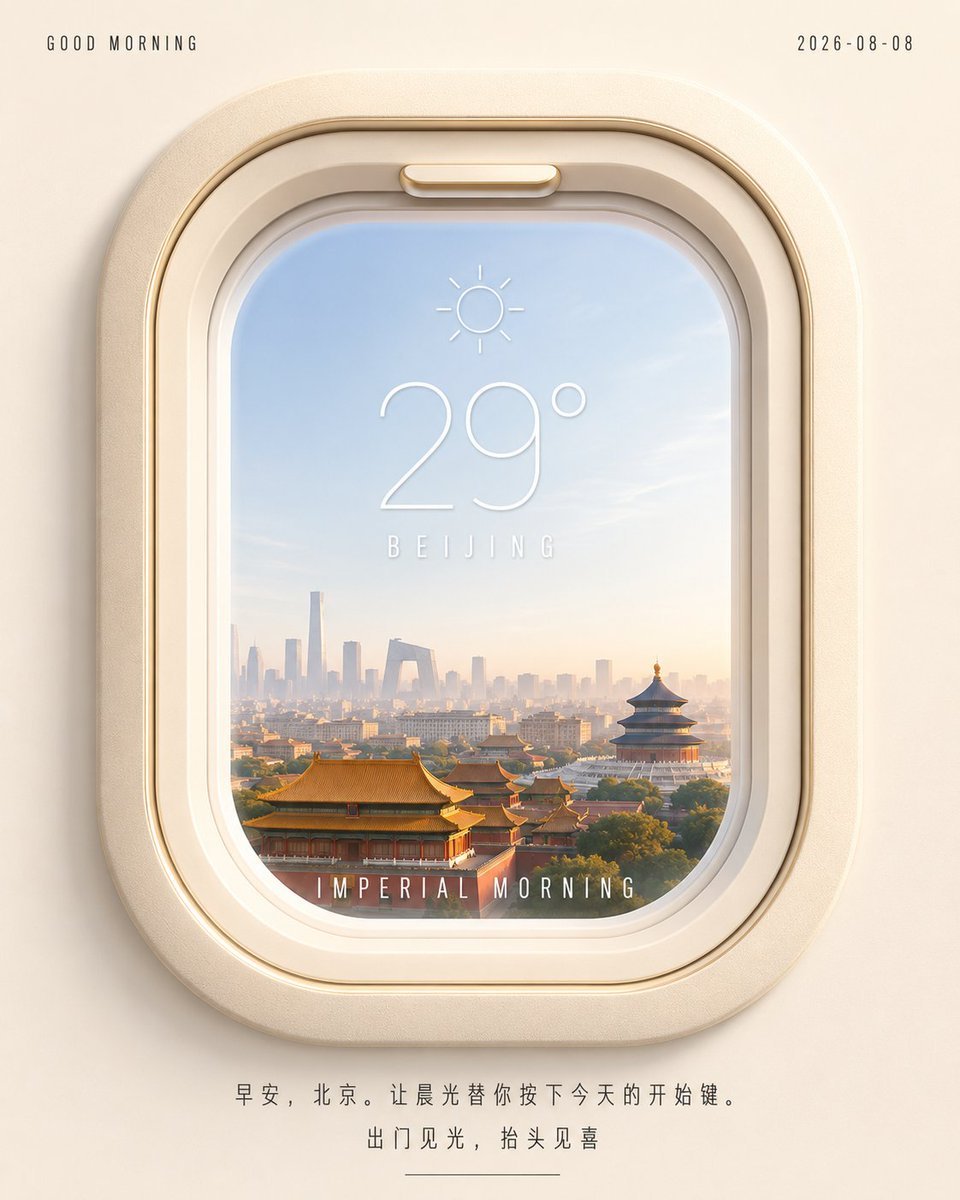
A polished square weather-and-travel poster showing Beijing sunrise through a luxury airplane window, useful for morning greeting visuals.
- Prompt included
- Model and format preset
- Free template
The prompt behind this image
Copy the exact prompt behind Beijing Airplane Window Morning Poster, or open it in the studio and make it yours.
Create a square 1:1 minimalist travel-weather poster viewed straight on, with a warm cream background and a large rounded airplane window centered vertically. The airplane window frame is thick, softly beveled, glossy ivory and champagne-gold plastic, with rounded corners, subtle shadows, an inner recessed rim, and a small latch detail at the top. Through the window is a dreamy sunrise view of Beijing: pale blue sky fading to warm peach near the horizon, soft atmospheric haze, the Forbidden City palace roofs in the foreground, Temple of Heaven-style traditional architecture on the right, and a distant modern Beijing skyline including CCTV-like angular tower silhouettes. Overlay a clean thin white weather UI on the glass: a small sun icon above a large temperature reading {argument name="temperature" default="29°"}, the city label {argument name="city name" default="BEIJING"} spaced out below it, and a bottom caption inside the window reading {argument name="window caption" default="IMPERIAL MORNING"} in narrow all-caps letter-spaced type. Add small top-left text {argument name="greeting text" default="GOOD MORNING"} and top-right date {argument name="date" default="2026-08-08"}, both in tiny dark gray condensed uppercase lettering with wide tracking. At the bottom below the window, include exactly two centered lines of Chinese copy reading “早安,北京。让晨光替你按下今天的开始键。” and “出门见光,抬头见喜”, with a short thin horizontal divider line beneath. Visual style: high-end Apple-like aesthetic, soft 3D product rendering mixed with cinematic travel photography, airy morning light, gentle vignetting, realistic glass reflections, shallow depth haze, clean typography, no clutter, no people, no watermark.
How to use Beijing Airplane Window Morning Poster in 3 steps
- 1Upload ImagePNG, JPG or paste
Add your photo
Upload the photo the template builds on. The prompt, model and format are already set.
- 2…a portrait of your subject in softgolden-hour light, 85mm…
Personalize
Edit the subject and creative details for your destination.
- 3Generate
Generate
Press Generate — your image is created in PicX Studio, so you can compare it with the original and refine one variable at a time.
More like this
Templates with the same subject, style or setup. Open one to see its prompt.

Transparent Beijing Morning Poster
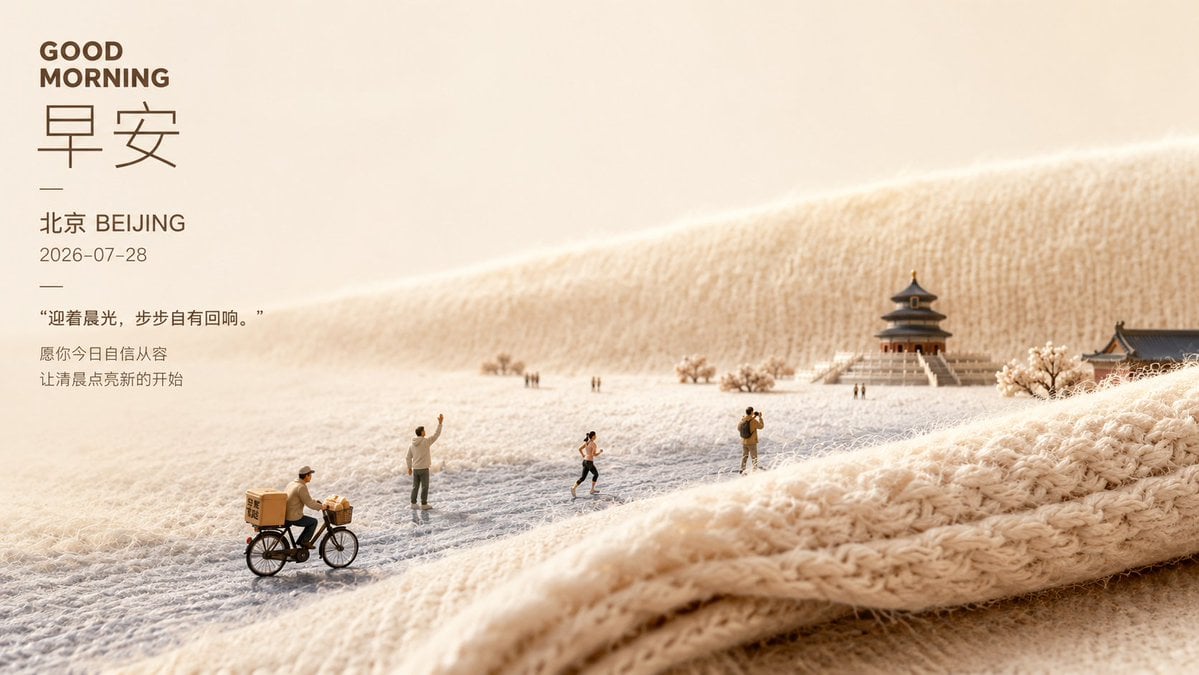
Soft Miniature Beijing Morning Poster
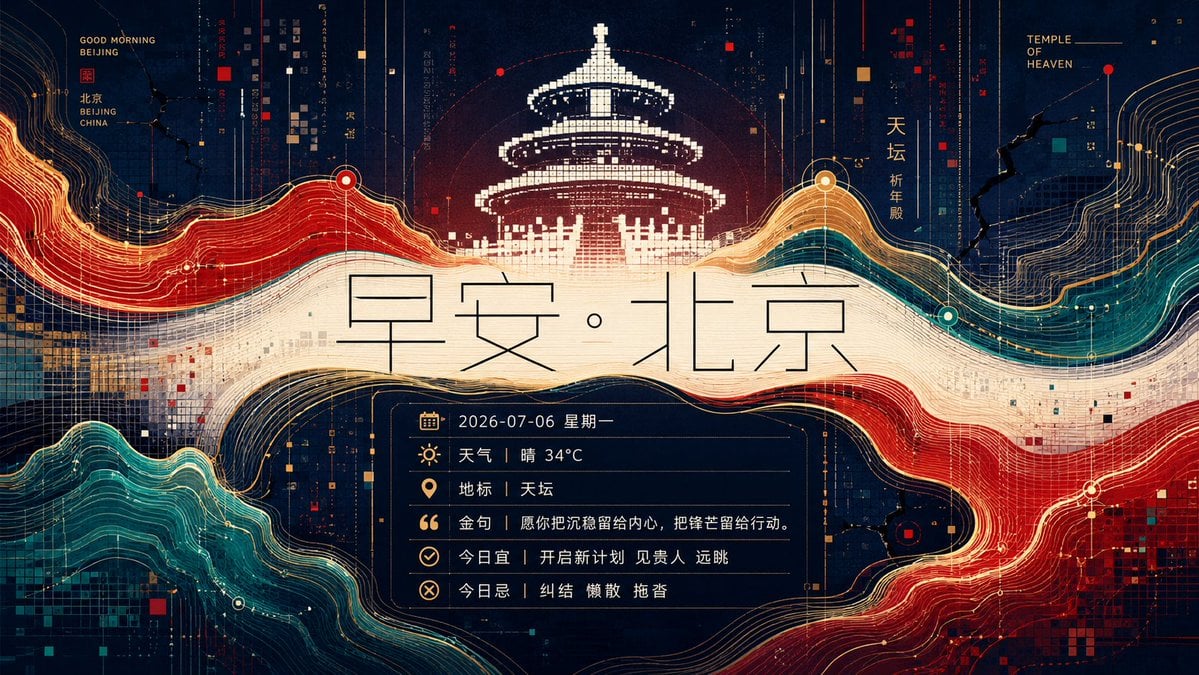
Futuristic Good Morning Beijing Poster
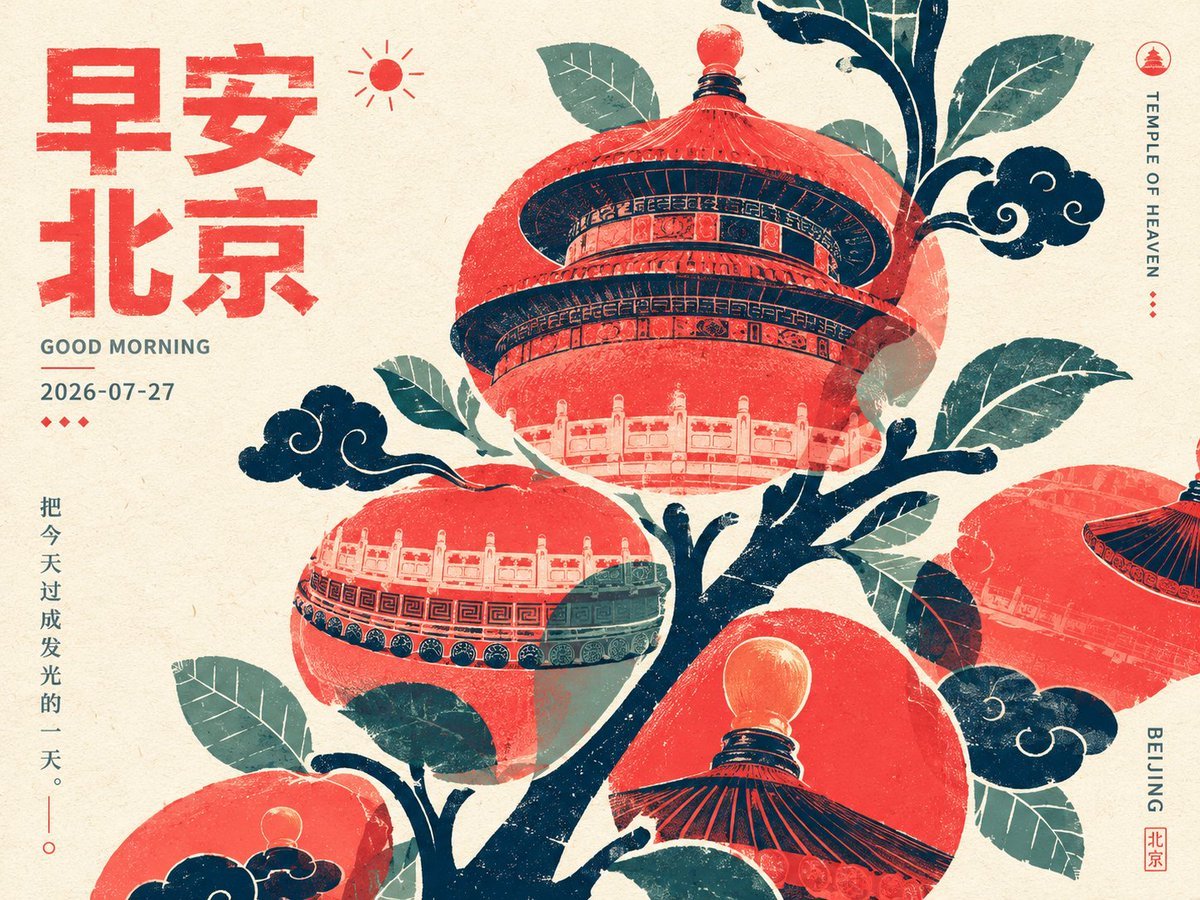
Retro Beijing Morning Fruit Poster

Japan Travel Brochure Poster

Cartoon TV Show Poster Pack

Trendy Cafe Drink Promo Poster

Urban Fashion Editorial Collage Streetwear Poster

Premium Fashion Editorial Cover Layout System

Polo Ralph Lauren Luxury American Heritage Fashion Campaign

Monochrome Halftone Editorial Fashion Poster

Retro Mirror Luxury Fashion Campaign Poster
Make it yours
Beijing Airplane Window Morning Poster works as-is. These are the safest ways to change it without losing the look.
Change one field
Copy a single group, rewrite it, and generate again so you can see what that field is doing.
Keep the frame, change the subject
Hold the composition and light of Beijing Airplane Window Morning Poster, then swap wardrobe, props or the person for a new take.
| If the result… | Why | Fix |
|---|---|---|
| The result drifts from the preview | Too many fields changed at once. | Reuse Beijing Airplane Window Morning Poster as-is first, then change one group — subject, light, or setting. |
| The model over-stylizes the scene | The prose prompt leaves finish and camera underspecified. | Add one camera or lighting sentence and stay on GPT Image 2. |
More GPT Image 2 templates
Other prompts made for GPT Image 2.

Six VTuber Japanese Logo Sheet

Realistic Portrait of Woman and Deer

The Vista Modular Condo Poster

AI Model Routing Comparison Infographic

2.5D Anime Art Board

Isometric Productivity Desk Scene

New York Double Exposure Poster

Four-Panel AI Landscape Comparison

Japanese Tatami Lifestyle Magazine Cover

NESCAFÉ Coffee Map Poster
More image prompts
Fresh picks from across the catalog.
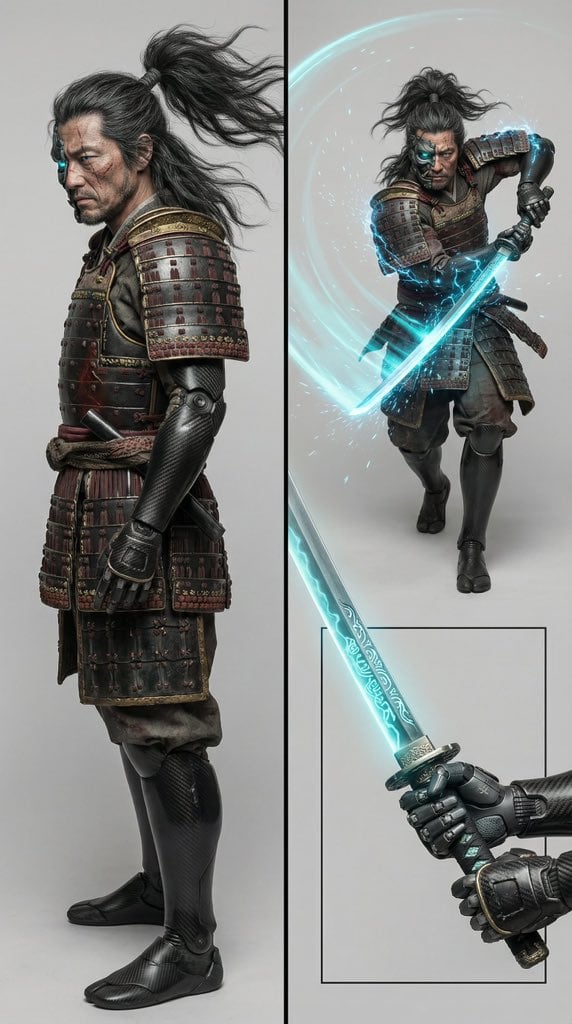
Character Design Prompt for Futuristic Samurai Warrior
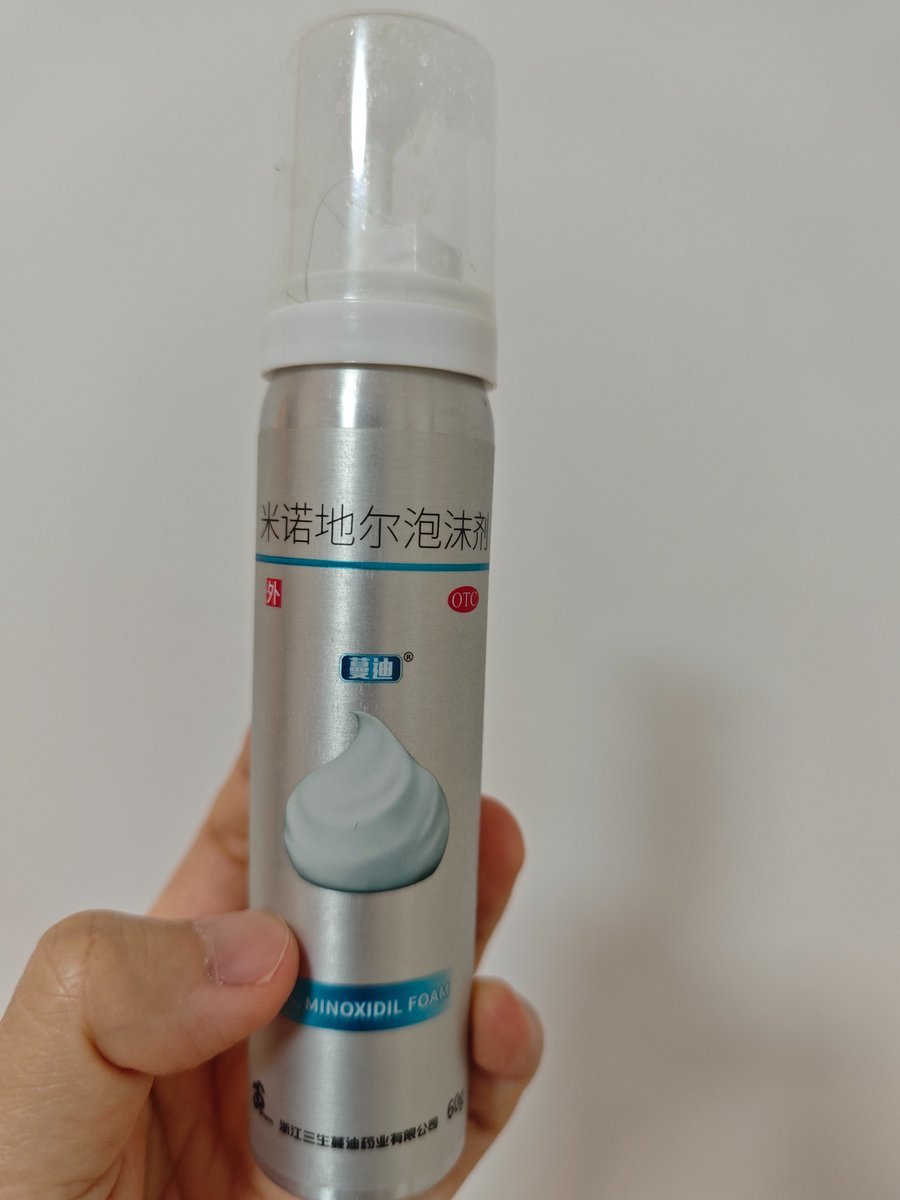
Product-Inspired Aristocratic Fashion
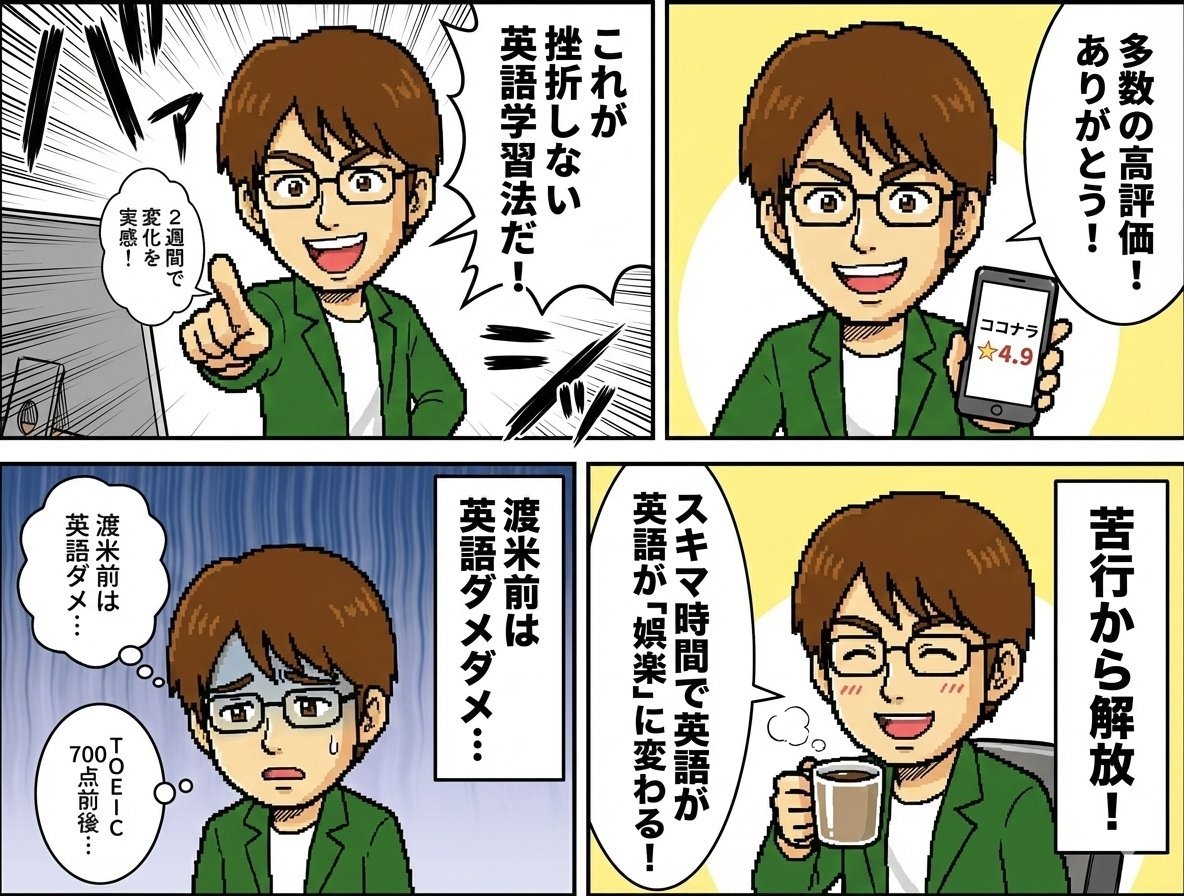
Profile 4-Panel Manga Generation
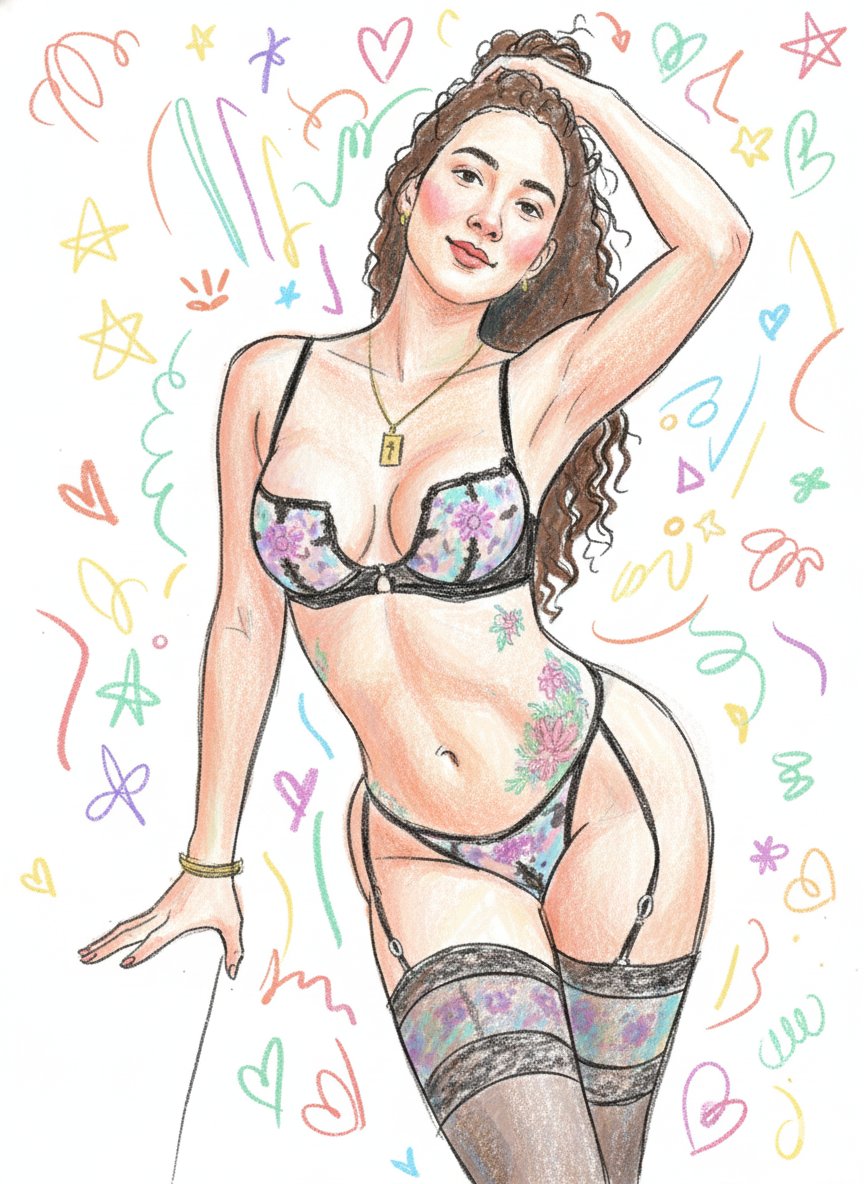
Scribbly Doodle Illustration Style Prompt
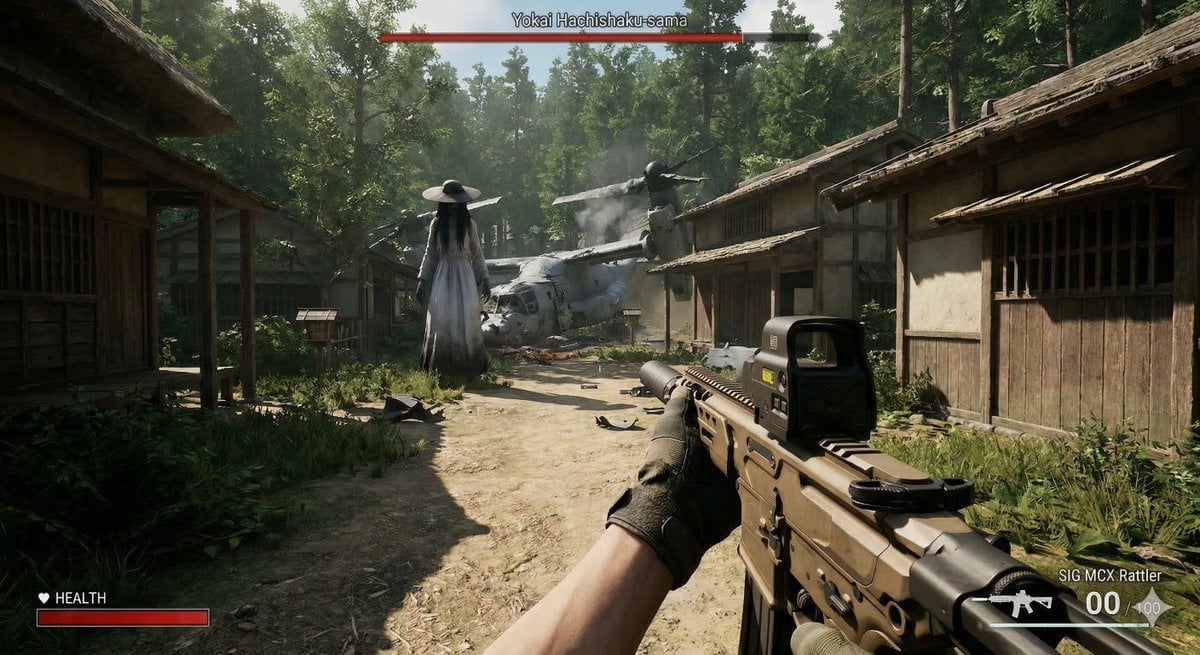
Human VS. Yokai Haxtusyaku-sama in FPS Game Style

Cinematic Portrait of Man in Leather Jacket and Sunglasses
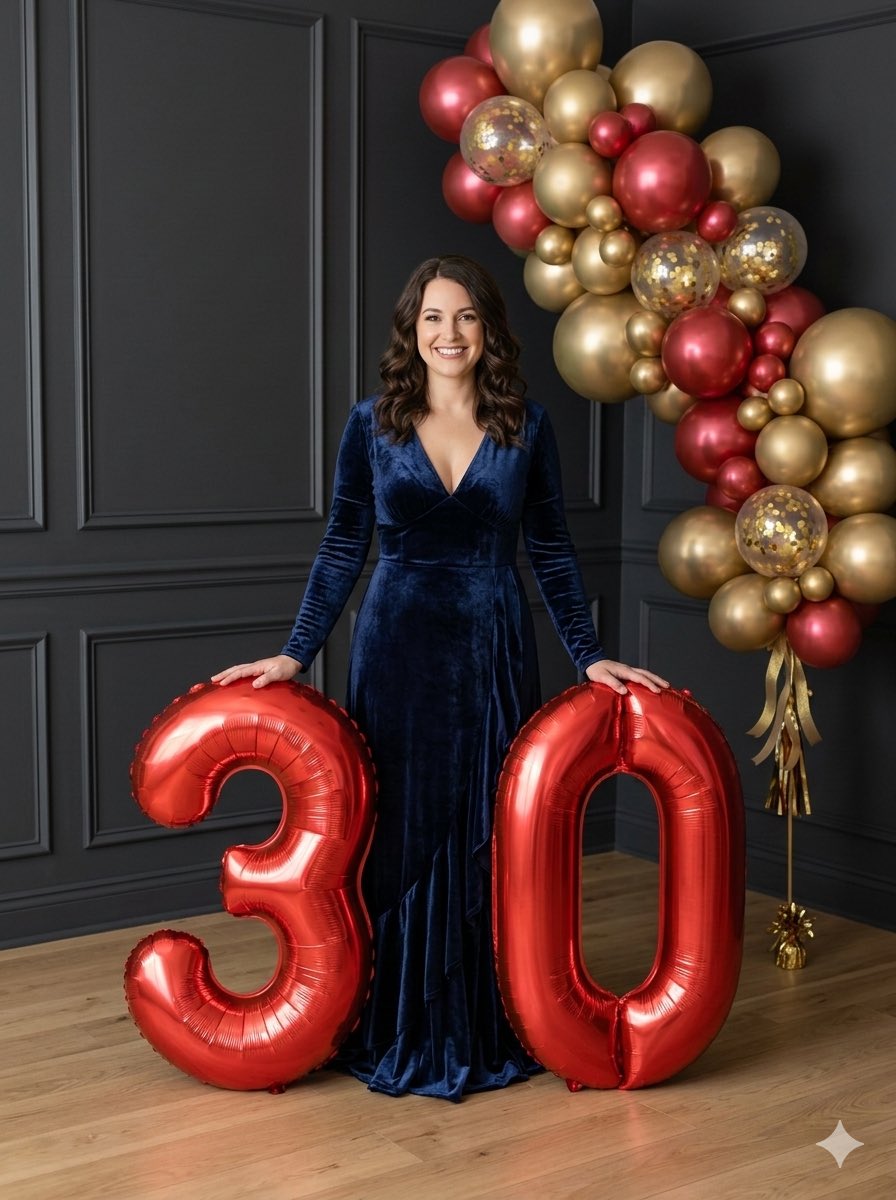
Birthday Portrait with Foil Balloons
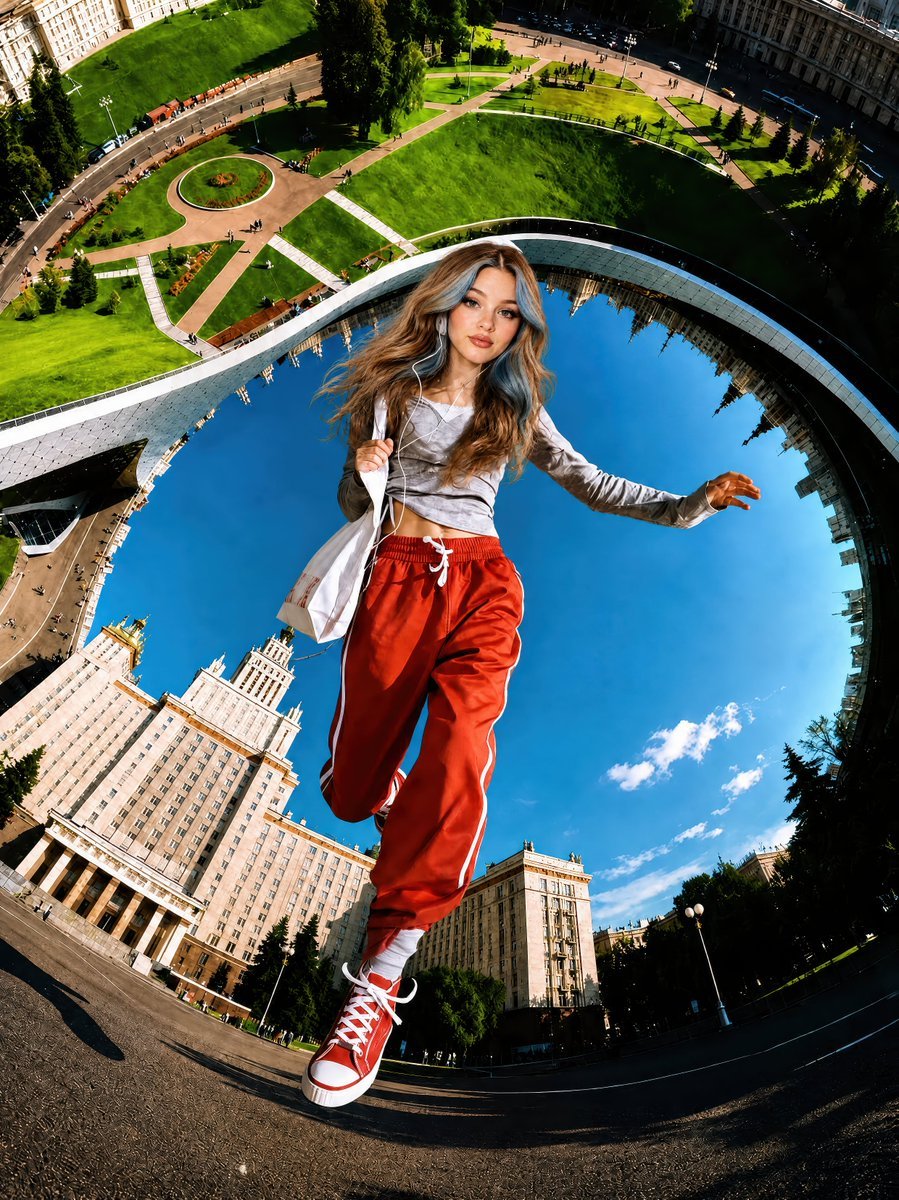
Surreal Fisheye Stadium Portrait

Photoreal Luxury Bar Portrait (Leopard Dress)
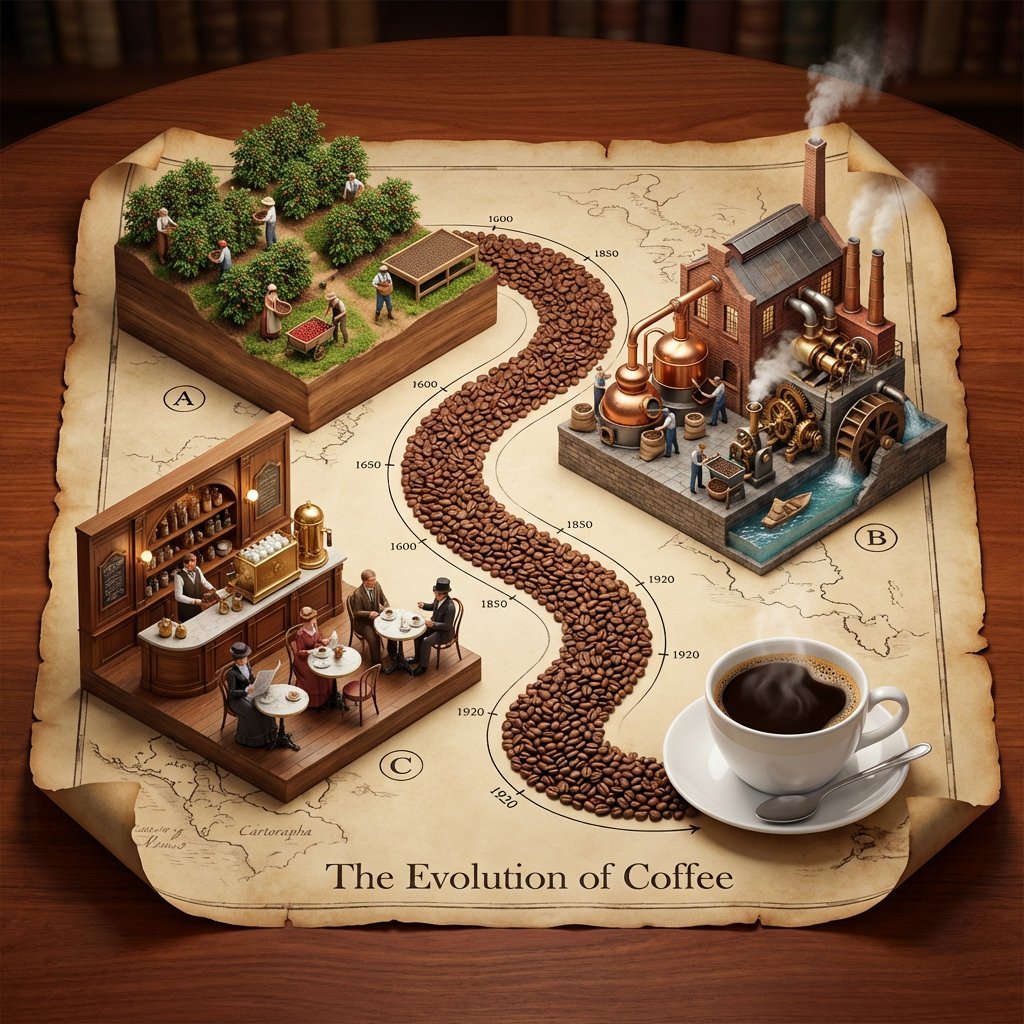
Isometric 3D Diorama of Product Evolution Prompt
Browse template categories
Beijing Airplane Window Morning Poster questions
How do I use the Beijing Airplane Window Morning Poster template?
Add your photo if the template asks for one, edit the prompt if you like — the template's model and format are already selected — and press Generate. Your version opens in PicX Studio.
Can I customize the Beijing Airplane Window Morning Poster template?
Yes. You can change the subject, setting, lighting, mood, format, and available model controls before creating your image.
Is the Beijing Airplane Window Morning Poster template free?
Opening and editing this template is free. Generating uses credits, shown on the Generate button when you are signed in.
Which AI model should I use?
Start with GPT Image 2, which is the model associated with this template. You can compare another compatible model for a different finish.
Looking for something else? Browse all templates.

Your photo, any look
Thousands of ready templates for every top image and video model, from one credit balance.