
Transparent Beijing Morning Poster
Generates an elegant good-morning Beijing poster with glassmorphism, misty landmarks, Chinese typography, and a refined travel aesthetic.
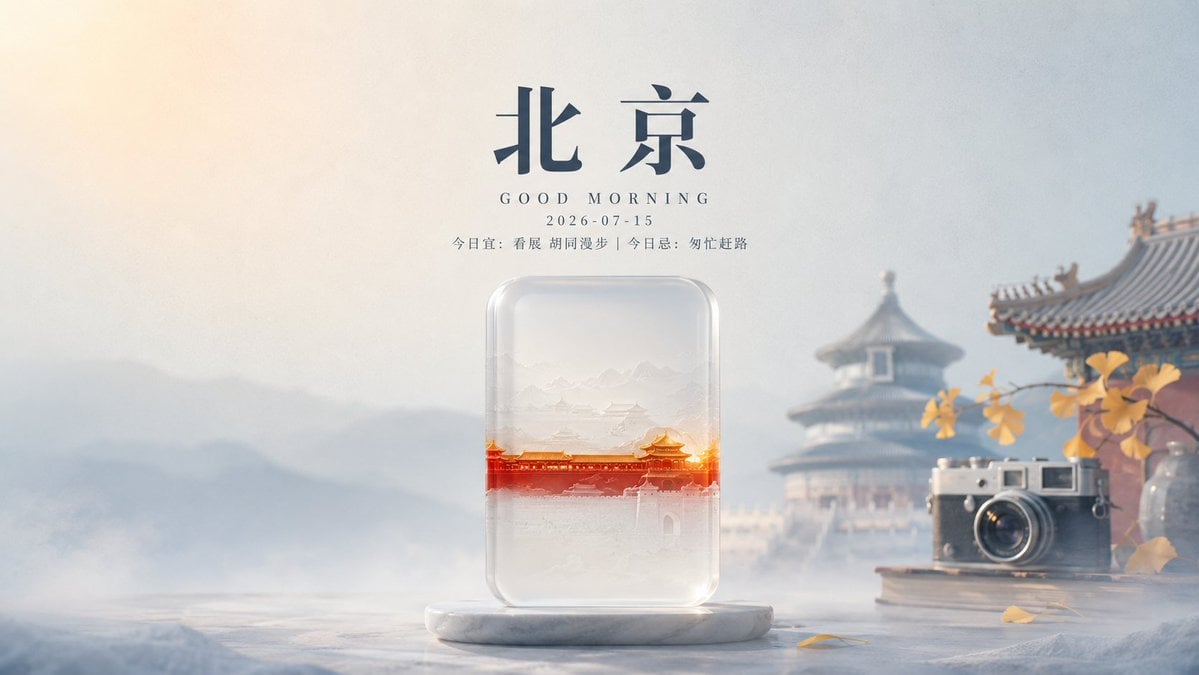
- Prompt included
- Model and format preset
- Free template
The prompt behind this image
Copy the exact prompt behind Transparent Beijing Morning Poster, or open it in the studio and make it yours.
Create a serene cinematic morning poster for {argument name="city name" default="北京"} with a refined transparent-glass aesthetic. Use a wide 16:9 canvas, soft misty sunrise lighting, pale cream and cool blue-gray background gradients, shallow depth of field, and elegant editorial composition. At the top center, place large dark navy Chinese calligraphy text reading {argument name="headline text" default="北京"}; below it add small spaced serif English text “GOOD MORNING”, then the date “2026-07-15”, then a thin line of small Chinese copy reading {argument name="morning note" default="今日宜:看展 胡同漫步 | 今日忌:匆忙赶路"}. In the lower center, place a vertical rounded-rectangle transparent glass capsule standing on a white marble oval pedestal; inside the capsule show a delicate layered miniature Beijing landscape with pale ink-wash mountains, faint palace rooftops, and a bright glowing red-orange horizontal band of Forbidden City architecture across the middle. The glass object should have realistic refraction, rounded edges, soft highlights, frosted translucency, and subtle internal haze. The background should include a blurred traditional Beijing temple pavilion on the right, a partial ornate roof corner at the upper right, distant misty mountains on the left, and a stone tabletop surface at the bottom. On the right foreground, add an old silver-and-black rangefinder camera resting on stacked books beside a clear glass vase with a branch of yellow ginkgo leaves; include a few fallen yellow leaves on the tabletop. Overall mood: quiet, poetic, premium, warm morning greeting, Chinese travel aesthetics, transparent object design, realistic 3D render mixed with soft photography, no people, no watermark, keep all text centered and crisp.
How to use Transparent Beijing Morning Poster in 3 steps
- 1Upload ImagePNG, JPG or paste
Add your photo
Upload the photo the template builds on. The prompt, model and format are already set.
- 2…a portrait of your subject in softgolden-hour light, 85mm…
Personalize
Edit the subject and creative details for your destination.
- 3Generate
Generate
Press Generate — your image is created in PicX Studio, so you can compare it with the original and refine one variable at a time.
More like this
Templates with the same subject, style or setup. Open one to see its prompt.
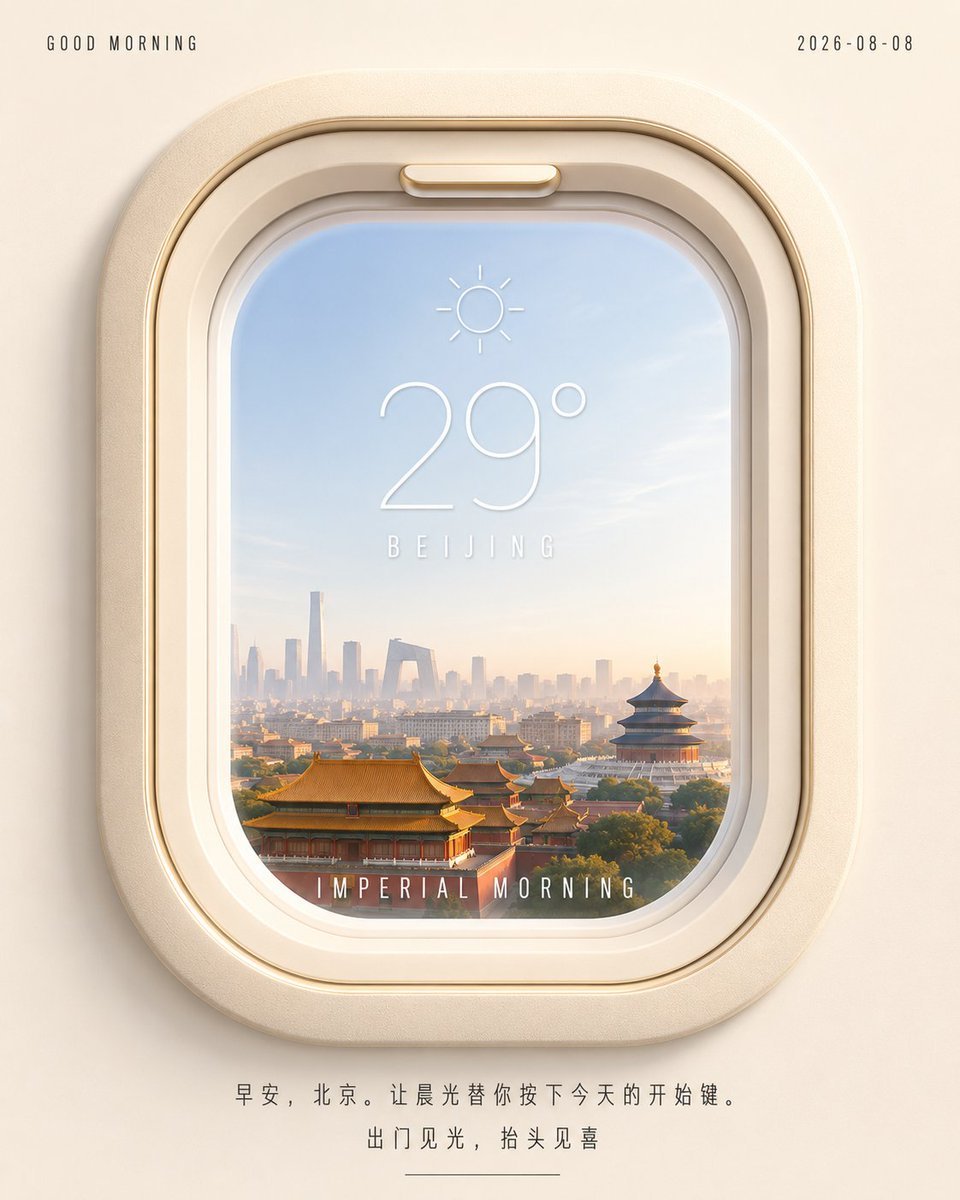
Beijing Airplane Window Morning Poster
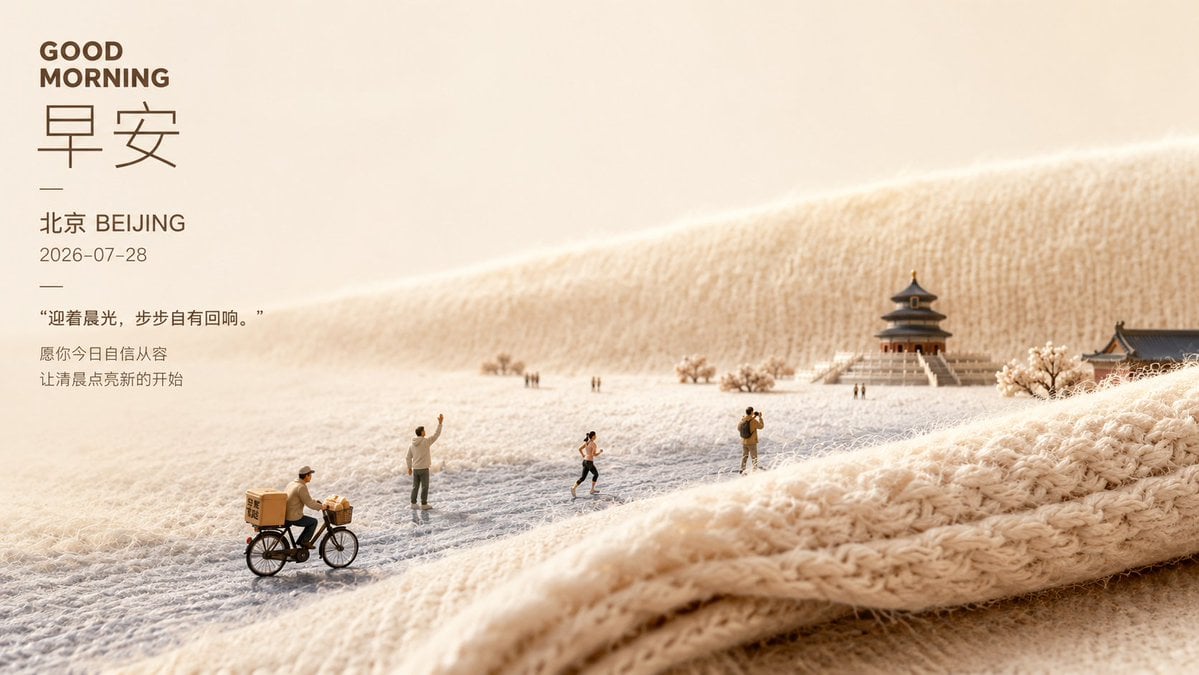
Soft Miniature Beijing Morning Poster
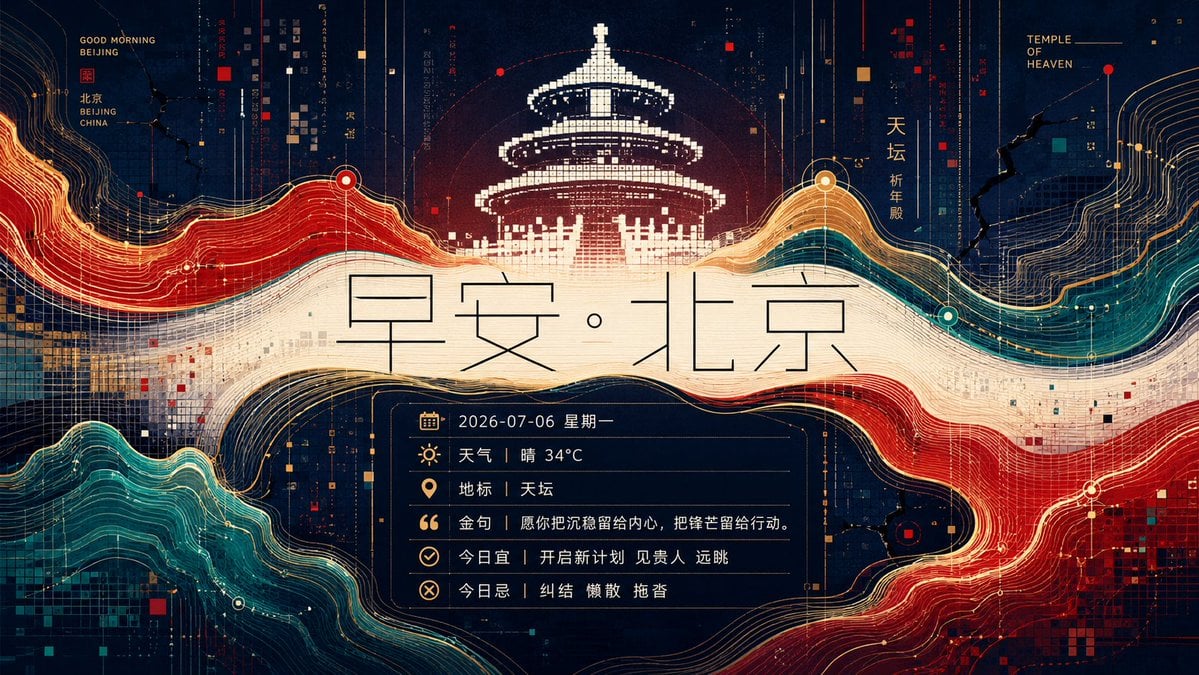
Futuristic Good Morning Beijing Poster
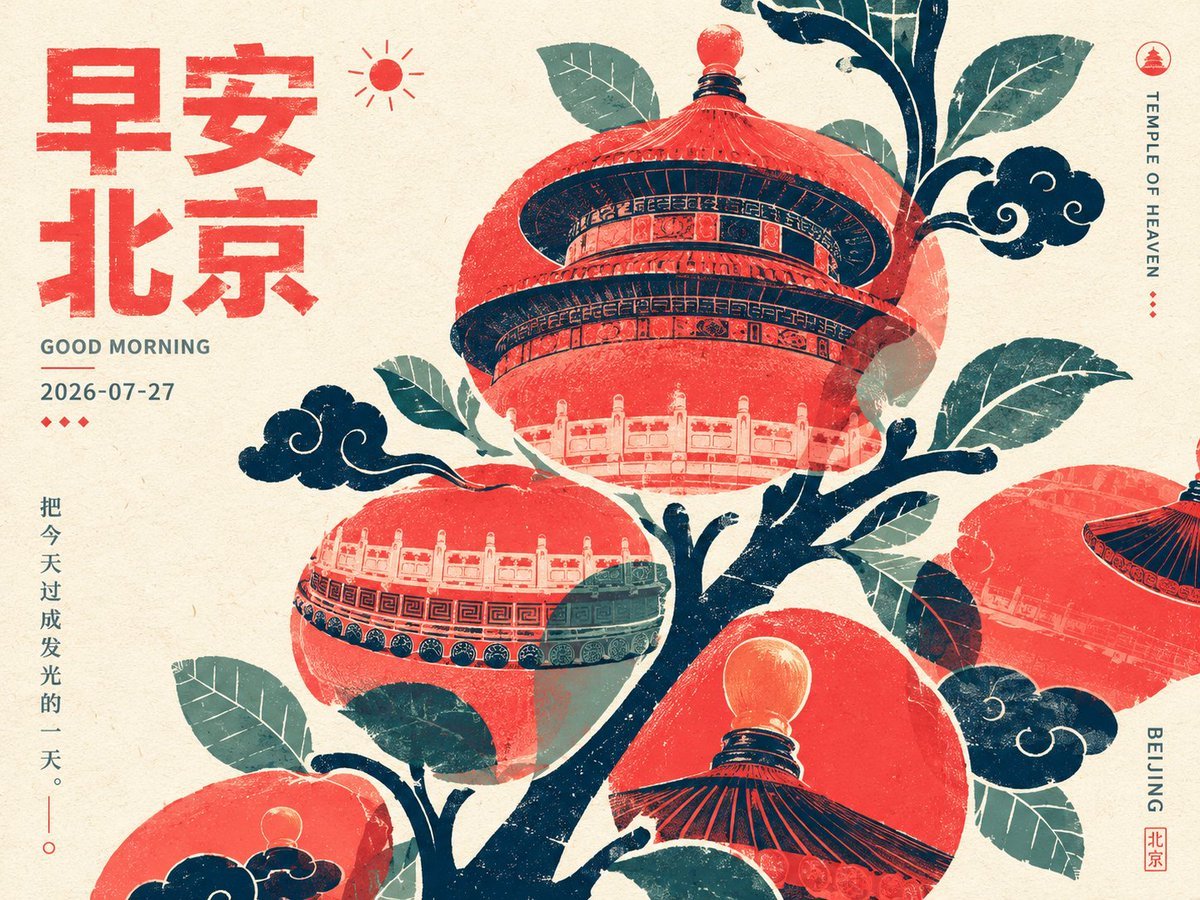
Retro Beijing Morning Fruit Poster

Japan Travel Brochure Poster

Cartoon TV Show Poster Pack

Trendy Cafe Drink Promo Poster

Urban Fashion Editorial Collage Streetwear Poster

Premium Fashion Editorial Cover Layout System

Polo Ralph Lauren Luxury American Heritage Fashion Campaign

Monochrome Halftone Editorial Fashion Poster

Retro Mirror Luxury Fashion Campaign Poster
Make it yours
Transparent Beijing Morning Poster works as-is. These are the safest ways to change it without losing the look.
Change one field
Copy a single group, rewrite it, and generate again so you can see what that field is doing.
Keep the frame, change the subject
Hold the composition and light of Transparent Beijing Morning Poster, then swap wardrobe, props or the person for a new take.
| If the result… | Why | Fix |
|---|---|---|
| The result drifts from the preview | Too many fields changed at once. | Reuse Transparent Beijing Morning Poster as-is first, then change one group — subject, light, or setting. |
| The model over-stylizes the scene | The prose prompt leaves finish and camera underspecified. | Add one camera or lighting sentence and stay on GPT Image 2. |
More GPT Image 2 templates
Other prompts made for GPT Image 2.

Six VTuber Japanese Logo Sheet

Realistic Portrait of Woman and Deer

The Vista Modular Condo Poster

AI Model Routing Comparison Infographic

2.5D Anime Art Board

Isometric Productivity Desk Scene

New York Double Exposure Poster

Four-Panel AI Landscape Comparison

Japanese Tatami Lifestyle Magazine Cover

NESCAFÉ Coffee Map Poster
More image prompts
Fresh picks from across the catalog.
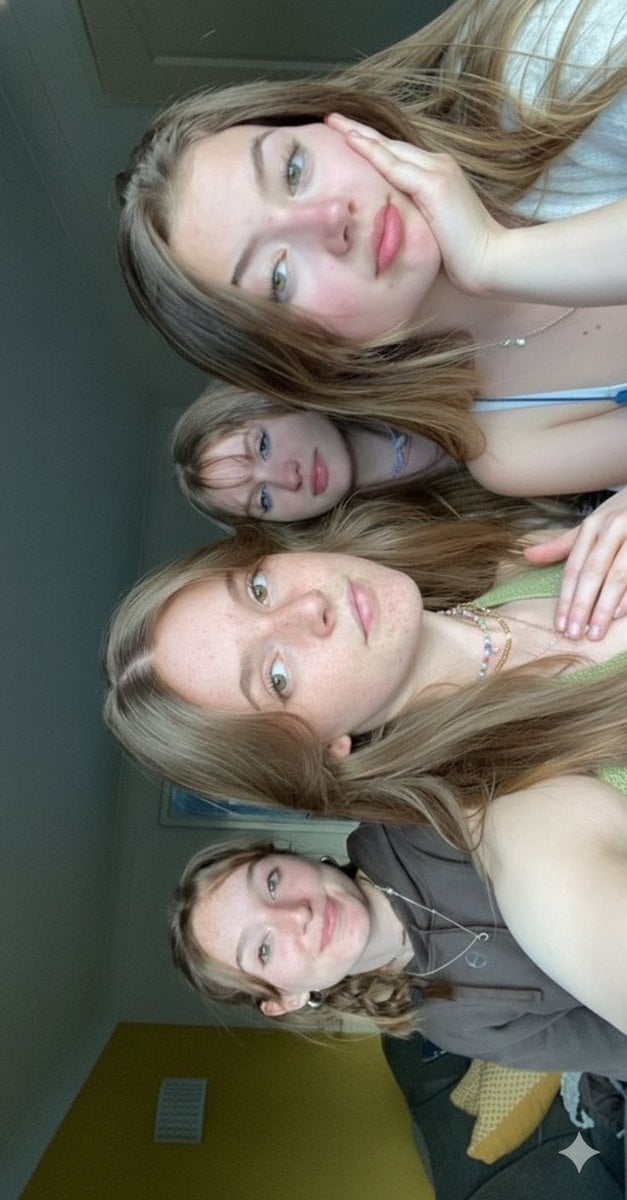
Candid Bedroom Selfie of Three Freckled Girls
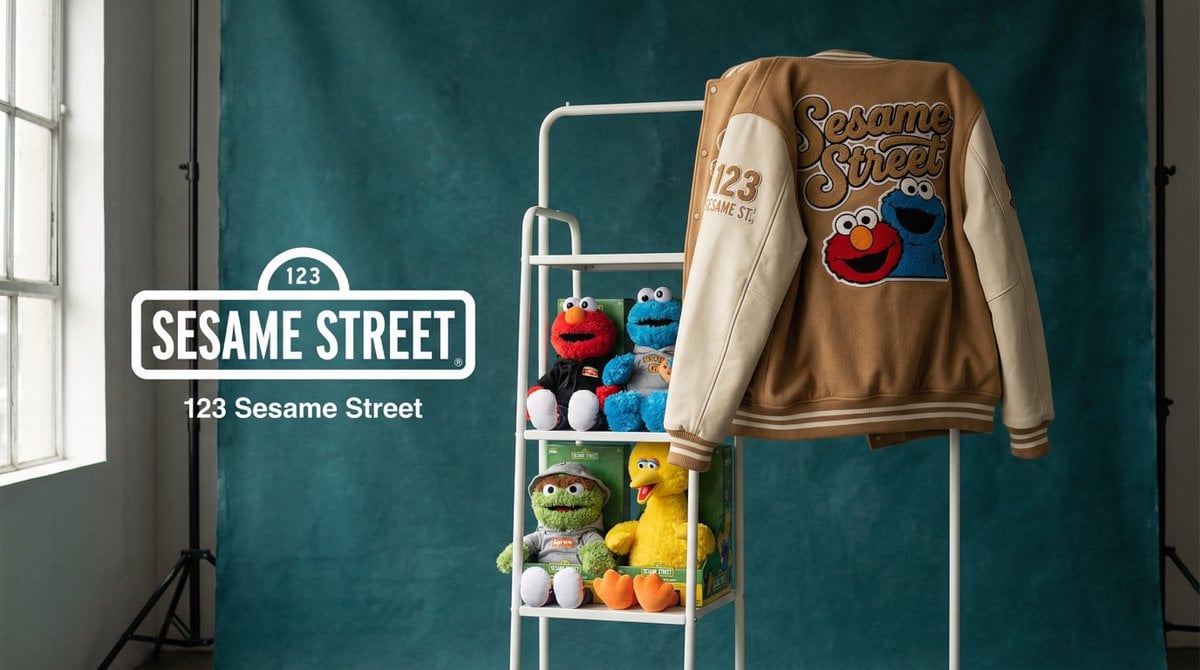
Brand Merch Drop Generator
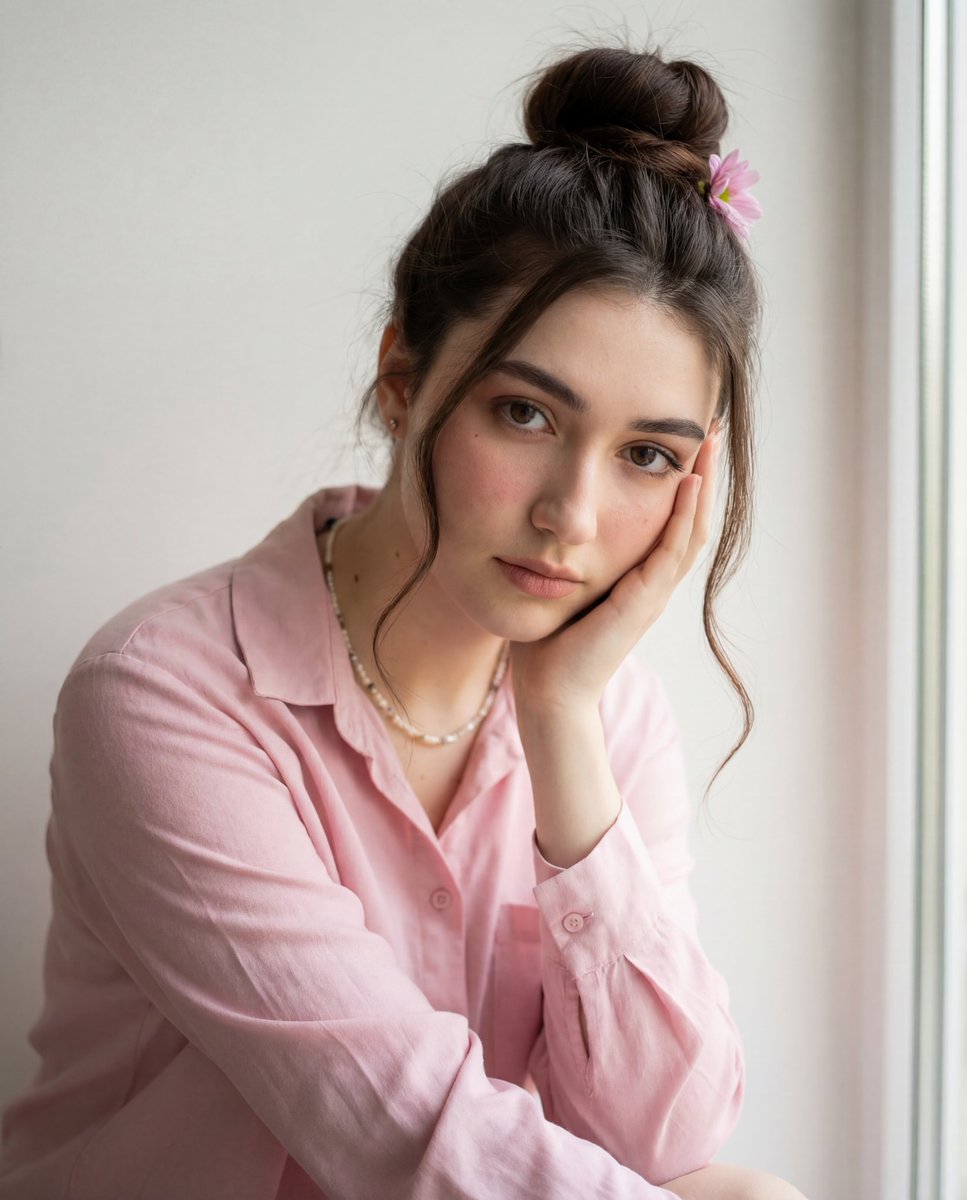
Intimate Photorealistic Portrait with Strict Face Consistency
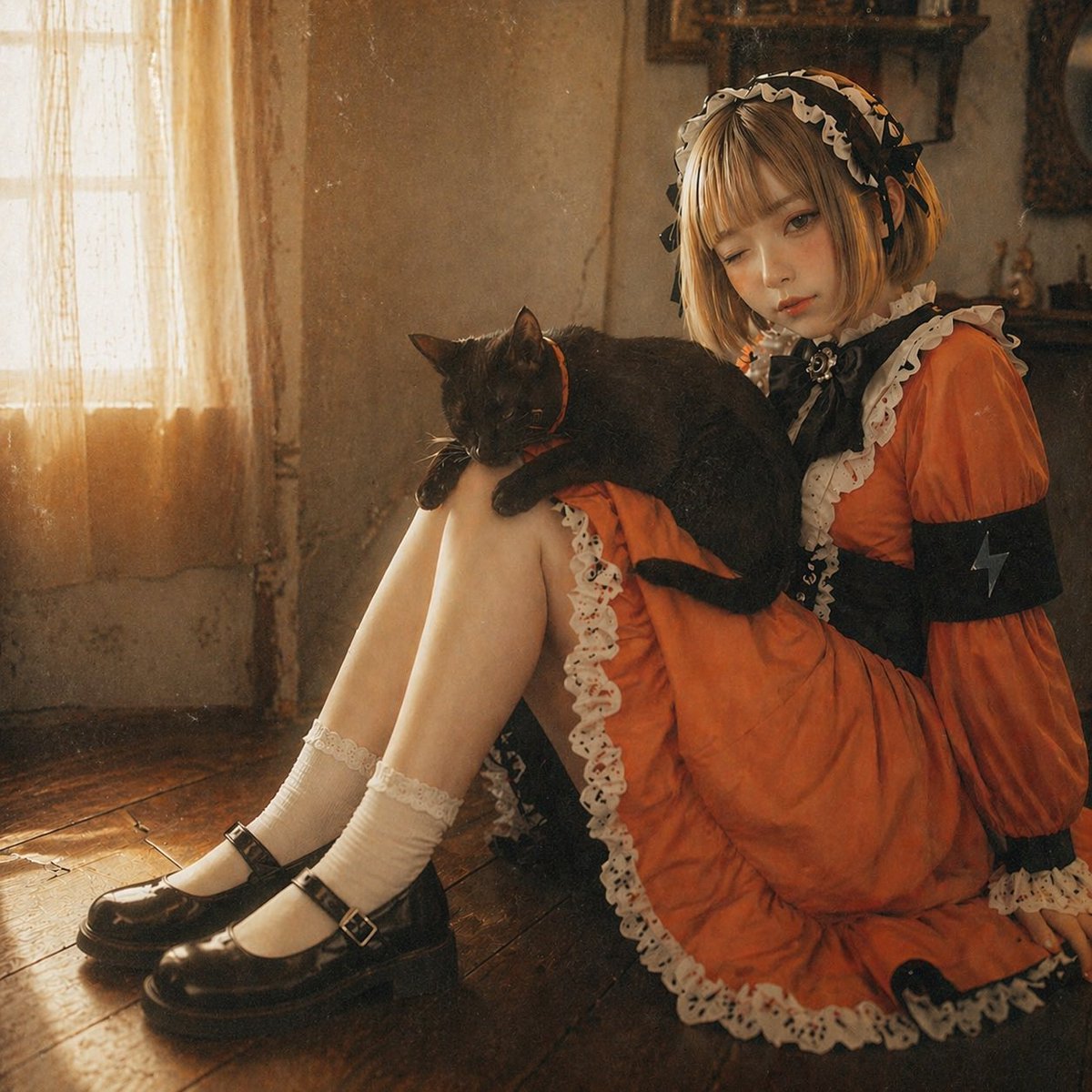
Anime Girl to Cinematic Photo
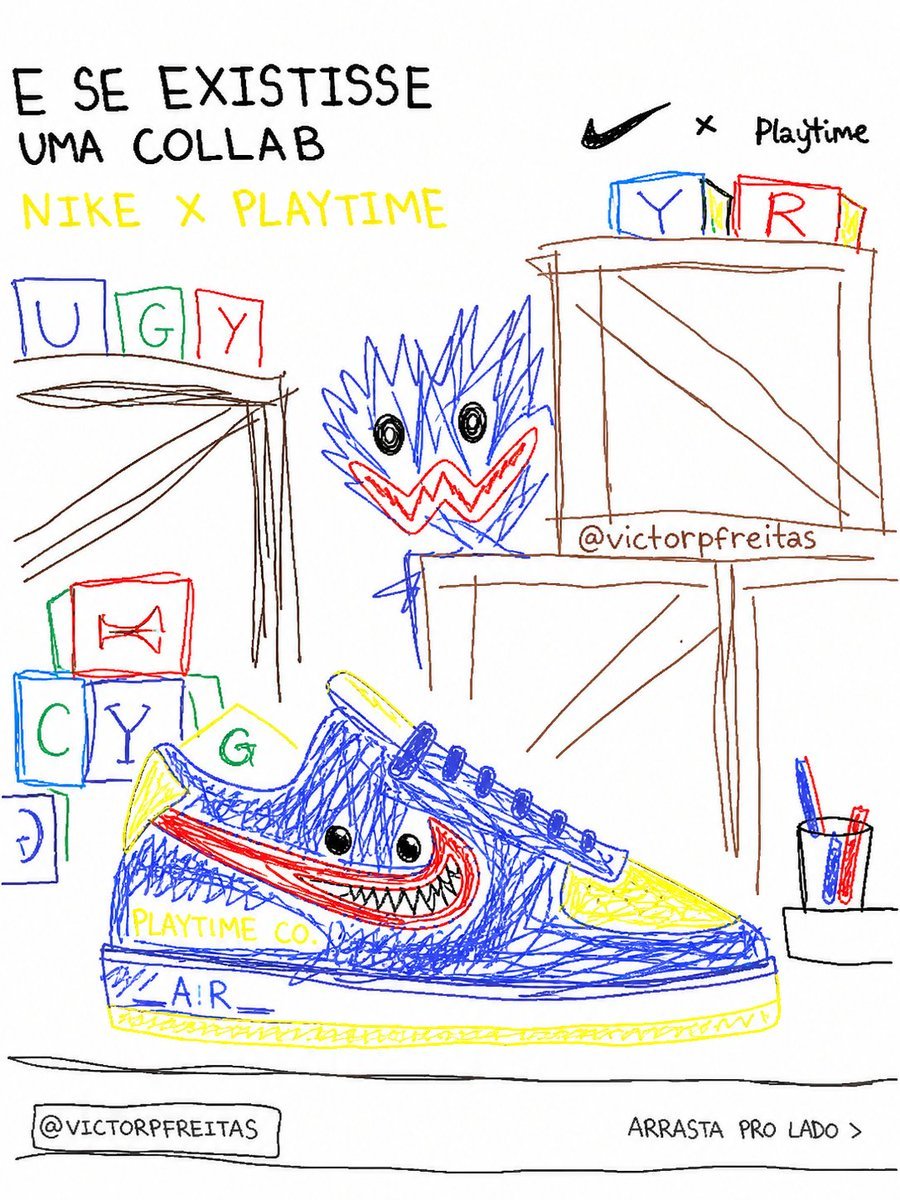
Bad MS Paint Redraw
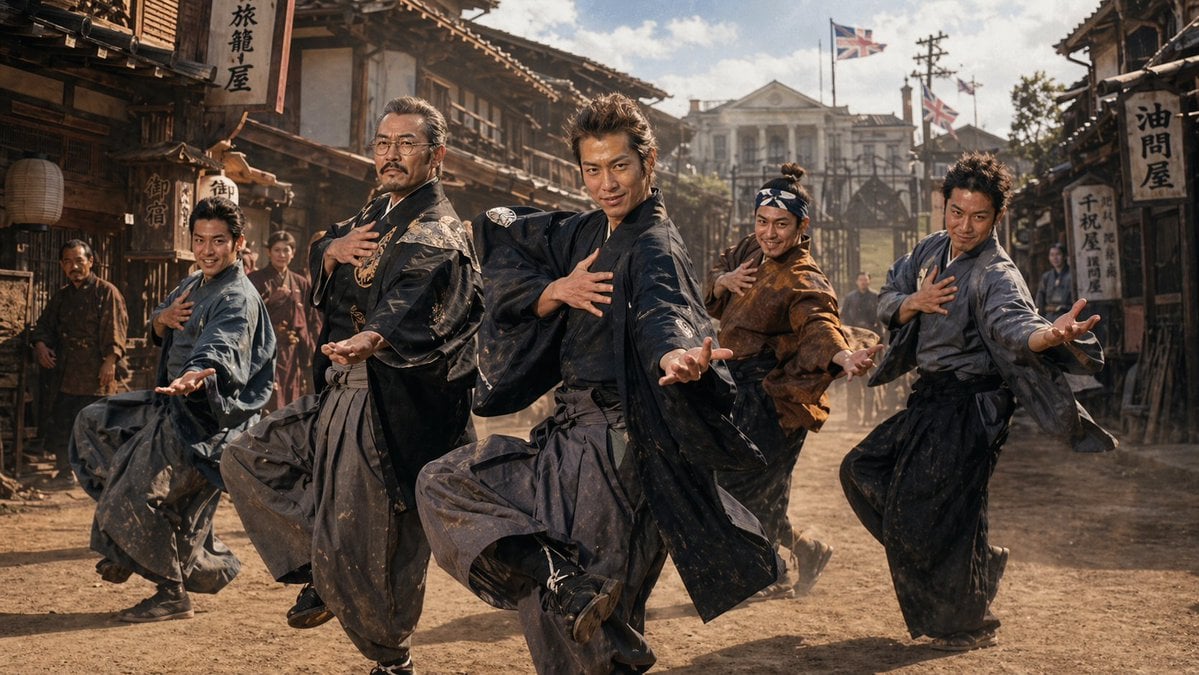
1980s Japanese Film Style Storyboard
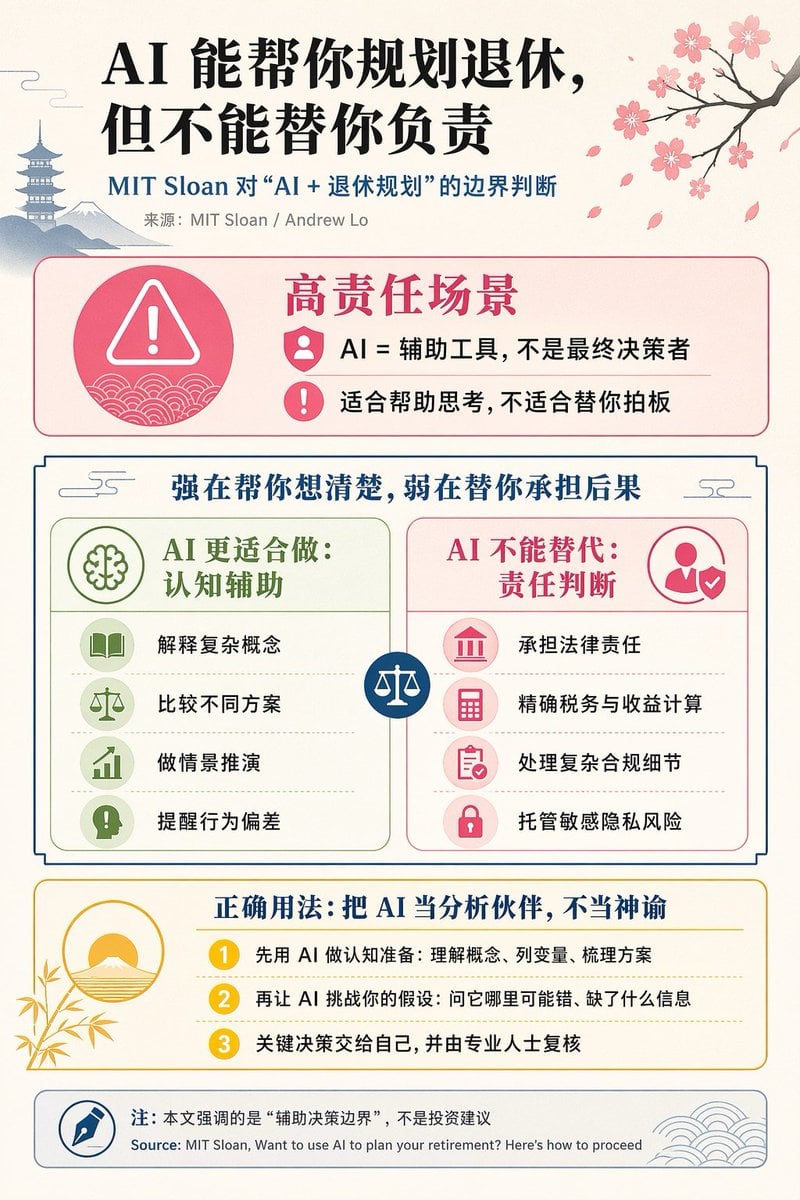
Chinese AI Retirement Planning Infographic
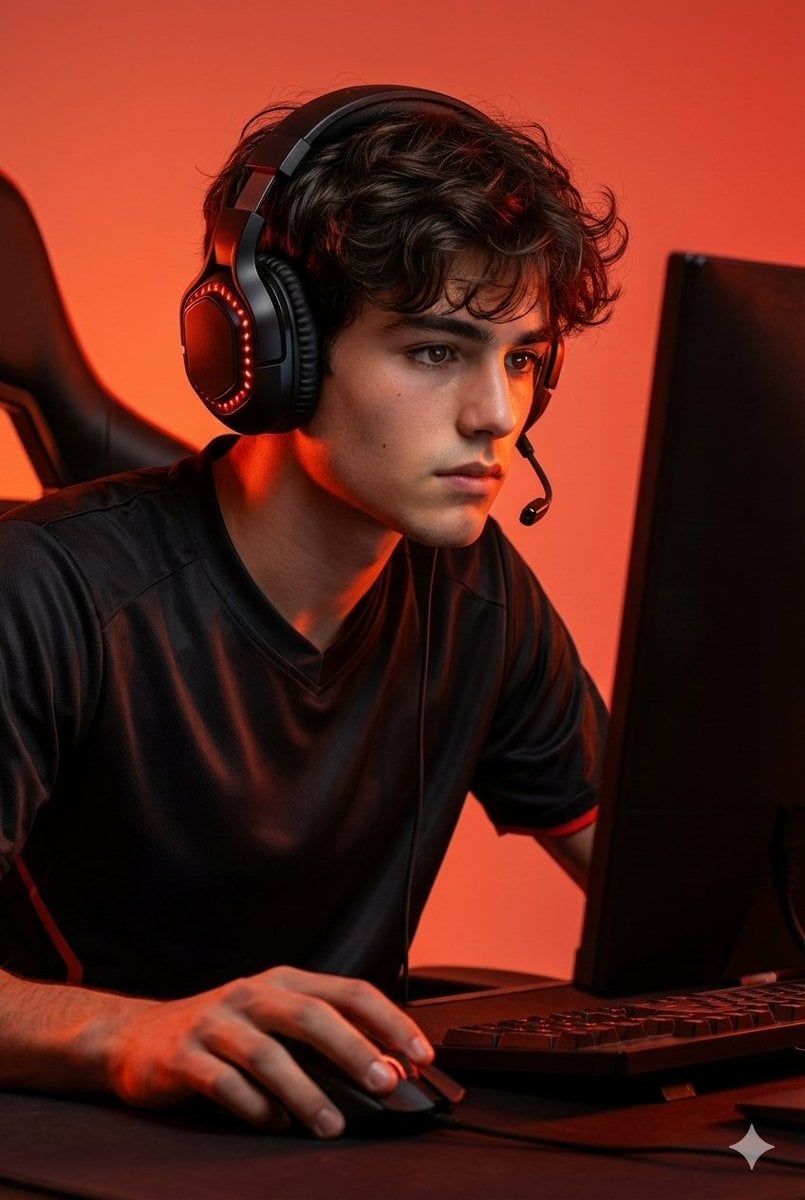
Premium Esports Gamer Portrait Prompt
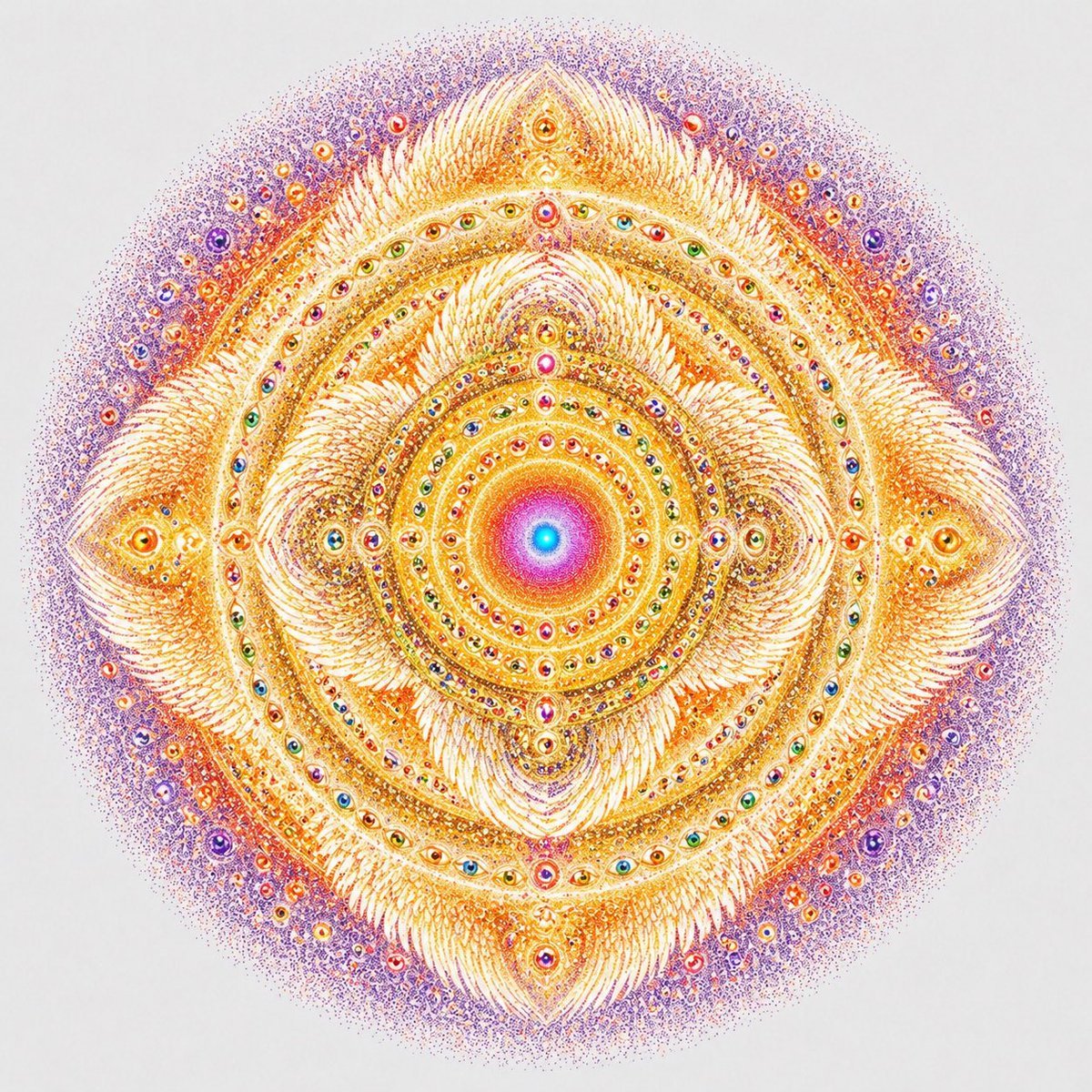
Visionary Eye Mandala
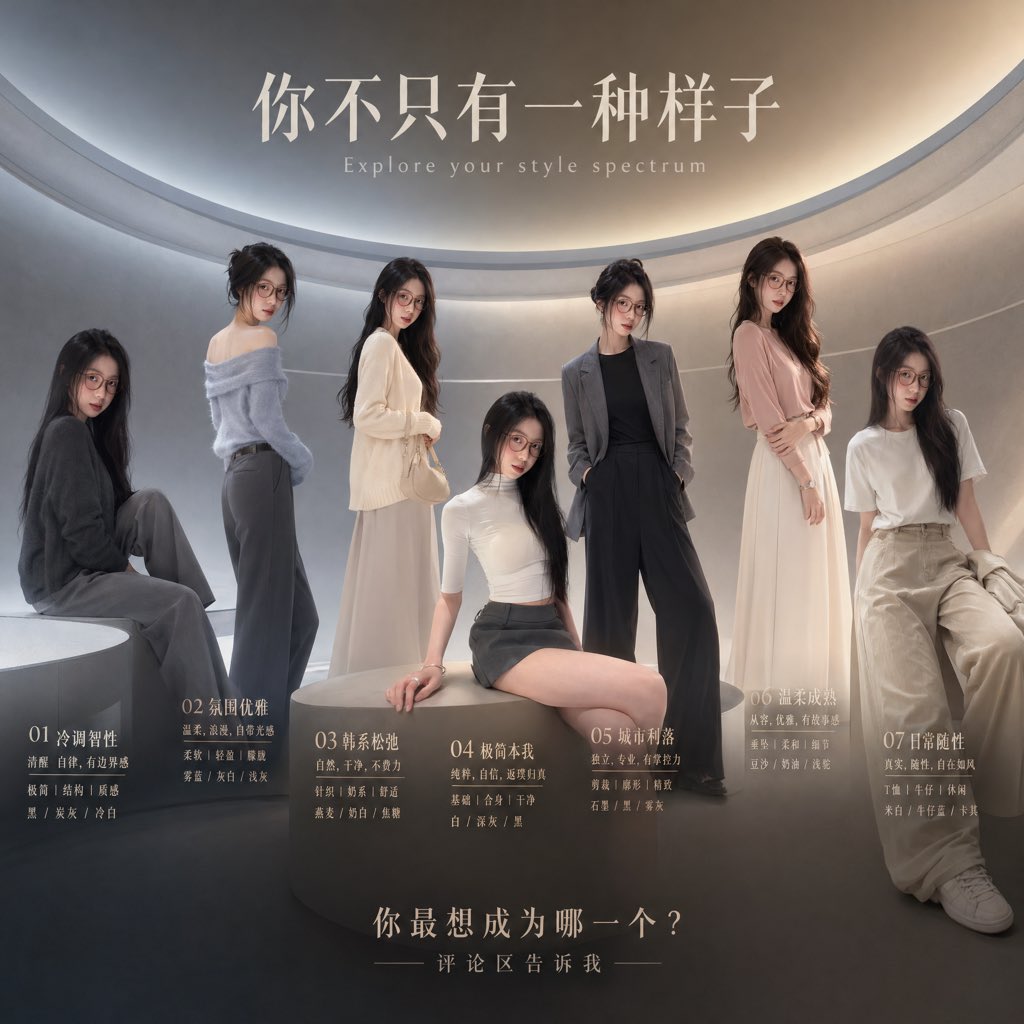
Fashion Style Spectrum Poster
Browse template categories
Transparent Beijing Morning Poster questions
How do I use the Transparent Beijing Morning Poster template?
Add your photo if the template asks for one, edit the prompt if you like — the template's model and format are already selected — and press Generate. Your version opens in PicX Studio.
Can I customize the Transparent Beijing Morning Poster template?
Yes. You can change the subject, setting, lighting, mood, format, and available model controls before creating your image.
Is the Transparent Beijing Morning Poster template free?
Opening and editing this template is free. Generating uses credits, shown on the Generate button when you are signed in.
Which AI model should I use?
Start with GPT Image 2, which is the model associated with this template. You can compare another compatible model for a different finish.
Looking for something else? Browse all templates.

Your photo, any look
Thousands of ready templates for every top image and video model, from one credit balance.