
Visionary Eye Mandala
This prompt generates a highly detailed symmetrical sacred-geometry mandala filled with eye motifs and radiant pointillist ornament, ideal for mystical art prints or meditation-themed visuals.
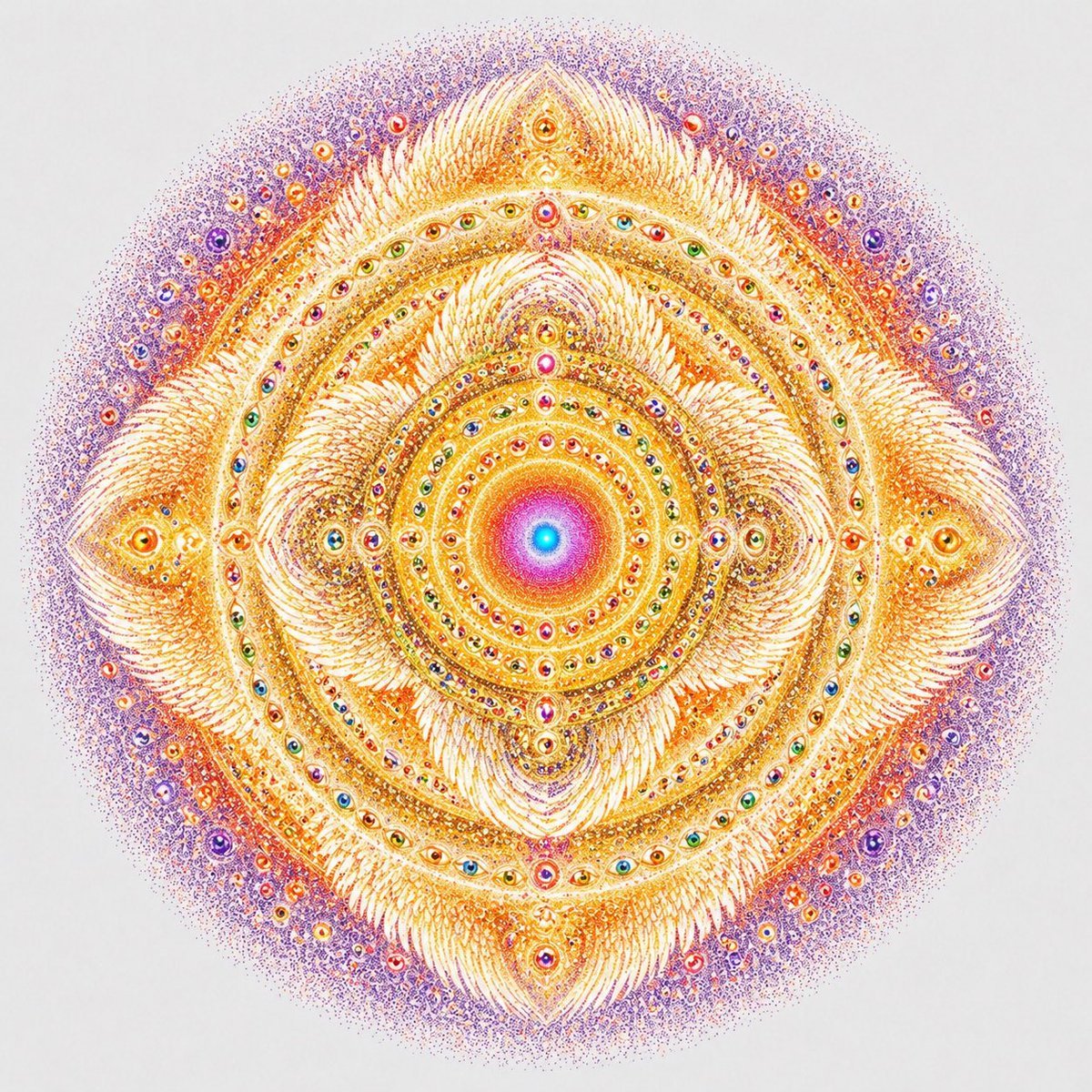
- Prompt included
- Model and format preset
- Free template
The prompt behind this image
Copy the exact prompt behind Visionary Eye Mandala, or open it in the studio and make it yours.
A perfectly centered sacred-geometry mandala on a clean white background, rendered as an ultra-detailed visionary ink-and-pointillism illustration. The composition is radially symmetrical and circular overall, glowing with warm gold, saffron, orange, coral, magenta, violet, and hints of cyan at the core. In the exact center, place a radiant circular nucleus with a bright cyan-blue dot surrounded by concentric rings of pink, magenta, orange, and gold, like a luminous spiritual sun. Around it, build many densely packed concentric bands of tiny jewel-like eyes, bead forms, dots, and filigree, all arranged with precise rotational symmetry. Form a four-point diamond structure around the center, with 4 large petal-like flame clusters pointing up, down, left, and right, and 4 smaller curled spiral clusters in the diagonal quadrants. At the outer cardinal points, include 4 larger almond-shaped eye motifs embedded in feathery golden forms. Across the mandala, include dozens of miniature multicolored eyes set into rings, suggesting omniscient awareness. Use extremely fine stippling, micro-linework, ornate feathered textures, and shimmering decorative detail, with the inner structure predominantly luminous gold and ivory, transitioning to a diffuse halo of violet and lavender stippled particles at the outer edge. The image should feel mystical, transcendent, intricate, balanced, and meditative, like a celestial mandala or visionary sacred emblem, with crisp high-detail line art and soft radiant color blending.
How to use Visionary Eye Mandala in 3 steps
- 1Upload ImagePNG, JPG or paste
Add your photo
Upload the photo the template builds on. The prompt, model and format are already set.
- 2…a portrait of your subject in softgolden-hour light, 85mm…
Personalize
Edit the subject and creative details for your destination.
- 3Generate
Generate
Press Generate — your image is created in PicX Studio, so you can compare it with the original and refine one variable at a time.
More like this
Templates with the same subject, style or setup. Open one to see its prompt.
Psychedelic Taurus Mandala
Paper Cut Mandala Meditation
Flower Mandala Coloring Page
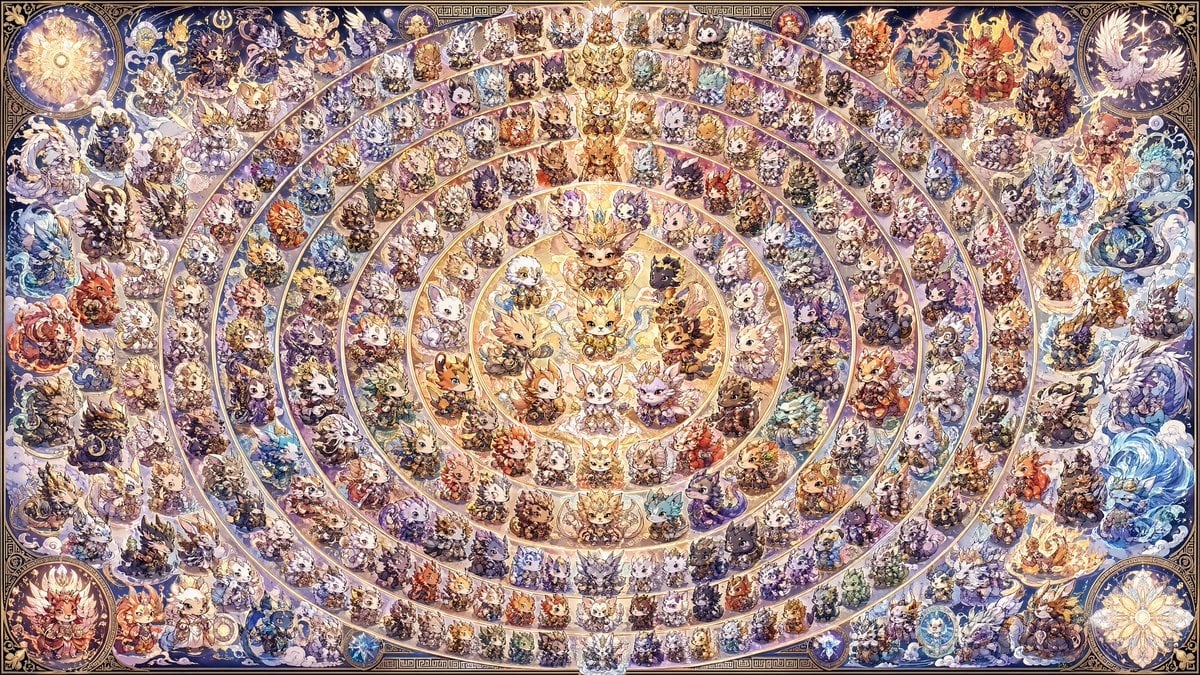
108 Chibi Fantasy Mandala
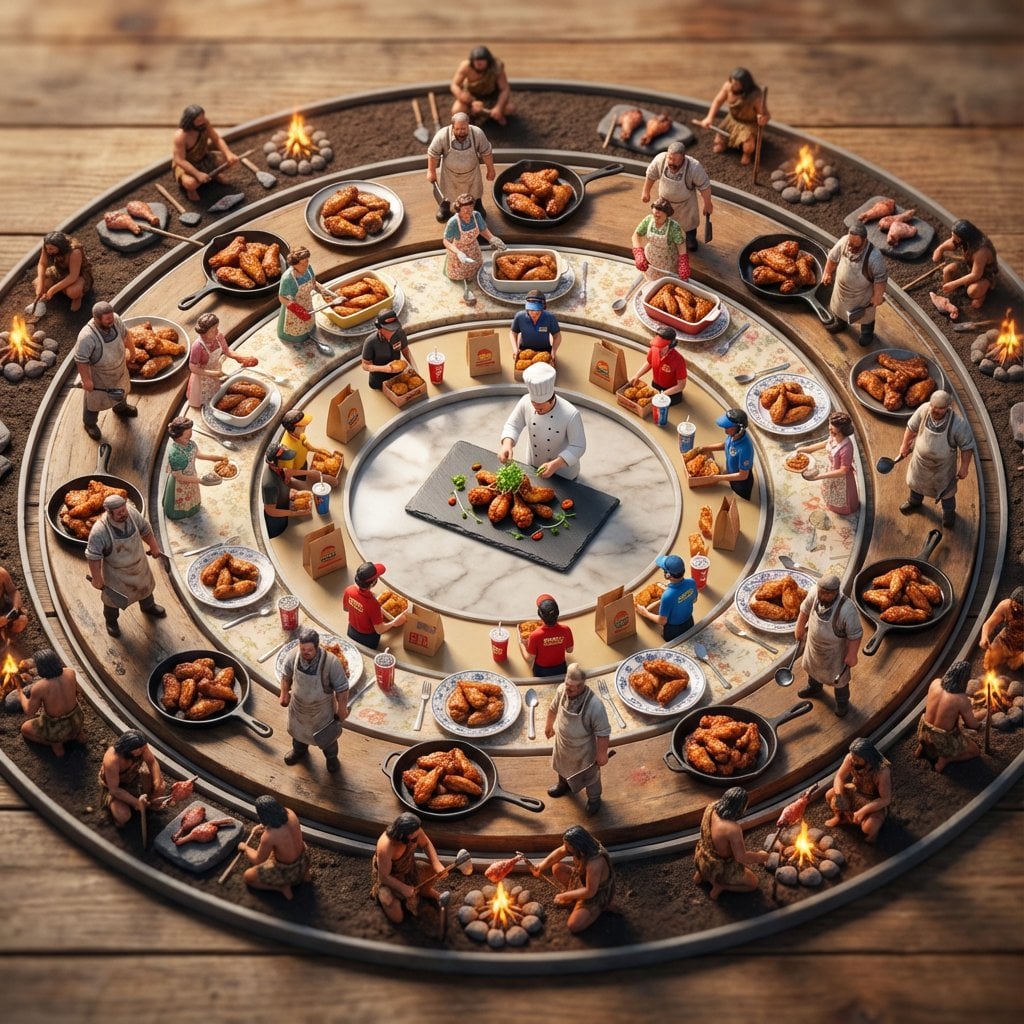
Food History Diorama in Mandala Format (Spicy Chicken Wings)

Asimov Visionary Split-Scene Concept Art Prompt
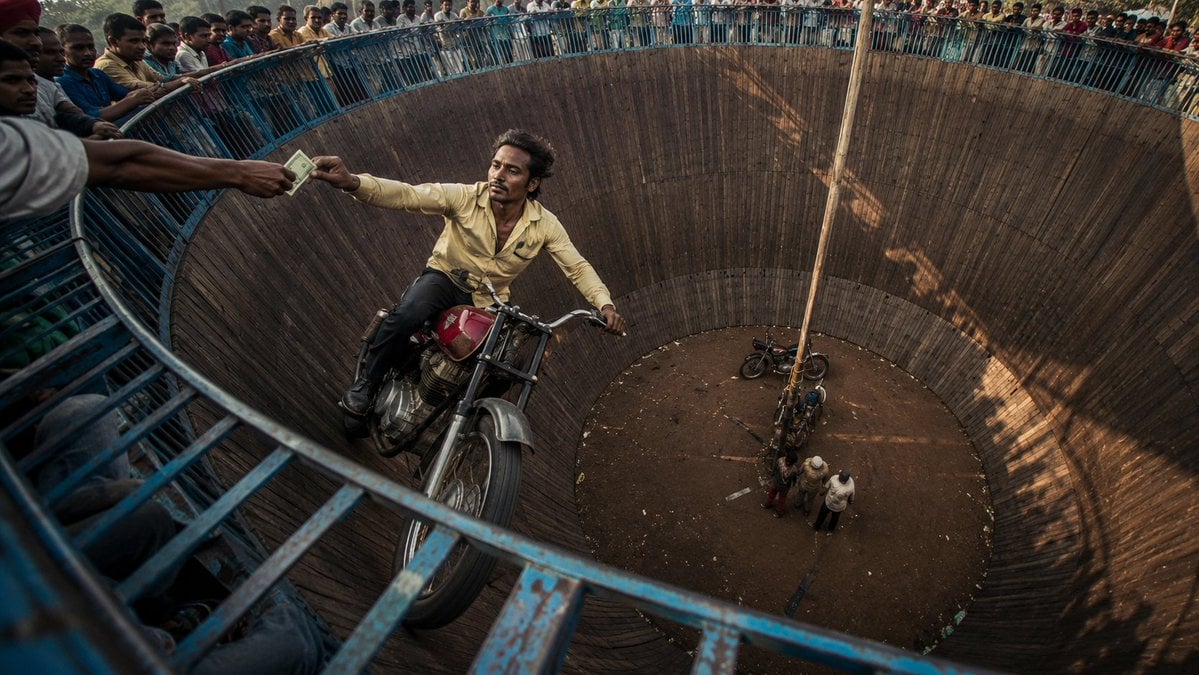
Wall of Death Fisheye Documentary
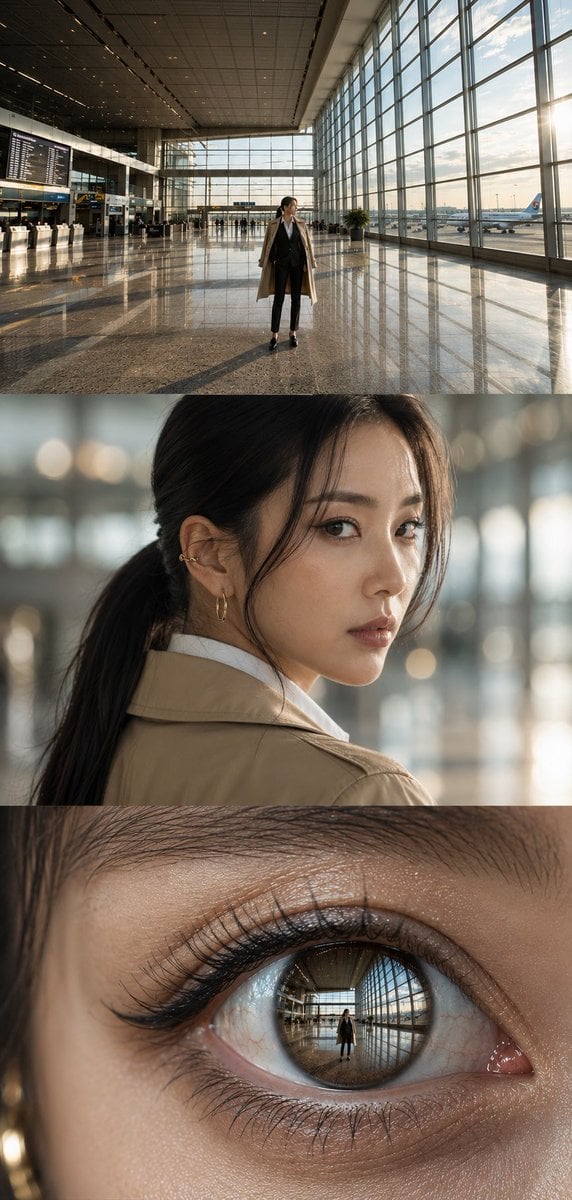
Airport Triptych Eye Reflection
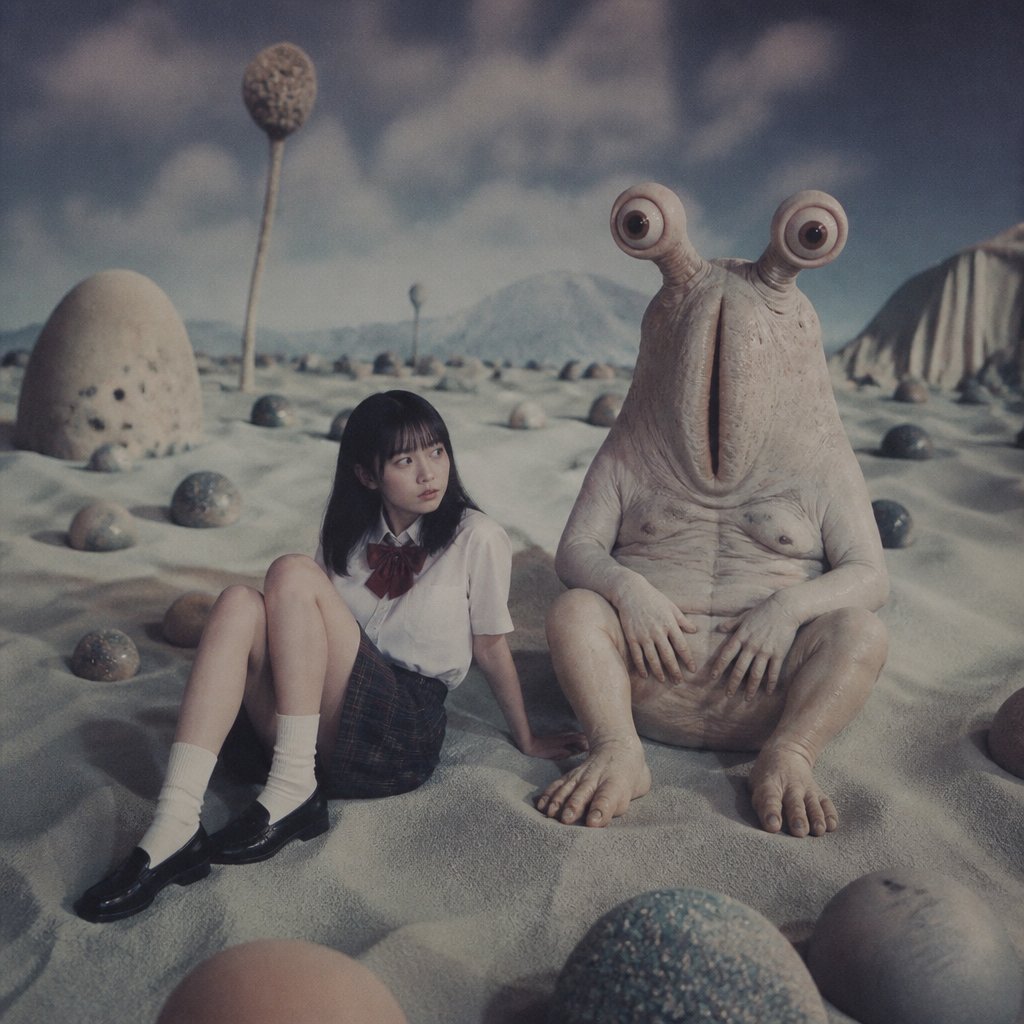
Schoolgirl and Eyestalk Alien in Sand Wasteland
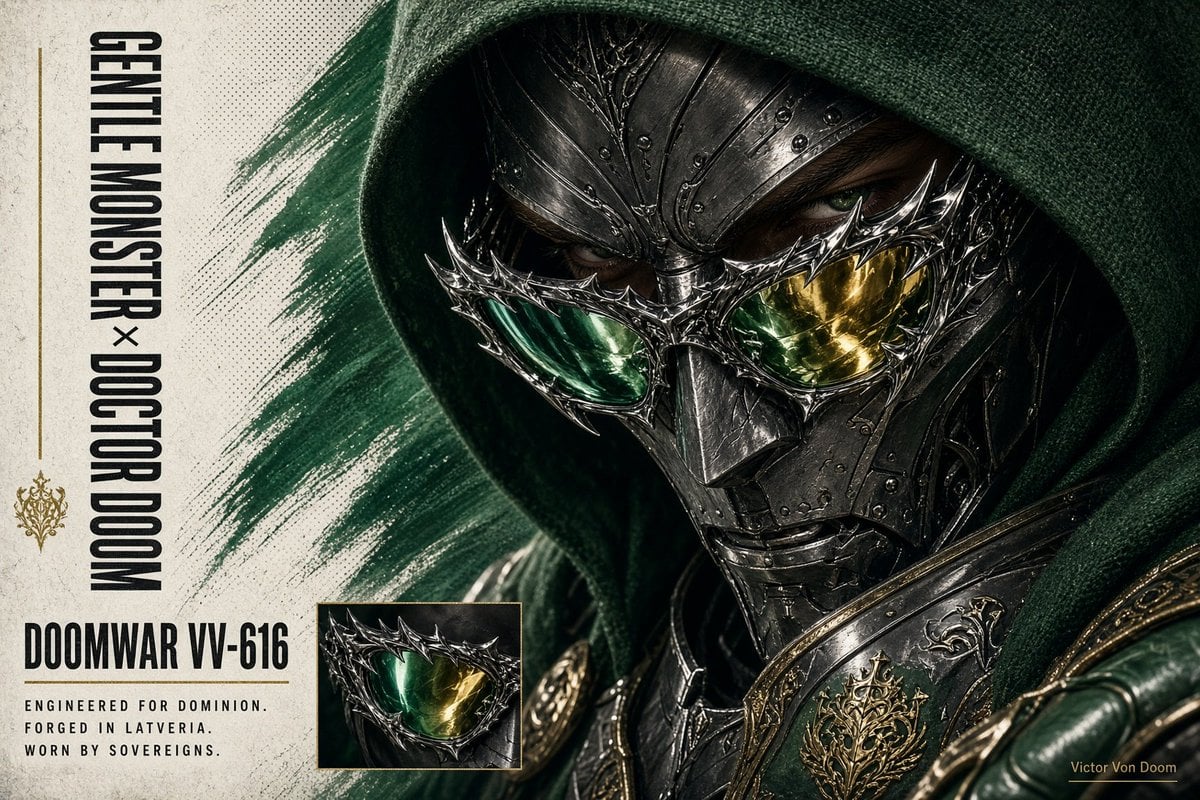
Doctor Doom Luxury Eyewear Poster

Rooftop Fisheye — Cat-Ear Balaclava at Golden Hour
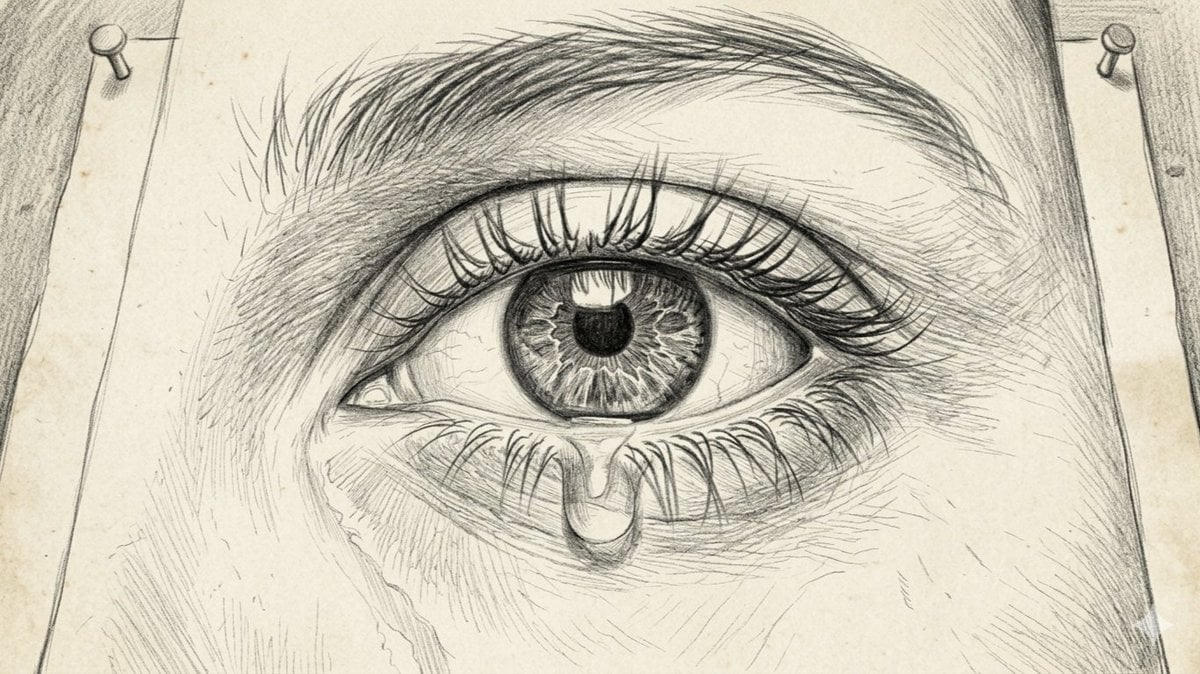
Sorrowful Eye Pencil Sketch
Make it yours
Visionary Eye Mandala works as-is. These are the safest ways to change it without losing the look.
Change one field
Copy a single group, rewrite it, and generate again so you can see what that field is doing.
Keep the frame, change the subject
Hold the composition and light of Visionary Eye Mandala, then swap wardrobe, props or the person for a new take.
| If the result… | Why | Fix |
|---|---|---|
| The result drifts from the preview | Too many fields changed at once. | Reuse Visionary Eye Mandala as-is first, then change one group — subject, light, or setting. |
| The model over-stylizes the scene | The prose prompt leaves finish and camera underspecified. | Add one camera or lighting sentence and stay on GPT Image 2. |
More GPT Image 2 templates
Other prompts made for GPT Image 2.

Six VTuber Japanese Logo Sheet

Realistic Portrait of Woman and Deer

The Vista Modular Condo Poster

AI Model Routing Comparison Infographic

2.5D Anime Art Board

Isometric Productivity Desk Scene

New York Double Exposure Poster

Four-Panel AI Landscape Comparison

Japanese Tatami Lifestyle Magazine Cover

NESCAFÉ Coffee Map Poster
More image prompts
Fresh picks from across the catalog.

Hyper-Realistic Restaurant Portrait with Rembrandt Lighting
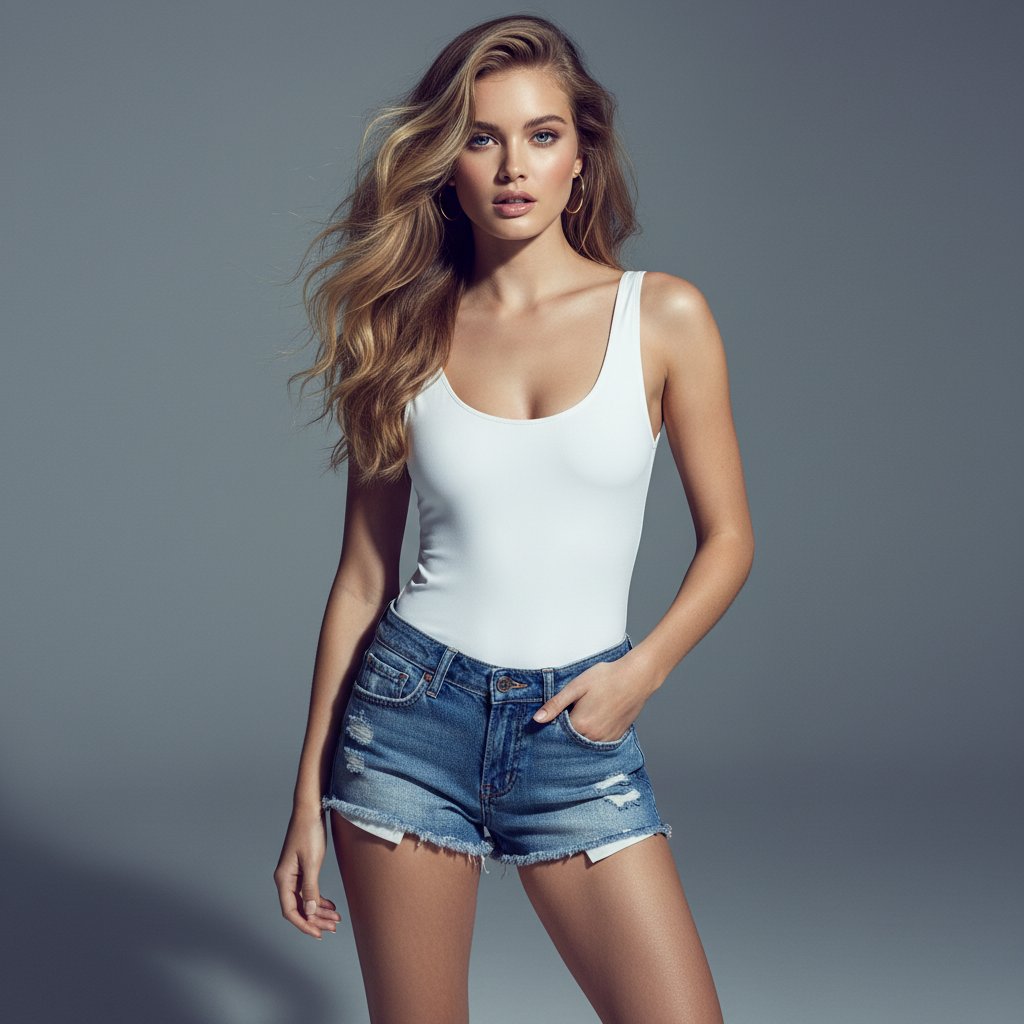
Ultra-realistic Commercial Fashion Editorial

Anime Lo-Fi Now Playing Schoolboys
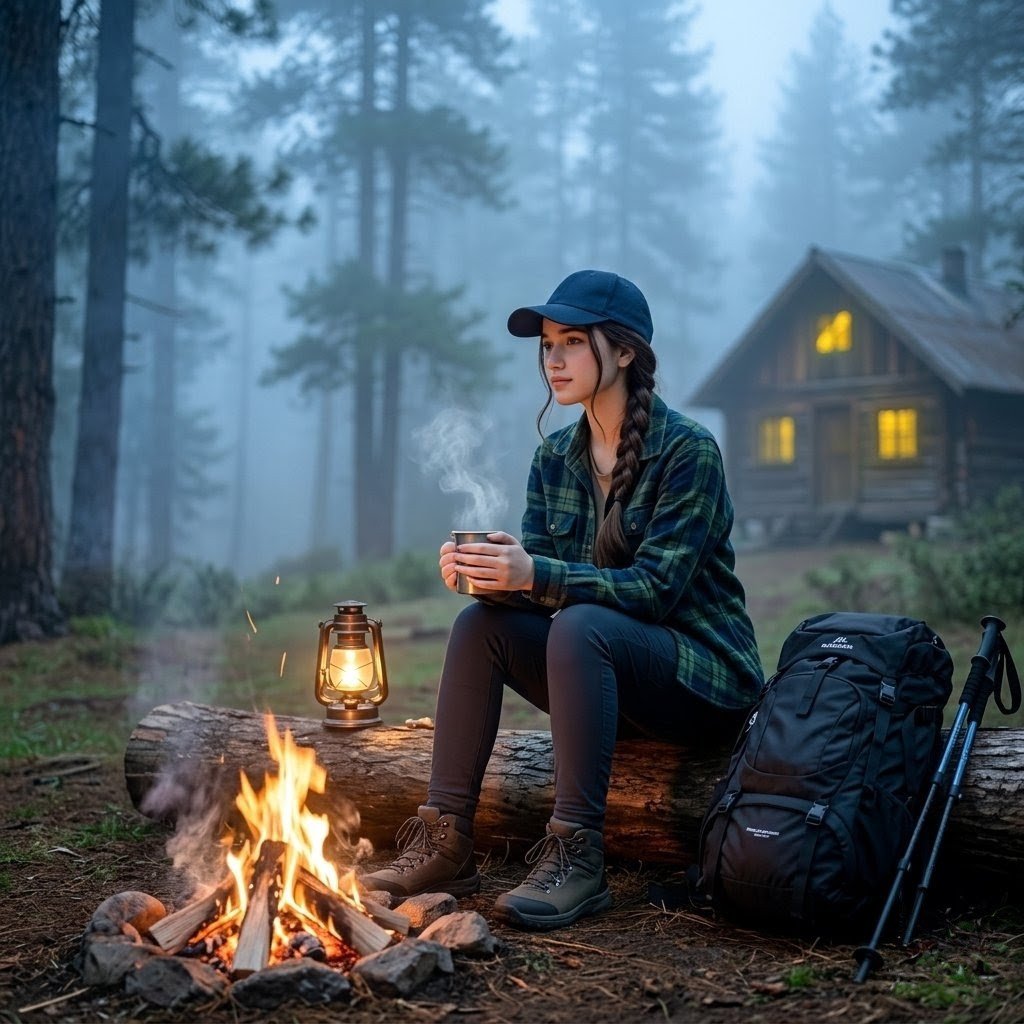
Misty Forest Camping Portrait
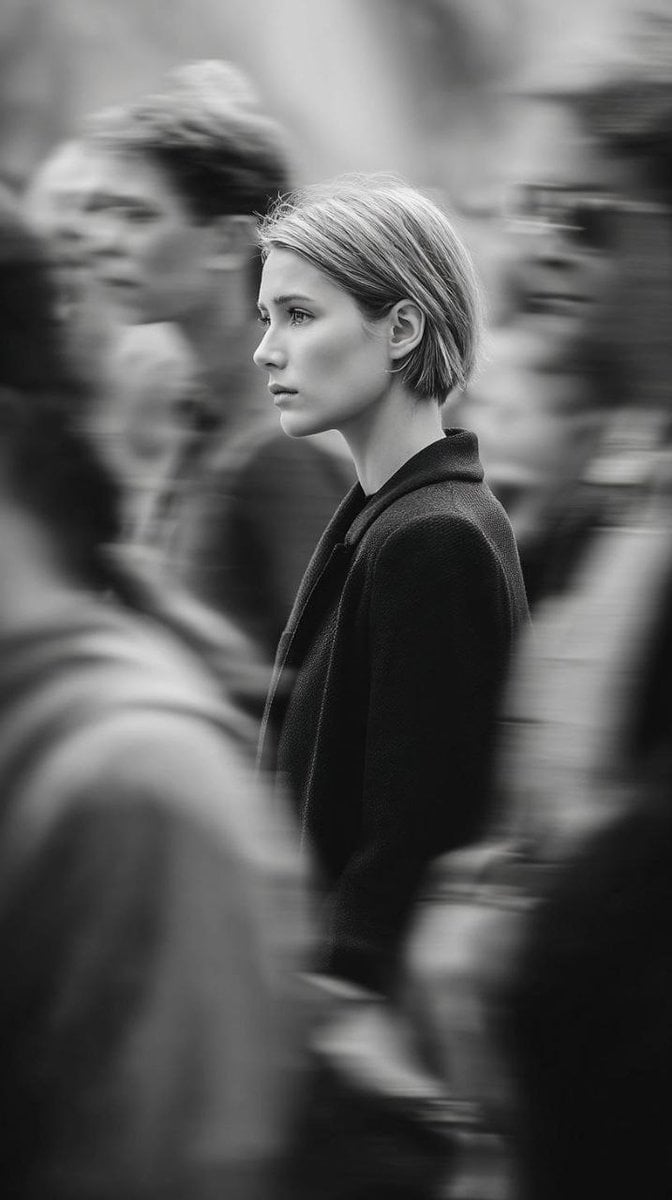
Editorial Monochrome Street Photograph (Leica SL3)
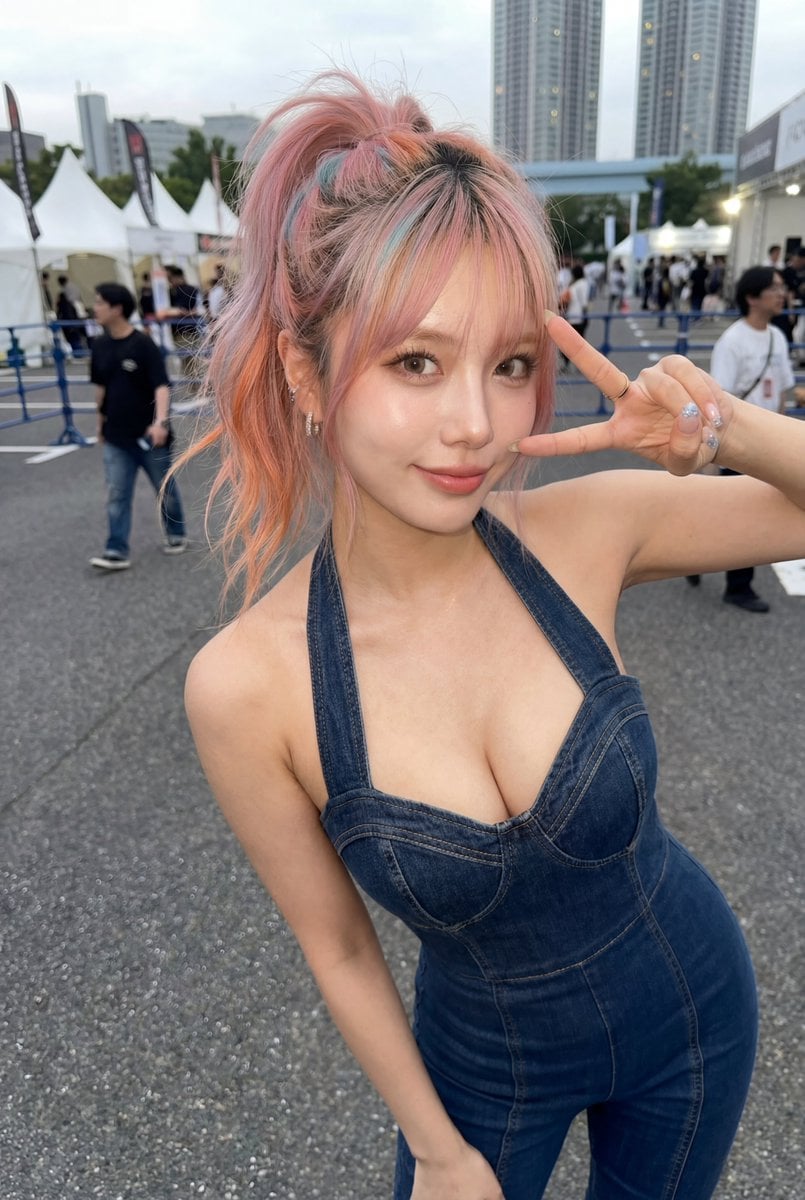
Candid Denim Overall Event Photo
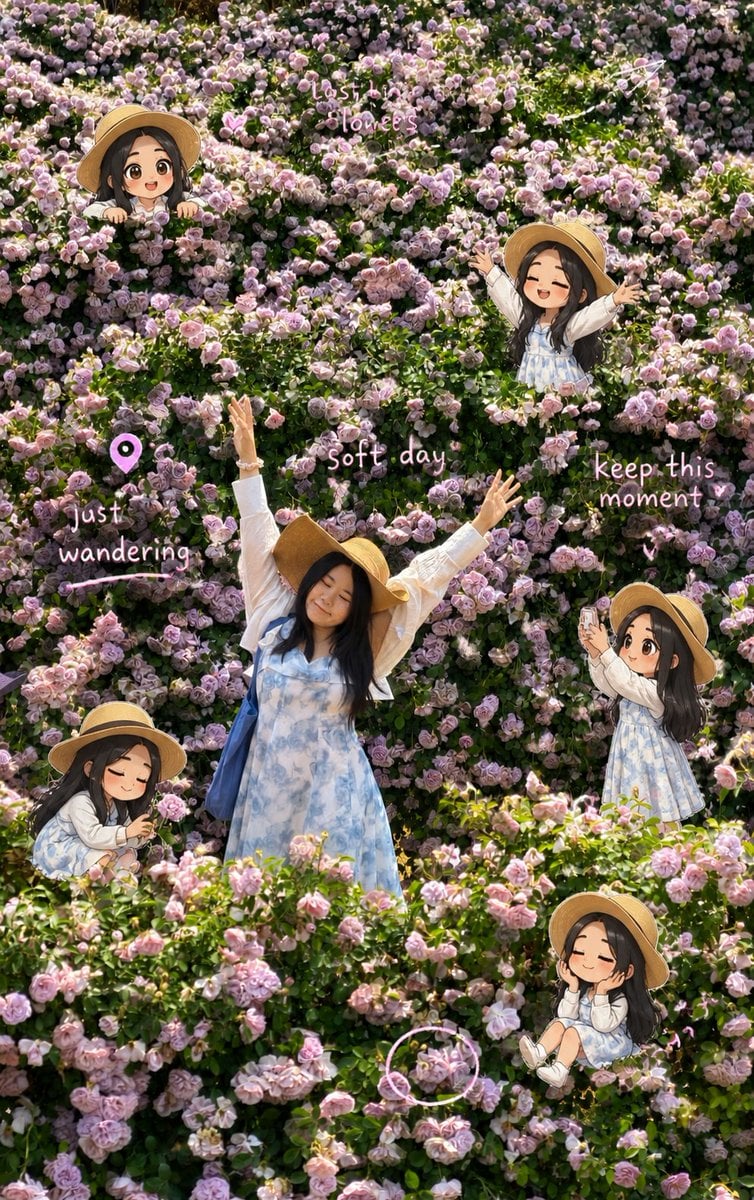
Travel Scrapbook Chibi Collage Creator
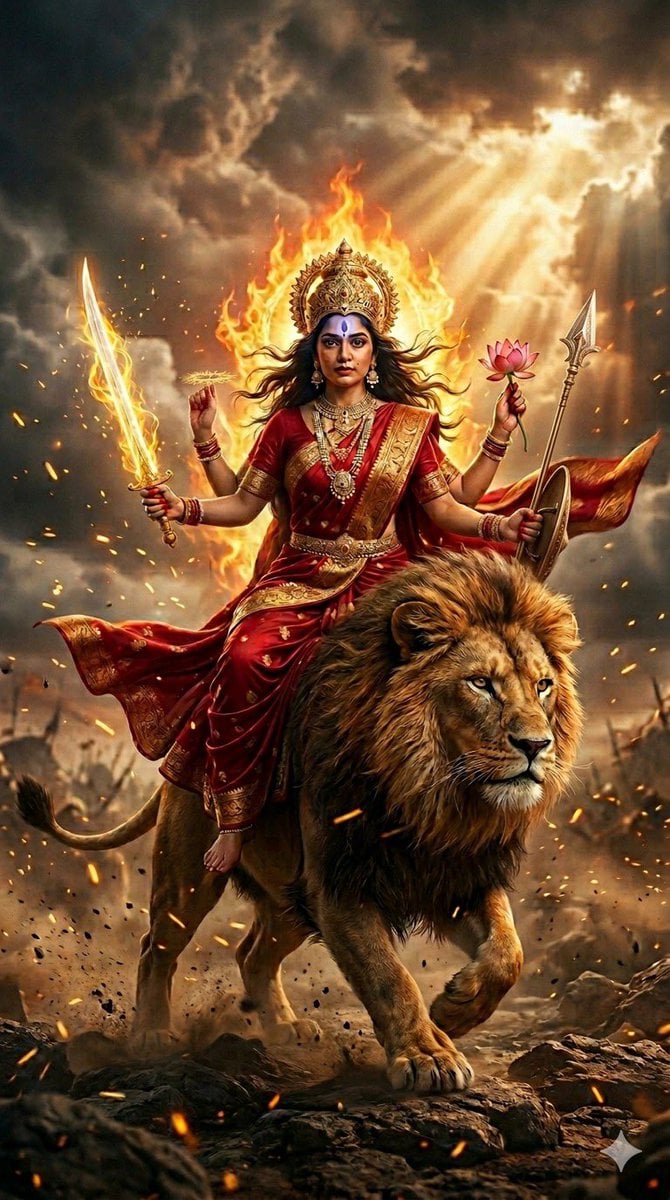
Ultra-Photorealistic Katyayani Warrior Goddess Prompt
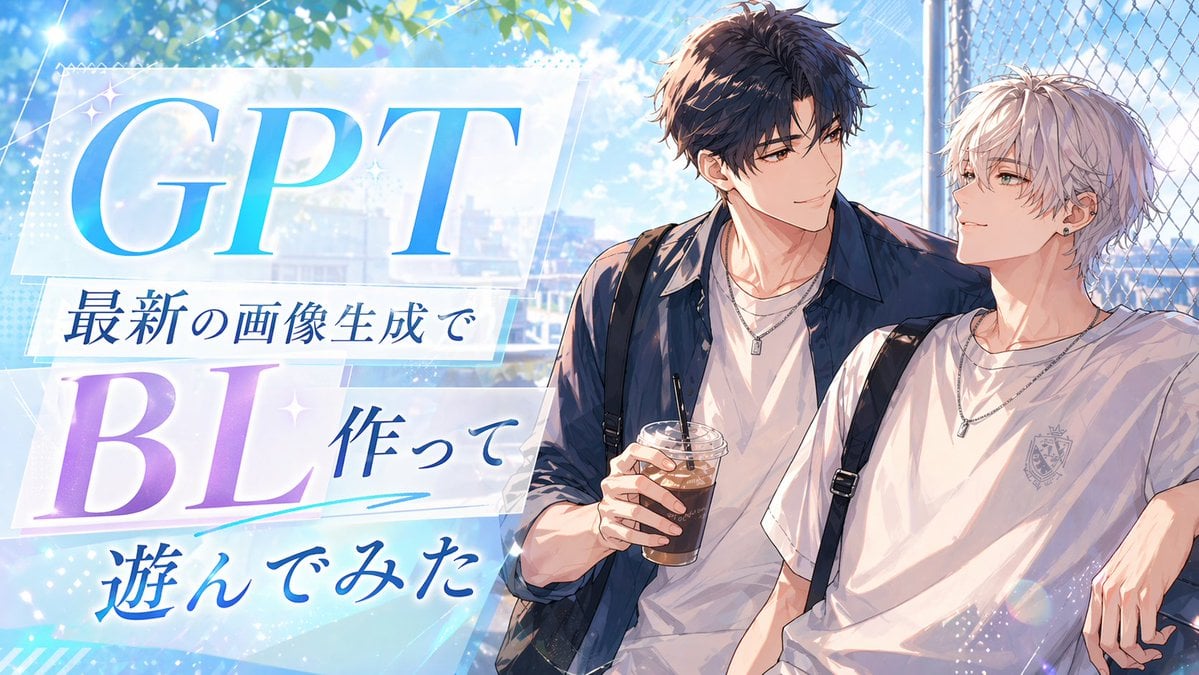
Anime BL Promo Thumbnail
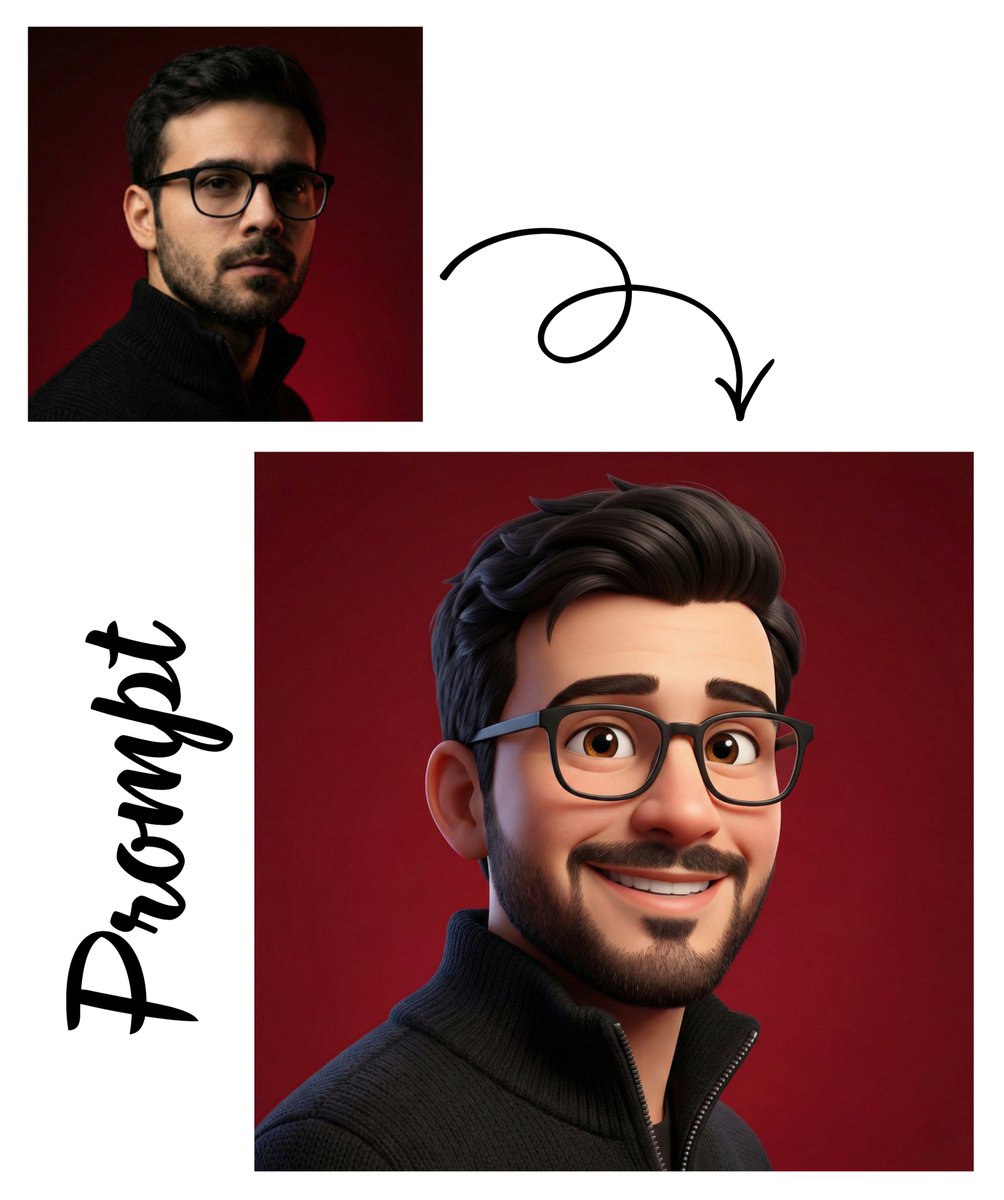
Pixar-Style 3D Avatar Generation
Browse template categories
Visionary Eye Mandala questions
How do I use the Visionary Eye Mandala template?
Add your photo if the template asks for one, edit the prompt if you like — the template's model and format are already selected — and press Generate. Your version opens in PicX Studio.
Can I customize the Visionary Eye Mandala template?
Yes. You can change the subject, setting, lighting, mood, format, and available model controls before creating your image.
Is the Visionary Eye Mandala template free?
Opening and editing this template is free. Generating uses credits, shown on the Generate button when you are signed in.
Which AI model should I use?
Start with GPT Image 2, which is the model associated with this template. You can compare another compatible model for a different finish.
Looking for something else? Browse all templates.

Your photo, any look
Thousands of ready templates for every top image and video model, from one credit balance.