
Psychedelic Taurus Mandala
Generates a neon sacred-geometry zodiac mandala with a central Taurus constellation and kaleidoscopic cosmic detail.
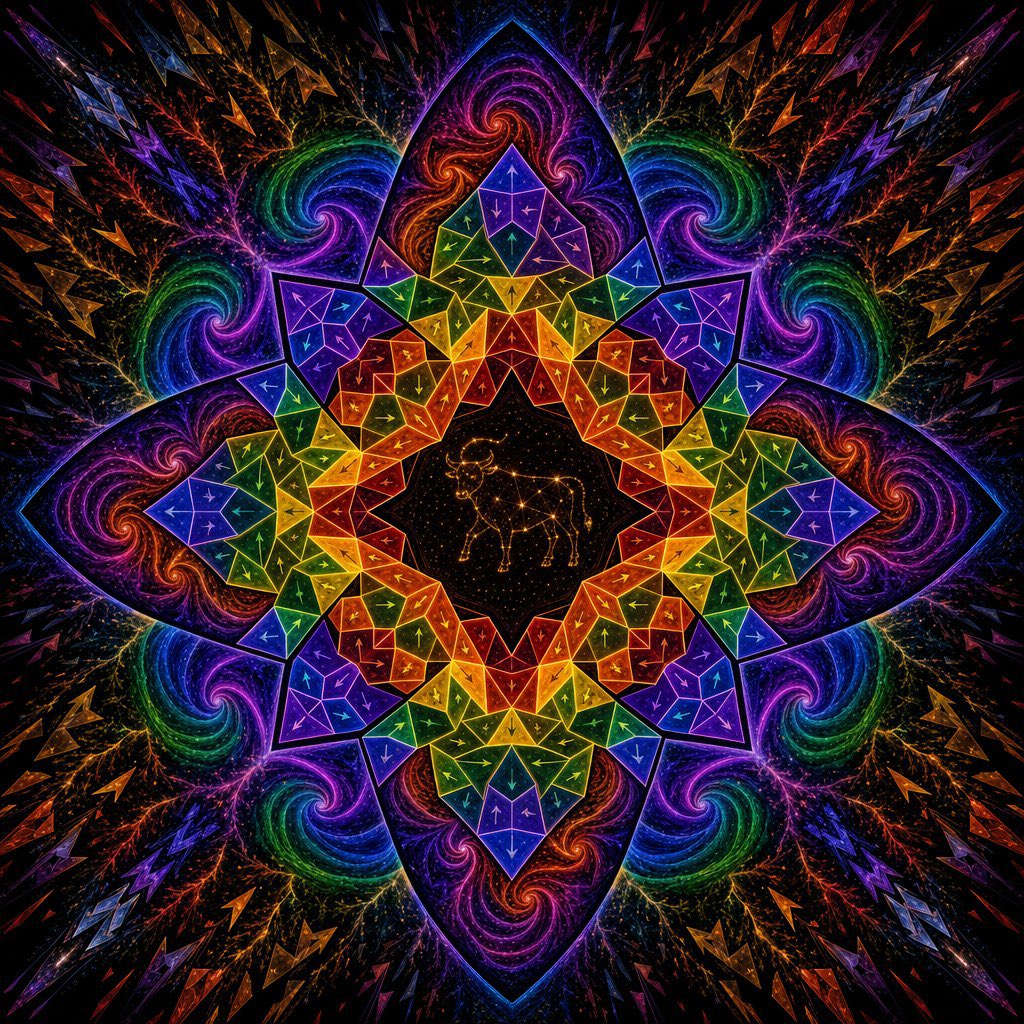
- Prompt included
- Model and format preset
- Free template
The prompt behind this image
Copy the exact prompt behind Psychedelic Taurus Mandala, or open it in the studio and make it yours.
Create a square, perfectly centered psychedelic sacred-geometry mandala on a black starfield background. The composition is radially symmetrical with 8 major pointed lotus-petal arms and a kaleidoscopic crystalline structure, glowing like neon stained glass. In the exact center, place a black circular medallion filled with tiny gold stars and draw a delicate golden constellation outline of {argument name="zodiac animal" default="Taurus bull"}. Around it, build a sharp geometric mandala made of many translucent triangular and polygonal facets, with bright thin outlines and small arrow-like markings inside the facets. Use a vivid rainbow progression of {argument name="primary palette" default="electric violet, cobalt blue, emerald green, yellow, orange, and red"}, arranged in mirrored bands so every quadrant repeats precisely. Surround the geometric ring with 8 large dark purple lotus petals containing swirling galaxy spirals in magenta, orange, green, and blue, plus branching lightning-like filaments and star dust. Extend outward into a deep black cosmic background with repeated angular shards, zigzag crystal shapes, and colorful comet-like splinters radiating from the center. The overall mood is mystical, astrological, fractal, and high-energy, with crisp luminous edges, dense micro-detail, glittering particles, high contrast, and no text, border, watermark, or human figures.
How to use Psychedelic Taurus Mandala in 3 steps
- 1Upload ImagePNG, JPG or paste
Add your photo
Upload the photo the template builds on. The prompt, model and format are already set.
- 2…a portrait of your subject in softgolden-hour light, 85mm…
Personalize
Edit the subject and creative details for your destination.
- 3Generate
Generate
Press Generate — your image is created in PicX Studio, so you can compare it with the original and refine one variable at a time.
More like this
Templates with the same subject, style or setup. Open one to see its prompt.
Paper Cut Mandala Meditation
Flower Mandala Coloring Page
108 Chibi Fantasy Mandala
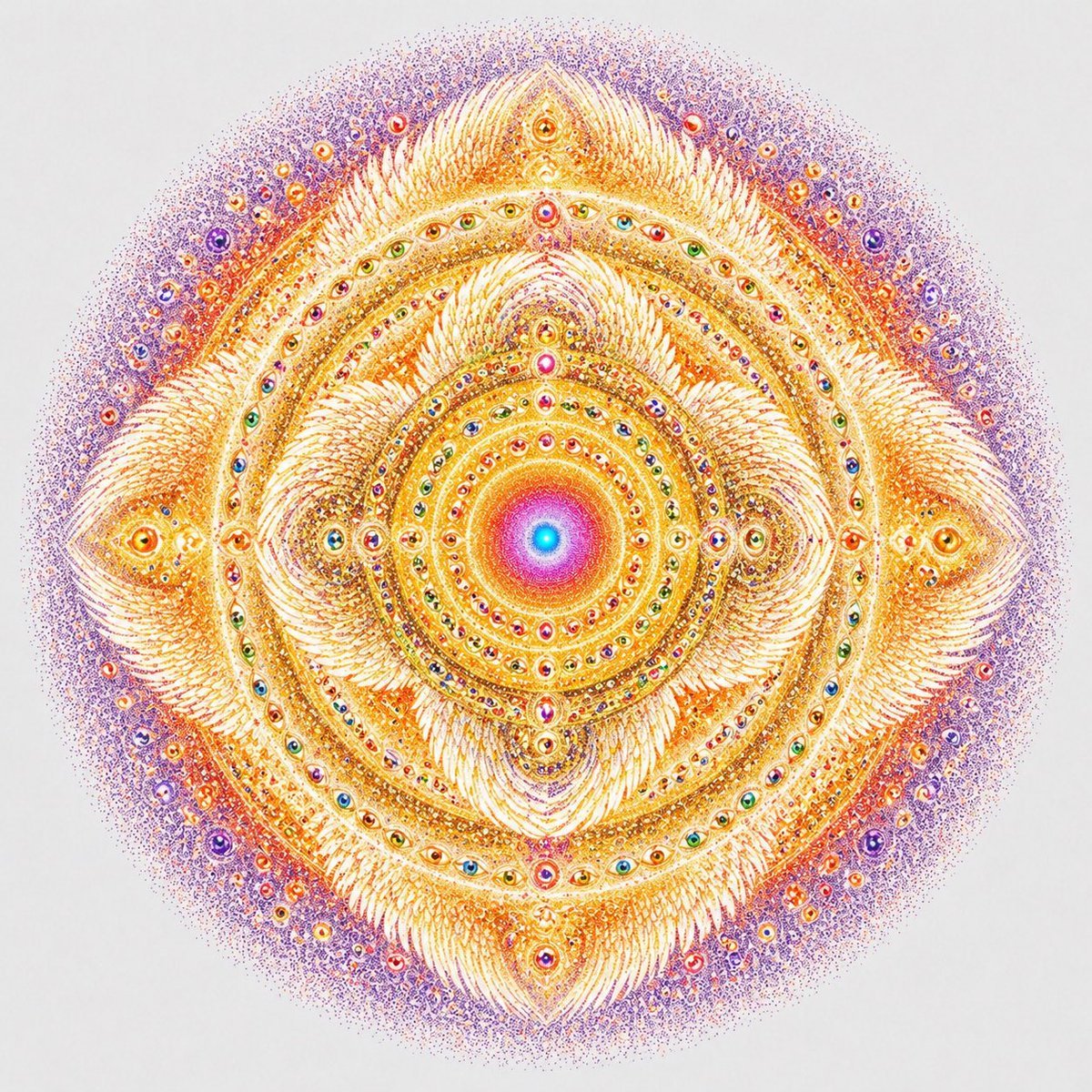
Visionary Eye Mandala

Zodiac Taurus Character Poster
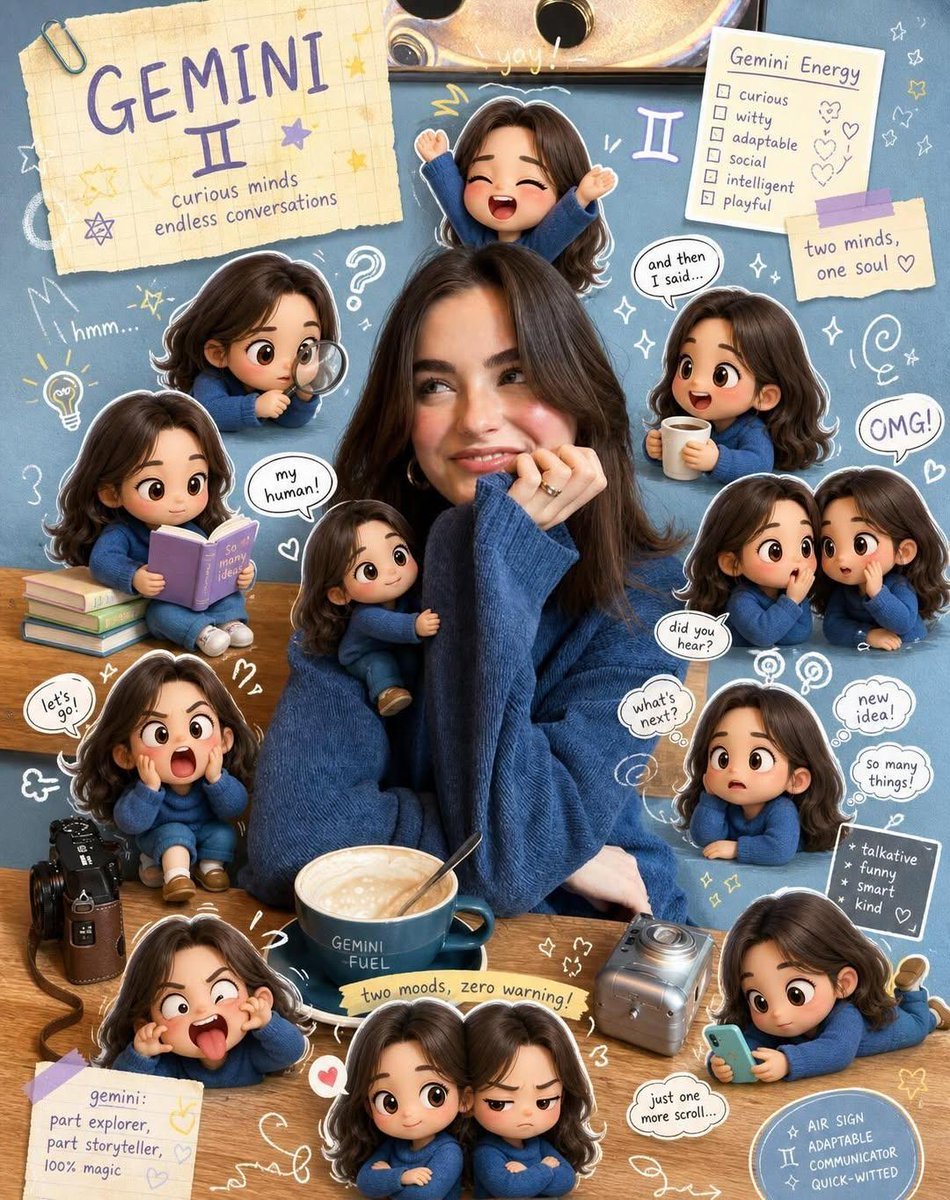
Taurus Zodiac Poster Design
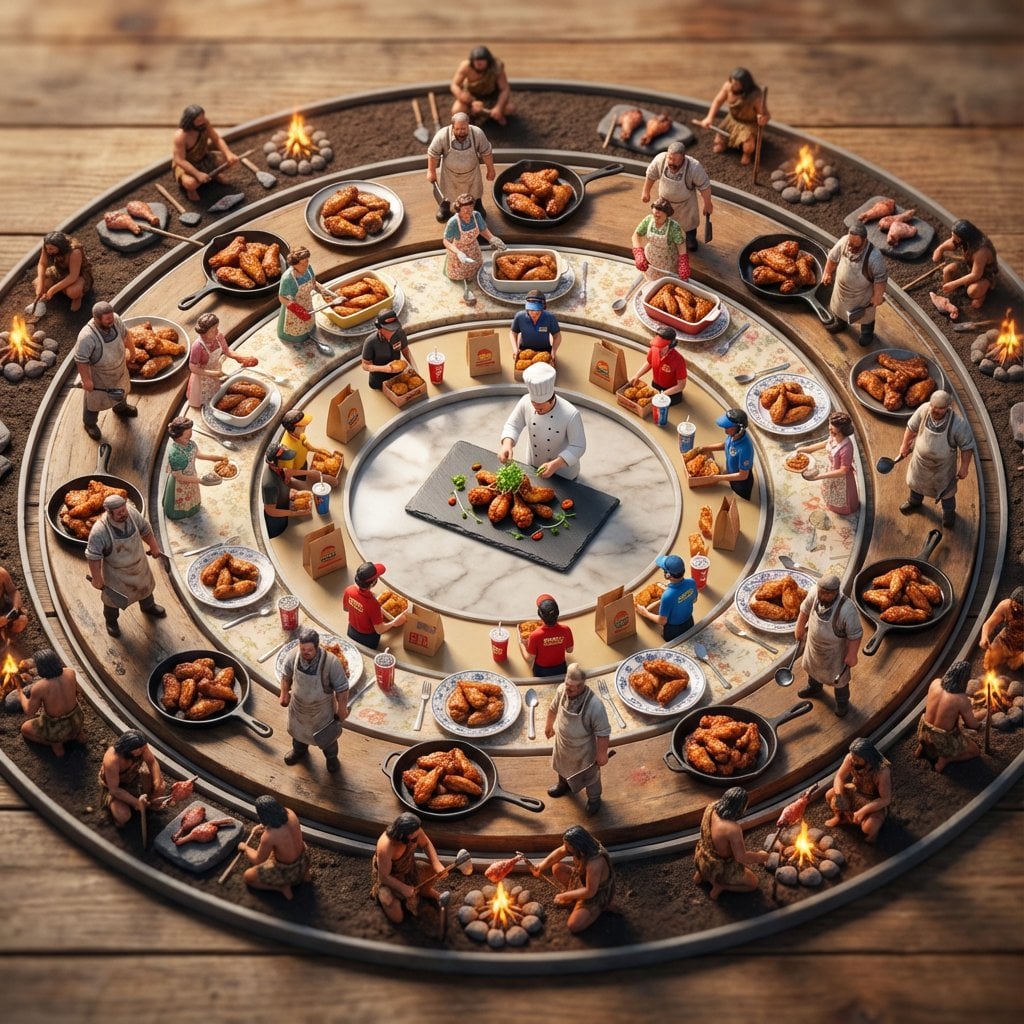
Food History Diorama in Mandala Format (Spicy Chicken Wings)
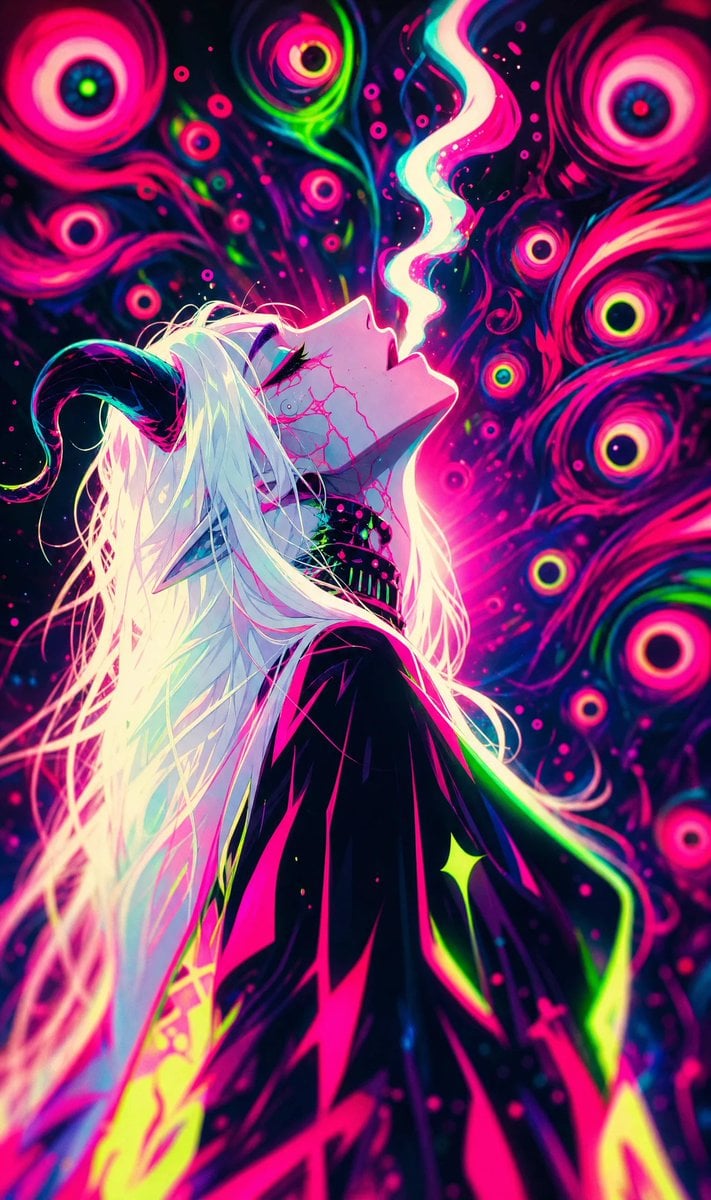
Neon Psychedelic Digital Animation Still
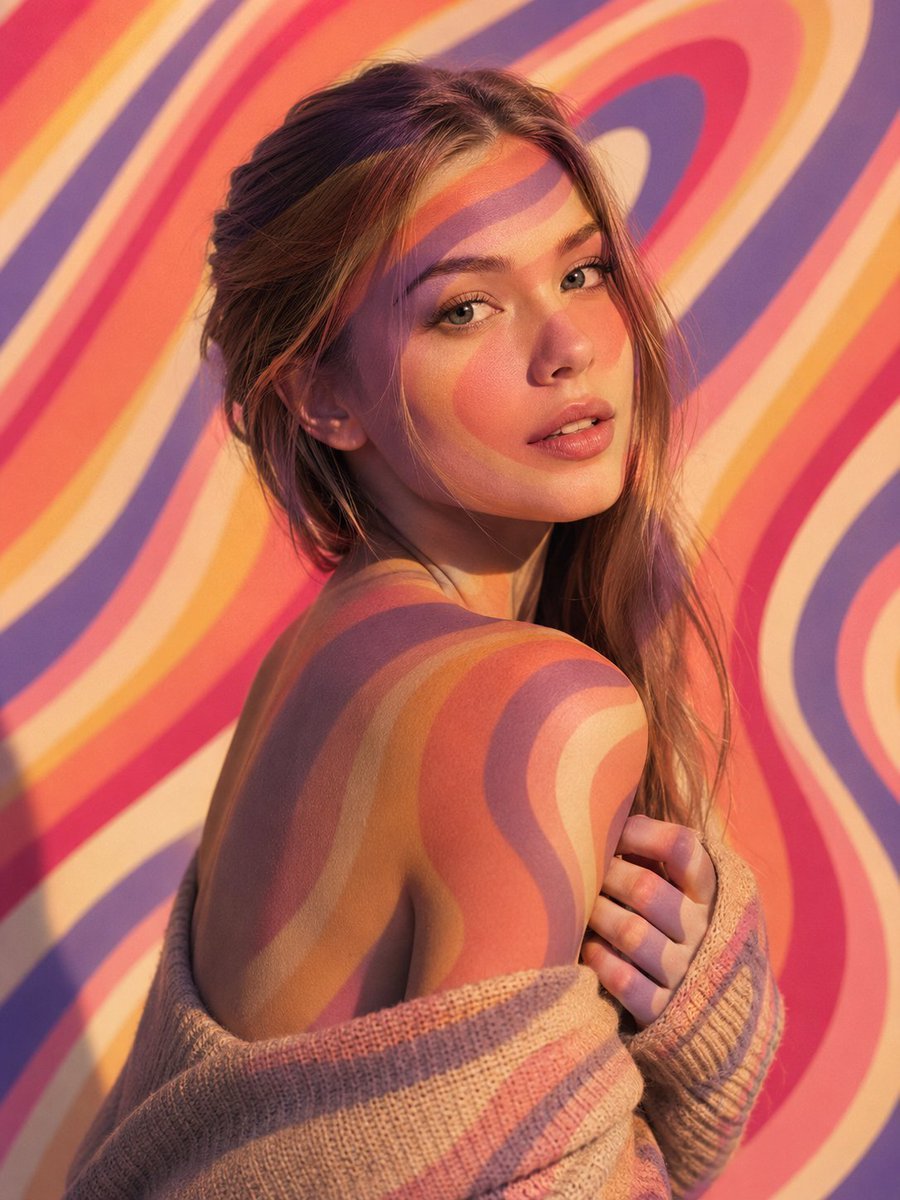
Psychedelic Light Projection Portrait
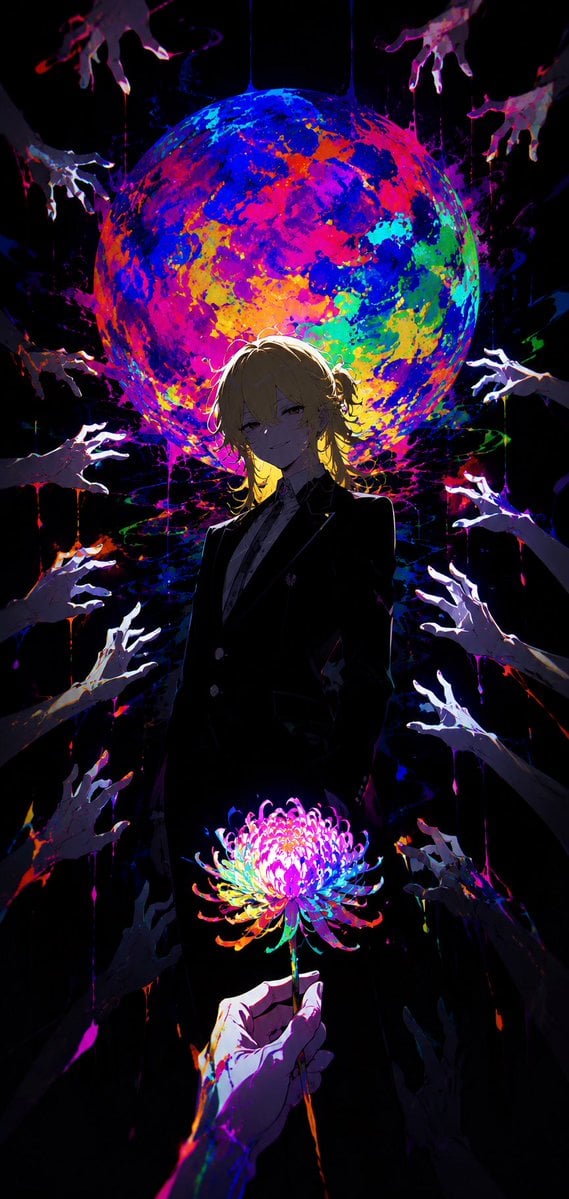
Psychedelic Anime Cult Deity
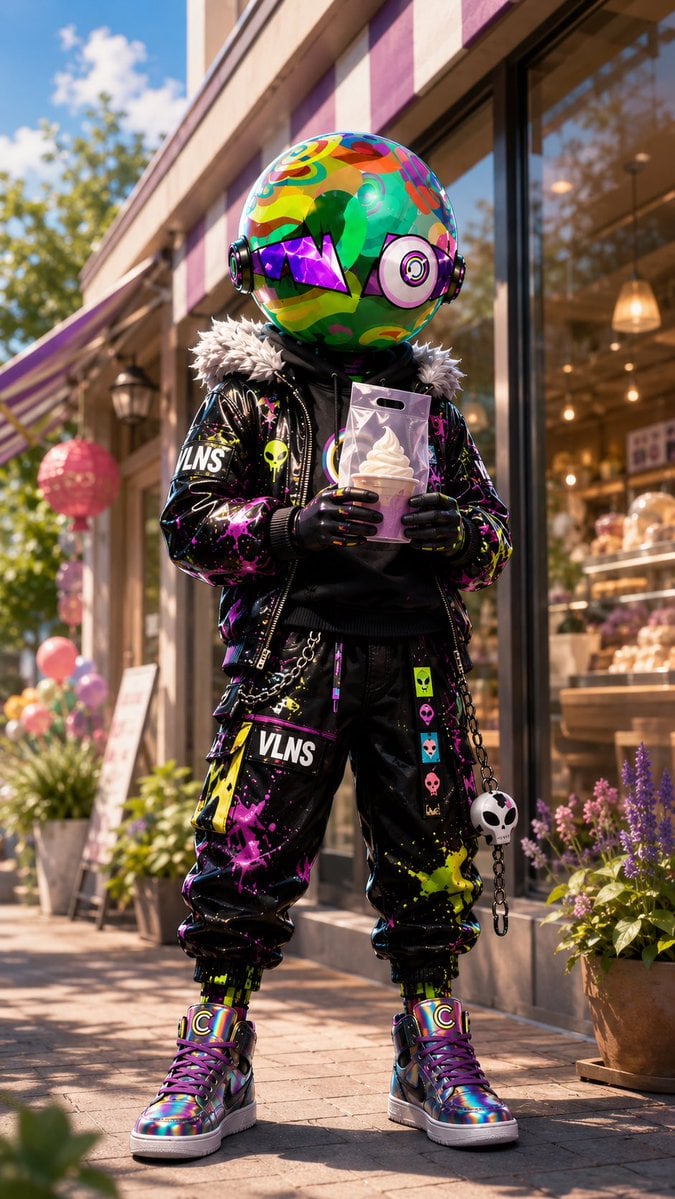
Psychedelic Mascot Streetwear Portrait
Retro Psychedelic Desert Poster
Make it yours
Psychedelic Taurus Mandala works as-is. These are the safest ways to change it without losing the look.
Change one field
Copy a single group, rewrite it, and generate again so you can see what that field is doing.
Keep the frame, change the subject
Hold the composition and light of Psychedelic Taurus Mandala, then swap wardrobe, props or the person for a new take.
| If the result… | Why | Fix |
|---|---|---|
| The result drifts from the preview | Too many fields changed at once. | Reuse Psychedelic Taurus Mandala as-is first, then change one group — subject, light, or setting. |
| The model over-stylizes the scene | The prose prompt leaves finish and camera underspecified. | Add one camera or lighting sentence and stay on GPT Image 2. |
More GPT Image 2 templates
Other prompts made for GPT Image 2.

Six VTuber Japanese Logo Sheet

Realistic Portrait of Woman and Deer

The Vista Modular Condo Poster

AI Model Routing Comparison Infographic

2.5D Anime Art Board

Isometric Productivity Desk Scene

New York Double Exposure Poster

Four-Panel AI Landscape Comparison

Japanese Tatami Lifestyle Magazine Cover

NESCAFÉ Coffee Map Poster
More image prompts
Fresh picks from across the catalog.
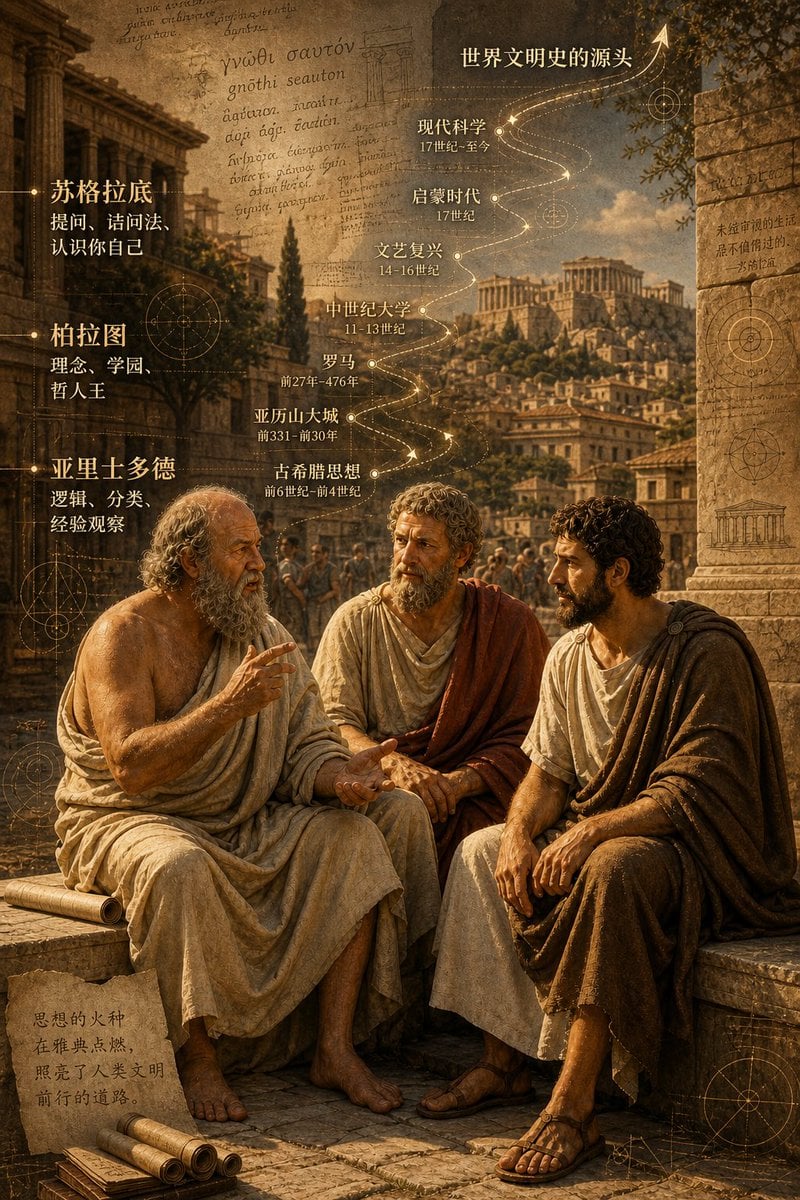
Ancient Greek Philosophers Discussion
Videogame Cinematic Trailer - Seedance 2.0
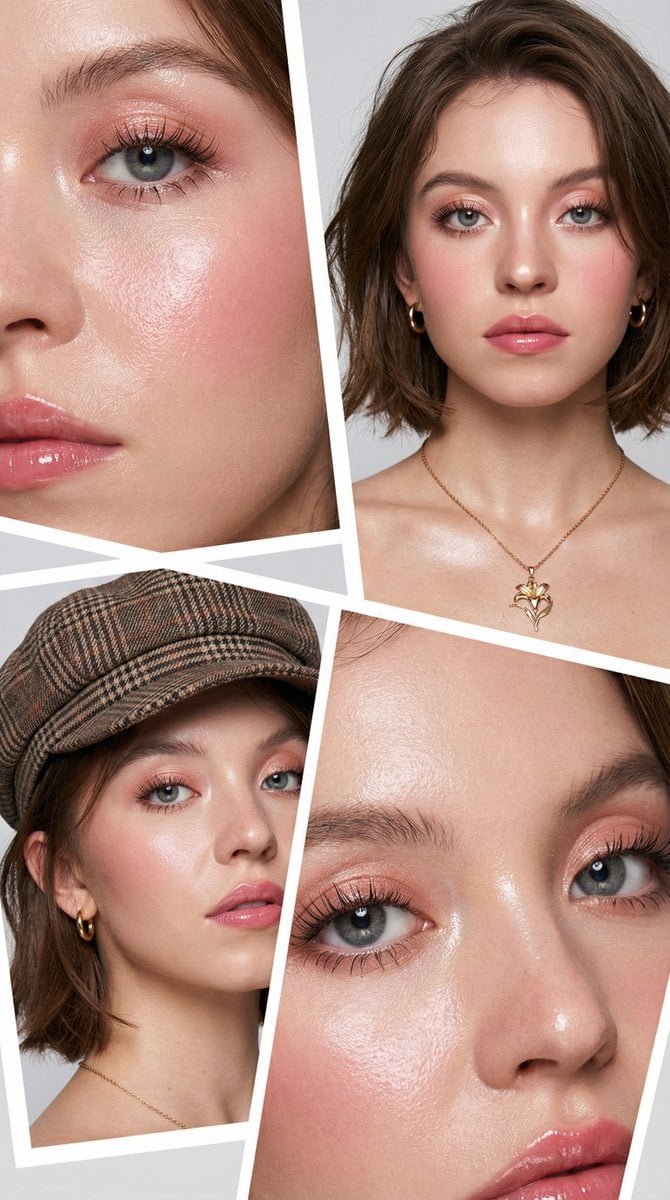
Korean Beauty Editorial Collage Prompt
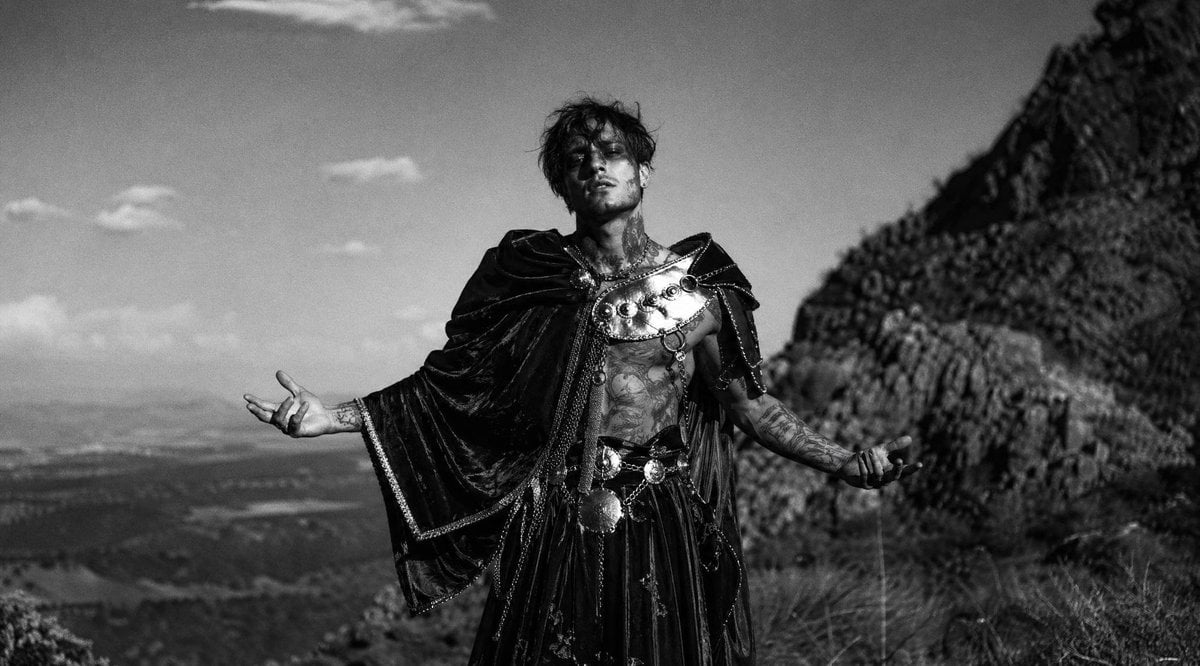
Monochrome Mountain Warrior Portrait
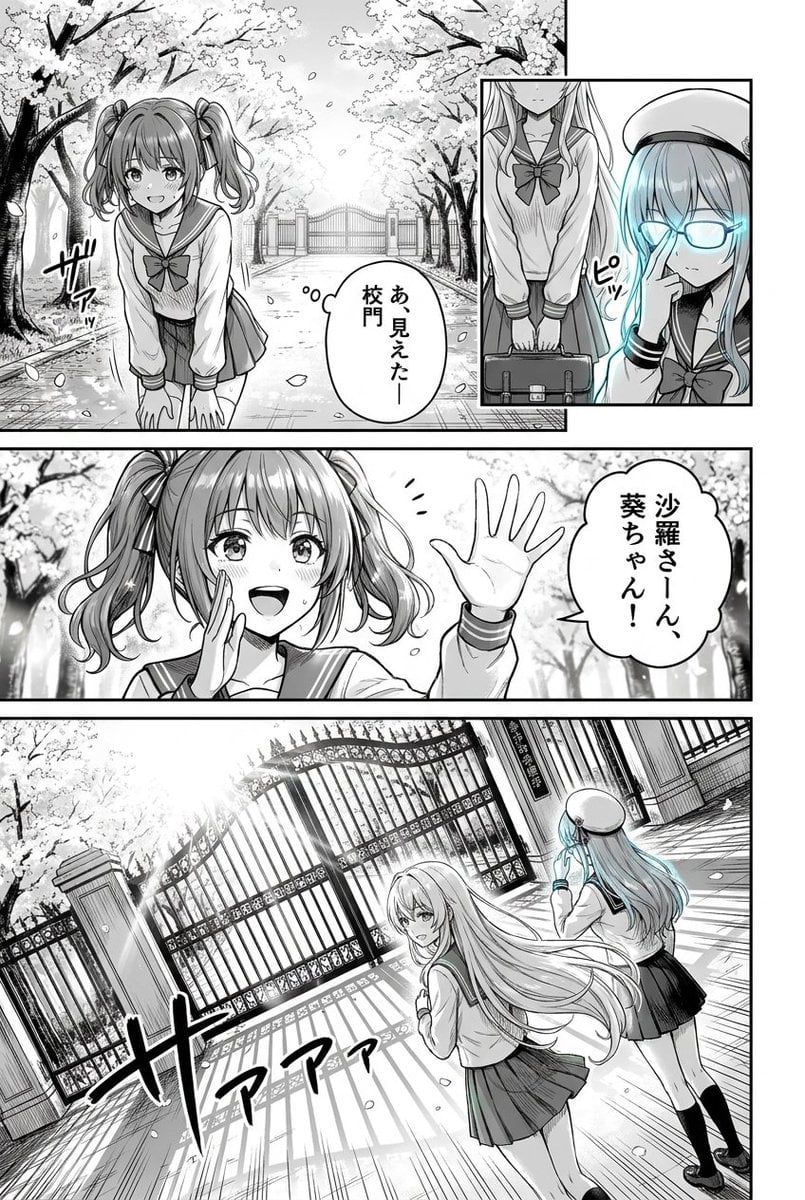
Cherry Blossom School Gate Manga Page
High-Angle Night Street Fashion Photograph

Sports League Invitation Poster Prompt
Nano Banana Prompt: Flower Background
Luxury Asian Fashion Editorial
Summer Bridge Track Portrait
Browse template categories
Psychedelic Taurus Mandala questions
How do I use the Psychedelic Taurus Mandala template?
Add your photo if the template asks for one, edit the prompt if you like — the template's model and format are already selected — and press Generate. Your version opens in PicX Studio.
Can I customize the Psychedelic Taurus Mandala template?
Yes. You can change the subject, setting, lighting, mood, format, and available model controls before creating your image.
Is the Psychedelic Taurus Mandala template free?
Opening and editing this template is free. Generating uses credits, shown on the Generate button when you are signed in.
Which AI model should I use?
Start with GPT Image 2, which is the model associated with this template. You can compare another compatible model for a different finish.
Looking for something else? Browse all templates.

Your photo, any look
Thousands of ready templates for every top image and video model, from one credit balance.