
Retro Psychedelic Desert Poster
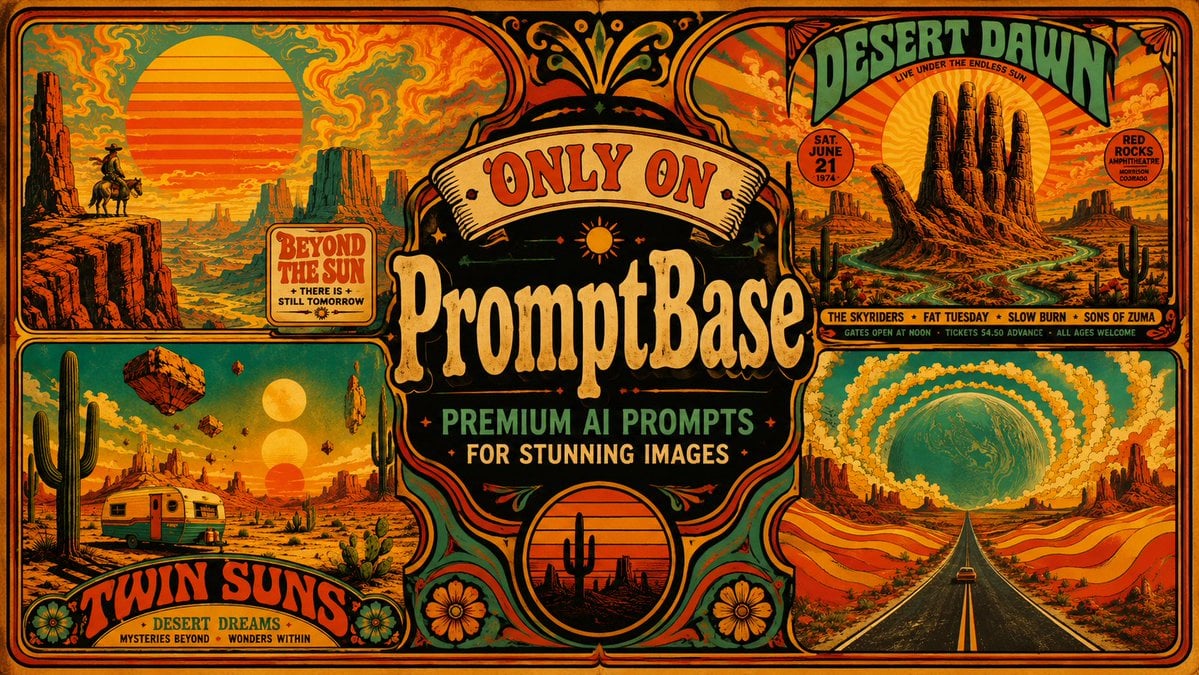
A detailed prompt for generating a 1970s-style psychedelic desert poster collage with ornate branding, concert-poster typography, and surreal Southwest landscapes.
- Prompt included
- Model and format preset
- Premium template
The prompt behind this image
Copy the exact prompt behind Retro Psychedelic Desert Poster, or open it in the studio and make it yours.
Goal: Create a wide vintage 1970s psychedelic desert advertising poster collage for {argument name="brand name" default="PromptBase"}, combining retro concert-poster typography, surreal American Southwest landscapes, and bold premium-prompt marketing copy. Canvas: Horizontal 16:9 poster, warm aged print texture, thick rounded black border, orange paper grain, distressed ink, symmetrical decorative framing. Use a saturated palette of burnt orange, mustard yellow, teal green, faded red, black ink, and cream. Layout: Divide the poster into exactly 5 main visual areas: 1 large central ornate brand badge, 1 upper-left desert sunset panel, 1 lower-left desert caravan panel, 1 upper-right concert-poster panel, and 1 lower-right cosmic highway panel. All panels should have rounded corners, heavy black outlines, hand-drawn ornamental dividers, floral accents, stars, dots, scrollwork, and screen-printed imperfections. Central subject: In the middle, create a large black ornamental label with cream and orange outlines. At the top of the badge place a cream ribbon reading "ONLY ON" in red western serif letters. Below it, set the main brand text as {argument name="brand name" default="PromptBase"} in huge cream vintage slab-serif lettering with orange shadowing. Under that, add two stacked taglines: {argument name="tagline line one" default="PREMIUM AI PROMPTS"} in teal block letters and {argument name="tagline line two" default="FOR STUNNING IMAGES"} in cream letters. Add small stars, a tiny sun icon, curved flourishes, and a circular sunset medallion at the bottom center containing a black cactus silhouette. Panel details: Upper-left panel shows a huge striped orange sun over a desert canyon, red cliffs, mesas, a tiny cowboy on horseback at the far left, teal-and-orange smoky psychedelic sky, and a small retro sign reading "BEYOND THE SUN" with smaller text "THERE IS + STILL TOMORROW". Lower-left panel shows a surreal desert campsite with exactly 3 vertically aligned suns in the sky, exactly 4 floating rocks, a silver-and-orange vintage trailer, tall saguaro cactus, prickly pear plants, mesas, and a curved title banner reading {argument name="left panel title" default="TWIN SUNS"}; below it add "DESERT DREAMS" and tiny text "MYSTERIES BEYOND • WONDERS WITHIN". Upper-right panel is a psychedelic gig poster titled {argument name="right panel title" default="DESERT DAWN"} in big arched green letters, with small subtitle "LIVE UNDER THE ENDLESS SUN"; include a giant cactus-hand rock formation in front of a striped sun, winding river or road, saguaro silhouettes, two circular info badges reading "SAT. JUNE 21 1974" and "RED ROCKS AMPHITHEATRE MORRISON COLORADO", and a bottom band strip listing exactly 4 acts: "THE SKYRIDERS", "FAT TUESDAY", "SLOW BURN", and "SONS OF ZUMA". Lower-right panel shows a straight black highway with yellow center lines leading into a huge teal planet or moon on the horizon, surrounded by concentric swirling yellow-orange cloud rings, rolling red-and-orange desert hills, distant mesas, and a tiny car driving away. Visual style: Hand-illustrated retro screenprint, psychedelic western poster art, slightly uneven registration, halftone grain, distressed edges, bold black contour lines, ornate 70s lettering, high contrast, maximal but balanced composition. Constraints: Keep the poster text legible and arranged as described, include exactly 5 main visual areas, exactly 3 suns and 4 floating rocks in the lower-left panel, exactly 4 band names in the upper-right strip, no photorealism, no modern UI, no watermark.
How to use Retro Psychedelic Desert Poster in 3 steps
- 1Upload ImagePNG, JPG or paste
Add your photo
Upload the photo the template builds on. The prompt, model and format are already set.
- 2…a portrait of your subject in softgolden-hour light, 85mm…
Personalize
Edit the subject and creative details for your destination.
- 3Generate
Generate
Press Generate — your image is created in PicX Studio, so you can compare it with the original and refine one variable at a time.
More like this
Templates with the same subject, style or setup. Open one to see its prompt.












Make it yours
Retro Psychedelic Desert Poster works as-is. These are the safest ways to change it without losing the look.
Change one field
Copy a single group, rewrite it, and generate again so you can see what that field is doing.
Keep the frame, change the subject
Hold the composition and light of Retro Psychedelic Desert Poster, then swap wardrobe, props or the person for a new take.
| If the result… | Why | Fix |
|---|---|---|
| The result drifts from the preview | Too many fields changed at once. | Reuse Retro Psychedelic Desert Poster as-is first, then change one group — subject, light, or setting. |
| The model over-stylizes the scene | The prose prompt leaves finish and camera underspecified. | Add one camera or lighting sentence and stay on GPT Image 2. |
More GPT Image 2 templates
Other prompts made for GPT Image 2.

Six VTuber Japanese Logo Sheet

Realistic Portrait of Woman and Deer

The Vista Modular Condo Poster

AI Model Routing Comparison Infographic

2.5D Anime Art Board

Isometric Productivity Desk Scene

New York Double Exposure Poster

Four-Panel AI Landscape Comparison

Japanese Tatami Lifestyle Magazine Cover

NESCAFÉ Coffee Map Poster
More image prompts
Fresh picks from across the catalog.
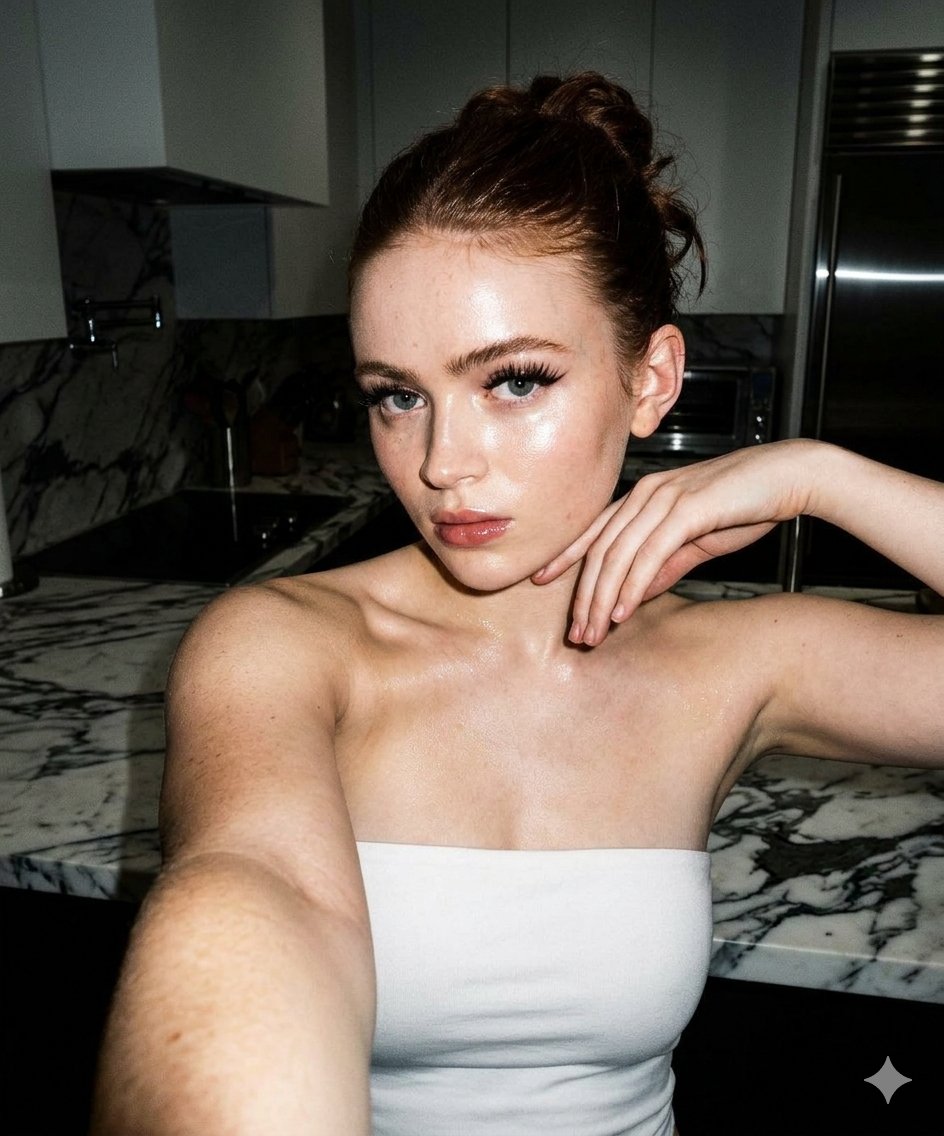
High-Contrast Selfie Photo Prompt in Modern Kitchen
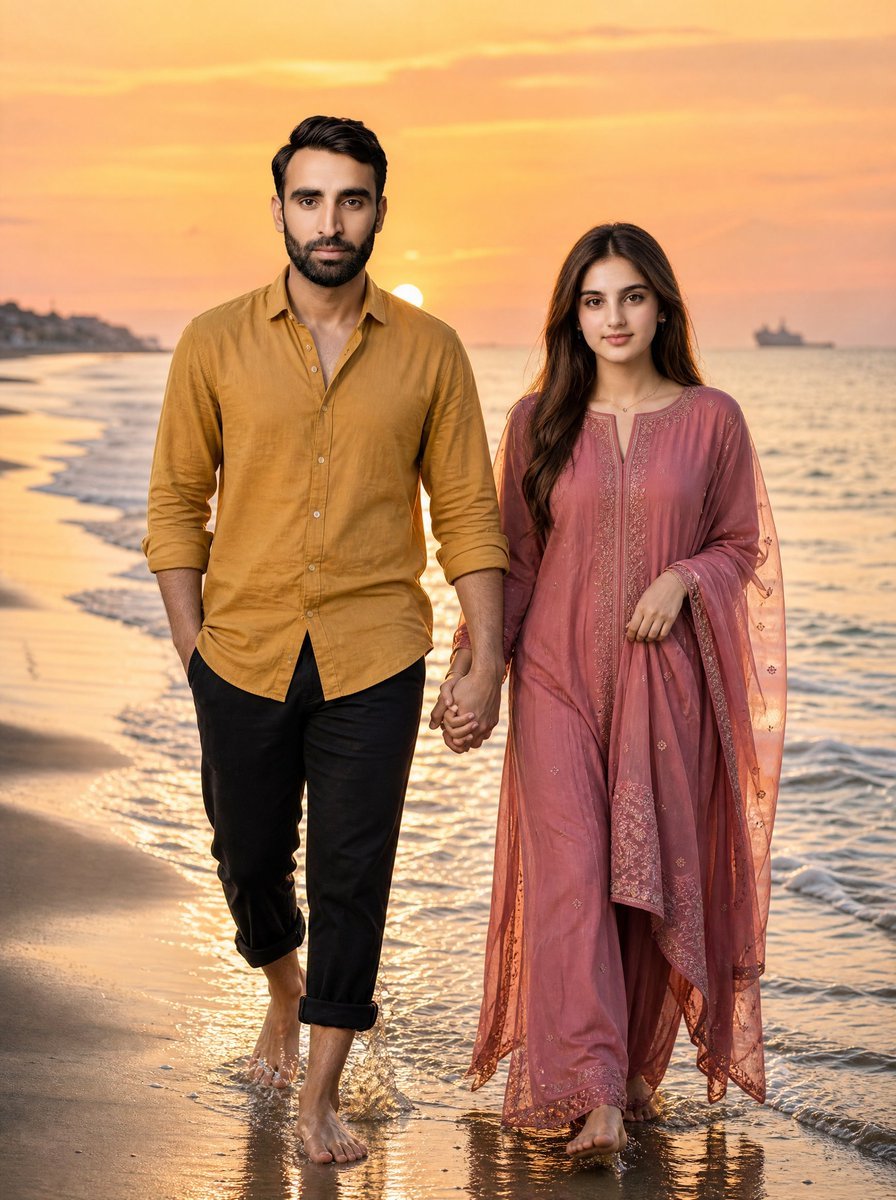
Golden Hour Beach Couple
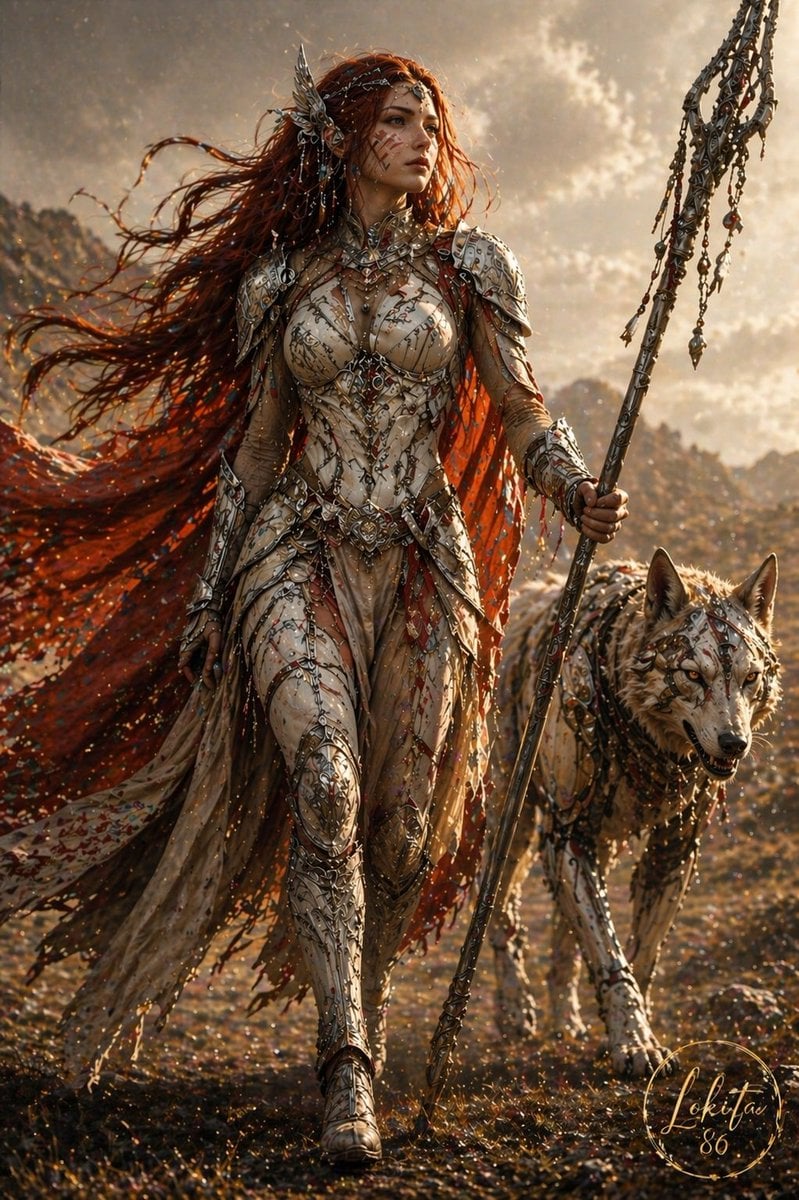
Epic Fantasy Warrior and Wolf

AC Milan Mbappé Transfer Poster
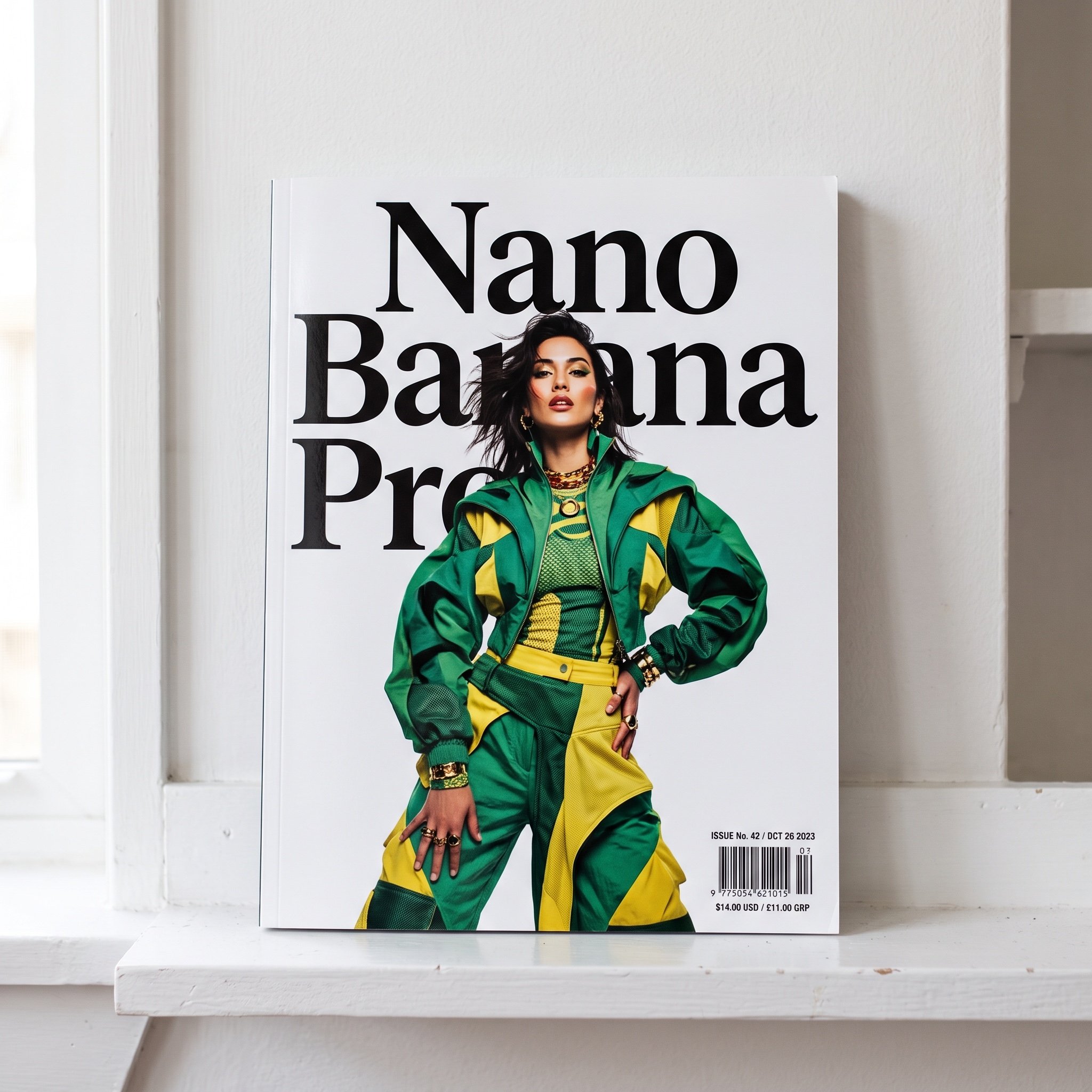
Magazine Cover with Nano Banana Pro Branding
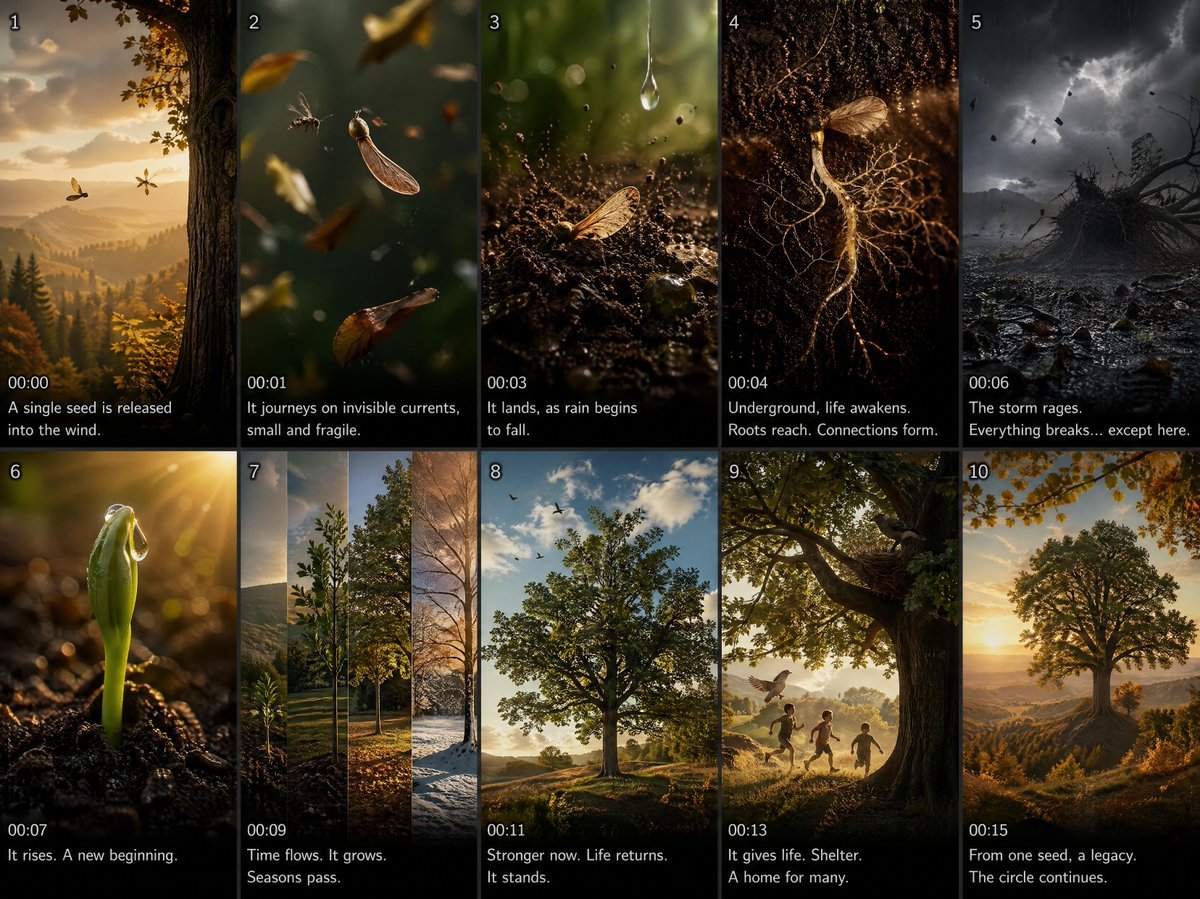
Cinematic Seed Life Storyboard
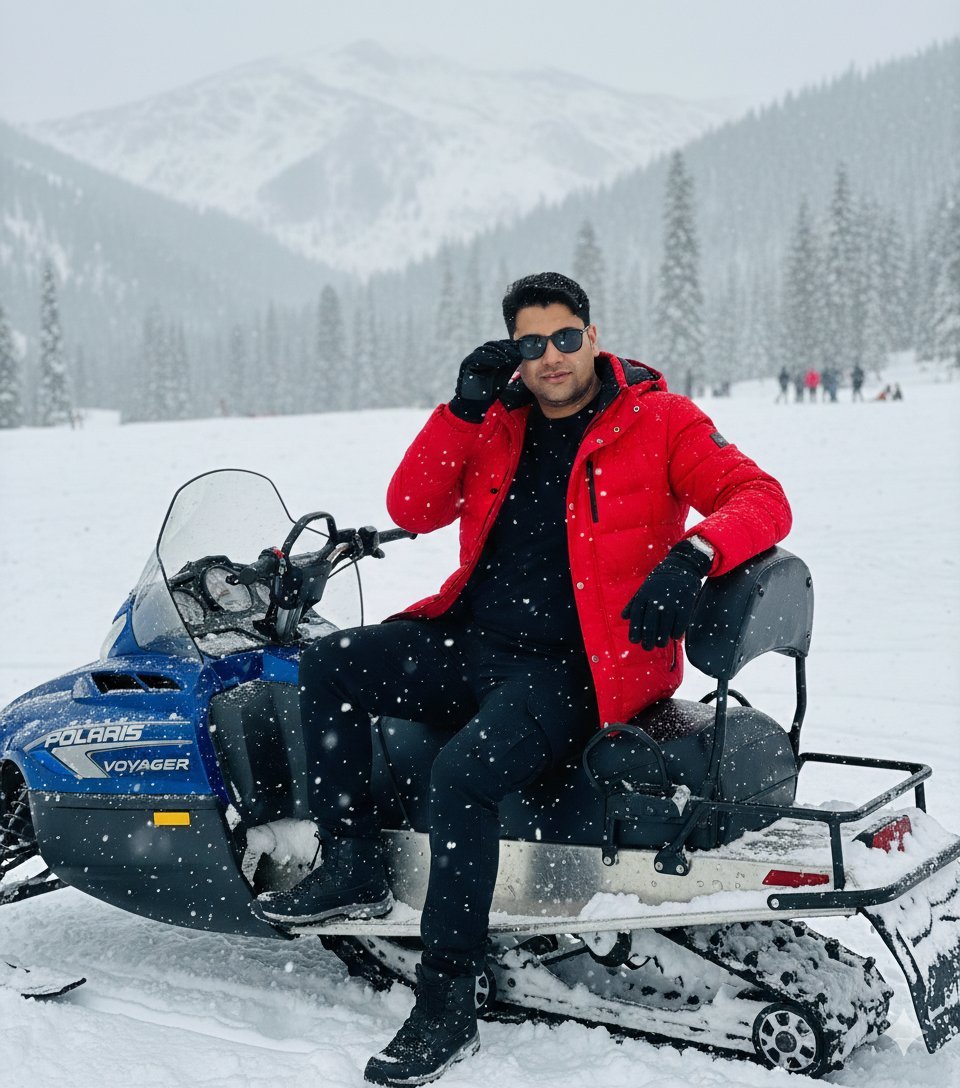
Snowy Locations Views Winter Special
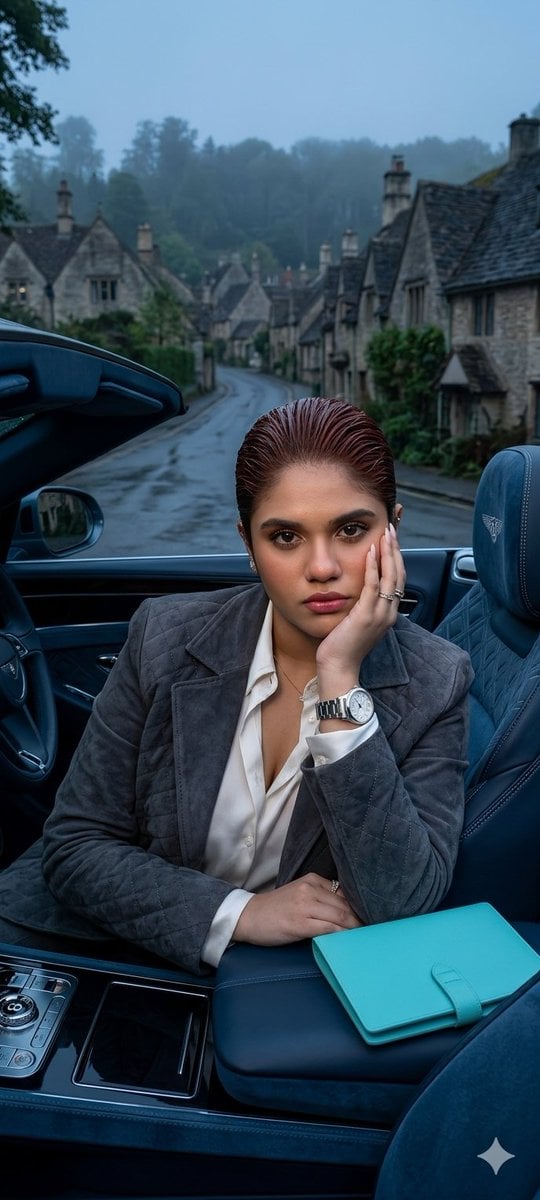
X Oye Samia Hyper Realistic Scene on the Outskirts
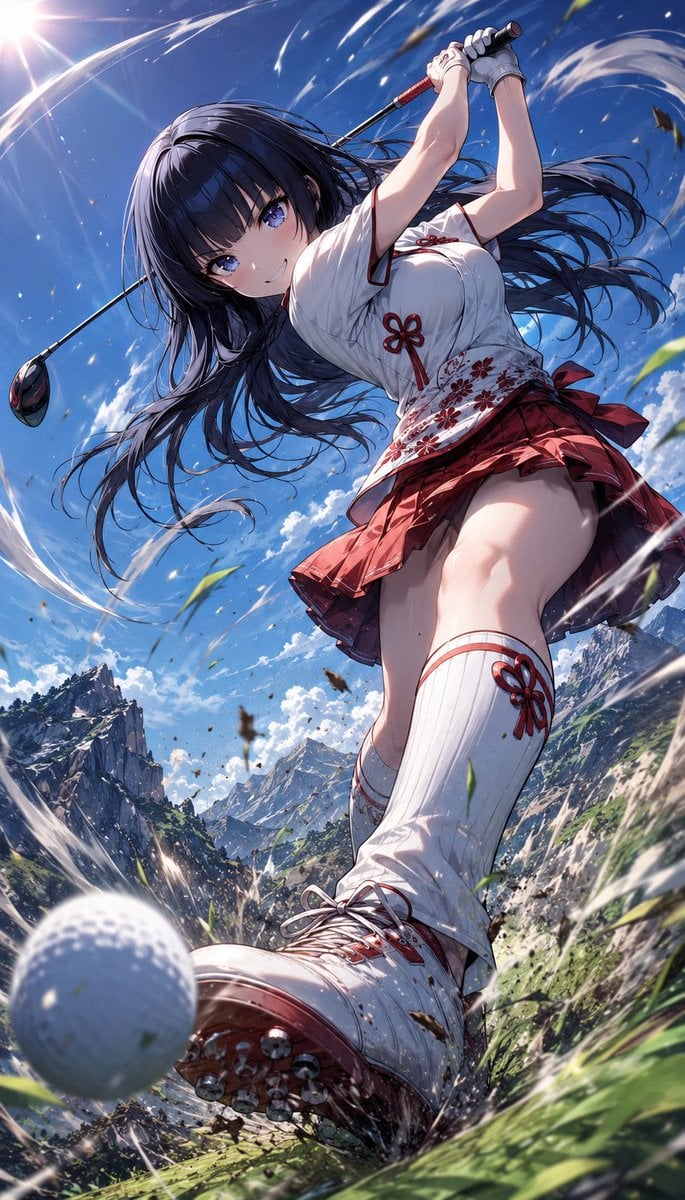
Manga Style Wild Genius Golfer
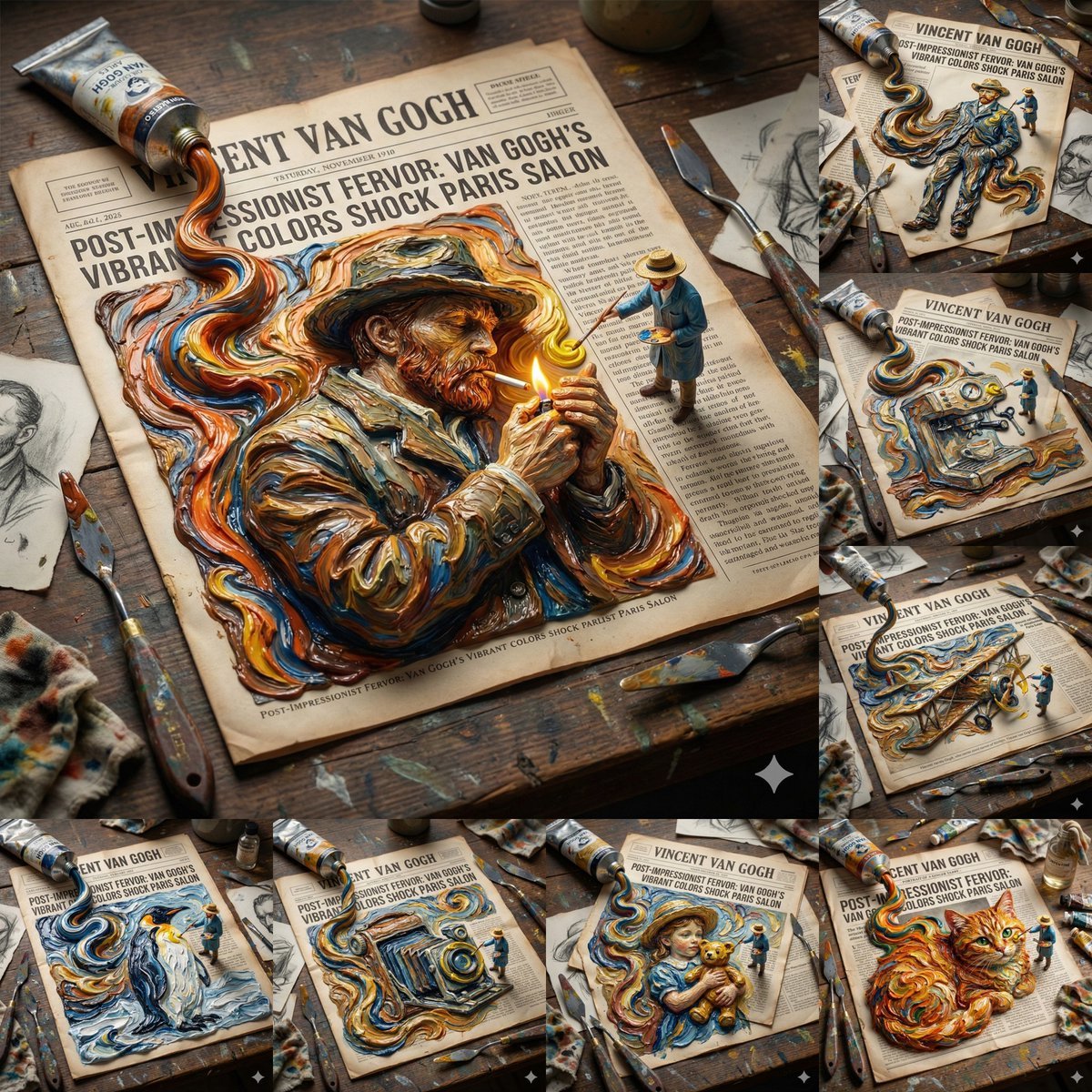
Van Gogh Style Transfer (JSON Template)
Browse template categories
Retro Psychedelic Desert Poster questions
How do I use the Retro Psychedelic Desert Poster template?
Add your photo if the template asks for one, edit the prompt if you like — the template's model and format are already selected — and press Generate. Your version opens in PicX Studio.
Can I customize the Retro Psychedelic Desert Poster template?
Yes. You can change the subject, setting, lighting, mood, format, and available model controls before creating your image.
Is the Retro Psychedelic Desert Poster template free?
Opening and editing this template is free. Generating uses credits, shown on the Generate button when you are signed in.
Which AI model should I use?
Start with GPT Image 2, which is the model associated with this template. You can compare another compatible model for a different finish.
Looking for something else? Browse all templates.

Your photo, any look
Thousands of ready templates for every top image and video model, from one credit balance.