
Golden Hour Beach Couple
A photorealistic romantic beach portrait of a barefoot couple holding hands at sunset, useful for lifestyle, engagement, or cinematic couple imagery.
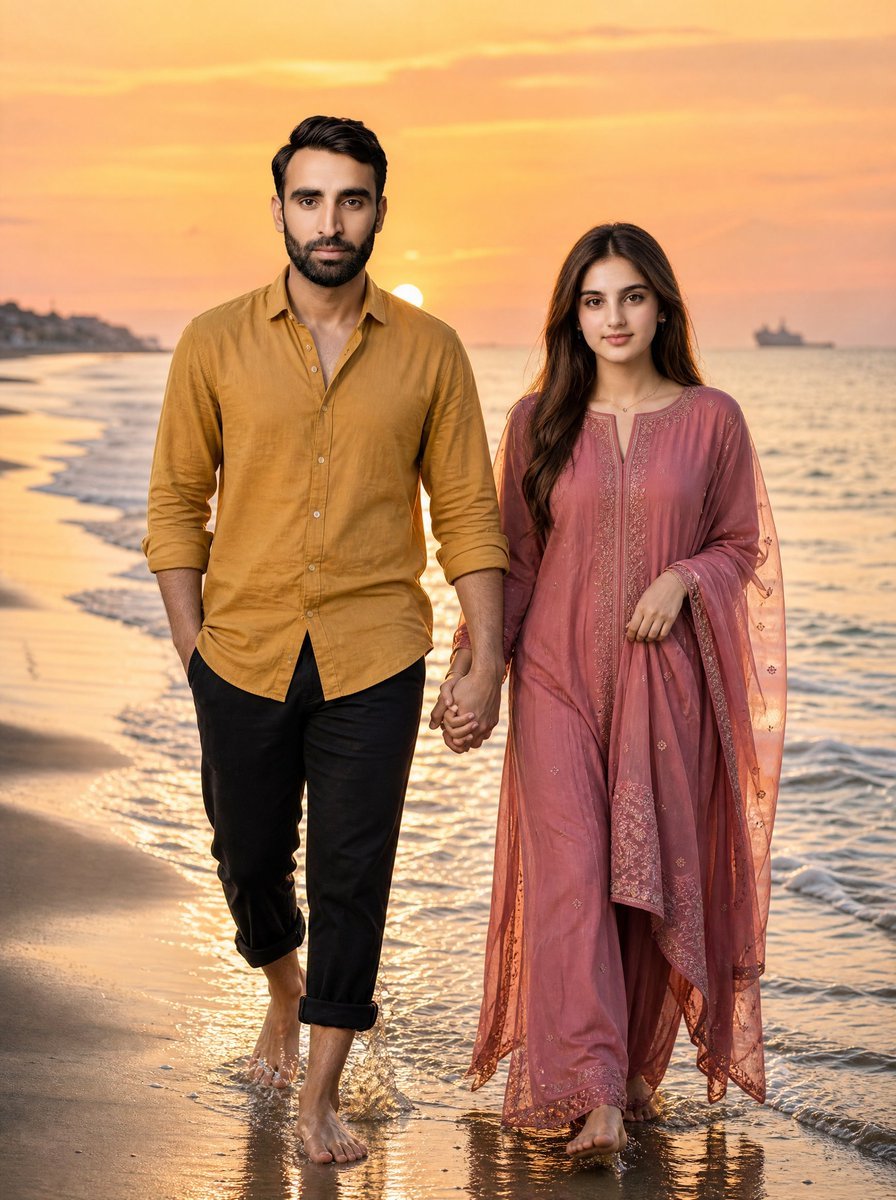
- Prompt included
- Model and format preset
- Free template
The prompt behind this image
Copy the exact prompt behind Golden Hour Beach Couple, or open it in the studio and make it yours.
Create a photorealistic vertical portrait of a romantic couple walking barefoot along a shoreline at golden hour, holding hands and moving slowly toward the camera as gentle waves wash over their feet. The man is on the left, tall, with dark styled hair and an anonymized blurred rectangular face, wearing a {argument name="man's shirt color" default="mustard yellow"} casual button-up linen shirt with sleeves rolled to the forearms and the hem slightly open, paired with black cropped trousers rolled above the ankles. The woman is on the right, slightly shorter, with long dark brown hair and an anonymized blurred rectangular face, wearing a flowing {argument name="woman's outfit color" default="dusty rose pink"} traditional embroidered dress with matching sheer dupatta, delicate gold embroidery, and loose fabric moving in the sea breeze. They are holding hands at the center of the frame; her other hand lightly gathers her scarf. The beach curves into the distance on the left with soft wet sand reflections, foamy surf on the right, and the low sun near the horizon behind them creating warm orange, peach, and gold light. Include calm ocean water, small ripples, a faint distant ship silhouette on the right horizon, and a softly blurred coastal background on the left. Use cinematic natural lighting, shallow depth of field, realistic skin and fabric textures, warm sunset color grading, full-body framing from head to bare feet, and no visible text or watermark.
How to use Golden Hour Beach Couple in 3 steps
- 1Upload ImagePNG, JPG or paste
Add your photo
Upload the photo the template builds on. The prompt, model and format are already set.
- 2…a portrait of your subject in softgolden-hour light, 85mm…
Personalize
Edit the subject and creative details for your destination.
- 3Generate
Generate
Press Generate — your image is created in PicX Studio, so you can compare it with the original and refine one variable at a time.
More like this
Templates with the same subject, style or setup. Open one to see its prompt.











Make it yours
Golden Hour Beach Couple works as-is. These are the safest ways to change it without losing the look.
Change one field
Copy a single group, rewrite it, and generate again so you can see what that field is doing.
Keep the frame, change the subject
Hold the composition and light of Golden Hour Beach Couple, then swap wardrobe, props or the person for a new take.
| If the result… | Why | Fix |
|---|---|---|
| The result drifts from the preview | Too many fields changed at once. | Reuse Golden Hour Beach Couple as-is first, then change one group — subject, light, or setting. |
| The model over-stylizes the scene | The prose prompt leaves finish and camera underspecified. | Add one camera or lighting sentence and stay on GPT Image 2. |
More GPT Image 2 templates
Other prompts made for GPT Image 2.

Futuristic Void Fang Mech
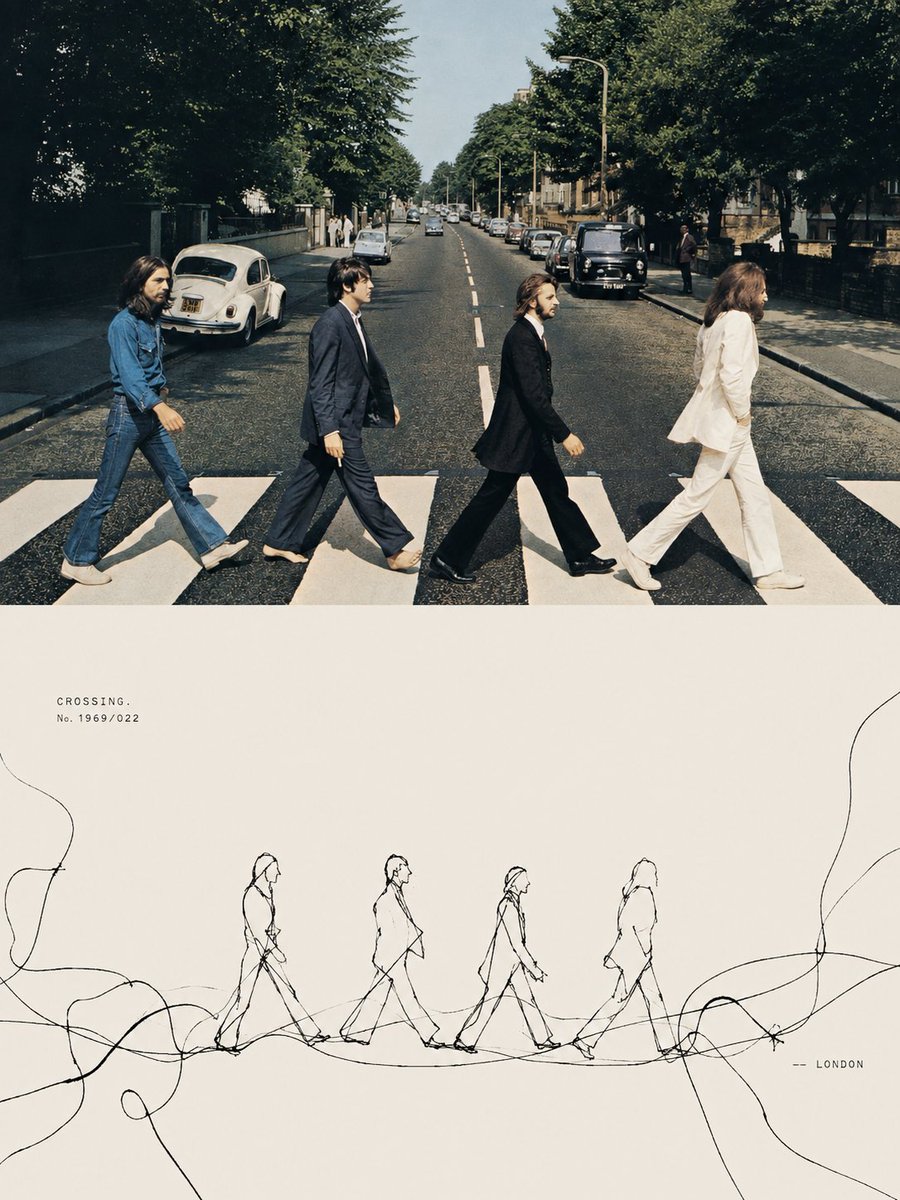
Tension Line Art Concept Poster
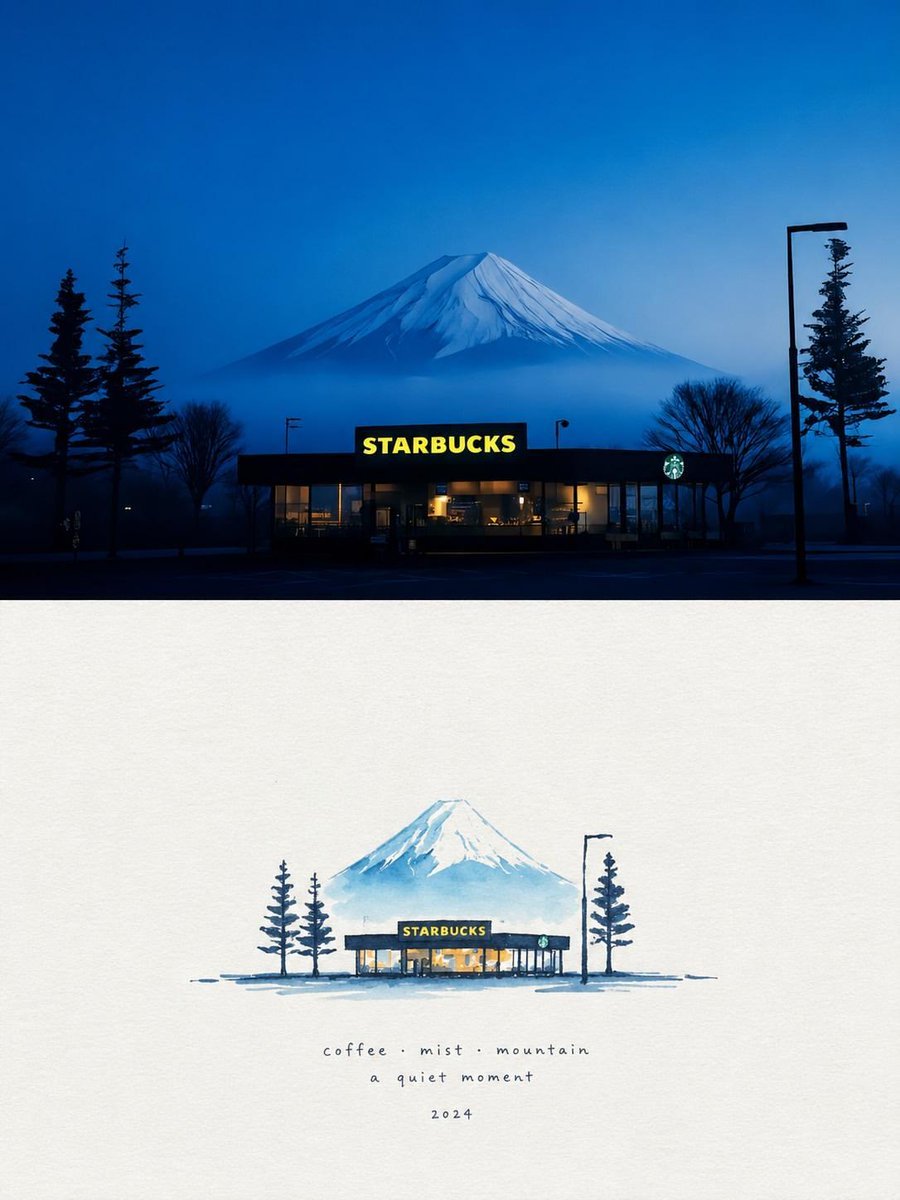
Starbucks Mountain Watercolor Comparison

Six VTuber Japanese Logo Sheet

Luxury ABKR Portrait Poster
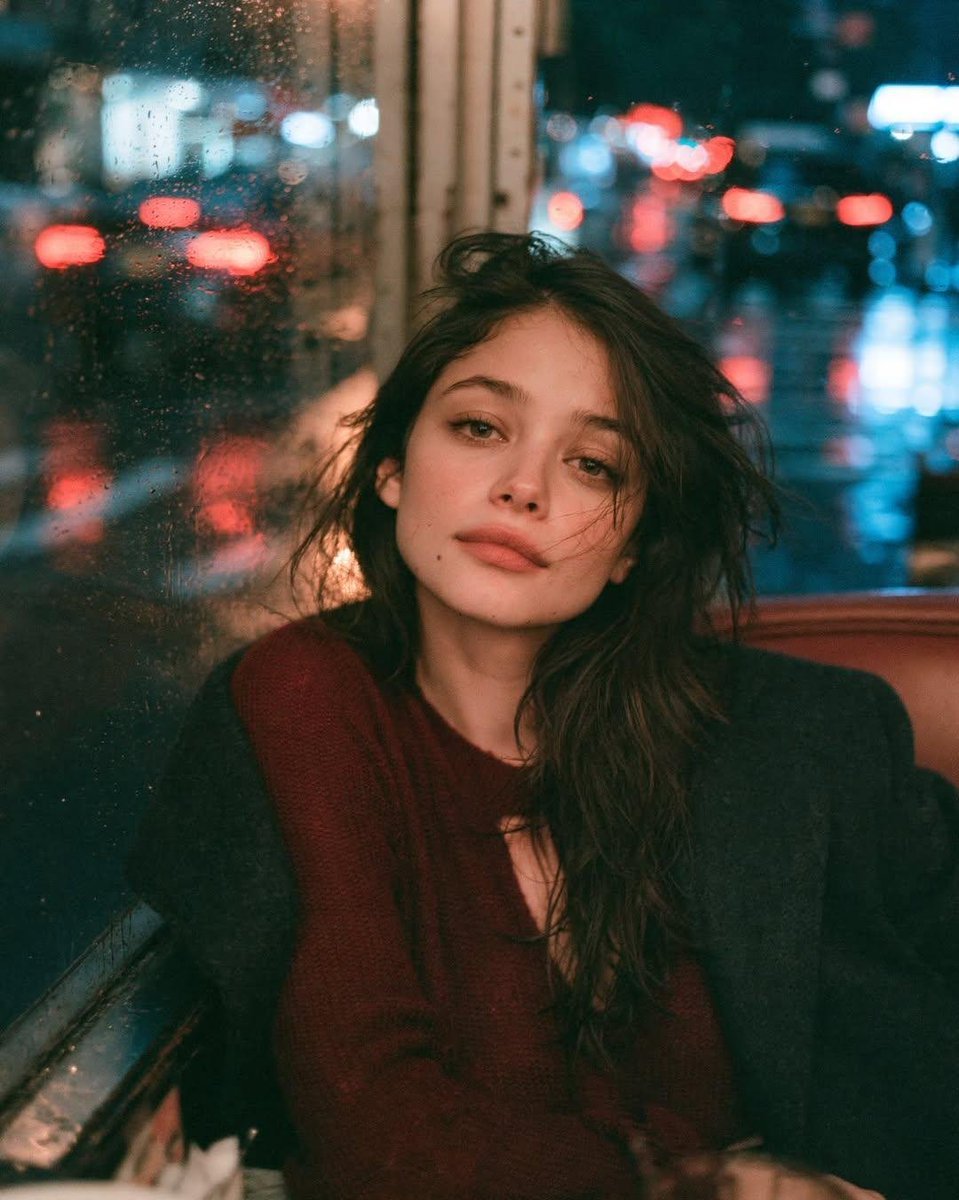
Rainy Night Vintage Diner Portrait
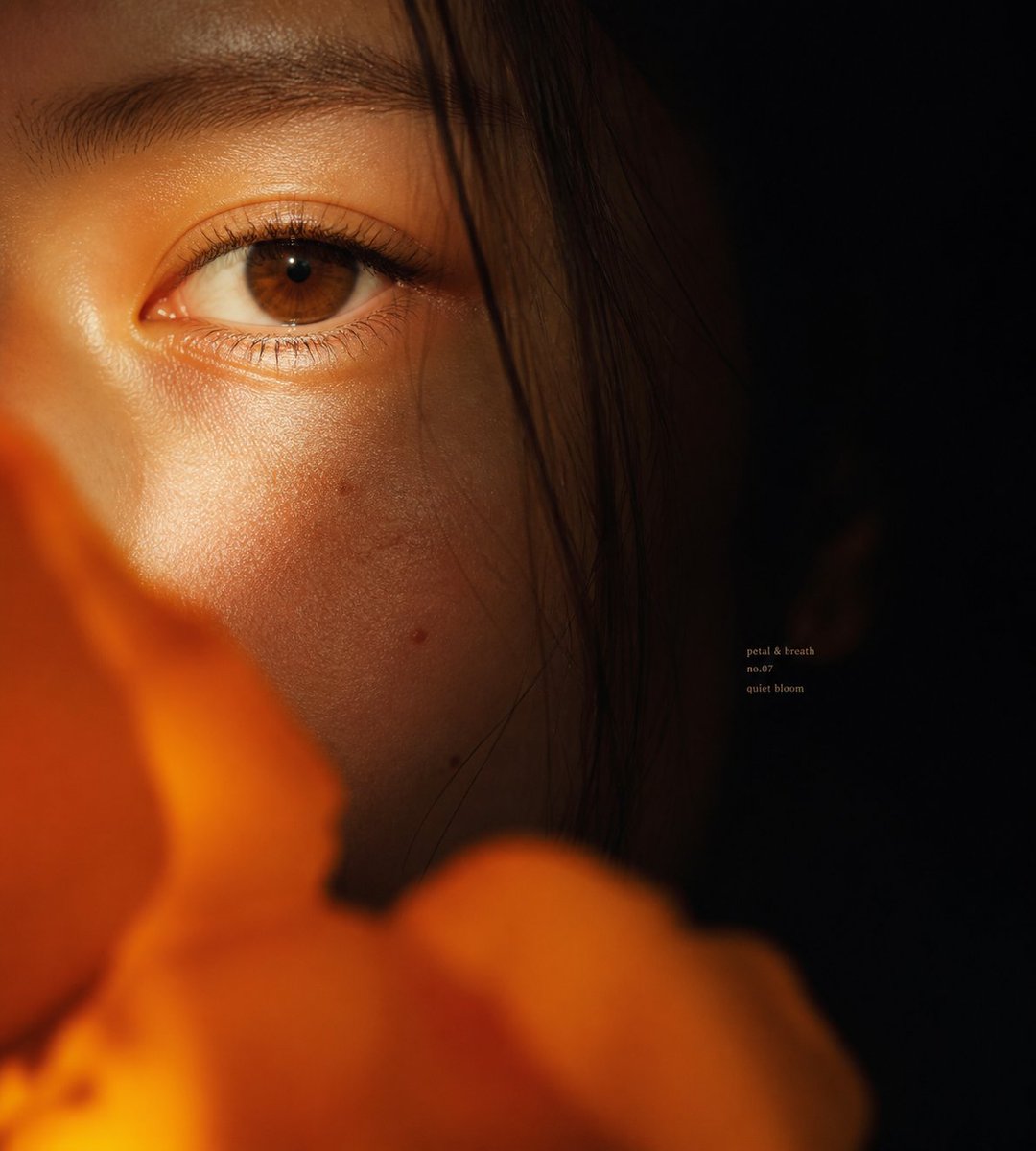
Intimate Flower Petal Macro Portrait

Cute Banana Robot on Table
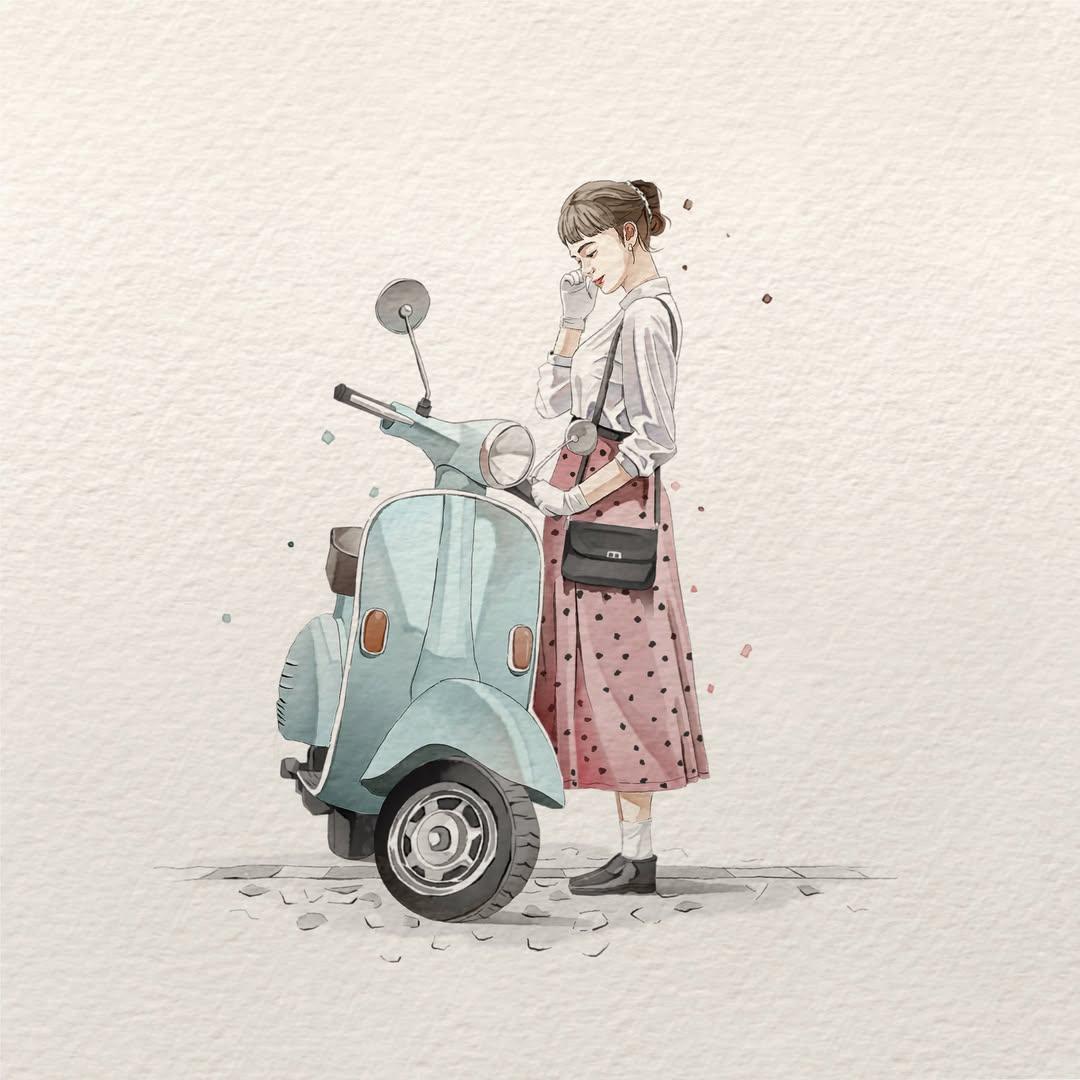
Watercolor Fashion Illustration Aesthetic

Sunlit Orchard Girl With Apples
More image prompts
Fresh picks from across the catalog.
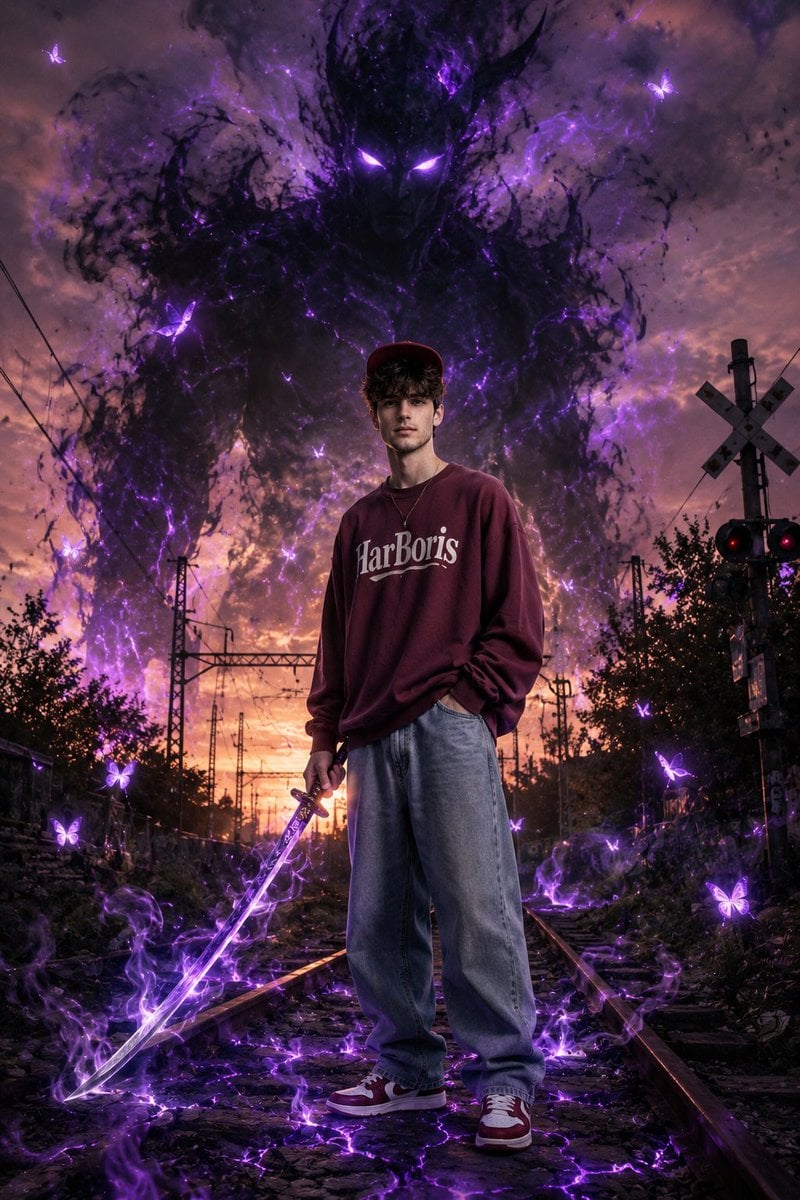
Dark Fantasy Portrait with Shadow Demon
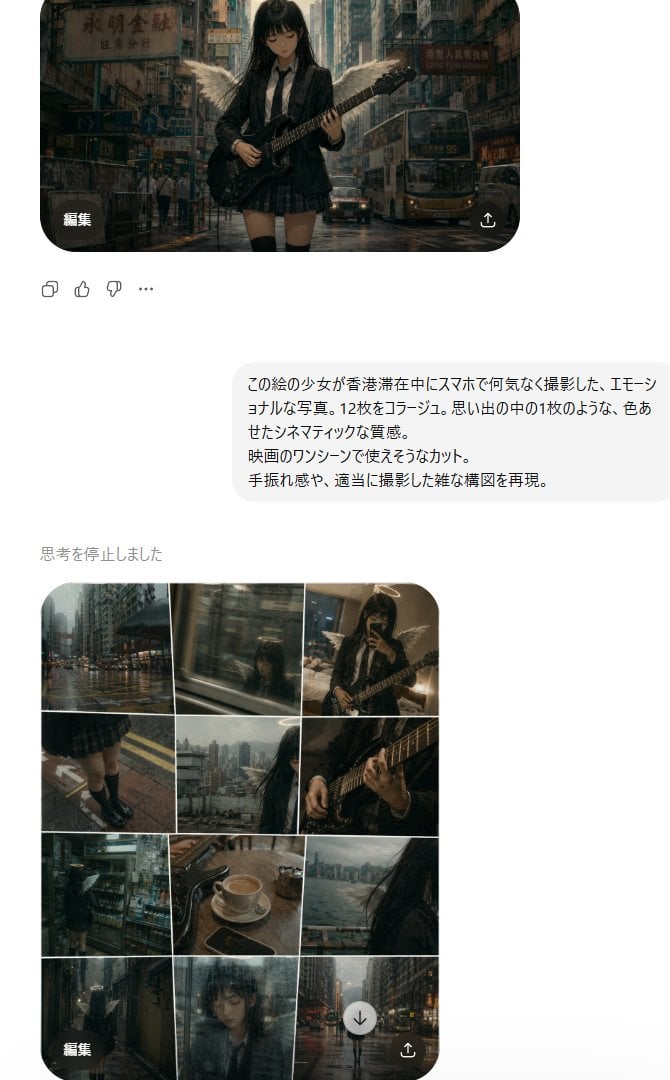
Rainy Hong Kong Schoolgirl Guitar Collage

Editable PSD Layer Generation
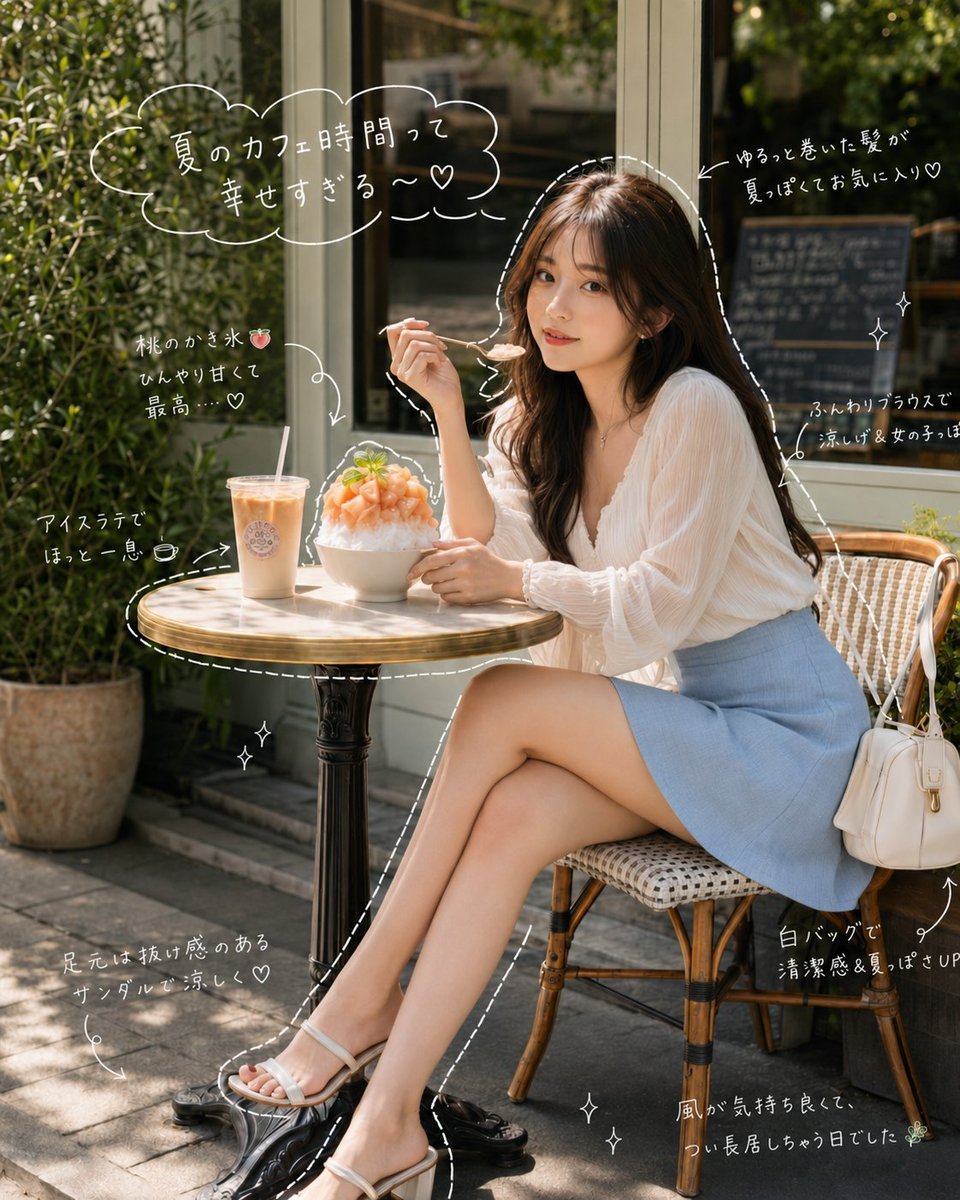
Japanese Summer Cafe Portrait
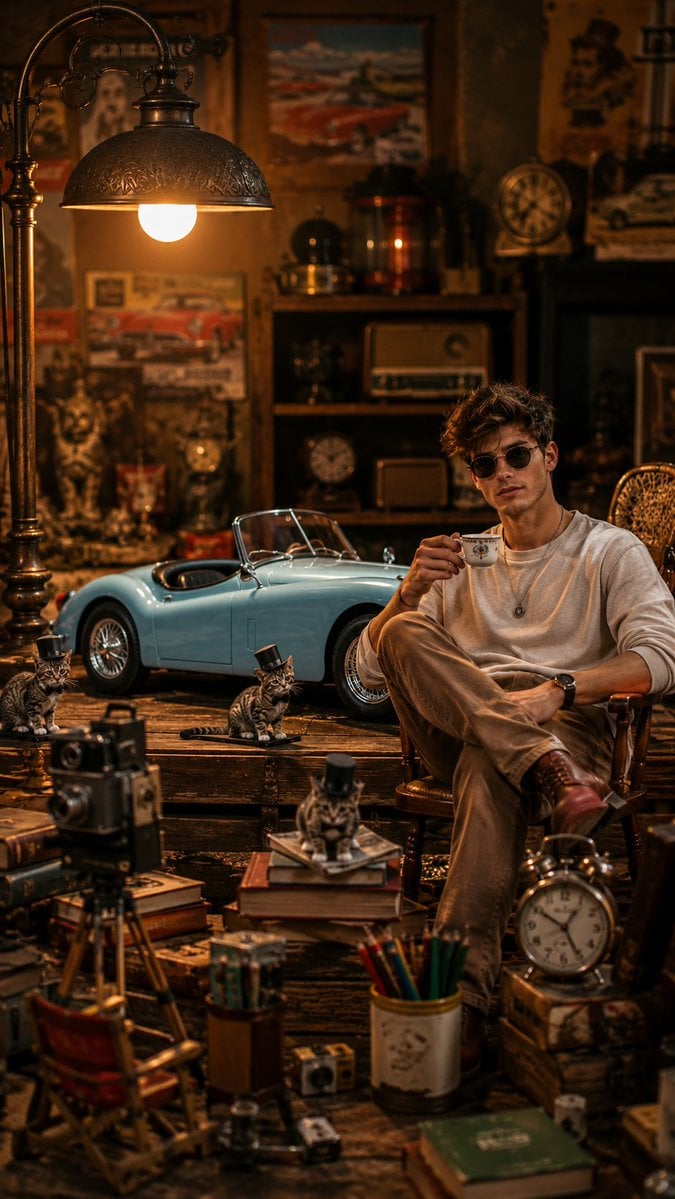
Vintage Workshop Diorama with Tabby Cats

Solara Art Nouveau Sun Goddess Poster
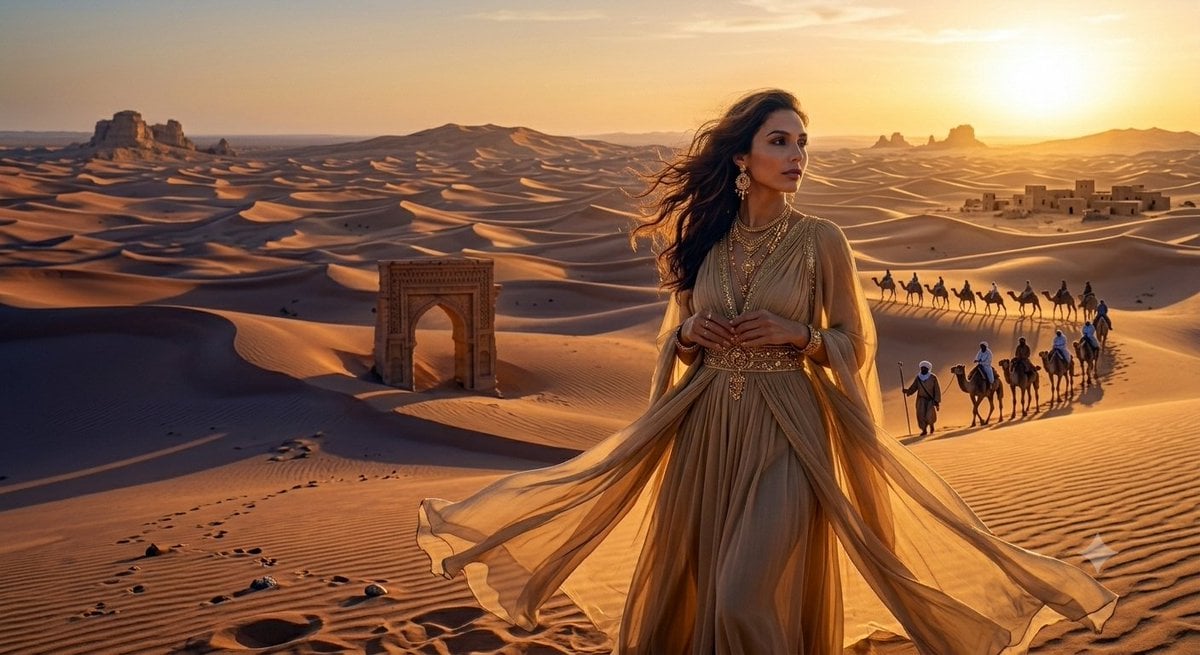
Desert Princess at Sunset
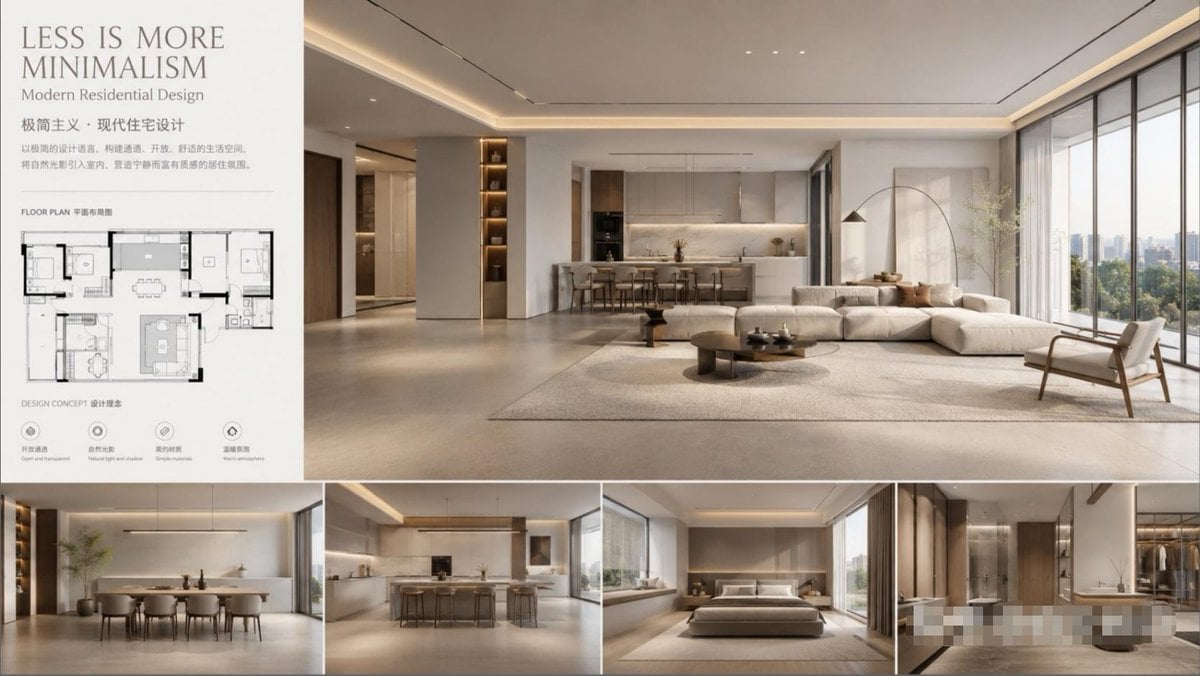
Modern Minimalist Interior Design Showcase
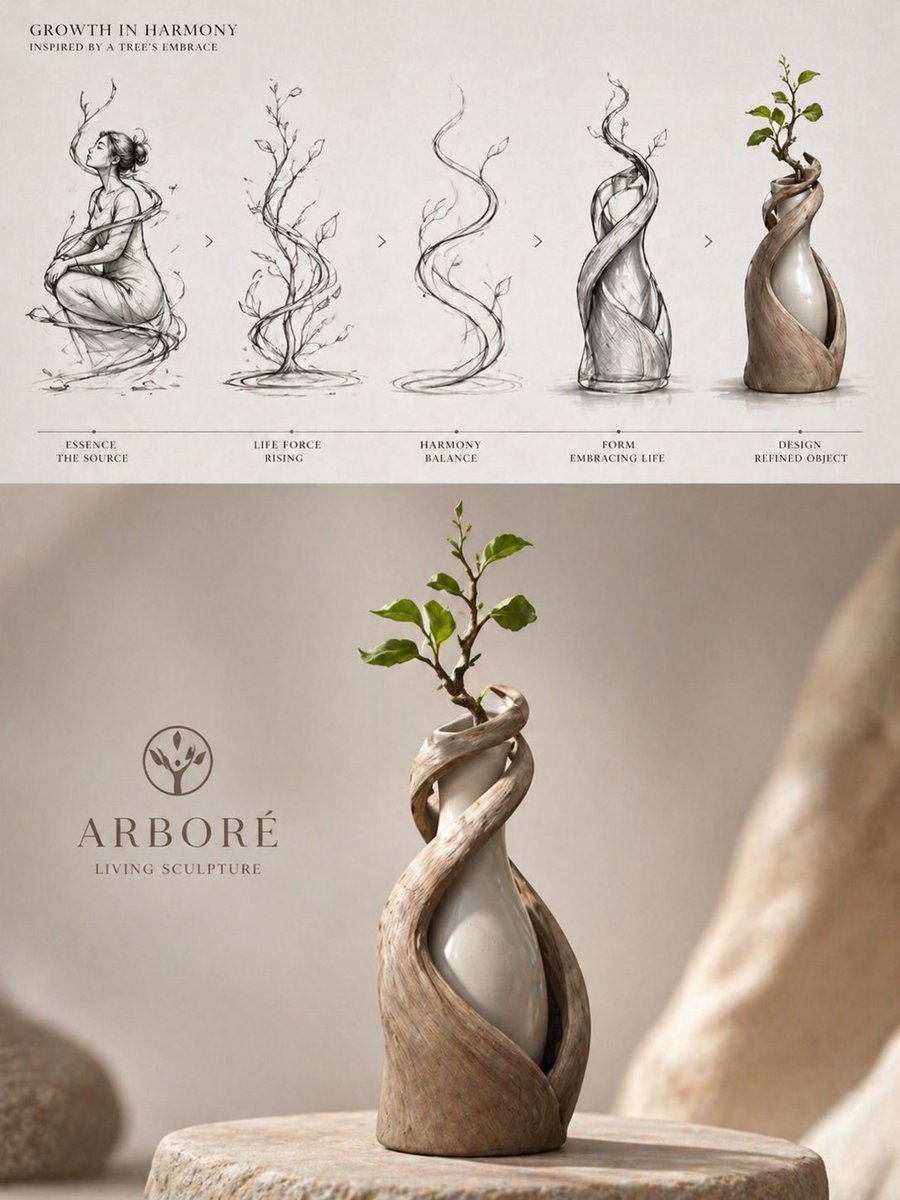
Luxury Biophilic Vase Concept Poster
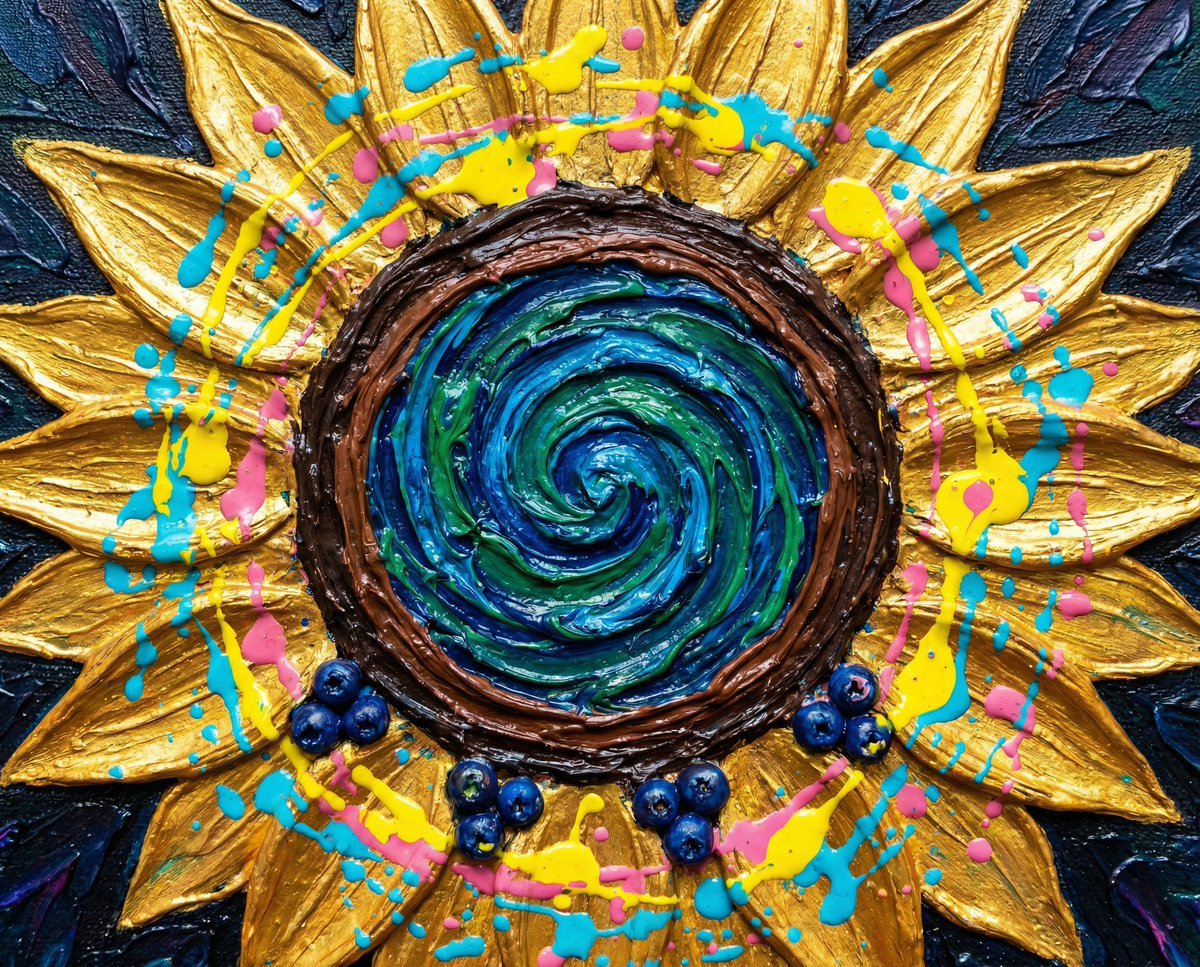
Psychedelic Impasto Sunflower Abstract
Browse template categories
Golden Hour Beach Couple questions
How do I use the Golden Hour Beach Couple template?
Add your photo if the template asks for one, edit the prompt if you like — the template's model and format are already selected — and press Generate. Your version opens in PicX Studio.
Can I customize the Golden Hour Beach Couple template?
Yes. You can change the subject, setting, lighting, mood, format, and available model controls before creating your image.
Is the Golden Hour Beach Couple template free?
Opening and editing this template is free. Generating uses credits, shown on the Generate button when you are signed in.
Which AI model should I use?
Start with GPT Image 2, which is the model associated with this template. You can compare another compatible model for a different finish.
Looking for something else? Browse all templates.

Your photo, any look
Thousands of ready templates for every top image and video model, from one credit balance.