
Sunlit Orchard Girl With Apples
A photorealistic vertical portrait of a young woman in a summer garden holding two green apples, ideal for cinematic lifestyle or fashion imagery.

- Prompt included
- Model and format preset
- Free template
The prompt behind this image
Copy the exact prompt behind Sunlit Orchard Girl With Apples, or open it in the studio and make it yours.
Create a vertical 2:3 photorealistic portrait of a young East Asian woman standing in a lush green orchard or garden, framed from the waist up and centered. She has {argument name="hair color" default="dark brown-black"} hair with soft wispy bangs and one thick side braid falling over her right shoulder, decorated with a small silver star-shaped hair clip on the viewer’s right side of her head. She faces the camera directly with a calm, slightly wistful neutral expression, clear fair skin, soft natural makeup, and large gentle eyes. She wears a sleeveless pastel plaid summer dress in muted cream, green, blue, and pink tones, with a simple gathered waist. Both hands are held at chest height, gently cradling exactly 2 pale green apples side by side, each apple with a small visible stem. The background is dense sunlit foliage with large green leaves, shallow depth of field, dreamy circular bokeh, and warm backlighting from the upper left; include strong golden rim light glowing around her hair and shoulders, soft lens flare, and a nostalgic film-photography look. Use natural outdoor lighting, 35mm or 50mm portrait lens feel, delicate skin texture, soft highlights, subtle grain, high dynamic range, and a serene summer atmosphere. Keep the composition clean with no extra people, no extra fruit, no text overlays, no logos, and no watermarks.
How to use Sunlit Orchard Girl With Apples in 3 steps
- 1Upload ImagePNG, JPG or paste
Add your photo
Upload the photo the template builds on. The prompt, model and format are already set.
- 2…a portrait of your subject in softgolden-hour light, 85mm…
Personalize
Edit the subject and creative details for your destination.
- 3Generate
Generate
Press Generate — your image is created in PicX Studio, so you can compare it with the original and refine one variable at a time.
More like this
Templates with the same subject, style or setup. Open one to see its prompt.

Teen Girl Alpine Lake Mountain View
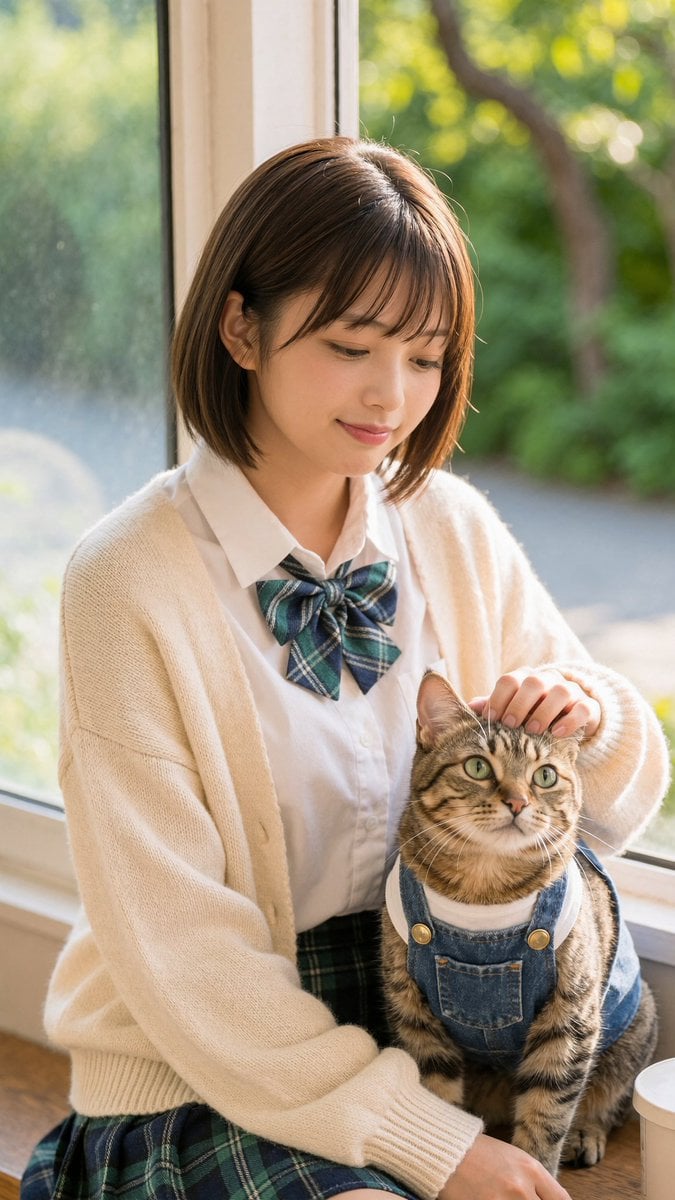
Schoolgirl With Cat by Sunlit Window
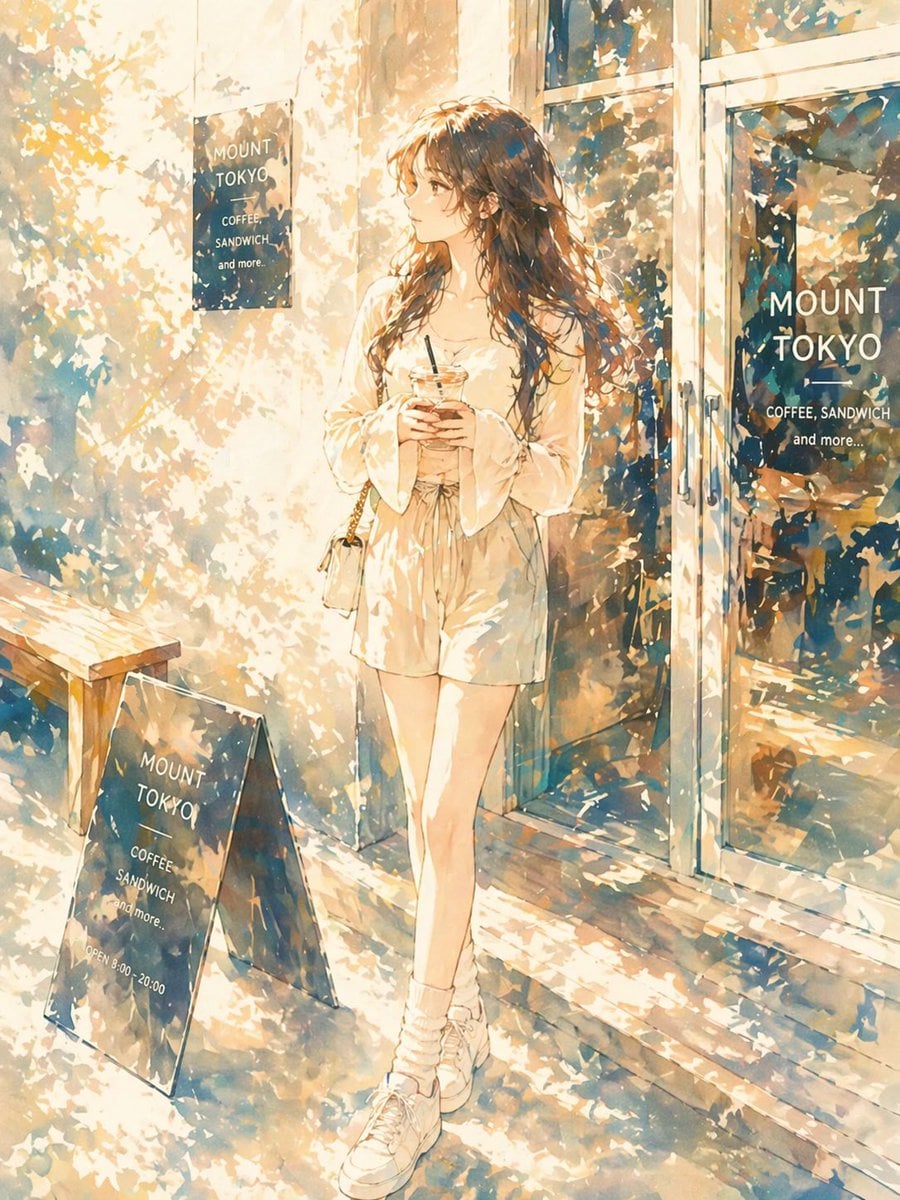
Sunlit Anime Girl Outside Cafe

Hungry Man in Sunlit Garage

Obscured Cyberpunk Girl Poster
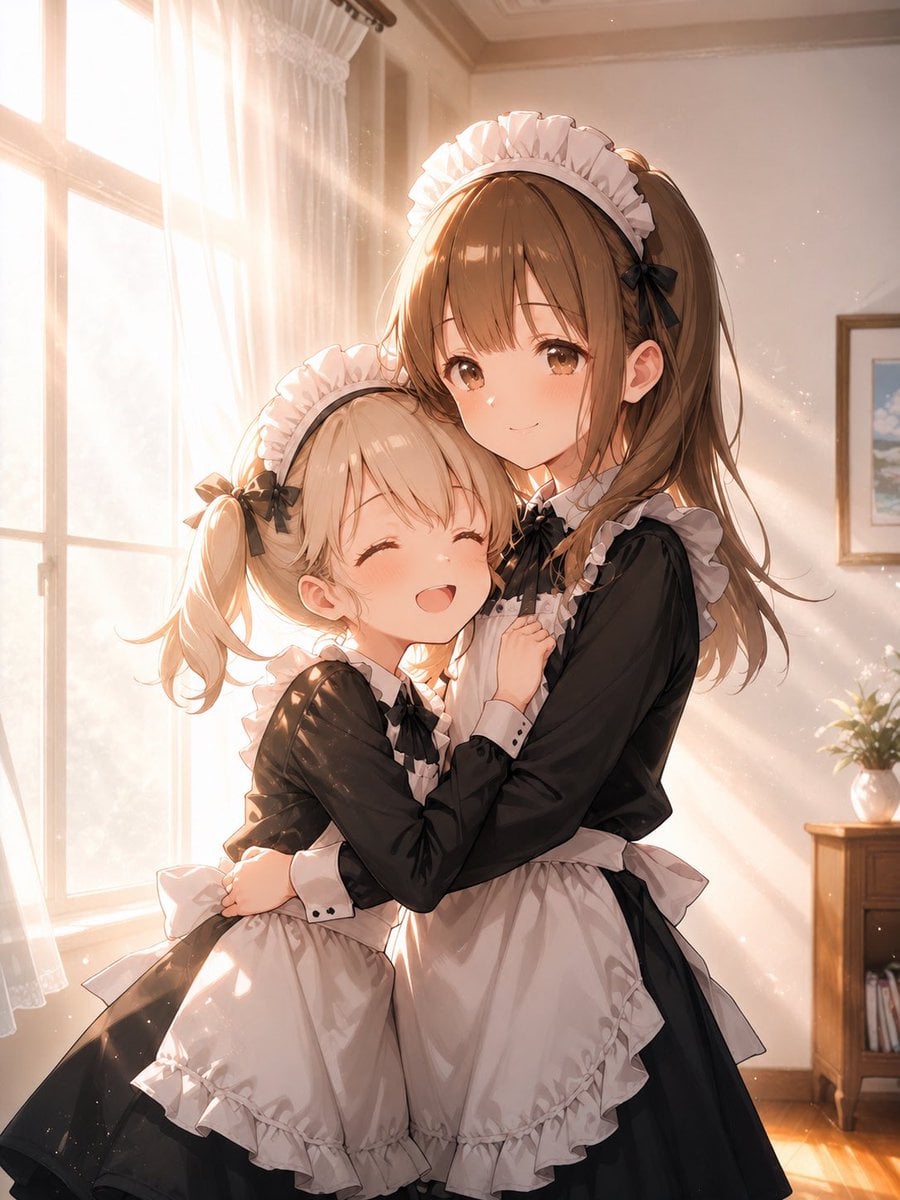
Sunlit Maid Sisters Hug
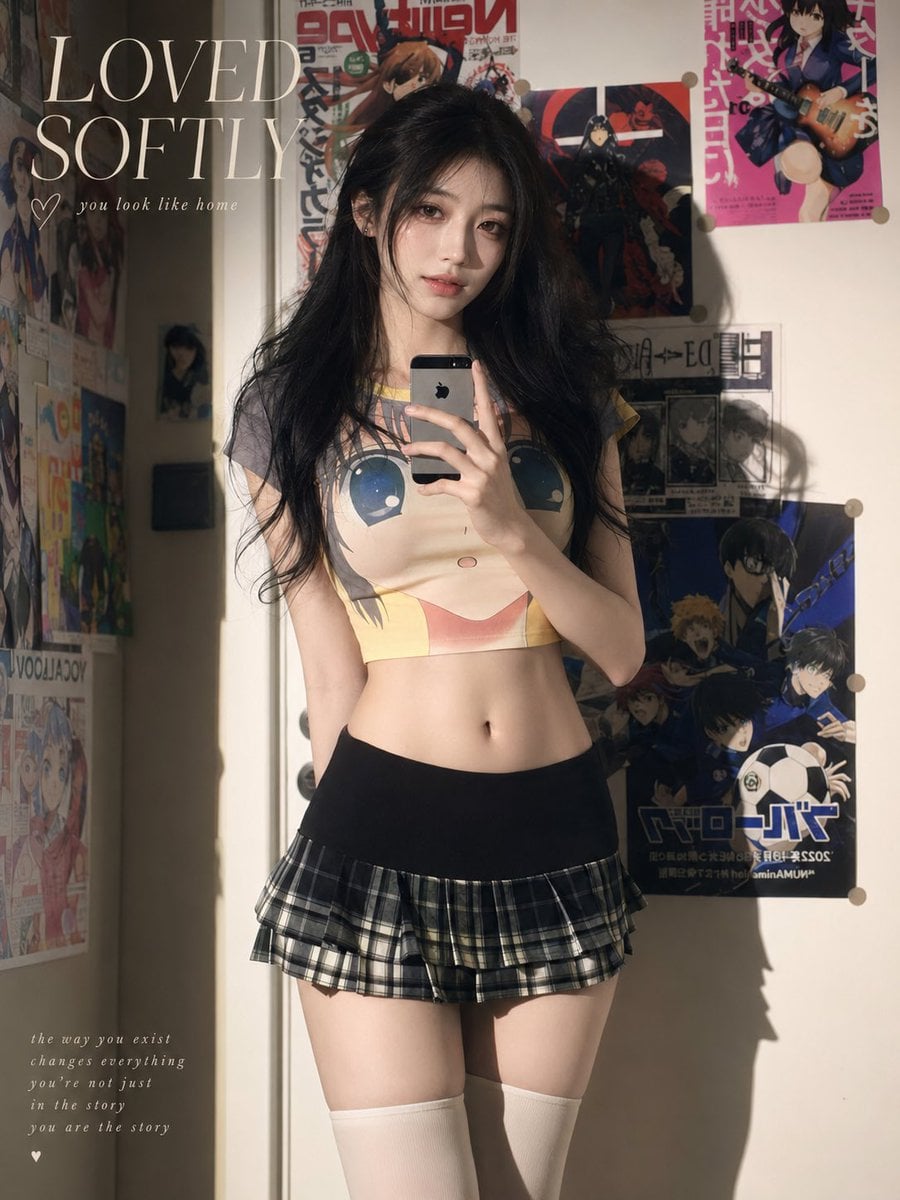
Soft Sunlit Anime Bedroom Selfie
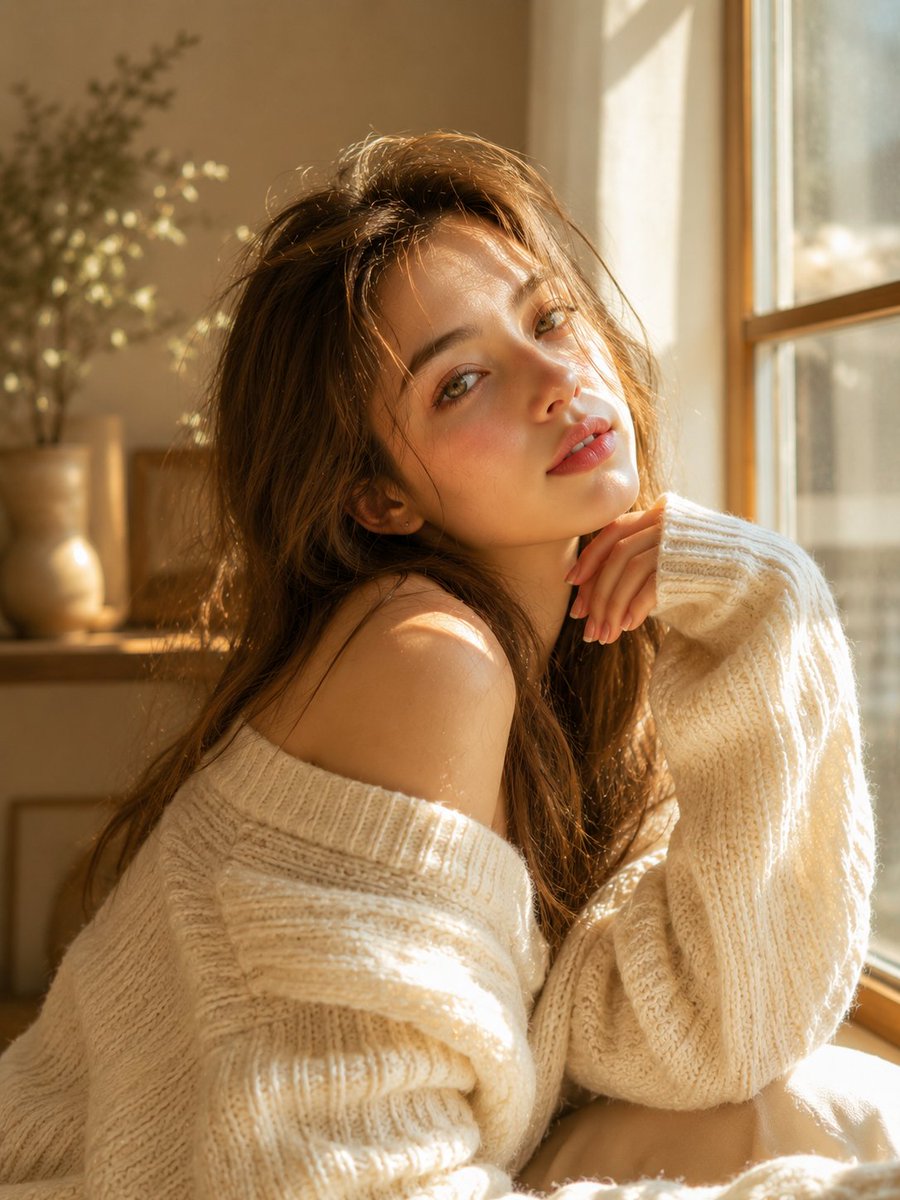
Dreamy Sunlit Window Portrait
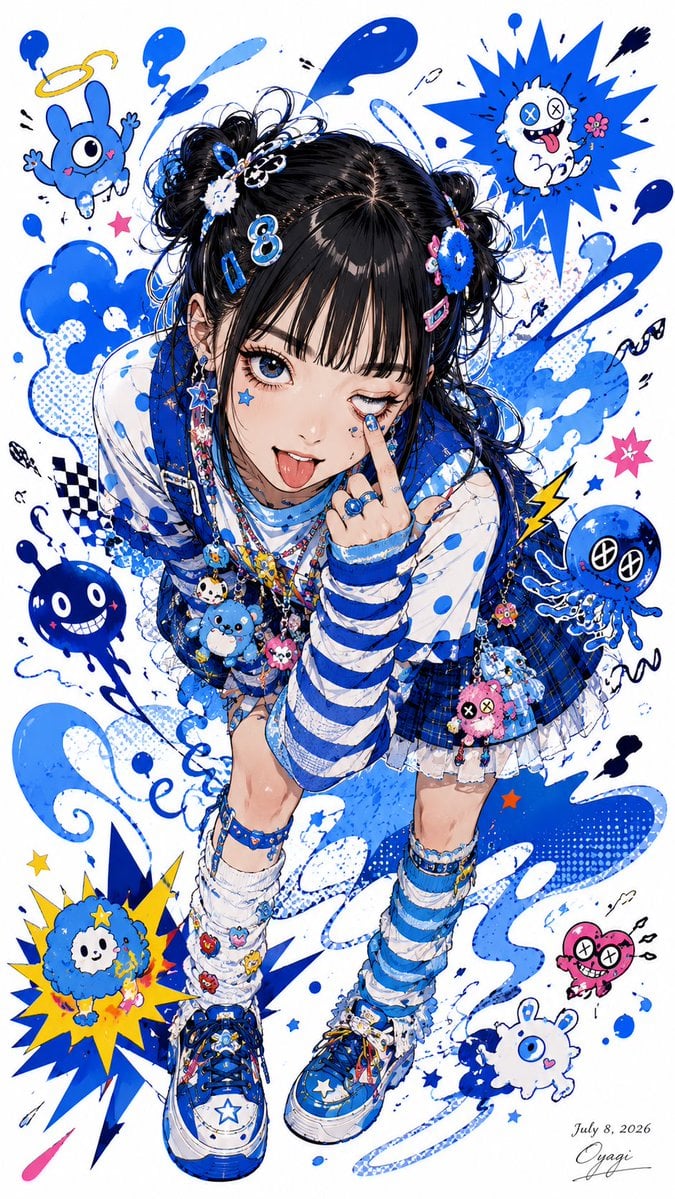
Blue Decora Anime Girl Poster

Sunlit Riverside City Fantasy

Anime Pear Orchard Harvest

Framed Quilling Anime Girl
Make it yours
Sunlit Orchard Girl With Apples works as-is. These are the safest ways to change it without losing the look.
Change one field
Copy a single group, rewrite it, and generate again so you can see what that field is doing.
Keep the frame, change the subject
Hold the composition and light of Sunlit Orchard Girl With Apples, then swap wardrobe, props or the person for a new take.
| If the result… | Why | Fix |
|---|---|---|
| The result drifts from the preview | Too many fields changed at once. | Reuse Sunlit Orchard Girl With Apples as-is first, then change one group — subject, light, or setting. |
| The model over-stylizes the scene | The prose prompt leaves finish and camera underspecified. | Add one camera or lighting sentence and stay on GPT Image 2. |
More GPT Image 2 templates
Other prompts made for GPT Image 2.

Six VTuber Japanese Logo Sheet

Realistic Portrait of Woman and Deer

The Vista Modular Condo Poster

AI Model Routing Comparison Infographic

2.5D Anime Art Board

Isometric Productivity Desk Scene

New York Double Exposure Poster

Four-Panel AI Landscape Comparison

Japanese Tatami Lifestyle Magazine Cover

NESCAFÉ Coffee Map Poster
More image prompts
Fresh picks from across the catalog.

Meme Rewriting Prompt: Friendship Ended
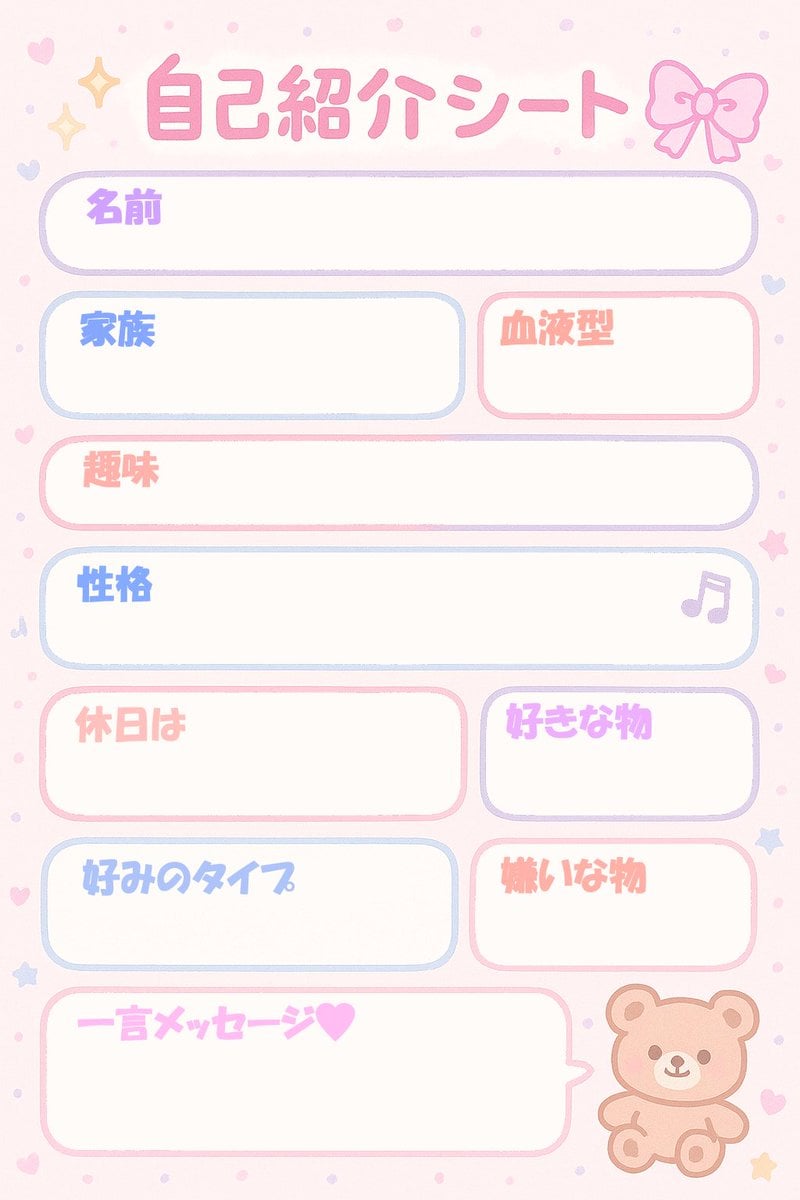
Self-Introduction Sheet Generation Prompt for Nano Banana Pro
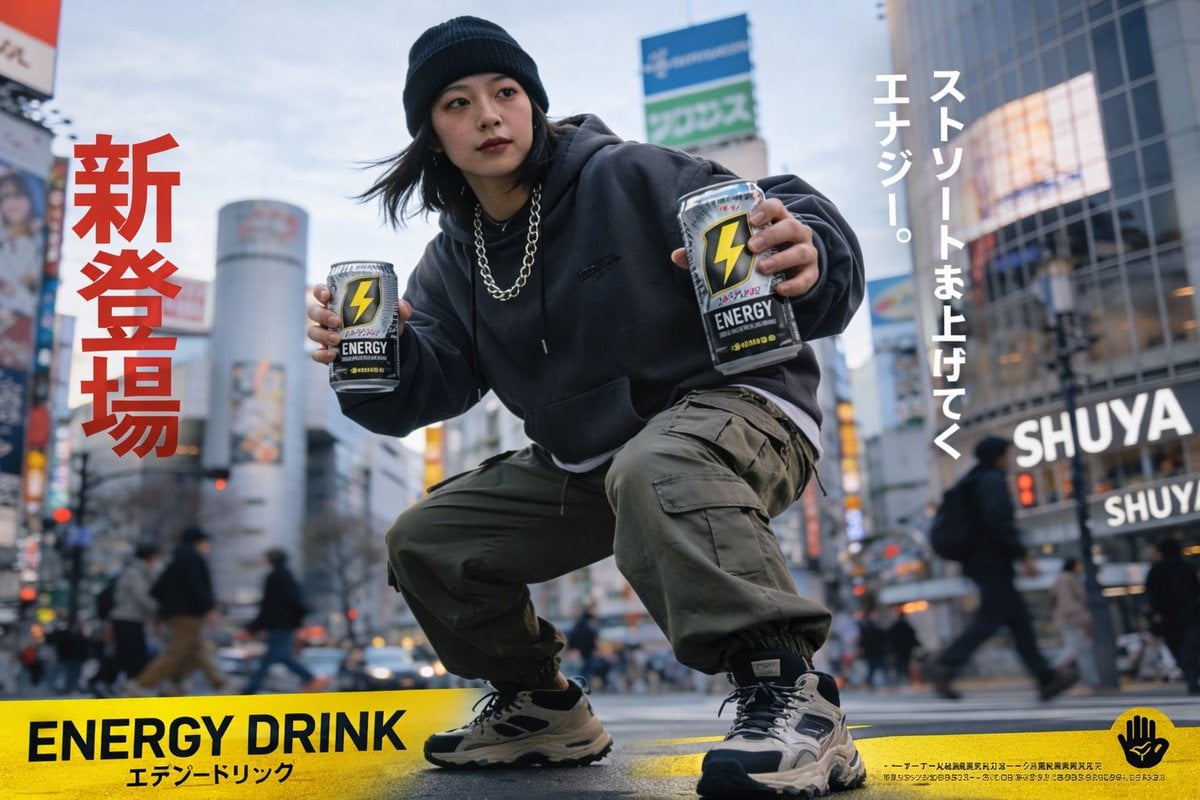
Urban Energy Drink Advertisement Poster

敦煌纸雕飞天 — 3D Layered Paper Cutout

Minimalist Oriental Commercial Illustration
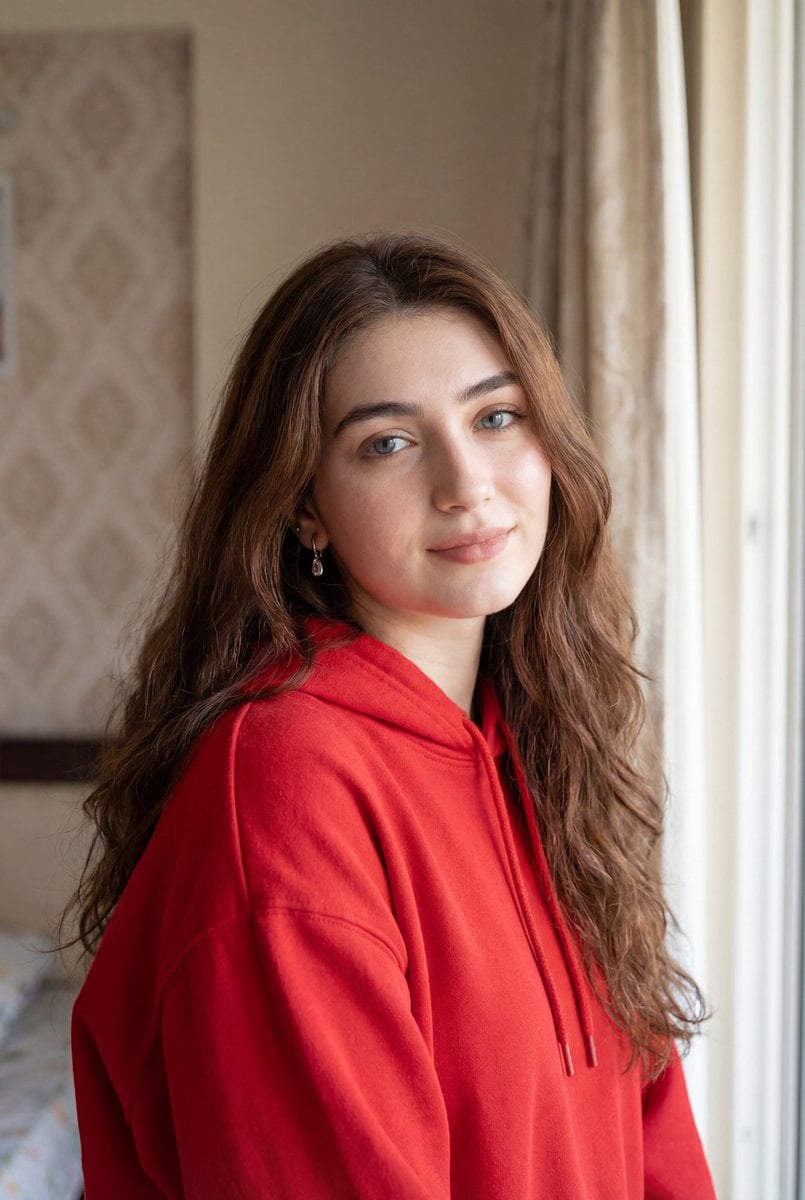
Ultra-Realistic Natural Light Portrait in Cozy Bedroom

Cozy Work-From-Home Portrait Prompt
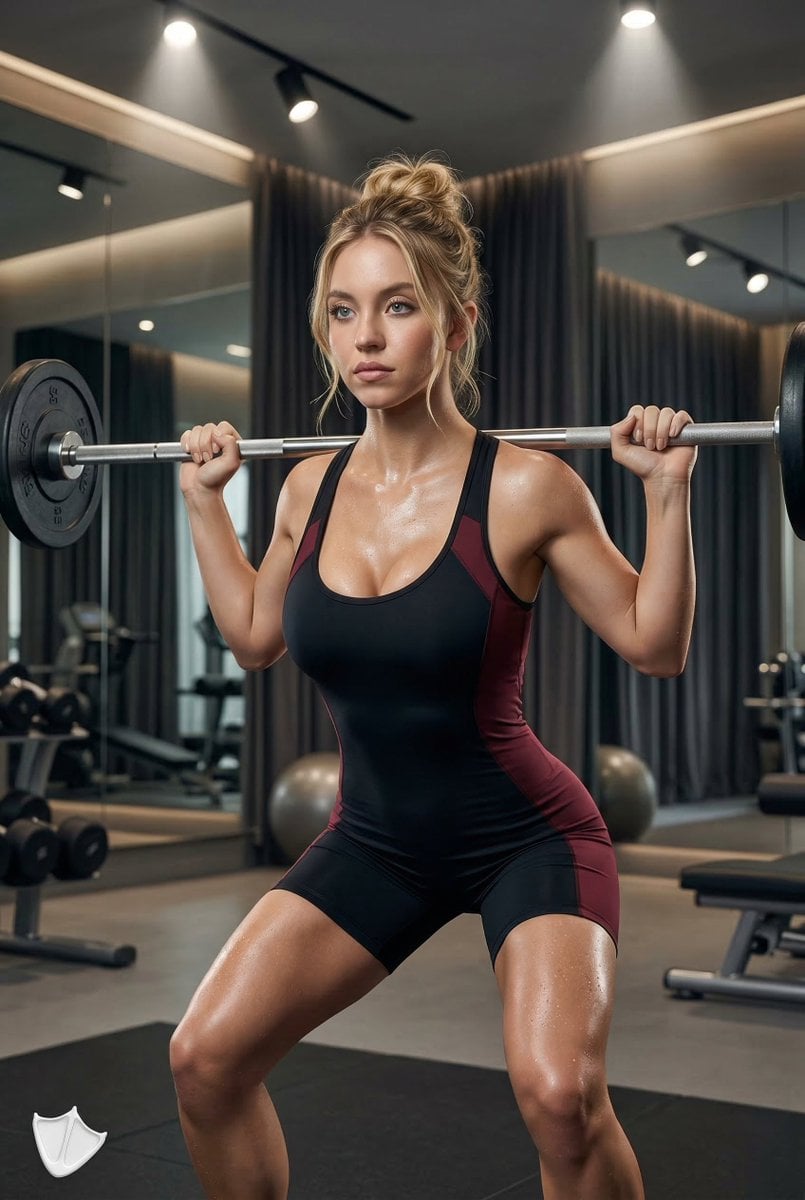
Ultra-Realistic Fitness Editorial Photography
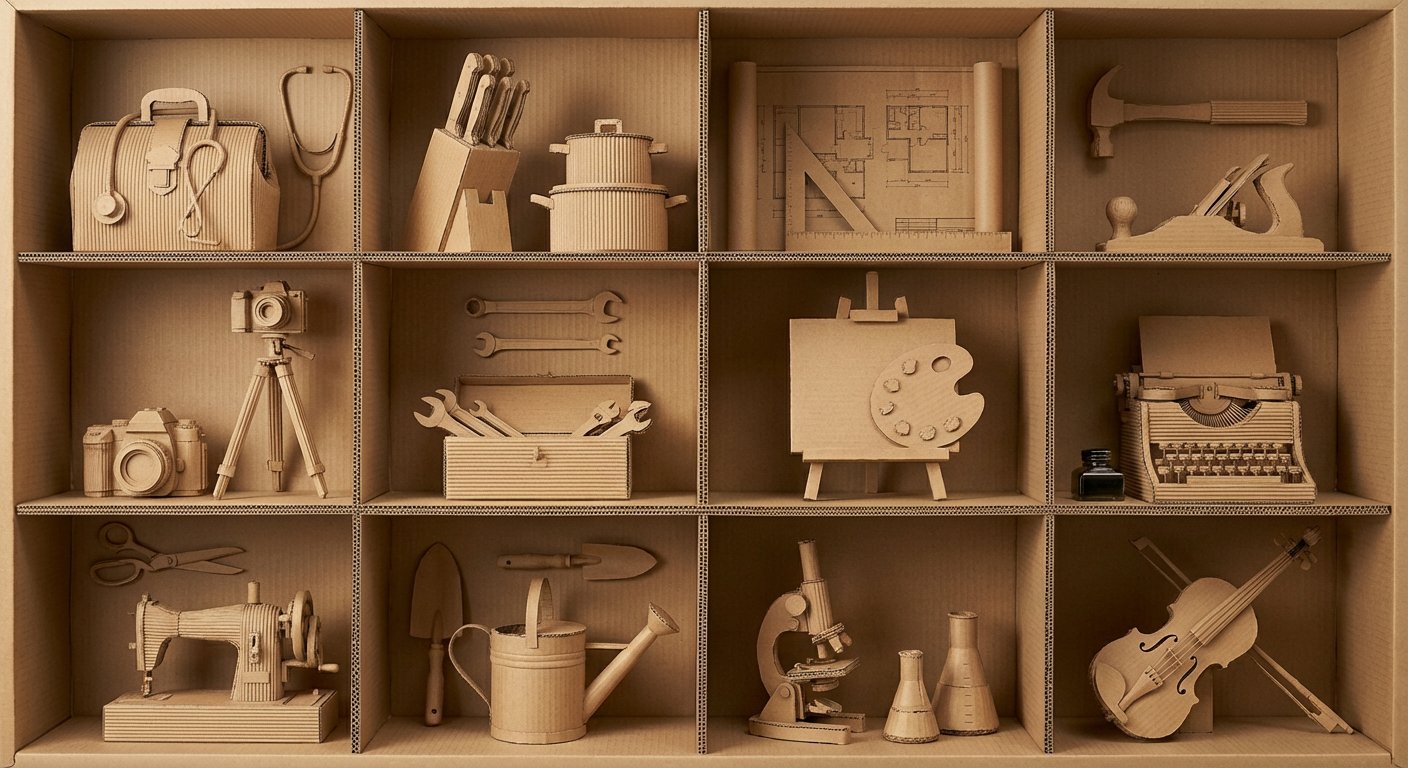
瓦楞纸艺术作品框格展示
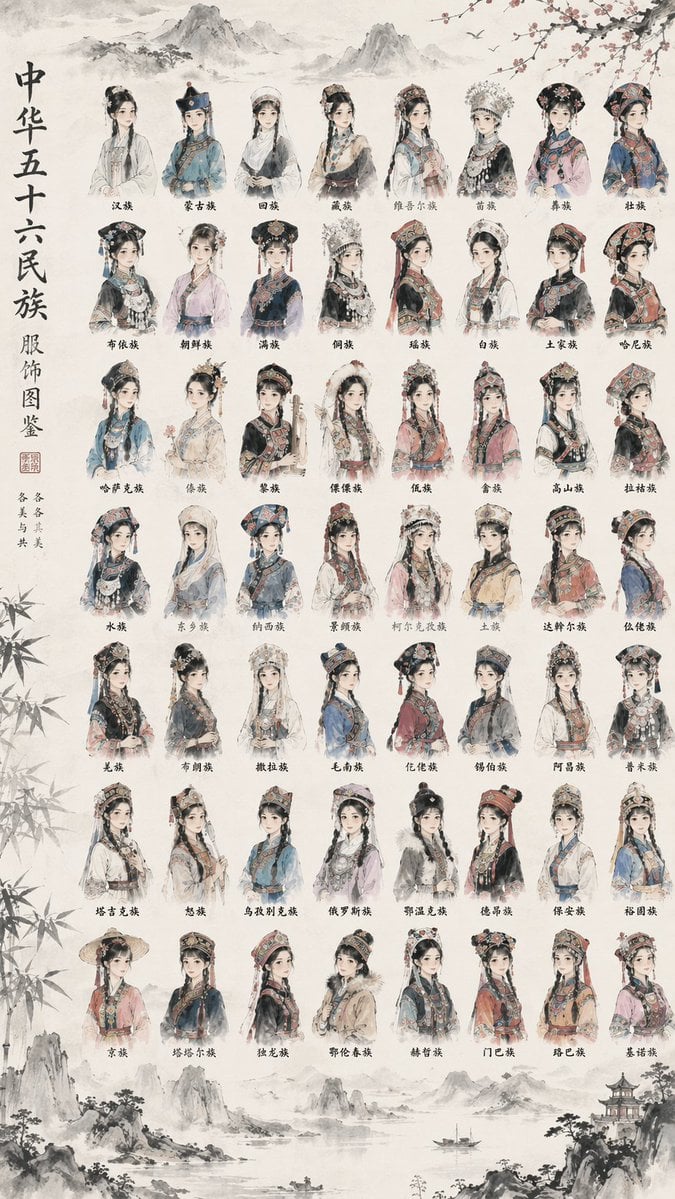
56 Chinese Ethnic Groups Clothing Chart
Browse template categories
Sunlit Orchard Girl With Apples questions
How do I use the Sunlit Orchard Girl With Apples template?
Add your photo if the template asks for one, edit the prompt if you like — the template's model and format are already selected — and press Generate. Your version opens in PicX Studio.
Can I customize the Sunlit Orchard Girl With Apples template?
Yes. You can change the subject, setting, lighting, mood, format, and available model controls before creating your image.
Is the Sunlit Orchard Girl With Apples template free?
Opening and editing this template is free. Generating uses credits, shown on the Generate button when you are signed in.
Which AI model should I use?
Start with GPT Image 2, which is the model associated with this template. You can compare another compatible model for a different finish.
Looking for something else? Browse all templates.

Your photo, any look
Thousands of ready templates for every top image and video model, from one credit balance.