
Dreamy Sunlit Window Portrait
A prompt for a soft, dreamy portrait of a woman bathed in morning light, using high-end photography settings for a serene atmosphere.
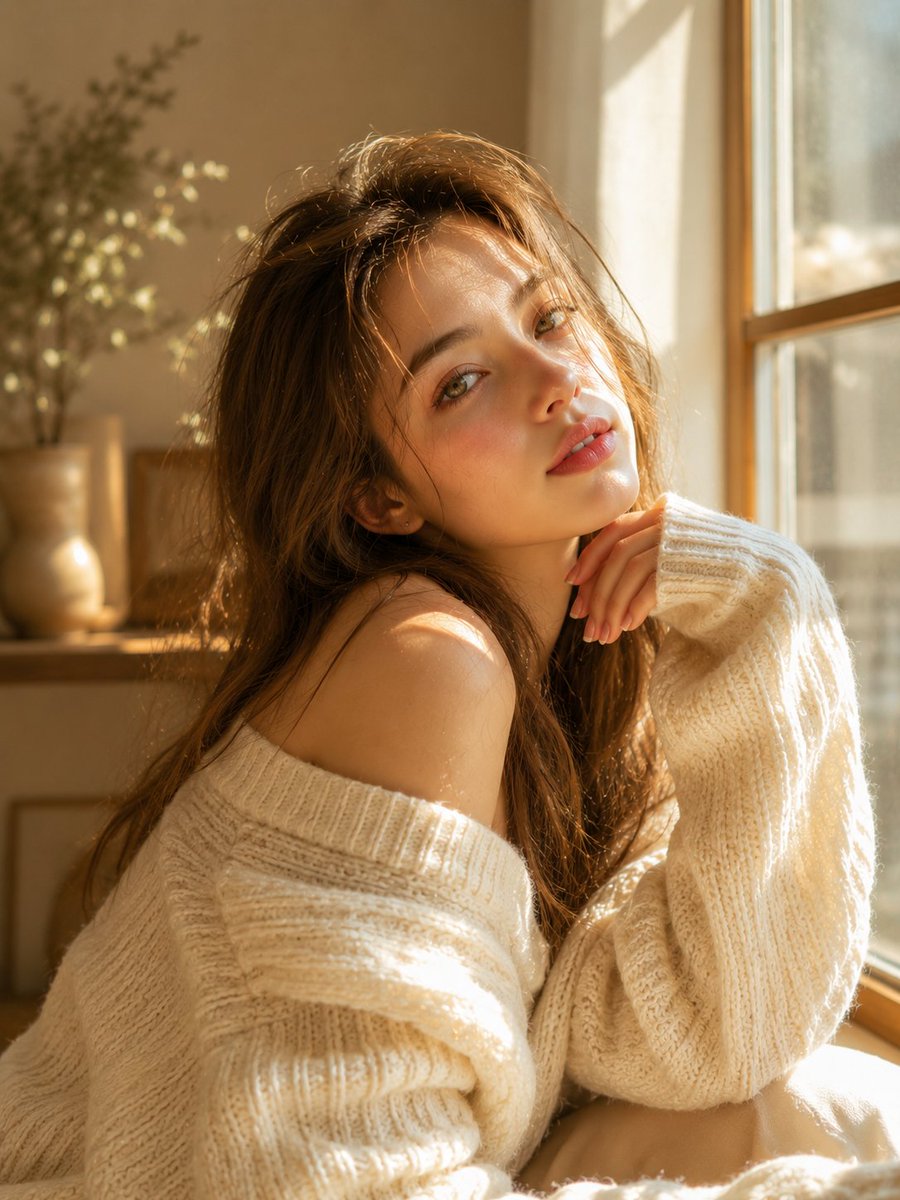
- Prompt included
- Model and format preset
- Free template
The prompt behind this image
Copy the exact prompt behind Dreamy Sunlit Window Portrait, or open it in the studio and make it yours.
Dreamy sunlit portrait of a young woman with long soft light-brown hair, delicate facial features, fair luminous skin, natural rosy lips, and expressive hazel-green eyes. Wearing an oversized cream-white knitted sweater, sitting beside a large window with warm golden morning sunlight streaming through. Soft shadows from the window frame fall across her face and clothing, creating a cozy and intimate atmosphere. Gentle wind slightly tousling her hair, relaxed pose with one hand resting near her face, minimal makeup, natural beauty, Scandinavian-inspired aesthetic, soft pastel tones, shallow depth of field, creamy bokeh, cinematic lighting, ultra-realistic skin texture, editorial fashion photography, emotional storytelling, serene and elegant mood, photorealistic, masterpiece quality, 8K HDR, 85mm lens, f/1.4. Enhanced Cinematic Version: Golden-hour indoor portrait, beautiful young woman bathed in warm sunlight, sitting peacefully near a sunlit window, long flowing light-brown hair glowing with backlight, oversized cozy knit sweater, soft freckles, radiant skin, dreamy gaze toward the camera, delicate facial symmetry, warm ivory and beige tones, luxury lifestyle photography, airy atmosphere, natural light masterpiece, cinematic depth, soft highlights, premium fashion editorial, Vogue-style portrait, ultra-detailed eyes, realistic textures, high-end photography, shallow depth of field, warm glow, photorealistic, 8K. Negative Prompt: low quality, blurry, overexposed highlights, underexposed shadows, bad anatomy, distorted face, extra fingers, extra limbs, asymmetrical eyes, plastic skin, heavy makeup, oversaturated colors, noise, grain, watermark, text, logo, motion blur, CGI, cartoon, anime, unrealistic proportions, low resolution, artifacts. Style Keywords: golden hour, cozy aesthetic, soft sunlight, dreamy portrait, warm glow, cream sweater, editorial photography, Scandinavian minimalism, airy atmosphere, natural beauty, cinematic realism, luxury lifestyle
How to use Dreamy Sunlit Window Portrait in 3 steps
- 1
Open
The prompt is already in the box next to the preview, with the template's model and format selected.
- 2…a portrait of your subject in softgolden-hour light, 85mm…
Personalize
Edit the subject and creative details for your destination.
- 3Generate
Generate
Press Generate — your image is created in PicX Studio, so you can compare it with the original and refine one variable at a time.
More like this
Templates with the same subject, style or setup. Open one to see its prompt.

Rainy Café Window Moody Portrait

Found Photograph: Us, 1970

80s Couple Studio Portrait

80s Bollywood Star

80s Golden Hour Cinema

Me in 1985

1985 Studio Portrait

Hyper-Realistic Minecraft POV Portrait

Rooftop Fisheye — Cat-Ear Balaclava at Golden Hour
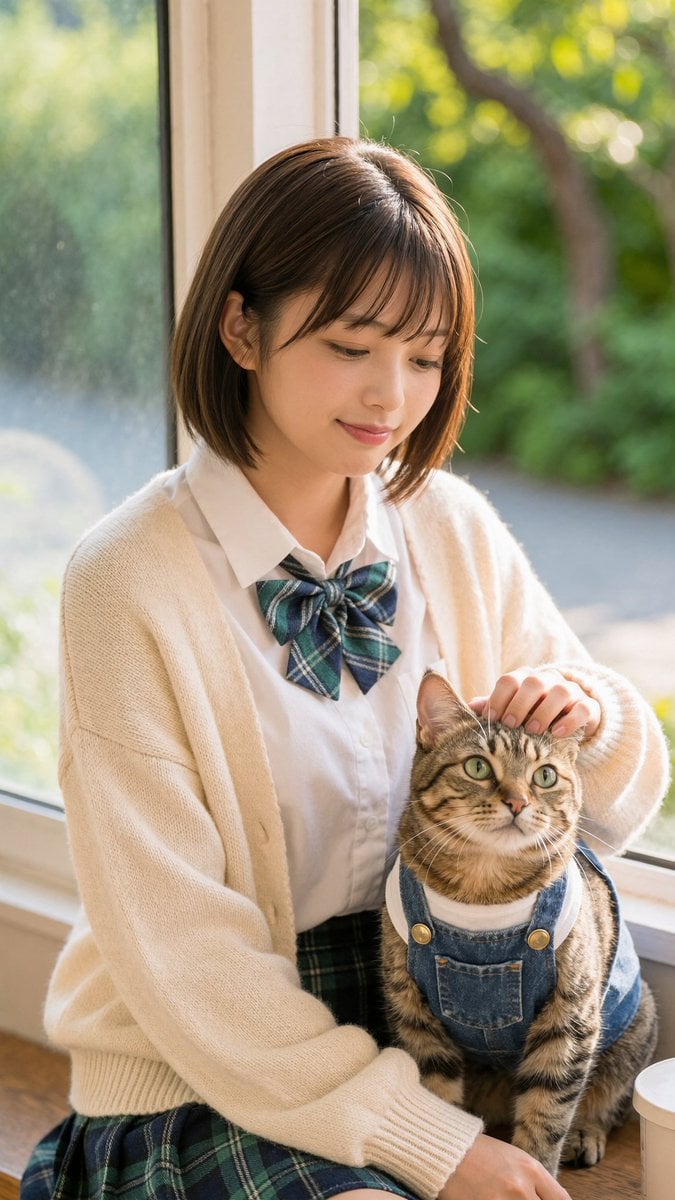
Schoolgirl With Cat by Sunlit Window

untitled
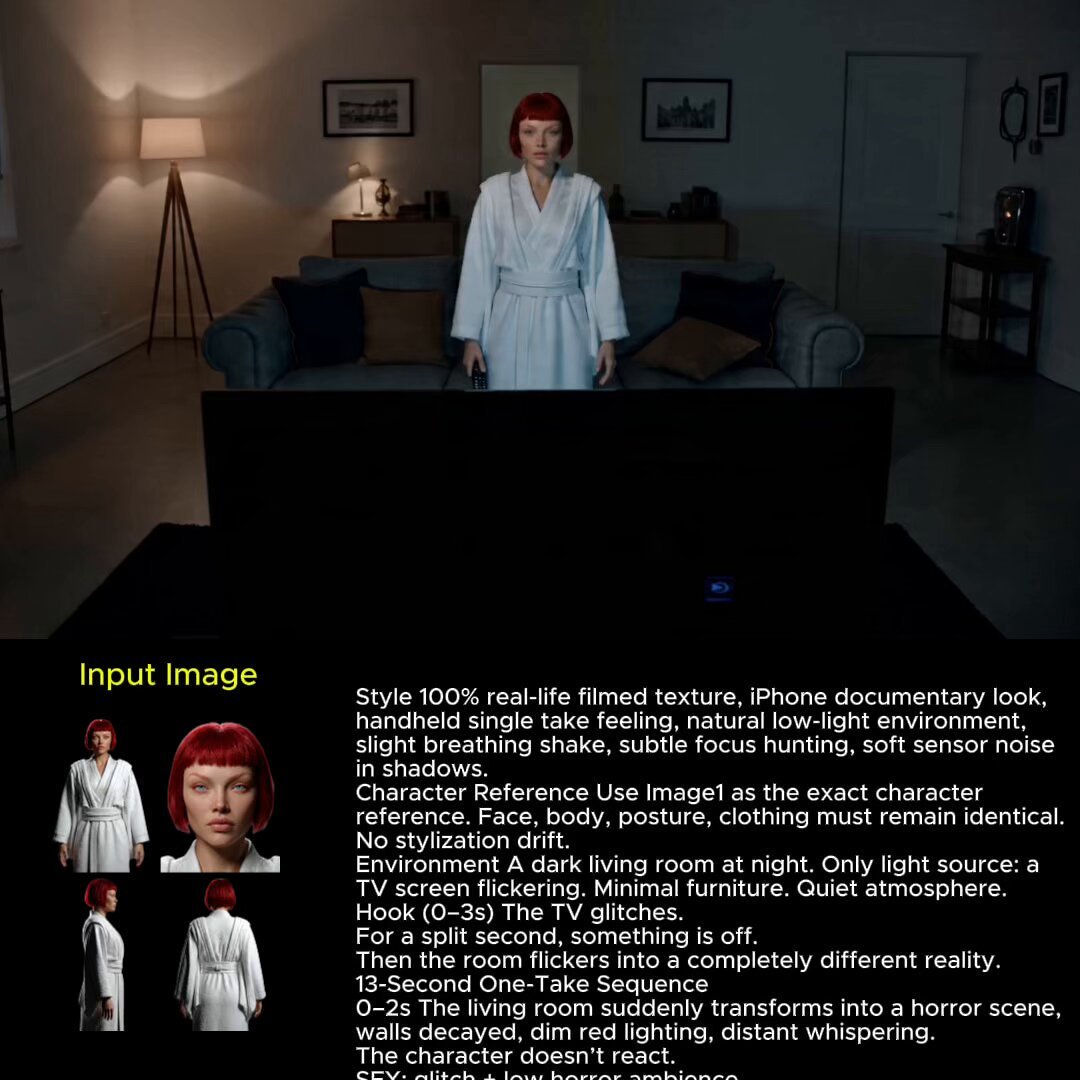
2025 Aesthetic Photography
Make it yours
Dreamy Sunlit Window Portrait works as-is. These are the safest ways to change it without losing the look.
Change one field
Copy a single group, rewrite it, and generate again so you can see what that field is doing.
Keep the frame, change the subject
Hold the composition and light of Dreamy Sunlit Window Portrait, then swap wardrobe, props or the person for a new take.
| If the result… | Why | Fix |
|---|---|---|
| The result drifts from the preview | Too many fields changed at once. | Reuse Dreamy Sunlit Window Portrait as-is first, then change one group — subject, light, or setting. |
| The model over-stylizes the scene | The prose prompt leaves finish and camera underspecified. | Add one camera or lighting sentence and stay on GPT Image 2. |
More GPT Image 2 templates
Other prompts made for GPT Image 2.

Six VTuber Japanese Logo Sheet

Realistic Portrait of Woman and Deer

The Vista Modular Condo Poster

AI Model Routing Comparison Infographic

2.5D Anime Art Board

Isometric Productivity Desk Scene

New York Double Exposure Poster

Four-Panel AI Landscape Comparison

Japanese Tatami Lifestyle Magazine Cover

NESCAFÉ Coffee Map Poster
More image prompts
Fresh picks from across the catalog.

Anime Duo School Poster
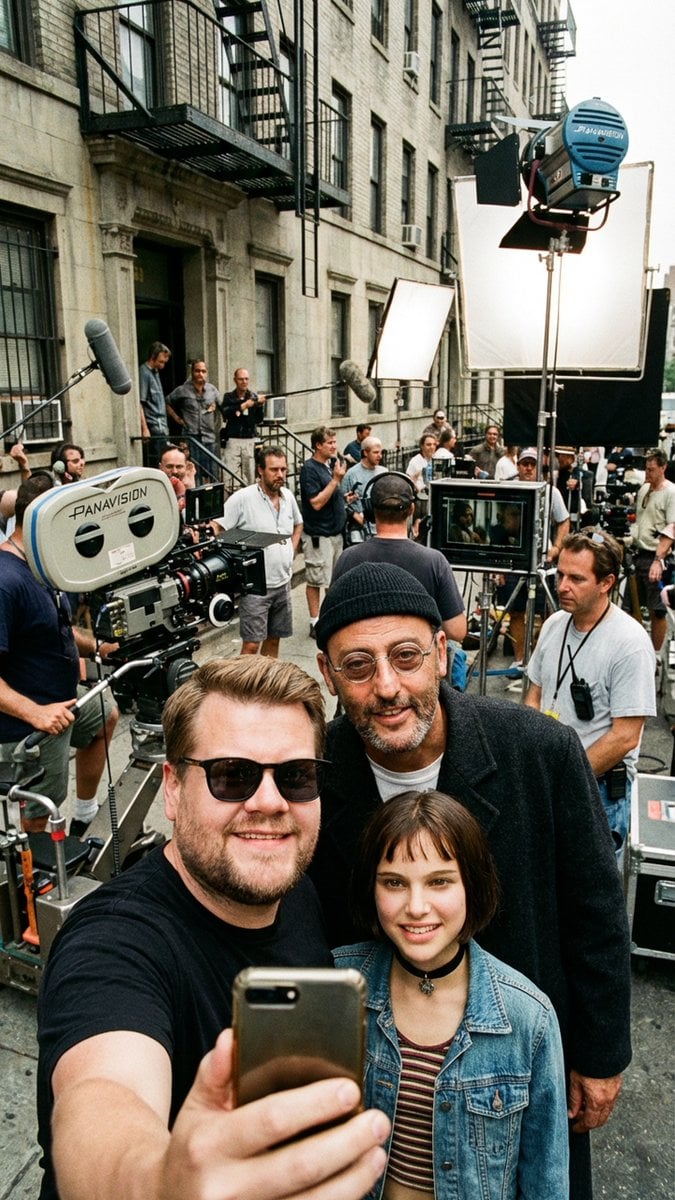
Behind-the-Scenes Selfie Identity Swap Prompt

World Cup Throne Portrait

Product Render Config: Chocolate Wafer Hazelnut Edition

Nano Banana Prompt: Cozy Storybook Illustration Style
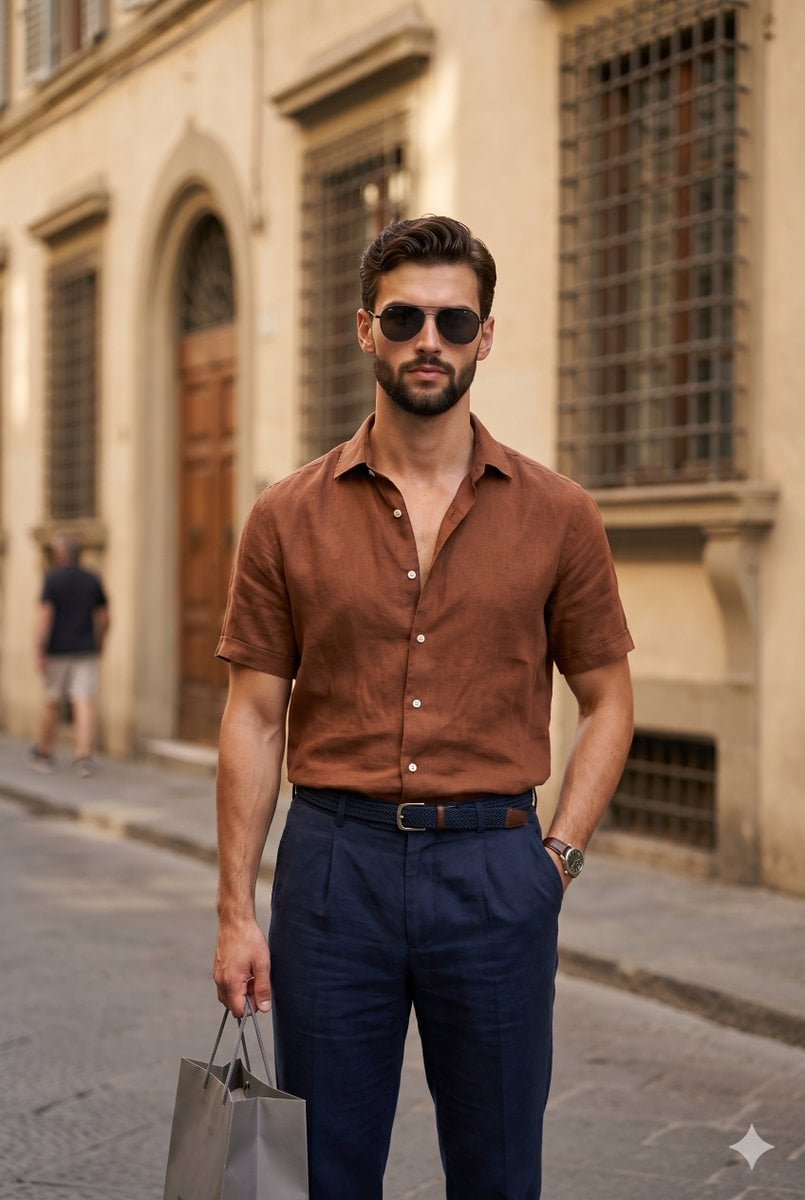
European Urban Menswear Style Portrait
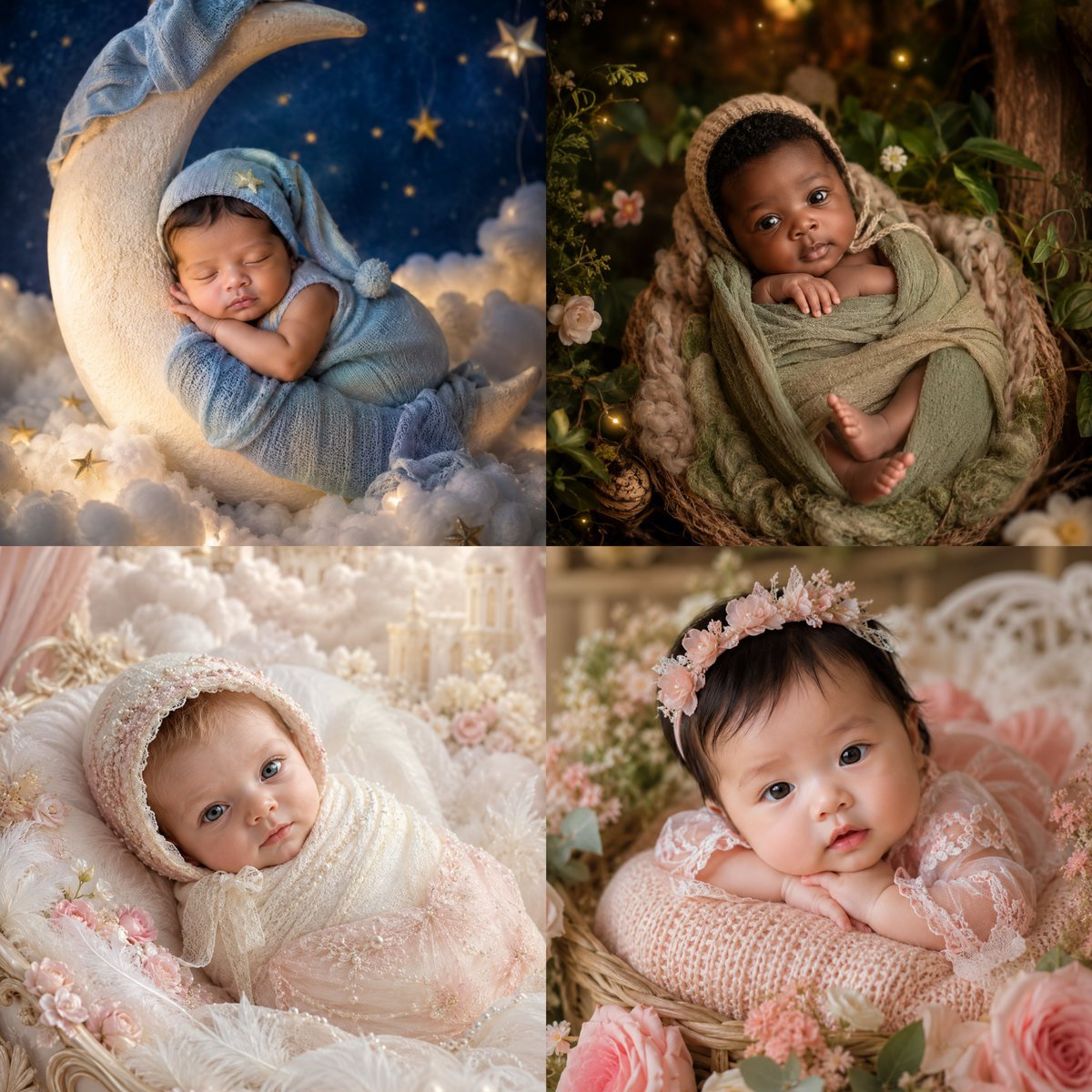
Four-Theme Newborn Portrait Collage
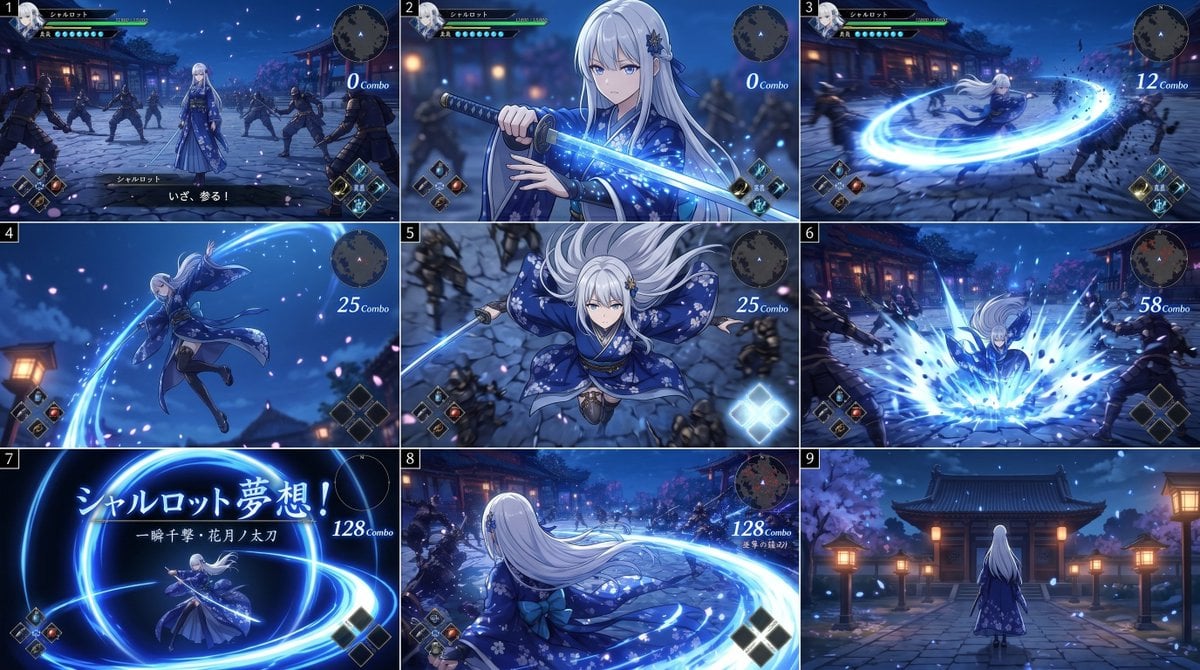
Anime RPG Sword Attack Storyboard

Modern Japanese Graphic Design Poster Prompt

Futuristic Animation Trade Magazine Cover
Browse template categories
Dreamy Sunlit Window Portrait questions
How do I use the Dreamy Sunlit Window Portrait template?
Add your photo if the template asks for one, edit the prompt if you like — the template's model and format are already selected — and press Generate. Your version opens in PicX Studio.
Can I customize the Dreamy Sunlit Window Portrait template?
Yes. You can change the subject, setting, lighting, mood, format, and available model controls before creating your image.
Is the Dreamy Sunlit Window Portrait template free?
Opening and editing this template is free. Generating uses credits, shown on the Generate button when you are signed in.
Which AI model should I use?
Start with GPT Image 2, which is the model associated with this template. You can compare another compatible model for a different finish.
Looking for something else? Browse all templates.

Your photo, any look
Thousands of ready templates for every top image and video model, from one credit balance.