
Sunlit Riverside City Fantasy
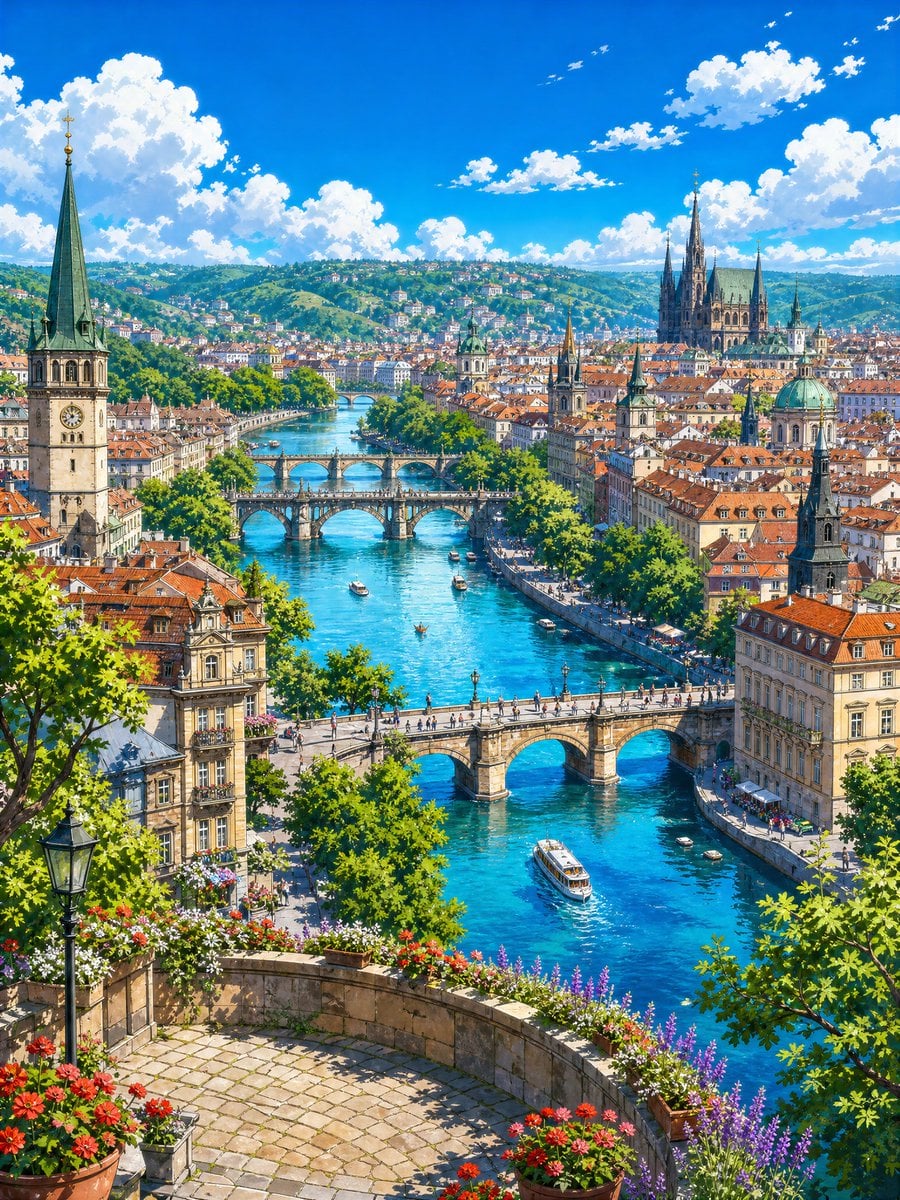
Generates a richly detailed anime-style European river city panorama with bridges, boats, flowers, towers, and a bright summer travel atmosphere.
- Prompt included
- Model and format preset
- Free template
The prompt behind this image
Copy the exact prompt behind Sunlit Riverside City Fantasy, or open it in the studio and make it yours.
Create a vibrant 4k anime-style fantasy travel landscape of a sunlit European riverside city viewed from a high flower-filled terrace. The scene is a vertical composition looking down over a brilliant turquoise river winding through dense historic architecture with orange terracotta roofs, cream stone facades, tree-lined embankments, outdoor riverside cafés, and green hills covered with houses in the distance. Include exactly 5 visible stone bridges crossing the river at different depths: 1 large foreground bridge with pedestrians, 1 ornate central arched bridge, 2 smaller bridges farther upstream, and 1 faint distant bridge near the horizon. Add exactly 7 visible boats on the river, including 1 larger white sightseeing boat near the lower right, 3 small motorboats, 2 tiny rowboats, and 1 small boat centered in the river. In the foreground, show a curved stone terrace paved with light cobblestones, a black vintage streetlamp on the left, leafy green trees framing both sides, and abundant flower planters with red, white, pink, and purple blossoms along the railing. The city skyline should include a tall clock-tower church with a green copper spire on the left, a large Gothic cathedral with multiple dark spires on the upper right, several smaller church towers, and one domed building with a green patina roof. Use {argument name="season" default="summer"} atmosphere, a deep cobalt-blue sky with bright cumulus clouds, crisp sunlight, sparkling water reflections, soft painterly detail, clean linework, saturated colors, and an inviting whimsical travel-poster mood. No text, no people close-up, no modern skyscrapers, no cars dominating the scene. Style should feel like a highly detailed Studio Ghibli-inspired European city illustration of {argument name="city inspiration" default="Prague-like river city"} under {argument name="time of day" default="clear midday sun"}, with emphasis on {argument name="foreground flowers" default="red geraniums and purple lavender"} and {argument name="river color" default="bright turquoise blue"}.
How to use Sunlit Riverside City Fantasy in 3 steps
- 1Upload ImagePNG, JPG or paste
Add your photo
Upload the photo the template builds on. The prompt, model and format are already set.
- 2…a portrait of your subject in softgolden-hour light, 85mm…
Personalize
Edit the subject and creative details for your destination.
- 3Generate
Generate
Press Generate — your image is created in PicX Studio, so you can compare it with the original and refine one variable at a time.
More like this
Templates with the same subject, style or setup. Open one to see its prompt.

Cozy Knit Sweater Window Portrait

Minimalist Hand-Drawn Doodle Portrait

Anime Fantasy Celestial Movie Poster
Anime Fantasy Celestial Movie Poster

Minecraft Fantasy Kingdom Voxel Landscape

Unfinished Sketch Comes Alive Portrait

Open Travel Journal Overhead Still Life

Tiny Woman Miniature Fantasy Macro Scene
Anime Sky City Fantasy
Fantasy Tokyo Coexistence Cityscape
Barbarian Fantasy City Gate Procession

Nano Banana Pro 2.0 — 3x3 Travel Profile Grid
Make it yours
Sunlit Riverside City Fantasy works as-is. These are the safest ways to change it without losing the look.
Change one field
Copy a single group, rewrite it, and generate again so you can see what that field is doing.
Keep the frame, change the subject
Hold the composition and light of Sunlit Riverside City Fantasy, then swap wardrobe, props or the person for a new take.
| If the result… | Why | Fix |
|---|---|---|
| The result drifts from the preview | Too many fields changed at once. | Reuse Sunlit Riverside City Fantasy as-is first, then change one group — subject, light, or setting. |
| The model over-stylizes the scene | The prose prompt leaves finish and camera underspecified. | Add one camera or lighting sentence and stay on GPT Image 2. |
More GPT Image 2 templates
Other prompts made for GPT Image 2.

Six VTuber Japanese Logo Sheet

Realistic Portrait of Woman and Deer

The Vista Modular Condo Poster

AI Model Routing Comparison Infographic

2.5D Anime Art Board

Isometric Productivity Desk Scene

New York Double Exposure Poster

Four-Panel AI Landscape Comparison

Japanese Tatami Lifestyle Magazine Cover

NESCAFÉ Coffee Map Poster
More image prompts
Fresh picks from across the catalog.
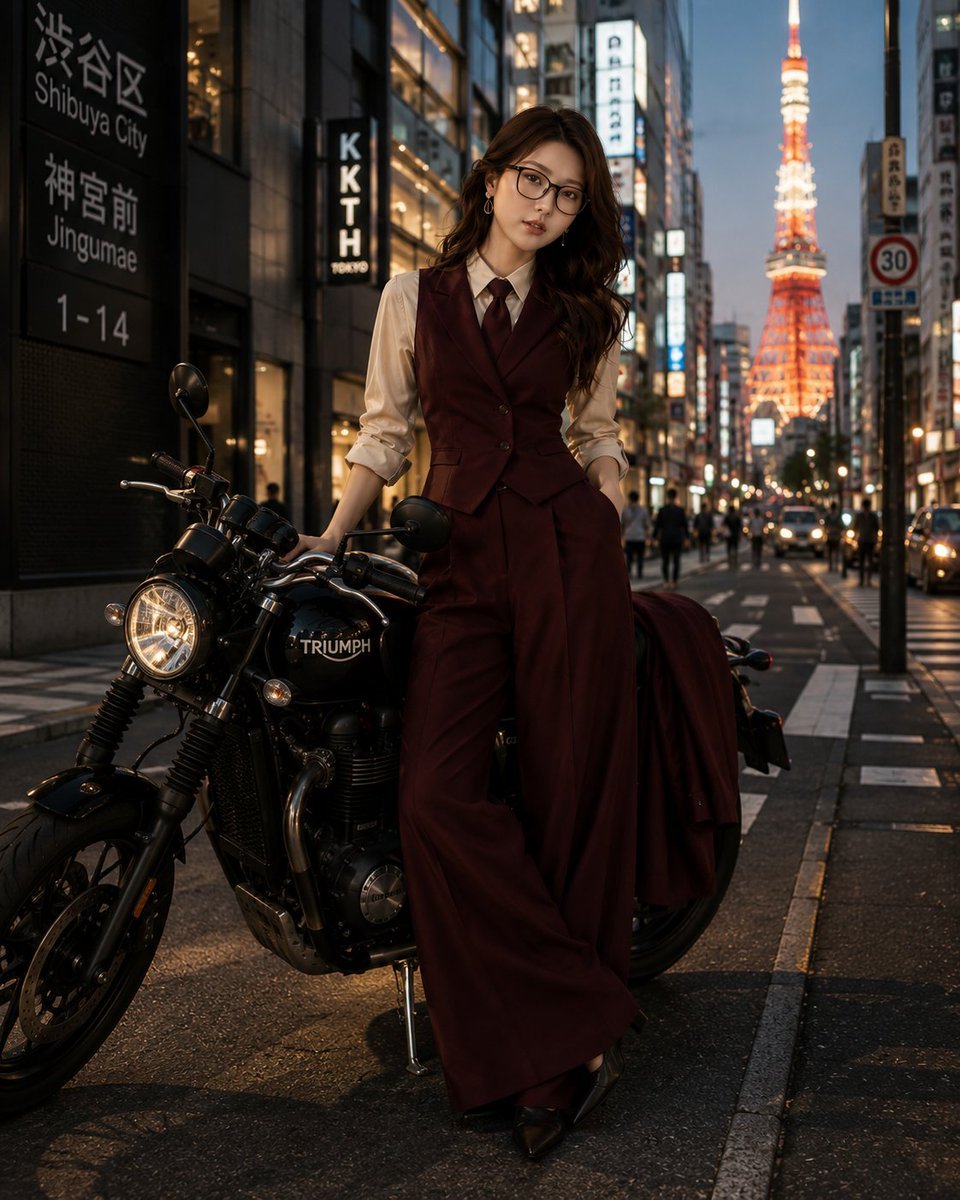
Tokyo Blue Hour Motorcycle Editorial

Photorealistic Asian Female Model in DeepSeek Outfit Prompt
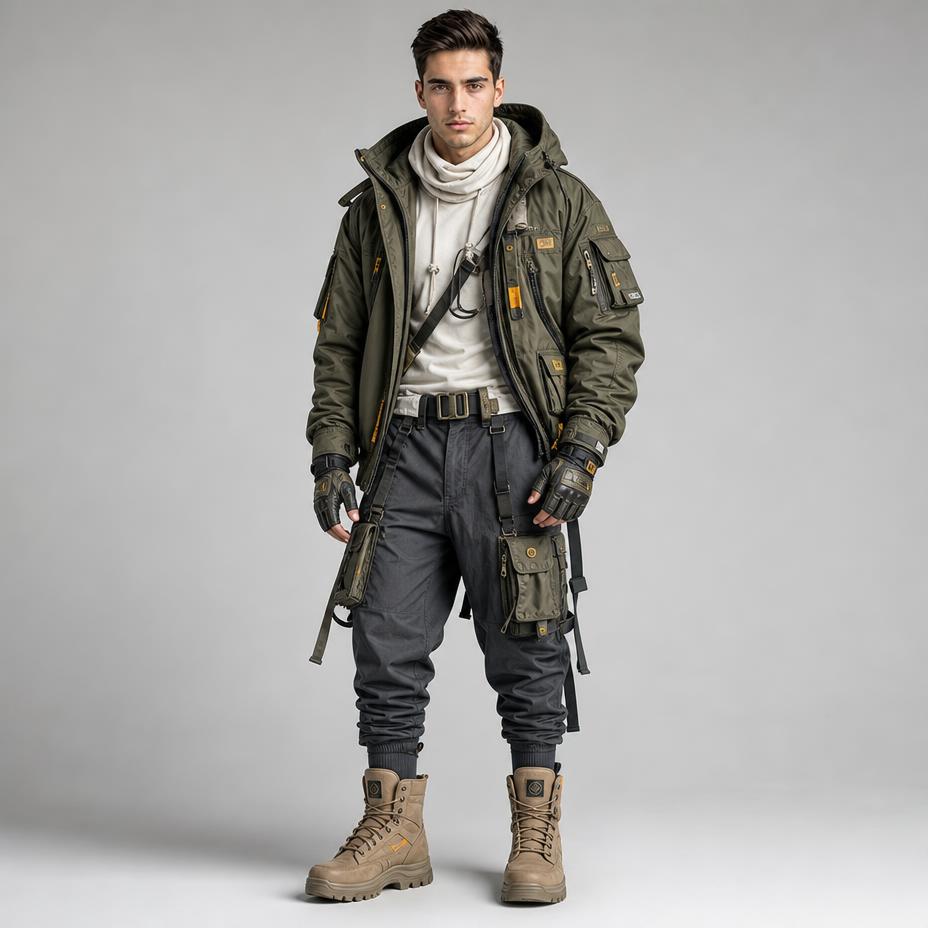
Futuristic Techwear Studio Portrait
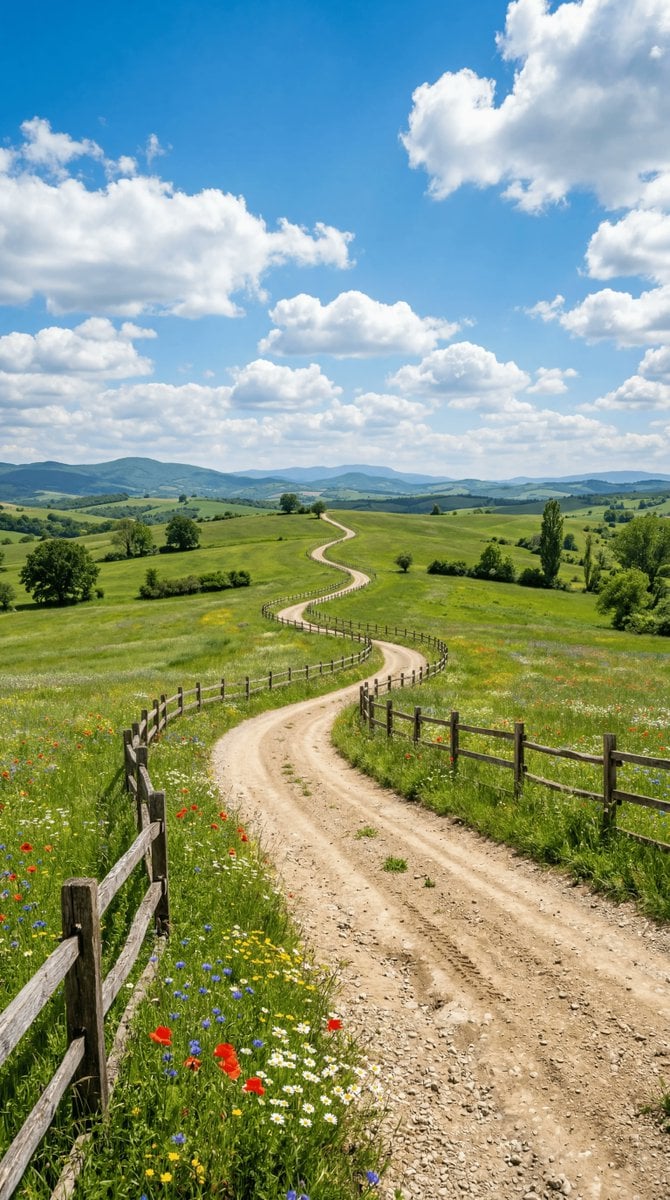
Wide-angle landscape prompt of a dirt road
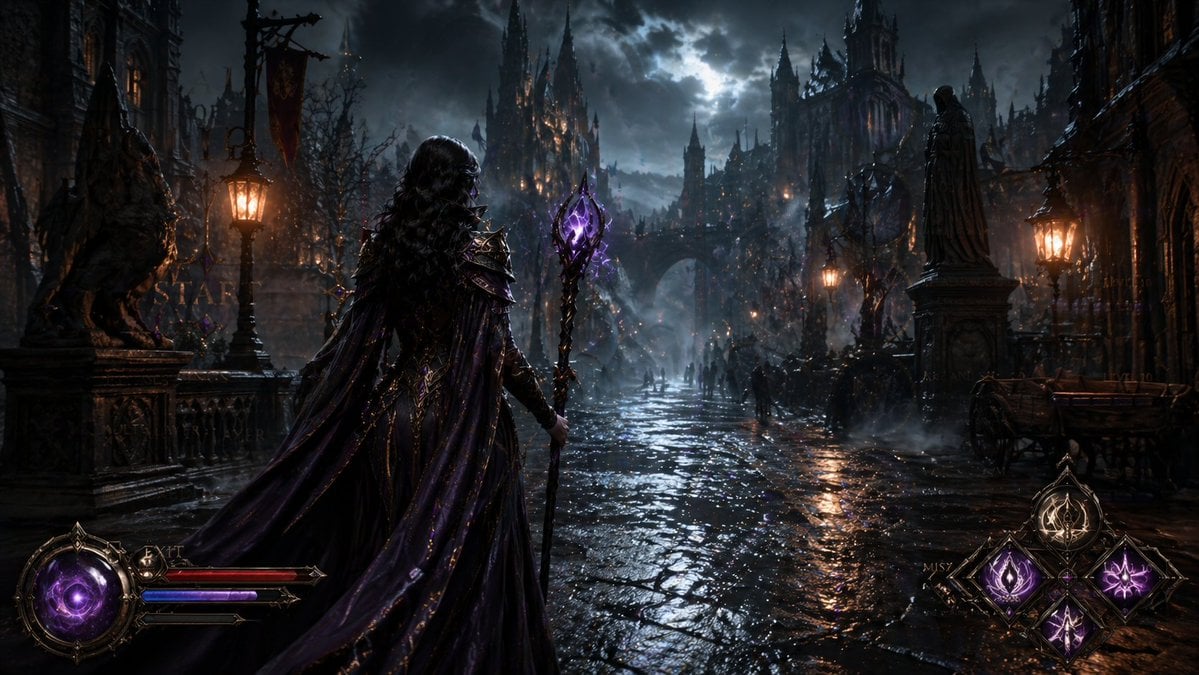
Dark Medieval Sorceress Scene
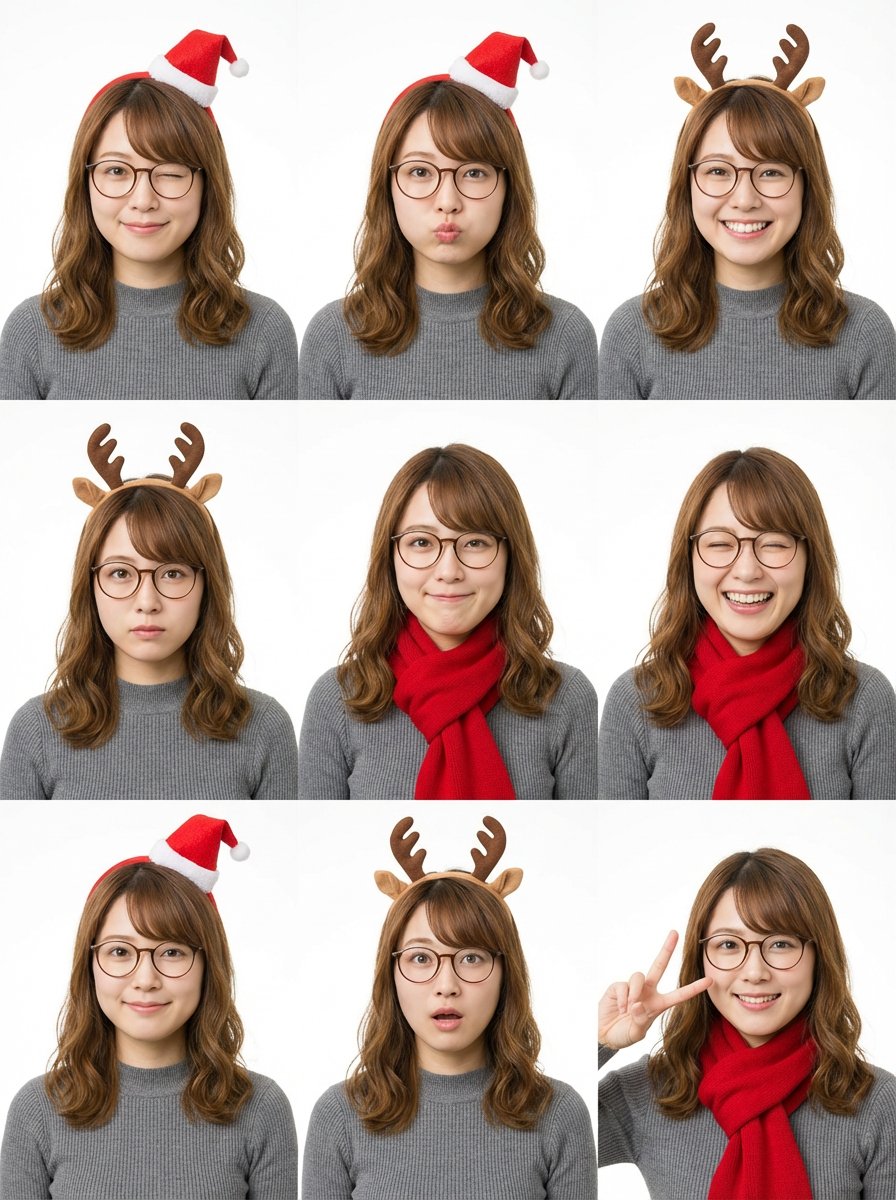
Grid Minimalist Christmas Portrait Prompt
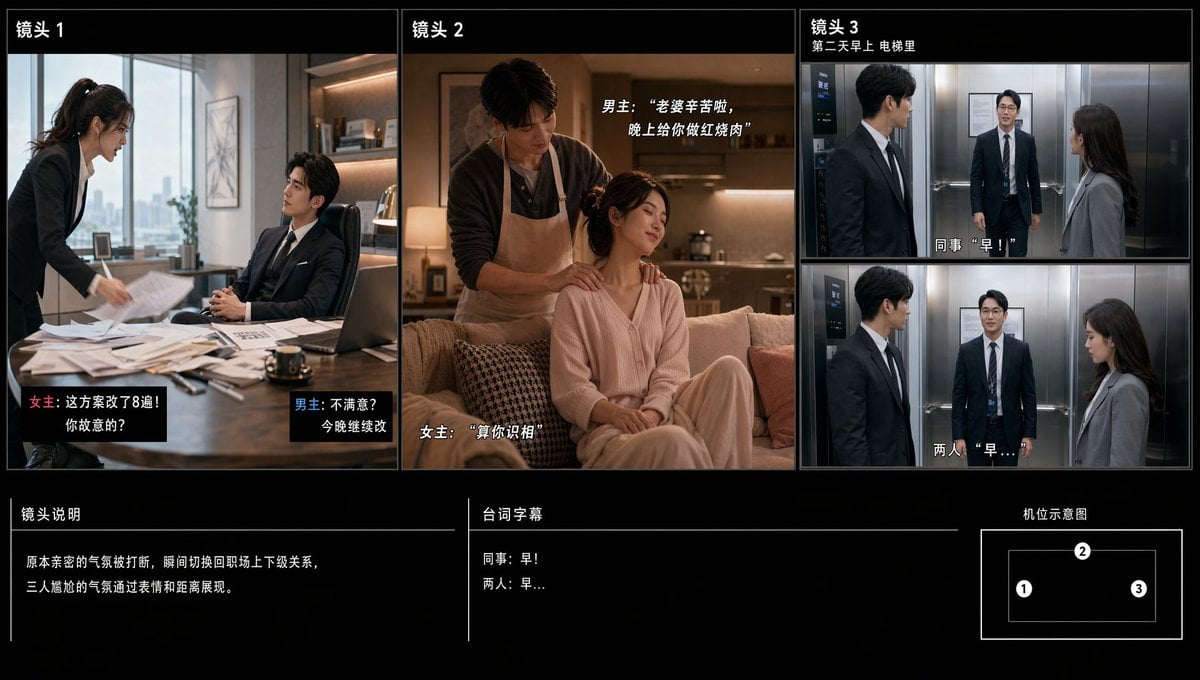
Chinese Drama Storyboard Sheet
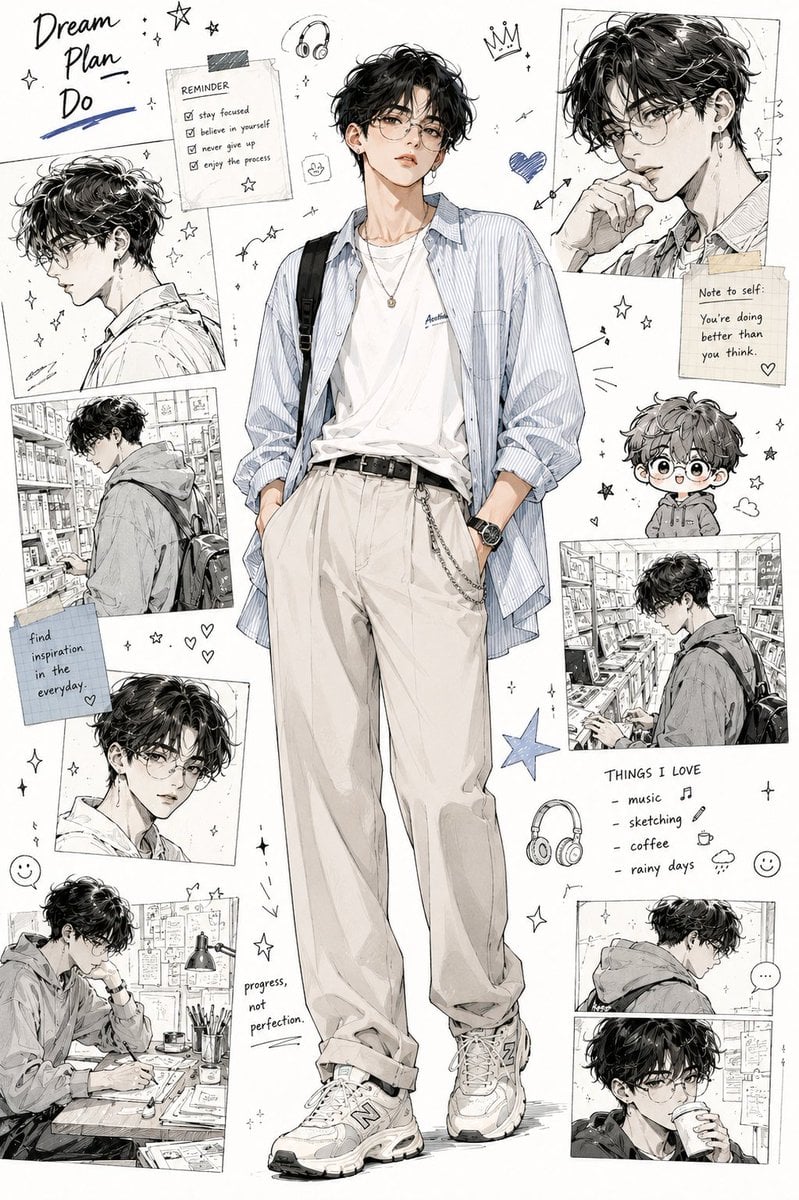
Anime Fashion Design Moodboard
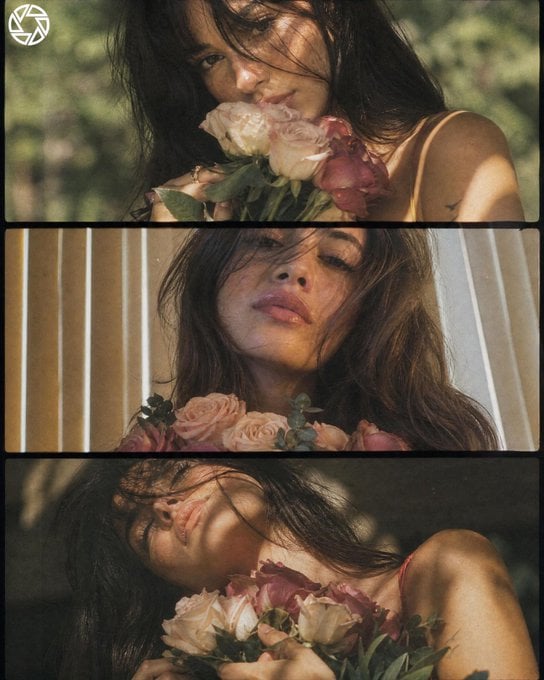
Dreamy Cottagecore 3-Panel Cinematic Collage
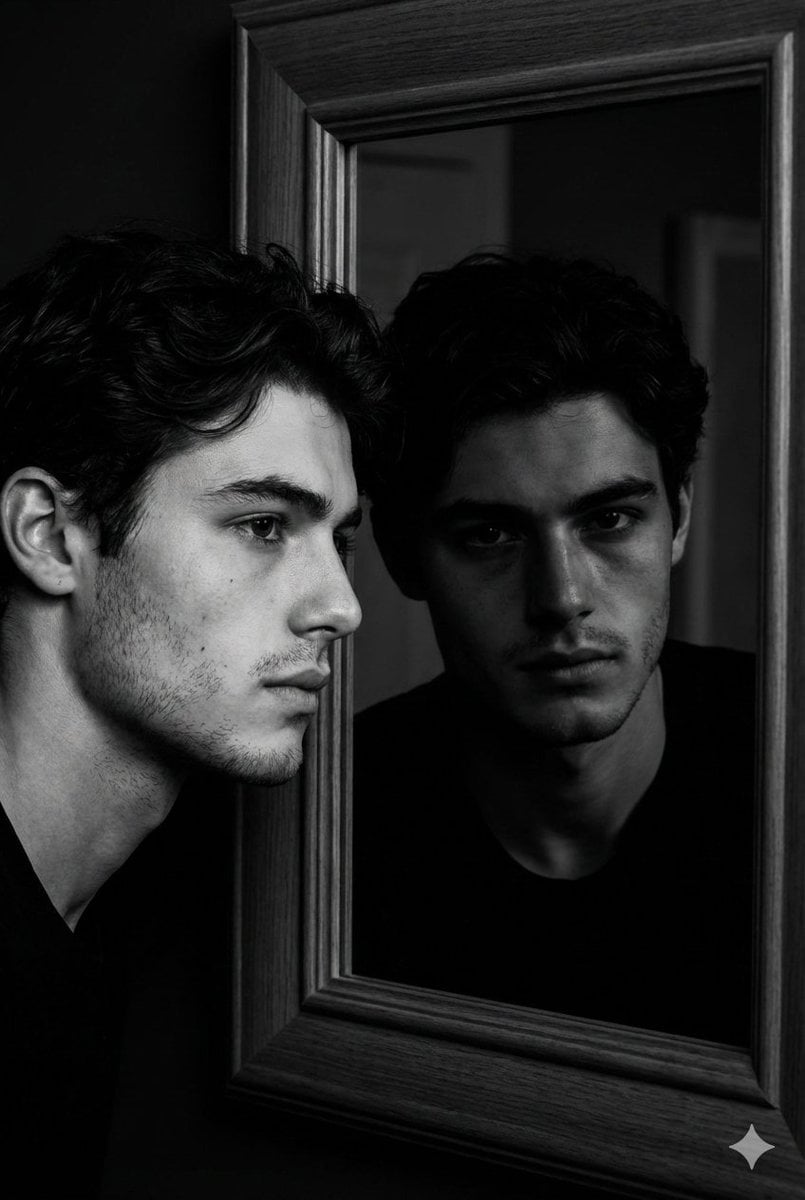
Noir Mirror Reflection Portrait
Browse template categories
Sunlit Riverside City Fantasy questions
How do I use the Sunlit Riverside City Fantasy template?
Add your photo if the template asks for one, edit the prompt if you like — the template's model and format are already selected — and press Generate. Your version opens in PicX Studio.
Can I customize the Sunlit Riverside City Fantasy template?
Yes. You can change the subject, setting, lighting, mood, format, and available model controls before creating your image.
Is the Sunlit Riverside City Fantasy template free?
Opening and editing this template is free. Generating uses credits, shown on the Generate button when you are signed in.
Which AI model should I use?
Start with GPT Image 2, which is the model associated with this template. You can compare another compatible model for a different finish.
Looking for something else? Browse all templates.

Your photo, any look
Thousands of ready templates for every top image and video model, from one credit balance.