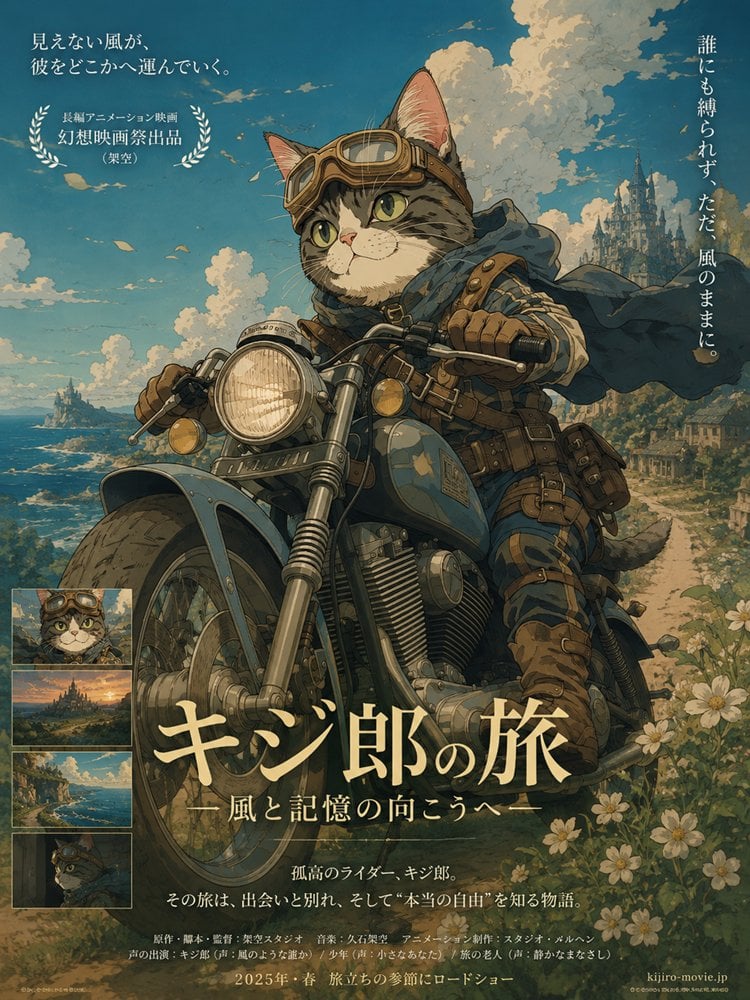
How do I use the Anime Sky City Fantasy template?
Edit the prompt in the box under the preview — the template's model and format are already selected — and press Generate. Your version appears right on this page.
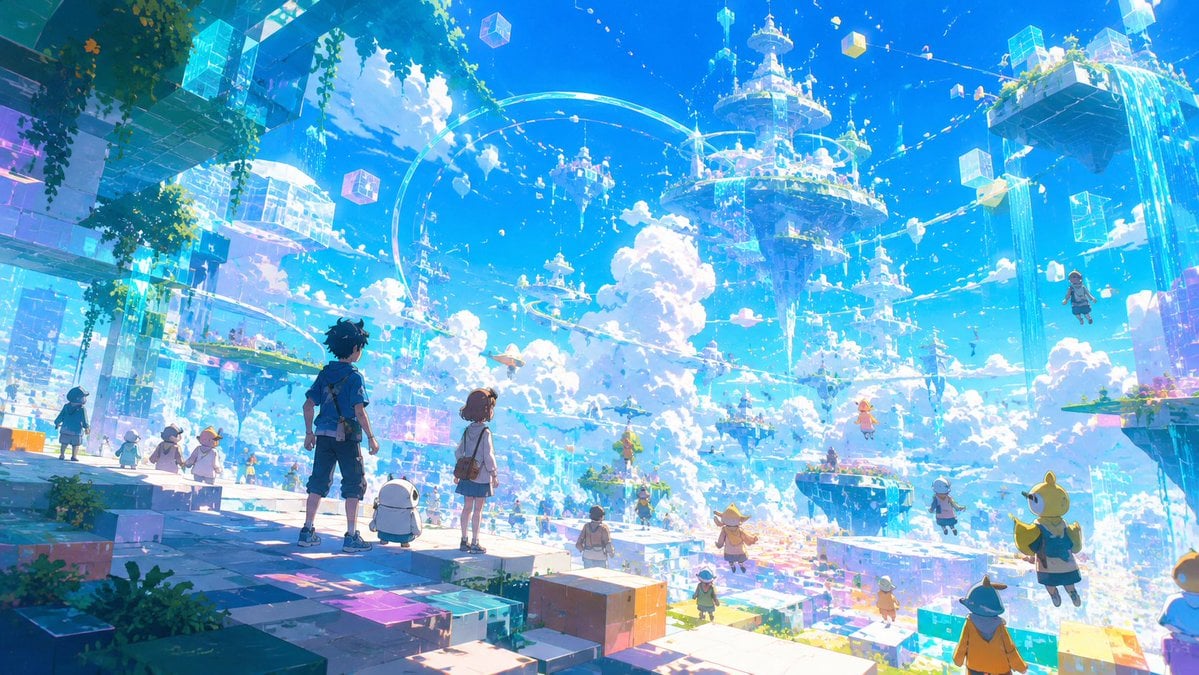
Generates a panoramic anime fantasy sky-city scene suitable for cinematic key art, game world concepts, or magical sci-fi illustrations.

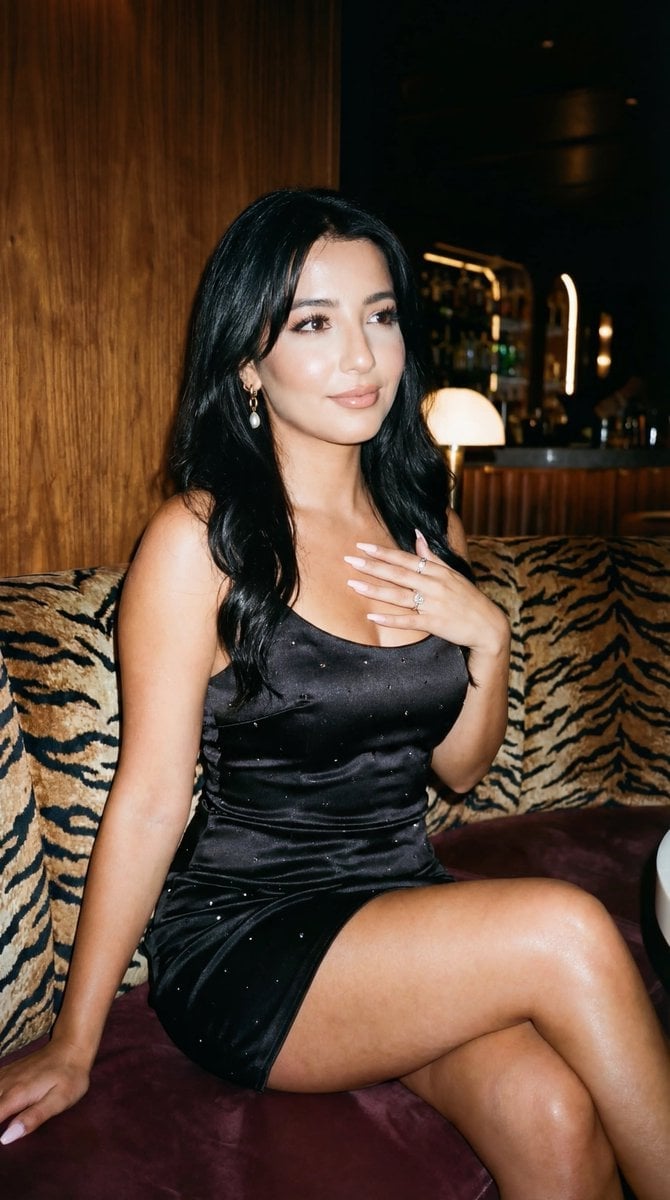
This template uses your photo — add one with the + button.
Create a breathtaking ultra-wide anime fantasy illustration of a radiant sky city above the clouds, a futuristic magical floating metropolis made of transparent glass platforms, glowing cyan holographic cubes, pastel pixel blocks, suspended towers, and circular sky bridges. In the foreground, place {argument name="main characters" default="two anime teenagers, a boy and a girl"} standing from behind on a glassy prismatic platform, gazing over the vast world; the boy has short dark hair, a white-and-blue jacket, shorts, and boots, and the girl has long flowing dark blue hair, a white dress with blue trim, and a soft glowing accessory. Surround them with exactly 5 prominent cute mascot creatures in the foreground and near foreground: a small white cat-like creature at center front, a yellow-green rabbit-like creature at bottom center, a pink rabbit-cat creature on the right block, a pink blob creature on the left platform, and a small yellow floating creature near the right midground. Add at least 20 tiny anime adventurers scattered across platforms and flying through the sky, including winged characters, students, and miniature riders, plus exactly 4 large floating crystalline cubes visible in the sky and city. The environment should feel like a cheerful fantasy MMO hub in the clouds, with enormous floating islands on the left and right, a grand circular tower-city at upper right spilling vertical streams of light and water, smaller levitating buildings in the distance, luminous rail trails curving through the air, waterfalls of light, and sparkling particles. Use {argument name="color palette" default="brilliant sky blue, cyan, white, lavender, and pastel rainbow highlights"}, high-key daylight, huge fluffy cumulus clouds, clear saturated blue sky, shimmering reflections, iridescent glass, soft bloom, magical holographic UI-like fragments, and exquisite tiny details. Style: {argument name="art style" default="highly detailed anime key visual, fantasy sci-fi concept art"}, expansive cinematic composition, 16:9 aspect ratio, crisp linework blended with painterly lighting, joyful sense of wonder, no text, no logo, no watermark.
Create a breathtaking ultra-wide anime fantasy illustration of a radiant sky city above the clouds, a futuristic magical floating metropolis made of transparent glass platforms, glowing cyan holographic cubes, pastel pixel blocks, suspended towers, and circular sky bridges. In the foreground, place {argument name="main characters" default="two anime teenagers, a boy and a girl"} standing from behind on a glassy prismatic platform, gazing over the vast world; the boy has short dark hair, a white-and-blue jacket, shorts, and boots, and the girl has long flowing dark blue hair, a white dress with blue trim, and a soft glowing accessory. Surround them with exactly 5 prominent cute mascot creatures in the foreground and near foreground: a small white cat-like creature at center front, a yellow-green rabbit-like creature at bottom center, a pink rabbit-cat creature on the right block, a pink blob creature on the left platform, and a small yellow floating creature near the right midground. Add at least 20 tiny anime adventurers scattered across platforms and flying through the sky, including winged characters, students, and miniature riders, plus exactly 4 large floating crystalline cubes visible in the sky and city. The environment should feel like a cheerful fantasy MMO hub in the clouds, with enormous floating islands on the left and right, a grand circular tower-city at upper right spilling vertical streams of light and water, smaller levitating buildings in the distance, luminous rail trails curving through the air, waterfalls of light, and sparkling particles. Use {argument name="color palette" default="brilliant sky blue, cyan, white, lavender, and pastel rainbow highlights"}, high-key daylight, huge fluffy cumulus clouds, clear saturated blue sky, shimmering reflections, iridescent glass, soft bloom, magical holographic UI-like fragments, and exquisite tiny details. Style: {argument name="art style" default="highly detailed anime key visual, fantasy sci-fi concept art"}, expansive cinematic composition, 16:9 aspect ratio, crisp linework blended with painterly lighting, joyful sense of wonder, no text, no logo, no watermark.
Edit the prompt in the box under the preview — the template's model and format are already selected — and press Generate. Your version appears right on this page.
Yes. You can change the subject, setting, lighting, mood, format, and available model controls before creating your image.
Opening and editing this template is free. Generating uses credits, shown on the Generate button when you are signed in.
Start with GPT Image 2, which is the model associated with this template. You can compare another compatible model for a different finish.
Follow a topic to a crawlable collection of related PicX Studio templates.