
Luxury Vitamin C Serum Product Shot
This prompt generates a premium photorealistic skincare product image for e-commerce, beauty ads, and luxury wellness branding.
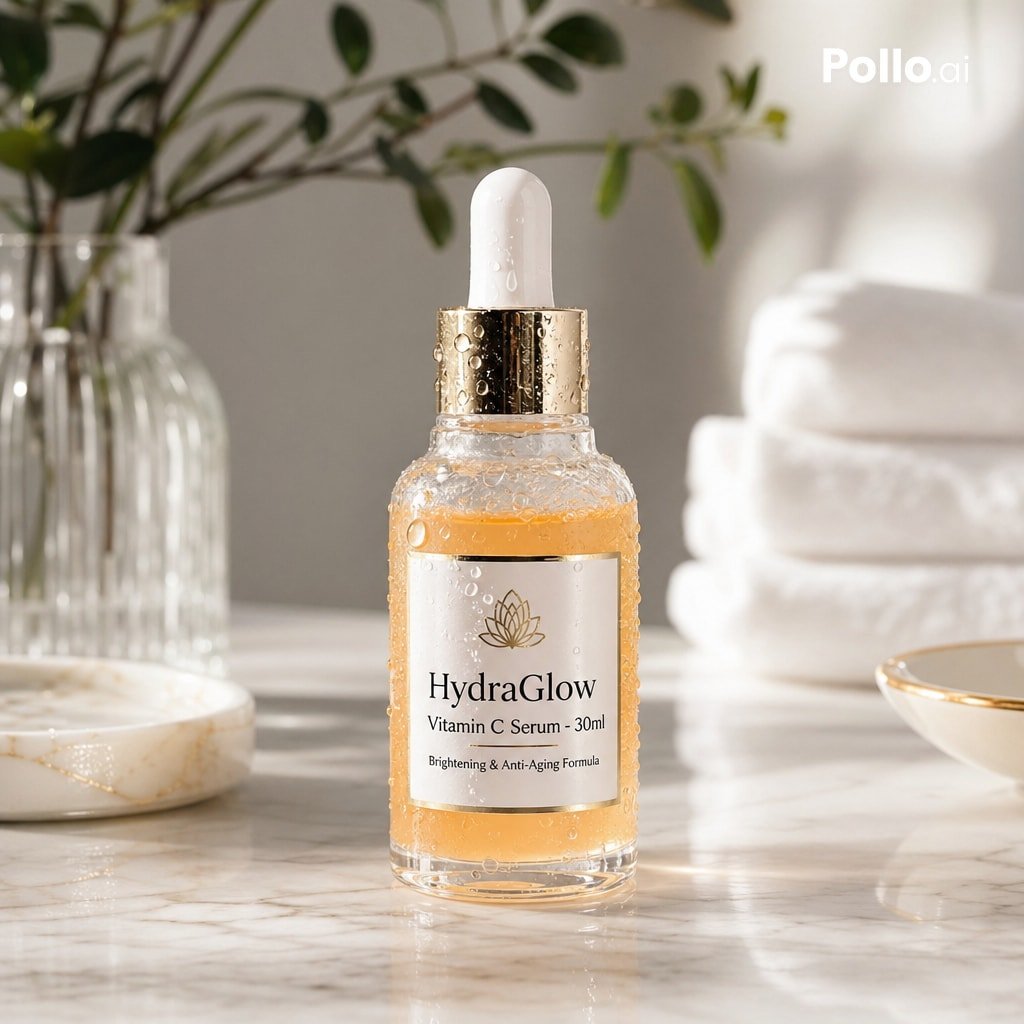
- Prompt included
- Model and format preset
- Free template
The prompt behind this image
Copy the exact prompt behind Luxury Vitamin C Serum Product Shot, or open it in the studio and make it yours.
A high-end commercial skincare product photo on a light marble bathroom counter, centered on a clear glass dropper bottle filled with warm amber-orange serum. The bottle is covered in realistic condensation droplets and has a white rubber pipette top with a shiny metallic gold collar. The front label is elegant and minimal, reading {argument name="brand name" default="HydraGlow"} with smaller lines {argument name="product name" default="Vitamin C Serum - 30ml"} and {argument name="benefit line" default="Brightening & Anti-Aging Formula"}, plus a simple gold botanical lotus-style logo above the brand name. Soft natural morning light streams in from the side, creating gentle highlights, subtle shadows, and a clean luxury spa atmosphere. In the blurred background, include 1 ribbed clear glass vase with green leafy branches on the left, 1 stack of 3 folded white towels on the right, 1 shallow white dish with faint gold veining on the left foreground, and 1 small white bowl with a thin gold rim on the right foreground. Use shallow depth of field, crisp focus on the bottle, neutral cream and white palette, premium e-commerce advertising aesthetic, photorealistic textures, and refined wellness branding style.
How to use Luxury Vitamin C Serum Product Shot in 3 steps
- 1Upload ImagePNG, JPG or paste
Add your photo
Upload the photo the template builds on. The prompt, model and format are already set.
- 2…a portrait of your subject in softgolden-hour light, 85mm…
Personalize
Edit the subject and creative details for your destination.
- 3Generate
Generate
Press Generate — your image is created in PicX Studio, so you can compare it with the original and refine one variable at a time.
More like this
Templates with the same subject, style or setup. Open one to see its prompt.

Minimalist Skincare Product Water Stone Still

Luxury Toothpaste Commercial Storyboard
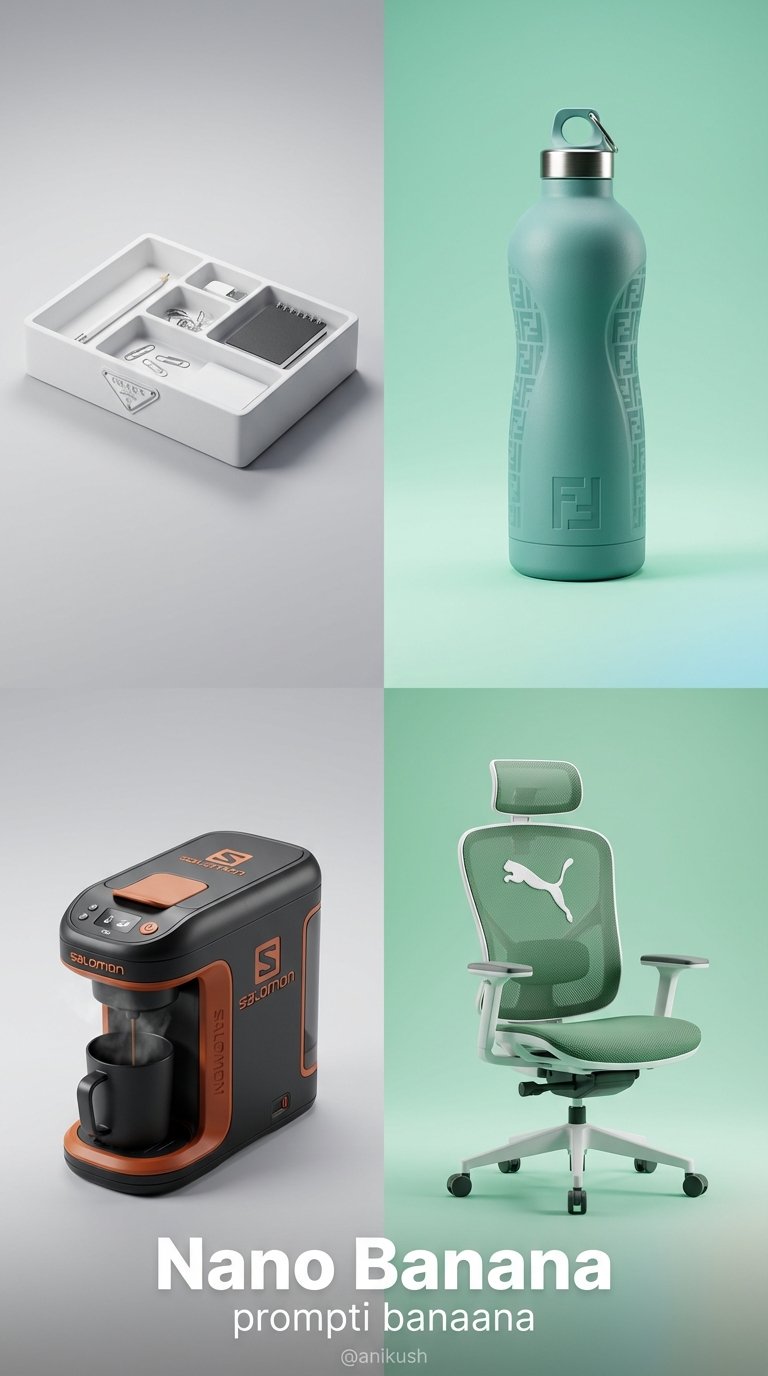
Minimalist Luxury Brand Concept
Minimalist Skincare Product Water Stone Still
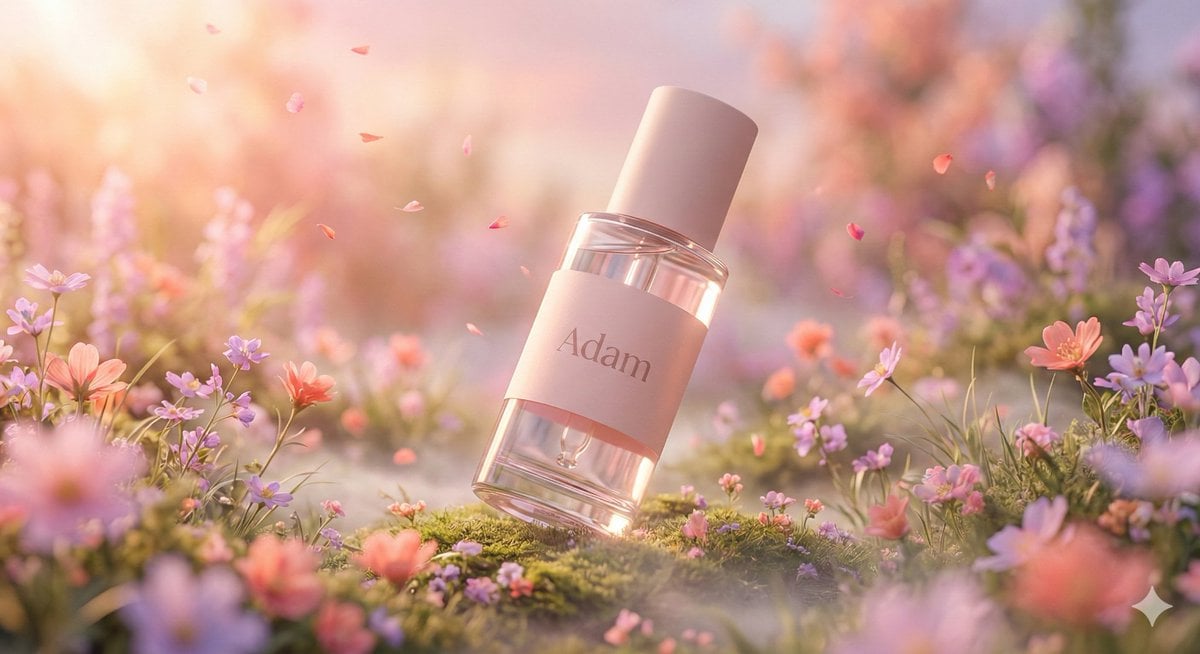
Hyper-Realistic Luxury Serum Product Photography Prompt (JSON)
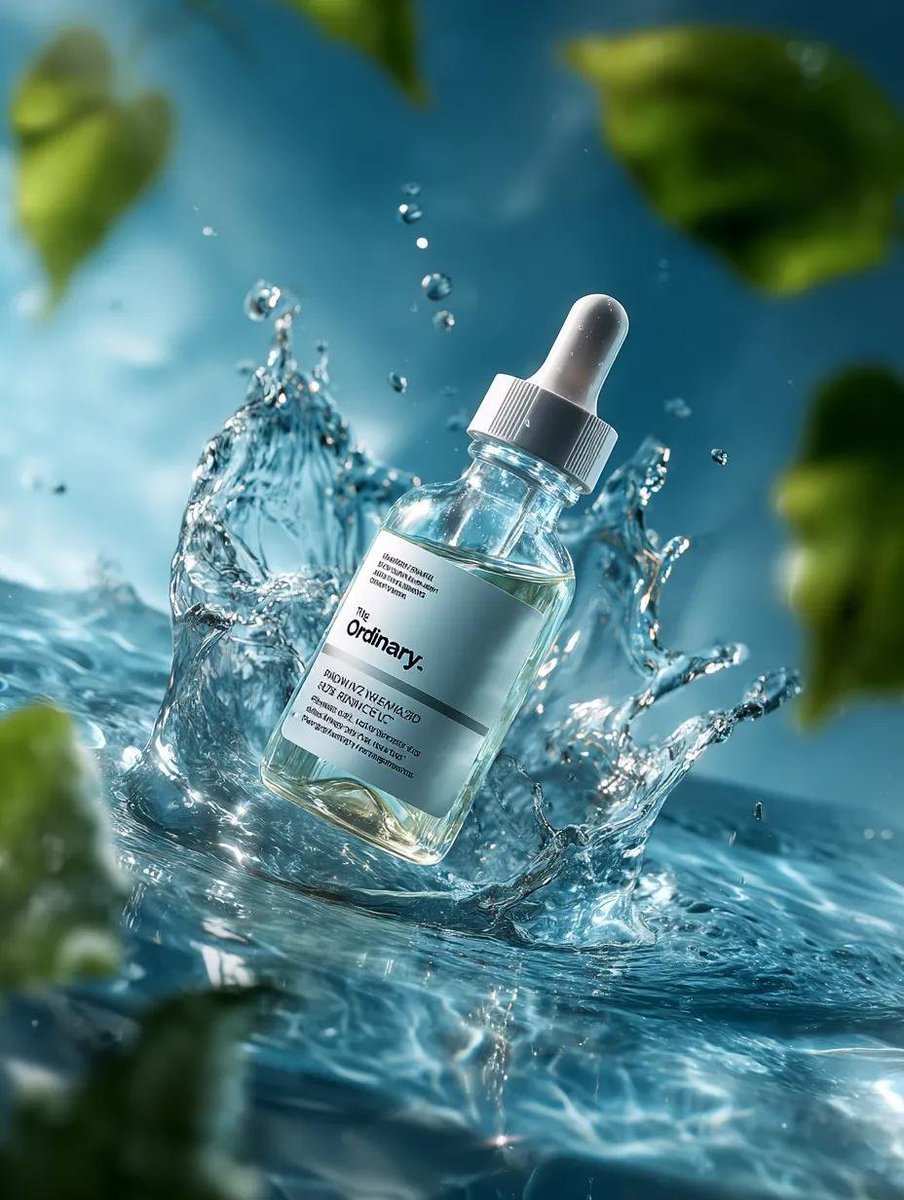
Luxury Serum Splash Advertisement

A k.pop idol on the stage with mic

Sealing Wax Letter Desk

Ballroom Floor Reflections

Vintage Camera Leather Case

Hedge Maze Aerial Dawn

Tuxedo Cuff Adjust
Make it yours
Luxury Vitamin C Serum Product Shot works as-is. These are the safest ways to change it without losing the look.
Change one field
Copy a single group, rewrite it, and generate again so you can see what that field is doing.
Keep the frame, change the subject
Hold the composition and light of Luxury Vitamin C Serum Product Shot, then swap wardrobe, props or the person for a new take.
| If the result… | Why | Fix |
|---|---|---|
| The result drifts from the preview | Too many fields changed at once. | Reuse Luxury Vitamin C Serum Product Shot as-is first, then change one group — subject, light, or setting. |
| The model over-stylizes the scene | The prose prompt leaves finish and camera underspecified. | Add one camera or lighting sentence and stay on GPT Image 2. |
More GPT Image 2 templates
Other prompts made for GPT Image 2.

Six VTuber Japanese Logo Sheet

Realistic Portrait of Woman and Deer

The Vista Modular Condo Poster

AI Model Routing Comparison Infographic

2.5D Anime Art Board

Isometric Productivity Desk Scene

New York Double Exposure Poster

Four-Panel AI Landscape Comparison

Japanese Tatami Lifestyle Magazine Cover

NESCAFÉ Coffee Map Poster
More image prompts
Fresh picks from across the catalog.
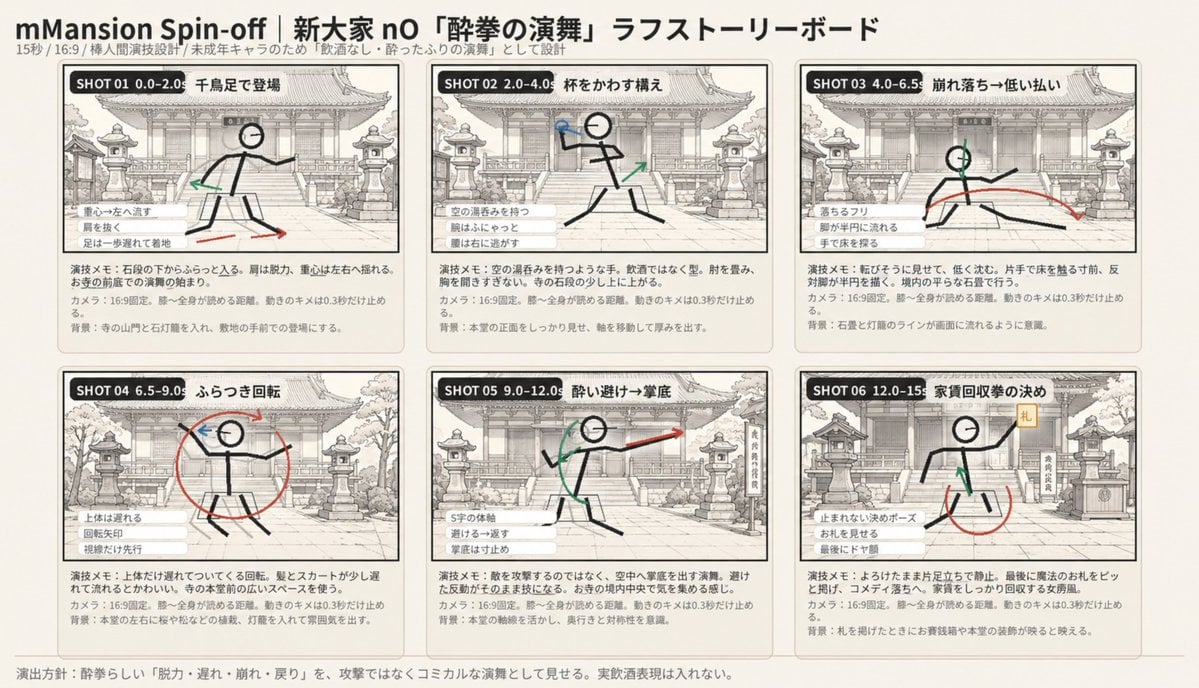
Six-Panel Drunken Kung Fu Storyboard

Minimalist Hand-Drawn Ink Sketch
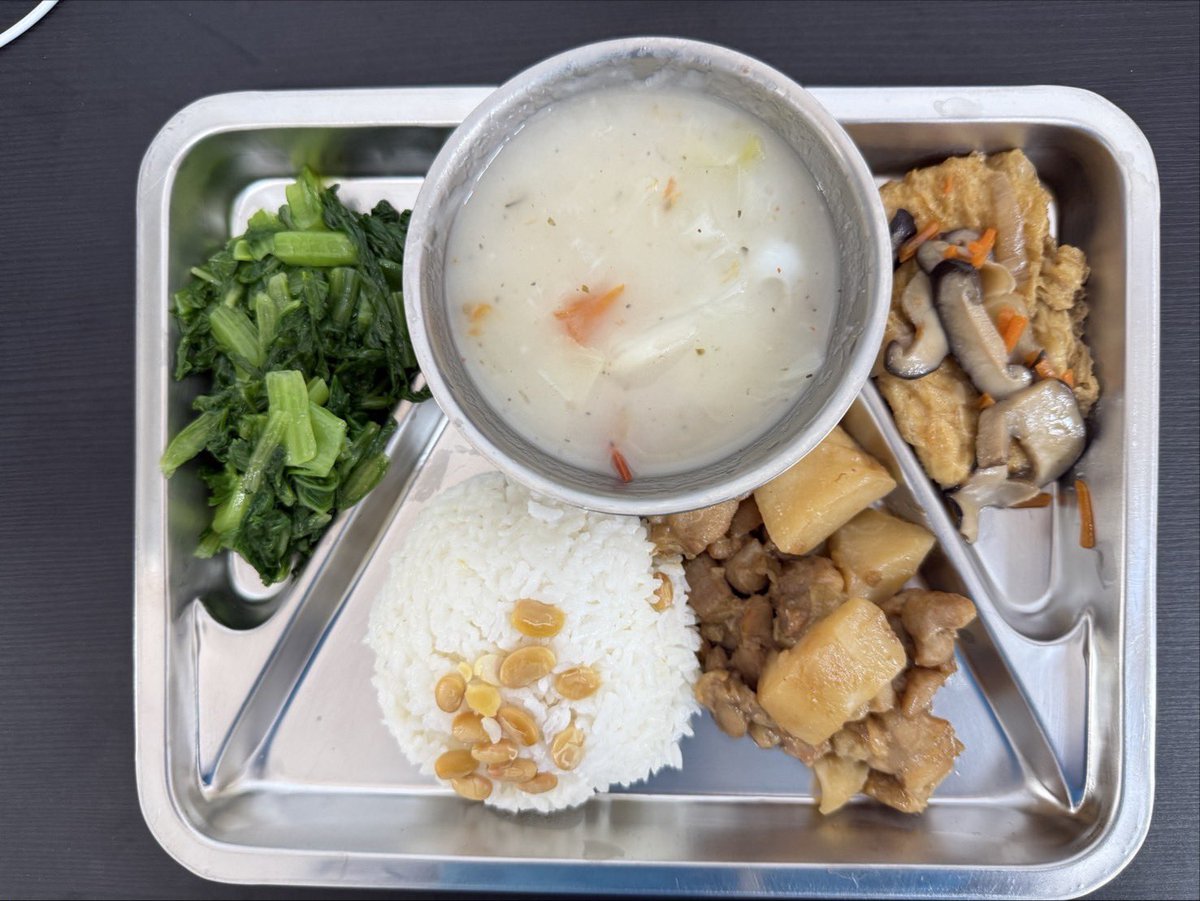
Prompt for Exploding or Static Food Photography
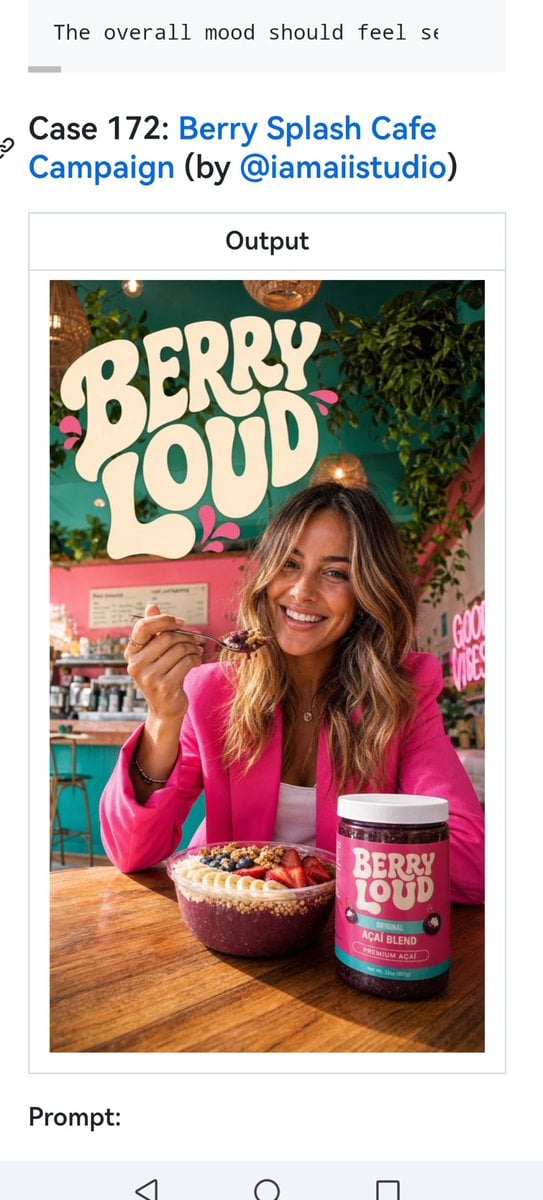
Berry Loud Cafe Campaign Screenshot
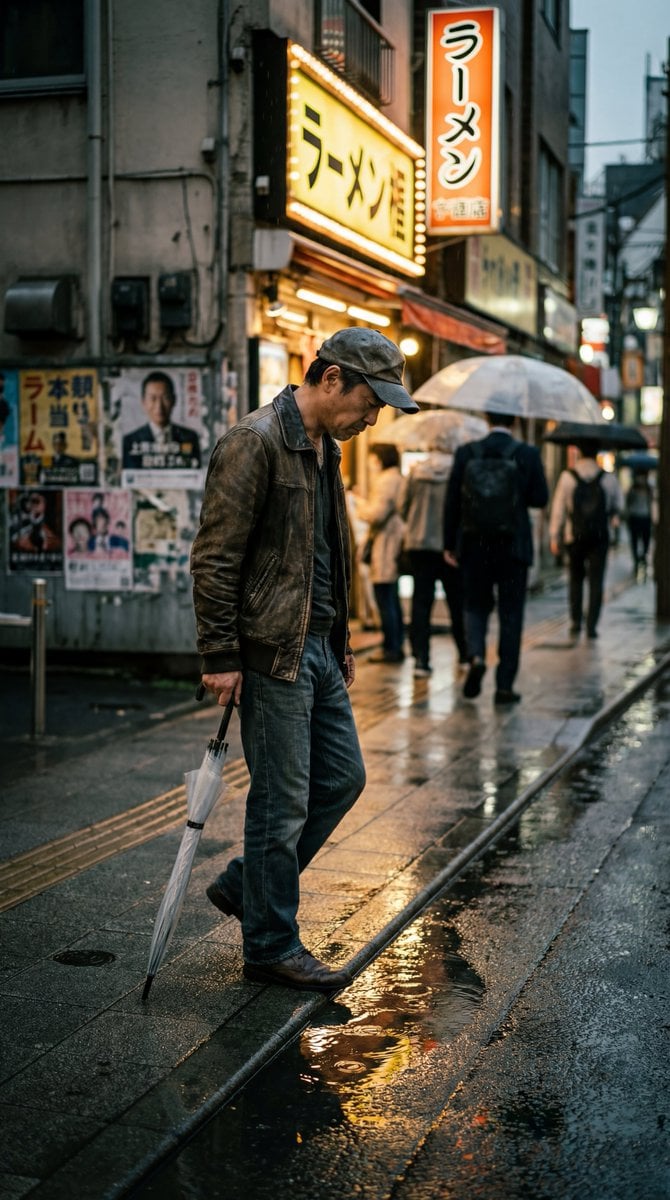
Structured Prompt for Ultra-Photorealistic Candid Street Photography
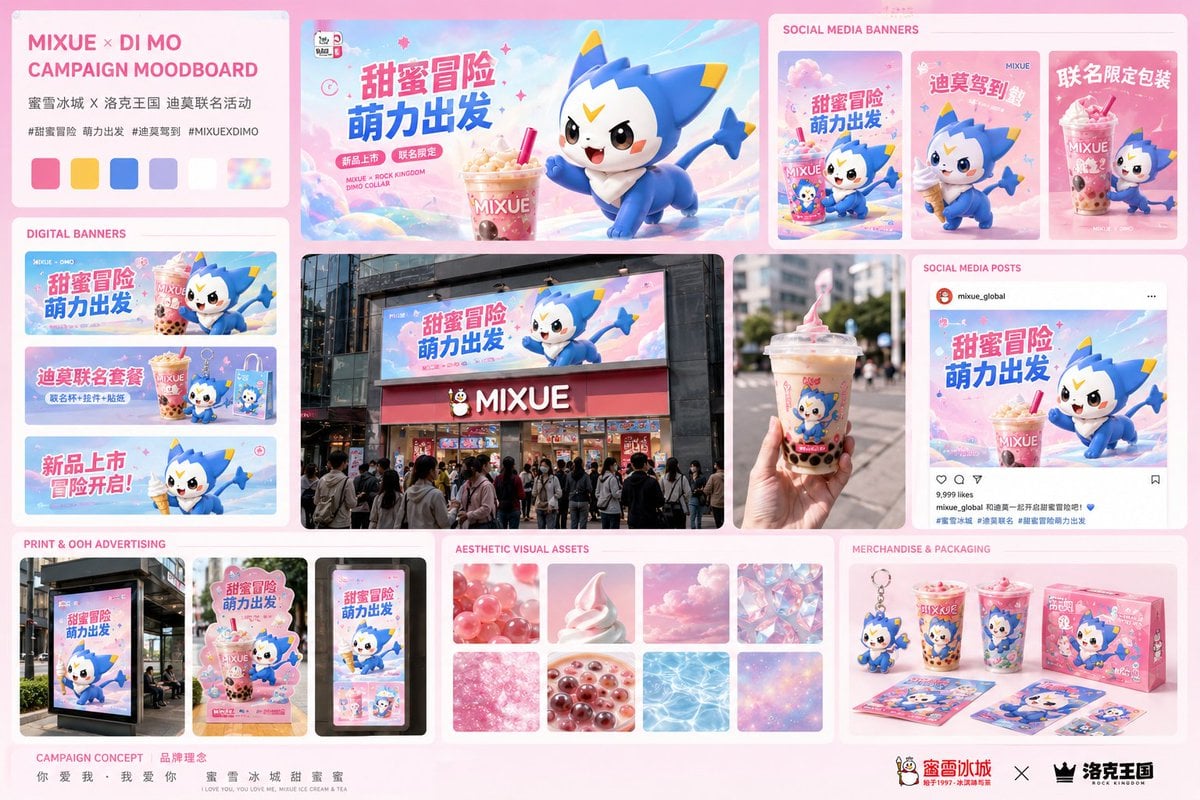
Mixue Di Mo Campaign Moodboard
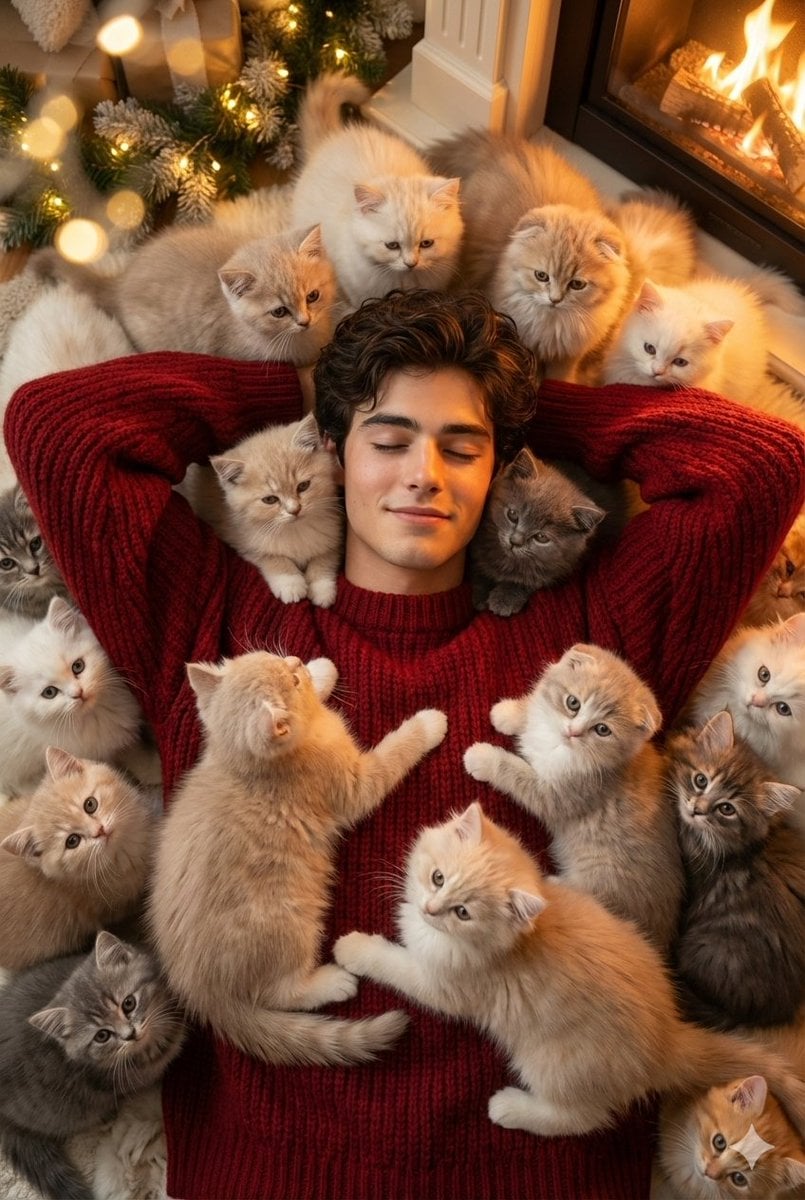
Cozy, Surreal Kitten Overload Portrait
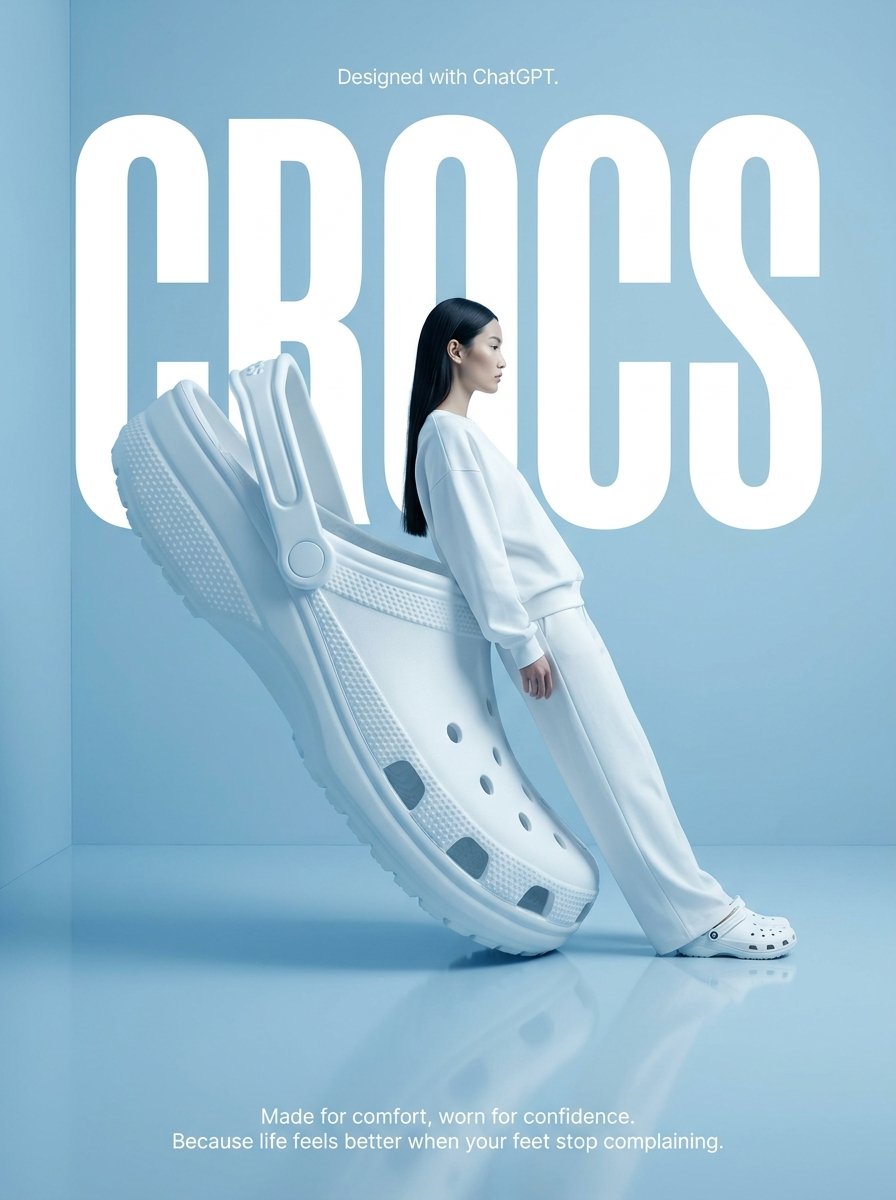
Surrealist High-Fashion Brand Poster
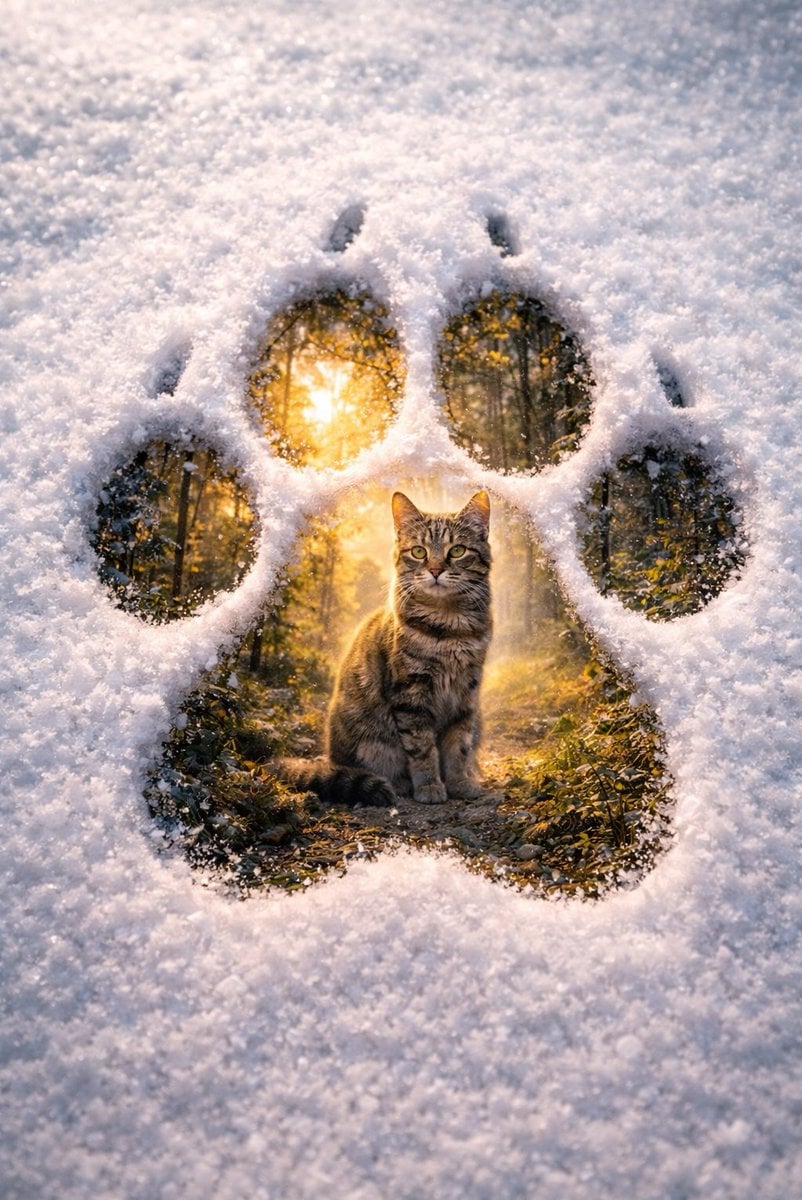
Surreal Pawprint Photo Manipulation Template

Miniature Diorama Scene in a Vintage Café
Browse template categories
Luxury Vitamin C Serum Product Shot questions
How do I use the Luxury Vitamin C Serum Product Shot template?
Add your photo if the template asks for one, edit the prompt if you like — the template's model and format are already selected — and press Generate. Your version opens in PicX Studio.
Can I customize the Luxury Vitamin C Serum Product Shot template?
Yes. You can change the subject, setting, lighting, mood, format, and available model controls before creating your image.
Is the Luxury Vitamin C Serum Product Shot template free?
Opening and editing this template is free. Generating uses credits, shown on the Generate button when you are signed in.
Which AI model should I use?
Start with GPT Image 2, which is the model associated with this template. You can compare another compatible model for a different finish.
Looking for something else? Browse all templates.

Your photo, any look
Thousands of ready templates for every top image and video model, from one credit balance.