
Minimalist Hand-Drawn Ink Sketch
A prompt for creating minimalist, naive paper sketches with shaky ink lines and significant white space.
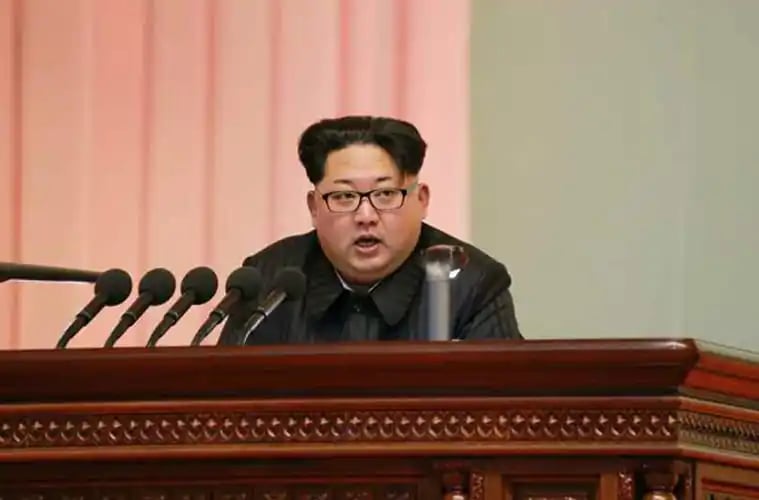
- Prompt included
- Model and format preset
- Free template
The prompt behind this image
Copy the exact prompt behind Minimalist Hand-Drawn Ink Sketch, or open it in the studio and make it yours.
Around the specific subject matter, generate a minimalist, naive-looking hand-drawn paper image. First strip the subject out of full photo-like information, compressing it into a few shaky black lines that are still recognizable, a minimal identifying outline, and a small number of key symbols, then let a large area of clean empty space hold it up. The subject should be read through its outer outline, posture, holes, edges, the relationships between objects, and one or two handwritten marks; the lines should look like they were drawn on paper with a black ink pen or a thick pencil, uneven in thickness, with a slight buildup of black ink at turns, circles carrying the slight wobble of a shaky hand, long lines drifting slightly, and only the necessary short strokes kept for internal detail. The complexity of the object should be reduced to the critical threshold of recognizability — one less stroke and it becomes hard to identify, one more stroke and it becomes too refined. Clothing, tools, plants, buildings, food, machines, or abstract symbols should all be converted into white planes, black edges, loosely connected lines, and one small feature that best conveys its identity. If a person appears, the face should stay paper-white, using only dot-like eyes, a short nose line, and minimal expression; hair, beard, clothing folds, hands, and feet should all be compressed into blacked-in blocks, broken lines, or loose outlines, making the person feel like a remembered symbol rather than a portrait. The background is a paper field or a flat light-colored field, serving the function of breathing room, scale, and quiet viewing, with clear empty space kept above and around it; a single subject sits in the middle or slightly lower area, while multi-element content is compressed into a low horizontal band of relationships, strung together with a few trembling baselines, keeping the empty space above silent. Color should be subordinate to the black lines and the empty space: white or near-white occupies the largest area, black lines hold structural authority, low-saturation pale colors are used only for grouping shapes and setting emotional temperature, and small areas of warm or dark color serve only as semantic emphasis; the fill color should be slightly uneven, with edges slightly offset from the outline, preserving the paper-white showing through, grain, and a hand-applied feel. If text appears, it should look like a low-precision label or small note written on the surface of the object with the same black pen — the letterforms uneven, the spacing loose, slightly misaligned, but still legible; the text belongs to the object itself rather than to an external layout. Overall, maintain the tension between a low level of finish and clear recognizability, like a casual doodle that was drawn with care — empty, light, clumsy, and legible, with a slight scanned-paper feel, ink residue, broken lines, repeated tracing marks, and uneven coloring marks.
How to use Minimalist Hand-Drawn Ink Sketch in 3 steps
- 1
Open
The prompt is already in the box next to the preview, with the template's model and format selected.
- 2…a portrait of your subject in softgolden-hour light, 85mm…
Personalize
Edit the subject and creative details for your destination.
- 3Generate
Generate
Press Generate — your image is created in PicX Studio, so you can compare it with the original and refine one variable at a time.
More like this
Templates with the same subject, style or setup. Open one to see its prompt.

Minimal Hand-Drawn Sketch Watercolor Portrait
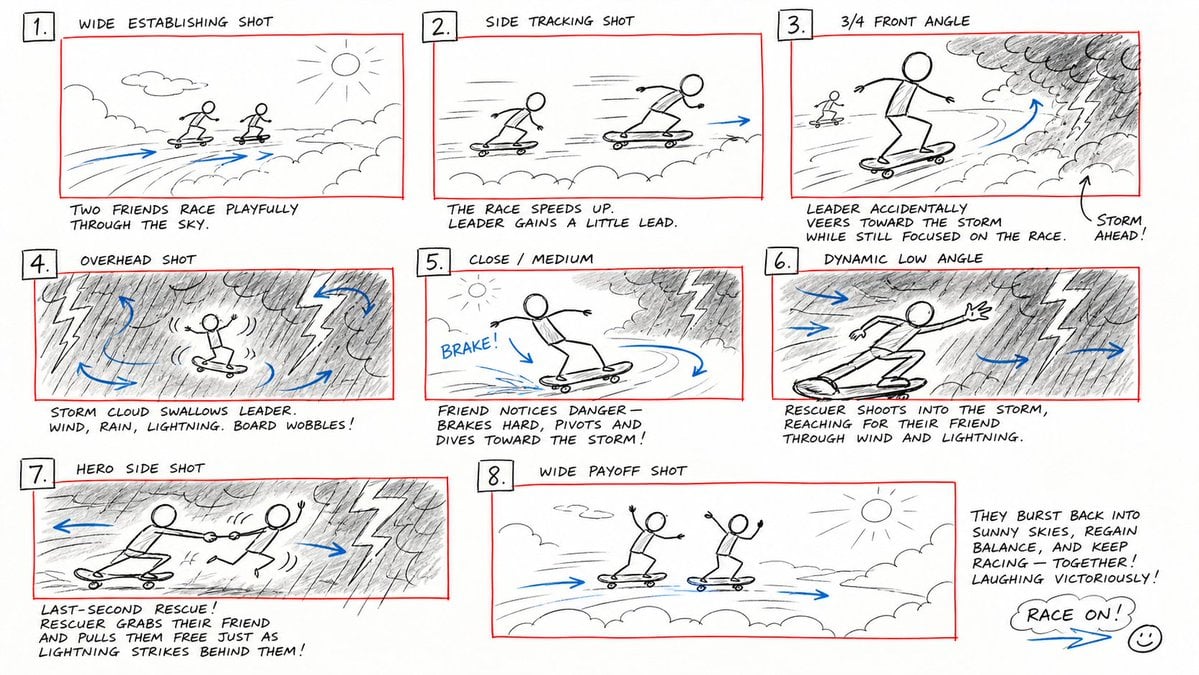
Hand-Drawn Storyboard Previs Sketch
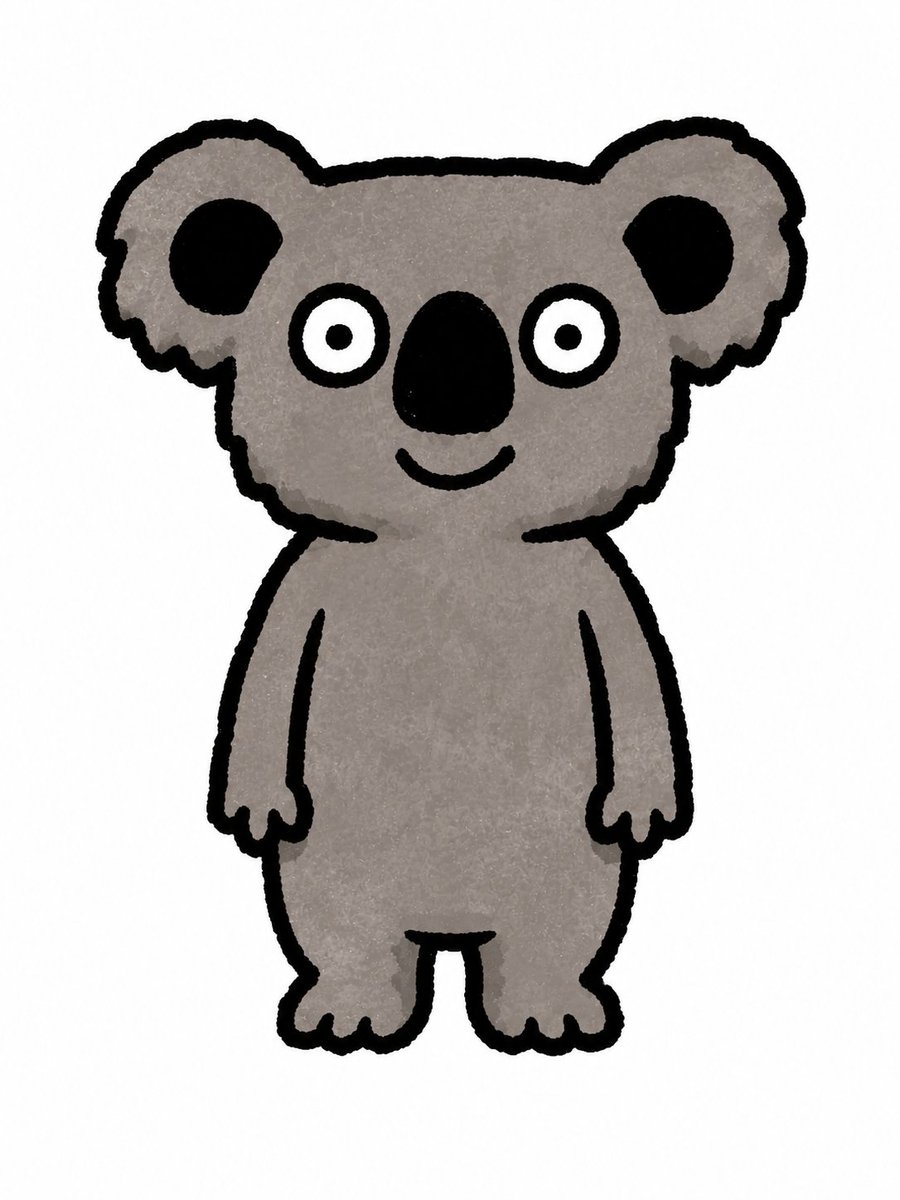
Simple Hand-Drawn Koala Mascot

Hand-Drawn Doodle Grid Poster

Hand-drawn Breakfast Journal Aesthetic Poster
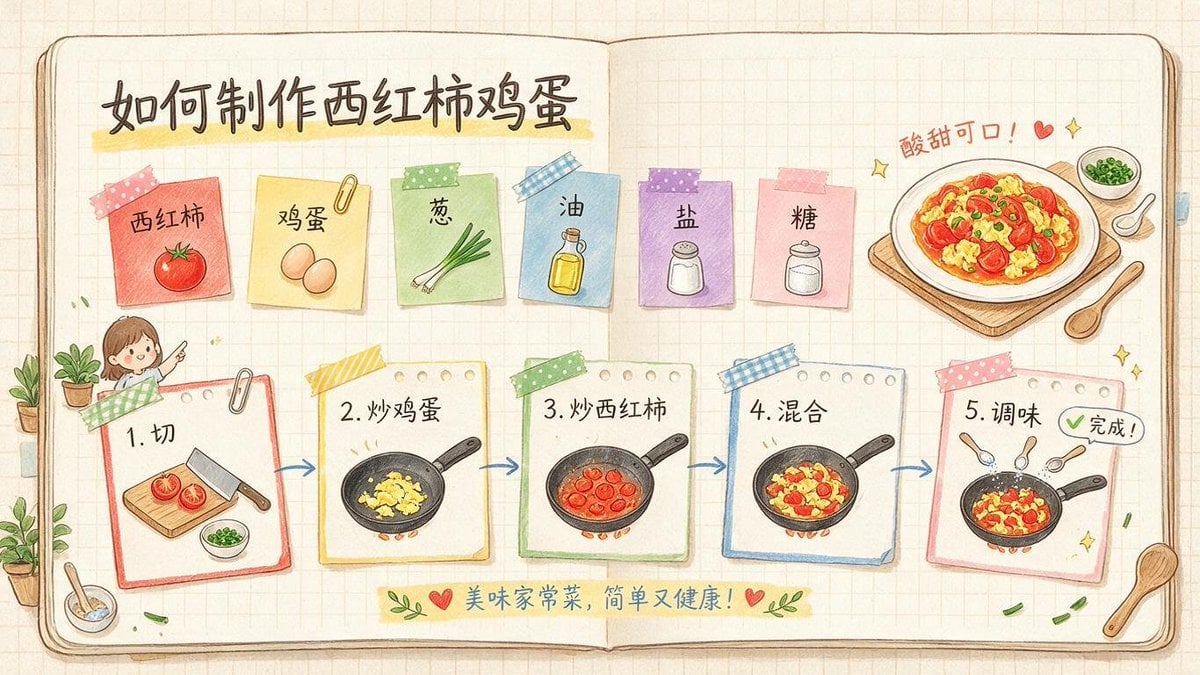
Hand-Drawn Tomato Egg Recipe Infographic
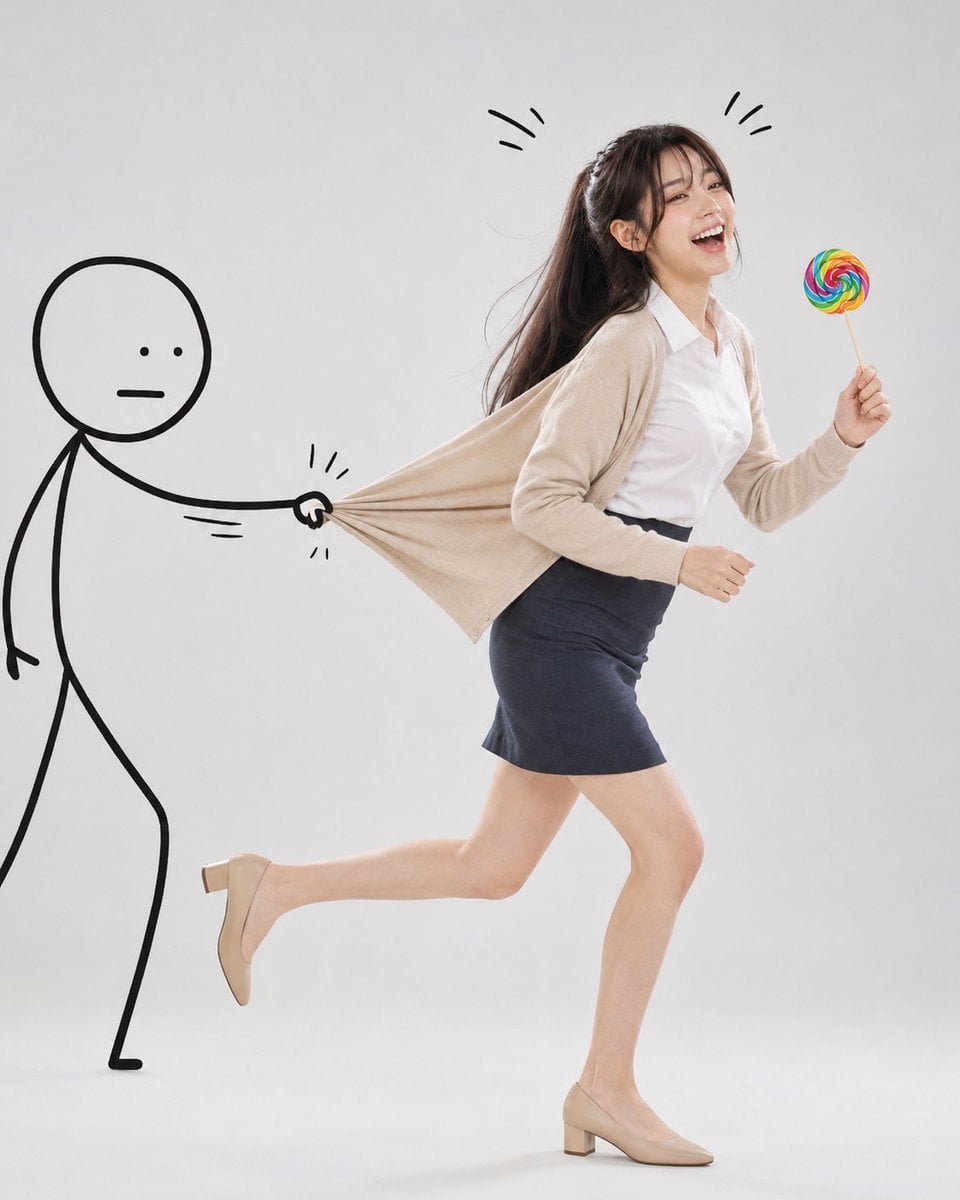
Surreal Studio Photography with Hand-Drawn Doodle
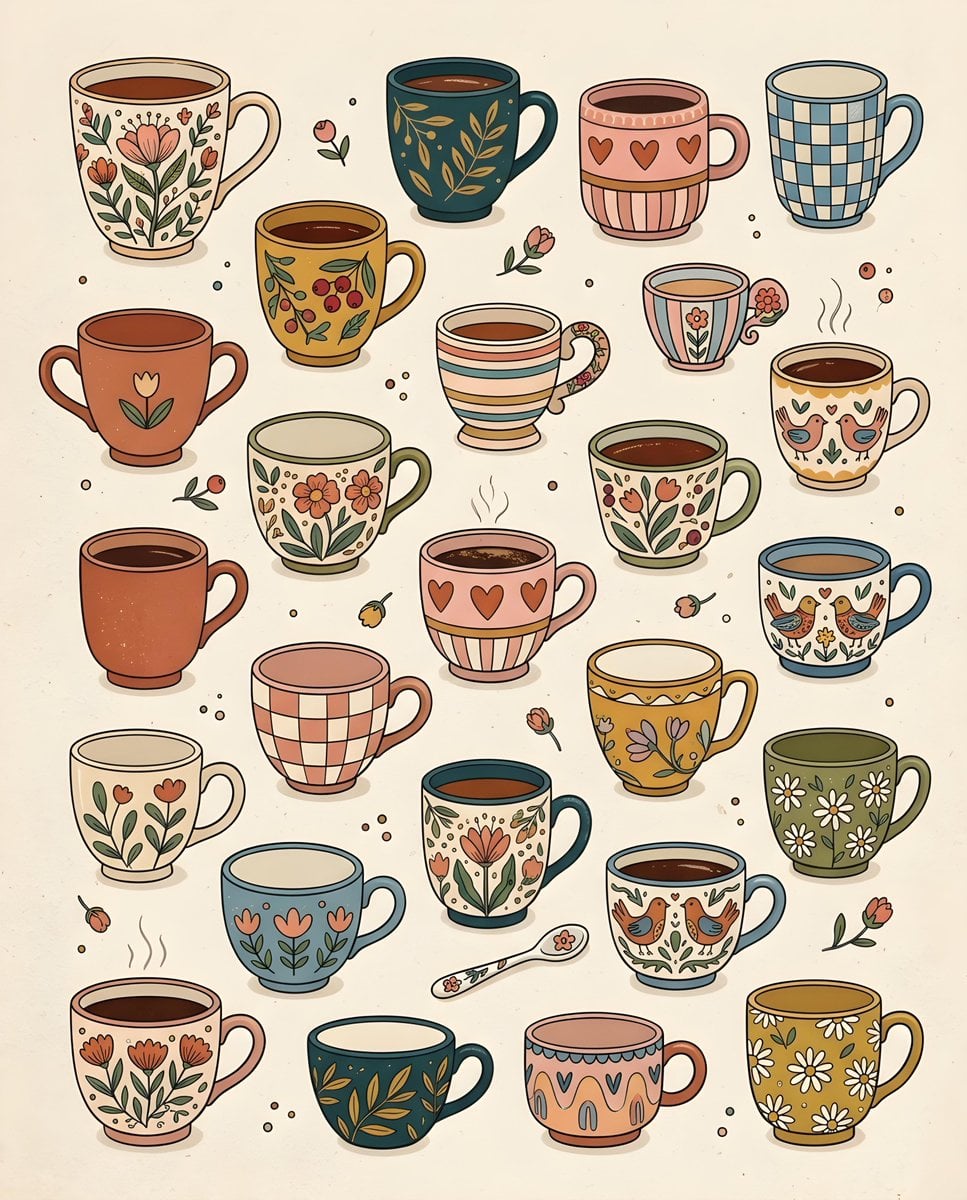
Whimsical Hand-Drawn Teacups
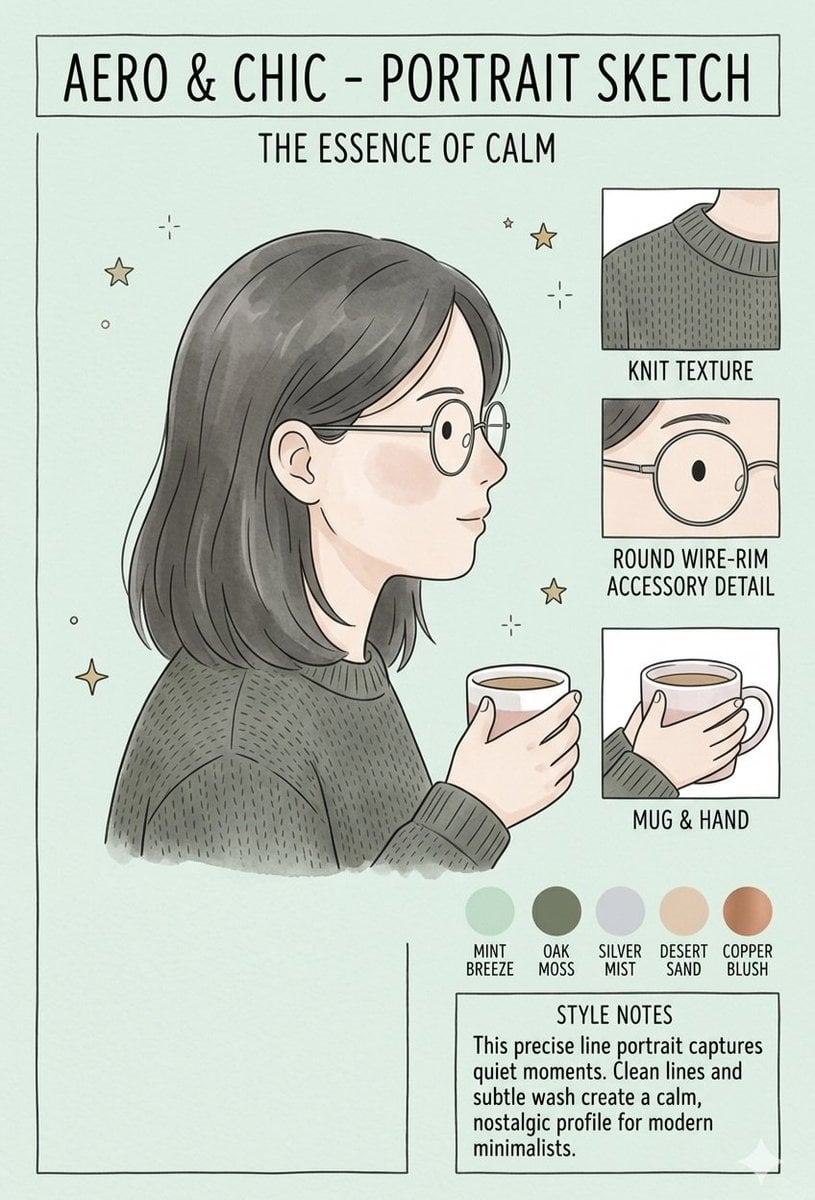
Aero & Chic Minimalist Character Sketch

Japanese Minimalist Concrete Studio Fashion Editorial

Korean Streetwear Minimalist Campaign Portrait

Minimalist Fashion Editorial Split Layout
Make it yours
Minimalist Hand-Drawn Ink Sketch works as-is. These are the safest ways to change it without losing the look.
Change one field
Copy a single group, rewrite it, and generate again so you can see what that field is doing.
Keep the frame, change the subject
Hold the composition and light of Minimalist Hand-Drawn Ink Sketch, then swap wardrobe, props or the person for a new take.
| If the result… | Why | Fix |
|---|---|---|
| The result drifts from the preview | Too many fields changed at once. | Reuse Minimalist Hand-Drawn Ink Sketch as-is first, then change one group — subject, light, or setting. |
| The model over-stylizes the scene | The prose prompt leaves finish and camera underspecified. | Add one camera or lighting sentence and stay on GPT Image 2. |
More GPT Image 2 templates
Other prompts made for GPT Image 2.

Six VTuber Japanese Logo Sheet

Realistic Portrait of Woman and Deer

The Vista Modular Condo Poster

AI Model Routing Comparison Infographic

2.5D Anime Art Board

Isometric Productivity Desk Scene

New York Double Exposure Poster

Four-Panel AI Landscape Comparison

Japanese Tatami Lifestyle Magazine Cover

NESCAFÉ Coffee Map Poster
More image prompts
Fresh picks from across the catalog.
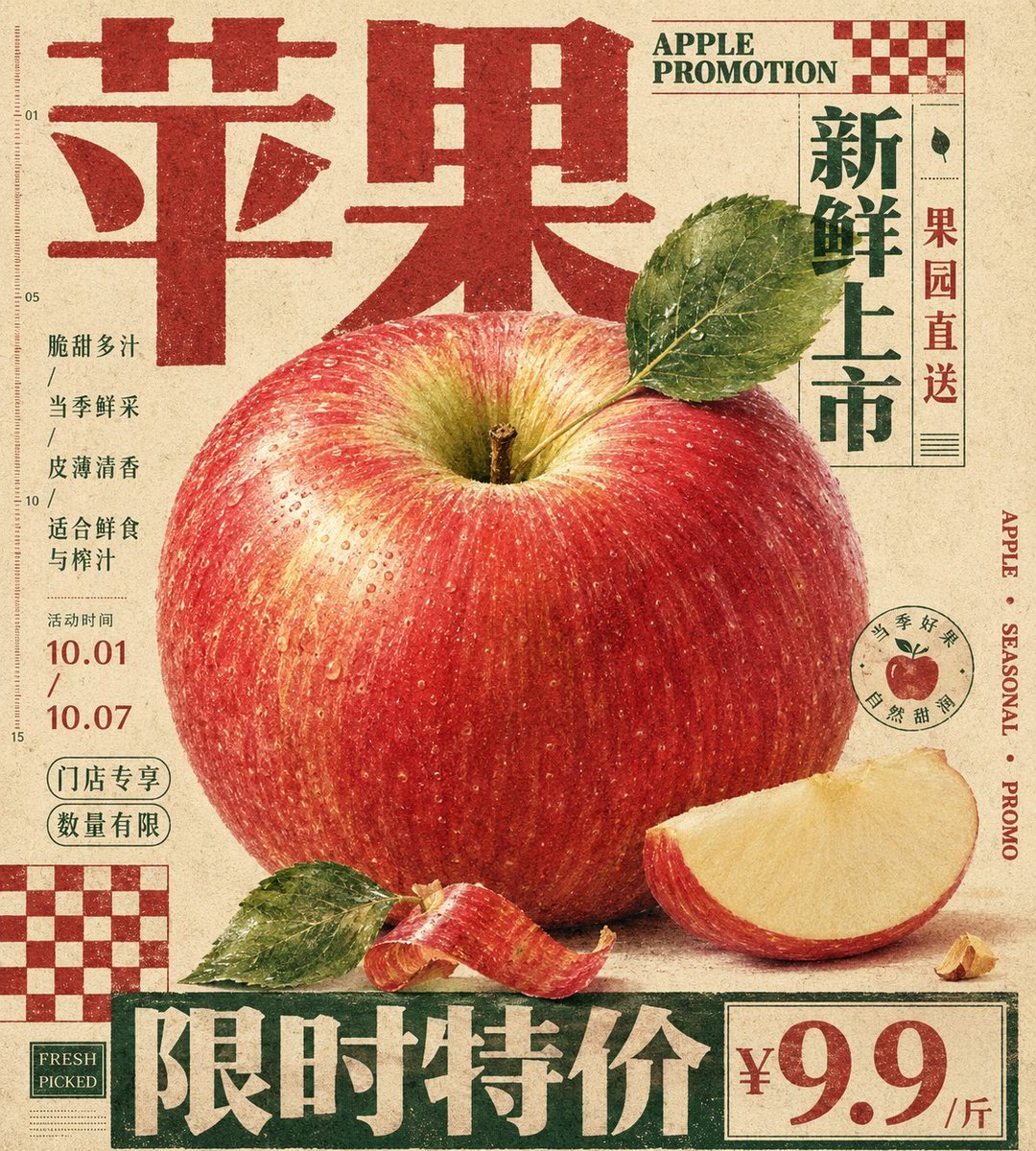
Vintage Tactile Print Poster
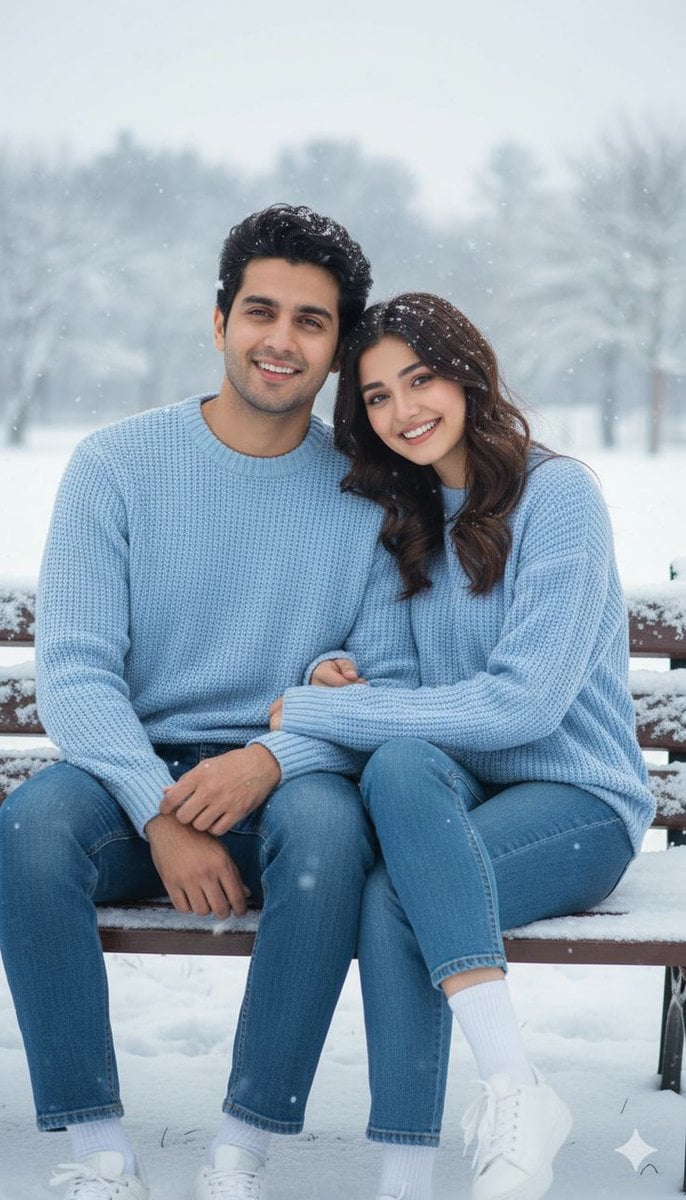
Romantic Pastel Illustration with Strict Identity Lock
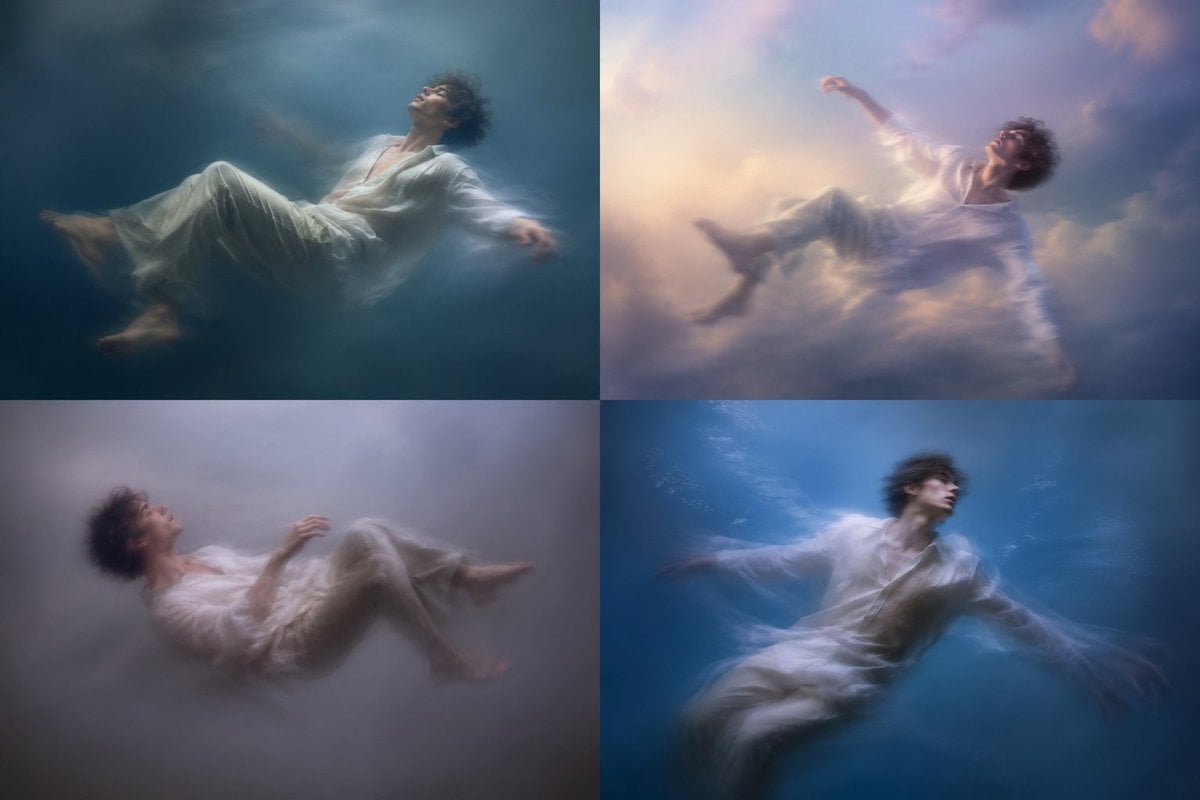
Dreamy Floating Portrait Grid
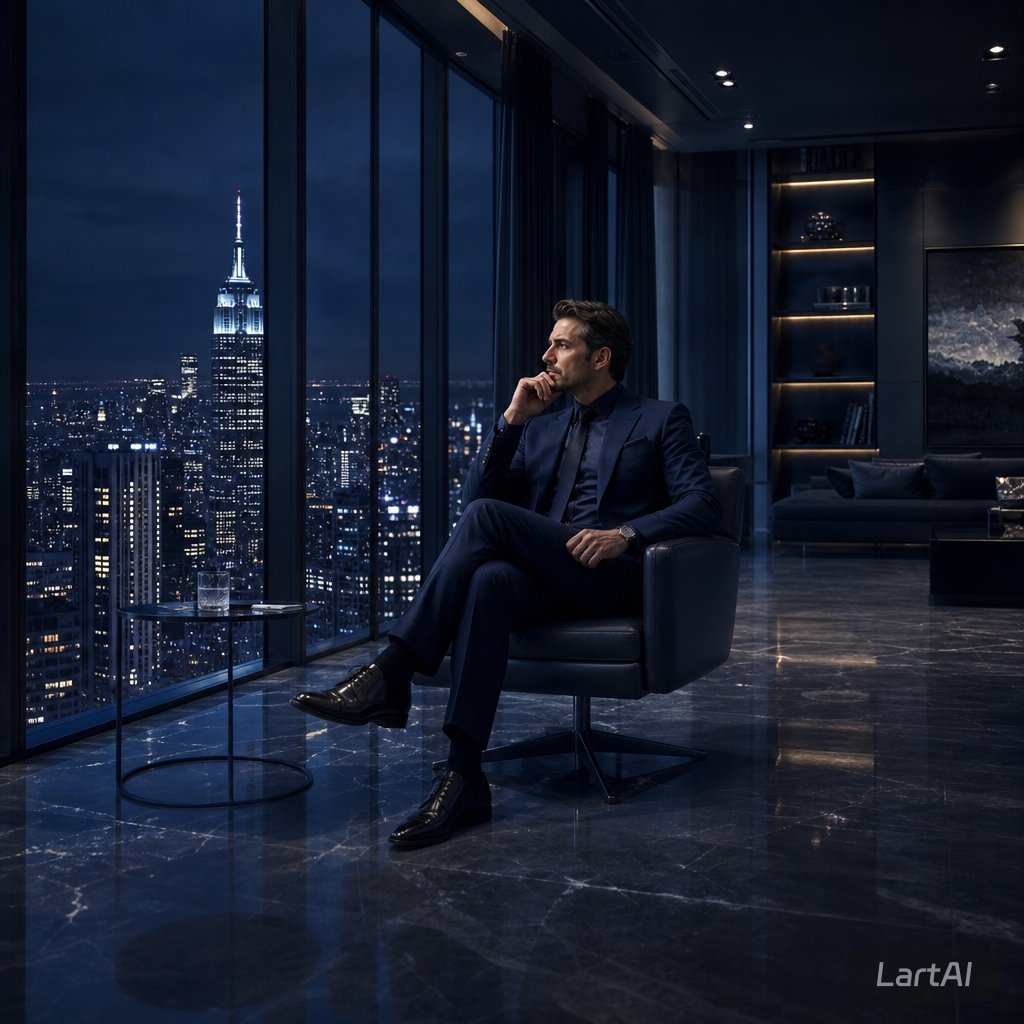
Luxury Penthouse Executive at Night
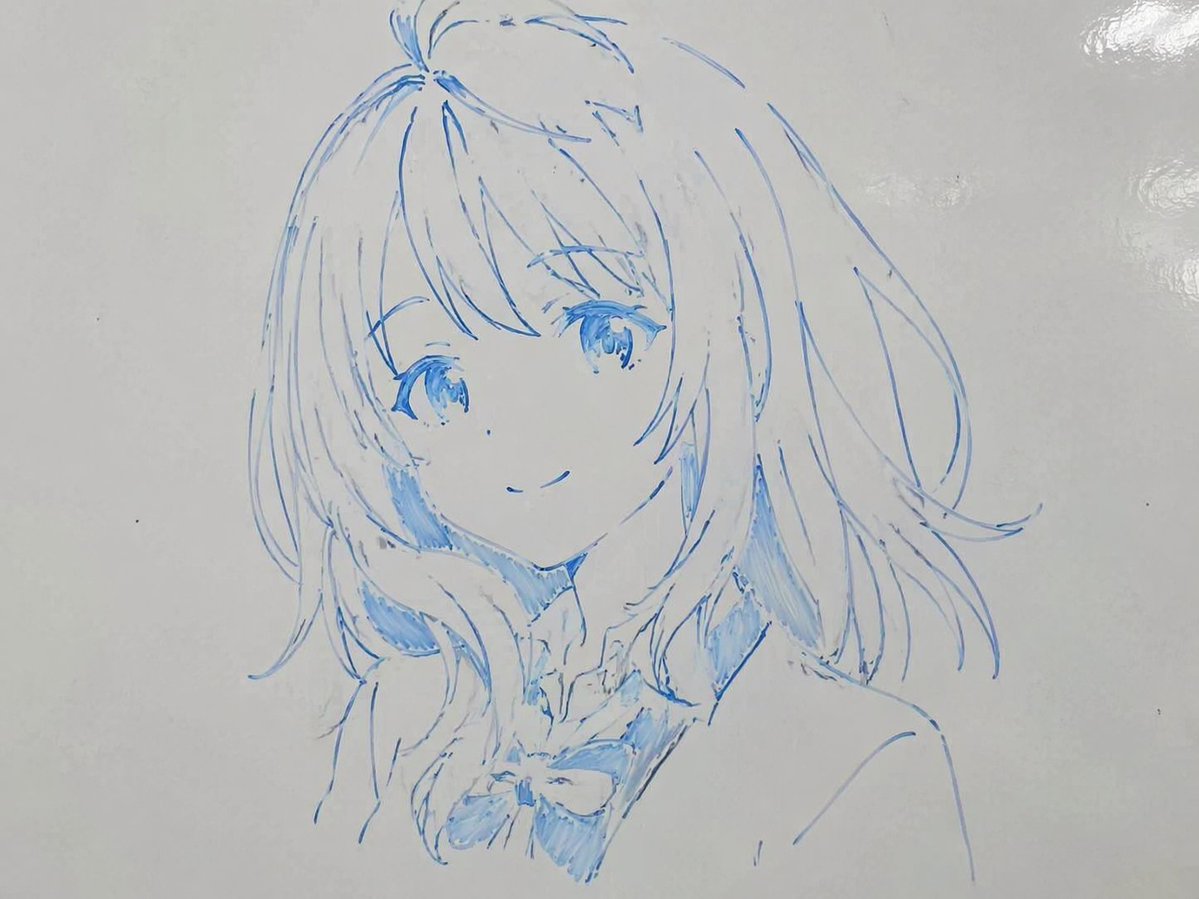
Whiteboard Marker Anime Sketch
4 Part Story of 3 Fluffy Creatures Build
Hyper-Realistic Studio Portrait with Floating Ring Prop Prompt
Turn Your Photo Into Ghibli Style with N
LZA Prime
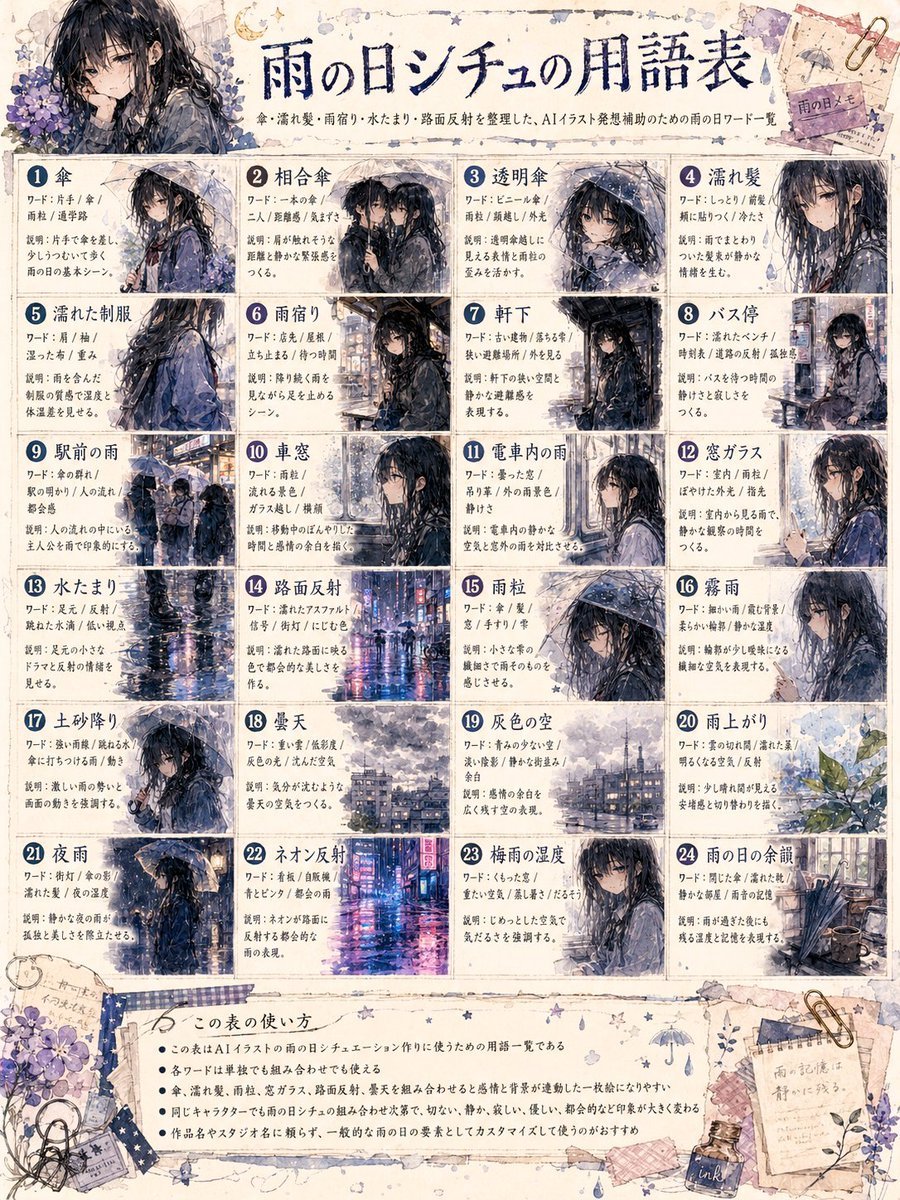
Rainy Day Anime Vocabulary Sheet
Browse template categories
Minimalist Hand-Drawn Ink Sketch questions
How do I use the Minimalist Hand-Drawn Ink Sketch template?
Add your photo if the template asks for one, edit the prompt if you like — the template's model and format are already selected — and press Generate. Your version opens in PicX Studio.
Can I customize the Minimalist Hand-Drawn Ink Sketch template?
Yes. You can change the subject, setting, lighting, mood, format, and available model controls before creating your image.
Is the Minimalist Hand-Drawn Ink Sketch template free?
Opening and editing this template is free. Generating uses credits, shown on the Generate button when you are signed in.
Which AI model should I use?
Start with GPT Image 2, which is the model associated with this template. You can compare another compatible model for a different finish.
Looking for something else? Browse all templates.

Your photo, any look
Thousands of ready templates for every top image and video model, from one credit balance.