
Luxury Penthouse Executive at Night
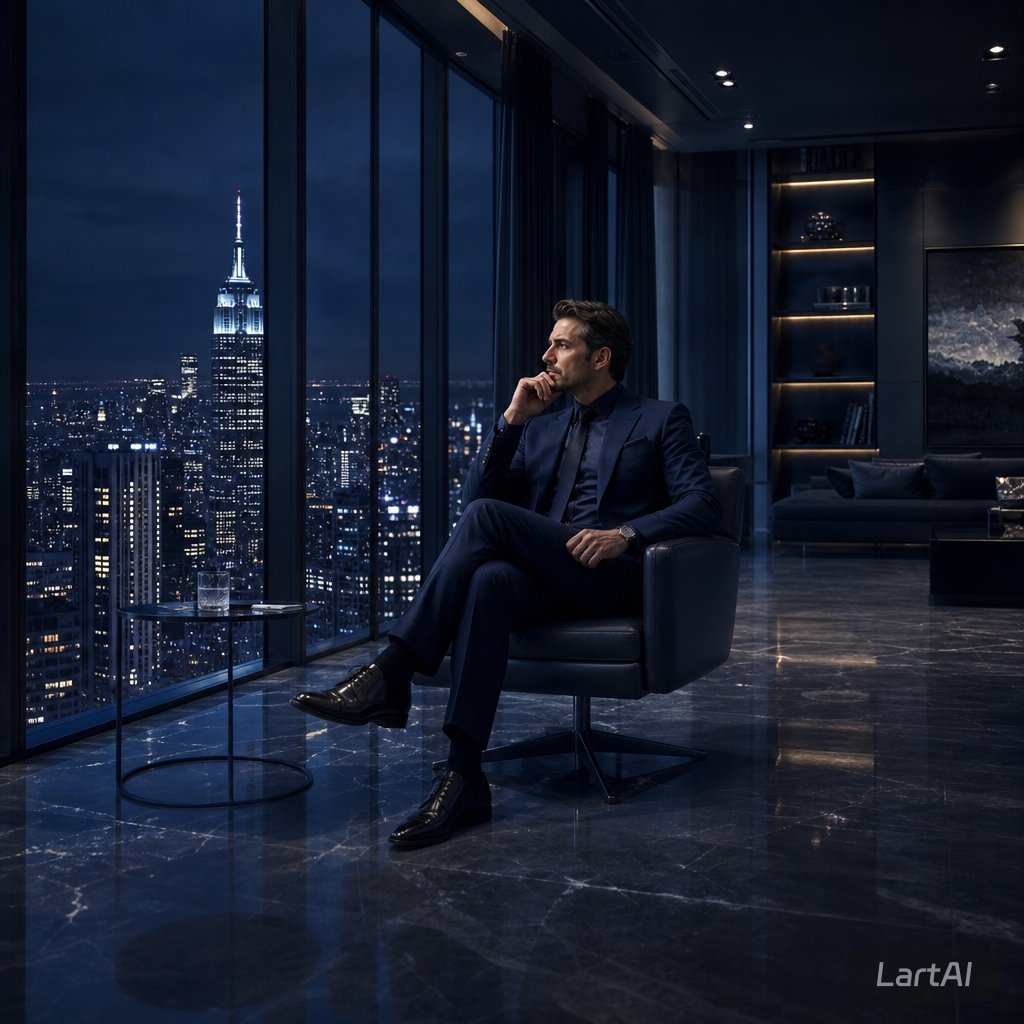
Generates a cinematic photorealistic image of an anonymous executive in a dark luxury penthouse overlooking a city skyline at night.
- Prompt included
- Model and format preset
- Free template
The prompt behind this image
Copy the exact prompt behind Luxury Penthouse Executive at Night, or open it in the studio and make it yours.
Create a cinematic photorealistic scene of {argument name="subject" default="a successful businessman"} sitting alone in a sleek black leather lounge chair inside a luxurious high-rise penthouse office at night. He wears a {argument name="suit color" default="deep navy tailored suit"}, dark dress shirt, polished black shoes, and a wristwatch, seated with legs crossed while holding a phone to his ear in a calm, focused pose. His face is softly obscured and anonymous. Floor-to-ceiling windows dominate the left side, revealing a dramatic nighttime {argument name="city skyline" default="New York City skyline with the Empire State Building brightly lit"} under a dark blue stormy sky. A small round glass side table with a tumbler of water sits beside him. The interior is dark, modern, and expensive, with glossy black marble floors reflecting the city lights, recessed ceiling spotlights, a sofa in the background, illuminated shelving, and a large moody abstract wall artwork. Use low-key lighting, deep blue and charcoal tones, crisp reflections, high contrast, realistic architectural photography, executive luxury atmosphere, quiet success, solitude, ambition, 16:9 square-cropped composition, ultra-detailed, GPT Image 2 photorealism.
How to use Luxury Penthouse Executive at Night in 3 steps
- 1Upload ImagePNG, JPG or paste
Add your photo
Upload the photo the template builds on. The prompt, model and format are already set.
- 2…a portrait of your subject in softgolden-hour light, 85mm…
Personalize
Edit the subject and creative details for your destination.
- 3Generate
Generate
Press Generate — your image is created in PicX Studio, so you can compare it with the original and refine one variable at a time.
More like this
Templates with the same subject, style or setup. Open one to see its prompt.
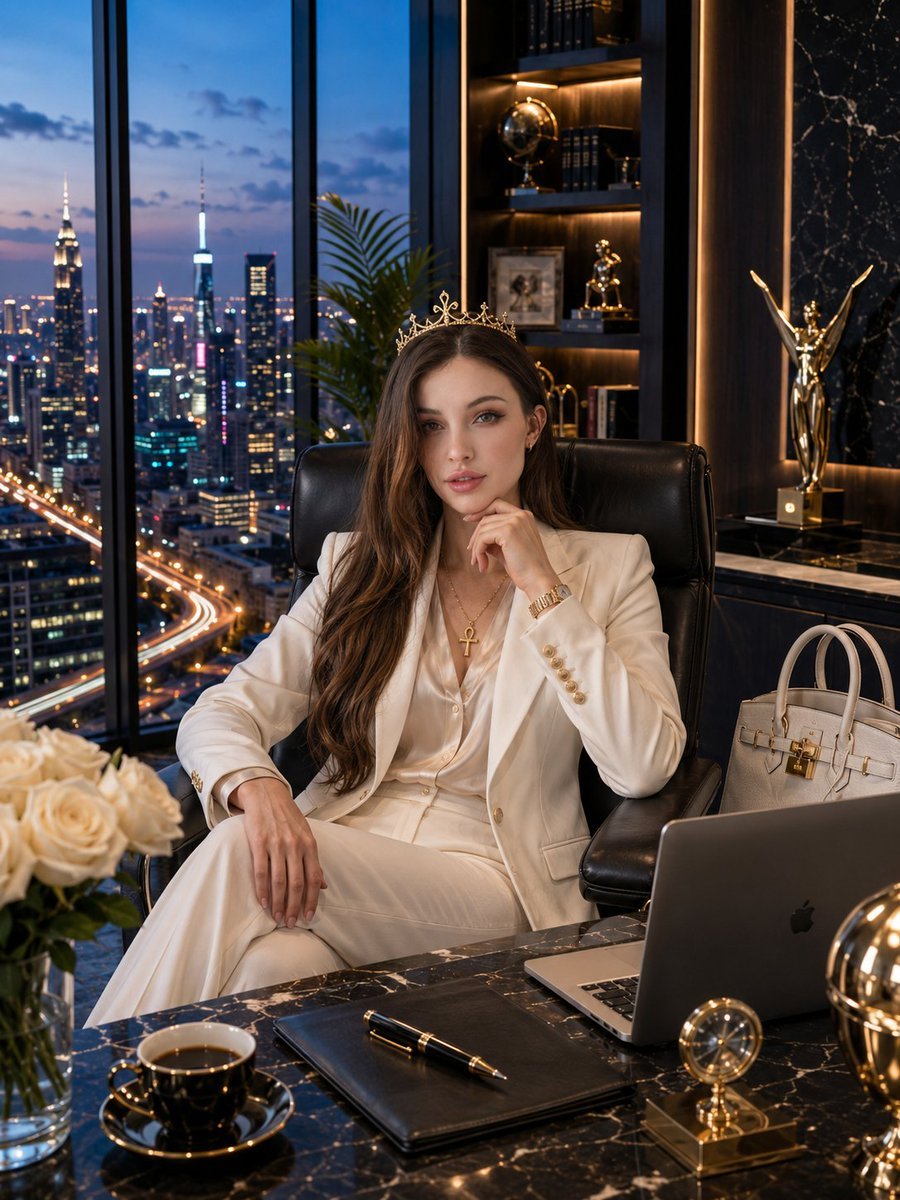
Luxury Penthouse Executive Portrait
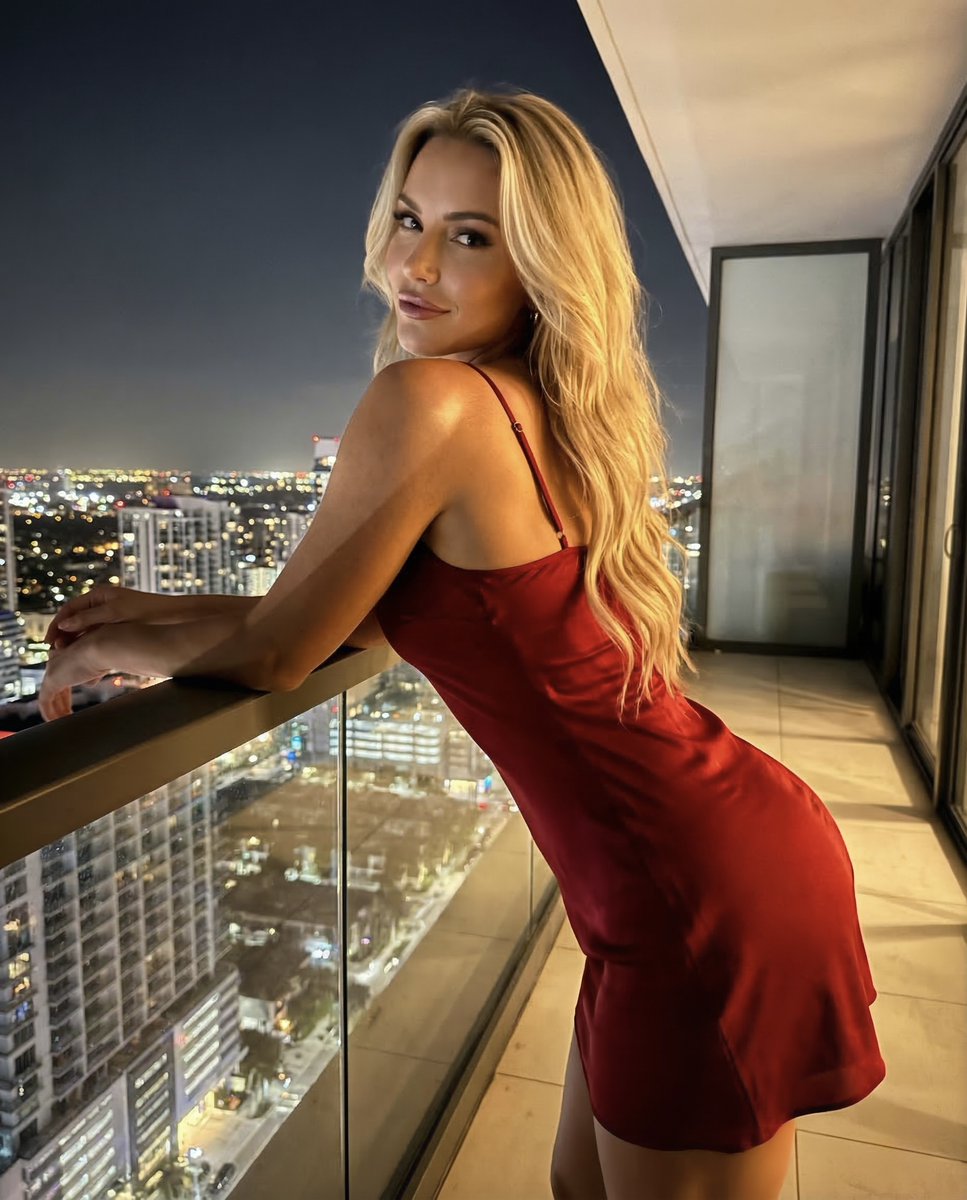
Luxury Penthouse Night Realism Portrait
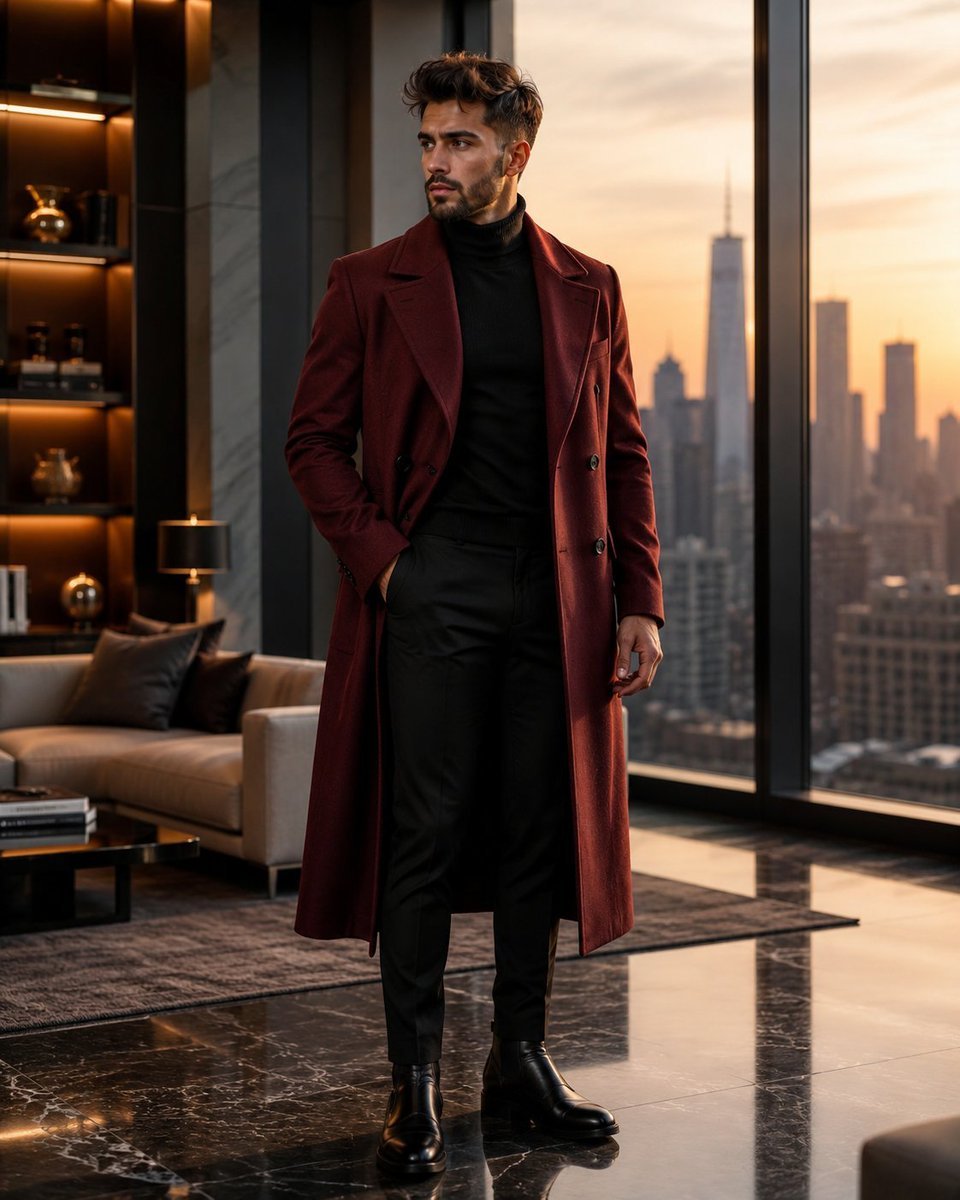
Luxury Penthouse Menswear Editorial
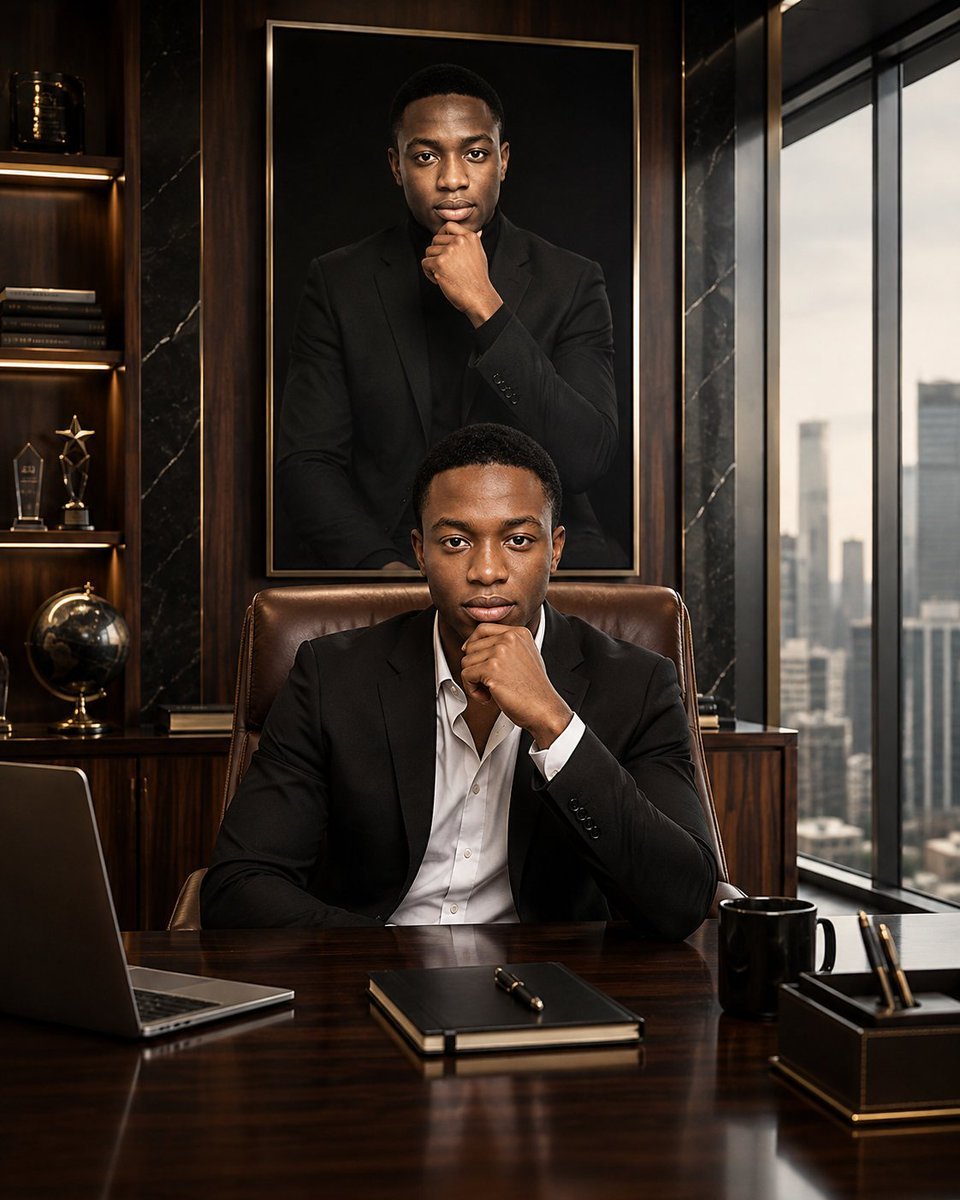
Luxury Executive Future Self Portrait
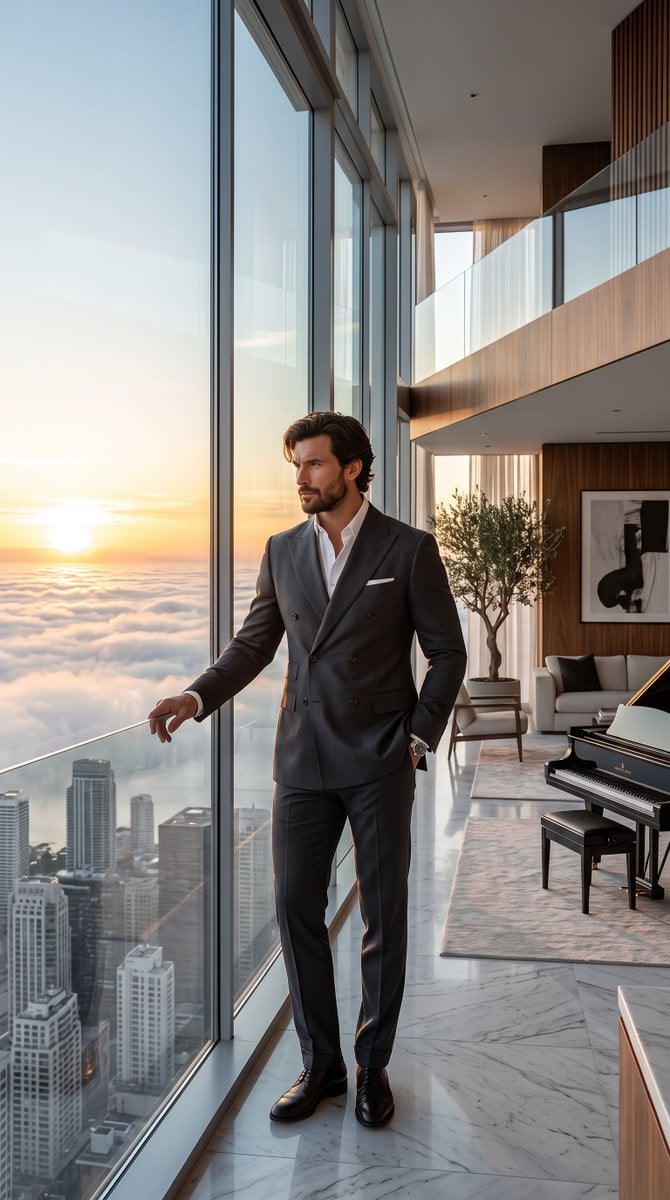
Luxury Skyscraper Penthouse Portrait
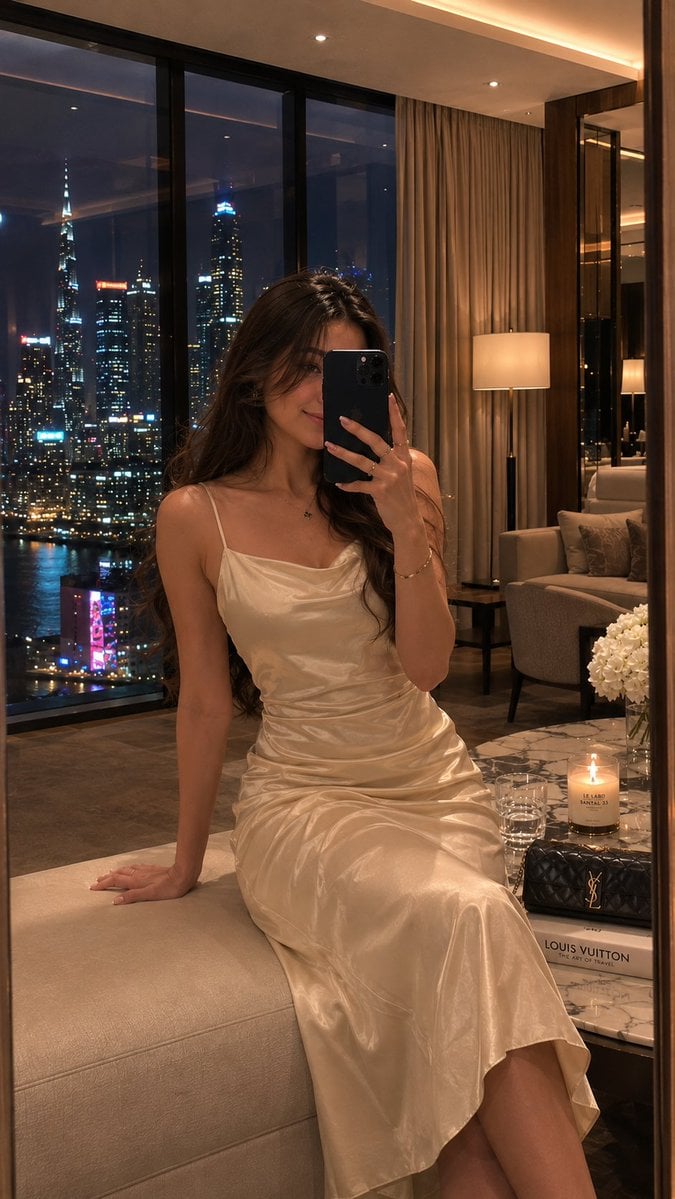
Luxury Penthouse Mirror Selfie
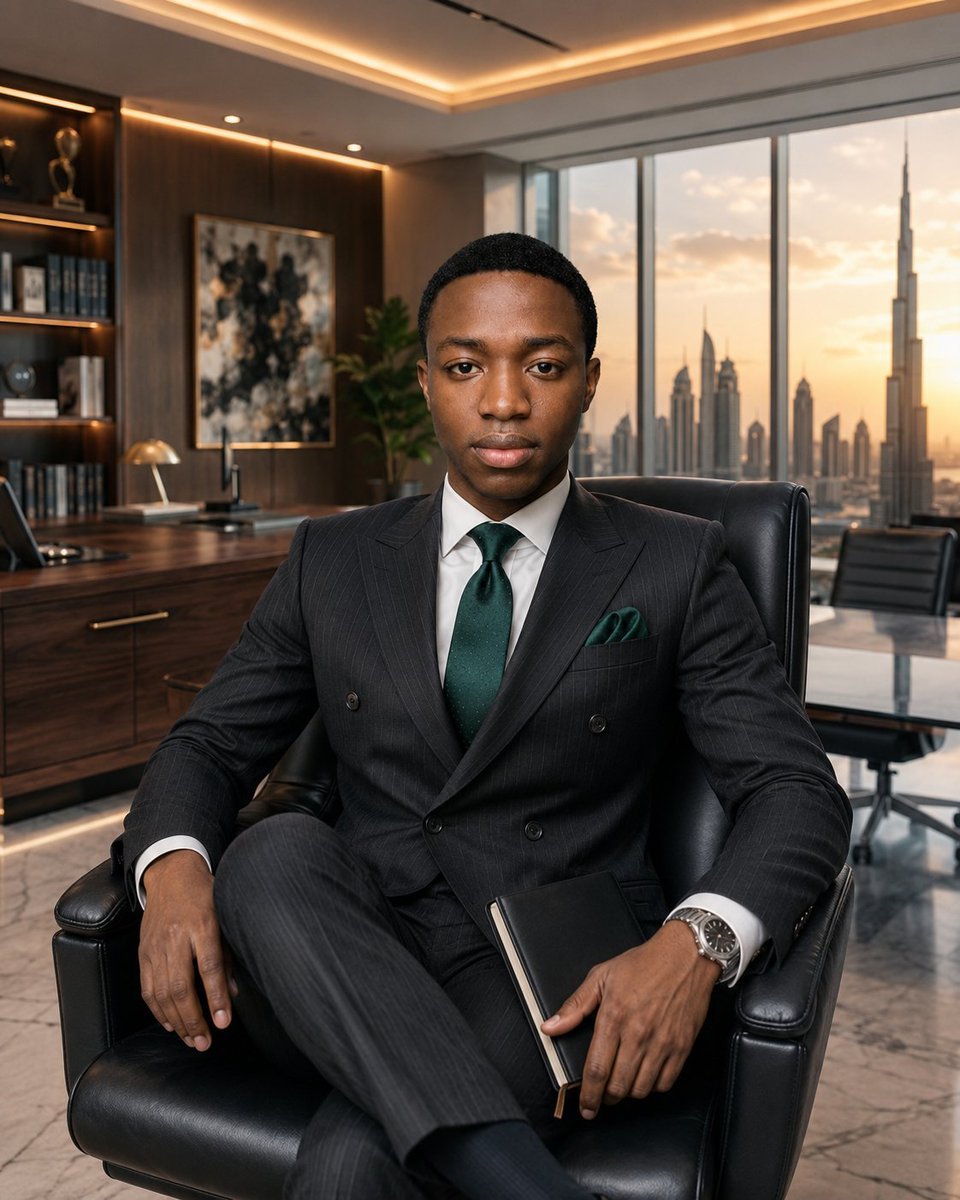
Luxury Executive Office Portrait
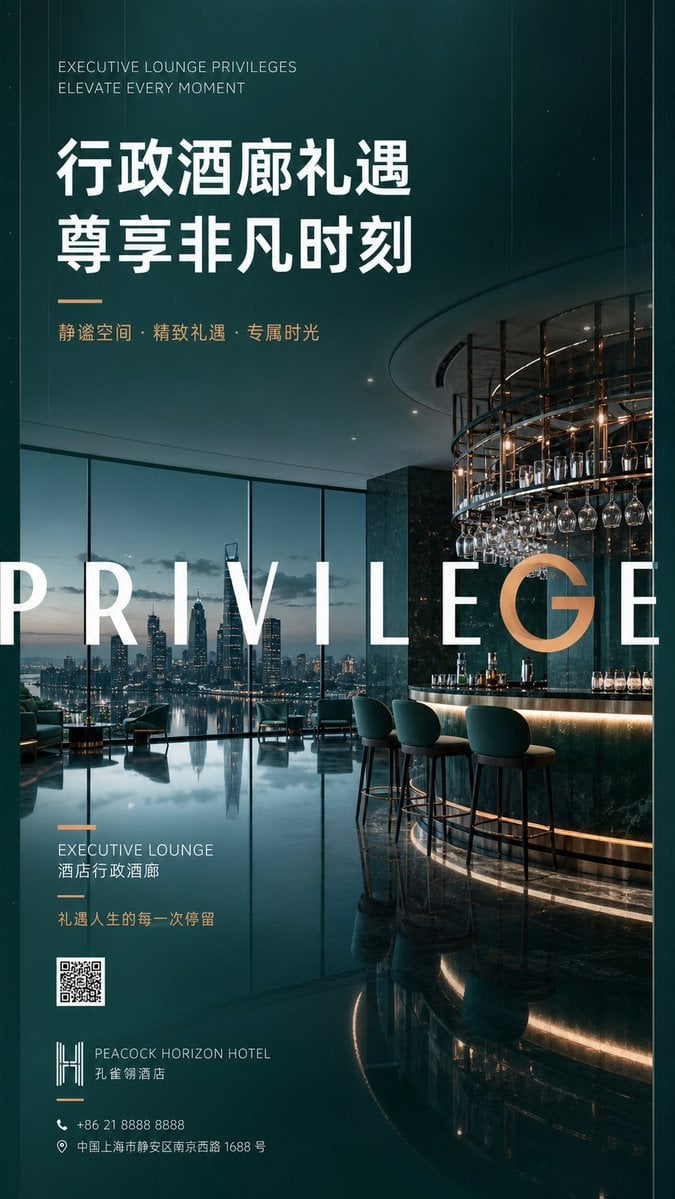
Luxury Executive Lounge Hotel Poster
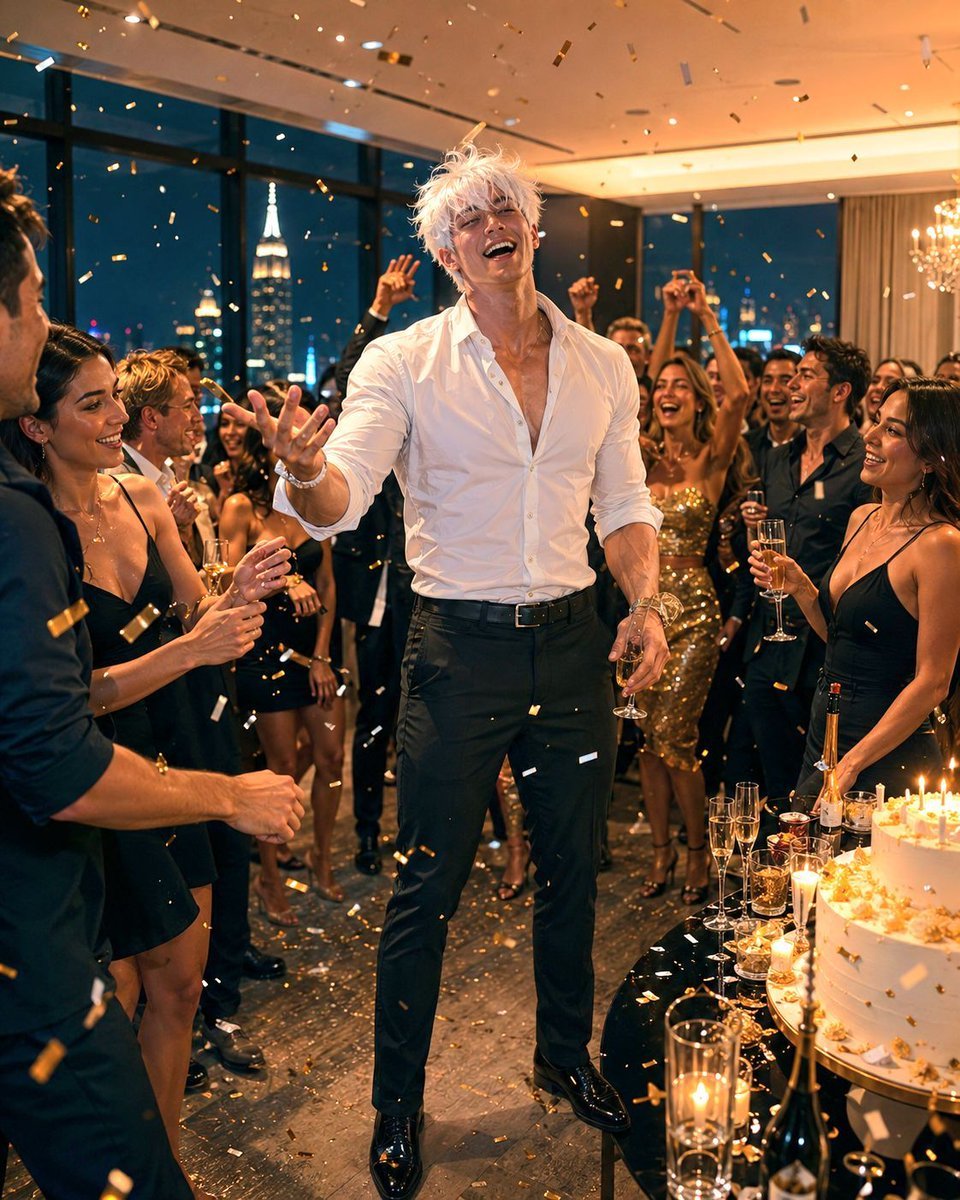
Luxury Penthouse Party Photograph
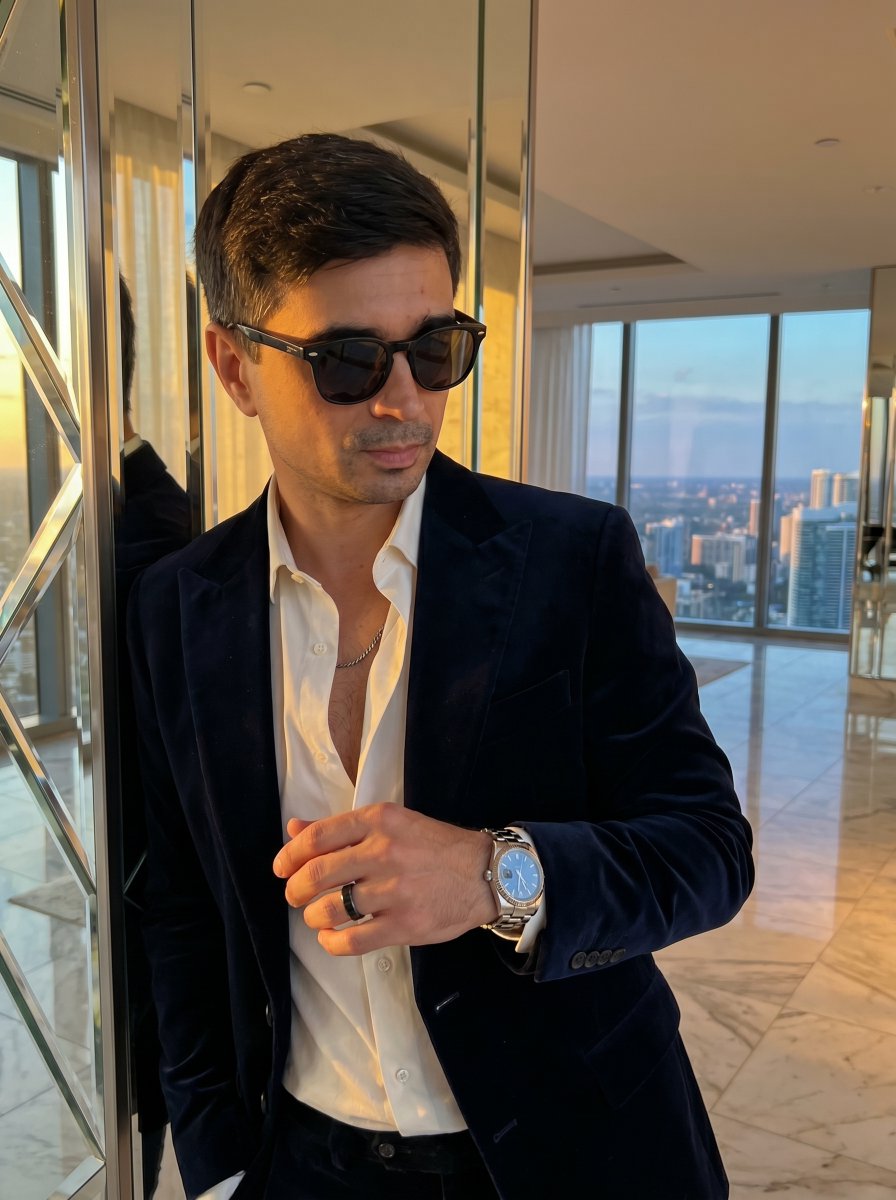
Luxury Penthouse and Car Editorial
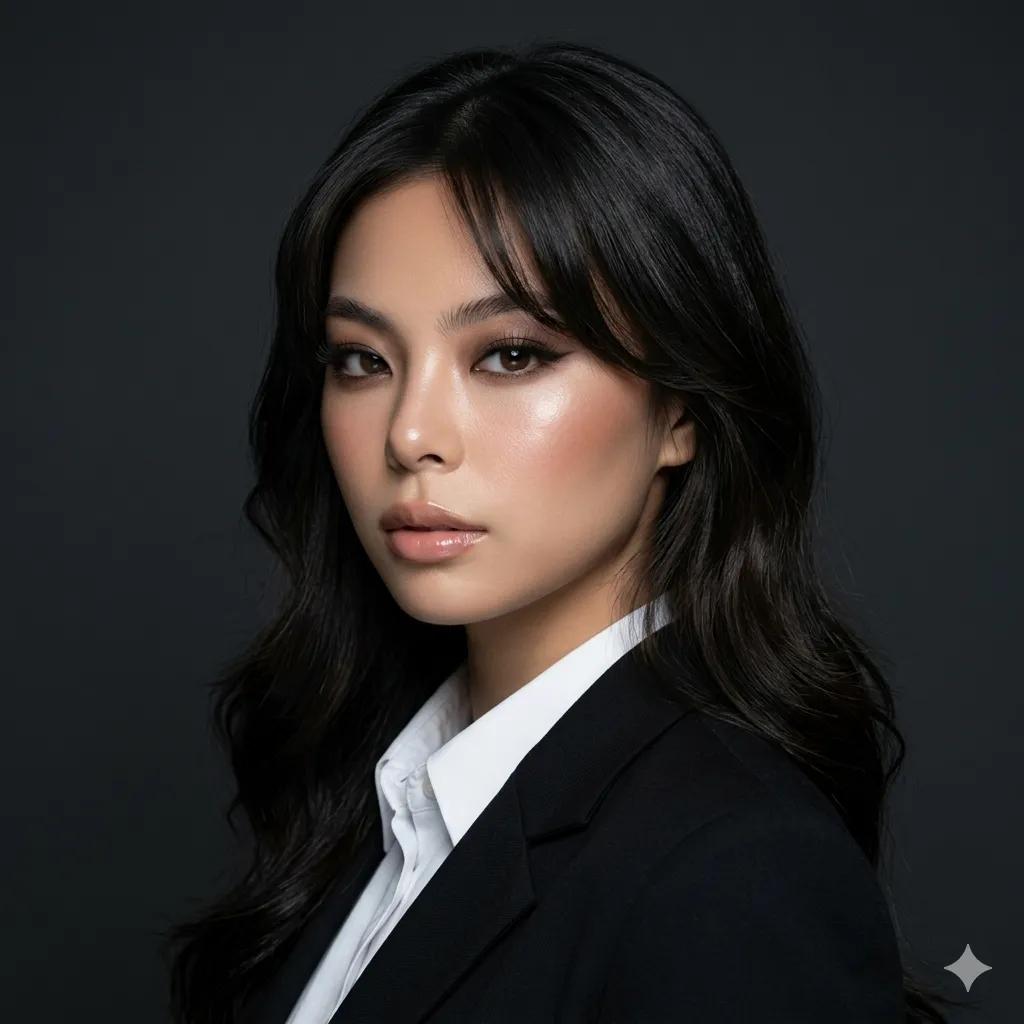
Luxury Executive Studio Portrait

Sealing Wax Letter Desk
Make it yours
Luxury Penthouse Executive at Night works as-is. These are the safest ways to change it without losing the look.
Change one field
Copy a single group, rewrite it, and generate again so you can see what that field is doing.
Keep the frame, change the subject
Hold the composition and light of Luxury Penthouse Executive at Night, then swap wardrobe, props or the person for a new take.
| If the result… | Why | Fix |
|---|---|---|
| The result drifts from the preview | Too many fields changed at once. | Reuse Luxury Penthouse Executive at Night as-is first, then change one group — subject, light, or setting. |
| The model over-stylizes the scene | The prose prompt leaves finish and camera underspecified. | Add one camera or lighting sentence and stay on GPT Image 2. |
More GPT Image 2 templates
Other prompts made for GPT Image 2.

Six VTuber Japanese Logo Sheet

Realistic Portrait of Woman and Deer

The Vista Modular Condo Poster

AI Model Routing Comparison Infographic

2.5D Anime Art Board

Isometric Productivity Desk Scene

New York Double Exposure Poster

Four-Panel AI Landscape Comparison

Japanese Tatami Lifestyle Magazine Cover

NESCAFÉ Coffee Map Poster
More image prompts
Fresh picks from across the catalog.
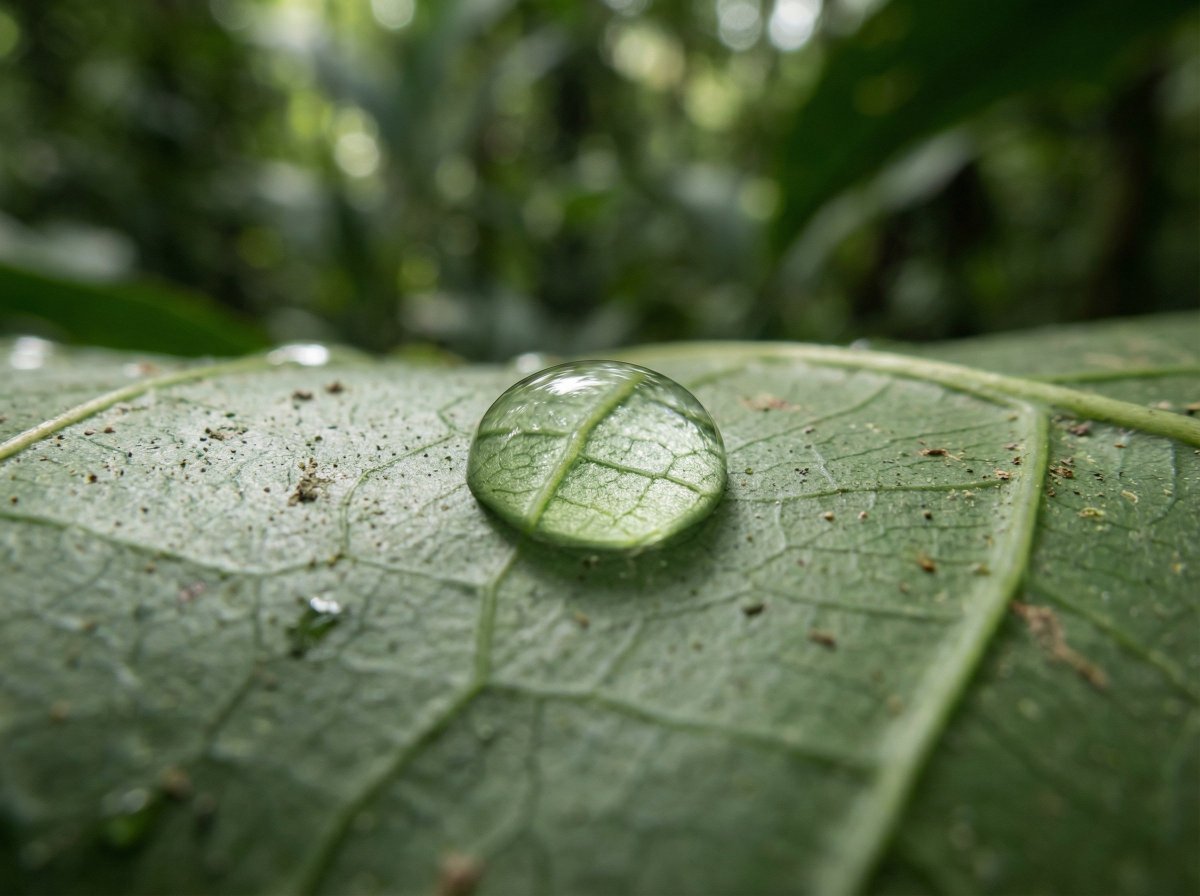
Scientific Macro Documentary Photography Prompt for Water Droplet on Leaf
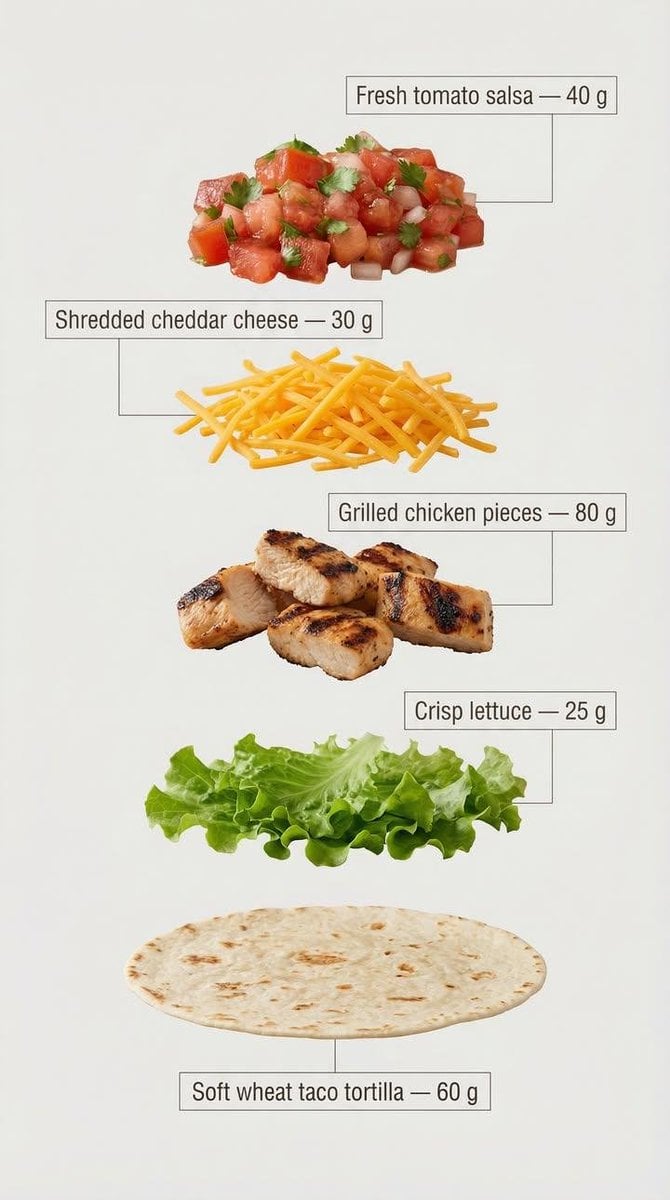
Exploded View Tacos Infographic for Marketing

3D Male Avatar on Red
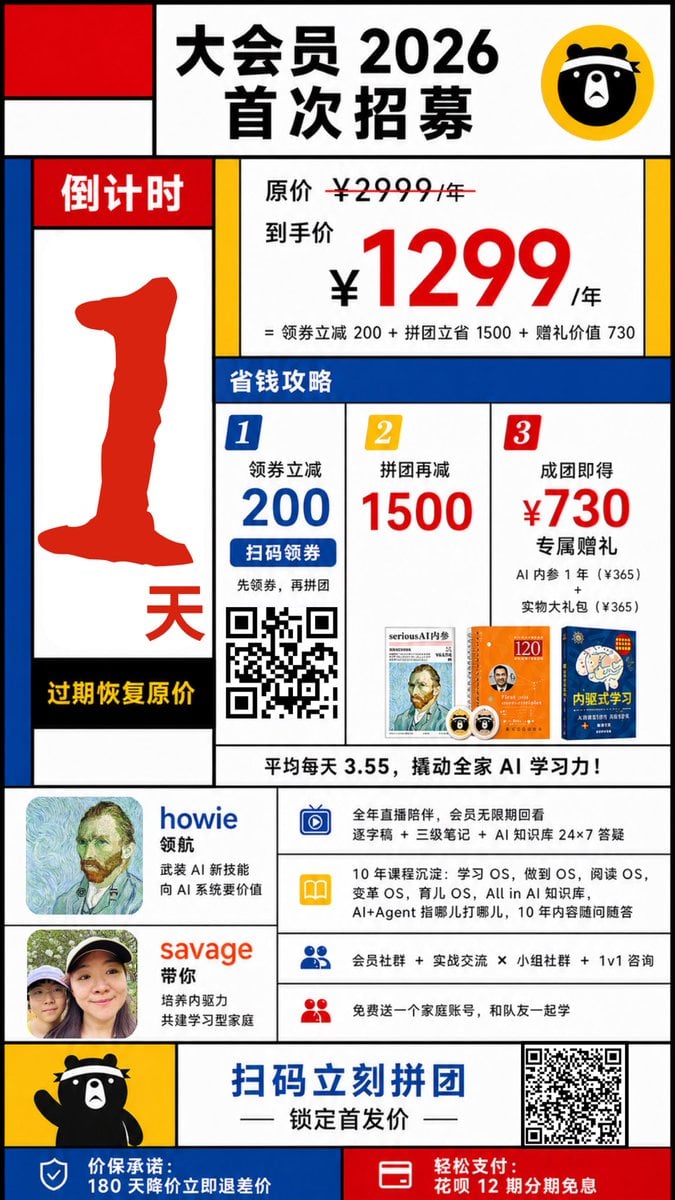
Mondrian-Style Chinese Promo Poster
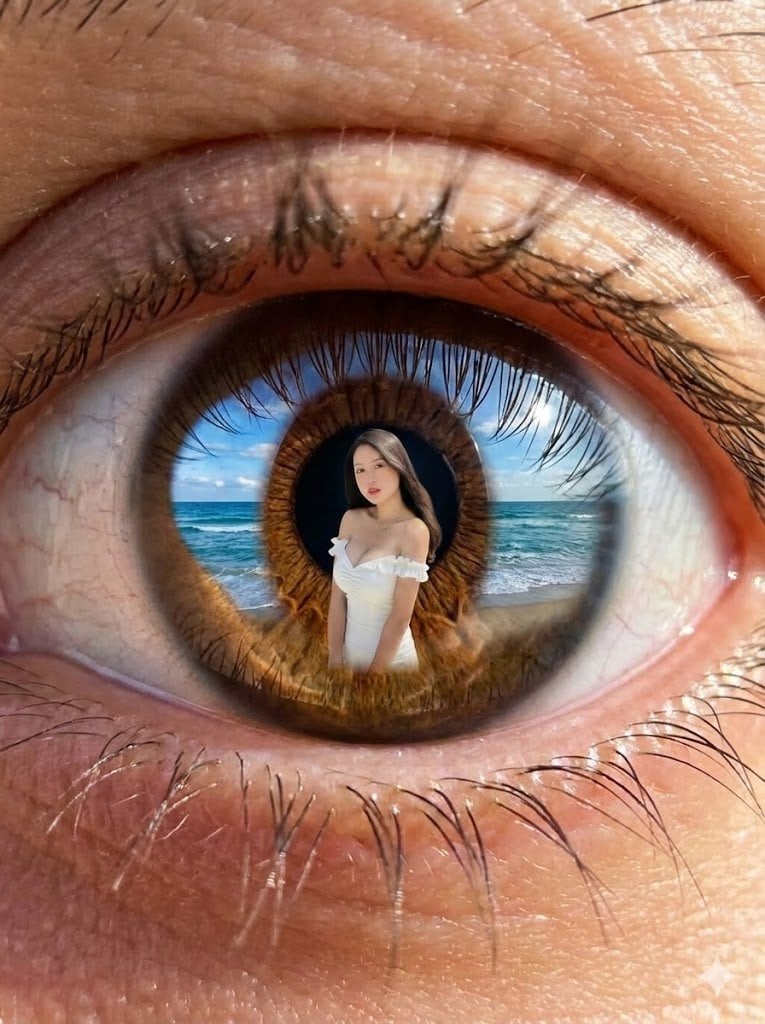
Reflection in Pupil Image Generation Prompt
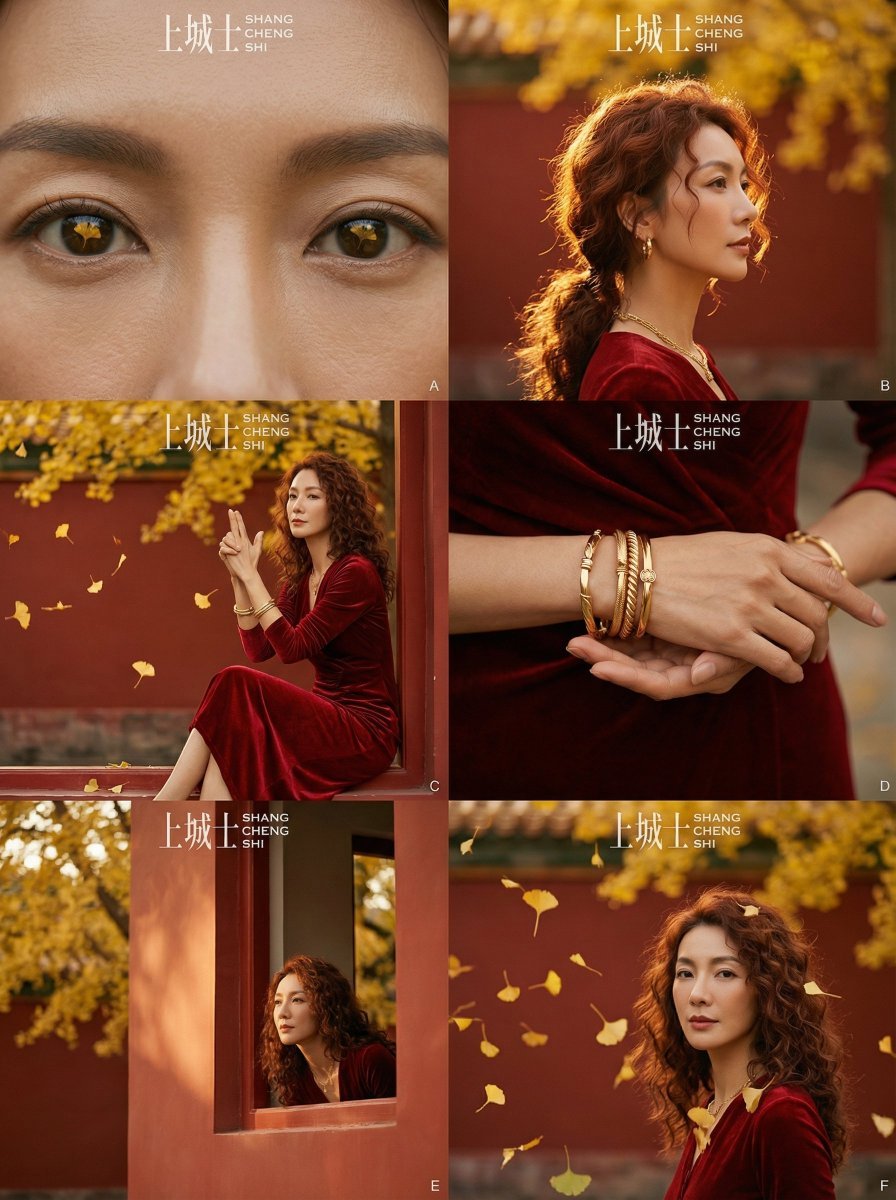
Cinematic Chinese Style Fashion Editorial (Shang Cheng Shi)
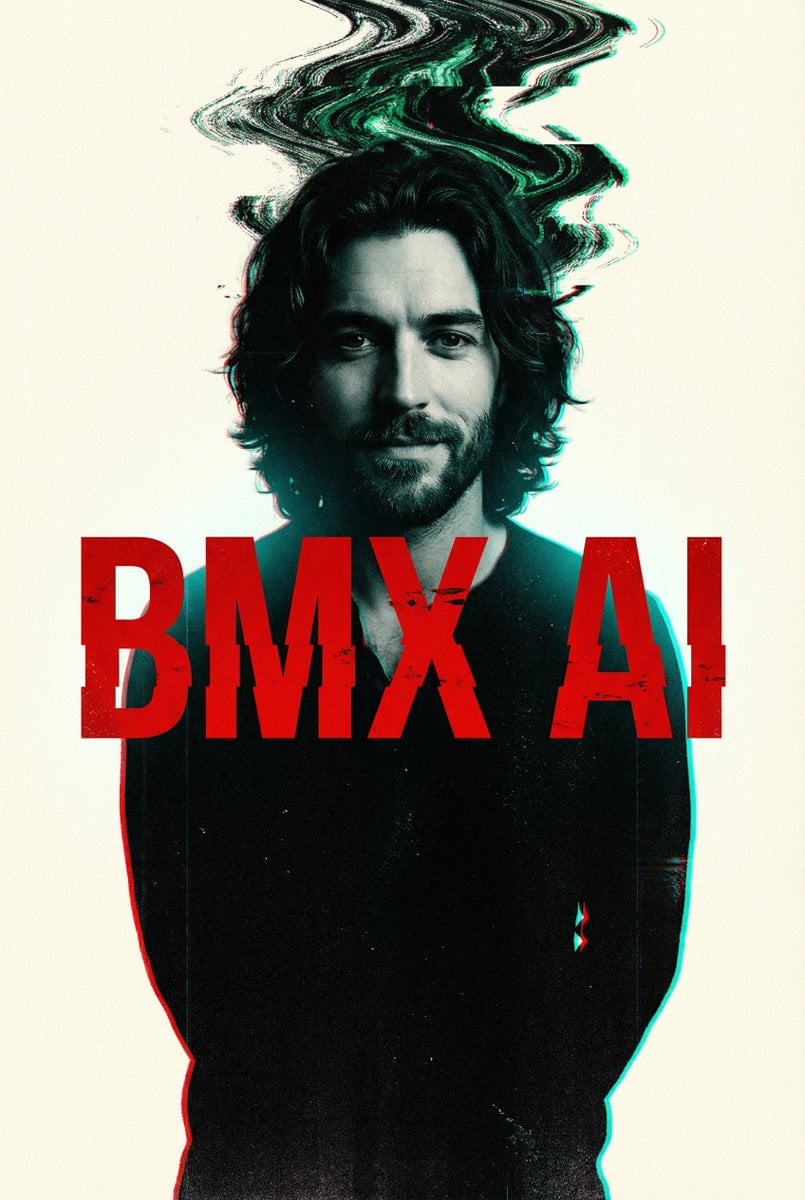
Cyberpunk Glitch Portrait Prompt with Identity Lock
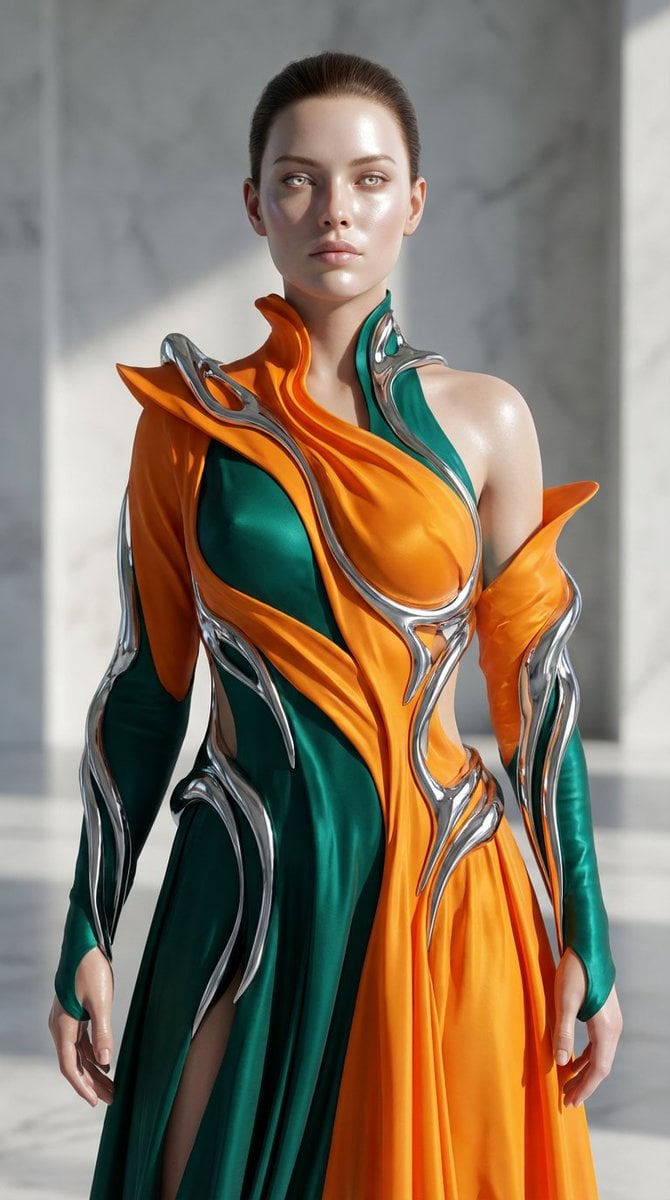
Biomorphic Art and Realism AI Woman Prompt
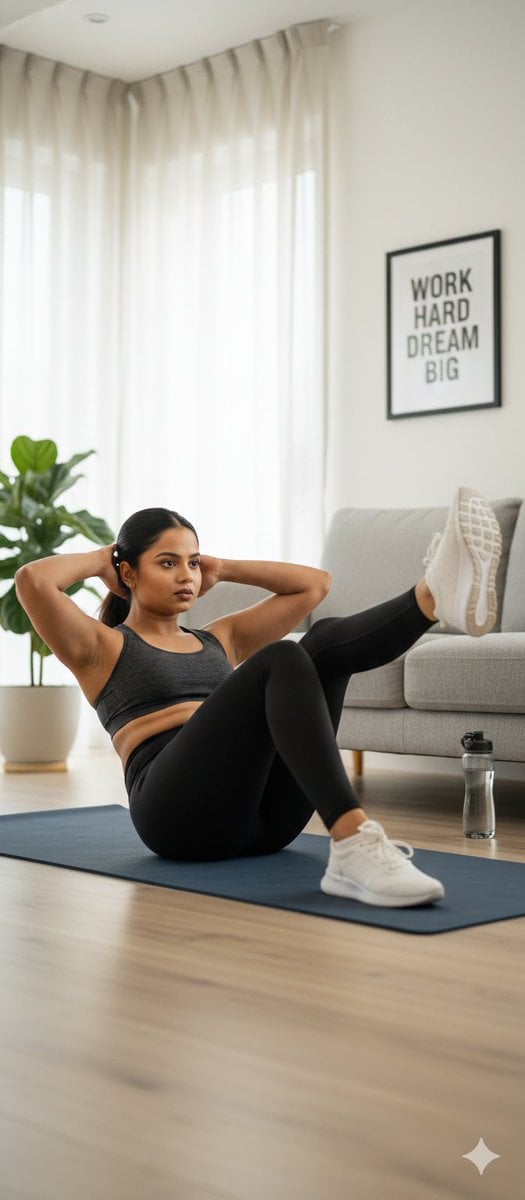
Stunning Photo Prompt for Gemini Nano Banana
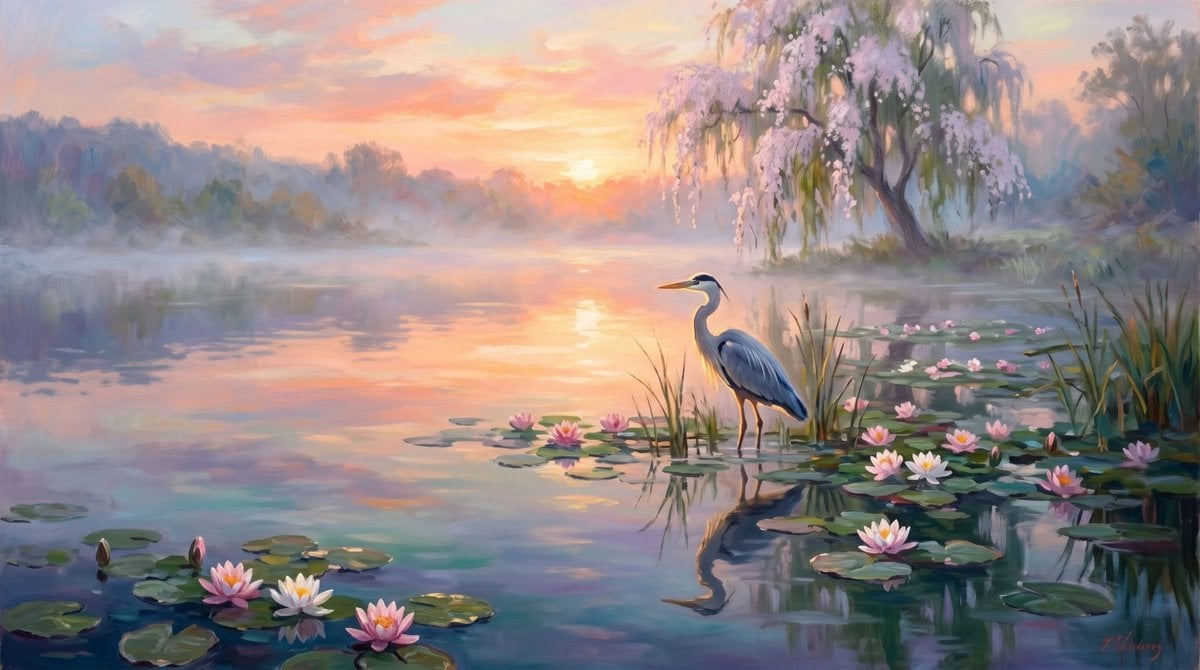
Misty Lotus Pond Heron Sunrise
Browse template categories
Luxury Penthouse Executive at Night questions
How do I use the Luxury Penthouse Executive at Night template?
Add your photo if the template asks for one, edit the prompt if you like — the template's model and format are already selected — and press Generate. Your version opens in PicX Studio.
Can I customize the Luxury Penthouse Executive at Night template?
Yes. You can change the subject, setting, lighting, mood, format, and available model controls before creating your image.
Is the Luxury Penthouse Executive at Night template free?
Opening and editing this template is free. Generating uses credits, shown on the Generate button when you are signed in.
Which AI model should I use?
Start with GPT Image 2, which is the model associated with this template. You can compare another compatible model for a different finish.
Looking for something else? Browse all templates.

Your photo, any look
Thousands of ready templates for every top image and video model, from one credit balance.