
Luxury Executive Studio Portrait
A comprehensive prompt for creating a powerful, sophisticated professional portrait with high-precision facial reference.
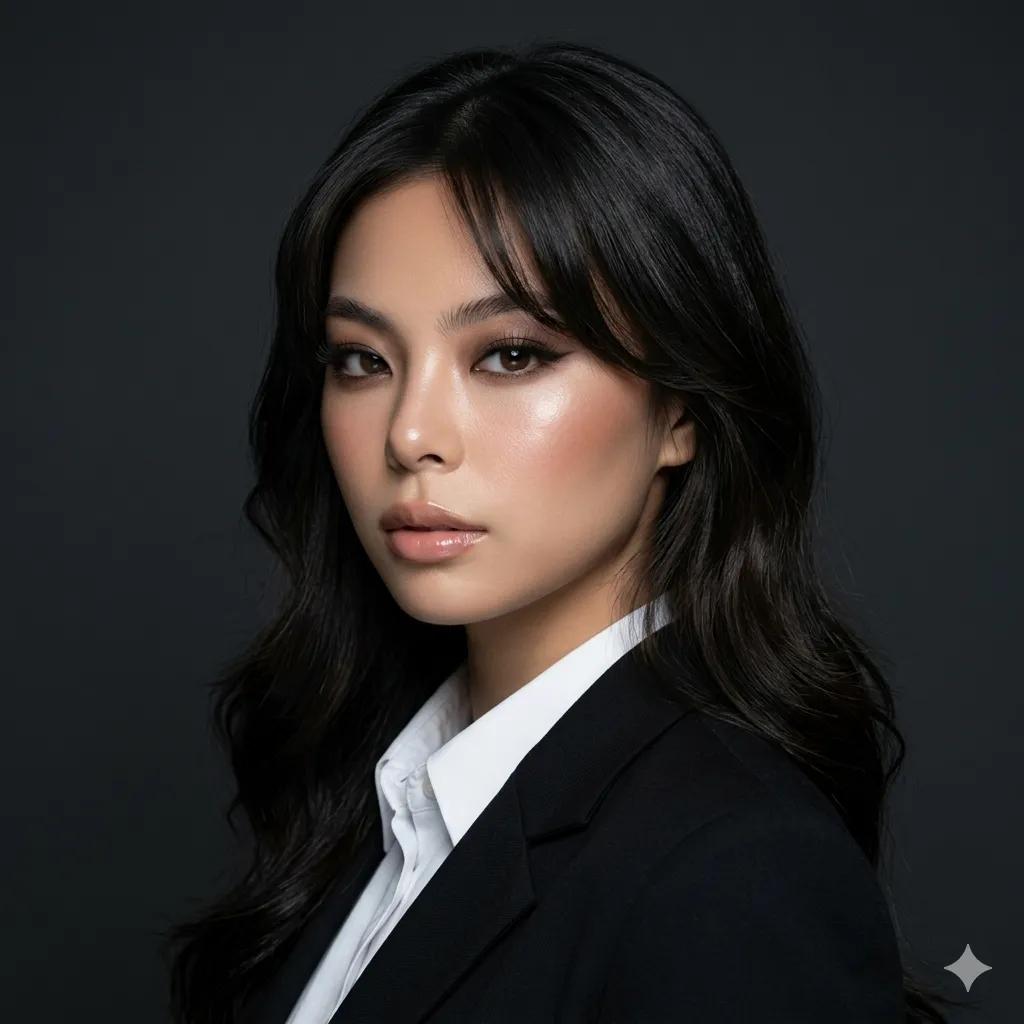
- Prompt included
- Model and format preset
- Premium template
The prompt behind this image
Copy the exact prompt behind Luxury Executive Studio Portrait, or open it in the studio and make it yours.
Create image: use the attached image as the main facial reference with high precision while preserving exact facial structure, recognizable identity, facial proportions, skin tone, and natural asymmetry. A dramatic {argument name="setting" default="luxury executive studio portrait"}. The subject wears a {argument name="clothing" default="perfectly tailored black blazer/amerikana with structured shoulders, sharp lapels, and a crisp white inner shirt"}. The overall appearance feels powerful, expensive, sophisticated, and editorial while maintaining the clean structure of a professional passport-style portrait. Pose: front-facing studio pose, shoulders softly squared toward the camera, chin slightly lowered, eyes looking directly into the lens, calm but commanding expression, relaxed lips, strong presence, elegant confidence, and natural authority. Makeup: full glam modern luxury beauty makeup. Korean glass-skin complexion with visible pores and glossy healthy shine. Bronze-champagne eyeshadow blended with soft taupe depth, luminous champagne shimmer on the center lids and inner corners, lifted eyeliner, dramatic wispy lashes, softly defined lower lashes, feathered brows, sculpted contour, bright under-eye, warm bronzed blush, and glossy rose-beige lips with rich reflective shine. Makeup feels expensive, feminine, dramatic, and editorial without becoming overly dark or gothic. Skin rendering: ultra-luminous Korean glass skin with realistic pore visibility. Individual pores remain visible across cheeks, nose, forehead, and around the mouth. Fine peach fuzz, realistic under-eye texture, tiny skin variations, and authentic epidermal detail remain visible. Skin appears hydrated, plump, reflective, dimensional, and alive. Strong glossy highlights on the cheekbones, nose bridge, forehead, eyelids, collarbone, and lips. No beauty-filter smoothing. No pore reduction. No airbrushed finish. Hairstyle: {argument name="hair" default="modern luxury salon blowout"}. Long dark hair with soft face-framing layers concentrated around the front sections only. Smooth polished finish, healthy shine, subtle crown volume, luxurious movement, and expensive editorial styling. The back remains long and sleek. Elegant, modern, and fashionable. Lighting: dramatic luxury beauty lighting. A strong soft key light from front-left creates luminous glossy highlights across the face while preserving visible skin texture and pores. The opposite side of the face remains slightly darker for dimension. Subtle rim lighting around the hair and shoulders creates separation from the white background. The lighting emphasizes cheekbones, jawline, eyes, lips, and glossy skin. Background: pure white luxury studio backdrop with subtle tonal depth. Clean, bright, timeless, and premium. The contrast between the white background and black blazer creates a striking executive beauty portrait aesthetic. Camera rendering: ultra-high-resolution professional beauty portrait captured with medium-format camera realism. Clinical sharpness on eyes, lashes, brows, lips
How to use Luxury Executive Studio Portrait in 3 steps
- 1Upload ImagePNG, JPG or paste
Add your photo
Upload the photo the template builds on. The prompt, model and format are already set.
- 2…a portrait of your subject in softgolden-hour light, 85mm…
Personalize
Edit the subject and creative details for your destination.
- 3Generate
Generate
Press Generate — your image is created in PicX Studio, so you can compare it with the original and refine one variable at a time.
More like this
Templates with the same subject, style or setup. Open one to see its prompt.

80s Couple Studio Portrait

1985 Studio Portrait

Gpt Image 2 Fashion Portrait
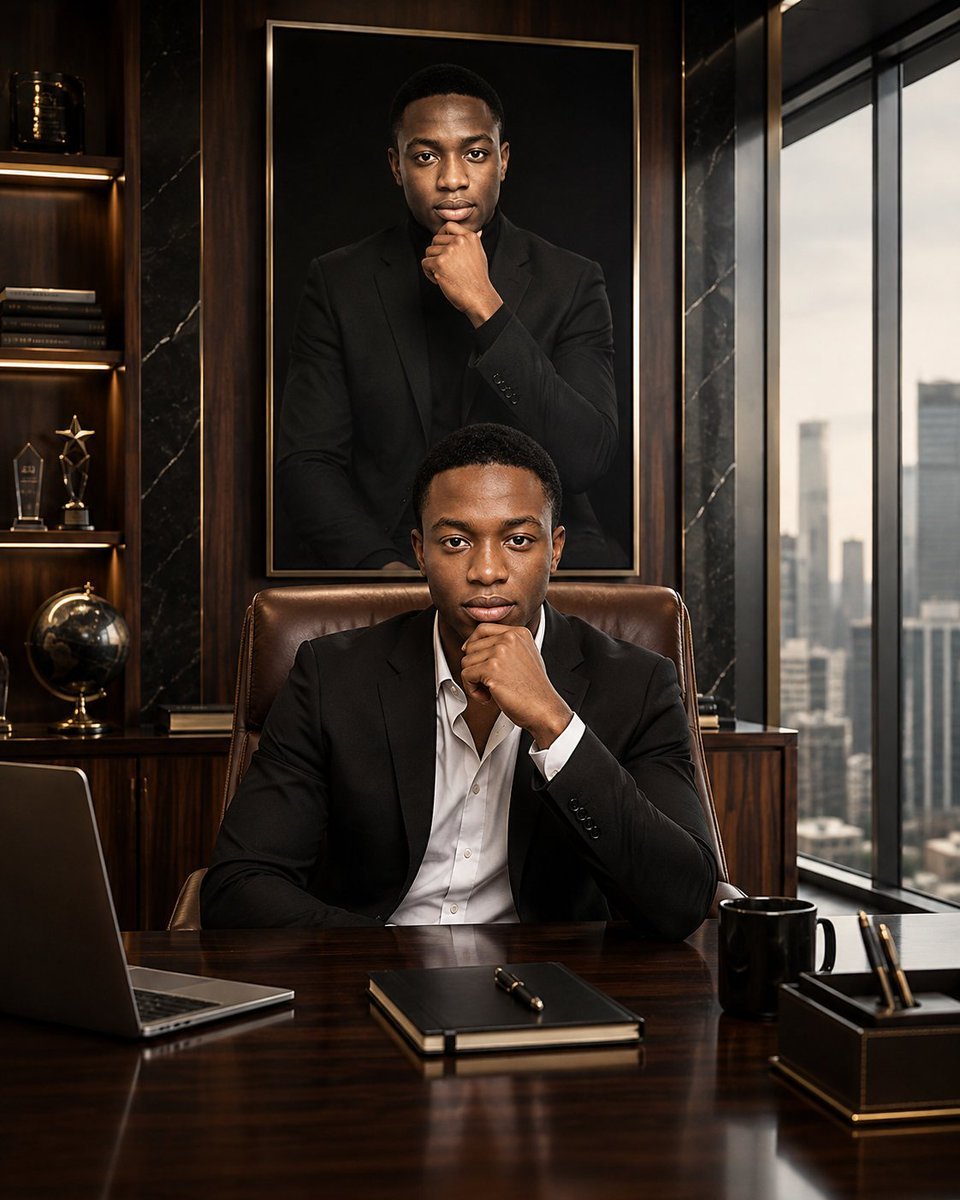
Luxury Executive Future Self Portrait
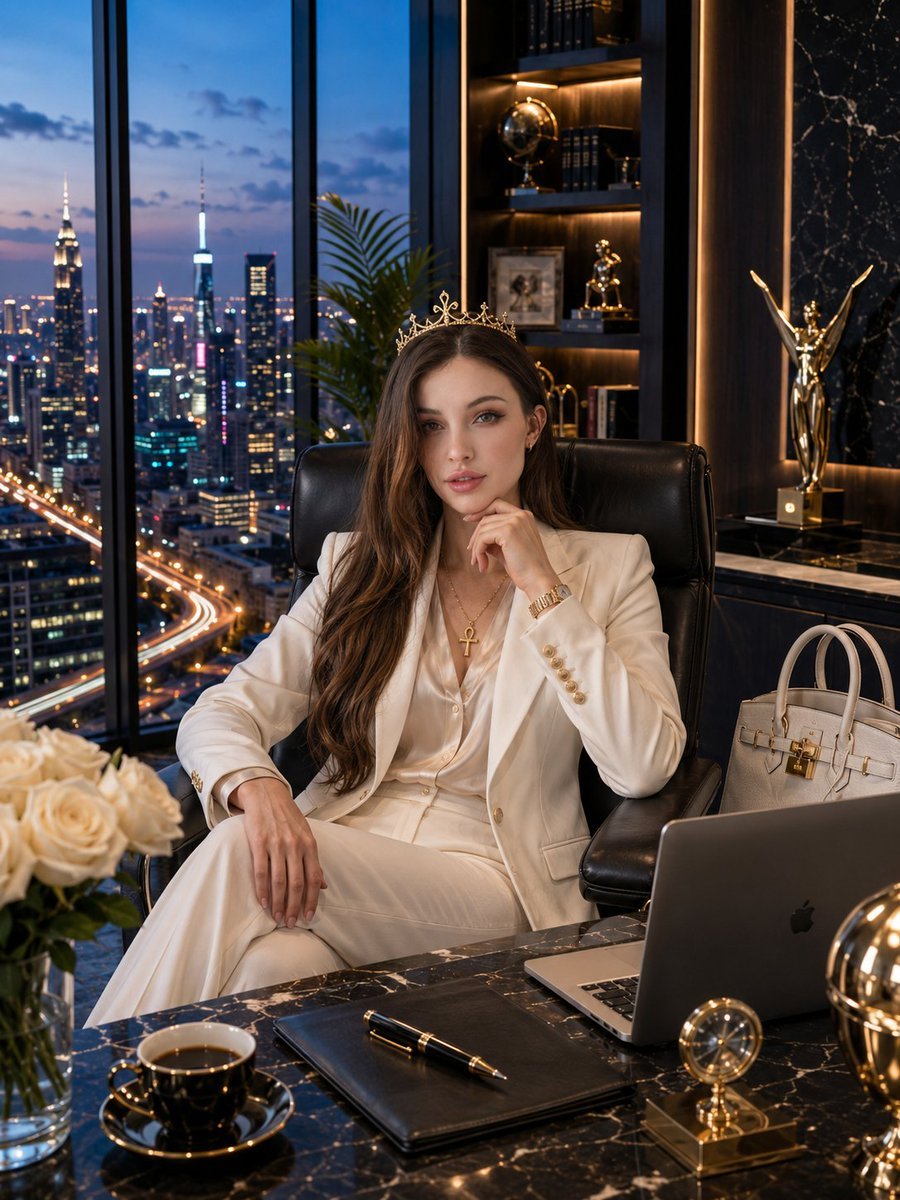
Luxury Penthouse Executive Portrait
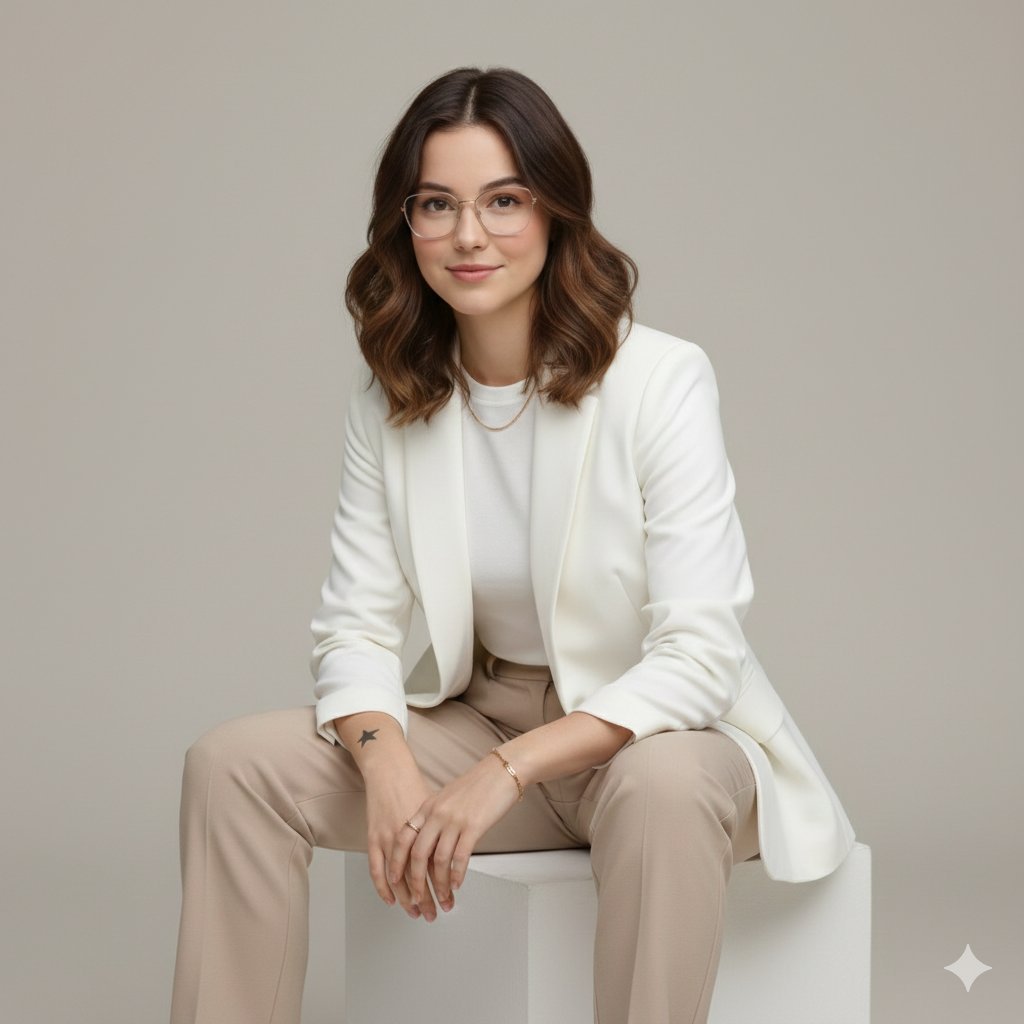
Executive Studio Portrait in Modern Fashion
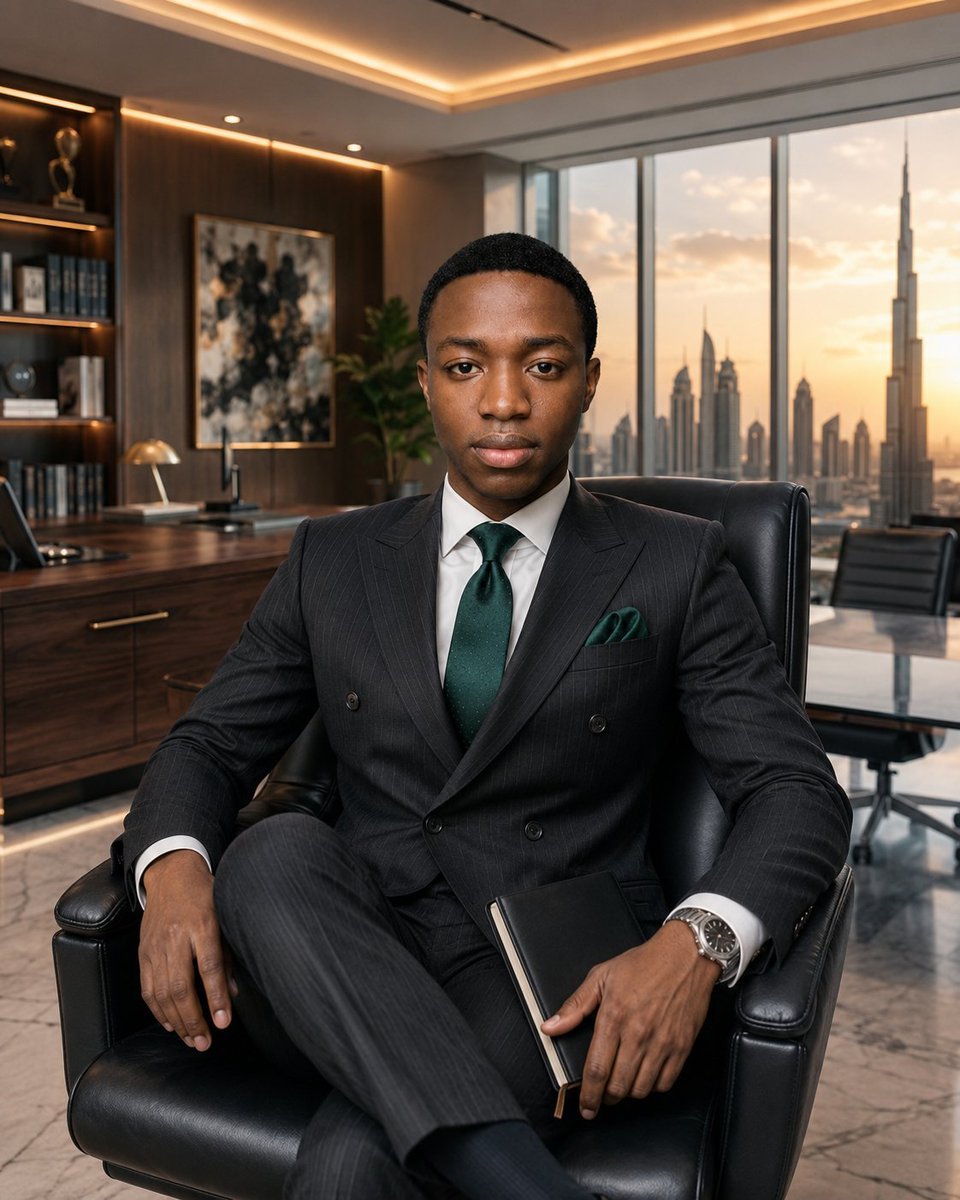
Luxury Executive Office Portrait
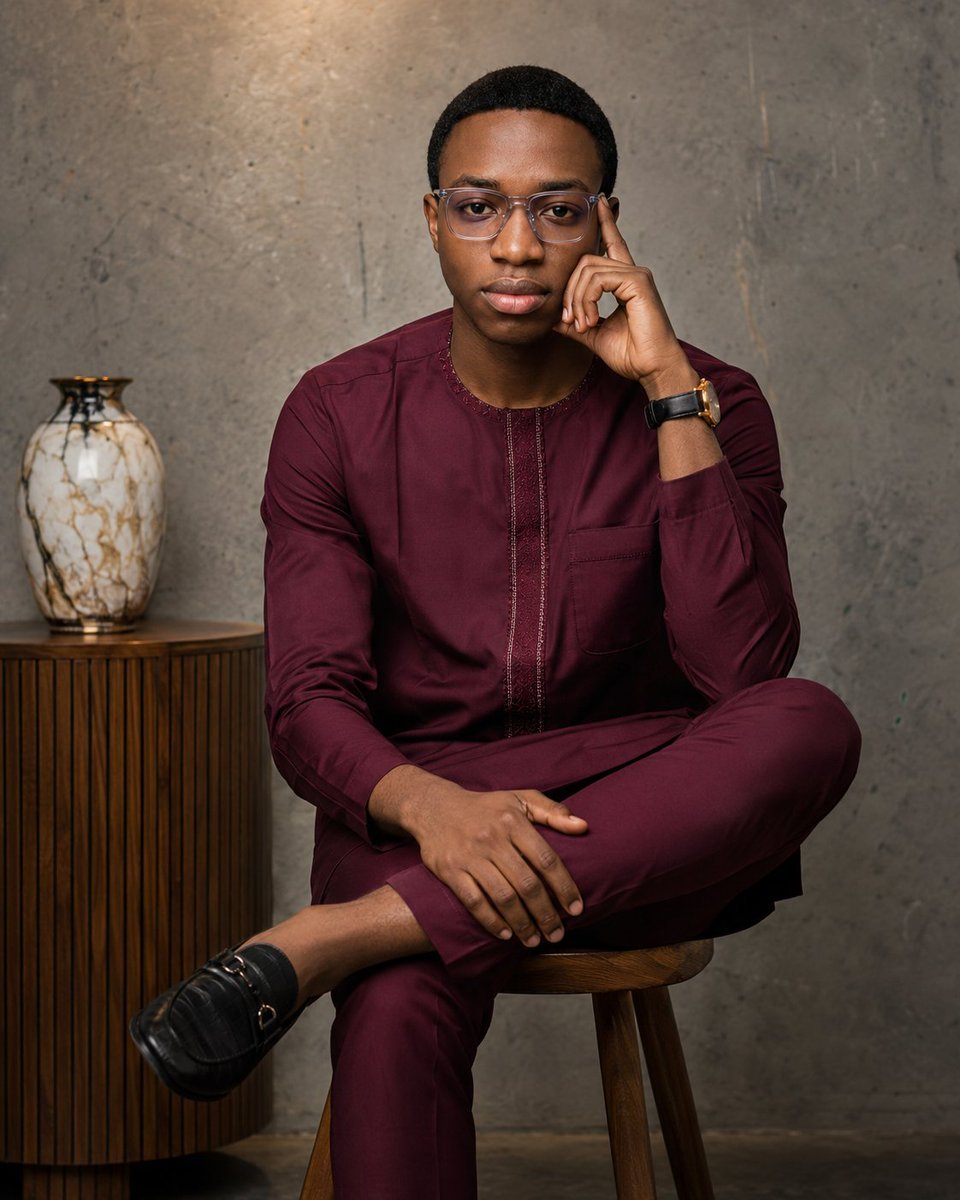
Professional Studio Portrait for Executive Branding
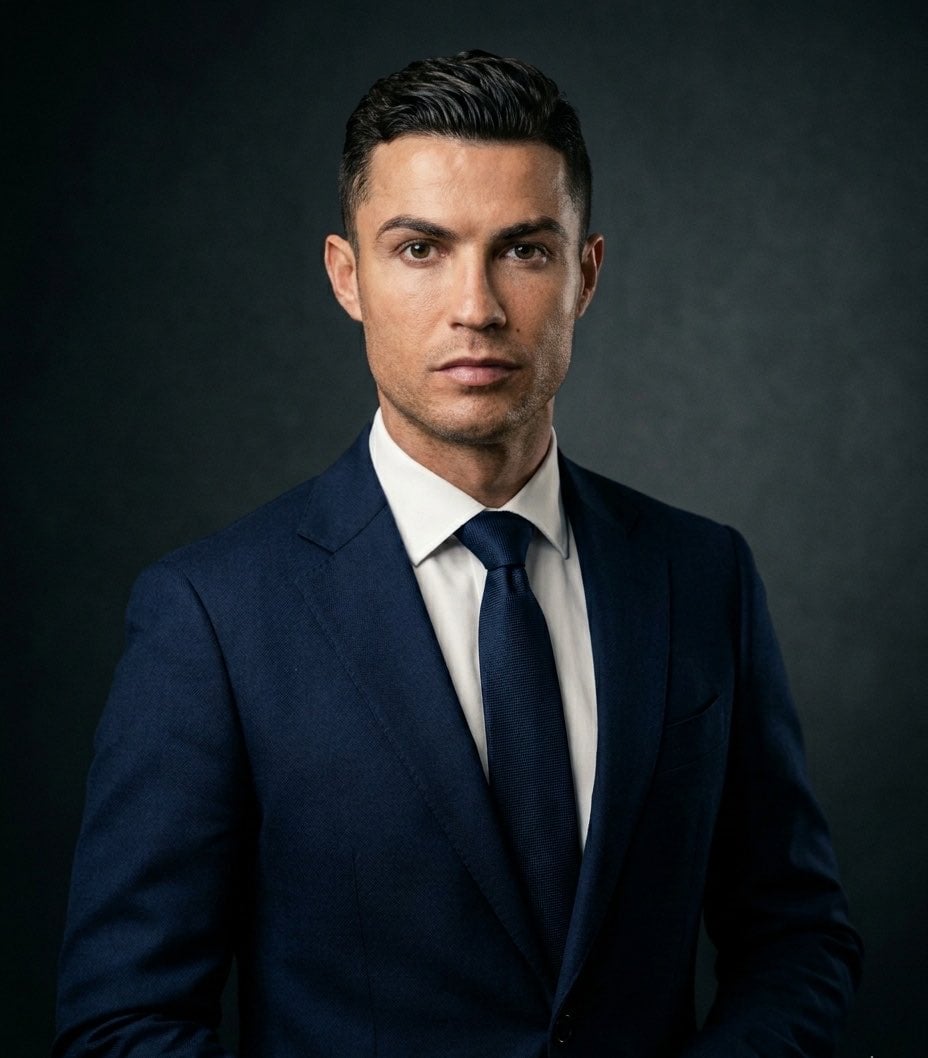
Executive Studio Portrait
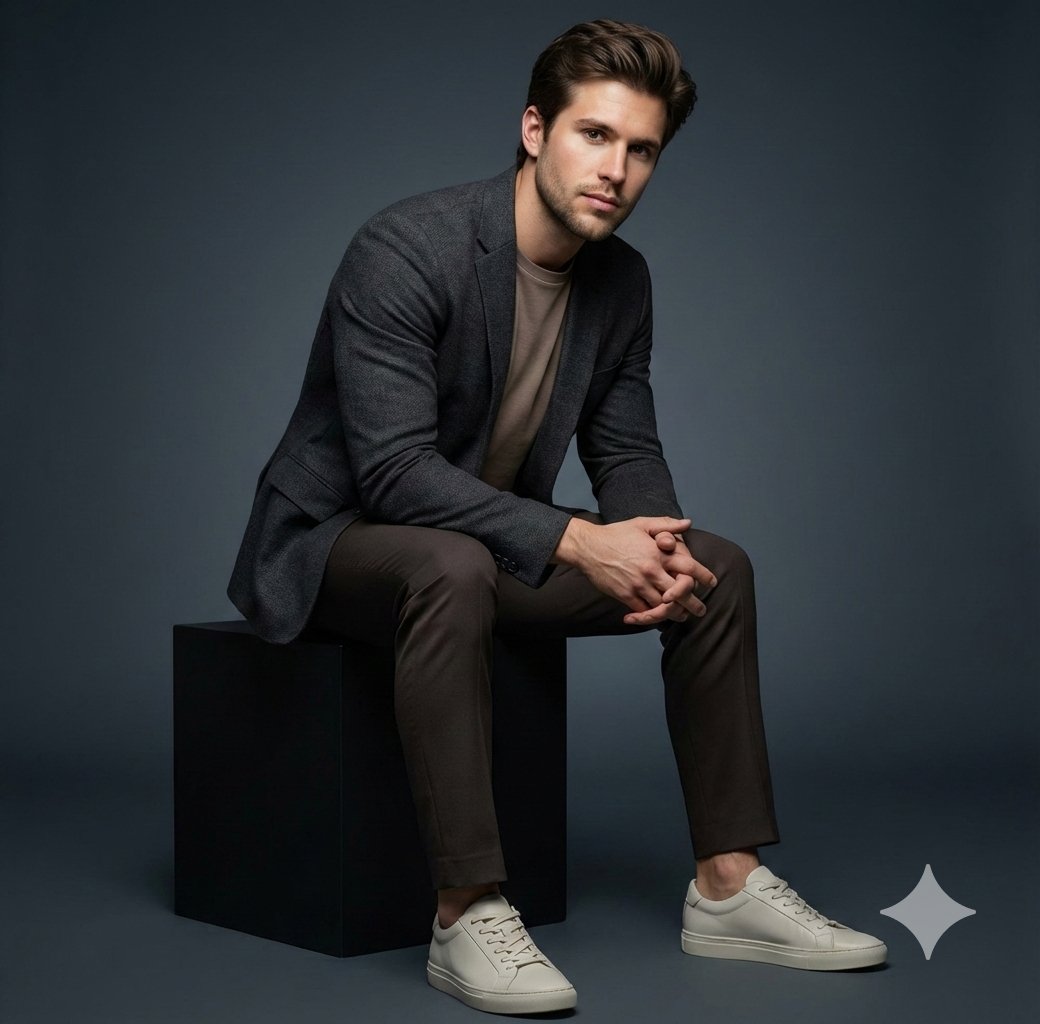
Executive Studio Portrait
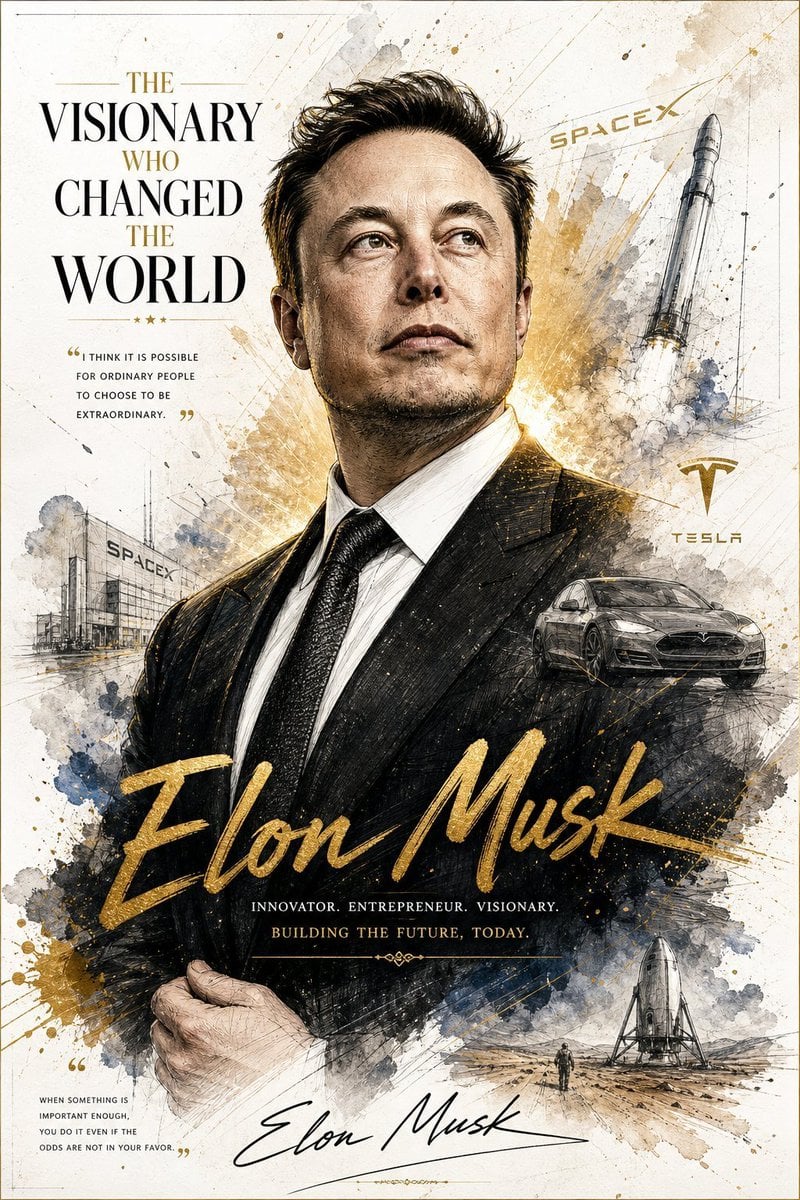
Luxury Executive Power Portrait
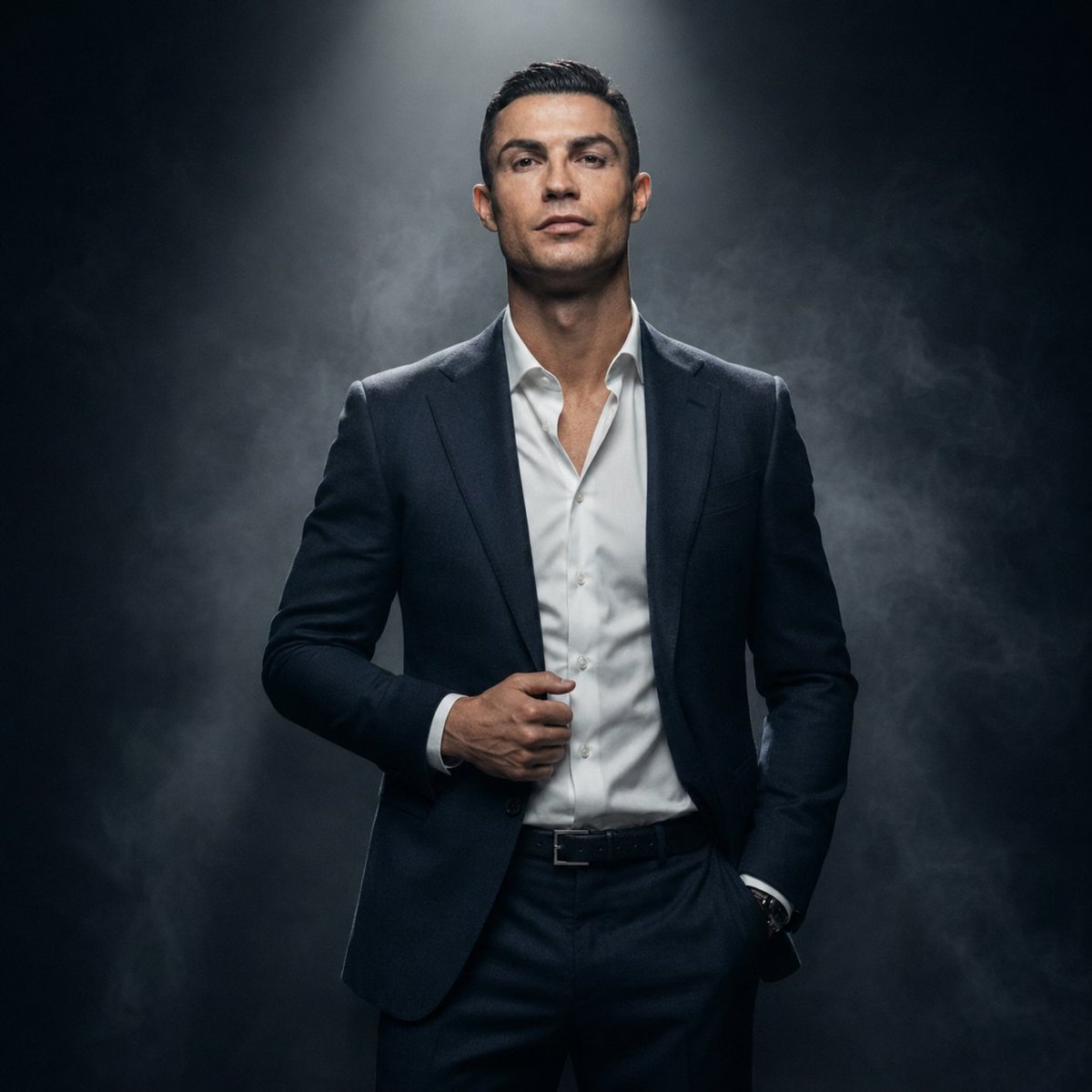
Luxury Fashion Executive Portrait
Make it yours
Luxury Executive Studio Portrait works as-is. These are the safest ways to change it without losing the look.
Change one field
Copy a single group, rewrite it, and generate again so you can see what that field is doing.
Keep the frame, change the subject
Hold the composition and light of Luxury Executive Studio Portrait, then swap wardrobe, props or the person for a new take.
| If the result… | Why | Fix |
|---|---|---|
| The result drifts from the preview | Too many fields changed at once. | Reuse Luxury Executive Studio Portrait as-is first, then change one group — subject, light, or setting. |
| The model over-stylizes the scene | The prose prompt leaves finish and camera underspecified. | Add one camera or lighting sentence and stay on Nano Banana 2. |
More Nano Banana 2 templates
Other prompts made for Nano Banana 2.

Photorealistic Leaf Shaped Like a Dragon

K-Pop Idol Portrait Grid for Rapid Selection

Poetic Rain Forest Portrait During Golden Hour

Urban Street Portrait with Cartoon Inner Self Duo

Candid Nighttime Photo with Cat Prompt

High-Concept 3D Diorama Generation Prompt

Cinematic Futuristic Studio Portrait Template

Skincare Editorial Photography Collage Prompt

Hyper-Realistic Commercial Product Photography (Splash Effect)

Hyper-Realistic Nightclub Portrait Prompt
More image prompts
Fresh picks from across the catalog.
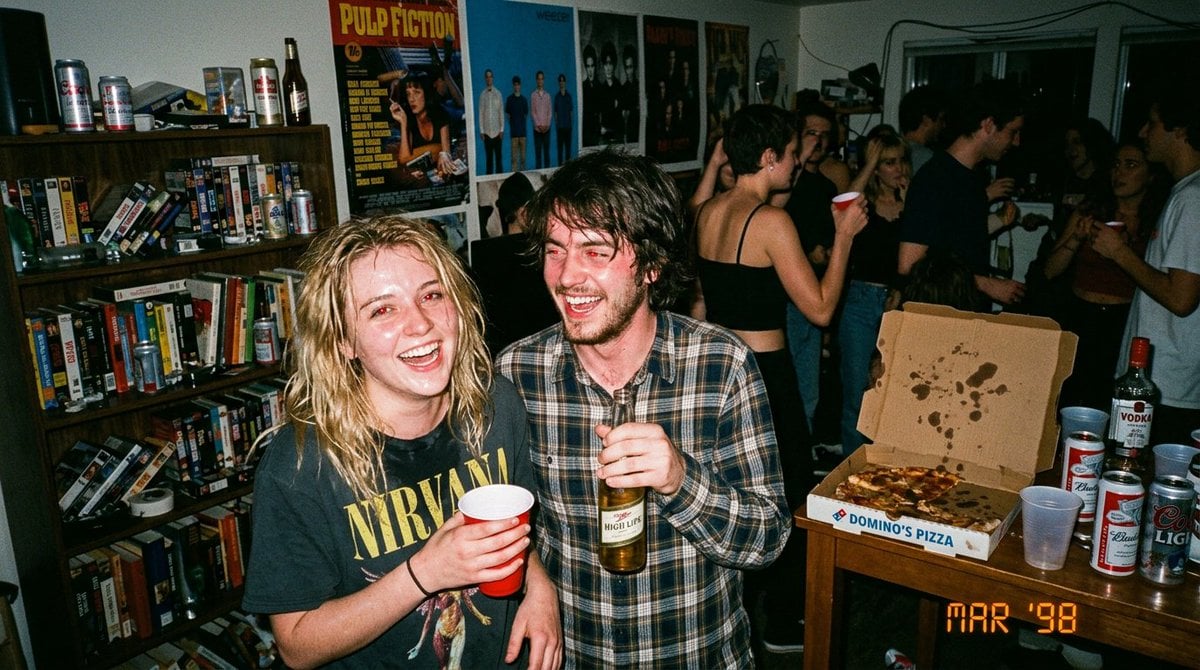
1990s Disposable Camera Party Photo Prompt
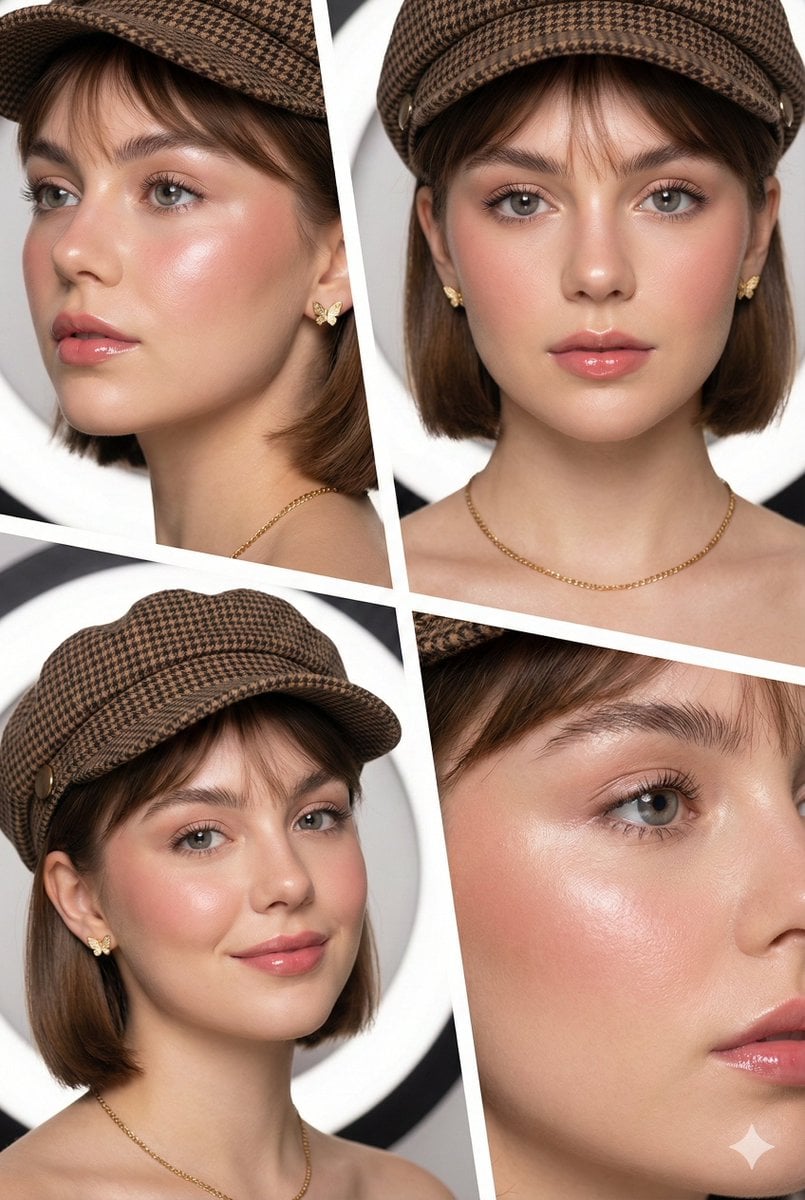
Panel Beauty Editorial Collage
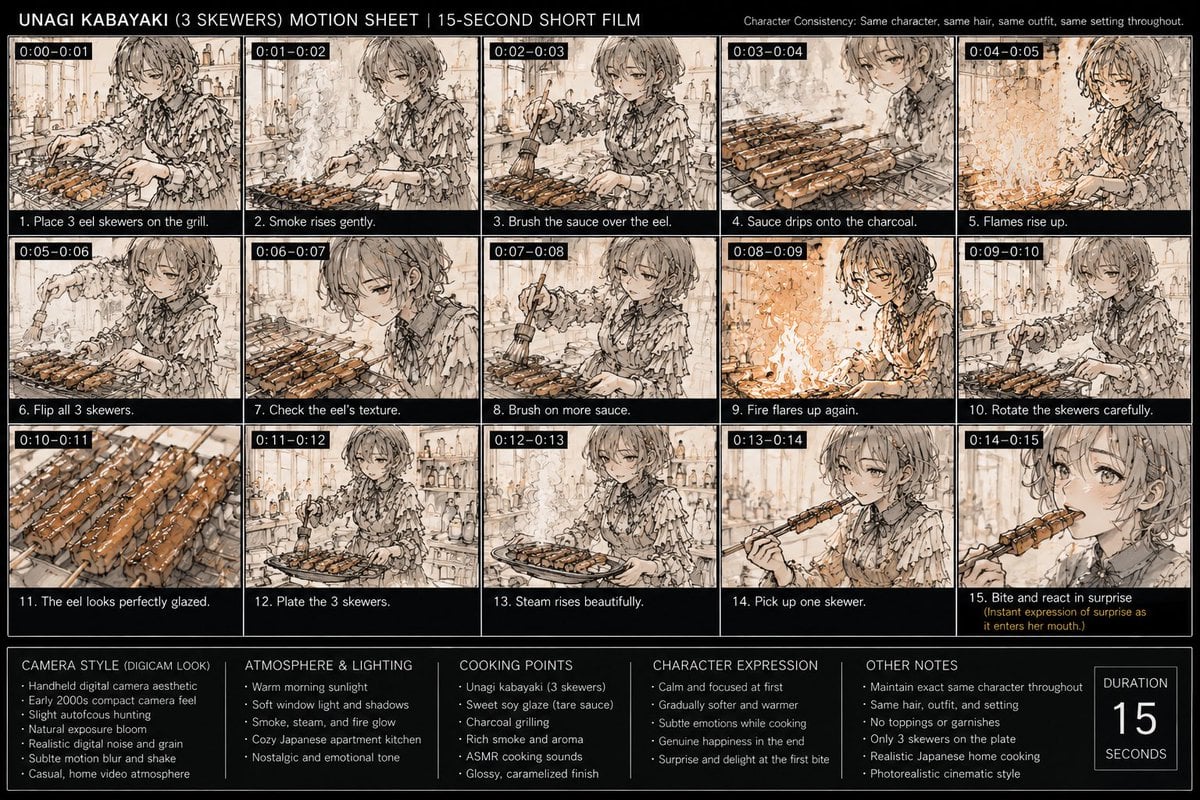
Unagi Kabayaki Motion Sheet
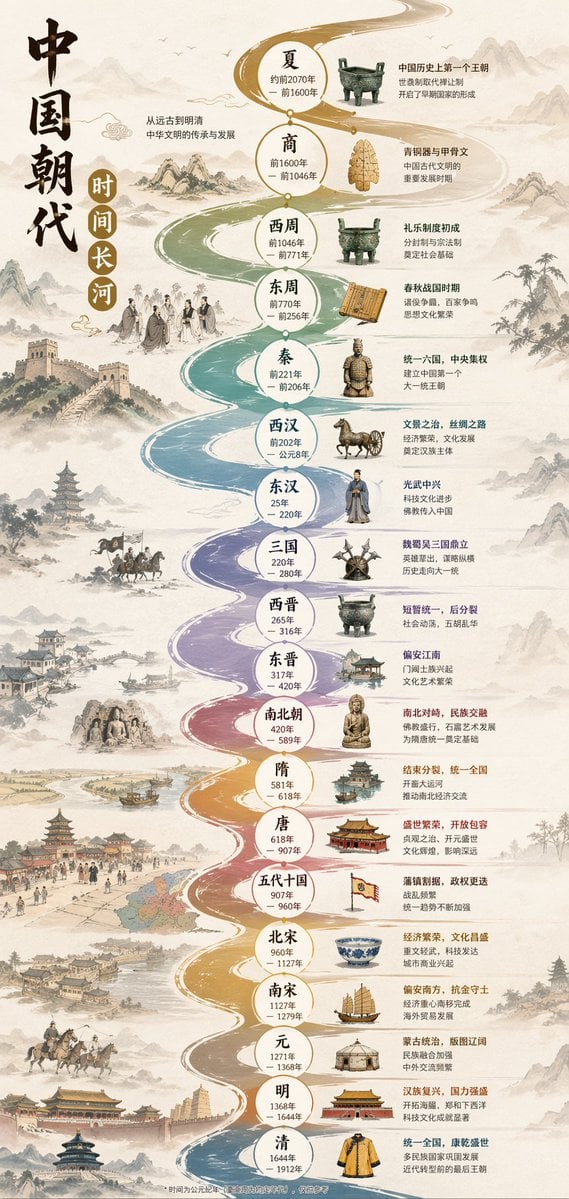
Chinese Dynasty Infographic
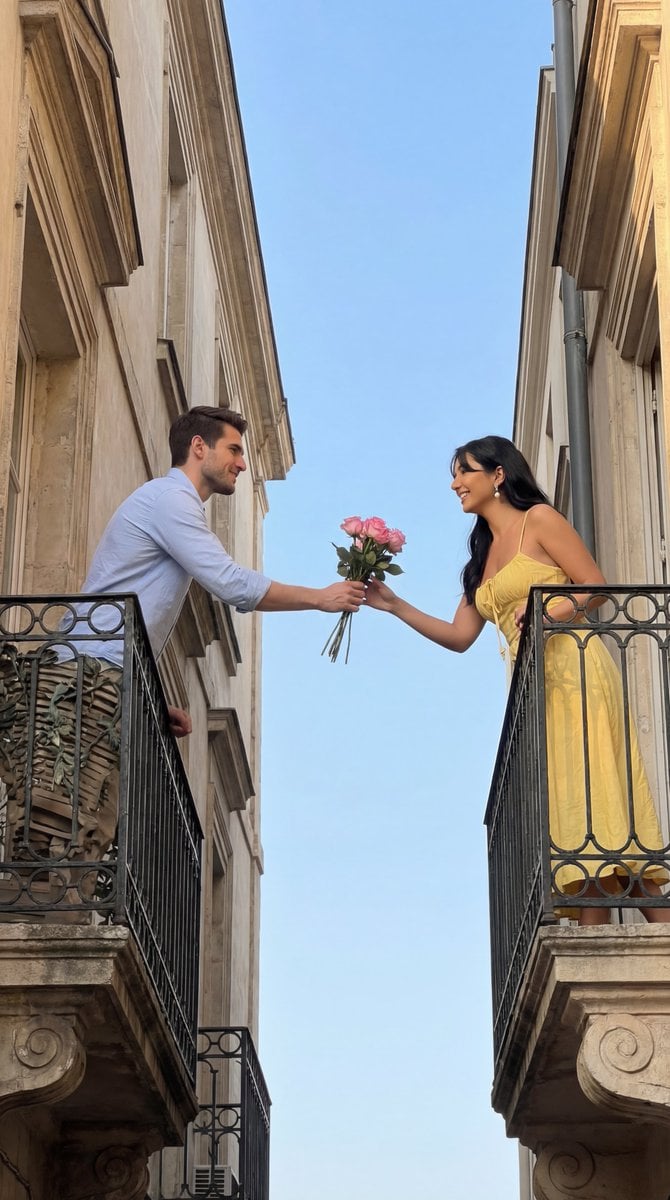
Cinematic Romantic Editorial: Balcony Flower Exchange

Epic Momotaro Fantasy Cover

Dark Samurai Ink Wash Poster
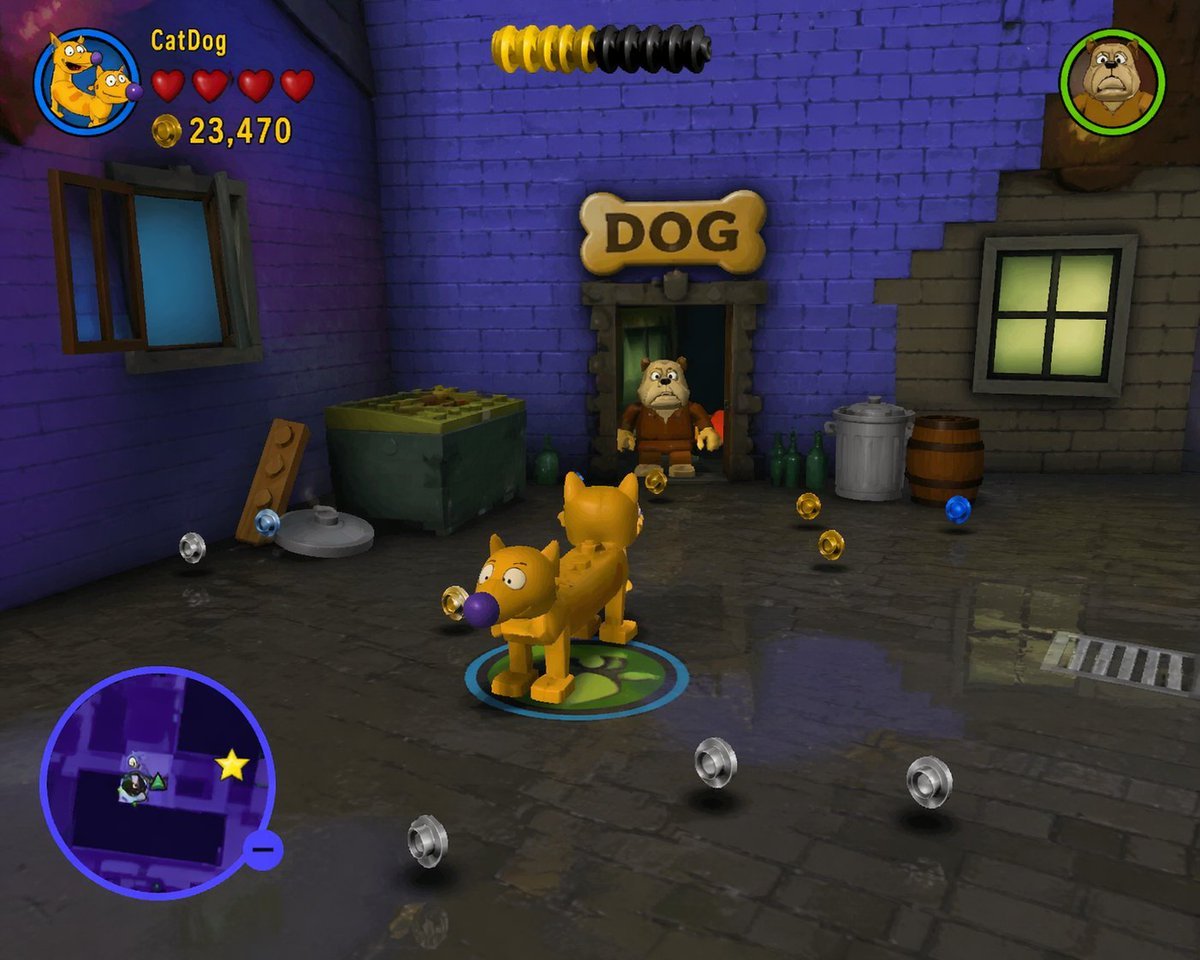
LEGO Video Game Mockup
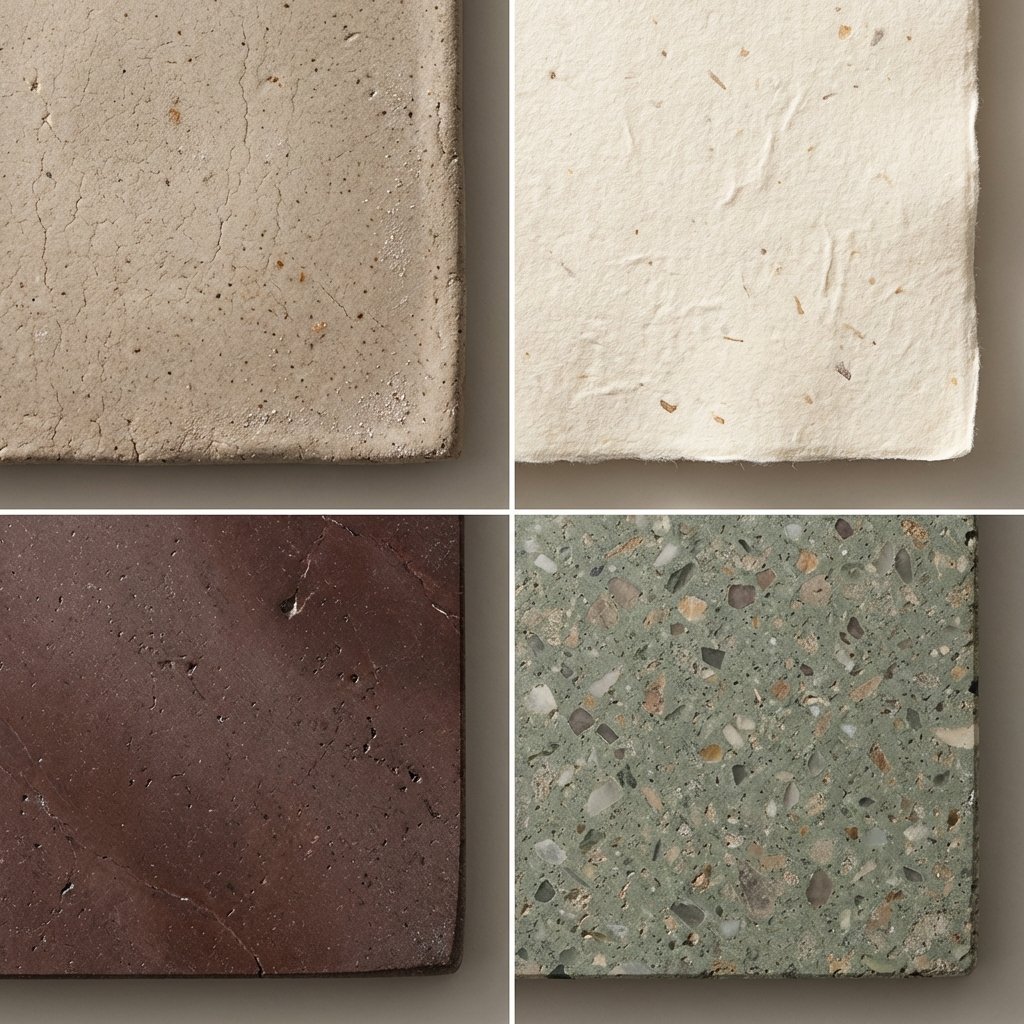
Material and Surface Study for Realism Testing
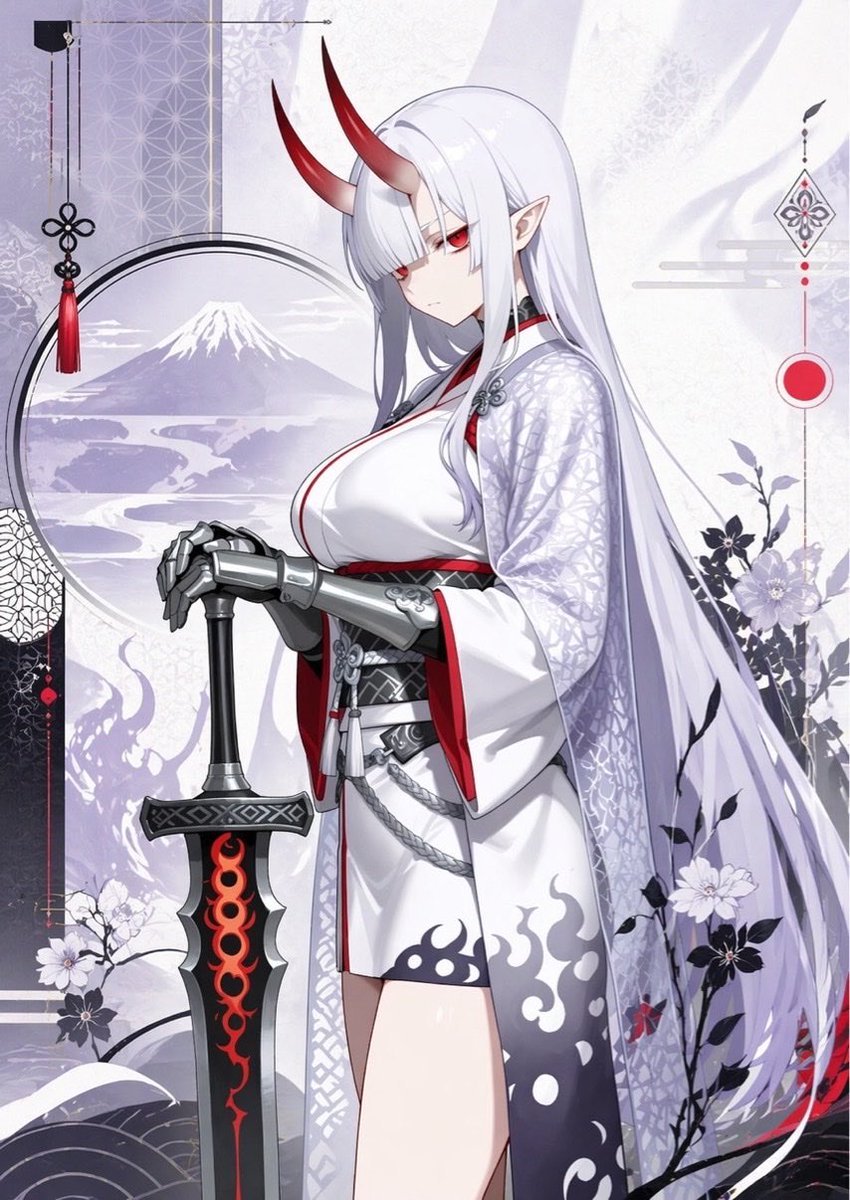
Elegant Oni Warrior Portrait
Browse template categories
Luxury Executive Studio Portrait questions
How do I use the Luxury Executive Studio Portrait template?
Add your photo if the template asks for one, edit the prompt if you like — the template's model and format are already selected — and press Generate. Your version opens in PicX Studio.
Can I customize the Luxury Executive Studio Portrait template?
Yes. You can change the subject, setting, lighting, mood, format, and available model controls before creating your image.
Is the Luxury Executive Studio Portrait template free?
Opening and editing this template is free. Generating uses credits, shown on the Generate button when you are signed in.
Which AI model should I use?
Start with Nano Banana 2, which is the model associated with this template. You can compare another compatible model for a different finish.
Looking for something else? Browse all templates.

Your photo, any look
Thousands of ready templates for every top image and video model, from one credit balance.