
Professional Studio Portrait for Executive Branding
Generates high-end studio portraits with cinematic lighting and realistic skin textures, designed to maintain facial identity from a reference photo while wearing professional attire like a traditional kaftan.
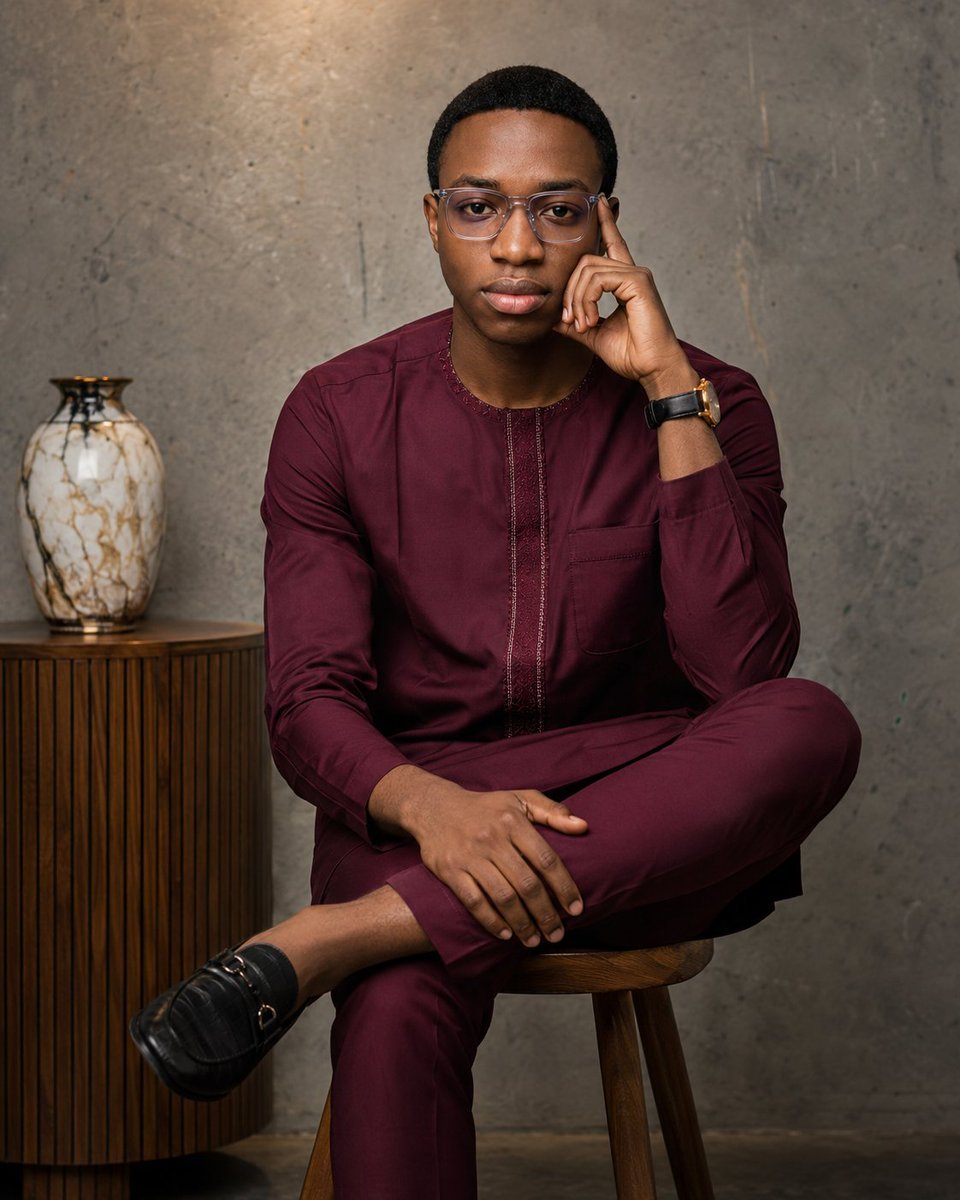
- Prompt included
- Model and format preset
- Premium template
The prompt behind this image
Copy the exact prompt behind Professional Studio Portrait for Executive Branding, or open it in the studio and make it yours.
Using the uploaded photo as the identity reference, create an ultra-realistic professional studio portrait while preserving the subject's exact facial identity, facial structure, skin tone, hairstyle, transparent eyeglasses, beard, body proportions, and natural features. Do not beautify, stylize, or alter the face beyond subtle professional retouching. The subject is seated confidently on a modern wooden stool with one leg crossed over the other. The left elbow rests comfortably on the knee while the left index finger lightly touches the temple in a thoughtful, confident pose. The right hand rests naturally across the crossed leg. Maintain direct eye contact with the camera and a calm, composed facial expression. Dress the subject in a premium {argument name="clothing color" default="deep burgundy"} traditional kaftan with matching trousers, featuring clean tailoring, subtle embroidered detailing along the front placket, and a chest pocket. Keep elegant {argument name="footwear" default="black leather loafers"} and a sophisticated {argument name="accessory" default="black-and-gold wristwatch"} visible. Place the subject in a modern minimalist studio featuring a textured grey concrete wall with subtle industrial character. Position a small wooden side cabinet beside the subject with a decorative marble-pattern ceramic vase placed on top. Keep the background uncluttered and softly blurred to maintain focus on the subject. Use soft cinematic studio lighting with a large octabox as the key light positioned at approximately 45 degrees, balanced by gentle fill lighting to create smooth skin tones and natural shadows. Add a subtle warm rim light behind the subject to create depth and separation from the background. Capture with a Sony A7R V and an 85mm f/1.4 GM lens at f/2.0, ISO 100, 1/200s. Produce a shallow depth of field with crisp facial details, realistic skin texture, natural colour grading, high dynamic range, and luxury editorial-quality sharpness. The final image should feel timeless, elegant, professional, and premium, suitable for a high-end fashion editorial or executive branding campaign. Maintain realistic proportions, authentic lighting, and photorealistic quality throughout. Aspect Ratio: 4:5 (Instagram portrait) Style: Ultra-realistic, luxury editorial, professional studio photography, cinematic lighting, 8K, photorealistic.
How to use Professional Studio Portrait for Executive Branding in 3 steps
- 1Upload ImagePNG, JPG or paste
Add your photo
Upload the photo the template builds on. The prompt, model and format are already set.
- 2…a portrait of your subject in softgolden-hour light, 85mm…
Personalize
Edit the subject and creative details for your destination.
- 3Generate
Generate
Press Generate — your image is created in PicX Studio, so you can compare it with the original and refine one variable at a time.
More like this
Templates with the same subject, style or setup. Open one to see its prompt.

80s Couple Studio Portrait

1985 Studio Portrait

Gpt Image 2 Fashion Portrait

Studio Quality Portrait Generation Using
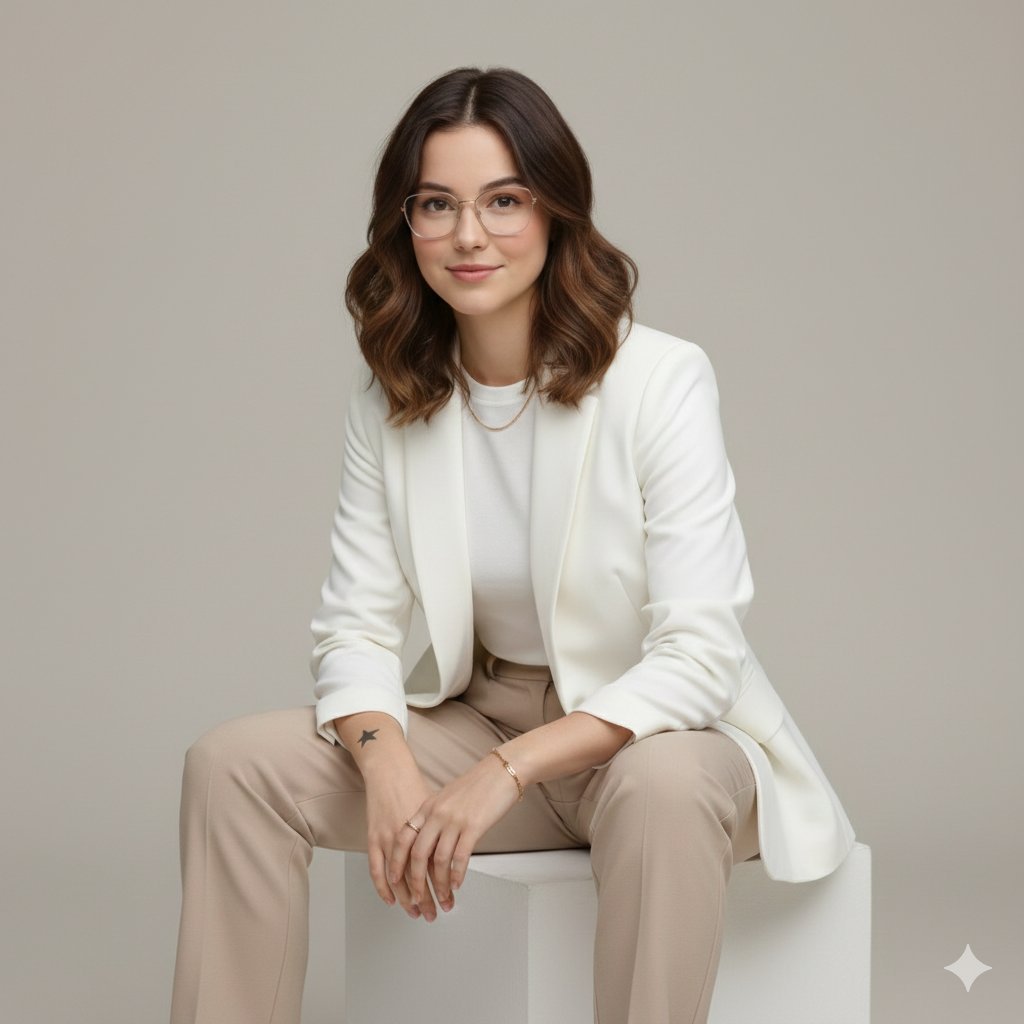
Executive Studio Portrait in Modern Fashion
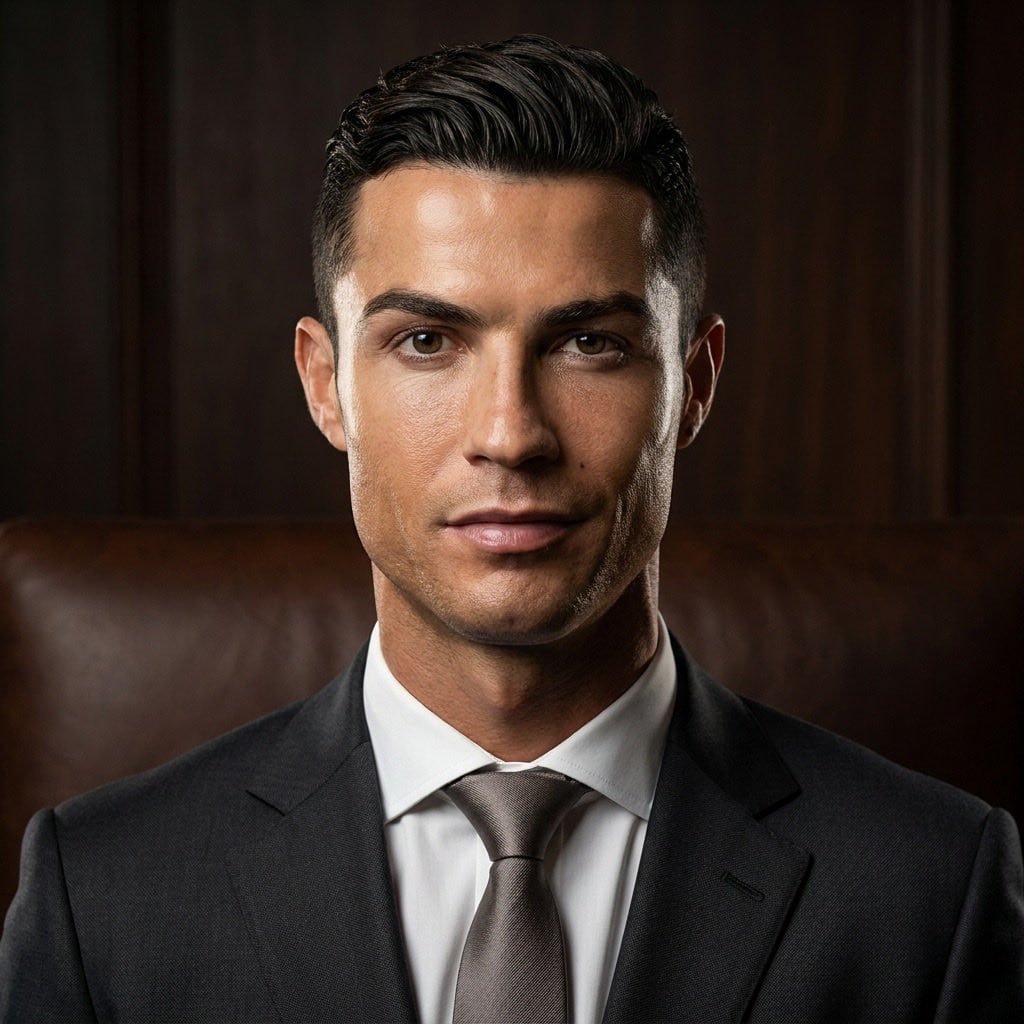
Professional Studio Male Portraits
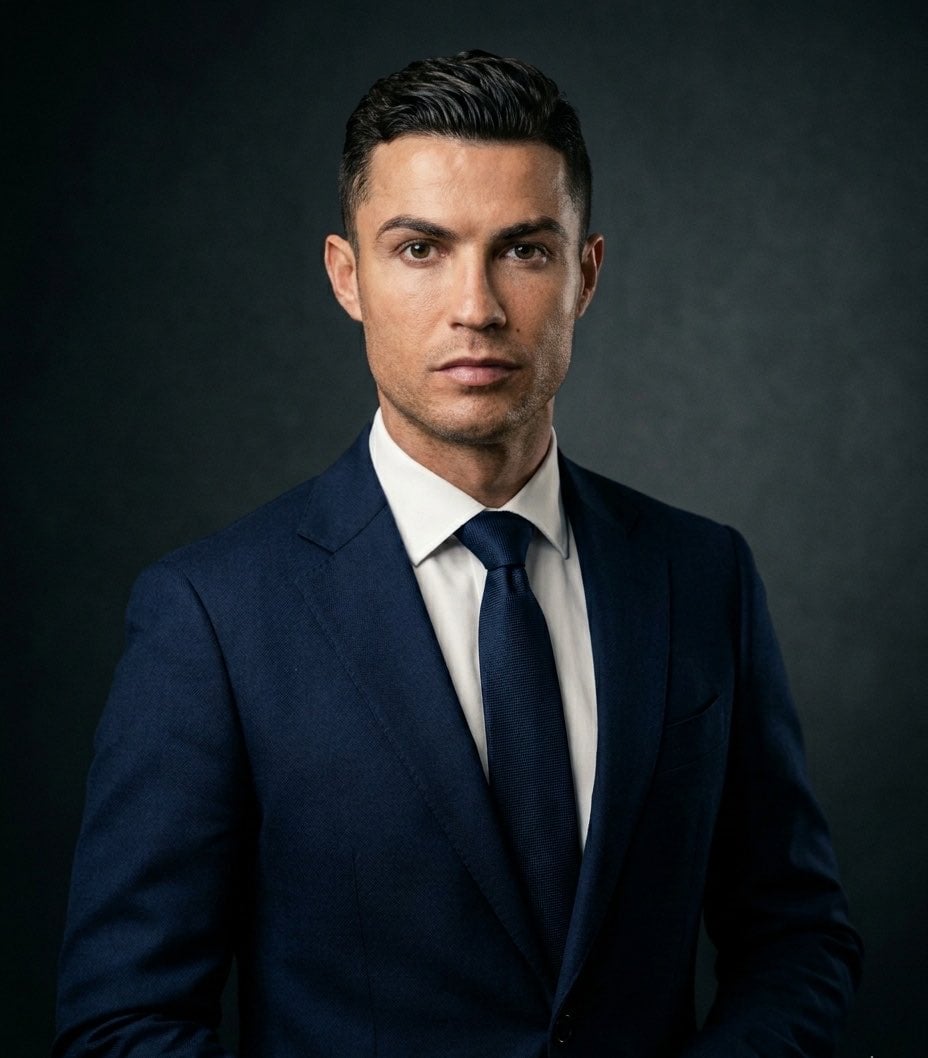
Executive Studio Portrait
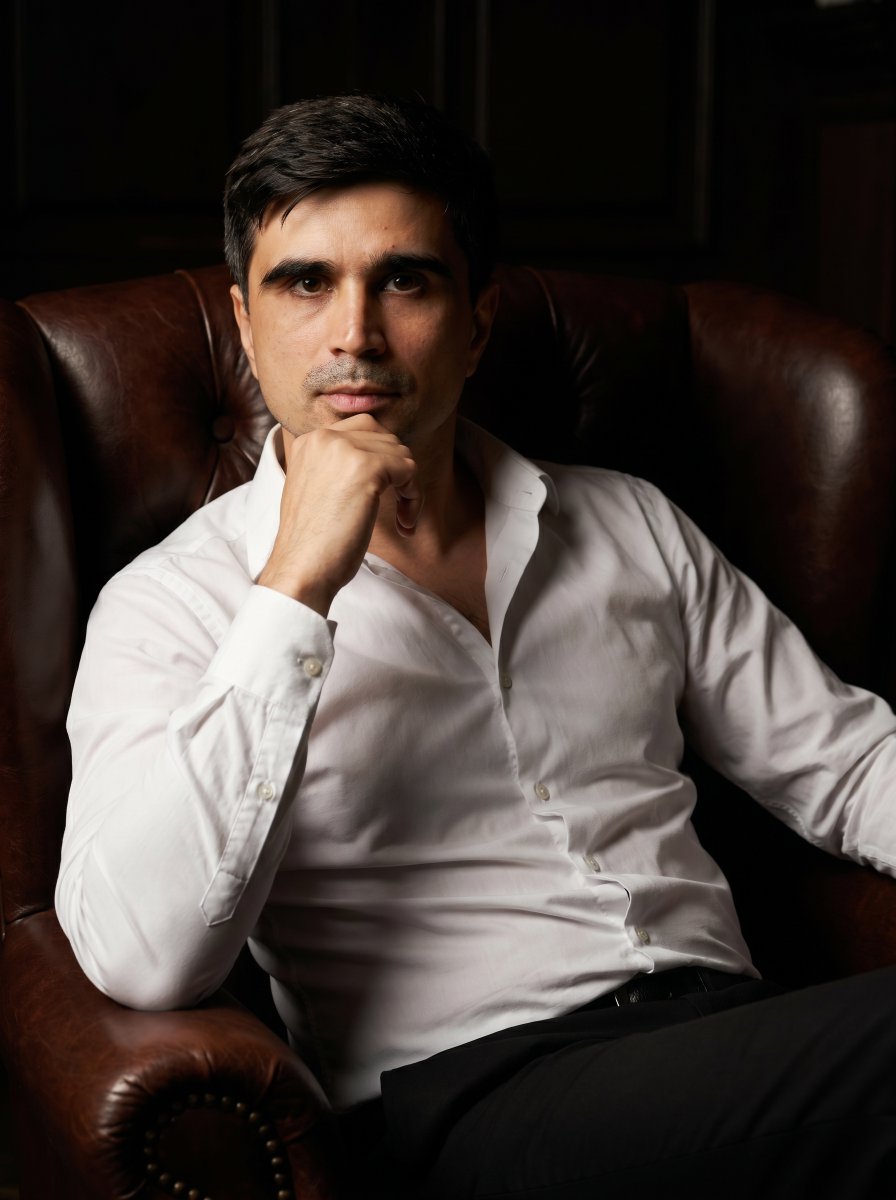
Professional Executive Portrait in Armchair
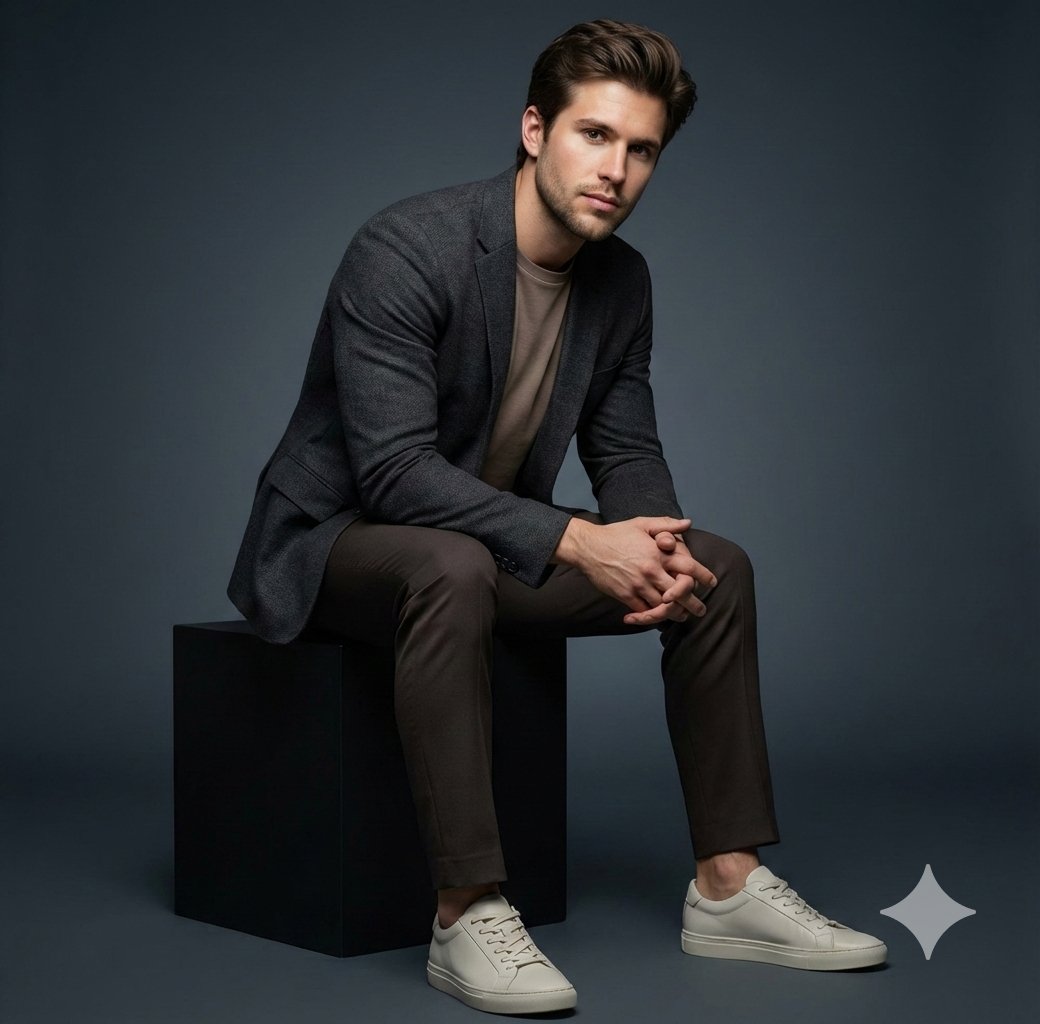
Executive Studio Portrait
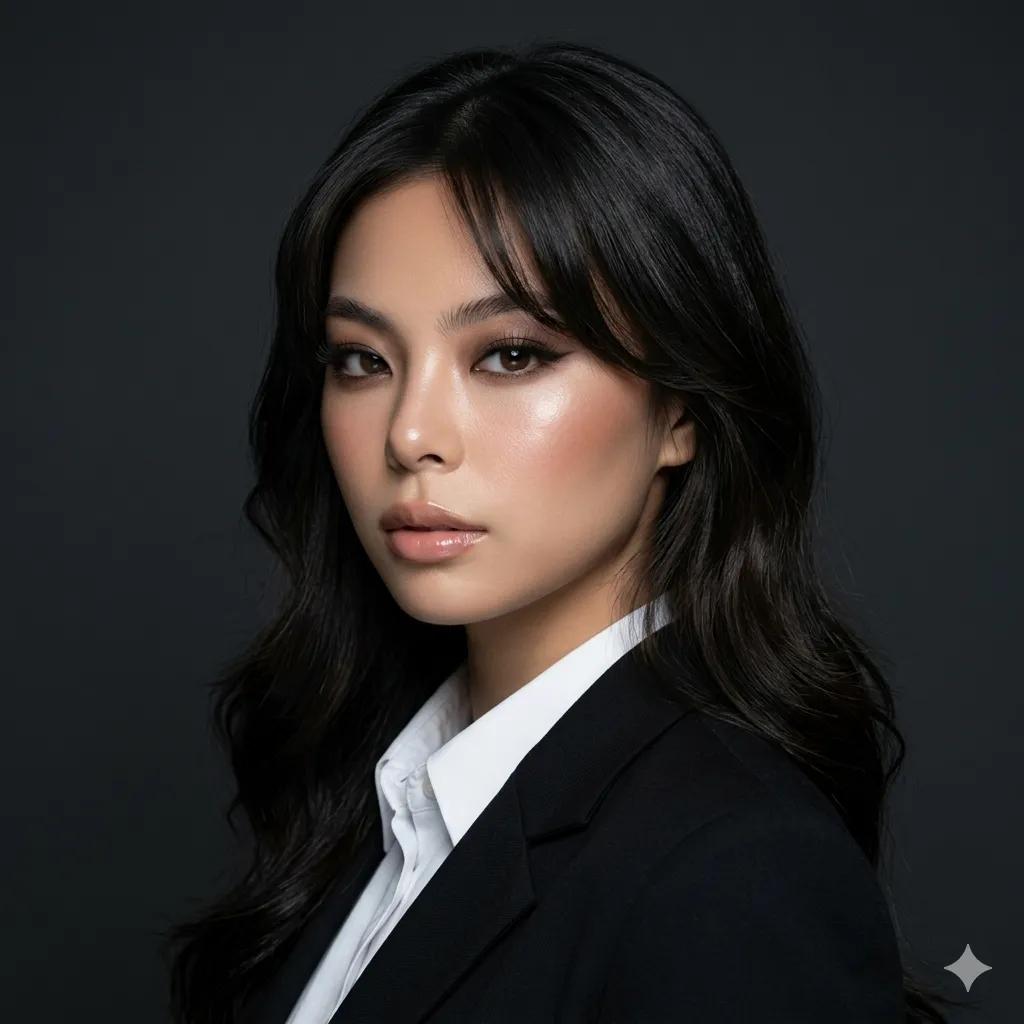
Luxury Executive Studio Portrait
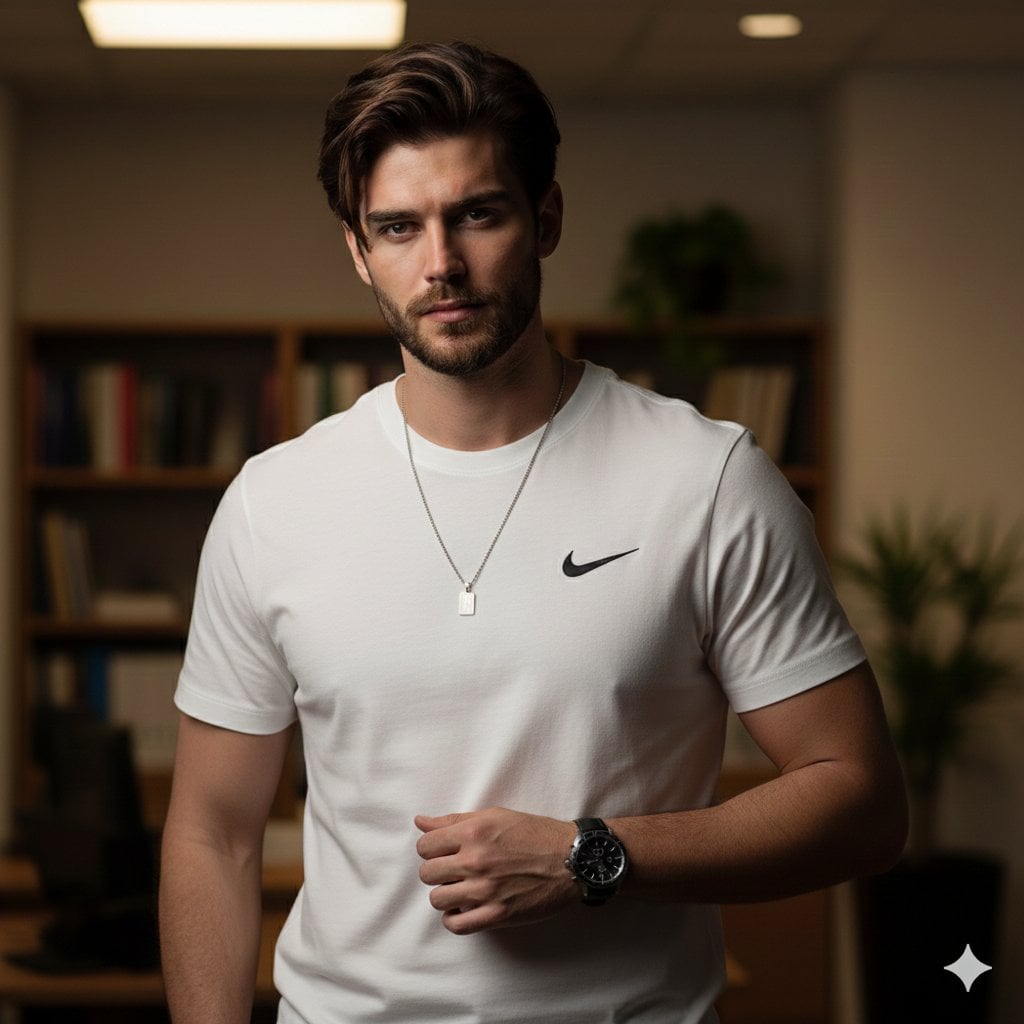
Professional Studio Male Portrait
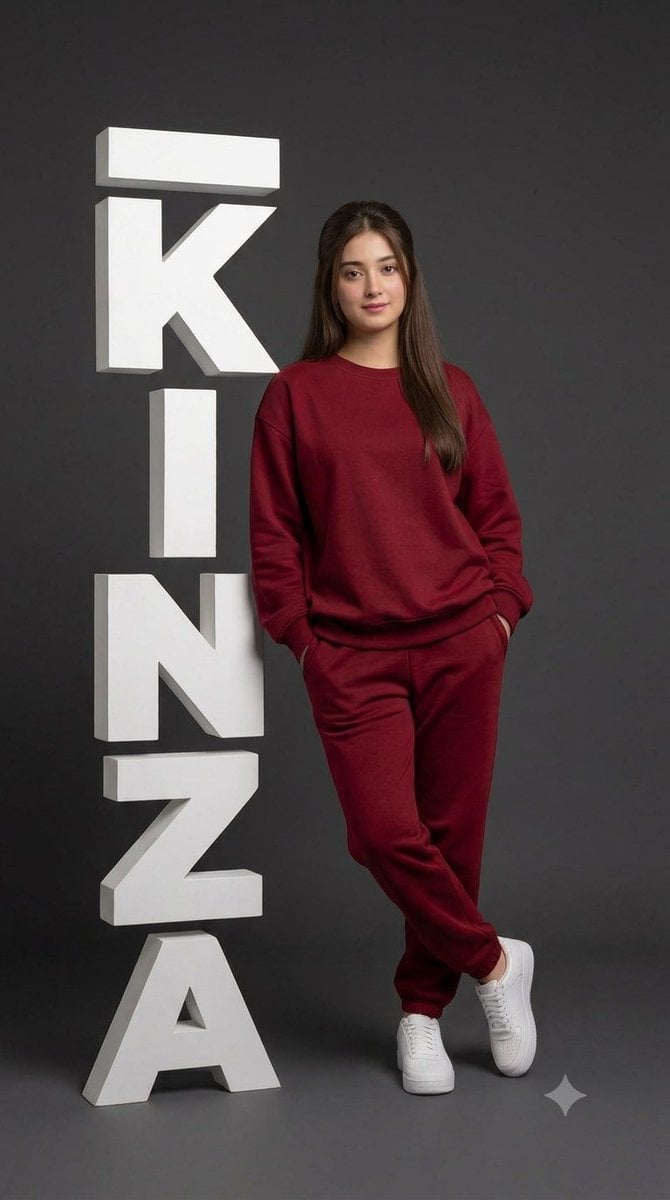
Professional Studio Portrait with 3D Text
Make it yours
Professional Studio Portrait for Executive Branding works as-is. These are the safest ways to change it without losing the look.
Change one field
Copy a single group, rewrite it, and generate again so you can see what that field is doing.
Keep the frame, change the subject
Hold the composition and light of Professional Studio Portrait for Executive Branding, then swap wardrobe, props or the person for a new take.
| If the result… | Why | Fix |
|---|---|---|
| The result drifts from the preview | Too many fields changed at once. | Reuse Professional Studio Portrait for Executive Branding as-is first, then change one group — subject, light, or setting. |
| The model over-stylizes the scene | The prose prompt leaves finish and camera underspecified. | Add one camera or lighting sentence and stay on GPT Image 2. |
More GPT Image 2 templates
Other prompts made for GPT Image 2.

Six VTuber Japanese Logo Sheet

Realistic Portrait of Woman and Deer

The Vista Modular Condo Poster

AI Model Routing Comparison Infographic

2.5D Anime Art Board

Isometric Productivity Desk Scene

New York Double Exposure Poster

Four-Panel AI Landscape Comparison

Japanese Tatami Lifestyle Magazine Cover

NESCAFÉ Coffee Map Poster
More image prompts
Fresh picks from across the catalog.
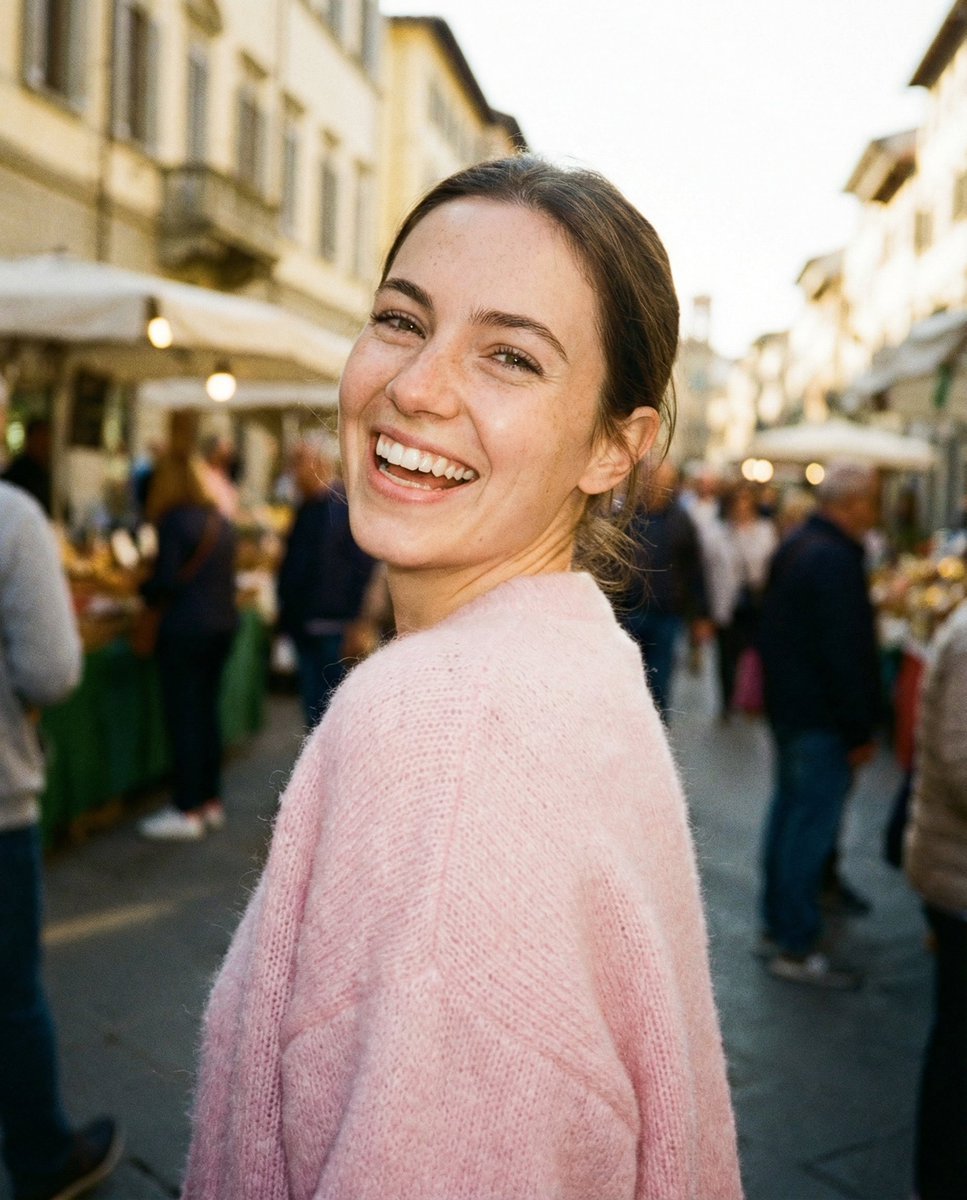
Paparazzi-Style Street Snap
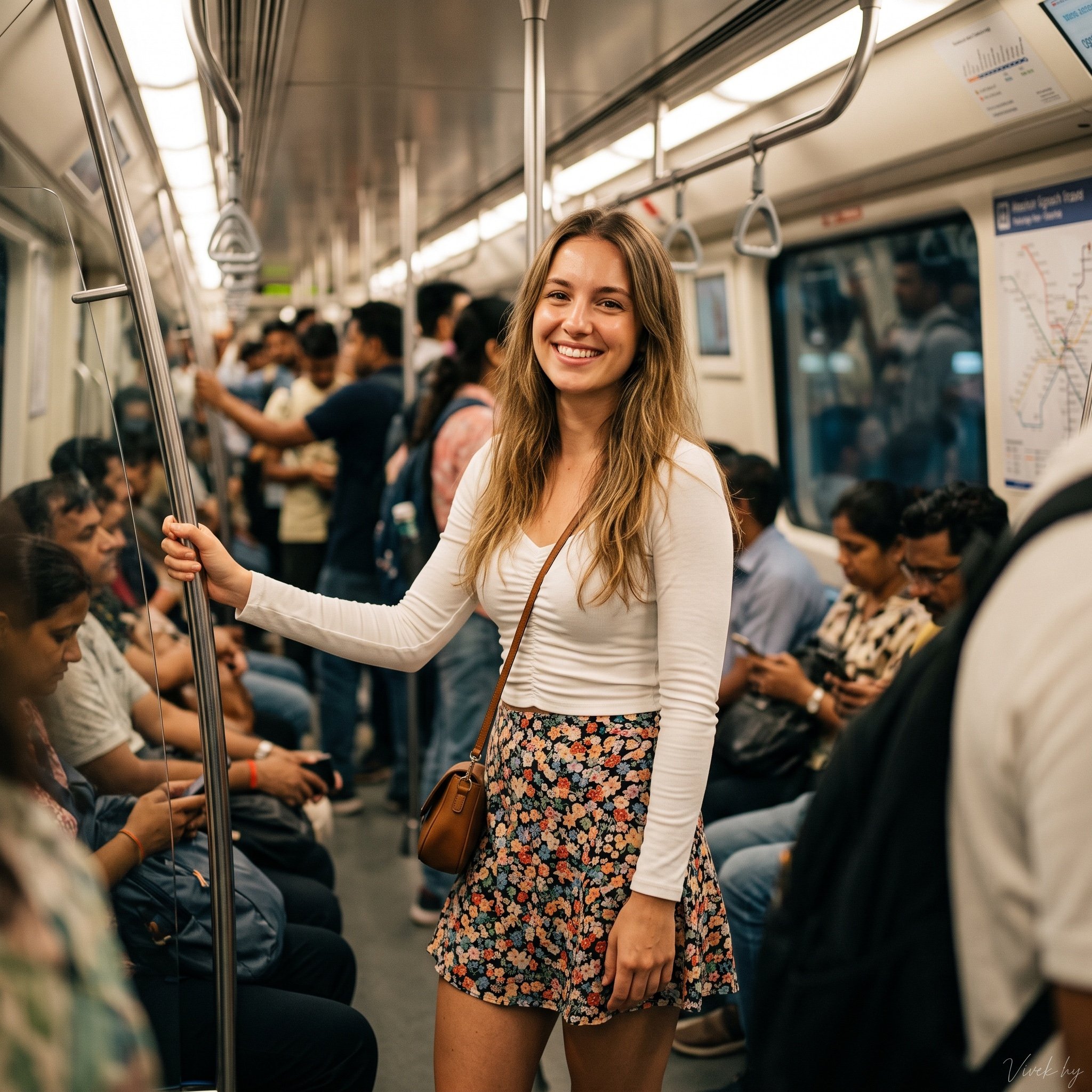
Metro Candid Portrait (Smiling Girl)
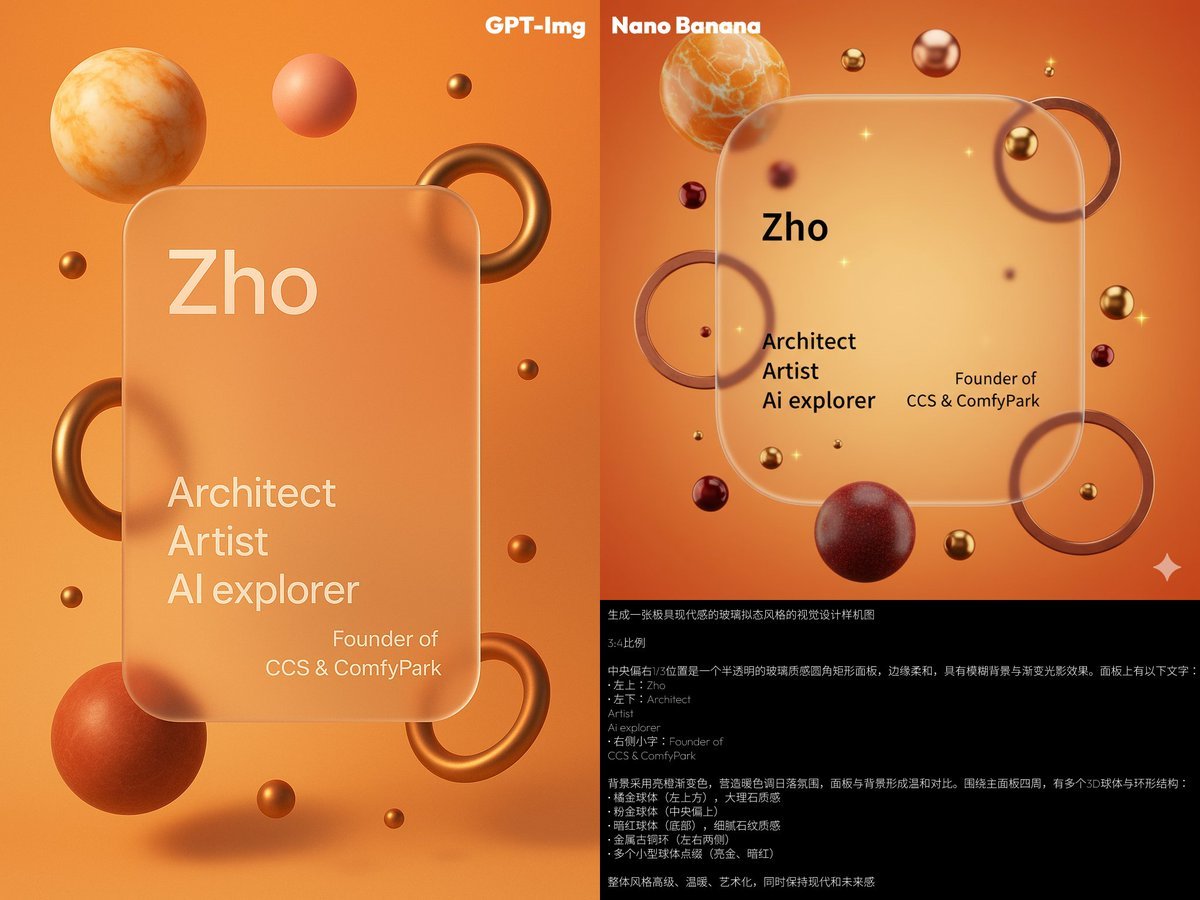
Glassmorphism personal branding mockup
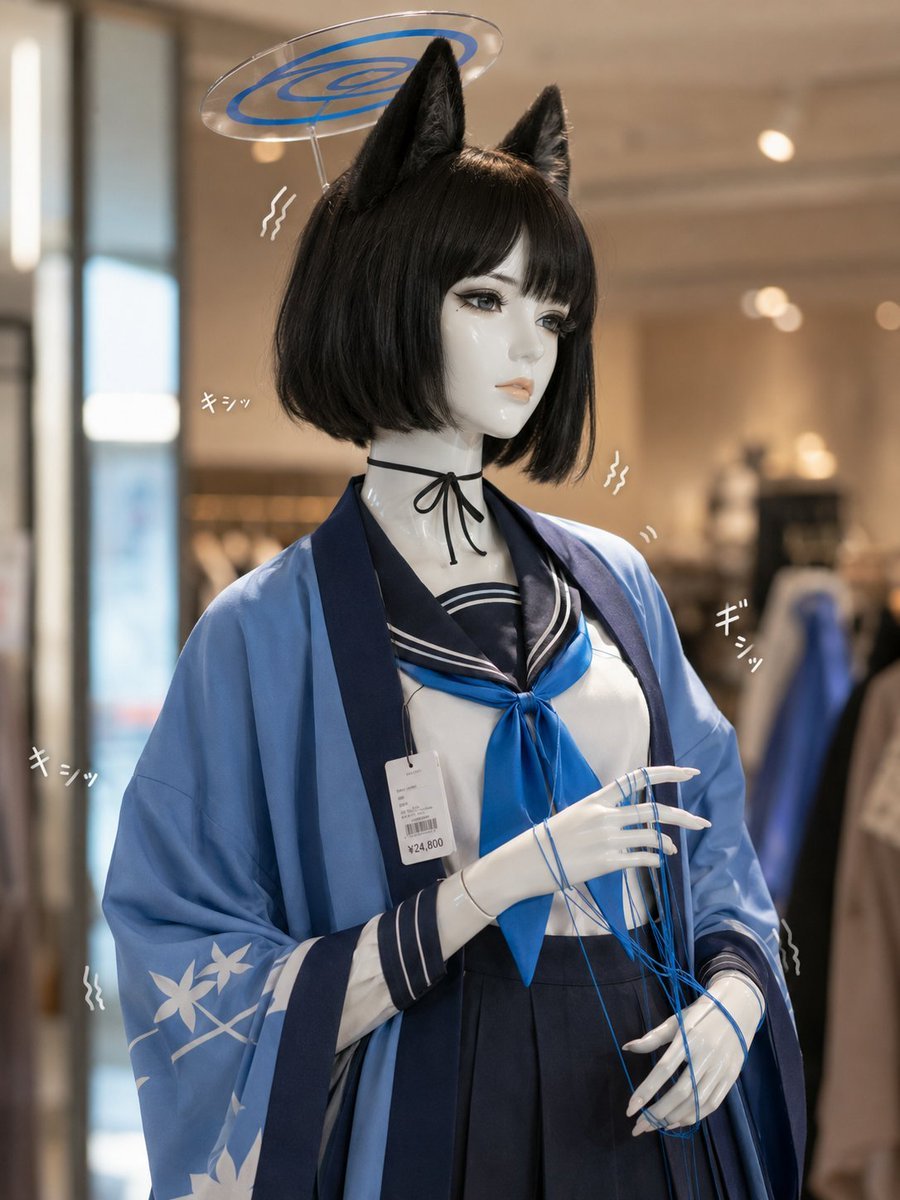
Photoreal Anime Mannequin Display
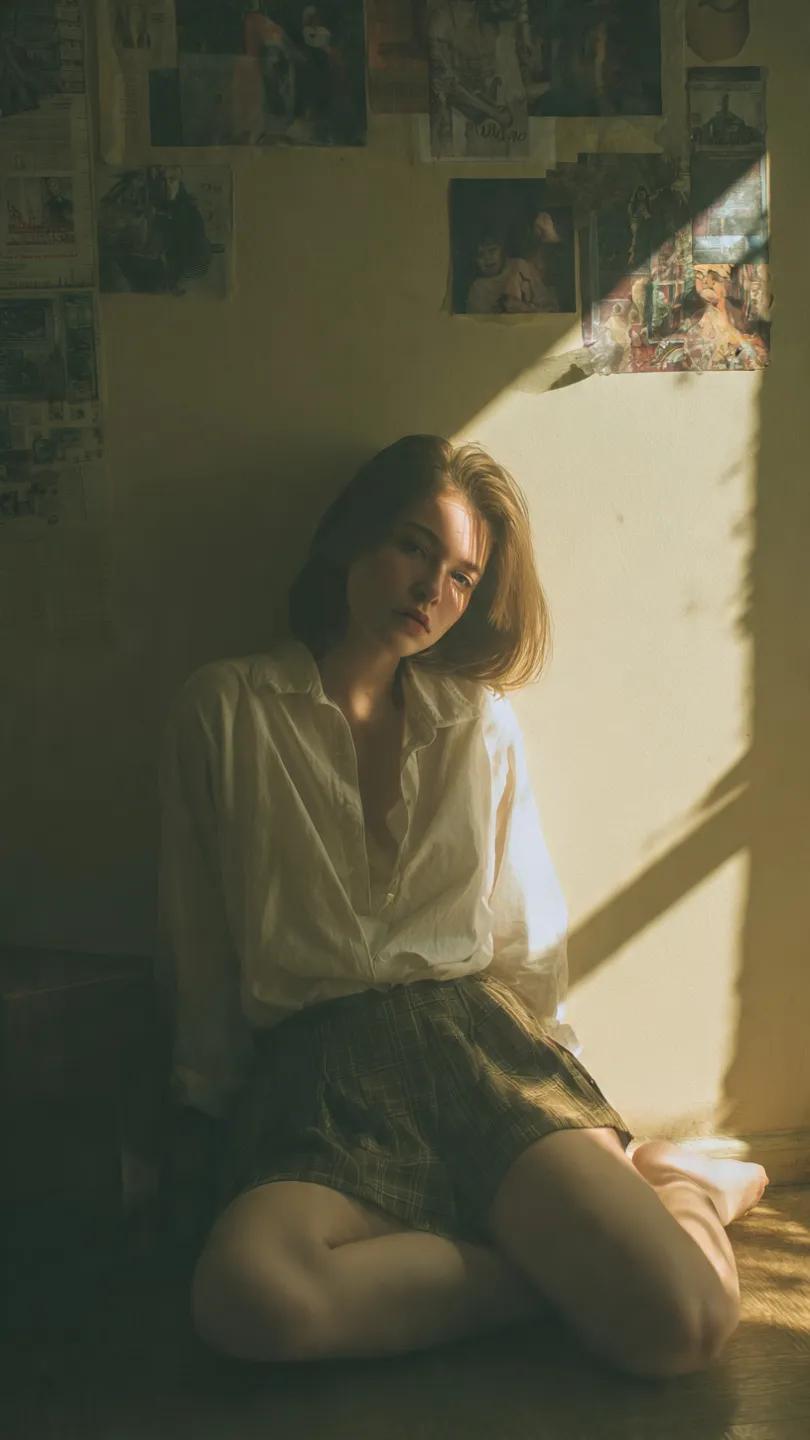
Cinematic Vintage Portrait - NB Pro
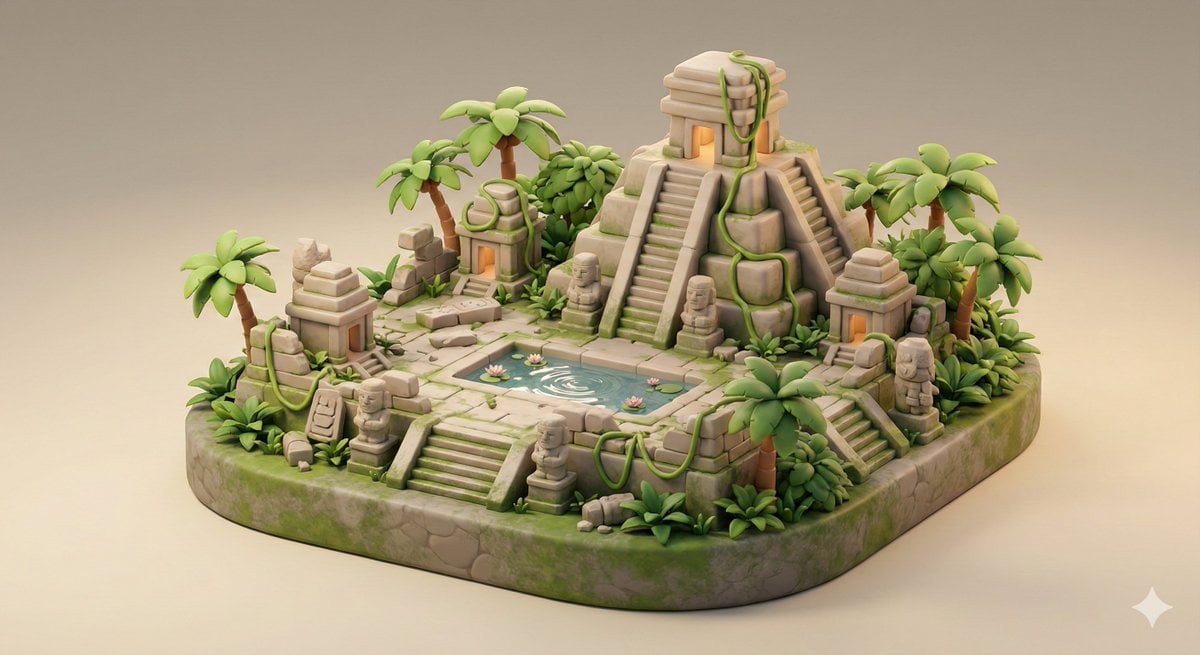
Ancient Jungle Temple Diorama Collectible Prompt
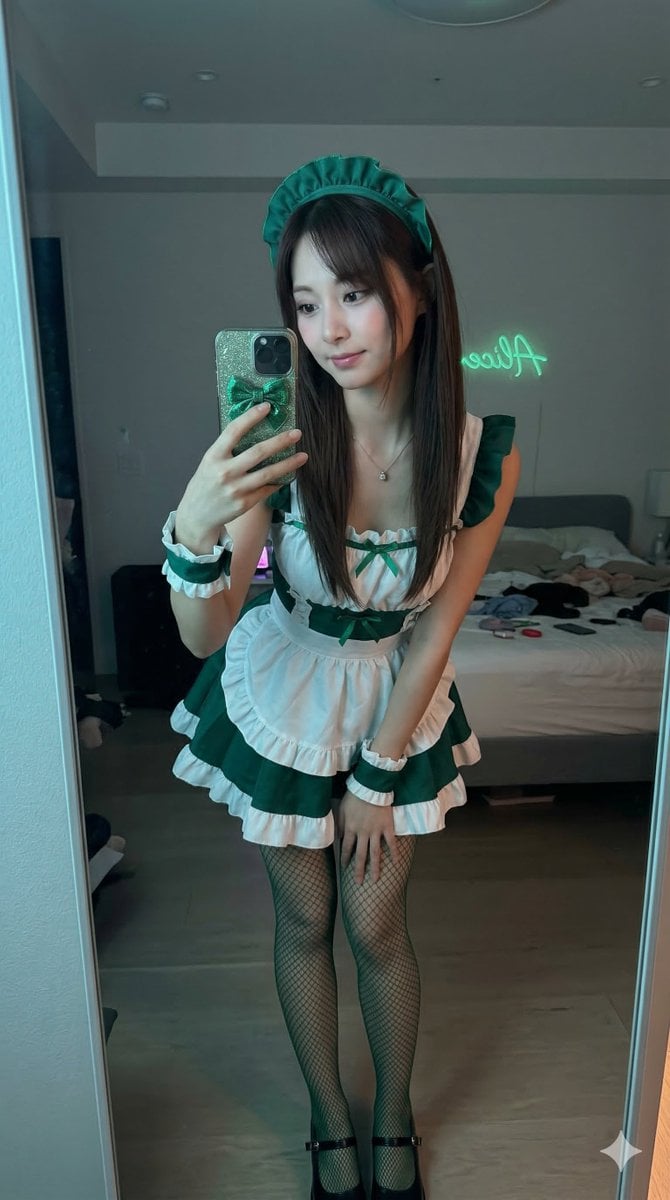
Tzuyu Maid Cosplay Mirror Selfie
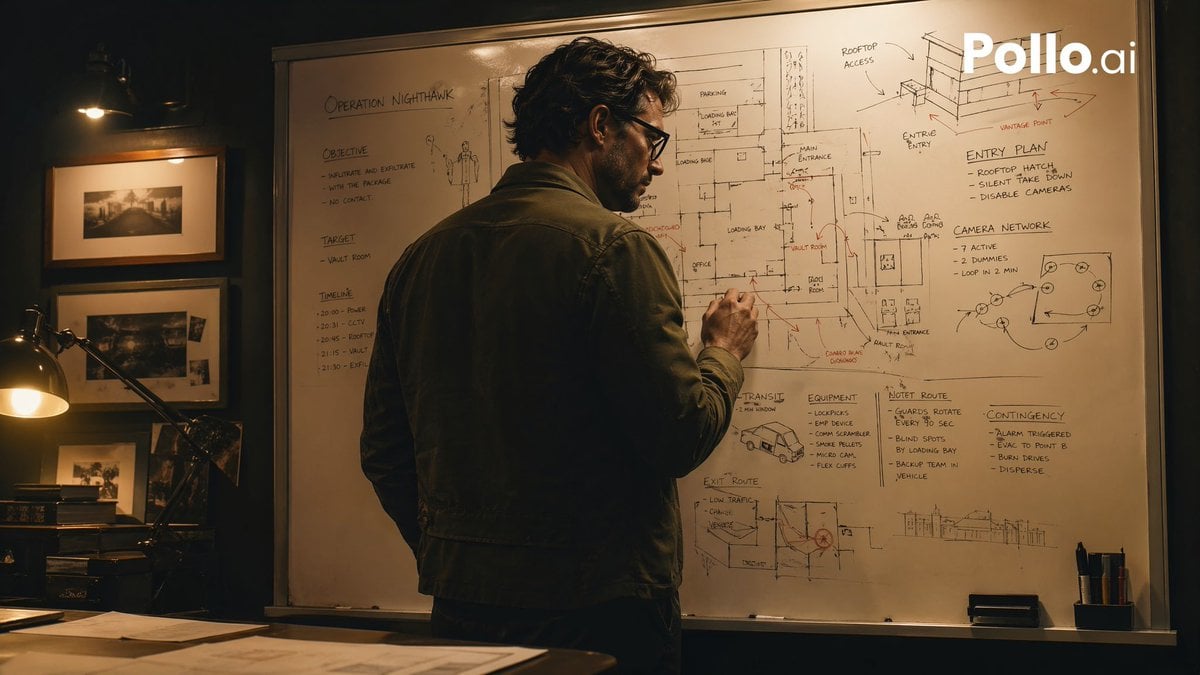
Cinematic Heist Mastermind at Whiteboard

Golden Ship on Uncharted Waters
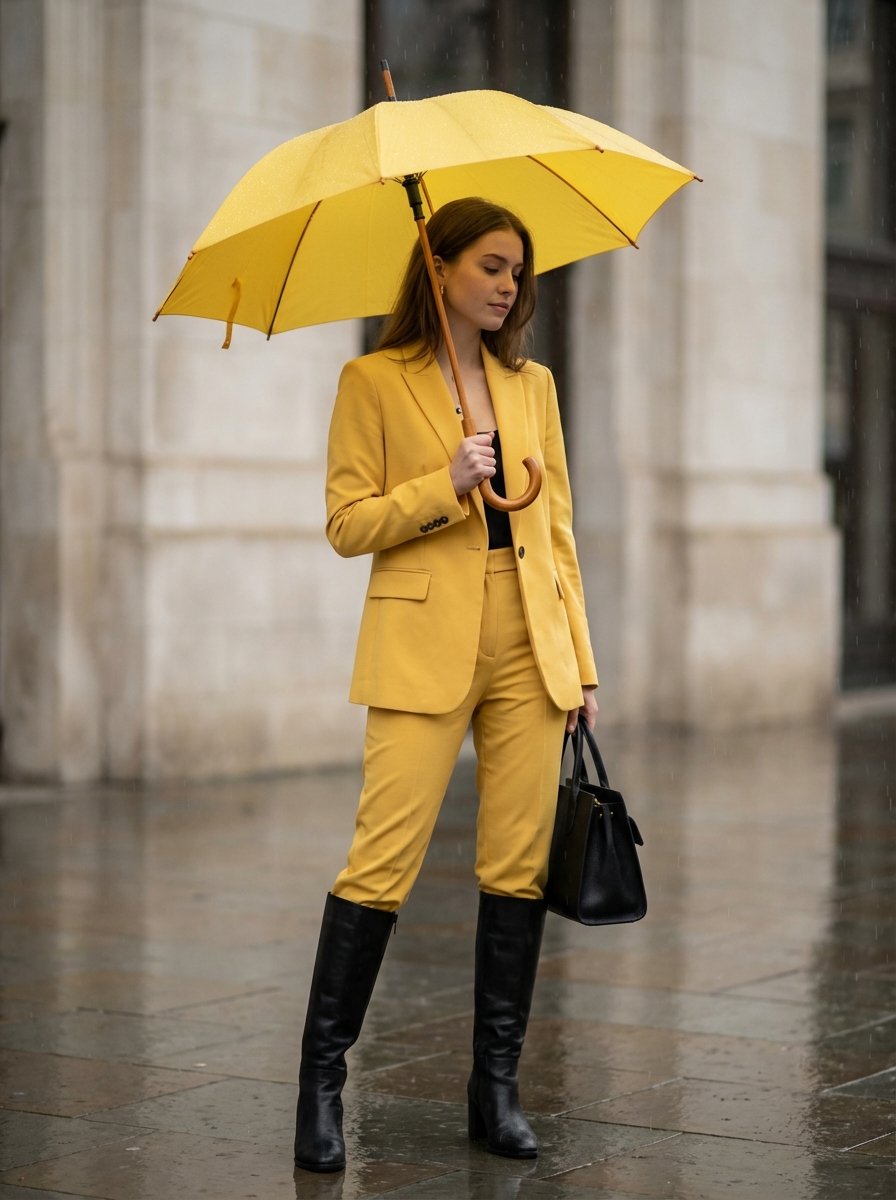
Rainy Day Yellow Power Suit Editorial Prompt
Browse template categories
Professional Studio Portrait for Executive Branding questions
How do I use the Professional Studio Portrait for Executive Branding template?
Add your photo if the template asks for one, edit the prompt if you like — the template's model and format are already selected — and press Generate. Your version opens in PicX Studio.
Can I customize the Professional Studio Portrait for Executive Branding template?
Yes. You can change the subject, setting, lighting, mood, format, and available model controls before creating your image.
Is the Professional Studio Portrait for Executive Branding template free?
Opening and editing this template is free. Generating uses credits, shown on the Generate button when you are signed in.
Which AI model should I use?
Start with GPT Image 2, which is the model associated with this template. You can compare another compatible model for a different finish.
Looking for something else? Browse all templates.

Your photo, any look
Thousands of ready templates for every top image and video model, from one credit balance.