
Cinematic Heist Mastermind at Whiteboard
This prompt generates a moody crime-drama scene of a lone strategist mapping a robbery plan on a whiteboard, ideal for thriller posters, social media promos, or cinematic concept art.
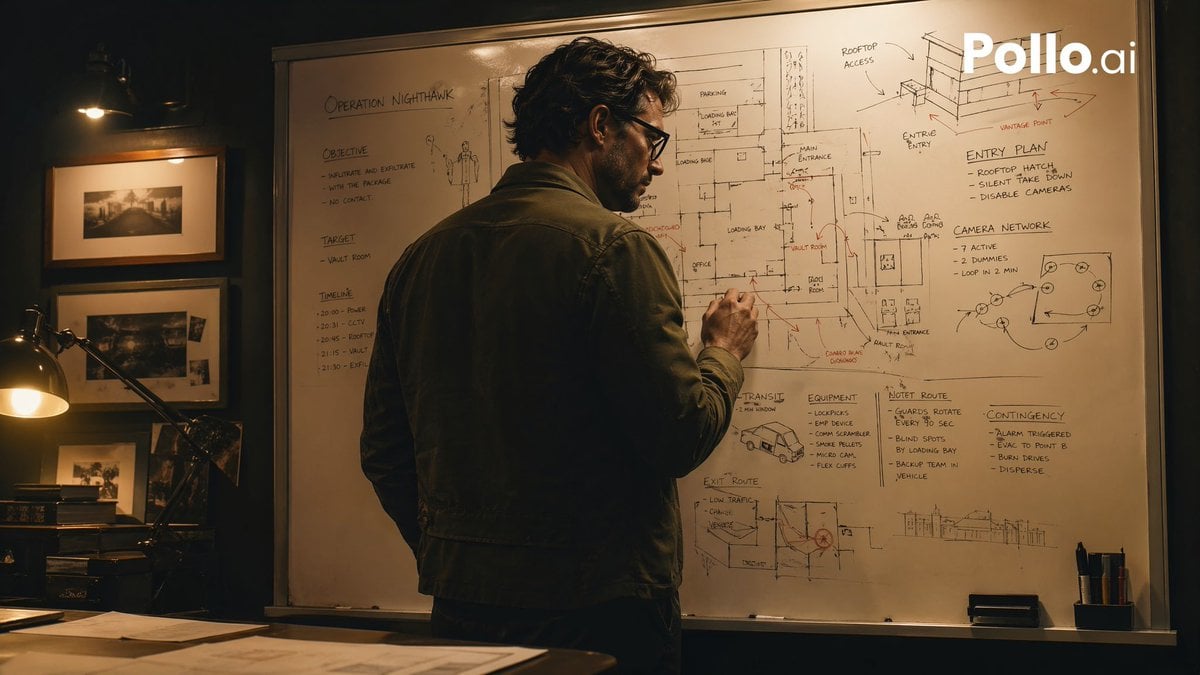
- Prompt included
- Model and format preset
- Free template
The prompt behind this image
Copy the exact prompt behind Cinematic Heist Mastermind at Whiteboard, or open it in the studio and make it yours.
A cinematic, moody heist-planning scene in a dimly lit office at night, shot in a realistic thriller style. A single adult man stands with his back mostly to the camera, slightly turned in profile, writing on a huge whiteboard filled edge to edge with tactical notes, building sketches, floor plans, arrows, routes, and hand-drawn diagrams. He has wavy dark hair and wears a dark olive or charcoal casual jacket over dark trousers, giving the impression of a mastermind strategist. The whiteboard is the focal point and contains multiple readable planning areas: the top left title says "OPERATION NIGHTHAWK"; the left column has 3 sections labeled "OBJECTIVE," "TARGET," and "TIMELINE"; the upper right has 2 labeled diagram areas, "ENTRY PLAN" and "CAMERA NETWORK"; the lower middle-right has 4 labeled planning blocks, "TRANSIT," "EQUIPMENT," "HOTEL ROUTE," and "CONTINGENCIES." Include sketched building elevations, a rooftop access drawing, loading bay notes, room labels, arrows in black and red marker, and a small van sketch near the lower center. The room is warm and shadowy with amber practical lighting. On the left side of the frame, show a desk lamp glowing over a dark wooden desk with scattered papers, and a wall with 3 framed black-and-white photographs arranged vertically. Composition is a medium-wide over-the-shoulder shot, the man centered slightly left, the whiteboard dominating the background. High contrast, soft filmic grain, tense atmosphere, realistic textures, prestige TV crime-drama aesthetic similar to a brilliant planner preparing a robbery, but not depicting any specific copyrighted character. Add a white "Pollo.ai" watermark in the top-right corner.
How to use Cinematic Heist Mastermind at Whiteboard in 3 steps
- 1Upload ImagePNG, JPG or paste
Add your photo
Upload the photo the template builds on. The prompt, model and format are already set.
- 2…a portrait of your subject in softgolden-hour light, 85mm…
Personalize
Edit the subject and creative details for your destination.
- 3Generate
Generate
Press Generate — your image is created in PicX Studio, so you can compare it with the original and refine one variable at a time.
More like this
Templates with the same subject, style or setup. Open one to see its prompt.
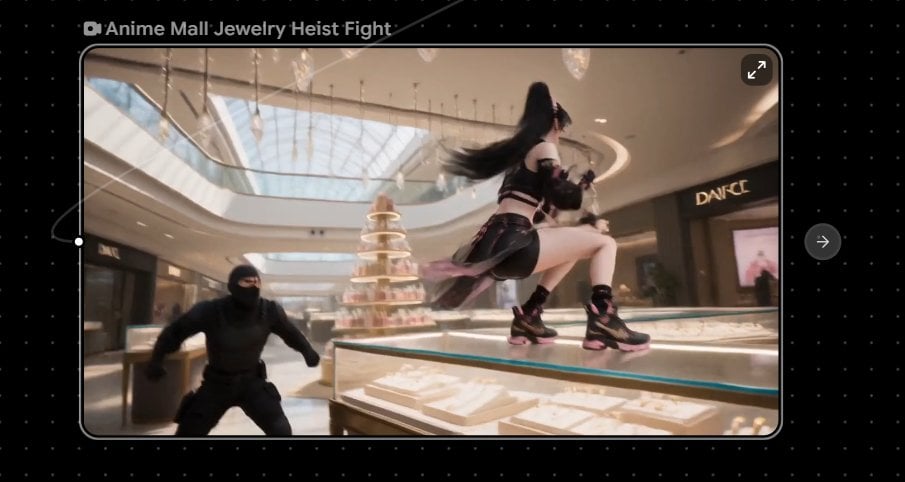
Anime Mall Jewelry Heist Fight
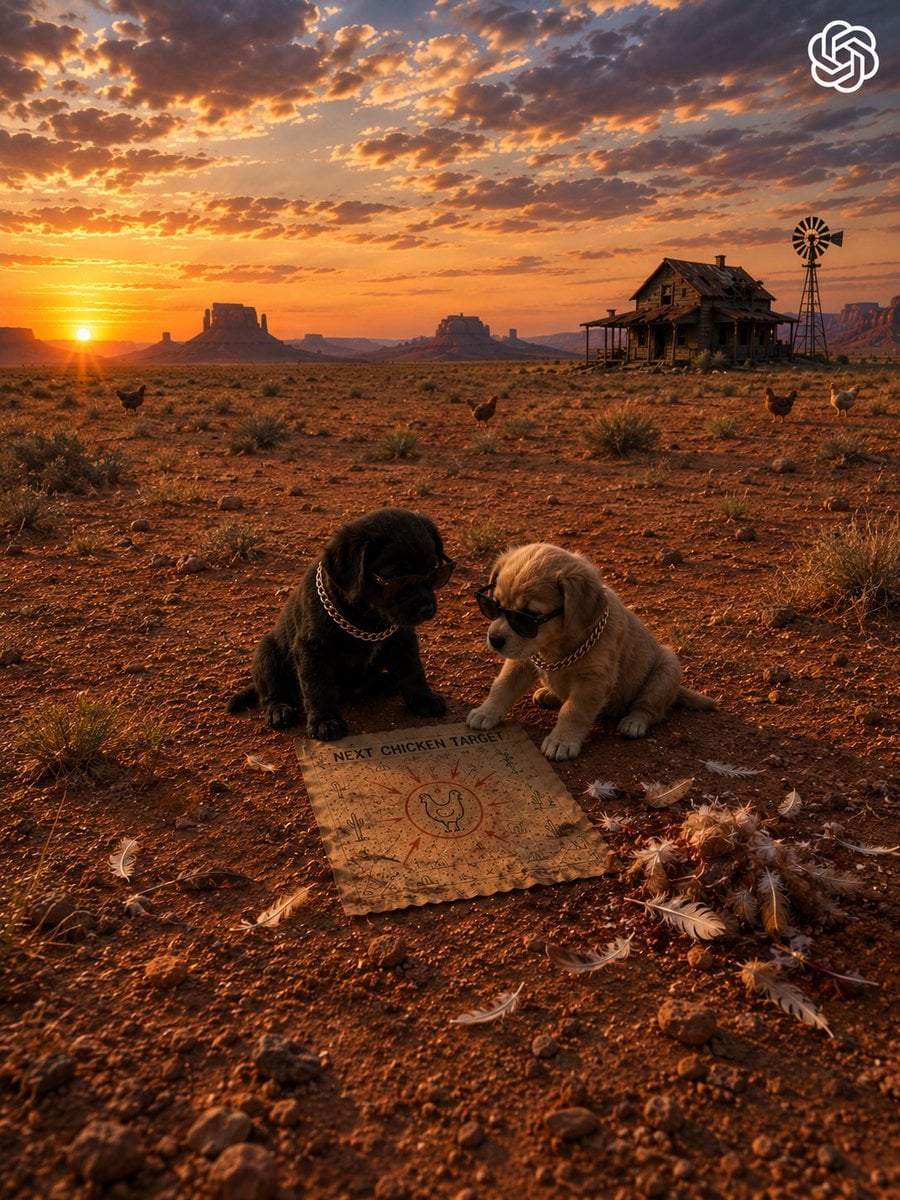
Gangster Puppies Desert Heist
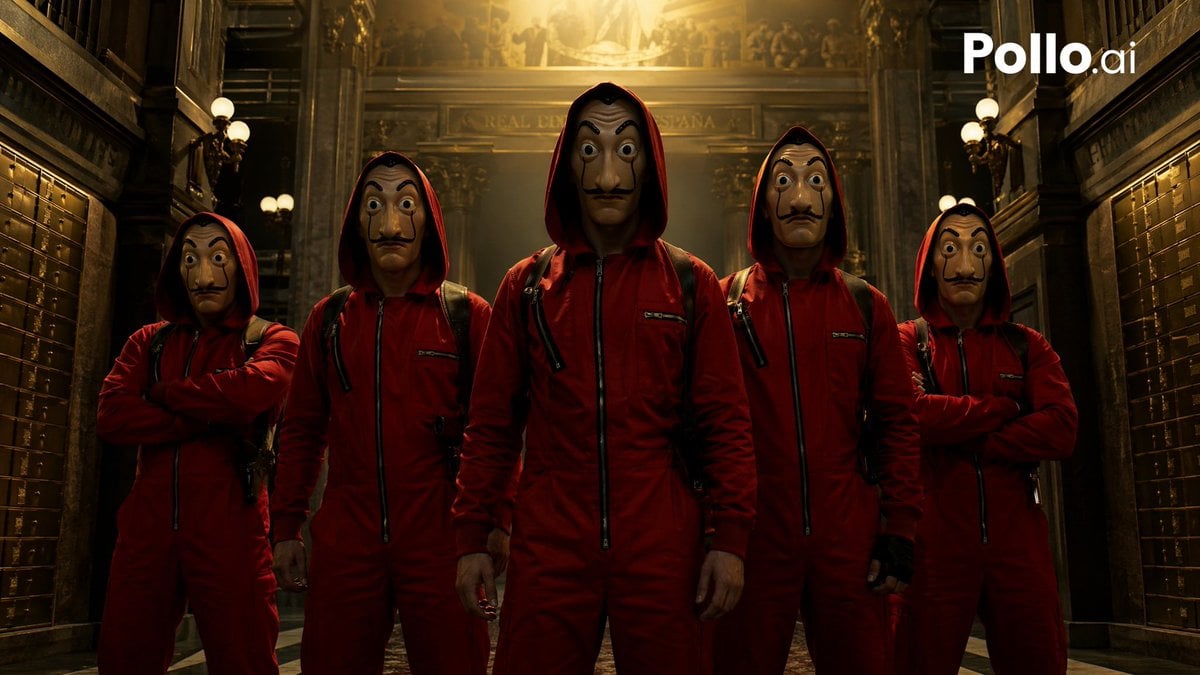
Cinematic Red Heist Team in Bank
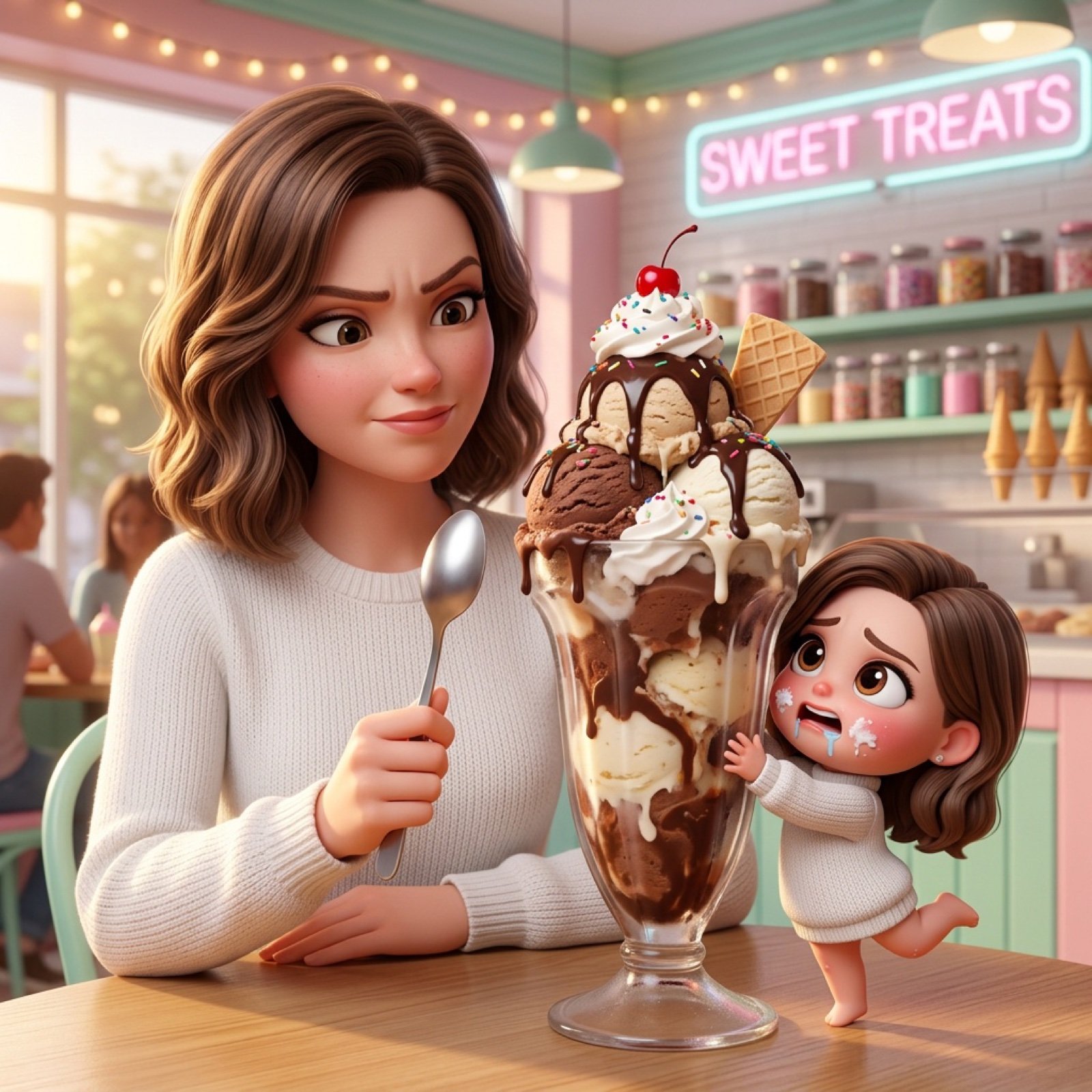
Ice Cream Heist Chibi Cartoon Prompt
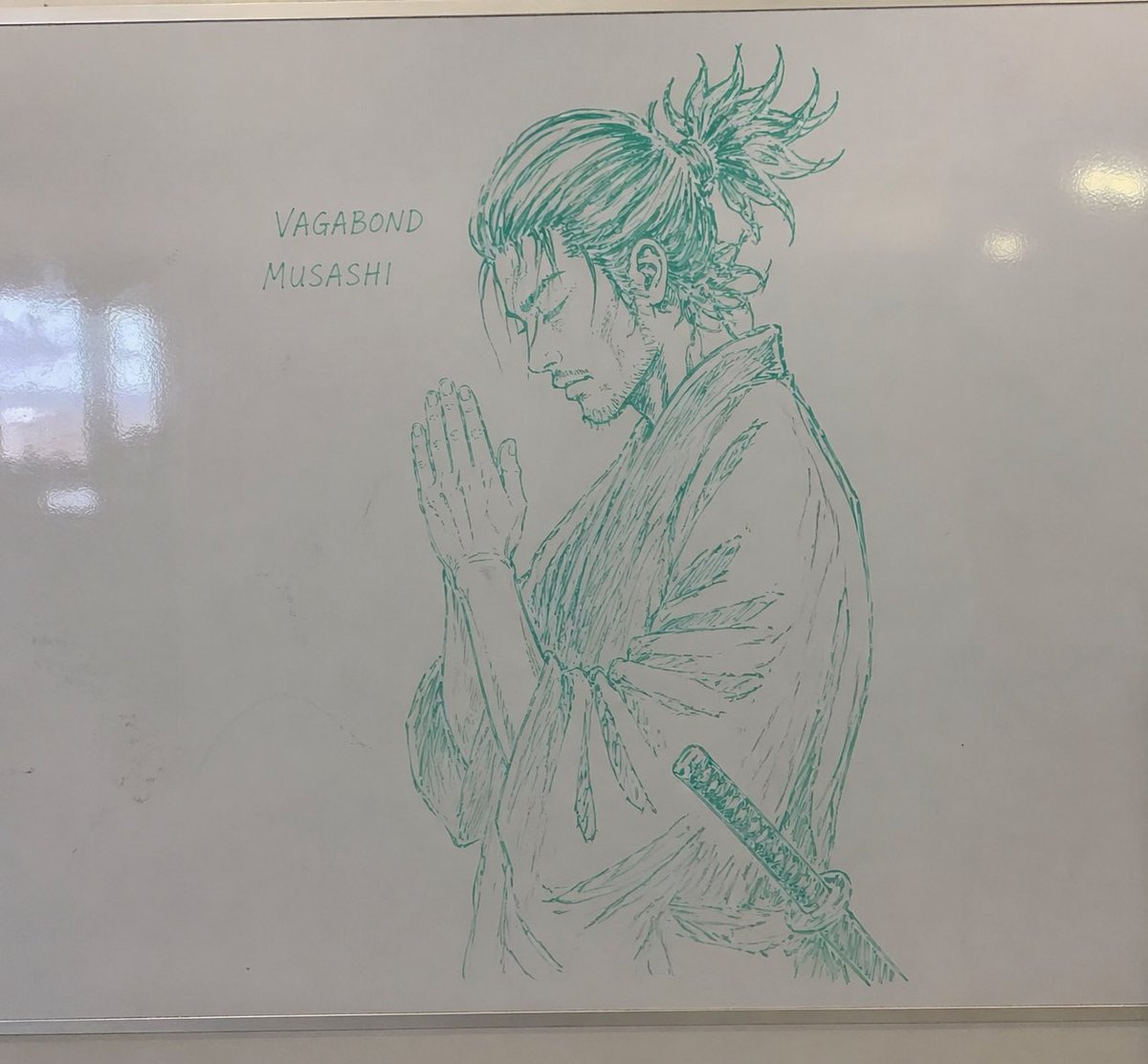
Whiteboard Marker Anime Sketch
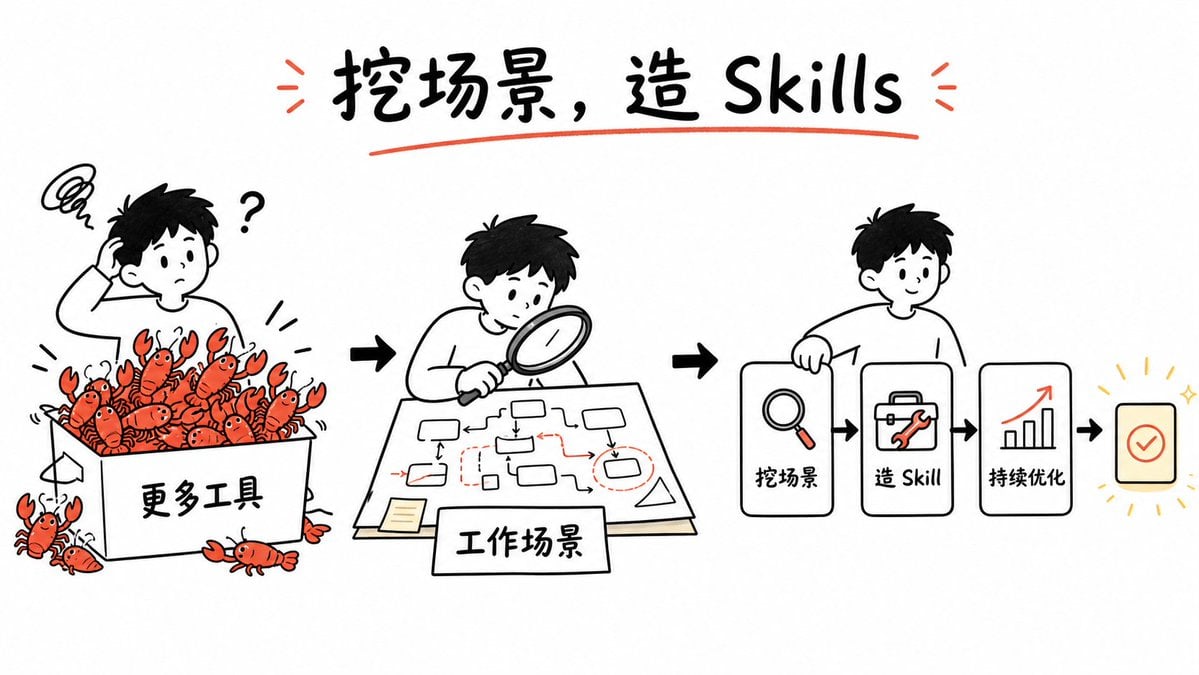
Whiteboard Skill-Building Workflow
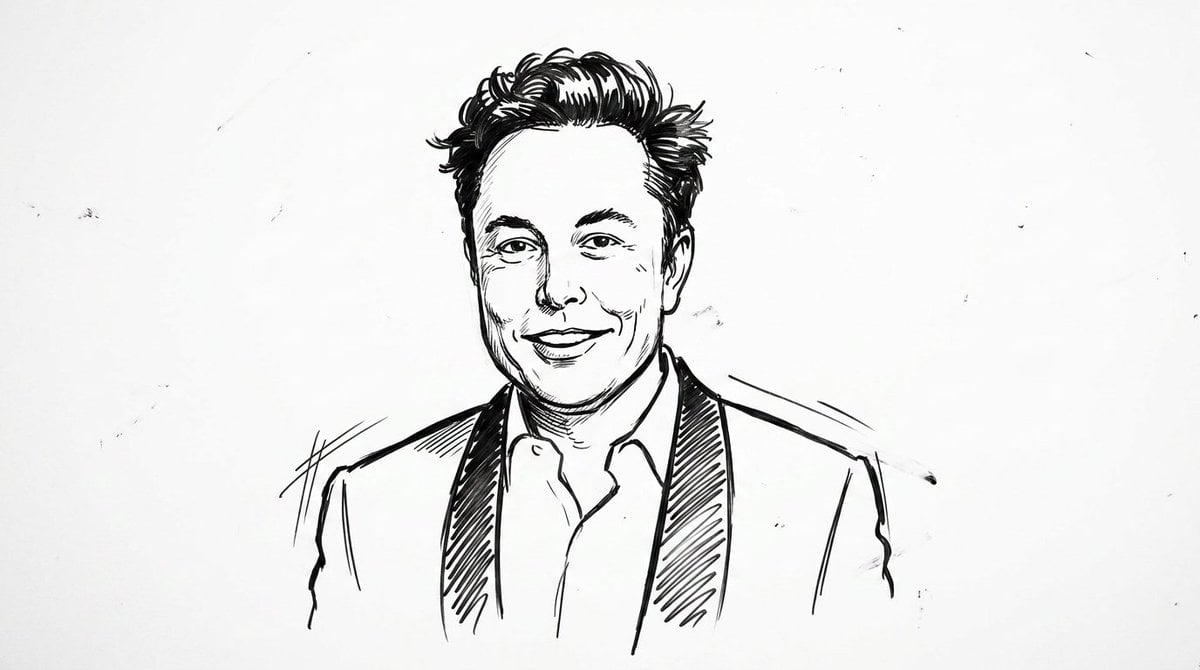
Clean Whiteboard Animation Illustration
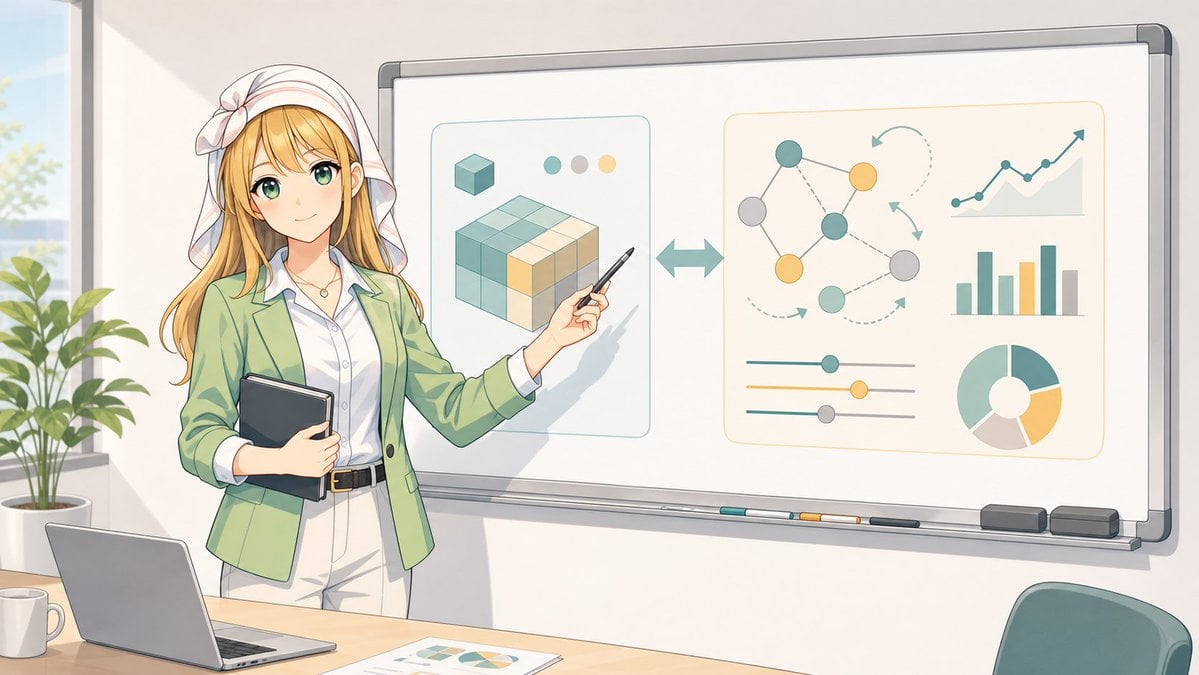
Anime Instructor Whiteboard Infographic
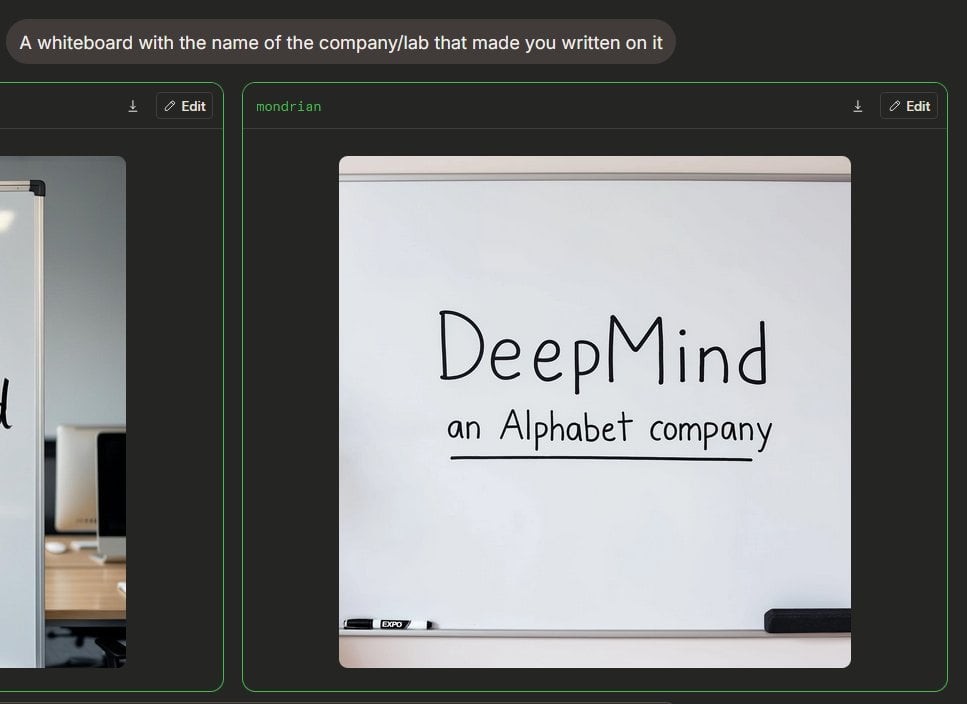
Dark Mode Image Arena Whiteboard
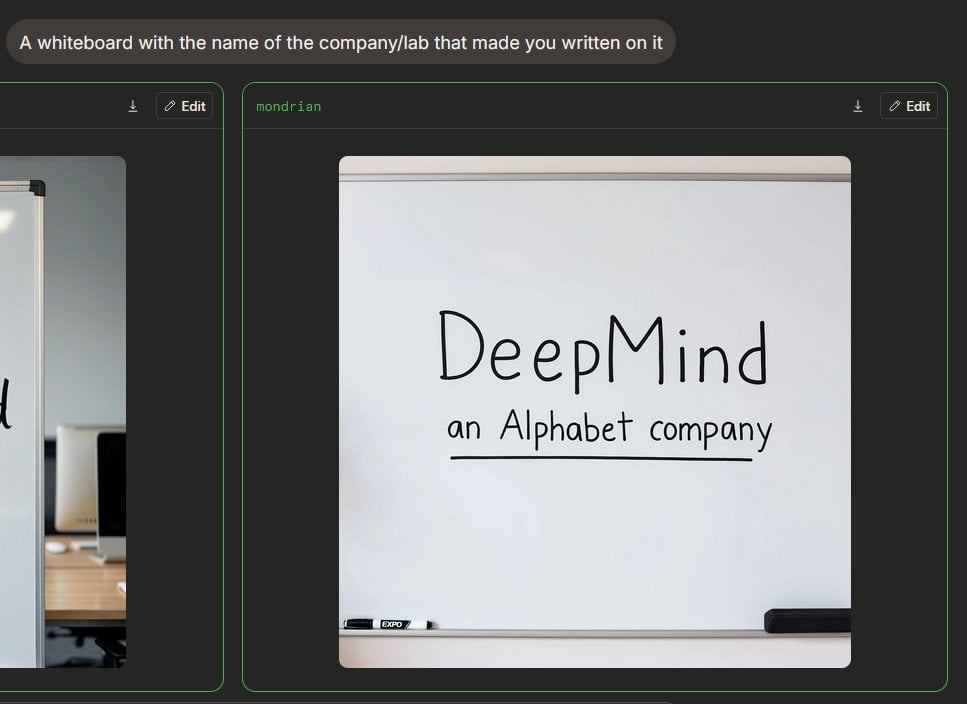
Dark AI Arena Whiteboard Screenshot
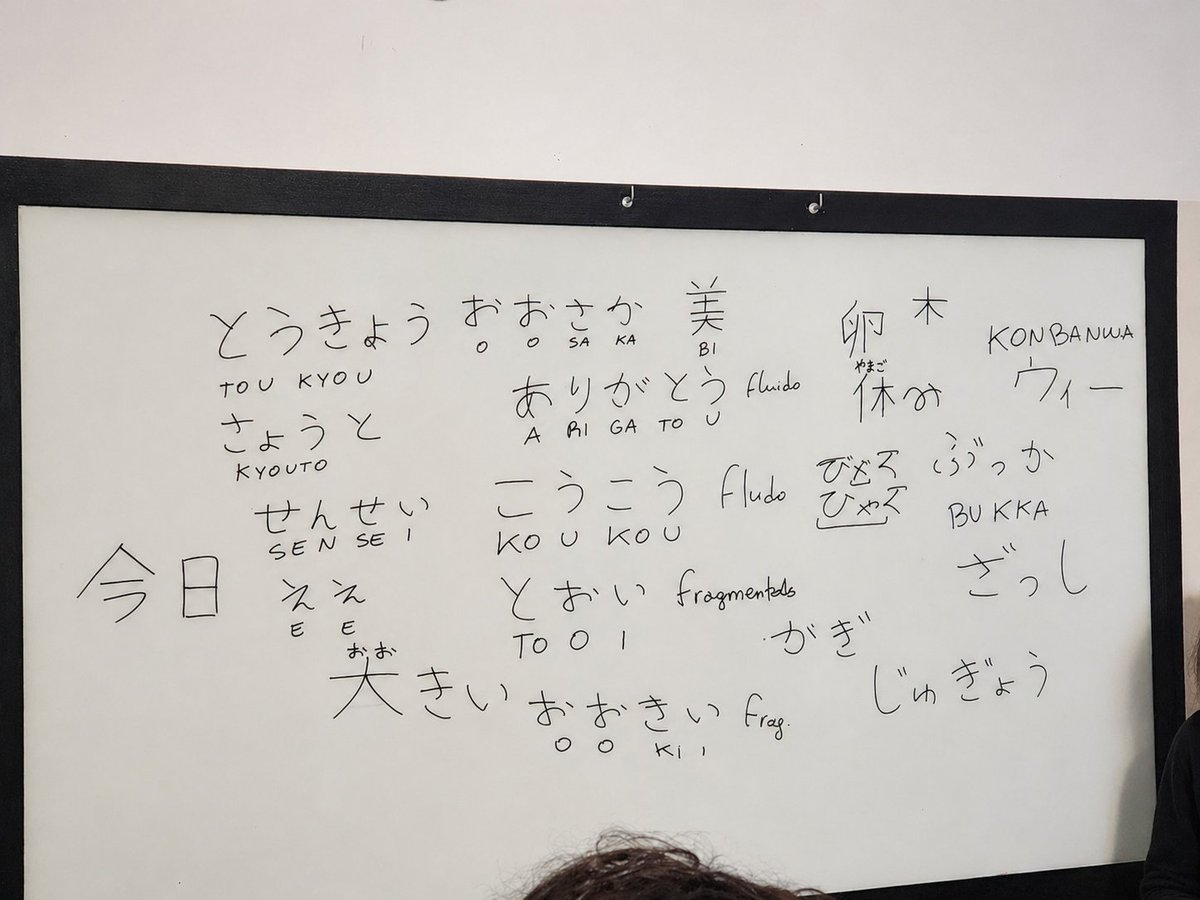
Enhance Whiteboard Photo Readability
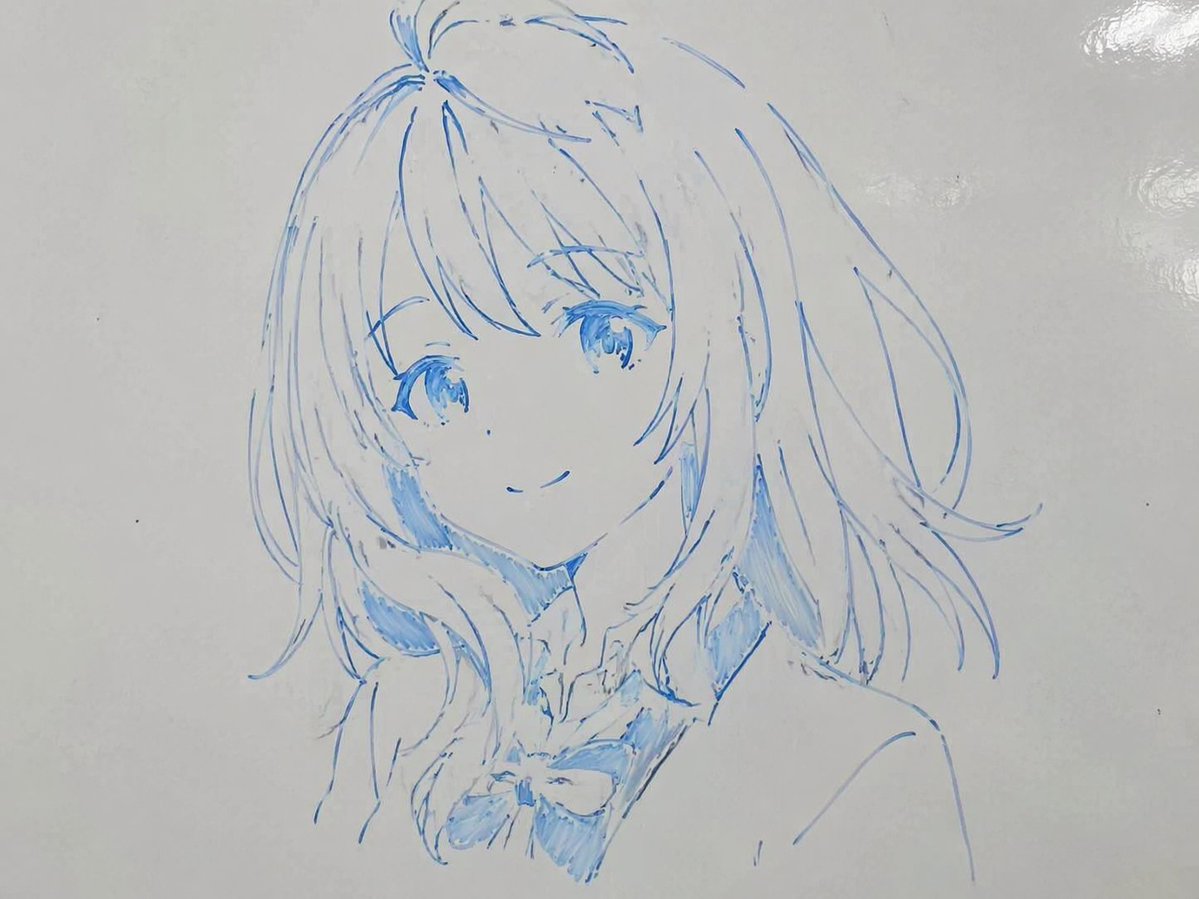
Whiteboard Marker Anime Sketch
Make it yours
Cinematic Heist Mastermind at Whiteboard works as-is. These are the safest ways to change it without losing the look.
Change one field
Copy a single group, rewrite it, and generate again so you can see what that field is doing.
Keep the frame, change the subject
Hold the composition and light of Cinematic Heist Mastermind at Whiteboard, then swap wardrobe, props or the person for a new take.
| If the result… | Why | Fix |
|---|---|---|
| The result drifts from the preview | Too many fields changed at once. | Reuse Cinematic Heist Mastermind at Whiteboard as-is first, then change one group — subject, light, or setting. |
| The model over-stylizes the scene | The prose prompt leaves finish and camera underspecified. | Add one camera or lighting sentence and stay on GPT Image 2. |
More GPT Image 2 templates
Other prompts made for GPT Image 2.

Six VTuber Japanese Logo Sheet

Realistic Portrait of Woman and Deer

The Vista Modular Condo Poster

AI Model Routing Comparison Infographic

2.5D Anime Art Board

Isometric Productivity Desk Scene

New York Double Exposure Poster

Four-Panel AI Landscape Comparison

Japanese Tatami Lifestyle Magazine Cover

NESCAFÉ Coffee Map Poster
More image prompts
Fresh picks from across the catalog.
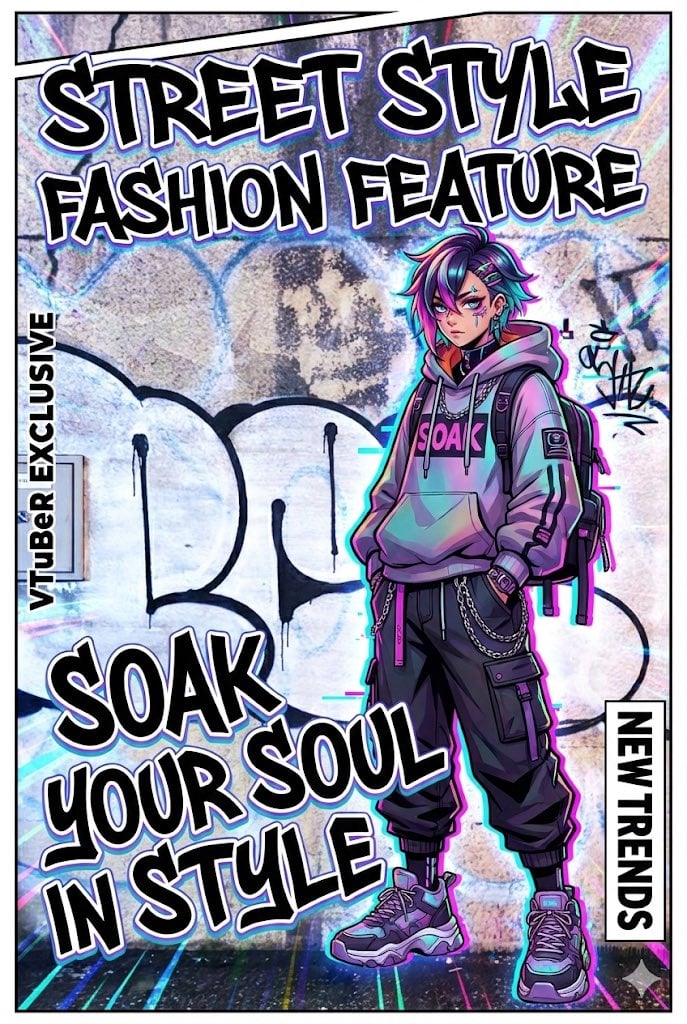
VTuber-style street-fashion thumbnail from a city photo
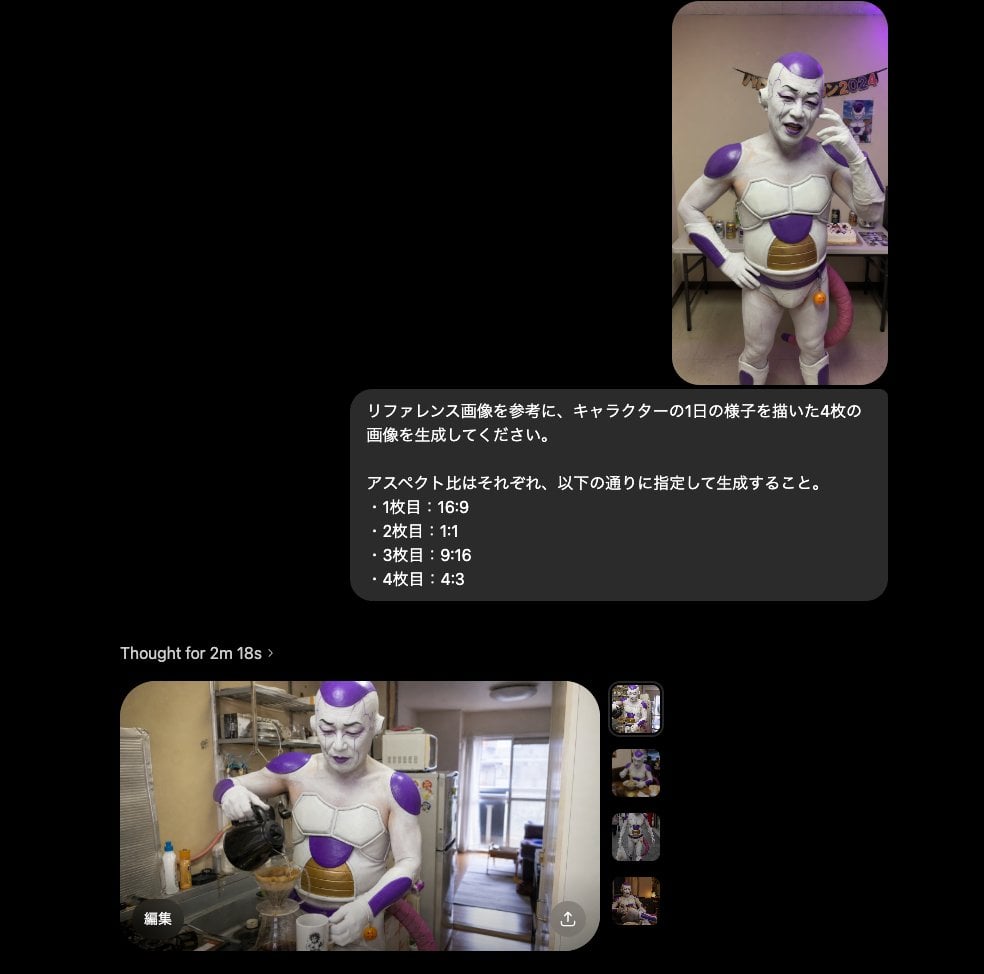
Multi-Aspect Character Life Sequence

Panel Korean Beauty Editorial Collage Prompt (Glass Skin)

Gpt2 E Commerce Main Image 9 Panel Product Tvc Storyboard
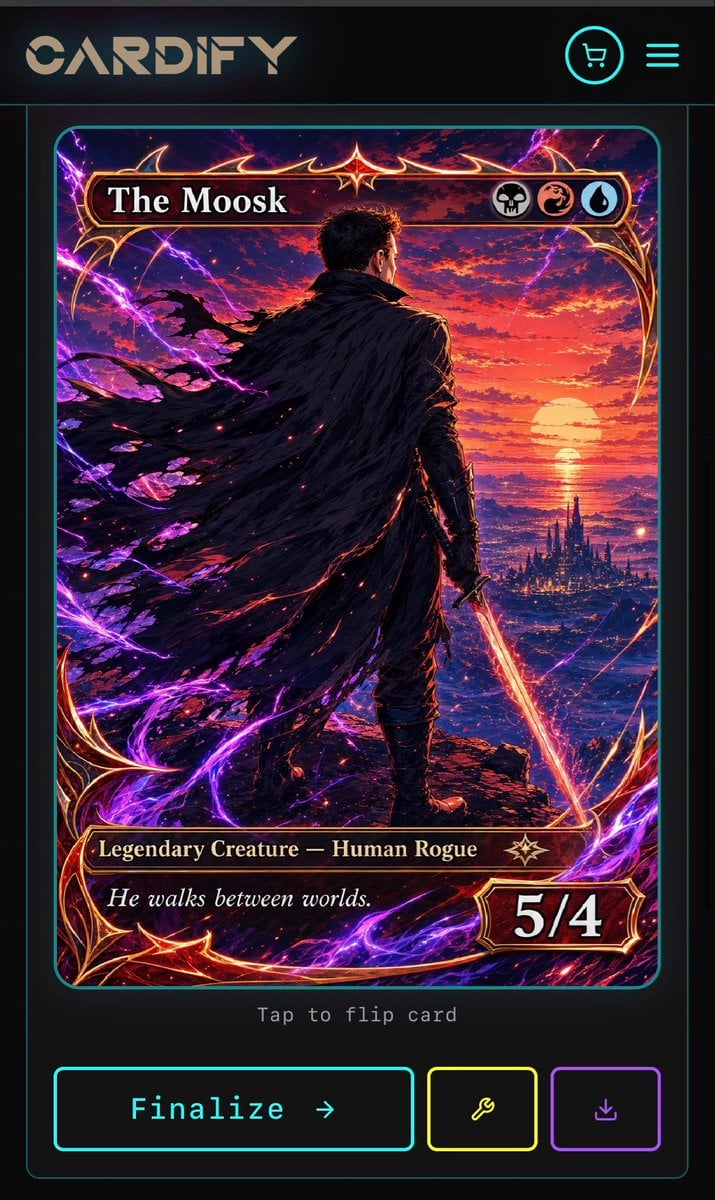
Cyberpunk Fantasy Trading Card App
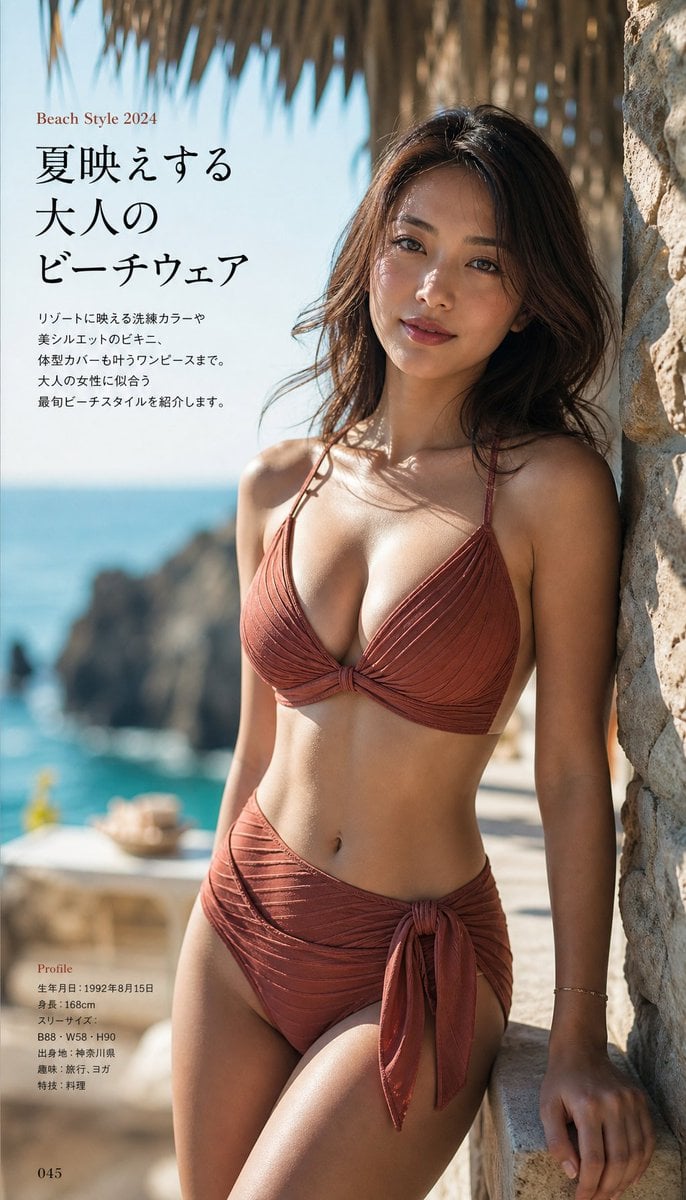
Japanese Fashion Magazine Beachwear Photography
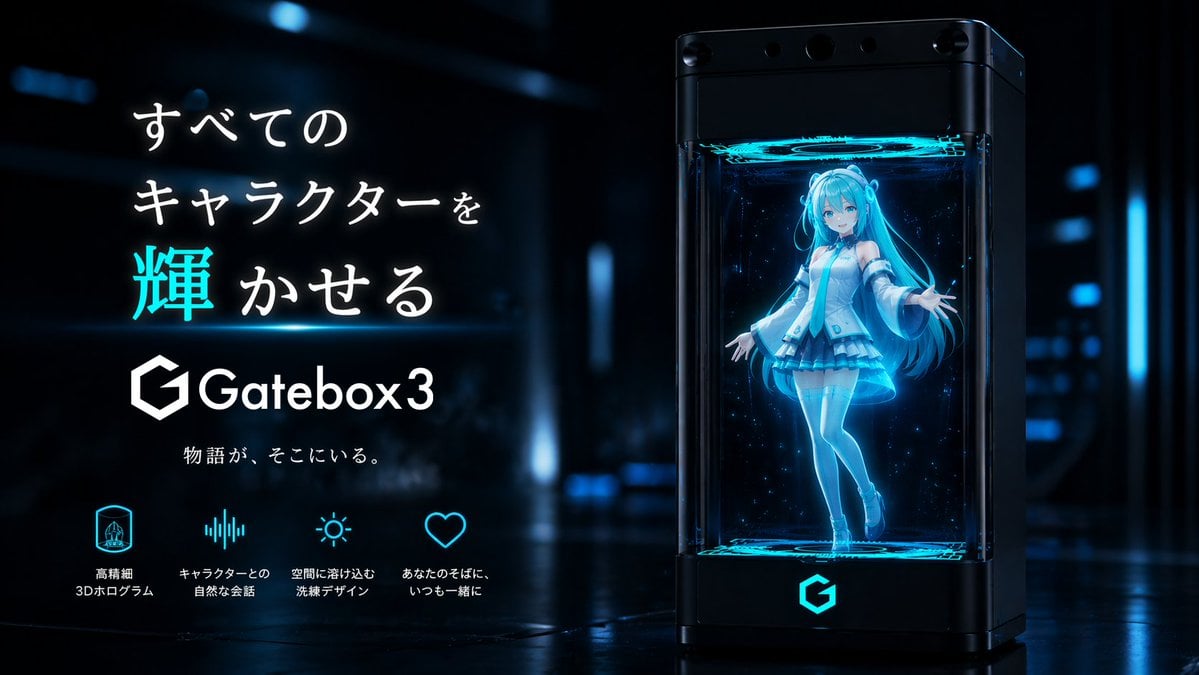
Gatebox3 Hologram Device Ad
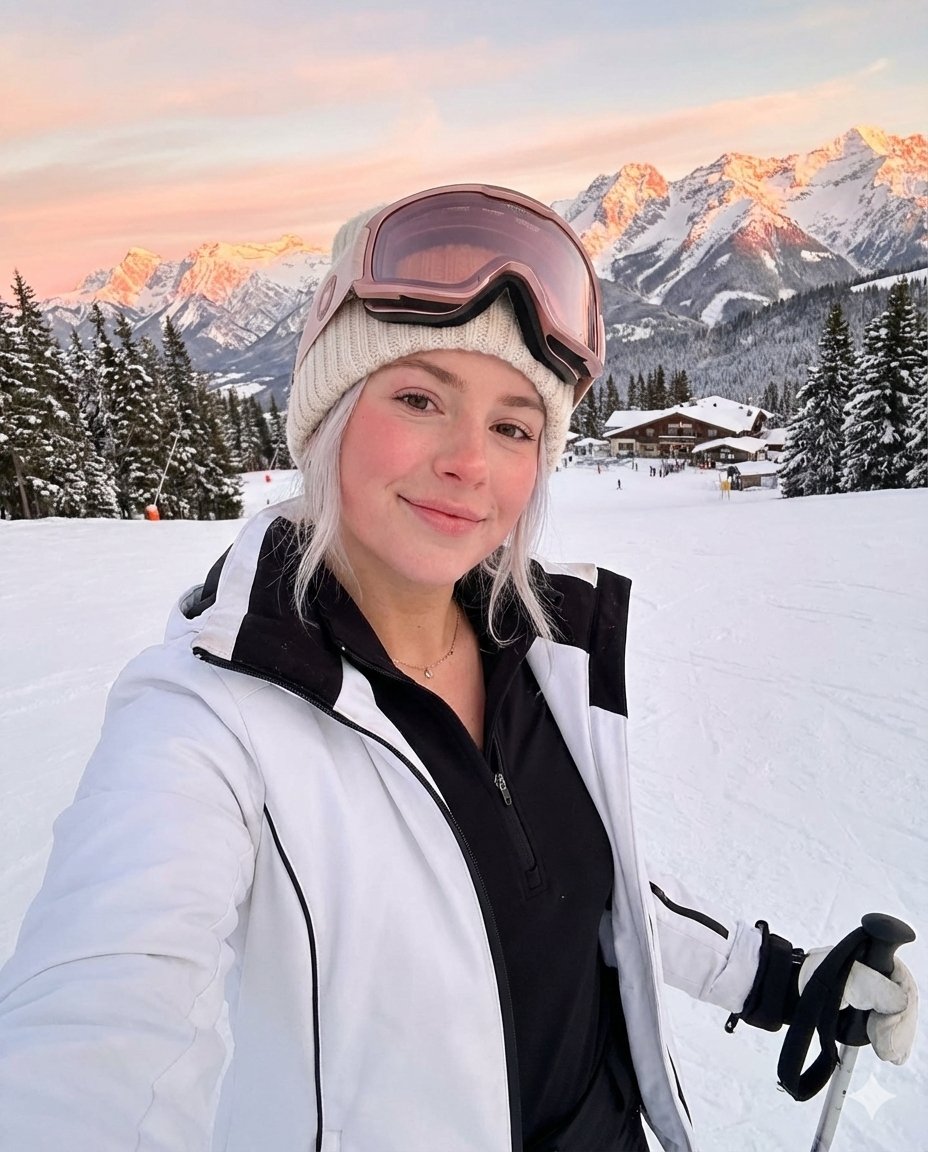
Golden Hour Ski Slope Selfie (Snow Bunny Aesthetic)

Tropical Hammock Latte — Nano Banana iPhone Style
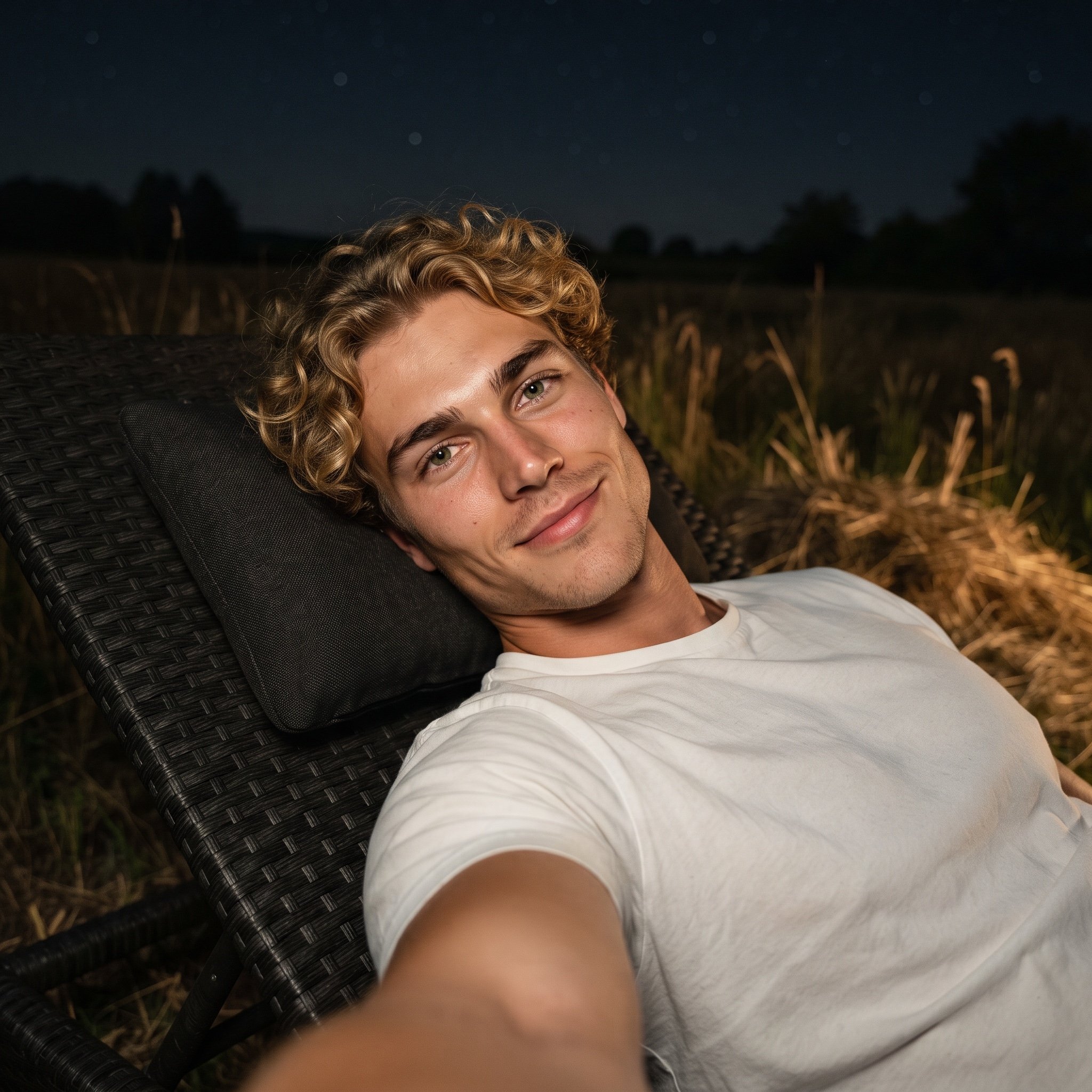
Photorealistic Night Selfie Prompt
Browse template categories
Cinematic Heist Mastermind at Whiteboard questions
How do I use the Cinematic Heist Mastermind at Whiteboard template?
Add your photo if the template asks for one, edit the prompt if you like — the template's model and format are already selected — and press Generate. Your version opens in PicX Studio.
Can I customize the Cinematic Heist Mastermind at Whiteboard template?
Yes. You can change the subject, setting, lighting, mood, format, and available model controls before creating your image.
Is the Cinematic Heist Mastermind at Whiteboard template free?
Opening and editing this template is free. Generating uses credits, shown on the Generate button when you are signed in.
Which AI model should I use?
Start with GPT Image 2, which is the model associated with this template. You can compare another compatible model for a different finish.
Looking for something else? Browse all templates.

Your photo, any look
Thousands of ready templates for every top image and video model, from one credit balance.