
Cyberpunk Fantasy Trading Card App
Generates a mobile app mockup displaying a customizable fantasy trading card with ornate card art and neon action controls.
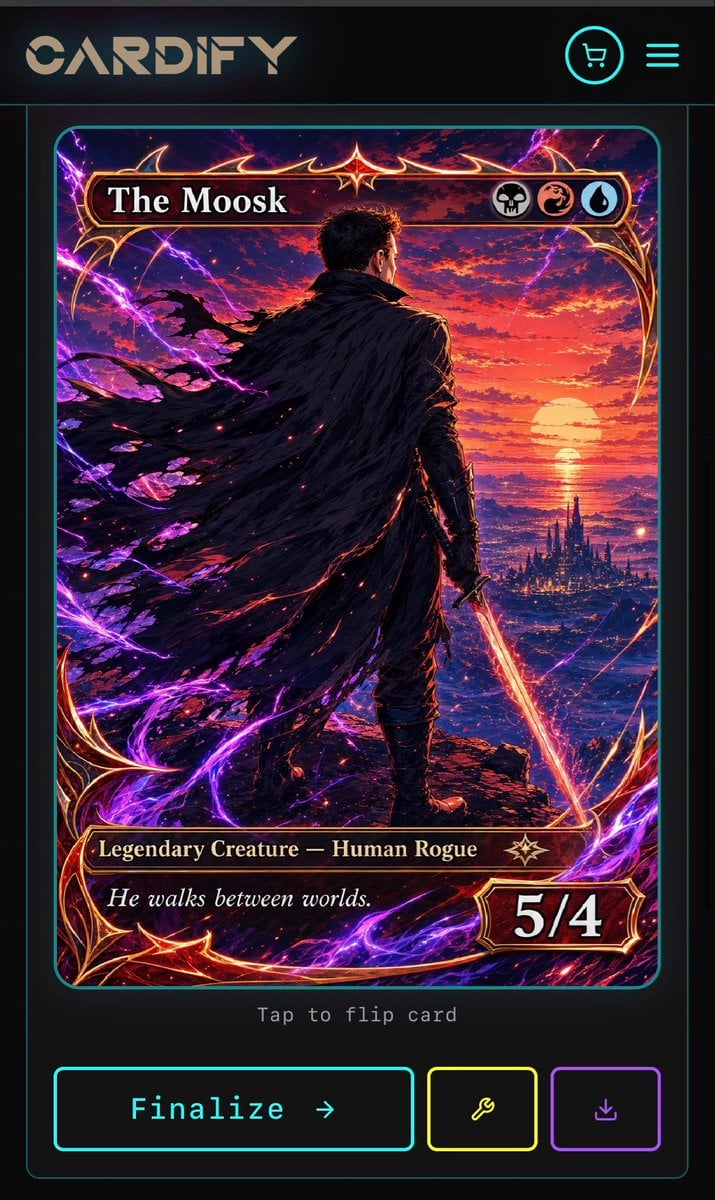
- Prompt included
- Model and format preset
- Free template
The prompt behind this image
Copy the exact prompt behind Cyberpunk Fantasy Trading Card App, or open it in the studio and make it yours.
Goal: Create a dark futuristic mobile web app screen for a custom trading card generator called {argument name="app name" default="CARDIFY"}, showing one completed fantasy TCG card ready to finalize. Canvas: Vertical smartphone screenshot, 720×1200 style aspect ratio, black and charcoal background with thin neon cyan divider lines and rounded borders. Overall look is premium cyberpunk UI mixed with high-detail fantasy card art. Layout: Top navigation bar contains exactly 3 visible elements: a large stylized CARDIFY logo on the left, a circular neon cyan shopping cart icon near the upper right, and a neon cyan three-line hamburger menu icon at the far right. Below it is a centered card preview inside a thin cyan rounded rectangle panel. Under the card preview, show small gray monospace text reading “Tap to flip card”. At the bottom, place exactly 3 action buttons: a large cyan-outlined rectangular button labeled “Finalize →”, a smaller yellow-outlined square button with a wrench icon, and a smaller purple-outlined square button with a download icon. Trading card design: The card is a vertical fantasy collectible card with rounded corners, ornate red-gold metallic frame, glowing crimson highlights, and electric purple energy curling around the border. The card title bar at the top reads {argument name="card title" default="The Moosk"} in large white serif type. On the right side of the title bar are exactly 3 circular mana/type icons: a skull icon, a red dragon/swirl icon, and a blue water droplet icon. The lower type bar reads {argument name="type line" default="Legendary Creature — Human Rogue"} in gold serif text, with a small star-like rarity emblem to its right. The flavor text box below reads {argument name="flavor text" default="He walks between worlds."} in italic white serif type. The bottom-right power/toughness badge reads {argument name="power toughness" default="5/4"} in large bold white numerals. Main card artwork: A dramatic anime-fantasy illustration of a lone male rogue viewed from behind, standing on a rocky cliff at sunset. He has short dark hair, dark armor, and a huge tattered black cloak streaming leftward in the wind. He holds a glowing orange-red sword pointed downward in his right hand. In the distance is a luminous ocean horizon with a large setting sun, red and purple clouds, and a dark spired fantasy city near the water. Purple lightning arcs and magical energy ribbons surround the character and frame, with red sparks scattered through the cloak and foreground. Use extremely detailed painterly digital art, high contrast, cinematic lighting, saturated magenta, violet, crimson, orange, and gold. Constraints: Keep the screen as a mobile app mockup, not a standalone card. Use exactly 1 trading card preview, exactly 3 top navigation elements, exactly 3 mana/type icons, and exactly 3 bottom action buttons. Preserve all visible UI text clearly. Do not add extra cards, popups, watermarks, or unrelated interface panels.
How to use Cyberpunk Fantasy Trading Card App in 3 steps
- 1Upload ImagePNG, JPG or paste
Add your photo
Upload the photo the template builds on. The prompt, model and format are already set.
- 2…a portrait of your subject in softgolden-hour light, 85mm…
Personalize
Edit the subject and creative details for your destination.
- 3Generate
Generate
Press Generate — your image is created in PicX Studio, so you can compare it with the original and refine one variable at a time.
More like this
Templates with the same subject, style or setup. Open one to see its prompt.
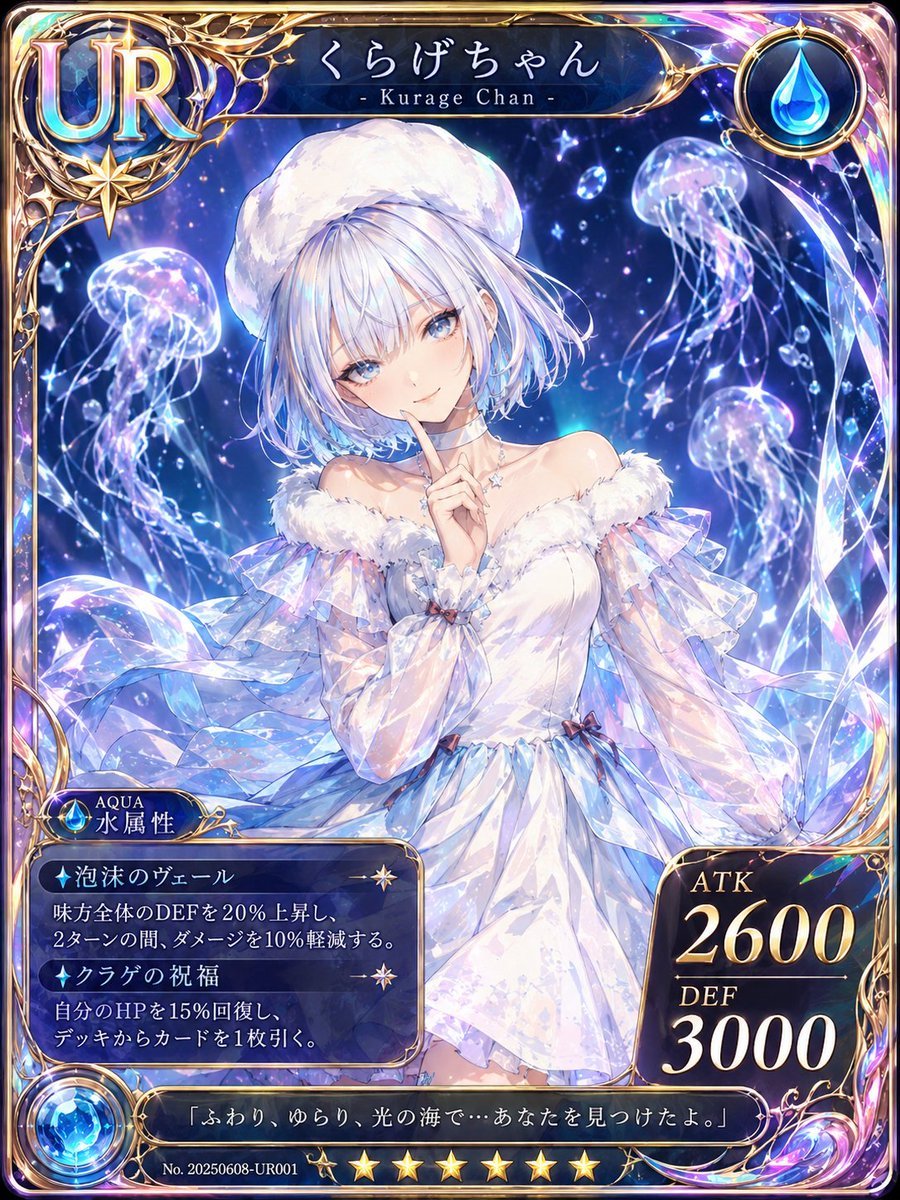
Kurage Chan Fantasy Trading Card
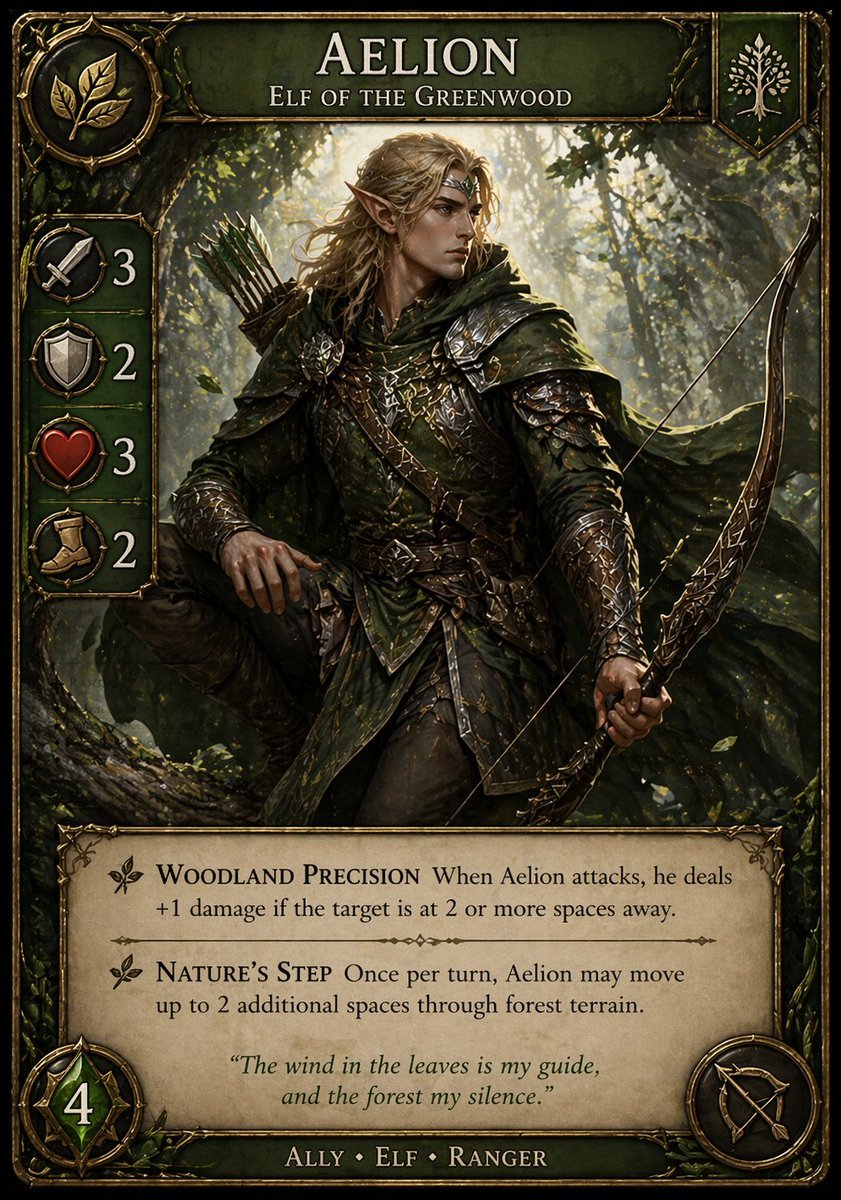
Fantasy Elf Ranger Trading Card
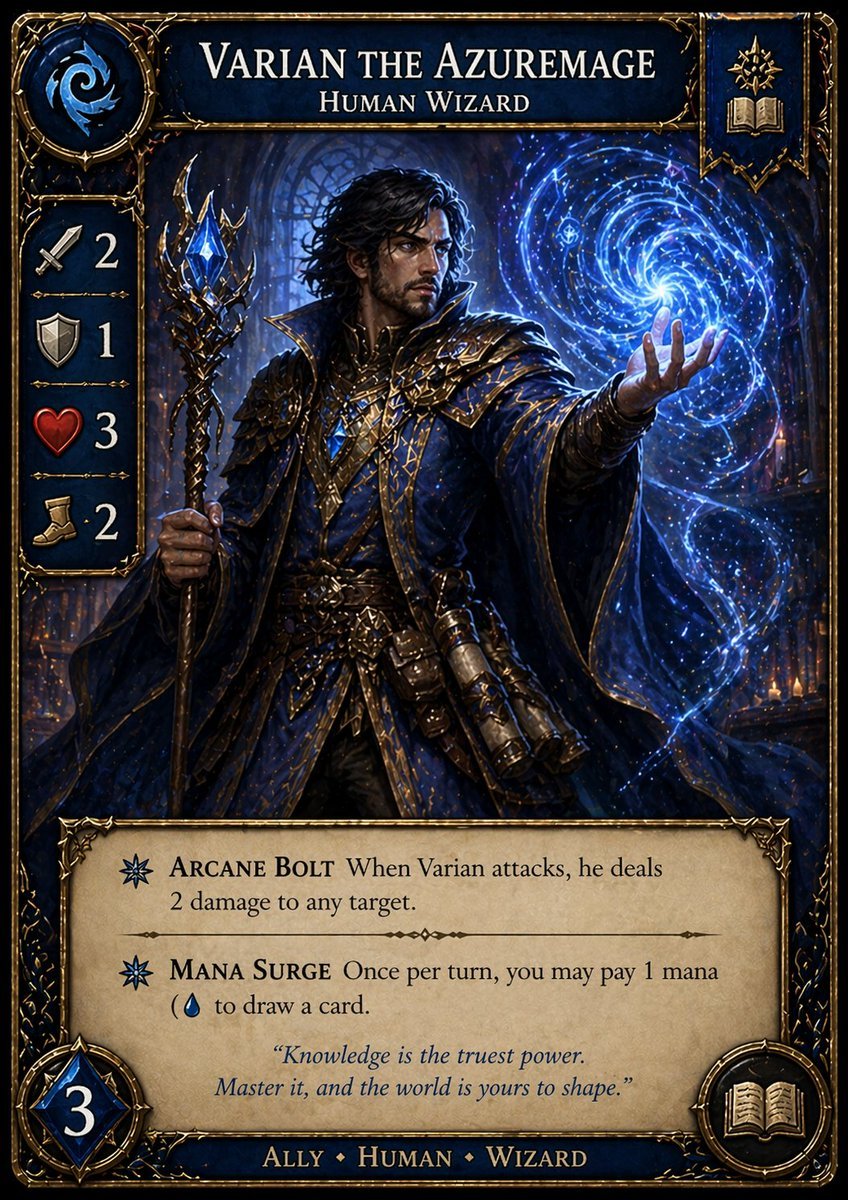
Fantasy Wizard Trading Card
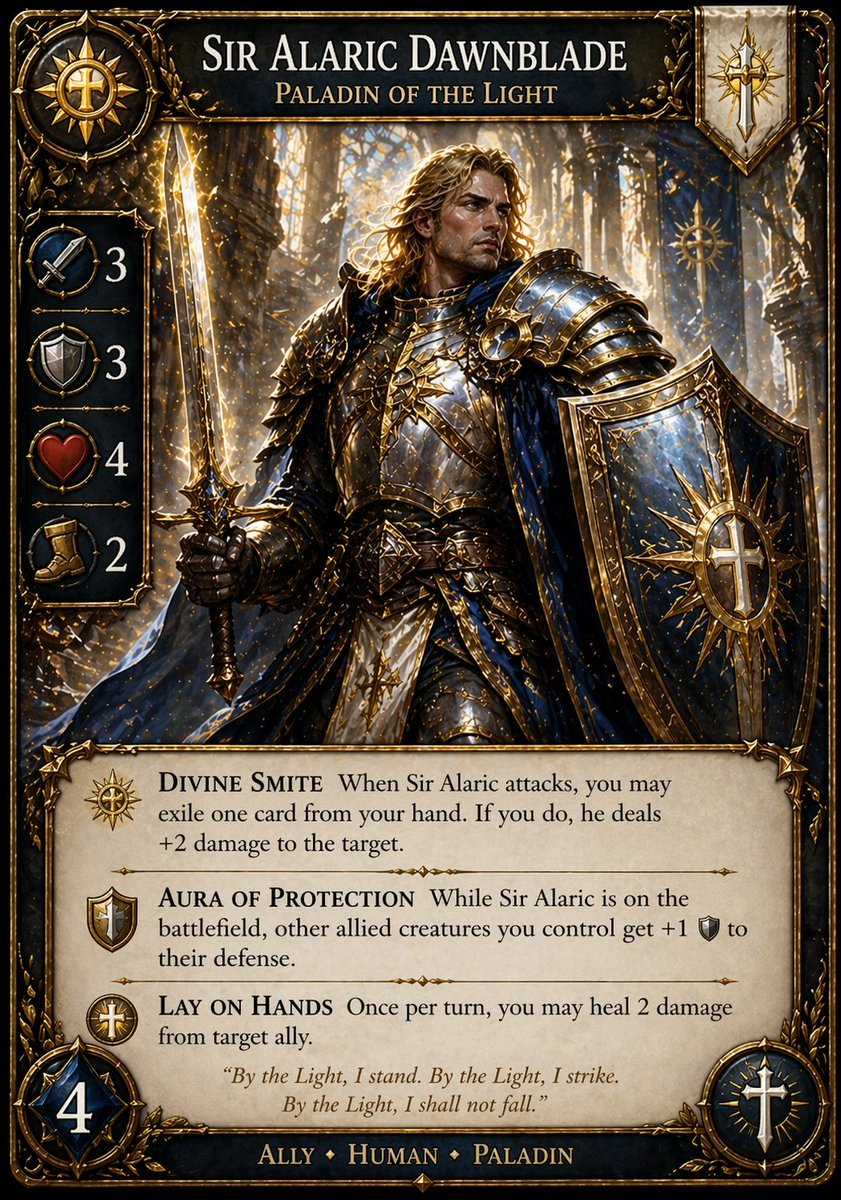
Fantasy Paladin Trading Card
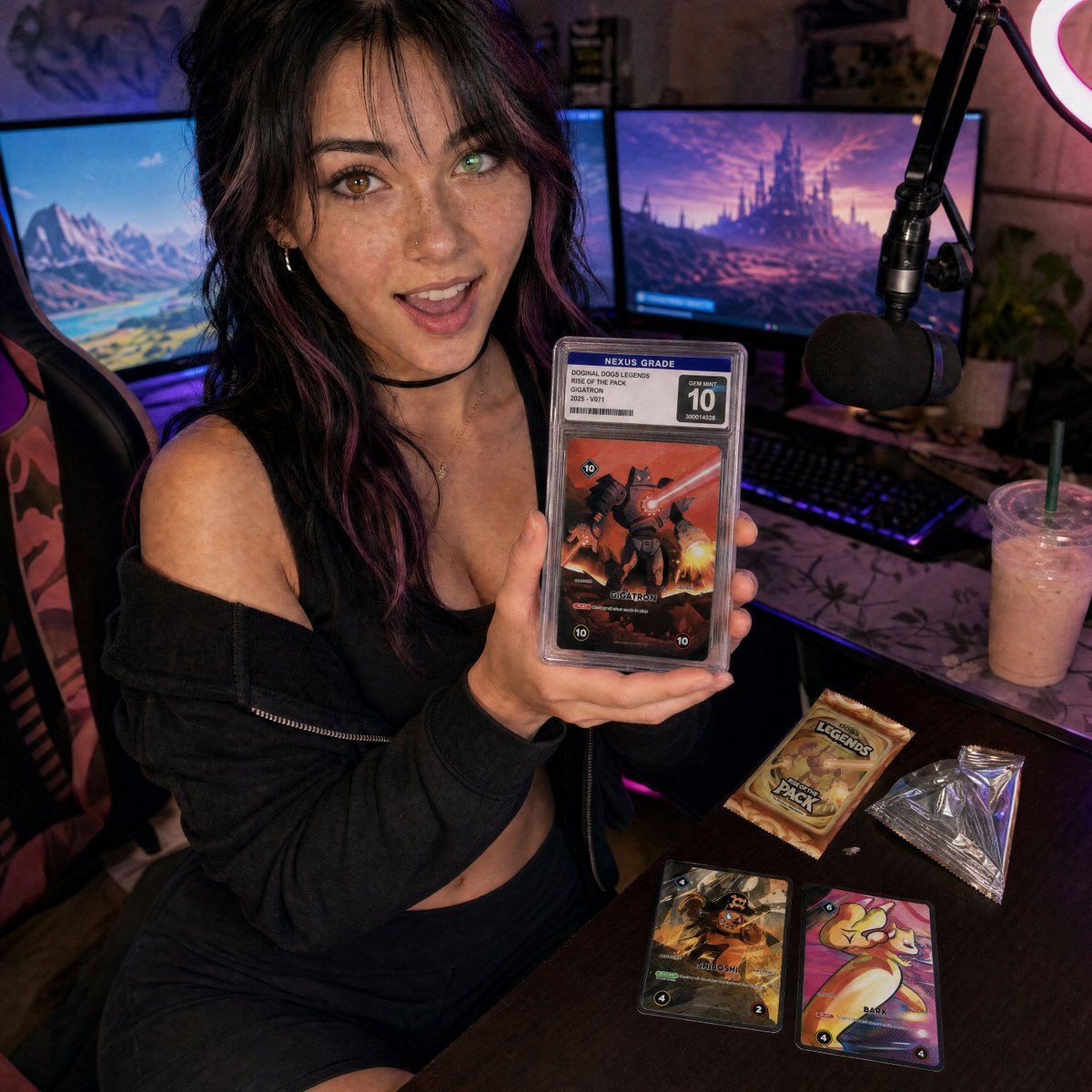
Streamer Trading Card Product Shot

Fictional Soccer Snack Trading Card Product Photo

Subway Good Vibes App Card Portrait

Rainy Night Android Cyberpunk Portrait

Anime Fantasy Celestial Movie Poster

Korean Idol Partial Shadow Editorial Portrait

Cinematic Sci-Fi Interface Side Profile

Cyberpunk Neon Profile Fashion Portrait
Make it yours
Cyberpunk Fantasy Trading Card App works as-is. These are the safest ways to change it without losing the look.
Change one field
Copy a single group, rewrite it, and generate again so you can see what that field is doing.
Keep the frame, change the subject
Hold the composition and light of Cyberpunk Fantasy Trading Card App, then swap wardrobe, props or the person for a new take.
| If the result… | Why | Fix |
|---|---|---|
| The result drifts from the preview | Too many fields changed at once. | Reuse Cyberpunk Fantasy Trading Card App as-is first, then change one group — subject, light, or setting. |
| The model over-stylizes the scene | The prose prompt leaves finish and camera underspecified. | Add one camera or lighting sentence and stay on GPT Image 2. |
More GPT Image 2 templates
Other prompts made for GPT Image 2.

Six VTuber Japanese Logo Sheet

Realistic Portrait of Woman and Deer

The Vista Modular Condo Poster

AI Model Routing Comparison Infographic

2.5D Anime Art Board

Isometric Productivity Desk Scene

New York Double Exposure Poster

Four-Panel AI Landscape Comparison

Japanese Tatami Lifestyle Magazine Cover

NESCAFÉ Coffee Map Poster
More image prompts
Fresh picks from across the catalog.
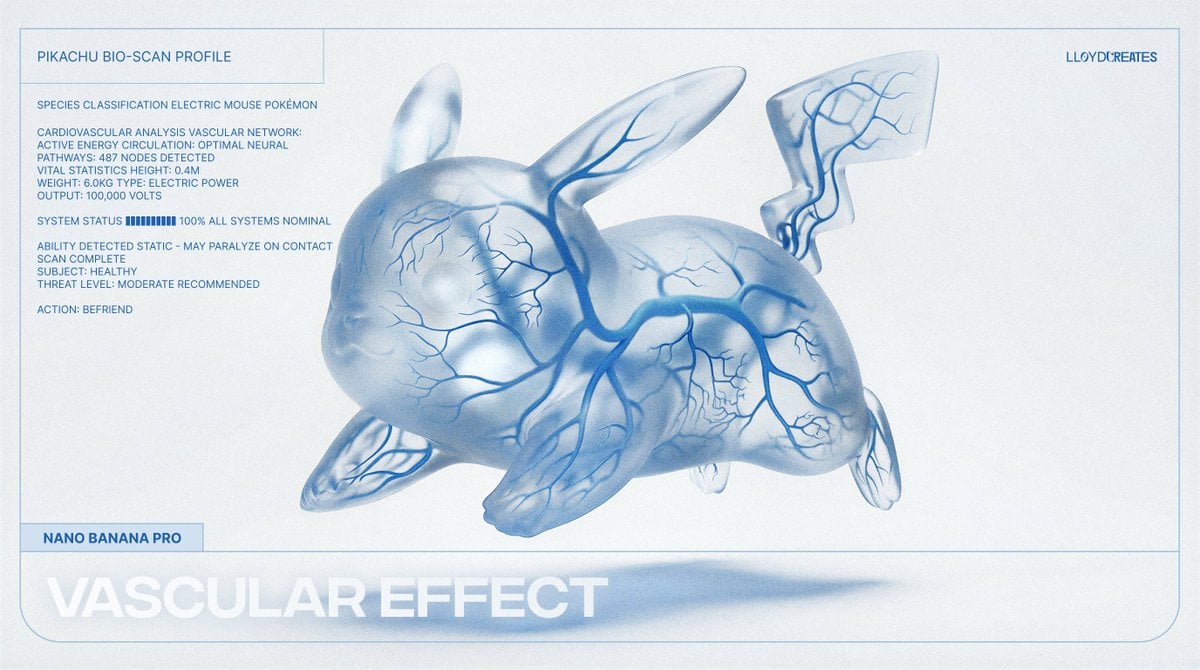
Vascular Effect Object Prompt
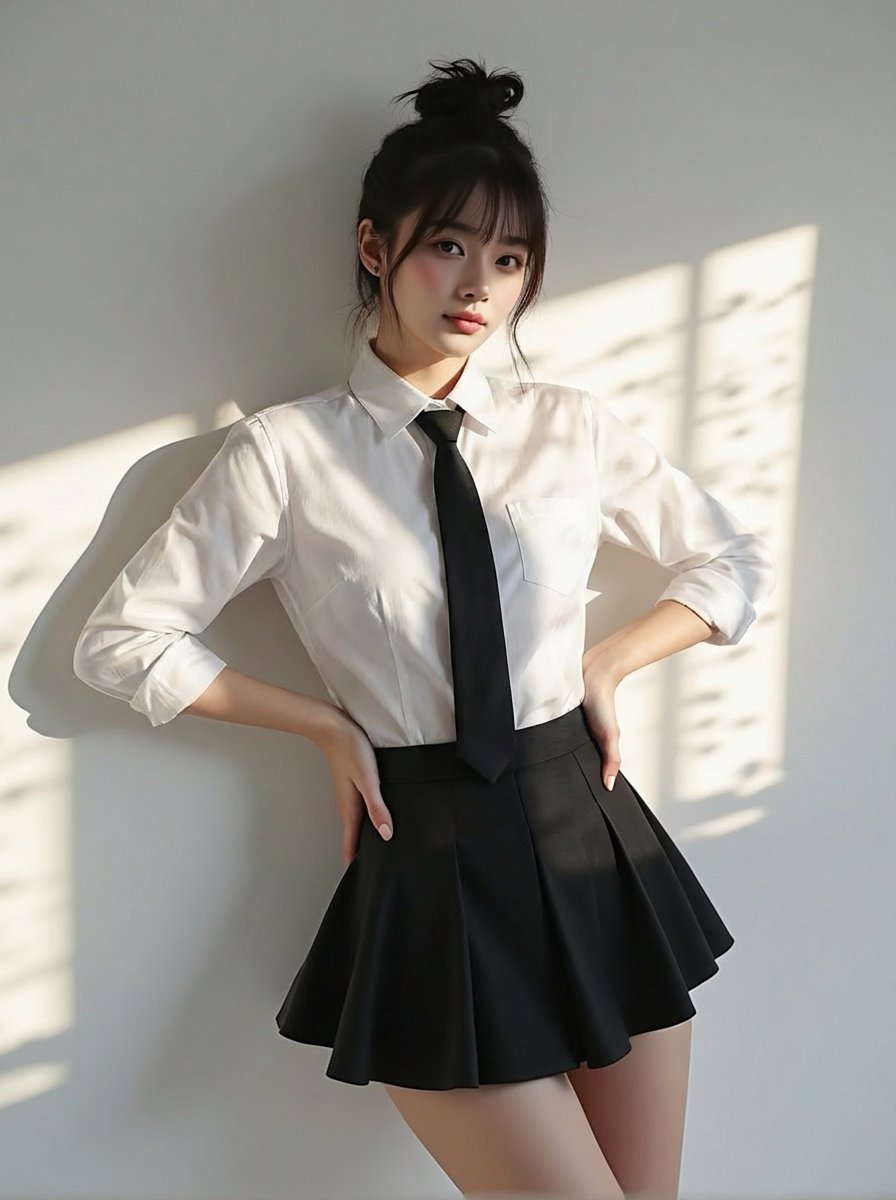
Change clothing to match reference outfit

Hand-drawn style header image introducing Nano Banana Pro (Japanese)

Snowy Locations Views Winter Special
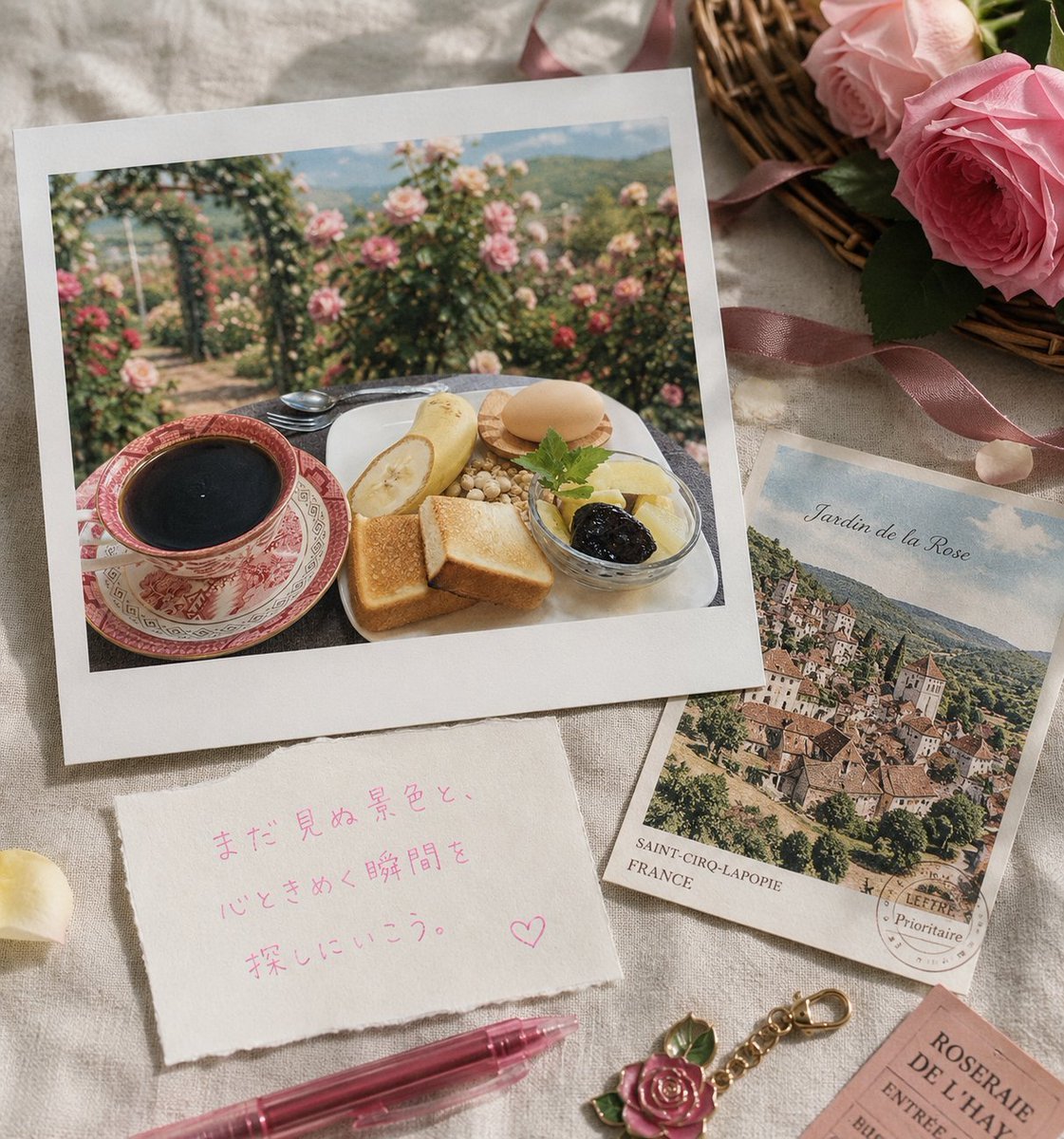
Rose Garden Travel Postcard Flat Lay
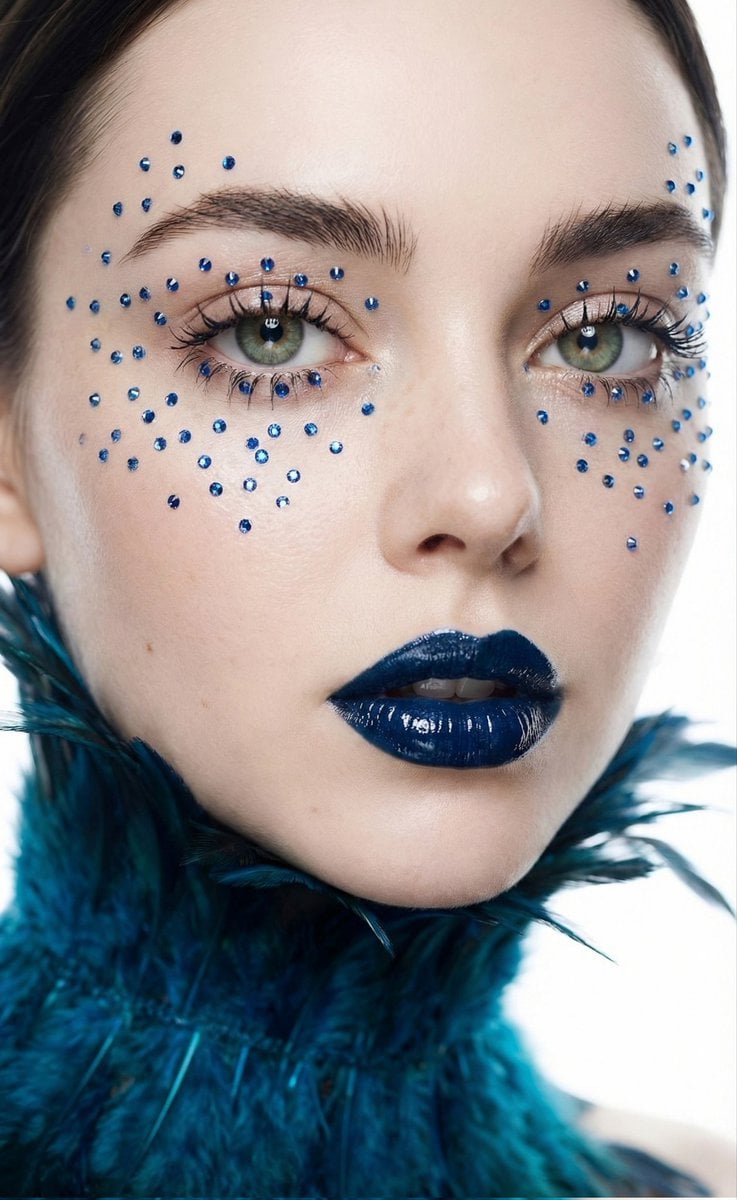
Cinematic Beauty Shot with Sapphire Crystals

Realistic Bathroom Mirror Selfie with Correct Reflection

Photorealistic Indoor Lifestyle Scene

Serene Mountain Trail Portrait
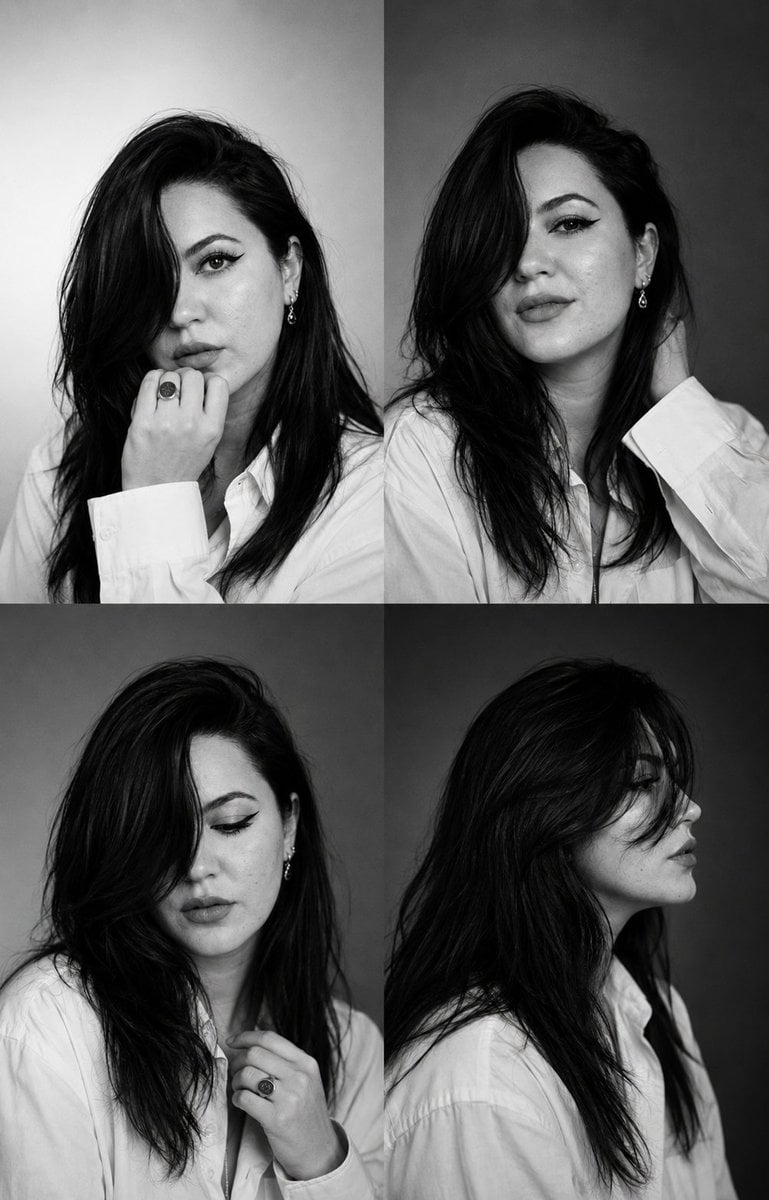
Monochrome Fashion Casting Contact Sheet
Browse template categories
Cyberpunk Fantasy Trading Card App questions
How do I use the Cyberpunk Fantasy Trading Card App template?
Add your photo if the template asks for one, edit the prompt if you like — the template's model and format are already selected — and press Generate. Your version opens in PicX Studio.
Can I customize the Cyberpunk Fantasy Trading Card App template?
Yes. You can change the subject, setting, lighting, mood, format, and available model controls before creating your image.
Is the Cyberpunk Fantasy Trading Card App template free?
Opening and editing this template is free. Generating uses credits, shown on the Generate button when you are signed in.
Which AI model should I use?
Start with GPT Image 2, which is the model associated with this template. You can compare another compatible model for a different finish.
Looking for something else? Browse all templates.

Your photo, any look
Thousands of ready templates for every top image and video model, from one credit balance.