
Kurage Chan Fantasy Trading Card
Creates a glossy anime-style ocean fantasy UR trading card with ornate gold framing, Japanese card text, stats, skills, and a jellyfish-themed character.
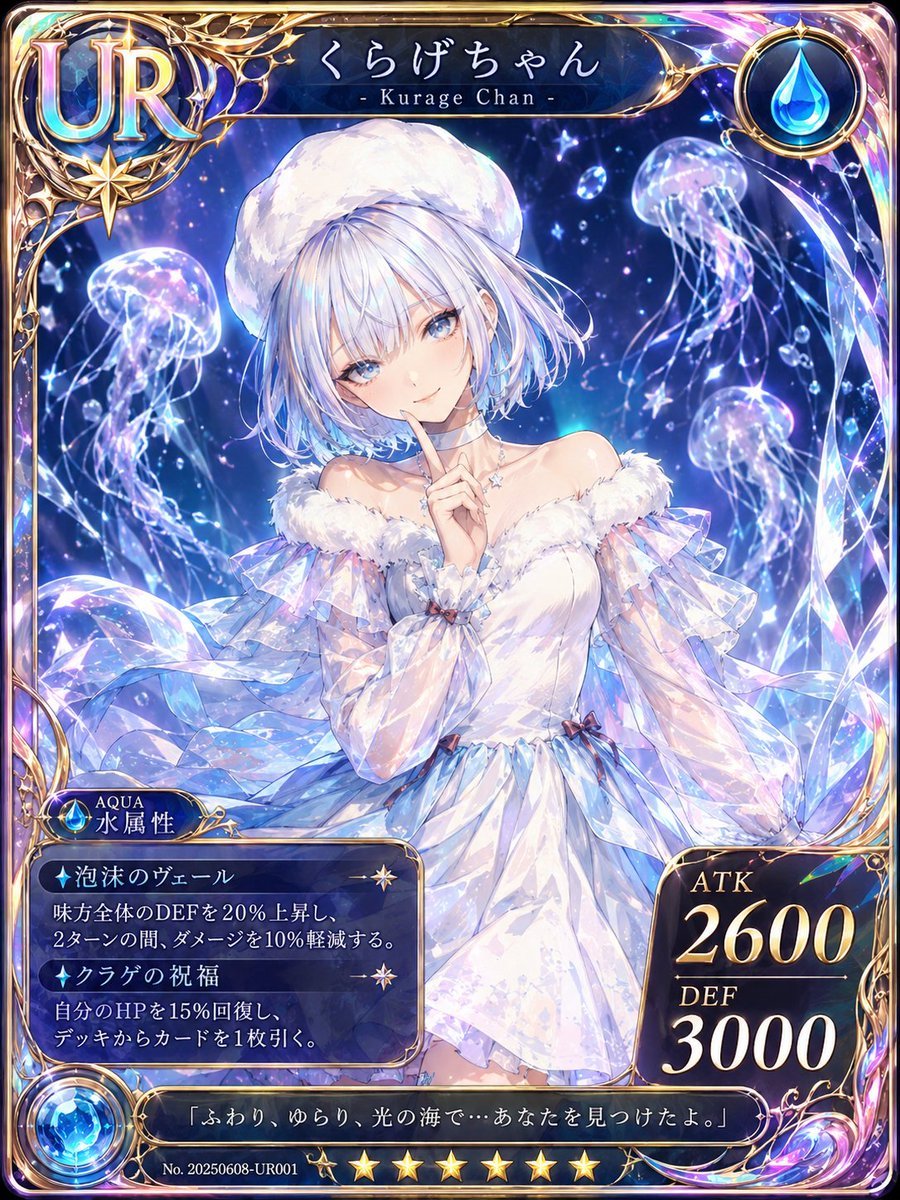
- Prompt included
- Model and format preset
- Free template
The prompt behind this image
Copy the exact prompt behind Kurage Chan Fantasy Trading Card, or open it in the studio and make it yours.
Goal: Create a vertical fantasy anime trading card illustration in a luxurious collectible card game style, featuring an original character named {argument name="character name" default="くらげちゃん"} with the English subtitle “- Kurage Chan -”. Canvas: Portrait trading card, 3:4 aspect ratio, rounded corners, full-bleed ornate frame. Use a glossy holographic finish with iridescent rainbow highlights, deep ocean blues, violet light flares, gold filigree, and gemstone-like reflections. Main subject: Center a delicate anime girl with pale skin and short {argument name="hair color" default="silvery white with pale blue highlights"} bobbed hair, wearing a fluffy white beret and an elegant off-shoulder white dress inspired by jellyfish. The dress has translucent layered sleeves, ruffled fur trim around the shoulders, pearly blue-purple shimmer, ribbon accents, and flowing veil-like fabric. She poses softly with one finger raised near her lips in a quiet “shh” gesture. Place a plain pale gray square censor/placeholder over the center of her face, covering the eyes, nose, and mouth while leaving hair and body visible. Background: Magical underwater night scene filled with glowing jellyfish, bubbles, starbursts, and crystalline water-light effects. Include exactly 4 prominent jellyfish: one large glowing jellyfish on the left, one large glowing jellyfish near the upper right, one medium glowing jellyfish on the mid-right, and one smaller faint jellyfish near the upper center. Add sparkling bubbles and tiny light particles throughout. Card frame and UI elements: Use an elaborate gold fantasy frame with sharp ornamental corners and iridescent crystal accents. Top-left has a large rainbow-gradient “UR” rarity emblem in a circular gold crest. Top-right has a round blue water-drop element icon. The nameplate at the top center reads “くらげちゃん” with “- Kurage Chan -” beneath it. Bottom-left has a small attribute badge reading “AQUA” and “水属性” beside a blue water gem. Bottom-right has a dark stat panel with exactly 2 stats: “ATK 2600” and “DEF 3000” in large cream-gold serif numerals. Bottom center includes exactly 7 gold stars above the serial line. Bottom-left information box contains exactly 2 skill entries: “泡沫のヴェール” with the effect “味方全体のDEFを20%上昇し、2ターンの間、ダメージを10%軽減する。” and “クラゲの祝福” with the effect “自分のHPを15%回復し、デッキからカードを1枚引く。” Add small star icons as separators inside this skill box. Text content: Preserve the visible Japanese card text exactly where it appears. Include the bottom quote {argument name="quote" default="「ふわり、ゆらり、光の海で…あなたを見つけたよ。」"}. Include the serial number “No. 20250608-UR001”. Visual style: High-detail anime fantasy card art, polished gacha-game illustration, luminous ocean magic, soft ethereal lighting, intricate gold ornamentation, holographic foil edges, crisp readable typography, dramatic contrast between dark navy UI panels and bright pearlescent character art. Constraints: Do not add extra characters. Keep exactly 4 prominent jellyfish, exactly 2 skill entries, exactly 2 stat labels, and exactly 7 stars. No watermark, no modern logo, no photorealism.
How to use Kurage Chan Fantasy Trading Card in 3 steps
- 1Upload ImagePNG, JPG or paste
Add your photo
Upload the photo the template builds on. The prompt, model and format are already set.
- 2…a portrait of your subject in softgolden-hour light, 85mm…
Personalize
Edit the subject and creative details for your destination.
- 3Generate
Generate
Press Generate — your image is created in PicX Studio, so you can compare it with the original and refine one variable at a time.
More like this
Templates with the same subject, style or setup. Open one to see its prompt.
Cyberpunk Fantasy Trading Card App
Fantasy Elf Ranger Trading Card
Fantasy Wizard Trading Card
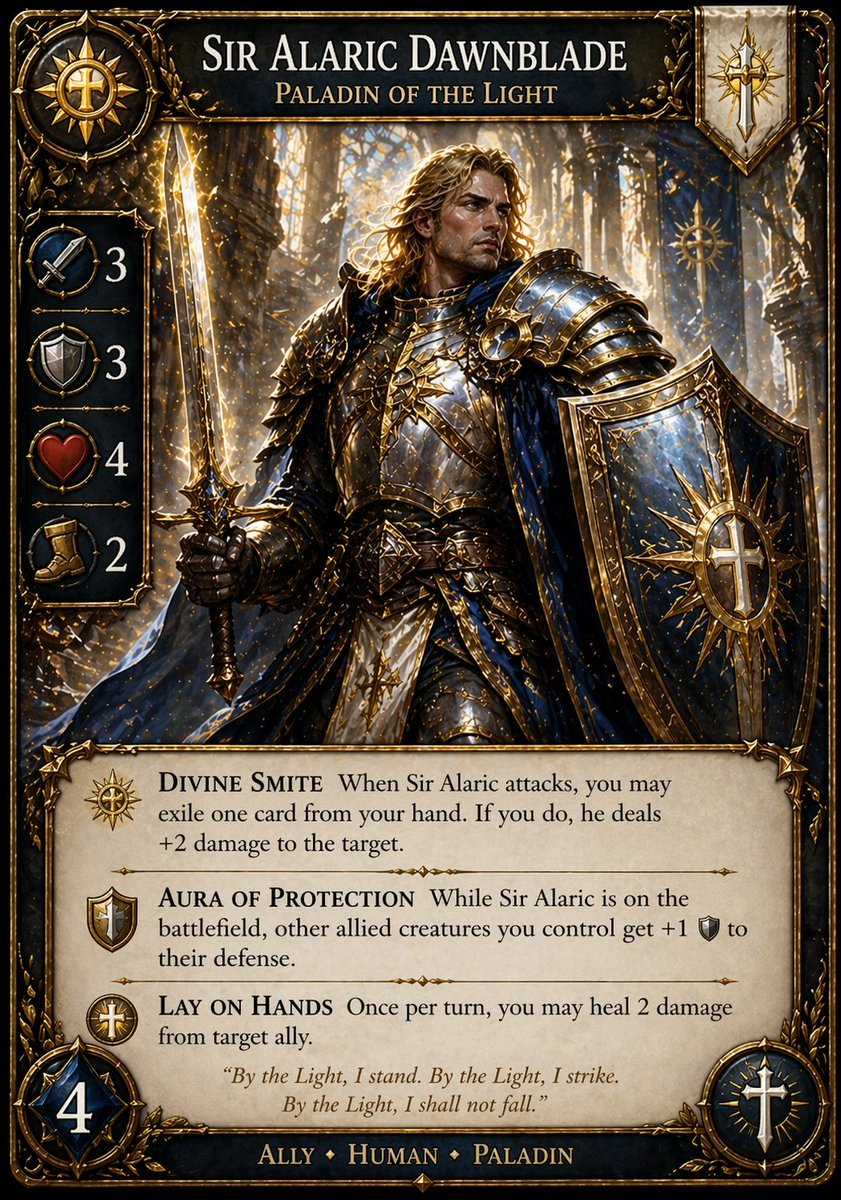
Fantasy Paladin Trading Card
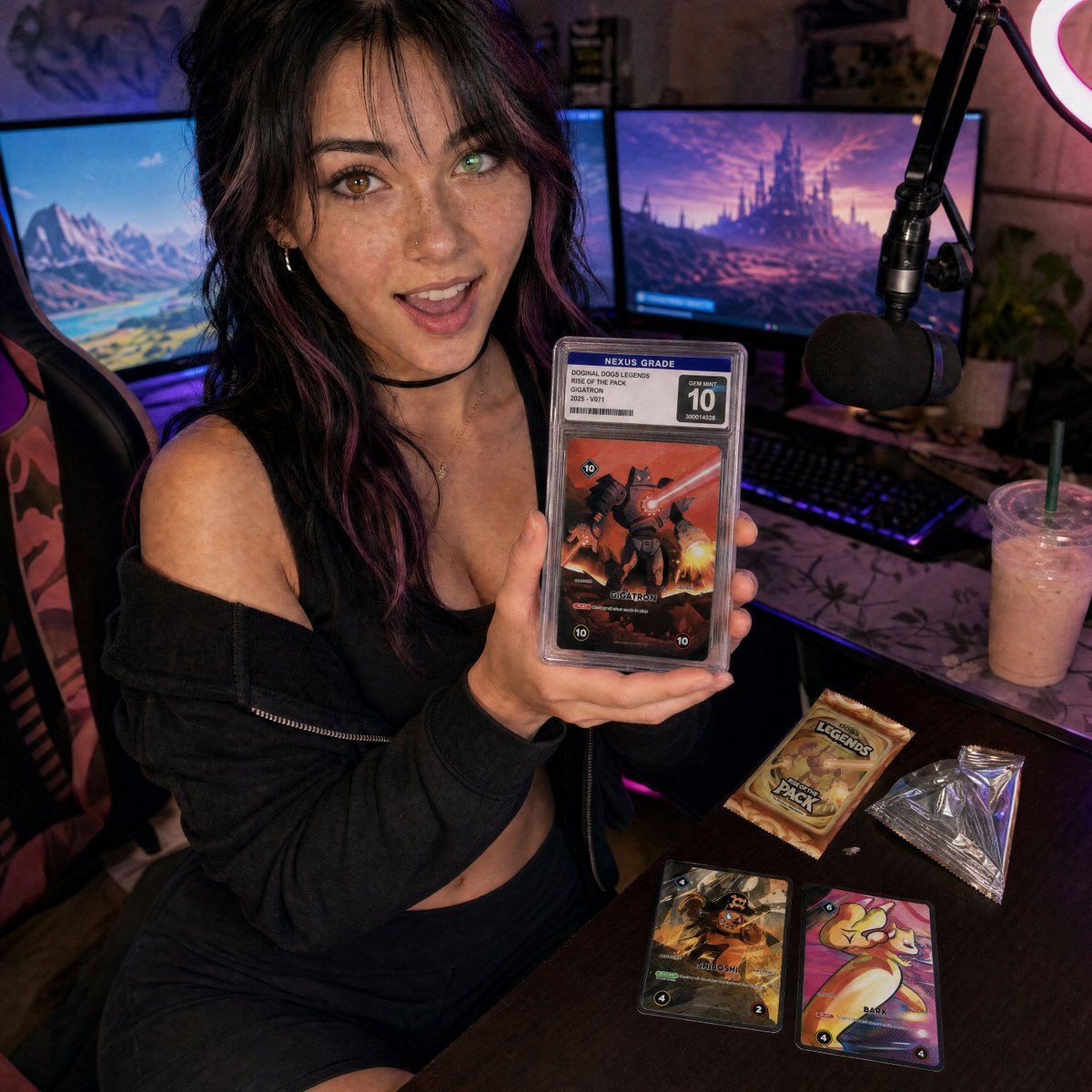
Streamer Trading Card Product Shot

Fictional Soccer Snack Trading Card Product Photo

Anime Fantasy Celestial Movie Poster
Anime Fantasy Celestial Movie Poster

Minecraft Fantasy Kingdom Voxel Landscape

Unfinished Sketch Comes Alive Portrait

Open Travel Journal Overhead Still Life

Tiny Woman Miniature Fantasy Macro Scene
Make it yours
Kurage Chan Fantasy Trading Card works as-is. These are the safest ways to change it without losing the look.
Change one field
Copy a single group, rewrite it, and generate again so you can see what that field is doing.
Keep the frame, change the subject
Hold the composition and light of Kurage Chan Fantasy Trading Card, then swap wardrobe, props or the person for a new take.
| If the result… | Why | Fix |
|---|---|---|
| The result drifts from the preview | Too many fields changed at once. | Reuse Kurage Chan Fantasy Trading Card as-is first, then change one group — subject, light, or setting. |
| The model over-stylizes the scene | The prose prompt leaves finish and camera underspecified. | Add one camera or lighting sentence and stay on GPT Image 2. |
More GPT Image 2 templates
Other prompts made for GPT Image 2.

Six VTuber Japanese Logo Sheet

Realistic Portrait of Woman and Deer

The Vista Modular Condo Poster

AI Model Routing Comparison Infographic

2.5D Anime Art Board

Isometric Productivity Desk Scene

New York Double Exposure Poster

Four-Panel AI Landscape Comparison

Japanese Tatami Lifestyle Magazine Cover

NESCAFÉ Coffee Map Poster
More image prompts
Fresh picks from across the catalog.

High Fashion Red Backdrop Portrait

World Baseball Classic Scene Generation

JSON Prompt for Candid Seaside Dinner Romance
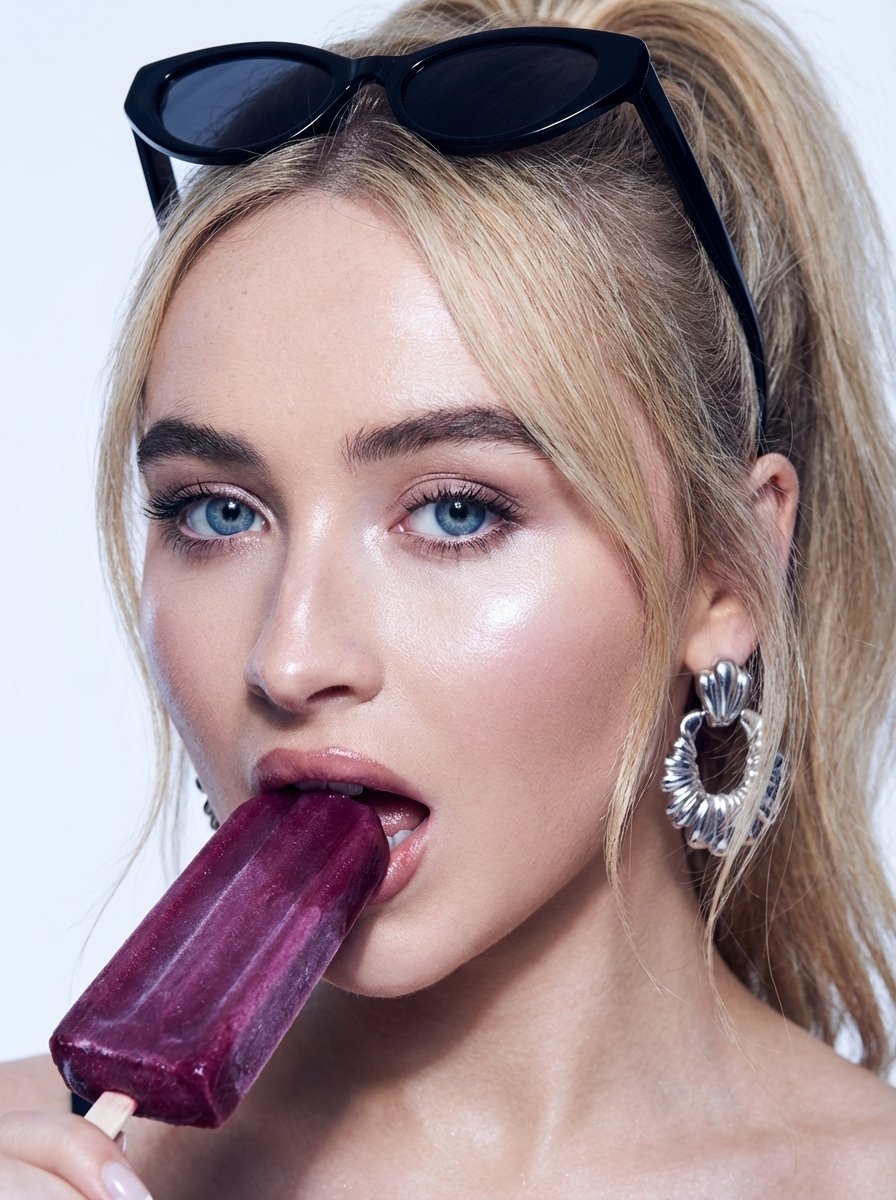
High-Fashion Beauty Close-Up Portrait Prompt for Nano Banana Pro
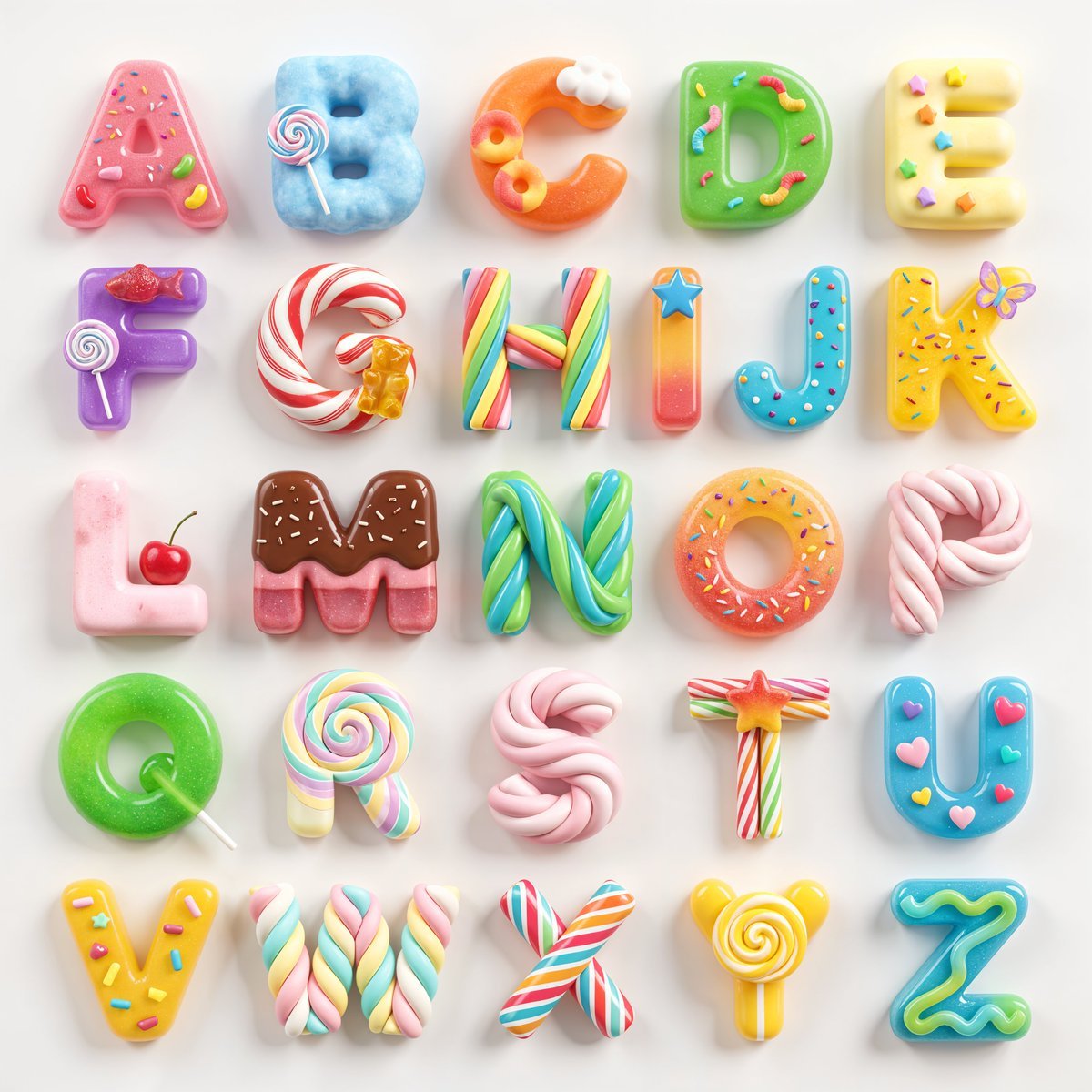
3D Squishy Candy Alphabet
Cinematic Cosplay Romance Triptych

Dreamy Garden Swing Portrait

Industrial Humanoid Robot Blueprint
Vintage Bakery Anime Illustration
Luxury Skincare Brand Key Visual (KV)
Browse template categories
Kurage Chan Fantasy Trading Card questions
How do I use the Kurage Chan Fantasy Trading Card template?
Add your photo if the template asks for one, edit the prompt if you like — the template's model and format are already selected — and press Generate. Your version opens in PicX Studio.
Can I customize the Kurage Chan Fantasy Trading Card template?
Yes. You can change the subject, setting, lighting, mood, format, and available model controls before creating your image.
Is the Kurage Chan Fantasy Trading Card template free?
Opening and editing this template is free. Generating uses credits, shown on the Generate button when you are signed in.
Which AI model should I use?
Start with GPT Image 2, which is the model associated with this template. You can compare another compatible model for a different finish.
Looking for something else? Browse all templates.

Your photo, any look
Thousands of ready templates for every top image and video model, from one credit balance.