
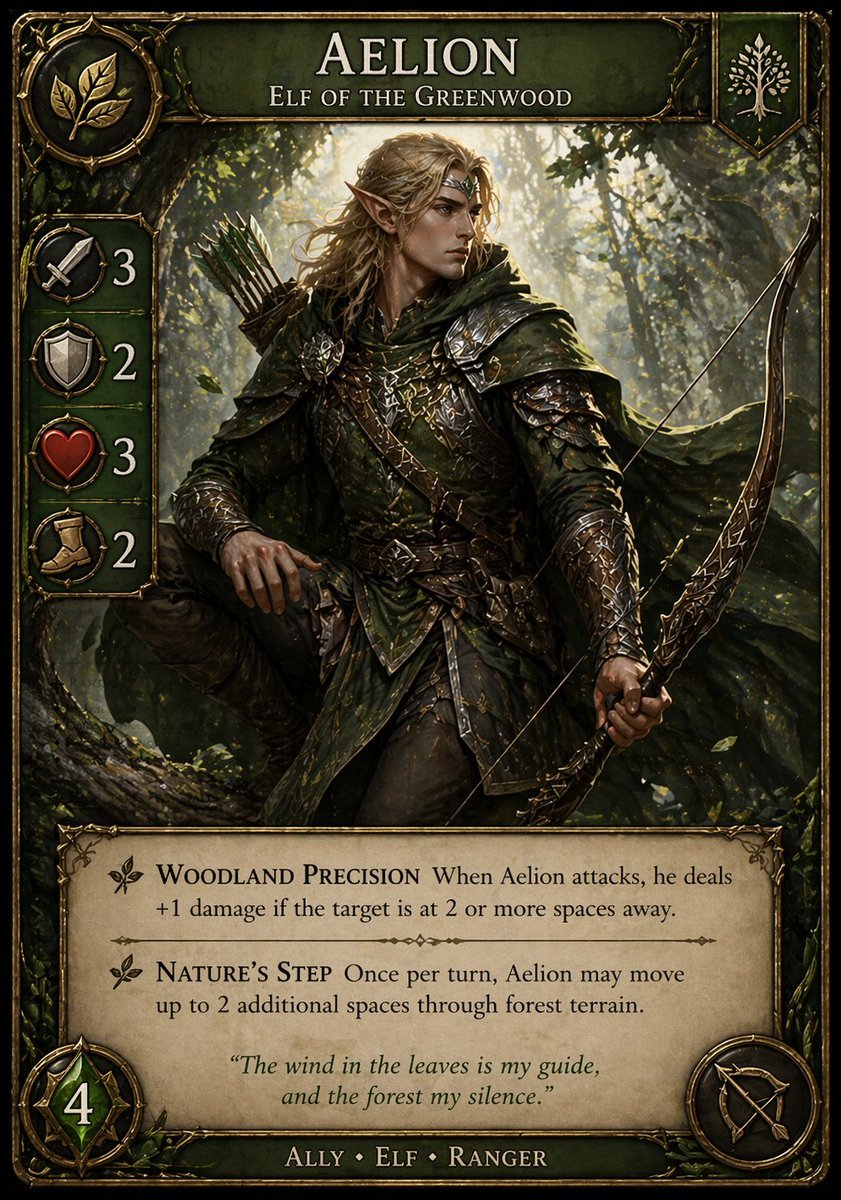
Fantasy Elf Ranger Trading Card
This prompt generates a polished collectible fantasy card featuring an elf ranger with readable rules text, ideal for custom trading card game prototypes and concept art.
- Prompt included
- Model and format preset
- Free template
The prompt behind this image
Copy the exact prompt behind Fantasy Elf Ranger Trading Card, or open it in the studio and make it yours.
A highly detailed fantasy trading card in a premium collectible card game style, vertical layout with an ornate antique gold frame, dark emerald-green enamel panels, and intricate vine-and-leaf embellishments. The card title at the top reads {argument name="character name" default="AELION"} in large elegant serif capitals, with the subtitle "ELF OF THE GREENWOOD" beneath it. In the central illustration, depict a realistic high-fantasy elf ranger standing in a sun-dappled forest. He has long {argument name="hair color" default="golden blond"} hair, pointed ears, and wears layered dark green leather-and-metal armor with engraved details, a hooded cloak, belts, bracers, and woodland-themed ornamentation. He carries an ornate recurved bow in one hand and a quiver of arrows on his back, posed alertly as if tracking prey through the trees. The forest background is lush, atmospheric, and cinematic, with shafts of warm light filtering through branches and leaves. The overall palette is green, bronze, gold, and earthy brown, with a moody heroic tone and realistic painterly rendering. On the upper left, include a circular faction crest showing 3 gold leaves. On the upper right, include a small shield emblem with a white tree icon. Along the left edge, place exactly 4 vertically stacked stat icons in circular medallions with large numbers beside them: a sword with 3, a shield with 2, a heart with 3, and a boot with 2. At the bottom left, add a large green gem-like badge with the number 4. At the bottom right, add a circular class or weapon icon showing a bow-and-arrow symbol. In a parchment text box across the lower third, include exactly 2 ability entries with decorative leaf bullets and serif typography. The first ability name is "WOODLAND PRECISION" followed by the rules text: "When Aelion attacks, he deals +1 damage if the target is at 2 or more spaces away." The second ability name is "NATURE’S STEP" followed by the rules text: "Once per turn, Aelion may move up to 2 additional spaces through forest terrain." Centered below the abilities, add an italic flavor quote: {argument name="quote" default="The wind in the leaves is my guide, and the forest my silence."} At the very bottom, on a dark green nameplate, write the type line "ALLY • ELF • RANGER". Use crisp, legible text, polished card-game UI design, balanced margins, and a finished professional TCG product look similar to a premium fantasy strategy card.
How to use Fantasy Elf Ranger Trading Card in 3 steps
- 1Upload ImagePNG, JPG or paste
Add your photo
Upload the photo the template builds on. The prompt, model and format are already set.
- 2…a portrait of your subject in softgolden-hour light, 85mm…
Personalize
Edit the subject and creative details for your destination.
- 3Generate
Generate
Press Generate — your image is created in PicX Studio, so you can compare it with the original and refine one variable at a time.
More like this
Templates with the same subject, style or setup. Open one to see its prompt.
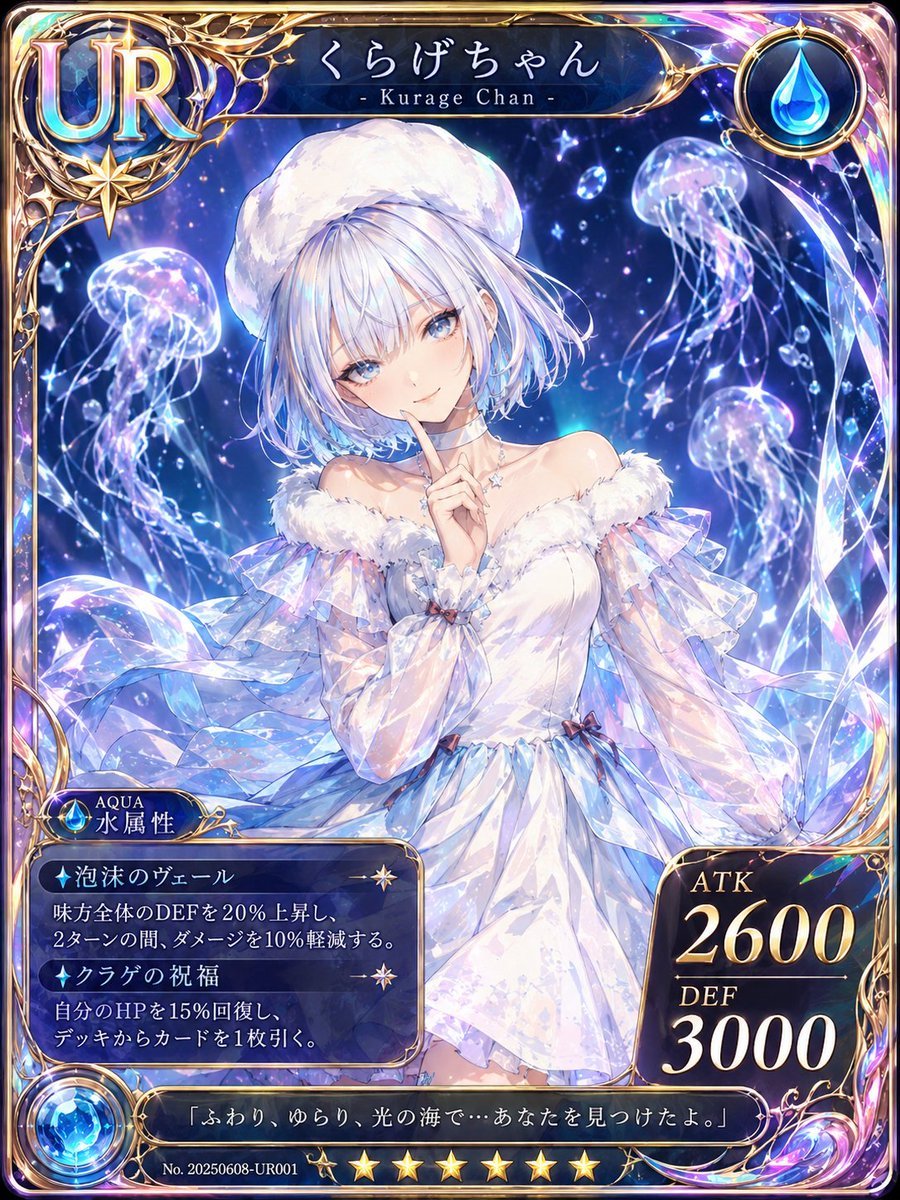
Kurage Chan Fantasy Trading Card
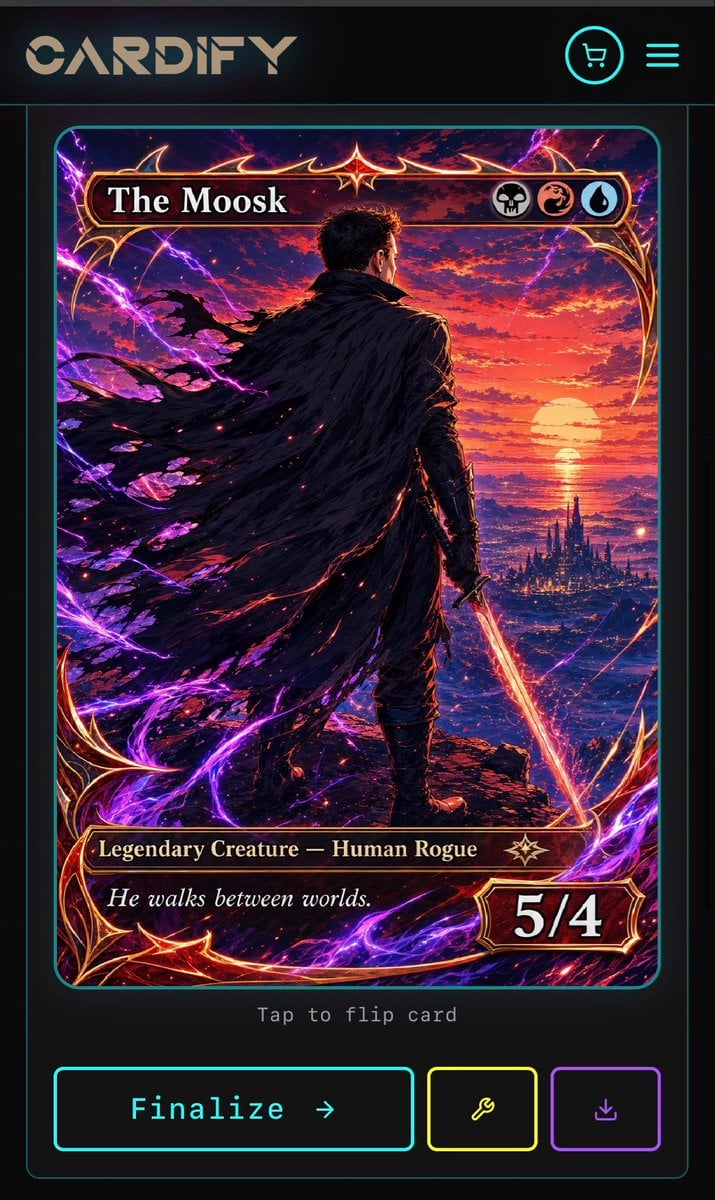
Cyberpunk Fantasy Trading Card App
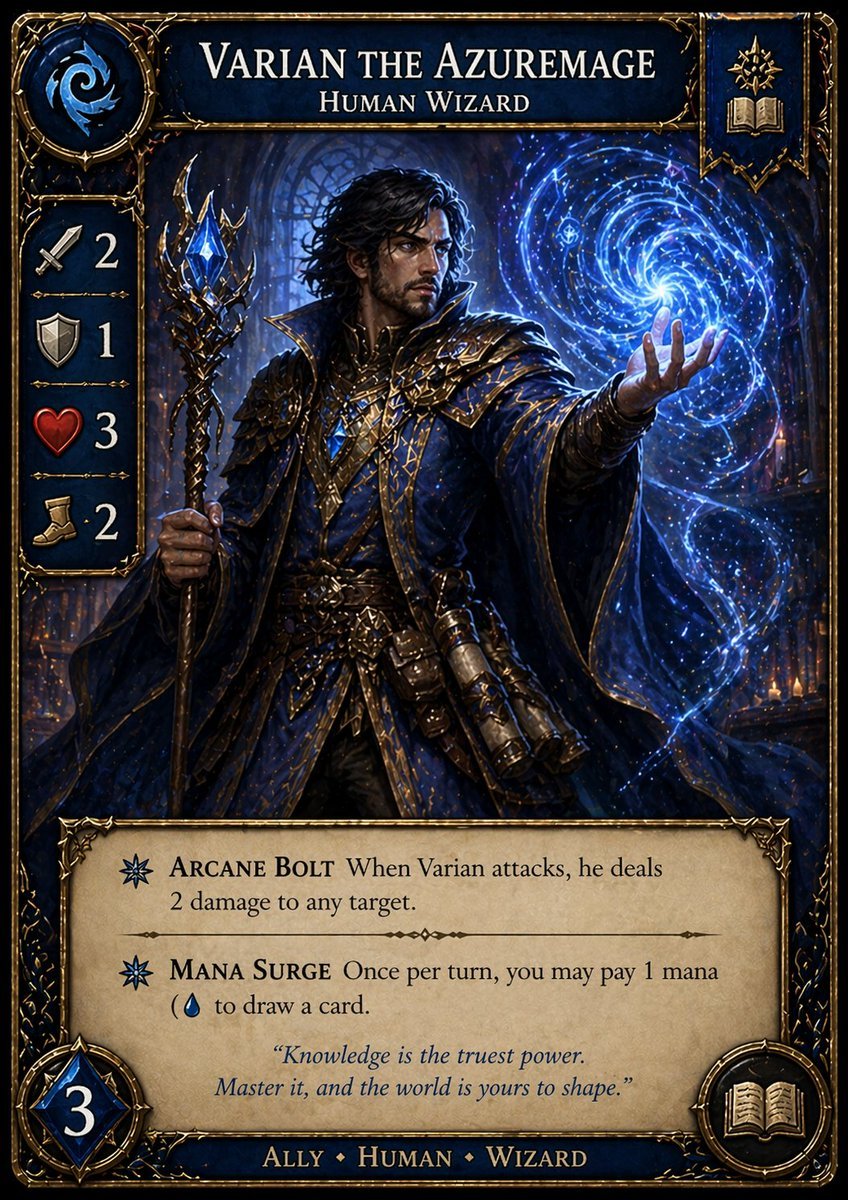
Fantasy Wizard Trading Card
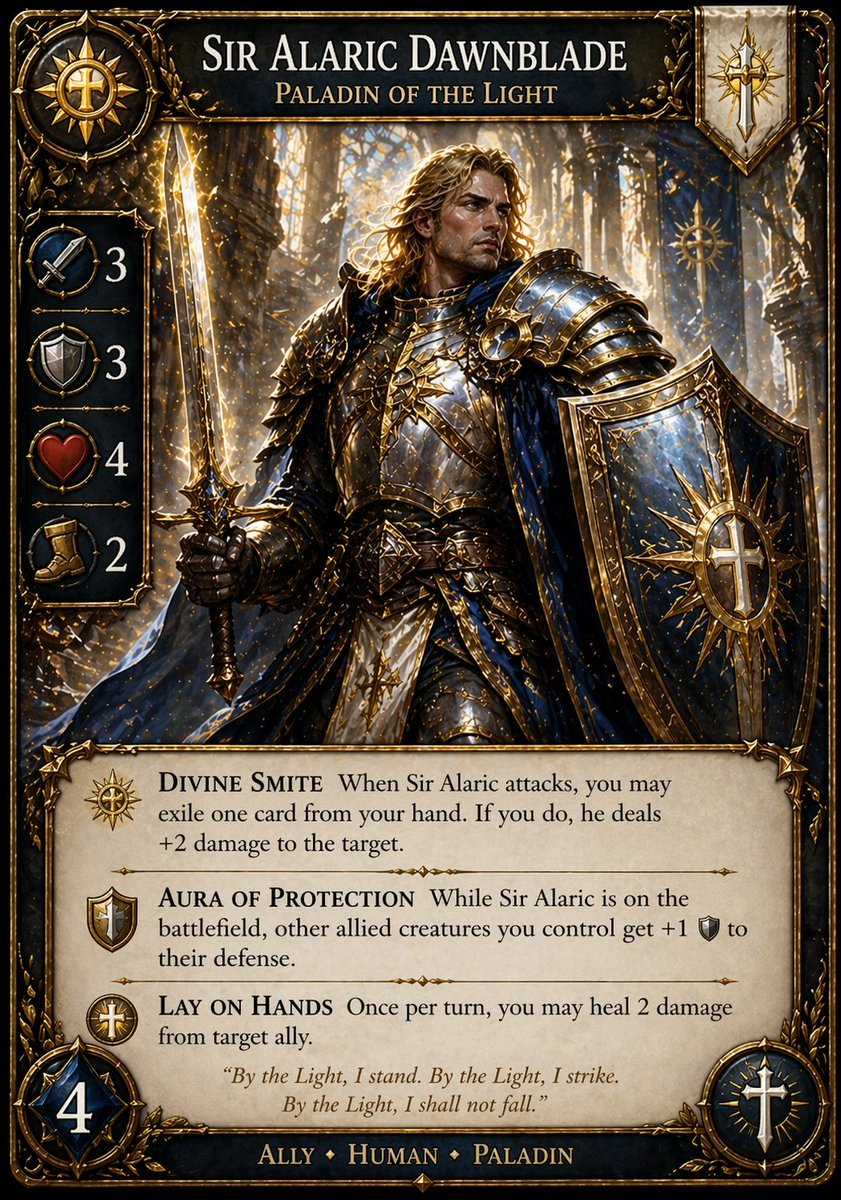
Fantasy Paladin Trading Card
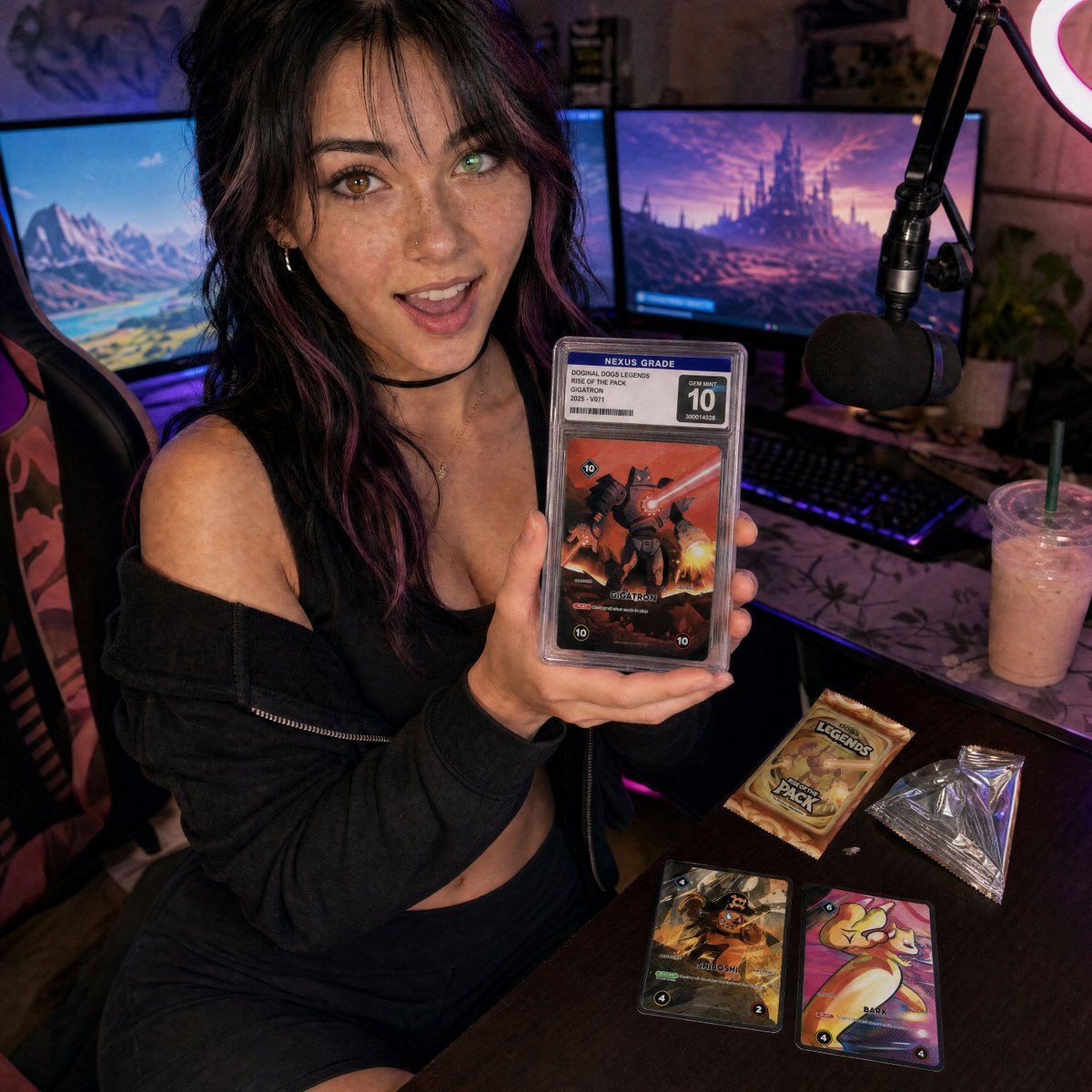
Streamer Trading Card Product Shot
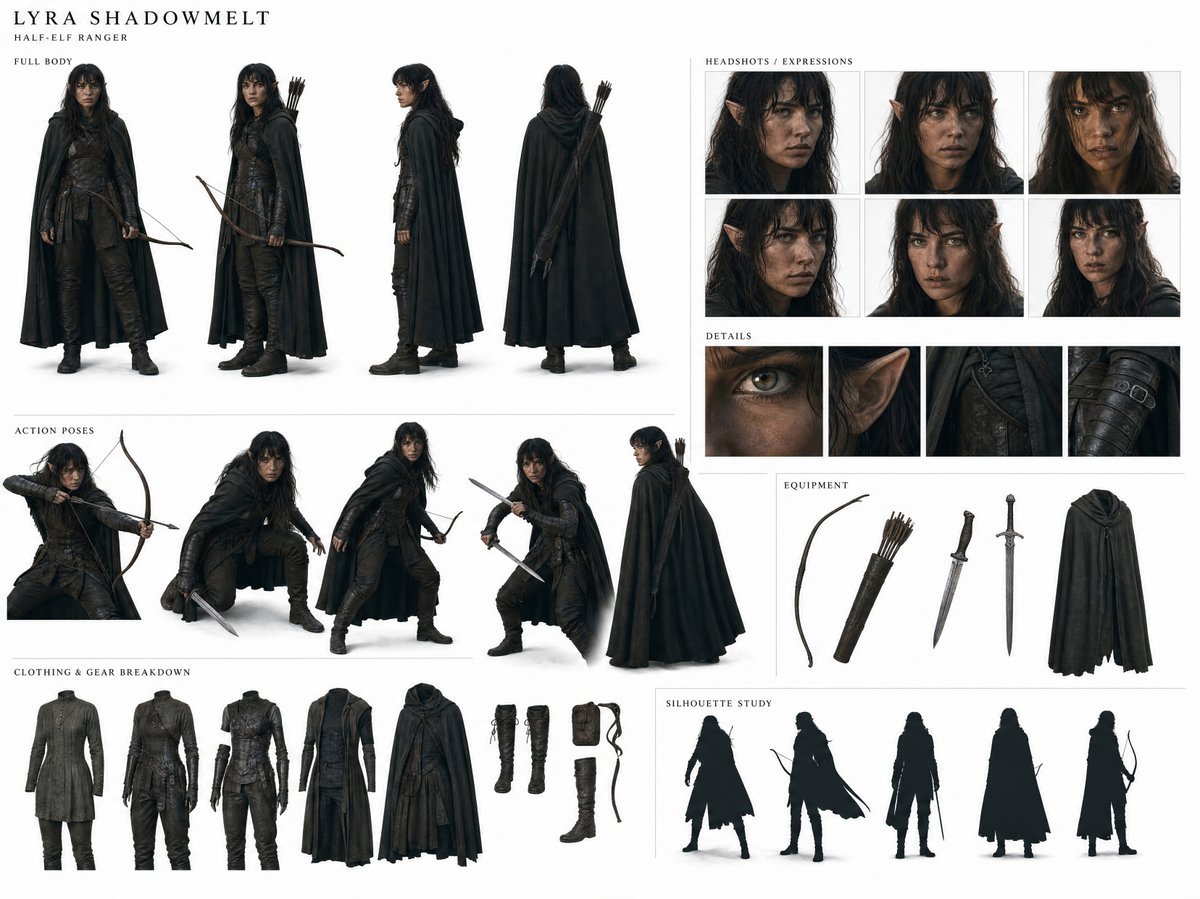
Dark Fantasy Ranger Reference Sheet

Fictional Soccer Snack Trading Card Product Photo

Anime Fantasy Celestial Movie Poster
Anime Fantasy Celestial Movie Poster

Minecraft Fantasy Kingdom Voxel Landscape

Unfinished Sketch Comes Alive Portrait

Open Travel Journal Overhead Still Life
Make it yours
Fantasy Elf Ranger Trading Card works as-is. These are the safest ways to change it without losing the look.
Change one field
Copy a single group, rewrite it, and generate again so you can see what that field is doing.
Keep the frame, change the subject
Hold the composition and light of Fantasy Elf Ranger Trading Card, then swap wardrobe, props or the person for a new take.
| If the result… | Why | Fix |
|---|---|---|
| The result drifts from the preview | Too many fields changed at once. | Reuse Fantasy Elf Ranger Trading Card as-is first, then change one group — subject, light, or setting. |
| The model over-stylizes the scene | The prose prompt leaves finish and camera underspecified. | Add one camera or lighting sentence and stay on GPT Image 2. |
More GPT Image 2 templates
Other prompts made for GPT Image 2.

Six VTuber Japanese Logo Sheet

Realistic Portrait of Woman and Deer

The Vista Modular Condo Poster

AI Model Routing Comparison Infographic

2.5D Anime Art Board

Isometric Productivity Desk Scene

New York Double Exposure Poster

Four-Panel AI Landscape Comparison

Japanese Tatami Lifestyle Magazine Cover

NESCAFÉ Coffee Map Poster
More image prompts
Fresh picks from across the catalog.
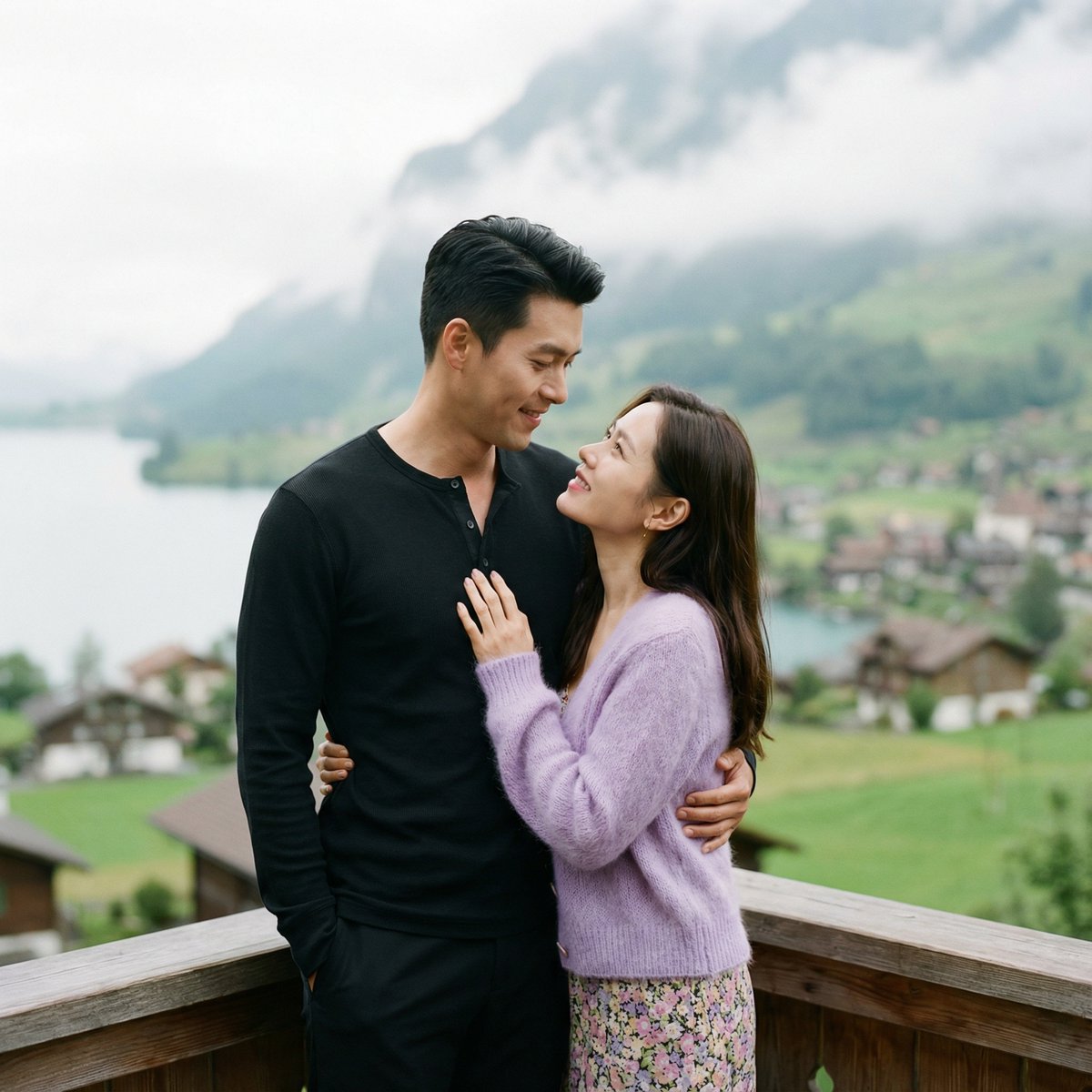
K-Drama Romantic Lakeside Embrace Prompt
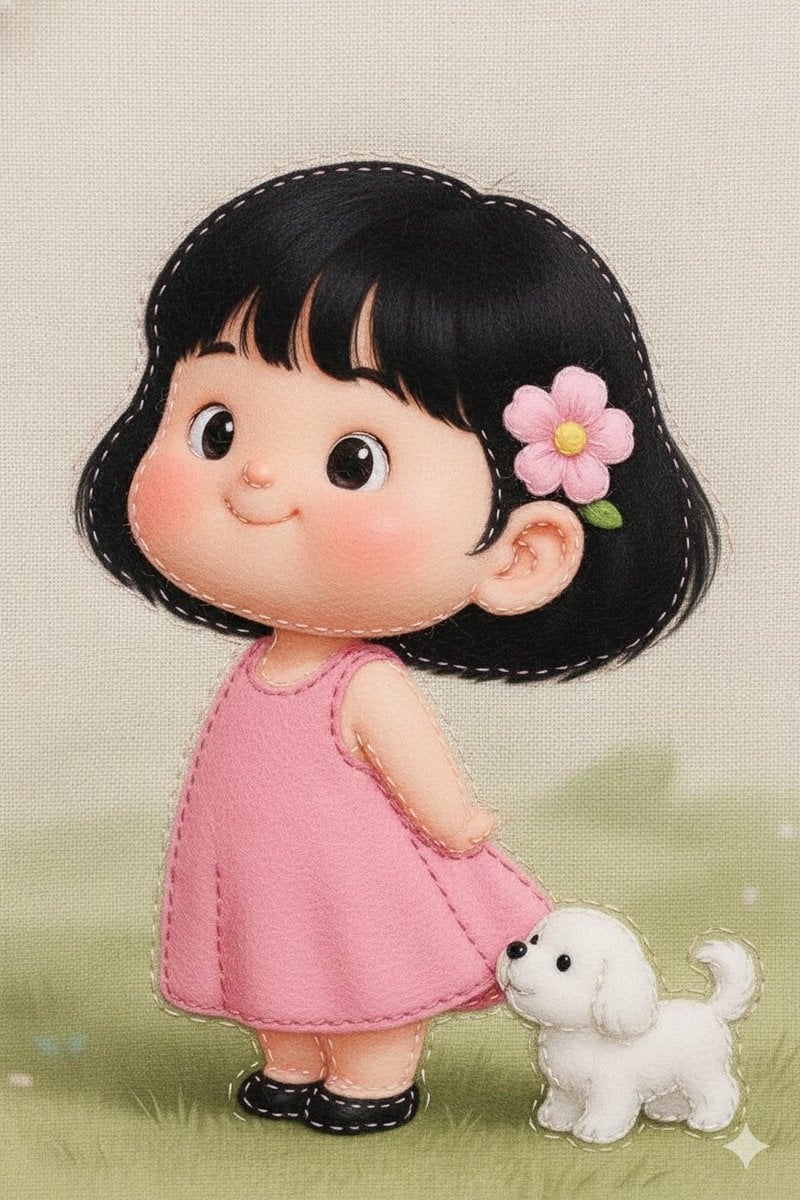
Felt Fabric Applique Art Style Transfer Prompt

Faithfully Illustrated Christmas Card De

Azed Double Exposure
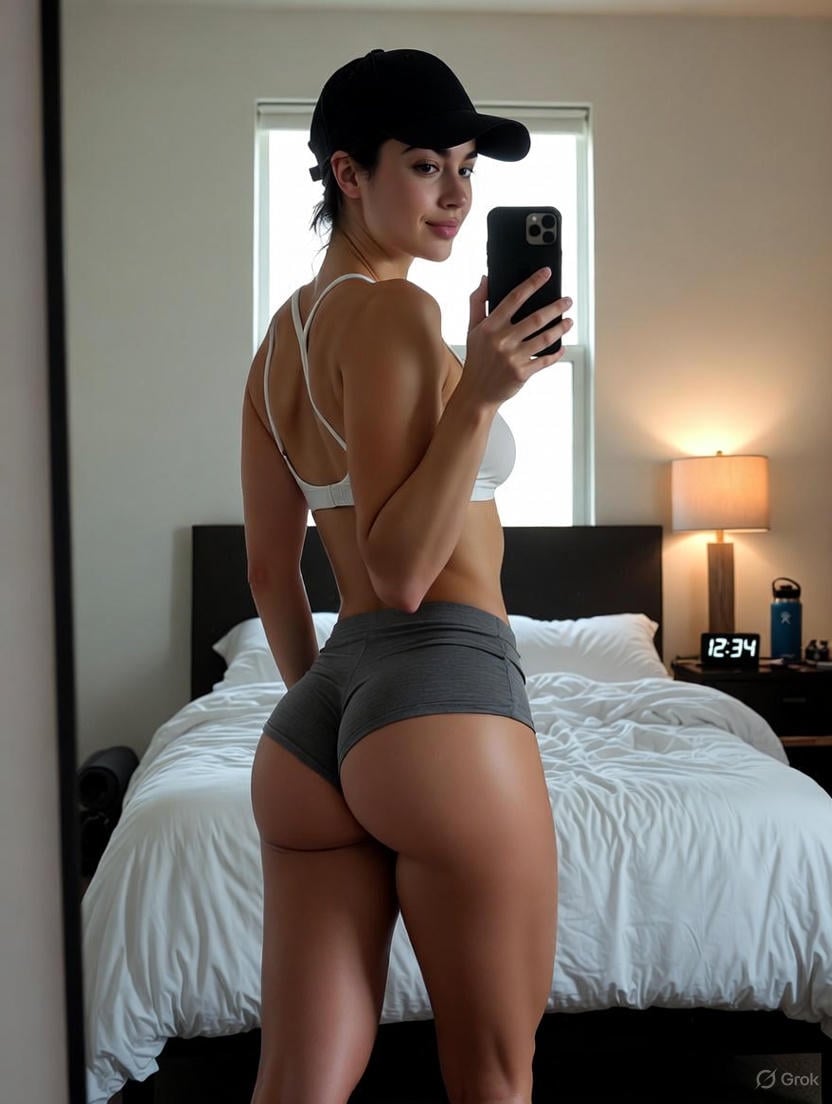
Detailed Nano Banana Pro Image Generation Prompt

Cozy Tech Bedroom Portrait Generation Prompt

Pixar-Style Avatar Stickers with Identity Lock
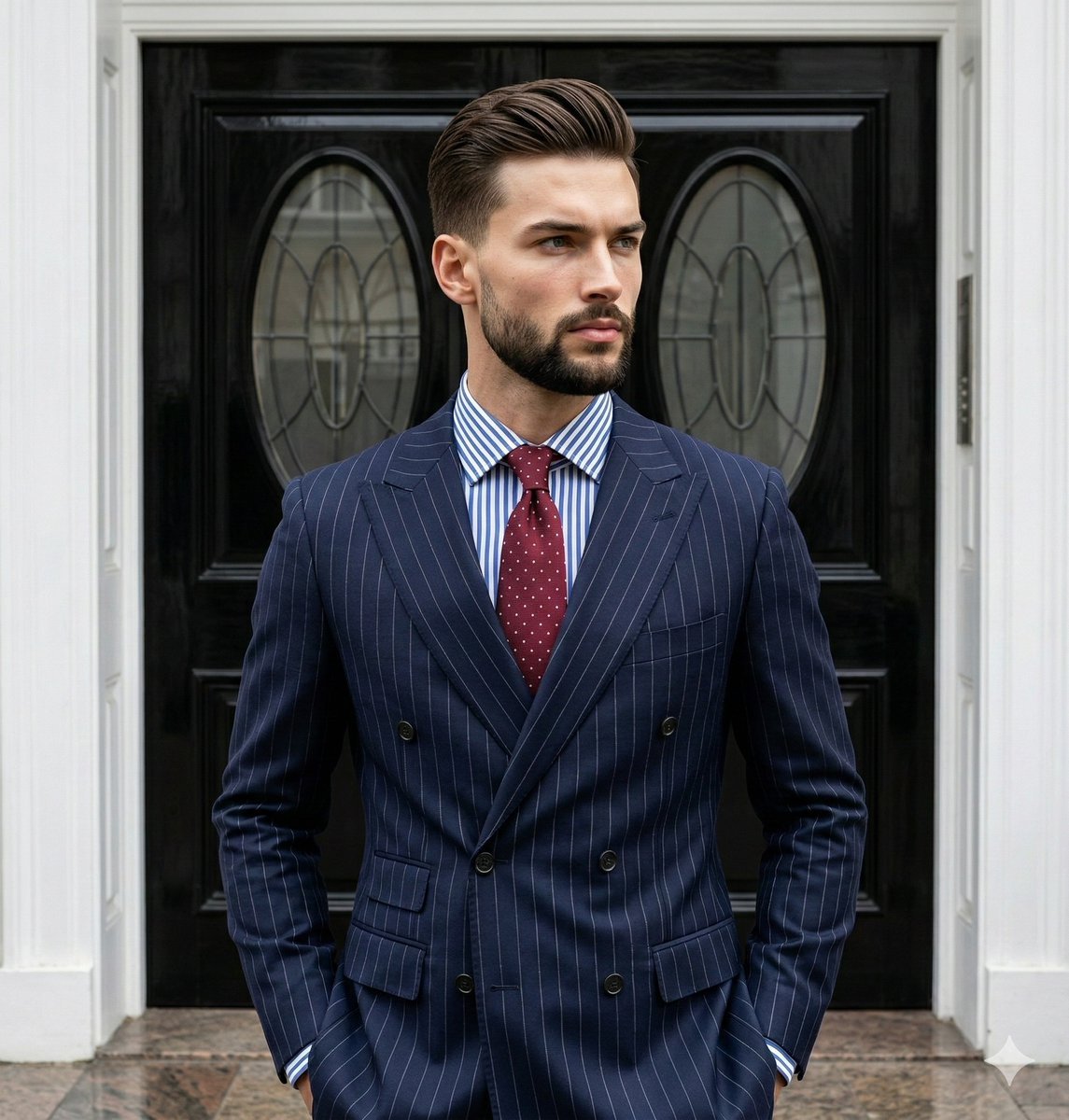
Editorial Menswear Portrait Analysis Prompt
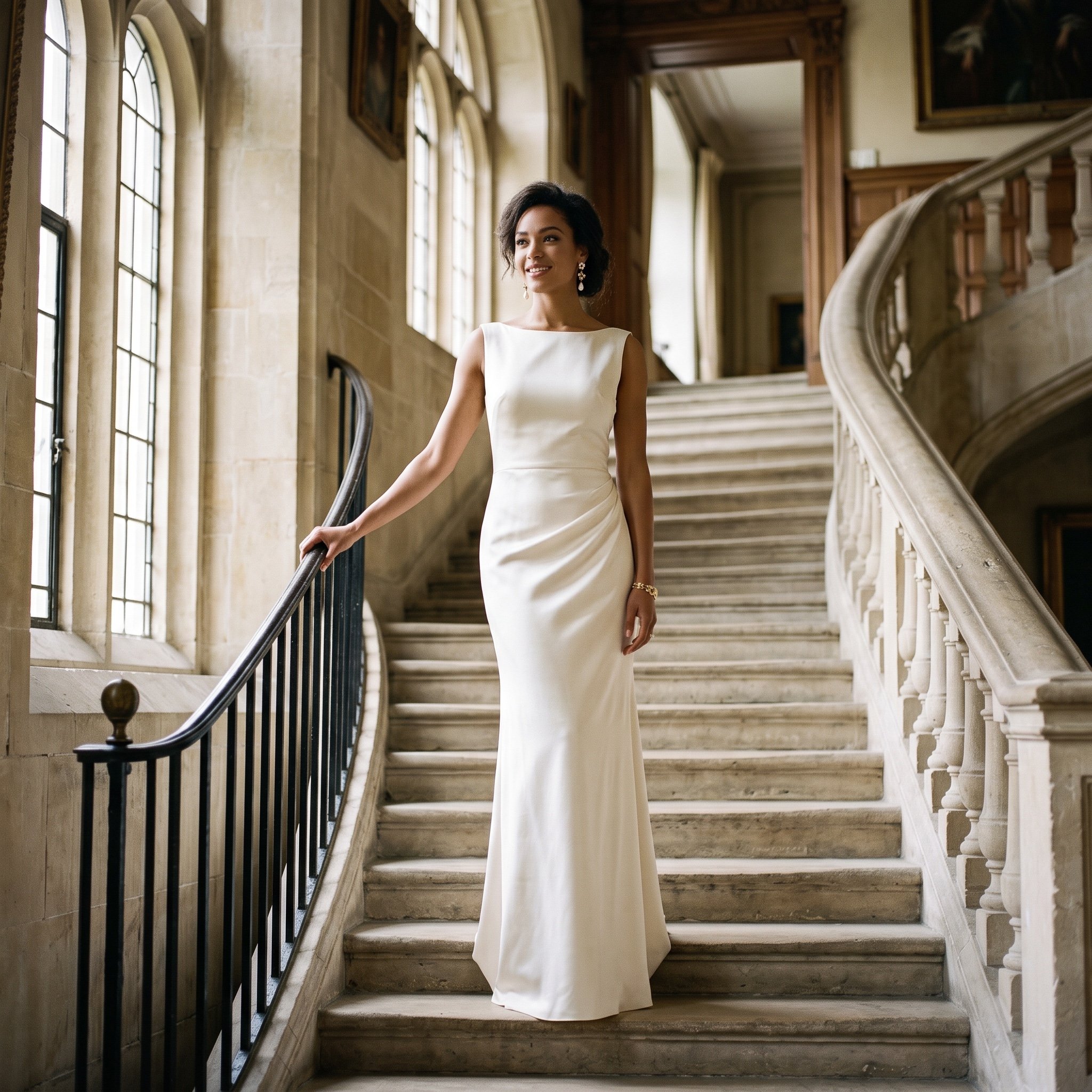
Cinematic Luxury Editorial Portrait on a Stone Staircase

Anime Style Snowman Building Scene Prompt
Browse template categories
Fantasy Elf Ranger Trading Card questions
How do I use the Fantasy Elf Ranger Trading Card template?
Add your photo if the template asks for one, edit the prompt if you like — the template's model and format are already selected — and press Generate. Your version opens in PicX Studio.
Can I customize the Fantasy Elf Ranger Trading Card template?
Yes. You can change the subject, setting, lighting, mood, format, and available model controls before creating your image.
Is the Fantasy Elf Ranger Trading Card template free?
Opening and editing this template is free. Generating uses credits, shown on the Generate button when you are signed in.
Which AI model should I use?
Start with GPT Image 2, which is the model associated with this template. You can compare another compatible model for a different finish.
Looking for something else? Browse all templates.

Your photo, any look
Thousands of ready templates for every top image and video model, from one credit balance.