
Rose Garden Travel Postcard Flat Lay
A romantic pastel flat lay of rose garden travel postcards, breakfast photography, handwritten notes, and keepsakes for creating nostalgic postcard-style imagery.
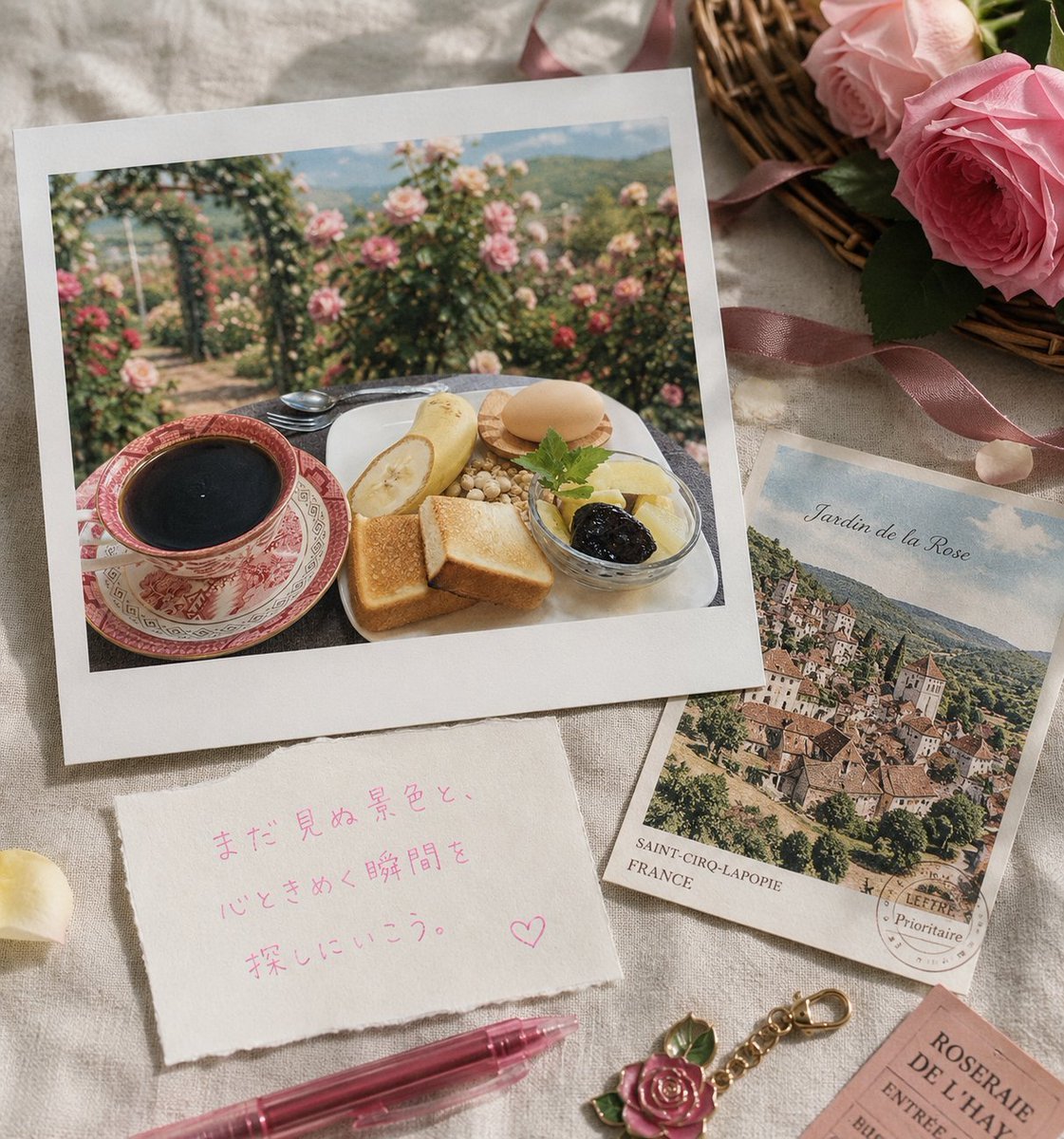
- Prompt included
- Model and format preset
- Free template
The prompt behind this image
Copy the exact prompt behind Rose Garden Travel Postcard Flat Lay, or open it in the studio and make it yours.
Create a nostalgic travel postcard-style flat lay on a soft beige linen cloth, warm morning sunlight with gentle shadows, romantic rose-garden theme. The main object is a large square instant-photo print with a thick white border, placed slightly tilted on the left; inside the photo is an outdoor breakfast table in a lush rose garden with pink rose bushes, distant green hills, and a softly blurred dreamy background. The breakfast scene contains exactly 7 visible food/table elements: a red patterned teacup filled with black coffee on a matching saucer, a white plate, two slices of toast, one peeled banana half, one round bread roll or macaron-like bun, a small pile of nuts or cereal grains, and a glass bowl with pale fruit topped with dark jam and a small green herb sprig. Around the main photo are travel keepsakes: at upper right, a wicker basket partially visible holding large pink roses and dark green leaves, tied with a dusty pink satin ribbon; at right center, a smaller vintage postcard angled under the main photo showing a European hill village and the title {argument name="postcard title" default="Jardin de la Rose"}, with printed location text “SAINT-CIRQ-LAPOPIE” and “FRANCE” plus a circular postal stamp; at lower left, a torn handmade note card with pink handwritten Japanese text {argument name="note text" default="まだ見ぬ景色と、心ときめく瞬間を探しにいこう。♡"}; at bottom, a translucent rose-pink gel pen lies diagonally; near the bottom center is a small gold keychain charm shaped like a pink rose with green leaves; at lower right, a partially cropped pink ticket reading “ROSERAIE DE L'HAY” and “ENTREE”. Add exactly 3 loose pale rose petals on the linen. Use soft pastel colors, realistic paper textures, slight film grain, shallow depth of field, delicate highlights, and a cozy handwritten postcard mood. No people, no modern electronics, no watermark. Overall composition should feel like a rose garden travel memory from {argument name="travel destination" default="France"}.
How to use Rose Garden Travel Postcard Flat Lay in 3 steps
- 1Upload ImagePNG, JPG or paste
Add your photo
Upload the photo the template builds on. The prompt, model and format are already set.
- 2…a portrait of your subject in softgolden-hour light, 85mm…
Personalize
Edit the subject and creative details for your destination.
- 3Generate
Generate
Press Generate — your image is created in PicX Studio, so you can compare it with the original and refine one variable at a time.
More like this
Templates with the same subject, style or setup. Open one to see its prompt.

Miniature Travel Diorama Postcard

Clay Miniature Landmark Travel Diorama
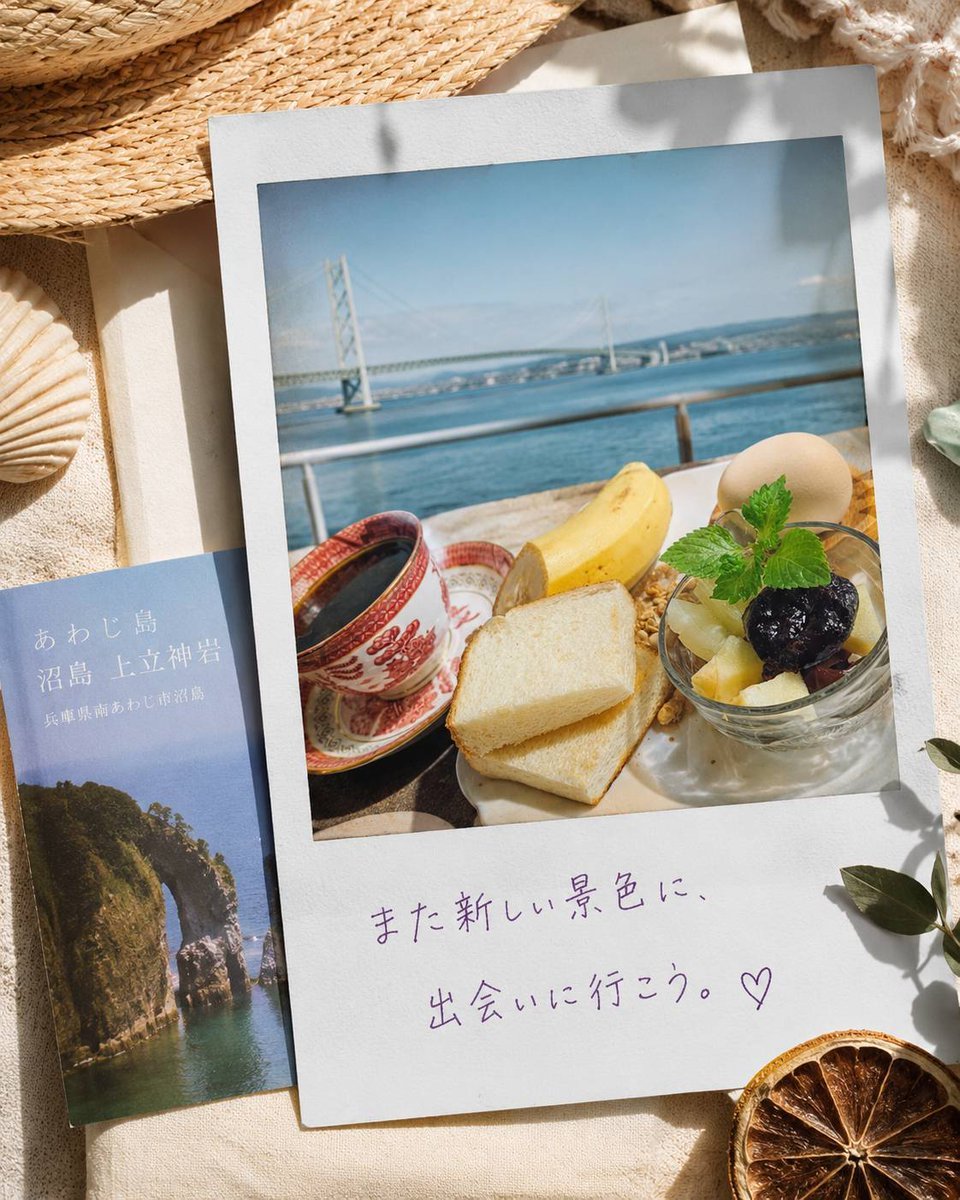
Awaji Island Polaroid Travel Flat Lay
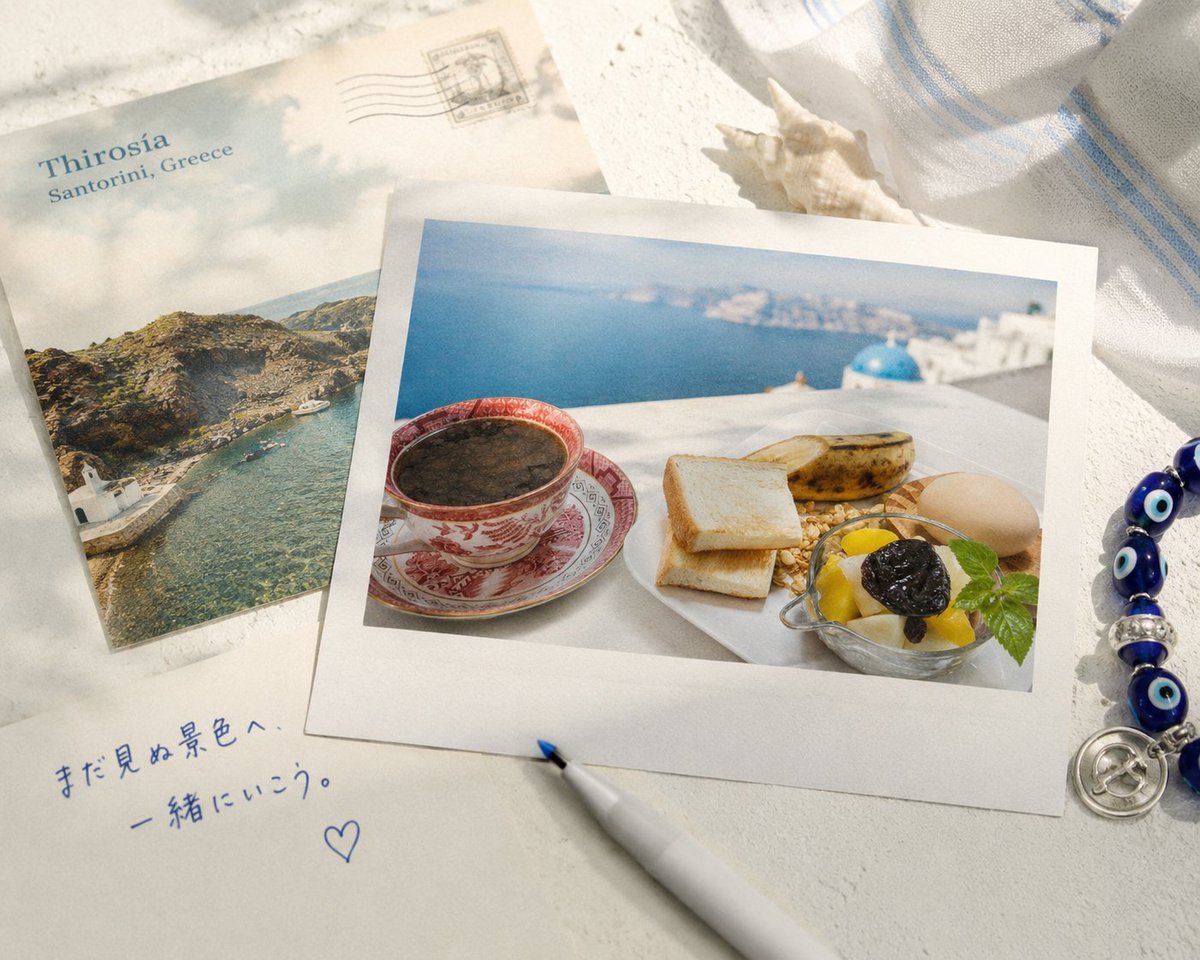
Santorini Breakfast Travel Flat Lay

Japan Travel Brochure Poster

Boardwalk Fashion Portrait
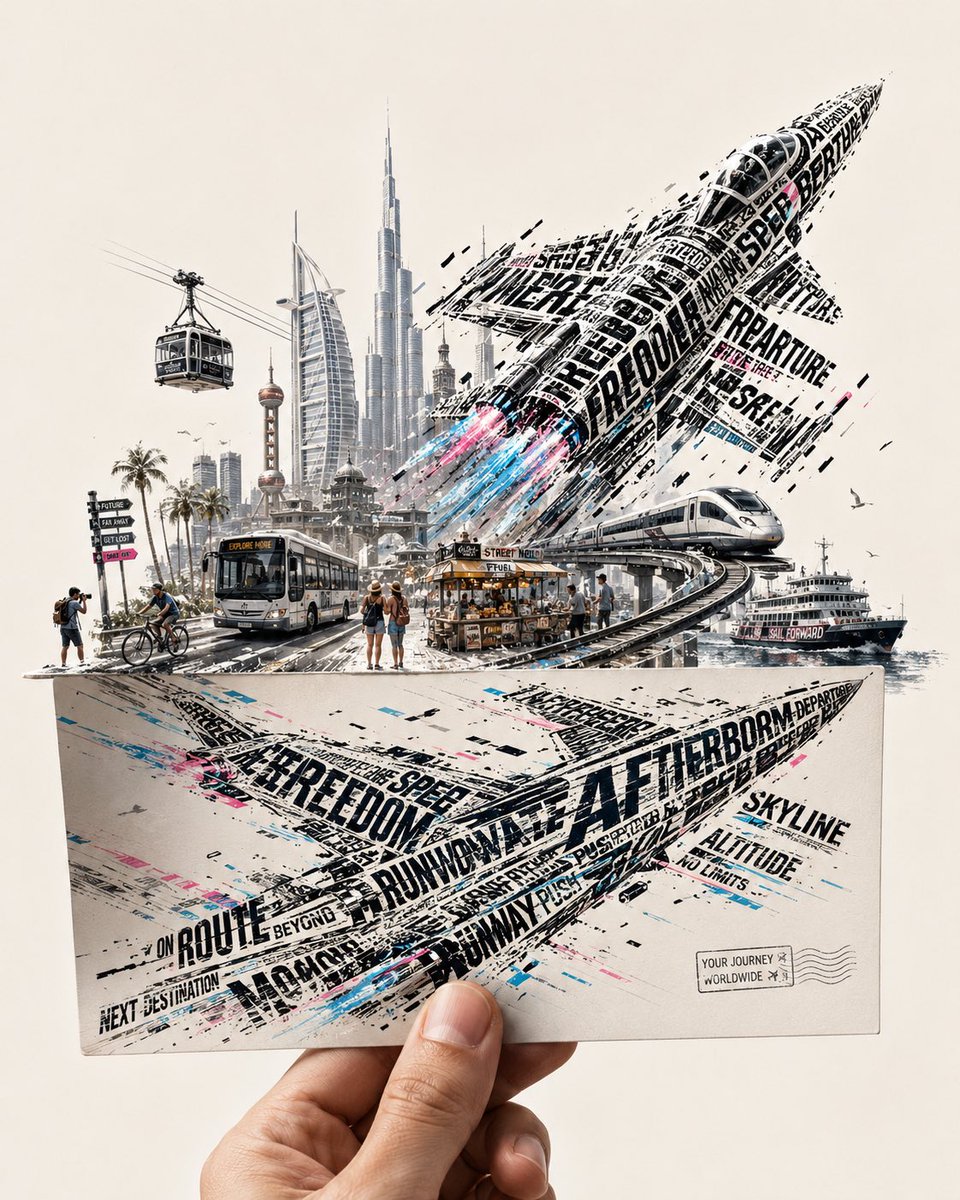
Futuristic Vehicle Postcard Layout

Whiskey in a Glowing Primrose Garden

Couple Lock Screen iPhone Flat Lay

Master Paper Cut Illustration — Saudi Arabia Travel Poster in Layered Paper Art
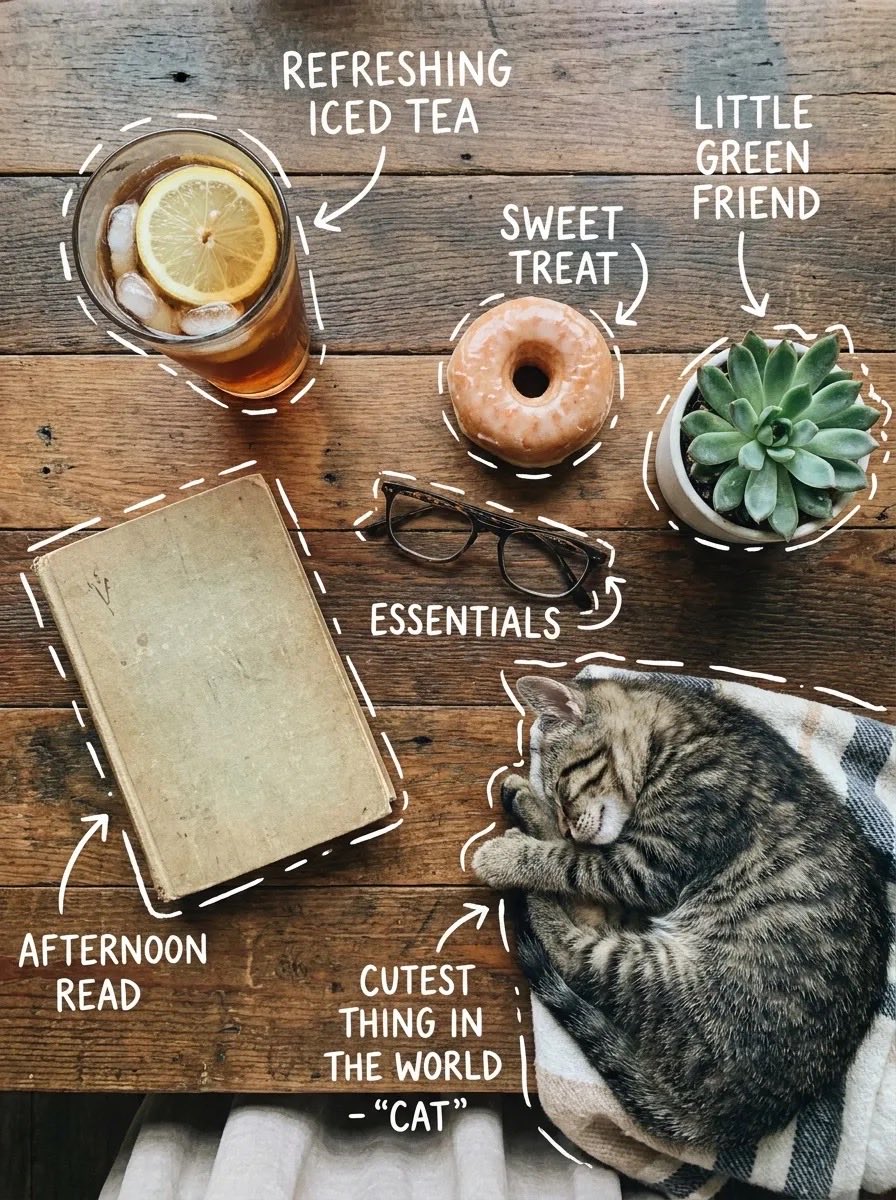
Cozy Tabletop Flat Lay with Doodles

Tennis Court Top-Down Flat Lay
Make it yours
Rose Garden Travel Postcard Flat Lay works as-is. These are the safest ways to change it without losing the look.
Change one field
Copy a single group, rewrite it, and generate again so you can see what that field is doing.
Keep the frame, change the subject
Hold the composition and light of Rose Garden Travel Postcard Flat Lay, then swap wardrobe, props or the person for a new take.
| If the result… | Why | Fix |
|---|---|---|
| The result drifts from the preview | Too many fields changed at once. | Reuse Rose Garden Travel Postcard Flat Lay as-is first, then change one group — subject, light, or setting. |
| The model over-stylizes the scene | The prose prompt leaves finish and camera underspecified. | Add one camera or lighting sentence and stay on GPT Image 2. |
More GPT Image 2 templates
Other prompts made for GPT Image 2.

Six VTuber Japanese Logo Sheet

Realistic Portrait of Woman and Deer

The Vista Modular Condo Poster

AI Model Routing Comparison Infographic

2.5D Anime Art Board

Isometric Productivity Desk Scene

New York Double Exposure Poster

Four-Panel AI Landscape Comparison

Japanese Tatami Lifestyle Magazine Cover

NESCAFÉ Coffee Map Poster
More image prompts
Fresh picks from across the catalog.

Character as Japan Soccer Representative
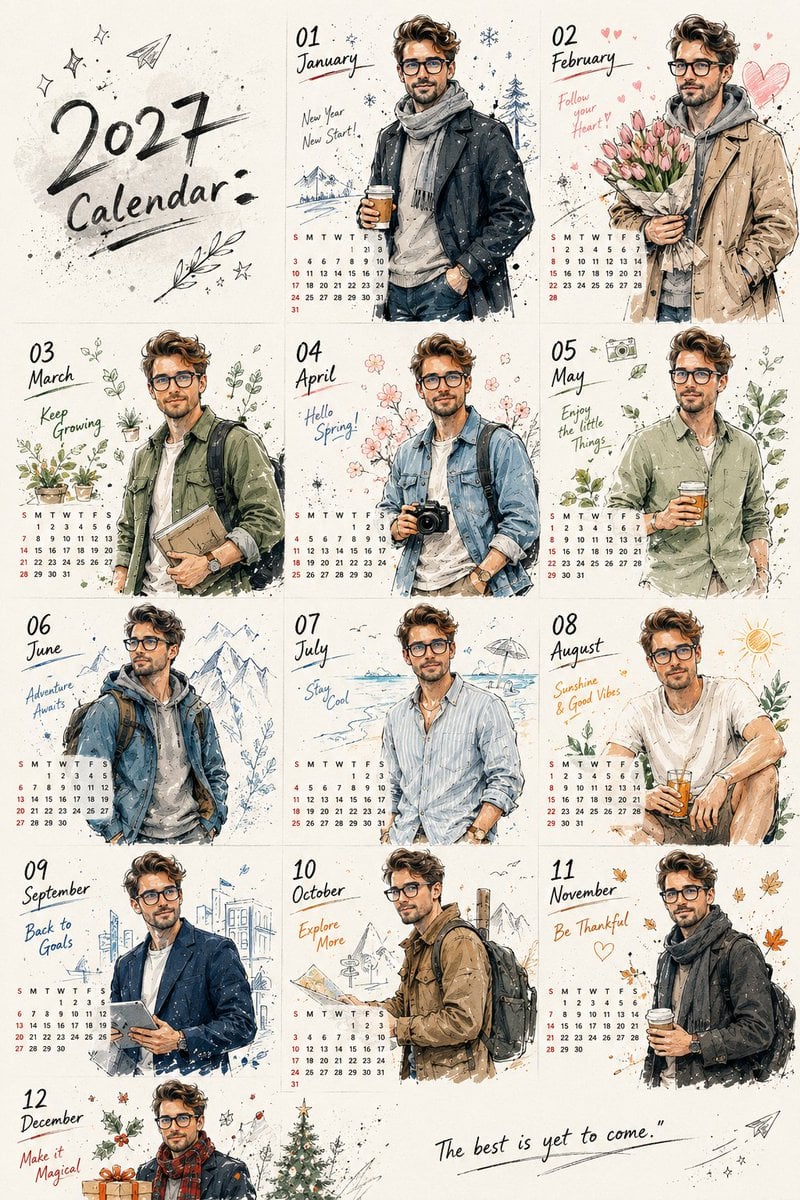
Korean Doodle Style Custom Calendar

Luxury Lifestyle Mustang Shot
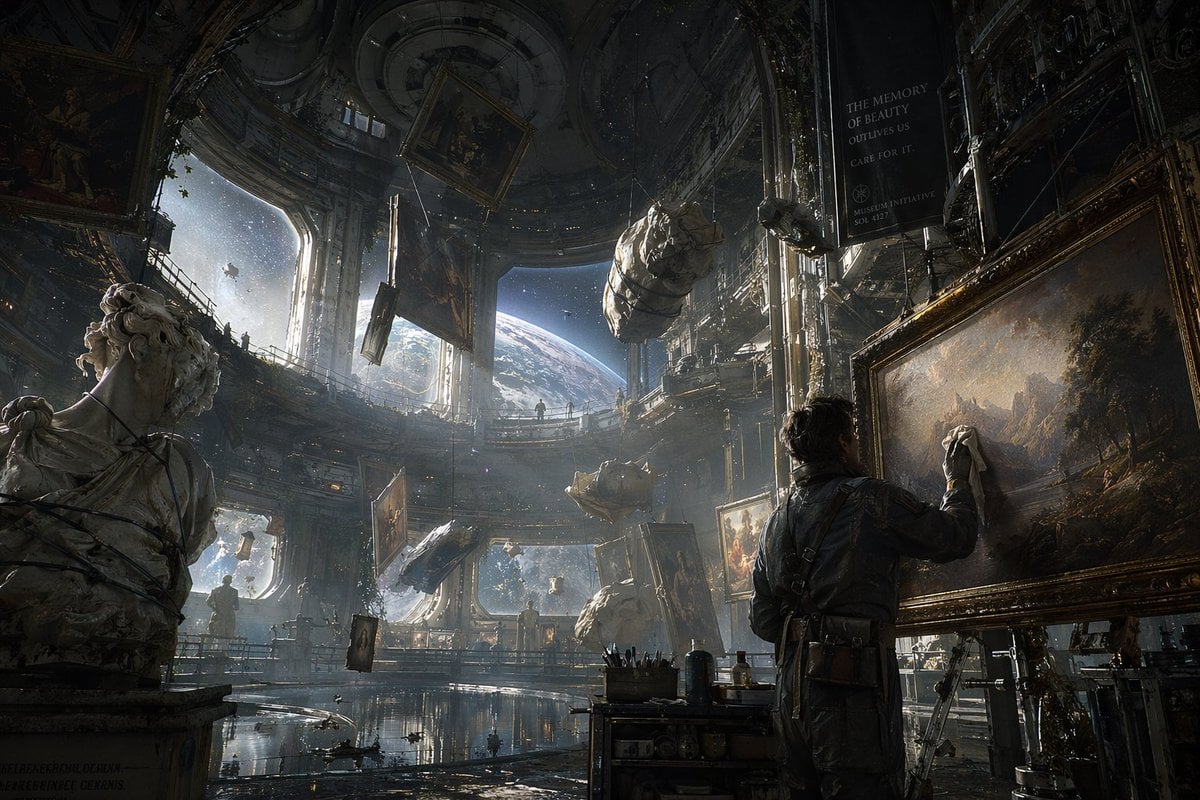
Sci-Fi Orbital Art Museum
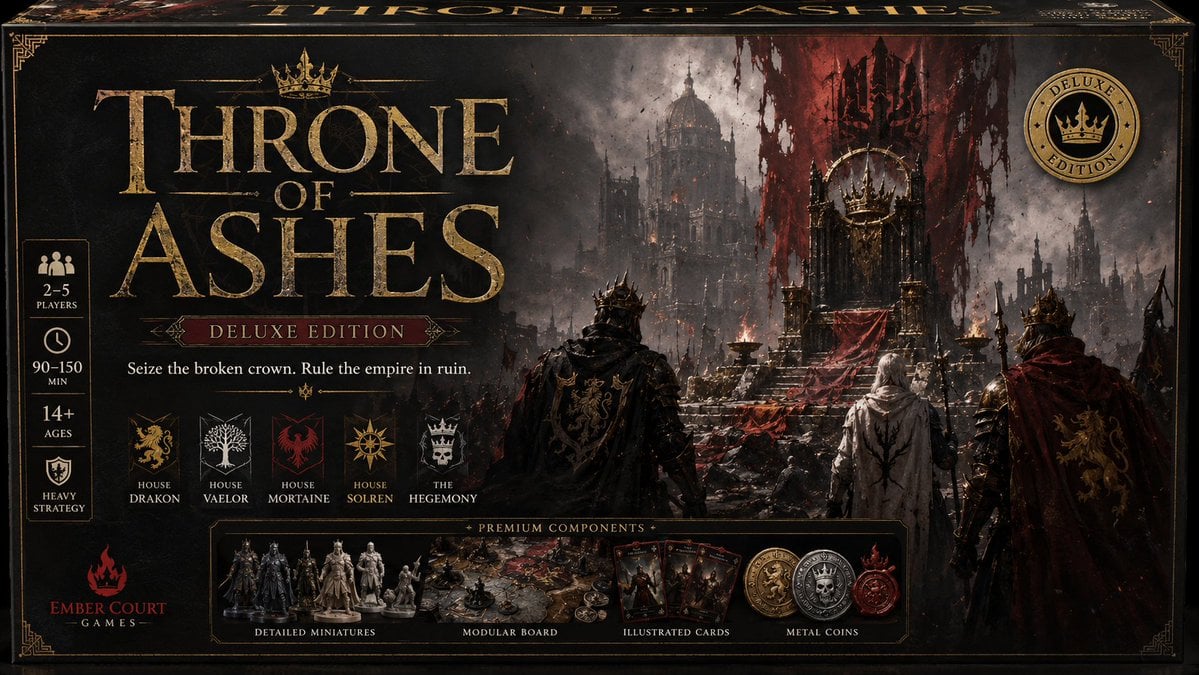
Throne of Ashes Deluxe Box Front

Cat with Toy Car at Go-Kart Track

Sorceress Emerging from Obsidian Mirror
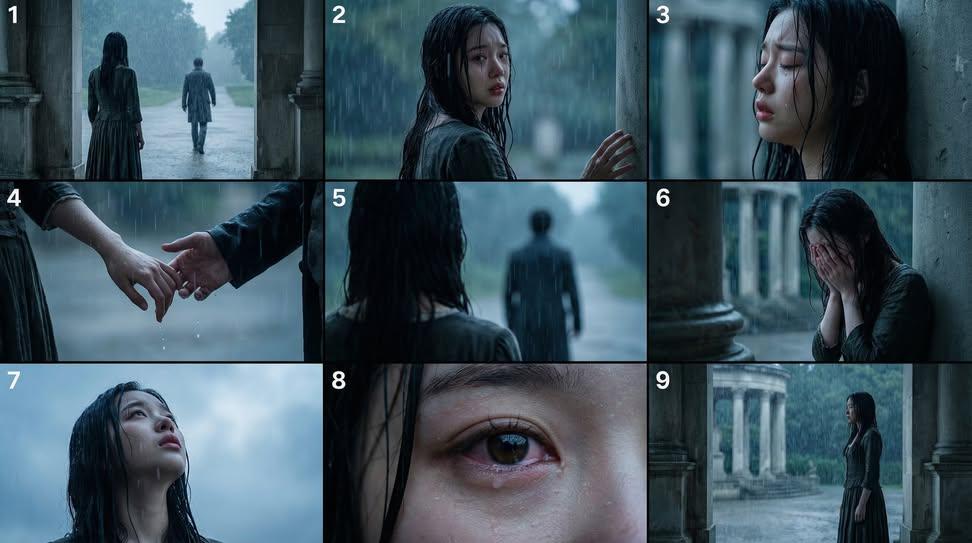
Cinematic Storyboard Generation Prompt

Electric Blue Lightning Strike VFX
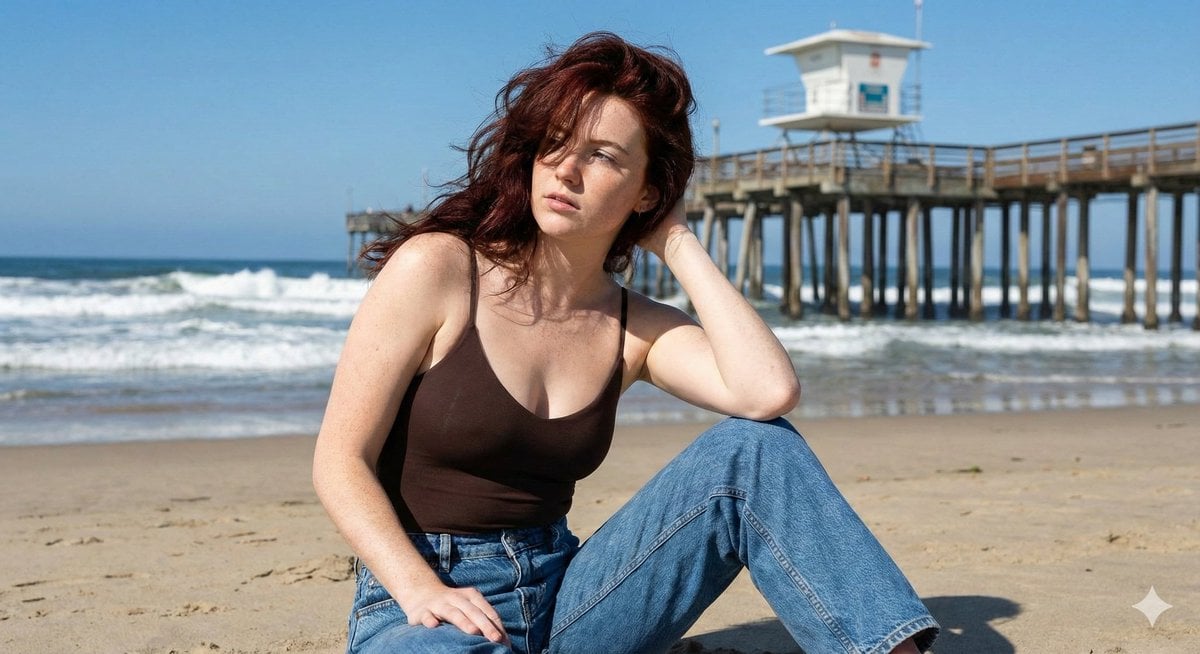
Photorealistic Lifestyle Beach Portrait
Browse template categories
Rose Garden Travel Postcard Flat Lay questions
How do I use the Rose Garden Travel Postcard Flat Lay template?
Add your photo if the template asks for one, edit the prompt if you like — the template's model and format are already selected — and press Generate. Your version opens in PicX Studio.
Can I customize the Rose Garden Travel Postcard Flat Lay template?
Yes. You can change the subject, setting, lighting, mood, format, and available model controls before creating your image.
Is the Rose Garden Travel Postcard Flat Lay template free?
Opening and editing this template is free. Generating uses credits, shown on the Generate button when you are signed in.
Which AI model should I use?
Start with GPT Image 2, which is the model associated with this template. You can compare another compatible model for a different finish.
Looking for something else? Browse all templates.

Your photo, any look
Thousands of ready templates for every top image and video model, from one credit balance.