
Awaji Island Polaroid Travel Flat Lay
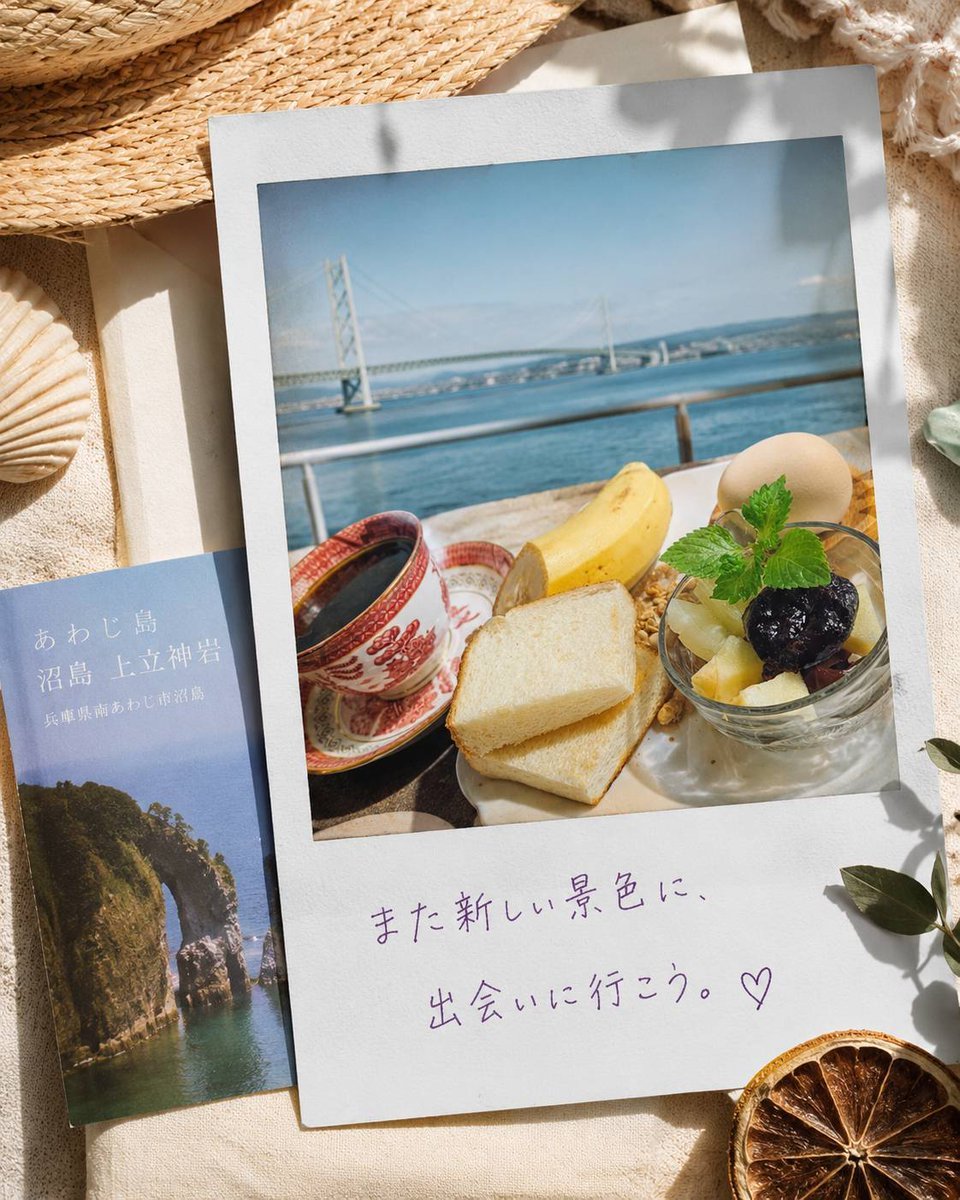
A sunlit seaside travel flat lay featuring an Awaji Island Polaroid breakfast scene, brochure, beach props, and handwritten Japanese message.
- Prompt included
- Model and format preset
- Free template
The prompt behind this image
Copy the exact prompt behind Awaji Island Polaroid Travel Flat Lay, or open it in the studio and make it yours.
Create a warm sunlit travel flat lay photograph on beige linen fabric, styled like a nostalgic seaside vacation memory for {argument name="destination" default="Awaji Island, Hyogo, Japan"}. The main object is one large white Polaroid-style print placed slightly tilted, with a square photo showing a balcony breakfast overlooking calm blue sea and the Akashi Kaikyo Bridge in the distance under a pale blue sky. Inside the Polaroid photo, include exactly 7 visible breakfast items: 1 red patterned coffee cup with dark coffee on a saucer, 1 peeled banana half, 2 slices of white toast stacked, 1 small glass bowl of fruit and granola topped with mint, 1 dark grape or berry on the fruit, and 1 pale round boiled egg or dessert ball. On the lower white border of the Polaroid, add purple handwritten Japanese text reading {argument name="handwritten message" default="また新しい景色に、出会いに行こう。♡"}. To the left, partially tucked under the Polaroid, place exactly 1 slim travel brochure with a blue cover showing a rocky sea arch and Japanese title text reading {argument name="brochure title" default="あわじ島 沼島 上立神岩"} plus smaller subtitle text {argument name="brochure subtitle" default="兵庫県南あわじ市沼島"}. Surround the papers with exactly 5 beach still-life props: 1 woven straw hat at the top left edge, 1 pale seashell at the lower left, 1 rough cream textile fringe at the top right, 1 dried orange slice at the lower right, and 1 small leafy branch casting shadows on the right. Use soft natural sunlight, gentle leaf shadows, cream and ocean-blue color palette, realistic paper texture, shallow depth of field, cozy summer travel mood, high-resolution editorial lifestyle photography. Avoid extra objects, logos, watermarks, or additional text.
How to use Awaji Island Polaroid Travel Flat Lay in 3 steps
- 1Upload ImagePNG, JPG or paste
Add your photo
Upload the photo the template builds on. The prompt, model and format are already set.
- 2…a portrait of your subject in softgolden-hour light, 85mm…
Personalize
Edit the subject and creative details for your destination.
- 3Generate
Generate
Press Generate — your image is created in PicX Studio, so you can compare it with the original and refine one variable at a time.
More like this
Templates with the same subject, style or setup. Open one to see its prompt.

Clay Miniature Landmark Travel Diorama
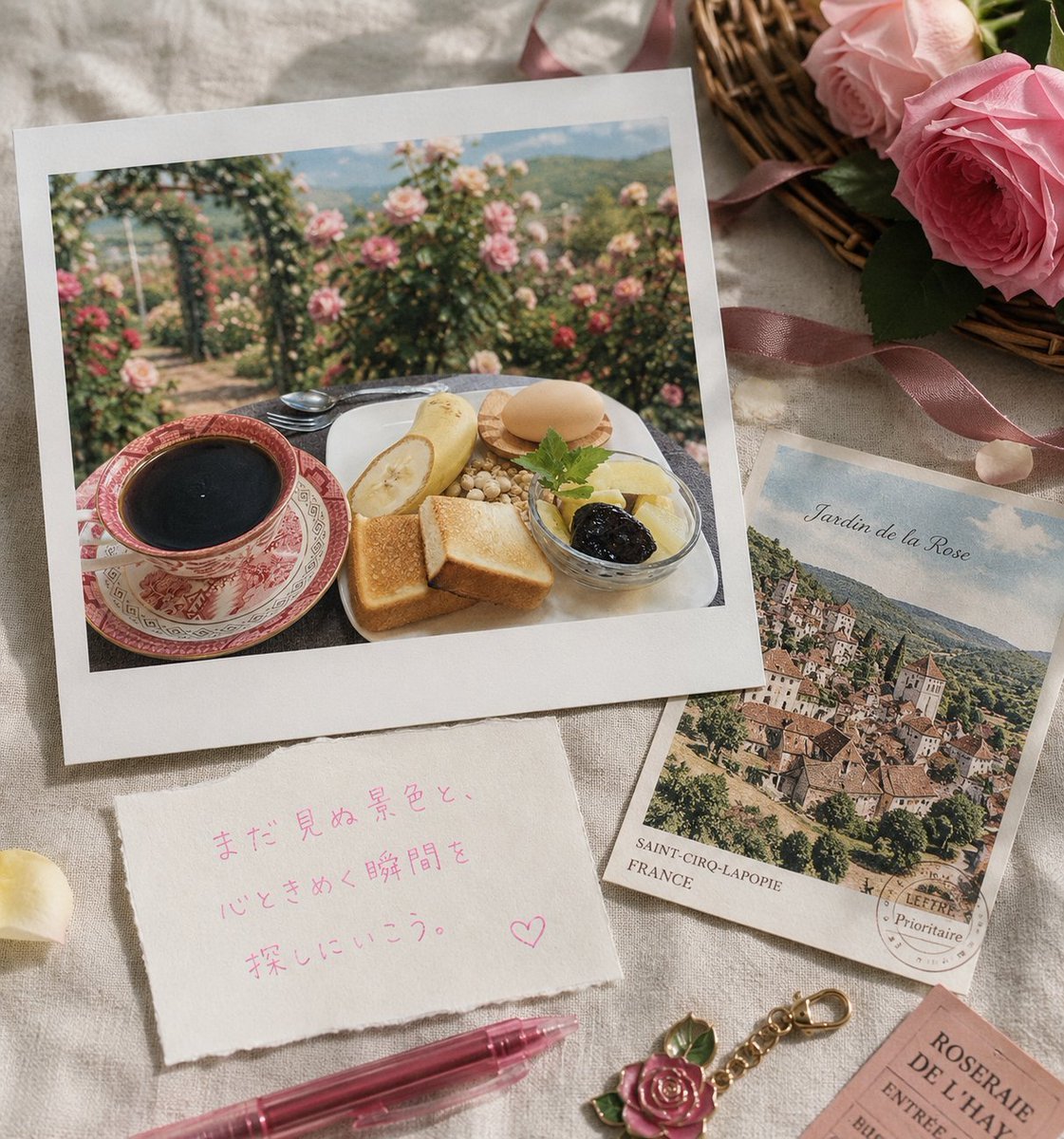
Rose Garden Travel Postcard Flat Lay
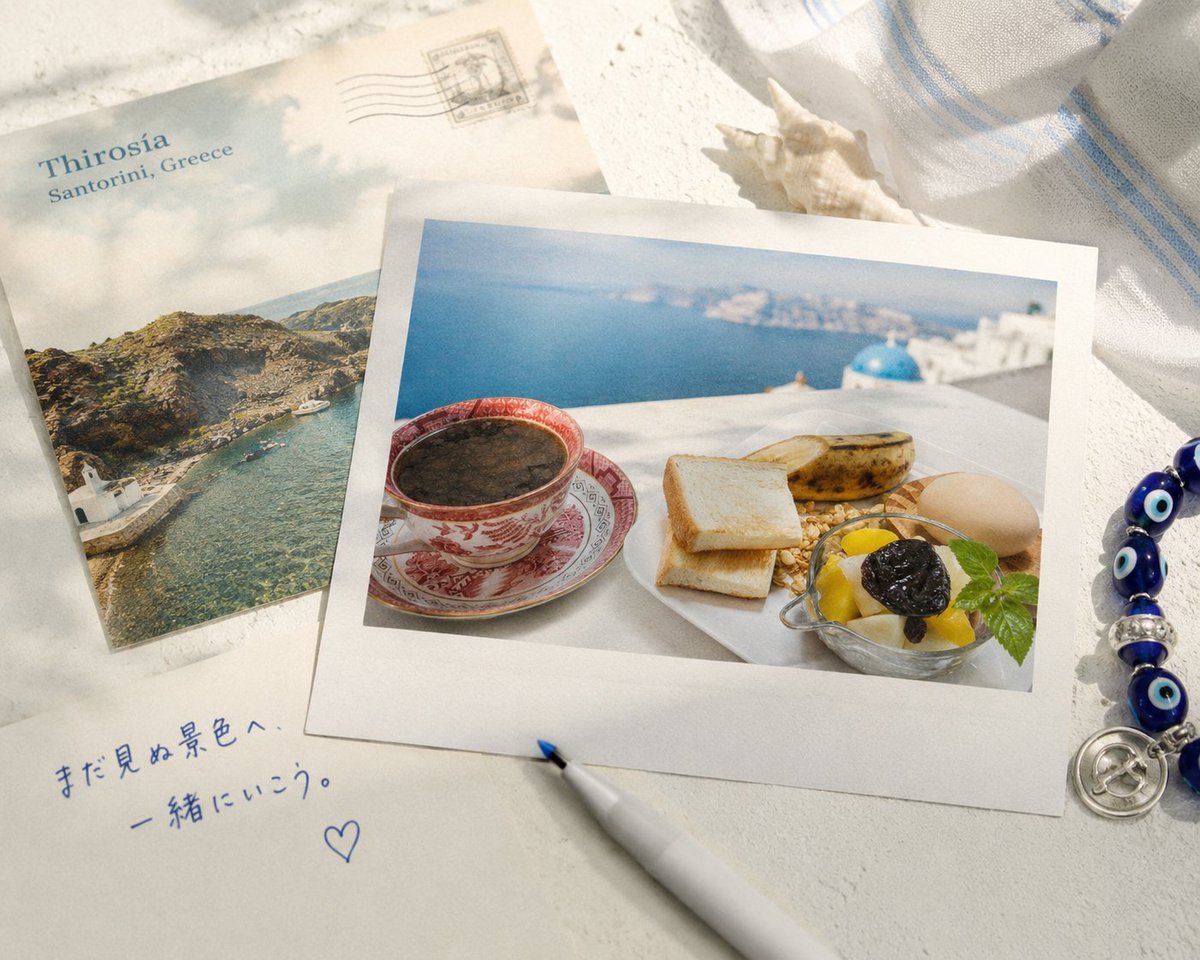
Santorini Breakfast Travel Flat Lay

Japan Travel Brochure Poster

Miniature Travel Diorama Postcard

Boardwalk Fashion Portrait
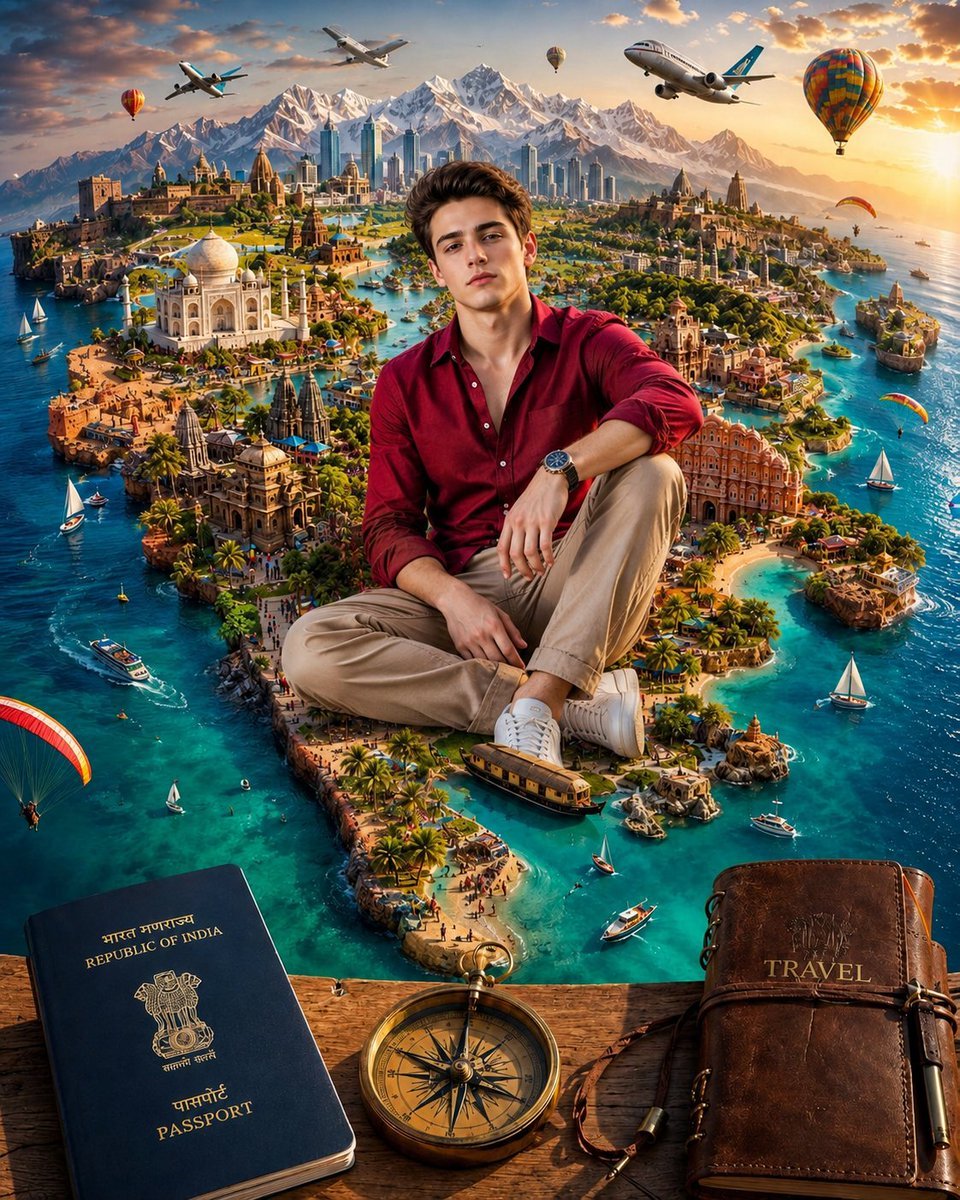
Surreal India Travel Island Portrait

Couple Lock Screen iPhone Flat Lay

Master Paper Cut Illustration — Saudi Arabia Travel Poster in Layered Paper Art
Cozy Tabletop Flat Lay with Doodles
Tennis Court Top-Down Flat Lay
Floating Philippines Island Travel Portrait
Make it yours
Awaji Island Polaroid Travel Flat Lay works as-is. These are the safest ways to change it without losing the look.
Change one field
Copy a single group, rewrite it, and generate again so you can see what that field is doing.
Keep the frame, change the subject
Hold the composition and light of Awaji Island Polaroid Travel Flat Lay, then swap wardrobe, props or the person for a new take.
| If the result… | Why | Fix |
|---|---|---|
| The result drifts from the preview | Too many fields changed at once. | Reuse Awaji Island Polaroid Travel Flat Lay as-is first, then change one group — subject, light, or setting. |
| The model over-stylizes the scene | The prose prompt leaves finish and camera underspecified. | Add one camera or lighting sentence and stay on GPT Image 2. |
More GPT Image 2 templates
Other prompts made for GPT Image 2.

Six VTuber Japanese Logo Sheet

Realistic Portrait of Woman and Deer

The Vista Modular Condo Poster

AI Model Routing Comparison Infographic

2.5D Anime Art Board

Isometric Productivity Desk Scene

New York Double Exposure Poster

Four-Panel AI Landscape Comparison

Japanese Tatami Lifestyle Magazine Cover

NESCAFÉ Coffee Map Poster
More image prompts
Fresh picks from across the catalog.

Cinematic Indoor Portrait of a Woman in a Teal Hoodie (Two Variations)

Photorealistic Omikuji (Fortune Slip) Design

Chinese Hotpot Children’s Day Poster
Surreal Conceptual Portrait Submerged Under Ice (JSON Format)

Candid Morning Coffee Scene
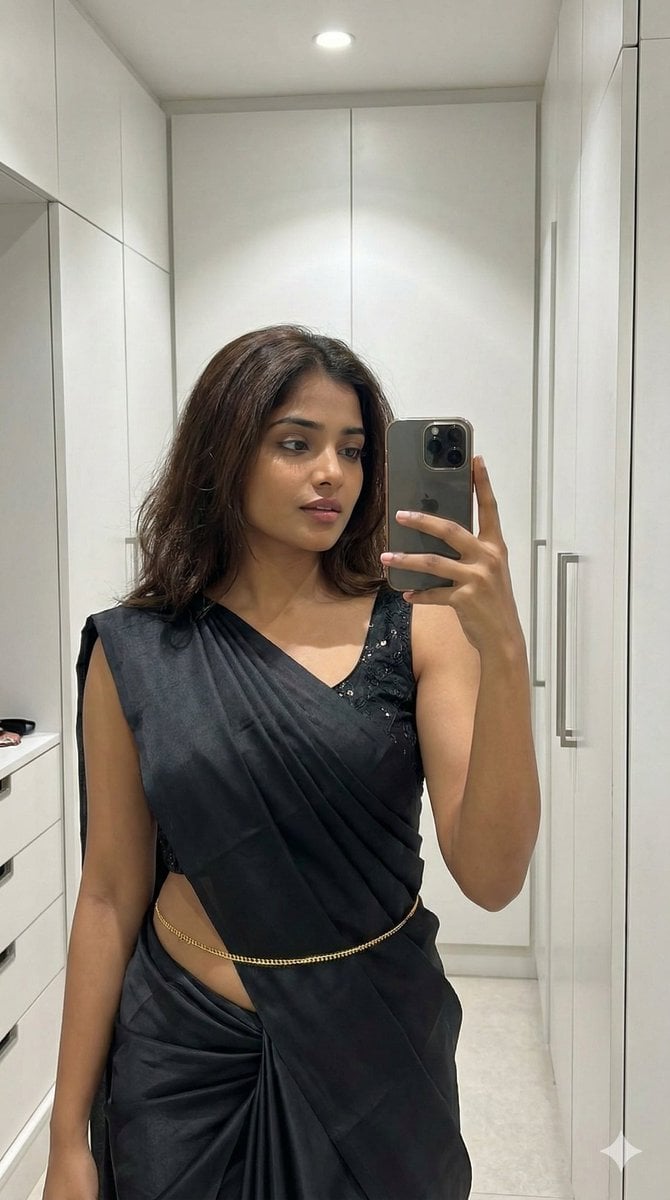
Ultra-Photorealistic Saree Mirror Selfie
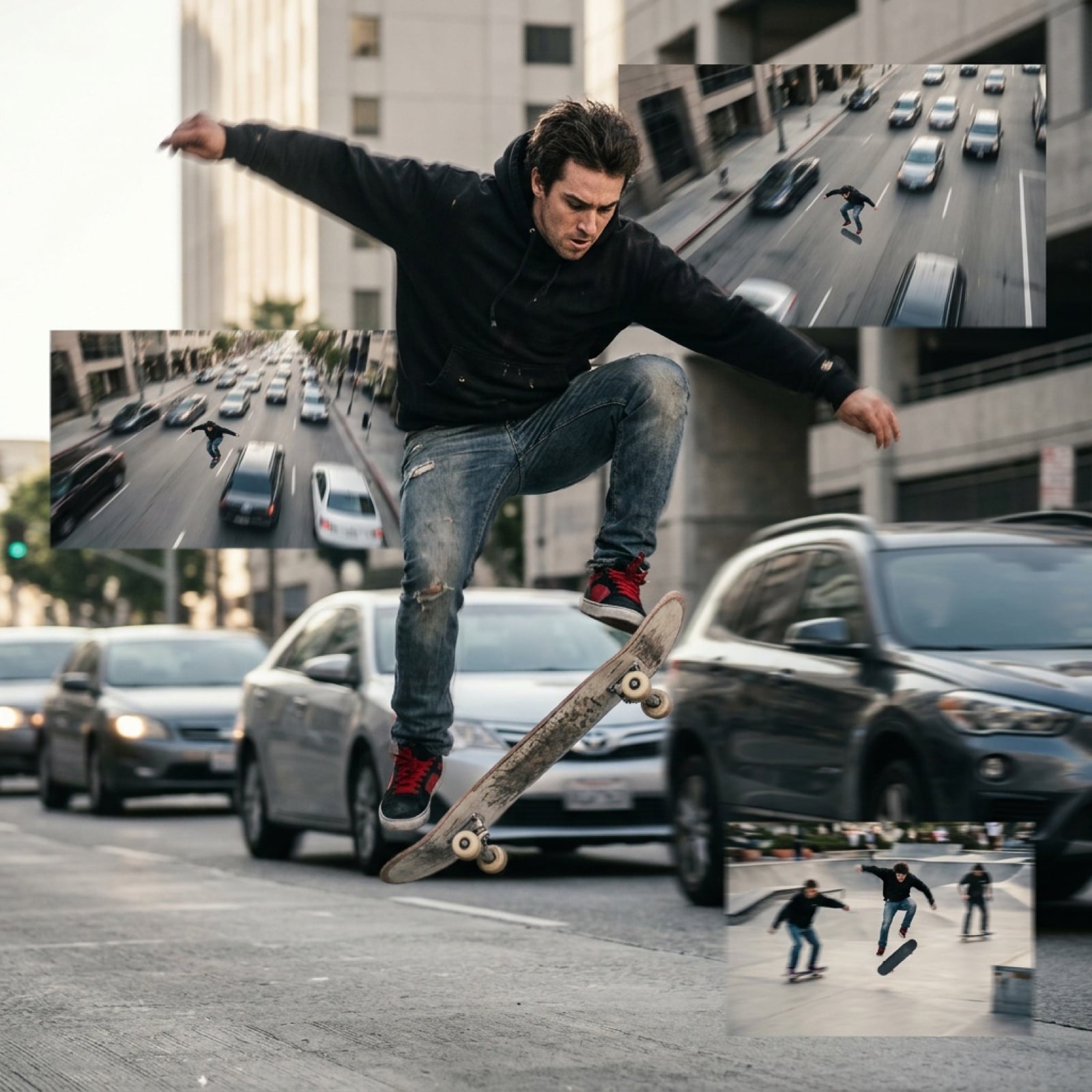
Grok Video Prompt: High-Speed Skateboarding and Jumping Over Cars
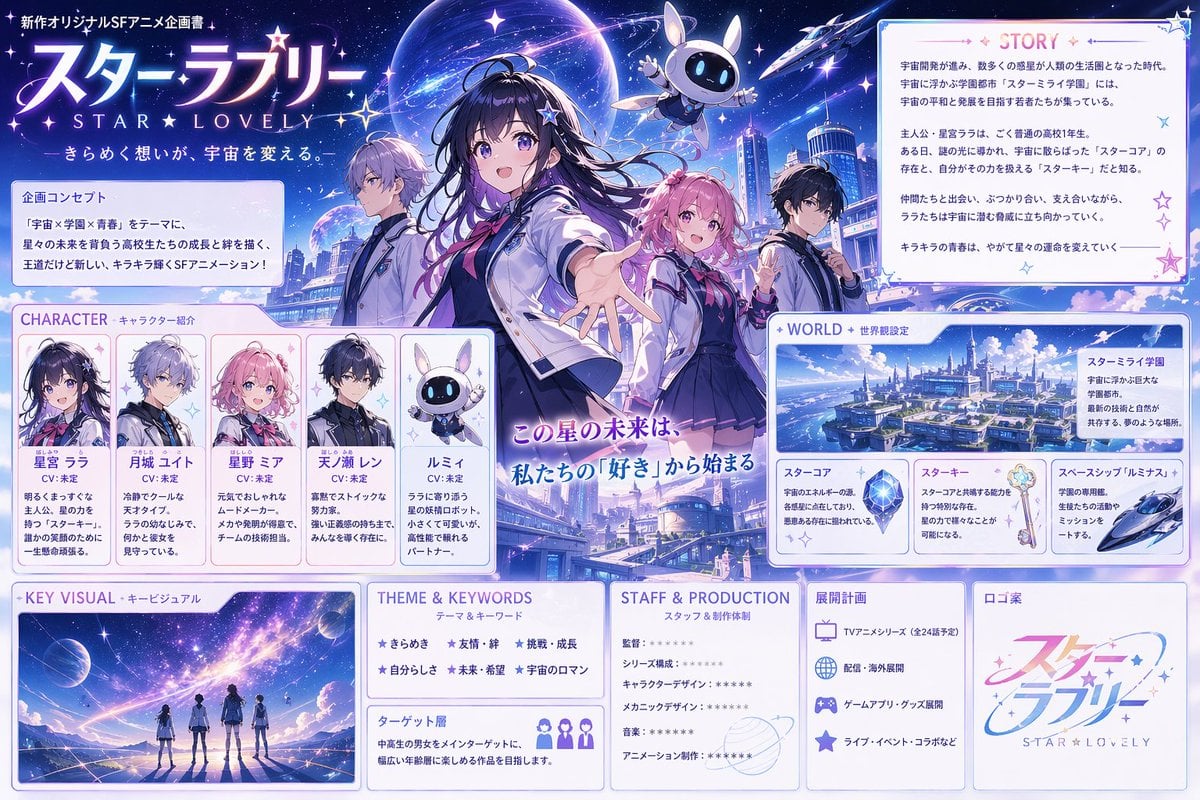
Anime Sci-Fi School Proposal Board
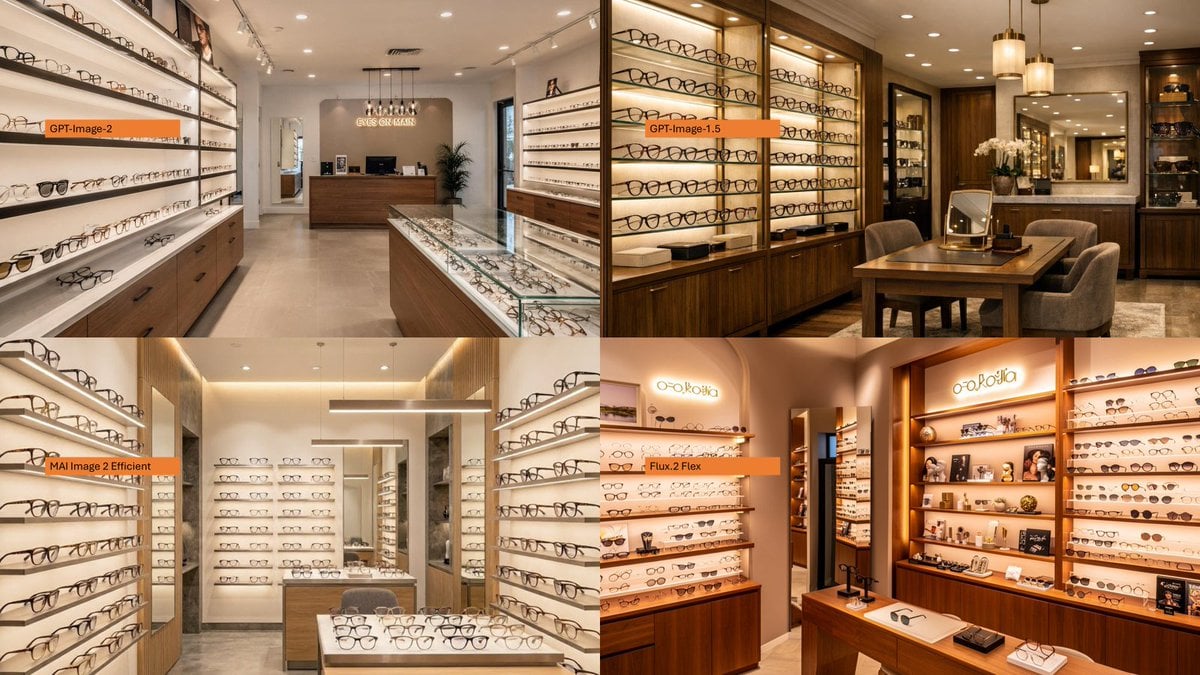
Four-Panel Eyewear Store Model Comparison
Epic Fantasy Monkey King Battle
Browse template categories
Awaji Island Polaroid Travel Flat Lay questions
How do I use the Awaji Island Polaroid Travel Flat Lay template?
Add your photo if the template asks for one, edit the prompt if you like — the template's model and format are already selected — and press Generate. Your version opens in PicX Studio.
Can I customize the Awaji Island Polaroid Travel Flat Lay template?
Yes. You can change the subject, setting, lighting, mood, format, and available model controls before creating your image.
Is the Awaji Island Polaroid Travel Flat Lay template free?
Opening and editing this template is free. Generating uses credits, shown on the Generate button when you are signed in.
Which AI model should I use?
Start with GPT Image 2, which is the model associated with this template. You can compare another compatible model for a different finish.
Looking for something else? Browse all templates.

Your photo, any look
Thousands of ready templates for every top image and video model, from one credit balance.