
Surreal India Travel Island Portrait
Generates a cinematic fantasy travel photomontage of a giant seated traveler above a miniature India-inspired island world with passport, compass, and journal foreground props.
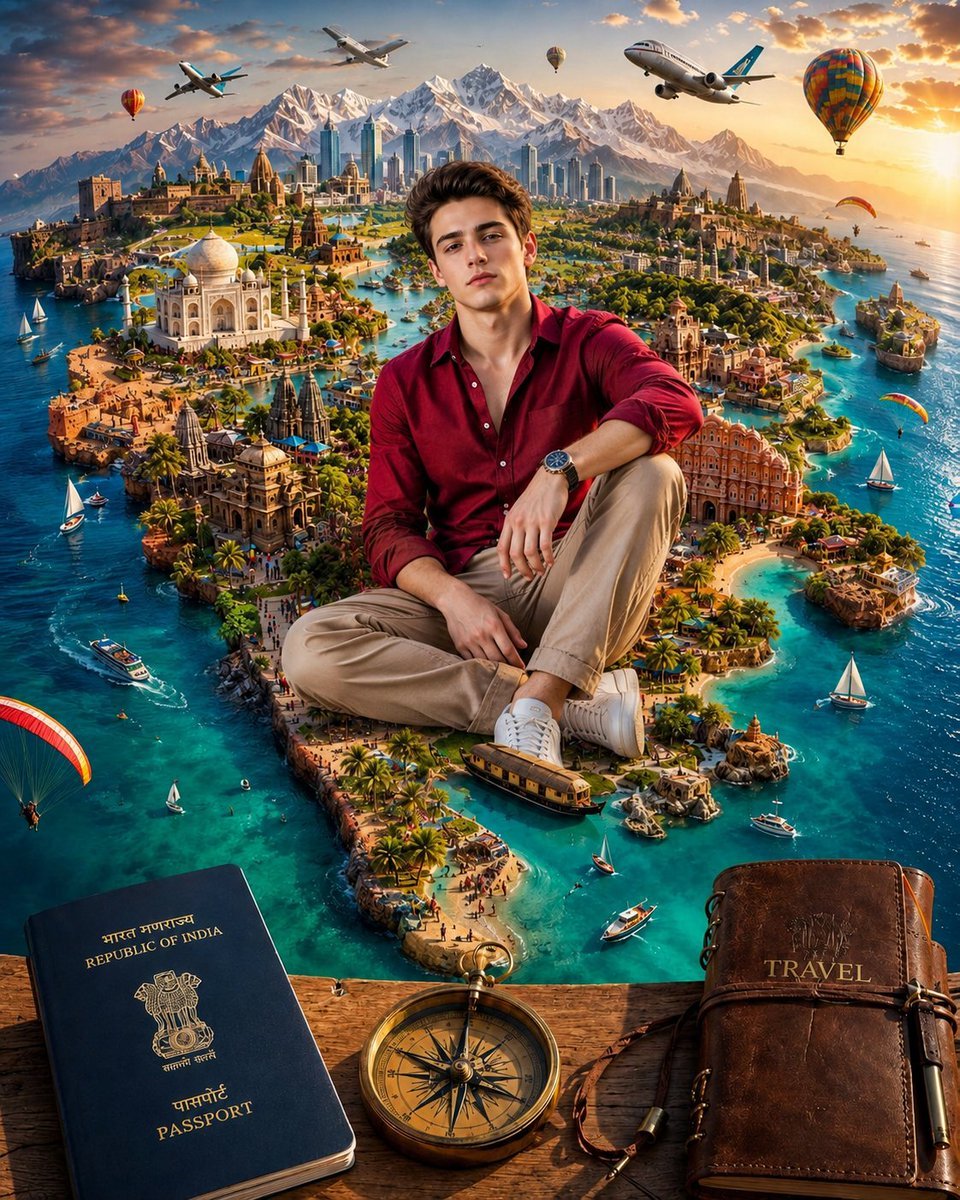
- Prompt included
- Model and format preset
- Free template
The prompt behind this image
Copy the exact prompt behind Surreal India Travel Island Portrait, or open it in the studio and make it yours.
Create a highly detailed surreal travel poster / fantasy photomontage in cinematic realism. A handsome young man with {argument name="character appearance" default="thick brown hair, clean-shaven face, fair skin, confident neutral expression"} sits cross-legged like a giant traveler in the center foreground, wearing {argument name="outfit" default="a deep burgundy button-up shirt with sleeves rolled, beige chinos, white sneakers, and a dark wristwatch"}. He is seated above a miniature Indian-inspired island world surrounded by vivid turquoise ocean, scaled so he towers over the landscape. The island is packed with iconic Indian and travel landmarks: include exactly 5 prominent landmark zones, consisting of 1 Taj Mahal-like white marble mausoleum, 1 pink palace resembling Hawa Mahal, 1 ornate temple complex, 1 fortified old city on a cliff, and 1 modern glass skyscraper skyline. Behind the city, add dramatic snow-capped Himalayan mountains under a golden sunset sky. Fill the ocean with exactly 8 visible watercraft: 4 white sailboats, 2 small motorboats, 1 larger ferry or tour boat, and 1 tiny rowboat. Add exactly 6 flying travel elements in the sky: 2 passenger airplanes, 2 colorful hot air balloons, and 2 paragliders. In the bottom foreground, place a rustic wooden tabletop with exactly 3 travel objects: a navy-blue Indian passport with gold emblem and readable text “REPUBLIC OF INDIA” and “PASSPORT,” a vintage brass compass in the center, and a worn brown leather travel journal on the right embossed with {argument name="journal title" default="TRAVEL"}. Use rich saturated colors, golden-hour lighting, crisp depth, hyper-detailed architecture, sparkling lagoon water, tiny crowds and palm trees, adventurous luxury-travel mood, wide-angle perspective, and polished gpt-image-2 style. No borders, no watermark, no extra text besides the passport and journal lettering.
How to use Surreal India Travel Island Portrait in 3 steps
- 1Upload ImagePNG, JPG or paste
Add your photo
Upload the photo the template builds on. The prompt, model and format are already set.
- 2…a portrait of your subject in softgolden-hour light, 85mm…
Personalize
Edit the subject and creative details for your destination.
- 3Generate
Generate
Press Generate — your image is created in PicX Studio, so you can compare it with the original and refine one variable at a time.
More like this
Templates with the same subject, style or setup. Open one to see its prompt.

80s Bollywood Star

untitled

Kids Crayon Travel Journal Illustration
Ultra-Realistic - India Patriotic Portrait
Floating Philippines Island Travel Portrait

Sunday Afternoon, 1988

Two Tickets, One Night

Found Photograph: Us, 1970

Before We said Goodbye

Meet Me When It Rains

The Date After College

Two Hearts. One Scooter.
Make it yours
Surreal India Travel Island Portrait works as-is. These are the safest ways to change it without losing the look.
Change one field
Copy a single group, rewrite it, and generate again so you can see what that field is doing.
Keep the frame, change the subject
Hold the composition and light of Surreal India Travel Island Portrait, then swap wardrobe, props or the person for a new take.
| If the result… | Why | Fix |
|---|---|---|
| The result drifts from the preview | Too many fields changed at once. | Reuse Surreal India Travel Island Portrait as-is first, then change one group — subject, light, or setting. |
| The model over-stylizes the scene | The prose prompt leaves finish and camera underspecified. | Add one camera or lighting sentence and stay on GPT Image 2. |
More GPT Image 2 templates
Other prompts made for GPT Image 2.

Six VTuber Japanese Logo Sheet

Realistic Portrait of Woman and Deer

The Vista Modular Condo Poster

AI Model Routing Comparison Infographic

2.5D Anime Art Board

Isometric Productivity Desk Scene

New York Double Exposure Poster

Four-Panel AI Landscape Comparison

Japanese Tatami Lifestyle Magazine Cover

NESCAFÉ Coffee Map Poster
More image prompts
Fresh picks from across the catalog.
Create a 3D-styled cinematic scene
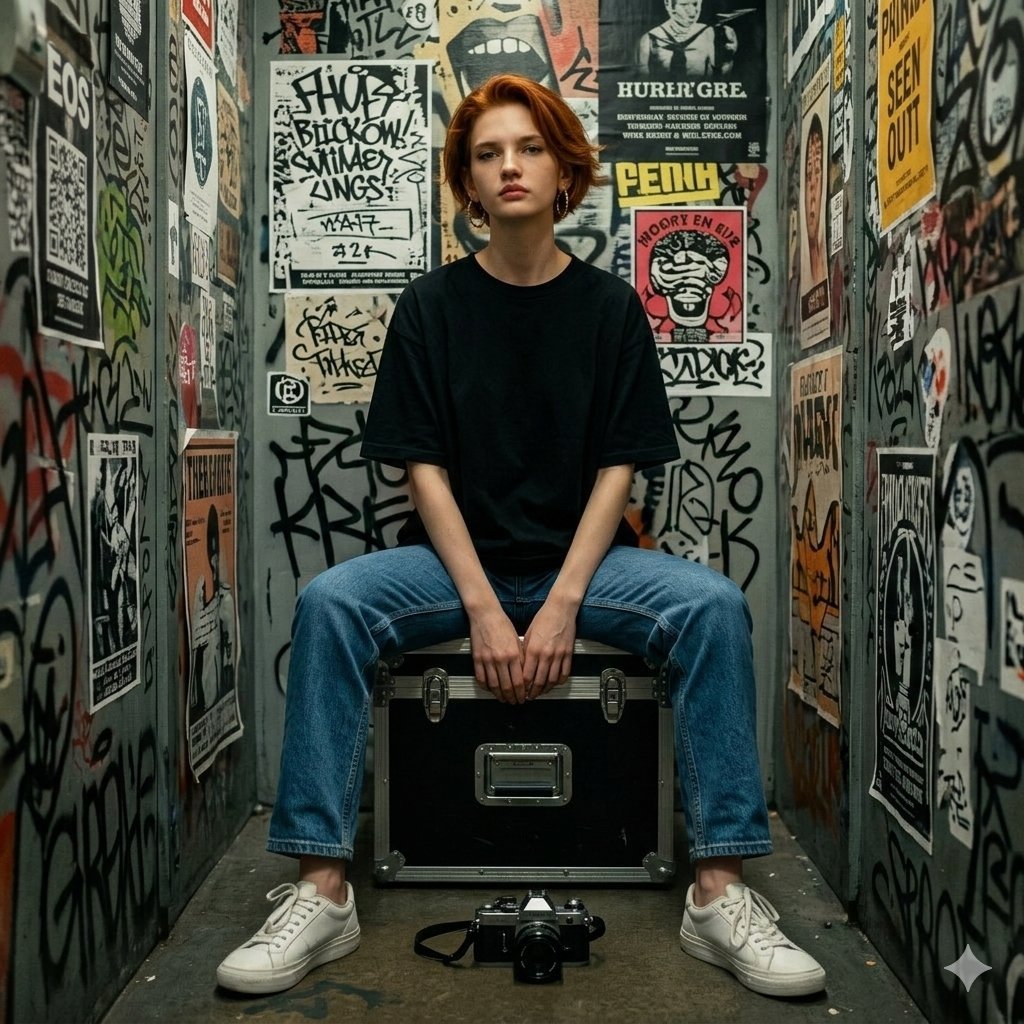
Hyper-realistic Portrait in Graffiti Room
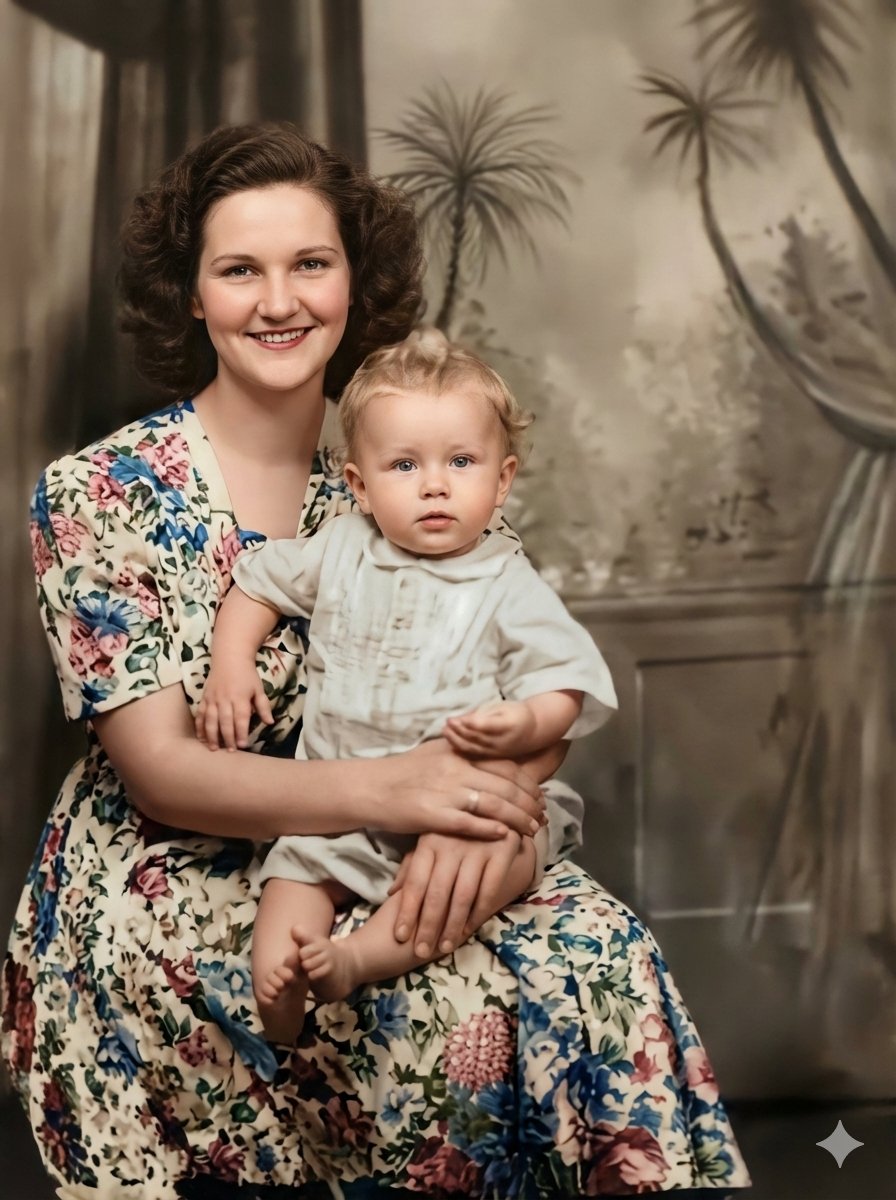
Vintage Photo Restoration to Professional Portrait
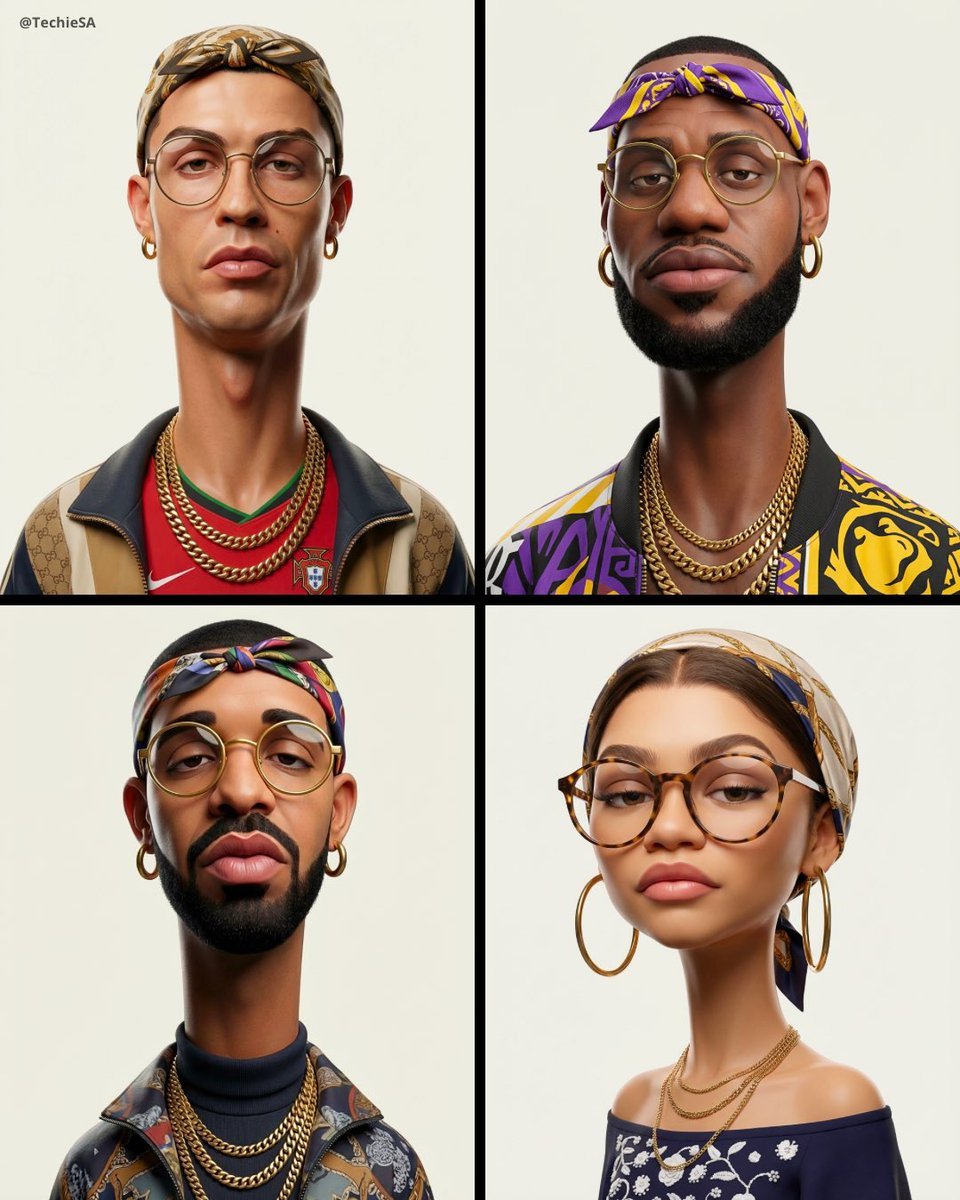
3D Stylized Caricature Fashion Portrait
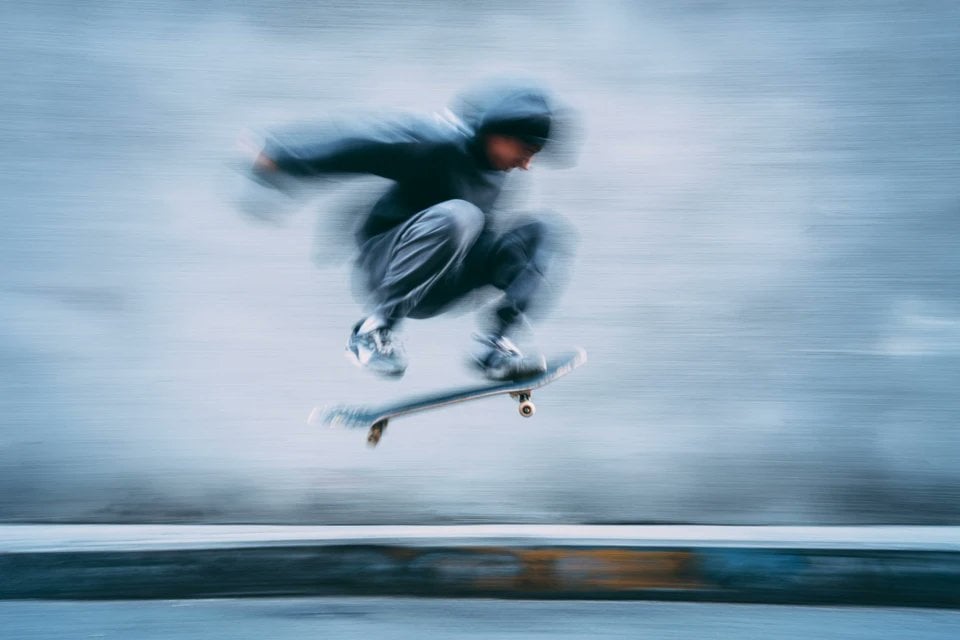
Image Generation Prompt: Blurred Silhouette
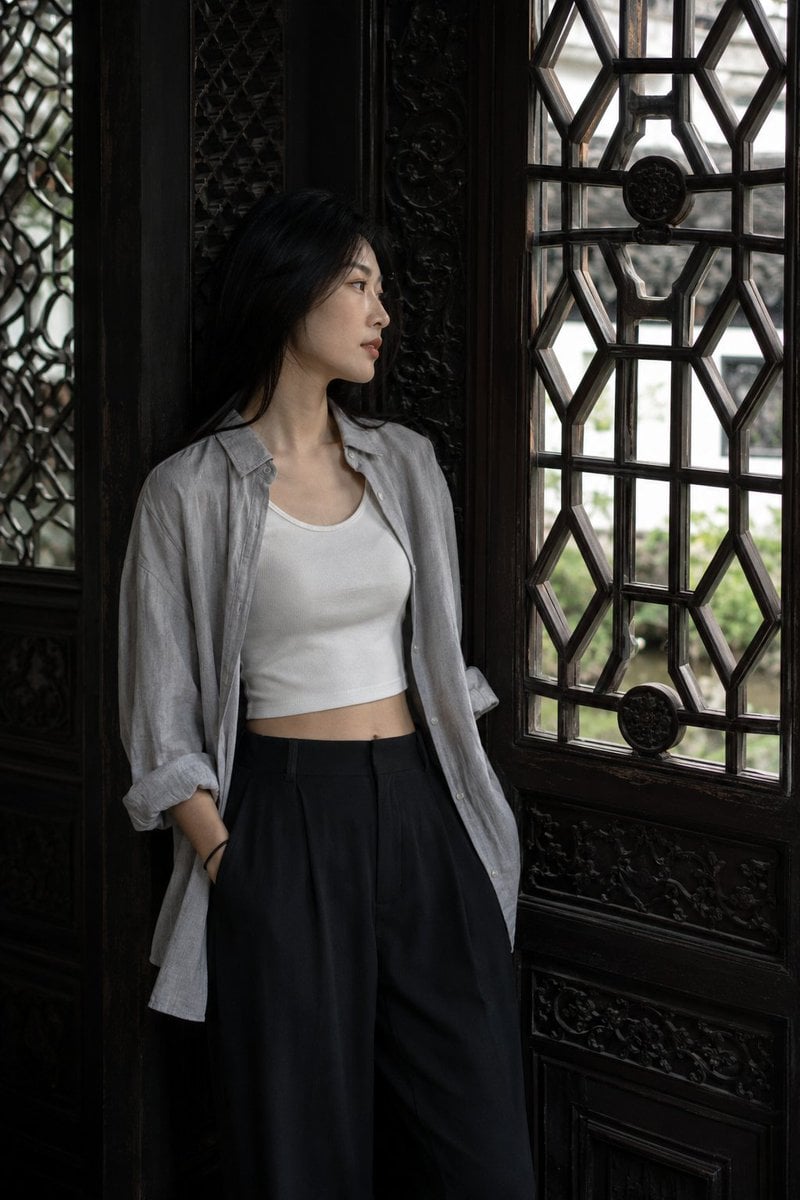
Classical Suzhou Garden Interior Portrait
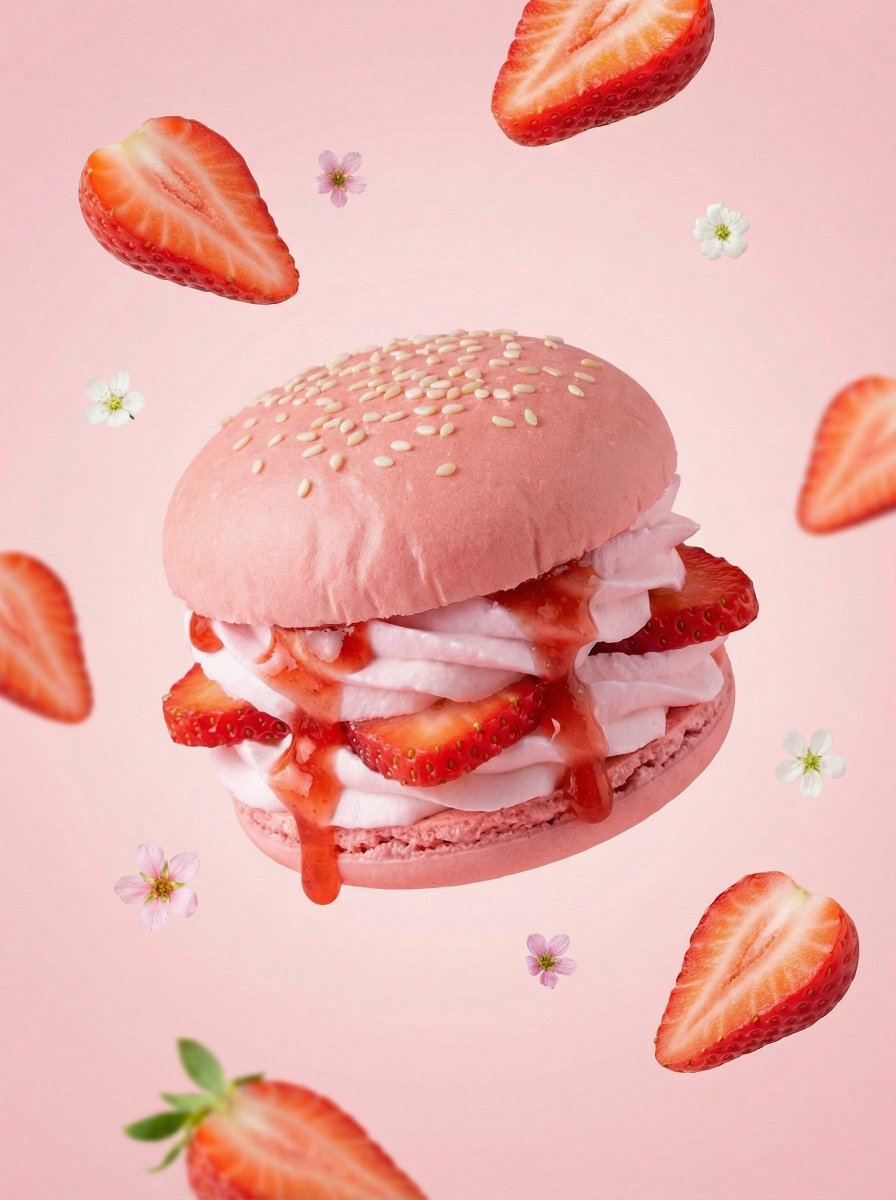
Hyper-Realistic Fruit Dessert Burger
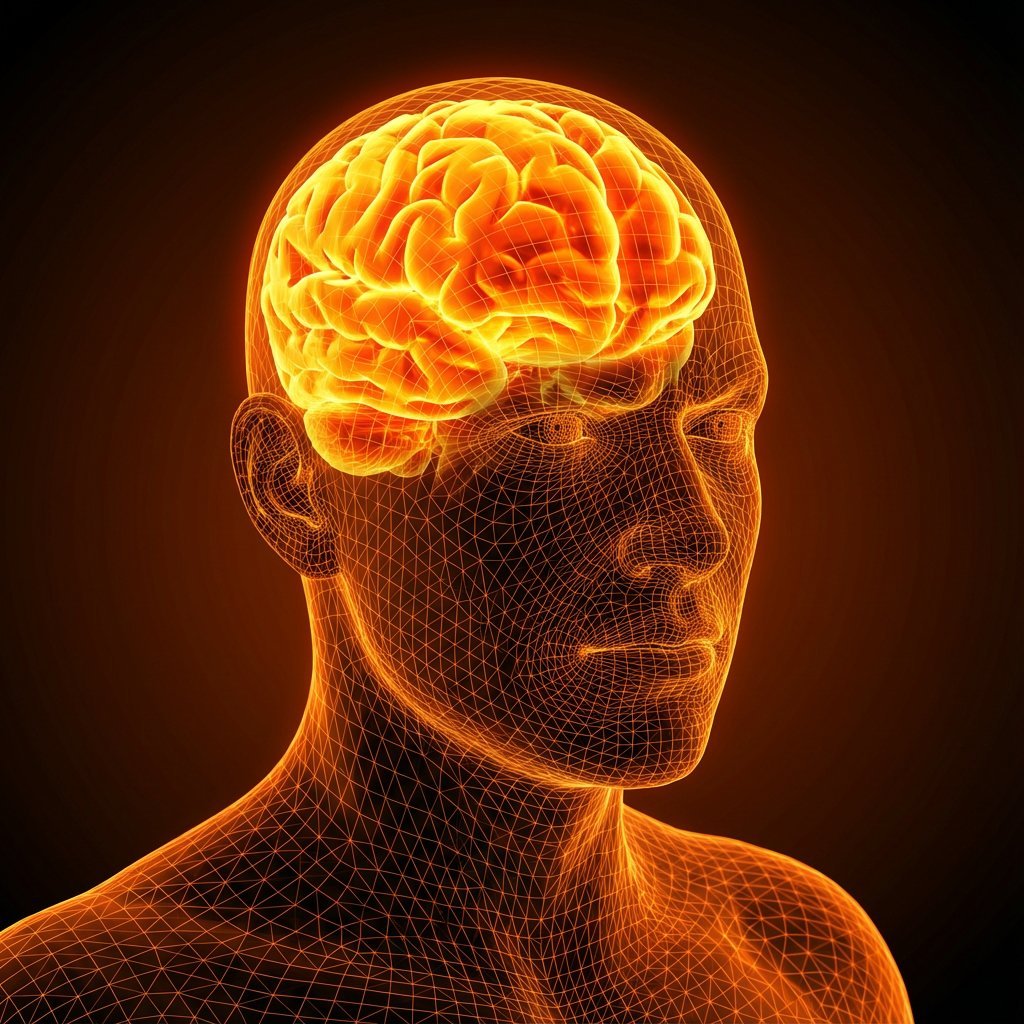
Cybernetic Medical Visualization Prompt
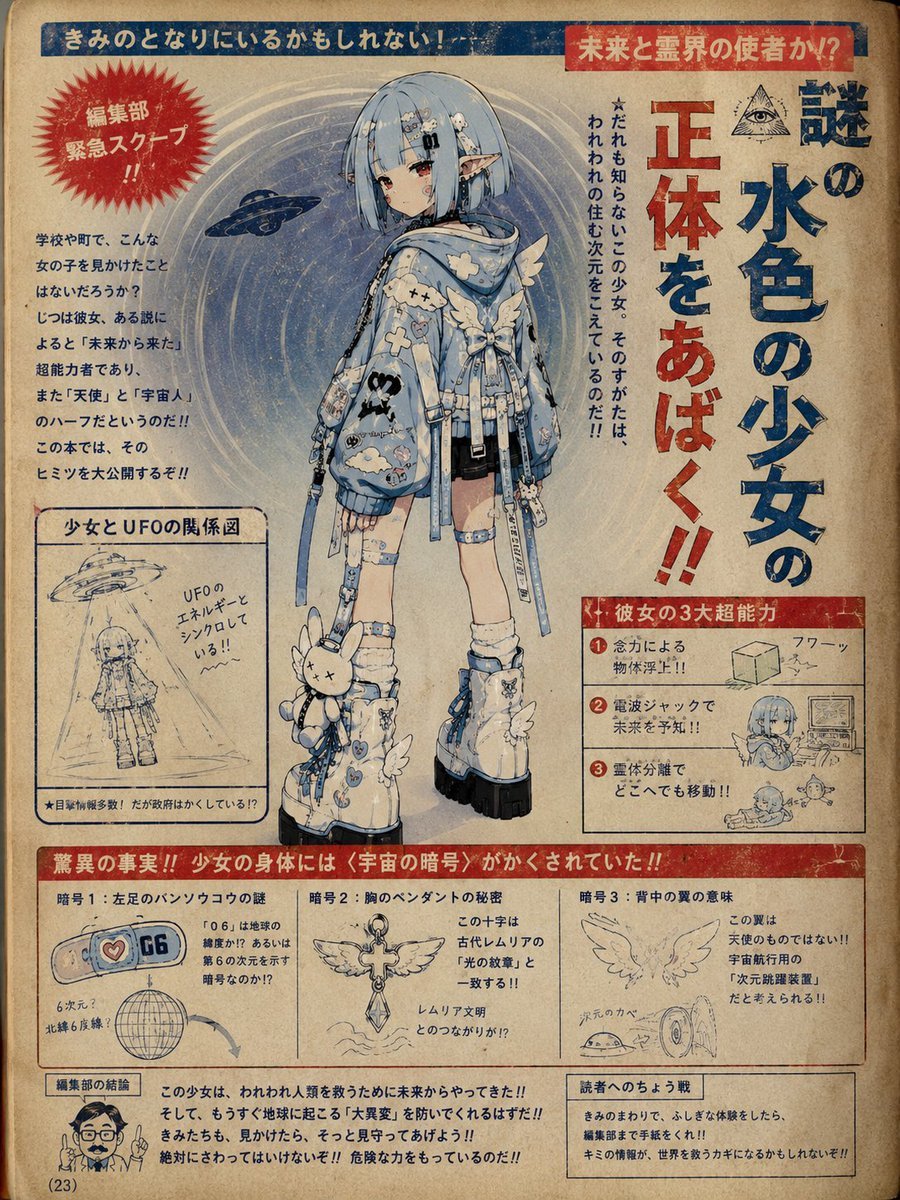
1970s Occult Children's Book Page
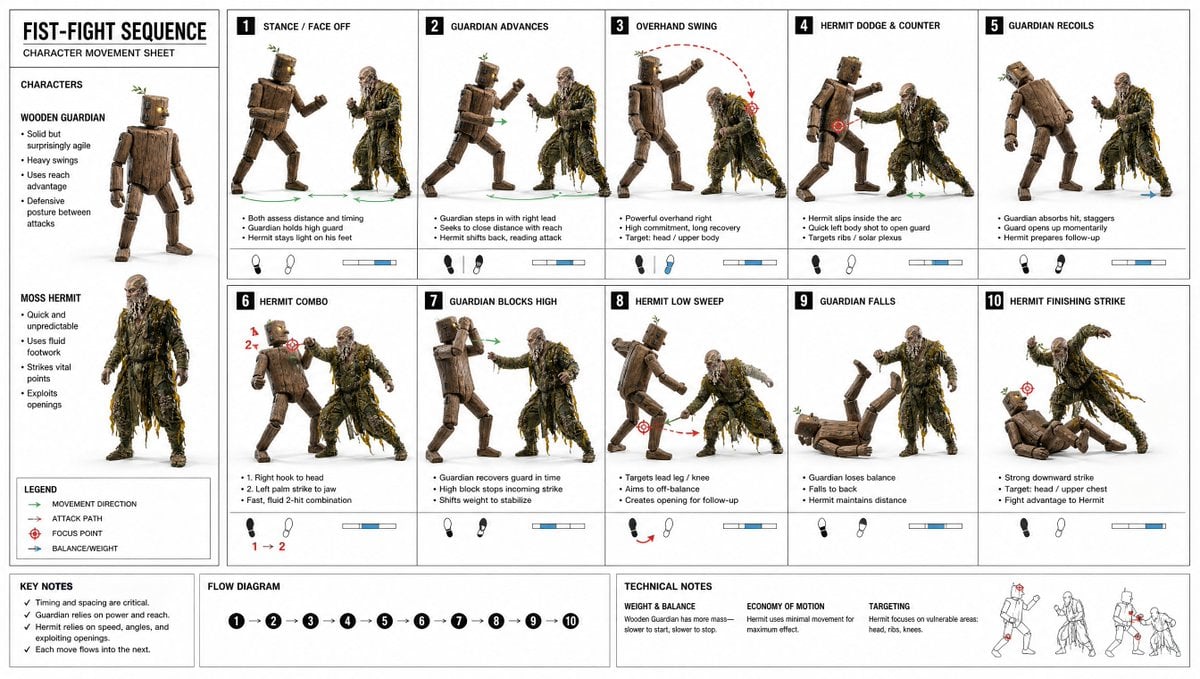
Fist-Fight Character Motion Sheet
Browse template categories
Surreal India Travel Island Portrait questions
How do I use the Surreal India Travel Island Portrait template?
Add your photo if the template asks for one, edit the prompt if you like — the template's model and format are already selected — and press Generate. Your version opens in PicX Studio.
Can I customize the Surreal India Travel Island Portrait template?
Yes. You can change the subject, setting, lighting, mood, format, and available model controls before creating your image.
Is the Surreal India Travel Island Portrait template free?
Opening and editing this template is free. Generating uses credits, shown on the Generate button when you are signed in.
Which AI model should I use?
Start with GPT Image 2, which is the model associated with this template. You can compare another compatible model for a different finish.
Looking for something else? Browse all templates.

Your photo, any look
Thousands of ready templates for every top image and video model, from one credit balance.