
1970s Occult Children's Book Page
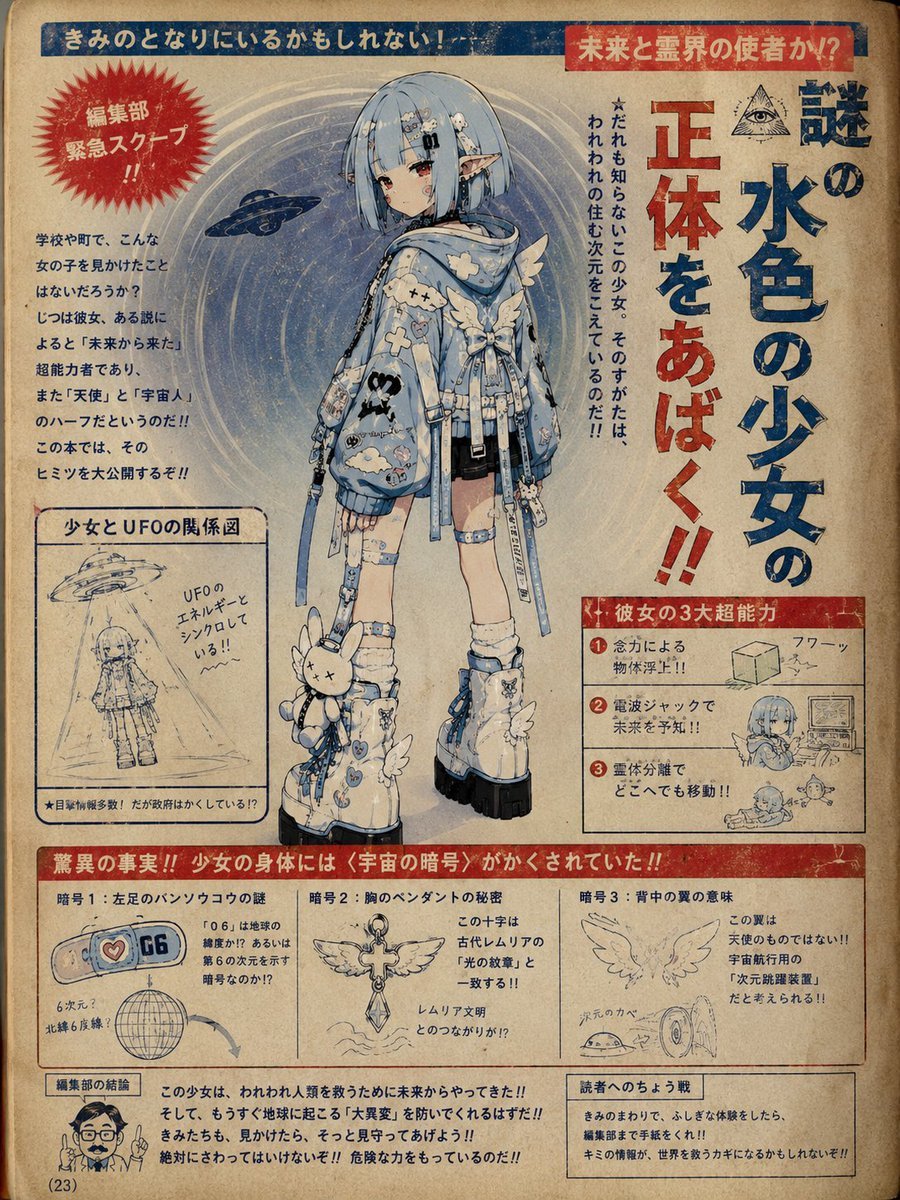
A creative prompt designed for image-to-image generation that transforms a character into a 1970s-style Japanese children's book page, complete with retro printing artifacts and pseudo-scientific occult explanations.
- Prompt included
- Model and format preset
- Free template
The prompt behind this image
Copy the exact prompt behind 1970s Occult Children's Book Page, or open it in the studio and make it yours.
Using this character, draw {argument name="theme" default="a page from a 1970s-style children's book about occult phenomena, future science, and the supernatural"}. Do not use the reference image as-is; create a situation and composition that fit the content of the page. Important: base it on the reference image, but make the content something a 1970s children's-book editor has forcibly reinterpreted as connected to supernatural phenomena or future science. Make it the kind of page where "an adult at the time, upon seeing this character, arbitrarily convinced themselves it was some deeply significant being, and went on to develop bizarre theories, wild hypotheses, and occult interpretations." Emphasize interpretations that feel like they could plausibly have existed, yet are baffling, wildly illogical leaps. Make the content random each time, with the editor's delusions and assertions running wild. Include assertive text that stirs up the kids. The page should be in the style of a 1970s children's book. Include old paper, misaligned printing, faded color, crude diagrams, red and blue ink, hand-drawn arrows, and inexplicable charts. Each time: A different wild interpretation A different page layout A different assertion A different bizarre theory A different camera angle. Important: emphasize the feeling of "a weird children's book that might really have existed." Prioritize bizarre theories, forced connections, wildly illogical interpretations, and the fervor of an occult-obsessed editor, rather than proper science fiction.
How to use 1970s Occult Children's Book Page in 3 steps
- 1Upload ImagePNG, JPG or paste
Add your photo
Upload the photo the template builds on. The prompt, model and format are already set.
- 2…a portrait of your subject in softgolden-hour light, 85mm…
Personalize
Edit the subject and creative details for your destination.
- 3Generate
Generate
Press Generate — your image is created in PicX Studio, so you can compare it with the original and refine one variable at a time.
More like this
Templates with the same subject, style or setup. Open one to see its prompt.
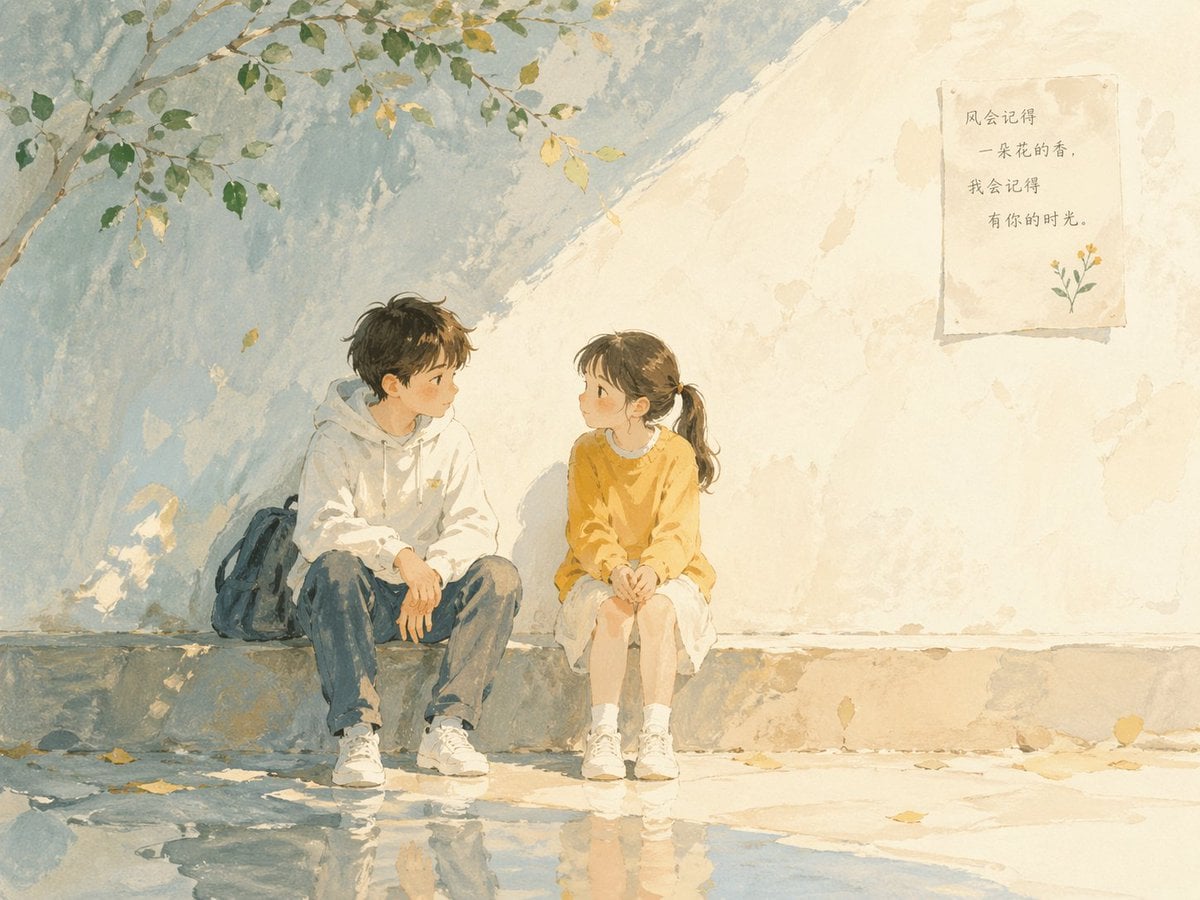
Watercolor Children Book Illustration

Notebook Page Emergence Illusion
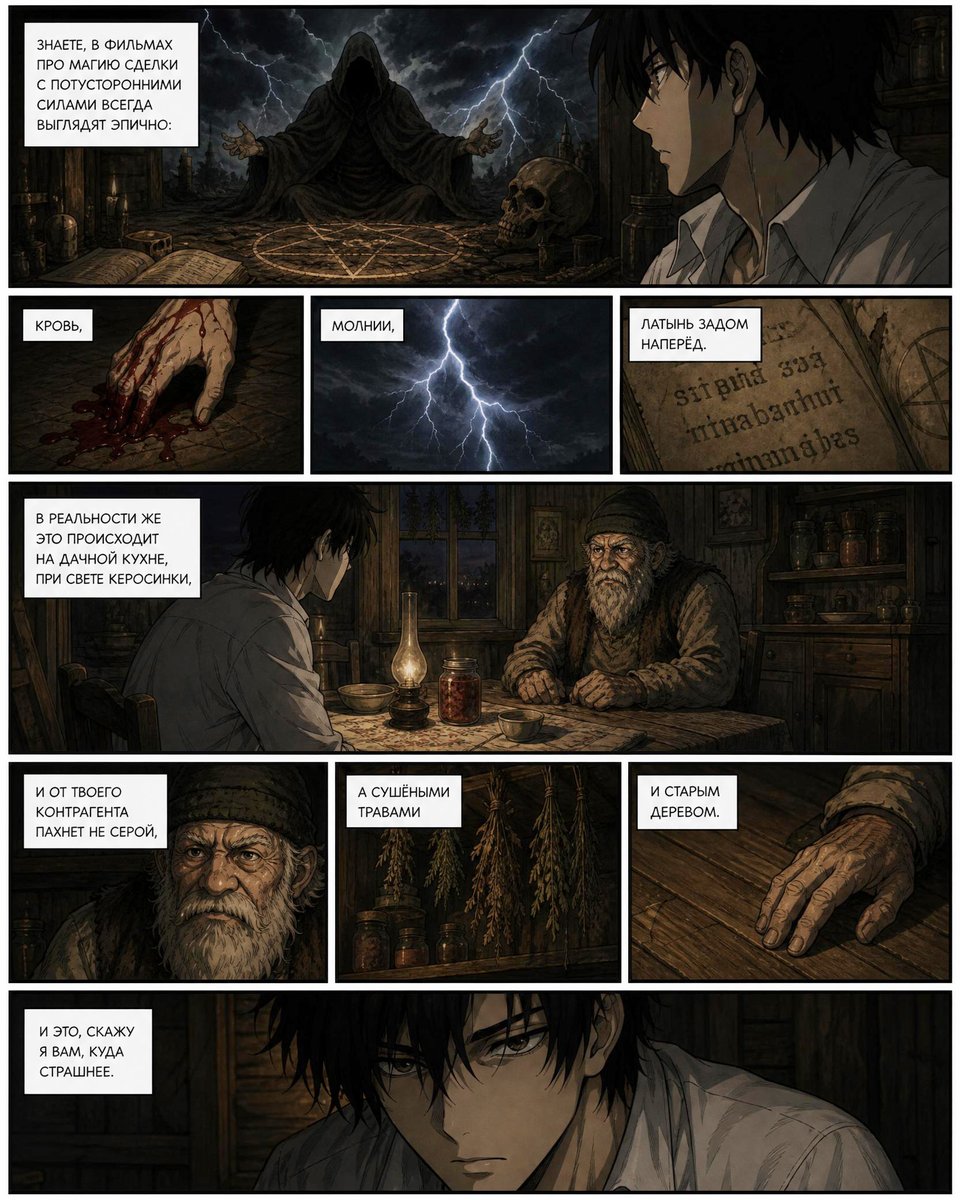
Dark Occult Graphic Novel Page
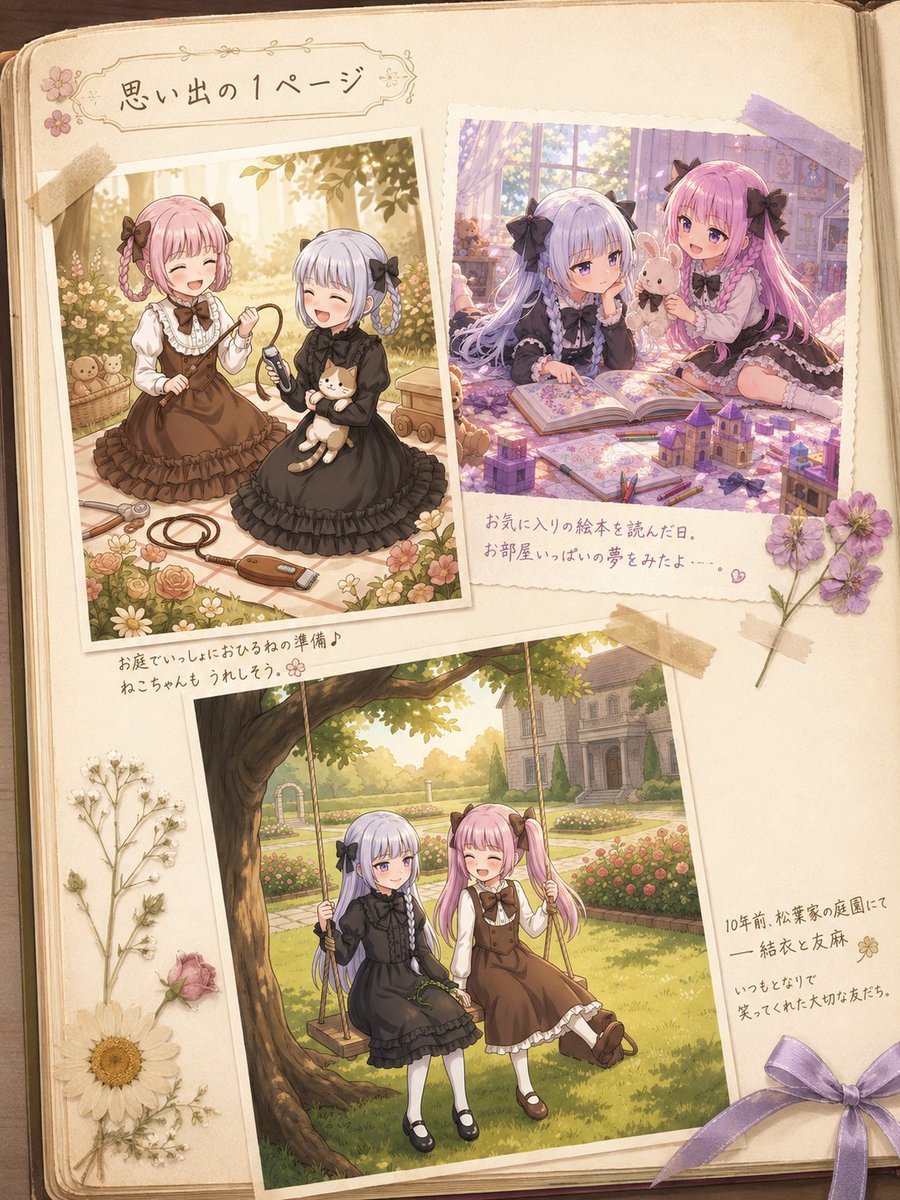
Nostalgic Sisters Scrapbook Page
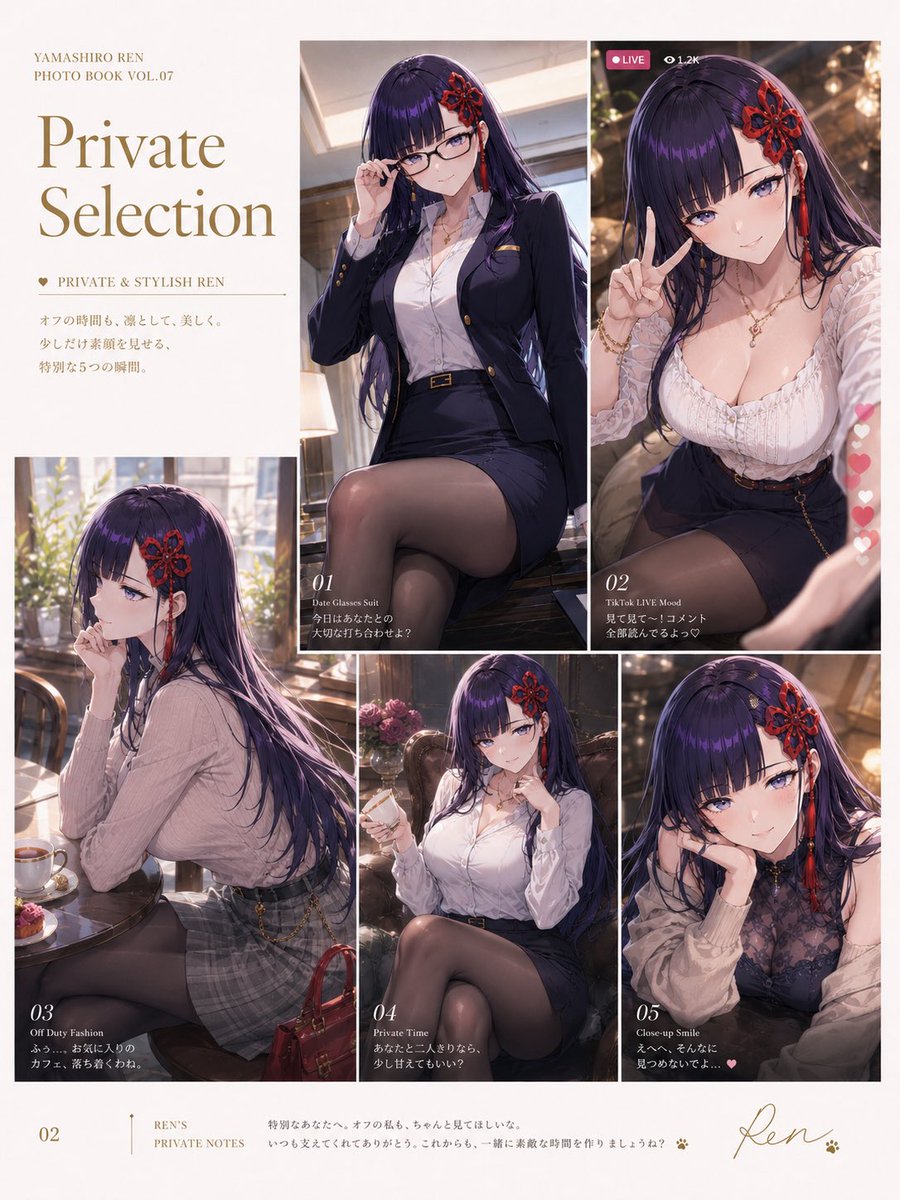
Private Selection Anime Photobook Page
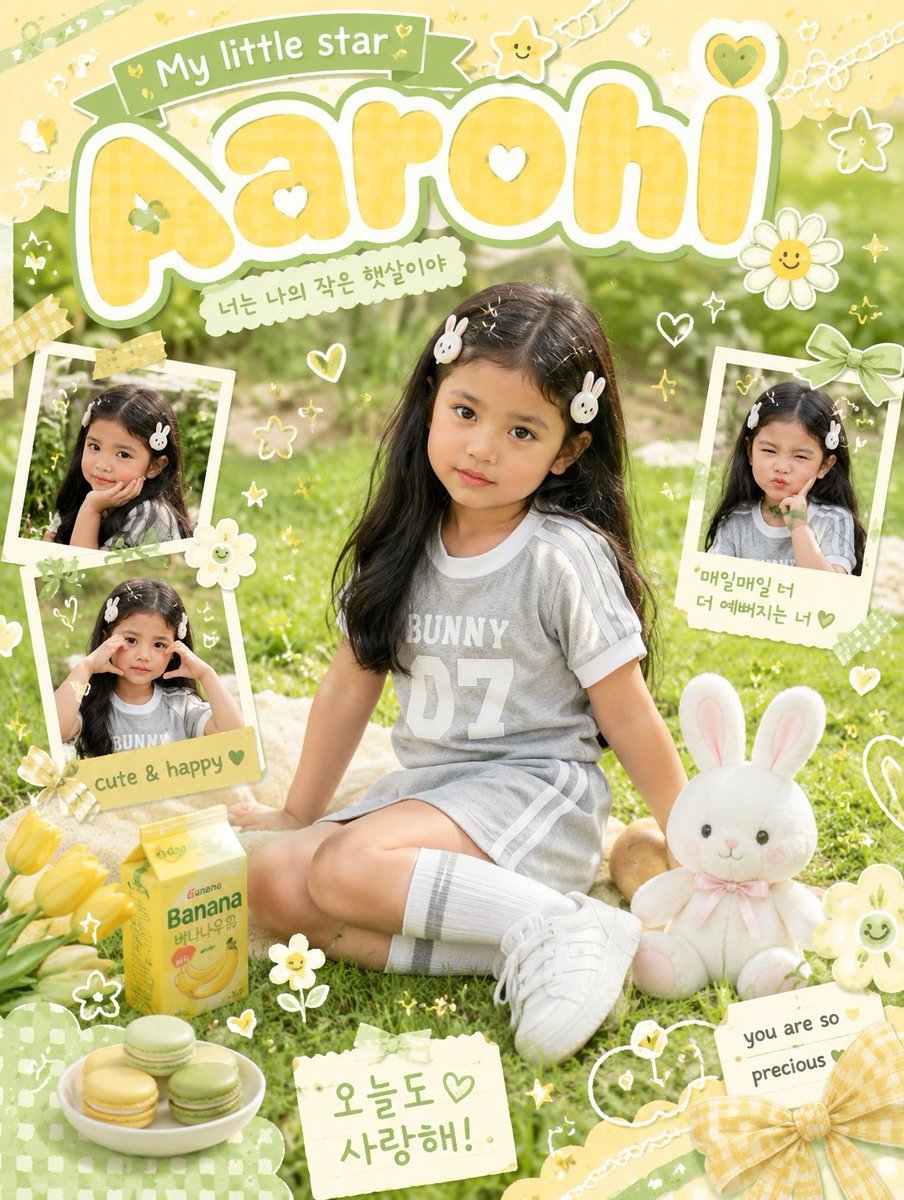
Kawaii Scrapbook Children Poster
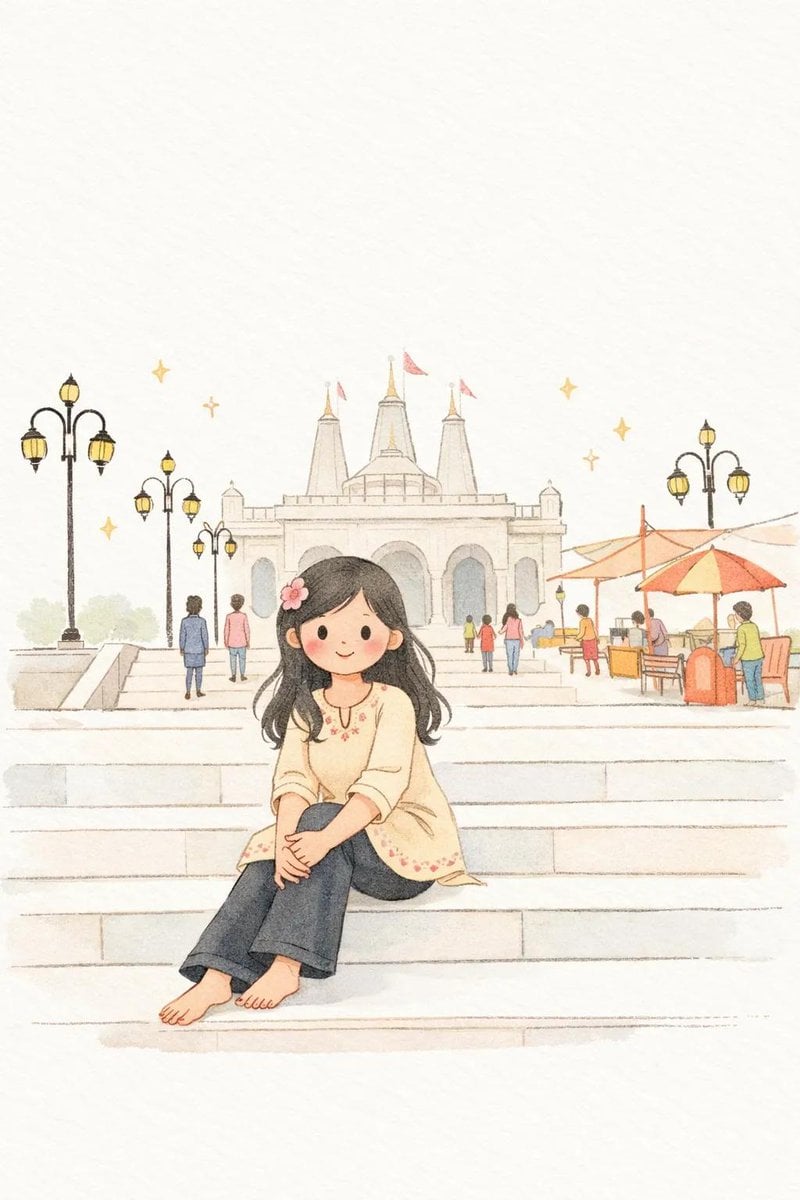
Minimalist Children's Book Illustration
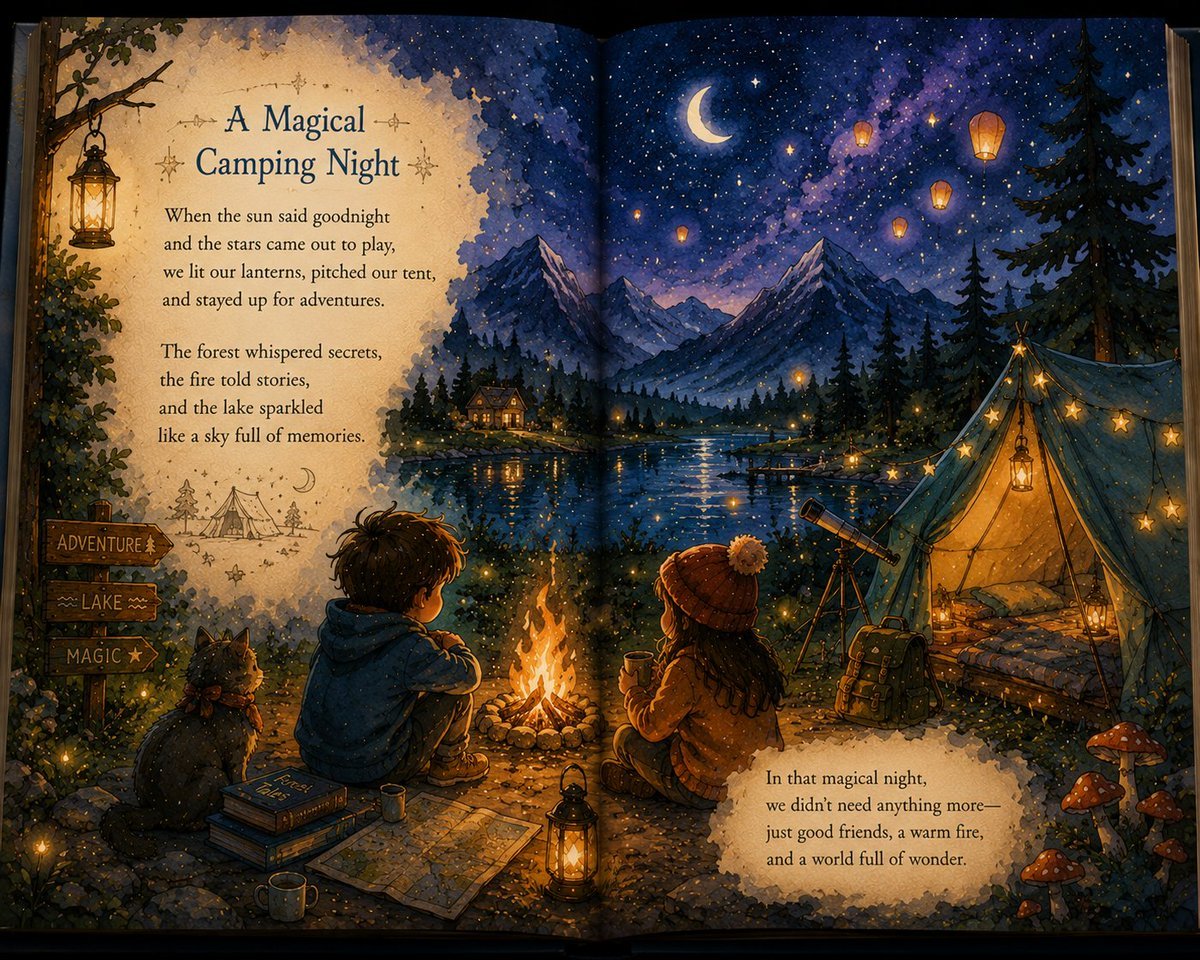
Magical Children's Storybook Illustration
Vintage Creepy Children's Book Transformation
Children's Book Illustration Prompt
Children's Book Illustration Style Prompt for Character Drawing
1970s Inspired Quiet Luxury Fashion Lookbook
Make it yours
1970s Occult Children's Book Page works as-is. These are the safest ways to change it without losing the look.
Change one field
Copy a single group, rewrite it, and generate again so you can see what that field is doing.
Keep the frame, change the subject
Hold the composition and light of 1970s Occult Children's Book Page, then swap wardrobe, props or the person for a new take.
| If the result… | Why | Fix |
|---|---|---|
| The result drifts from the preview | Too many fields changed at once. | Reuse 1970s Occult Children's Book Page as-is first, then change one group — subject, light, or setting. |
| The model over-stylizes the scene | The prose prompt leaves finish and camera underspecified. | Add one camera or lighting sentence and stay on GPT Image 2. |
More GPT Image 2 templates
Other prompts made for GPT Image 2.

Six VTuber Japanese Logo Sheet

Realistic Portrait of Woman and Deer

The Vista Modular Condo Poster

AI Model Routing Comparison Infographic

2.5D Anime Art Board

Isometric Productivity Desk Scene

New York Double Exposure Poster

Four-Panel AI Landscape Comparison

Japanese Tatami Lifestyle Magazine Cover

NESCAFÉ Coffee Map Poster
More image prompts
Fresh picks from across the catalog.
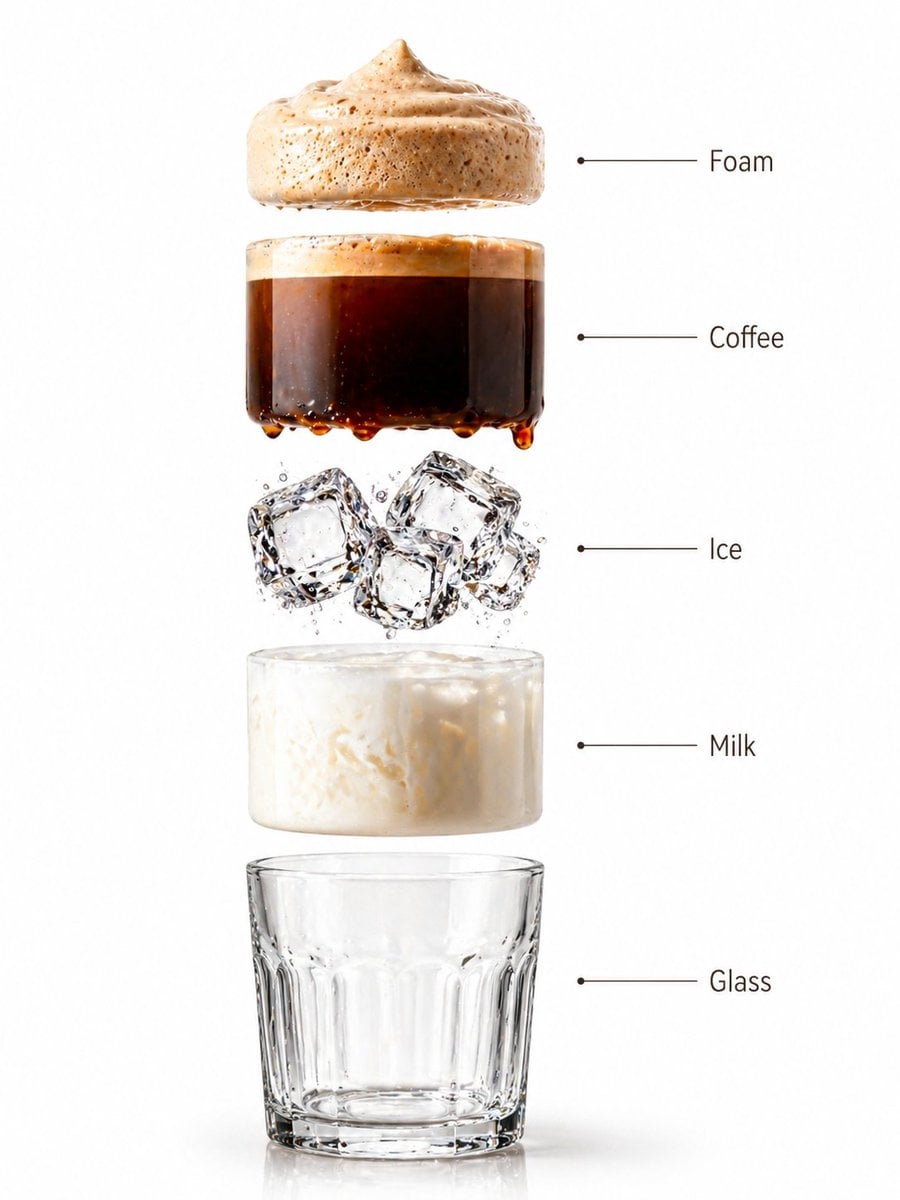
Premium Beverage Studio Photography
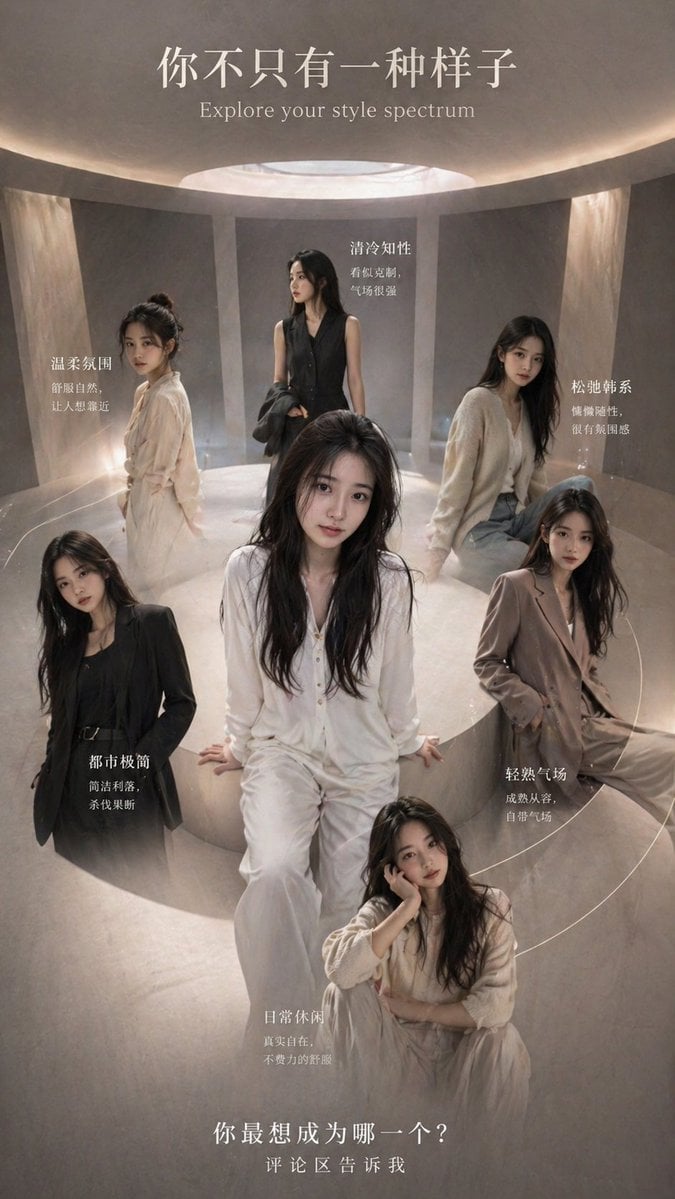
Style Spectrum Fashion Poster
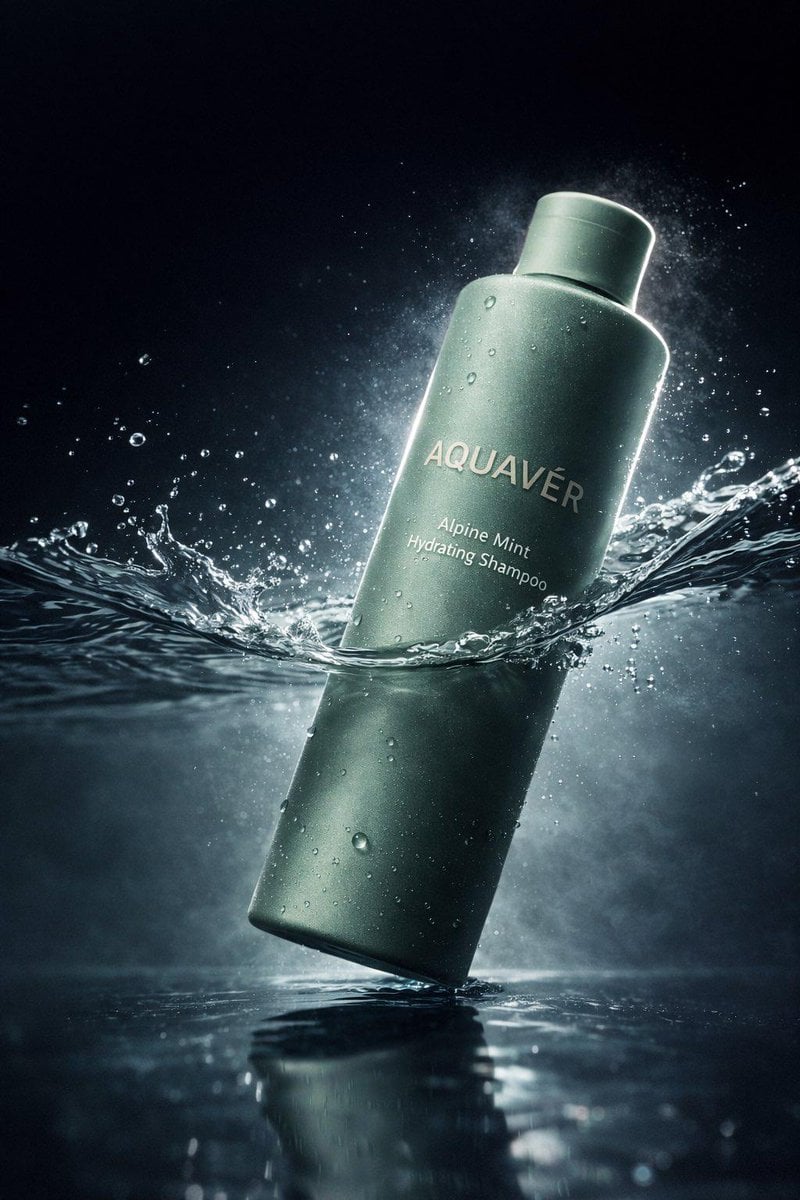
Luxury Shampoo Bottle Splash Commercial
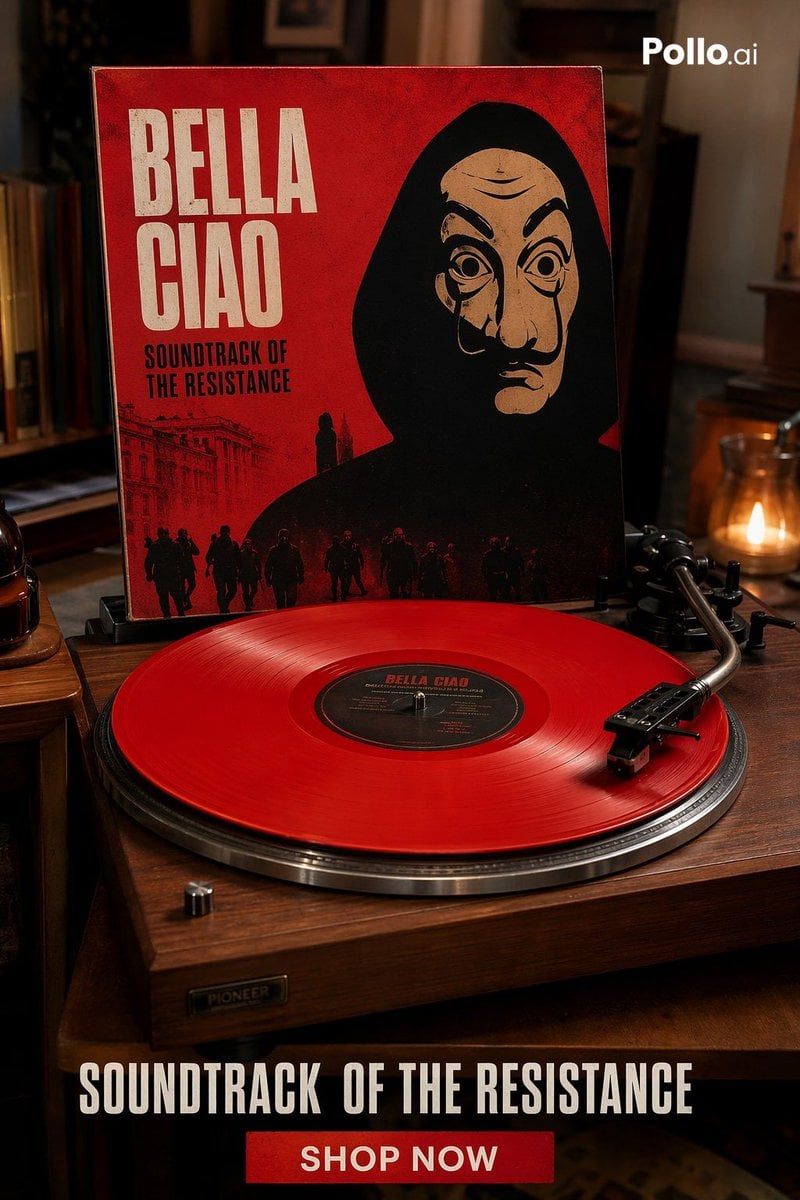
Red Vinyl Soundtrack Ad
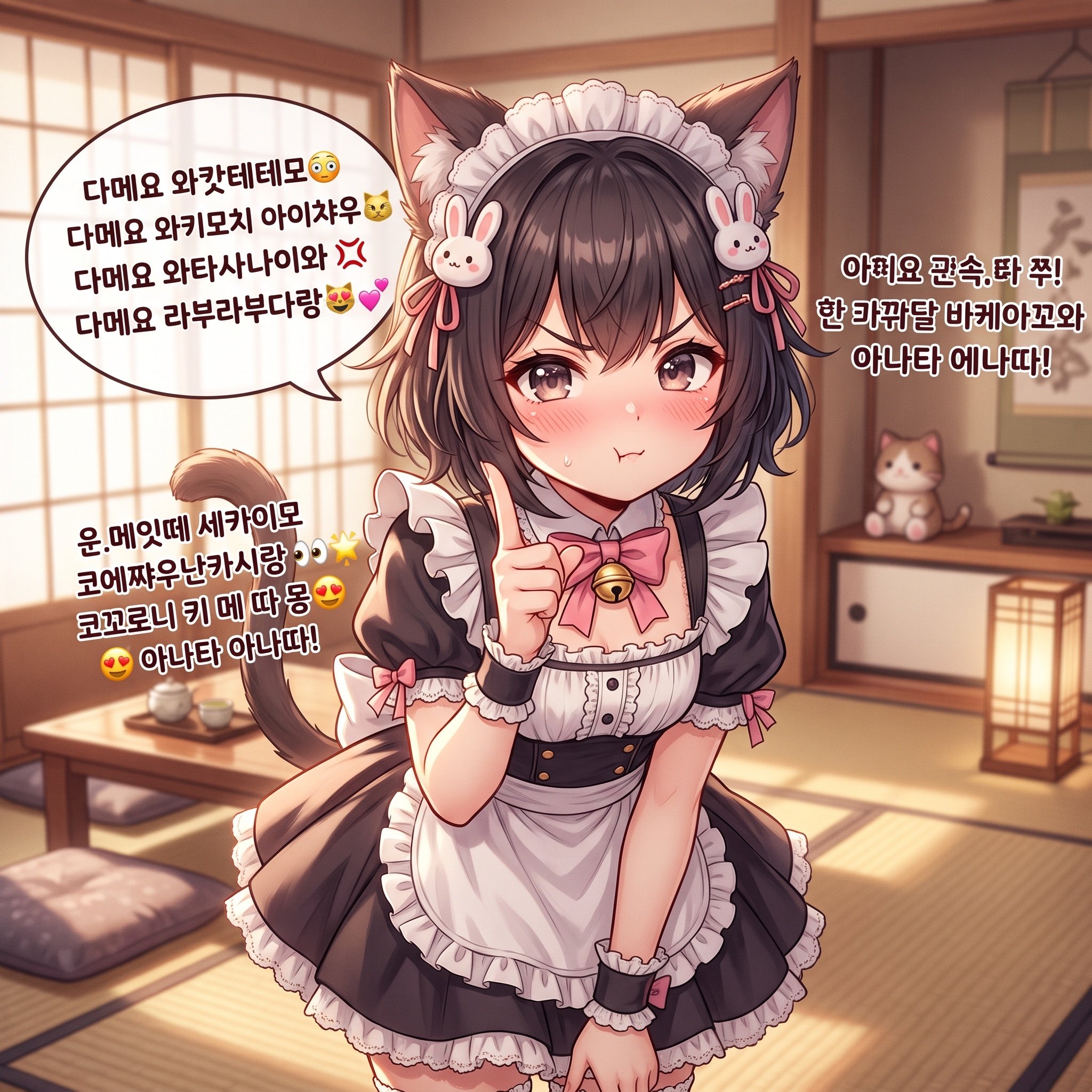
Japanese/Korean Mixed Text for Affectionate Roleplay
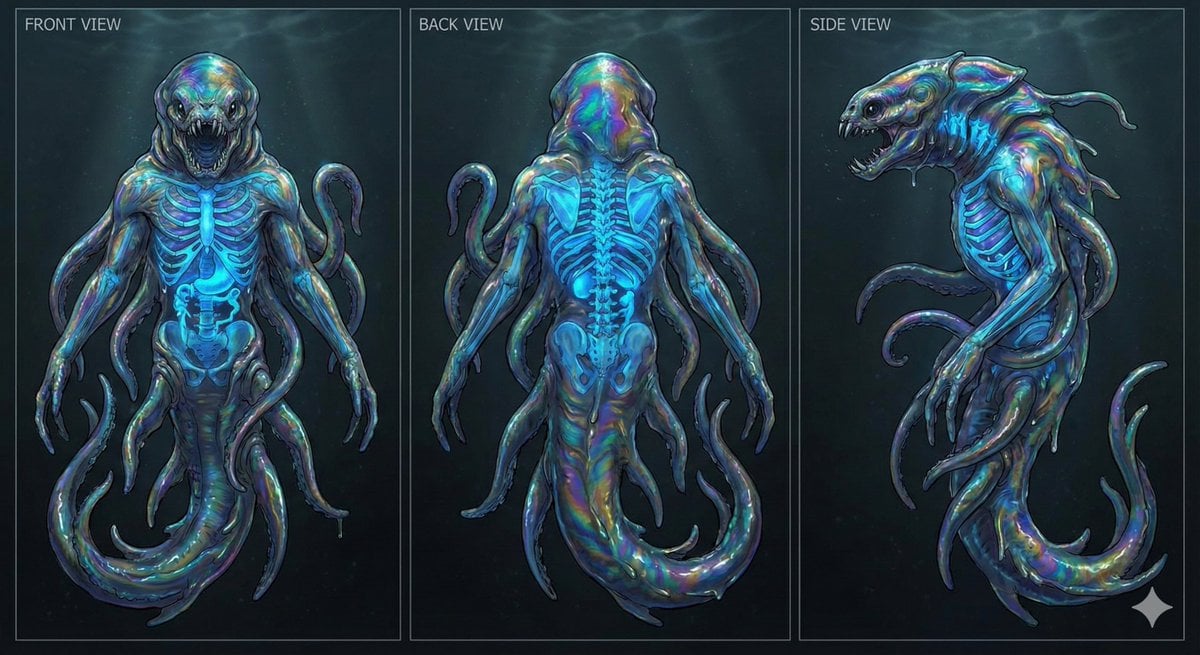
Character Sheet for Deep-Sea Creature with Bioluminescent Skeleton

Photo to Anime Reading Scene
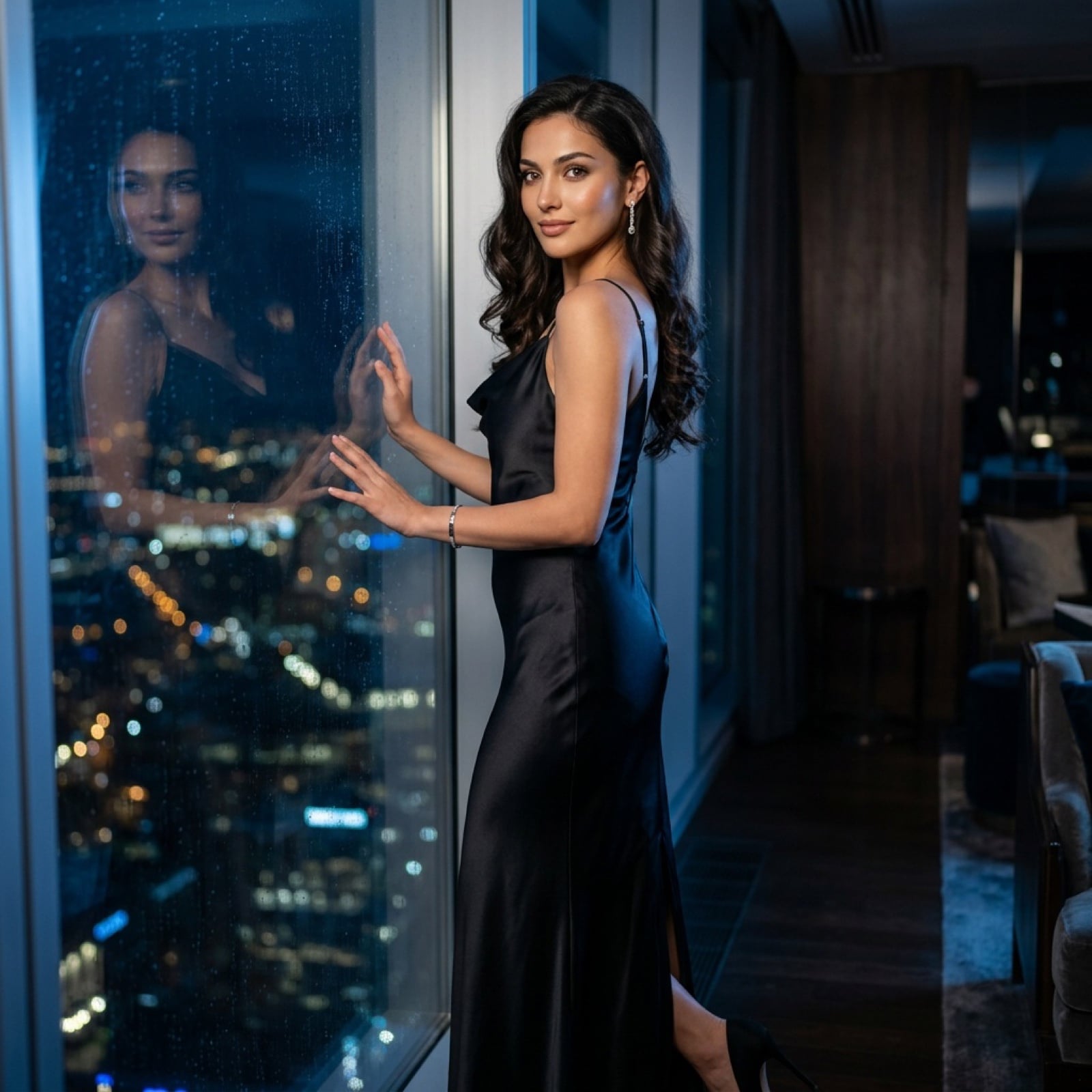
Cinematic Evening Fashion Portrait with Identity Lock
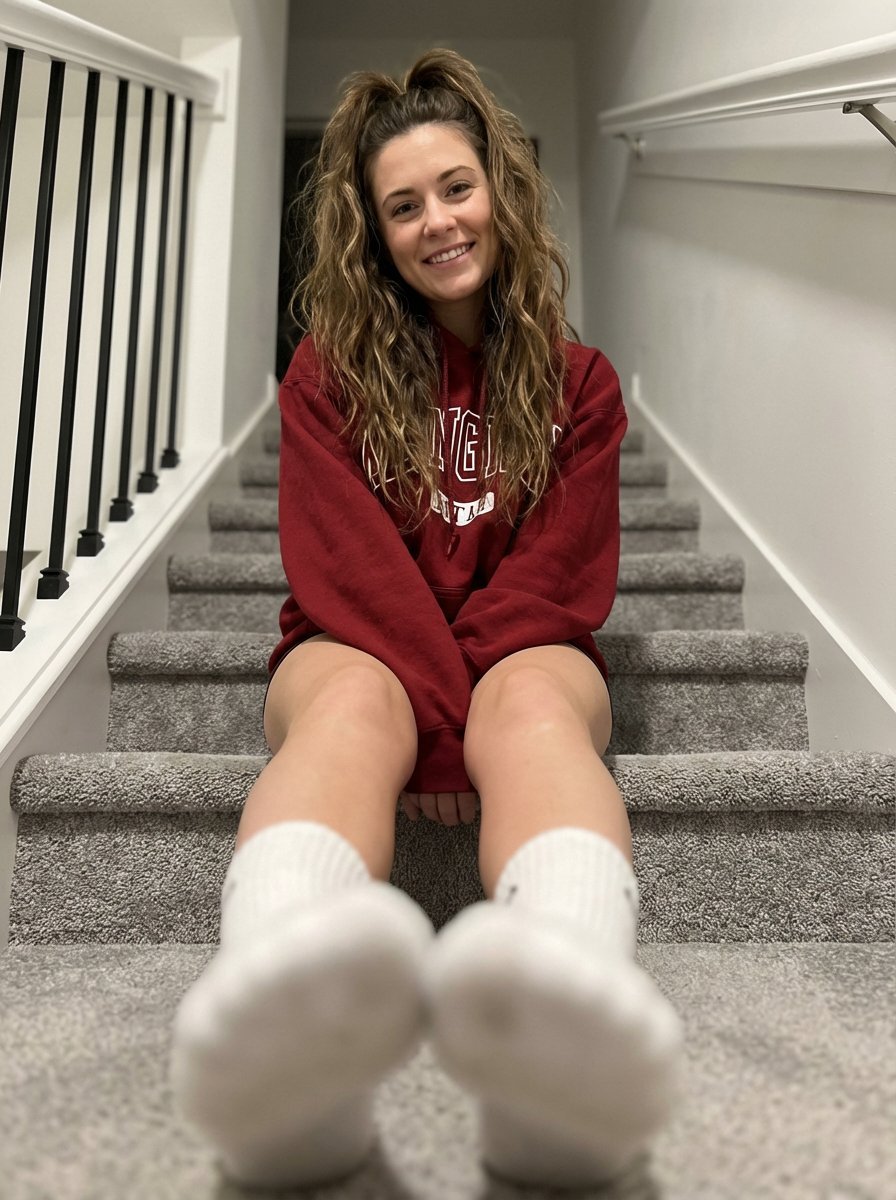
Cozy Indoor Portrait on Staircase with Foreshortening
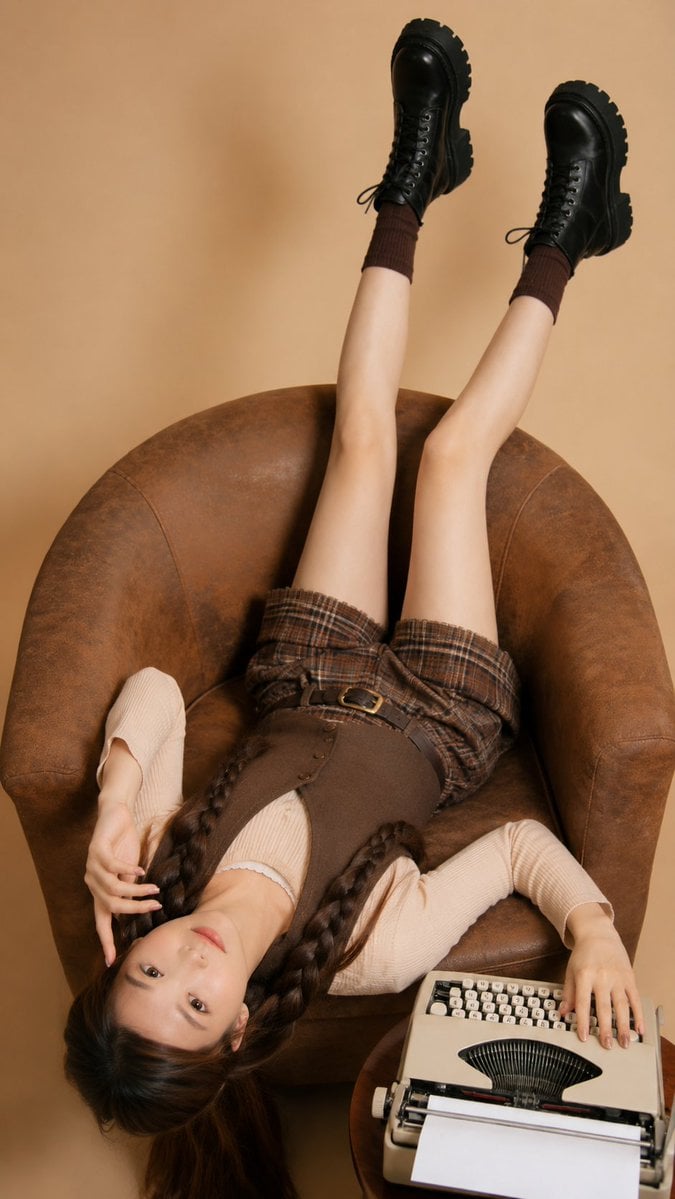
Retro Magazine Upside-Down Portrait
Browse template categories
1970s Occult Children's Book Page questions
How do I use the 1970s Occult Children's Book Page template?
Add your photo if the template asks for one, edit the prompt if you like — the template's model and format are already selected — and press Generate. Your version opens in PicX Studio.
Can I customize the 1970s Occult Children's Book Page template?
Yes. You can change the subject, setting, lighting, mood, format, and available model controls before creating your image.
Is the 1970s Occult Children's Book Page template free?
Opening and editing this template is free. Generating uses credits, shown on the Generate button when you are signed in.
Which AI model should I use?
Start with GPT Image 2, which is the model associated with this template. You can compare another compatible model for a different finish.
Looking for something else? Browse all templates.

Your photo, any look
Thousands of ready templates for every top image and video model, from one credit balance.