
Style Spectrum Fashion Poster
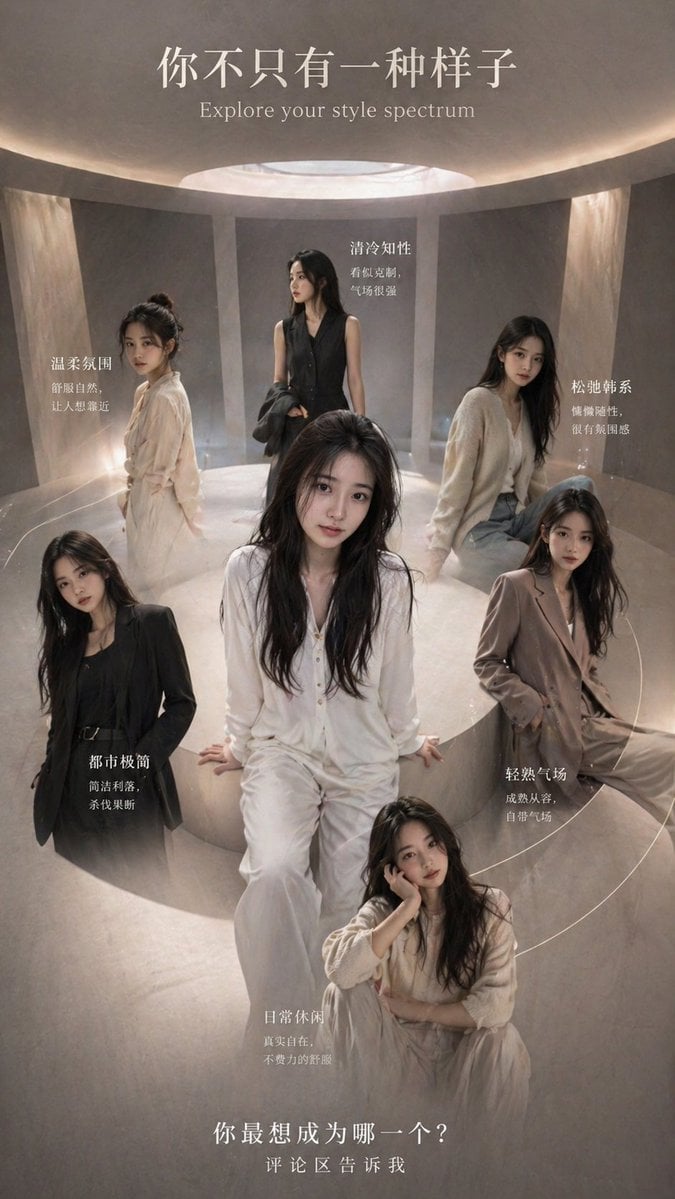
A luxury vertical editorial poster showing seven styled personas of the same woman, ideal for fashion branding, personal style concepts, or social media campaign visuals.
- Prompt included
- Model and format preset
- Free template
The prompt behind this image
Copy the exact prompt behind Style Spectrum Fashion Poster, or open it in the studio and make it yours.
A high-end fashion editorial poster in a vertical 9:16 format, set inside a serene futuristic circular gallery with smooth beige stone walls, a large round skylight in the ceiling, soft diffused warm lighting, and a sculptural circular platform at the center. The image shows 7 versions of the same young East Asian woman with long dark wavy hair, each styled as a different personality archetype, arranged around the circular platform in an elegant symmetrical composition. The central and largest figure sits on the edge of the platform facing forward, wearing a loose ivory-white button-front blouse and matching relaxed trousers, calm and introspective, becoming the visual anchor. Around her are 6 alternate style personas: 1 woman on the left in a soft cream dress with hair in a bun, gentle and approachable; 1 woman at the back center standing in a sleeveless black tailored outfit, cool and rational; 1 woman on the upper right seated in a light beige cardigan and pale skirt or trousers, casual and relaxed; 1 woman on the lower left in a sharp black blazer and dark outfit, urban minimalist; 1 woman on the lower right in a taupe oversized suit, mature and confident; 1 woman at the bottom front crouching in a cozy cream knit and loose light pants, everyday comfort style. All seven figures have the same identity but different styling, mood, and pose. Use a muted neutral palette of ivory, cream, taupe, beige, stone gray, and black, with soft atmospheric haze, cinematic depth, luxury magazine aesthetics, minimalism, and polished skin. Add elegant Chinese typography integrated into the composition: top headline {argument name="headline text" default="你不只有一种样子"} with smaller English subtitle {argument name="subtitle text" default="Explore your style spectrum"}. Place 6 Chinese style labels with short descriptive taglines near the surrounding personas: 温柔氛围, 清冷知性, 松弛韩系, 都市极简, 轻熟气场, 日常休闲. At the bottom add the Chinese call-to-action {argument name="bottom question" default="你最想成为哪一个?"} and smaller line {argument name="bottom caption" default="评论区告诉我"}. Premium poster design, fashion campaign feel, graceful composition, soft focus, refined and aspirational.
How to use Style Spectrum Fashion Poster in 3 steps
- 1Upload ImagePNG, JPG or paste
Add your photo
Upload the photo the template builds on. The prompt, model and format are already set.
- 2…a portrait of your subject in softgolden-hour light, 85mm…
Personalize
Edit the subject and creative details for your destination.
- 3Generate
Generate
Press Generate — your image is created in PicX Studio, so you can compare it with the original and refine one variable at a time.
More like this
Templates with the same subject, style or setup. Open one to see its prompt.

Typography Mask Editorial Fashion Poster
Fashion Style Spectrum Poster

80s College Gate

1988 Mall Style

80s Polka Dot Saree

Japan Travel Brochure Poster

Cartoon TV Show Poster Pack

Blue Backdrop Luxury Fashion Portrait Campaign

Luxury Black-and-White Fashion Contact Sheet

Futuristic Studio Neon Ring Minimalist Portrait

Neon Night Crosswalk Candid Portrait
Double Exposure City Street Portrait
Make it yours
Style Spectrum Fashion Poster works as-is. These are the safest ways to change it without losing the look.
Change one field
Copy a single group, rewrite it, and generate again so you can see what that field is doing.
Keep the frame, change the subject
Hold the composition and light of Style Spectrum Fashion Poster, then swap wardrobe, props or the person for a new take.
| If the result… | Why | Fix |
|---|---|---|
| The result drifts from the preview | Too many fields changed at once. | Reuse Style Spectrum Fashion Poster as-is first, then change one group — subject, light, or setting. |
| The model over-stylizes the scene | The prose prompt leaves finish and camera underspecified. | Add one camera or lighting sentence and stay on GPT Image 2. |
More GPT Image 2 templates
Other prompts made for GPT Image 2.

Six VTuber Japanese Logo Sheet

Realistic Portrait of Woman and Deer

The Vista Modular Condo Poster

AI Model Routing Comparison Infographic

2.5D Anime Art Board

Isometric Productivity Desk Scene

New York Double Exposure Poster

Four-Panel AI Landscape Comparison

Japanese Tatami Lifestyle Magazine Cover

NESCAFÉ Coffee Map Poster
More image prompts
Fresh picks from across the catalog.
Cinematic Portrait with Motion Blur Cityscape
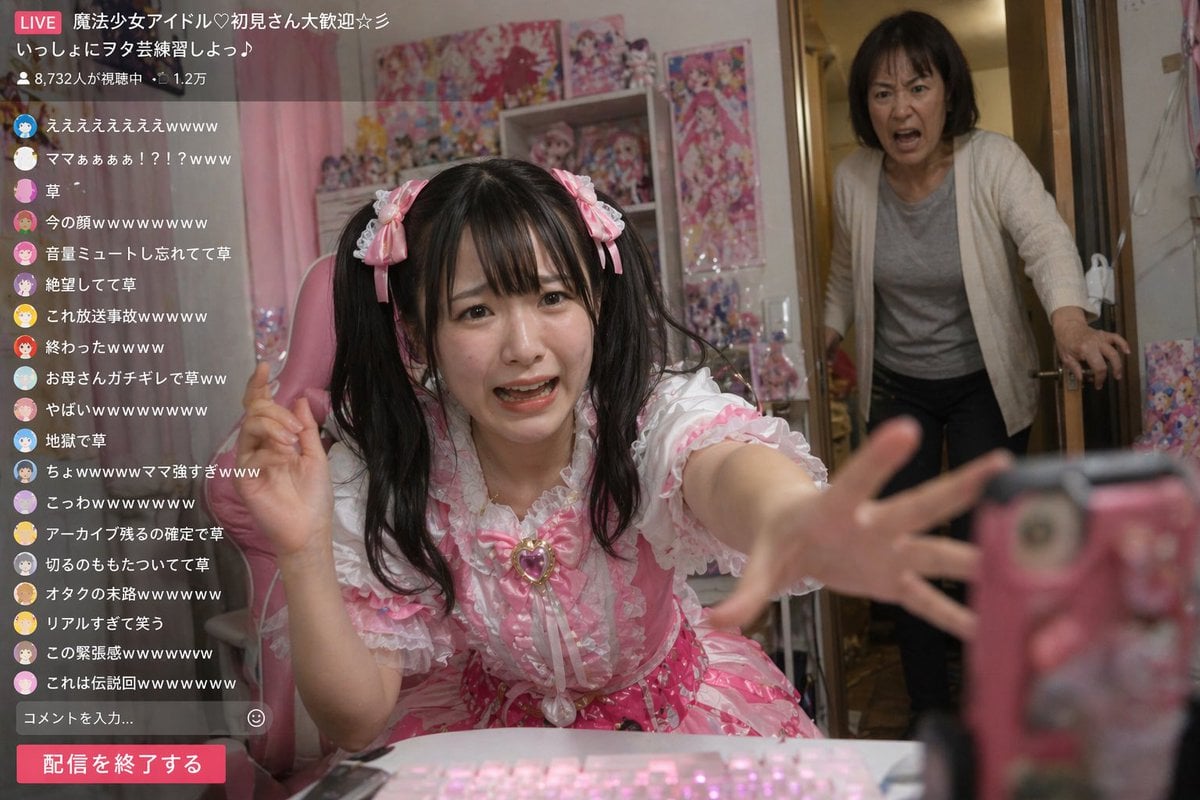
Awkward Idol Stream Situation
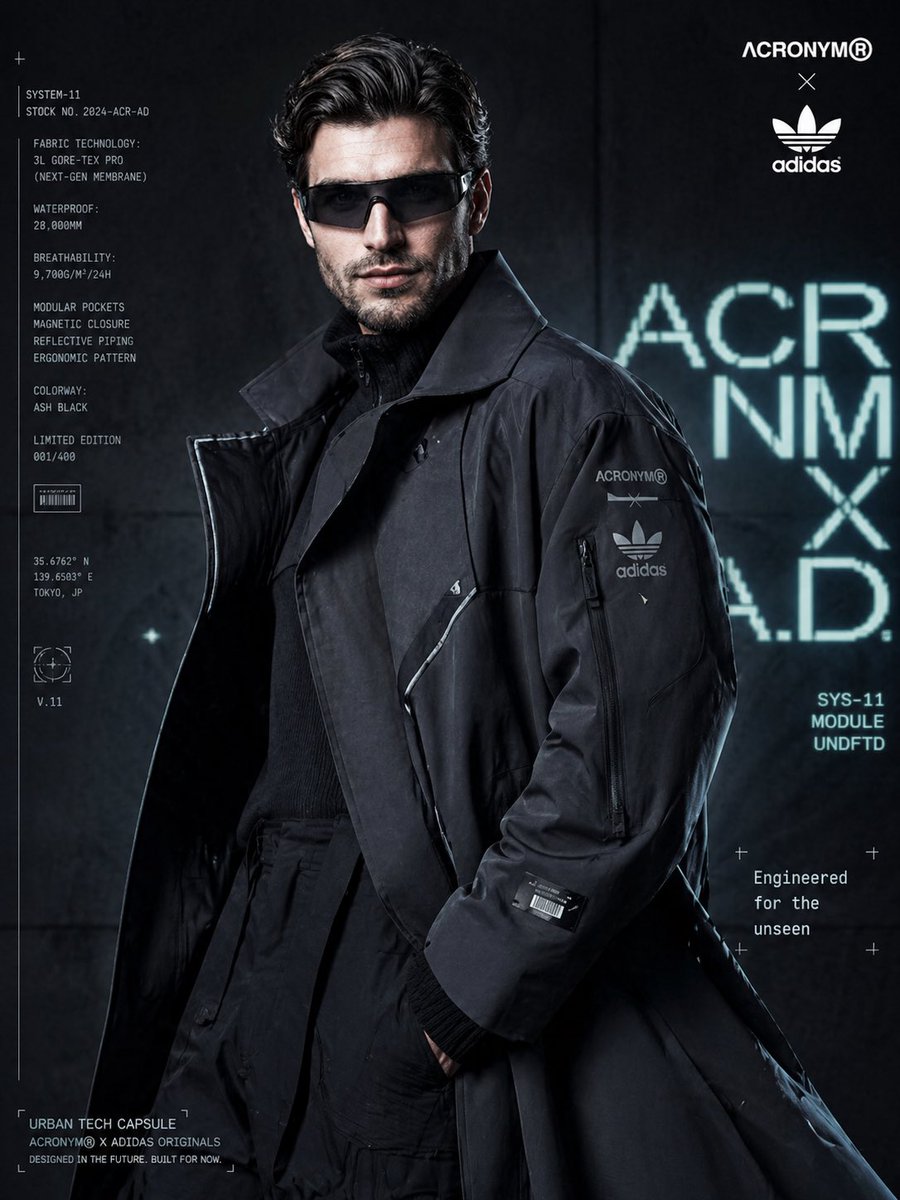
Cyberpunk Fashion Campaign Poster
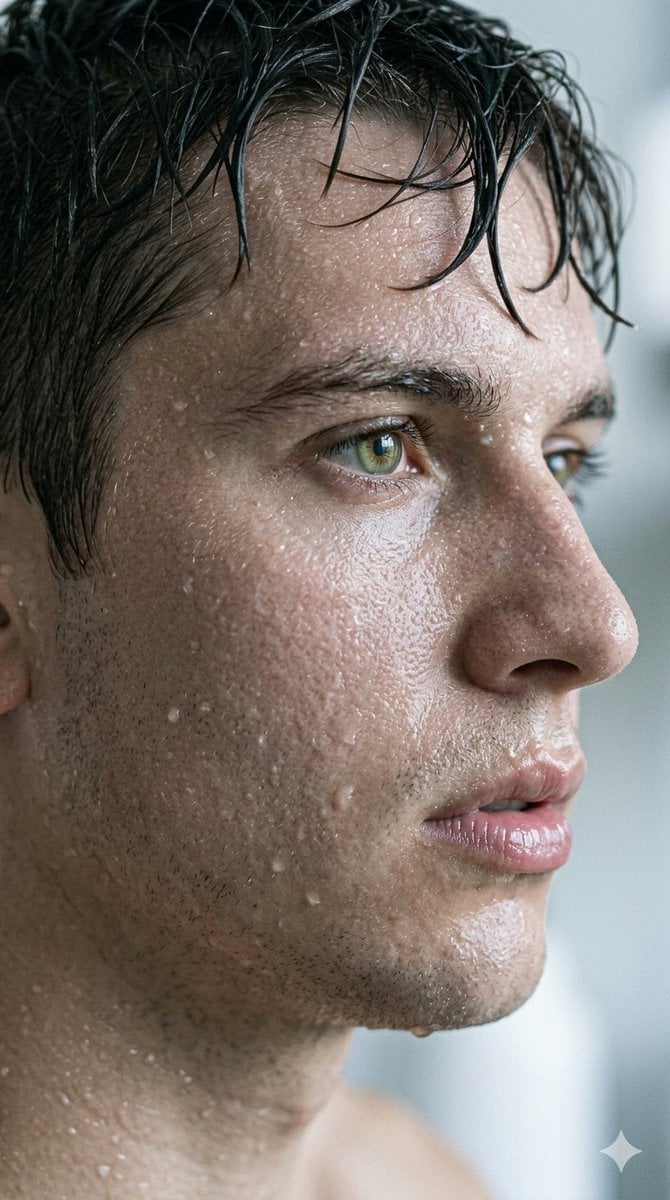
Hyper-Realistic Cinematic Macro Portrait with JSON Structure
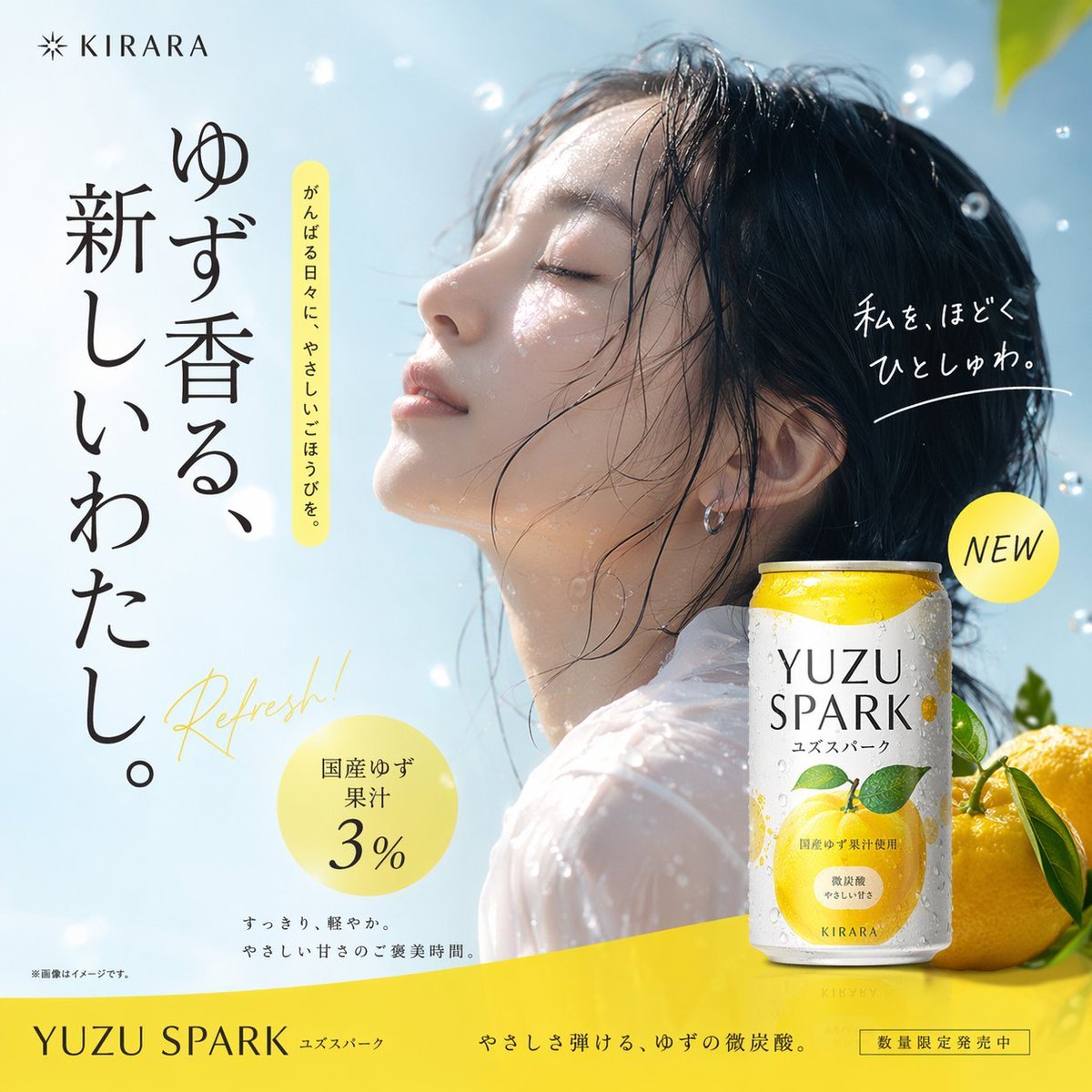
Japanese Beverage Ad Poster
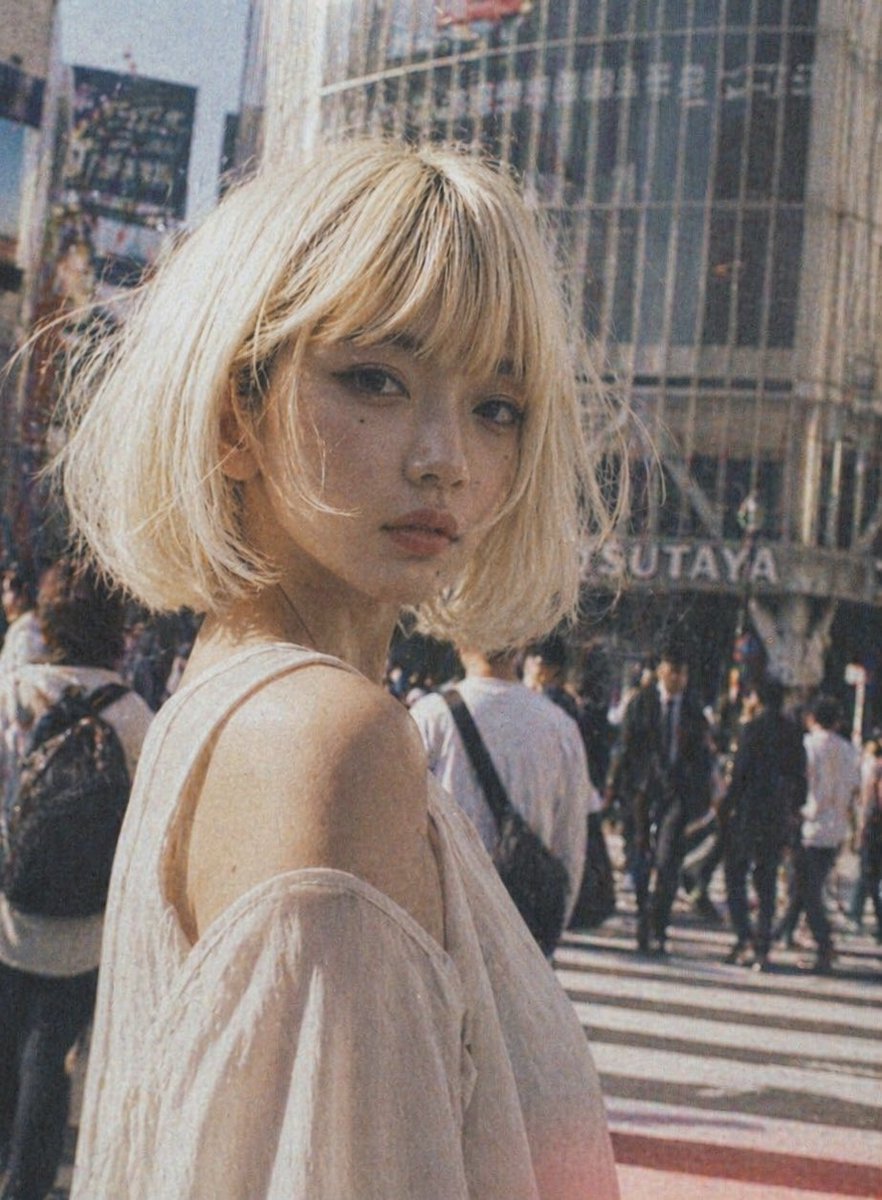
Vintage Shibuya Street Portrait
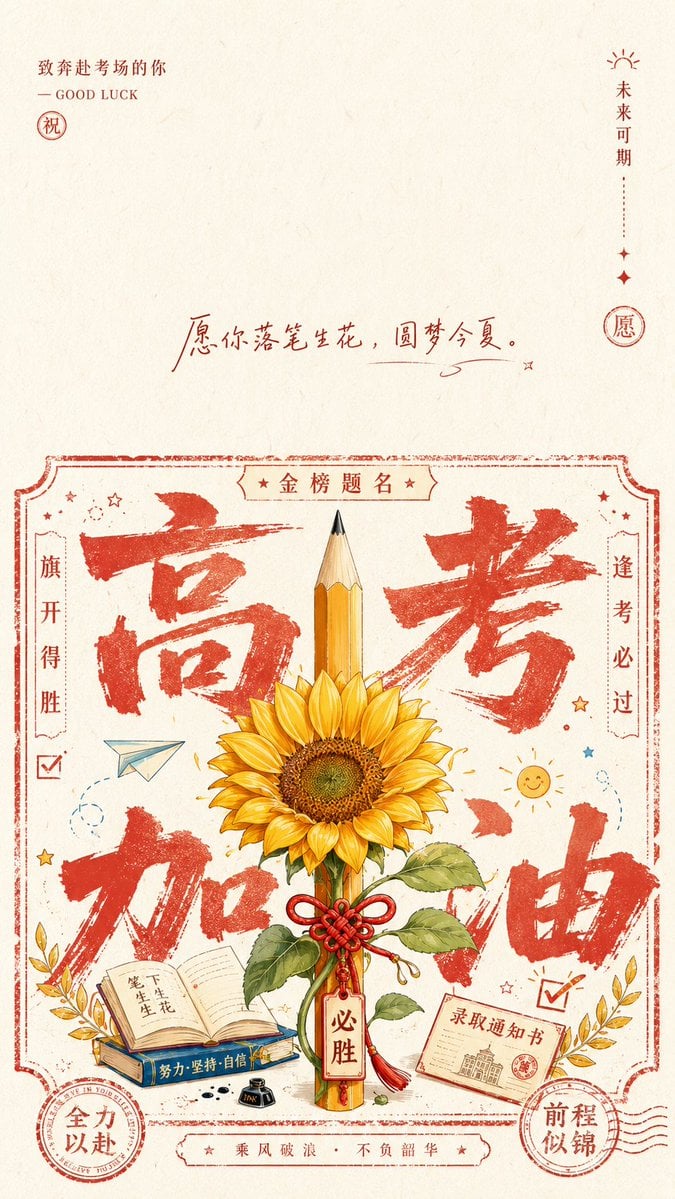
Minimalist Festive Greeting Illustration
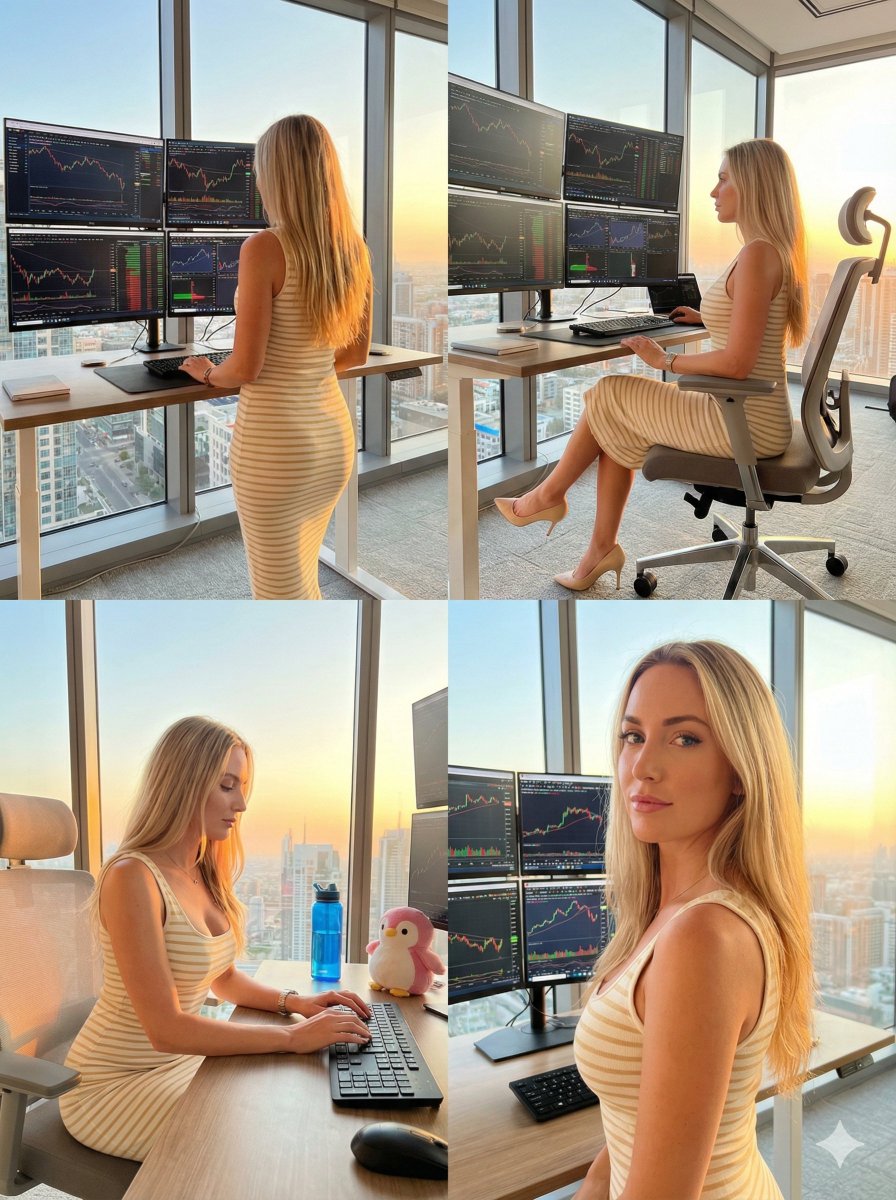
Four-Panel Trading Workspace Lifestyle Collage Prompt
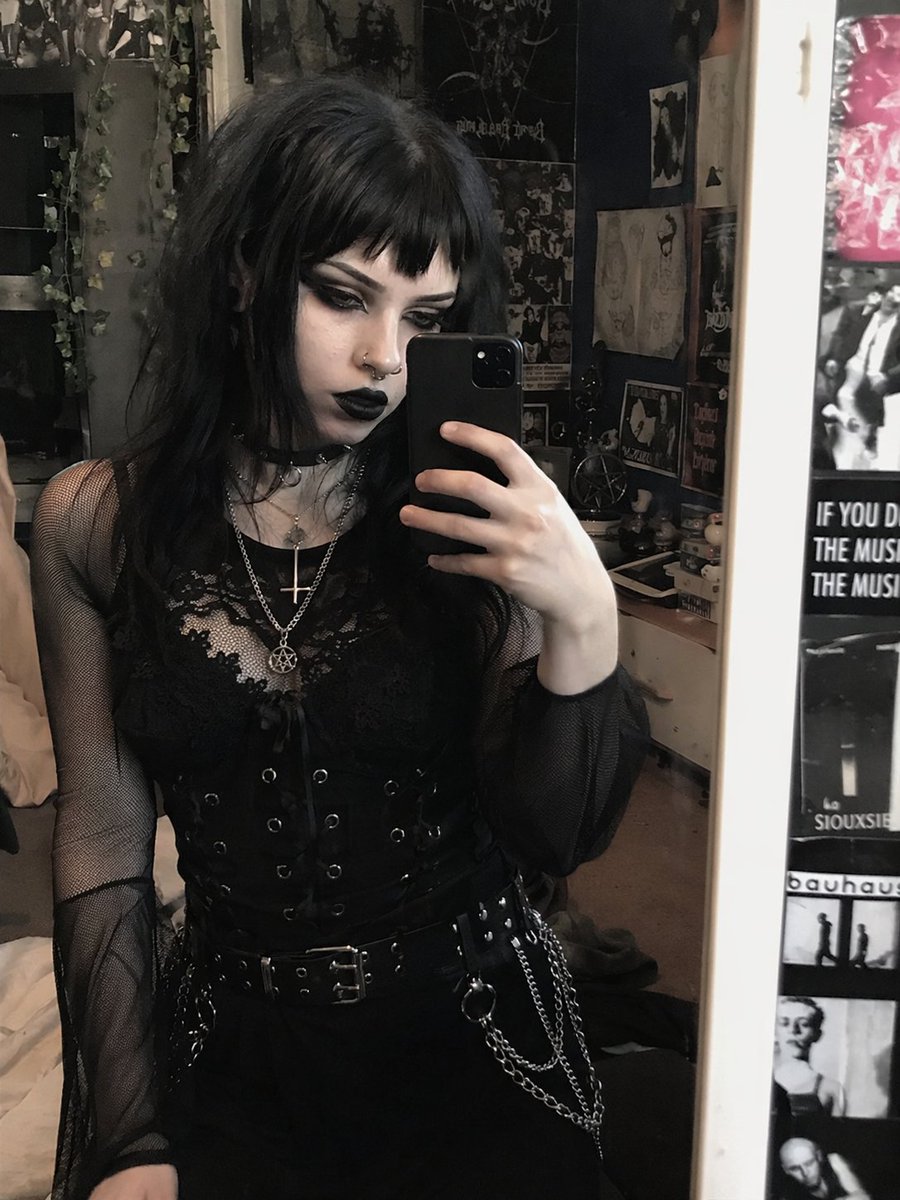
Goth Style Transformation
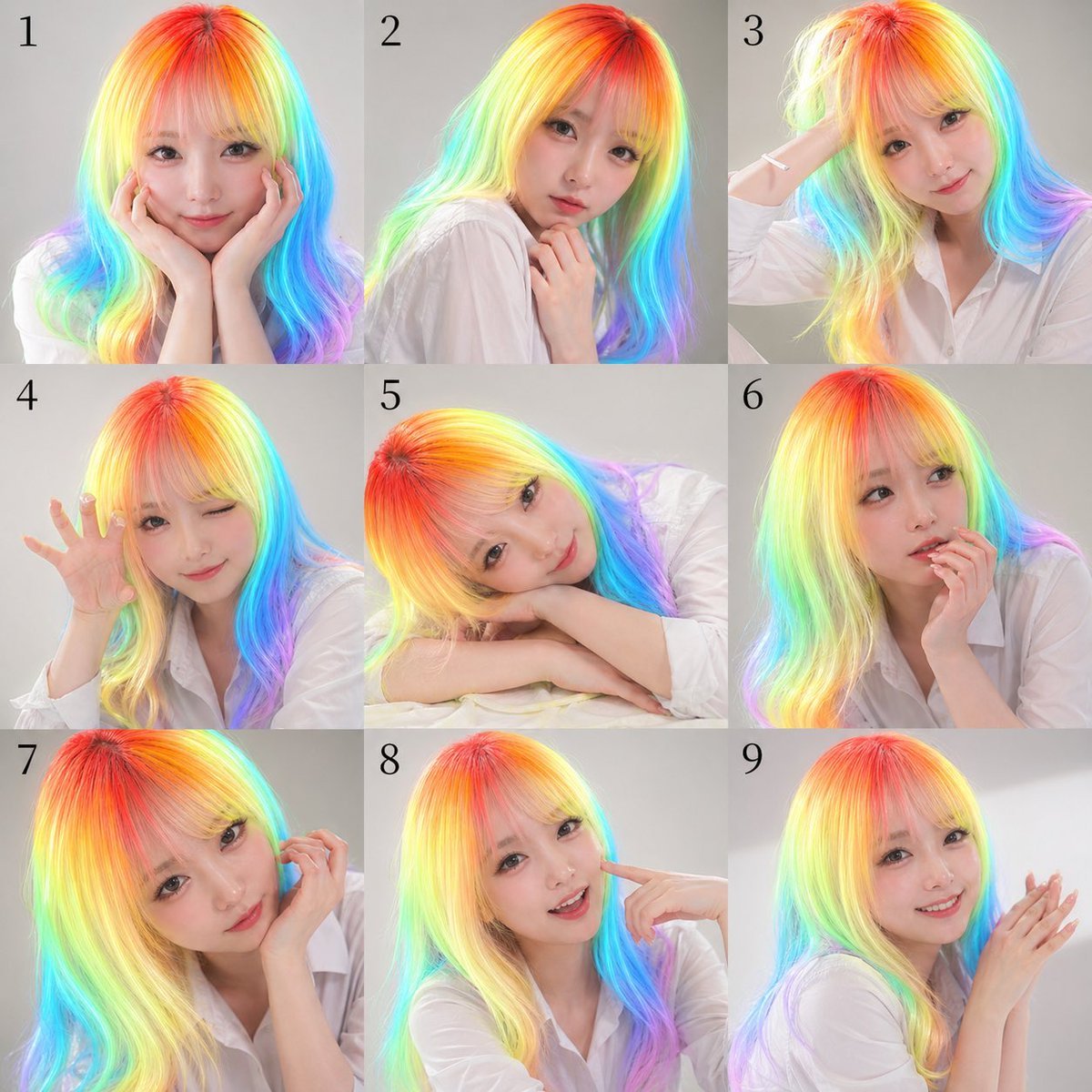
Nine-Panel Rainbow Hair Portrait Sheet
Browse template categories
Style Spectrum Fashion Poster questions
How do I use the Style Spectrum Fashion Poster template?
Add your photo if the template asks for one, edit the prompt if you like — the template's model and format are already selected — and press Generate. Your version opens in PicX Studio.
Can I customize the Style Spectrum Fashion Poster template?
Yes. You can change the subject, setting, lighting, mood, format, and available model controls before creating your image.
Is the Style Spectrum Fashion Poster template free?
Opening and editing this template is free. Generating uses credits, shown on the Generate button when you are signed in.
Which AI model should I use?
Start with GPT Image 2, which is the model associated with this template. You can compare another compatible model for a different finish.
Looking for something else? Browse all templates.

Your photo, any look
Thousands of ready templates for every top image and video model, from one credit balance.