
Nine-Panel Rainbow Hair Portrait Sheet
This prompt generates a 9-image studio portrait contact sheet of one subject in varied poses, useful for promotional visuals, expression boards, or stylized commemorative portrait sets.
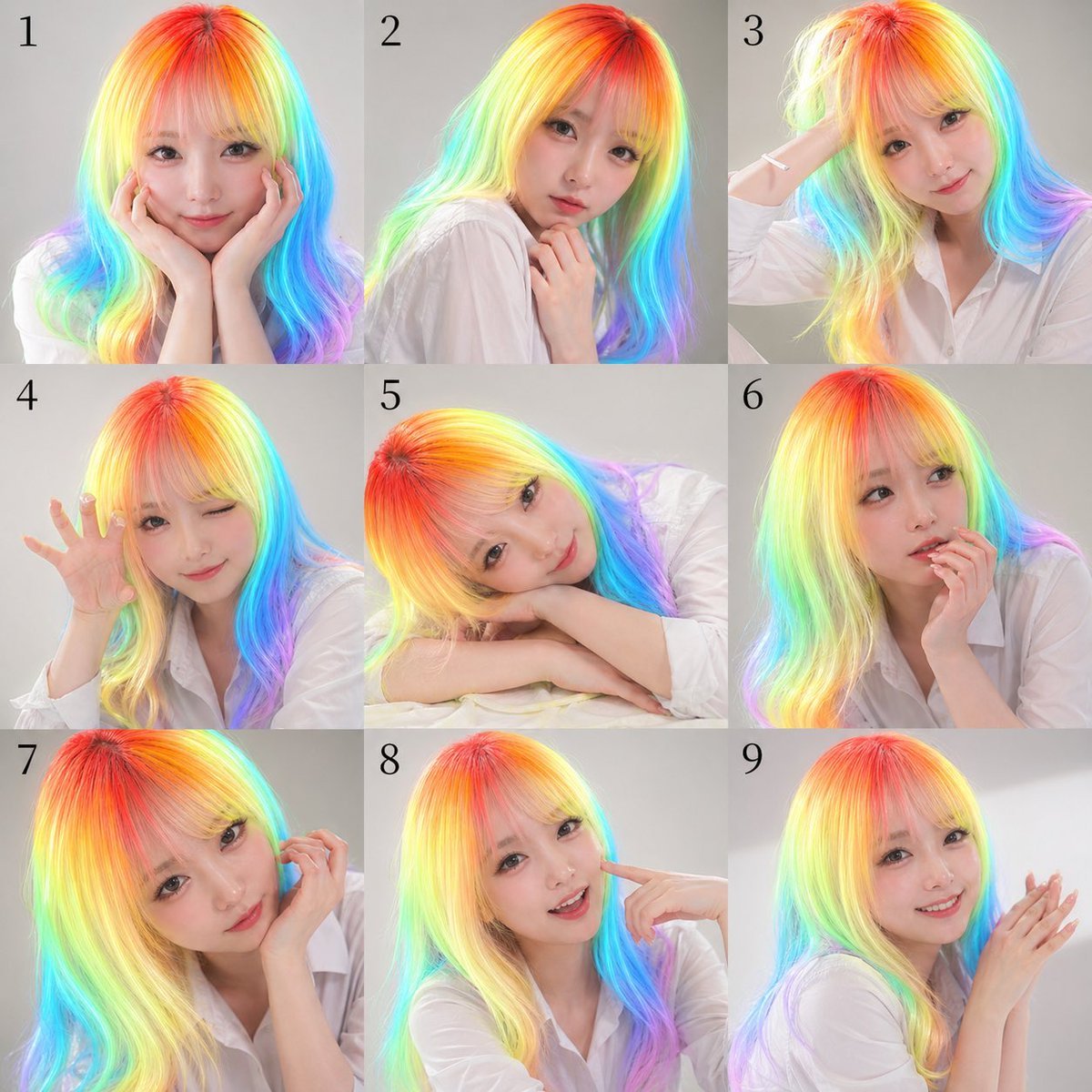
- Prompt included
- Model and format preset
- Free template
The prompt behind this image
Copy the exact prompt behind Nine-Panel Rainbow Hair Portrait Sheet, or open it in the studio and make it yours.
A 3x3 contact-sheet style studio portrait collage with exactly 9 square panels arranged in a clean grid, each panel numbered in black serif numerals from 1 to 9 near the upper left corner. The same woman appears in every panel against a soft light gray seamless studio background, wearing a loose white button-up shirt with natural folds and a casual editorial look. She has long, smooth, slightly wavy hair rendered in vivid neon rainbow gradients, with hot red and orange at the crown transitioning through yellow, lime, cyan, blue, and violet toward the lengths and ends, creating a luminous iridescent effect. The face in every panel is obscured by a centered square mosaic blur block in skin-tone colors, covering the full face area while leaving hair, neck, hands, and clothing visible. Use soft, even beauty lighting, polished commercial photography, high detail, realistic skin and fabric, and a modern promotional headshot aesthetic. The 9 poses are: panel 1, facing front with both hands cupping the cheeks; panel 2, turned slightly left in three-quarter view with one hand lightly touching the neck/collarbone; panel 3, angled right with one arm raised and hand touching the back of the head; panel 4, leaning forward slightly with one hand lifted beside the face, fingers spread in a playful claw-like gesture; panel 5, resting head sideways on folded arms on a white surface, relaxed and dreamy; panel 6, front-facing with one hand supporting the chin or cheek in a thoughtful pose; panel 7, close crop from the left side with one hand lifted near the ear or hair; panel 8, front-facing with one index finger pointing to the cheek; panel 9, right three-quarter view with both hands together near the face as if softly clapping or posing delicately. Keep framing varied but consistent, mostly bust or half-body crops, with the rainbow hair as the central visual feature. Make it look like a nine-variation publicity photo sheet for {argument name="subject type" default="a young woman"}, wearing a {argument name="outfit" default="white button-up shirt"}, with {argument name="hair color" default="neon rainbow gradient hair"}, on a {argument name="background color" default="light gray studio background"}, in a {argument name="photo style" default="clean commercial beauty portrait"} style.
How to use Nine-Panel Rainbow Hair Portrait Sheet in 3 steps
- 1Upload ImagePNG, JPG or paste
Add your photo
Upload the photo the template builds on. The prompt, model and format are already set.
- 2…a portrait of your subject in softgolden-hour light, 85mm…
Personalize
Edit the subject and creative details for your destination.
- 3Generate
Generate
Press Generate — your image is created in PicX Studio, so you can compare it with the original and refine one variable at a time.
More like this
Templates with the same subject, style or setup. Open one to see its prompt.
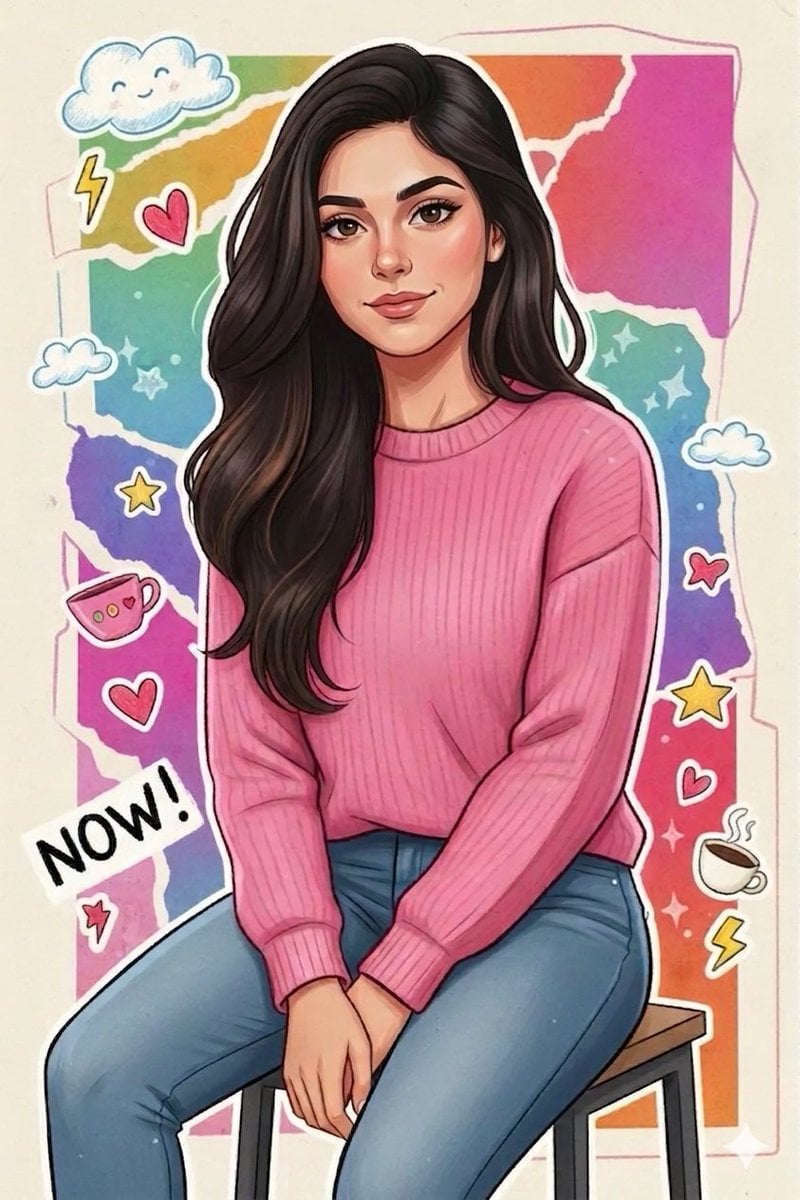
Sticker Art Style - Rainbow Girl

Sticker Art Style - Rainbow Girl v2
Sticker Art Style - Rainbow Girl
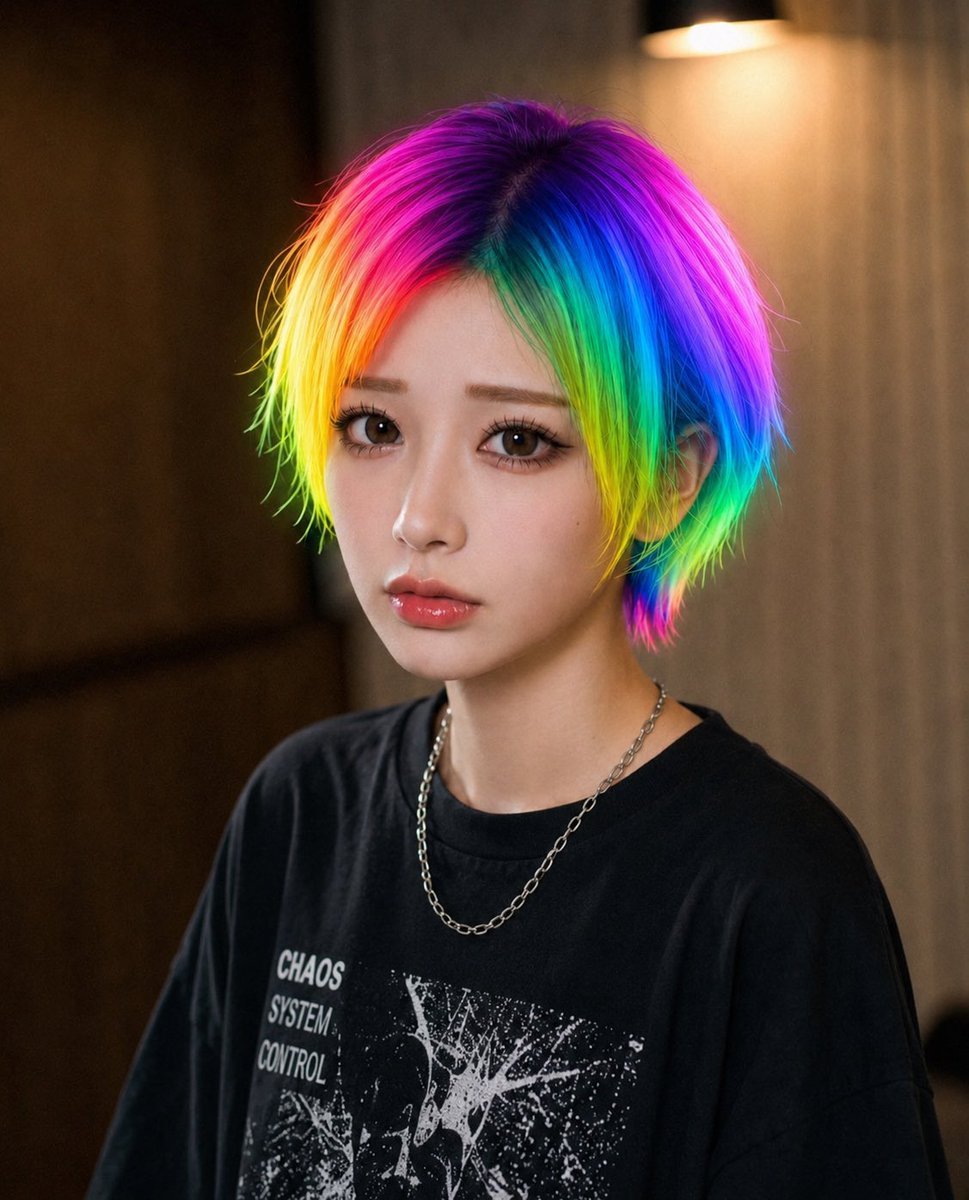
Rainbow Hair Censored Portrait
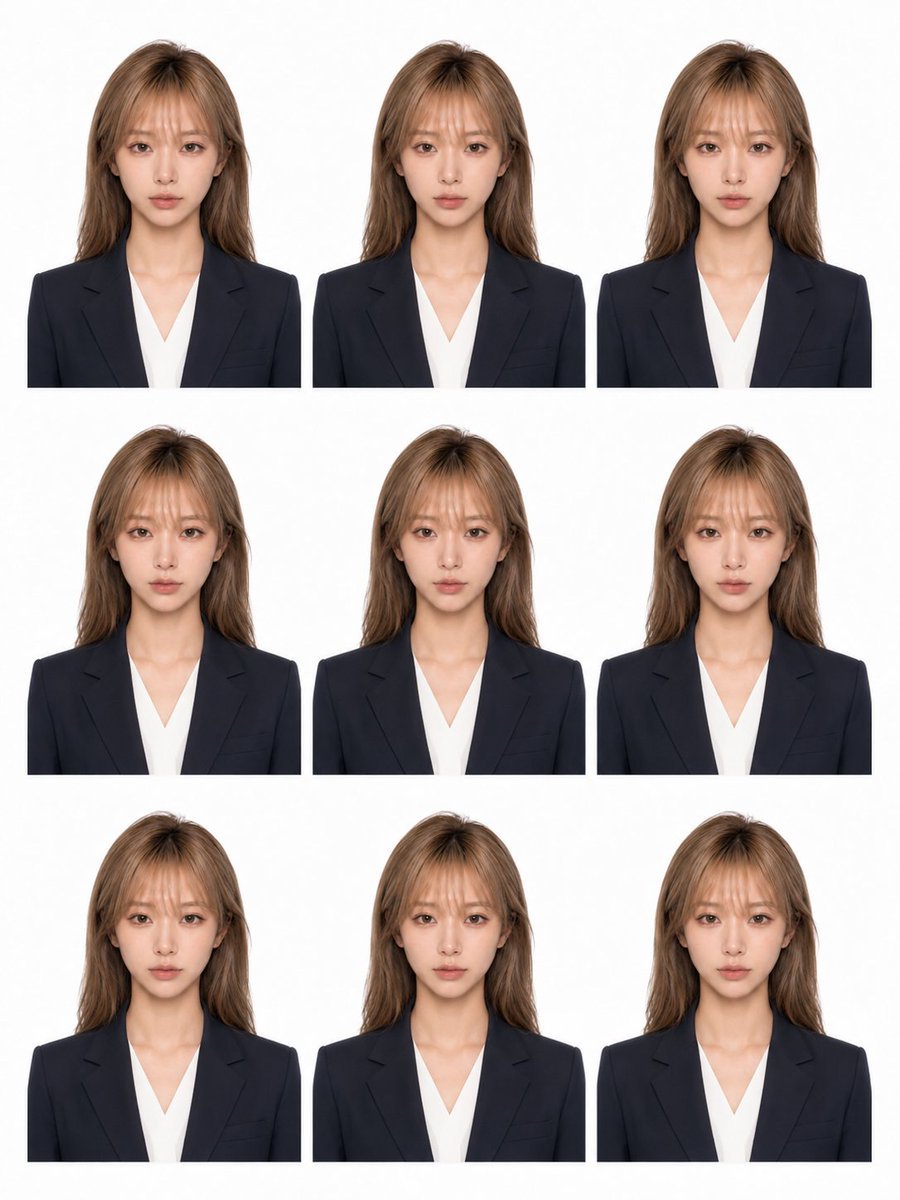
Nine-Photo ID Portrait Sheet

Found Photograph: Us, 1970

80s Couple Studio Portrait

80s Bollywood Star

80s Golden Hour Cinema

Me in 1985

1985 Studio Portrait
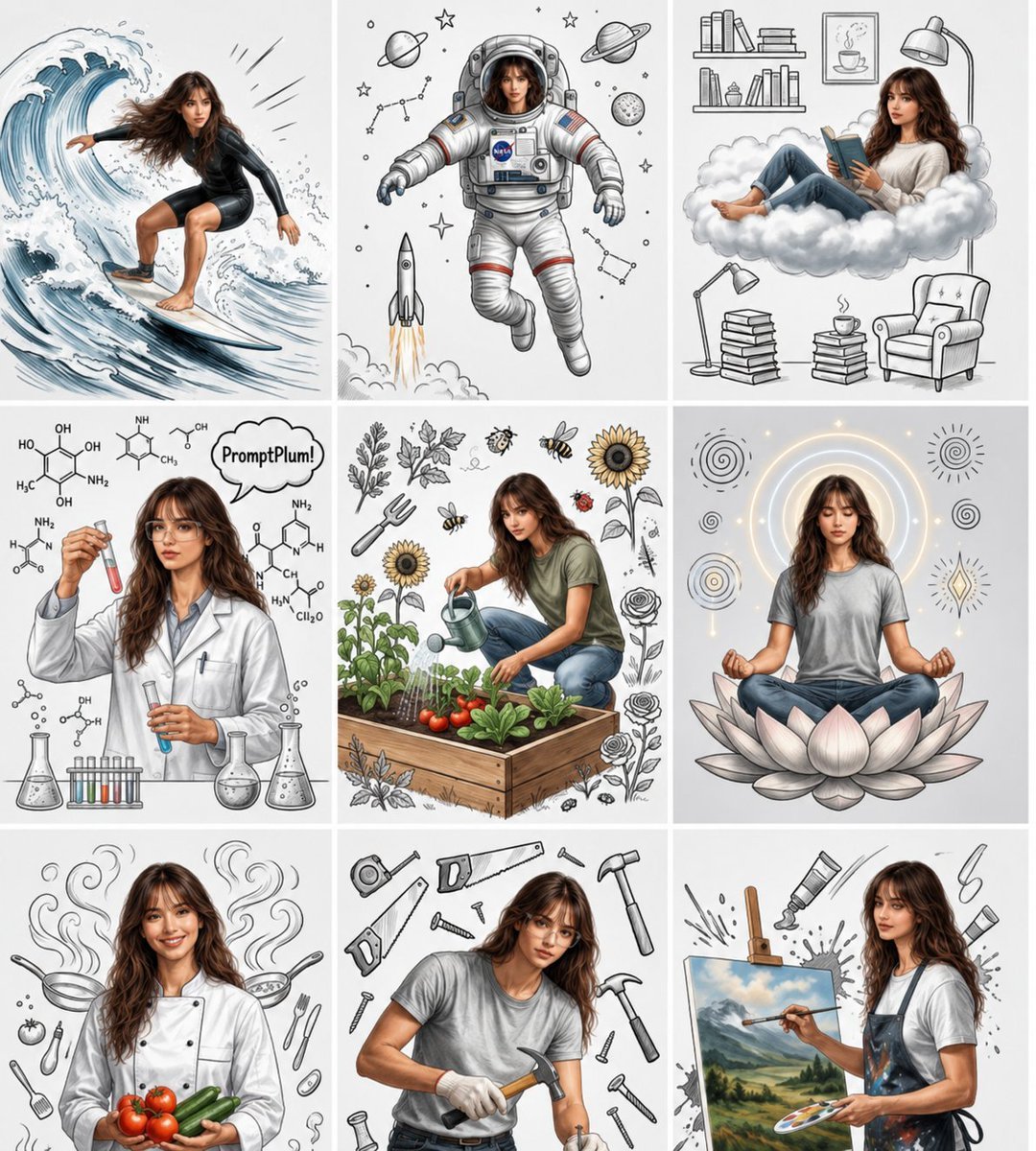
Consistent Character Nine-Panel Illustration Collage
Make it yours
Nine-Panel Rainbow Hair Portrait Sheet works as-is. These are the safest ways to change it without losing the look.
Change one field
Copy a single group, rewrite it, and generate again so you can see what that field is doing.
Keep the frame, change the subject
Hold the composition and light of Nine-Panel Rainbow Hair Portrait Sheet, then swap wardrobe, props or the person for a new take.
| If the result… | Why | Fix |
|---|---|---|
| The result drifts from the preview | Too many fields changed at once. | Reuse Nine-Panel Rainbow Hair Portrait Sheet as-is first, then change one group — subject, light, or setting. |
| The model over-stylizes the scene | The prose prompt leaves finish and camera underspecified. | Add one camera or lighting sentence and stay on GPT Image 2. |
More GPT Image 2 templates
Other prompts made for GPT Image 2.

Six VTuber Japanese Logo Sheet

Realistic Portrait of Woman and Deer

The Vista Modular Condo Poster

AI Model Routing Comparison Infographic

2.5D Anime Art Board

Isometric Productivity Desk Scene

New York Double Exposure Poster

Four-Panel AI Landscape Comparison

Japanese Tatami Lifestyle Magazine Cover

NESCAFÉ Coffee Map Poster
More image prompts
Fresh picks from across the catalog.
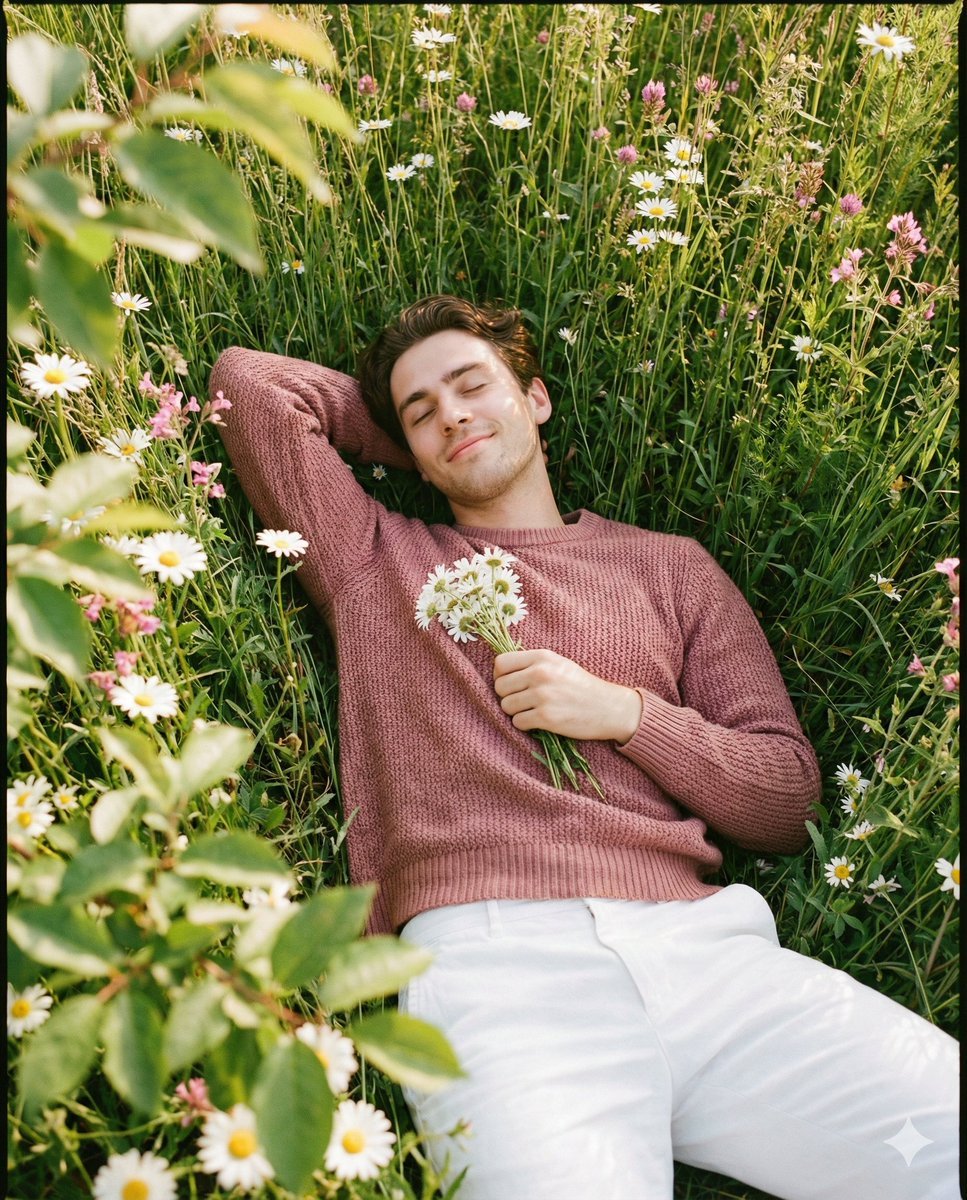
Romantic Top-Down Portrait in a Wildflower Meadow
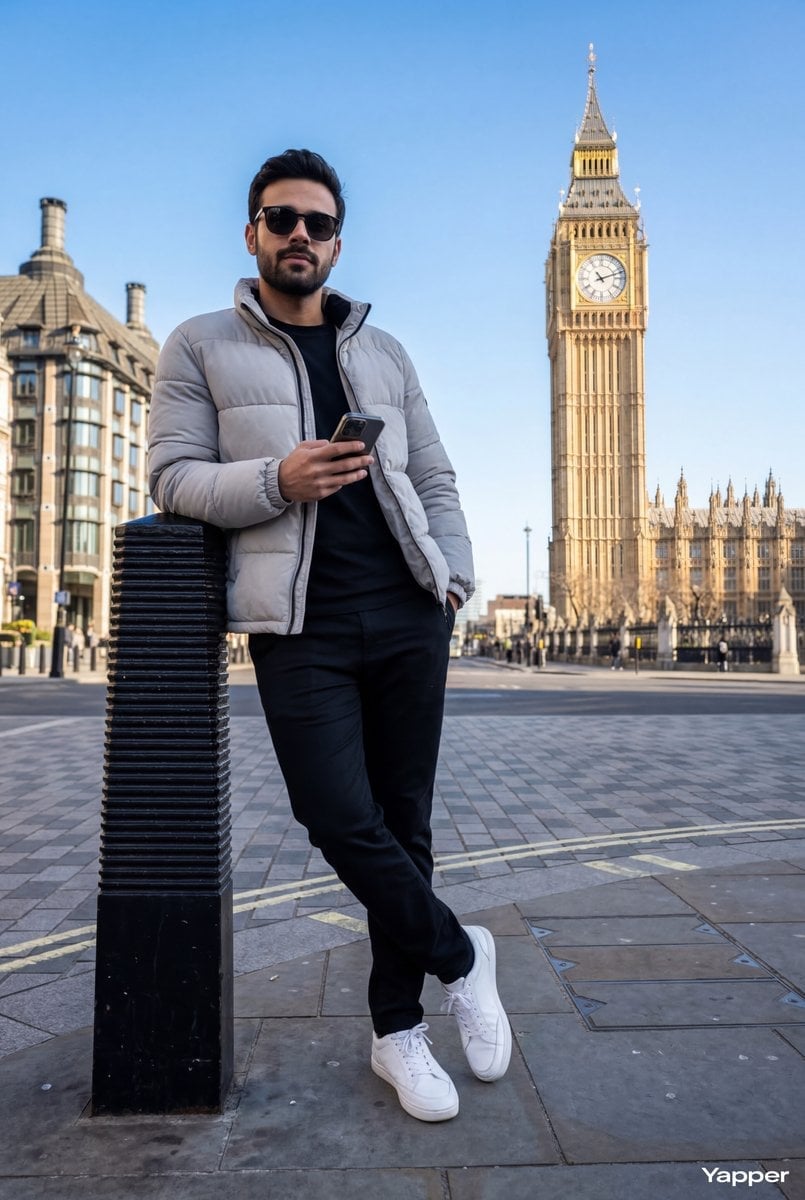
Hyper-Realistic Street Shot with Big Ben
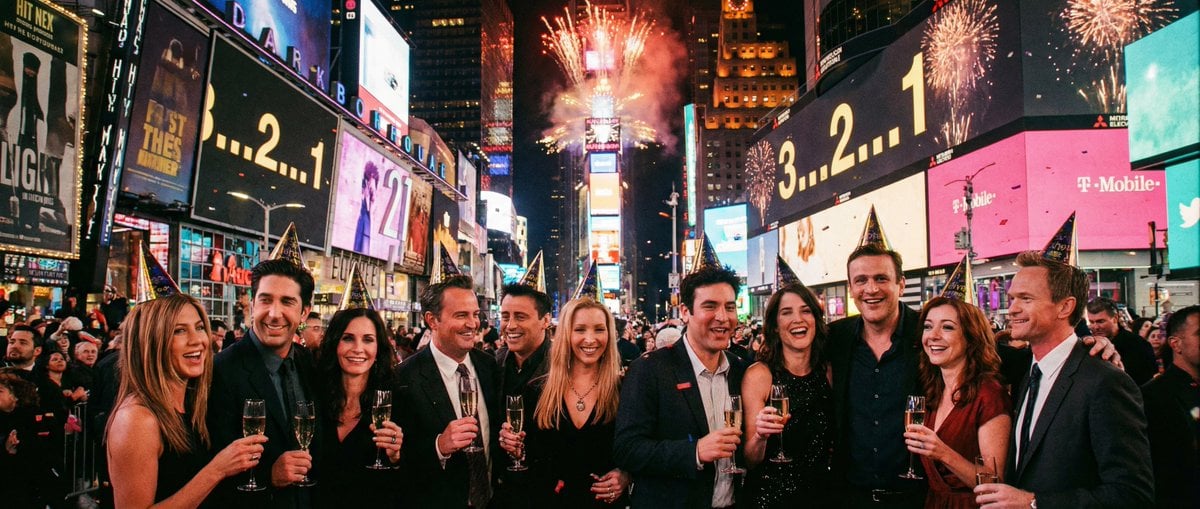
Sitcom Crossover New Year's Eve Prompt
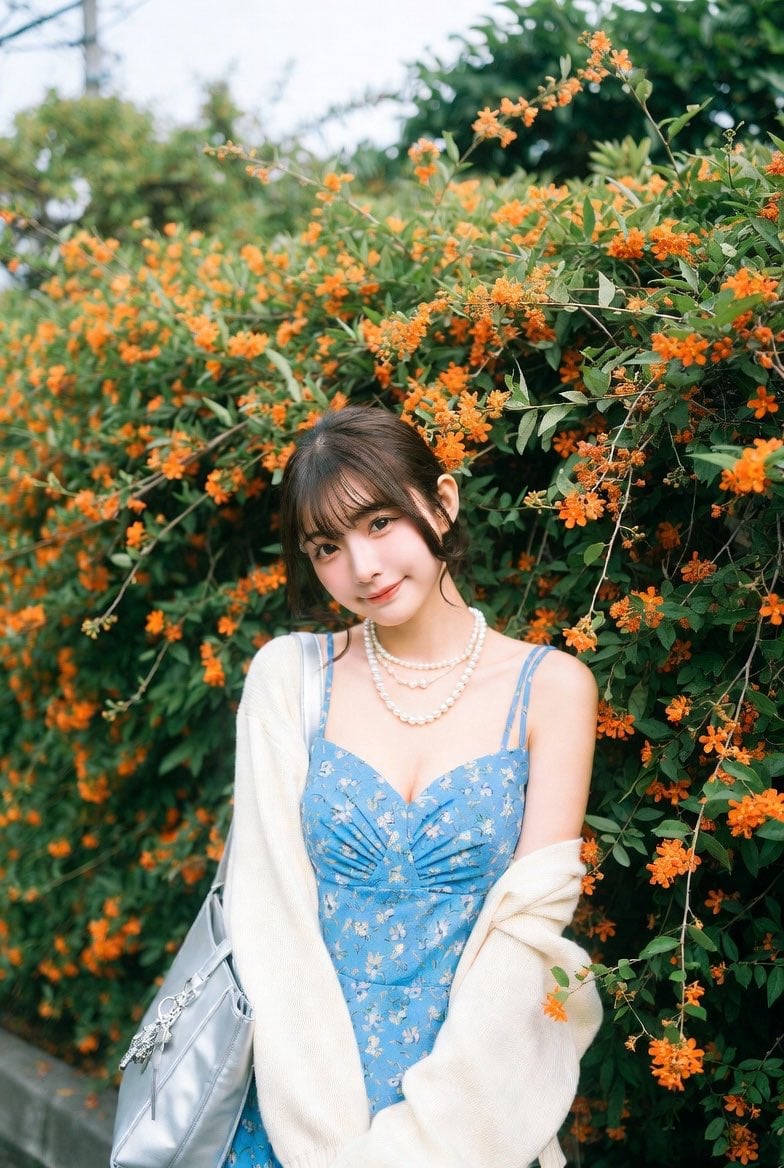
Ultra-Realistic Street-Garden Portrait of an Asian Idol
![[ Just upload your portrait to generate it ] Prom](https://cdn.picxstudio.com/cdn-cgi/image/format=auto,quality=85,fit=scale-down,onerror=redirect,width=3840,metadata=none/templates/media/image/783884dc42e5c41aafc56600151d0ddc.jpg)
[ Just upload your portrait to generate it ] Prom
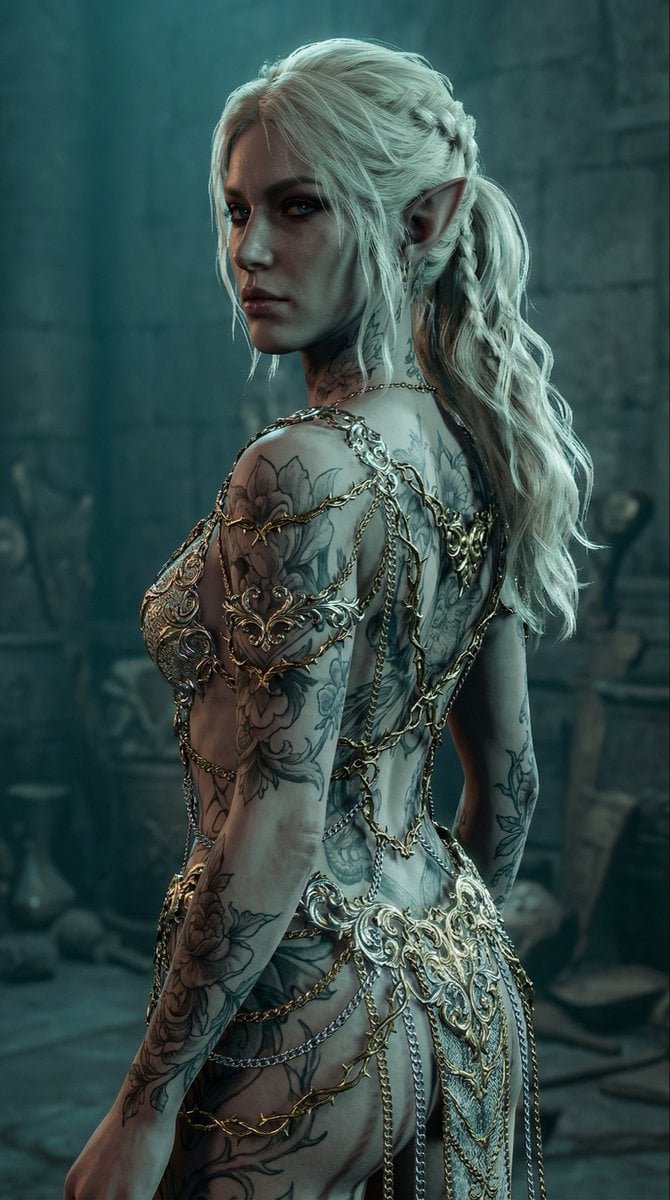
Elven Woman with Ornate Chain Dress
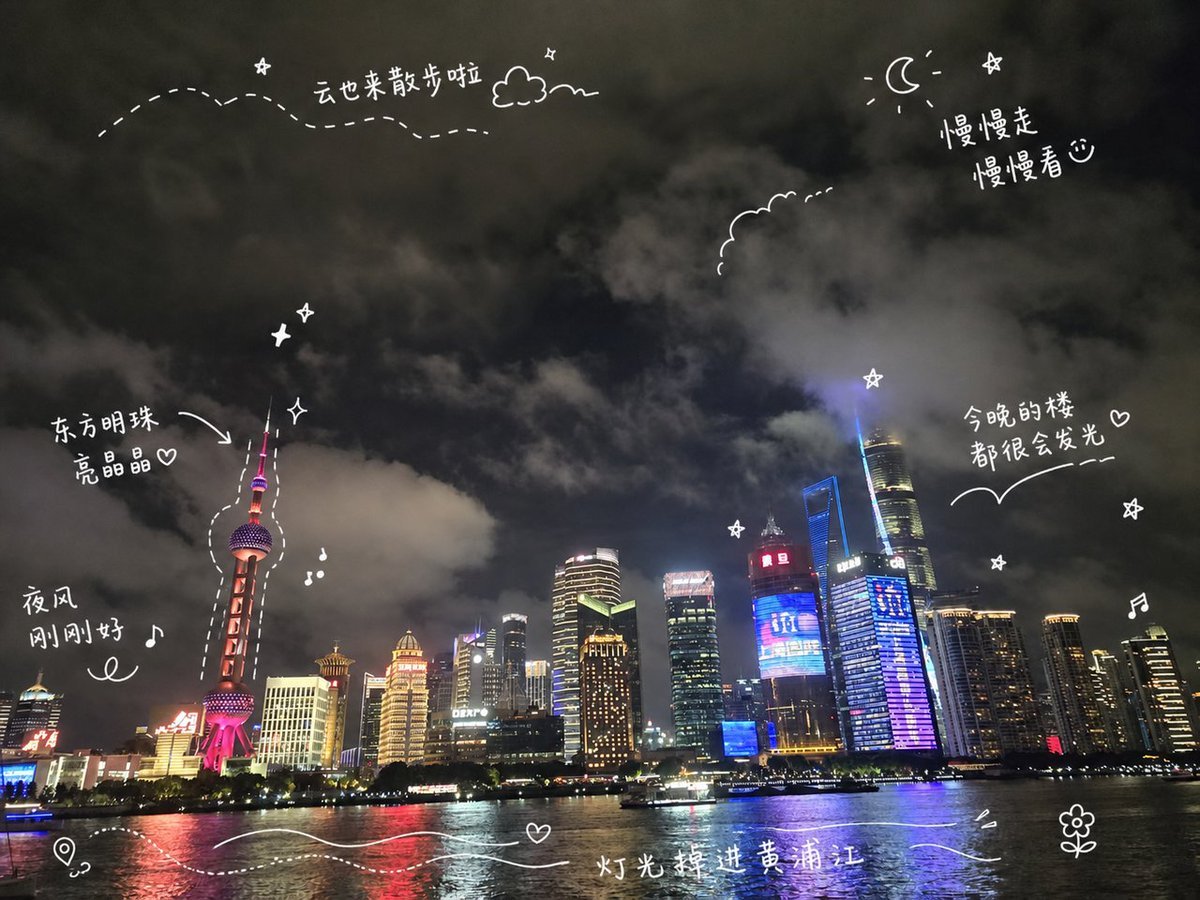
Shanghai Night Travel Journal
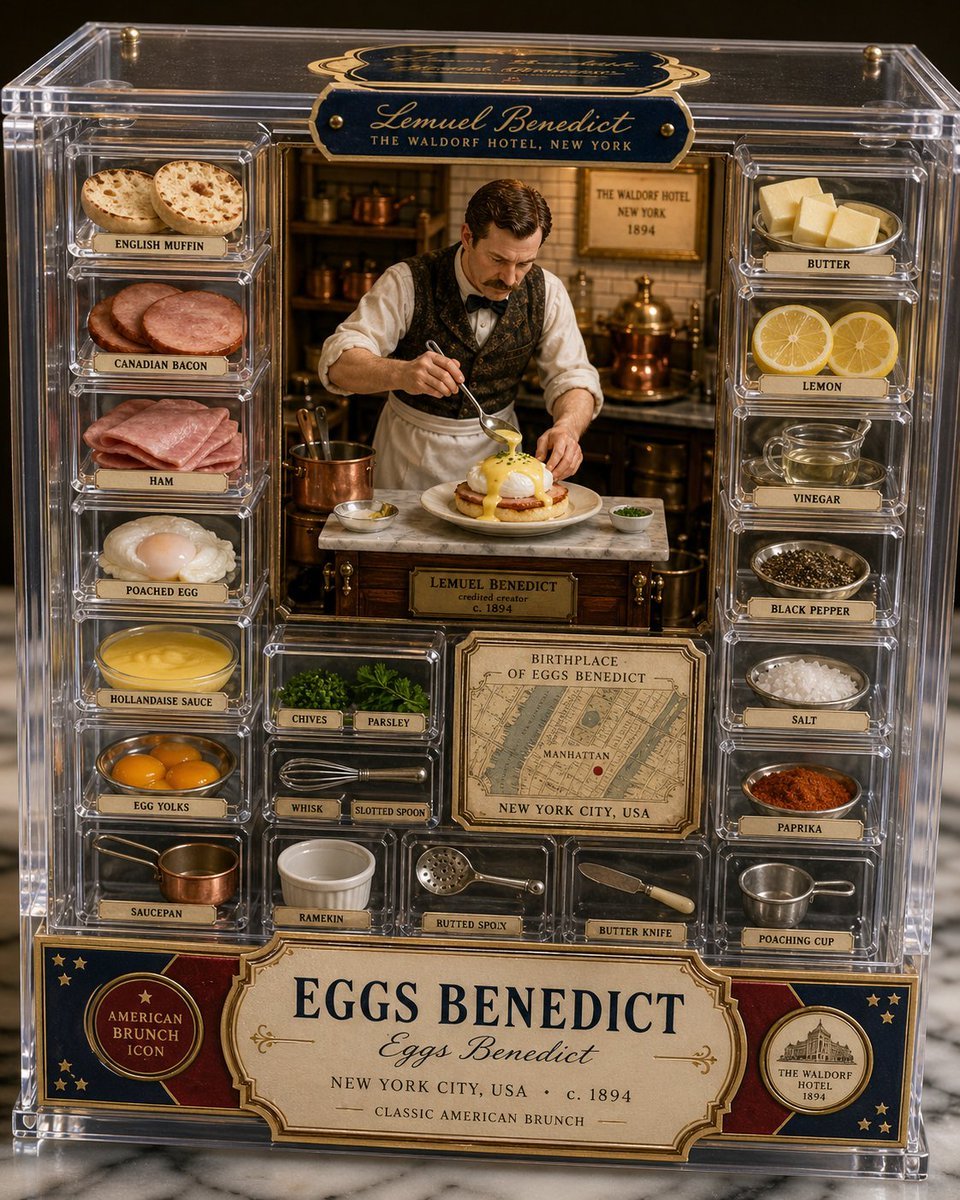
Luxury Eggs Benedict Diorama Box
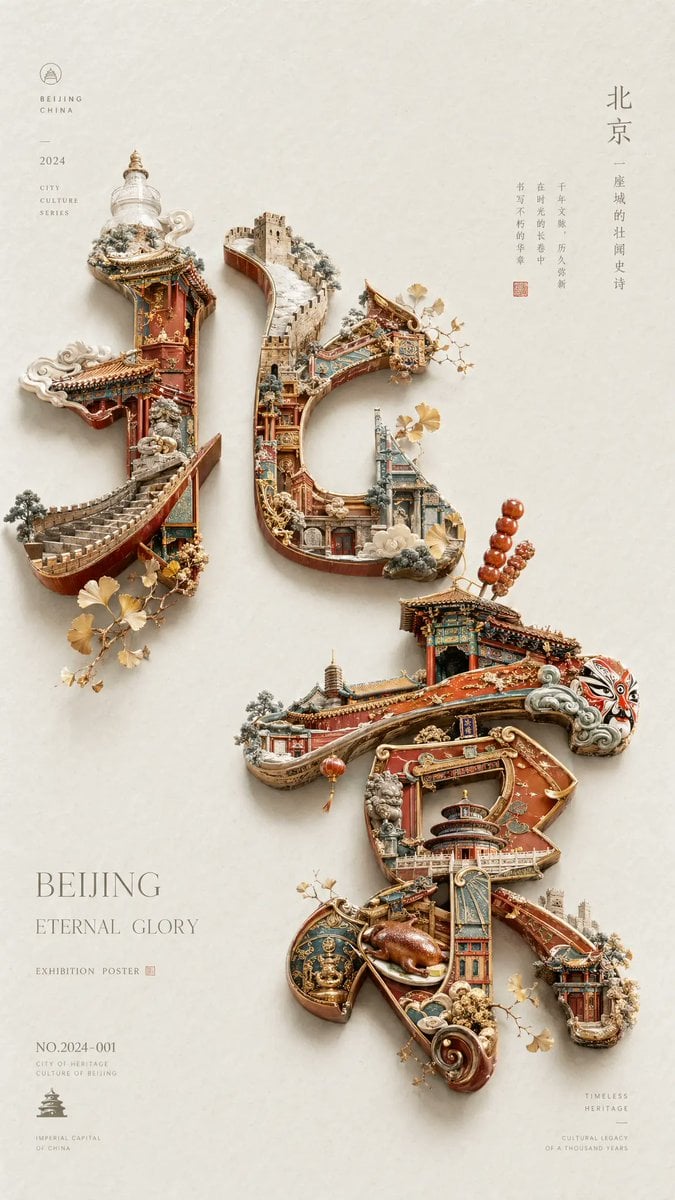
Beijing Cultural Heritage Poster
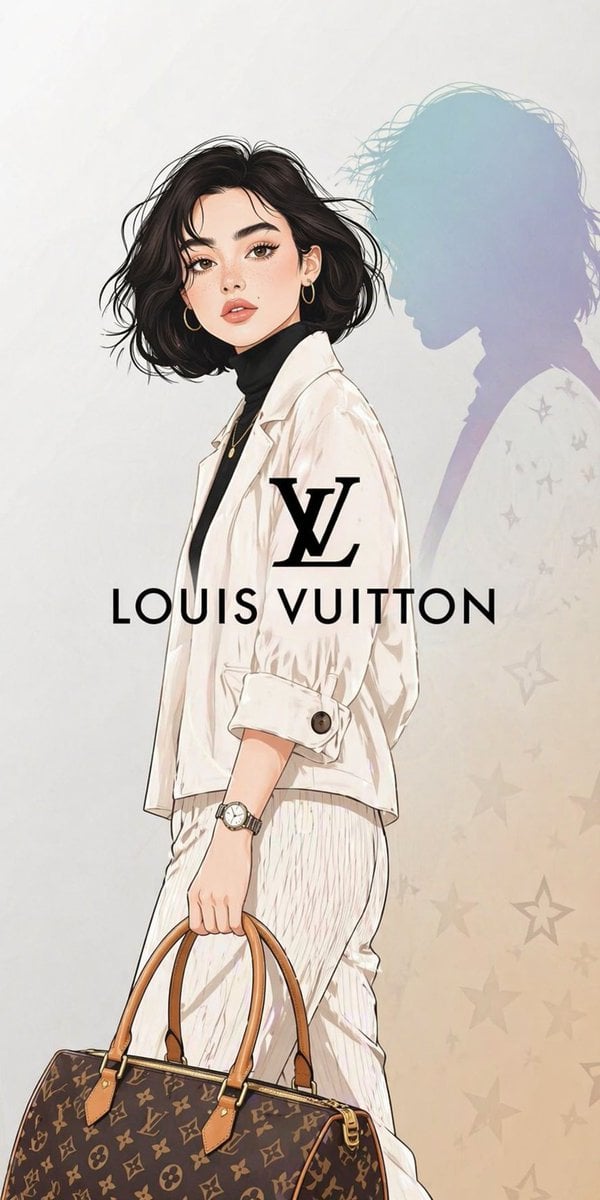
Luxury Fashion Illustration
Browse template categories
Nine-Panel Rainbow Hair Portrait Sheet questions
How do I use the Nine-Panel Rainbow Hair Portrait Sheet template?
Add your photo if the template asks for one, edit the prompt if you like — the template's model and format are already selected — and press Generate. Your version opens in PicX Studio.
Can I customize the Nine-Panel Rainbow Hair Portrait Sheet template?
Yes. You can change the subject, setting, lighting, mood, format, and available model controls before creating your image.
Is the Nine-Panel Rainbow Hair Portrait Sheet template free?
Opening and editing this template is free. Generating uses credits, shown on the Generate button when you are signed in.
Which AI model should I use?
Start with GPT Image 2, which is the model associated with this template. You can compare another compatible model for a different finish.
Looking for something else? Browse all templates.

Your photo, any look
Thousands of ready templates for every top image and video model, from one credit balance.