How do I use the Goth Style Transformation template?
Edit the prompt in the box under the preview — the template's model and format are already selected — and press Generate. Your version appears right on this page.
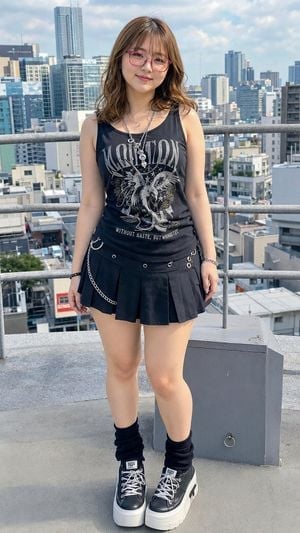
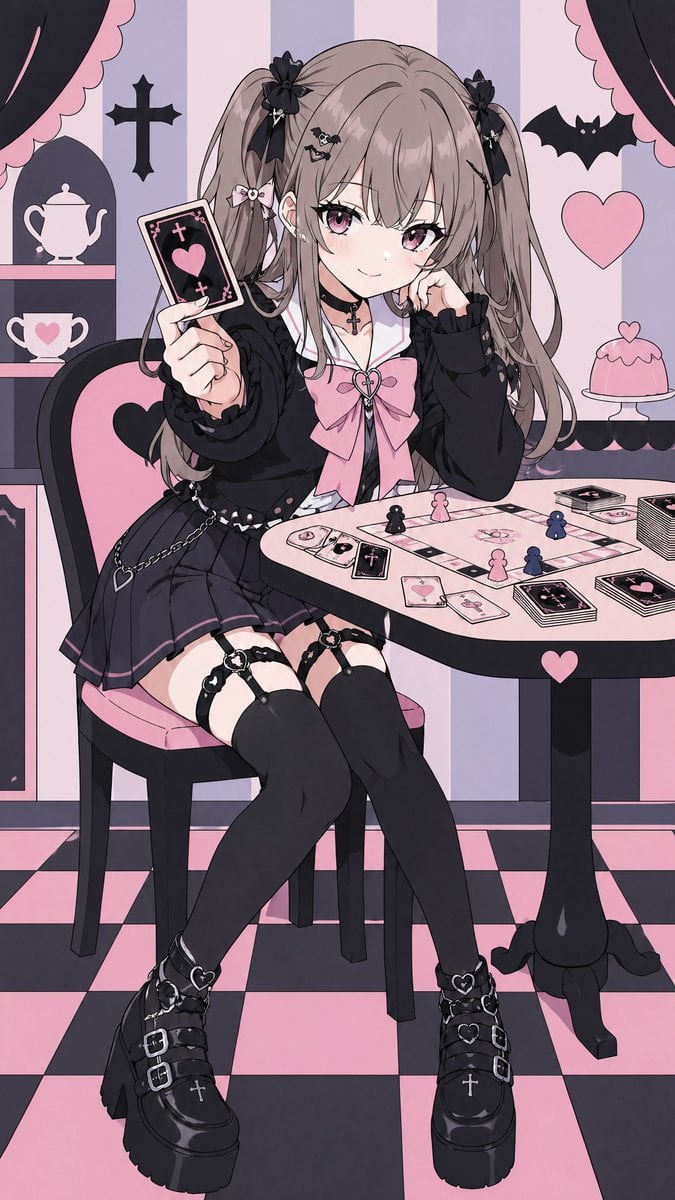
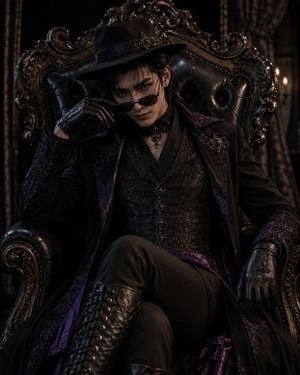
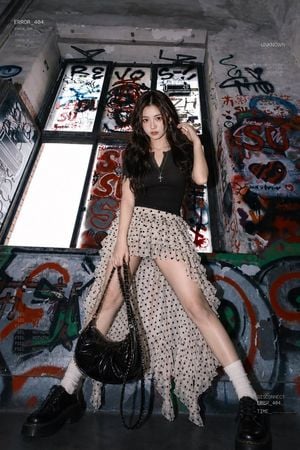
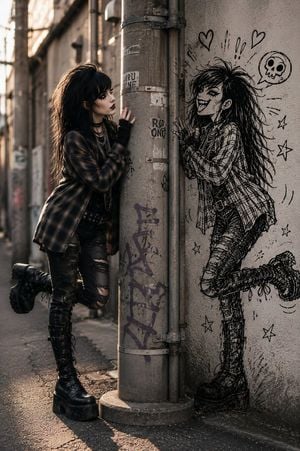
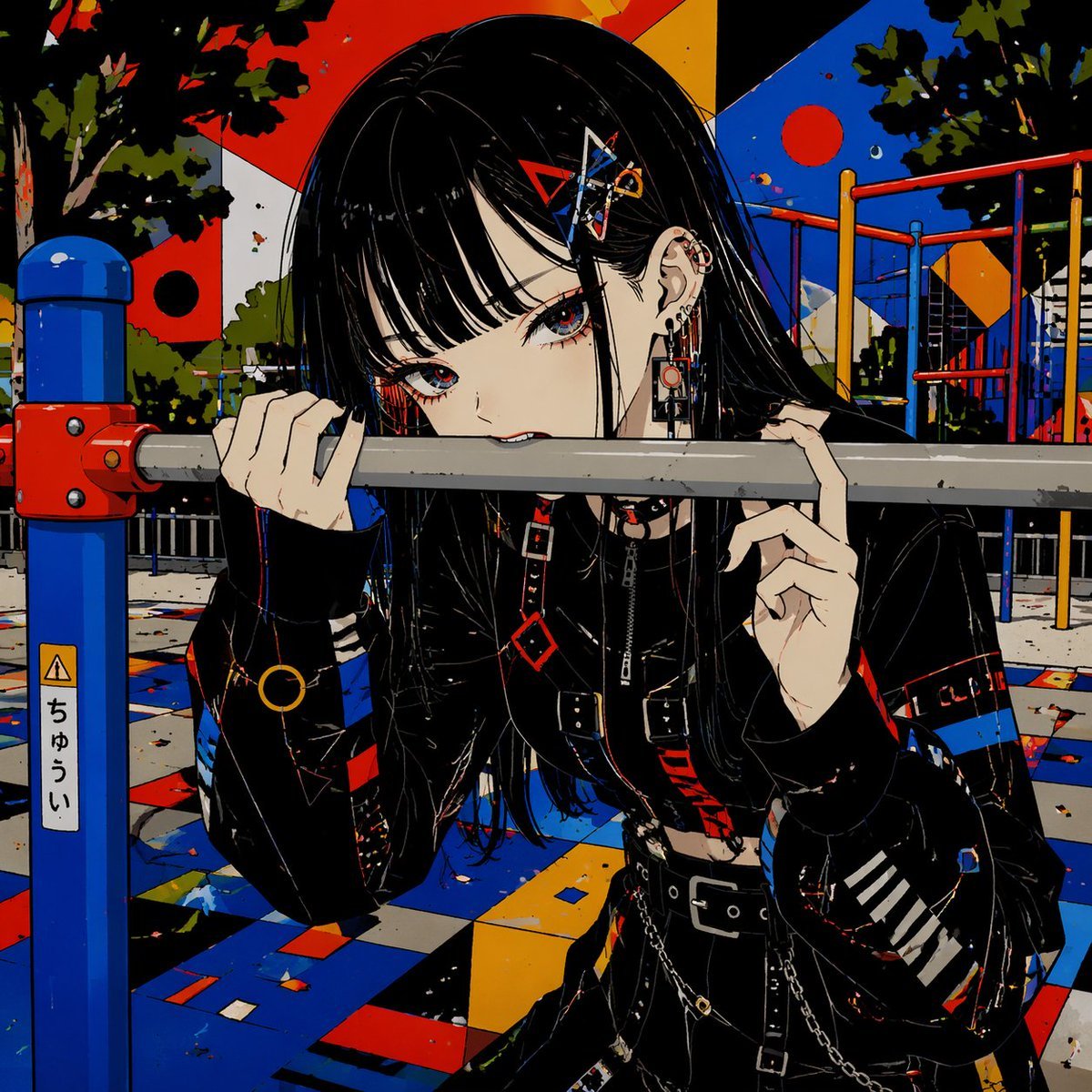
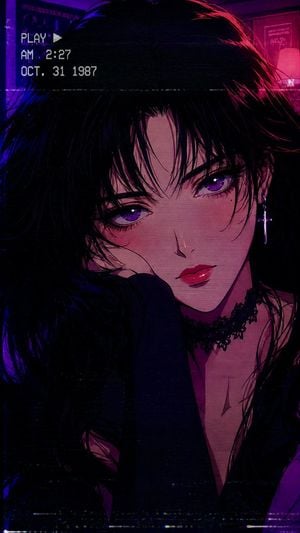
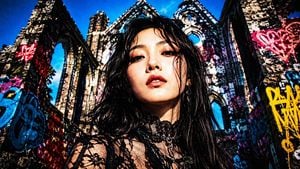
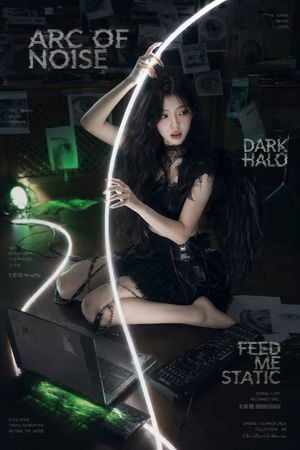
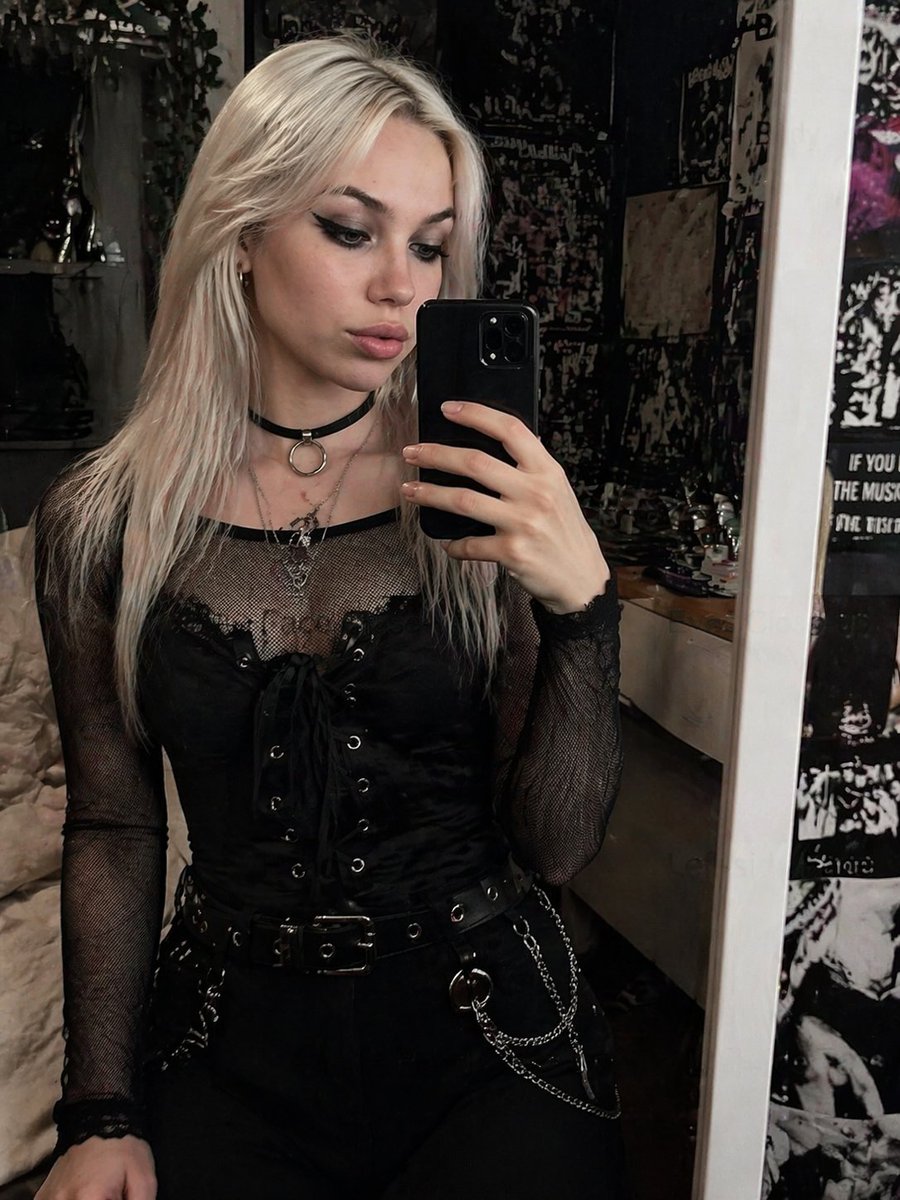
Transforms a reference portrait into a heavy goth aesthetic by altering hair, makeup, and jewelry while preserving the original pose and outfit.

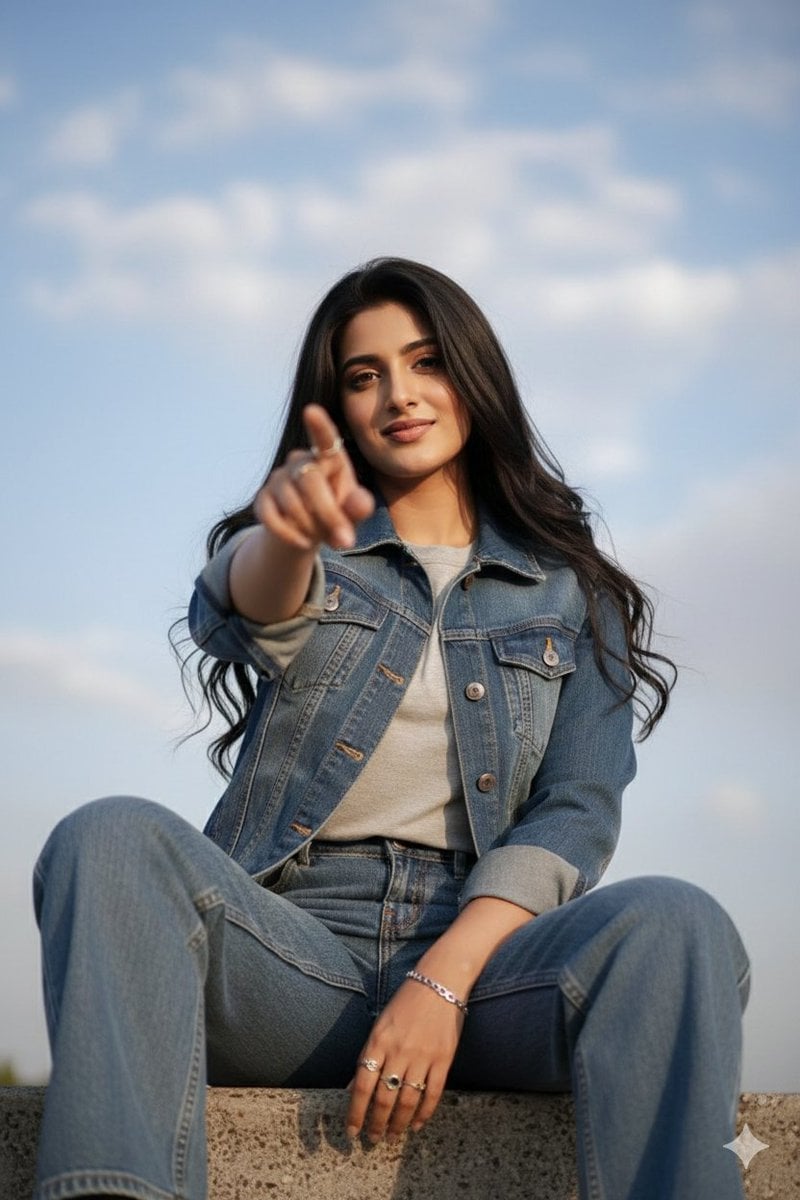
This template uses your photo — add one with the + button.
Using REFERENCE_0, transform the subject's appearance to a {argument name="style" default="trad goth"} aesthetic while preserving the exact pose, clothing structure, and background. Change her hair to {argument name="hair color" default="black"} with {argument name="hair style" default="choppy bangs"}. Apply heavy dark makeup, specifically {argument name="lip color" default="black"} lipstick and intense dark eyeshadow, and make her skin tone slightly paler. Add 2 facial piercings: a septum ring and a nostril stud. Finally, modify her layered necklaces to feature {argument name="necklace pendants" default="an inverted cross and a pentagram"}.
Using REFERENCE_0, transform the subject's appearance to a {argument name="style" default="trad goth"} aesthetic while preserving the exact pose, clothing structure, and background. Change her hair to {argument name="hair color" default="black"} with {argument name="hair style" default="choppy bangs"}. Apply heavy dark makeup, specifically {argument name="lip color" default="black"} lipstick and intense dark eyeshadow, and make her skin tone slightly paler. Add 2 facial piercings: a septum ring and a nostril stud. Finally, modify her layered necklaces to feature {argument name="necklace pendants" default="an inverted cross and a pentagram"}.
Goth Style Transformation needs input media to work. Open it in the studio and these load alongside the prompt — pick whichever ones your chosen model can take.
Edit the prompt in the box under the preview — the template's model and format are already selected — and press Generate. Your version appears right on this page.
Yes. You can change the subject, setting, lighting, mood, format, and available model controls before creating your image.
Opening and editing this template is free. Generating uses credits, shown on the Generate button when you are signed in.
Start with GPT Image 2, which is the model associated with this template. You can compare another compatible model for a different finish.
Follow a topic to a crawlable collection of related PicX Studio templates.