
Gothic Throne Outfit Transformation
Transforms a gothic outfit reference sheet into a cinematic seated character portrait with a dark aristocratic throne-room mood.
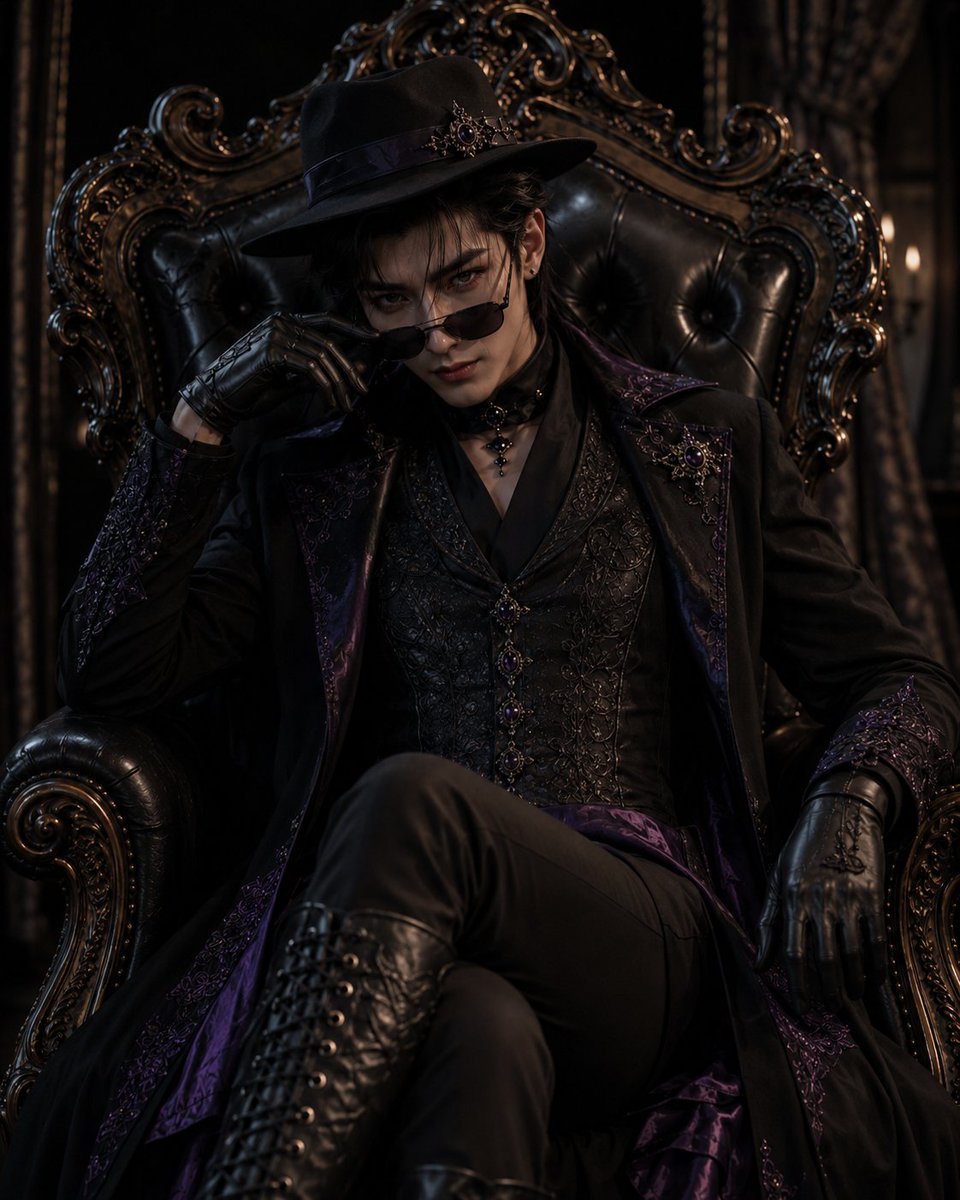
- Prompt included
- Model and format preset
- Free template
The prompt behind this image
Copy the exact prompt behind Gothic Throne Outfit Transformation, or open it in the studio and make it yours.
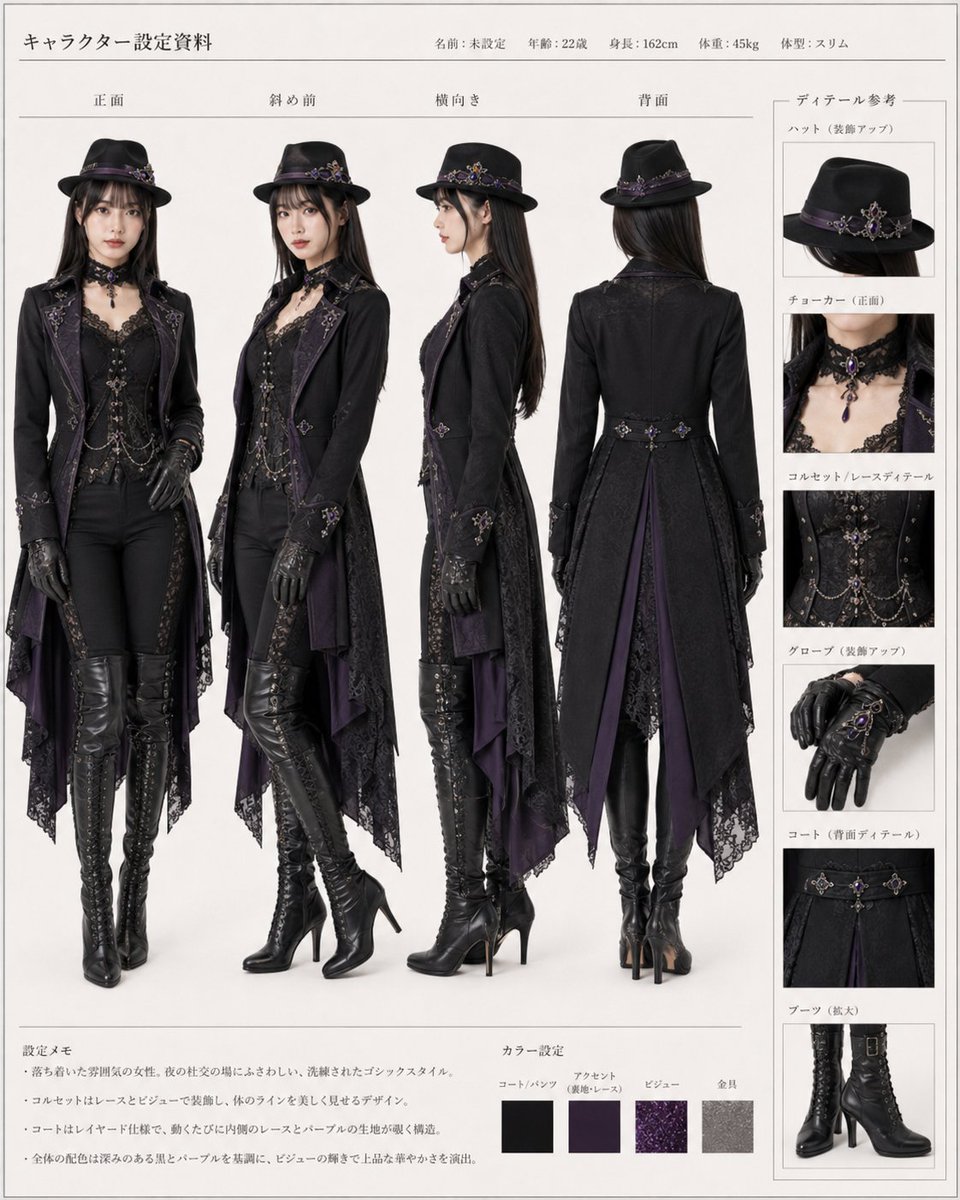
Using REFERENCE_0 as the outfit and accessory reference, create a cinematic dark-gothic portrait of {argument name="character gender" default="a young man"} wearing the same black-and-deep-purple aristocratic gothic clothing: the decorated hat, long embroidered coat, ornate vest, choker, gloves, fitted pants, and tall lace-up boots. Transform the reference-sheet presentation into a dramatic seated scene: the character sits on an oversized ornate black leather throne, legs crossed, leaning back with a confident intimidating aura, one gloved hand lowering small black sunglasses to look directly at the viewer. Keep the outfit’s purple jewel accents, lace, embroidery, chains, and metal ornamentation faithful to the reference, but adapt the fit naturally to the new character. Scene and mood: place the character in {argument name="setting" default="a dim Victorian gothic room"} with dark curtains, carved gilded wood details, and very low warm candlelike side lighting. Use high-contrast cinematic lighting, deep shadows, realistic textures, glossy black leather, subtle purple highlights, and a powerful elegant villain-like atmosphere. Composition: vertical portrait, waist-to-boots visible, throne filling the background, centered character, dramatic close perspective. No reference-sheet labels, no Japanese text, no design-document layout, no extra characters.
Reference images included
Gothic Throne Outfit Transformation needs input media to work. They load alongside the prompt when you open it in the studio.
How to use Gothic Throne Outfit Transformation in 3 steps
- 1Upload ImagePNG, JPG or paste
Add your photo
Upload the photo the template builds on. The prompt, model and format are already set.
- 2…a portrait of your subject in softgolden-hour light, 85mm…
Personalize
Edit the subject and creative details for your destination.
- 3Generate
Generate
Press Generate — your image is created in PicX Studio, so you can compare it with the original and refine one variable at a time.
More like this
Templates with the same subject, style or setup. Open one to see its prompt.
Seedance - Character Transition
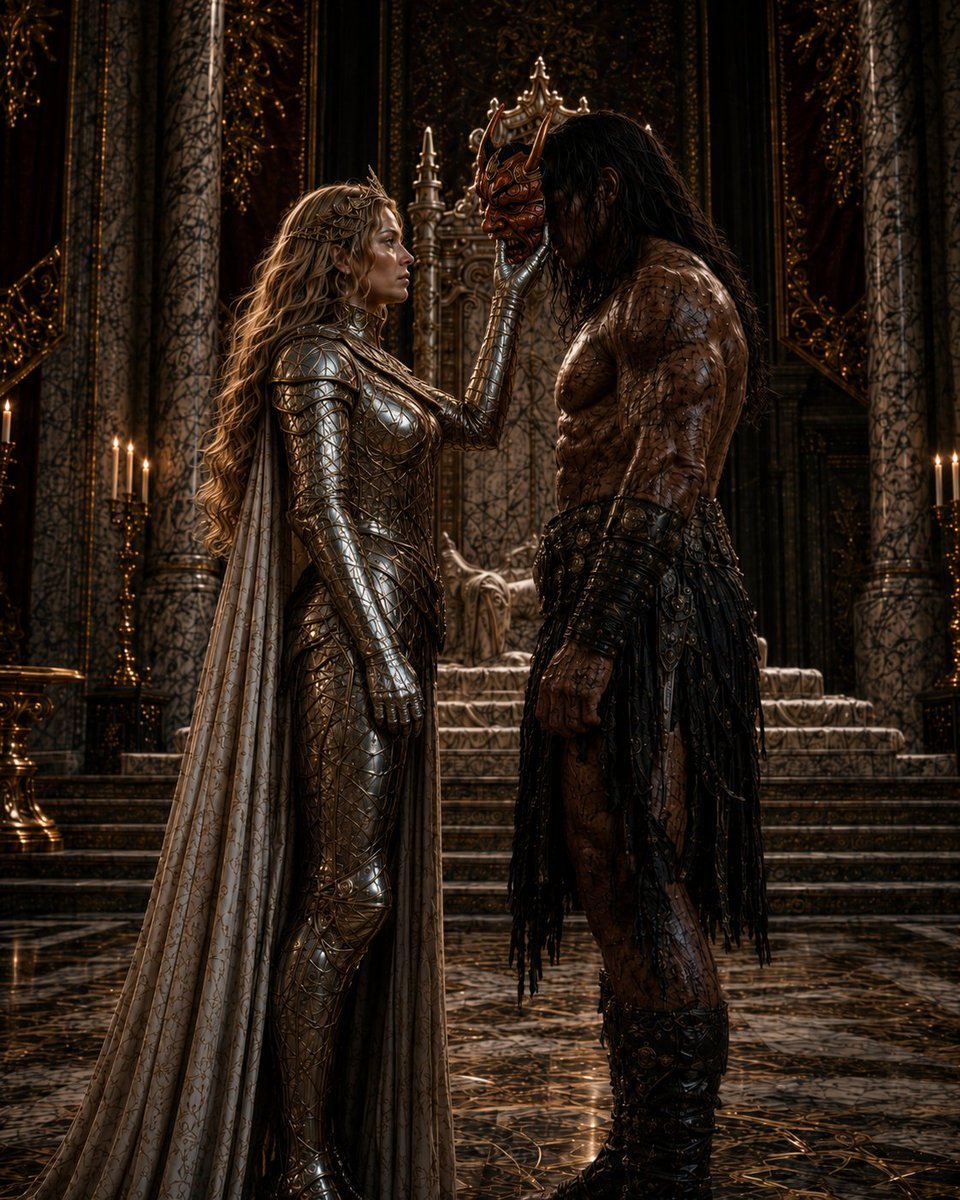
Masked Gothic Throne Encounter
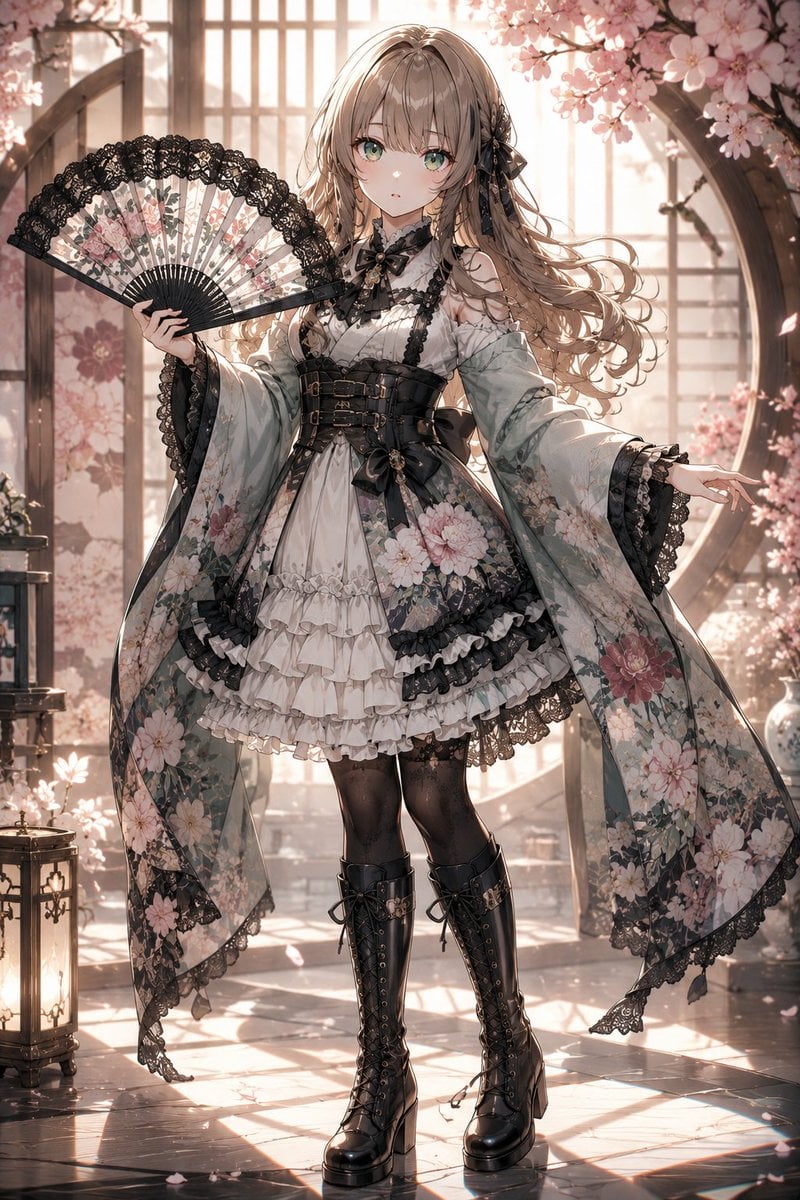
Gothic Lolita Furisode Outfit
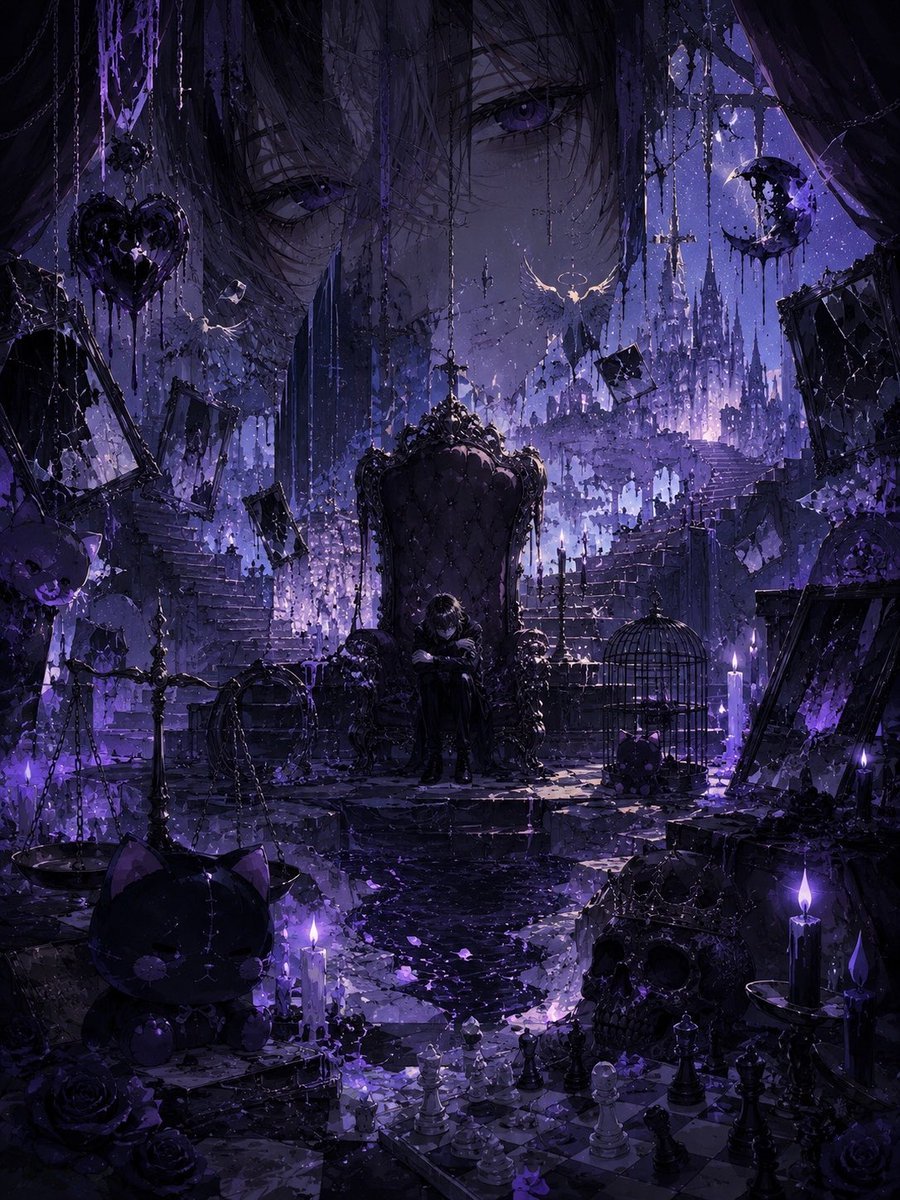
Gothic Violet Throne Fantasy
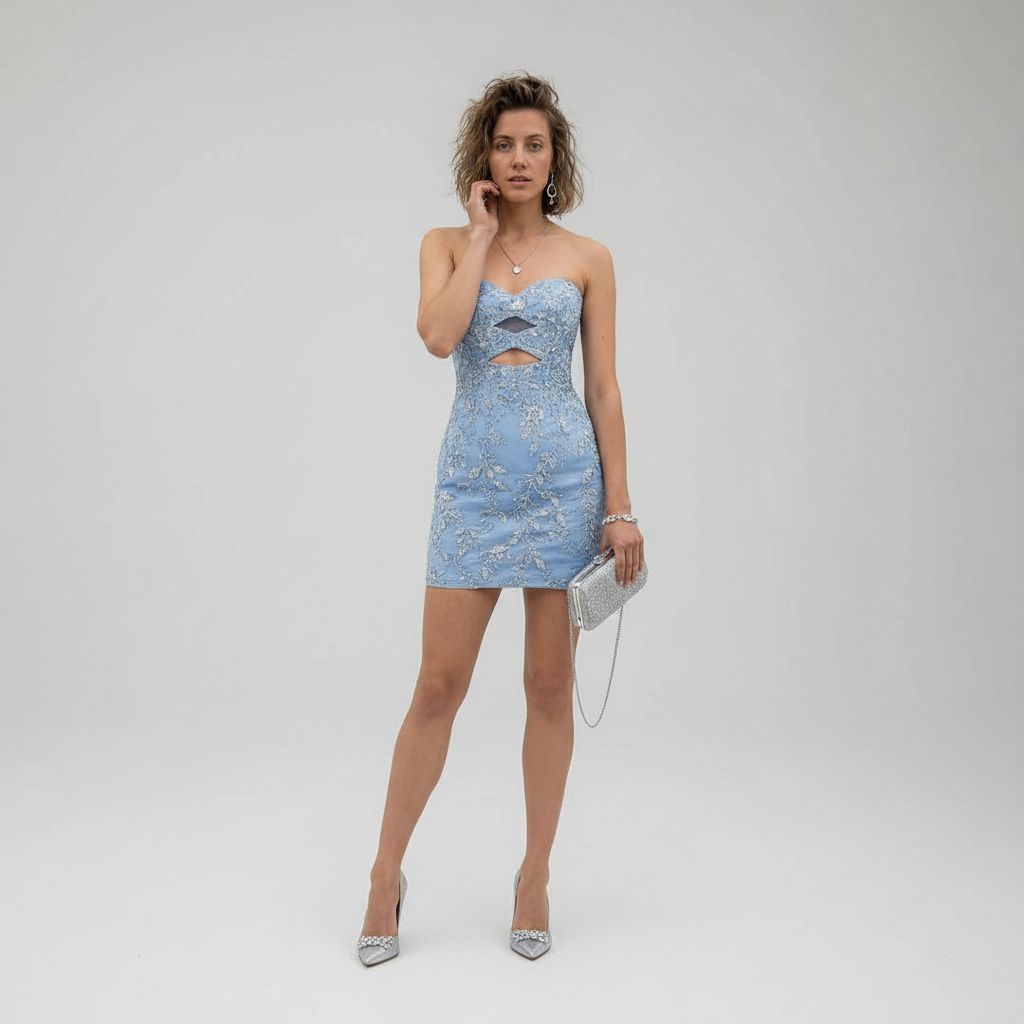
Luxury Studio Outfit Transformation
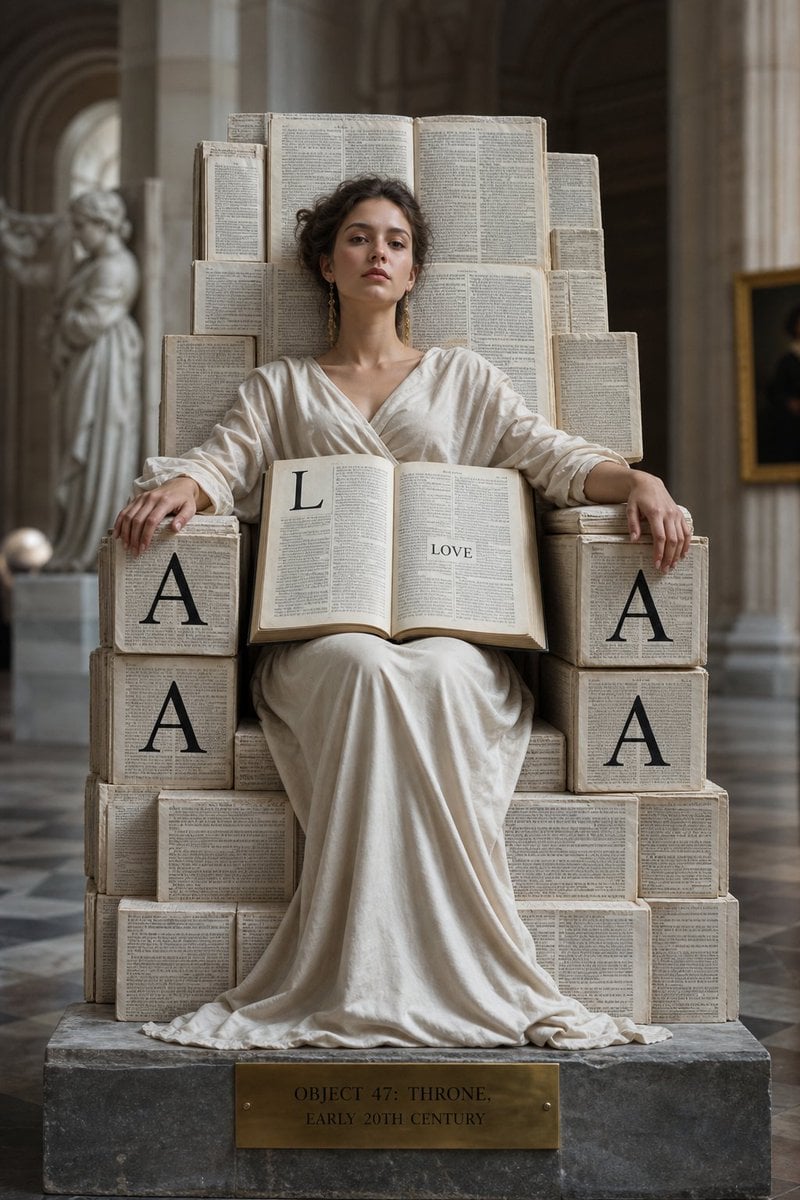
Monolithic Dictionary Page Throne Art Photography

Gothic Japanese Mobile Homepage

Burning Gothic Flood Escape
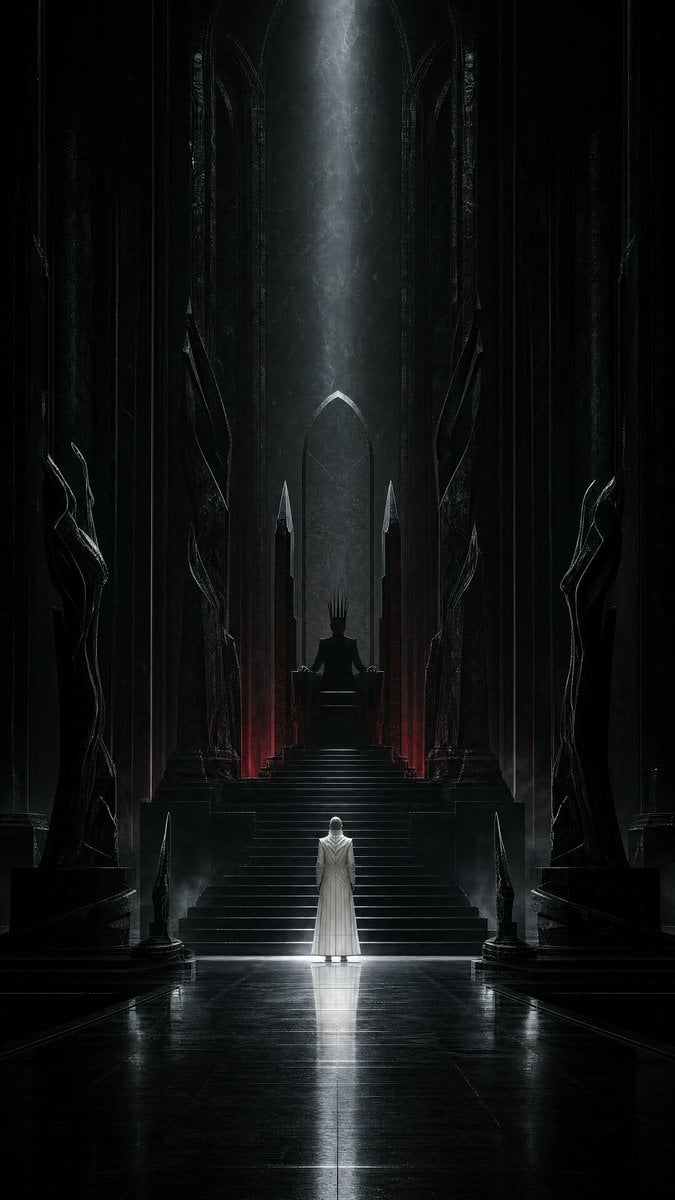
Dark Surrealist Shadow Throne Prompt
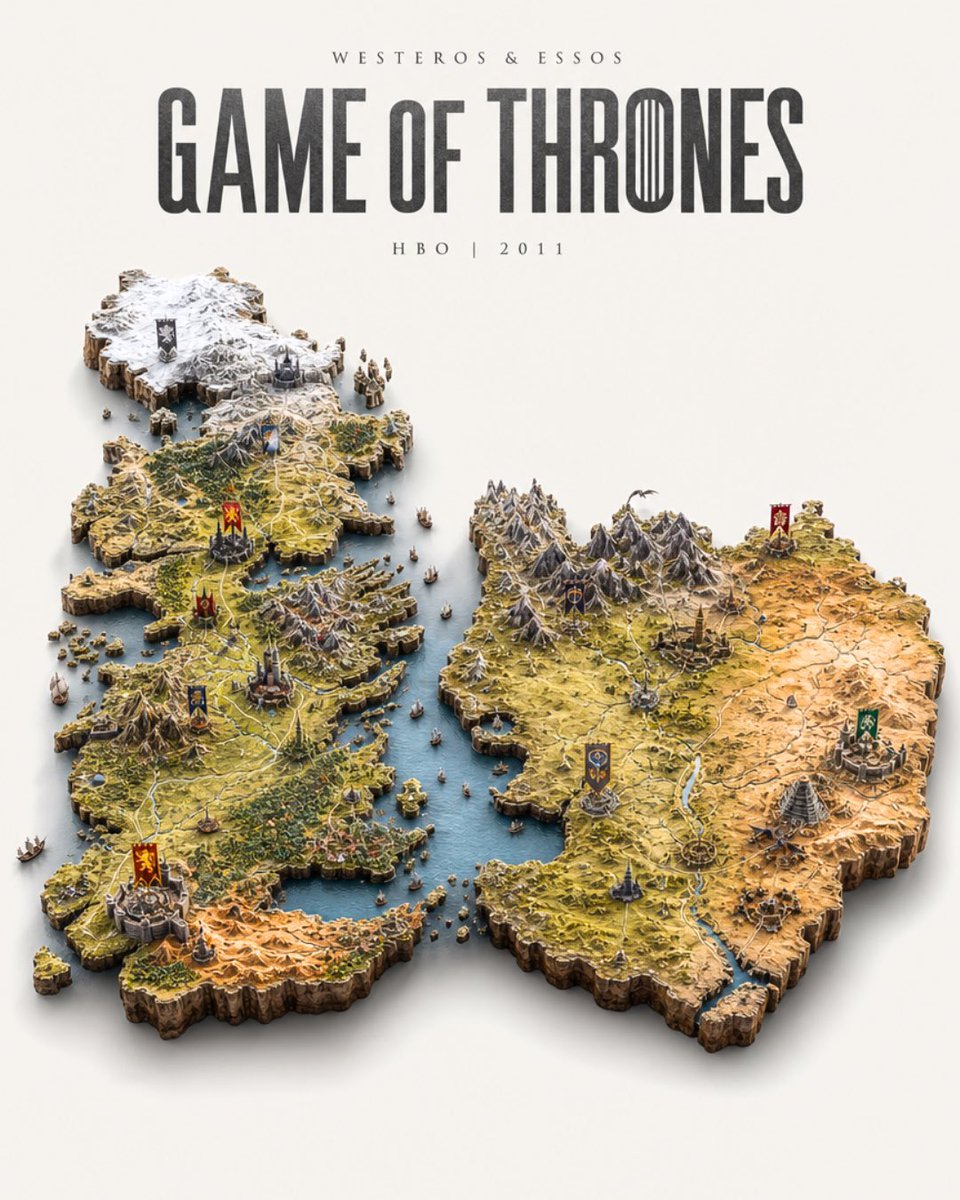
Game of Thrones Isometric Map Diorama

Anime Alley Kick Transformation
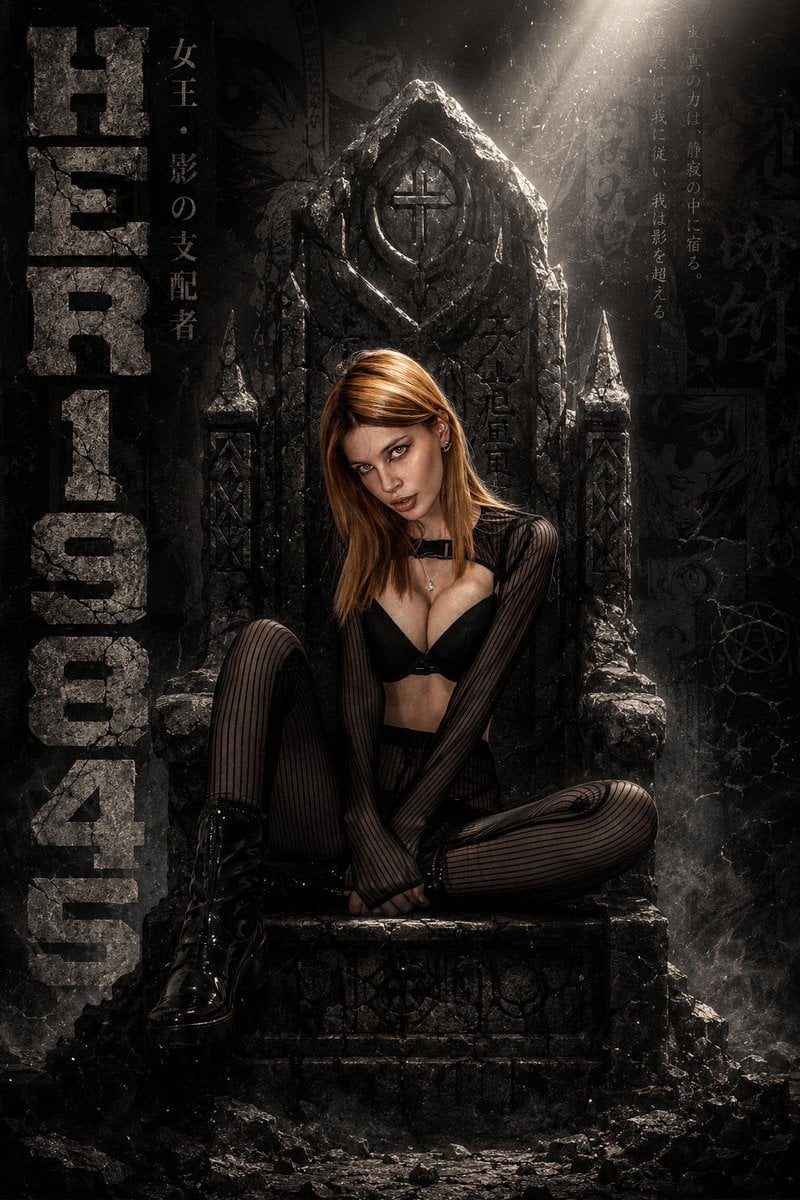
Cinematic Manga Throne Poster
Make it yours
Gothic Throne Outfit Transformation works as-is. These are the safest ways to change it without losing the look.
Change one field
Copy a single group, rewrite it, and generate again so you can see what that field is doing.
Keep the frame, change the subject
Hold the composition and light of Gothic Throne Outfit Transformation, then swap wardrobe, props or the person for a new take.
| If the result… | Why | Fix |
|---|---|---|
| The result drifts from the preview | Too many fields changed at once. | Reuse Gothic Throne Outfit Transformation as-is first, then change one group — subject, light, or setting. |
| The model over-stylizes the scene | The prose prompt leaves finish and camera underspecified. | Add one camera or lighting sentence and stay on GPT Image 2. |
More GPT Image 2 templates
Other prompts made for GPT Image 2.

Six VTuber Japanese Logo Sheet

Realistic Portrait of Woman and Deer

The Vista Modular Condo Poster

AI Model Routing Comparison Infographic

2.5D Anime Art Board

Isometric Productivity Desk Scene

New York Double Exposure Poster

Four-Panel AI Landscape Comparison

Japanese Tatami Lifestyle Magazine Cover

NESCAFÉ Coffee Map Poster
More image prompts
Fresh picks from across the catalog.
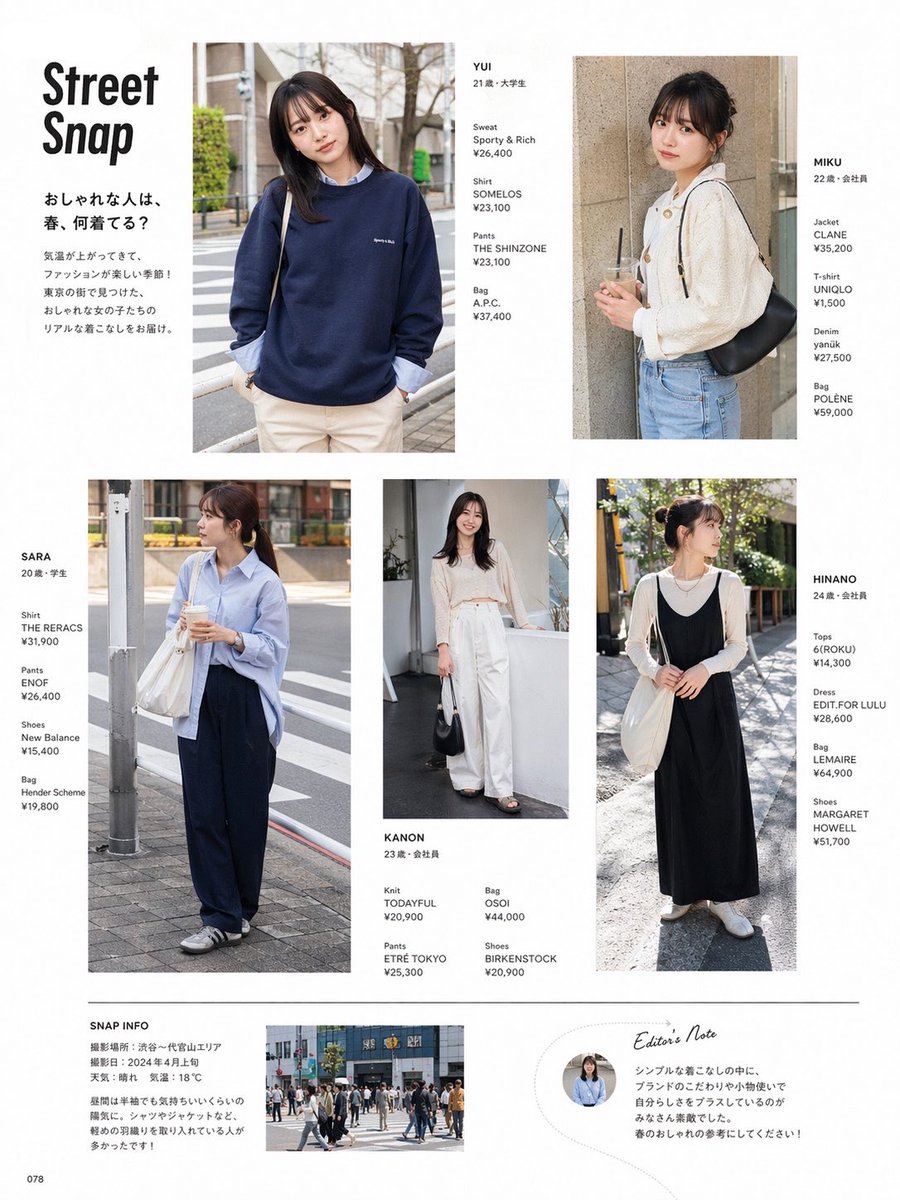
Street Fashion Magazine Layout
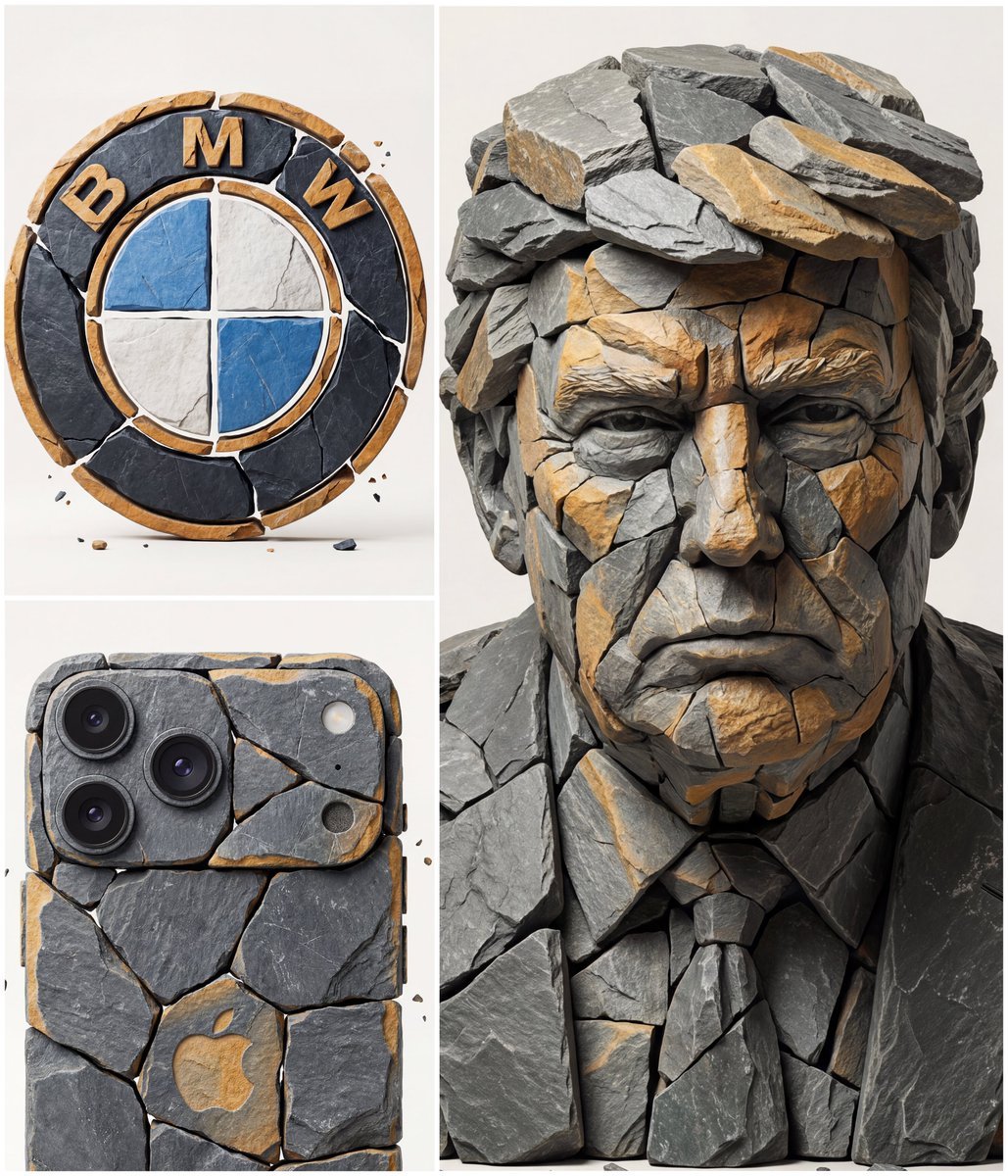
Image to Fragmented Stone Sculpture Style Transfer
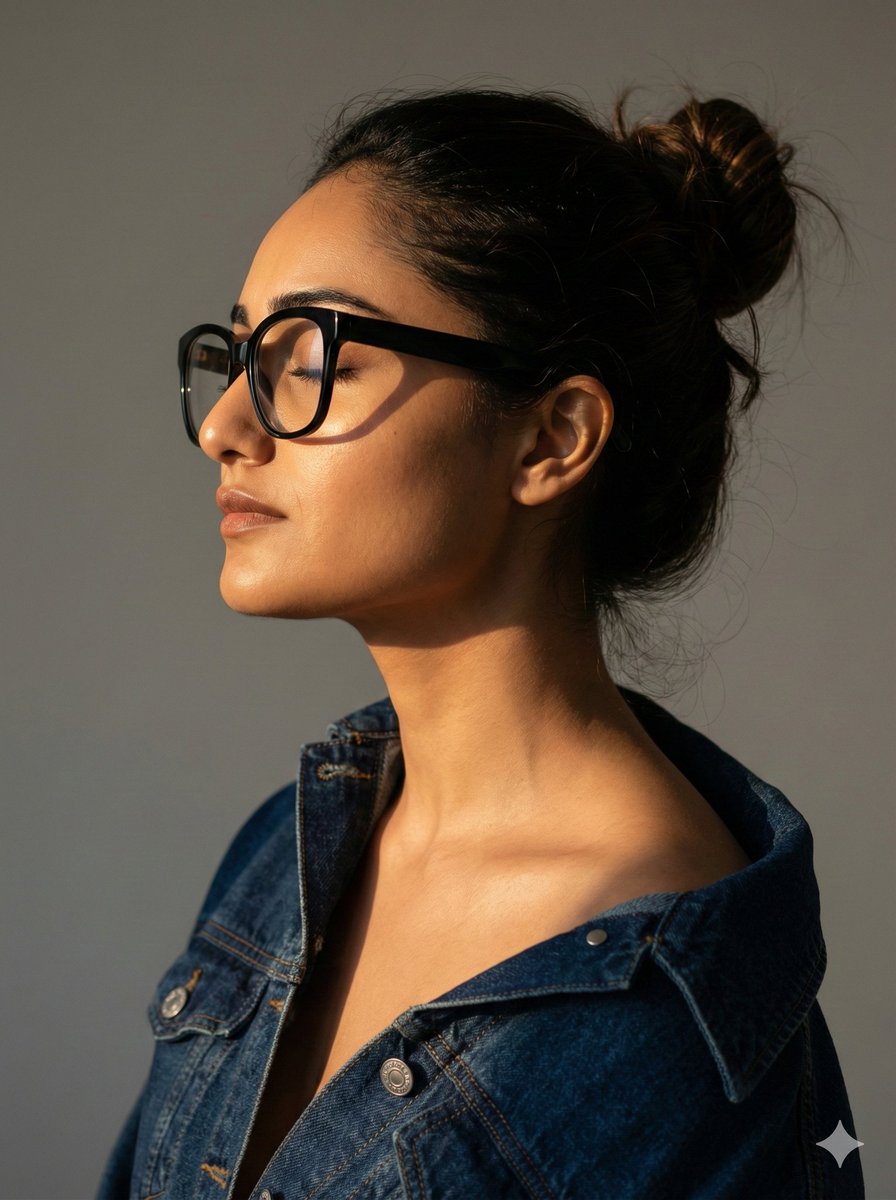
Cinematic Profile Portrait with Identity Preservation
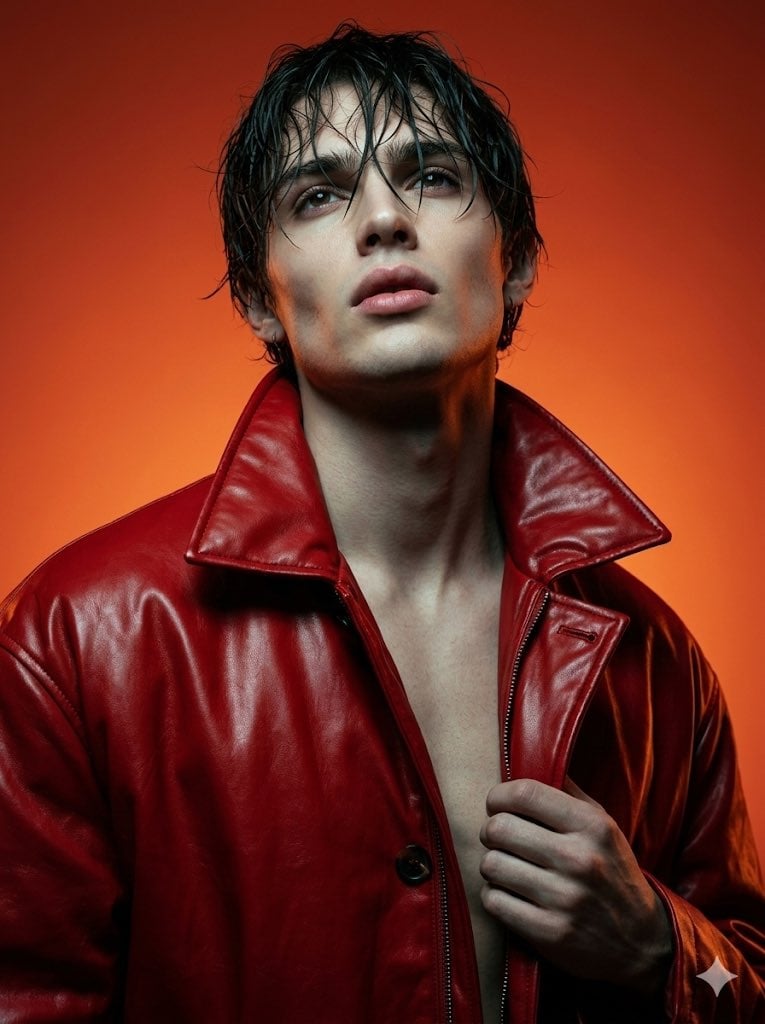
High Fashion Cinematic Androgynous Portrait
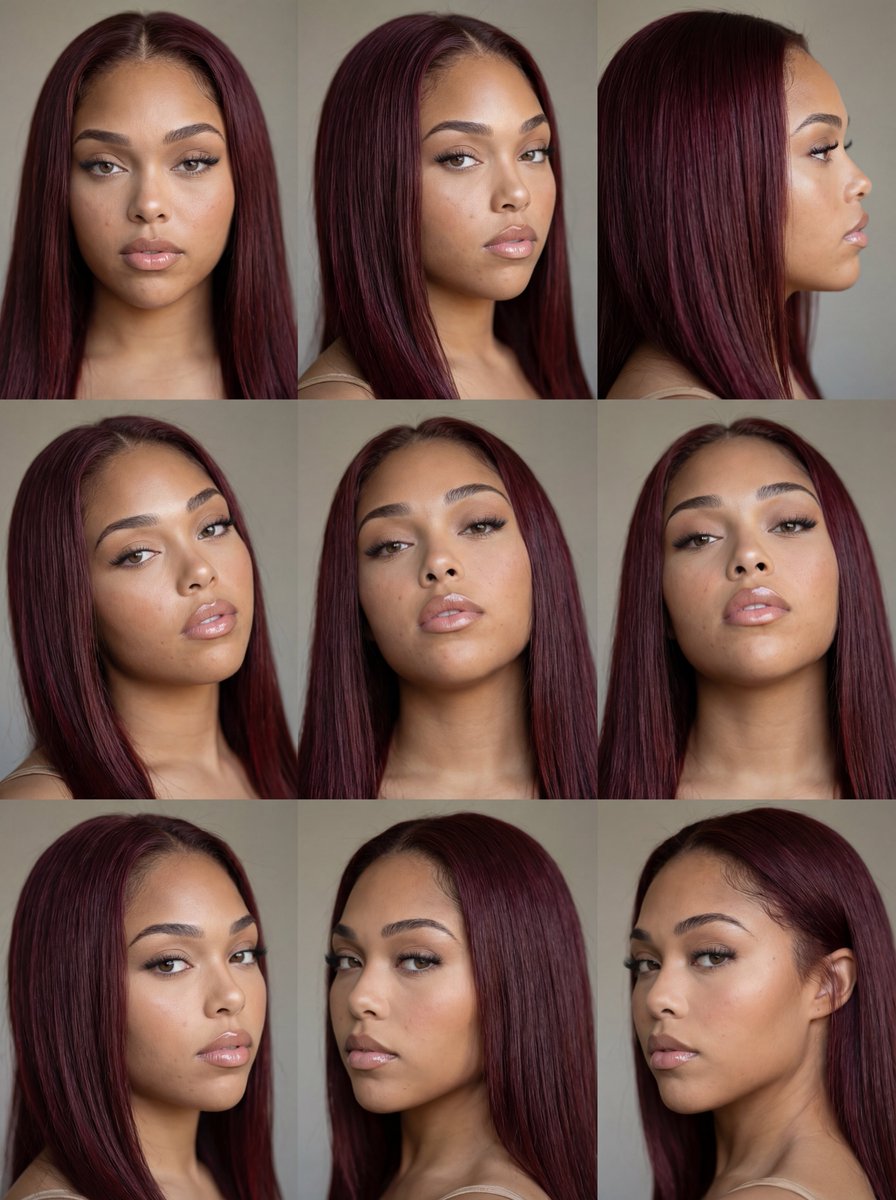
Nine-Panel Face Consistency Grid Prompt for Nano Banana Pro

AI-Generated Web Page Summary and Message
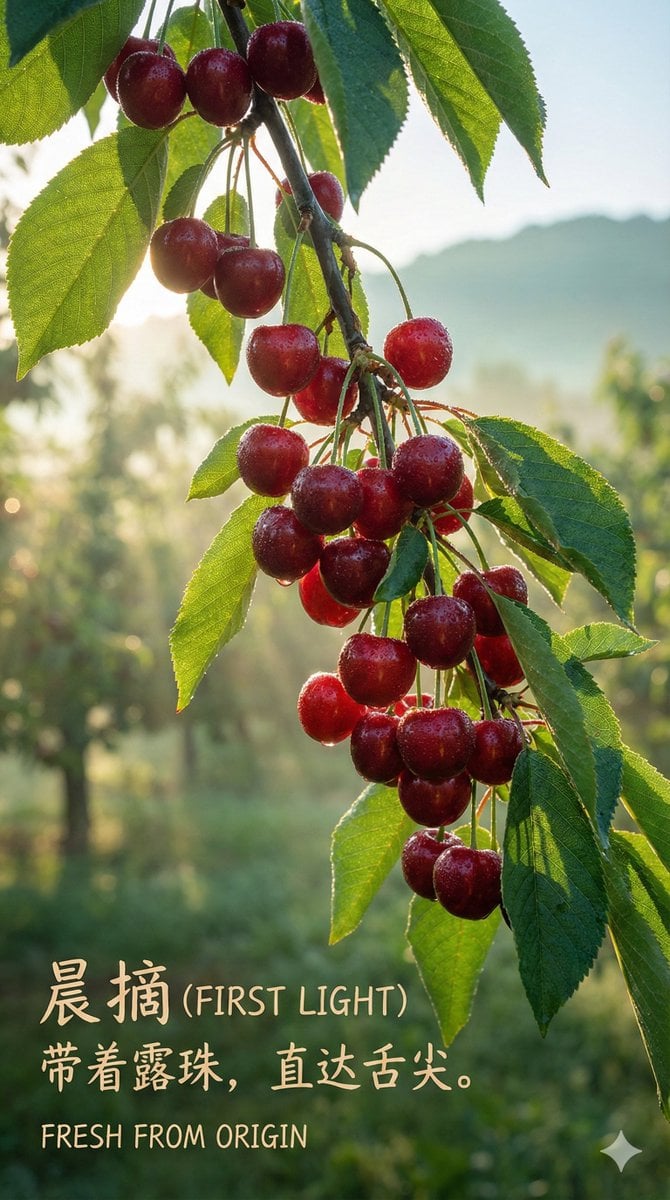
Luxury Cherry Product Photography Prompt (Black Diamond)
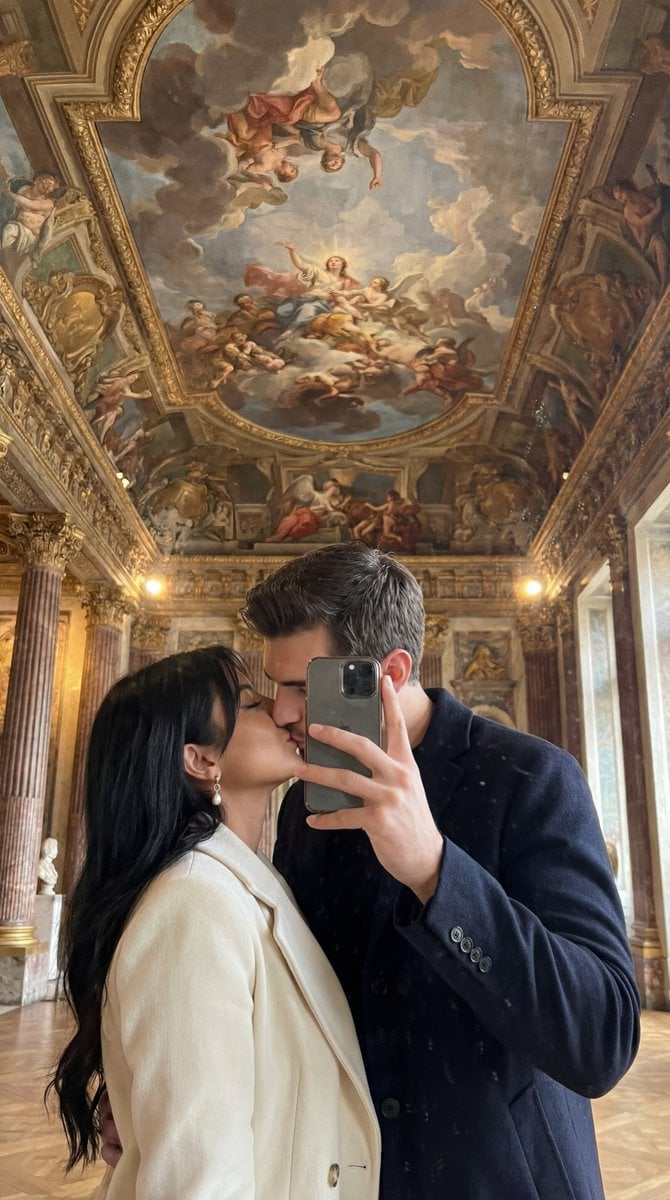
Ultra Photoreal Museum Mirror Kiss Selfie with Identity Lock
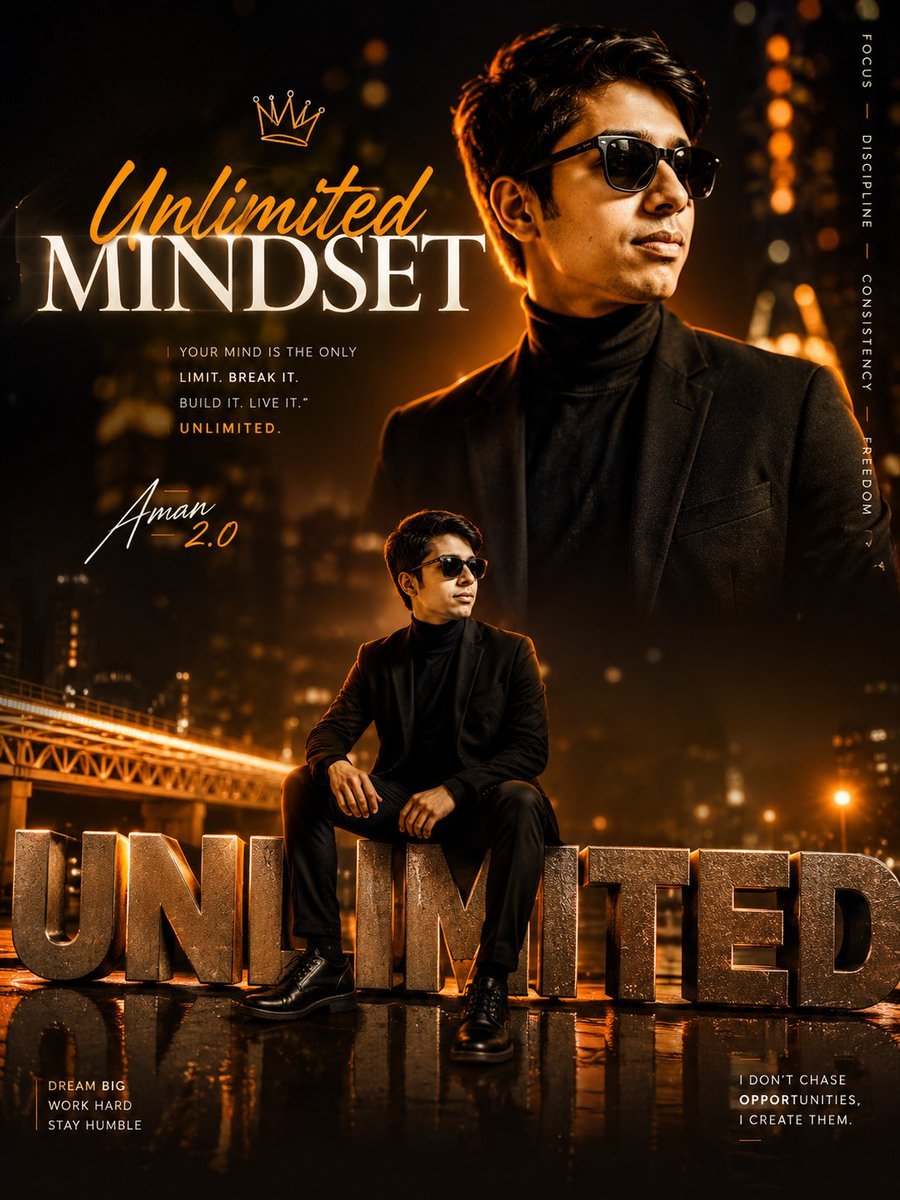
Instagram Milestone Celebration Poster
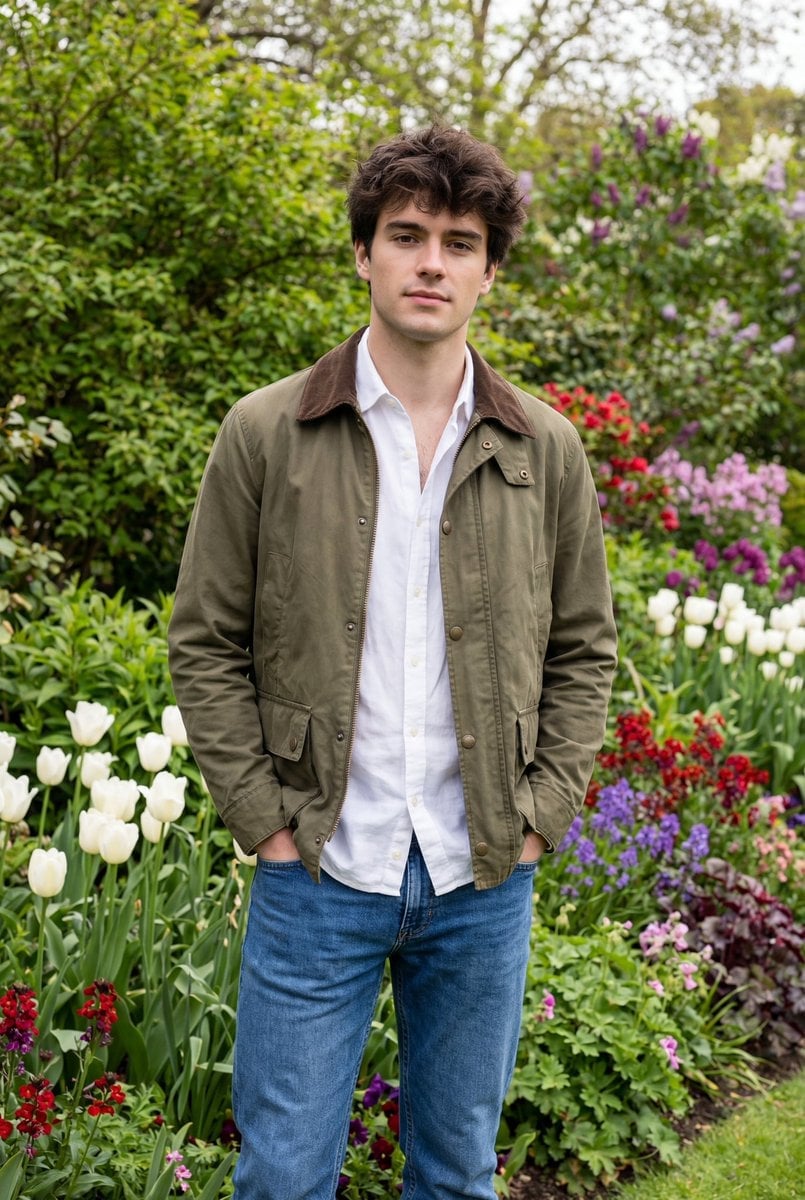
Natural Editorial Portrait of a Man in a Garden
Browse template categories
Gothic Throne Outfit Transformation questions
How do I use the Gothic Throne Outfit Transformation template?
Add your photo if the template asks for one, edit the prompt if you like — the template's model and format are already selected — and press Generate. Your version opens in PicX Studio.
Can I customize the Gothic Throne Outfit Transformation template?
Yes. You can change the subject, setting, lighting, mood, format, and available model controls before creating your image.
Is the Gothic Throne Outfit Transformation template free?
Opening and editing this template is free. Generating uses credits, shown on the Generate button when you are signed in.
Which AI model should I use?
Start with GPT Image 2, which is the model associated with this template. You can compare another compatible model for a different finish.
Looking for something else? Browse all templates.

Your photo, any look
Thousands of ready templates for every top image and video model, from one credit balance.