
Dark Surrealist Shadow Throne Prompt
A conceptual dark-surrealist prompt featuring an obsidian throne room where a figure's shadow acts independently, focusing on cinematic lighting and scale.
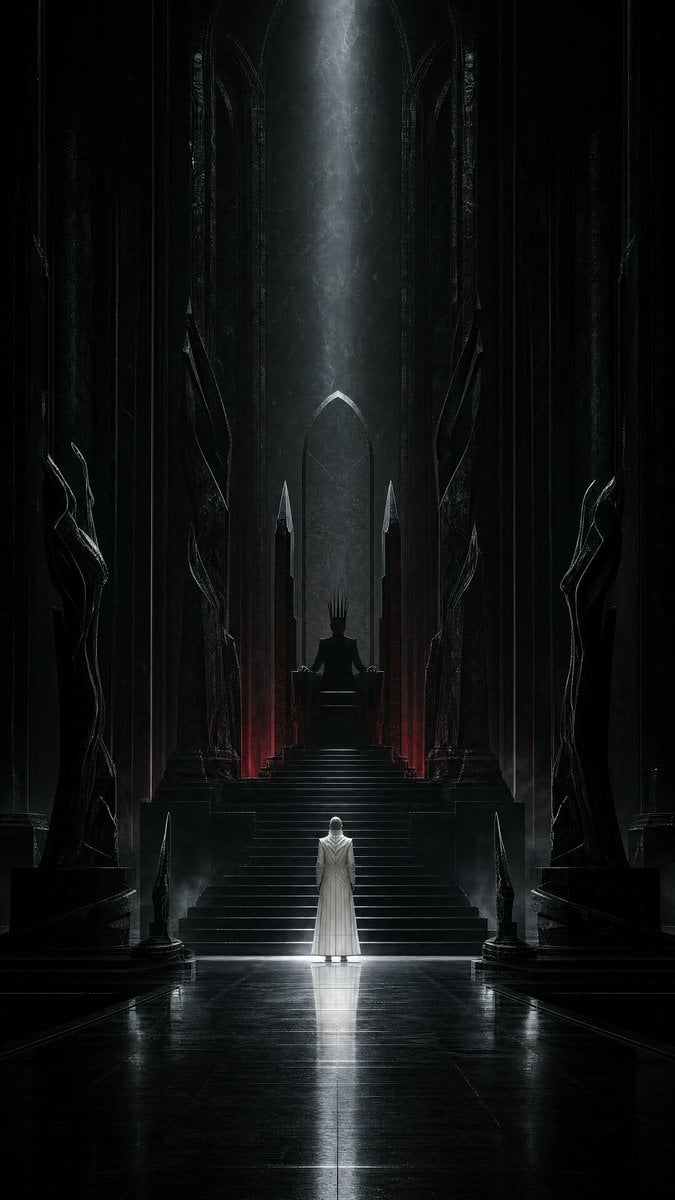
- Prompt included
- Model and format preset
- Free template
The prompt behind this image
Copy the exact prompt behind Dark Surrealist Shadow Throne Prompt, or open it in the studio and make it yours.
Use case: stylized-concept Asset type: vertical social-media artwork for the “Your Dark Side” theme Create a completely original cinematic dark-surrealist scene inside an endless throne hall carved from {argument name="material" default="glossy obsidian"}. A solitary human figure in a long bone-white ceremonial coat stands at the foot of an impossibly tall empty throne. The person is small, seen from behind, perfectly still. Their shadow climbs the throne steps against the direction of the light and sits upon the throne as a regal hornless humanoid silhouette, wearing a crown made from long black fingers. The physical figure casts no normal shadow anywhere else. Vertical {argument name="aspect ratio" default="9:16"} composition, monumental symmetry, very low camera angle, cathedral-scale architecture, strong central vanishing point, generous darkness, clean readable silhouettes. A narrow cold silver beam falls on the white figure while a restrained deep-crimson glow leaks from beneath the throne. Wet polished stone, drifting dust, faint mist, subtle reflections, premium photorealistic concept art, psychologically disturbing rather than graphic, extremely refined cinematic lighting. Color palette: obsidian black, bone white, cold silver, minimal deep crimson. Constraints: entirely original character and environment; no recognizable person; no text, typography, logos, signatures, borders, or watermark. Avoid: close-up portrait, split face, damaged skin, black liquid on a face, glowing red eye, gore, demons with conventional horns or wings, fantasy armor, crowded scene, imitation of any named artist.
How to use Dark Surrealist Shadow Throne Prompt in 3 steps
- 1
Open
The prompt is already in the box next to the preview, with the template's model and format selected.
- 2…a portrait of your subject in softgolden-hour light, 85mm…
Personalize
Edit the subject and creative details for your destination.
- 3Generate
Generate
Press Generate — your image is created in PicX Studio, so you can compare it with the original and refine one variable at a time.
More like this
Templates with the same subject, style or setup. Open one to see its prompt.
Dark Surrealist Library Archive
Cinematic Dark Surrealist Abyss

Selective Color Monochrome Football Poster
Dark Fantasy Portrait with Shadow Demon
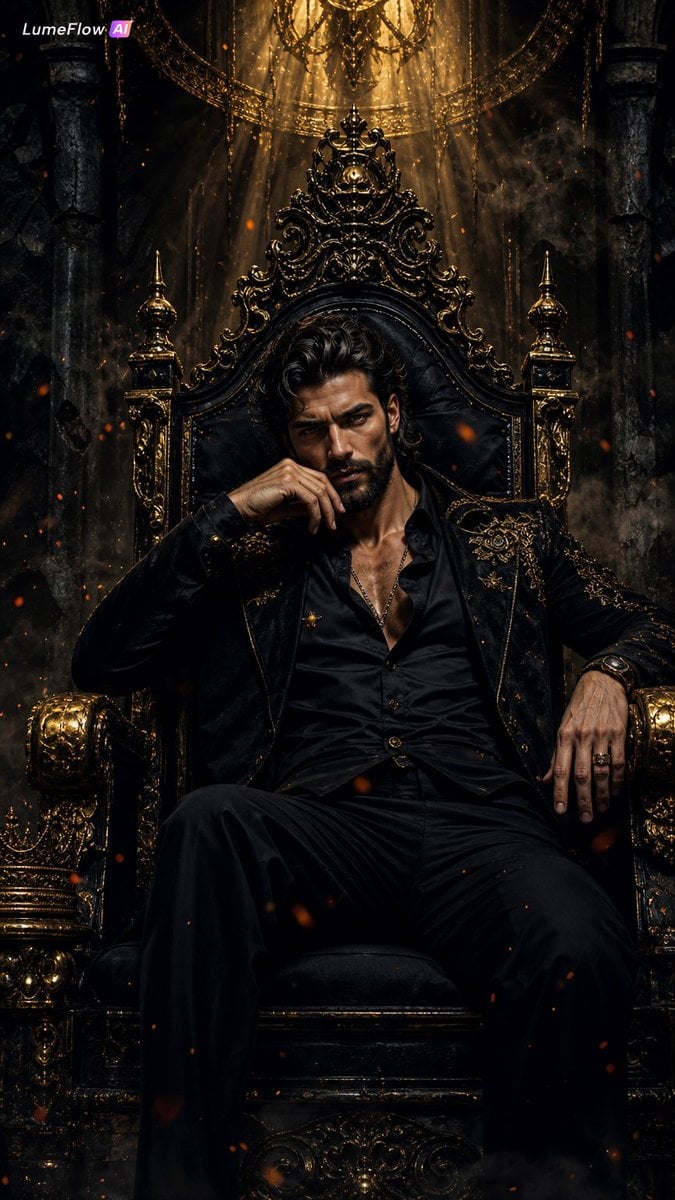
Dark Fantasy King Throne Portrait
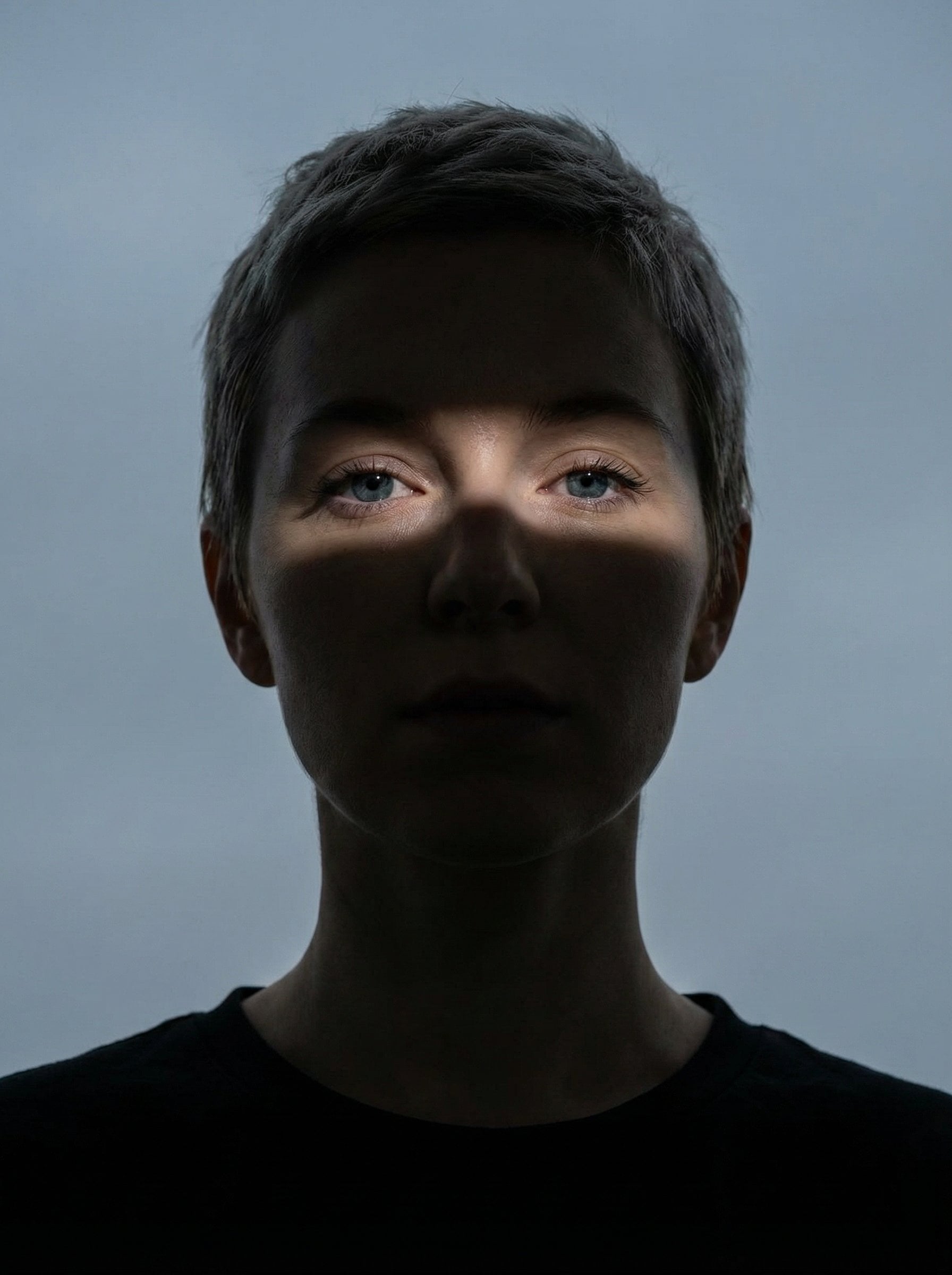
Nano Banana Pro Eyes in Shadow

Night Sports Car Portrait — Cinematic Moody

Cinematic Eye Light Portraits — 3 Nano Banana Prompts

Horror Cinematic Portrait
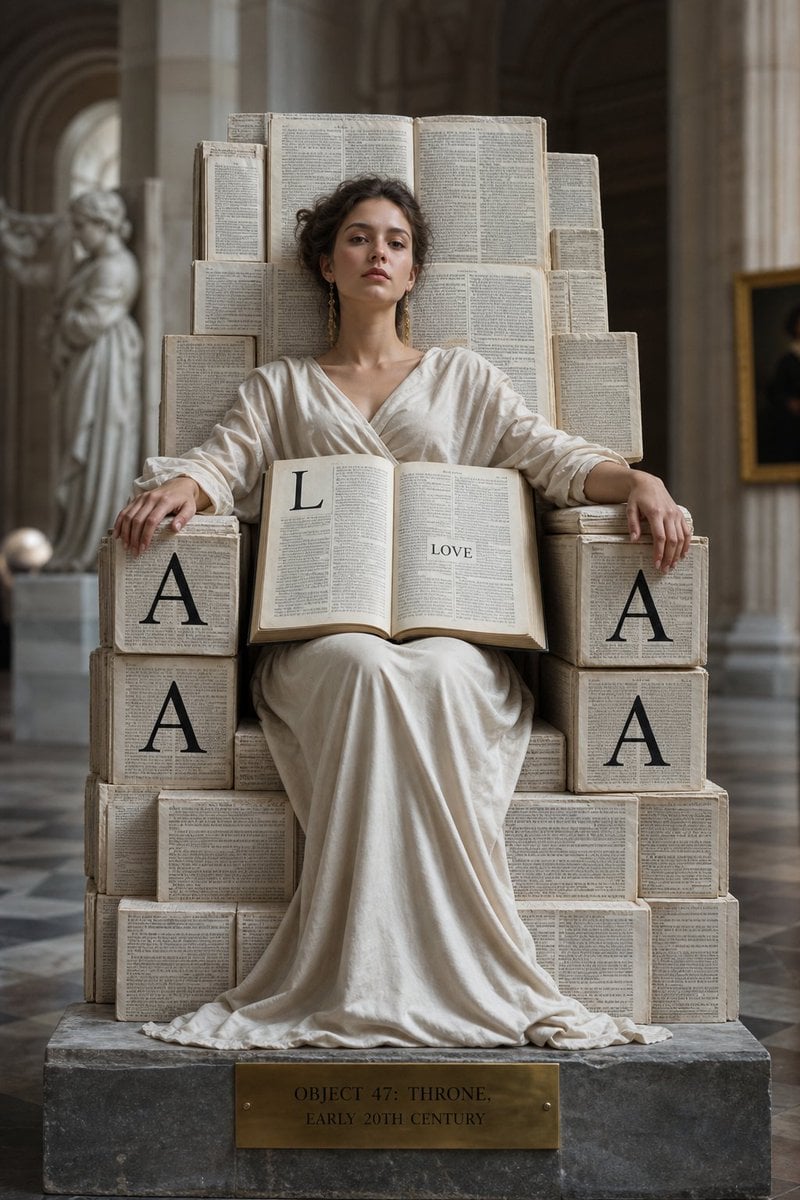
Monolithic Dictionary Page Throne Art Photography
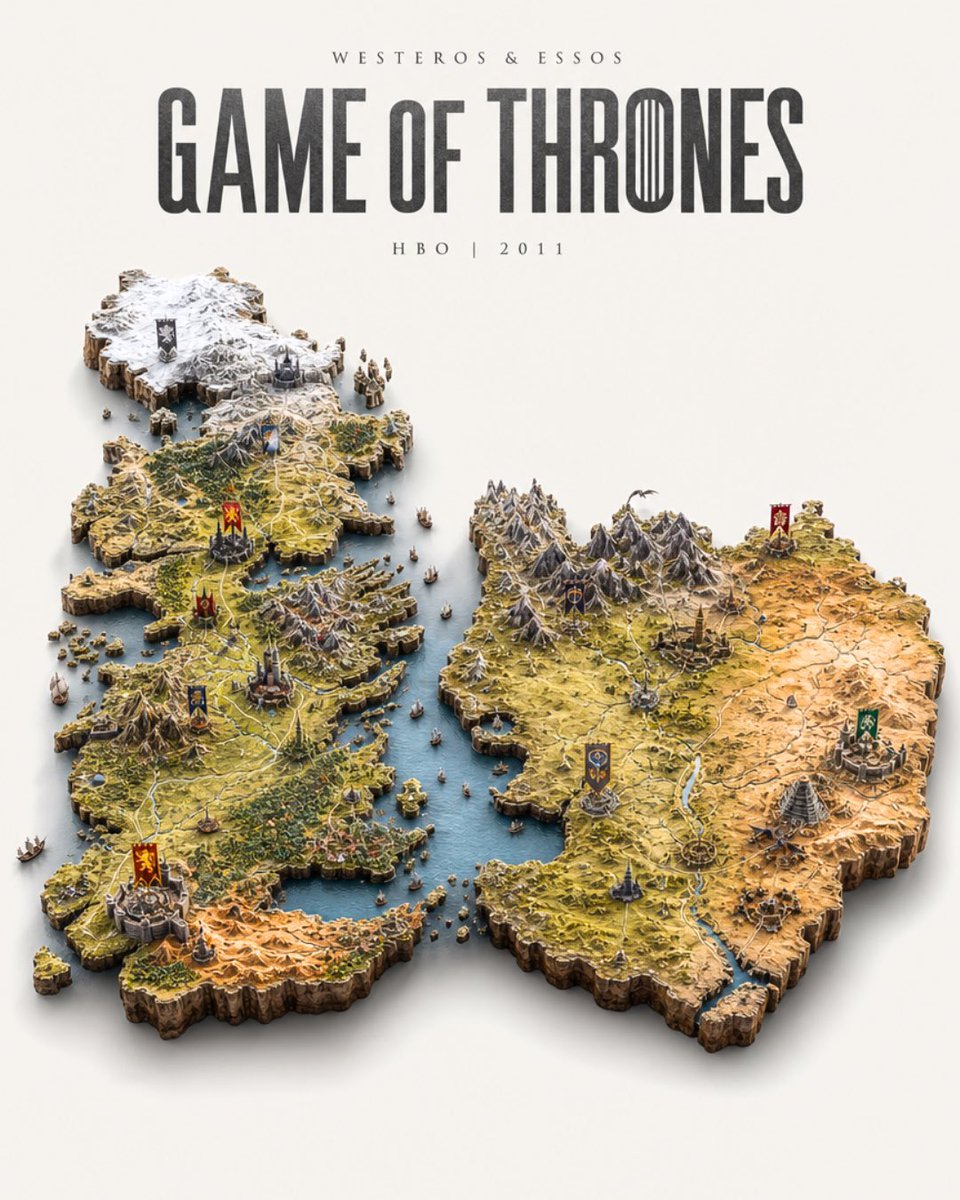
Game of Thrones Isometric Map Diorama
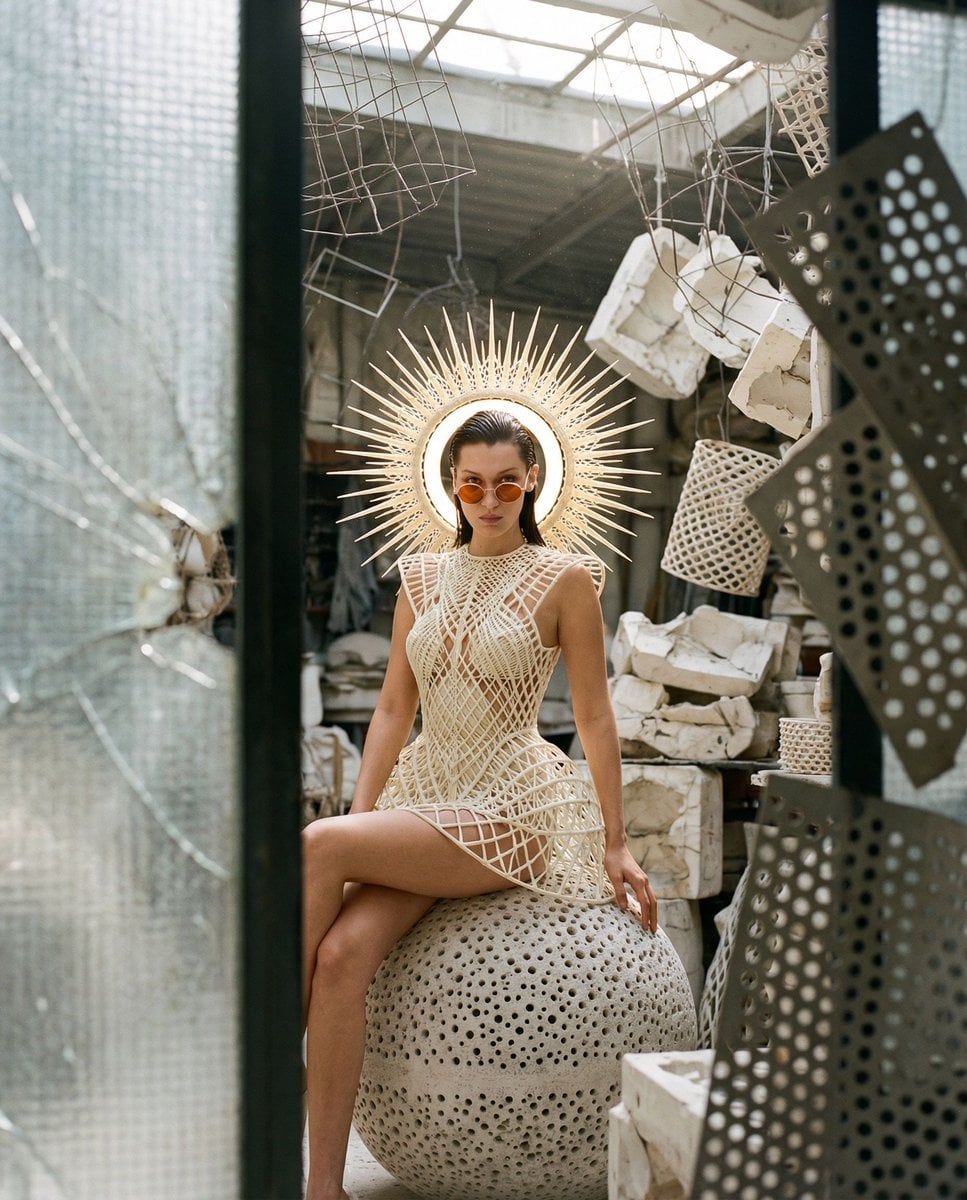
Surrealist Voyeur Fashion JSON
Make it yours
Dark Surrealist Shadow Throne Prompt works as-is. These are the safest ways to change it without losing the look.
Change one field
Copy a single group, rewrite it, and generate again so you can see what that field is doing.
Keep the frame, change the subject
Hold the composition and light of Dark Surrealist Shadow Throne Prompt, then swap wardrobe, props or the person for a new take.
| If the result… | Why | Fix |
|---|---|---|
| The result drifts from the preview | Too many fields changed at once. | Reuse Dark Surrealist Shadow Throne Prompt as-is first, then change one group — subject, light, or setting. |
| The model over-stylizes the scene | The prose prompt leaves finish and camera underspecified. | Add one camera or lighting sentence and stay on GPT Image 2. |
More GPT Image 2 templates
Other prompts made for GPT Image 2.

Six VTuber Japanese Logo Sheet

Realistic Portrait of Woman and Deer

The Vista Modular Condo Poster

AI Model Routing Comparison Infographic

2.5D Anime Art Board

Isometric Productivity Desk Scene

New York Double Exposure Poster

Four-Panel AI Landscape Comparison

Japanese Tatami Lifestyle Magazine Cover

NESCAFÉ Coffee Map Poster
More image prompts
Fresh picks from across the catalog.
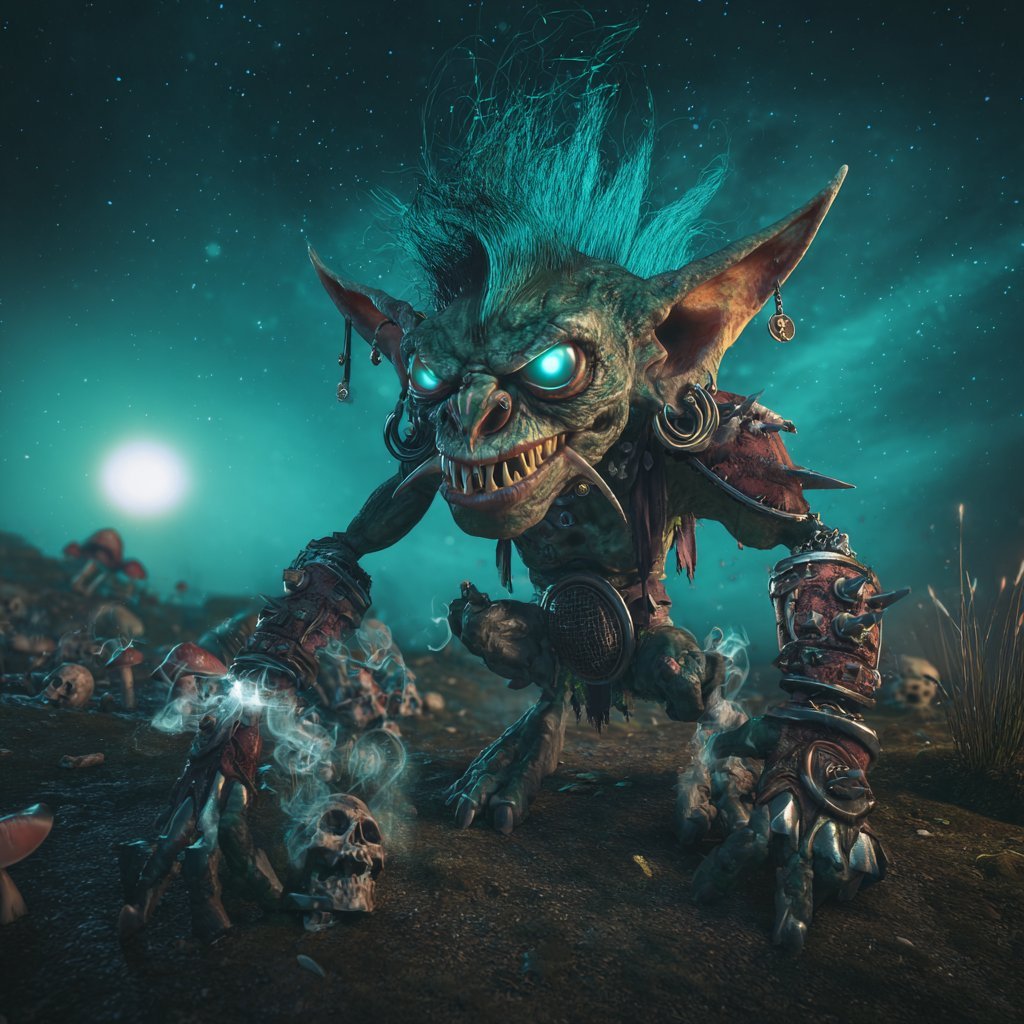
Cinematic Teal Goblin Warrior
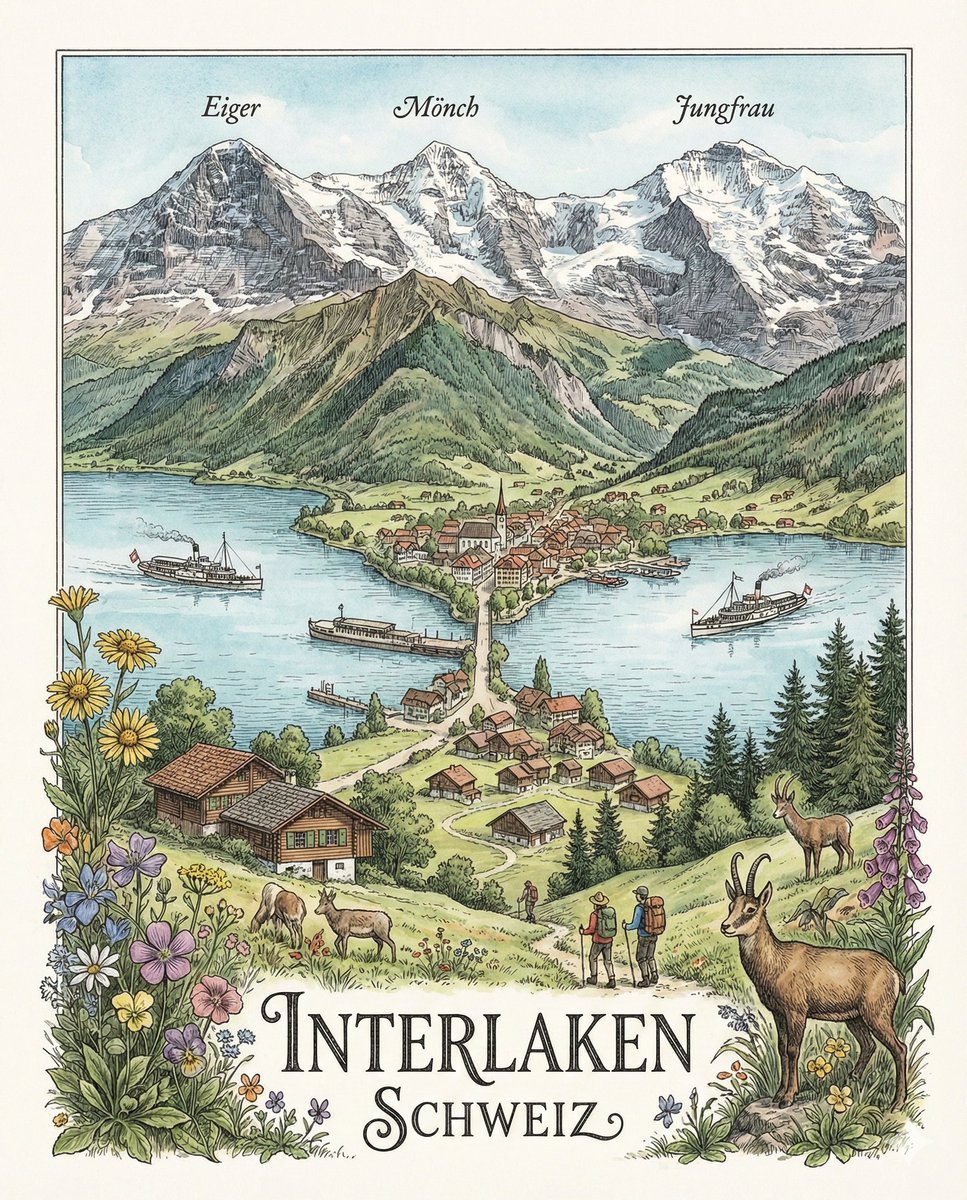
Geographically Accurate Precision Illustration of Interlaken, Switzerland
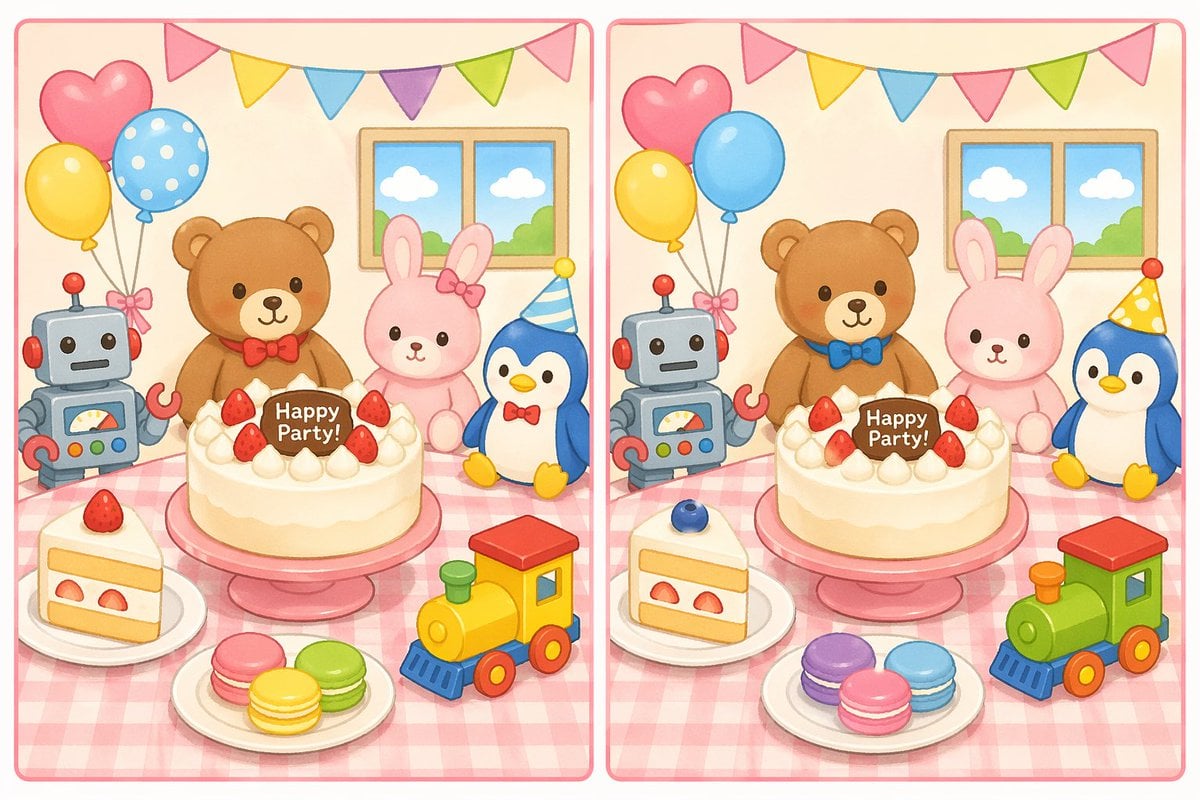
Spot the Difference Puzzle Generator
Golden Hour Academic Portrait
Realistic Image Generation with Identity Reference Prompt
Urban Chic Fashion Editorial in an Alleyway
《我的世界风格化照片》提示词: 请基于用户上传的真实户外照片进行风格化改造。 保留照片中的主体不
Gpt2 Profile Avatar Dreamy Oriental Female Portrait
Anime Maid Character Love Letter
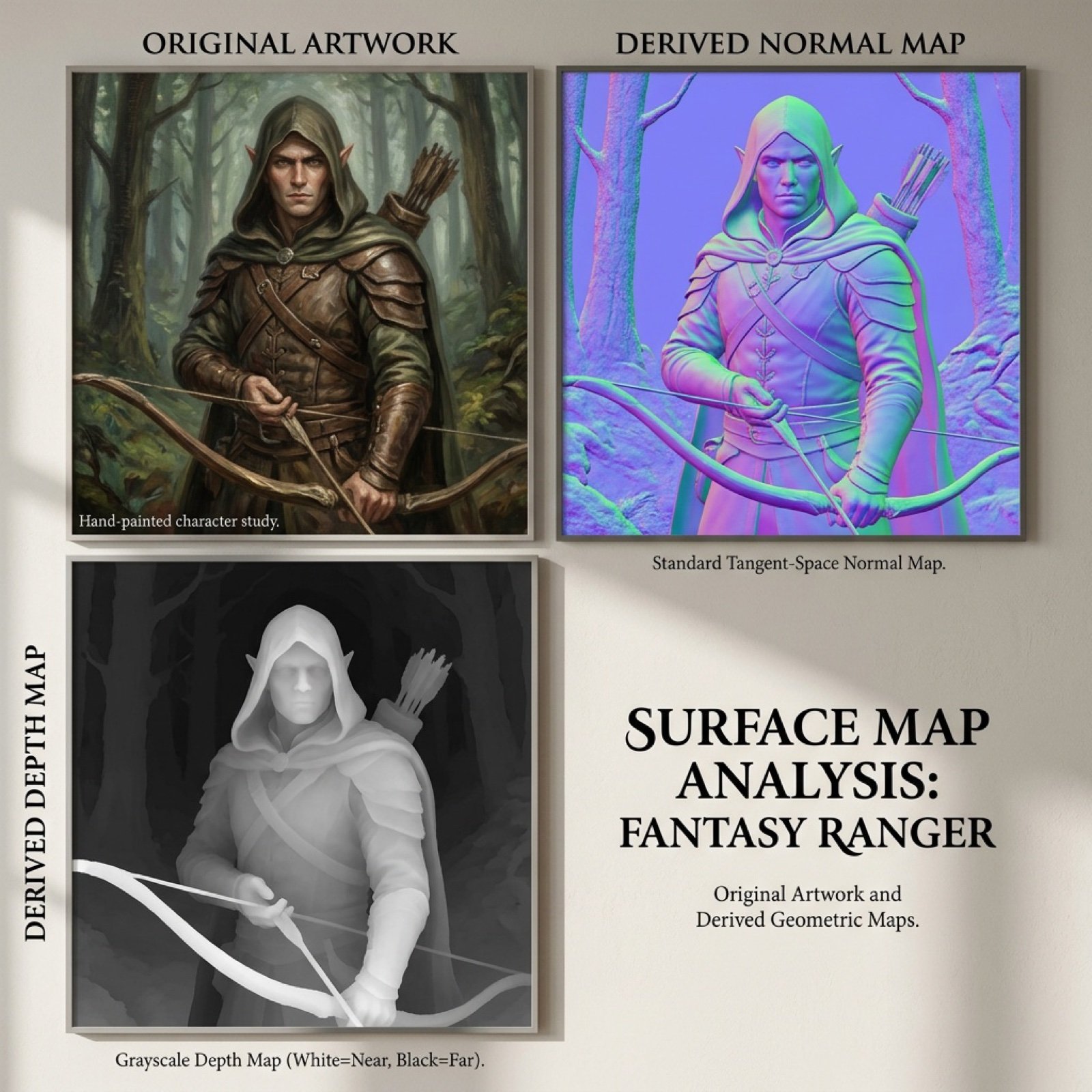
Normal and depth map generation prompts for Nano Banana Pro
Browse template categories
Dark Surrealist Shadow Throne Prompt questions
How do I use the Dark Surrealist Shadow Throne Prompt template?
Add your photo if the template asks for one, edit the prompt if you like — the template's model and format are already selected — and press Generate. Your version opens in PicX Studio.
Can I customize the Dark Surrealist Shadow Throne Prompt template?
Yes. You can change the subject, setting, lighting, mood, format, and available model controls before creating your image.
Is the Dark Surrealist Shadow Throne Prompt template free?
Opening and editing this template is free. Generating uses credits, shown on the Generate button when you are signed in.
Which AI model should I use?
Start with GPT Image 2, which is the model associated with this template. You can compare another compatible model for a different finish.
Looking for something else? Browse all templates.

Your photo, any look
Thousands of ready templates for every top image and video model, from one credit balance.