How do I use the Dark Surrealist Library Archive template?
Choose the primary action to open PicX Studio with the available template settings. Review the model and format, personalize the creative direction, and generate when ready.
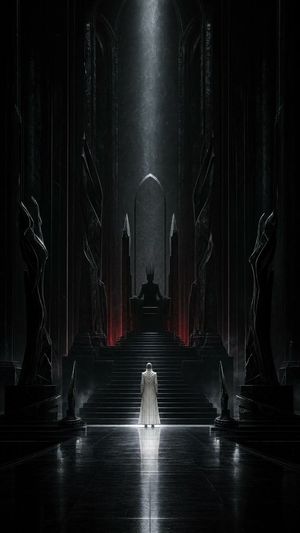
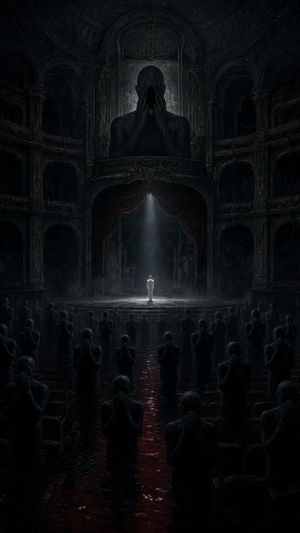
A conceptual prompt for creating psychological dark-surrealist scenes featuring a solitary figure in a colossal underground library facing a smoke-based entity.
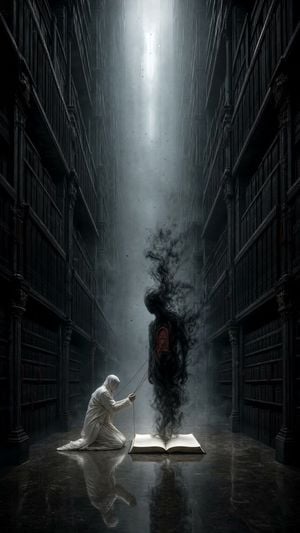
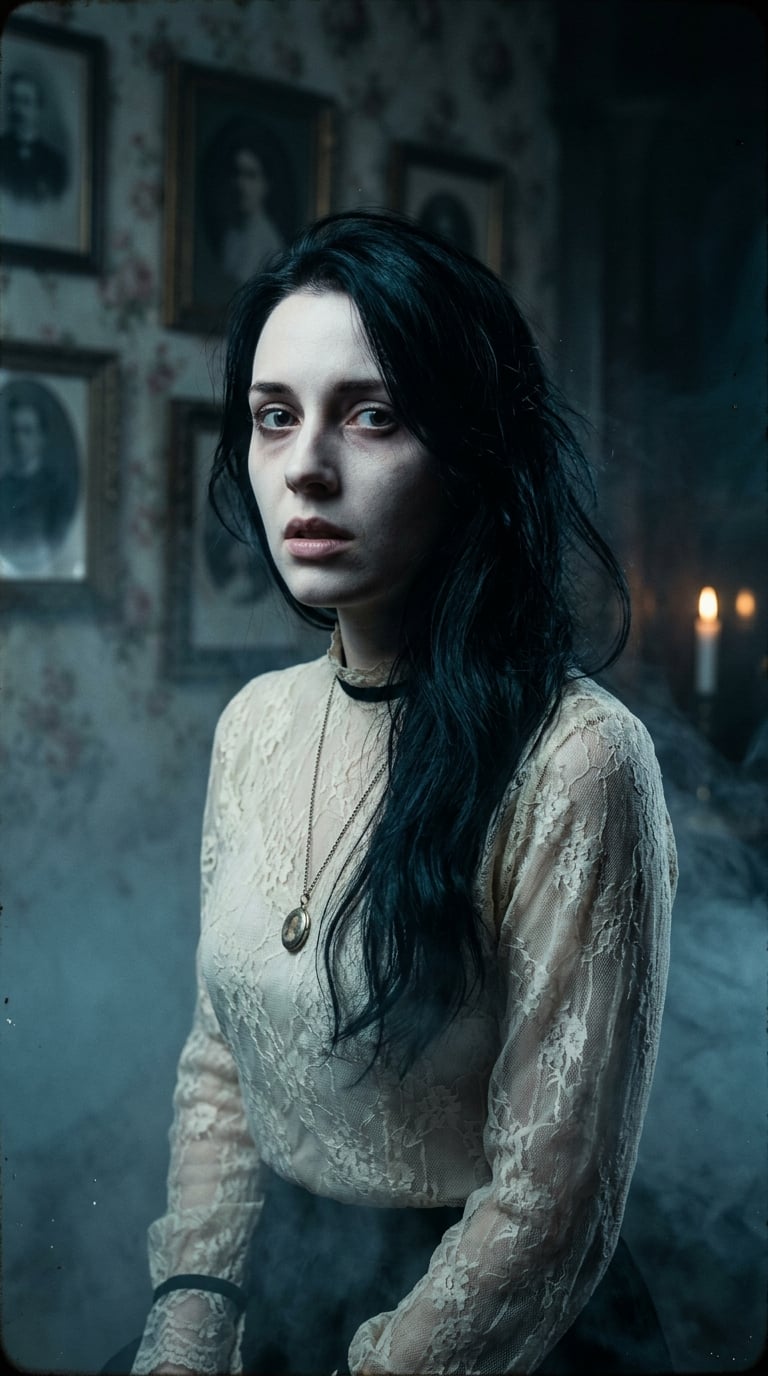
Create an original psychological dark-surrealist scene in a colossal underground archive. Endless shelves of sealed black books rise like skyscrapers and vanish into fog. In the central aisle, a solitary human figure in bone-white clothing kneels before one open book on the floor. No words are visible. From the blank pages rises a delicate life-size figure made entirely of dense black smoke, standing face-to-face with the kneeling person. The smoke figure has no eyes or mouth; instead, its chest contains a small locked crimson door. Thin threads connect that door to the kneeling person’s hands, suggesting a secret self finally acknowledged. Vertical 9:16 framing, towering shelves create a narrow symmetrical canyon, high-angle shaft of cold silver light, the two figures positioned small in the lower center, immense oppressive scale above them. Black paper, aged stone, floating ash, volumetric fog, subtle polished-floor reflections, premium photorealistic dark concept art, refined editorial composition, quiet dread and introspection rather than horror spectacle. Color palette: obsidian black, graphite, bone white, cold silver, a single muted crimson accent at the tiny door. Constraints: entirely original metaphor; blank book pages with absolutely no writing; no recognizable person; no text, symbols, logos, signatures, borders, or watermark. Avoid: visible letters or runes, portrait close-up, split face, black substance on skin, glowing eyes, gore, skulls, conventional ghosts, fantasy wizard styling, imitation of any named artist.
Choose the primary action to open PicX Studio with the available template settings. Review the model and format, personalize the creative direction, and generate when ready.
Yes. You can change the subject, setting, lighting, mood, format, and available model controls before creating your image.
This template is free to open and customize. Generation usage is shown in PicX Studio before you create.
Start with GPT Image 2, which is the model associated with this template. You can compare another compatible model for a different finish.
Follow a topic to a crawlable collection of related PicX Studio templates.