
Dark Academia Library Editorial Film Still
A detailed JSON prompt for generating an ultra-photorealistic, vertical editorial image in the Dark Academia style.
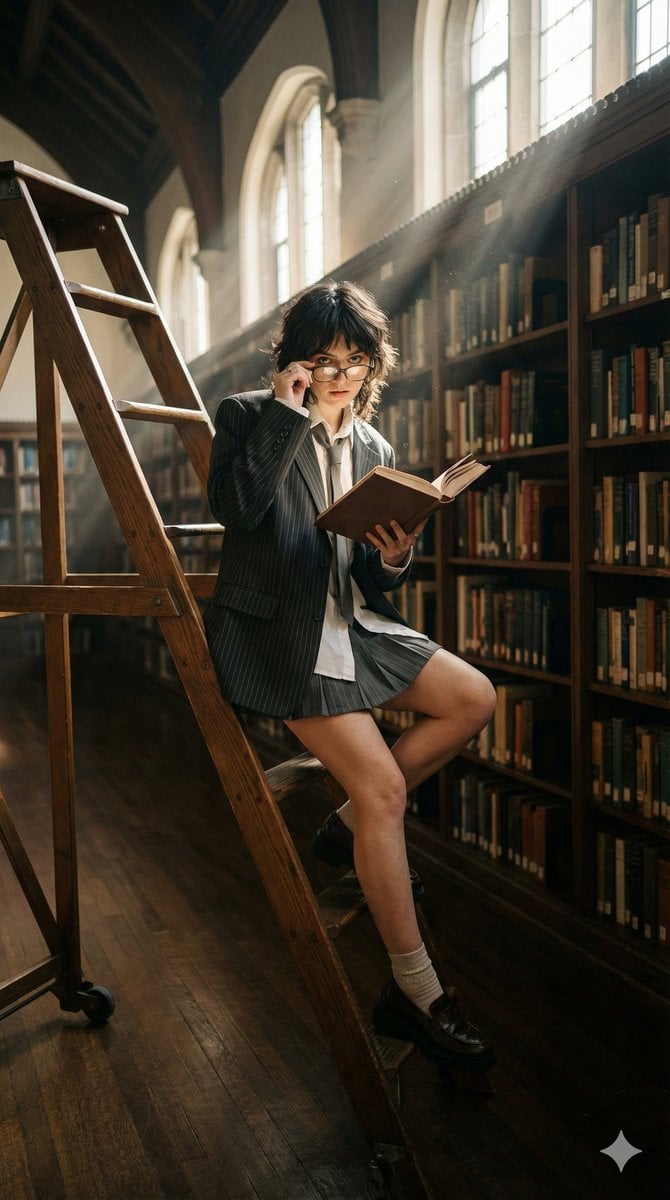
- Prompt included
- Model and format preset
- Free template
The prompt behind this image
Copy the exact prompt behind Dark Academia Library Editorial Film Still, or open it in the studio and make it yours.
- Image Prompt › Meta › Aspect Ratio
- 9:16
- Image Prompt › Meta › Orientation
- vertical
- Image Prompt › Meta › Quality
- ultra_photorealistic
- Image Prompt › Meta › Style
- Dark academia influencer editorial
- Image Prompt › Subject › Description
- 21-year-old woman with a studious but edgy look
- Image Prompt › Subject › Face
- Peering over the top of vintage spectacles, looking at the camera from between two bookshelves, quiet but intense gaze
- Image Prompt › Subject › Skin
- Matte finish, natural freckles, soft light hitting the cheekbones
- Image Prompt › Subject › Hair
- Slightly messy 'wolf cut' with dark tones
- Image Prompt › Subject › Pose
- Perched on a high rolling wooden library ladder, one leg hanging down, holding an old leather-bound book open
- Image Prompt › Subject › Outfit
- Oversized pinstripe blazer, white button-down with a loose tie, pleated mini skirt, loafers with chunky socks
- Image Prompt › Environment › Location
- Massive, old-world university library
- Image Prompt › Environment › Background Elements
- Floor-to-ceiling bookshelves filled with worn books, Visible dust motes dancing in the sunbeams, Polished dark wood floor with reflections of the high windows
- Image Prompt › Lighting › Type
- Natural volumetric sunlight from high windows
- Image Prompt › Lighting › Characteristics
- Shafts of light (god rays) cutting through the gloom, High contrast between the bright light beams and the dark corners of the library, Soft amber glow
- Image Prompt › Photography Style › Style
- Cinematic film still, 35mm look
- Image Prompt › Photography Style › Camera Look
- Contax G2 with Portra 400 film film stock
- Image Prompt › Photography Style › Imperfections
- Authentic film grain, slight halation around the light beams, soft focus on the books in the foreground
- Image Prompt › Photography Style › Mood
- Intellectual, mysterious, nostalgic, quiet
- Image Prompt › Render Quality › Realism
- Texture of old paper and dust particles
- Image Prompt › Render Quality › Detail Level
- Focus on the gold-leaf lettering on book spines and the fabric weave of the blazer
Raw JSON
{
  "image_prompt": {
    "meta": {
      "aspect_ratio": "9:16",
      "orientation": "vertical",
      "quality": "ultra_photorealistic",
      "style": "Dark academia influencer editorial"
    },
    "subject": {
      "description": "21-year-old woman with a studious but edgy look",
      "face": "Peering over the top of vintage spectacles, looking at the camera from between two bookshelves, quiet but intense gaze",
      "skin": "Matte finish, natural freckles, soft light hitting the cheekbones",
      "hair": "Slightly messy 'wolf cut' with dark tones",
      "pose": "Perched on a high rolling wooden library ladder, one leg hanging down, holding an old leather-bound book open",
      "outfit": "Oversized pinstripe blazer, white button-down with a loose tie, pleated mini skirt, loafers with chunky socks"
    },
    "environment": {
      "location": "Massive, old-world university library",
      "background_elements": [
        "Floor-to-ceiling bookshelves filled with worn books",
        "Visible dust motes dancing in the sunbeams",
        "Polished dark wood floor with reflections of the high windows"
      ]
    },
    "lighting": {
      "type": "Natural volumetric sunlight from high windows",
      "characteristics": [
        "Shafts of light (god rays) cutting through the gloom",
        "High contrast between the bright light beams and the dark corners of the library",
        "Soft amber glow"
      ]
    },
    "photography_style": {
      "style": "Cinematic film still, 35mm look",
      "camera_look": "Contax G2 with Portra 400 film film stock",
      "imperfections": "Authentic film grain, slight halation around the light beams, soft focus on the books in the foreground",
      "mood": "Intellectual, mysterious, nostalgic, quiet"
    },
    "render_quality": {
      "realism": "Texture of old paper and dust particles",
      "detail_level": "Focus on the gold-leaf lettering on book spines and the fabric weave of the blazer"
    }
  }
}How to use Dark Academia Library Editorial Film Still in 3 steps
- 1
Open
The prompt is already in the box next to the preview, with the template's model and format selected.
- 2…a portrait of your subject in softgolden-hour light, 85mm…
Personalize
Edit the subject and creative details for your destination.
- 3Generate
Generate
Press Generate — your image is created in PicX Studio, so you can compare it with the original and refine one variable at a time.
More like this
Templates with the same subject, style or setup. Open one to see its prompt.

Luxury Black-and-White Fashion Contact Sheet
Dark academia library portrait

Vintage Library Ladder
Dark Academia Library Portrait
Dark Academia Urban Street Male Portrait
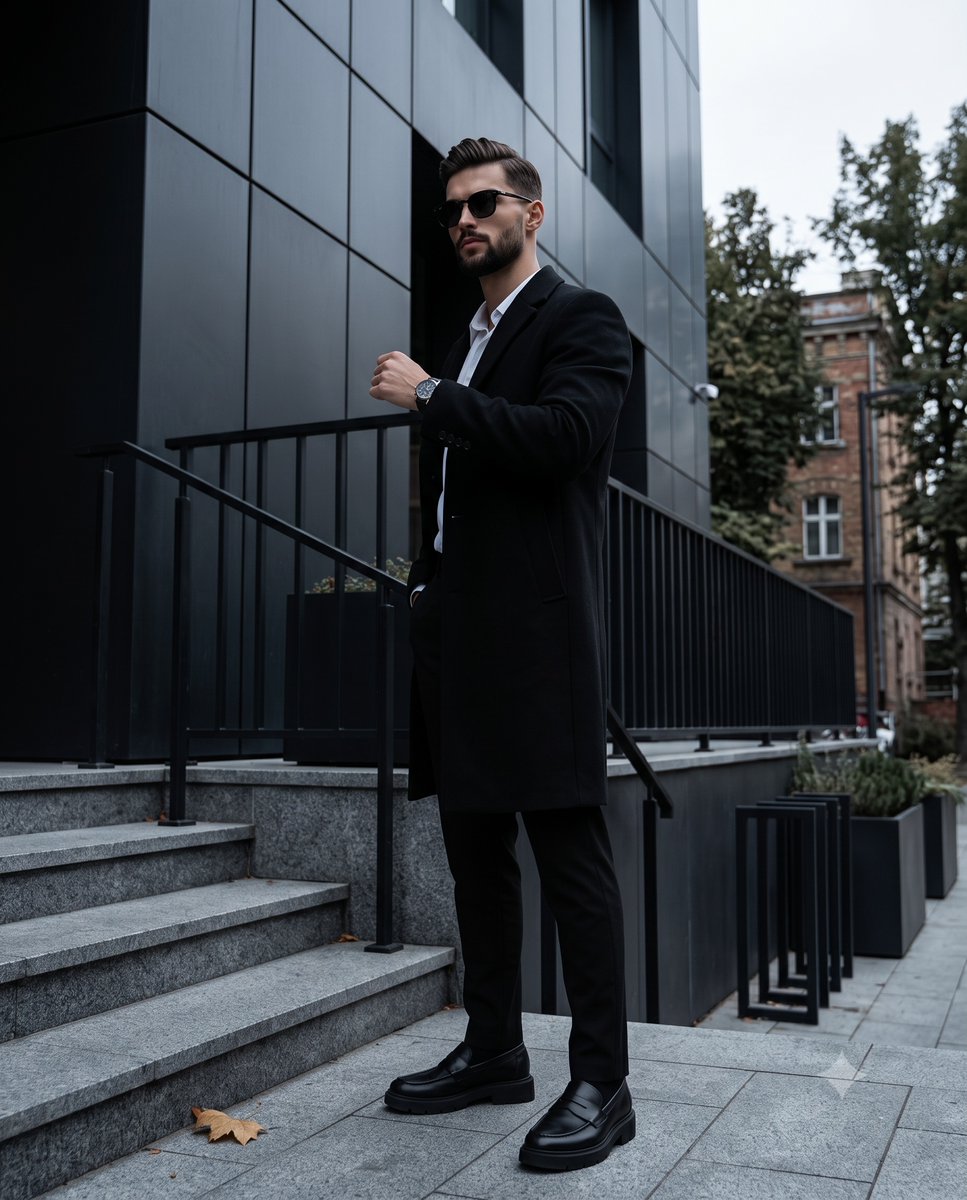
Dark Academia Urban Street Male Portrait
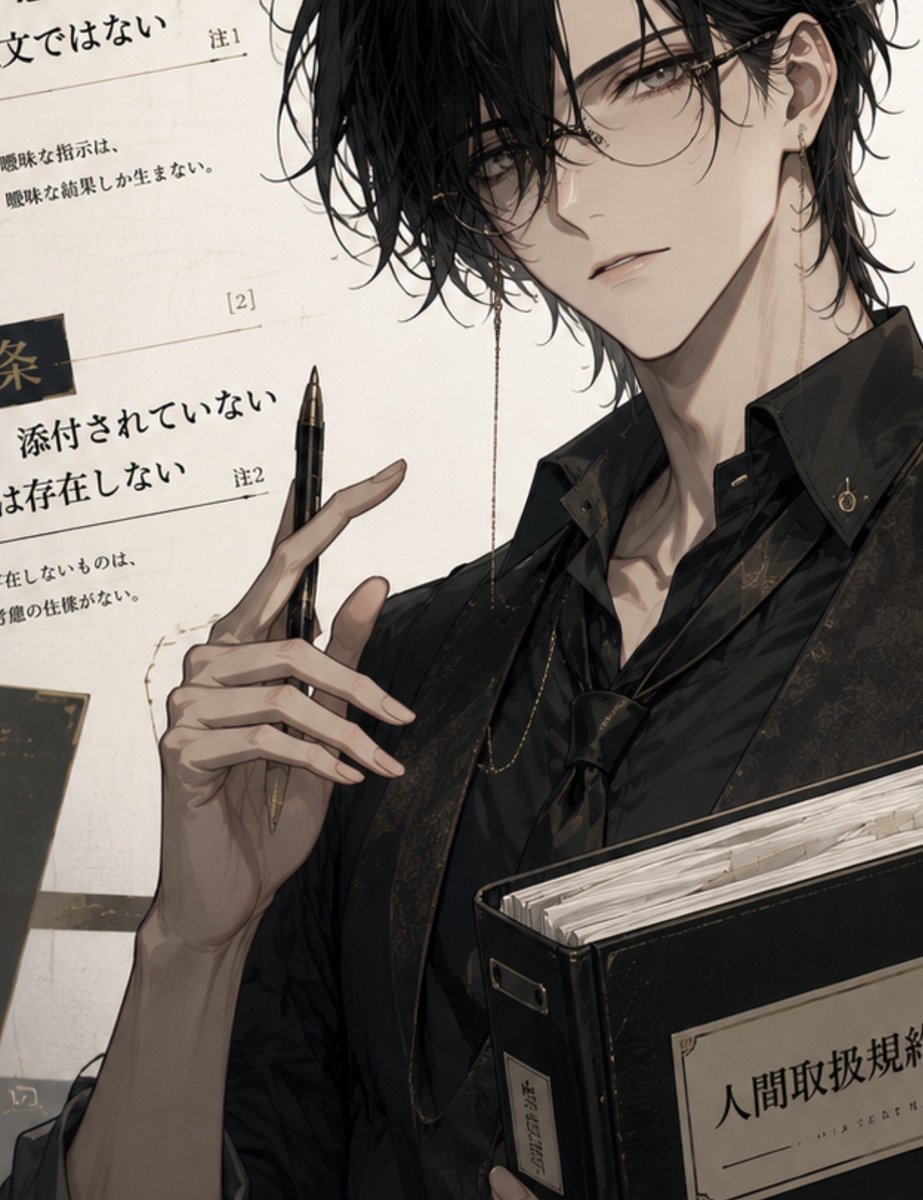
Dark Academia Anime Legal Officer
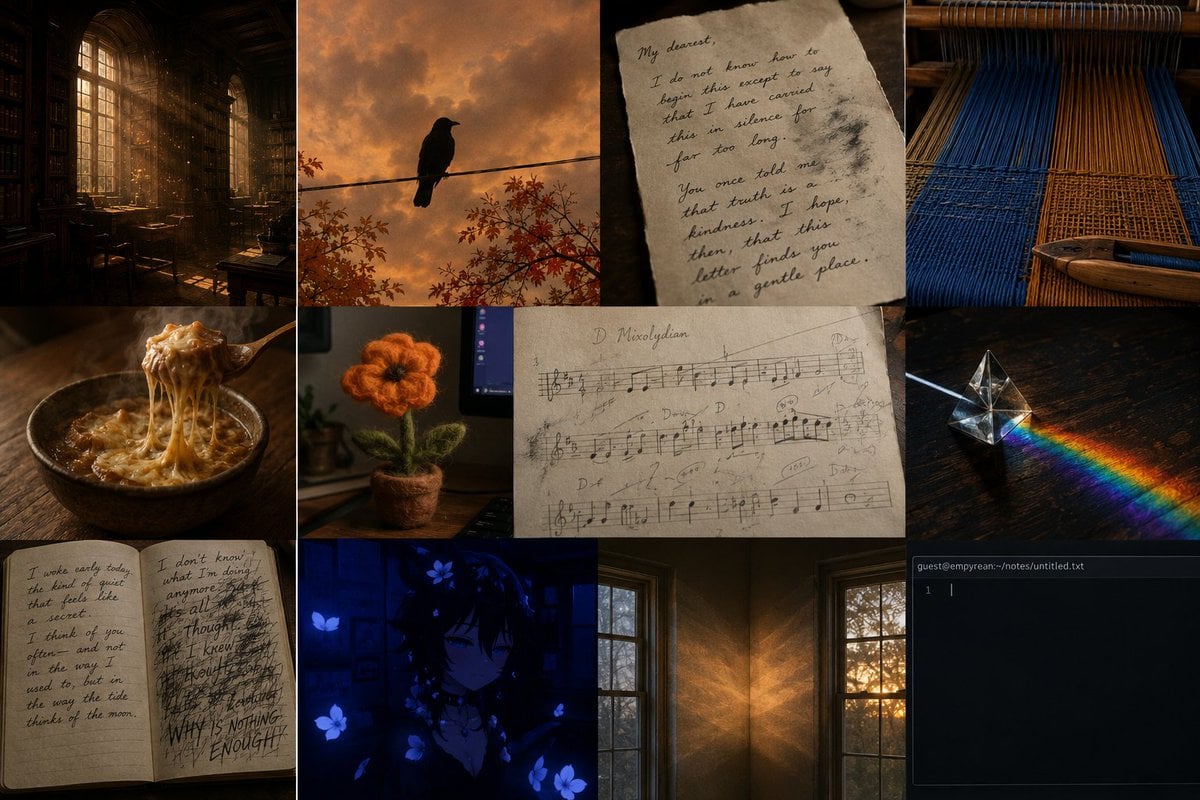
Dark Academia AI Moodboard Collage
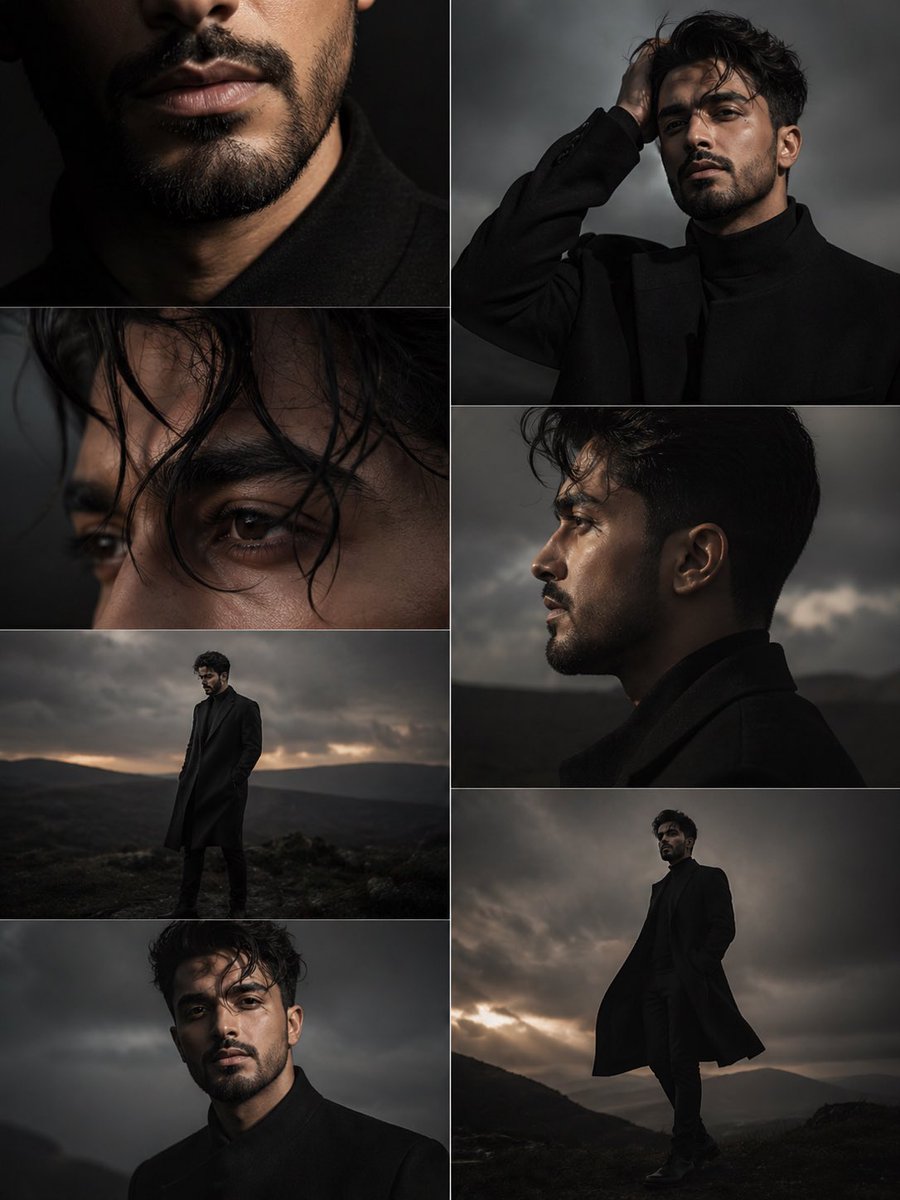
Dark Moody Editorial Portrait
Nostalgic Dark Academia Classroom

Sepia Family Portrait Studio

Monogram Luggage Cart
Make it yours
Dark Academia Library Editorial Film Still works as-is. These are the safest ways to change it without losing the look.
Swap the setting
Keep the rest of the prompt and replace the location block. The current setting is “Massive, old-world university library”.
Swap the light
One lighting change is enough to compare takes. Current light: “Natural volumetric sunlight from high windows”.
Change one field
Copy a single group, rewrite it, and generate again so you can see what that field is doing.
| If the result… | Why | Fix |
|---|---|---|
| The result drifts from the preview | Too many fields changed at once. | Reuse Dark Academia Library Editorial Film Still as-is first, then change one group — subject, light, or setting. |
| Nano Banana 2 ignores part of the JSON | Some models flatten or skip nested keys. | Keep the same values and paste them as a short paragraph instead. |
More Nano Banana 2 templates
Other prompts made for Nano Banana 2.

Photorealistic Leaf Shaped Like a Dragon

K-Pop Idol Portrait Grid for Rapid Selection

Poetic Rain Forest Portrait During Golden Hour

Urban Street Portrait with Cartoon Inner Self Duo

Candid Nighttime Photo with Cat Prompt

High-Concept 3D Diorama Generation Prompt

Cinematic Futuristic Studio Portrait Template

Skincare Editorial Photography Collage Prompt

Hyper-Realistic Commercial Product Photography (Splash Effect)

Hyper-Realistic Nightclub Portrait Prompt
More image prompts
Fresh picks from across the catalog.
Cinematic Private Jet Hangar Portrait
Parisian Café Lifestyle Photography
Banana Plantation Portrait in Red Mini Dress
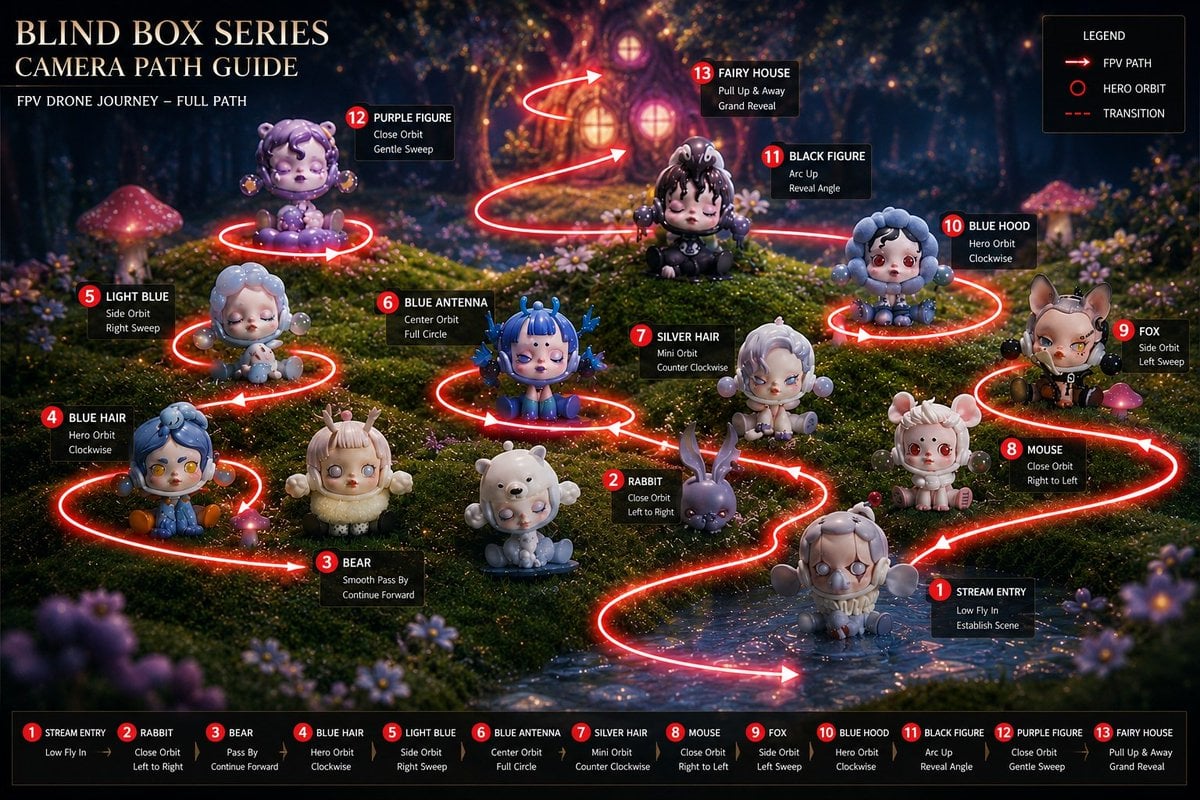
Blind Box Camera Path Guide
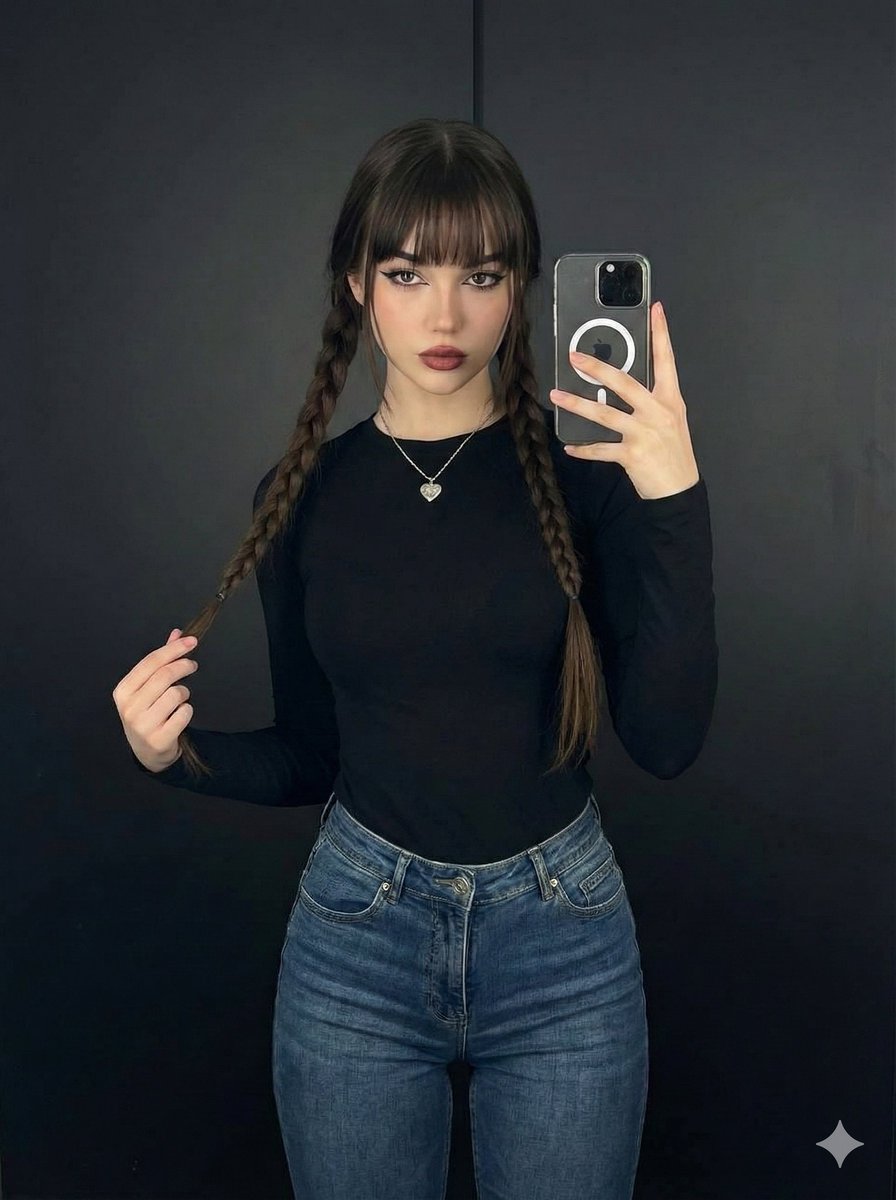
Photorealistic Full-Length Selfie with Identity Preservation (JSON)
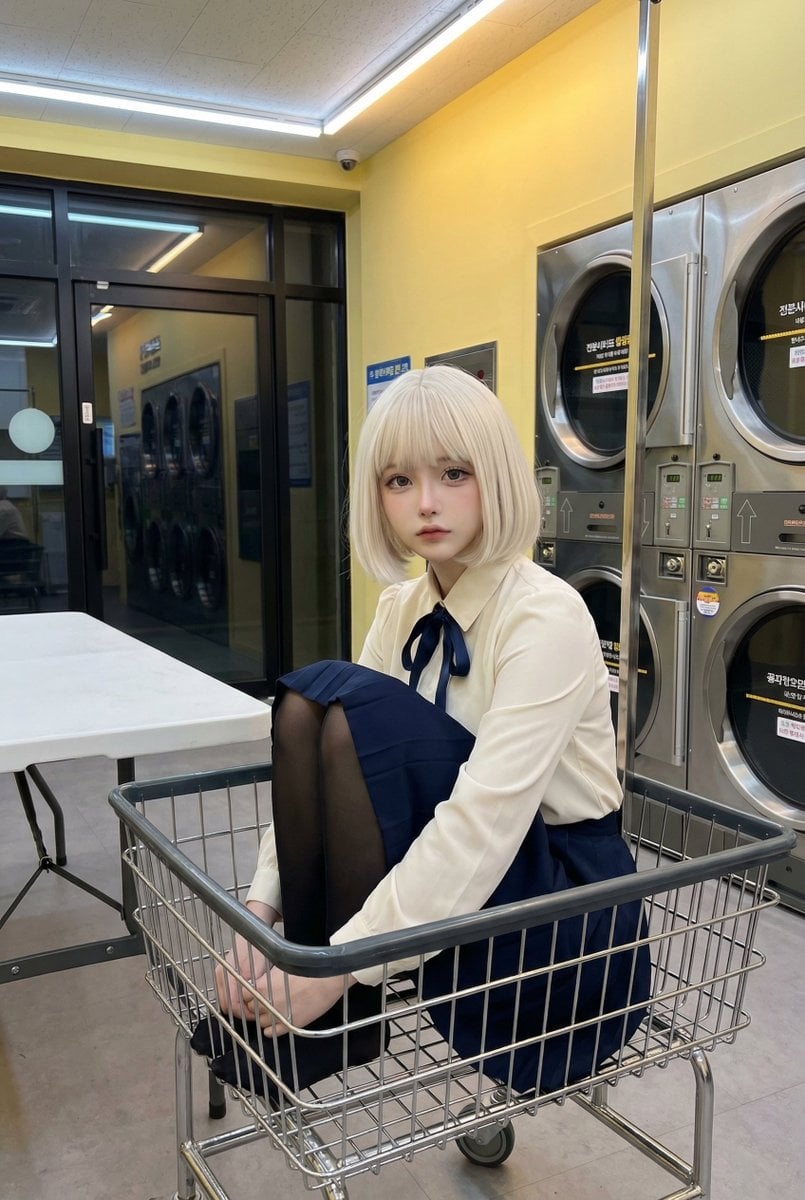
Cosplay Model in Laundry Cart Portrait
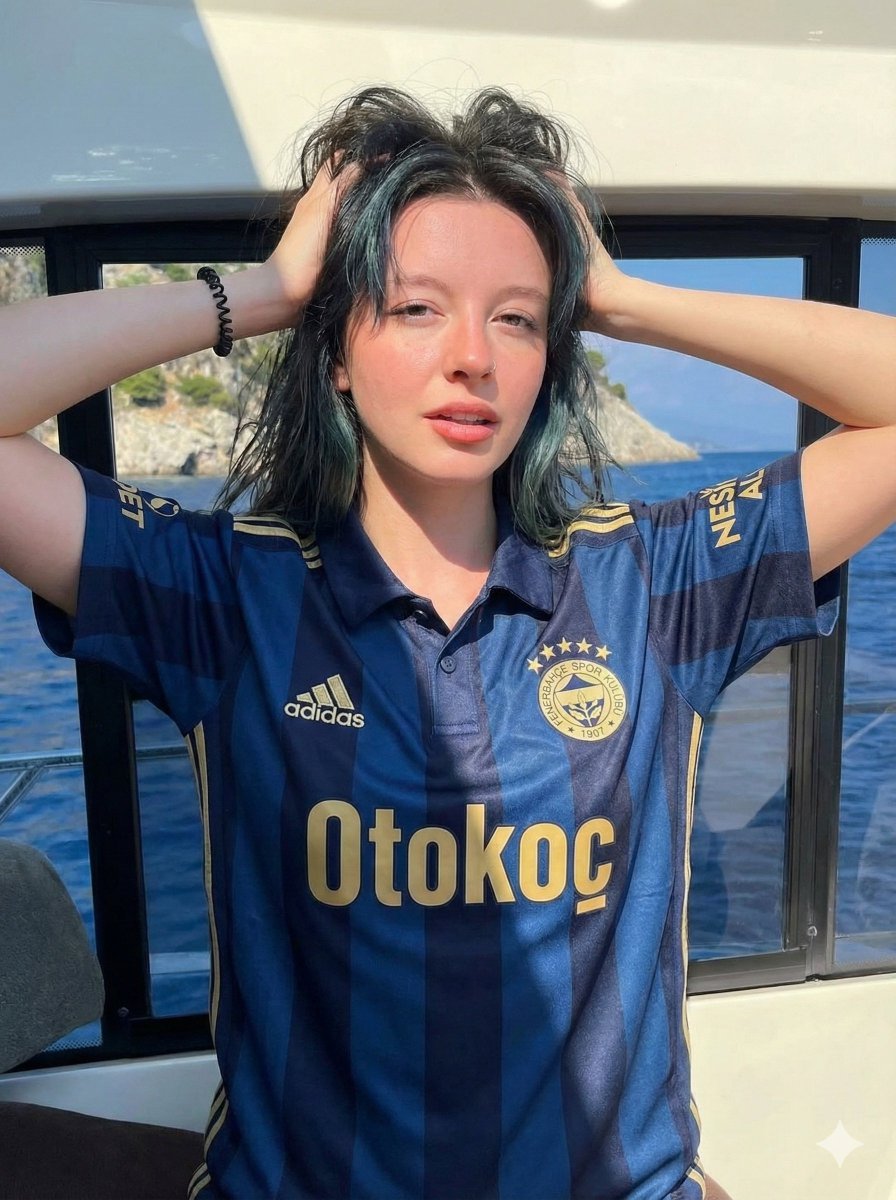
Photorealistic Fenerbahçe Jersey Portrait on a Yacht
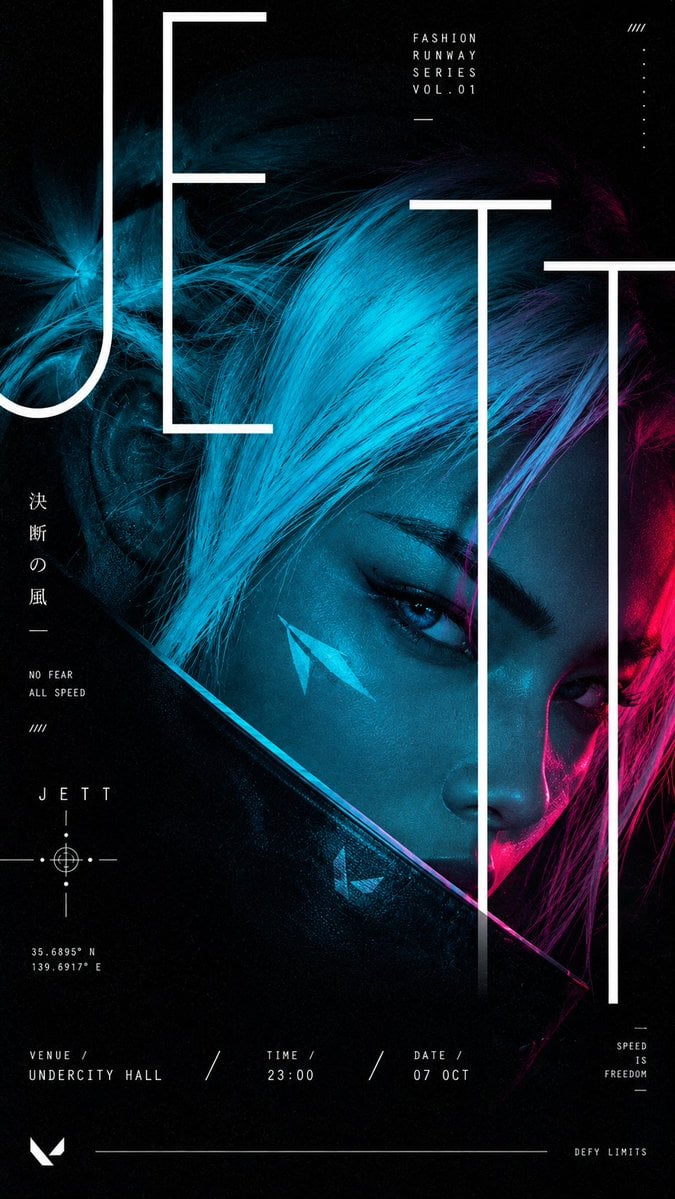
Cyberpunk Runway Fashion Poster
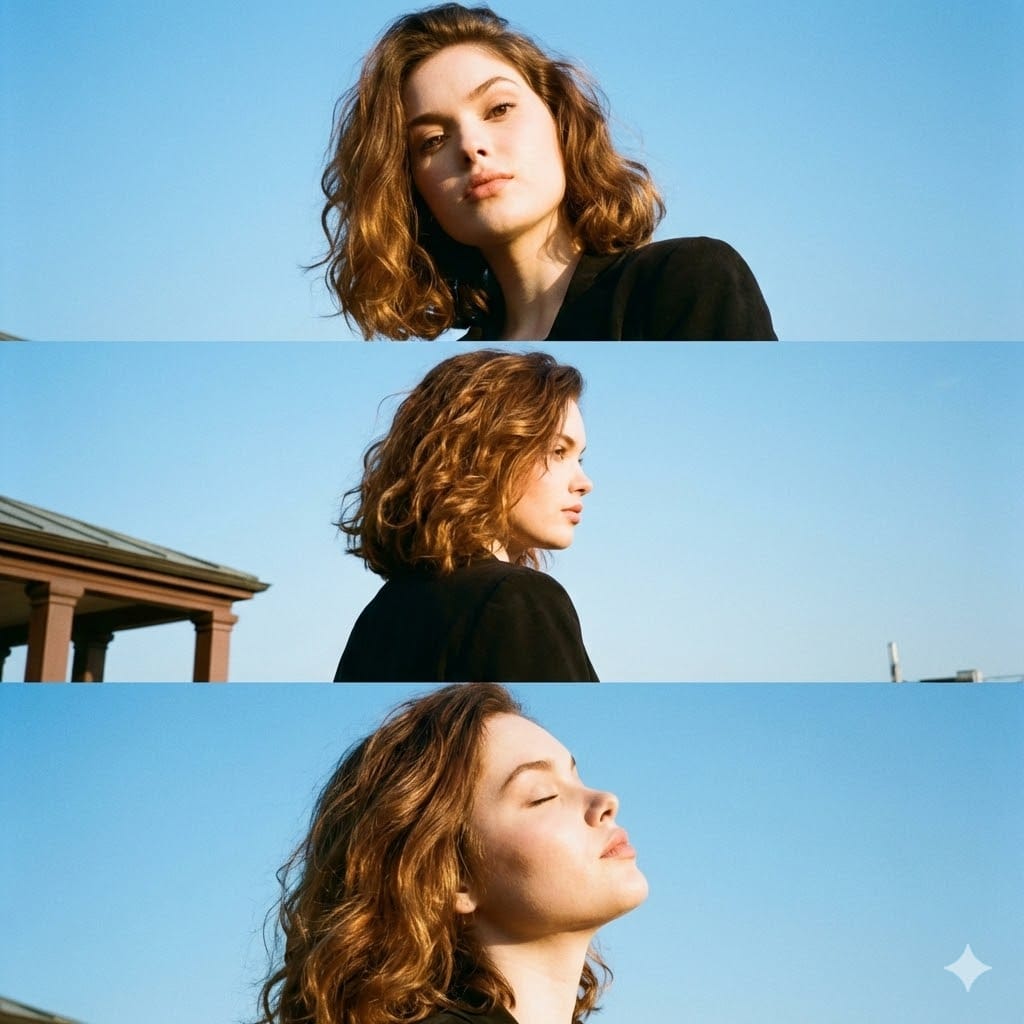
Triptych Portrait with Strict Identity Lock
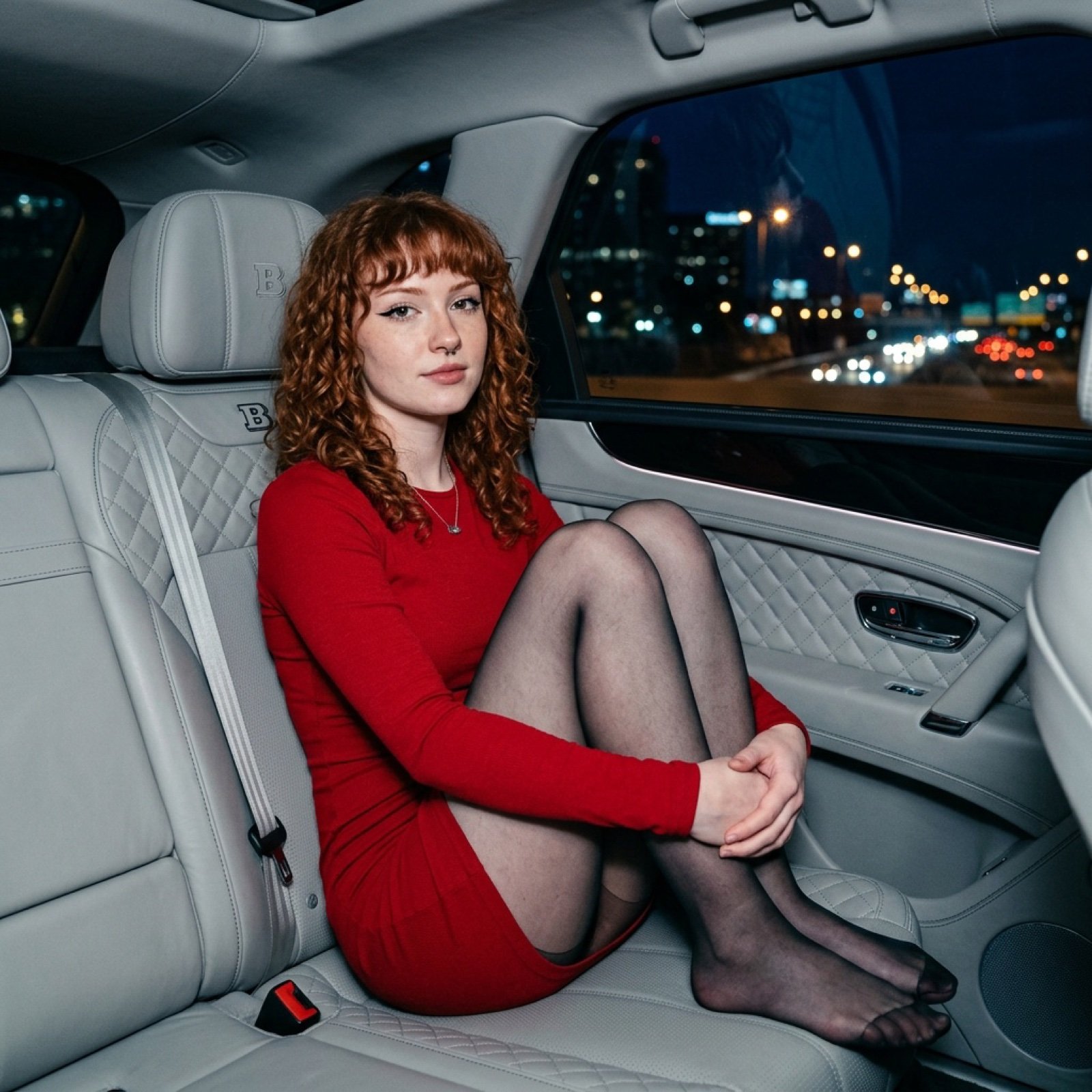
Luxury Car Night Portrait with Direct Flash Photography
Browse template categories
Dark Academia Library Editorial Film Still questions
How do I use the Dark Academia Library Editorial Film Still template?
Add your photo if the template asks for one, edit the prompt if you like — the template's model and format are already selected — and press Generate. Your version opens in PicX Studio.
Can I customize the Dark Academia Library Editorial Film Still template?
Yes. You can change the subject, setting, lighting, mood, format, and available model controls before creating your image.
Is the Dark Academia Library Editorial Film Still template free?
Opening and editing this template is free. Generating uses credits, shown on the Generate button when you are signed in.
Which AI model should I use?
Start with Nano Banana 2, which is the model associated with this template. You can compare another compatible model for a different finish.
Looking for something else? Browse all templates.

Your photo, any look
Thousands of ready templates for every top image and video model, from one credit balance.