
Dark Moody Editorial Portrait
A comprehensive cinematic prompt for an editorial-style male portrait series during blue hour, focusing on emotional depth and realistic photography settings.
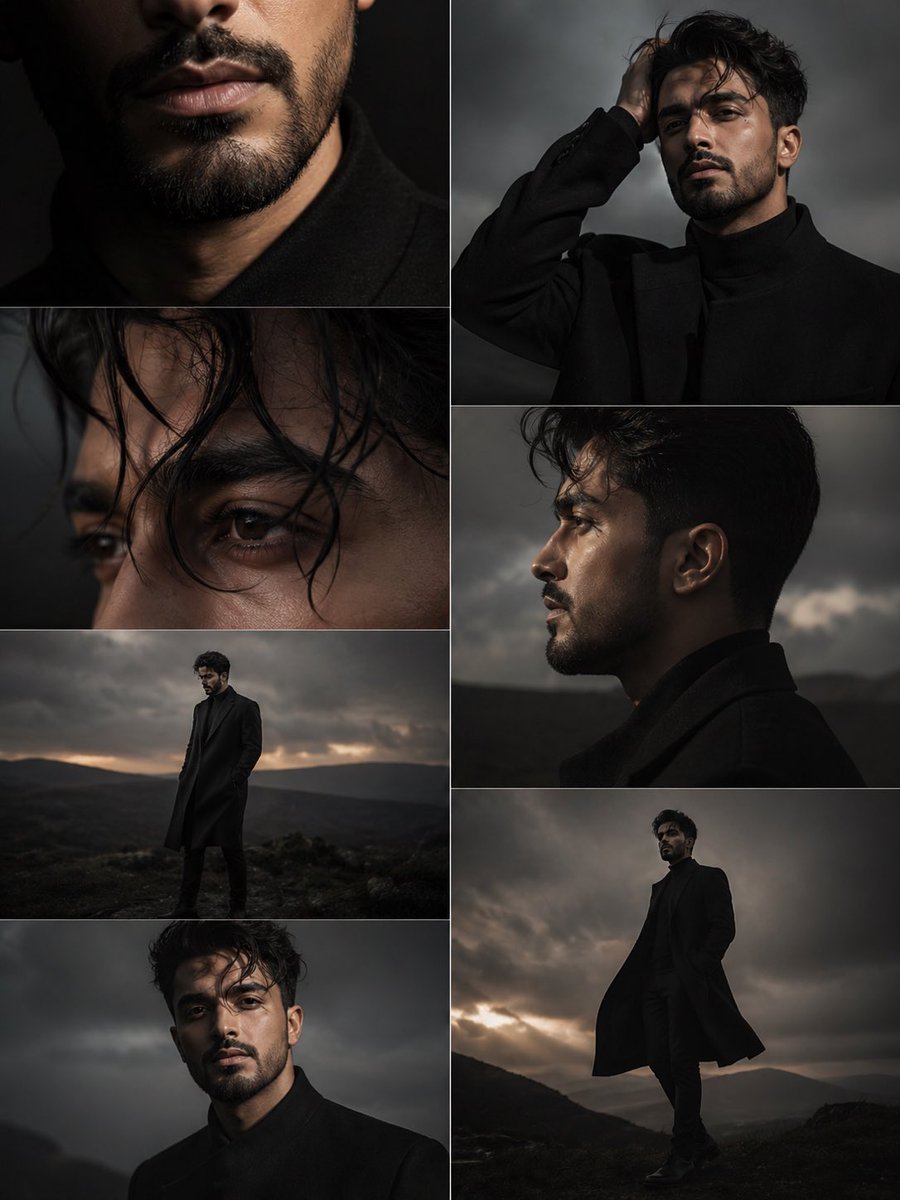
- Prompt included
- Model and format preset
- Free template
The prompt behind this image
Copy the exact prompt behind Dark Moody Editorial Portrait, or open it in the studio and make it yours.
Ultra-cinematic dark moody editorial portrait series of a mysterious young man standing outdoors during blue hour twilight, "finding beauty in the dark" aesthetic, soft overcast sky with muted sunset tones, desaturated earthy color palette, deep blacks, charcoal gray, faded brown, and subtle warm highlights. Wind blowing through his slightly messy dark hair, strands moving naturally across his face, creating emotional depth and realism. He has strong masculine features, sharp jawline, deep expressive eyes, light mustache, short well-groomed beard, textured dark brown-black hair, intense yet melancholic expression, introspective gaze, soft natural skin texture, no exaggerated styling, subtle emotional sadness mixed with quiet confidence and strength. He wears an oversized black wool overcoat layered over a black turtleneck or minimalist dark outfit, elegant and mysterious presence, standing alone in an open outdoor landscape with a dramatic cloudy sky and distant blurred horizon. The atmosphere feels poetic, lonely, intimate, and powerful. Multiple cinematic frames in a storytelling collage: – close-up of lips, beard line, and lower face with soft shadows – extreme close-up of eyes with wind-blown hair crossing the frame – side profile portrait with shallow depth of field – medium shot with hand touching hair, emotional expression – full-body distant portrait against dramatic cloudy sky – standing portrait with coat moving slightly in the wind – soft blurred background with atmospheric haze and cinematic grain Photography style: luxury fashion editorial meets neo-noir melancholy, ultra-realistic, soft diffused lighting, natural shadows, film still quality, emotional storytelling composition, subtle bokeh, realistic skin details, high dynamic range, dramatic framing, minimalist dark fashion aesthetic. Camera style: Sony A7R IV, 85mm lens, f/1.4, shallow depth of field, cinematic portrait composition, soft focus transitions, atmospheric wind movement, natural light photography, premium magazine cover quality. Mood keywords: dark beauty, melancholy, mystery, elegance, loneliness, emotional silence, masculine energy, cinematic sadness, poetic realism, luxury noir, atmospheric storytelling. Aspect ratio: vertical editorial collage, Instagram carousel aesthetic, premium visual storytelling, high-end fashion campaign look.
How to use Dark Moody Editorial Portrait in 3 steps
- 1
Open
The prompt is already in the box next to the preview, with the template's model and format selected.
- 2…a portrait of your subject in softgolden-hour light, 85mm…
Personalize
Edit the subject and creative details for your destination.
- 3Generate
Generate
Press Generate — your image is created in PicX Studio, so you can compare it with the original and refine one variable at a time.
More like this
Templates with the same subject, style or setup. Open one to see its prompt.

Rainy Café Window Moody Portrait
untitled

Caution Tape Fashion — Industrial Editorial

Couture Fashion Editorial Woman and Drag

Nano Banana 2 Editorial Fashion Portrait
Moody Editorial CCD Digicam Portrait
Moody Paris Street Editorial Portrait
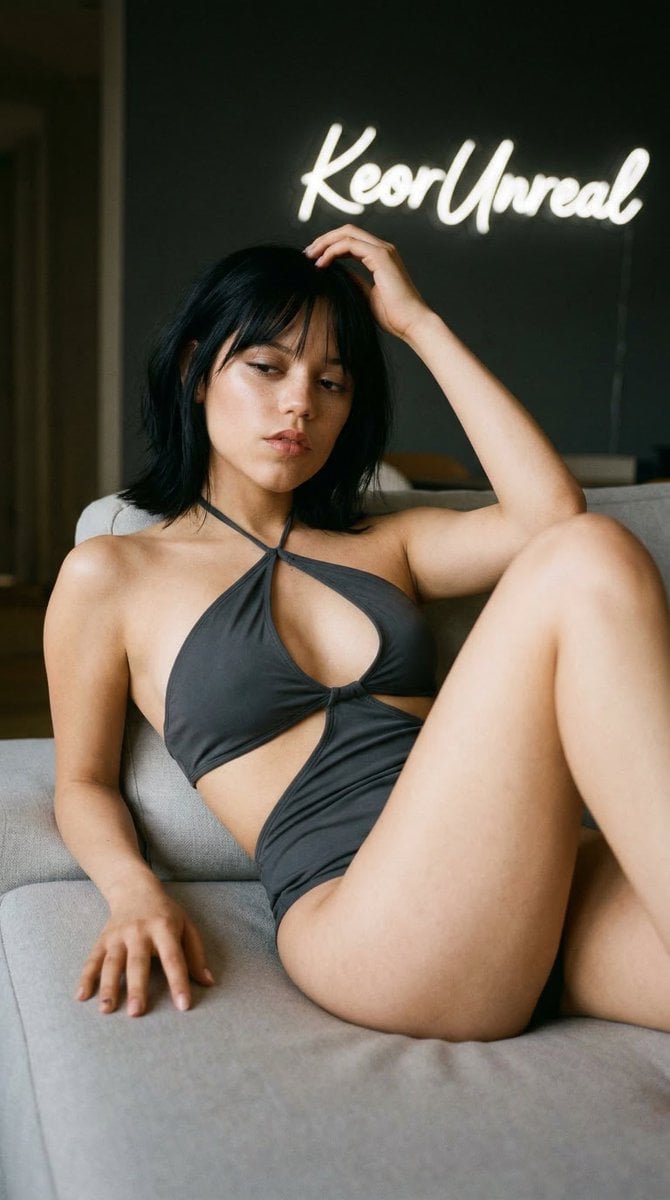
Soft Editorial Portrait in Dark Monokini

Found Photograph: Us, 1970

80s Couple Studio Portrait

80s Bollywood Star

80s Golden Hour Cinema
Make it yours
Dark Moody Editorial Portrait works as-is. These are the safest ways to change it without losing the look.
Change one field
Copy a single group, rewrite it, and generate again so you can see what that field is doing.
Keep the frame, change the subject
Hold the composition and light of Dark Moody Editorial Portrait, then swap wardrobe, props or the person for a new take.
| If the result… | Why | Fix |
|---|---|---|
| The result drifts from the preview | Too many fields changed at once. | Reuse Dark Moody Editorial Portrait as-is first, then change one group — subject, light, or setting. |
| The model over-stylizes the scene | The prose prompt leaves finish and camera underspecified. | Add one camera or lighting sentence and stay on Nano Banana 2. |
More Nano Banana 2 templates
Other prompts made for Nano Banana 2.

Photorealistic Leaf Shaped Like a Dragon

K-Pop Idol Portrait Grid for Rapid Selection

Poetic Rain Forest Portrait During Golden Hour

Urban Street Portrait with Cartoon Inner Self Duo

Candid Nighttime Photo with Cat Prompt

High-Concept 3D Diorama Generation Prompt

Cinematic Futuristic Studio Portrait Template

Skincare Editorial Photography Collage Prompt

Hyper-Realistic Commercial Product Photography (Splash Effect)

Hyper-Realistic Nightclub Portrait Prompt
More image prompts
Fresh picks from across the catalog.
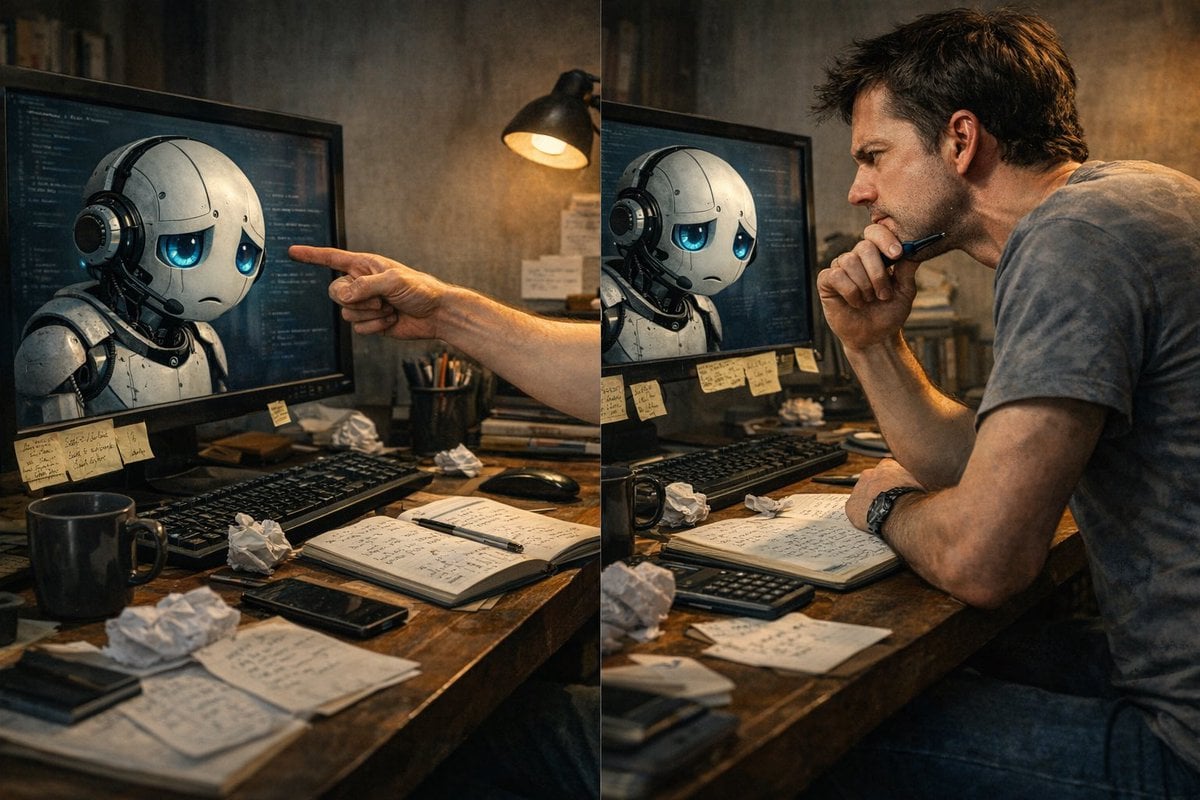
Request for a 'More Complete' Image Generation
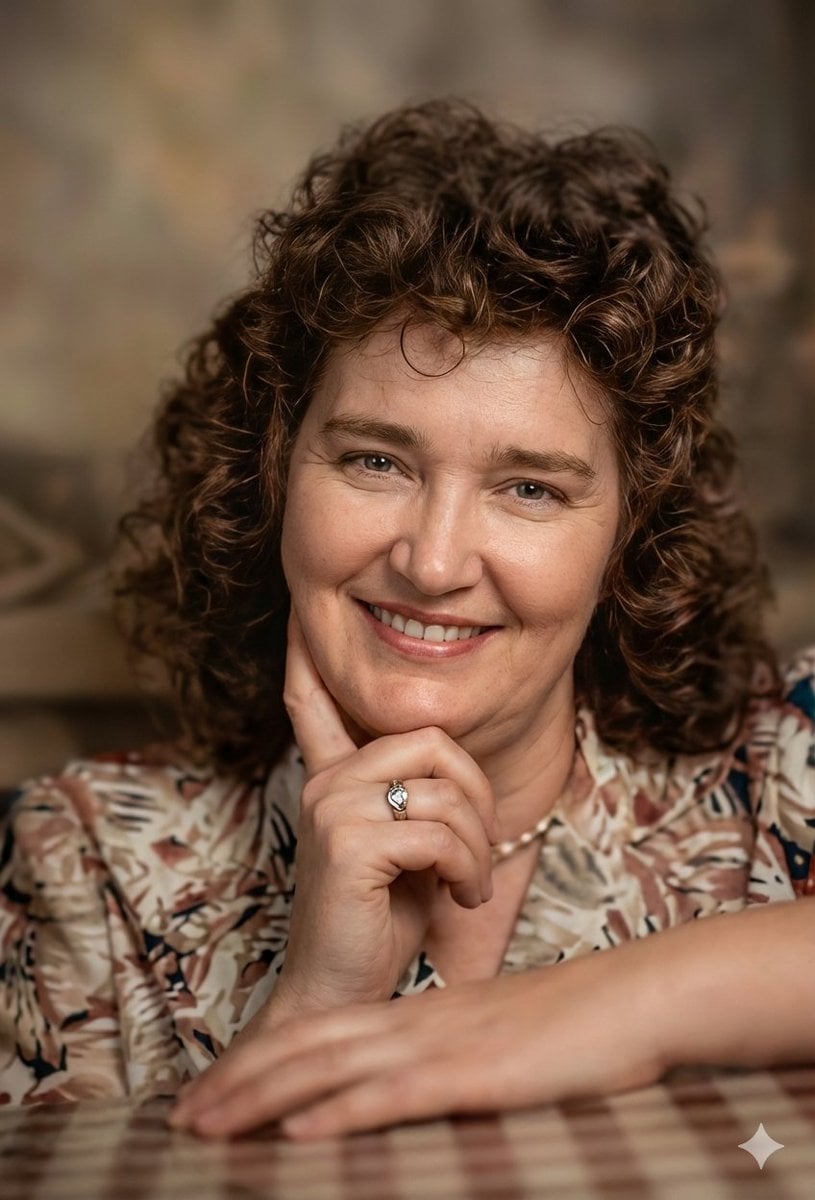
Vintage Photo Restoration to DSLR Quality Prompt
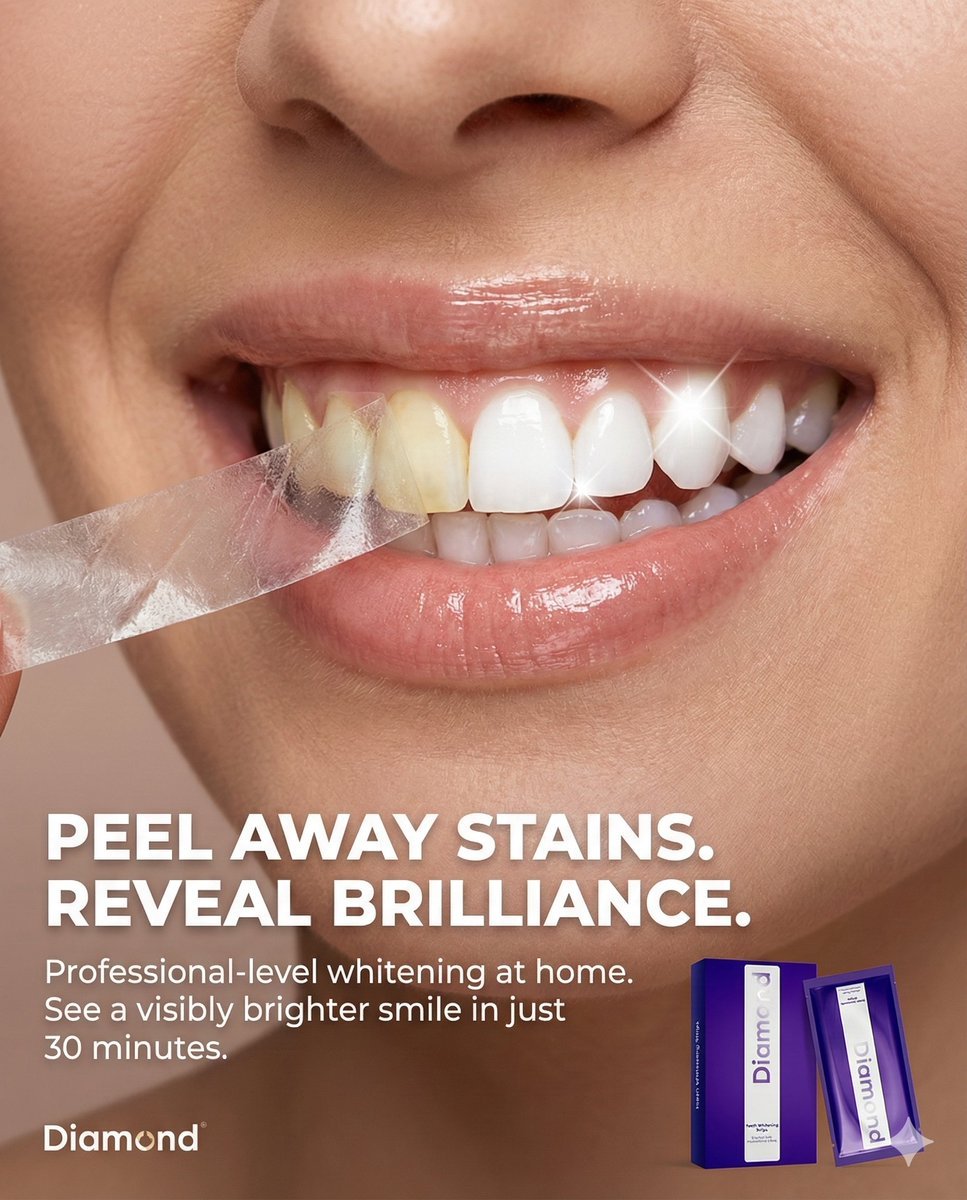
Macro Beauty Ad for Teeth Whitening Strips with Peeling Effect
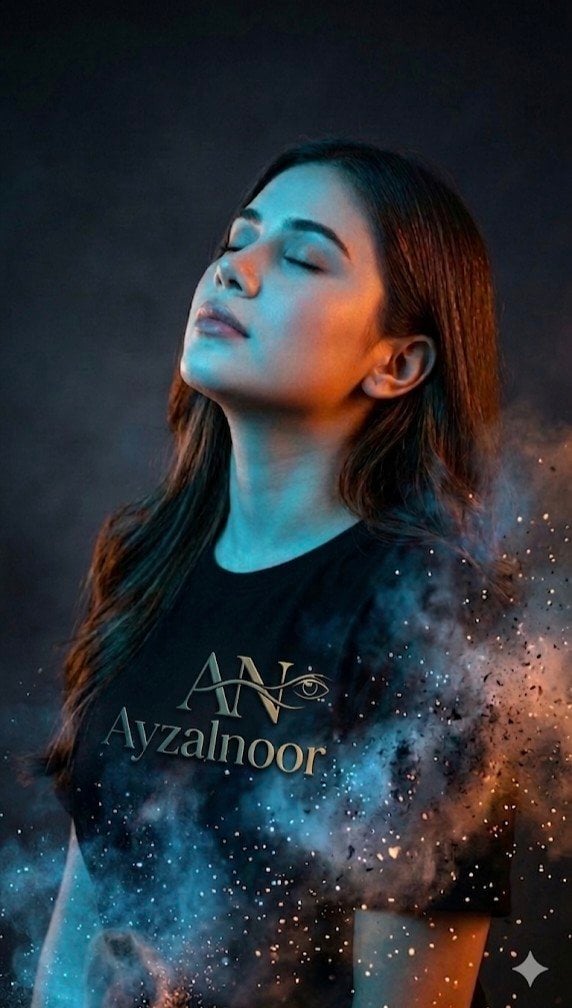
X Ayzalnooor24521 a Cinematic High Resolution Portrait of
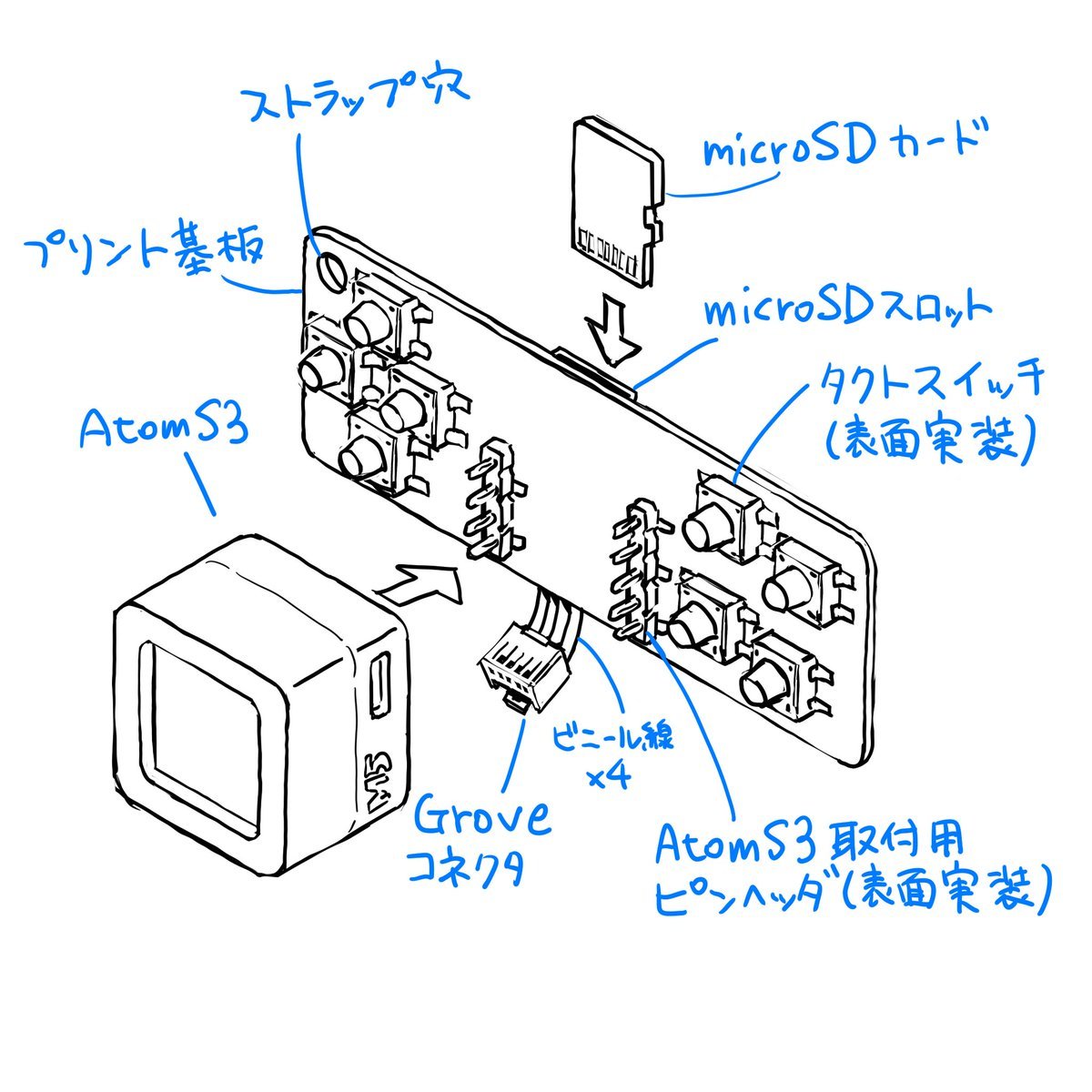
Sketch to CAD-Style Line Art Conversion Prompt
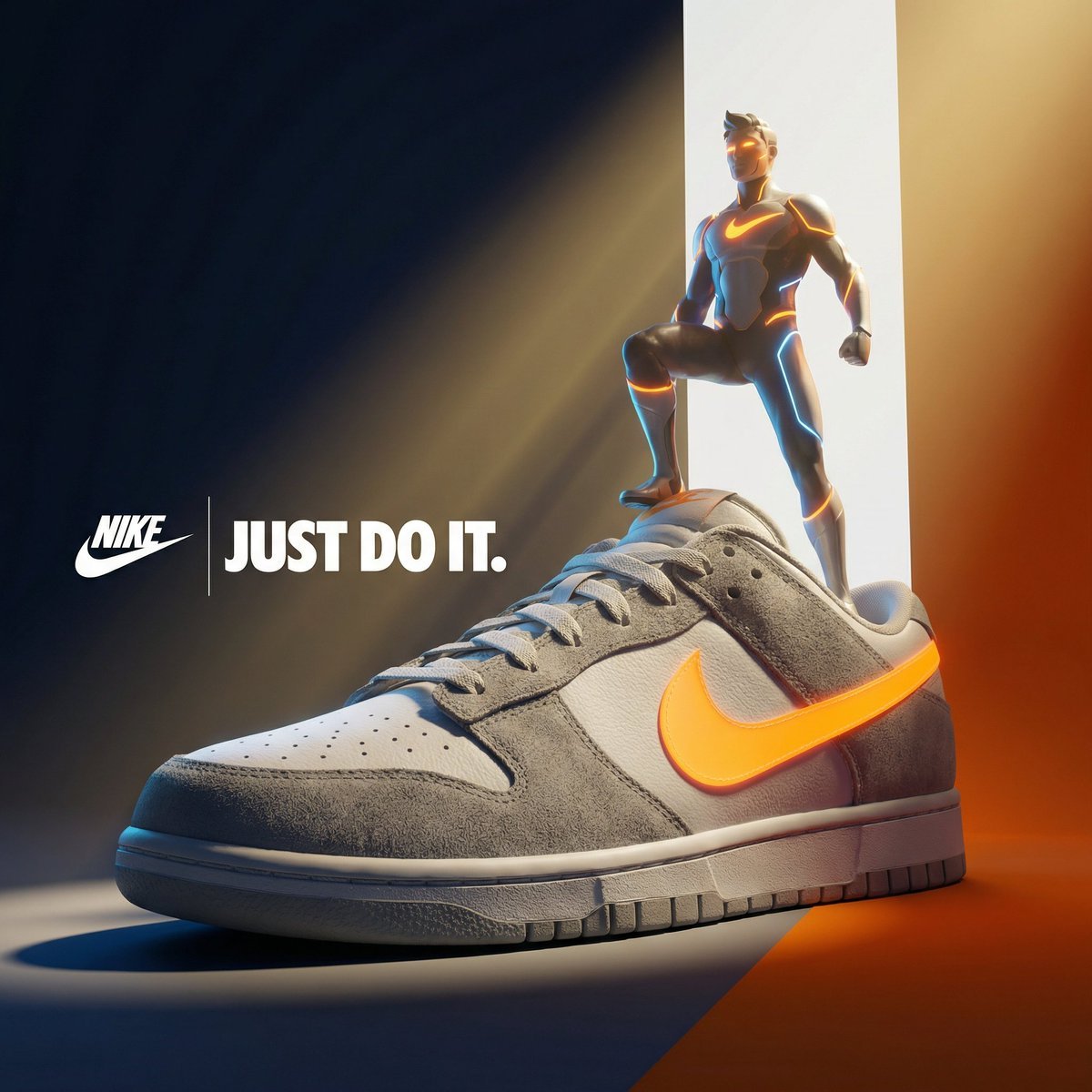
Ultra-Premium Cinematic 3D Brand Advertisement Prompt for Nano Banana Pro
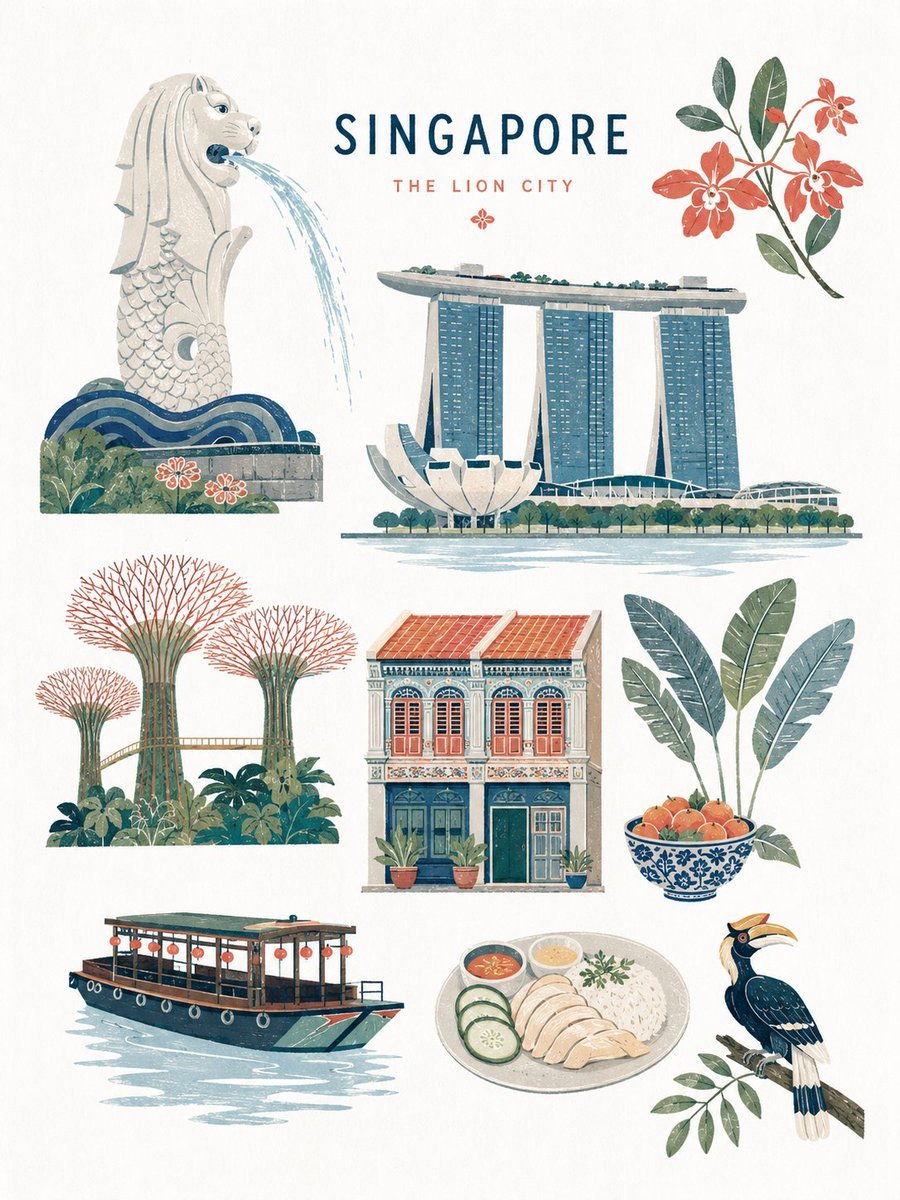
Mid-century Editorial Illustration
Alternative Faction Character Success Story
Cinematic Circular Chamber Spotlight
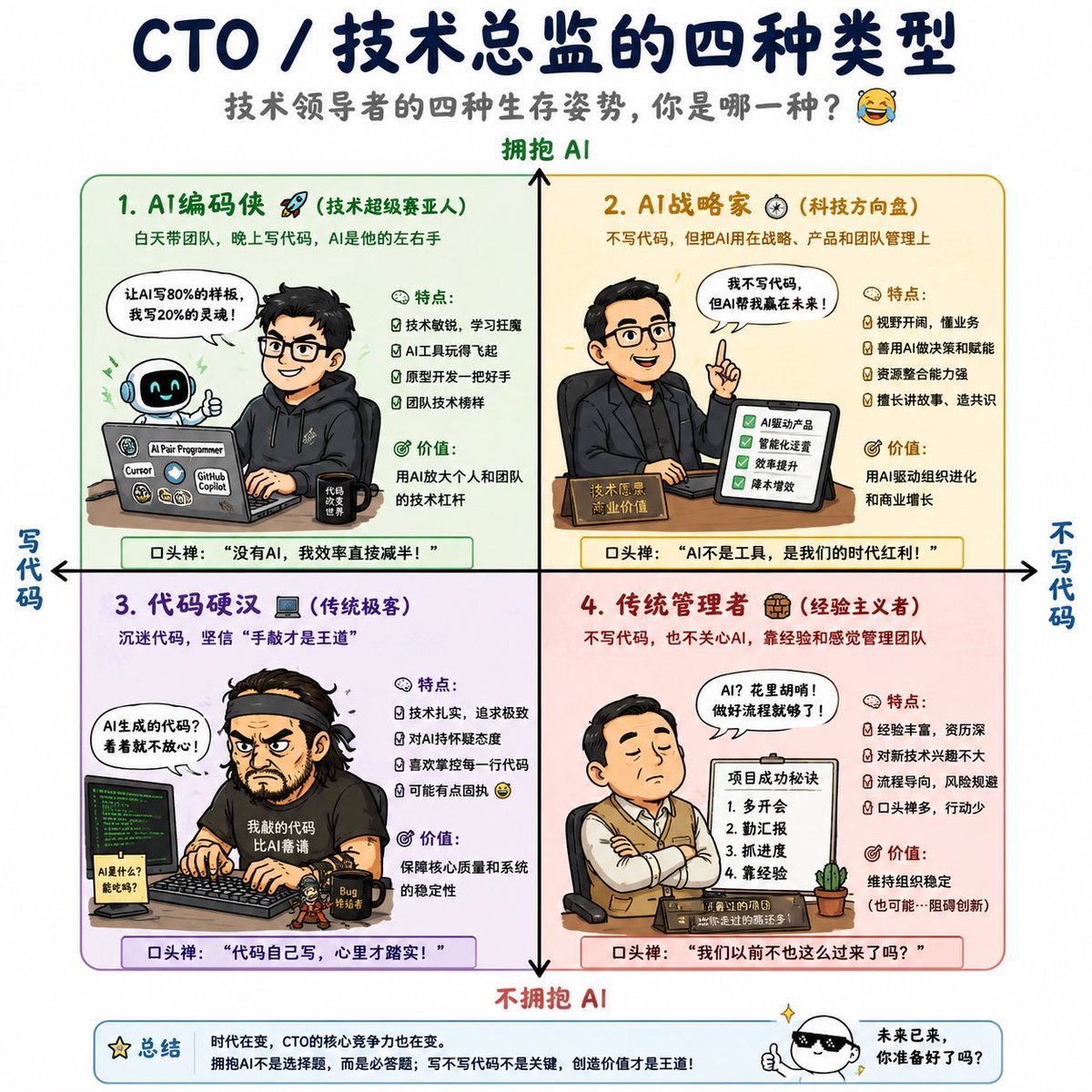
Four Types of CTO Infographic
Browse template categories
Dark Moody Editorial Portrait questions
How do I use the Dark Moody Editorial Portrait template?
Add your photo if the template asks for one, edit the prompt if you like — the template's model and format are already selected — and press Generate. Your version opens in PicX Studio.
Can I customize the Dark Moody Editorial Portrait template?
Yes. You can change the subject, setting, lighting, mood, format, and available model controls before creating your image.
Is the Dark Moody Editorial Portrait template free?
Opening and editing this template is free. Generating uses credits, shown on the Generate button when you are signed in.
Which AI model should I use?
Start with Nano Banana 2, which is the model associated with this template. You can compare another compatible model for a different finish.
Looking for something else? Browse all templates.

Your photo, any look
Thousands of ready templates for every top image and video model, from one credit balance.