
Mid-century Editorial Illustration
A refined handcrafted printmaking illustration style inspired by mid-century children’s encyclopedias and Scandinavian design.
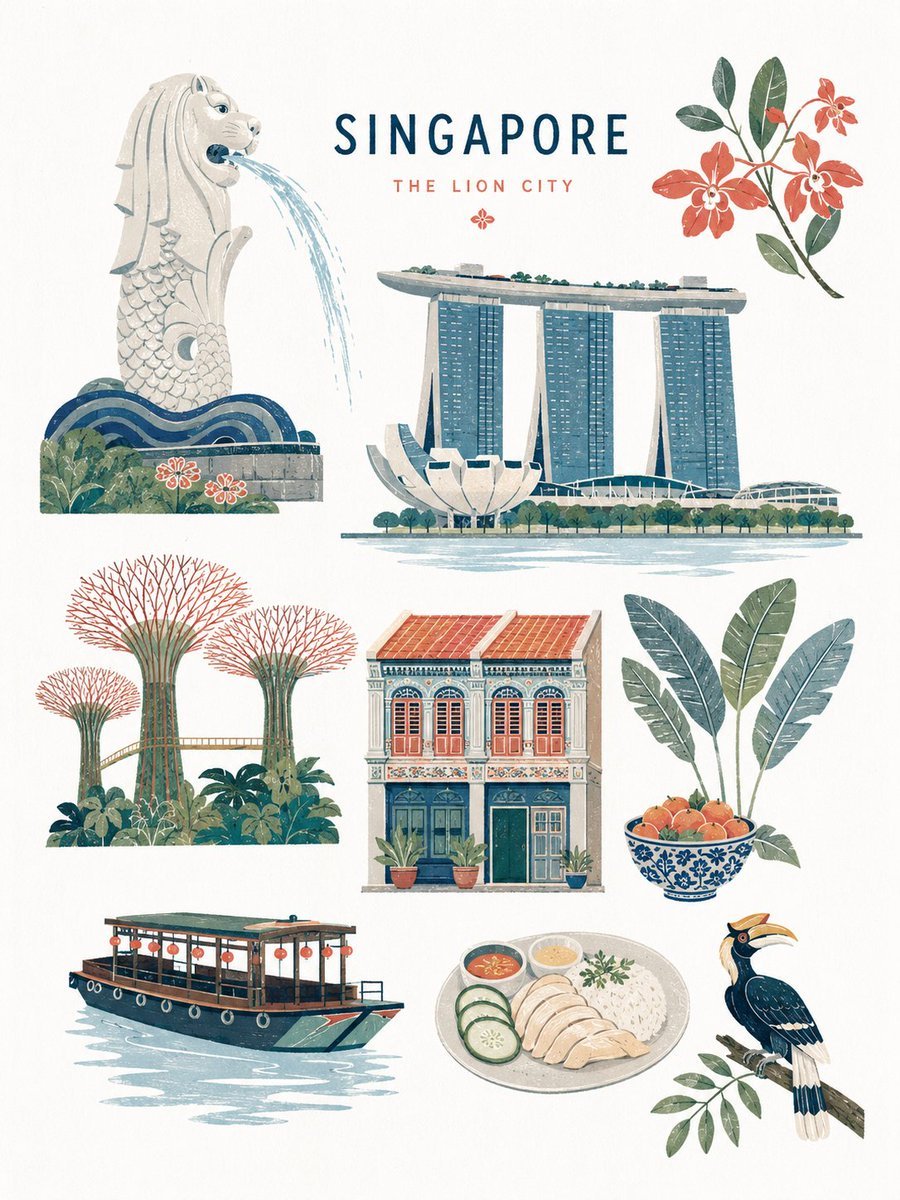
- Prompt included
- Model and format preset
- Free template
The prompt behind this image
Copy the exact prompt behind Mid-century Editorial Illustration, or open it in the studio and make it yours.
Create a premium mid-century-inspired flat editorial illustration of {argument name="subject" default="a forest scene"}, rendered in a refined handcrafted printmaking aesthetic. The artwork should feel like a sophisticated vintage children’s encyclopedia illustration combined with Scandinavian editorial design and retro nature-book graphics. Language: English 8K ultra-high resolution with a 3:4 aspect ratio STYLE: minimalist flat-shape illustration soft geometric simplification handcrafted gouache + risograph + silkscreen print texture subtle paper grain and dry ink imperfections {argument name="color palette" default="muted refined mineral tones"} clean matte colors crisp neutral white balance bright museum-quality paper appearance no yellow tint no beige cast no sepia tone no glossy rendering no photorealism no 3D shading elegant editorial composition premium picture-book atmosphere modern museum-shop illustration vibe COMPOSITION: spacious balanced layout with multiple elements harmoniously arranged simplified organic shapes stylized plants, objects, animals, architecture, landmarks, or symbolic elements depending on subject visual storytelling through clustered illustrated motifs {argument name="element count" default="maximum 8–10"} illustrated elements total playful but refined asymmetrical editorial balance large clean negative space on soft neutral white paper background premium Scandinavian editorial layout feeling TEXTURE & PRINT FEEL: subtle premium paper texture refined layered ink overlap delicate risograph misalignment soft dry brush grain light handcrafted print imperfections tactile handcrafted surface feeling clean bright paper surface controlled ink density airy and crisp visual atmosphere ILLUSTRATION RULES: simplified eyes and facial features rounded organic silhouettes minimal line usage flat layered color blocking decorative but restrained detail density avoid excessive realism avoid anime style avoid modern vector corporate style avoid bright neon colors avoid sharp digital gradients avoid yellowish paper tone avoid vintage sepia coloration MOOD: quietly playful, educational, nostalgic, timeless, sophisticated, airy, clean, premium editorial illustration, Scandinavian museum-book elegance OUTPUT: high-resolution editorial illustration, ultra-clean composition, refined handcrafted print aesthetic, bright neutral paper tones, crisp museum-quality editorial finish, suitable for premium magazine spreads, art books, museum posters, or luxury children’s publishing.
How to use Mid-century Editorial Illustration in 3 steps
- 1
Open
The prompt is already in the box next to the preview, with the template's model and format selected.
- 2…a portrait of your subject in softgolden-hour light, 85mm…
Personalize
Edit the subject and creative details for your destination.
- 3Generate
Generate
Press Generate — your image is created in PicX Studio, so you can compare it with the original and refine one variable at a time.
More like this
Templates with the same subject, style or setup. Open one to see its prompt.

Anime Character Charm Analysis Sheet
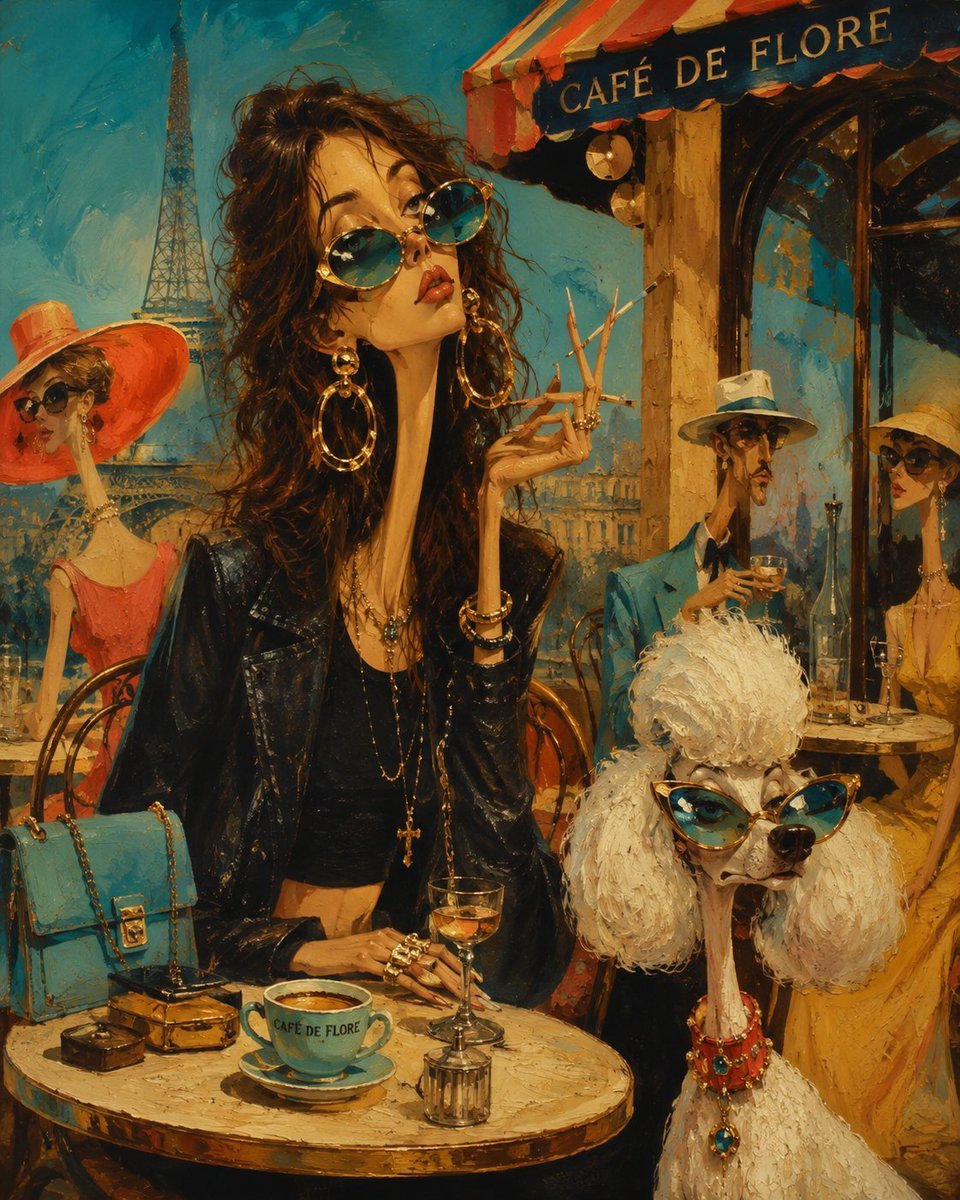
Surreal Mid-Century Editorial Illustration
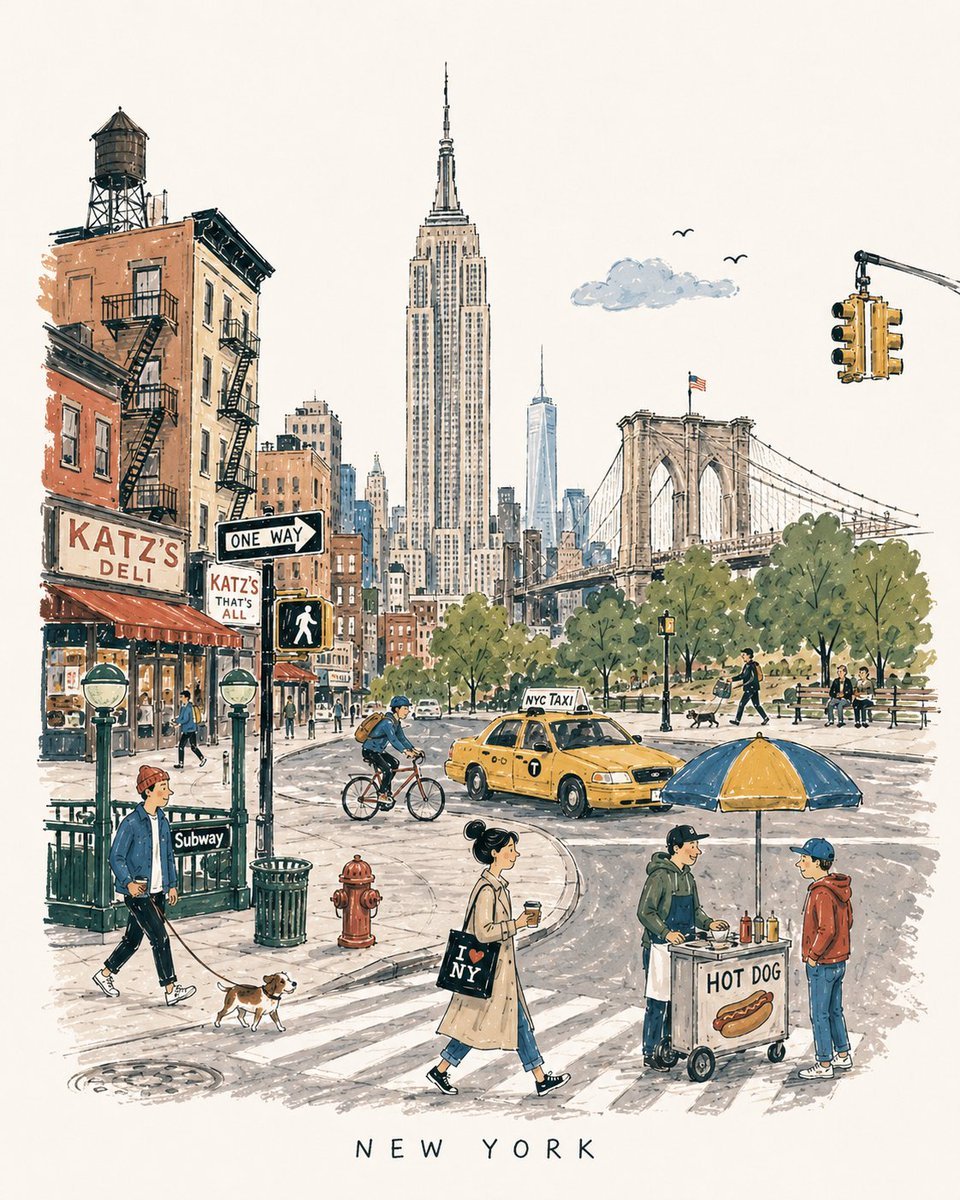
Mid-Century Travel Book Illustration
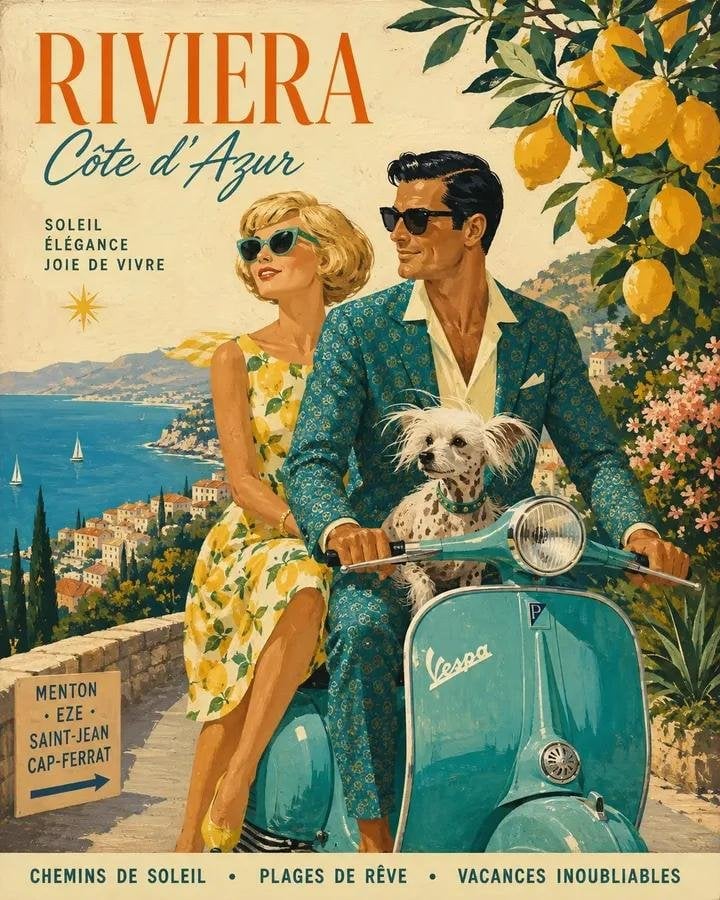
Mid-Century 1960s Travel Illustration
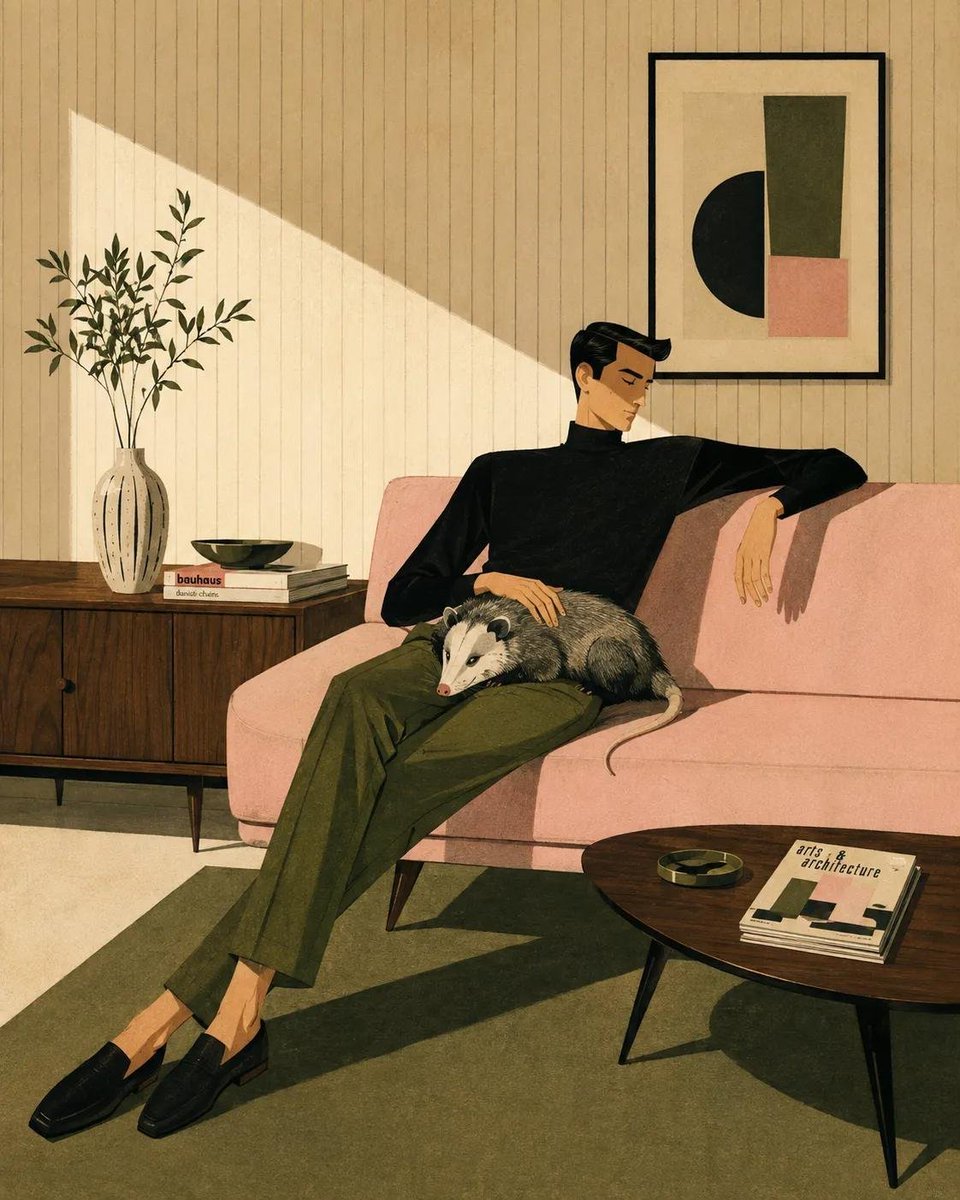
Mid-Century Modern Lifestyle Illustration
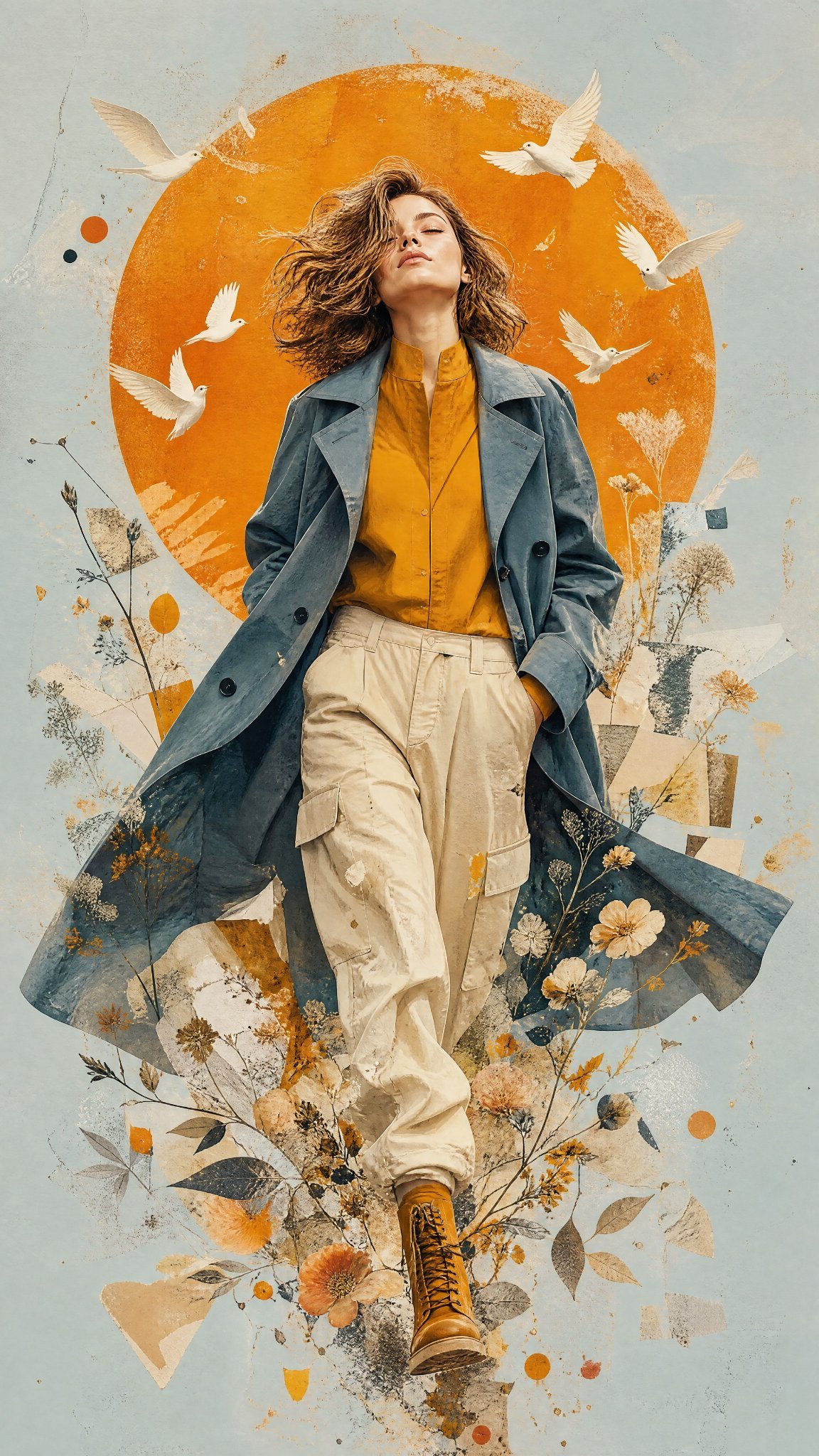
Mixed Media Editorial Woman Illustration
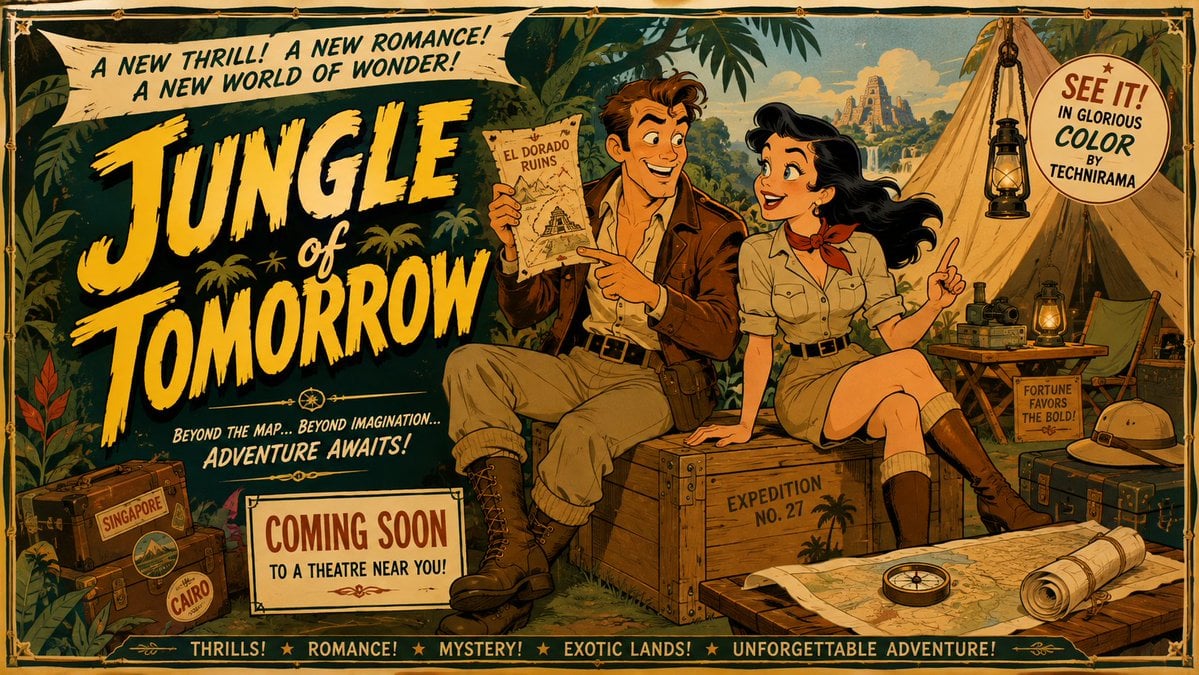
Mid-Century Theatrical Cartoon Banner
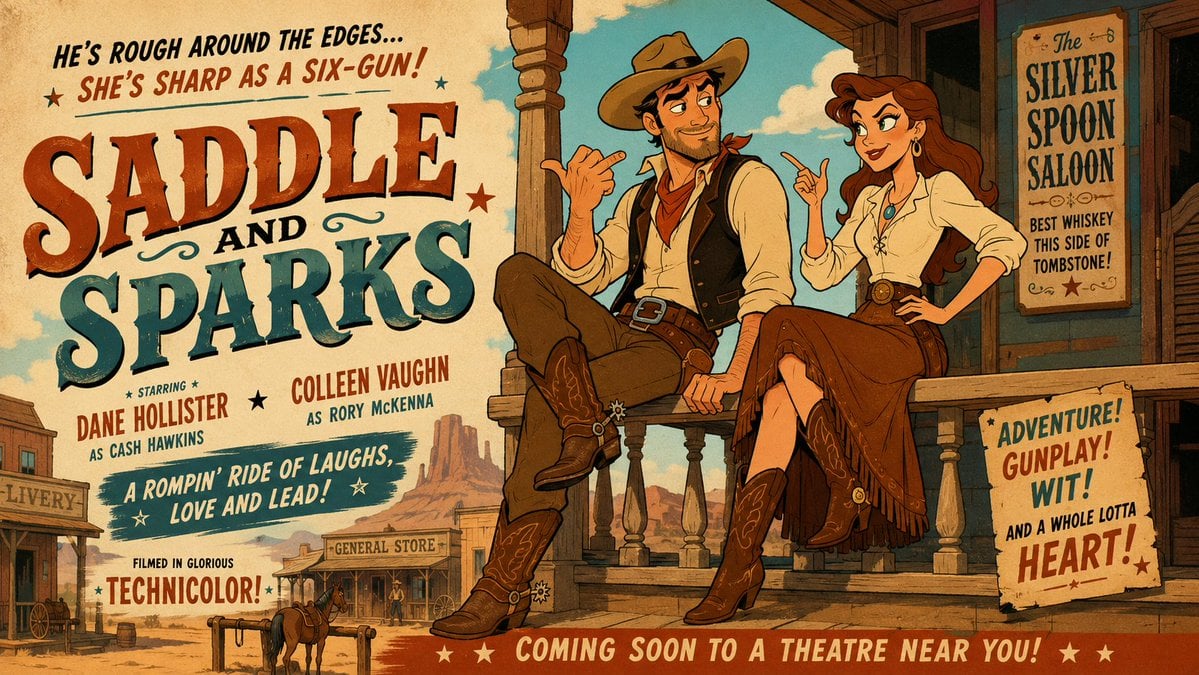
Mid-Century Western Movie Trailer Cartoon
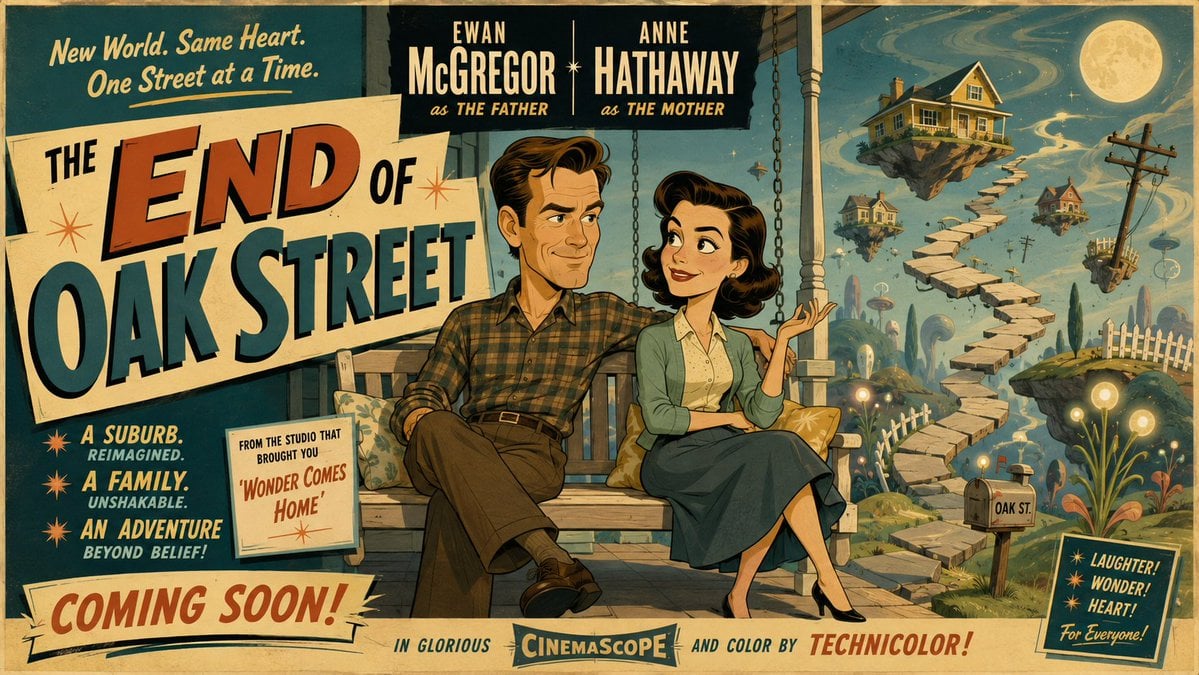
50s Mid-Century Cartoon Movie Banner
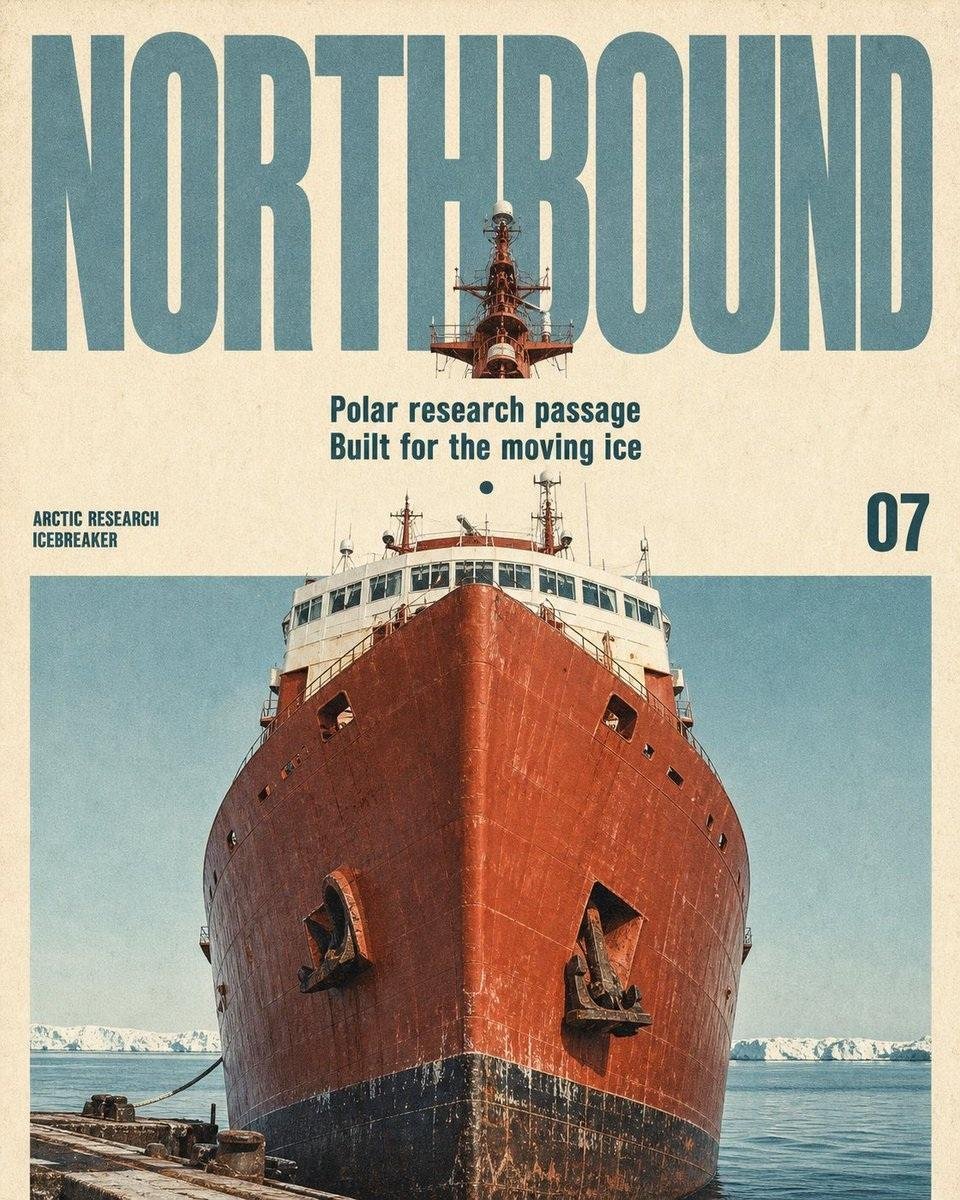
Vintage Mid-Century Travel Magazine Poster
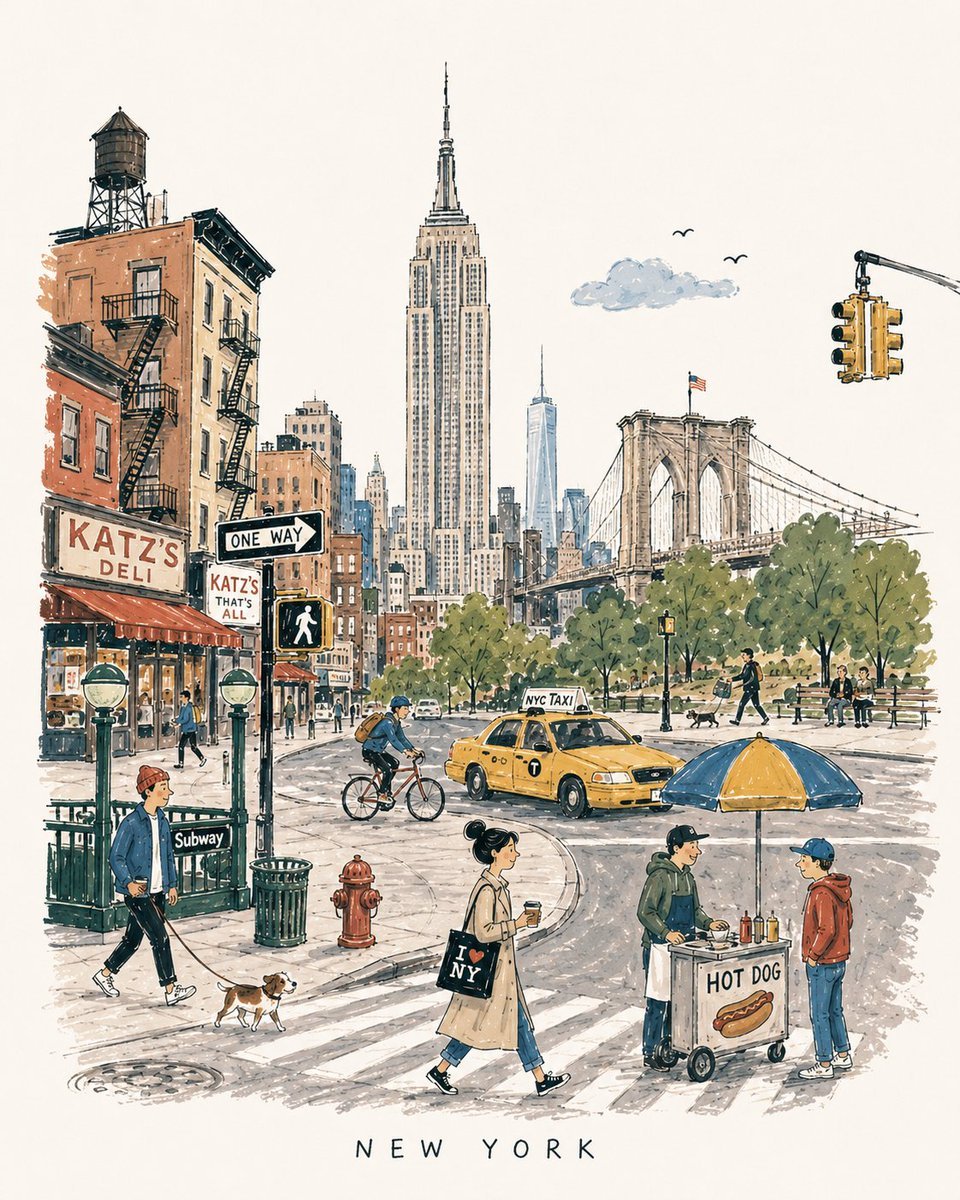
Mid-Century City Travel Picture Book
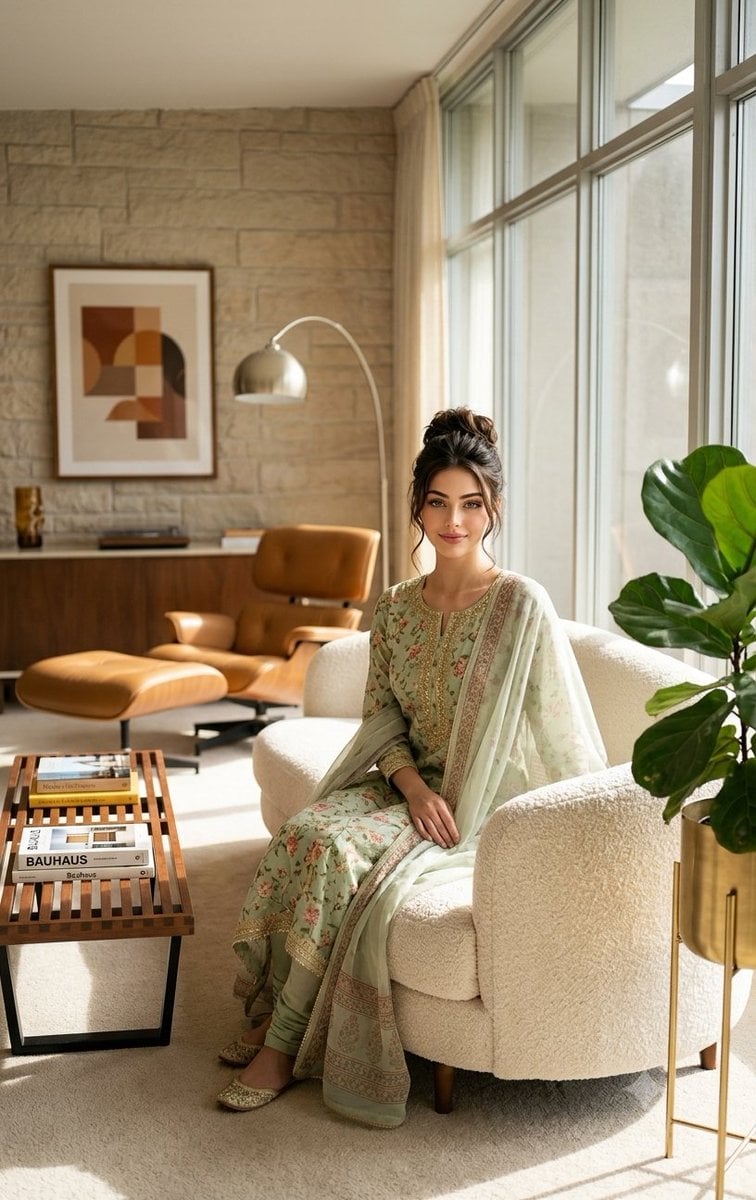
Mid-Century Modern Interior Girl Portrait
Make it yours
Mid-century Editorial Illustration works as-is. These are the safest ways to change it without losing the look.
Change one field
Copy a single group, rewrite it, and generate again so you can see what that field is doing.
Keep the frame, change the subject
Hold the composition and light of Mid-century Editorial Illustration, then swap wardrobe, props or the person for a new take.
| If the result… | Why | Fix |
|---|---|---|
| The result drifts from the preview | Too many fields changed at once. | Reuse Mid-century Editorial Illustration as-is first, then change one group — subject, light, or setting. |
| The model over-stylizes the scene | The prose prompt leaves finish and camera underspecified. | Add one camera or lighting sentence and stay on GPT Image 2. |
More GPT Image 2 templates
Other prompts made for GPT Image 2.

Six VTuber Japanese Logo Sheet

Realistic Portrait of Woman and Deer

The Vista Modular Condo Poster

AI Model Routing Comparison Infographic

2.5D Anime Art Board

Isometric Productivity Desk Scene

New York Double Exposure Poster

Four-Panel AI Landscape Comparison

Japanese Tatami Lifestyle Magazine Cover

NESCAFÉ Coffee Map Poster
More image prompts
Fresh picks from across the catalog.
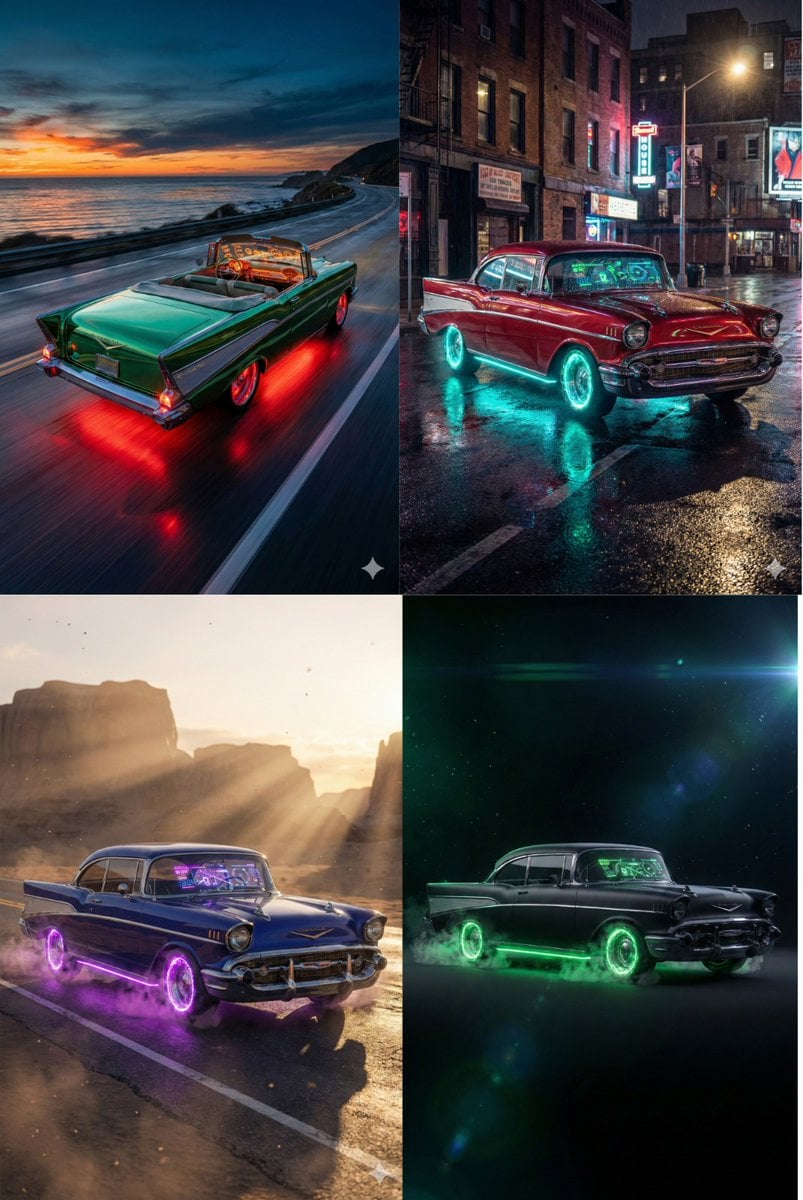
Retro-Futuristic Muscle Car Prompt
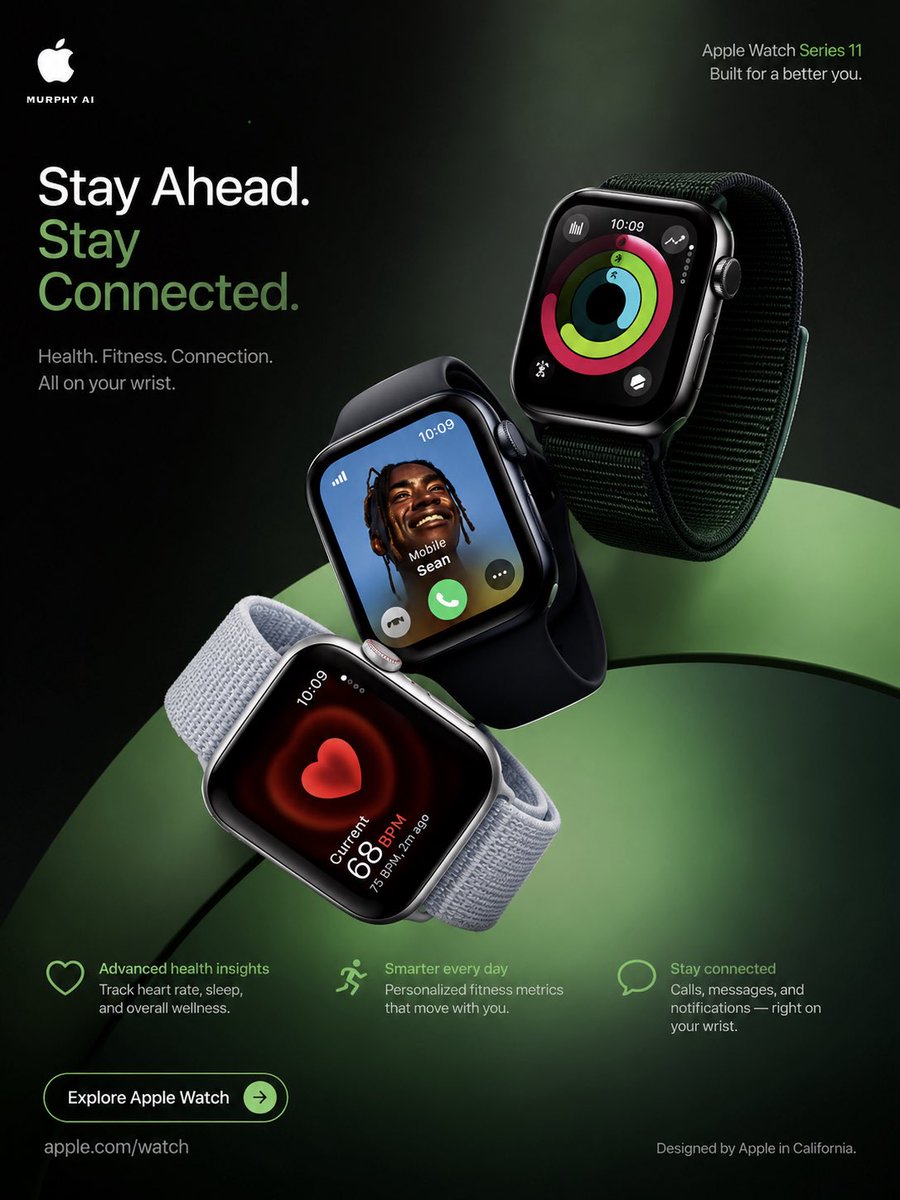
Apple Watch Commercial Poster
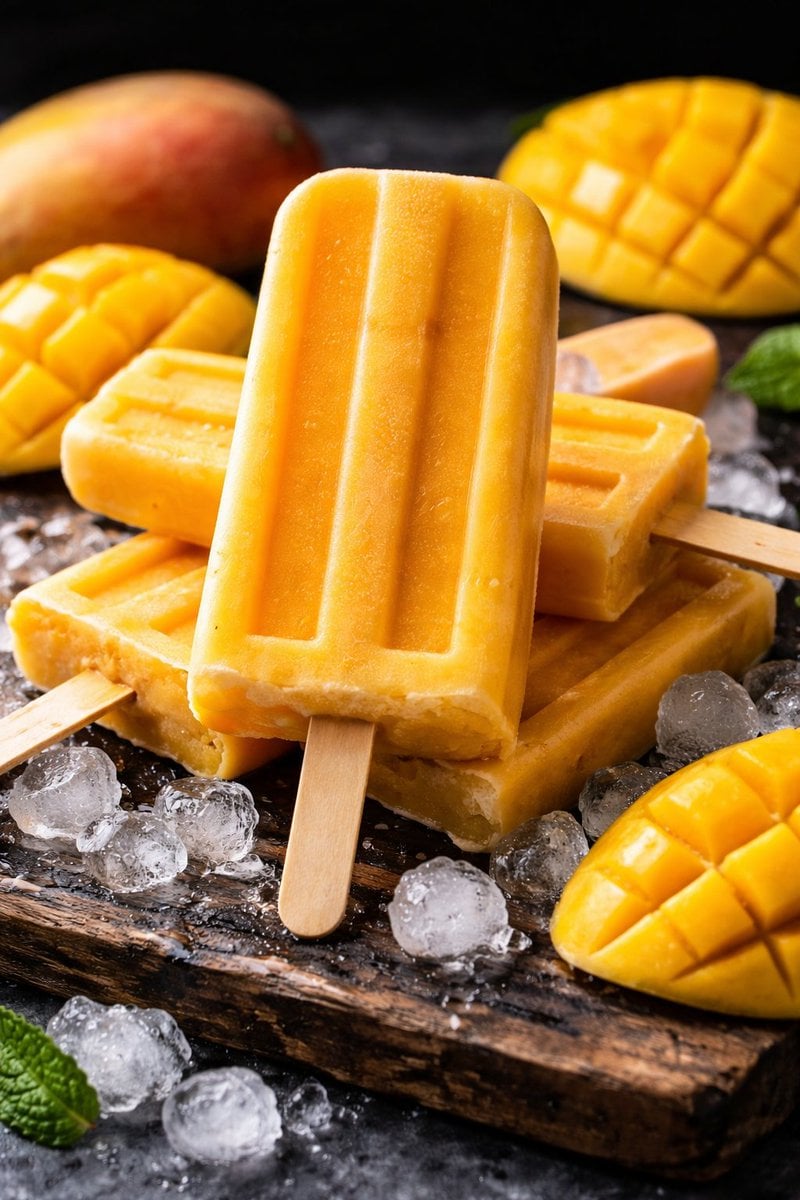
8K Food Photography Prompt for Mango Popsicles
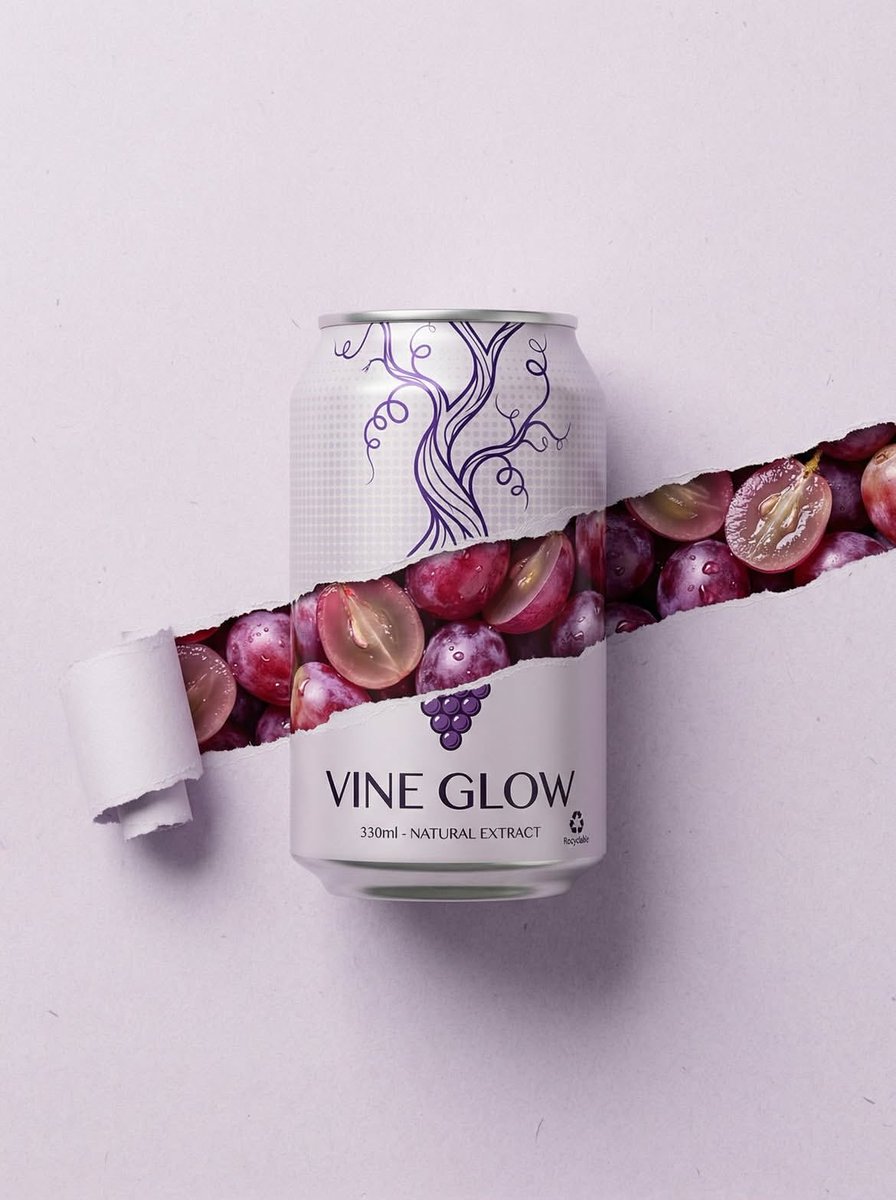
Ripped Paper Effect Beverage Can Mockups
K-Beauty Morning Glow Portrait
AI Image Generation Prompts for Multiple Angles
Shiv/God Created by Drones in Sky
LLM Prompt for Website Generation
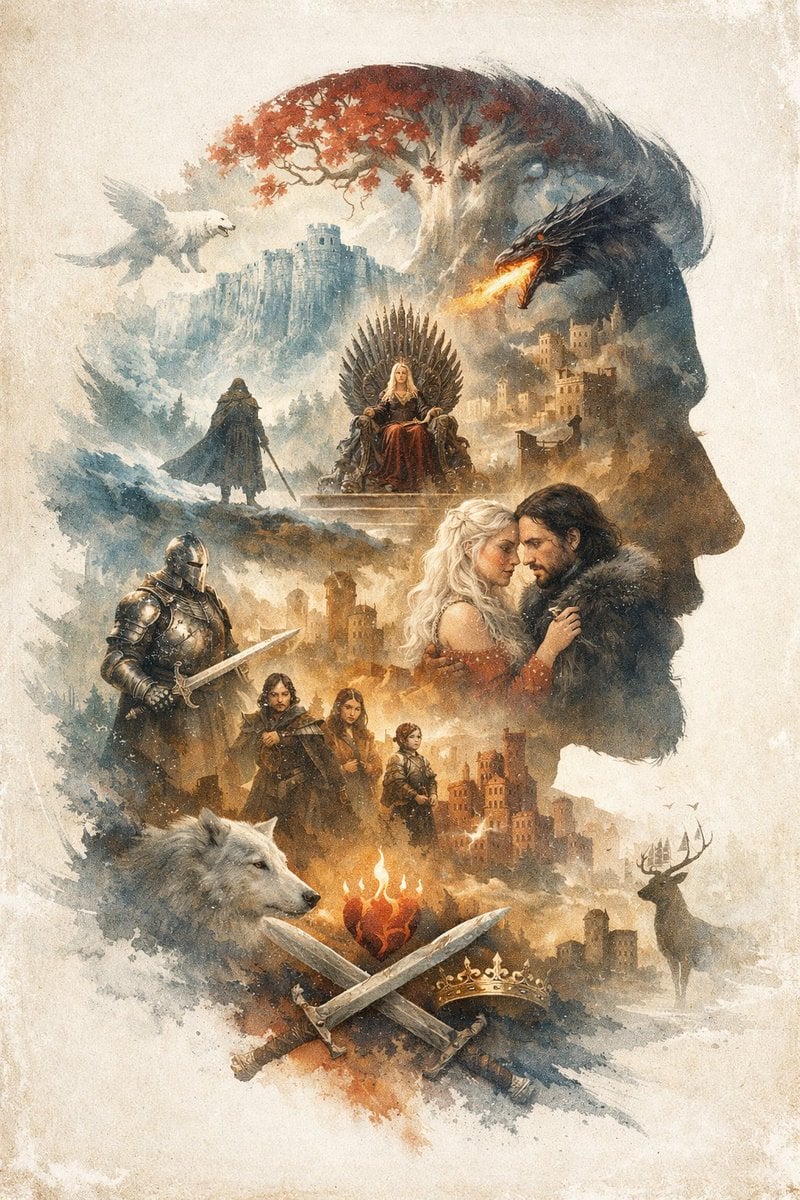
Epic Fantasy Double Exposure Silhouette
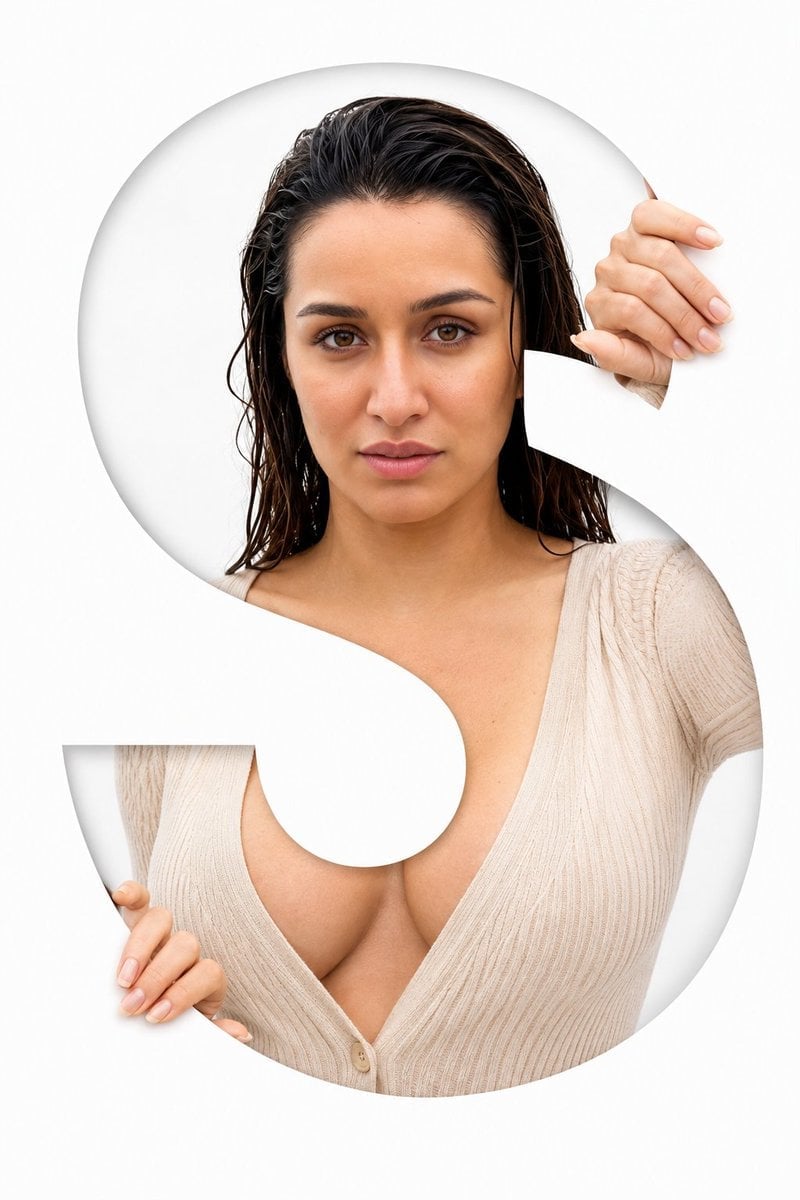
Letter S Editorial Portrait
Browse template categories
Mid-century Editorial Illustration questions
How do I use the Mid-century Editorial Illustration template?
Add your photo if the template asks for one, edit the prompt if you like — the template's model and format are already selected — and press Generate. Your version opens in PicX Studio.
Can I customize the Mid-century Editorial Illustration template?
Yes. You can change the subject, setting, lighting, mood, format, and available model controls before creating your image.
Is the Mid-century Editorial Illustration template free?
Opening and editing this template is free. Generating uses credits, shown on the Generate button when you are signed in.
Which AI model should I use?
Start with GPT Image 2, which is the model associated with this template. You can compare another compatible model for a different finish.
Looking for something else? Browse all templates.

Your photo, any look
Thousands of ready templates for every top image and video model, from one credit balance.