
Mid-Century City Travel Picture Book
A sophisticated prompt for generating charming vertical city illustrations inspired by 1950s-60s European travel books, featuring hand-drawn textures and simplified silhouettes.
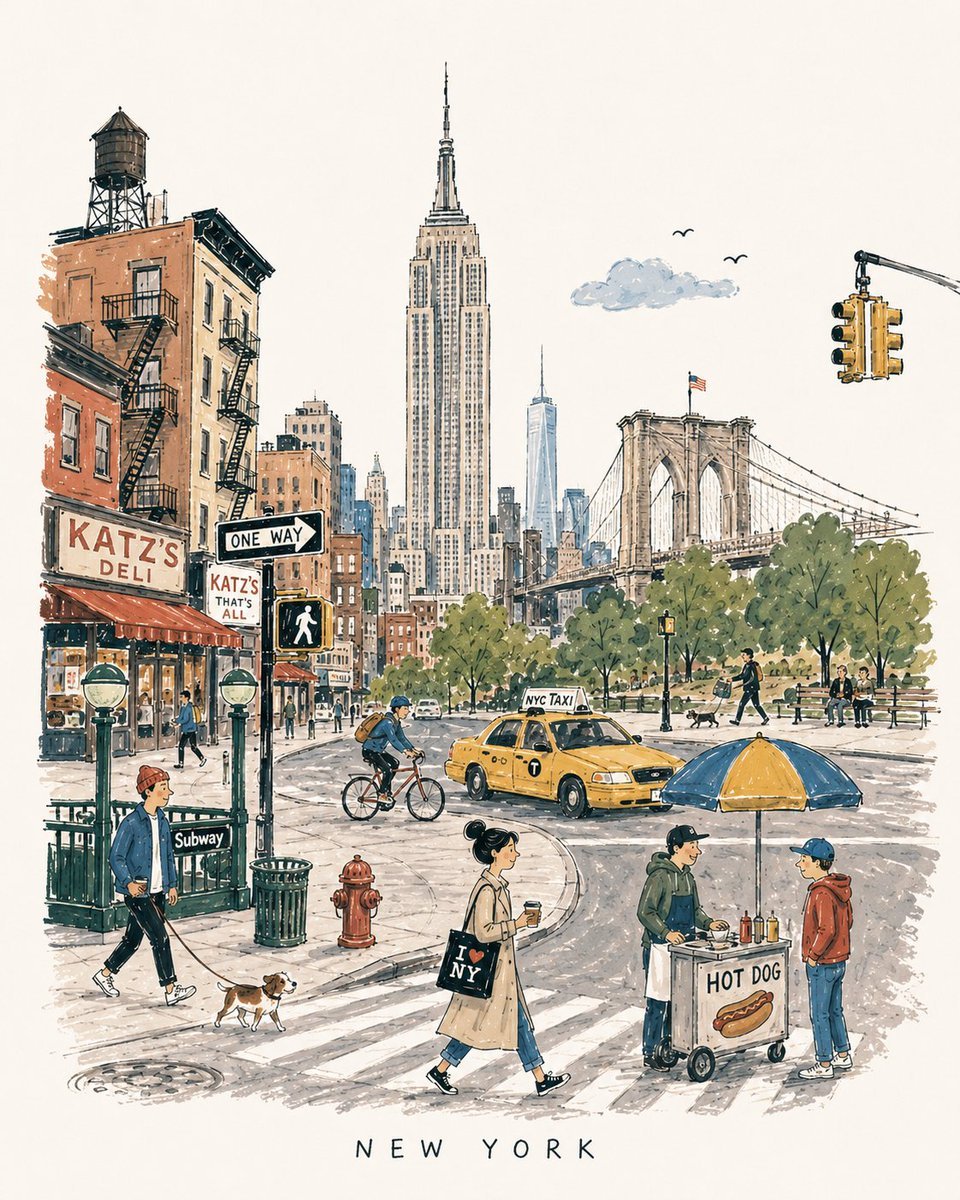
- Prompt included
- Model and format preset
- Free template
The prompt behind this image
Copy the exact prompt behind Mid-Century City Travel Picture Book, or open it in the studio and make it yours.
[DESTINATION] = {argument name="destination" default="[CITY NAME]"} Create a charming vertical 4:5 mid-century travel picture-book illustration of [DESTINATION], inspired by playful 1950s–60s European city books. Depict the city as an affectionate, imperfect travel memory—not a map, postcard, architectural rendering, landmark collage, or cinematic panorama. Include: • 1 distinctive primary landmark • 1 smaller secondary landmark • 1 distant/partially hidden local feature • 1 recognizable local vehicle • 3–5 subtle everyday city details • 5–6 ordinary people doing simple local activities Compress these naturally into one imaginary street, plaza, park, or waterfront. Keep the primary landmark slightly off-center, with open foreground, shallow theatrical depth, gentle curves, and generous museum-white negative space. The city should be recognizable without feeling geographically accurate. STYLE: Hand-drawn picture-book illustration with loose charcoal/navy ink, trembling contours, crooked architecture, uneven proportions, sparse windows, simplified silhouettes, occasional double strokes, and minimal detail. Use the fewest lines necessary. Slightly awkward, intelligent, warm, humorous, and handmade. PEOPLE: Simple expressive figures with oversized heads, thin legs, narrow bodies, tiny faces, tilted accessories, and awkward but readable gestures. Show ordinary local life, not celebrities, models, stereotypes, or tourist clichés. COLOR: Use a restrained 6–7 color destination-specific palette with flat matte gouache shapes, uneven brush edges, white gaps, slight misregistration, and occasional color spilling beyond ink. Mostly unpainted sky/paper. No gradients or realistic shading. MEMORY DISTORTION: Gently compress geography and distort scale: distant landmarks may appear nearby, roads may curve strangely, buildings may overlap, and people/vehicles may be slightly oversized or undersized. Keep it balanced, affectionate, and culturally respectful. OPTIONAL TEXT: “[DESTINATION]” in small uneven hand-drawn capitals near the bottom. No slogans, dates, labels, logos, or promotional text. AVOID: Photorealism, map-like accuracy, landmark checklists, aerial views, cinematic lighting, technical perspective, dense crowds, detailed ornament, polished vector art, CGI, 3D rendering, gradients, sepia/beige paper, artificial aging, distressed textures, and hyper-detailed watercolor. Overall feeling: [DESTINATION] remembered lovingly-recognizable, spacious, human, humorous, slightly improbable, and beautifully imperfect.
How to use Mid-Century City Travel Picture Book in 3 steps
- 1
Open
The prompt is already in the box next to the preview, with the template's model and format selected.
- 2…a portrait of your subject in softgolden-hour light, 85mm…
Personalize
Edit the subject and creative details for your destination.
- 3Generate
Generate
Press Generate — your image is created in PicX Studio, so you can compare it with the original and refine one variable at a time.
More like this
Templates with the same subject, style or setup. Open one to see its prompt.
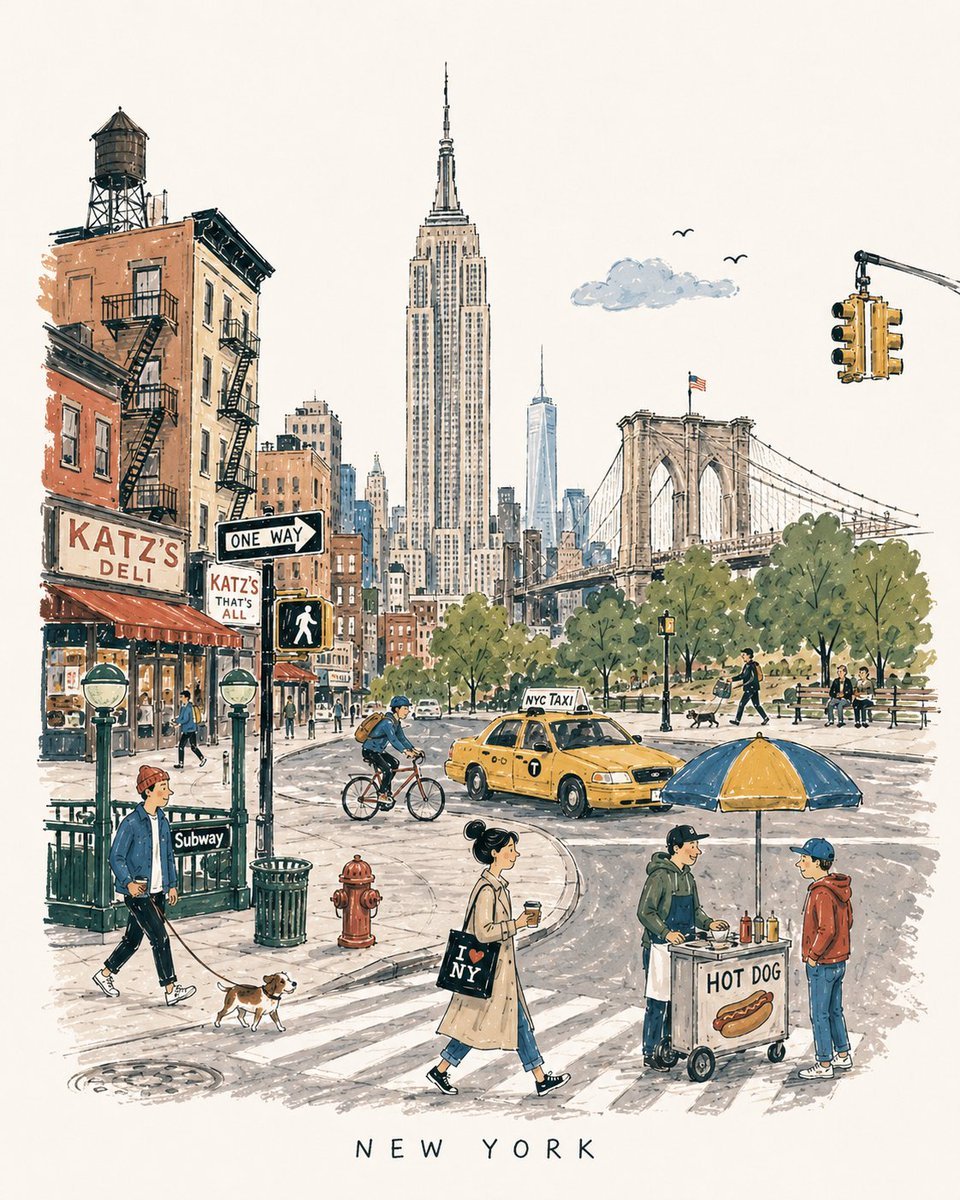
Mid-Century Travel Book Illustration

Nano Banana Pro 2.0 — 3x3 Travel Profile Grid
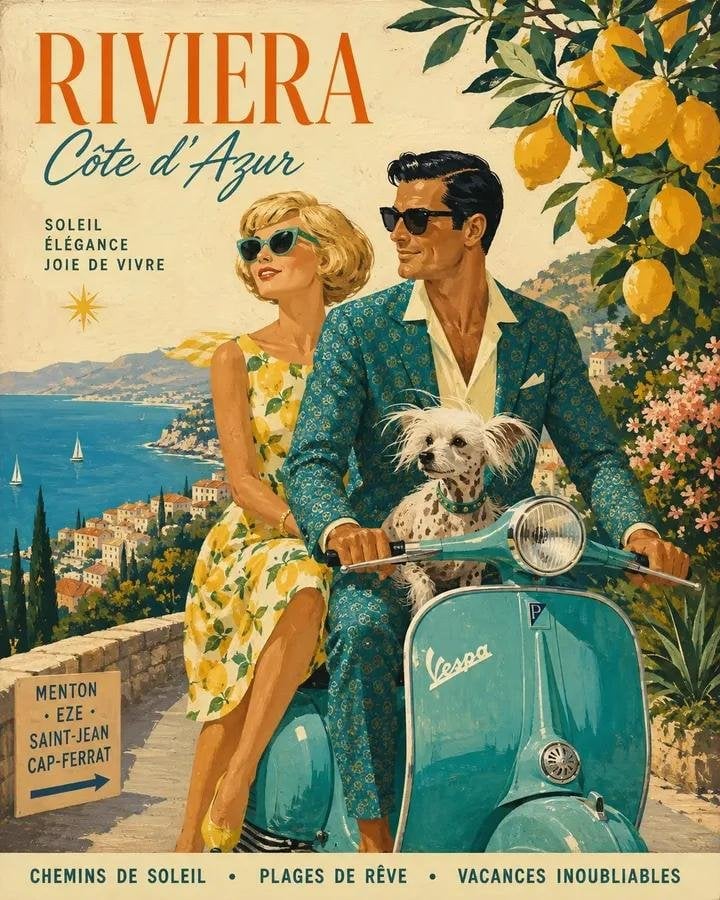
Mid-Century 1960s Travel Illustration
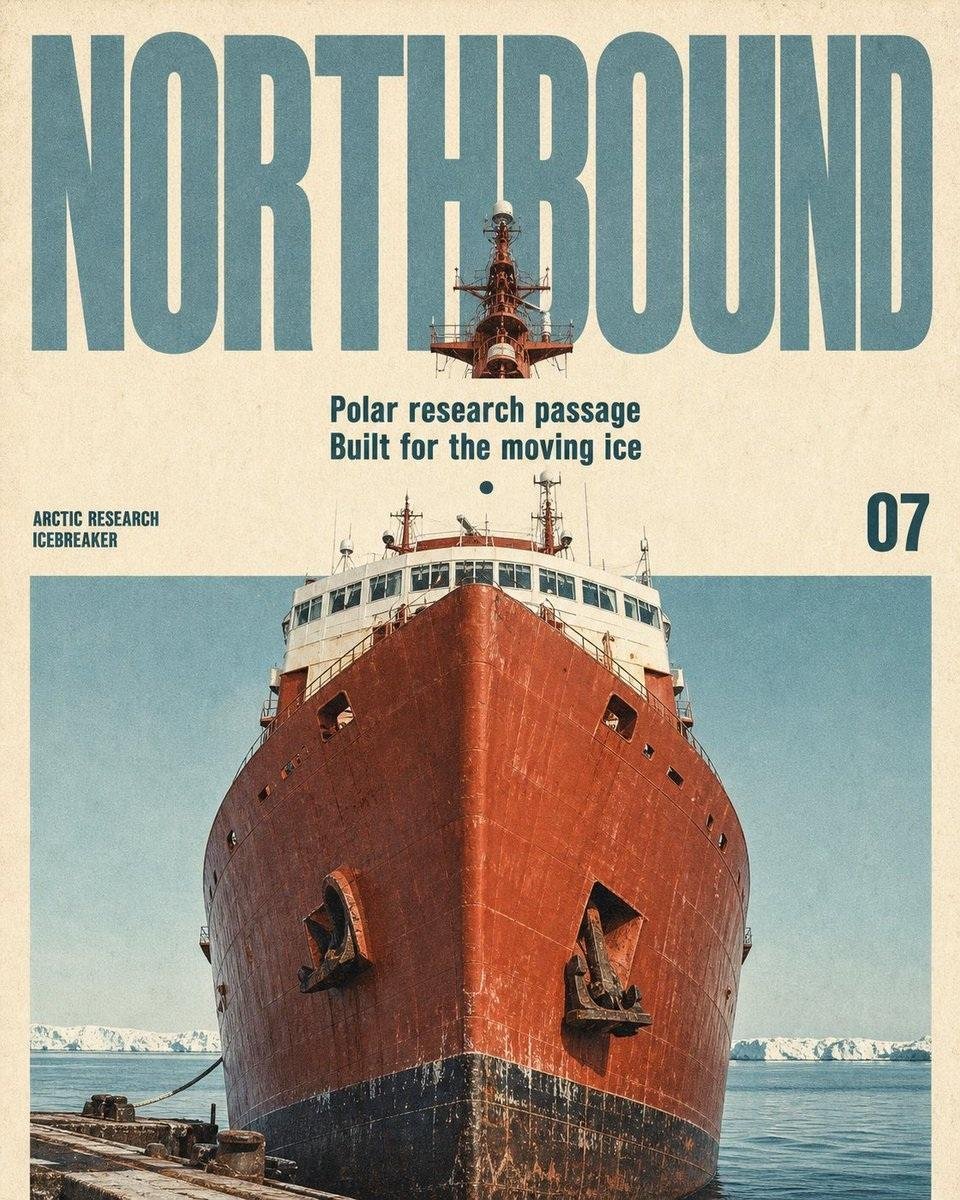
Vintage Mid-Century Travel Magazine Poster
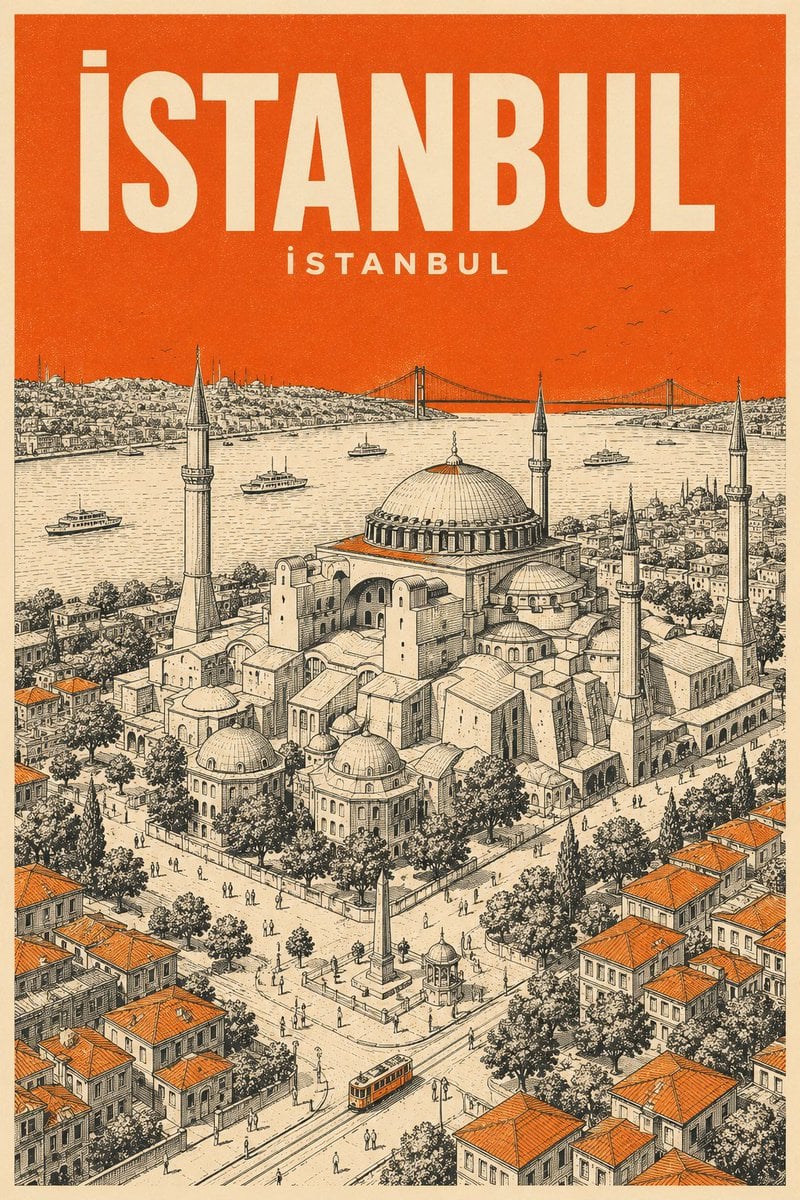
Retro Mid-Century Travel Poster
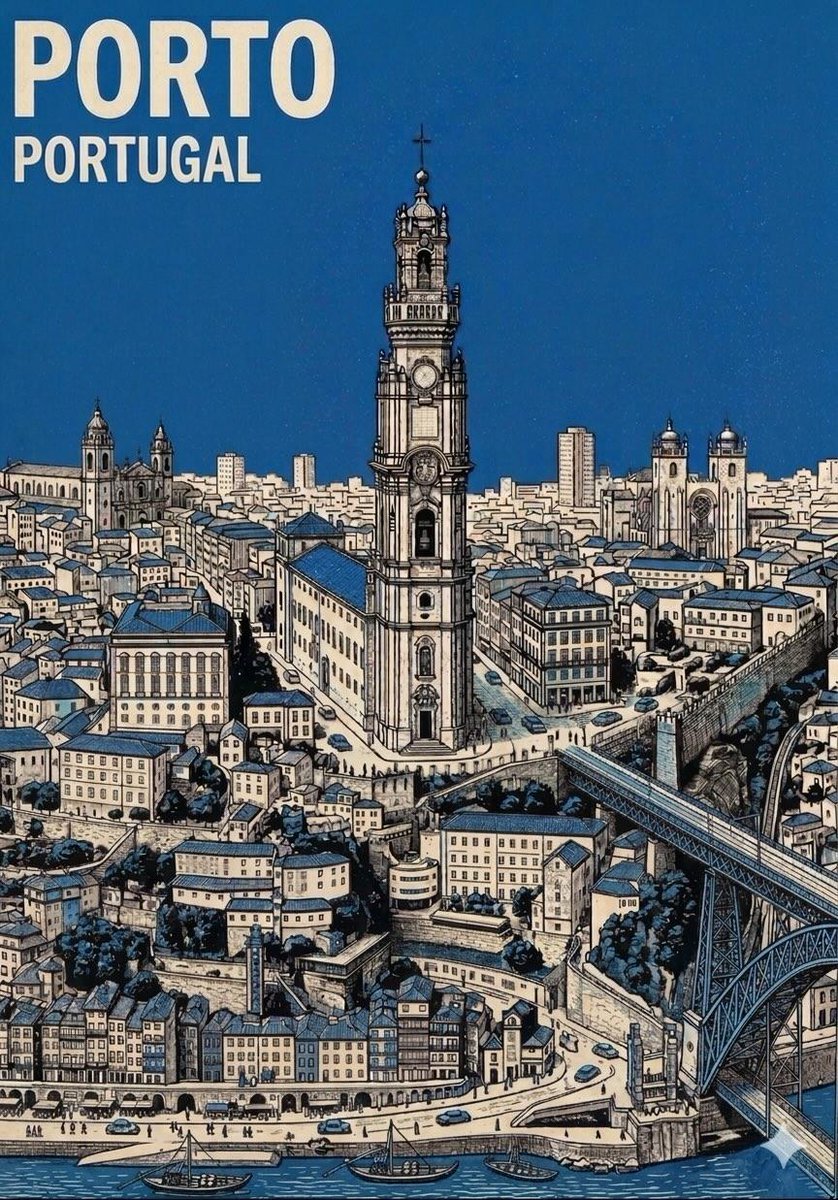
Mid-Century Travel Poster
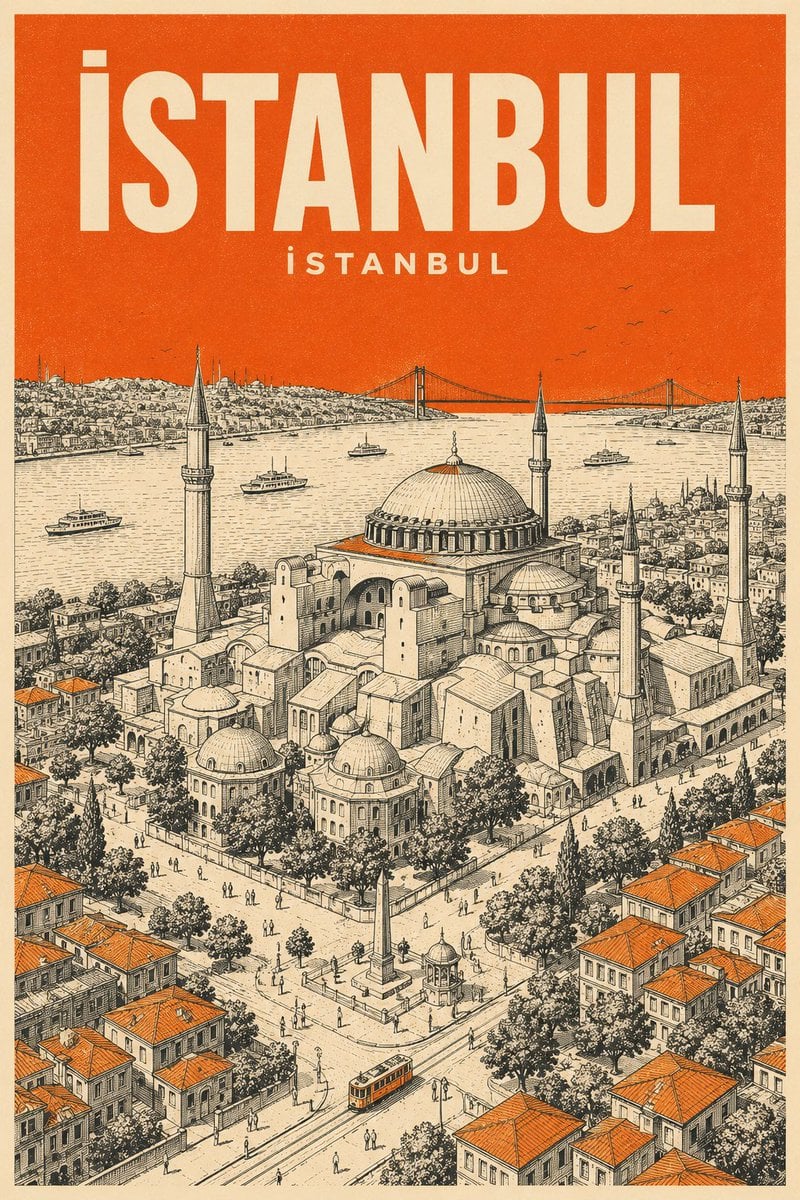
Minimalist Mid-Century Travel Poster
![Nano Banana — One Day In [CITY] Travel Route](https://cdn.picxstudio.com/cdn-cgi/image/format=auto,quality=85,fit=scale-down,onerror=redirect,width=3840,metadata=none/uploads/ai_gezgini_travel_d9a86f2e-c1f5-41a8-a4ef-5d96a8a7a023.jpg)
Nano Banana — One Day In [CITY] Travel Route

City Posters by Nano Banana Pro
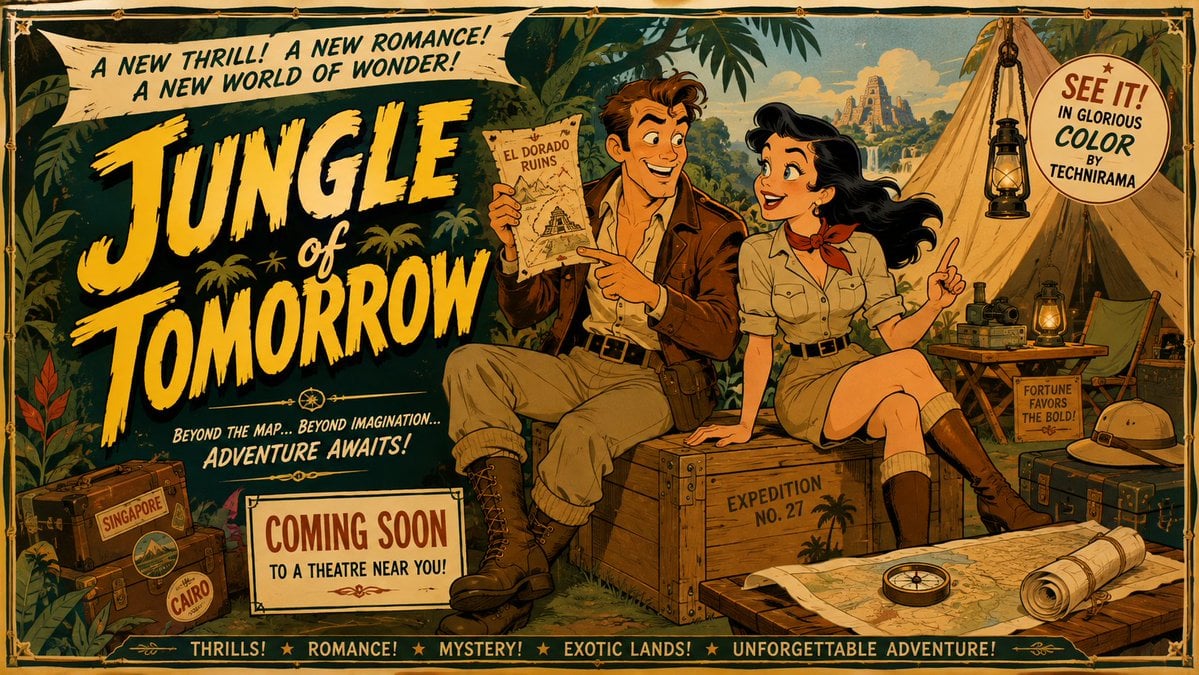
Mid-Century Theatrical Cartoon Banner
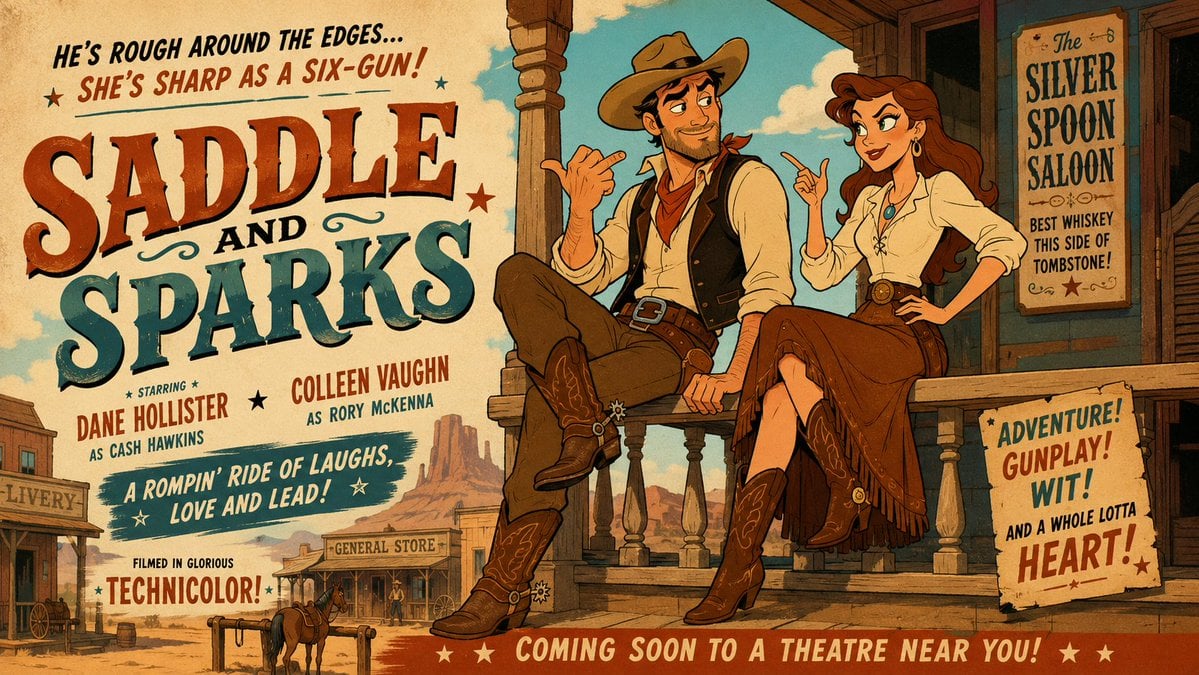
Mid-Century Western Movie Trailer Cartoon
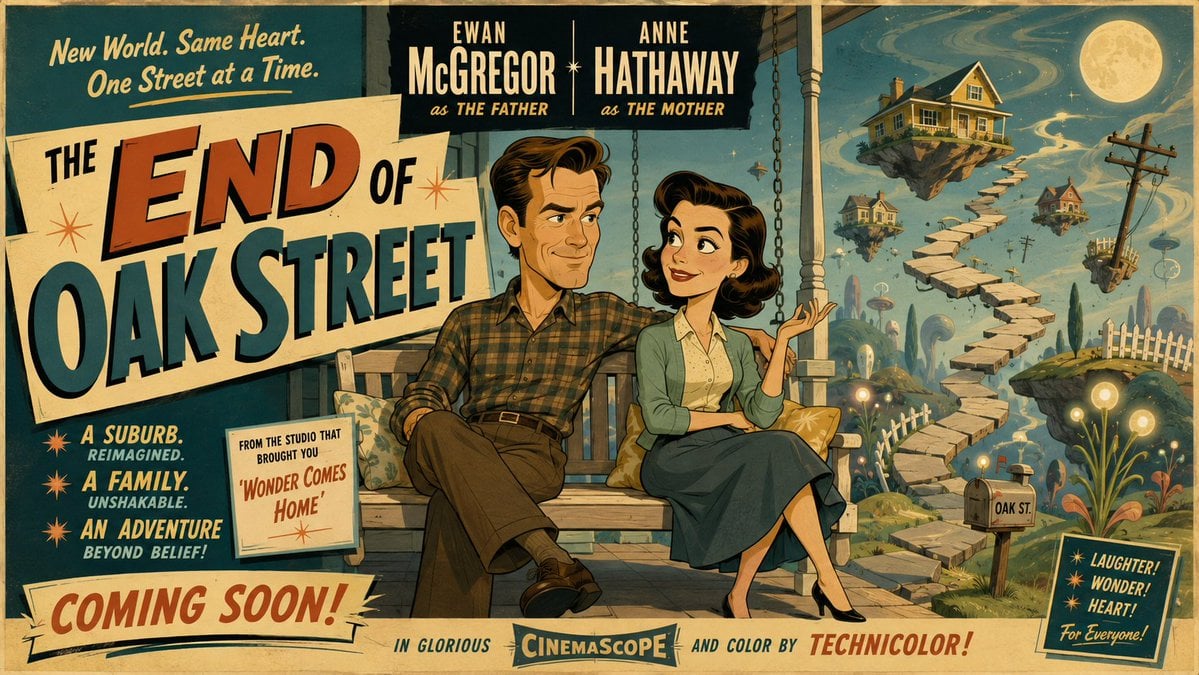
50s Mid-Century Cartoon Movie Banner
Make it yours
Mid-Century City Travel Picture Book works as-is. These are the safest ways to change it without losing the look.
Change one field
Copy a single group, rewrite it, and generate again so you can see what that field is doing.
Keep the frame, change the subject
Hold the composition and light of Mid-Century City Travel Picture Book, then swap wardrobe, props or the person for a new take.
| If the result… | Why | Fix |
|---|---|---|
| The result drifts from the preview | Too many fields changed at once. | Reuse Mid-Century City Travel Picture Book as-is first, then change one group — subject, light, or setting. |
| The model over-stylizes the scene | The prose prompt leaves finish and camera underspecified. | Add one camera or lighting sentence and stay on GPT Image 2. |
More GPT Image 2 templates
Other prompts made for GPT Image 2.

Six VTuber Japanese Logo Sheet

Realistic Portrait of Woman and Deer

The Vista Modular Condo Poster

AI Model Routing Comparison Infographic

2.5D Anime Art Board

Isometric Productivity Desk Scene

New York Double Exposure Poster

Four-Panel AI Landscape Comparison

Japanese Tatami Lifestyle Magazine Cover

NESCAFÉ Coffee Map Poster
More image prompts
Fresh picks from across the catalog.
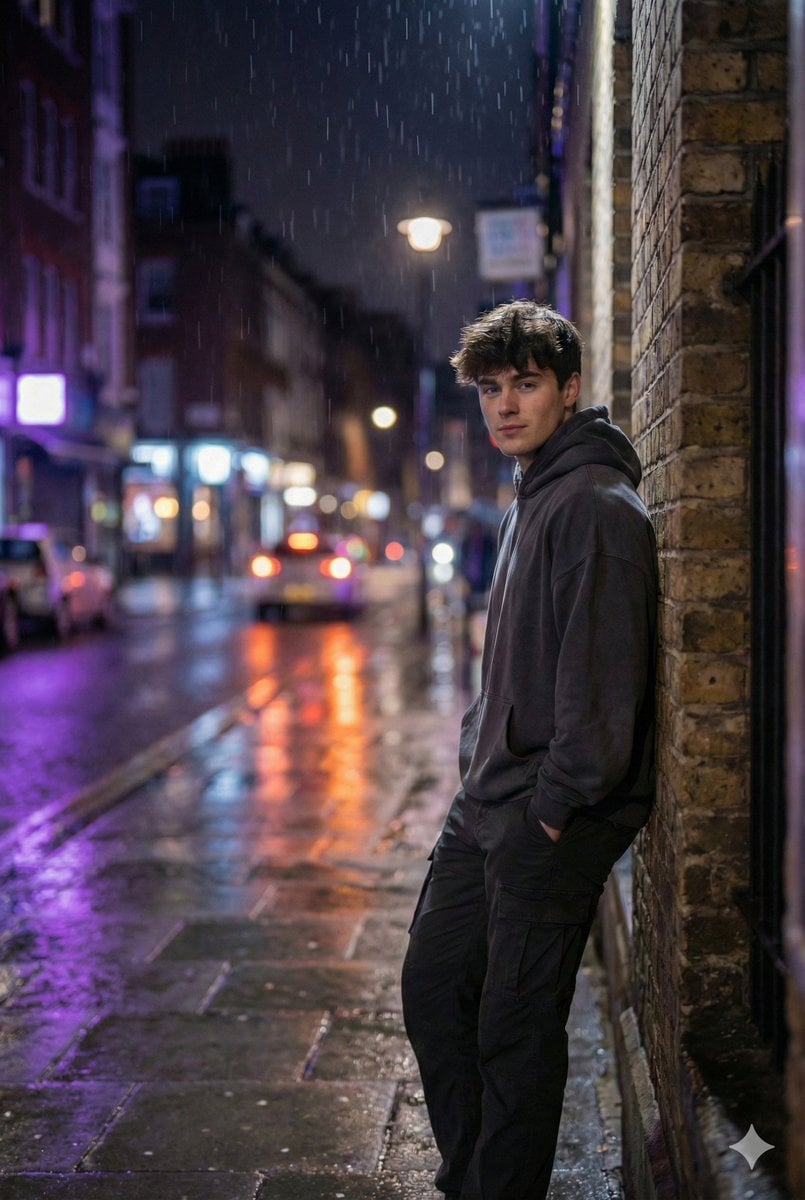
Photorealistic Urban Night Portrait of a British Man
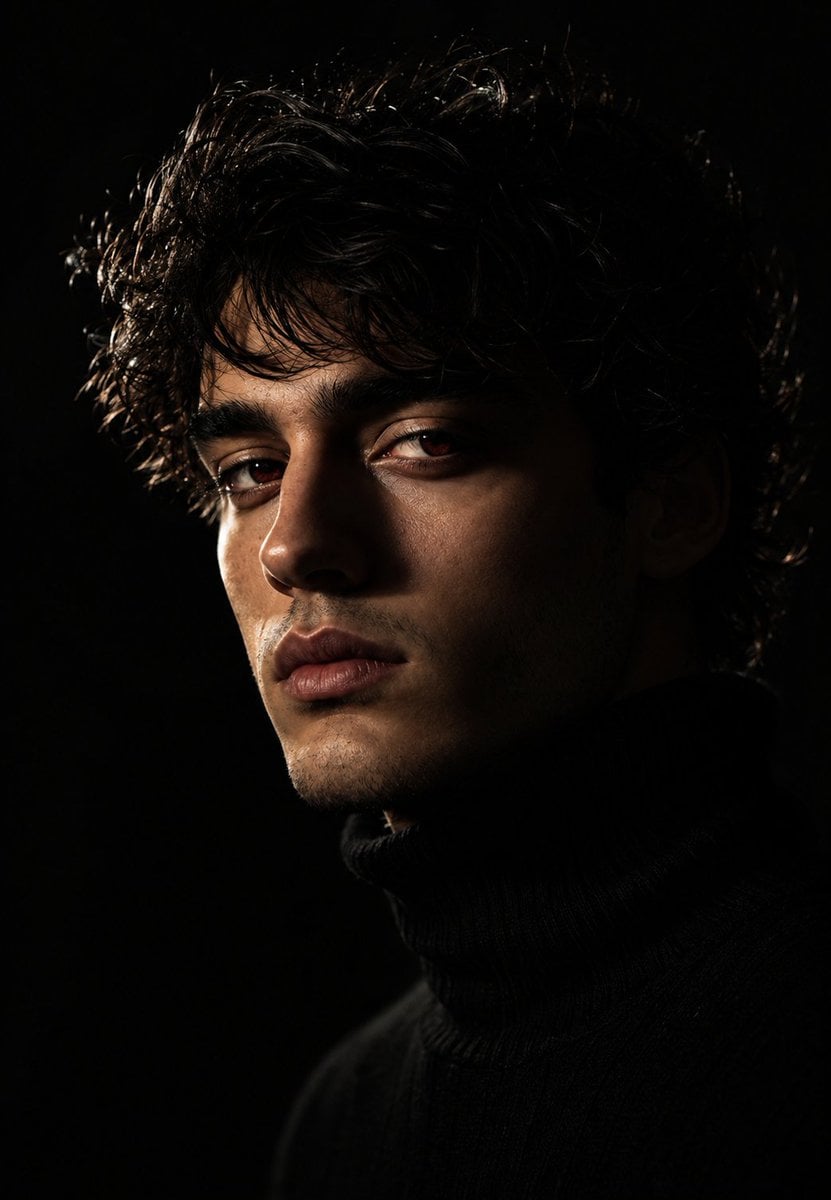
Moody Chiaroscuro Studio Portrait
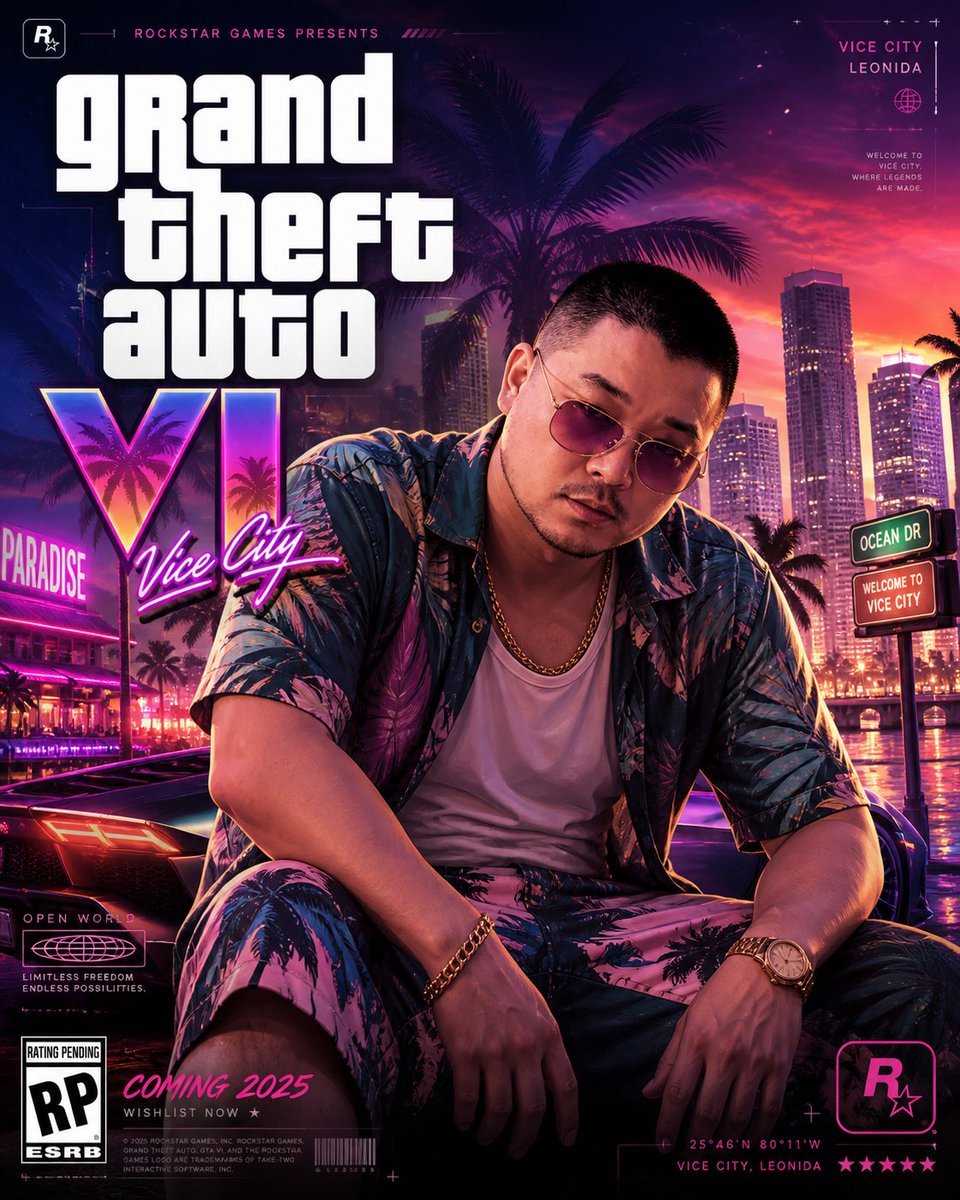
GTA VI Style 8K Cinematic Poster
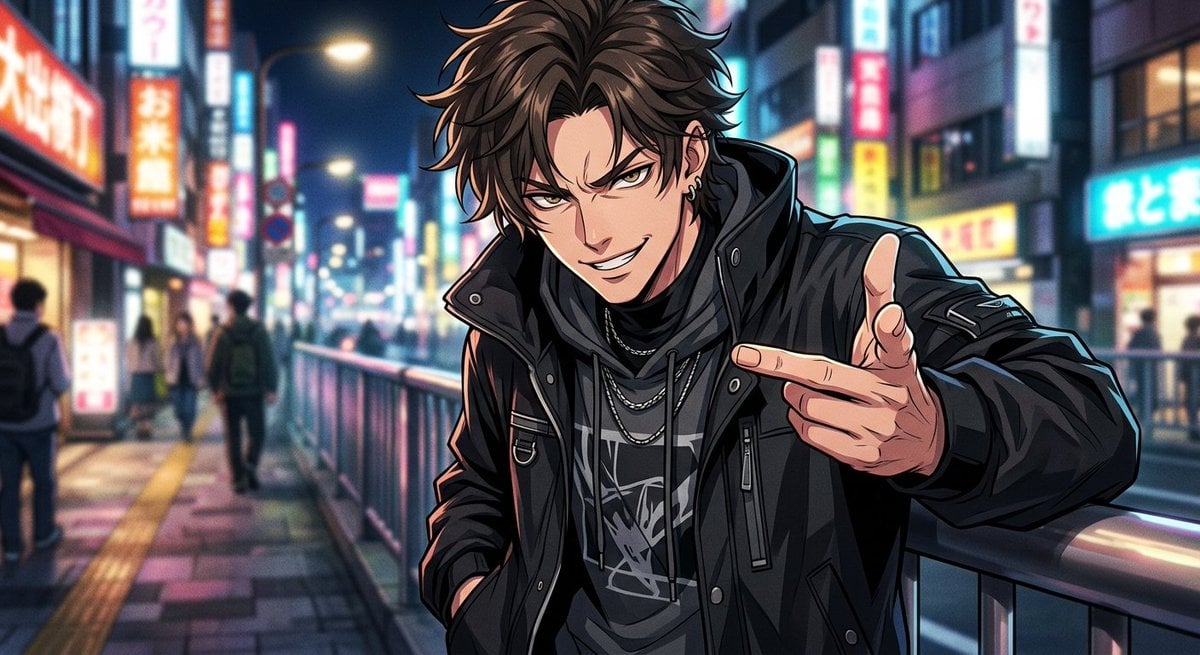
Neon Anime Streetwear Portrait
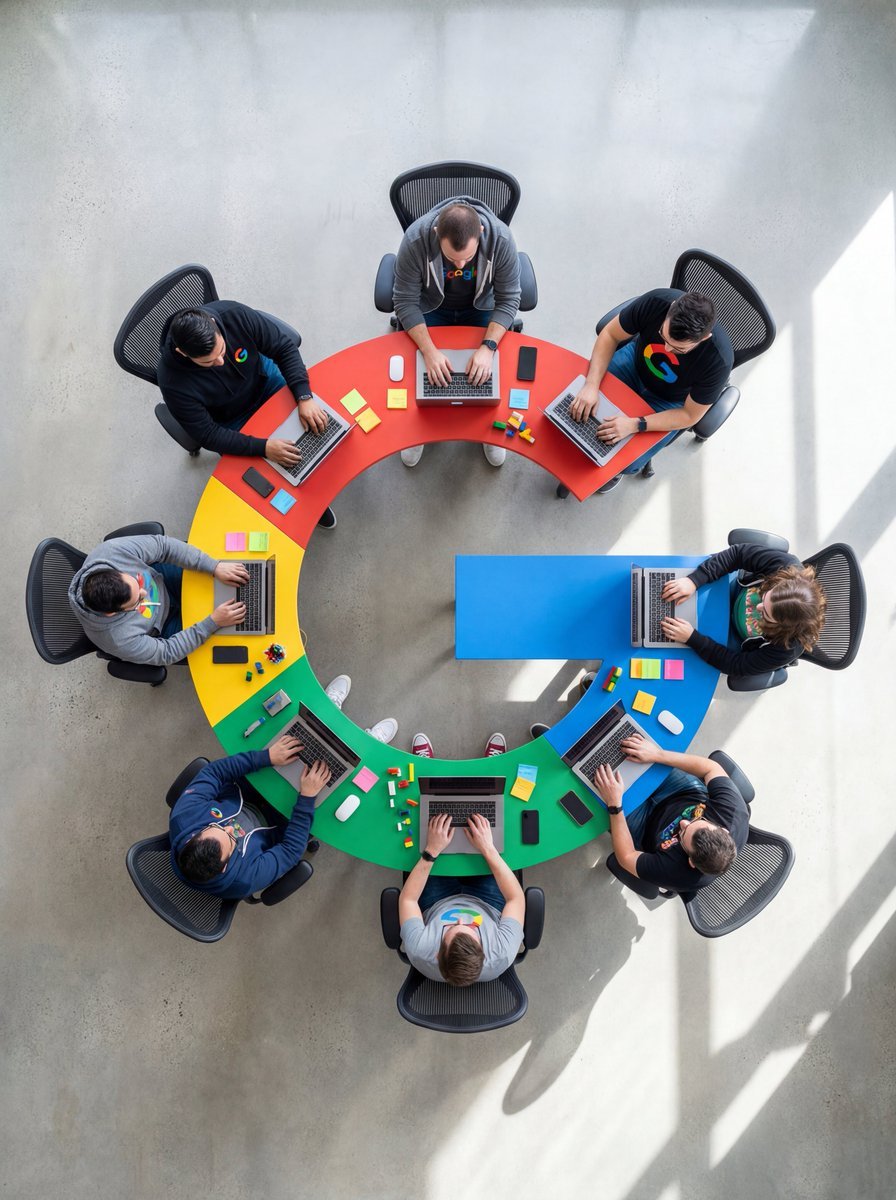
Top-Down Flat Lay of Custom-Shaped Conference Table (Duplicate)

Minimalist Studio Editorial Poster
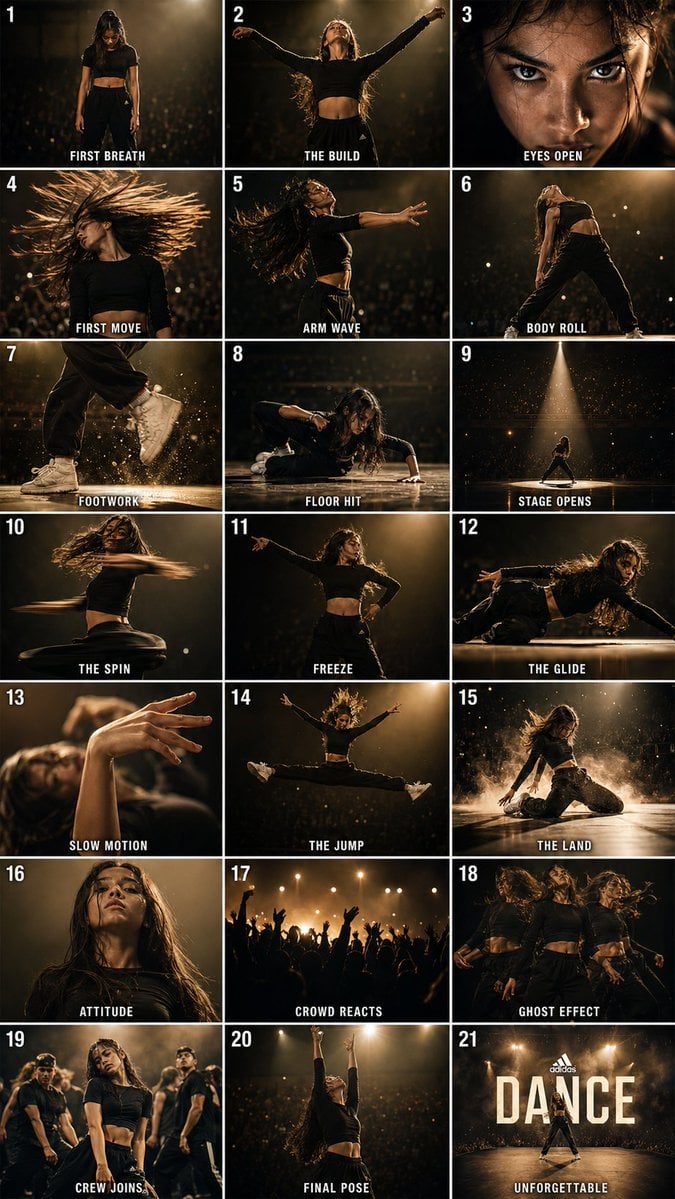
Cinematic Dance Routine Storyboard
Fashion Studio Portrait in Pastel Green Varsity Jacket
Intricate Monochrome Angel Line Art
Autonomous Financial Artist Prompt for 3D Stock Visualization
Browse template categories
Mid-Century City Travel Picture Book questions
How do I use the Mid-Century City Travel Picture Book template?
Add your photo if the template asks for one, edit the prompt if you like — the template's model and format are already selected — and press Generate. Your version opens in PicX Studio.
Can I customize the Mid-Century City Travel Picture Book template?
Yes. You can change the subject, setting, lighting, mood, format, and available model controls before creating your image.
Is the Mid-Century City Travel Picture Book template free?
Opening and editing this template is free. Generating uses credits, shown on the Generate button when you are signed in.
Which AI model should I use?
Start with GPT Image 2, which is the model associated with this template. You can compare another compatible model for a different finish.
Looking for something else? Browse all templates.

Your photo, any look
Thousands of ready templates for every top image and video model, from one credit balance.